Initial Setup Experience
Getting started with this mechanical keyboard is super easy. The RK805 manual was straightforward and simple to follow. You just plug it in, and you’re good to go—no fancy software needed!
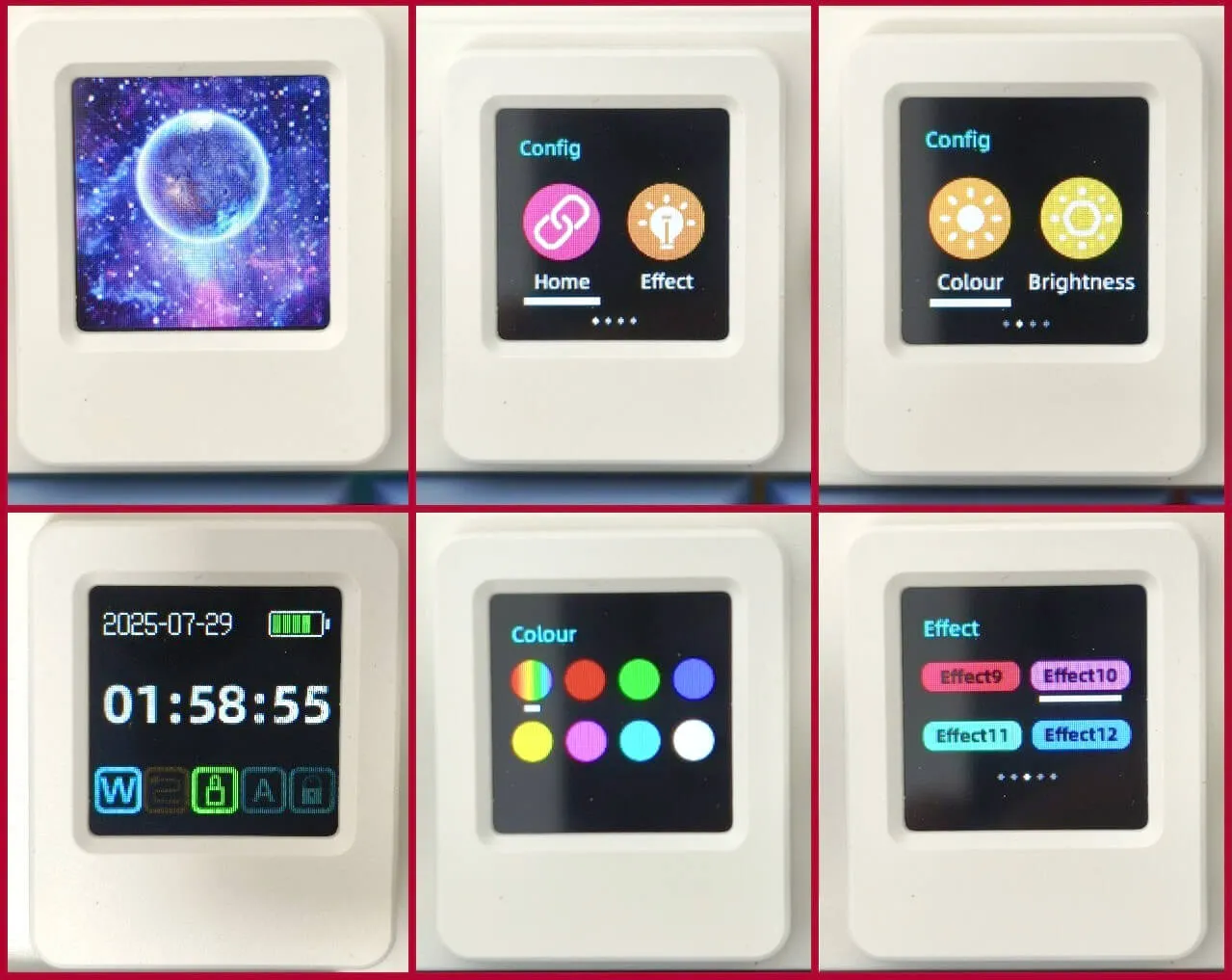
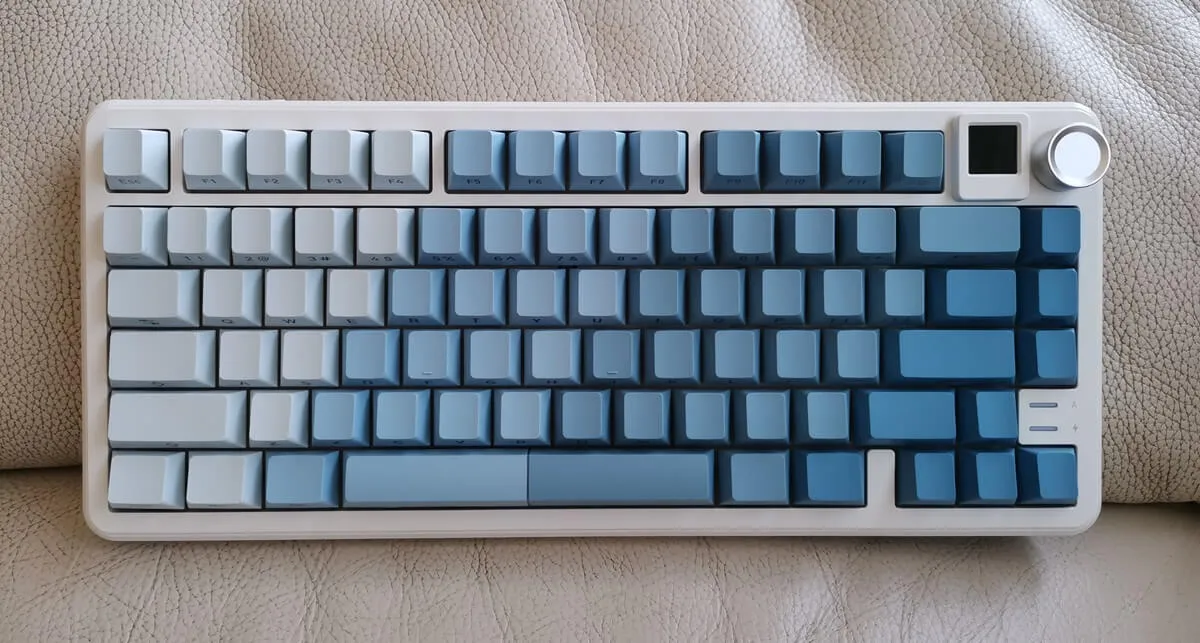
One really awesome feature is that little square screen on the top right corner of the keyboard. It’s about 1.5 cm and not just for show—it actually helps you control all the keyboard settings. You can check the time and date, tweak the brightness of the lights, pick a fun GIF for your background, mess around with different RGB light combinations, switch to your favorite color, change how quickly the lights change, and even see what the battery and volume levels are. Overall, it’s a cool addition to the keyboard, and after messing with it, we can say it works pretty well!
Rii RK805 Display
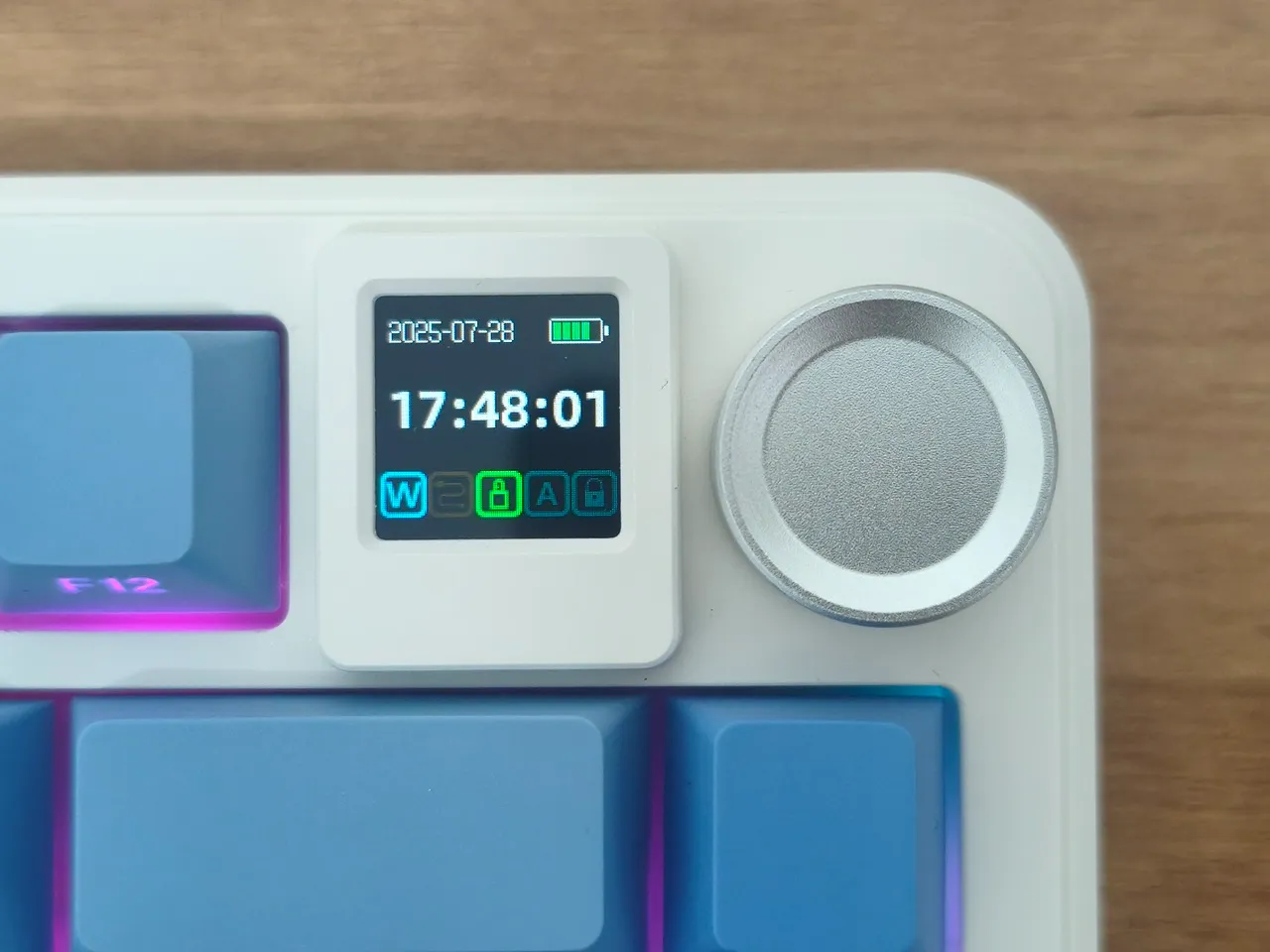
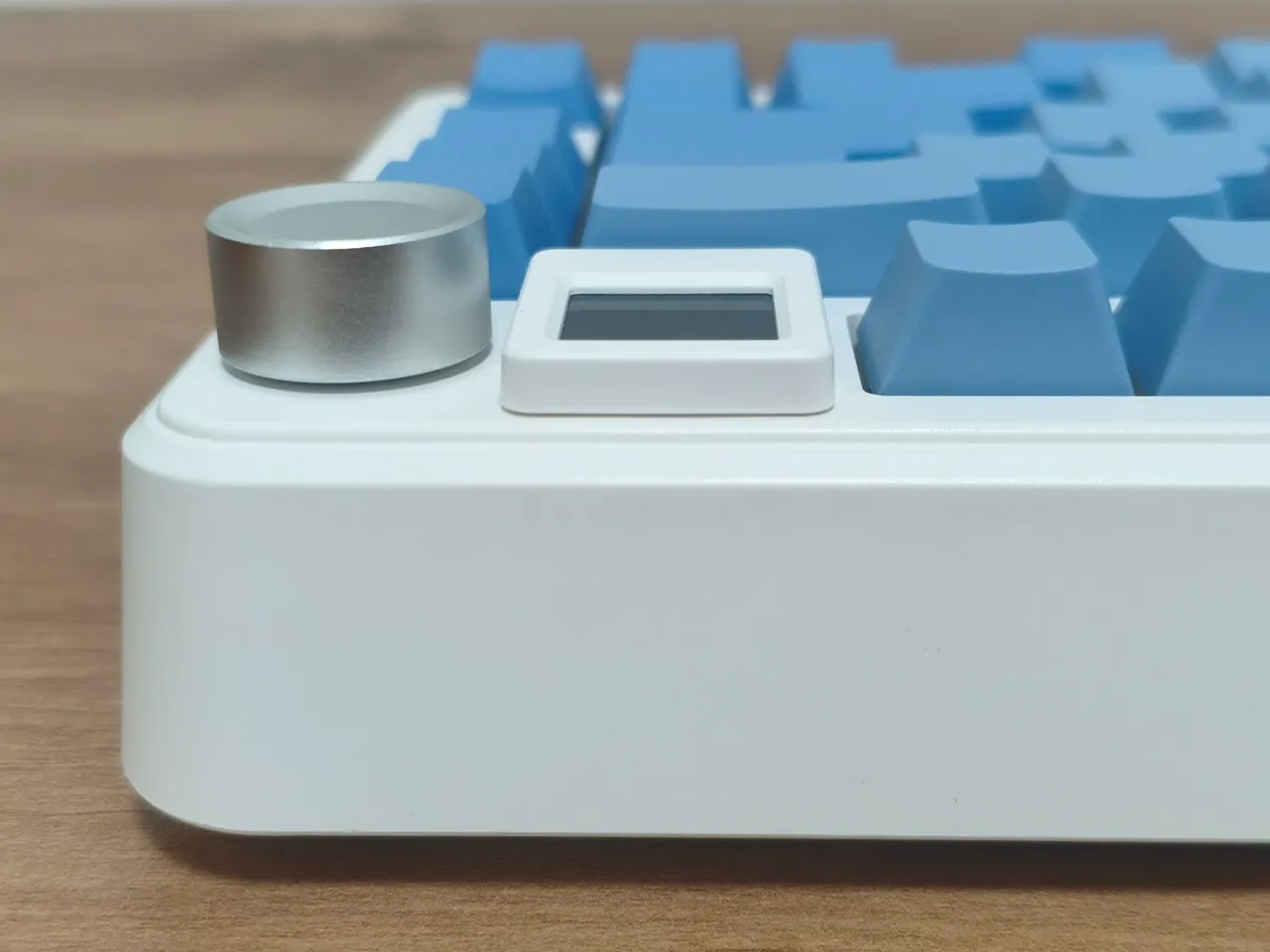
Rii RK805 Display settings