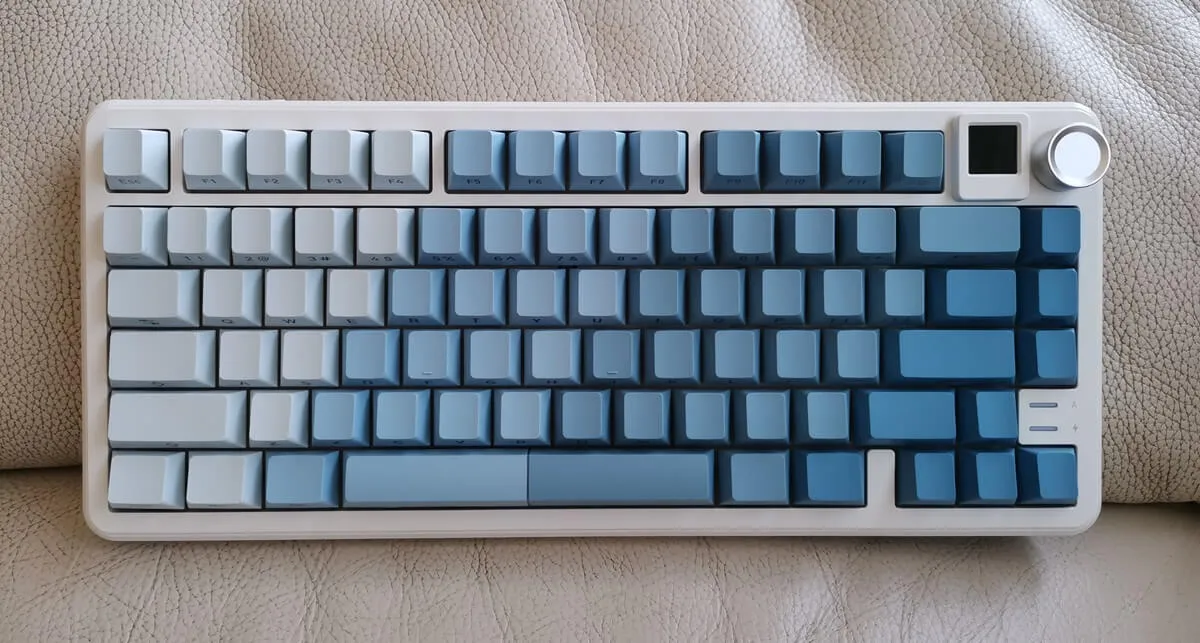
Connectivity
It’s all about what you prefer as a User! . The RK805 offer Three Ways to connect, so you can pick what works best for you. First up, it comes with a 2.4G USB wireless transmitter right in the package, making it super easy to get started. If you’re into Bluetooth, that’s totally an option too—no extra dongles are needed! And for those using Windows, you can just plug the included USB cable into your desktop PC, which is super convenient!
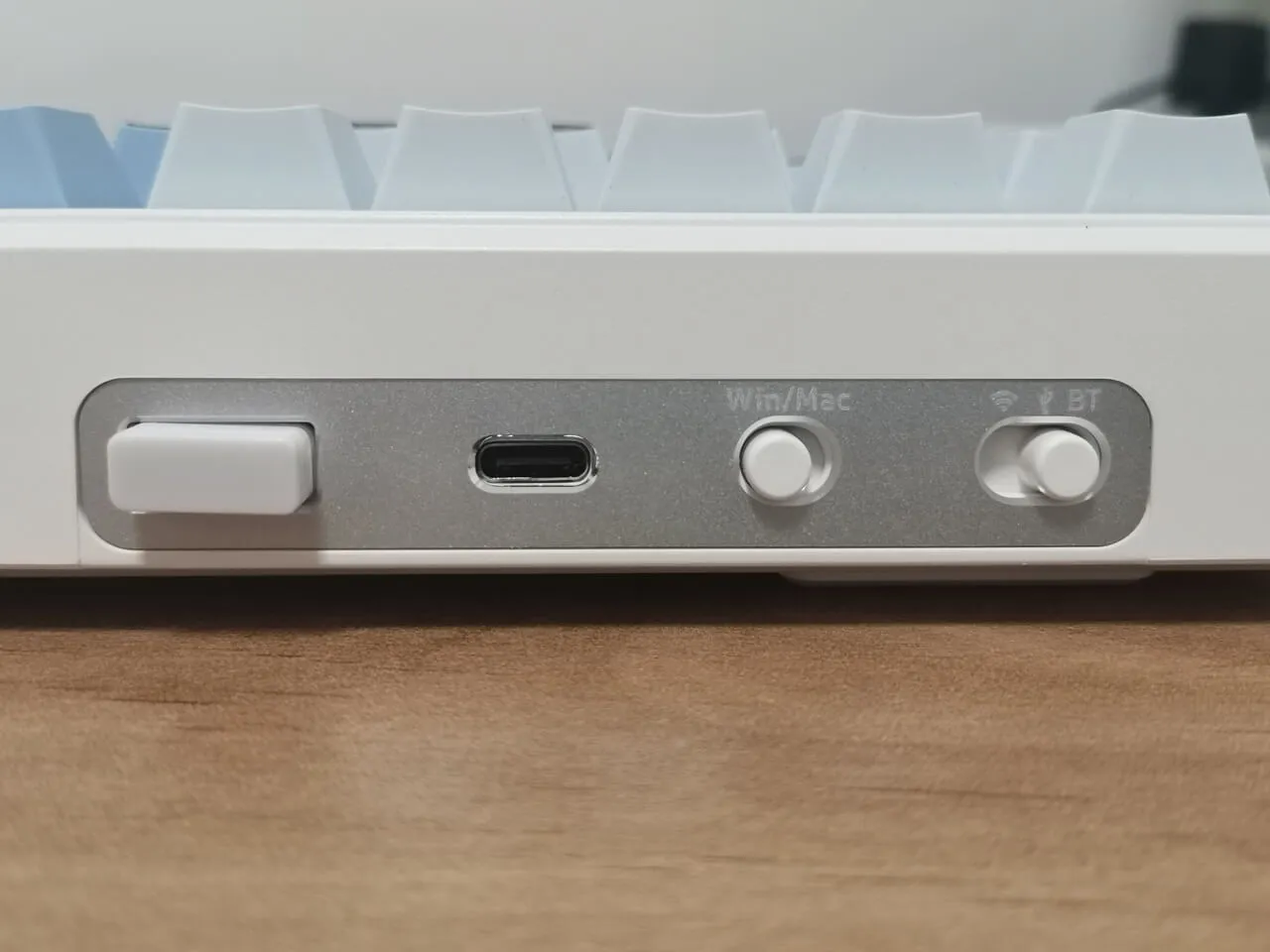
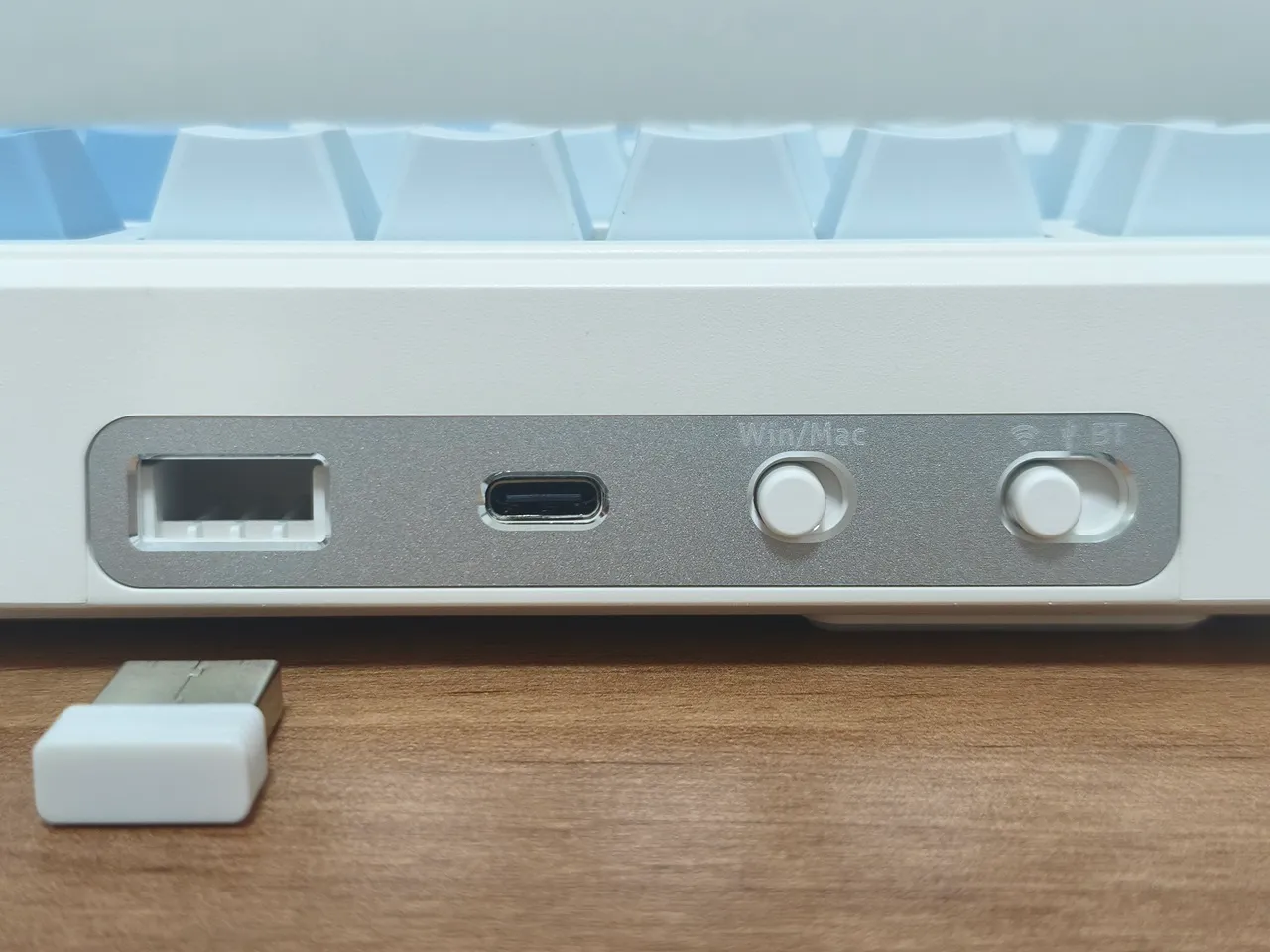
MK805 interfaces and buttons.
Located at the rear of the keyboard, you’ll find a USB compartment that contains a 2.4G USB dongle, as well as a Type-C port for charging and wired connectivity to a Windows PC. Furthermore, there is a switch to toggle between Win/Mac compatibility and a button to select different operation modes.
Bluetooth Connectivity
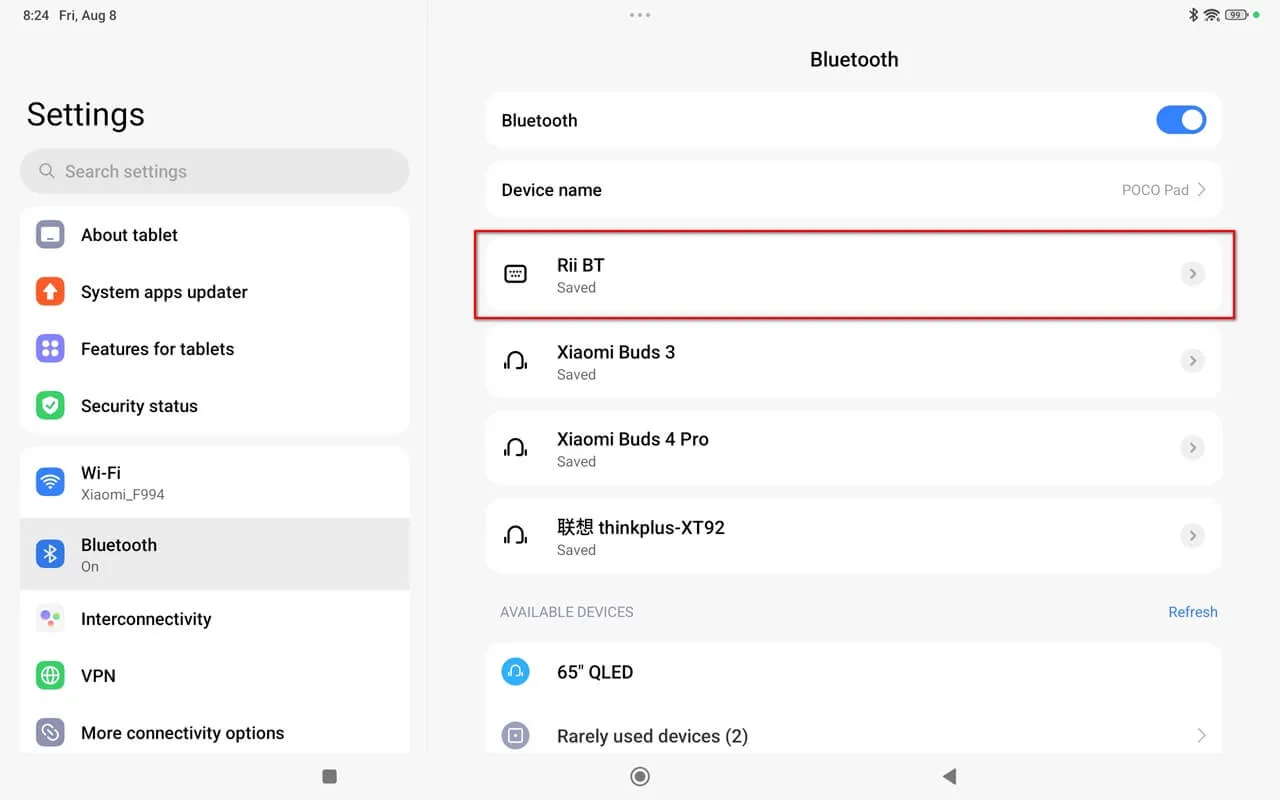
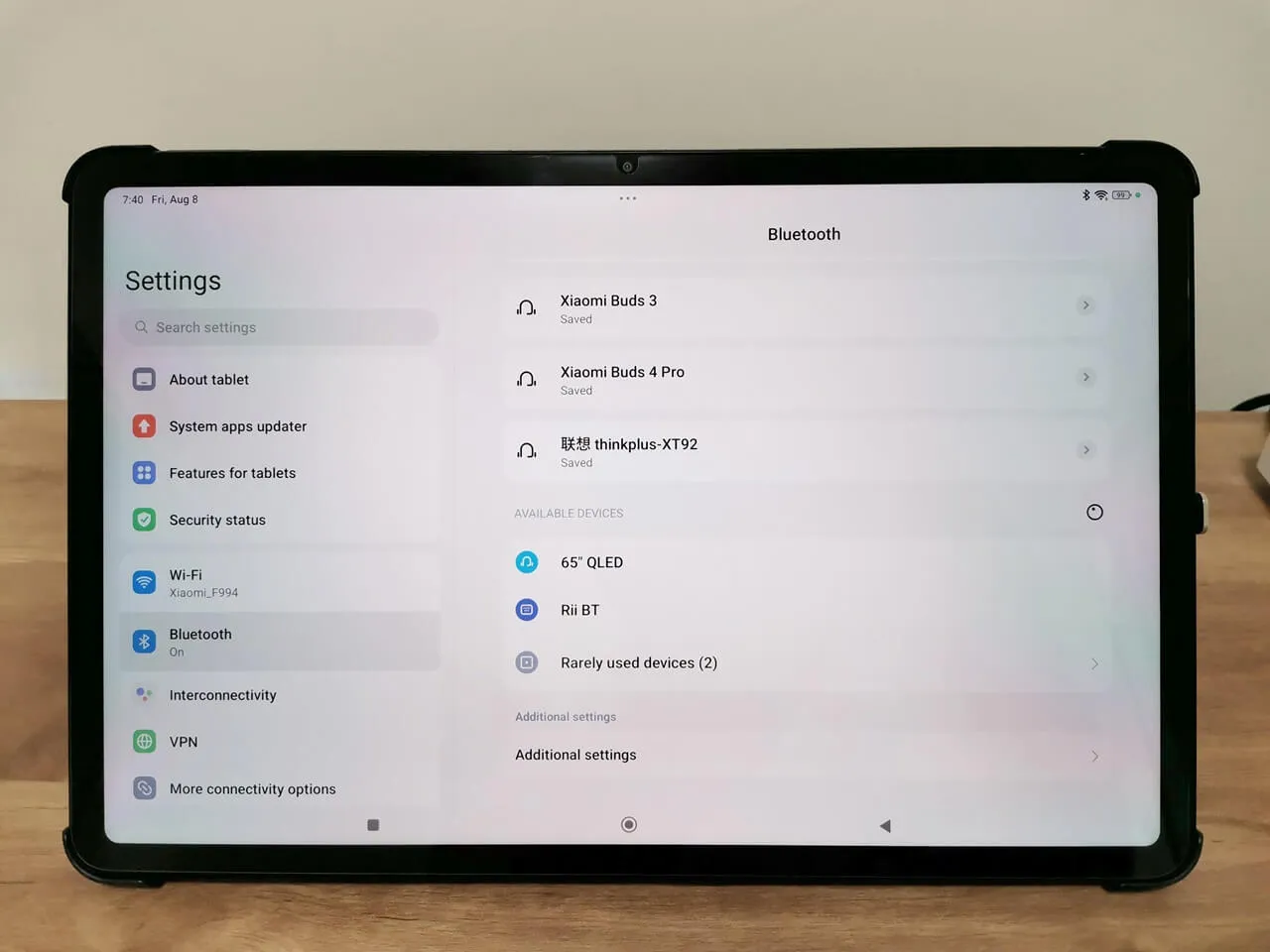
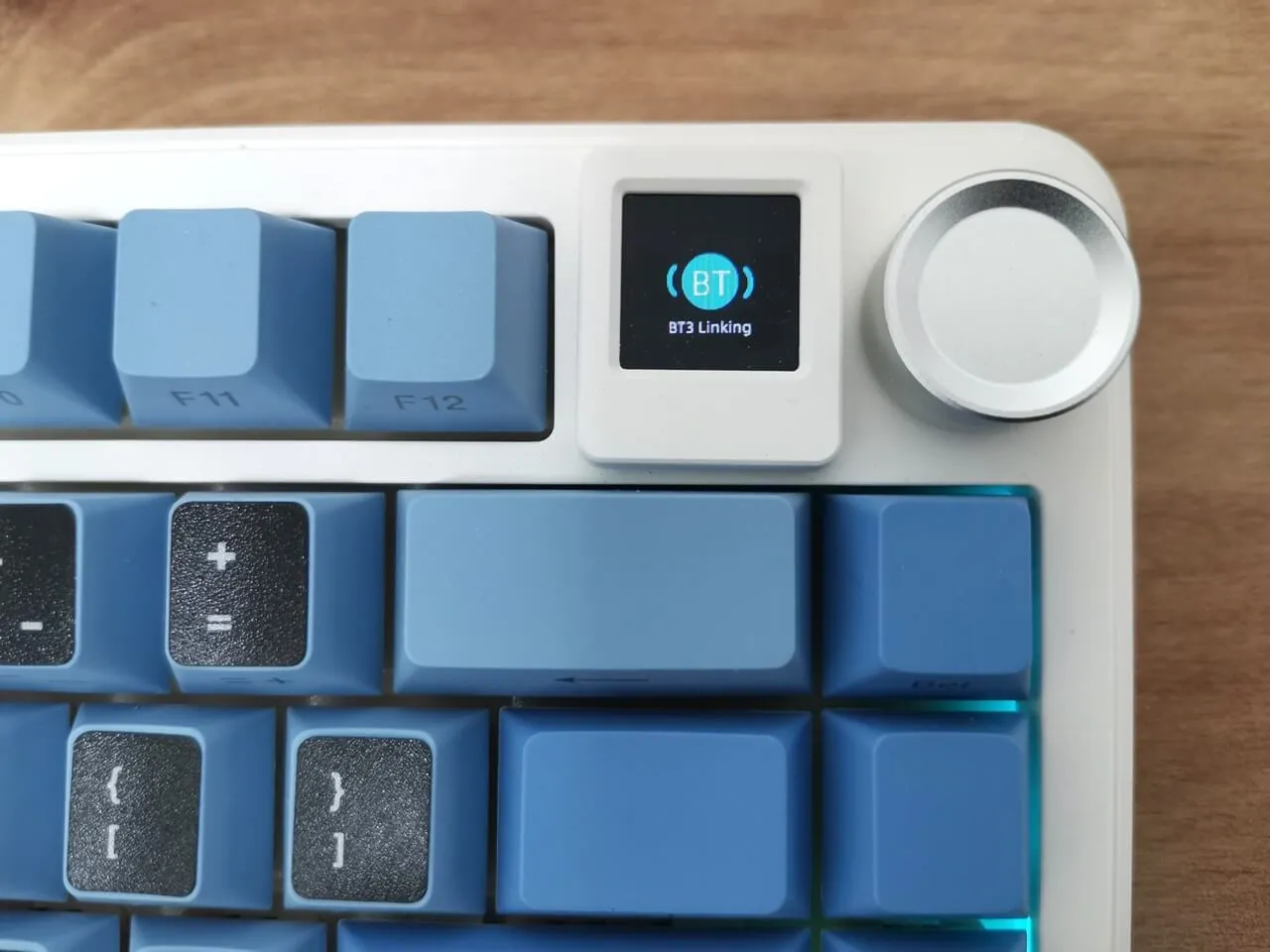
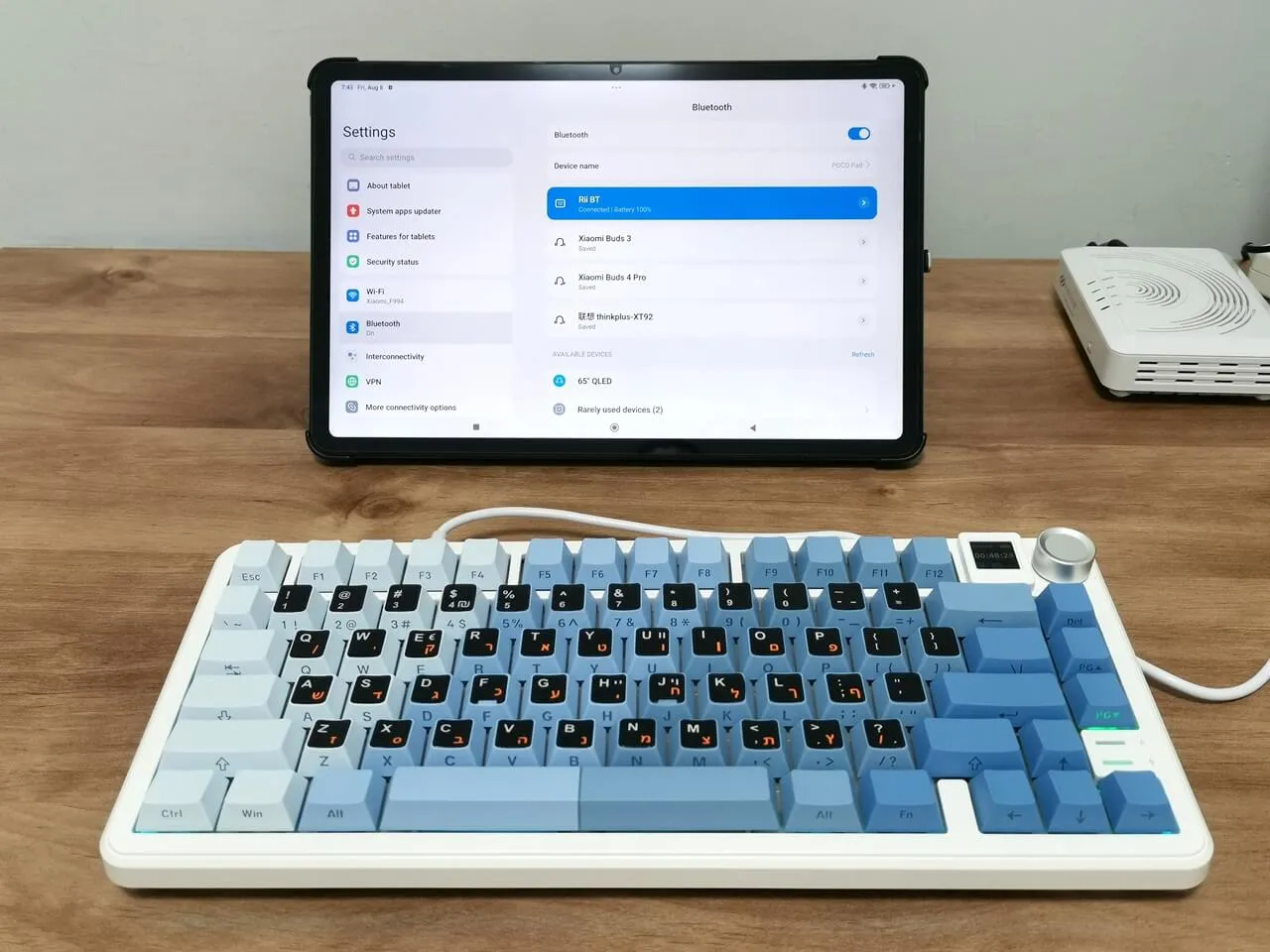
You can easily connect the keyboard and pair it with any Bluetooth-supported device, including tablets and phones, by simply switching on the Bluetooth button and starting the pairing process by simultaneously pressing the FN+Z/X/C buttons. Additionally, pairing with a tablet is also possible while connected in wired mode to a Windows PC device.
Rii RK805 BT Pairing with Xiaomi Poco Pad Tablet