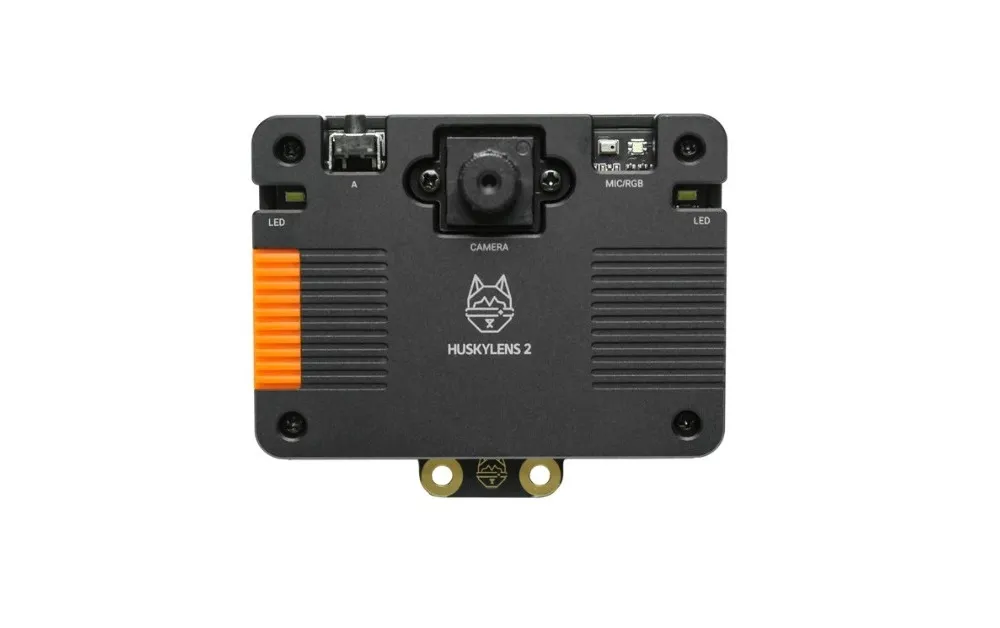
The Main Module/Unit
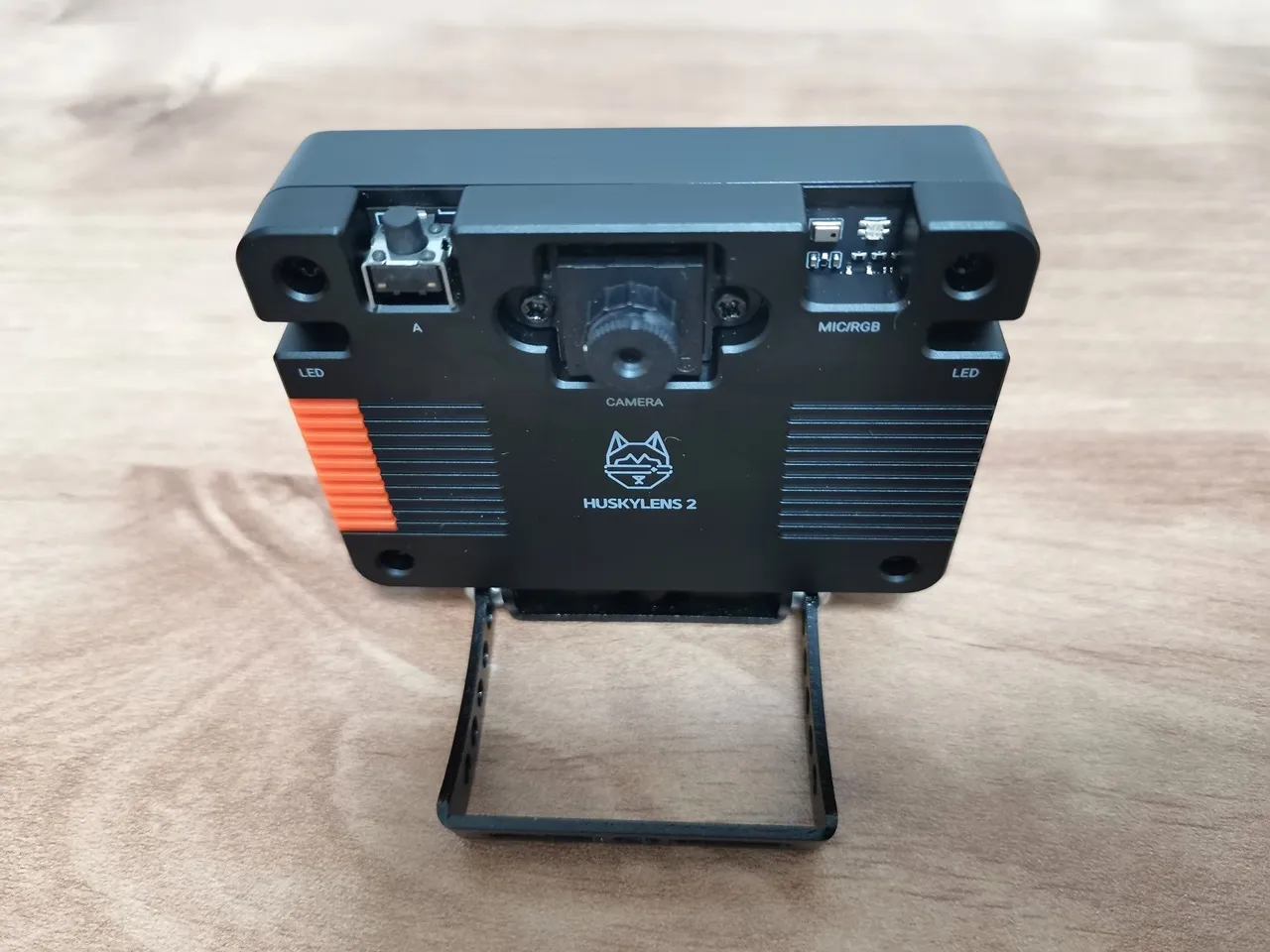
This product includes key components like a display, camera, and various interfaces. It’s basically a sleek, well-crafted SBC module designed for AI applications, appealing to more than just hobbyists. The board arrives pre-assembled in a sturdy, premium plastic casing, which we found to be a thoughtful and appreciated detail.
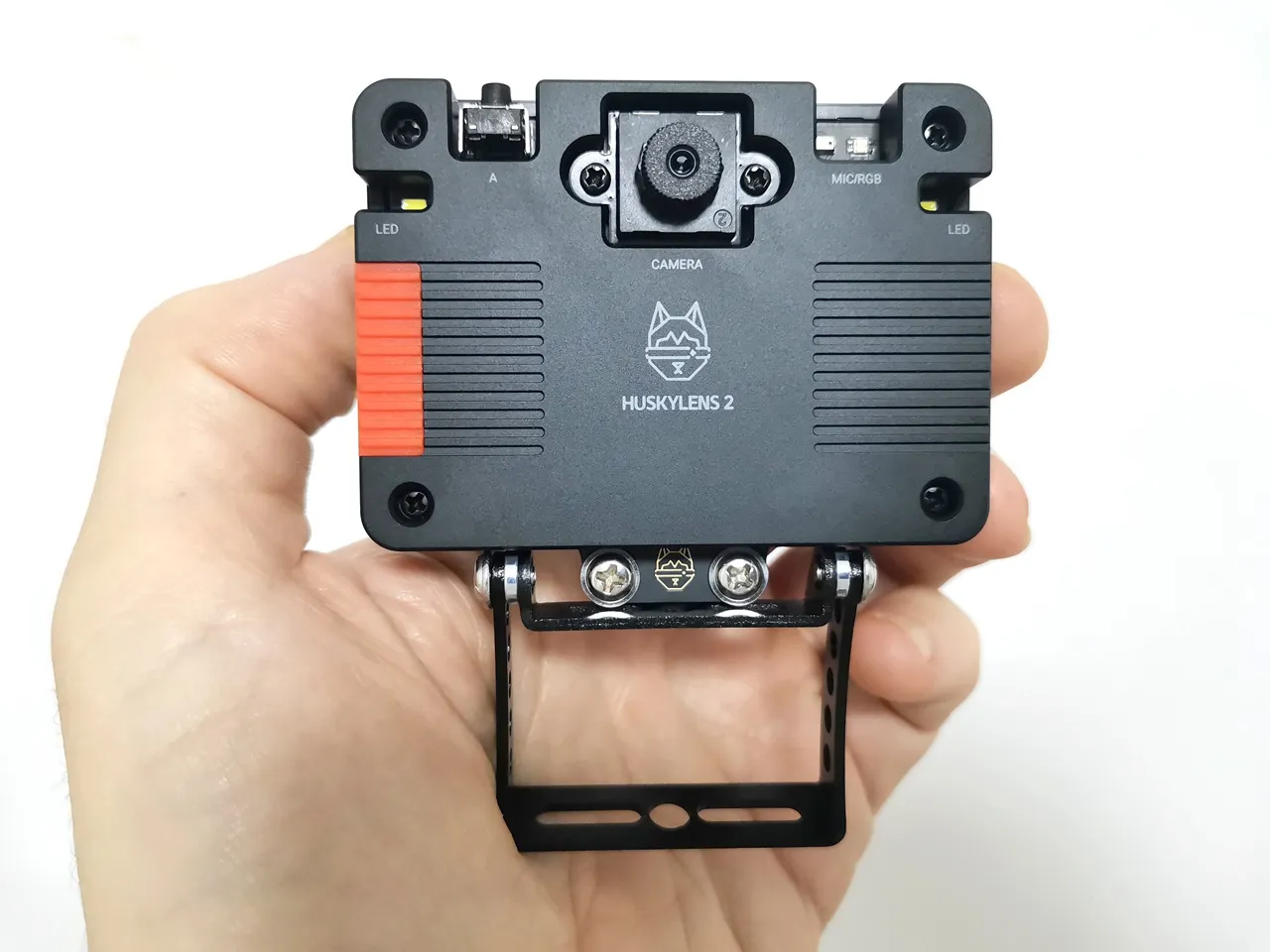
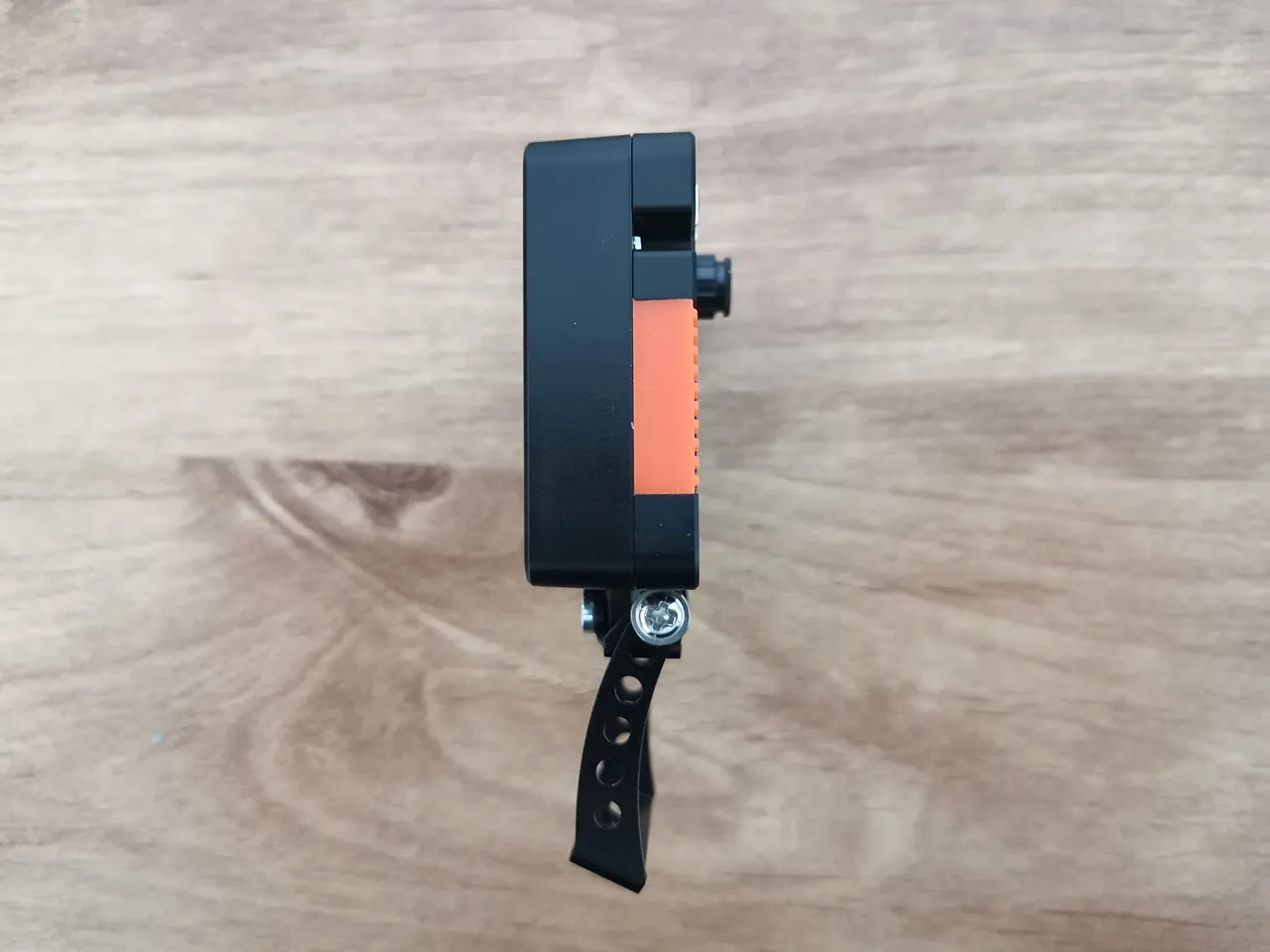
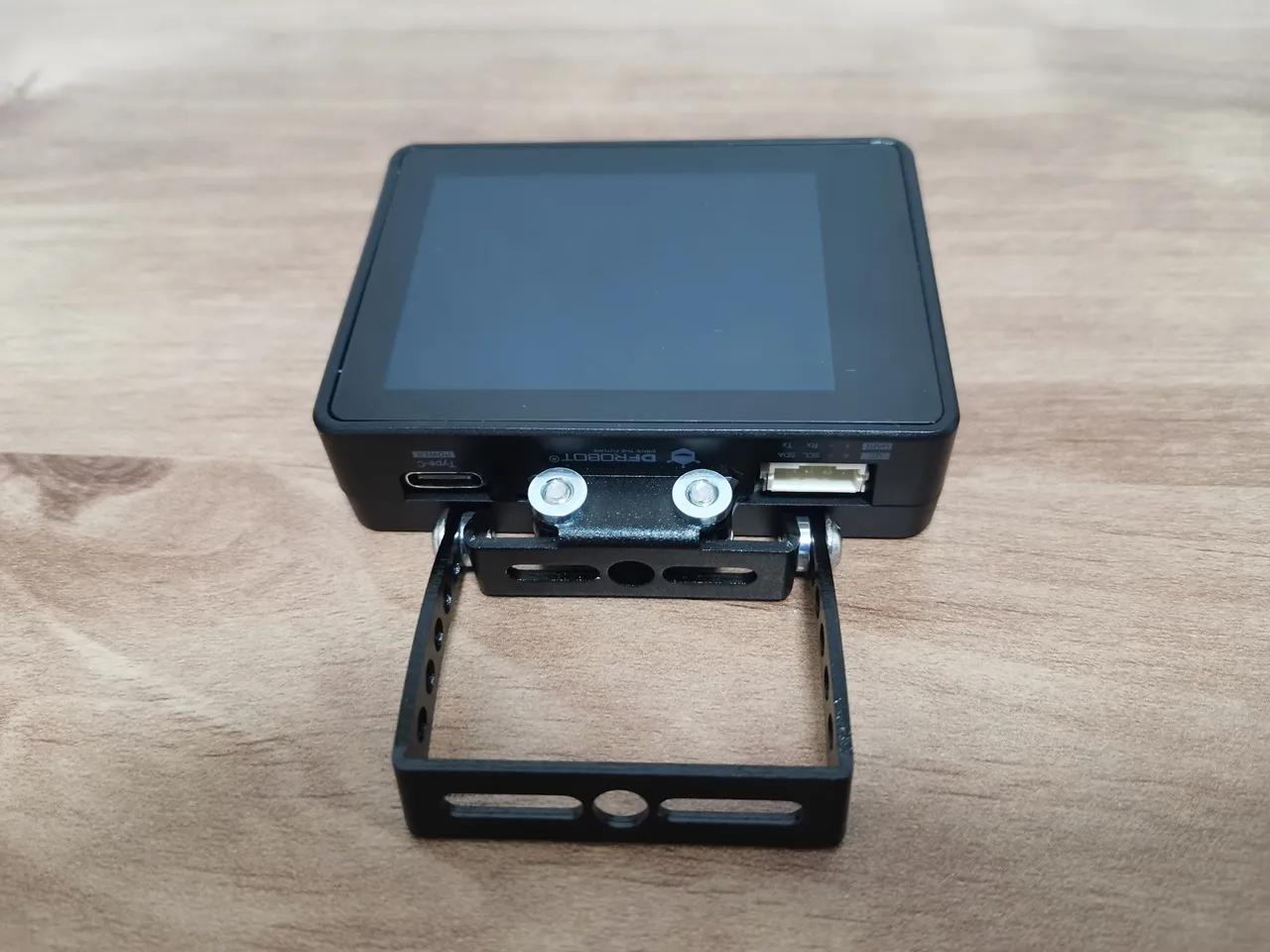
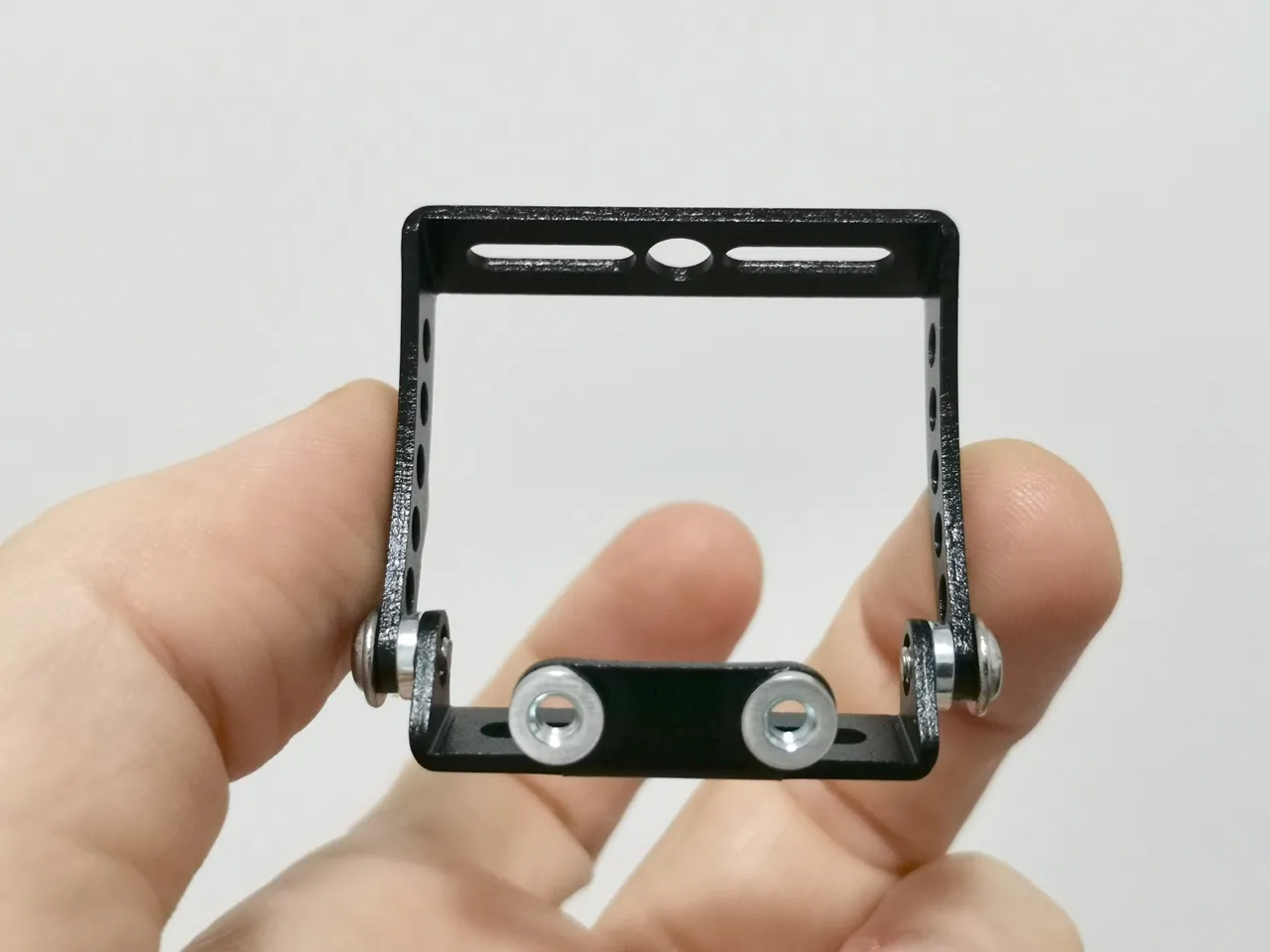
In addition to the sturdy case, DFRobot company also included a pair of metal brackets that let you mount the device on various surfaces. You’ll probably be able to mount it on a tripod, car, or even bicycles if you have the proper screws. One of the brackets features built-in threads, and the kit includes all the necessary screws. The bracket height can be easily adjusted using the provided screws and nuts. Overall, it’s a very useful addition to the product.
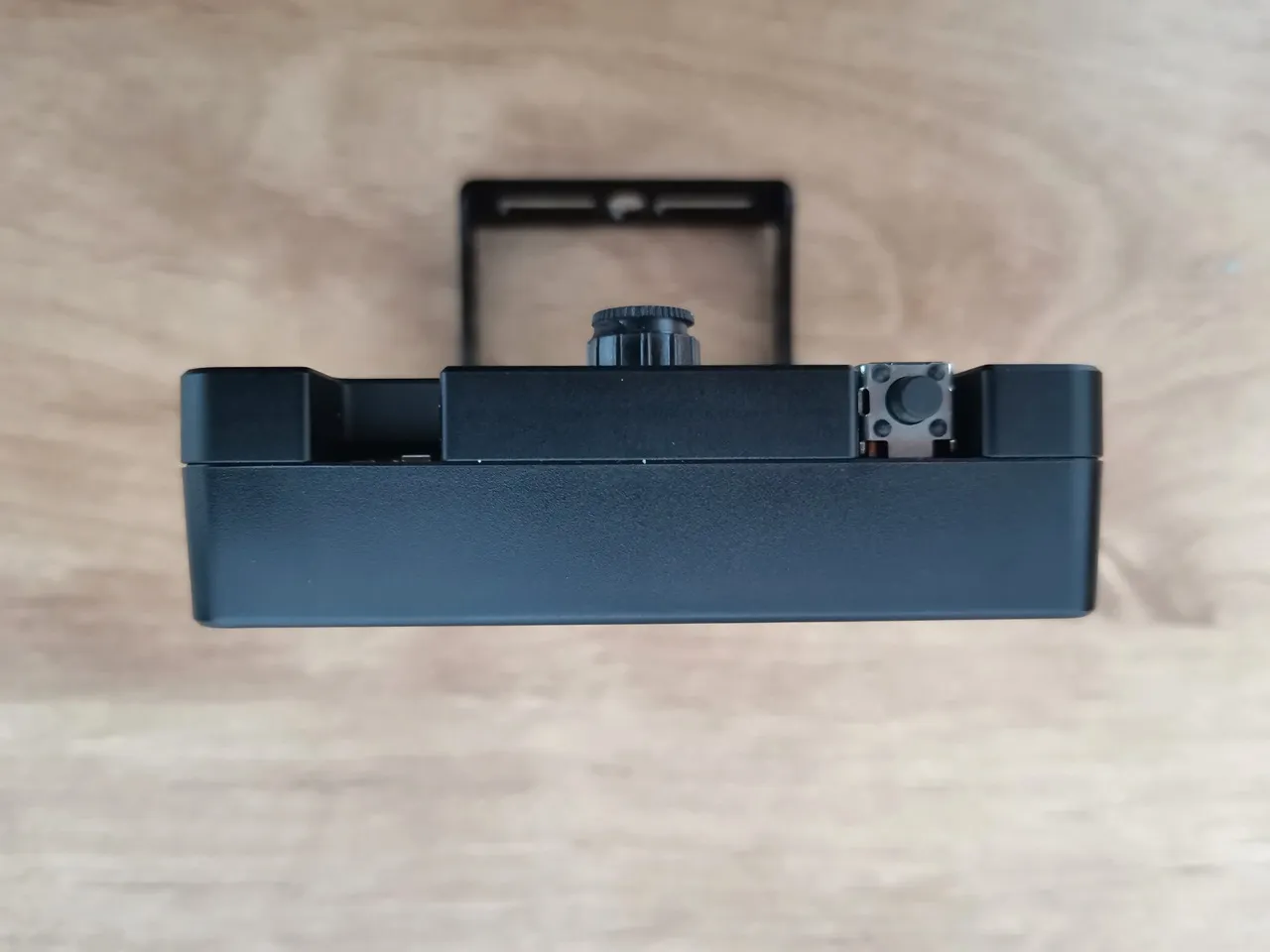
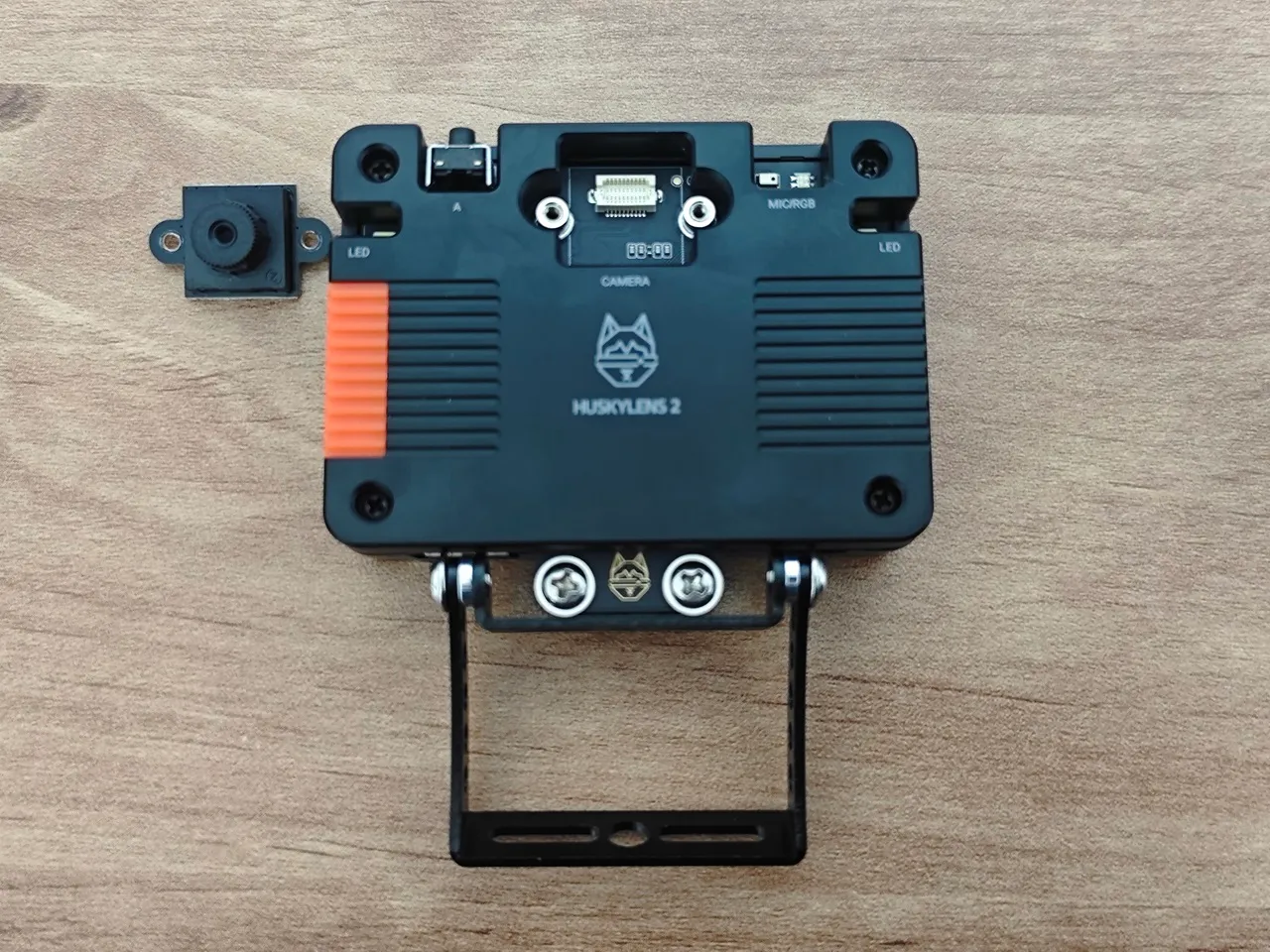
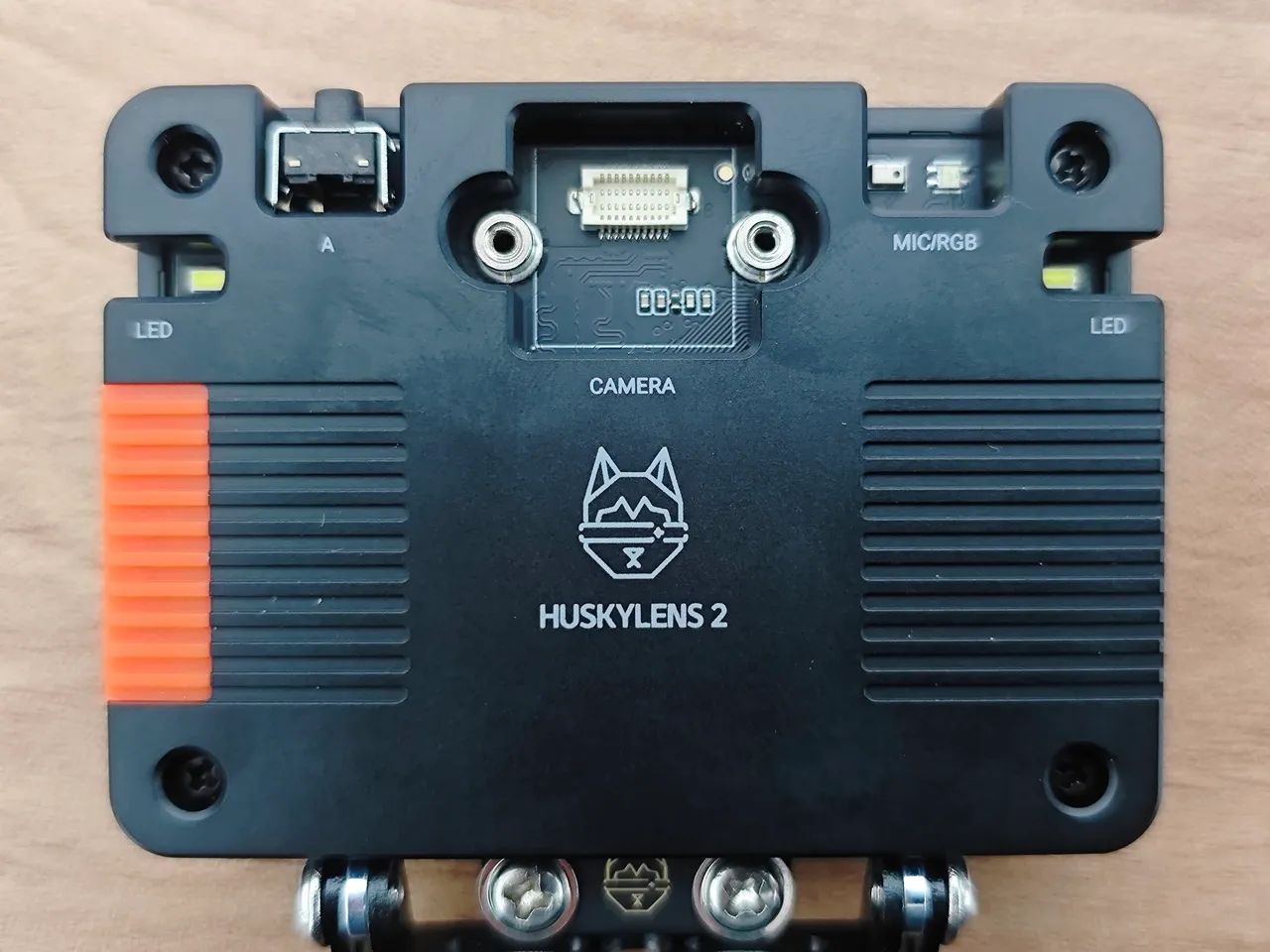
A closer peak HUSKYLENS 2, complete with its assembled mounting bracket.
The camera module
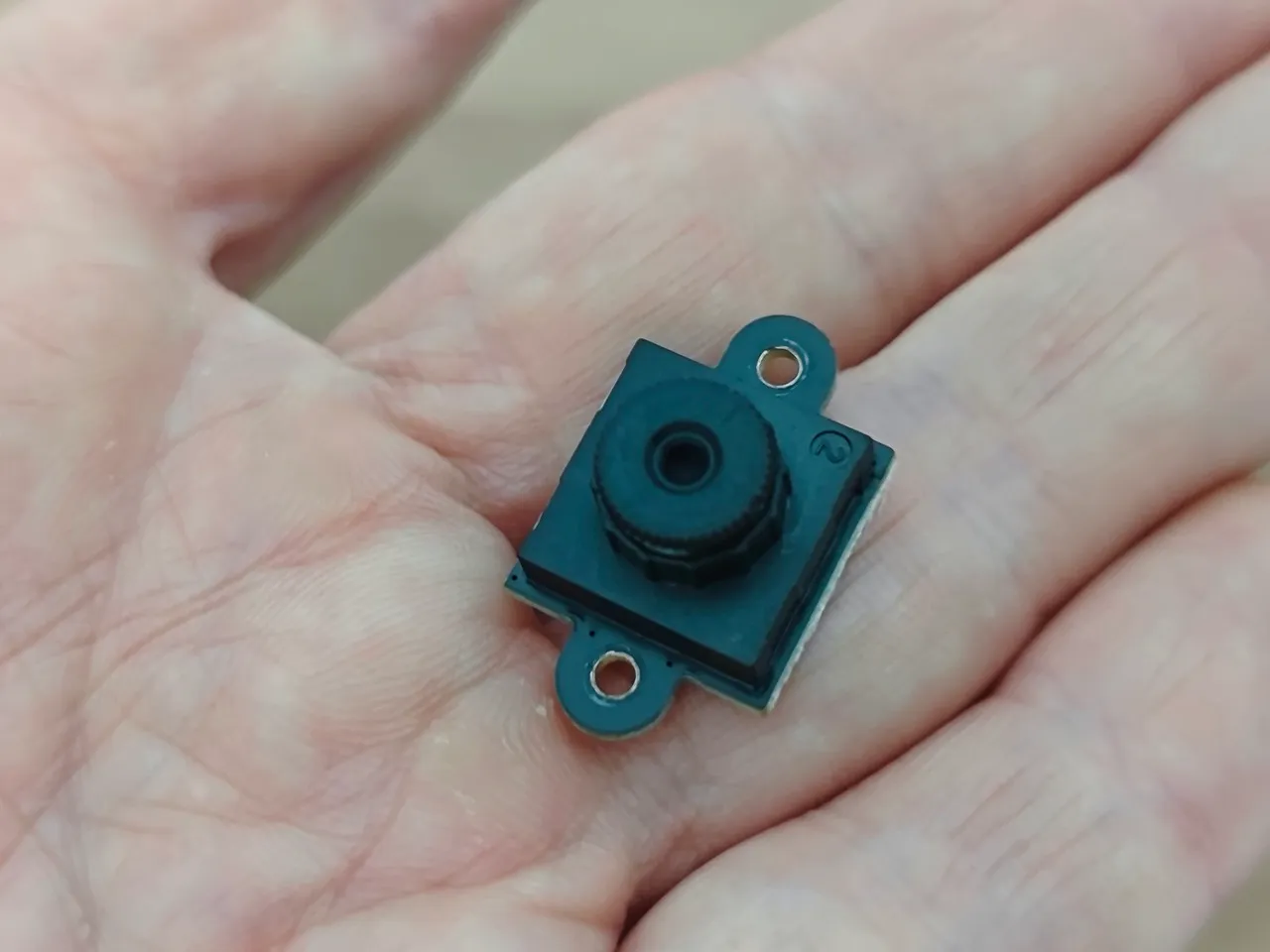
Compared to the previous HUSKYLENS model, which featured a fixed integrated camera, this device includes a 2 MP (GC2093) camera with interchangeable lenses. The camera module is easy to disassemble with just a couple of screws, making it simple to replace with an upgraded sensor or swap out if damaged. Overall, from a user’s standpoint, that’s a great option to have.
Interfaces
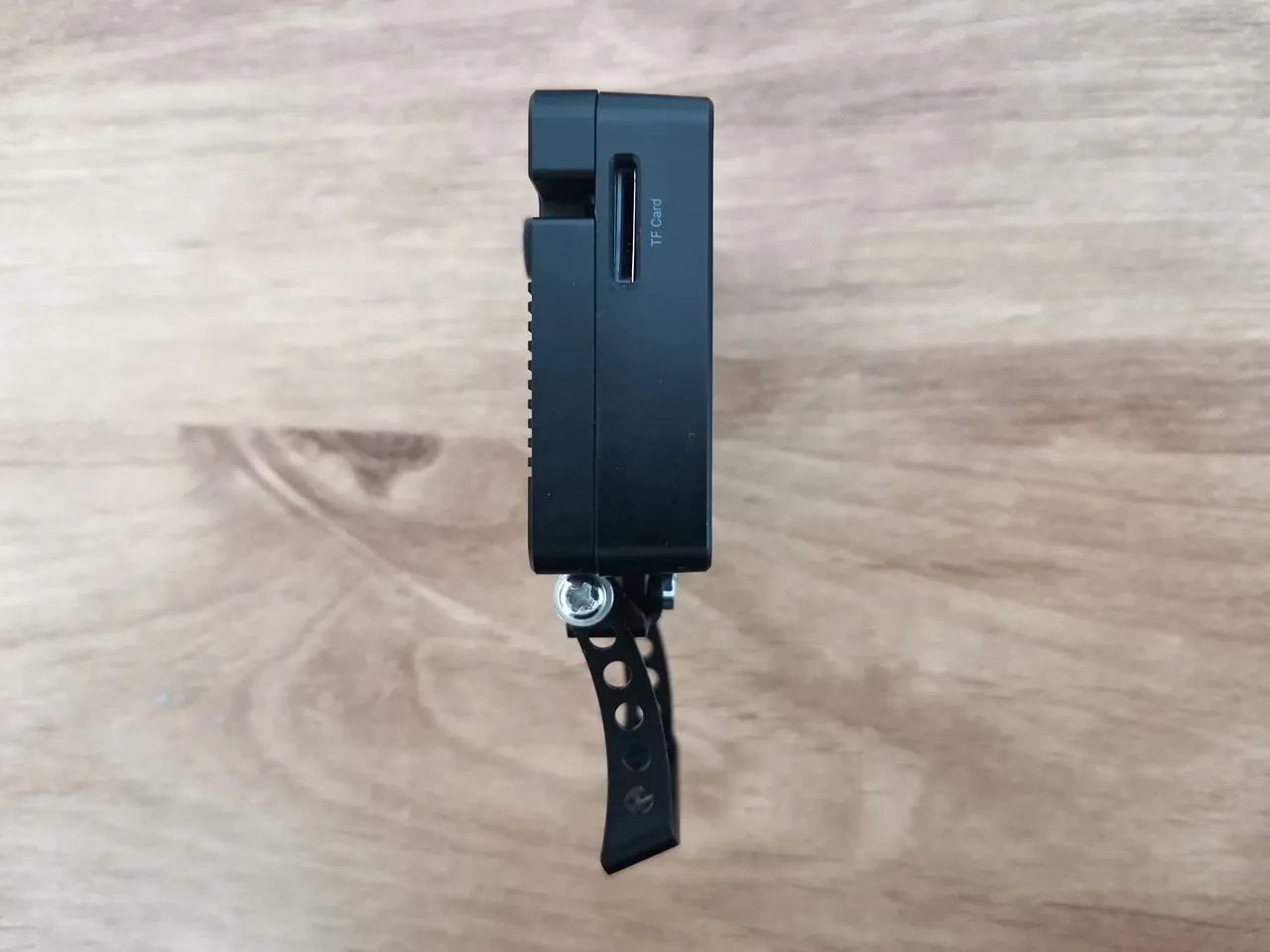
The HUSKYLENS 2 features a USB-C port for power and firmware updates, a 4-pin “Gravity” connector that provides UART, I²C, and Power/GND for host communication, and an optional slot for a 2.4 GHz Wi-Fi 6 module to enable wireless connectivity. It also includes a TF-card (micro-SD) slot on the side for extra storage or dataset capture, making it highly expandable.
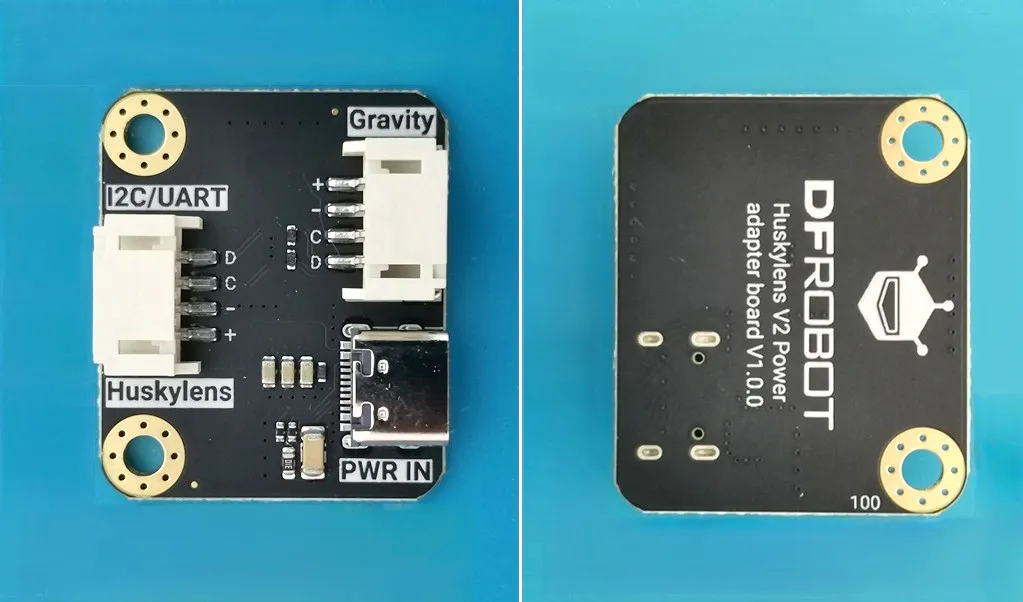
HUSKYLENS 2 Power Board
DFRobot recommends users of Arduino, Raspberry Pi, micro:bit, and other popular brands to try this board, which is also likely compatible with various Chinese brands. Additionally, DFRobot includes this power board in the board kit. It ensures stable and sufficient power delivery to the HuskyLens 2 AI vision sensor, especially when paired with microcontrollers like Arduino or ESP32.
The advantages of the Power Board
- Stable Power Supply: The HuskyLens 2 needs a steady 5V power source to run its AI chip, touchscreen, camera, and other parts. Most microcontrollers can’t reliably provide this power through their onboard pins.
- Avoids Brownouts and Crashes: Without enough power, the device might reboot unexpectedly or struggle to run AI models smoothly. The Power Board tackles these problems by managing voltage and current effectively.
- Simplifies Wiring: It features dedicated connectors and voltage regulation, simplifying integration with platforms like Arduino, Raspberry Pi, ESP32, and micro:bit.
- Supports Add-ons: When using accessories like the WiFi module or microscope lens, the Power Board ensures the extra power draw is managed safely.
So, when would you need to use it?
- Using USB Power from a Microcontroller: Most boards can’t supply enough current through USB or GPIO pins.
- Running Complex AI Models: Tasks like face recognition, object detection, or pose estimation require more power than basic sensors.
- Deploying Custom Models: If you’re loading YOLO-style models or using the full 6 TOPS AI chip capability, stable power becomes critical.
HuskyLens 2 Power Board