
NanoPC T4 Review: A Powerful High-End Raspberry Pi alternative
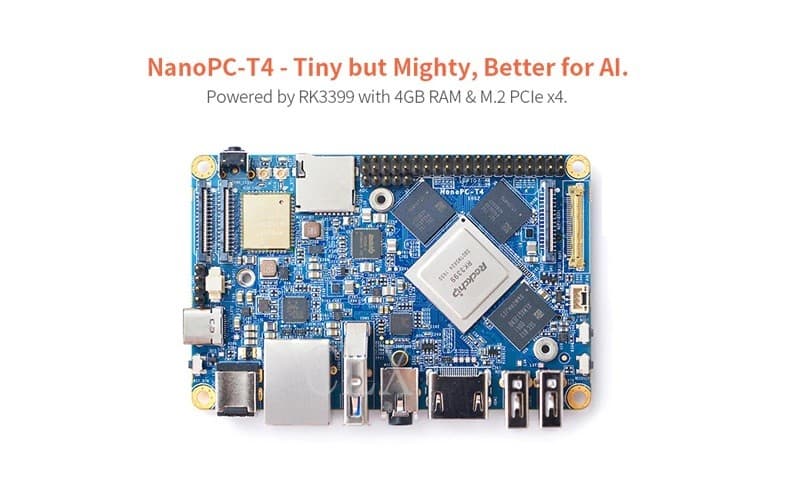
The NanoPC-T4 is by far the smallest RK3399-based high-performance SBC ARM board with popular ports and interfaces. Its software is fully based on open source, measuring only 100 x 64 mm. It comes with 4GB LPDDR3 RAM, 16GB eMMC flash, onboard 2.4G & 5G dual-band WiFi module, and a full standard M.2 PCIe interface that supports an NVME SSD high-speed hard drive. The NanoPC-T4 supports GPU and VPU acceleration and works with Android 7.1 and Lubuntu Desktop.
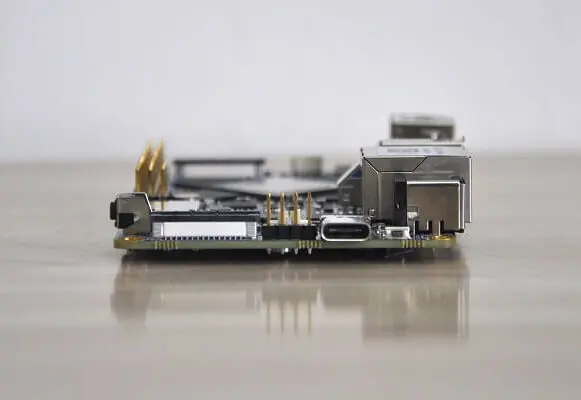
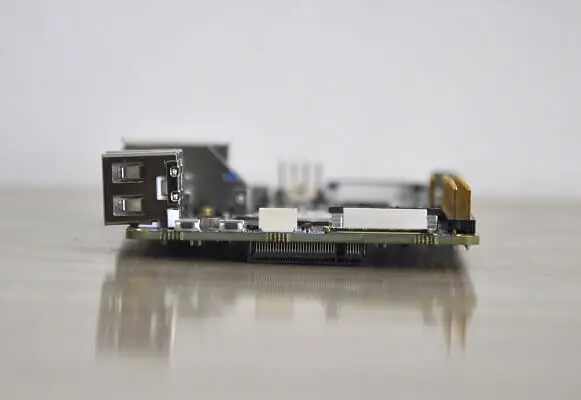
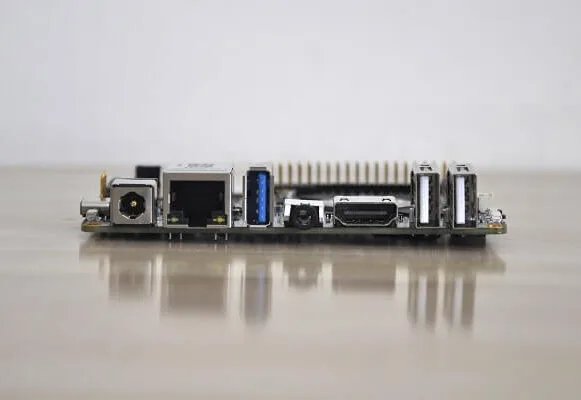
As for onboard interfaces, the NanoPC-T4 has a MIPI-CSI dual camera interface, a MIPI-DSI and an EDP display interface, and an HDMI 2.0 interface. It has Type-C/DP, USB 3.0, USB2.0, MicroSD, Gbps Ethernet port, 3.5mm audio jack, infrared receiver, AD input, serial debug interface, and a 40Pin RPi compatible connector.
In the graphics and video arena, The T4 is equipped with RK3399 SoC that has an internal Mali-T860 GPU which has powerful capabilities for processing 3D and HD H.265/H2.64 video streams. It supports dual camera inputs, and a dual ISP interface capable of doing image processing up to 13MP. The NanoPC-T4 is a perfect platform for AI and deep learning applications. It can be used in advertisement machines, game machines, video conference applications, surveillance systems, clusters, VR/AR applications, and machine vision applications. For more information about the product you are welcome to check the FriendlyElec (FriendlyARM) website link posted below:
Buy on FriendlyElec Website
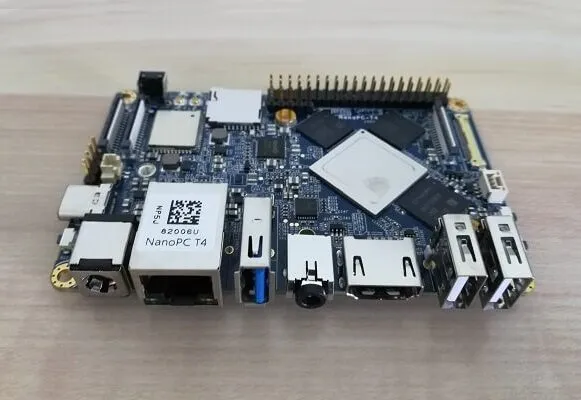
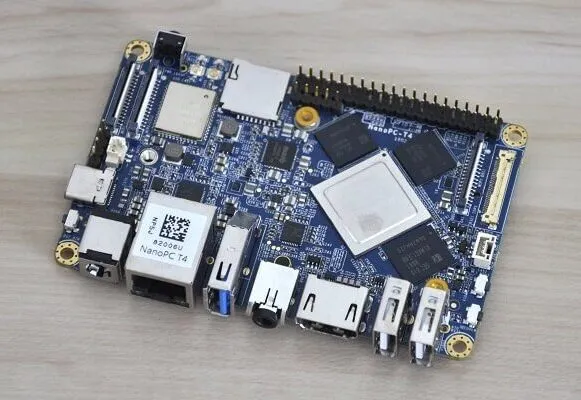
NanoPC-T4 | Front view
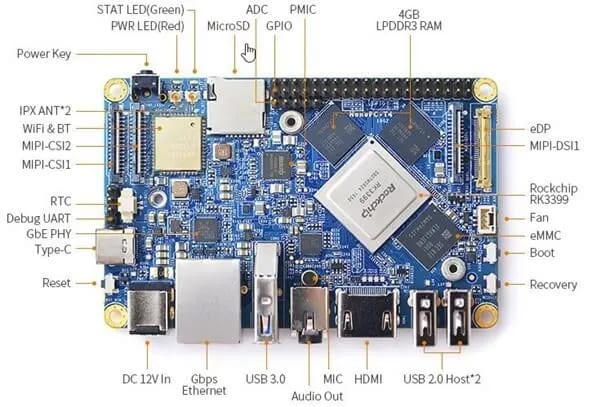
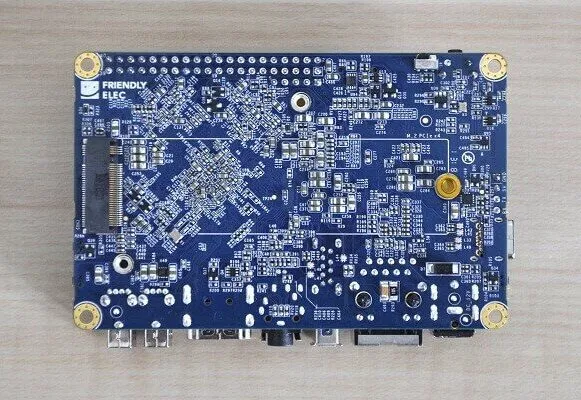
NanoPC-T4 | Back view
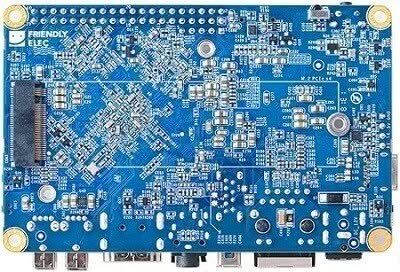
Main Highlights
- Powerful RK3399 CPU: Dual-Core Cortex-A72 + Quad-Core Cortex-A53
- High-performance Mali-T864 GPU: Perfect for VR/AR/AI applications
- Support Dual OS Booting
- M.2 M-Key PCIe x4 socket
- Dual-Channel 4GB LPDDR3 RAM
- 802.11AC Dual Band WiFi Support
- USB 3.0 Port x1
- Type-C/DP Port x1
- Gbps Ethernet port x1
- HDMI 2.0 – 4K x 2K @60 fps
- MIPI-CSI x2 – Support Dual Camera
- Supported OS: Android 7.1 and Lubuntu Desktop.
NanoPC-T4 Specifications
- SoC: Rockchip RK3399
- CPU: big.LITTLE,Dual-Core Cortex-A72(up to 2.0GHz) + Quad-Core Cortex-A53(up to 1.5GHz)
- GPU: Mali-T864 GPU,supports OpenGL ES1.1/2.0/3.0/3.1, OpenVG1.1, OpenCL, DX11, and AFBC
- VPU: 4K VP9 and 4K 10bits H265/H264 60fps decoding, Dual VOP, etc
- PMU: RK808-D PMIC, cooperated with independent DC/DC, enabling DVFS, software power-down, RTC wake-up, system sleep mode
- RAM: Dual-Channel 4GB LPDDR3-1866
- Flash: 16GB eMMC 5.1 Flash
- Ethernet: Native Gigabit Ethernet
- Wi-Fi/BT: 802.11a/b/g/n/ac, Bluetooth 4.1, Wi-Fi and Bluetooth combo module, dual-antenna interface
- Video-Input: two 4-Lane MIPI-CSI, dual ISP, up to 13MPix/s, supports simultaneous input of dual-camera data
- Video output
- HDMI: HDMI 2.0a, supports 4K@60Hz, HDCP 1.4/2.2
- DP on Type-C: DisplayPort 1.2 Alt Mode on USB Type-C
- LCD Interface: one eDP 1.3(4-Lane,10.8Gbps), one 4-Lane MIPI-DSI
- Audio Out: 3.5mm Dual channel headphone jack, or HDMI
- Audio In: Onboard microphone
- USB 2.0: 2 independent native USB 2.0 Host A interfaces
- USB 3.0: 1 native USB 3.0 Host A-type interface
- USB Type-C: Supports USB3.0 Type-C and DisplayPort 1.2 Alt Mode on USB Type-C
- PCIe: One M.2 M-Key PCIe x4 socket, compatible with PCIe 2.1, Dual operation mode; Onboard M3 PCB nut for mounting M.2 2280 module
- microSD Slot x 1
- 40Pin GPIO Extension ports:
- 1 X 3V/1.8V I2C, up to 2 x 3V UART, 1 X 3V SPI, 1 x SPDIF_TX, up to 8 x 3V GPIOs
- 1 x 1.8V I2S, 3 x 1.8V GPIOs
- ADC: 3 x 1.8V ADC inputs, 5 Pin 2.54mm header
- Debug: one Debug UART, 4 Pin 2.54mm header, 3V level, 1500000bps
- Keys: PowerKey, Reset, MASKROM (BOOT), Recovery
- LED: 1 x power LED and 1 x GPIO Controlled LED
- IR receiver: Onboard IR receiver, Accepts 38KHz carrier frequency
- RTC Battery: 2 Pin 1.27/1.25mm RTC battery input connector
- Cooling: two 2.5mm PCB nuts for mounting heat sink; 3 Pin 12V cooling fan interface with PWM
- Power supply: DC 12V/2A
- PCB: Ten Layer, 100 mm x 64 mm
- Ambient Operating Temperature: 0℃ to 80℃
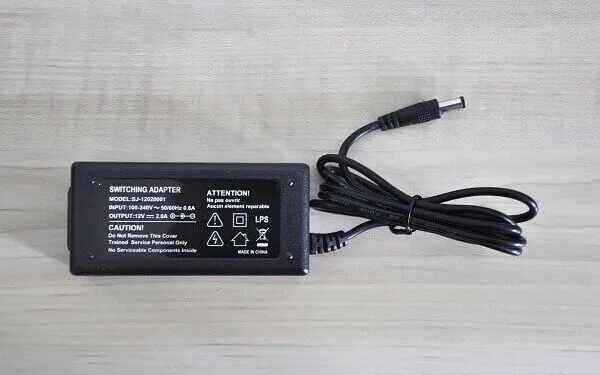
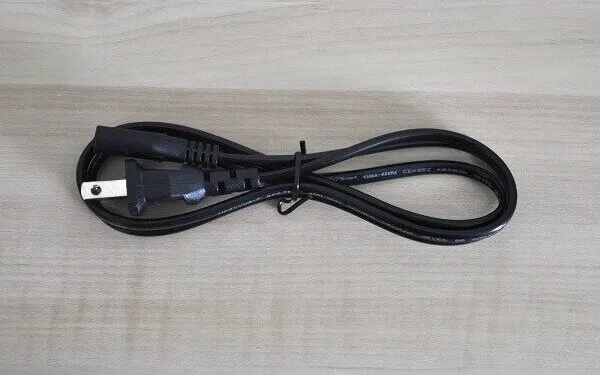
NanoPC-T4 | Package Content
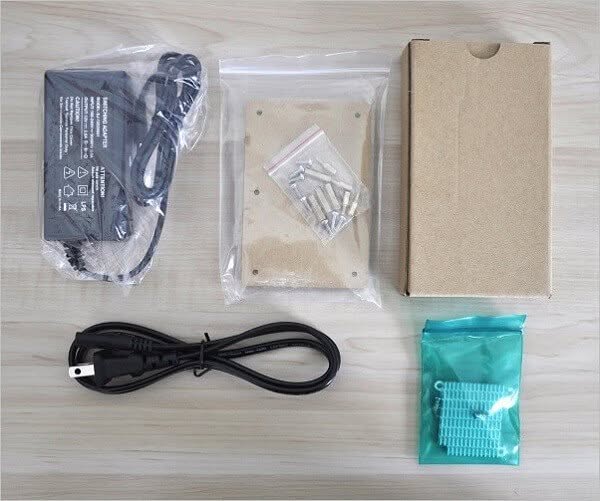
Main Package (Board + WiFi Antennas)
 NanoPC T4 Package P1 1

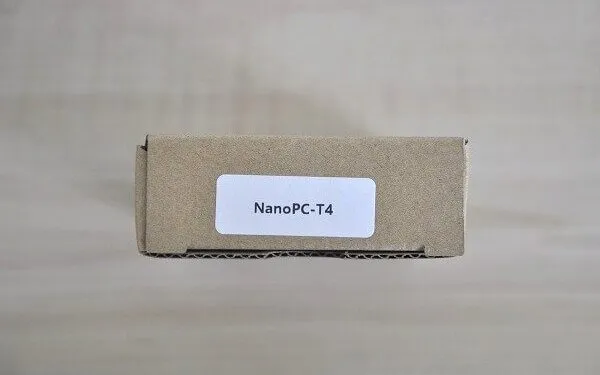

NanoPC-T4 | Package (Kit) Unboxing
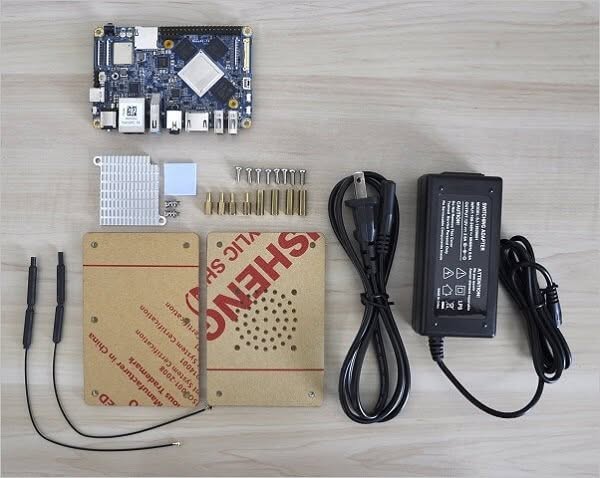
Unboxed Items
 NanoPC T4 Unboxing P1

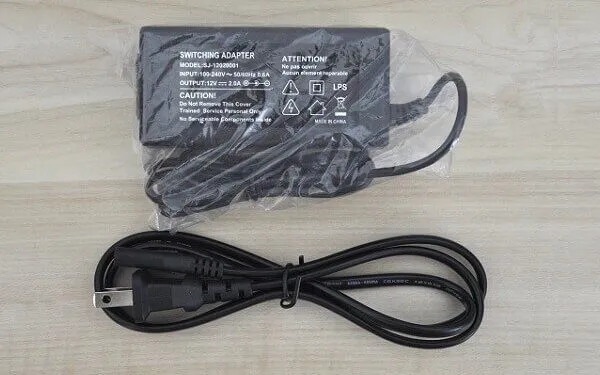
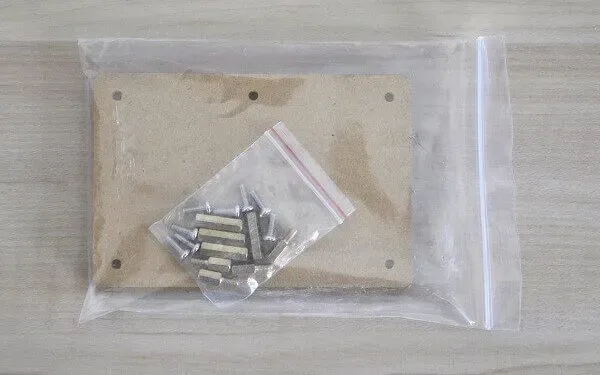
Additional Accessories
 NanoPC T4 Package P1
Hardware
In terms of hardware specification, this hardware is considered top-notch. Based on a six-core Rockchip RK3399 processor. This CPU comes with Dual-Core Cortex-A72 and additional Quad-Core Cortex-A53 along with a Mali-T864 GPU that provides a perfect pick for VR/AR/AI applications. The NanoPC T4 dual camera interface is also idle and suitable for machine vision applications such as robotics, face recognition, and so forth.
In addition, you can find an HDMI 2.0 Port and a DP 1.2 interface that can be used to output video at a maximum resolution of 4Kx2K@60fps. One of the highlights of the board is the massive 4GB LPDDR3 RAM that greatly improves performance and eliminates the need to use a swap partition under Ubuntu OS.
# Processor Information:

pi@FriendlyELEC:~$ lscpu
Architecture:          aarch64
Byte Order:            Little Endian
CPU(s):                6
On-line CPU(s) list:   0-5
Thread(s) per core:    1
Core(s) per socket:    3
Socket(s):             2
Model name:            ARMv8 Processor rev 2 (v8l)
CPU max MHz:           1416.0000
CPU min MHz:           408.0000
Hypervisor vendor:     (null)
Virtualization type:   full
CPU Benchmark: NanoPC T4 vs. Raspberry Pi 3
The NanaPC T4 board comes with powerful hardware, based on the latest Rockchip RK3399 Hexa Core processor 64bit CPU. According to my tests, Its CPU outranked the Raspberry Pi 3 Broadcom BCM2837 Quad-core 64bit CPU. For testing, I used the Sysbench benchmark tool running 4 and 32 threads.
NanoPC T4
# NanoPC-T4 - 4 threads Sysbench CPU test
sysbench --test=cpu --cpu-max-prime=20000 --num-threads=4 run
sysbench 0.4.12: multi-threaded system evaluation benchmark

Running the test with following options:
Number of threads: 4

Doing CPU performance benchmark

Threads started!
Done.

Maximum prime number checked in CPU test: 20000


Test execution summary:
    total time:                          68.6199s
    total number of events:              10000
    total time taken by event execution: 274.4262
    per-request statistics:
         min:                                 22.17ms
         avg:                                 27.44ms
         max:                                 97.72ms
         approx.  95 percentile:              35.69ms

Threads fairness:
    events (avg/stddev):           2500.0000/528.22
# <strong>NanoPC-T4 - 32 threads Sysbench CPU test</strong>
sysbench --test=cpu --cpu-max-prime=20000 --num-threads=32 run
sysbench 0.4.12: multi-threaded system evaluation benchmark

Running the test with following options:
Number of threads: 32

Doing CPU performance benchmark

Threads started!
Done.

Maximum prime number checked in CPU test: 20000


Test execution summary:
    total time:                          49.6753s
    total number of events:              10000
    total time taken by event execution: 1587.2916
    per-request statistics:
         min:                                 36.04ms
         avg:                                158.73ms
         max:                                313.40ms
         approx.  95 percentile:             214.29ms

Threads fairness:
    events (avg/stddev):           312.5000/74.95
    execution time (avg/stddev):   49.6029/0.03
Raspberry Pi 3
# <strong>Raspberry Pi 3 - 4 threads Sysbench CPU test</strong>
sysbench --test=cpu --cpu-max-prime=20000 --num-threads=4 run
sysbench 0.4.12:  multi-threaded system evaluation benchmark

Running the test with following options:
Number of threads: 4

Doing CPU performance benchmark

Threads started!
Done.

Maximum prime number checked in CPU test: 20000


Test execution summary:
    total time:                          104.8953s
    total number of events:              10000
    total time taken by event execution: 419.4695
    per-request statistics:
         min:                                 41.80ms
         avg:                                 41.95ms
         max:                                107.20ms
         approx.  95 percentile:              42.02ms

Threads fairness:
    events (avg/stddev):           2500.0000/5.00
    execution time (avg/stddev):   104.8674/0.01
<strong>Raspberry Pi 3 - 32 threads Sysbench CPU test</strong>

sysbench --test=cpu --cpu-max-prime=20000 --num-threads=32 run
sysbench 0.4.12:  multi-threaded system evaluation benchmark

Running the test with following options:
Number of threads: 32

Doing CPU performance benchmark

Threads started!
Done.

Maximum prime number checked in CPU test: 20000


Test execution summary:
    total time:                          104.8959s
    total number of events:              10000
    total time taken by event execution: 3351.6045
    per-request statistics:
         min:                                107.06ms
         avg:                                335.16ms
         max:                                458.14ms
         approx.  95 percentile:             391.94ms

Threads fairness:
    events (avg/stddev):           312.5000/0.79
    execution time (avg/stddev):   104.7376/0.10
Test Results
Test #2 – 4 threads Sysbench CPU Test
- Raspberry Pi 3 – total time is taken by event execution: 419.4695
- NanoPC T4 – total time is taken by event execution: 274.4262
- Result: In favor of T4 with ~%65 faster execution time.
Test #1 – 32 threads Sysbench CPU Test
- Raspberry Pi 3 – total time is taken by event execution: 3351.6045
- NanoPC T4 – total time is taken by event execution: 1587.2916
- Result: In favor of T4 with ~%47 faster execution time.
Note: A shorter execution time is Better!
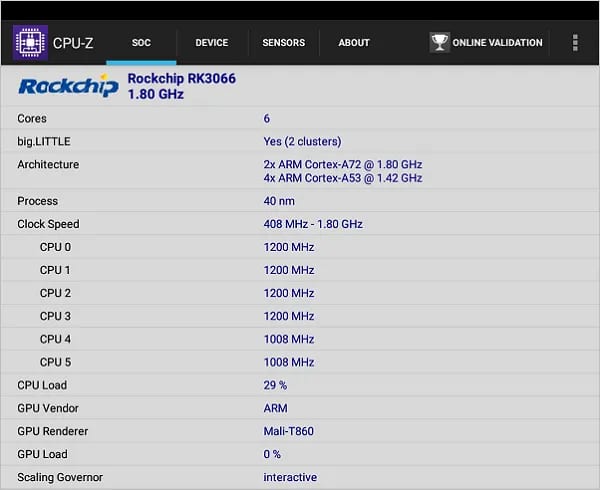
CPU Information | CPU-Z
NanoPC T4 | Full view
 NanoPC T4 P1
Design and Quality
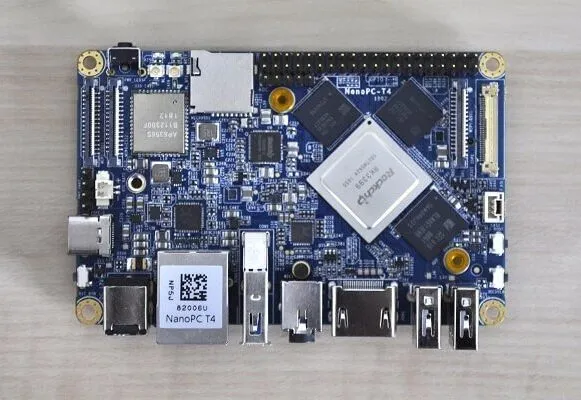
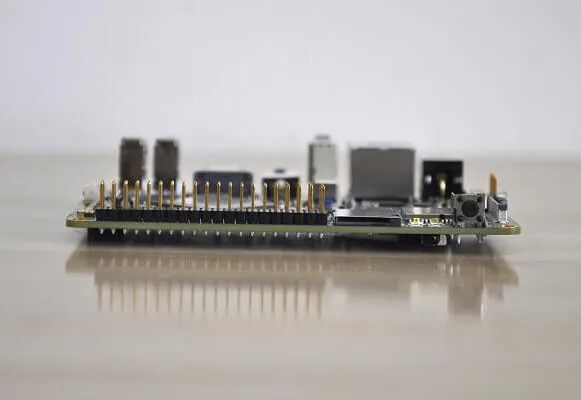
My personal impression of the board was excellent. In terms of quality and design, we are talking about a top-quality product. The board itself is very compact measuring 64×100 mm Compared to the Raspberry Pi 3 board which is slightly smaller, and measures 56x85mm.
Cooling
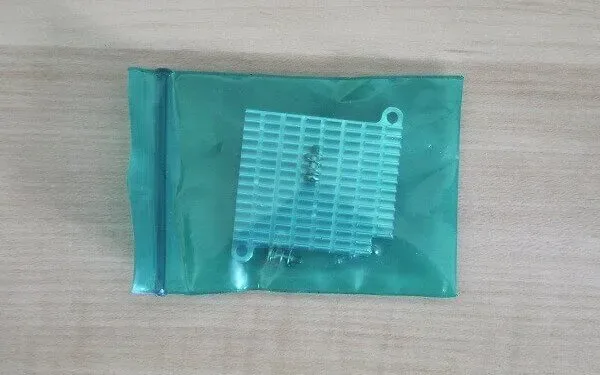
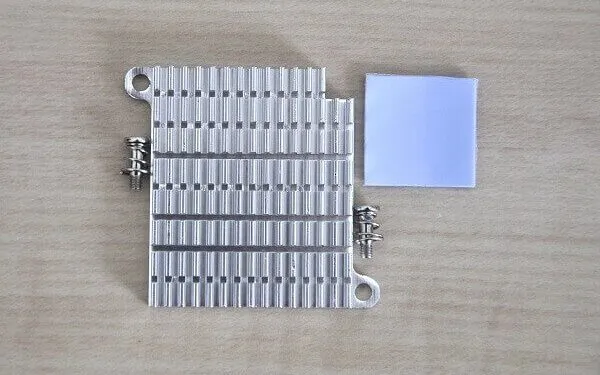
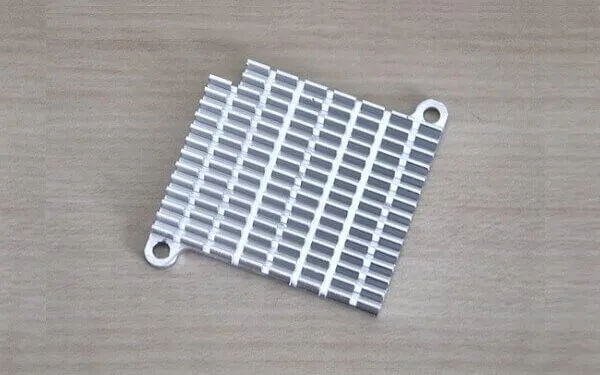
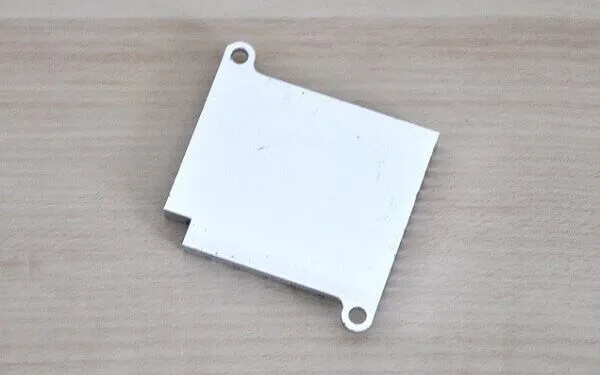
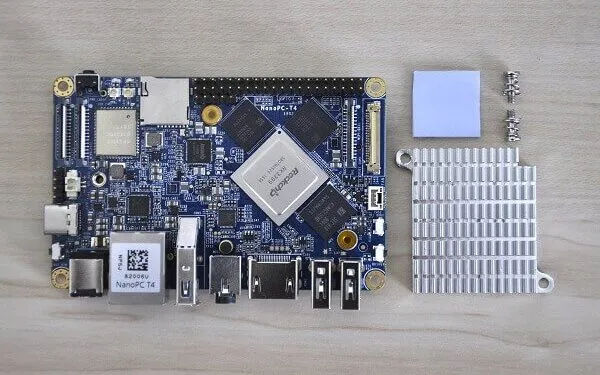
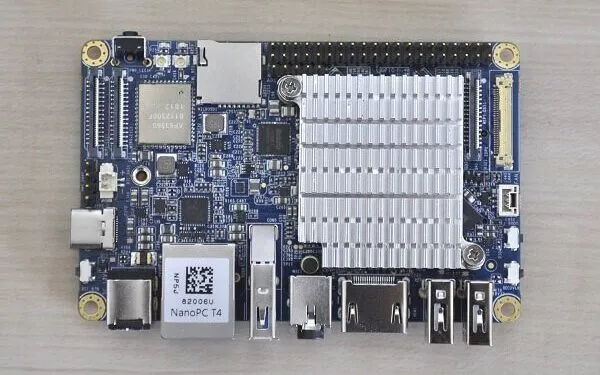
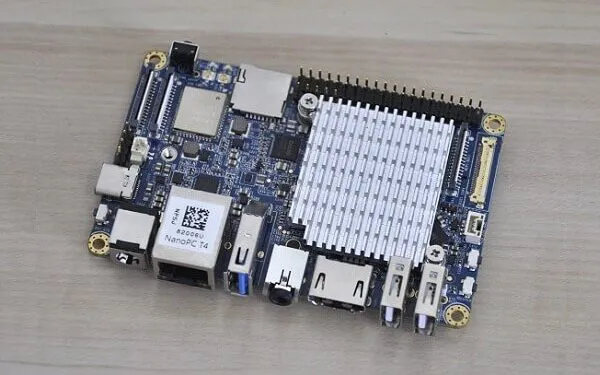
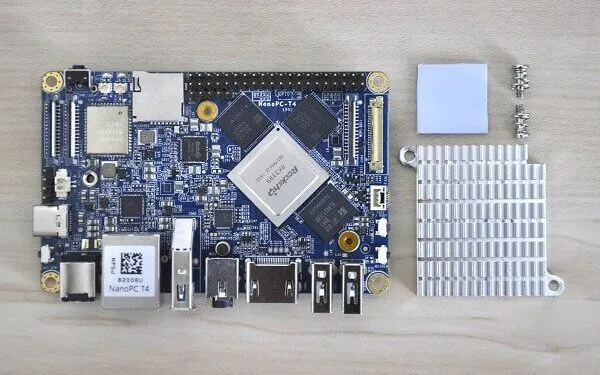
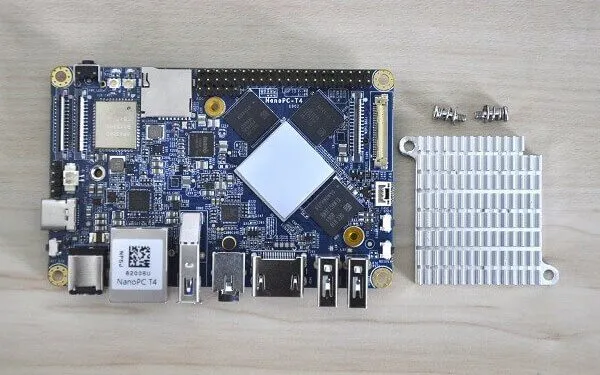
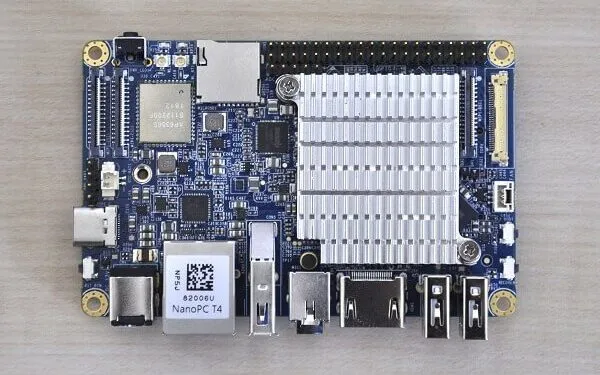
The NanoPC-T4 package includes a passive aluminum heat-sink unit (without a fan), a pair of screws, and a thermal silicon pad that is very simple to mount to the board’s specially designed threads. This type of arrangement provides a good clamping force against the RK3399 chip to achieve the best optimal heat conductivity. If you still need extra cooling, friendlyARM also provides a fan that can be connected to the upper plate of the acrylic case.
Mounting The Heat-sink
 NanoPC T4 Heatsink 1
Operation Temperature (Idle Mode)
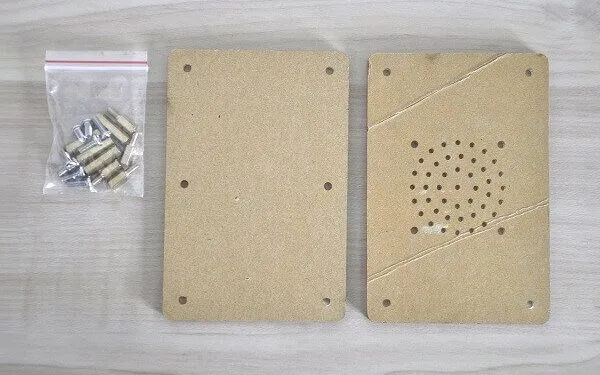
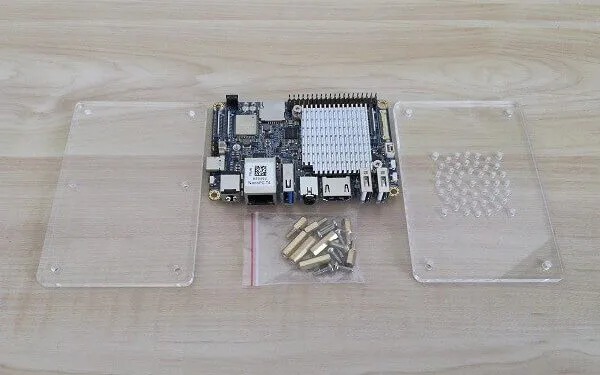
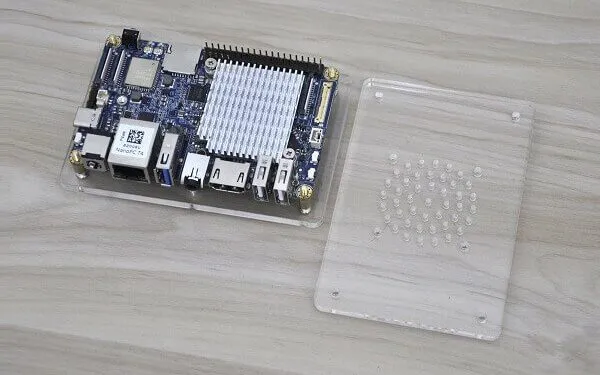
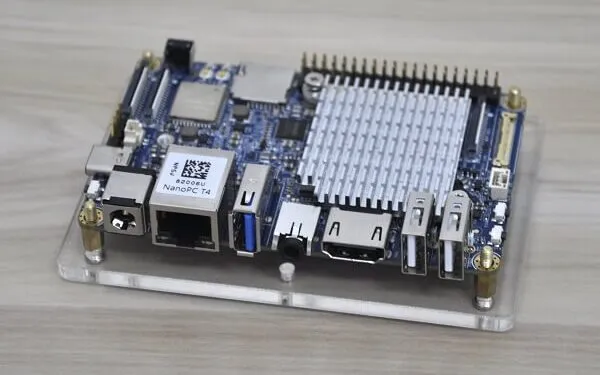
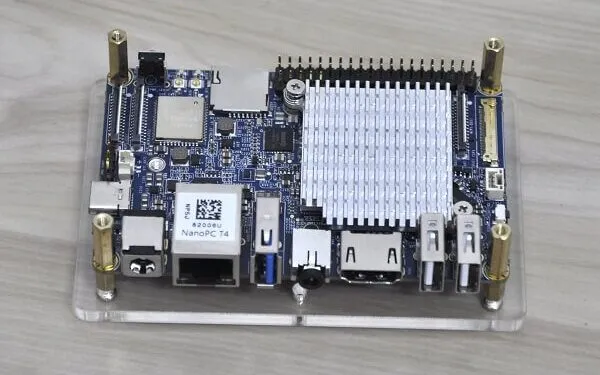
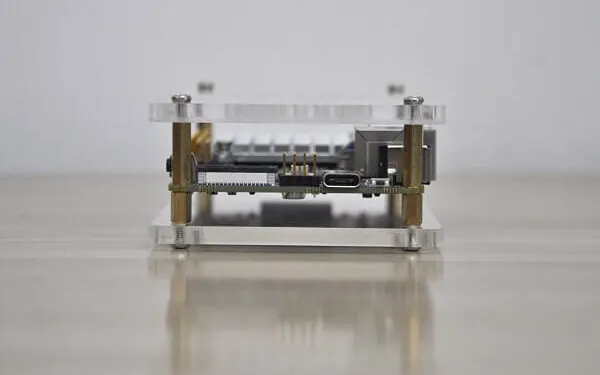
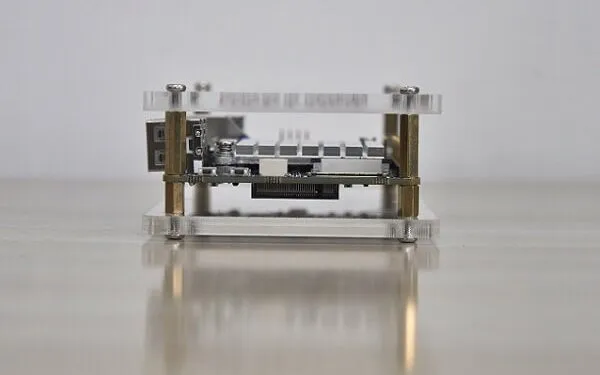
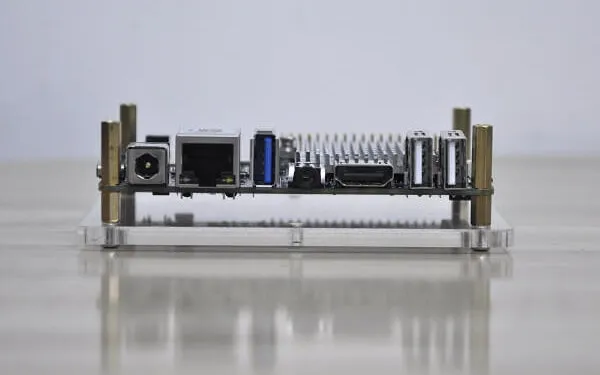
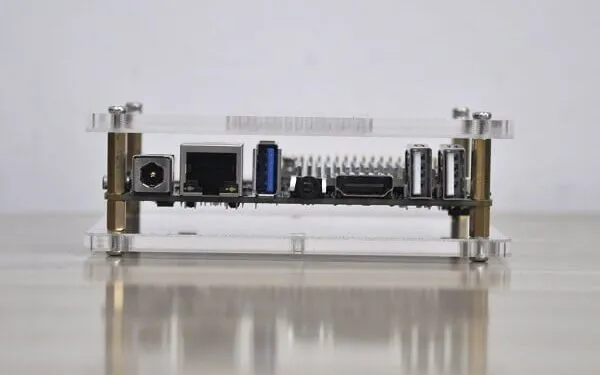
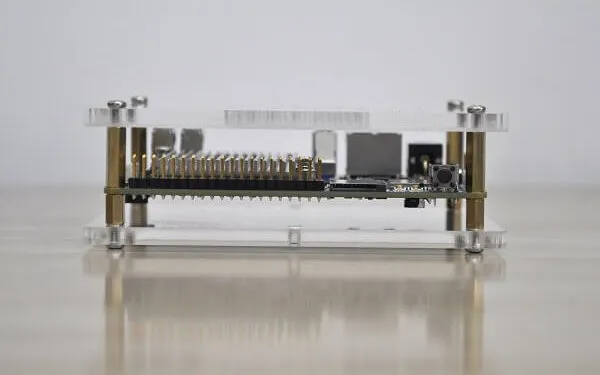
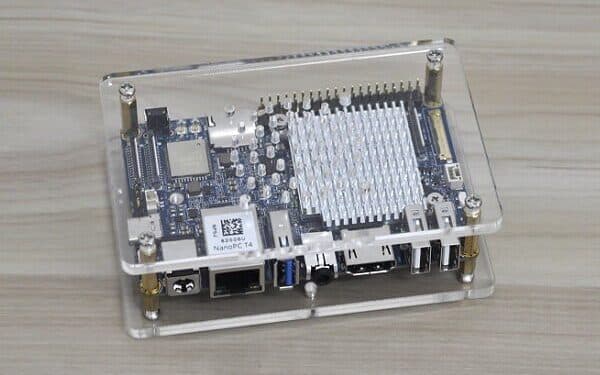
FriendlyARM included with the package a simple case, composed of two plats assembled with a series of screws and bolts that hold the PCB. Because this an open type of case and not a closed one, most of the interfaces can be easily accessed and the chips disputing the heat can cool down quickly. personally, I would prefer having a metal case similar to NanoPC-T3 Plus. If you are still keen on a closed case, you can always design and 3D print.
Based on my quick test, the CPU temperature in idle mode measured between 39-40C (As seen below):
# Temperature in Idle Mode:
pi@FriendlyELEC:~$ cat /sys/class/thermal/thermal_zone*/temp
40000
39375
Storage
Maybe one of the top highlights of this board is the M.2 PCIe socket located on the rear side of the T4 board. With this feature, users can connect an NVME SSD (Solid-State Drive) Card to extend local storage way beyond the 16GB eMMC limit. Depending on the capacity of the card ( 64GB/128GB/256GB) and brand name, you can find a suitable one for a price range starting at $20 and above. If you are asking what is the form factor for this interface. The dimensions of the SSD card are pretty standard and fixed measuring 22x80mm. For more questions about compatible SSD, you are welcome to email the FriendlyARM sales/tech team.
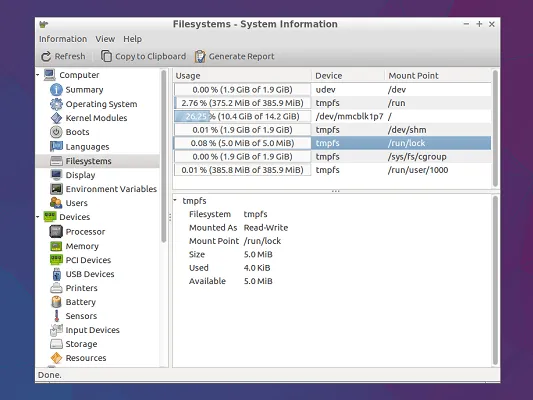
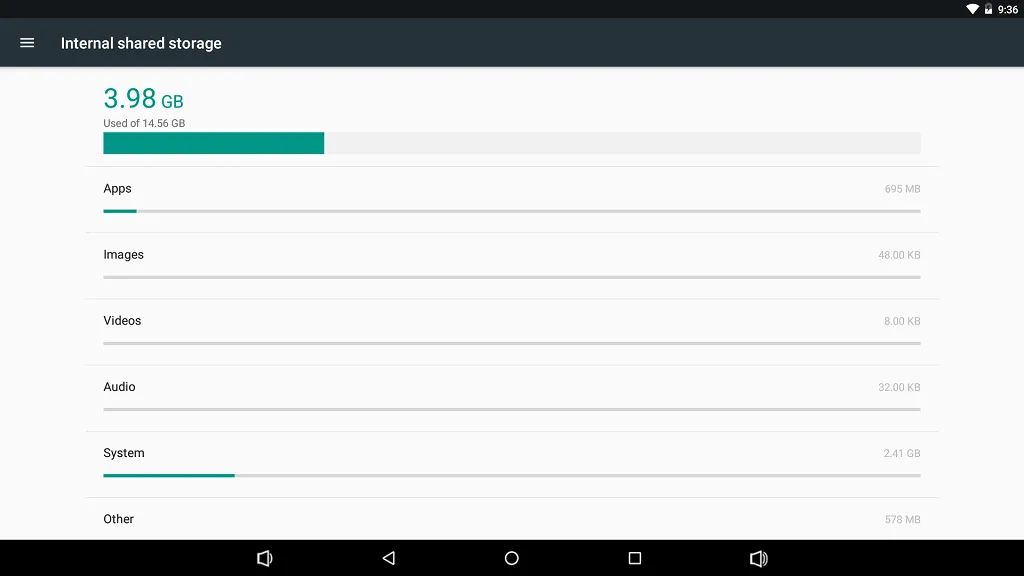
Based on my checks, after burning the Ubuntu image to the 16GB eMMC chip you will be left with ~11GB of free space (As shown below):
pi@FriendlyELEC:~$ df -h
Filesystem      Size  Used Avail Use% Mounted on
udev            1.9G     0  1.9G   0% /dev
tmpfs           386M  5.9M  381M   2% /run
/dev/mmcblk1p7   15G  3.7G   11G  27% /
tmpfs           1.9G  140K  1.9G   1% /dev/shm
tmpfs           5.0M  4.0K  5.0M   1% /run/lock
tmpfs           1.9G     0  1.9G   0% /sys/fs/cgroup
tmpfs           386M   36K  386M   1% /run/user/1000
Connectivity
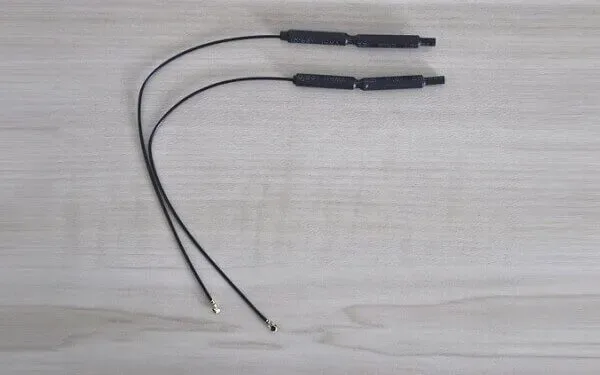
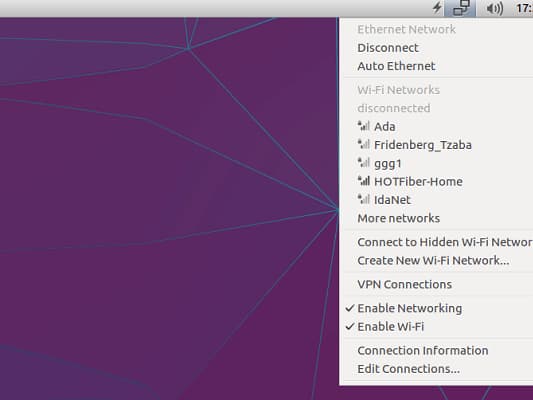
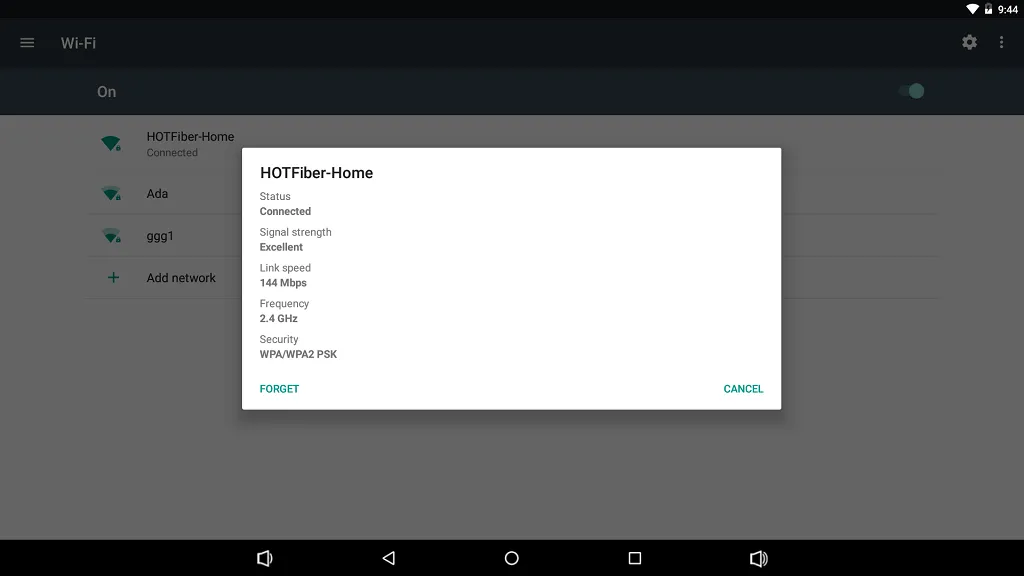
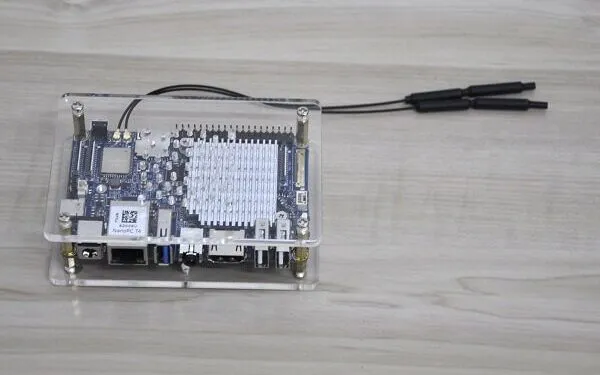
The NanoPC-T4 support a 2.4G & 5G dual-band WiFi network. FriendlyARM provided a simple wire-type antenna to connect with two IPX onboard sockets. Personally, I didn’t like this type of arrangement of the wires, that is thrown out of the case. Instead, It was nice having a pair of RP-SMA Antennas that can be mounted in holes on the upper cover of the case. That said, the performance of the Gigabyte Ethernet and the WiFi were excellent.
Software Support
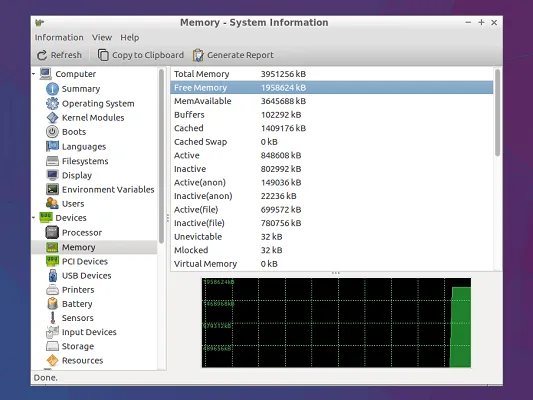
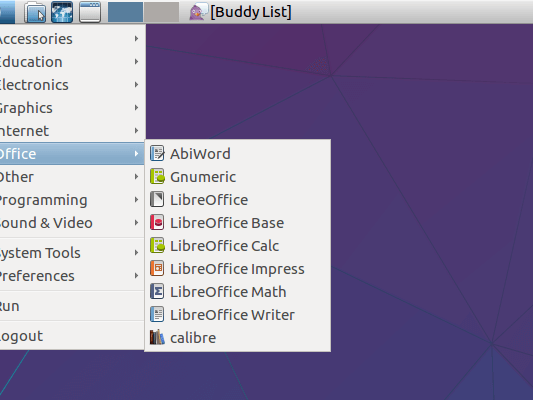
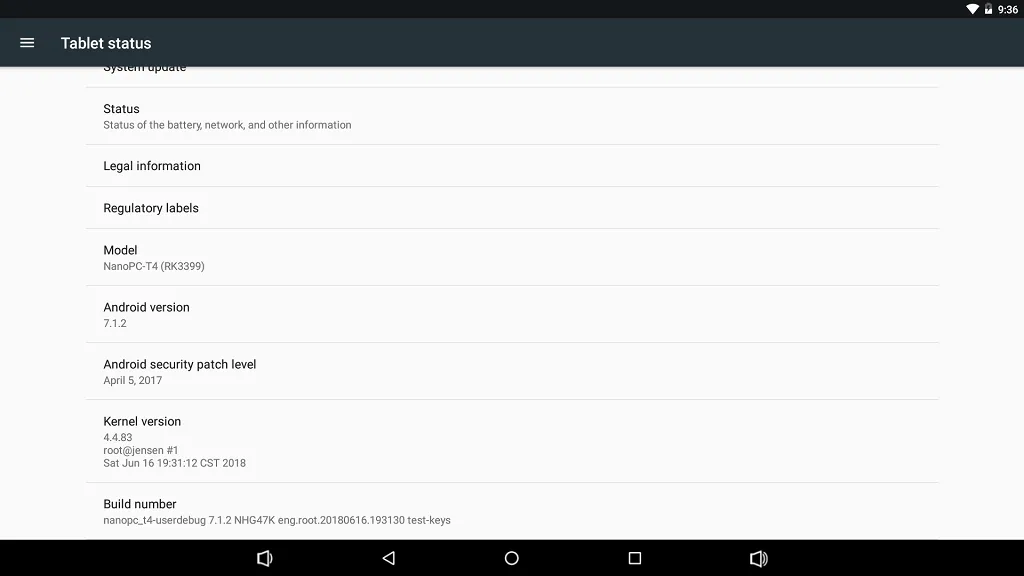
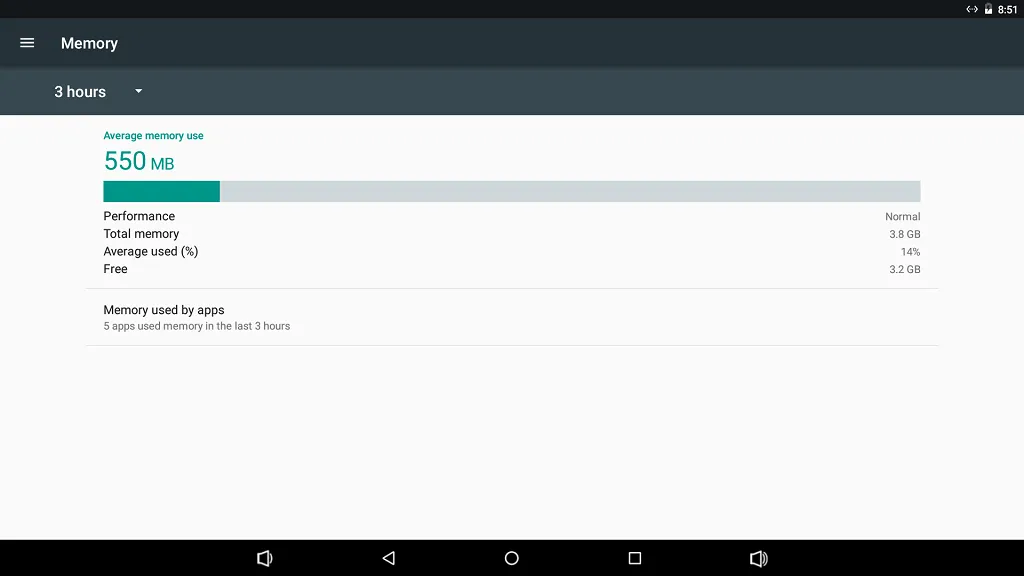
Jumping to the main highlights this board has to offer. The NanoPC-T4 comes with a massive 4GB of RAM which is more than enough to smoothly run multiple apps in the background under Android 7.1.2 and Ubuntu with zero glitches. Android and Linux, can be very limited for users that are interested in experiencing a wide variety of operating systems. That said, my experience running both images was nothing but good. Ubuntu came configured properly with all the WiFi and LAN settings. The operating systems booted from eMMC very fast, in a matter of a few seconds.
You don’t have to be a rocket genius to know how to burn the images. FriendlyARM created a user-friendly tool called eFlasher (eMMC-flasher) utility, that lets you burn the easily burn images into the 16GB eMMC Chip with a click of a button.
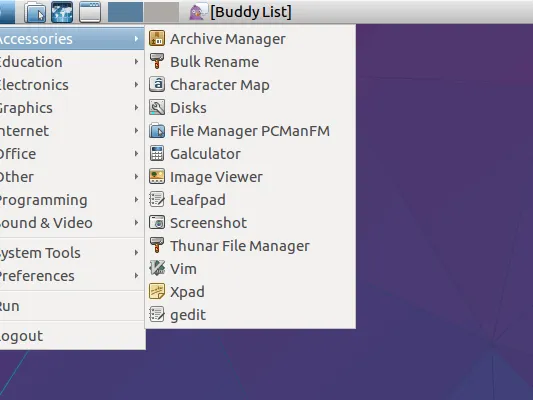
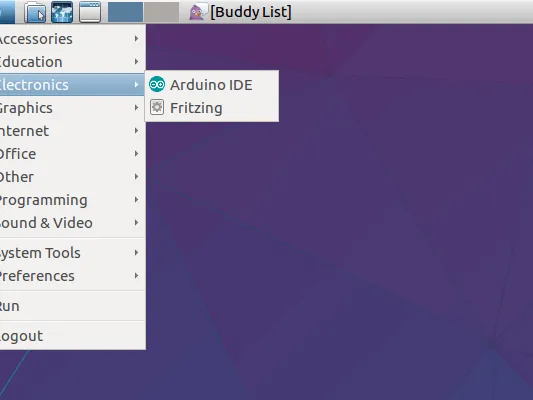
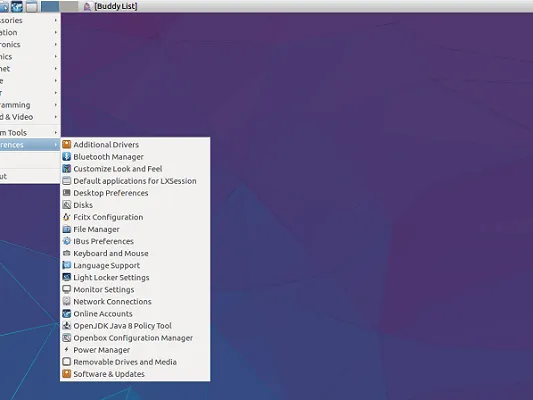
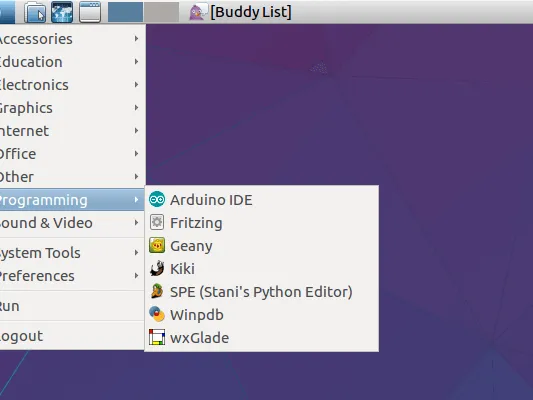
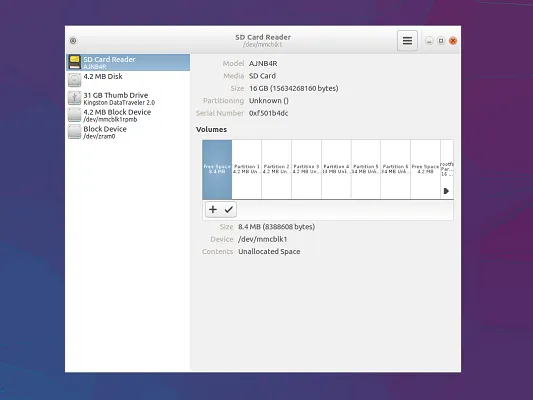
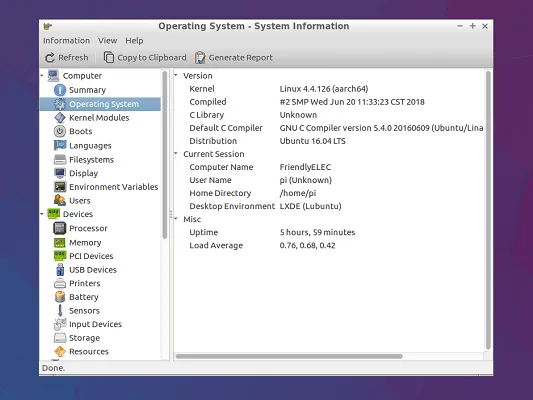
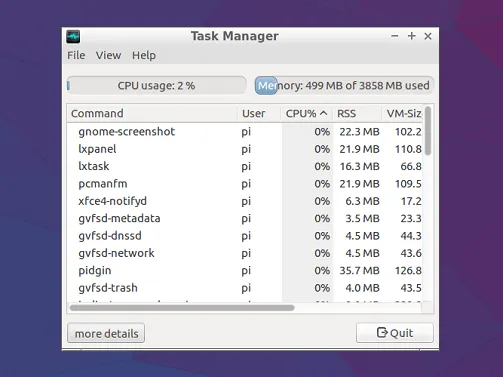
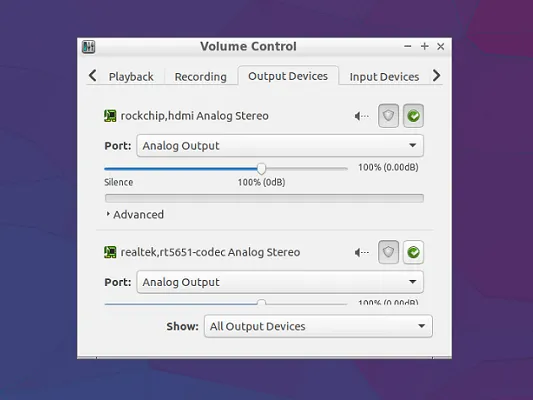
Lubuntu 16.04 LTS | Screenshots
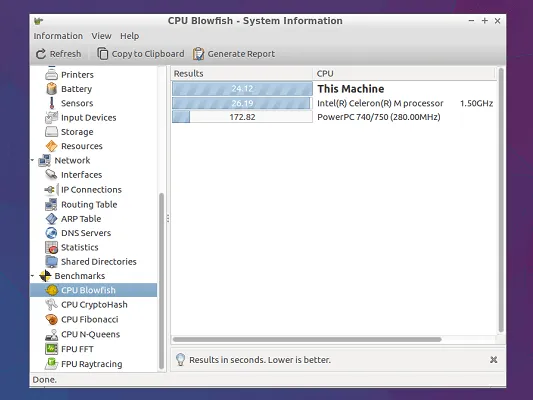 NanoPC T4 Lubuntu CPU
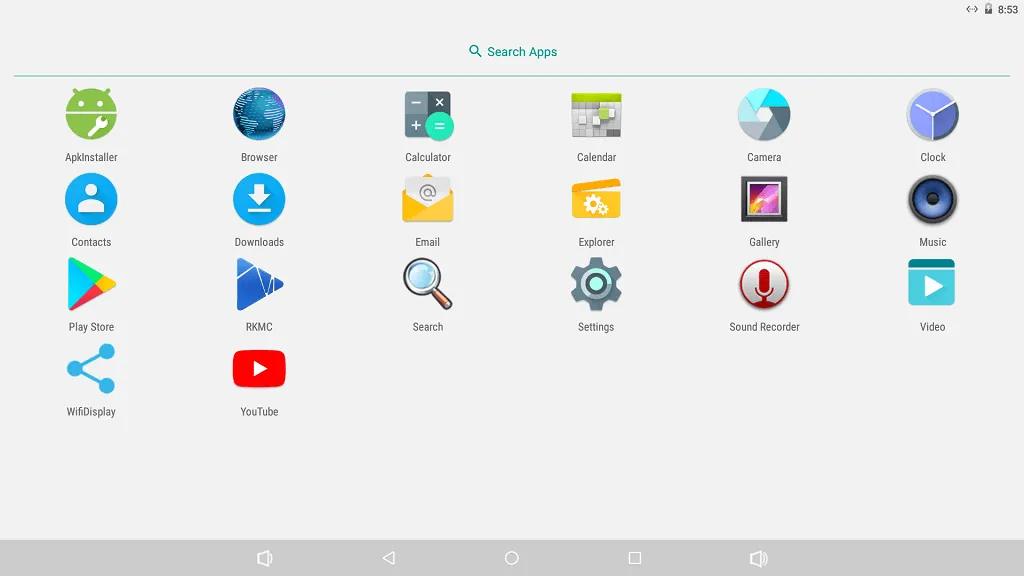
Android 7.1.2 | Screenshots
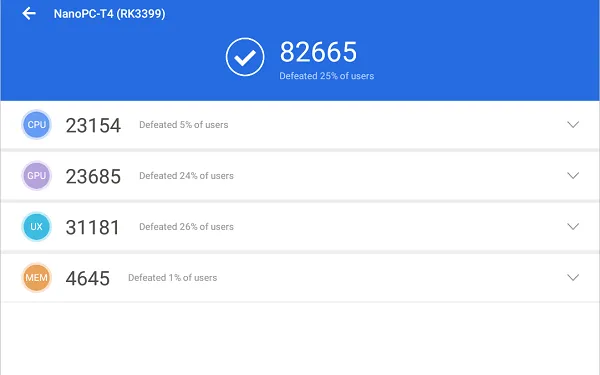
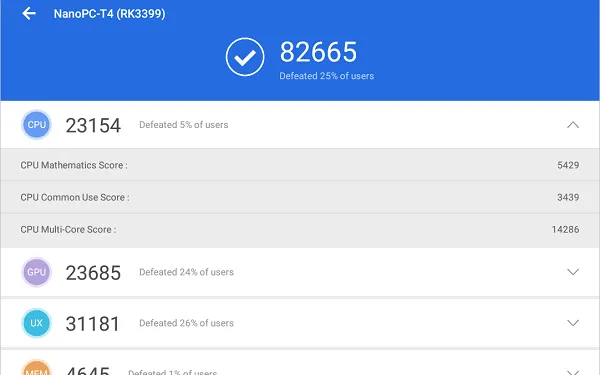
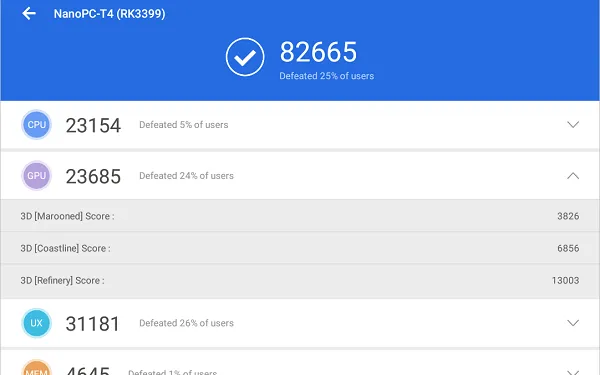
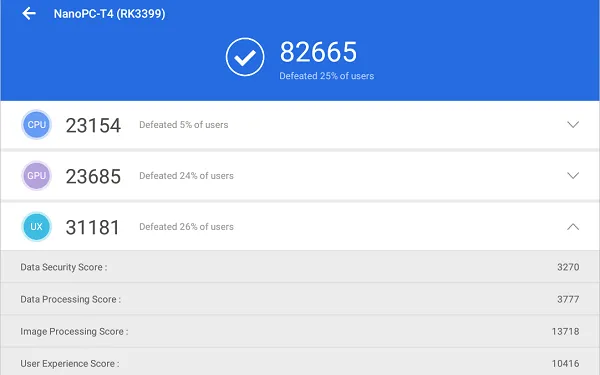
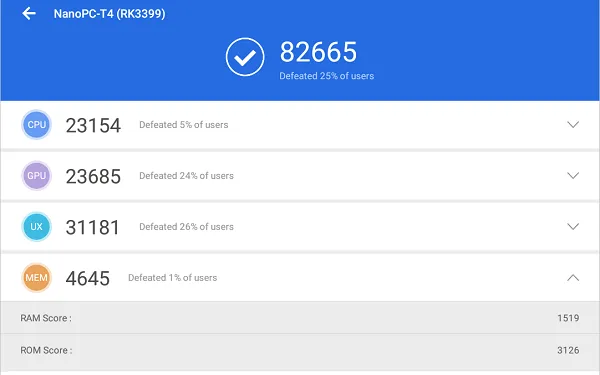
AnTuTu Benchmark
 NanoPC T4 AnTuTu P1
Assembling All Items Together
 NanoPC T4 Assemble P1
Final verdict
No doubt that the Nano PC T4 is an excellent SBC designed for power users looking for high-quality hardware suitable for high-demand applications. As a user, I was missing more extensive software support. For example, more Linux distributions and perhaps Kodi media play to work under Lubuntu OS. This review was very general, focusing on the board’s main features, without testing the wide selection of interfaces it has to offer. Having said that, If you are looking for a top-level board and willing to compromise on using only two types of an operating systems, then this board is a great choice.


