
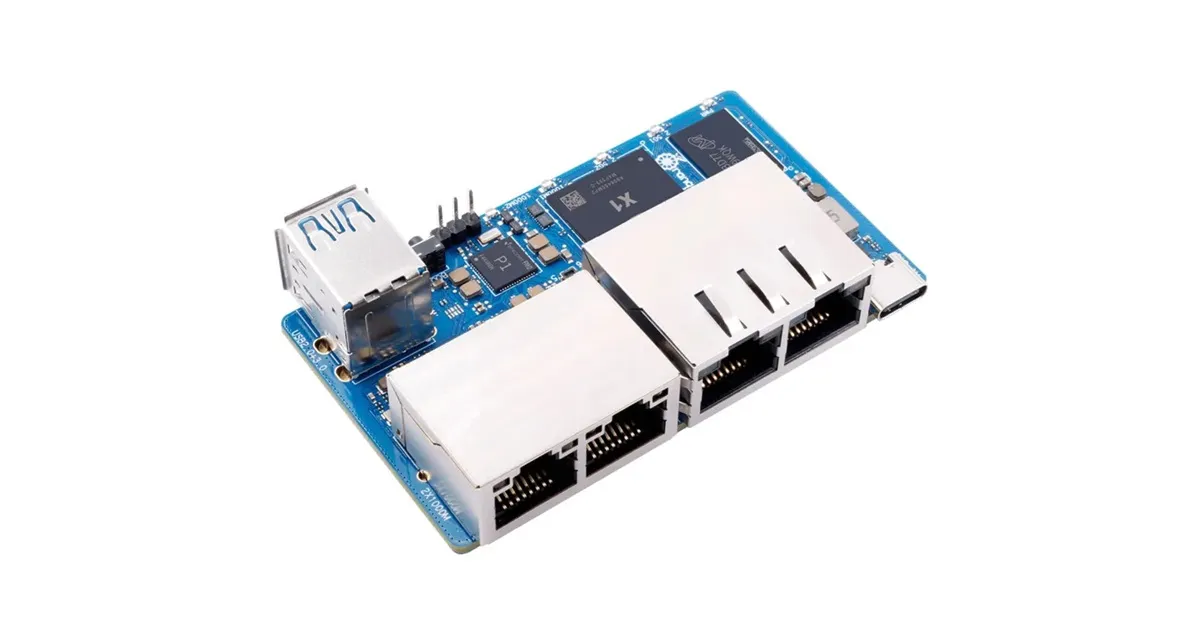
Extra Settings to improve performance
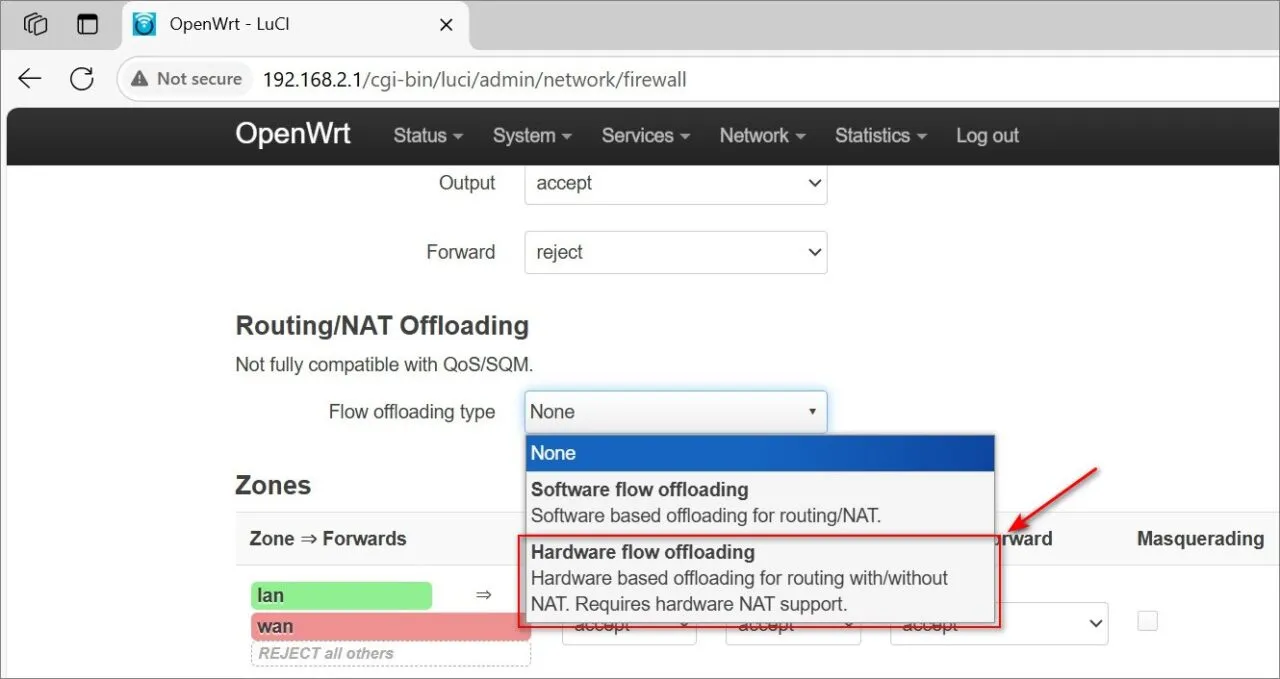
If you’re facing sluggish bandwidth speeds, it’s probable that offloading hasn’t been pre-activated (enabled) in your OpenWrt setup. To enable it, simply follow these steps:
- Go to LuCI (the web interface).
- Navigate to Network → Firewall → Router/NAT Offloading.
- Next, activate hardware flow offloading.
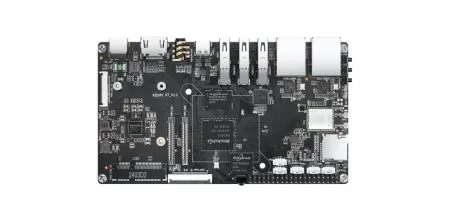
Where did you get the case? I’ve looked everywhere on AliExpress (well, not *everywhere*) but have not been able to find any suitable case or even a drawing for a 3d printer.
It’s not a perfect fit. You will find it on AliExpress. just search for “acrylic case orange pi 4a”.
Thanks for the tip but I can’t find the case under that name, also the pi4a has a whole other ports layout. Would you have a direct link?
The Orange Pi R2S Case is currently in production. If you were referring to the case for the RV Board, I’ve updated the article to include a direct purchase link from AliExpress.
I’m still looking for that case and can’t find it in your article? Can you just give me a link? Thanks
I’ll check with the company and get back to you with an answer in a few days, as it’s currently Chinese National Day.