
Close Menu
  • Home
  • About
  • Wearables
  • Earbuds
  • Computer Accessories
    • Routers
    • Remotes
  • Embedded
    • Single Board Computers
    • Addon Boards
    • Raspberry Pi
  • Wireless Routers
  • Contact
Facebook X (Twitter) Instagram Threads
Trending
  • Banana Pi BPI-R4 Pro Review: The Best WiFi 7 OpenWrt Router? We Checked!
  • CamThink NeoEyes NE301: An Ultra-Low Power Edge AI Camera with STM32N6 MCU (Review)
  • AliExpress New Promotions: Country-specific Promo Codes
  • Kickpi K7C RK3576 Edge AI SBC Launches with 6 TOPS AI Power & Dual Gigabit Ethernet
  • Raspberry Pi 5 vs Orange Pi 6: Which SBC is Best in 2026?
  • Ugoos SK4 Review (2025): The Best Mid-Range Android TV Box for Value & Features
  • Orange Pi 6 Unveiled: The Affordable, Slimmed-Down SBC Alternative to the 6 Plus
  • Orange Pi 6 Plus Review: A 12-Core SBC Powerhouse (Benchmarks, Specs, and Pricing)
AndroidPIMP
Facebook X (Twitter) Instagram
  • Home
  • About
  • Wearables
  • Earbuds
  • Computer Accessories
    • Routers
    • Remotes
  • Embedded
    • Single Board Computers
    • Addon Boards
    • Raspberry Pi
  • Wireless Routers
  • Contact
AndroidPIMP
Wireless Earbuds Earphones

Xiaomi Buds 4 Pro Review: Are These Wireless Earbuds Worth the Hype?

By androidpimpMarch 17, 2023Updated:September 16, 2023No Comments11 Mins Read
Facebook Twitter Pinterest LinkedIn Tumblr Email
Follow Us
Google News Flipboard
Xiaomi Buds 4 Pro
Table of contents
  1. Xiaomi Buds 4 Pro
  2. Specification
  3. Main Highlights
  4. Xiaomi Buds 4 vs Xiaomi Redmi Buds 4 Pro
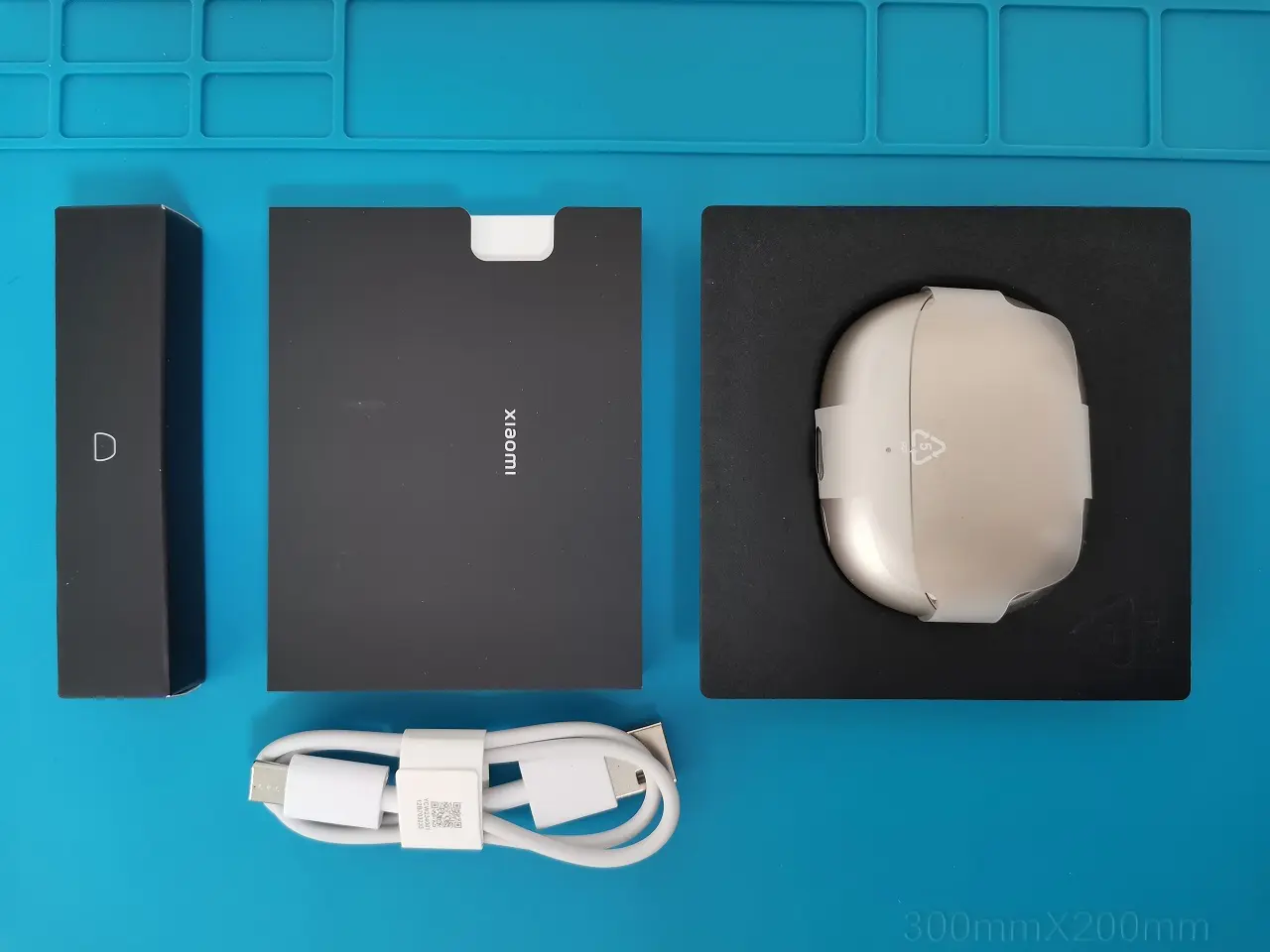
  5. The Package
  6. Unboxing
  7. Design
  8. A Closer Look at the Case Design
  9. Ergonomic design
  10. Earbud(s) design
  11. Is the sound quality good?
  12. Xiaomi Earbuds
    1. Mobile App Experience
  13. ANC (Effective noise canceling)
    1. Immersive sound
    2. Track head movement
  14. Battery Life
  15. Charging
  16. Wireless Charging
    1. How did we test?
  17. Final words
  18. Product Review summary
  19. Xiaomi Buds 4 Pro: Price and Availability
  • Xiaomi Buds 4 Pro Review: Design, specifications, and pricing details.
  • Maybe you missed it? Xiaomi Buds 3 Review

Xiaomi Buds 4 Pro

Xiaomi, the popular Chinese electronics manufacturer, has recently launched its new wireless earbuds – the Xiaomi Buds 4 Pro. These earbuds are an upgrade to the previous model – the Xiaomi Buds 3 Pro and come packed with new features and improved sound quality.

Xiaomi Buds 4 Pro

Specification

Brand

Xiaomi

Product model


M2126E1

Main color variants

Space Black

Star Gold

Dual dynamic drivers
(Diaphragm design)

• 10mm aluminium alloy dynamic driver

• 6mm titanium dynamic driver for treble sounds

3-microphone noise cancellation for calls

Yes

Dual device smart connectivity 

Switch effortlessly between your smartphone and computer

Frequency Response Range

20Hz-40kHz

Shell Material

Plastic

Audio Codec

LDAC, SBC, AAC

Dimensional sound

Yes

ANC depth

48dB

ANC Levels

6

Transparent modes

3

Wireless charging

Yes

Support voice assistant

Yes

Range

up to 10m

Bluetooth

V5.3

Operating distance

10m

Battery capacity

Earbud:53mAh

Charging case:565mAh

Battery Type

Rechargeable Li-Ion Battery

Battery life

Battery life (single charge): 9h
Battery life (with case) 38h

Package Content

x1 Xiaomi Buds 4 Pro Earbuds
x1 User Guide (with warranty information)
x1 Charging Case

x3 Ear tips (3 pairs)

Wireless charging

Yes, Supported

Single Ear

Single Ear Weight:5g(±0.2g)
Single Ear Size:30.74mm*21.23mm*23.67mm

Charging Case

Charging Case Weight:39.5g(±1g)
Charging Case Size:46.58mm*59.28mm*26.79mmCharging Case Input:5V–2.3A
Charging Case Output:5V–560mA

Charging Interface

Type-C

Headphone input

5V–280mA

Operating temperature

?

Weight

49.5g (with charging case)


Main Highlights

  1. The device features Bluetooth 5.3 technology.
  2. Active Noise Cancellation (ANC) Up to 48dB to reduce background noise.
  3. The device includes a Built-in 3mic+ bone voiceprint noise reduction system for clear calls.
  4. It has an IP54 rating for dust and waterproof protection.
  5. The device uses an 11mm large-amplitude moving coil unit for enhanced audio quality.
  6. The device has a long battery life of up to 38 hours with its charging case.
  7. It supports high-quality audio with 96kHz resolution and audio codecs such as SBC, AAC, and LHDC 4.0.

Xiaomi Buds 4 vs Xiaomi Redmi Buds 4 Pro

Product Photo

Model

Xaiomi Buds 4 Pro

Redmi Buds 4 Pro

Hardware

Qualcom 

Qualcom 

Speaker impedance
(Lower value is better)

16Ω

24Ω

Bluetooth protocols

Bluetooth®Low Energy / HFP / A2DP / AVRCP

Bluetooth® 5.3

Dual-device connectivity

Operating distance (10m)

[In an open space environment)

Active noise cancellation

48dB

43dB

 ANC levels

6

3

AI adaptive ANC

Immersive sound system

3-microphone array (noise cancellation for calls)

Dual dynamic drivers

Type-C Charging port

Wireless Charging

Battery life

(with the Charging case)

Up to 38 hours ultra-long

Up to 386 hours ultra-long

Up to 9 hours of listening on a single charge.

Shell Material 

Plastic

Weight per bud

50g

54g


The Package

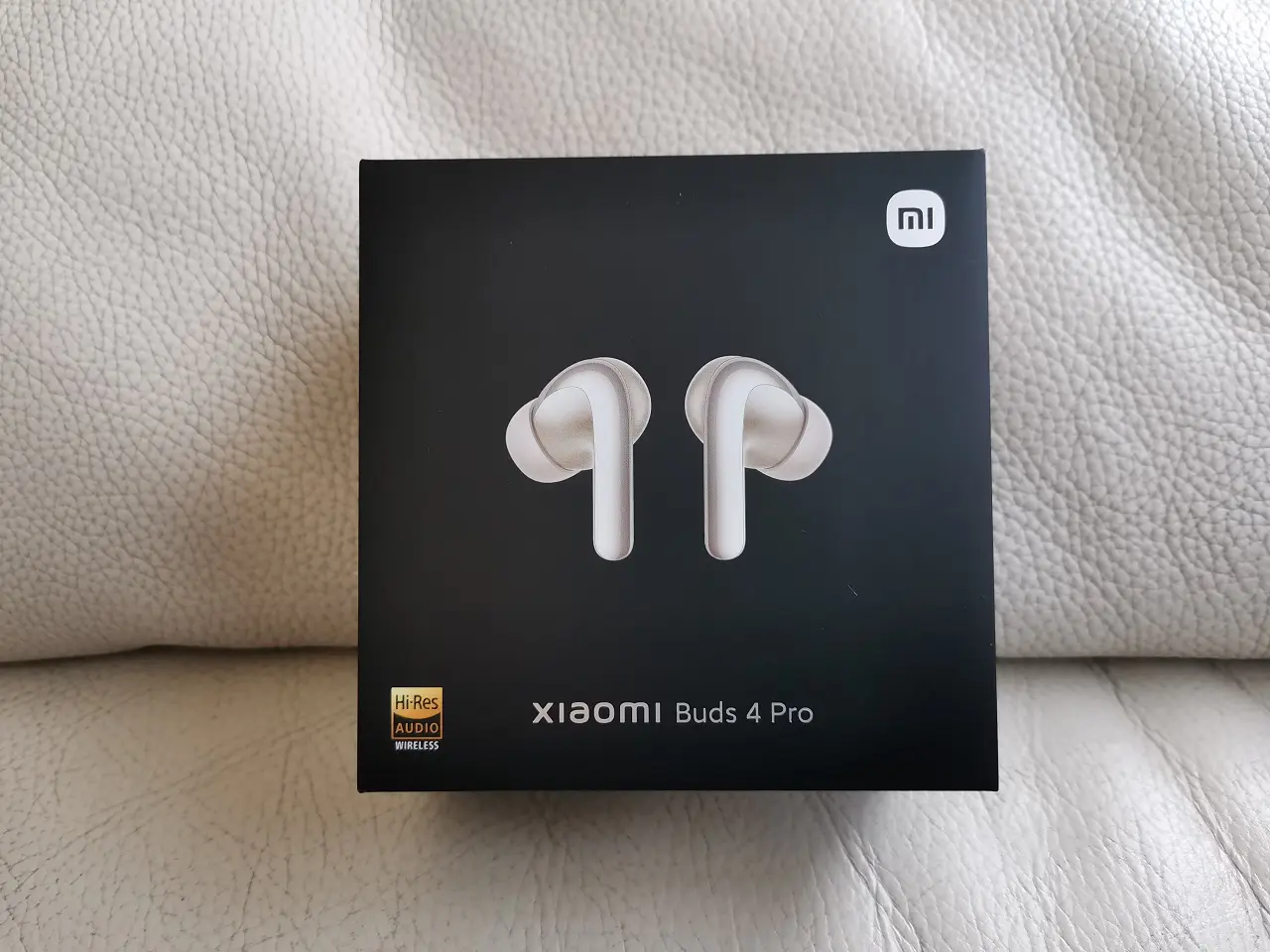
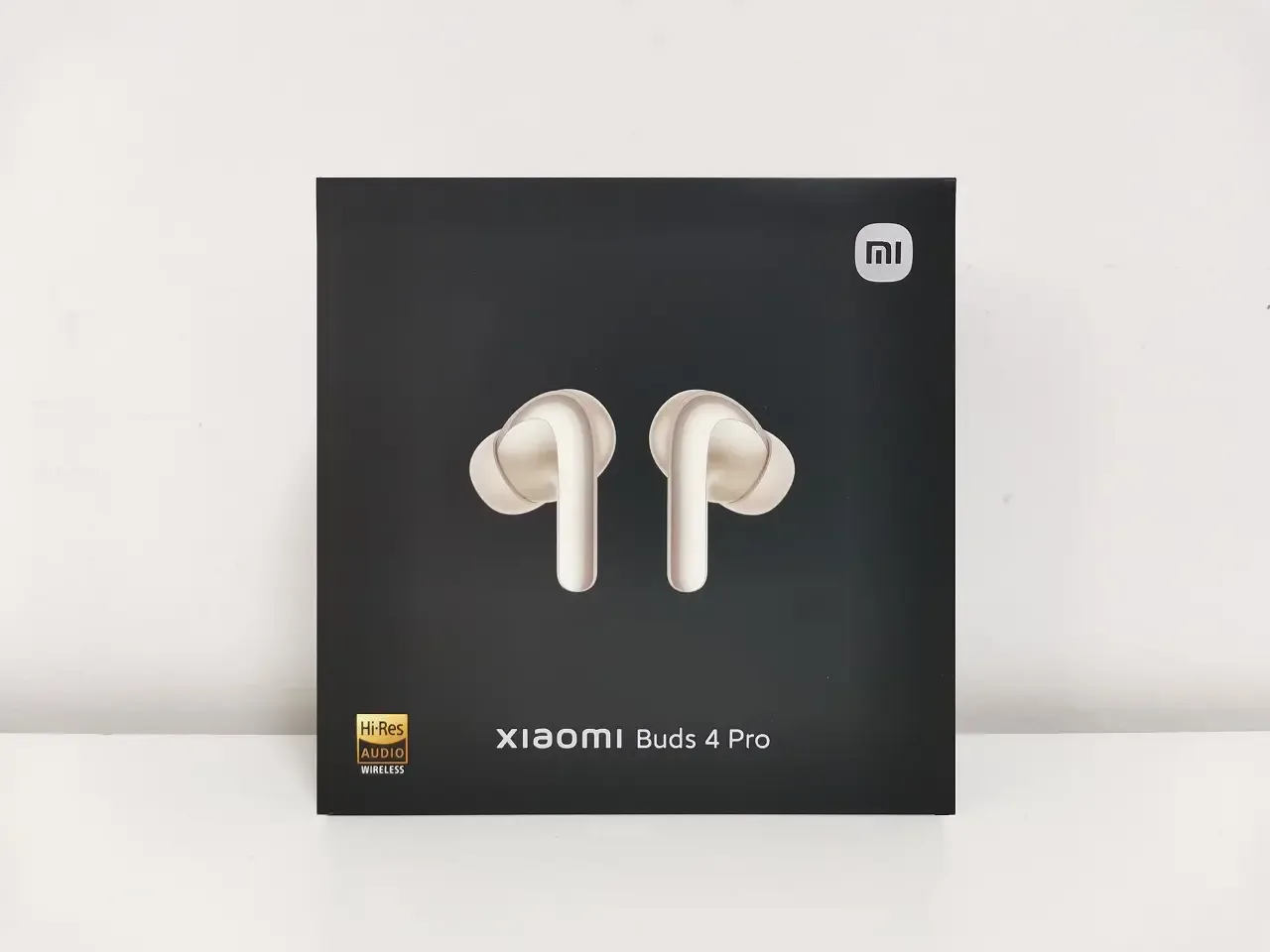
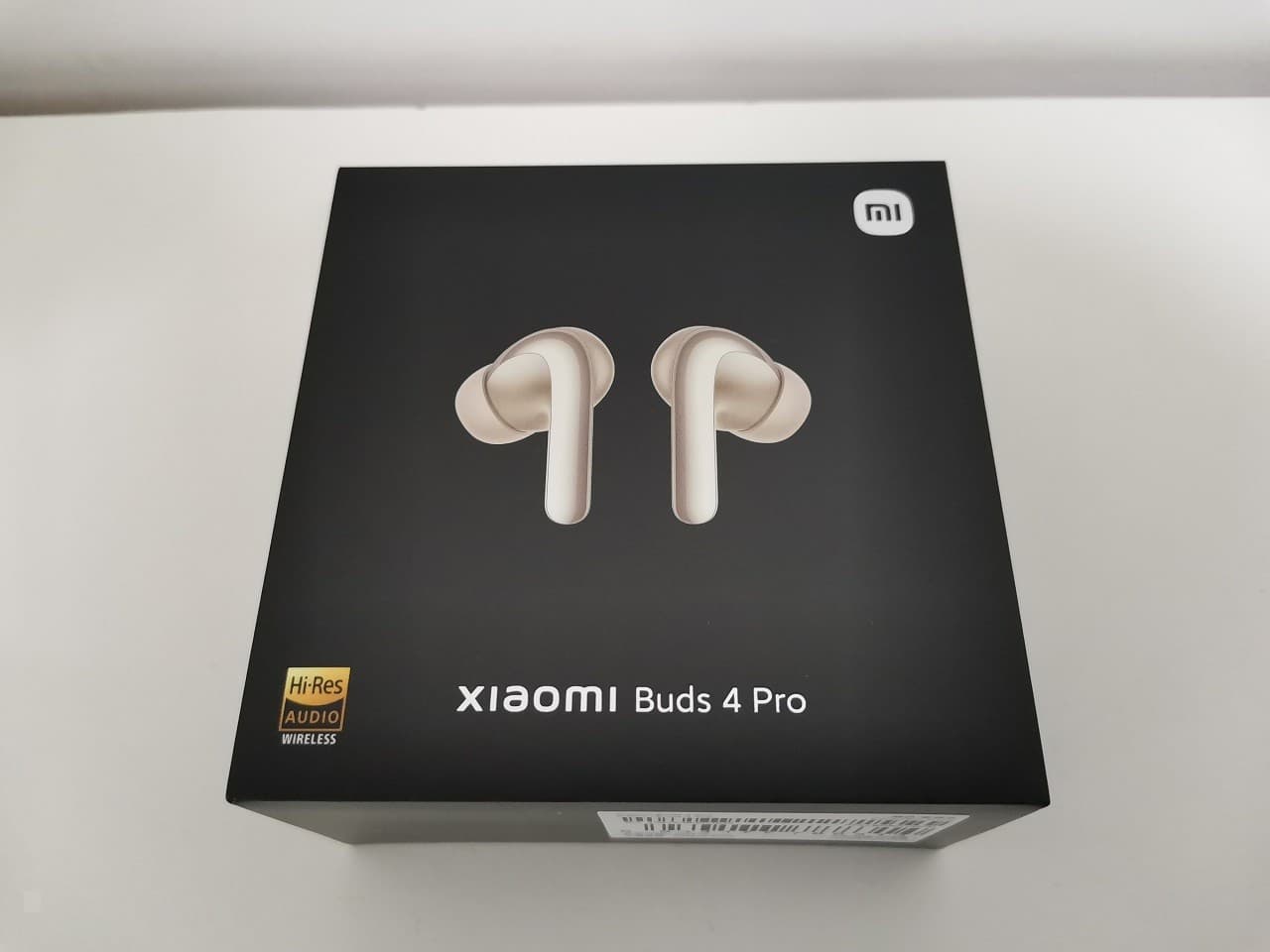
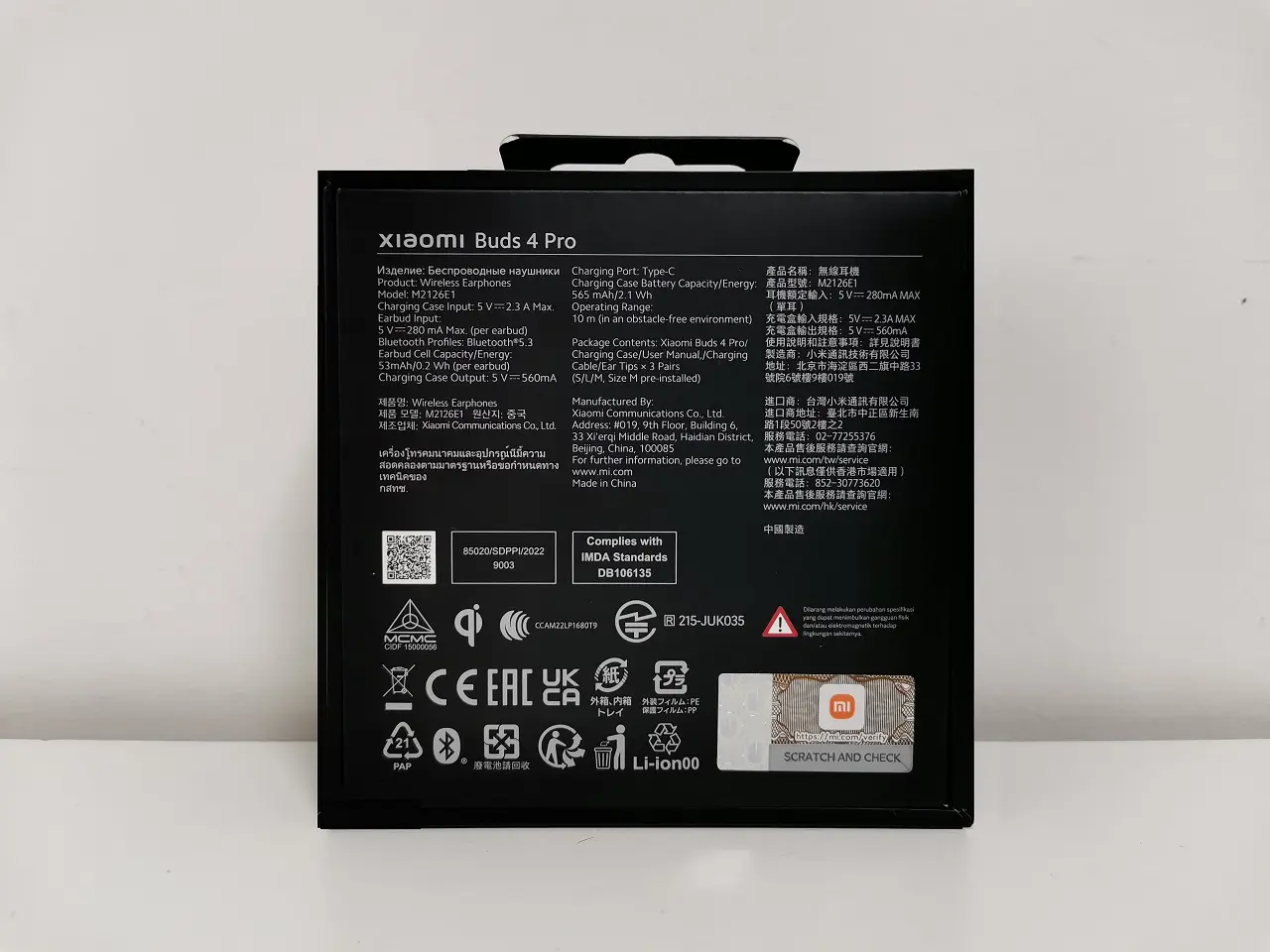
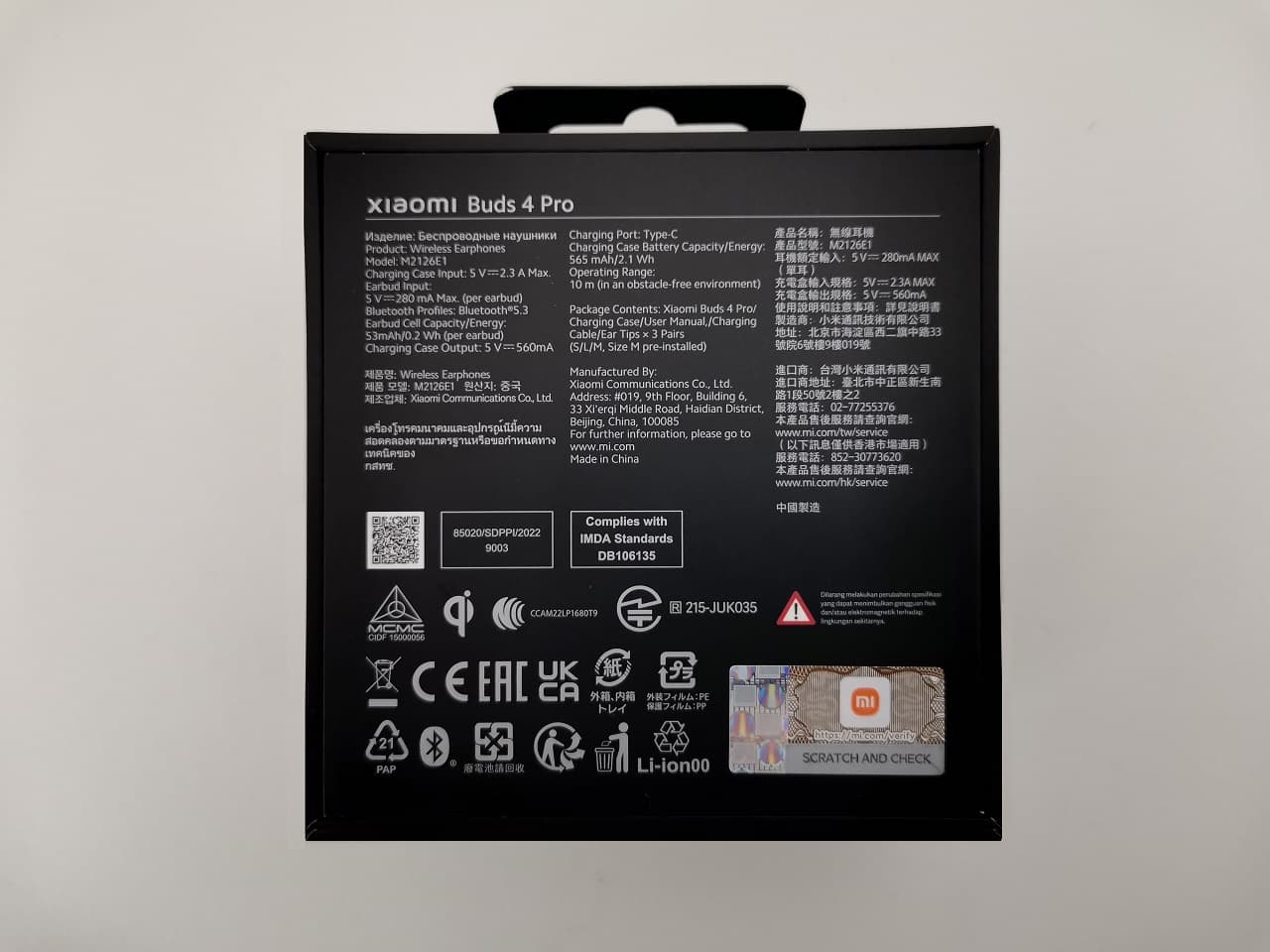
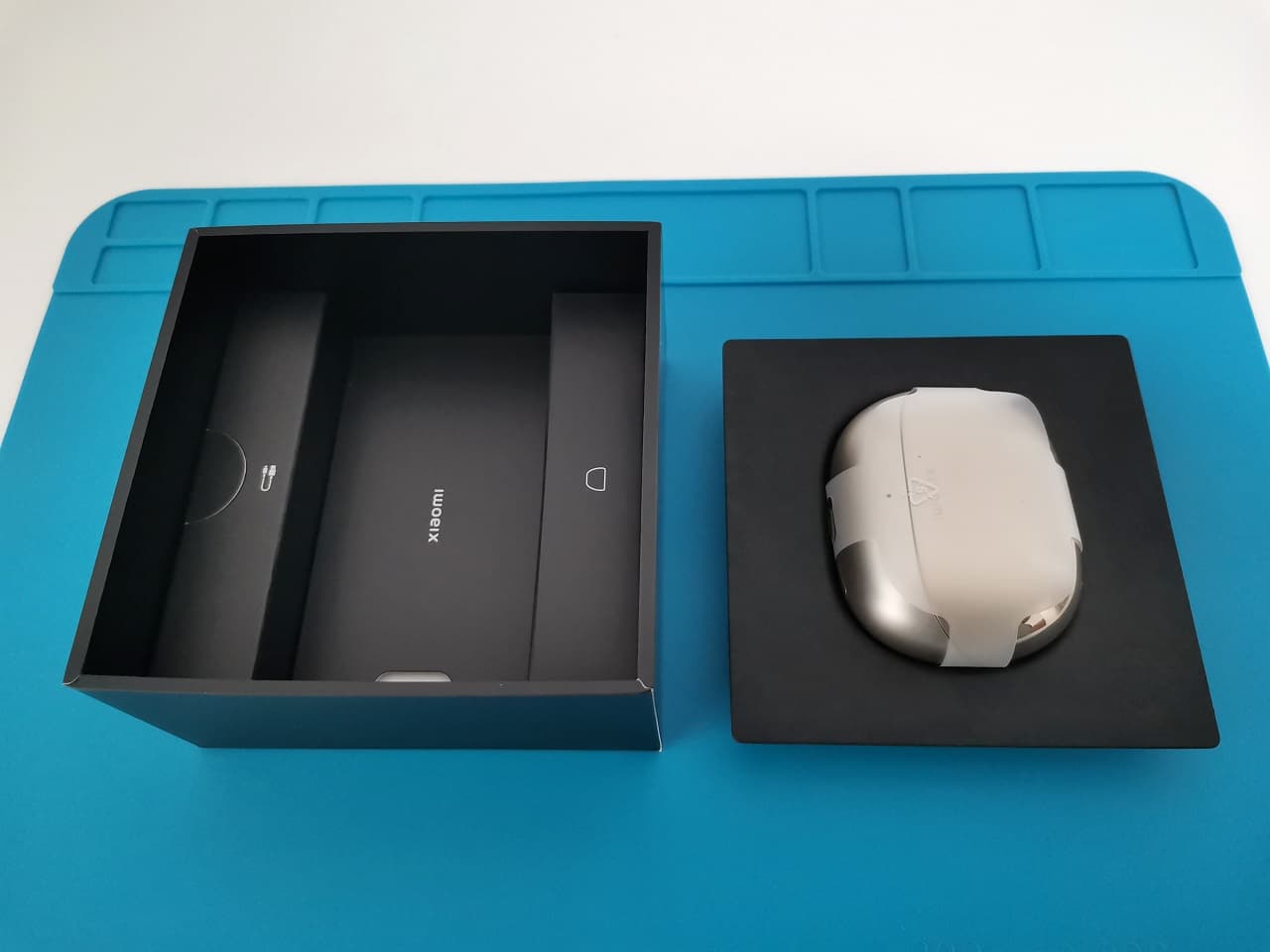
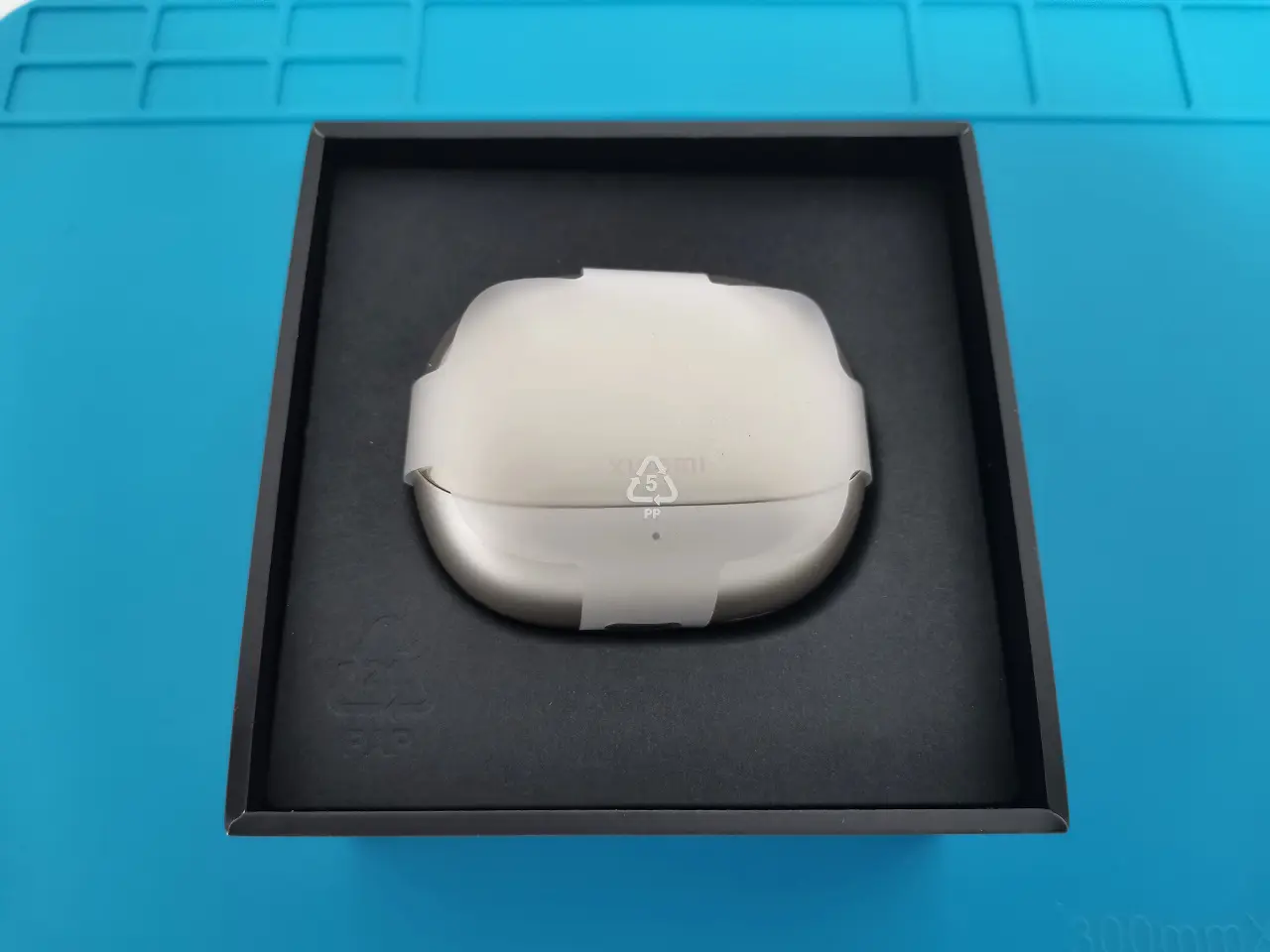
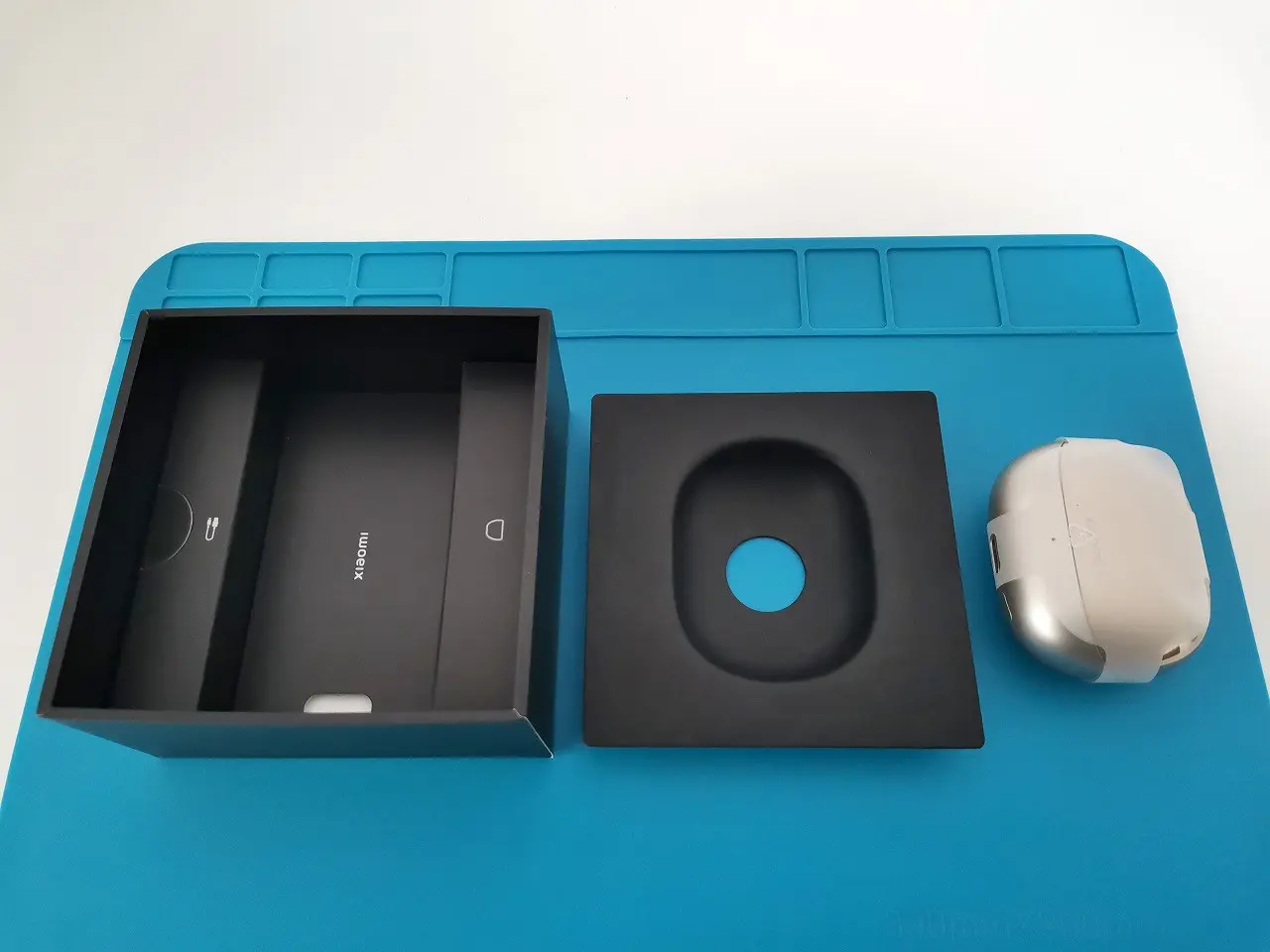
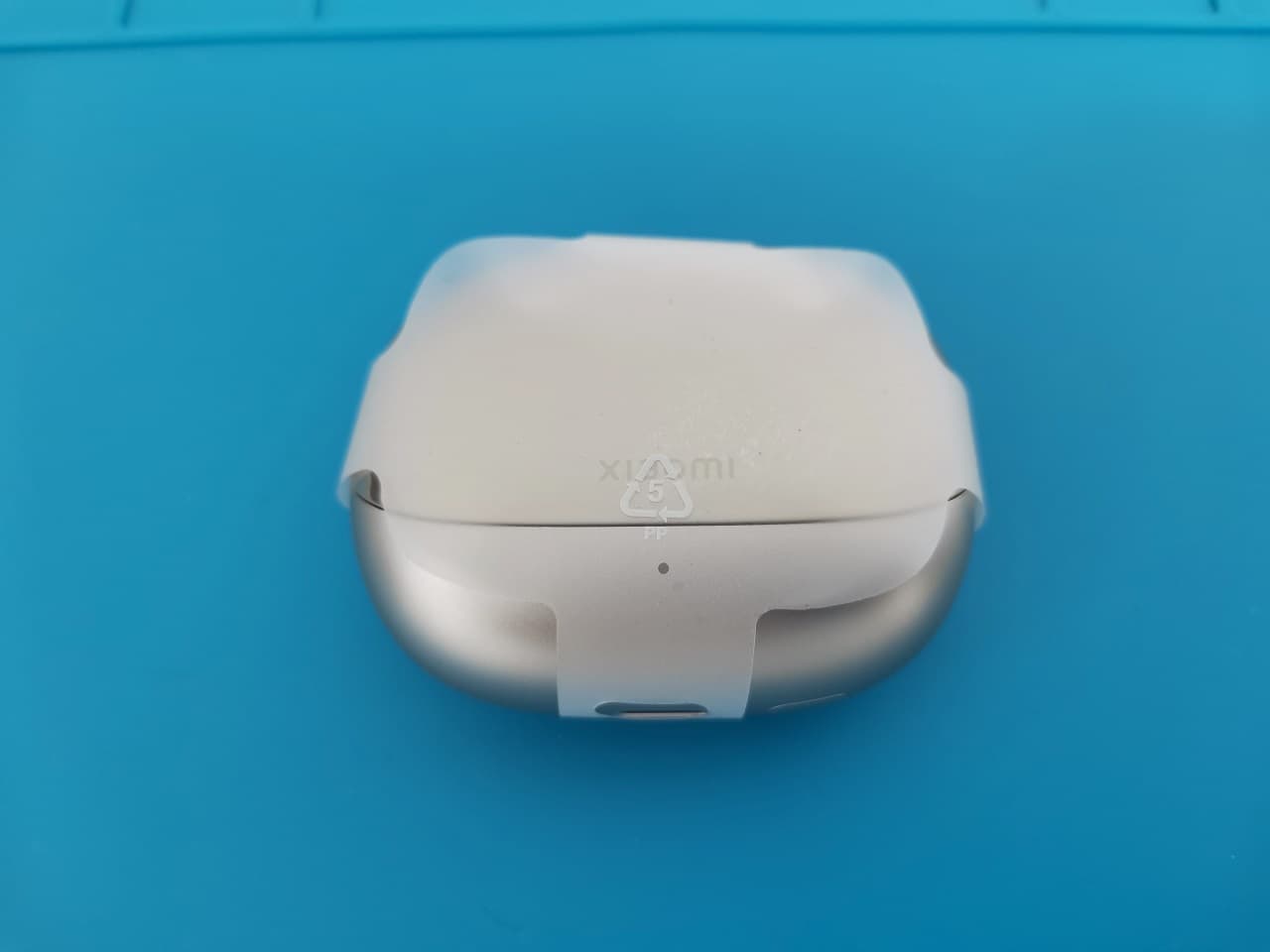
Xiaomi Buds 4 Pro Unbox 1
Xiaomi Buds 4 Pro Unbox 2
Xiaomi Buds 4 Pro Unbox 3
Xiaomi Buds 4 Pro Unbox 4
Xiaomi Buds 4 Pro Unbox 5

Unboxing

Package Content

  • x2 Xiaomi Buds 4 Pro Buds.
  • x1 Charging Case.
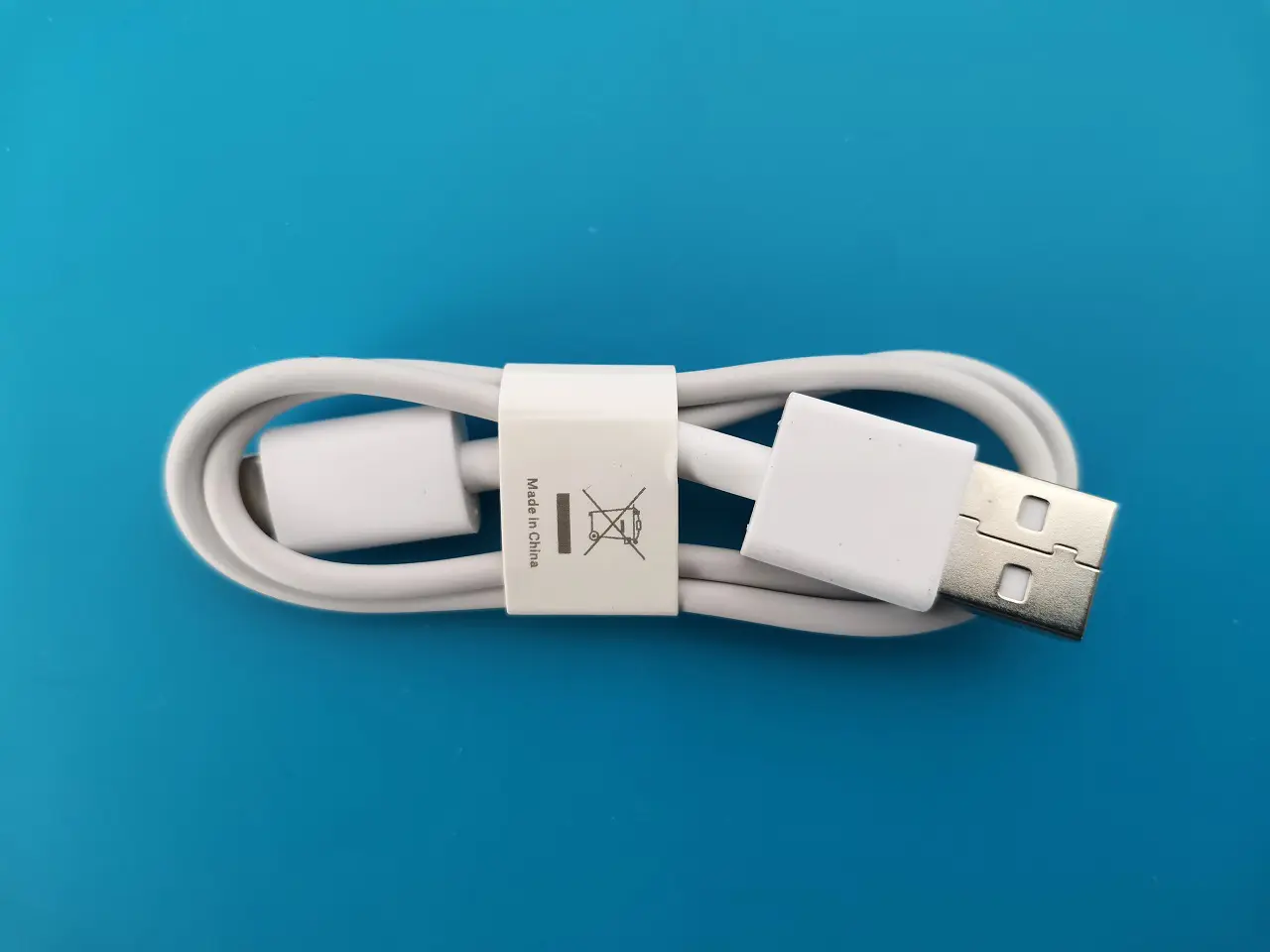
  • x1 USB-Type C Charging Cable.
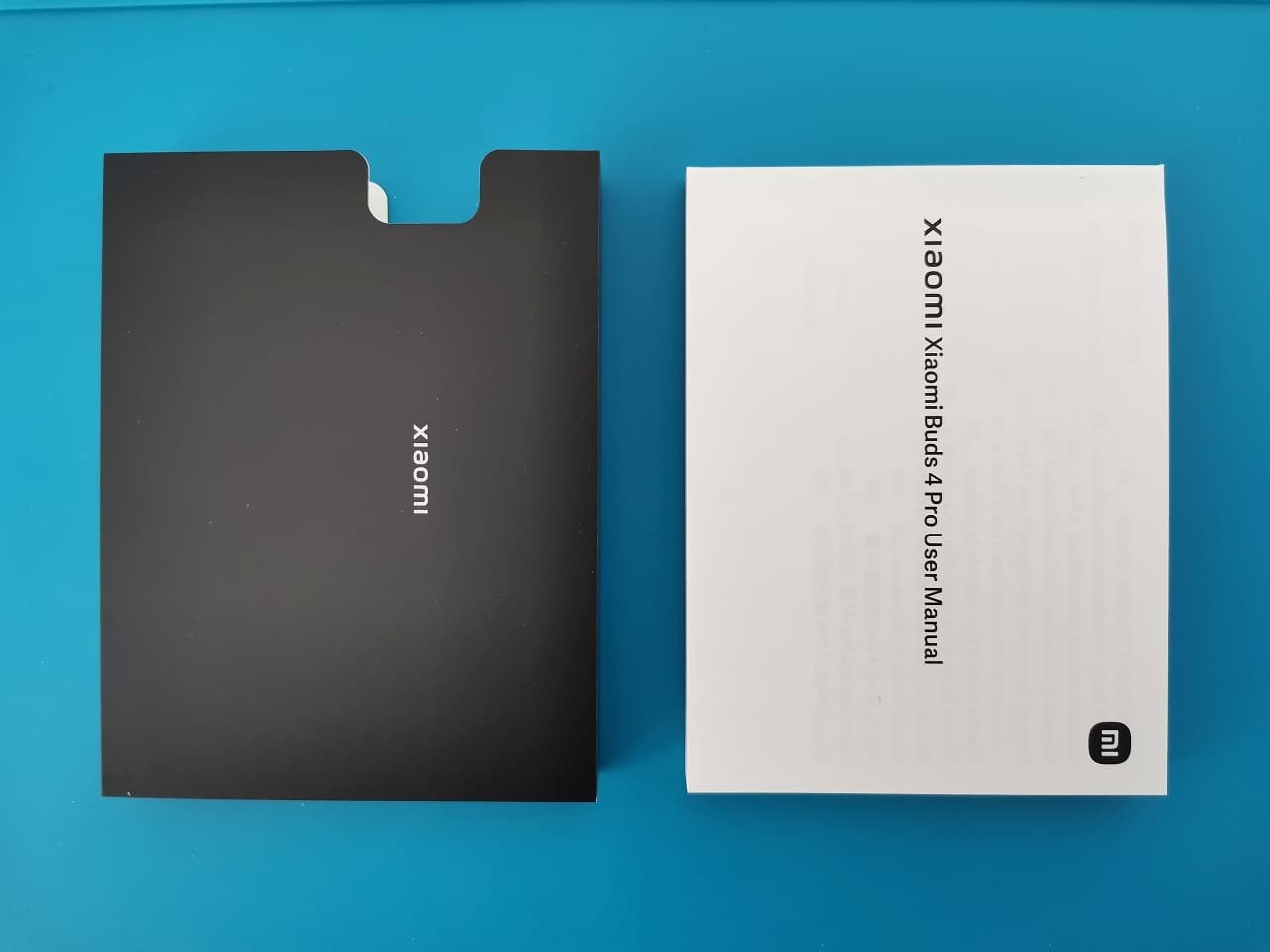
  • x1 User Guide.
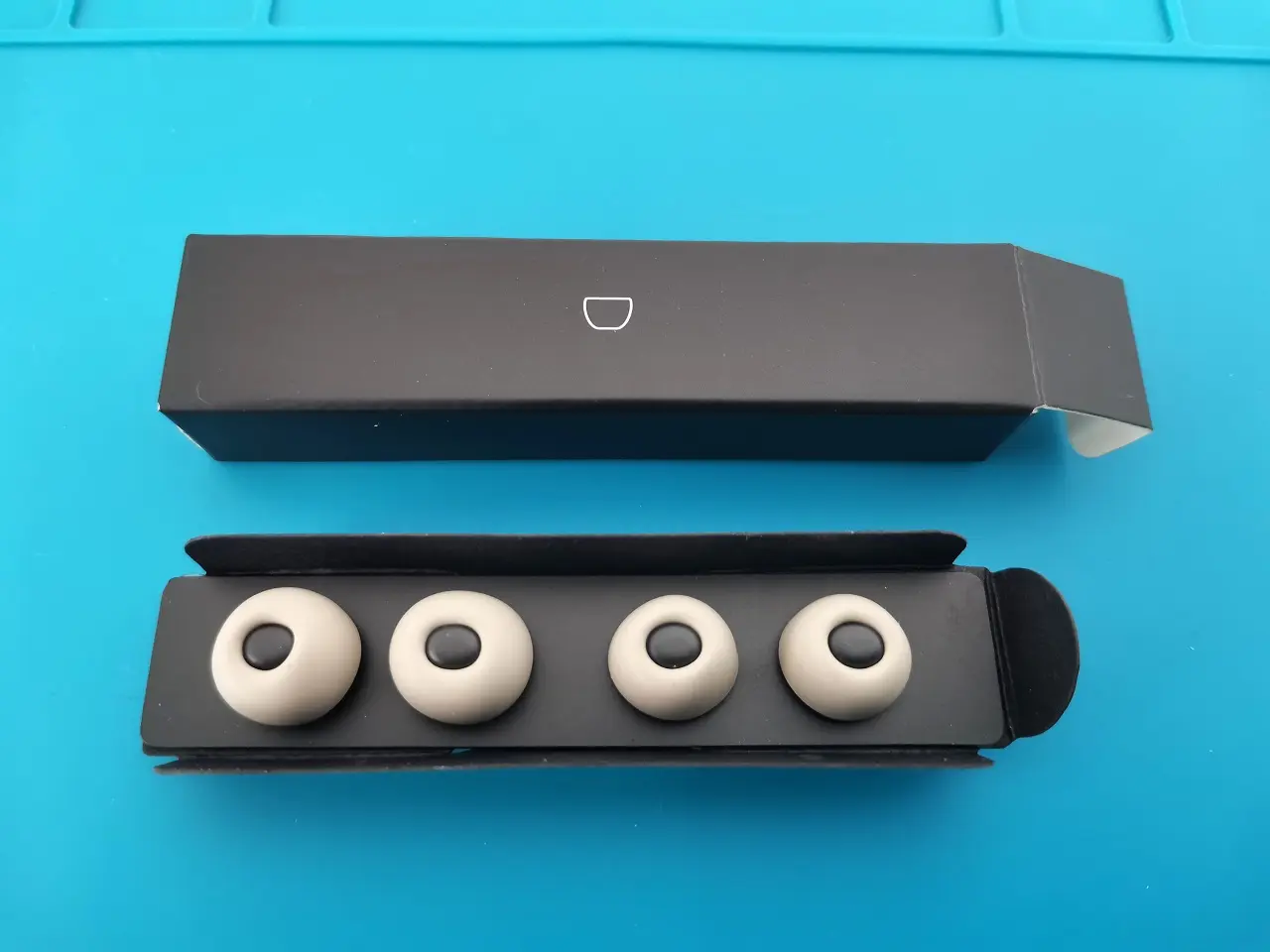
  • x2 Extra spare earbud tips
Xiaomi Buds 4 Pro Items 2
Xiaomi Buds 4 Pro Items 3
Xiaomi Buds 4 Pro Items 4
Xiaomi Buds 4 Pro Items 5
Xiaomi Buds 4 Pro Items 6
Xiaomi Buds 4 Pro Items 7
Xiaomi Buds 4 Pro Items 8
Xiaomi Buds 4 Pro Items 9
Xiaomi Buds 4 Pro Items 1

Design

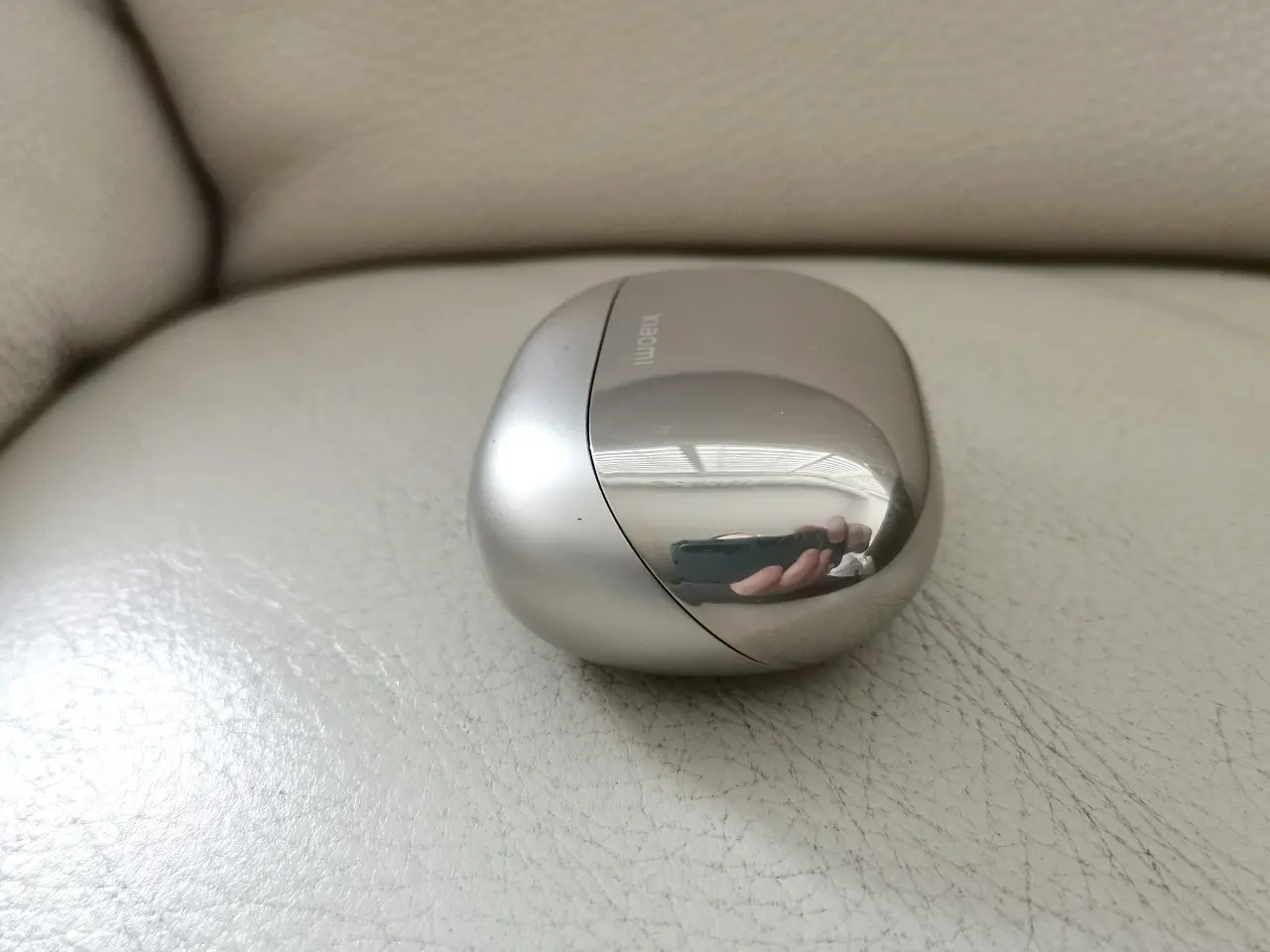
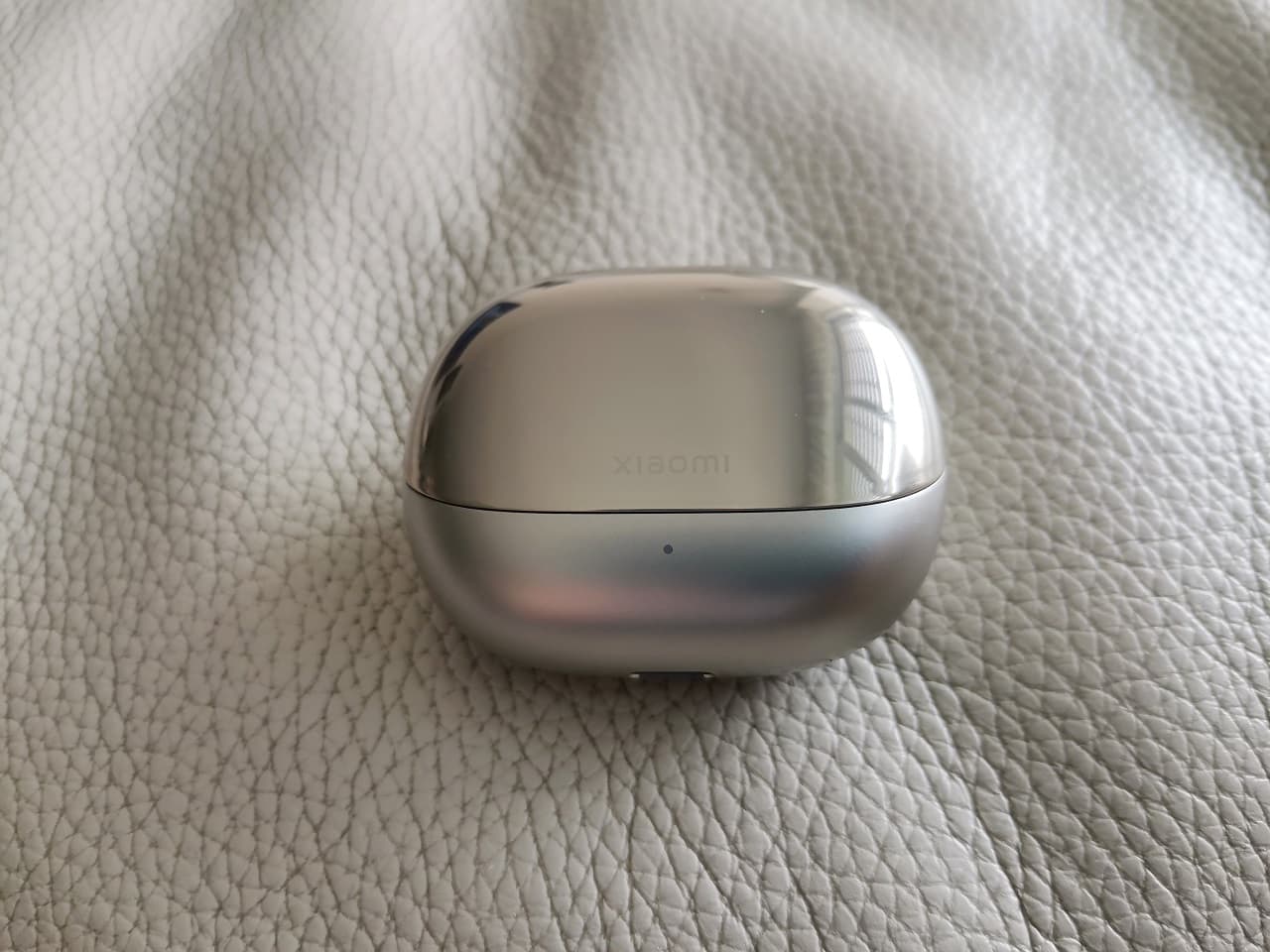
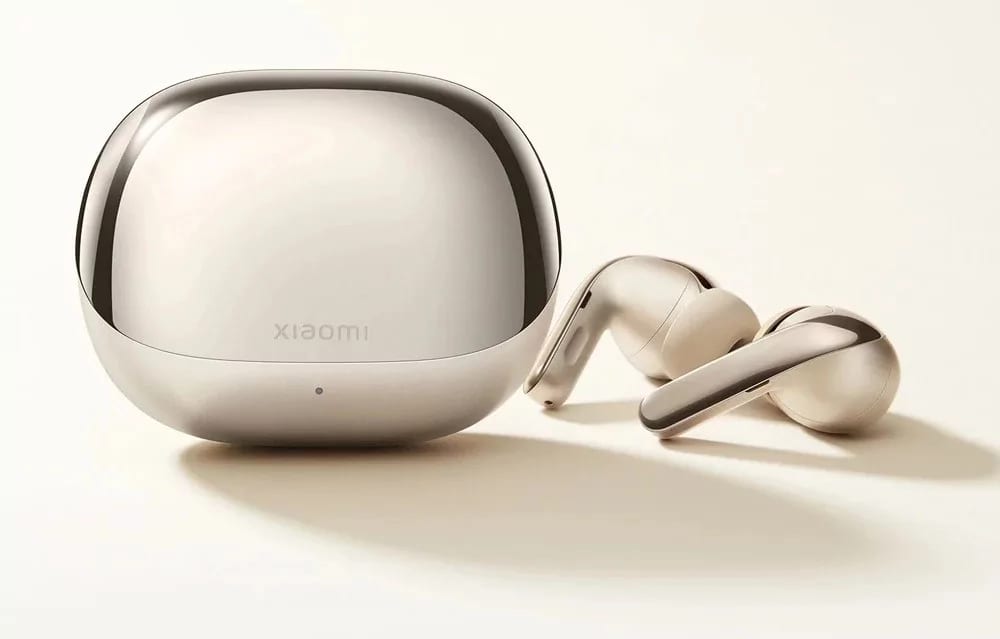
The buds 4 pro feature a top-notch design and high-quality plastic finish. Comparing the buds design to dominant brands, in terms of quality and design it’s on the same level as Apple or Samsung. Our first impression was that the star gold edition we received would be more suitable for women, but that is not the case at all. Although Xiaomi currently provides only two color variants, the gold color we received looked pretty amazing and can be used by both genders.

Xiaomi Buds 4 Pro 1
Xiaomi Buds 4 Pro 3
Xiaomi Buds 4 Pro 4
Xiaomi Buds 4 Pro 5
Xiaomi Buds 4 Pro 6
Xiaomi Buds 4 Pro 7
Xiaomi Buds 4 Pro 8
Xiaomi Buds 4 Pro 2
Xiaomi Buds 4 Pro 9

A Closer Look at the Case Design

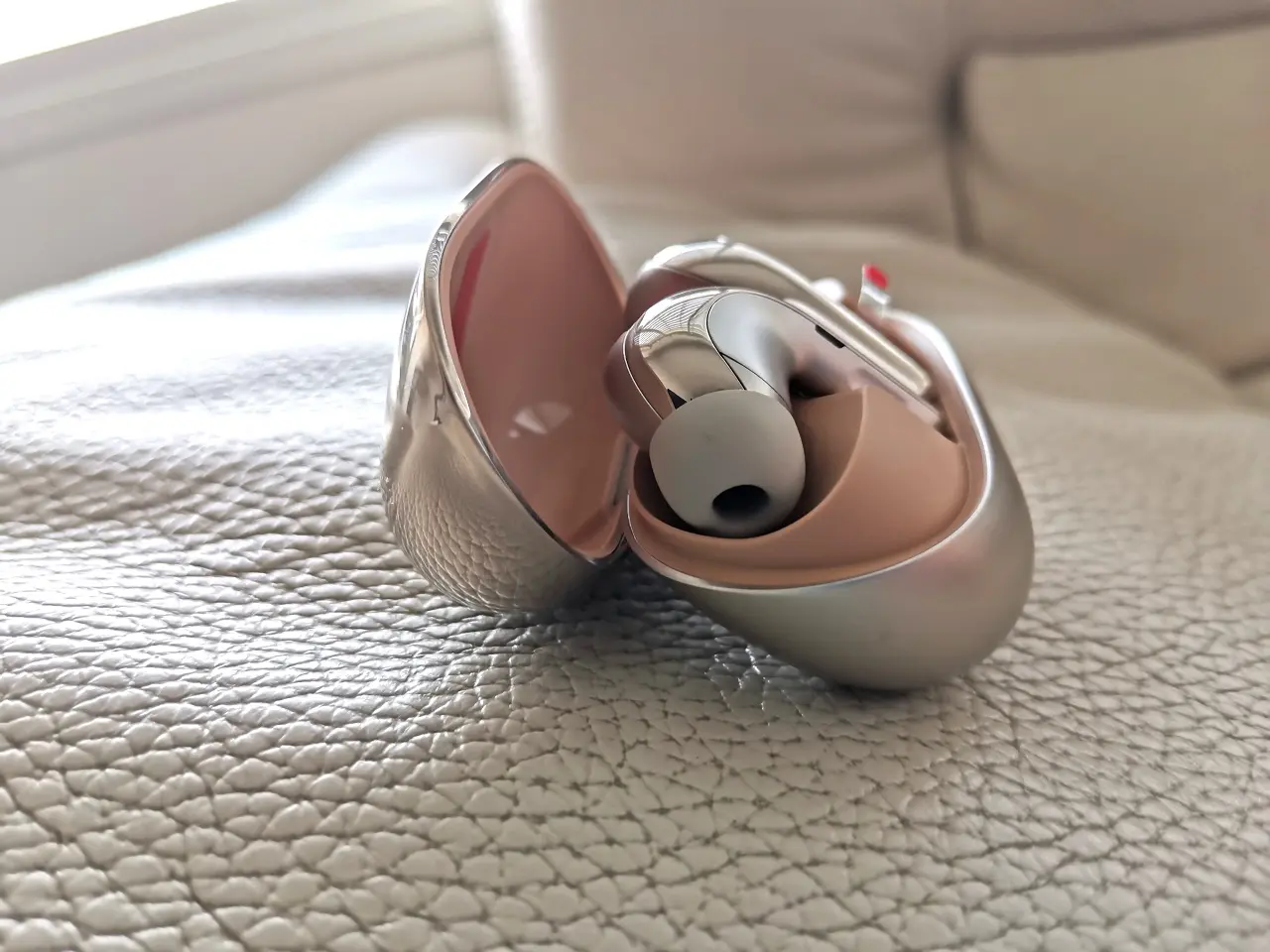
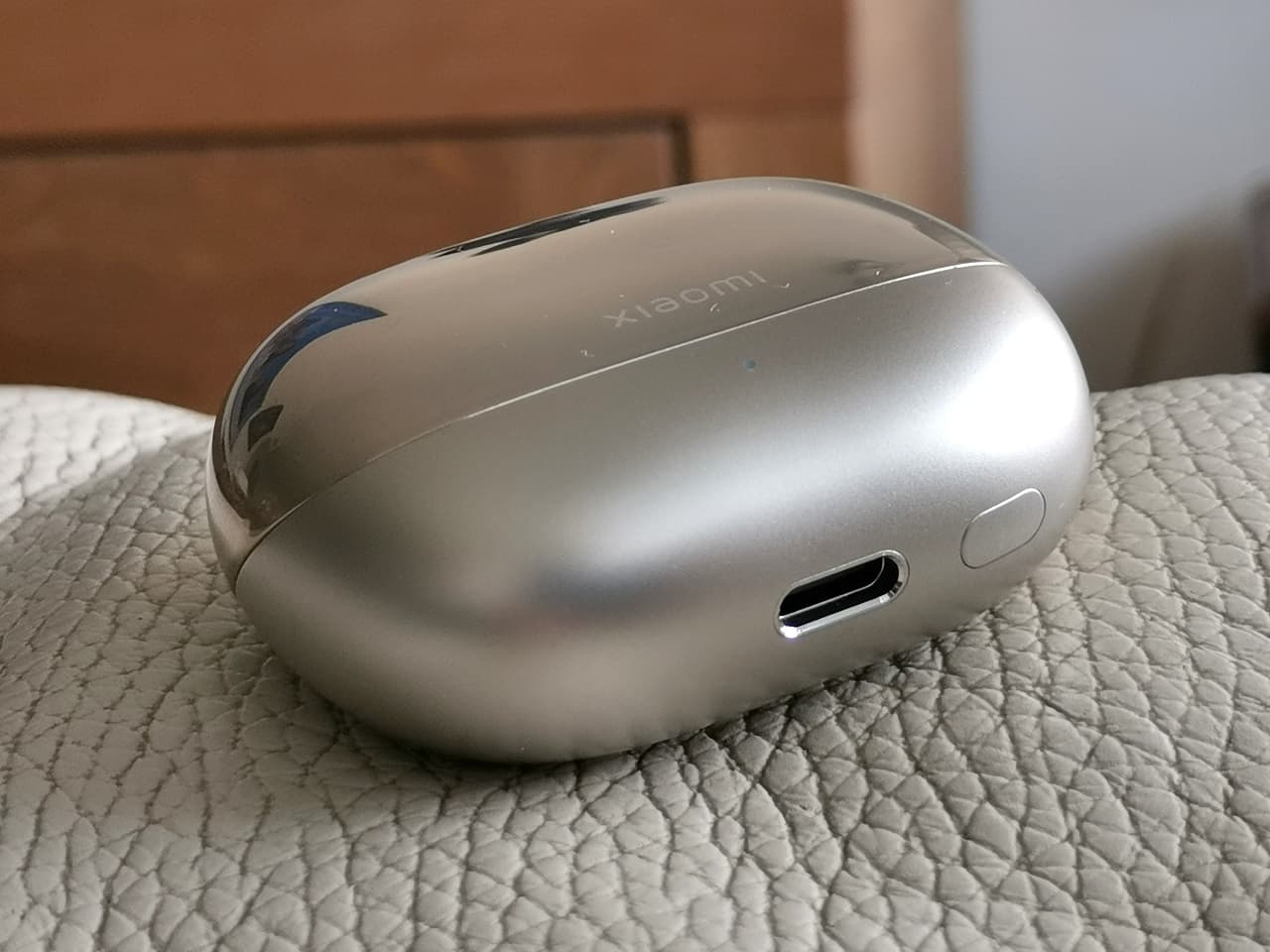
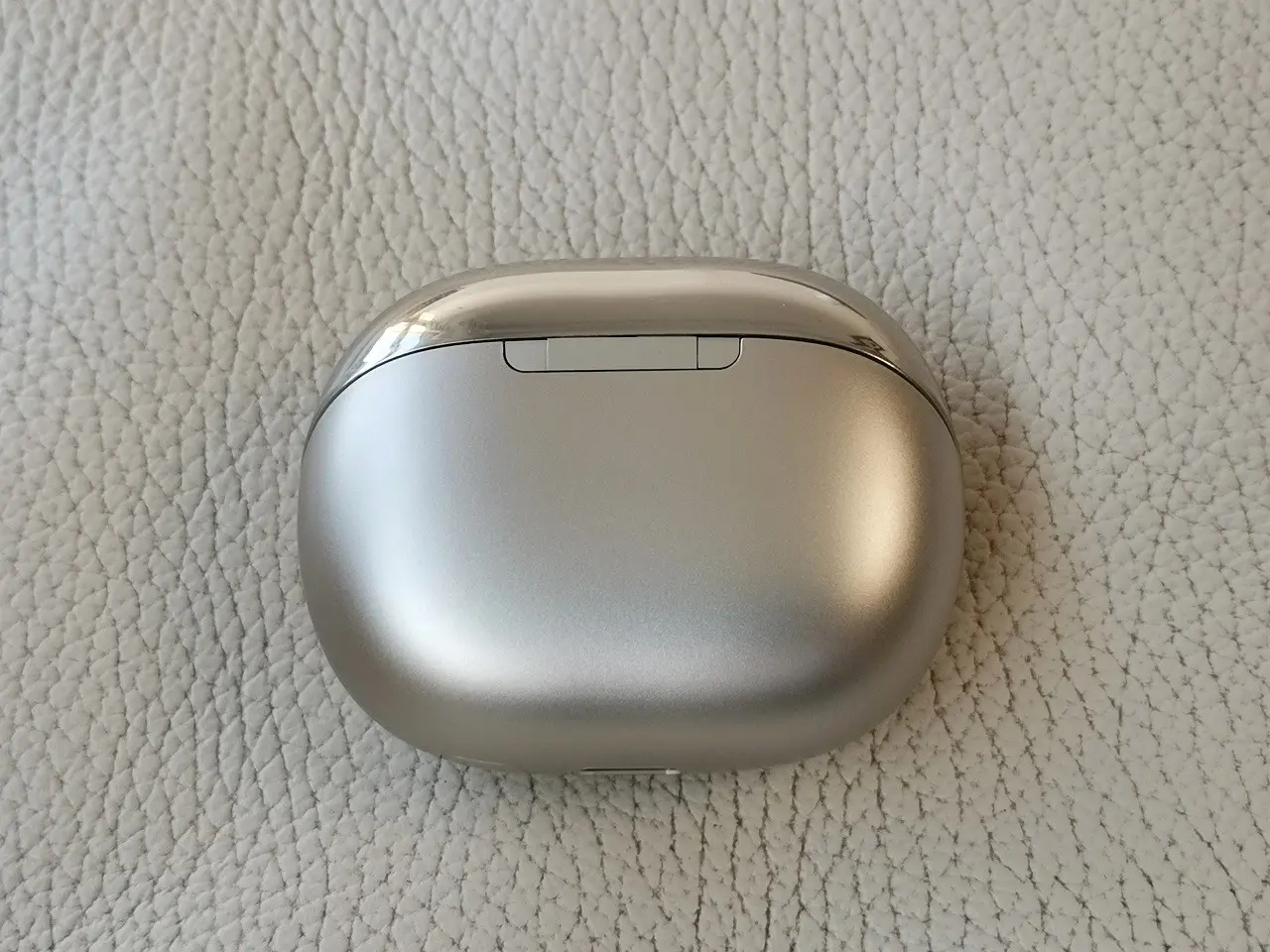
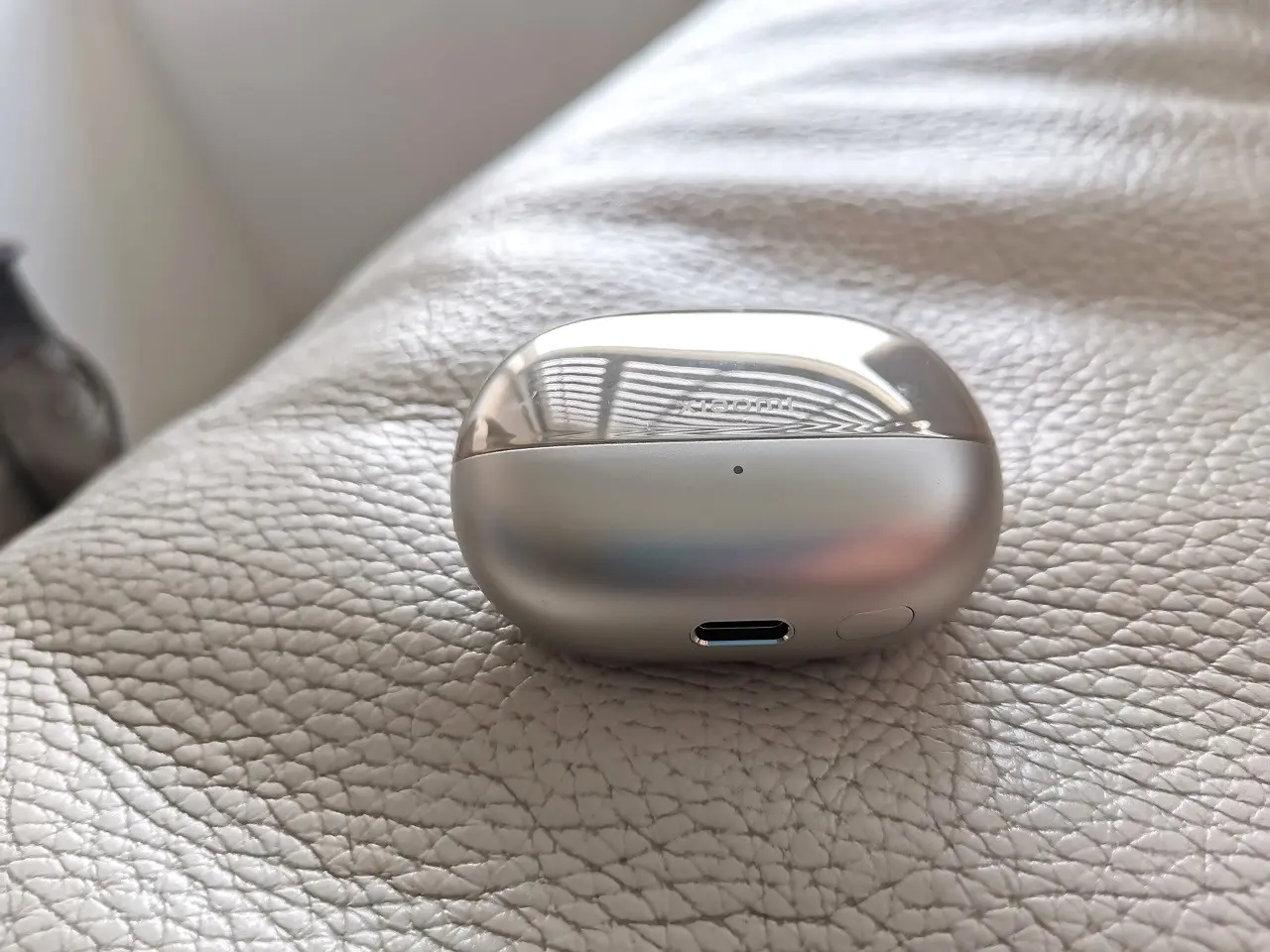
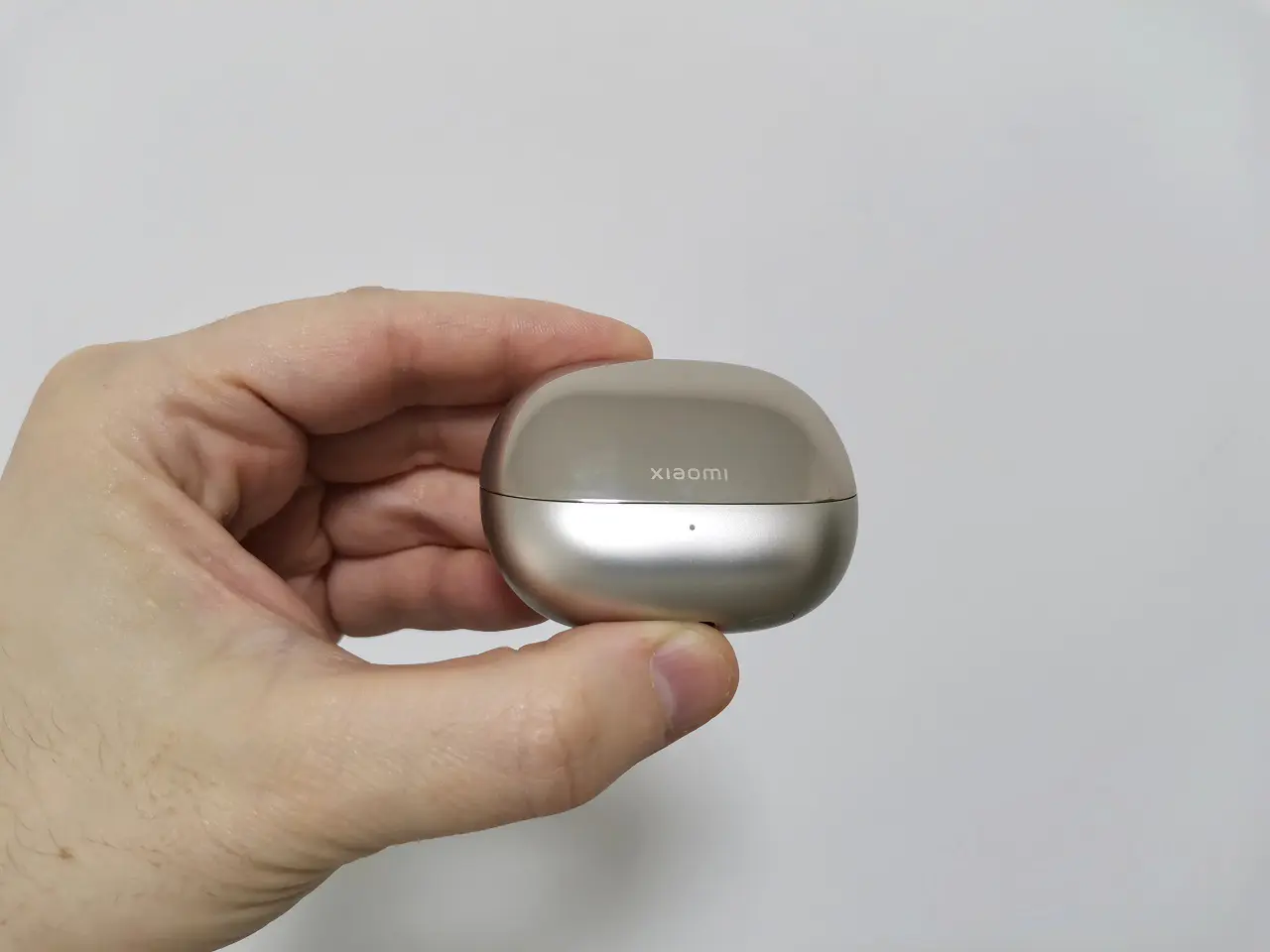
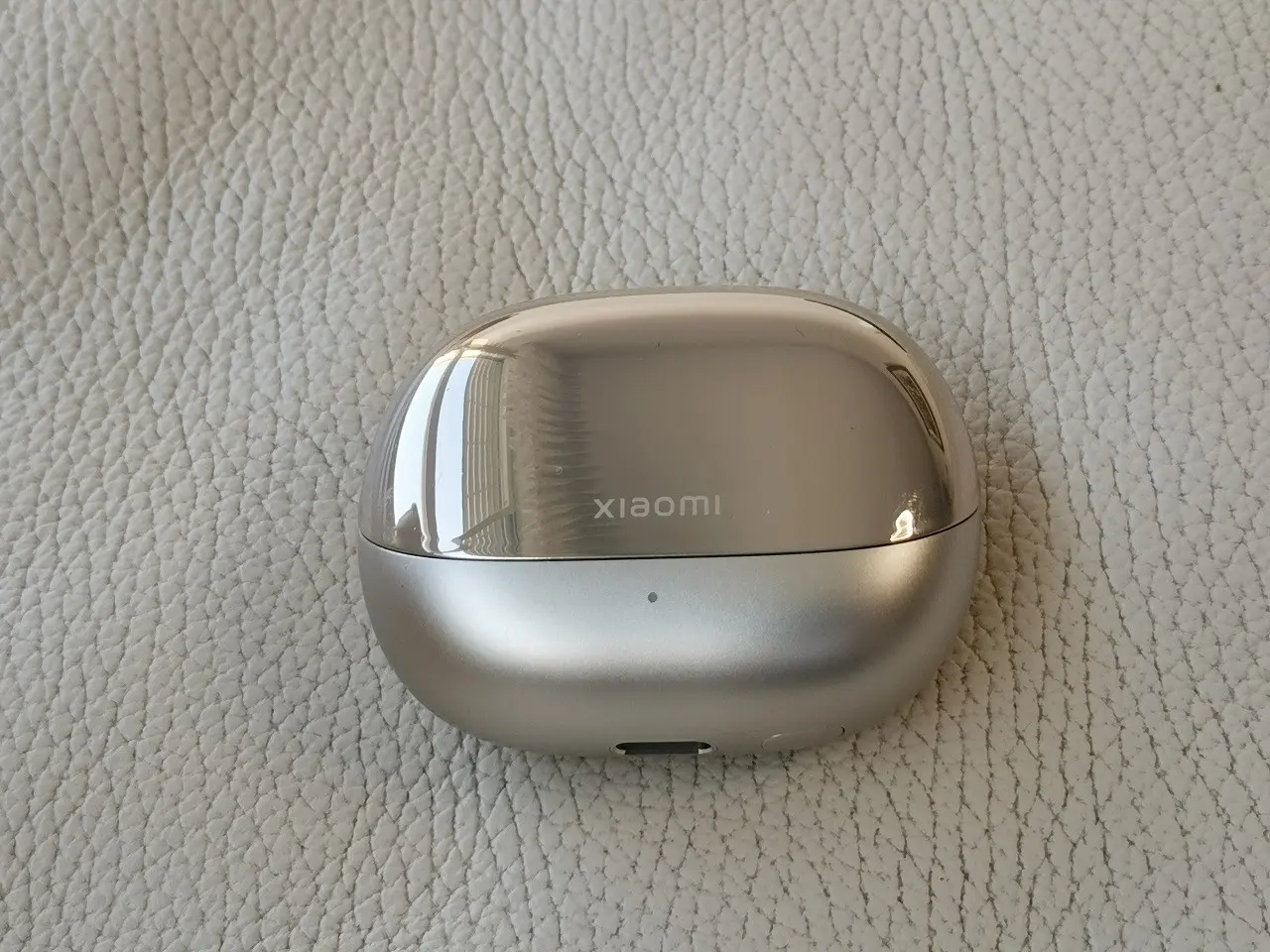
The external surface of the case is very glossy and shiny. In terms of case design, Xiaomi designed the case cover to open forwards, just like opening a car’s front engine cover. As opposed to previous Xiaomi company models with upwards openings, this is a new design approach. We previously mentioned that the earbuds are designed for both genders. However, the gold star edition we received for testing certainly gives the product a fashionable personal accessory, similar to a makeup kit. It will certainly fit nicely in a woman’s purse or a bag.

Xiaomi Buds 4 Pro vs. Xiaomi Buds 3T Pro (Black) – Cover opening design

xiaomi buds 4 pro buds 3t pro

On the button of the case, you will find your standard Bluetooth pairing button that you can find in all if not most of Xiaomi Earbud products. On the downside, Xiaomi could have provided a silicon protective case to protect its smooth surfaces from any possible scratches, especially when carrying outdoors.
xiaomi buds 4 pro case 1
xiaomi buds 4 pro case 2
xiaomi buds 4 pro case 3
xiaomi buds 4 pro case 4
xiaomi buds 4 pro case 5

Ergonomic design

The earbuds have a compact and ergonomic design, which makes them comfortable to wear for extended periods. The ear tips come in three different sizes, small, medium and large ensuring a secure and snug fit for all ear sizes. The earbuds are also water-resistant with an IPX4 rating, making them suitable for use during workouts or in light rain. As for color selection options. There are two options to choose from: gold and black. Perhaps other upcoming colors will become available after the official launch date but we can’t guarantee that.

Xiaomi Buds 4 Pro Main Colors
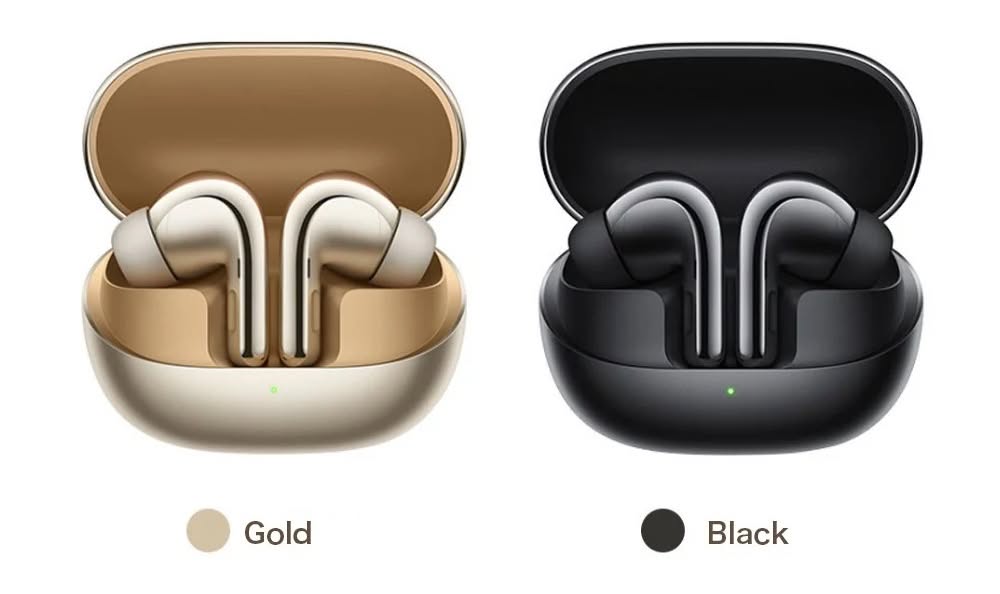
Xiomi Buds 4 Pro Colors

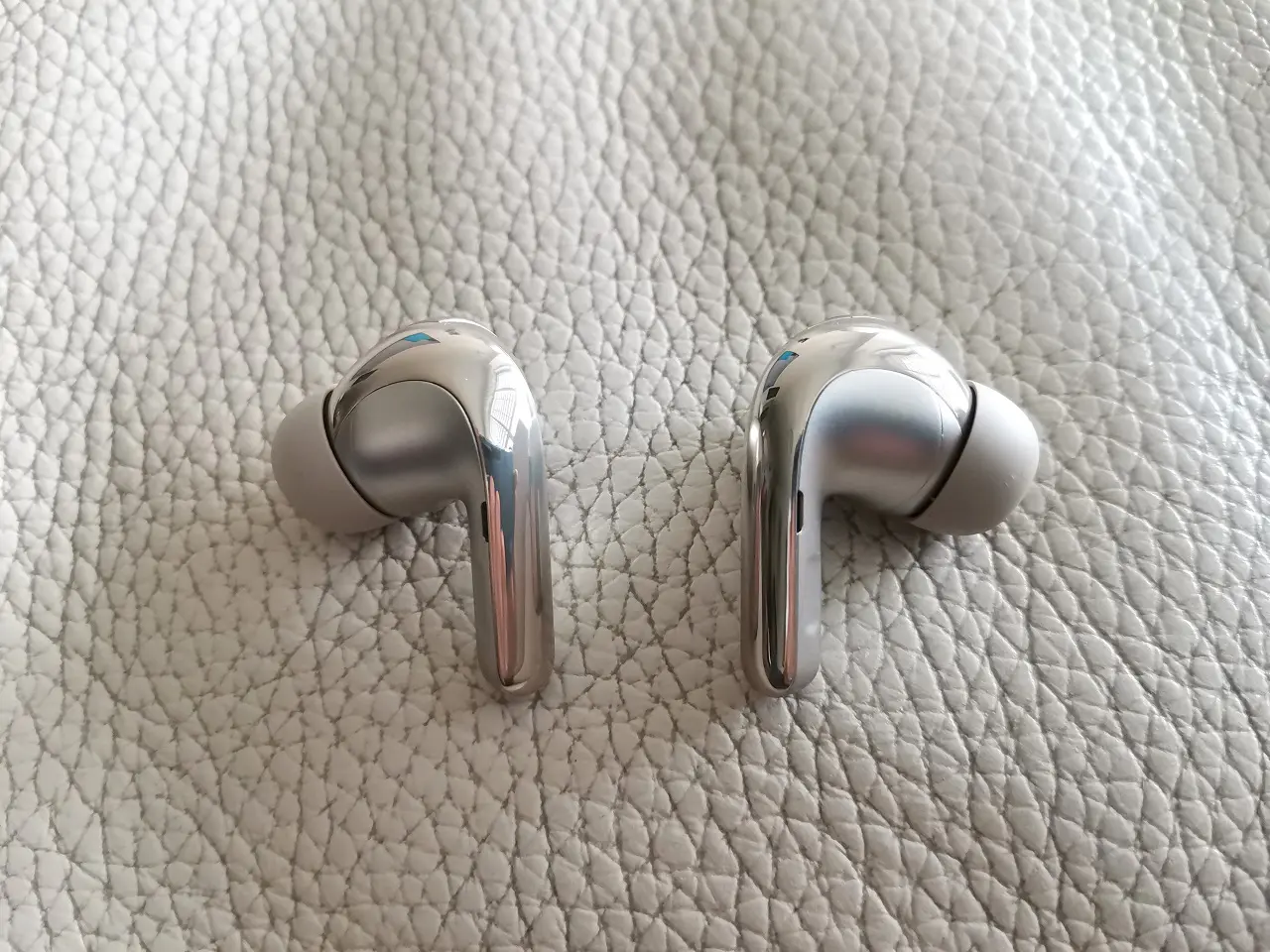
Based on our personal subjective experience. The buds 4 Pro are very comfortable to wear and sit well inside the ears without slipping. They are also very lightweight, weighing 5g per bud or 10g for a pair and a charging case weighing 50g. In total, you have 60g of weight to carry inside a small pocket or bag which is considered to be super light. Furthermore, Xiaomi included a pair of medium and large buds that can be used according to the user’s psychological ear characteristics.

Weighting the Xiaomi Buds 4 Pro (Excluding Case)

Xiaomi Buds 4 Pro Weight

Earbud(s) design

Three microphones are included with the Buds 4 Pro. One is located at the bottom of the earpiece (1). A second one is located inside the buds, and a third feed-forward mic is positioned on the back of the earbud (2). For the sake of comparison, Apple’s AirPods (3rd generation) launched on October 2021 which is an equivalent or direct competitor to the Buds 4 Pro comes with just two microphone arrays and only supports Bluetooth V 5.0 connectivity. It’s not a deal breaker, but something to consider when buying earbuds in 2023.
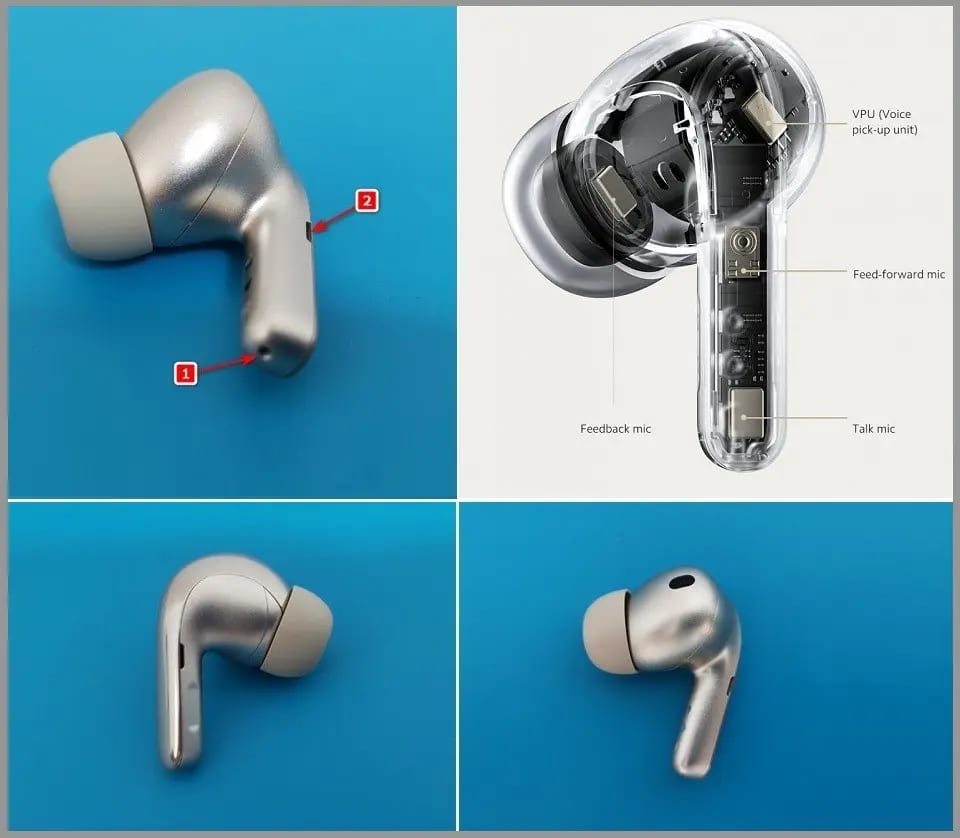
xiaomi buds 4 pro earbuds design


Is the sound quality good?

Producing excellent sound quality, Xiaomi has designed high-fidelity premium earbuds with an enjoyable listening experience. Video and phone calls sound clear and natural, with little background noise. Also listening to video clips on streaming services like YouTube produces effective bass effects as well.


Xiaomi Earbuds

Mobile App Experience

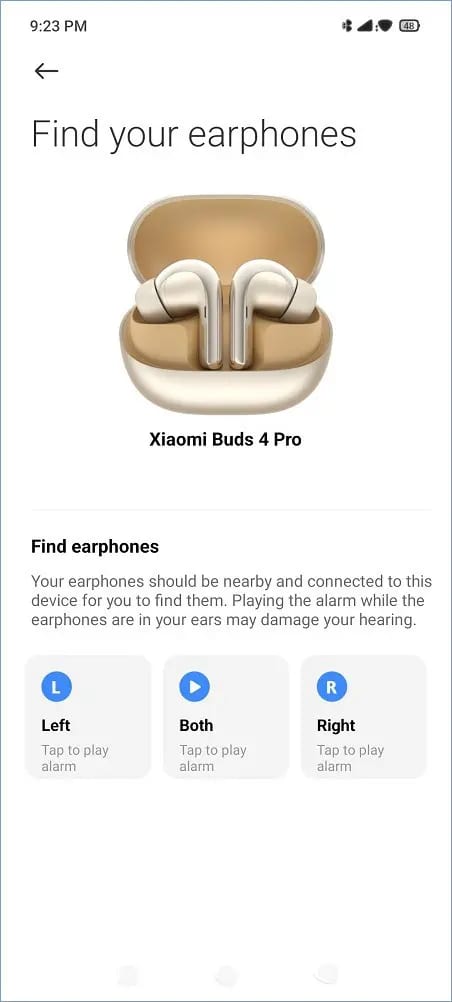
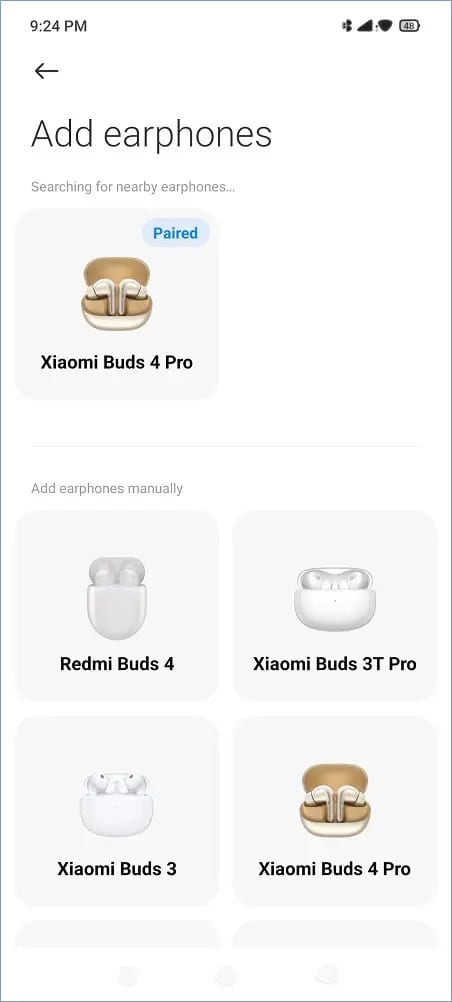
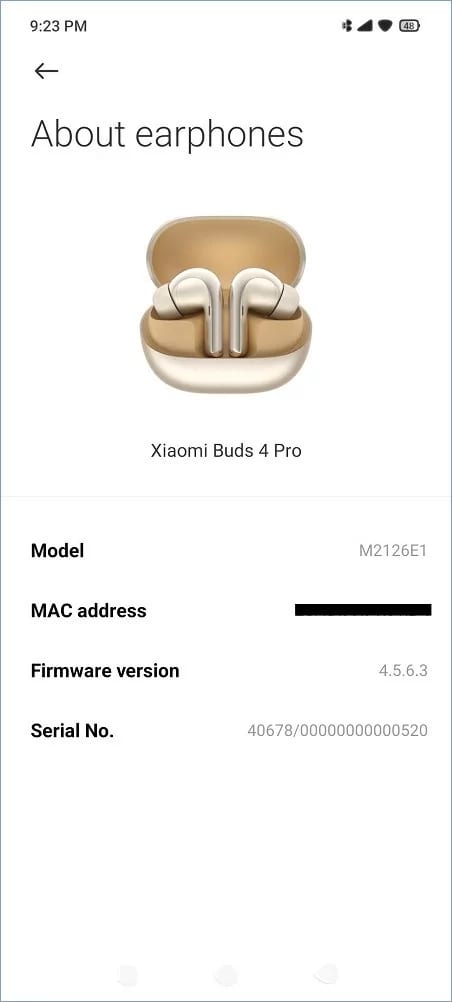
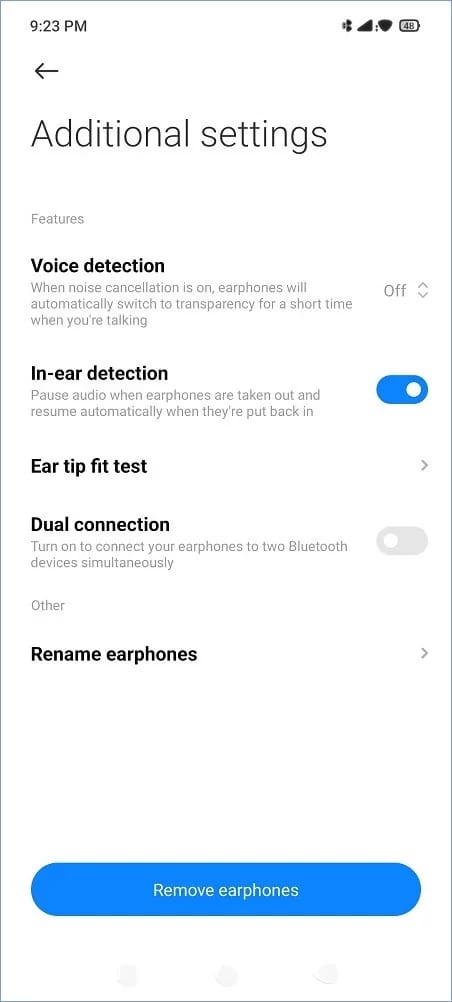
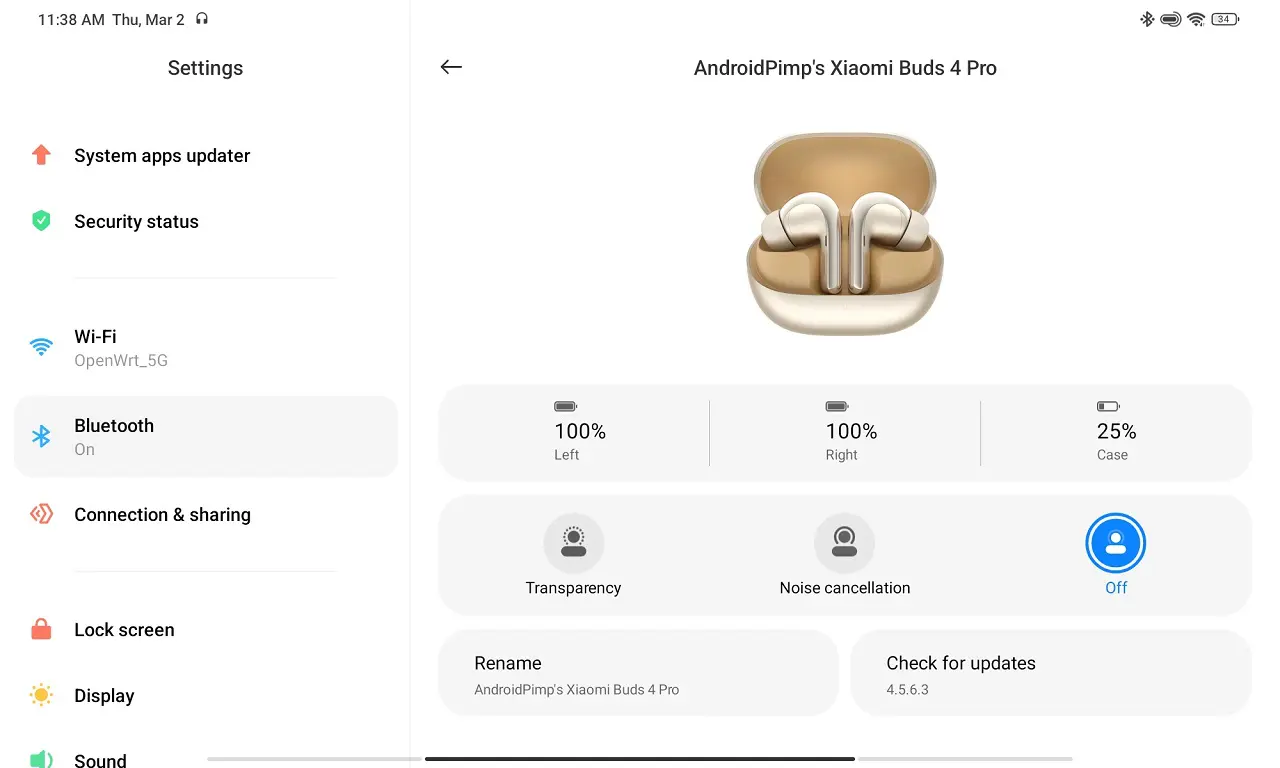
We teste the Xiaomi Earbuds app (Android version) that worked well for us. The app is intuitive and very easy to operate. You have all the necessary tools to monitor the earbud batteries status, including the charging case. Xiaomi also pushes firmware updates through the app which is a positive thing that we checked and worked. You can find a few useful functions there, such as in-ear detection and Find your earphones that lets you set an alarm for each earbud in case one of them accidentally gets lost.
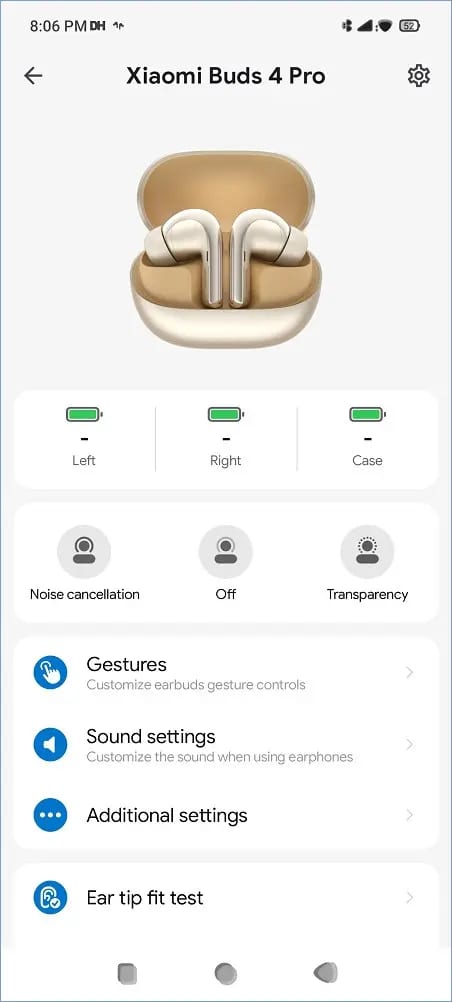
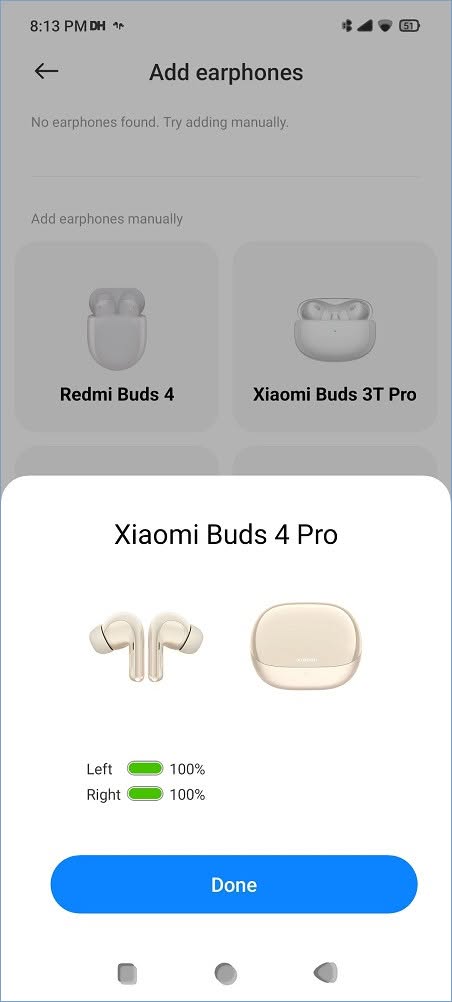
Xiaomi Buds App 1
Xiaomi Buds App 2
Xiaomi Buds App 3
Xiaomi Buds App 4
Xiaomi Buds App 5
Xiaomi Buds App 6
Xiaomi Buds App 7

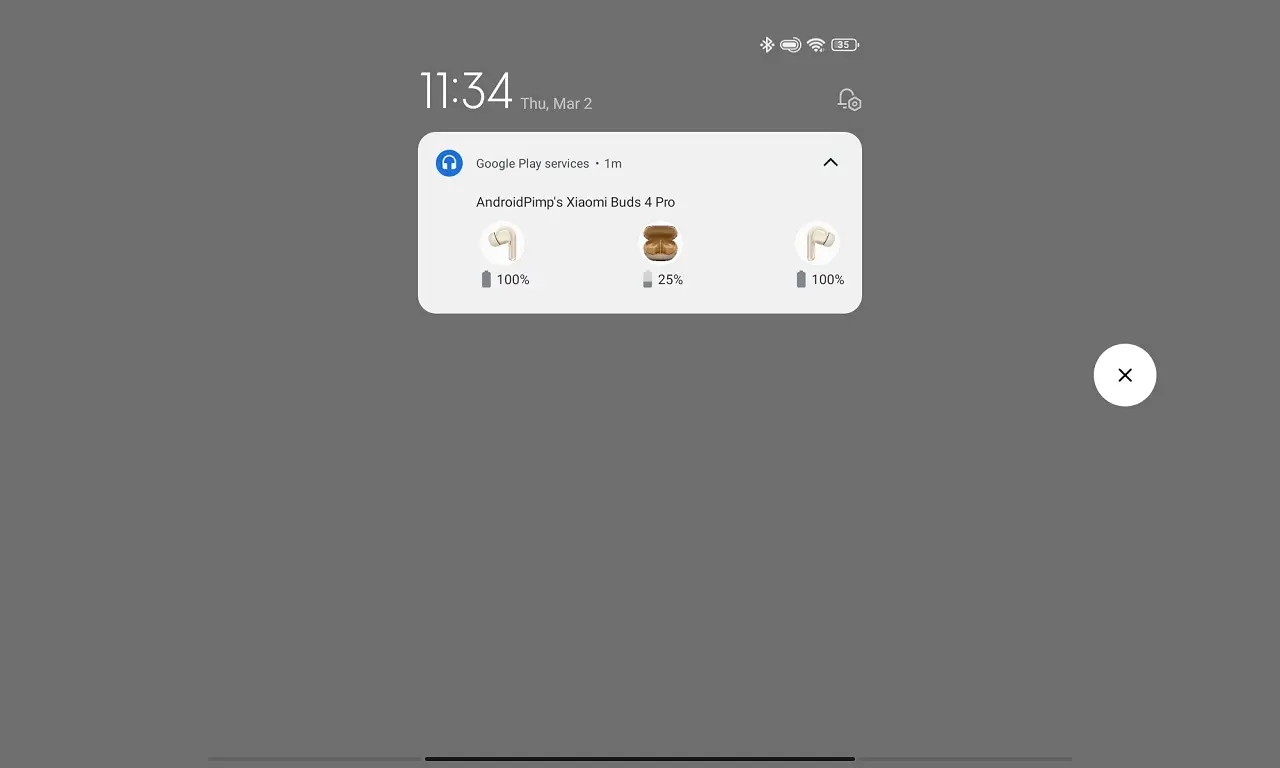
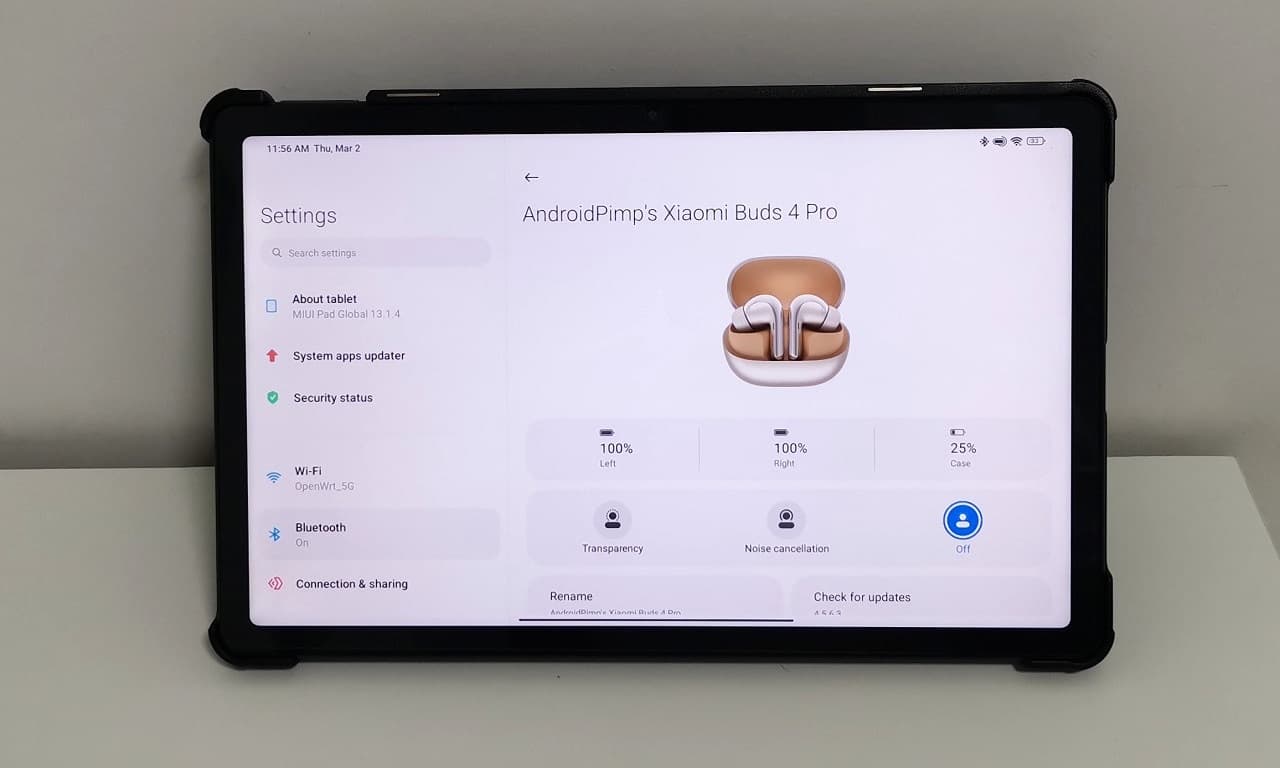
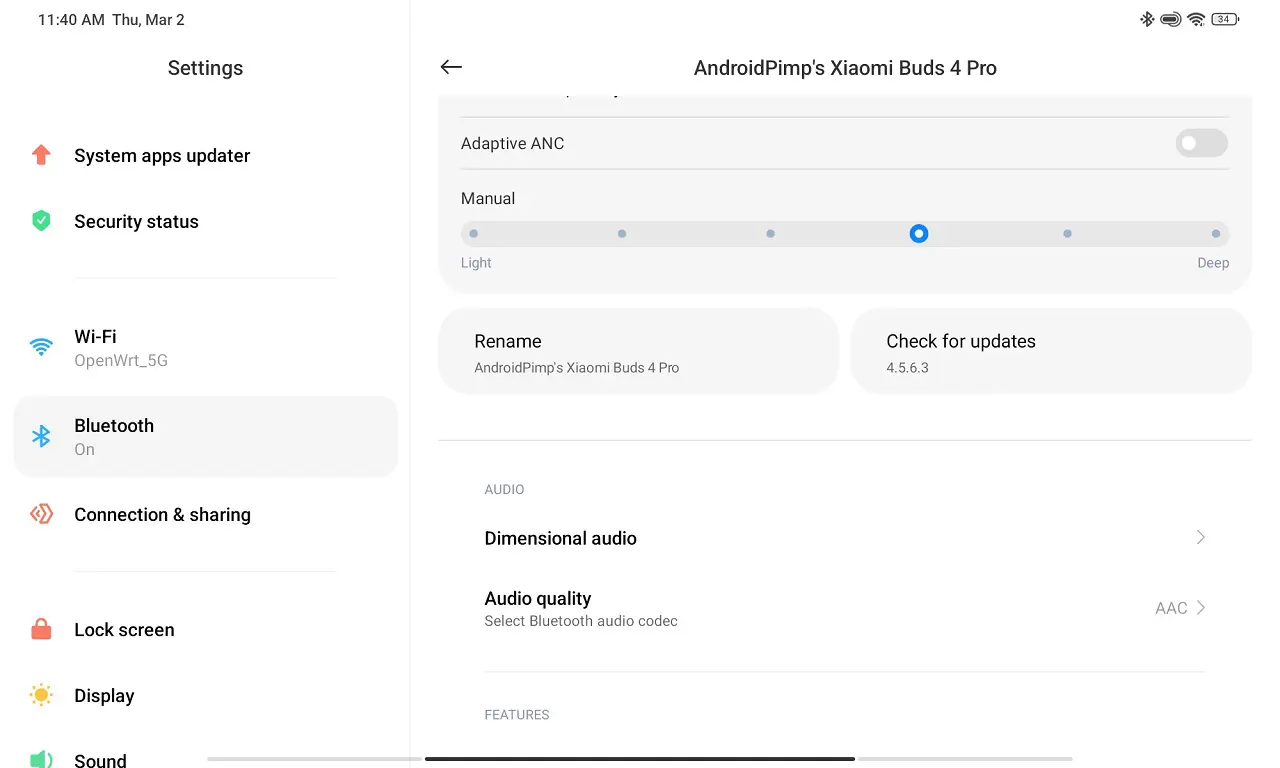
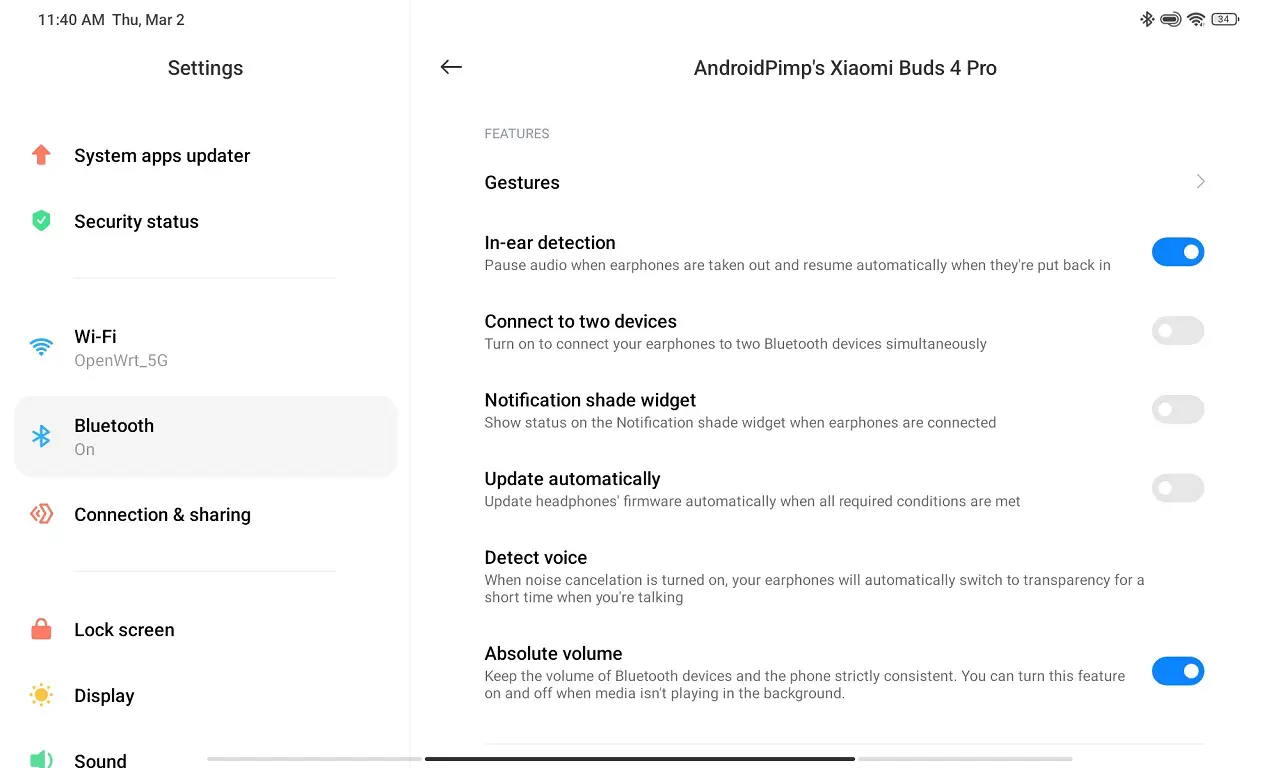
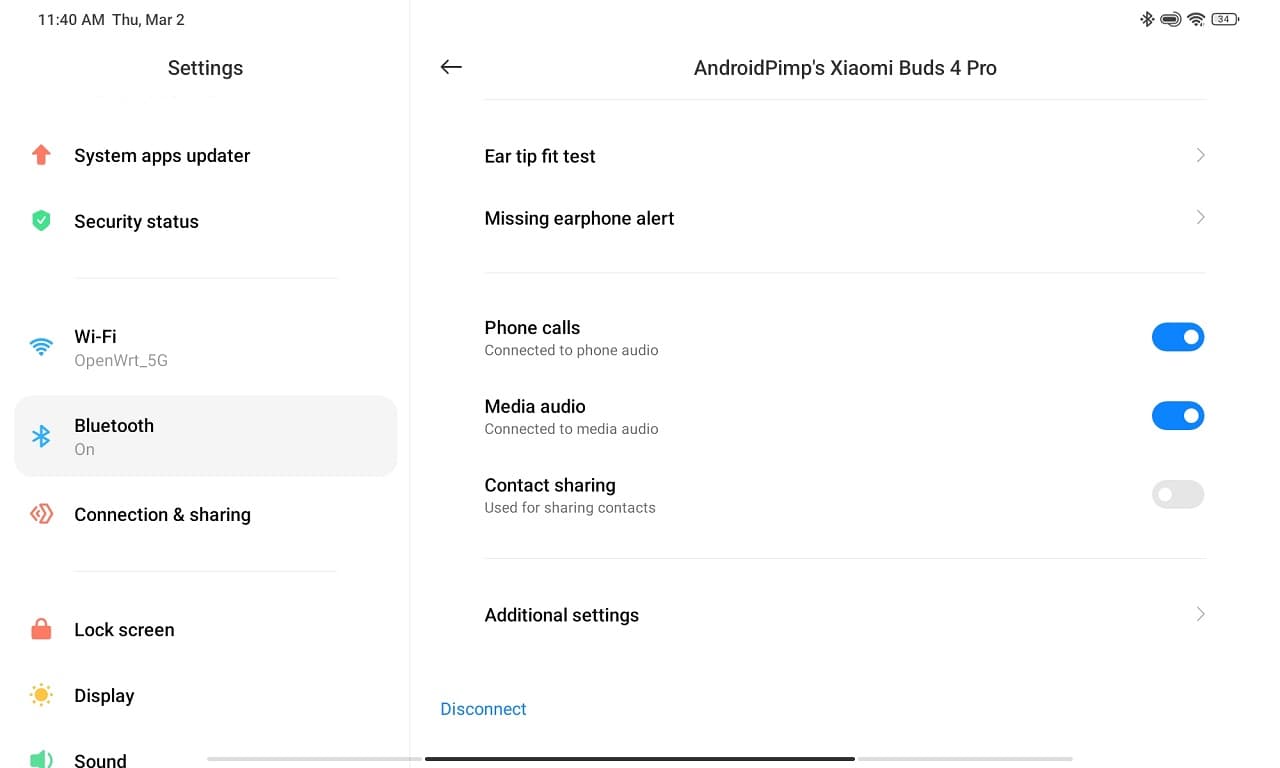
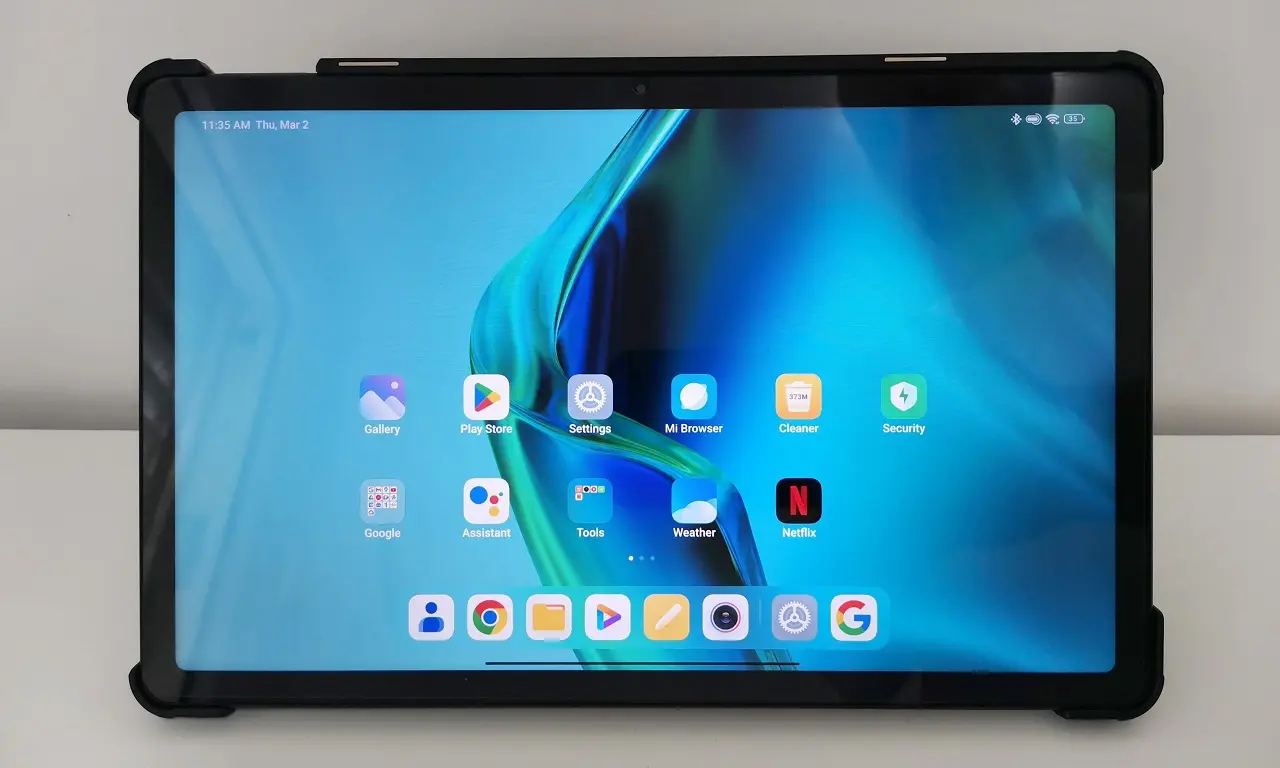
In addition, you can find the Xiaomi Earbuds app integrated inside Xiaomi’s recent devices firmware, so you don’t need to install any additional third-party apps. The app is now part of the Xiaomi Bluetooth app and the company keeps updating their device list with the latest Earbuds models. The latest Xiaomi Redmi Pad Tablet PC series is also included among the most popular devices.

Xiaomi Redmi Pad 5 Paired with the Bud 4 Pro
Buds 4 Pro Redmi Pad5 1
Buds 4 Pro Redmi Pad5 2
Buds 4 Pro Redmi Pad5 3
Buds 4 Pro Redmi Pad5 4
Buds 4 Pro Redmi Pad5 5
Buds 4 Pro Redmi Pad5 6
Buds 4 Pro Redmi Pad5 7
Buds 4 Pro Redmi Pad5 8

ANC (Effective noise canceling)

One of the key features of the Xiaomi Buds 4 Pro is the advanced noise-canceling technology. It uses a triple-microphone setup to cancel out the surrounding noise and provide crystal-clear sound quality. This is especially useful when you’re in a crowded place or on a noisy commute, and you want to focus on your music or podcast without any distractions.

The Xiaomi Buds 4 Pro also come with three transparency modes, which allows you to hear your surroundings without having to remove the earbuds. This is particularly useful when you need to listen to announcements or have a conversation with someone without having to take off your earbuds. Inside the app you can find three levels of transparency levels you can choose from. In addition, you have six levels of (ANC) Active noise cancellation. This feature can be set manually or automatically by selecting the Adaptative noise cancellation option.

Immersive sound

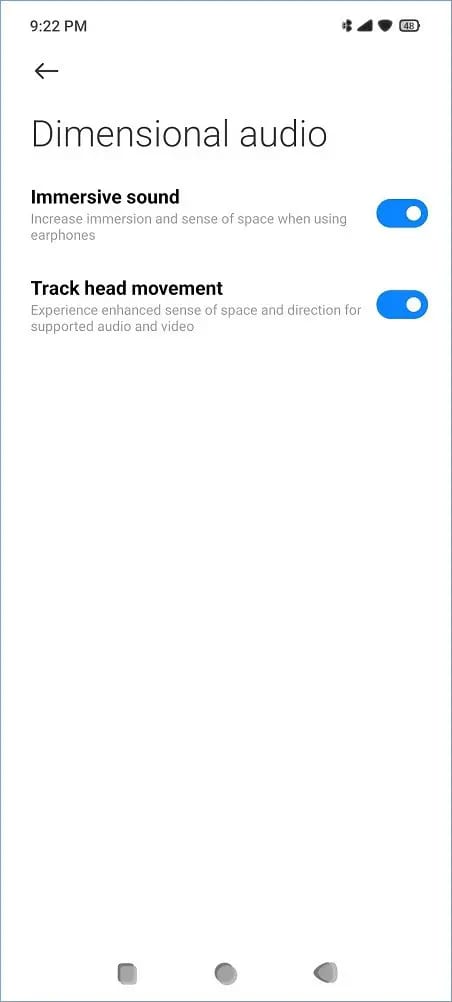
One of the highlights of the Buds 4 Pro Buds is the immersive sound function that basically gives you a surrounding 3D sound effect. According to our personal experience, our experience wasn’t too immersive when playing music tracks on YouTube. Xiaomi probably forgot to emphasize that to get an optimal experience, you need to check if your Xiaomi device is Dolby supported and enable the Dolby Atoms function on. Last but not least, it’s also wise to check if the video or music was originally recorded in Dolby format.

Track head movement

An excellent feature that really makes listening to live shows more convenient. The earbuds probably have an internal built-in sensor that automatically adjusts the sound levels according to head movement, making it feel like you are listening to a live show or concert.


Battery Life

In addition to the convenience of wireless charging, the Xiaomi Buds 4 Pro also come with a fast charging feature. This means that even if you’re in a rush and don’t have much time to recharge your earbuds, a quick 5-minute charge can provide up to 2 hours of playback time, while a full charge can last up to 9 hours of continuous use. The charging case provides an additional 38 hours of battery life, which means you can use the earbuds for a whole day without having to recharge them.

The Xiaomi Buds 4 Pro supports Bluetooth 5.3 and can be paired with both Android and iOS devices. The earbuds also come with touch controls, which allow you to control your music, answer calls, and activate voice assistants with a simple tap.


Charging

With the inclusion of wireless charging, the Xiaomi Buds 4 Pro take convenience and ease of use to the next level. The earbuds can be charged without the need for any cables or cords, and all you need is a Qi-compatible wireless charging pad.

This means that you can simply place the charging case of the Xiaomi Buds 4 Pro on a wireless charging pad and let it charge without having to fumble around with cords or worry about plugging in the charging case. It also eliminates the need to have multiple charging cables for different devices, making it a convenient and practical solution for those who are always on the go.

Moreover, the charging case of the Xiaomi Buds 4 Pro also supports USB-C charging, which is a faster and more efficient way to charge compared to traditional micro-USB charging. This means that if you don’t have a wireless charging pad or prefer to use a cable, you can still charge your earbuds quickly and efficiently.

Overall, the addition of wireless charging to the Xiaomi Buds 4 Pro is a significant advantage and makes it an even more compelling choice for those who value convenience and ease of use. With fast charging, USB-C charging, and wireless charging all in one, the Xiaomi Buds 4 Pro provide a seamless and hassle-free experience for music lovers on the go.


Wireless Charging

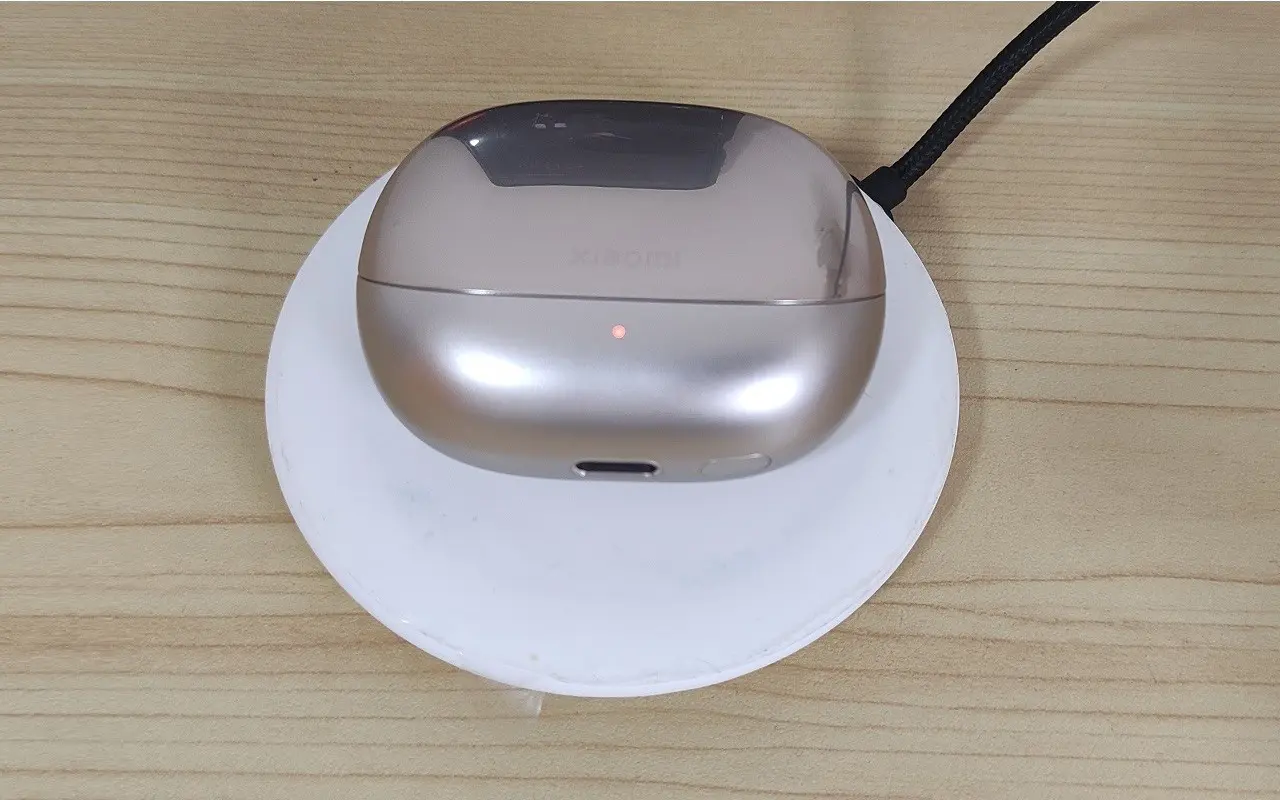
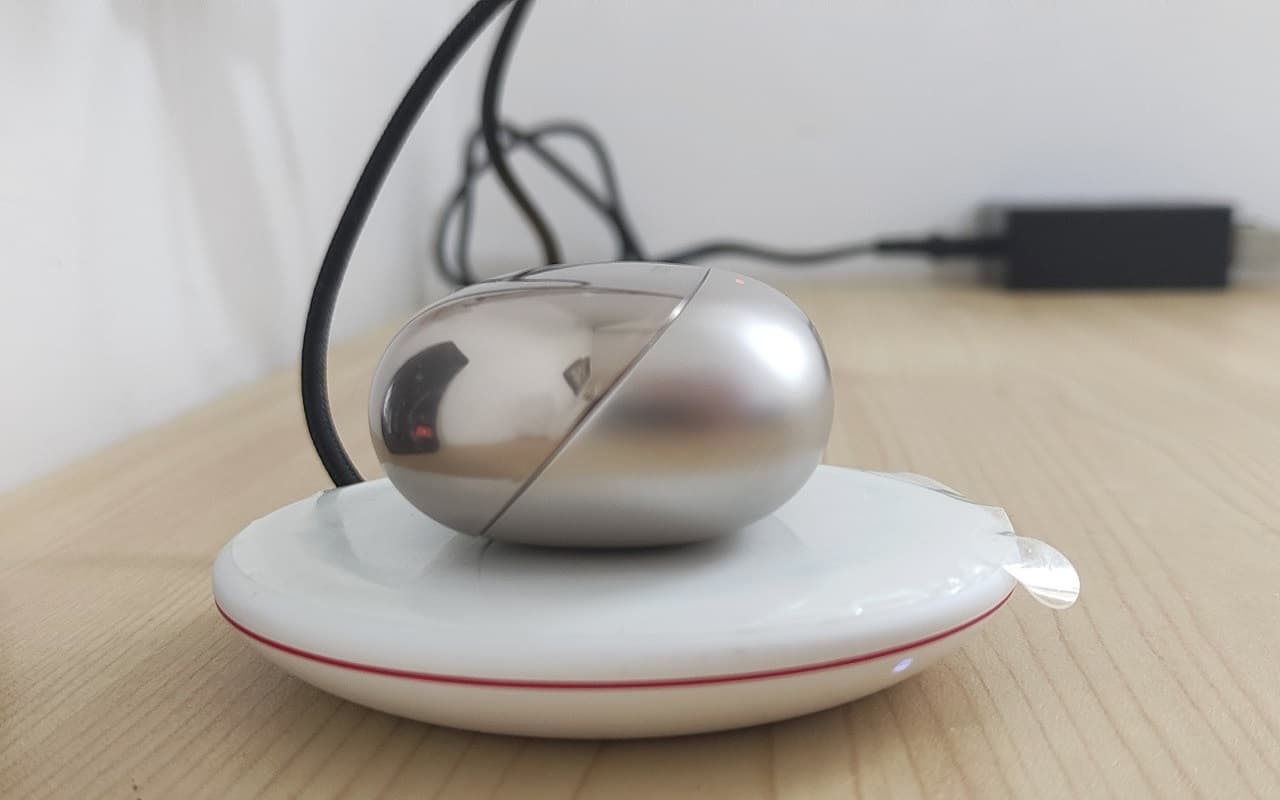
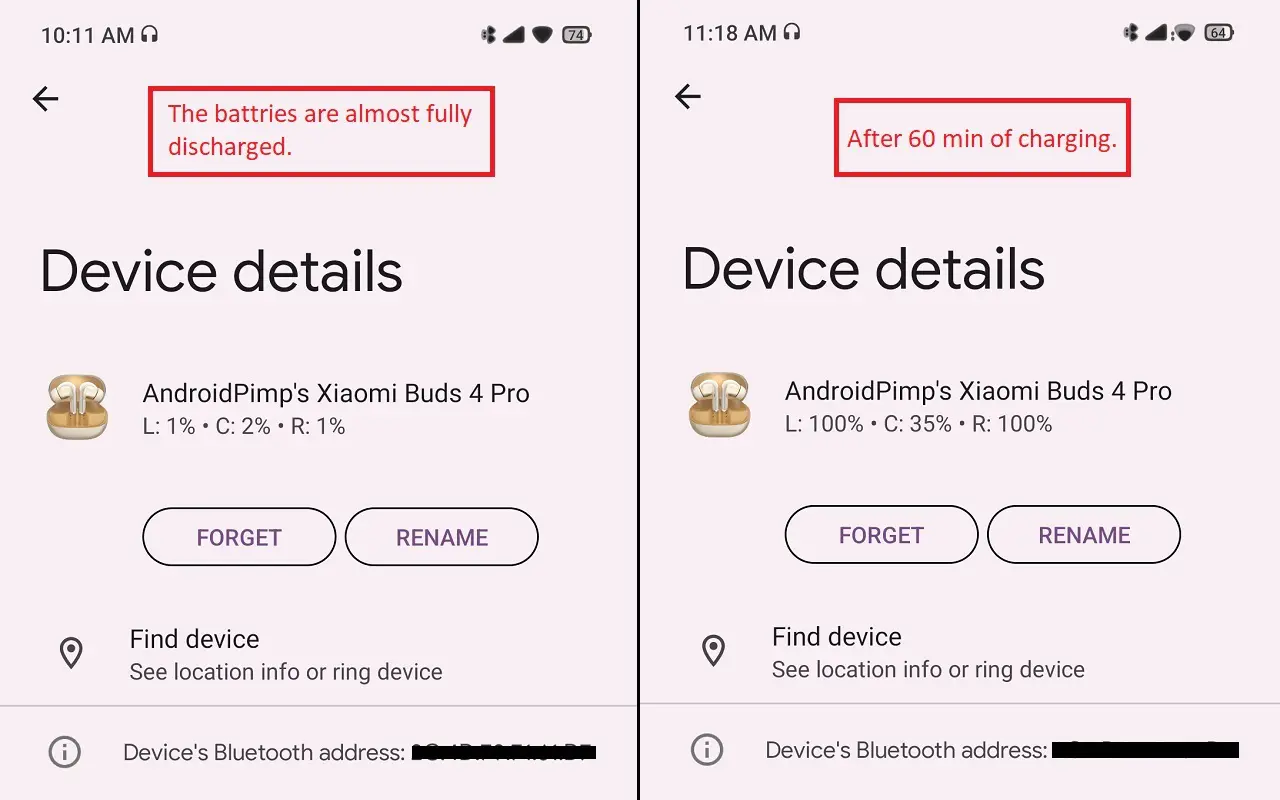
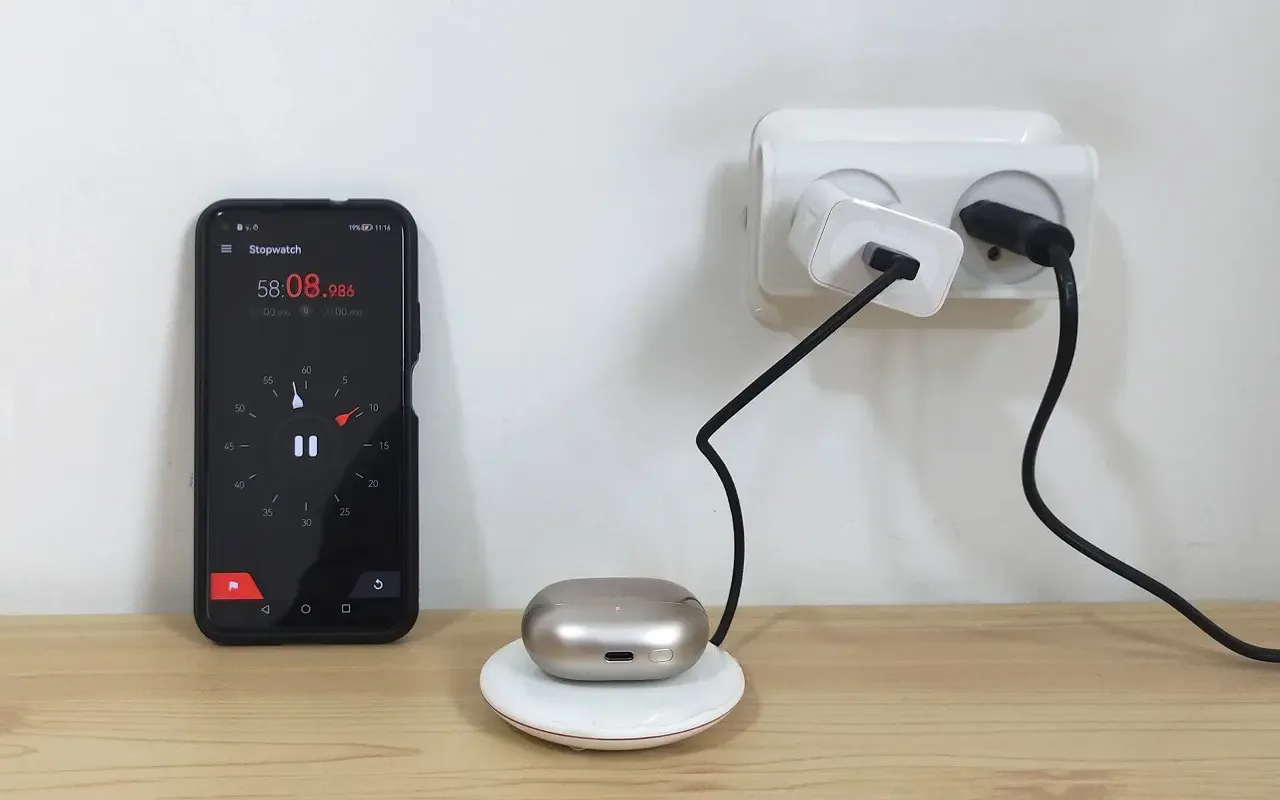
As mentioned in the earbuds specification, the product supports wired charging via USB-Type C Charging via cable and wirelessly. We tested how long it would take to charge our case with the earbuds. Both the buds and the case are an integral part of the compete product.

According to Xiaomi official specs both buds come with a 53mAh battery, and the carrying case which also functions as a charger is equipped with a large 565mAh battery.

How did we test?

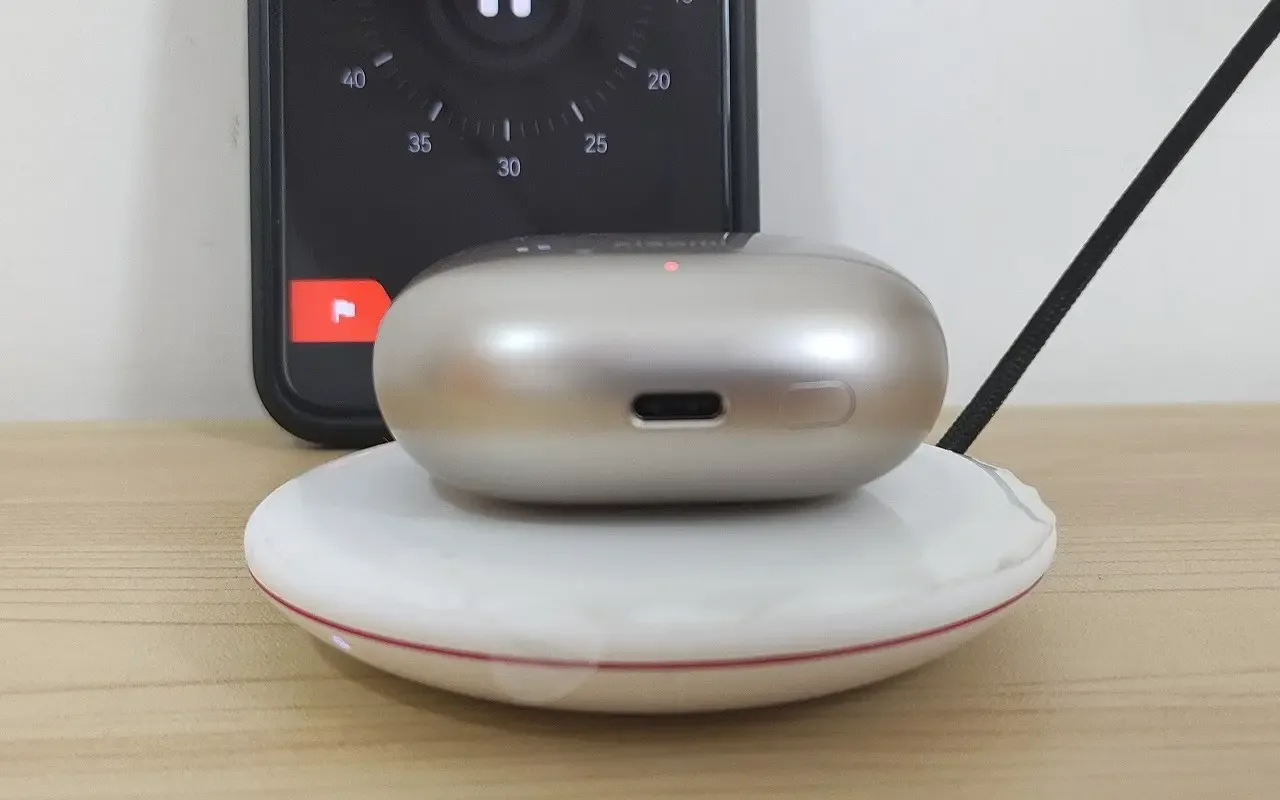
With only 2% of battery power left in the case and 1% in each earbud, we started testing charging time with our Huawei’s 15W (Max) wireless charging station (Model CP60) and tested the case with earbuds for exactly 60m. As soon as our stopwatch/timer stopped, the case which serves as the main power source for our earbuds battery was full at 35% of its capacity. Extracting from this data, to fully charge the charging case you will need to charge it slightly above 180 min. Keep in mind that results can vary using faster chargers. If you really need speed, the most efficient and preferred method is using a Type-C USB cable.
Xiaomi Buds 4 Pro Charging1
Xiaomi Buds 4 Pro Charging2
Xiaomi Buds 4 Pro Charging3
Xiaomi Buds 4 Pro Charging4
Xiaomi Buds 4 Pro Charging5

Final words

Overall, the Xiaomi Buds 4 Pro is an excellent pair of wireless earbuds that come packed with features and provide exceptional sound quality. The earbuds are comfortable to wear, have a long battery life, and support fast charging. The noise-canceling and transparency modes are particularly useful, and the touch controls make it easy to navigate through your music and calls. With its competitive price point, the Xiaomi Buds 4 Pro is definitely worth considering for anyone in the market for a new pair of wireless earbuds.


Product Review summary

Sound quality
90/100
Design and comfort
90/100
Controls and connectivity
90/100
Design and comfort
90/100
Call quality
90/100
App support
85/100

Xiaomi Buds 4 Pro: Price and Availability

Focusing on the selling price point, the Xiaomi buds 4 pro are not the most cheapest earbuds on the market, but on a positive side, it is expected that Xiaomi’s retail prices will probably be lower and more appealing compared to Xiaomi’s official launch price of 240 Euros, declared on February 26, 2023 in Barcelona, SPAIN.

The product itself offers excellent design with great sound quality. Furthermore, the product is categorized as a premium product with direct competition with Apple’s AirPods (3rd generation) model. But still, you can find a few Chinese sellers on AliExpress that are currently selling it at a much lower and attractive price starting at $150 (excluding shipping), which makes it more appealing to potential customers.
Xiaomi Buds 4 Pro Gold
9
Xiaomi Buds 4 Pro
AliExpress (Official Xiaomi Store)Check latest price Xiaomi (UK)Check latest price Xiaomi (DE)Check latest price Xiaomi (FR)Check latest price on AliExpressCheck latest price on AliExpress
POSITIVES
  • Design & Build Quality
  • High quality plastic
  • Adaptive ANC
  • 6 levels of ANC (Manual Mode)
  • User friendly mobile App
NEGATIVES
  • The price could be better
Share. Facebook Twitter Pinterest LinkedIn Tumblr Email
Previous ArticleXiaomi Watch S1 Pro: Stuff You Should Know
Next Article Anonsuo Saturn Bluetooth Speaker Review
androidpimp
  • Website

Related Posts

The best wireless headphones for 2023

Best wireless headphones 2023: News & Popular Brands

February 24, 2023
Xiaomi Buds 3t Pro Review [Black]

Xiaomi Buds 3T Pro Review: Comfortable Premium Earbuds

January 22, 2023
Xiaomi Buds 3 Tws

Xiaomi Buds 3 Review: Comfortable to wear and affordable

August 13, 2022
0 0 votes
Article Rating
Subscribe
Notify of
0 Comments
Oldest
Newest Most Voted
Inline Feedbacks
View all comments
Categories
PureVPN
PureVPN Ad Banner
VyprVPN – No. 1 in Anonymity
Vyprvpn 350x260
PrivadoVPN – No. 1 in Parental Control
PrivadoVPN 350x437
Recent Posts
  • Banana Pi BPI-R4 Pro Review: The Best WiFi 7 OpenWrt Router? We Checked!
  • CamThink NeoEyes NE301: An Ultra-Low Power Edge AI Camera with STM32N6 MCU (Review)
  • AliExpress New Promotions: Country-specific Promo Codes
  • Kickpi K7C RK3576 Edge AI SBC Launches with 6 TOPS AI Power & Dual Gigabit Ethernet
  • Raspberry Pi 5 vs Orange Pi 6: Which SBC is Best in 2026?
  • Ugoos SK4 Review (2025): The Best Mid-Range Android TV Box for Value & Features
  • Orange Pi 6 Unveiled: The Affordable, Slimmed-Down SBC Alternative to the 6 Plus
  • Orange Pi 6 Plus Review: A 12-Core SBC Powerhouse (Benchmarks, Specs, and Pricing)
  • LattePanda IOTA Review: 4 Reasons It Beats Raspberry Pi 5
  • Ugoos GaN Fast Chargers (35W, 65W, 140W): USB‑C PD 3.1, Ultra‑Compact, High‑Speed Charging 2026
RSS The Latest RSS Feeds
  • Banana Pi BPI-R4 Pro Review: The Best WiFi 7 OpenWrt Router? We Checked!
  • CamThink NeoEyes NE301: An Ultra-Low Power Edge AI Camera with STM32N6 MCU (Review)
  • AliExpress New Promotions: Country-specific Promo Codes
Facebook X (Twitter) Instagram Pinterest
@2026 - All Right Reserved. Designed by AndroidPIMP

Type above and press Enter to search. Press Esc to cancel.

Accessibility
Accessibility modes
Epilepsy Safe Mode
Dampens color and removes blinks
This mode enables people with epilepsy to use the website safely by eliminating the risk of seizures that result from flashing or blinking animations and risky color combinations.
Visually Impaired Mode
Improves website's visuals
This mode adjusts the website for the convenience of users with visual impairments such as Degrading Eyesight, Tunnel Vision, Cataract, Glaucoma, and others.
Cognitive Disability Mode
Helps to focus on specific content
This mode provides different assistive options to help users with cognitive impairments such as Dyslexia, Autism, CVA, and others, to focus on the essential elements of the website more easily.
ADHD Friendly Mode
Reduces distractions and improve focus
This mode helps users with ADHD and Neurodevelopmental disorders to read, browse, and focus on the main website elements more easily while significantly reducing distractions.
Blindness Mode
Allows using the site with your screen-reader
This mode configures the website to be compatible with screen-readers such as JAWS, NVDA, VoiceOver, and TalkBack. A screen-reader is software for blind users that is installed on a computer and smartphone, and websites must be compatible with it.
Readable Experience
Content Scaling
Default
Text Magnifier
Readable Font
Dyslexia Friendly
Highlight Titles
Highlight Links
Font Sizing
Default
Letter Spacing
Default
Left Aligned
Center Aligned
Right Aligned
Visually Pleasing Experience
Dark Contrast
Light Contrast
Monochrome
High Contrast
High Saturation
Low Saturation
Adjust Text Colors
Adjust Title Colors
Adjust Background Colors
Easy Orientation
Mute Sounds
Hide Images
Hide Emoji
Reading Guide
Stop Animations
Reading Mask
Highlight Hover
Highlight Focus
Big Dark Cursor
Big Light Cursor
Cognitive Reading
Virtual Keyboard
Navigation Keys
Voice Navigation

AndroidPIMP

Accessibility Statement

  • AndroidPIMP.com
  • 10/18/2025

Compliance status

We believe the internet should be open and accessible to everyone, and we’re dedicated to making our website usable for the widest audience possible, no matter their circumstances or abilities.

To achieve this, we follow the World Wide Web Consortium’s (W3C) Web Content Accessibility Guidelines 2.1 (WCAG 2.1) at the AA level as closely as possible. These guidelines outline how to make web content accessible for people with a variety of disabilities. By complying with them, we help ensure our website is usable by everyone, including those who are blind, have motor or visual impairments, cognitive disabilities, and more.

This website uses a range of technologies to stay accessible at all times. An accessibility interface lets people with specific disabilities customize the site’s UI and design to fit their personal needs.

The website also uses an AI-powered application that works in the background to constantly enhance its accessibility. This app fixes the site’s HTML, adjusts its features and behavior for screen readers used by blind users, and optimizes keyboard functions for people with motor impairments.

If you’ve found a malfunction or have ideas for improvement, we’ll be happy to hear from you. You can reach out to the website’s operators by using the following email [email protected]

Screen-reader and keyboard navigation

Our website implements the ARIA attributes (Accessible Rich Internet Applications) technique, alongside various different behavioral changes, to ensure blind users visiting with screen-readers are able to read, comprehend, and enjoy the website’s functions. As soon as a user with a screen-reader enters your site, they immediately receive a prompt to enter the Screen-Reader Profile so they can browse and operate your site effectively. Here’s how our website covers some of the most important screen-reader requirements, alongside console screenshots of code examples:

  1. Screen-reader optimization: we run a background process that learns the website’s components from top to bottom, to ensure ongoing compliance even when updating the website. In this process, we provide screen-readers with meaningful data using the ARIA set of attributes. For example, we provide accurate form labels; descriptions for actionable icons (social media icons, search icons, cart icons, etc.); validation guidance for form inputs; element roles such as buttons, menus, modal dialogues (popups), and others. Additionally, the background process scans all the website’s images and provides an accurate and meaningful image-object-recognition-based description as an ALT (alternate text) tag for images that are not described. It will also extract texts that are embedded within the image, using an OCR (optical character recognition) technology. To turn on screen-reader adjustments at any time, users need only to press the Alt+1 keyboard combination. Screen-reader users also get automatic announcements to turn the Screen-reader mode on as soon as they enter the website.

    These adjustments are compatible with all popular screen readers, including JAWS and NVDA.

  2. Keyboard navigation optimization: The background process also adjusts the website’s HTML, and adds various behaviors using JavaScript code to make the website operable by the keyboard. This includes the ability to navigate the website using the Tab and Shift+Tab keys, operate dropdowns with the arrow keys, close them with Esc, trigger buttons and links using the Enter key, navigate between radio and checkbox elements using the arrow keys, and fill them in with the Spacebar or Enter key.Additionally, keyboard users will find quick-navigation and content-skip menus, available at any time by clicking Alt+1, or as the first elements of the site while navigating with the keyboard. The background process also handles triggered popups by moving the keyboard focus towards them as soon as they appear, and not allow the focus drift outside it.

    Users can also use shortcuts such as “M” (menus), “H” (headings), “F” (forms), “B” (buttons), and “G” (graphics) to jump to specific elements.

Disability profiles supported in our website

  • Epilepsy Safe Mode: this profile enables people with epilepsy to use the website safely by eliminating the risk of seizures that result from flashing or blinking animations and risky color combinations.
  • Visually Impaired Mode: this mode adjusts the website for the convenience of users with visual impairments such as Degrading Eyesight, Tunnel Vision, Cataract, Glaucoma, and others.
  • Cognitive Disability Mode: this mode provides different assistive options to help users with cognitive impairments such as Dyslexia, Autism, CVA, and others, to focus on the essential elements of the website more easily.
  • ADHD Friendly Mode: this mode helps users with ADHD and Neurodevelopmental disorders to read, browse, and focus on the main website elements more easily while significantly reducing distractions.
  • Blindness Mode: this mode configures the website to be compatible with screen-readers such as JAWS, NVDA, VoiceOver, and TalkBack. A screen-reader is software for blind users that is installed on a computer and smartphone, and websites must be compatible with it.
  • Keyboard Navigation Profile (Motor-Impaired): this profile enables motor-impaired persons to operate the website using the keyboard Tab, Shift+Tab, and the Enter keys. Users can also use shortcuts such as “M” (menus), “H” (headings), “F” (forms), “B” (buttons), and “G” (graphics) to jump to specific elements.

Additional UI, design, and readability adjustments

  1. Font adjustments – users, can increase and decrease its size, change its family (type), adjust the spacing, alignment, line height, and more.
  2. Color adjustments – users can select various color contrast profiles such as light, dark, inverted, and monochrome. Additionally, users can swap color schemes of titles, texts, and backgrounds, with over seven different coloring options.
  3. Animations – person with epilepsy can stop all running animations with the click of a button. Animations controlled by the interface include videos, GIFs, and CSS flashing transitions.
  4. Content highlighting – users can choose to emphasize important elements such as links and titles. They can also choose to highlight focused or hovered elements only.
  5. Audio muting – users with hearing devices may experience headaches or other issues due to automatic audio playing. This option lets users mute the entire website instantly.
  6. Cognitive disorders – we utilize a search engine that is linked to Wikipedia and Wiktionary, allowing people with cognitive disorders to decipher meanings of phrases, initials, slang, and others.
  7. Additional functions – we provide users the option to change cursor color and size, use a printing mode, enable a virtual keyboard, and many other functions.

Browser and assistive technology compatibility

We aim to support the widest array of browsers and assistive technologies as possible, so our users can choose the best fitting tools for them, with as few limitations as possible. Therefore, we have worked very hard to be able to support all major systems that comprise over 95% of the user market share including Google Chrome, Mozilla Firefox, Apple Safari, Opera and Microsoft Edge, JAWS and NVDA (screen readers).

Notes, comments, and feedback

Despite our very best efforts to allow anybody to adjust the website to their needs. There may still be pages or sections that are not fully accessible, are in the process of becoming accessible, or are lacking an adequate technological solution to make them accessible. Still, we are continually improving our accessibility, adding, updating and improving its options and features, and developing and adopting new technologies. All this is meant to reach the optimal level of accessibility, following technological advancements. For any assistance, please reach out to [email protected]

wpDiscuz