Setup Process Overview
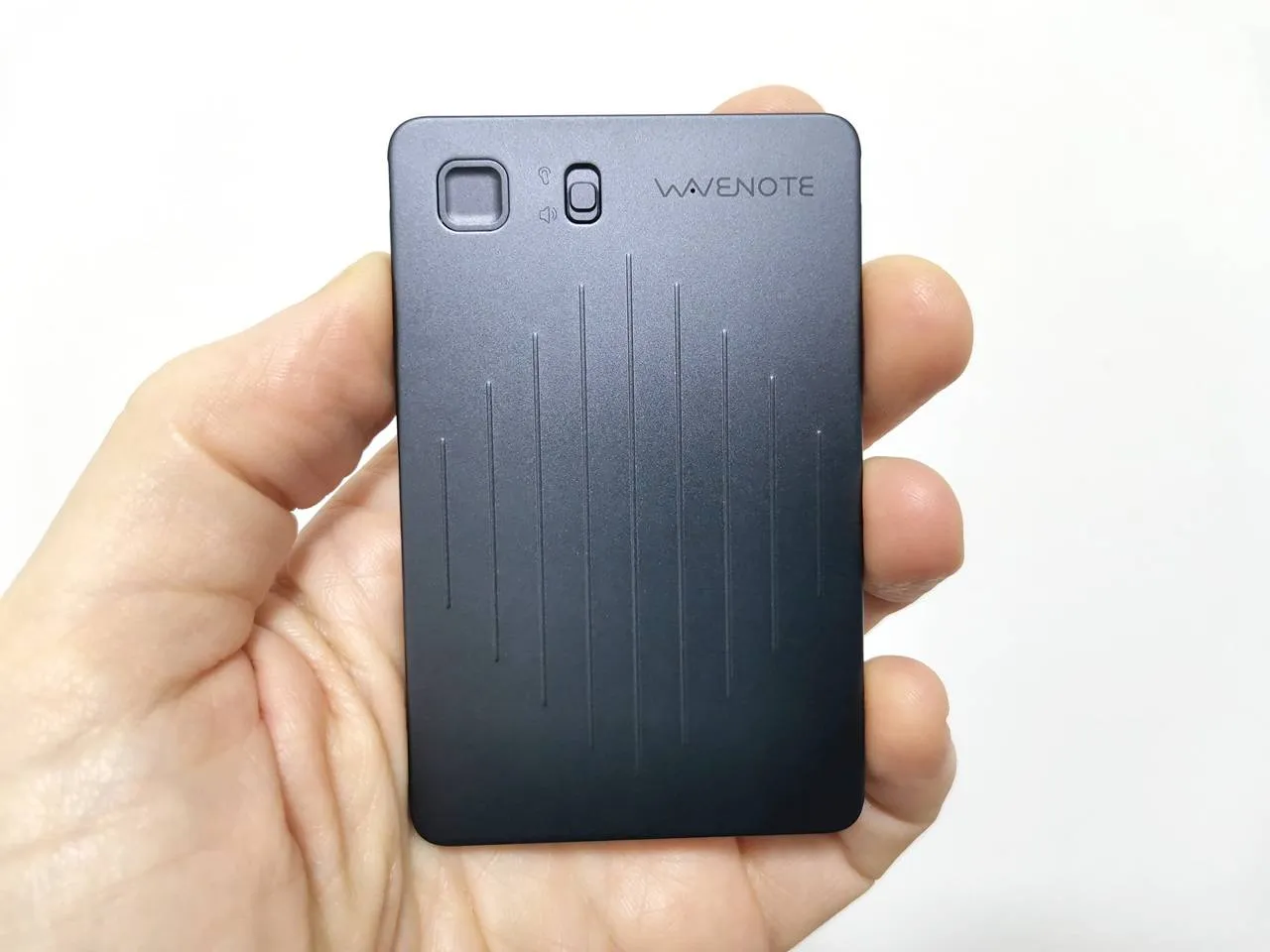
The WaveNote device features Bluetooth V5.0 connectivity, which allows for seamless pairing with your mobile phone from several meters away, especially in open spaces. Its user-friendly design includes a squared-shaped record button and a switch for recording modes, making operation straightforward and efficient. At the back of the device, there’s a four-point connector for the USB charging cable that magnetically secures to the device, reminiscent of the charging methods used by some older smartwatch models.
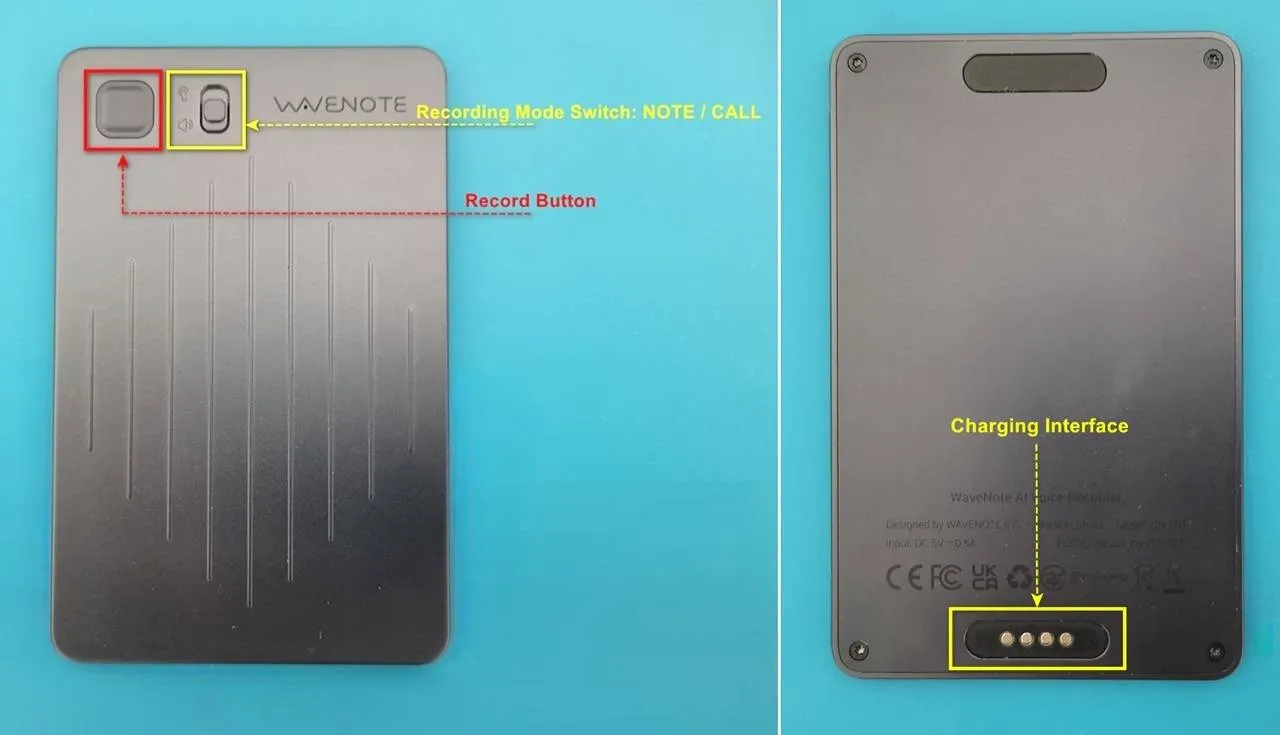
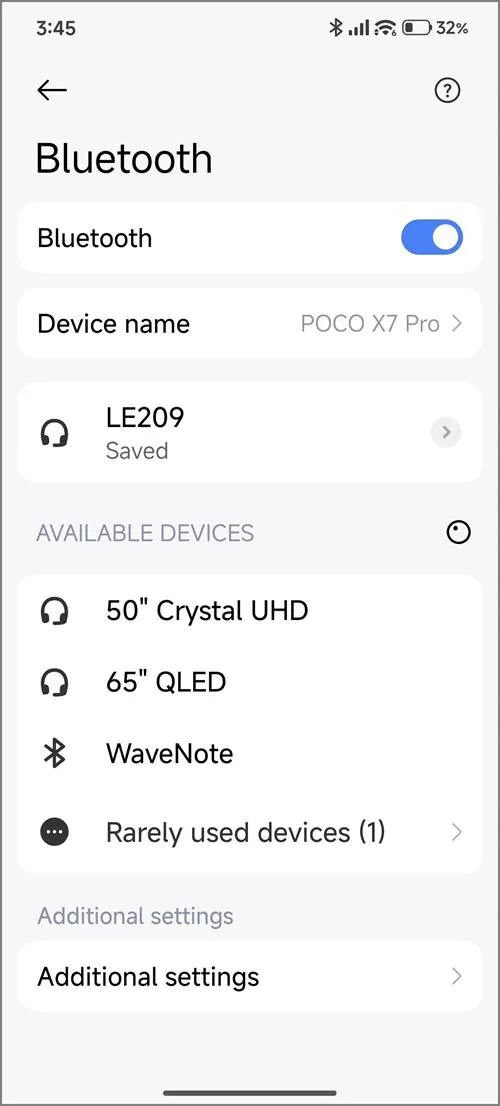
Pairing a smartphone with WaveNote – how it works?
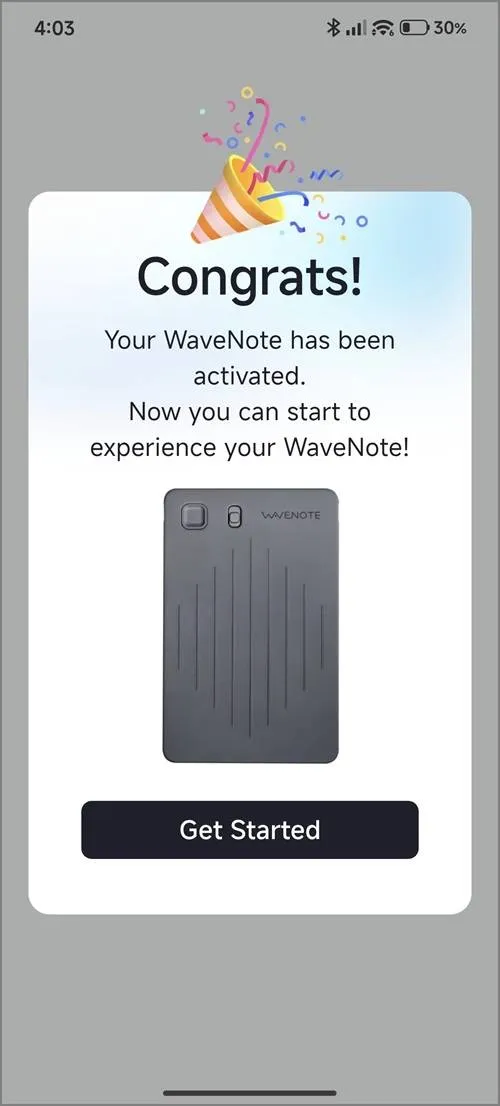
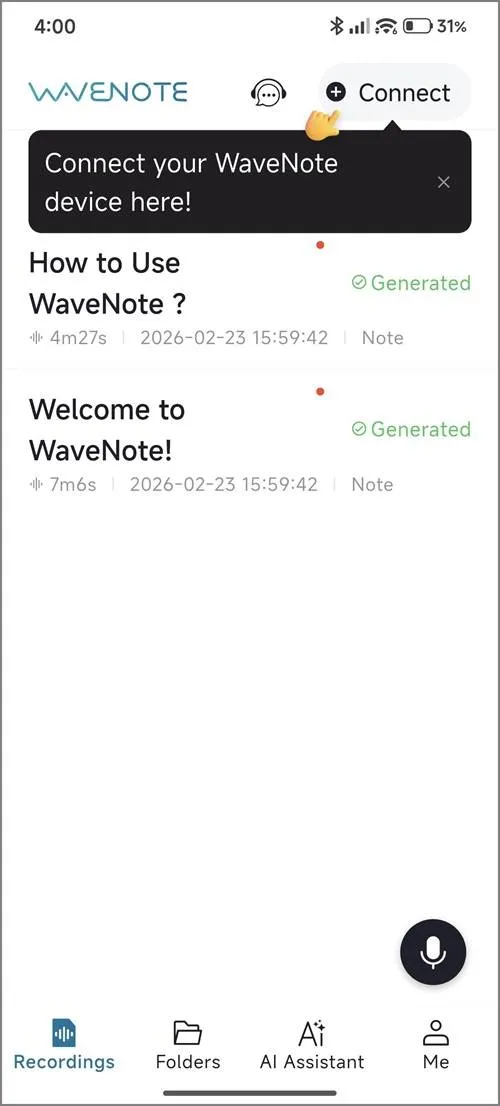
This device seamlessly supports both Apple and Android mobile devices. Once you’ve installed the WaveNoter app, you’ll need to create a new user account and connect your device using the automatic discovery feature within the app. When you subscribe, you’ll be automatically placed into the Starter Plan, which provides 500 minutes of transcription time per month for an entire year.
WaveNoter App (Android) – Screenshots
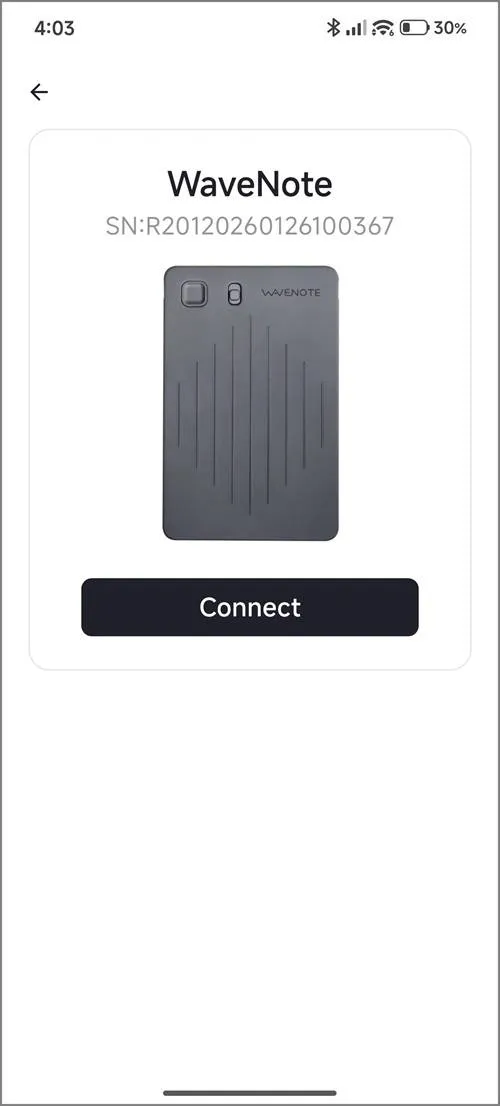
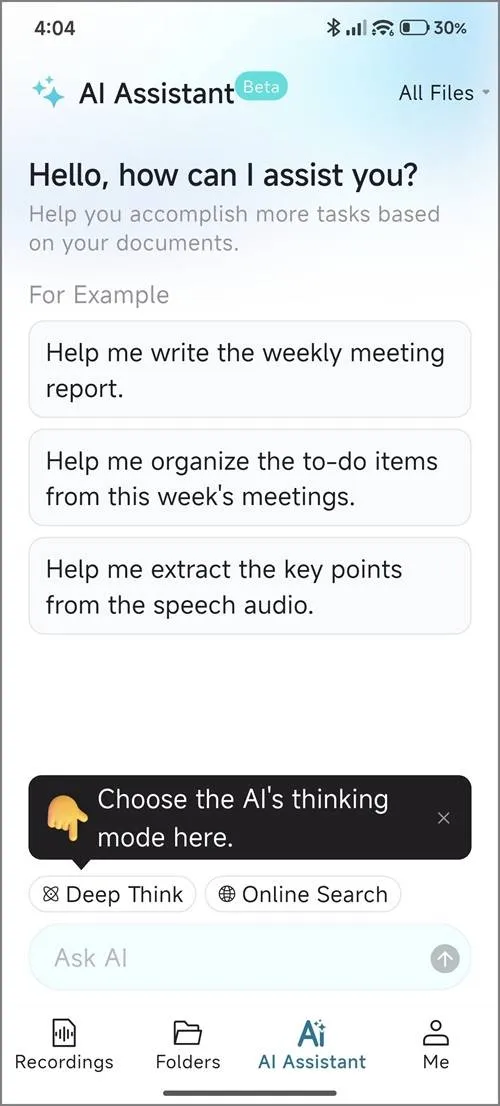
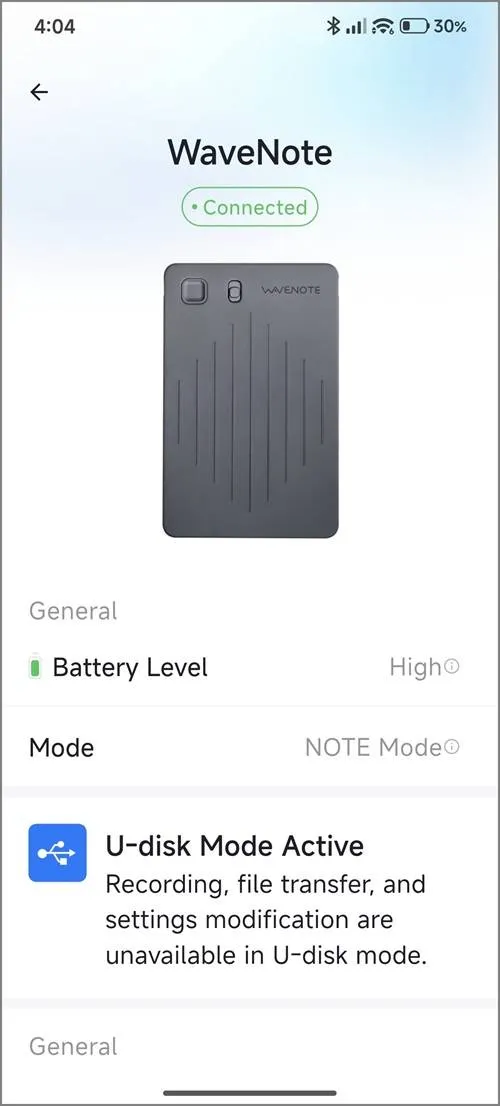
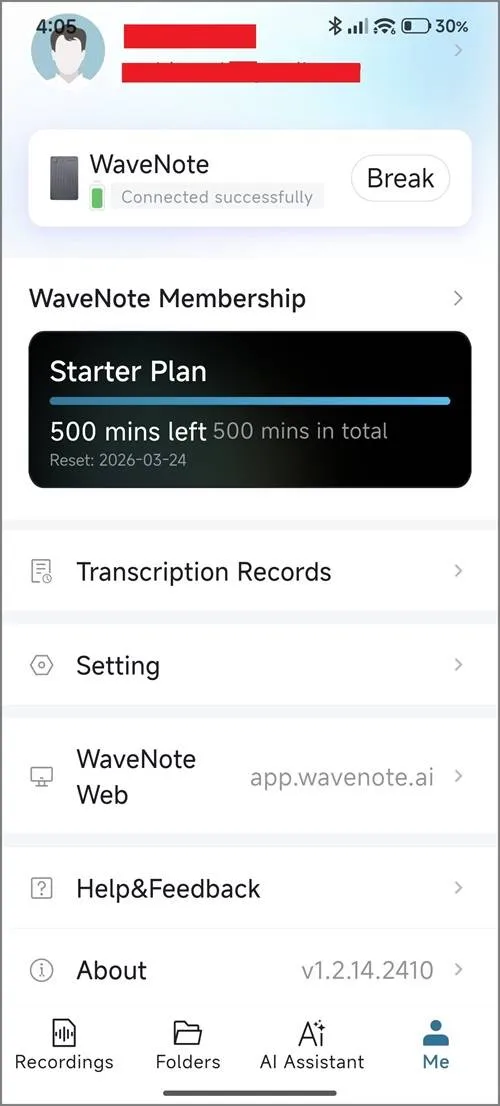
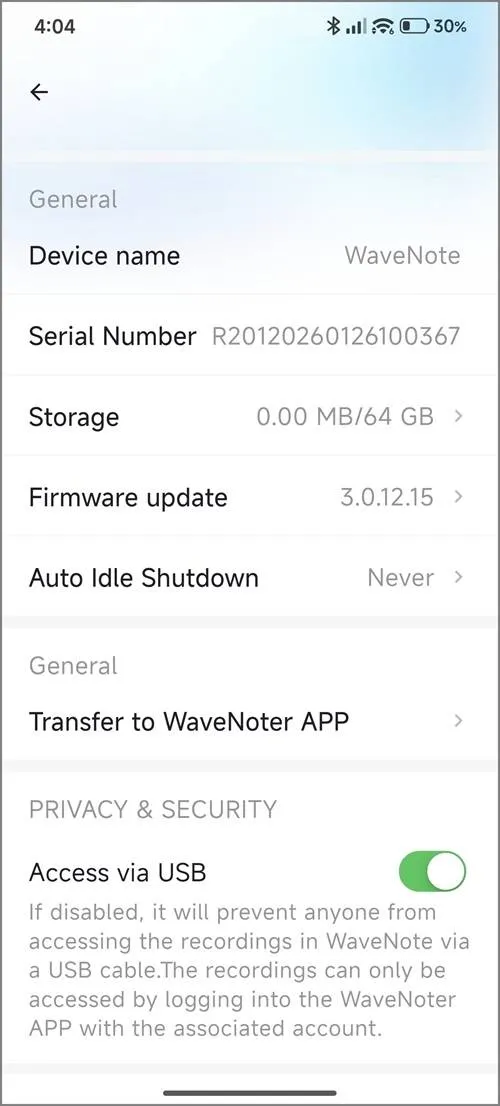
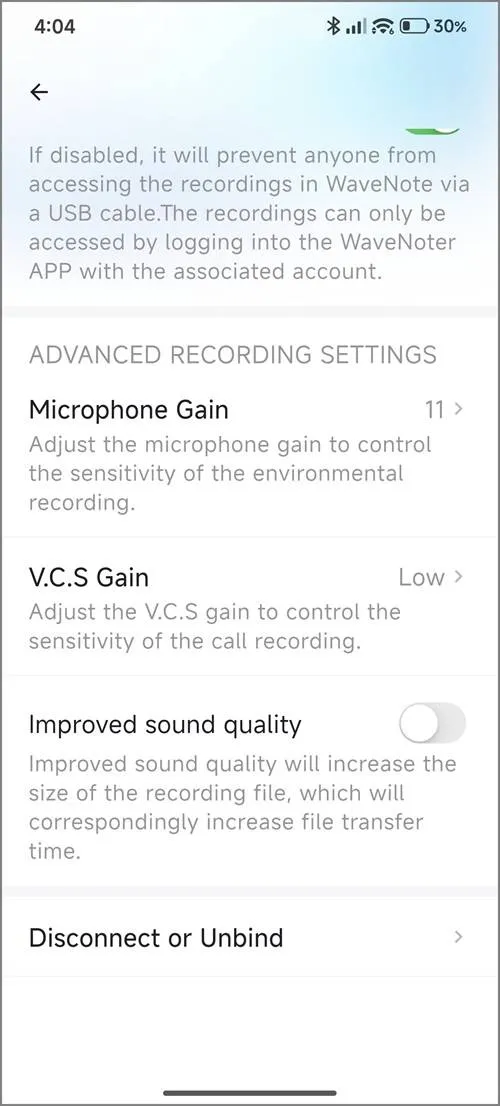
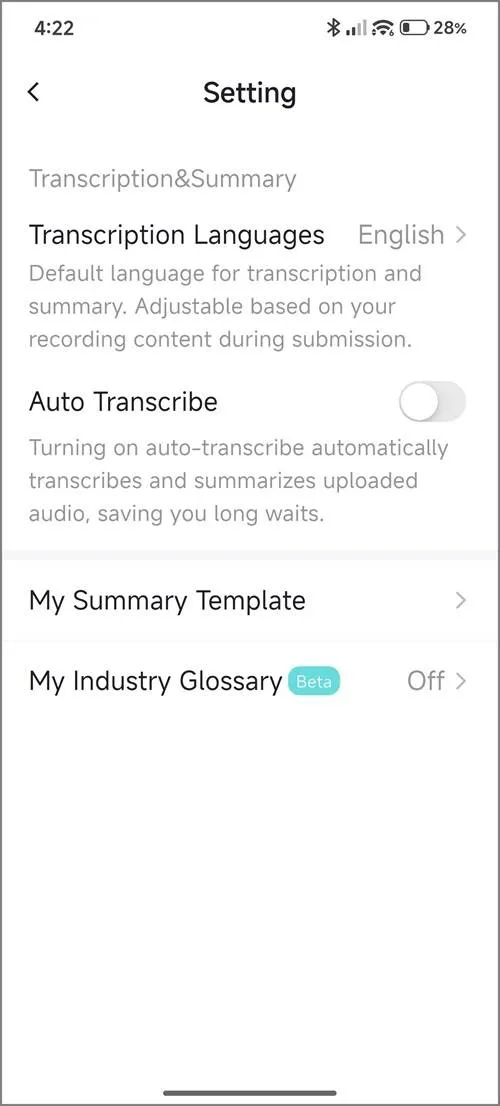
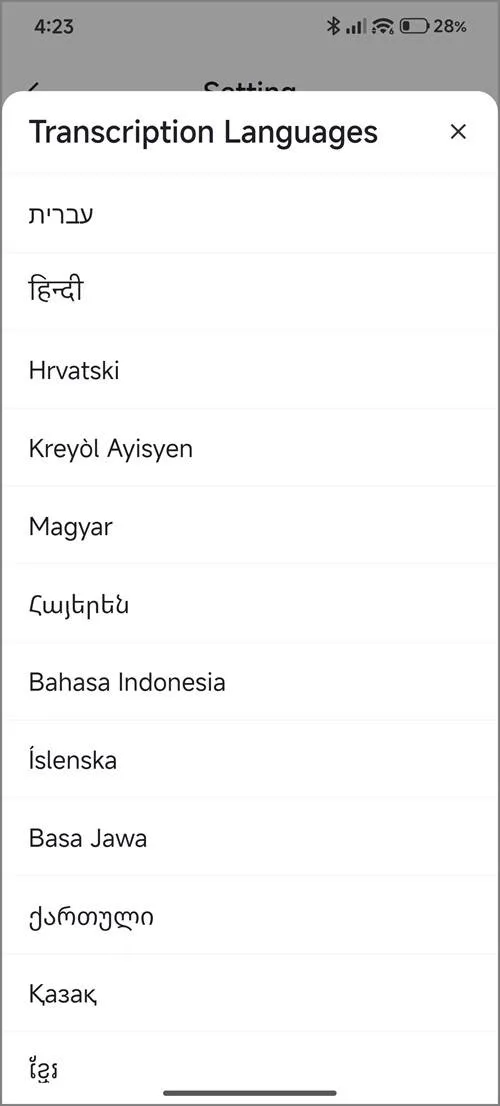
What distinguishes this product as a superior option compared to the Google NotebookLM App?
While NotebookLM provides an exceptional transcription solution, it falls short in one essential area: hardware. For instance, relying on a mobile phone during lectures or meetings can be quite cumbersome. Here are several compelling reasons to prefer this device over a smartphone:
- It features advanced background noise filtering and senstivity, making it superior to using a mobile phone.
- With its slim and portable design, this device can be effortlessly placed on a table, ensuring a smooth user experience without any interruptions, surpassing the convenience of using a smartphone.
- Long Range: Utilizing Bluetooth technology, you can position the device at a distance from your smartphone. This feature is particularly beneficial during lectures when the lecturer is situated far from the students or audience.
Supplementary FAQs
Can I continue to use the device even after reaching my credit limit?
Yes, you will still have access to the voice recording option; however, the transcription and summary features associated with a paid subscription plan will not be available.
Is it possible to use Wavenote App with Google NotebookLM App?
Certainly! Once you save the audio files within the app, you have the option to export them in either WAV or MP3 format. You can then upload these files to the Google NotebookLM app to complete the transcription process.