Boeleo W1 Review
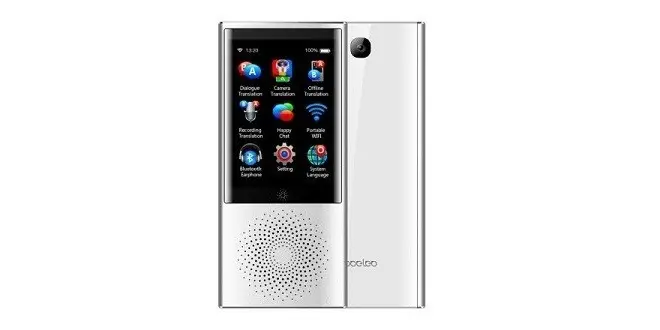
The Boeleo W1 language Translator is an advanced small size portable assistant device, designed for language enrichment. An ideal communication tool for traveling, checking road signs, and conducting multi-person or private face to face voice conversation translation.
Additional interesting features you will find in this all in one product are the mobile hotspot function, with it you can share up to 5 simultaneous connections. Multimedia speaker for listing to music, the voice recording that lets you save voice recording for later translation and the nice 500 people groups chatting function, that is very needed for large-scale business meetings (conferences).
The device includes 8 different system languages, with all the needed tools to translate up to 45 different languages. You can select a preferred translation engine among 4 different types: Microsoft, iFLYTEK, Baidu, and Google According to country geographical location. Because the product is capable of switching between different engines you can switch off from Google services when visiting mainland China. Travelers visiting different countries will also definitely find this product a must have needed communication tool when approaching various service providers including business such as stores, restaurants and so forth.
In the AI arena, the company also incorporated machine learning algorithms that are capable to translate street signs, which can be very helpful for getting streets route direction. The boeleo W1 is can connect to 4G, Wi-Fi, BT networks. It comes with built-in Li-polymer 2080mAh none removable battery, 2.8 inch HD touchscreen, 13MP rear camera packed all packed in a well-designed stylish aviation aluminum shell.
Boeleo W1 Product Intro
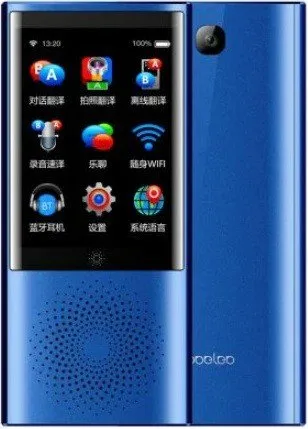
Boeleo W1 Translator | Blue Color
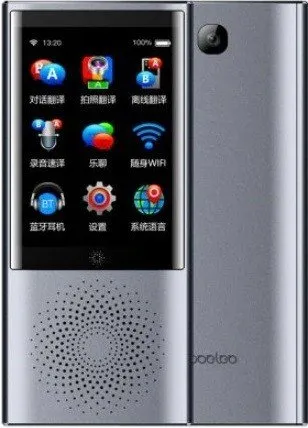
Boeleo W1 Translator | Grey Color
Boeleo W1 Highlights
- Foreign Language Learning: To improve the comprehension of spoken languages.
- Business: Helpful for business meetings & Negotiations.
- Designed for China – Support iFLYTEK translation engine.
- Ideal for Traveling Abroad: Translation into 45 languages, go around the world, multilingual, unlimited distance, easy to communicate.
- Offline translation: English and Chinese
– Photographic translation: support 45 languages
– Audio translation: 60 minutes of continuous recording
– Multi-person translation: support for 500 different languages - Walkie-talkie: infinite distance and number pair
- Hotspot sharing: support 5 devices connected at the same time
- Bluetooth headset functionality.
- Multiple Use Translation Scenarios:
– Foreign language learning
– Business negotiation
– Travel abroad
– Shopping abroad
– Visit and gift
– Exhibition exchange
Boeleo W1 Specifications
- Brand: Boeleo
- Color: Silver / Grey / Blue (Optional)
- Material: Metal+Plastic
- Product Size: 12.9 * 5.8 * 1.26cm / 5.08 * 2.28 * 0.50in
- Product Weight: 120 g
- Package Size: 18 * 9.6 * 3.6cm / 7.09 * 3.78 * 1.42in
- Package Weight: 275g
- CPU: MTK6739W Quad Core ARM Cortex-A53 MPCore 1.28GHz
- GPU: IMG 8XE 1PPC 420MHz
- Memory: 1GB RAM + 8GB ROM
- Rear Camera: 8.0MP with Flash
- Screen Resolution: 320*240
- Panel Technology: G+F
- Screen Size: 2.8 Inch HD touchscreen
- Sensor Technology: Single Point + Gesture
- Band: GSM 850/900/1800/1900MHz, WCDMA 850/900/1900/2100MHz, FDD-LTE B1/B3/B7/B8/B20.
- MiFi: Support
- Wi-Fi: 802.11 a/b/g/n 2.4G/5G
- Bluetooth: 4.0
- System: Android 7.0
- System Support Languages:
- English/Spanish/German/French/Russian/Arabic/Japanese/Chinese
- Charge Interface: TYPE-C 2.0 Support Quick Charge
- Battery: 3.8V Lithium Polymer 2080mAh (unremovable)
Package
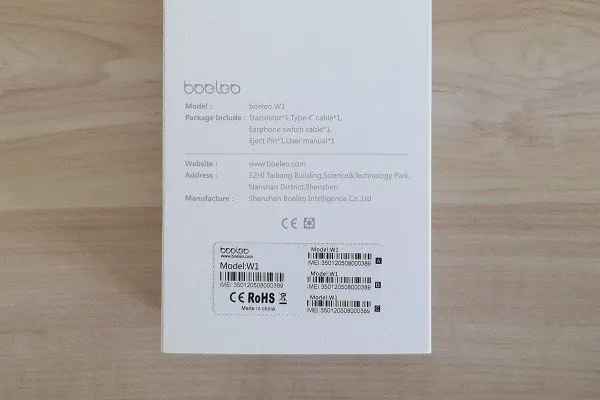
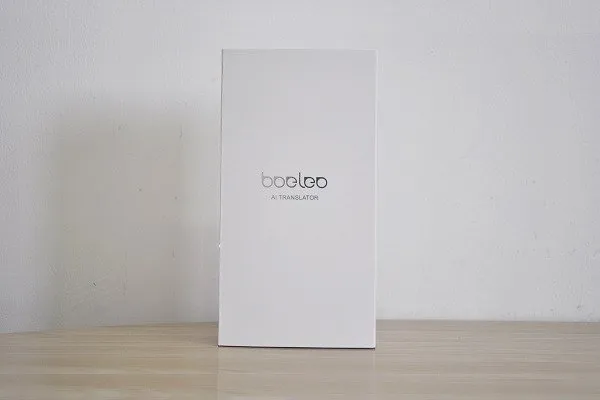 Boeleo W Package | PIC 1 of 6
Package Contents
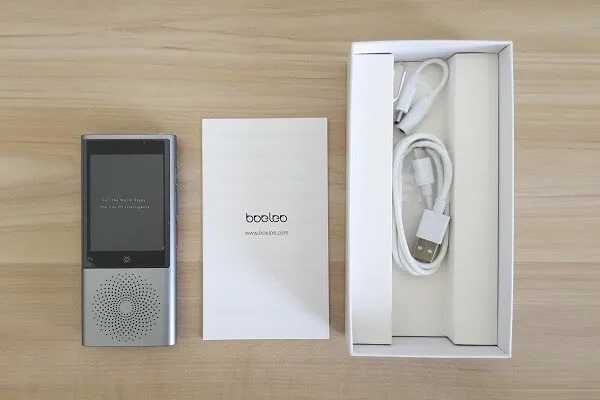
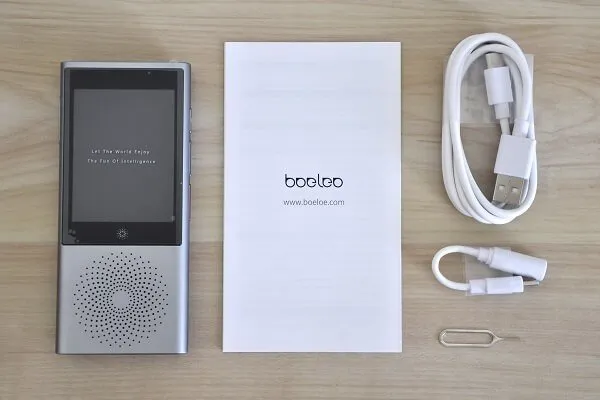
- 1x Translator
- 1x User Manual
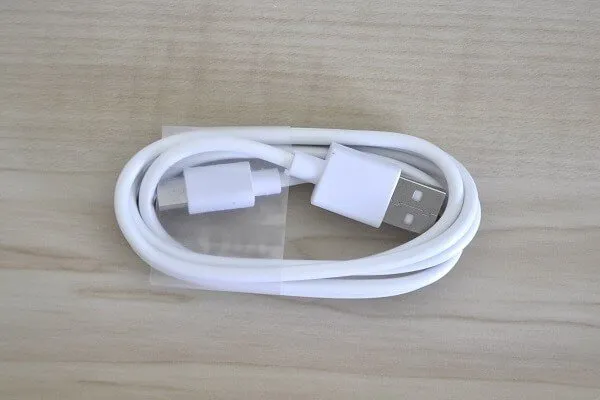
- 1x USB Type-C (Charging Cable)
- 1x SIM Tray Eject Pin
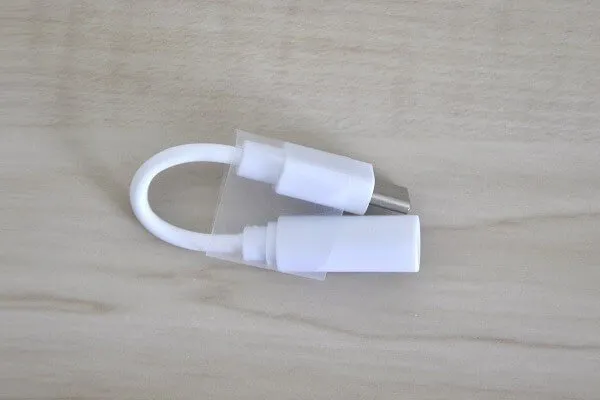
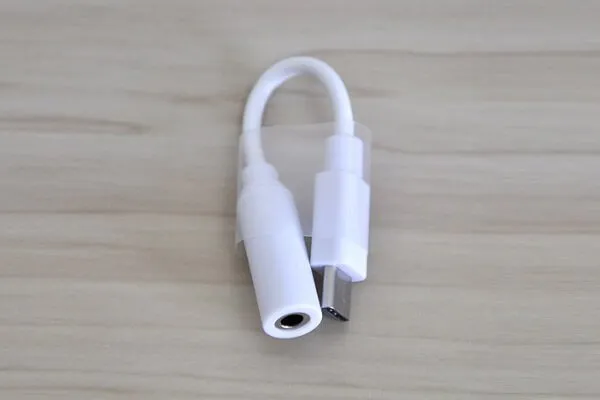
- 1x USB Type-C Headphone adapter
Unboxing All Items
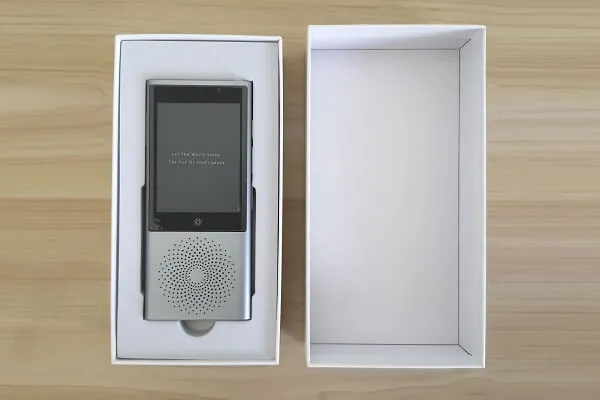 Boeleo W1 | Package Top view

Design & Appearance
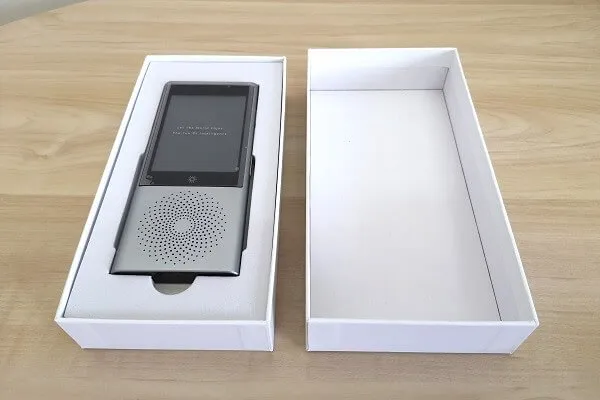
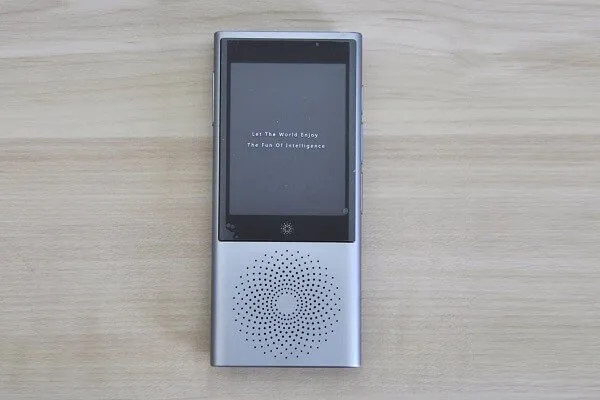
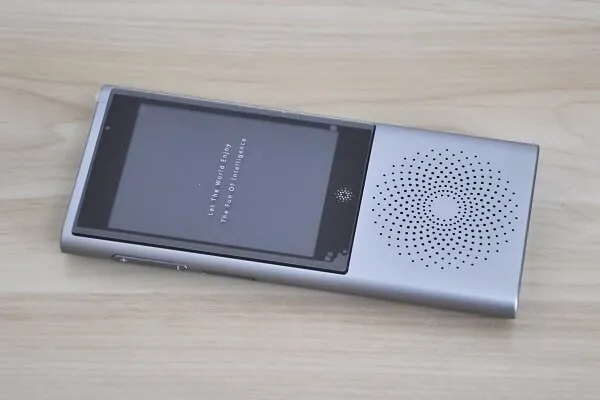
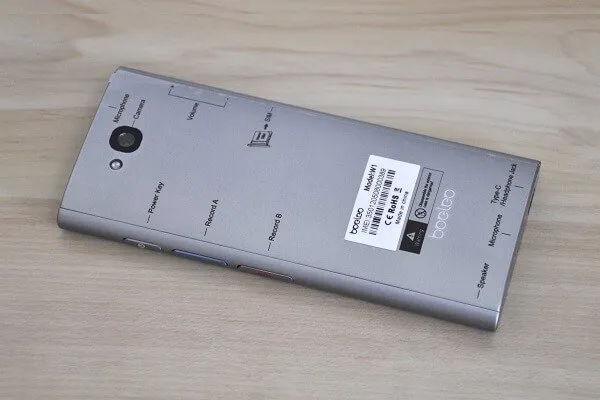
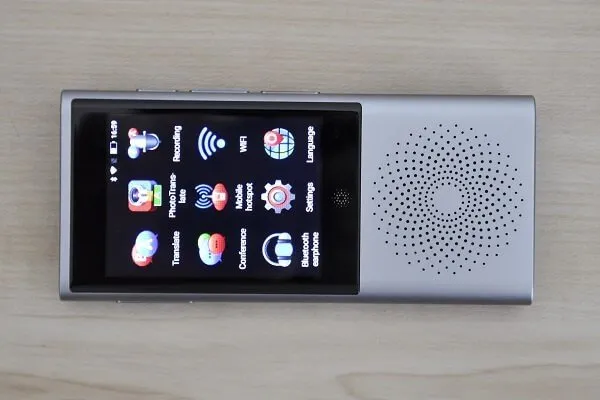
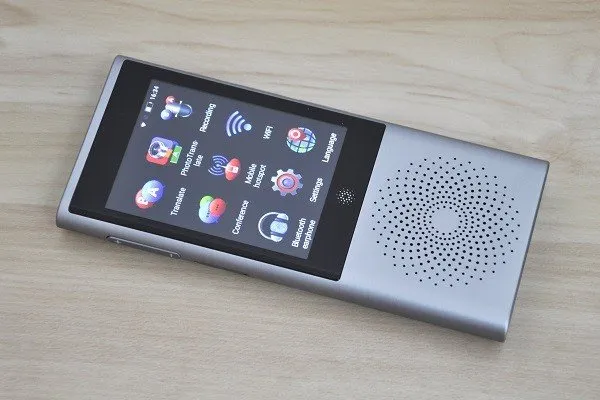
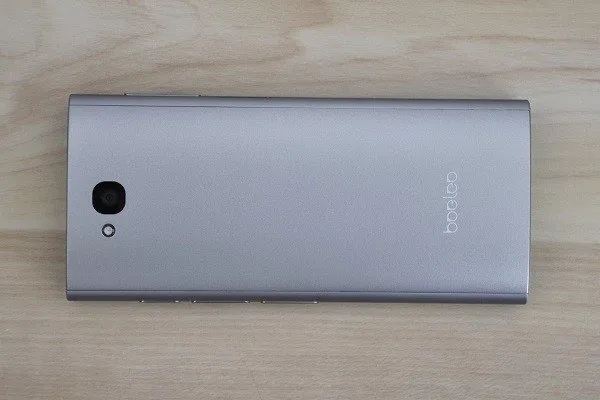
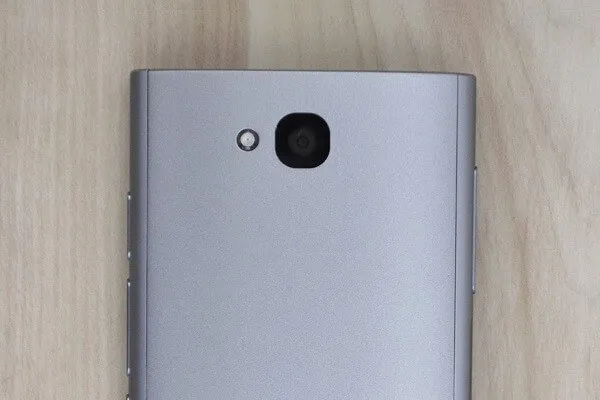
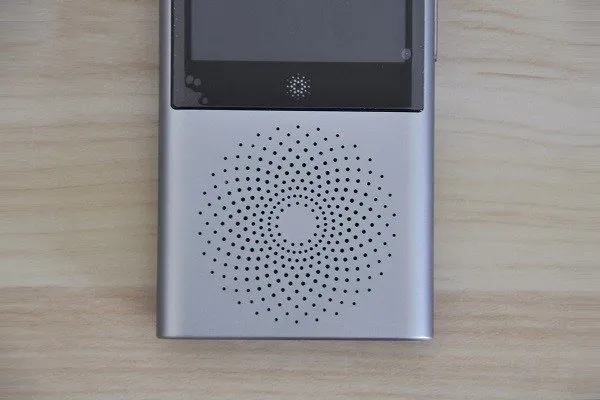
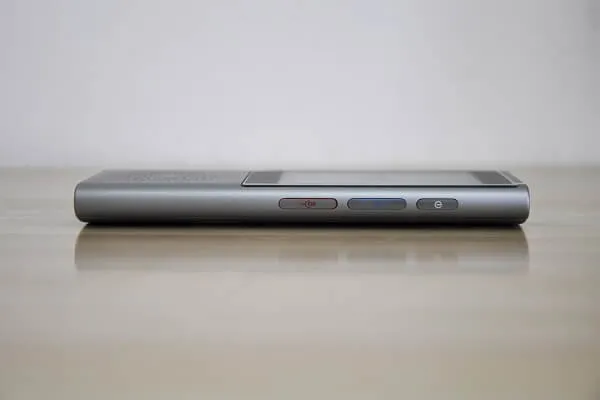
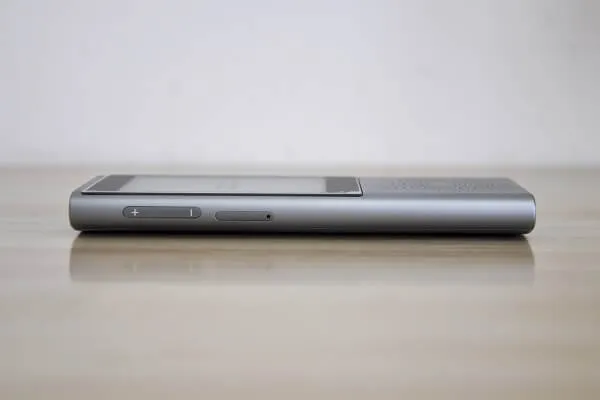
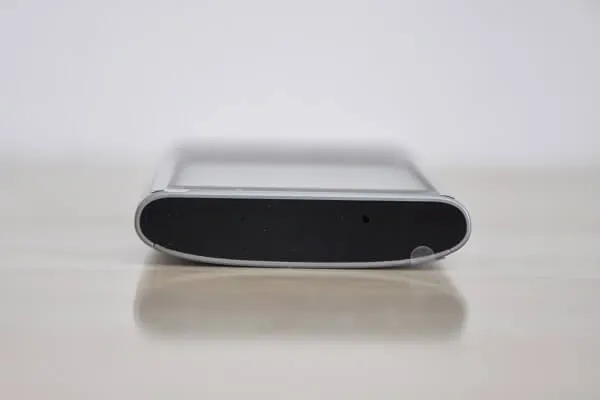
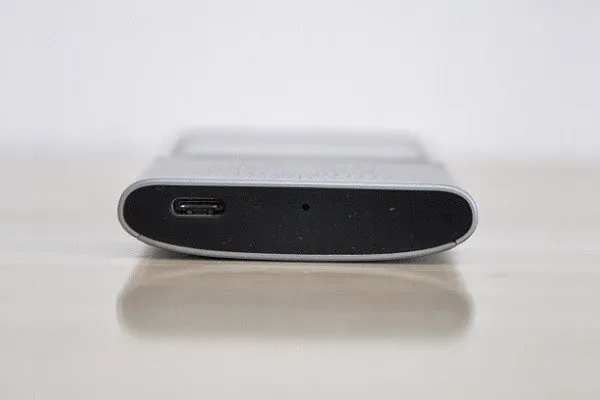
The device shell (body) is very solid. Composed of an oval-shaped metal profile with two plastic enclosures attached to it on both sides, also the speaker holes are also well designed in a shape pattern of a flower. The of the product body is most likely manufactured by CNC machines process, such as water cutting. bottom line, it’s nicely designed and overall build quality is high level.
Boeleo W1 | Full view
 boeleo W1 01
Hardware
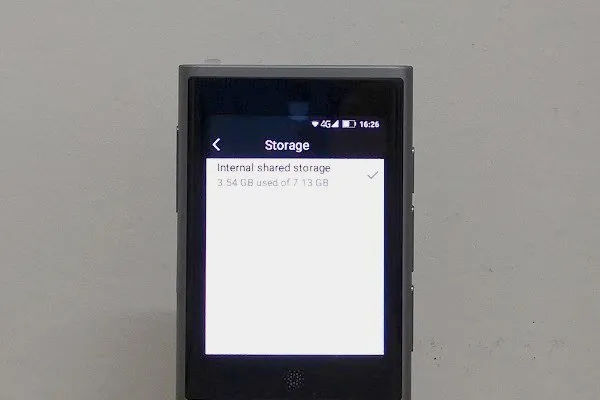
The Bloeleo W1 is powered by an MTK6739W Quad Core ARM Cortex-A53 Processor, running at clock frequency up to 1.28GHz. As for GPU, its equipped with a lowe level IMG 8XE 1PPC running at 420MHz. The device has 1GB of RAM and 8GB ROM without an expendable mico-sd card slot.
Software
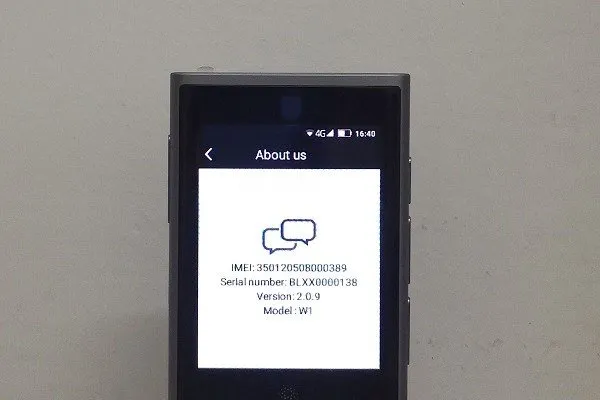
Under the Bloeleo W1 hood, you will find a customized Android 7.1 operating system. Because it’s a closed system, you don’t have any external google play store access and there is no option to save recorded voice samples on external storage space such as USB Stick, an option that could be a nice option to have if for some reason there is a need to transfer recorded files to a Desktop P.C.
Bloeleo W1 | Software
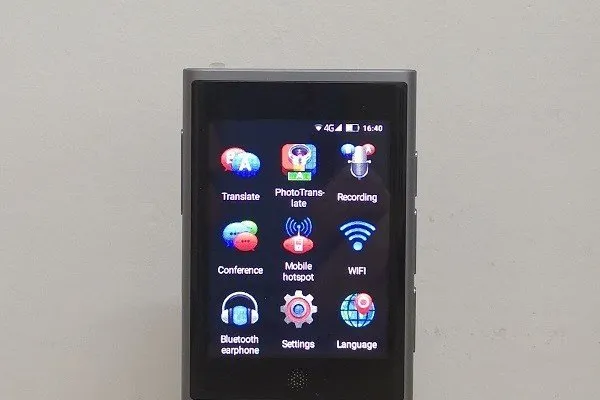 Boeleo W1 | Main Screen
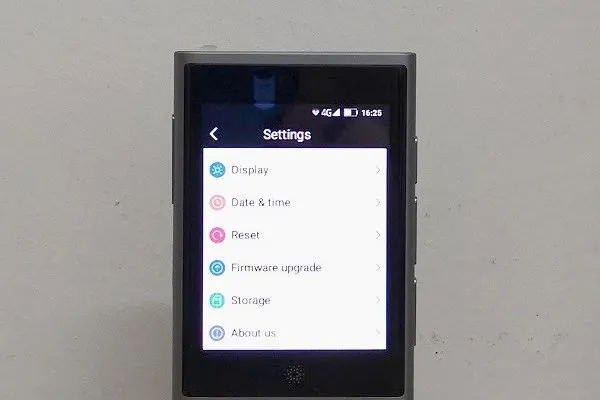
Special Features / Functions
Connectivity
Because the Bloeleo W1 needs an active internet connection to operate most of the translation engine functions, there are essentially two or three methods to operate the product. The first is connecting to a WiFi network, the second is through a mobile broadband connection via a Nano SIM card and the third last option is connecting to an active nearby access point.
In addition to the slot option, you can also use the unit as an access point and share multiple network connections with other external devices, which makes it easier to use it as a mini portable router device when traveling. Having said that, the access point function worked very well for me without any problems. I was able to simultaneously share my SIM mobile data connection with a tablet PC and a mobile phone.
Features and other Functions:
- Speaker – Was loud and produce good sound quality.
Charging The Unit:
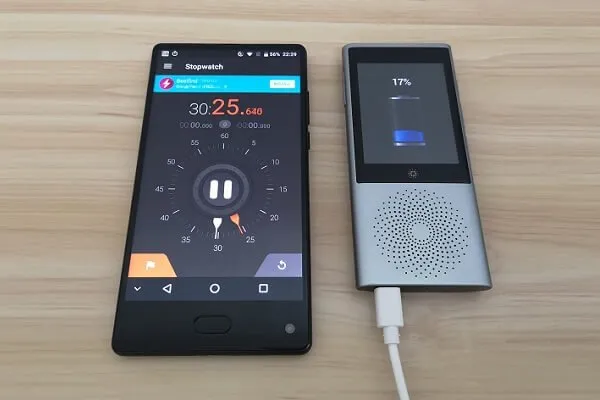
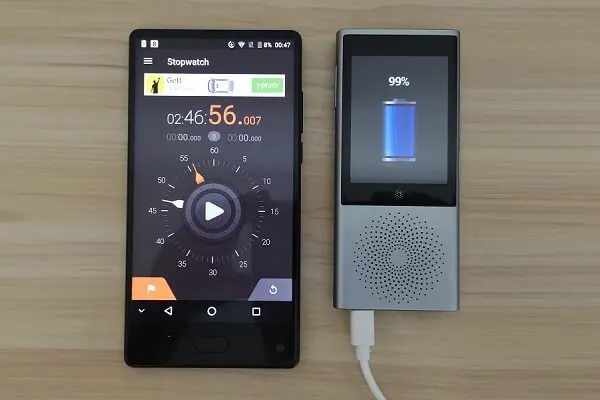
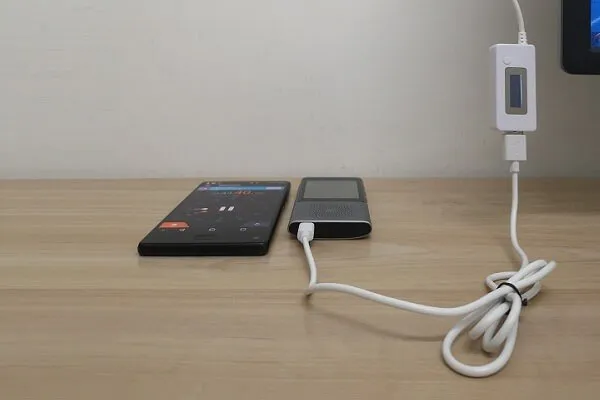
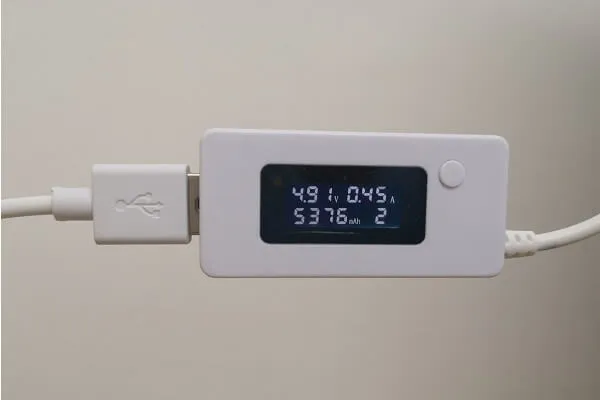
The Bloeleo W1 incorporates a built-in 3.8V Lithium Polymer 2080mAh battery that also supports quick charging Technology. Inside the Package, you will find a Type-C USB cable, with it you charge the device via standard USB (5V) port / Wall Charger / Power-bank. In my tests without using a quick charger, just connecting it to a Desktop PC USB port it took 2hr:48 min to fully charge the unit from a fully discharged state.
Bloeleo W1 | Charging
 Boeleo W1 Charging P1
Translation
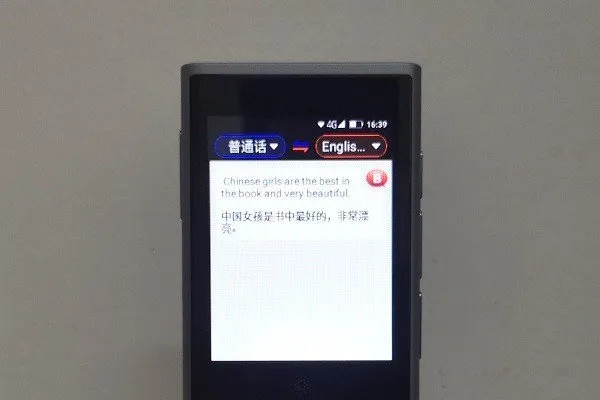
The voice translation arena, the accuracy was very impressive, not less compared to google translation engine and preserved my personal expectations. If you are planning on using this device on trips to China, it would be the best option as Google services are blocked there and translation engine is top of his kind, developed by iFlytek company that specializes in development voice recognition software.
Note! Keep in mind that the list as shown below of supported languages may expand over time as more languages will be added in future firmware updates.
Supported languages:
- Chinese (Mandarin)
- Korean
- English (US)
- English (UK)
- English (AU)
- English (CA)
- Hebrew (IL)
- Japanese (JP)
- French (French)
- French (CA)
- German
- Arabic (Egypt)
- Spanish
- Russian
- Hindi
- Vietnamese
- Indonesian
- Thai
- Portuguese
- Polish
- Italian
- Swedish
- Bulgarian
- Hungarian
- Croatian
- Catalan
- Malay
- Finnish
- Slovak
- Turkish
- Danish
- Romanian
- Dutch
- Greek
- Slovenian
- Tamil
- Czech
- Norwegian
Hot-spot
Worked all without any problems.
Conferencing Mode
The conferencing feature lets you do a group translation. Meaning, you can join a group of people that use the W1 device and get their conversation translation displayed on your device. An option is might be very popular for business meetings/summits where you have a large audience.
Microphone
The company incorporated two microphones. One located on the top of the unit and another one at the bottom of the unit. In my tests, the microphones were able to pick my voice well at a very limited short distance of approximately 1- 2 meters. As a user of this multi-functional device, I expected to have more sensitive microphones that will also make it possible to use this product as a portable digital voice recorder to record business meeting/lectures inside large rooms.
Photo Translate
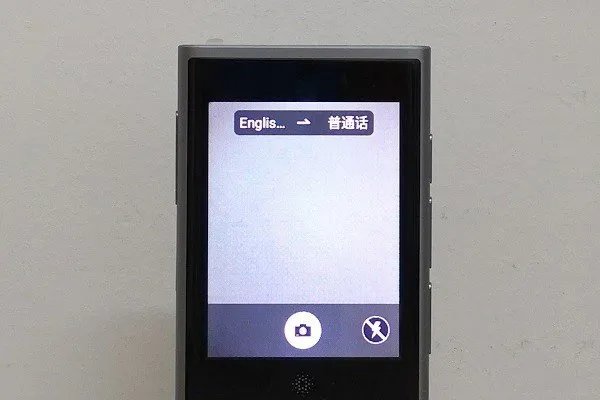
A feature that combines both optical character recognition as well as a machine learning technology. With this function, you can use the device 8MP rear camera and scan writing text and translate it into 8 different languages: Chinese, French, German, Japanse, Russian, Spanish, Taiwanese, and Cantonese. With this function, you can scan street signs, food menus in restaurants, newspapers and so forth.
Final Verdict
My impression after testing the Boeleo W1 is that it offers a very strong translation engine. it doesn’t support all existing languages, just the main important once and it’s more than enough and worth using it as a tourist or business person. Bottom line, it’s a good product worth buying.