

Installing the 18650 UPS Expansion Board
The 18650 UPS Expansion Board is a convenient accessory that powers your board even when no active power source is available, making it ideal for industrial settings during power outages. It operates on three flat-head 3.7V 18650 3500mAh Li-ion batteries, which are not included in the kit and must be purchased separately. That being said, it’s also worth mentioning that this feature is only compatible with Windows 10 or 11 operating systems.
Configuring the board
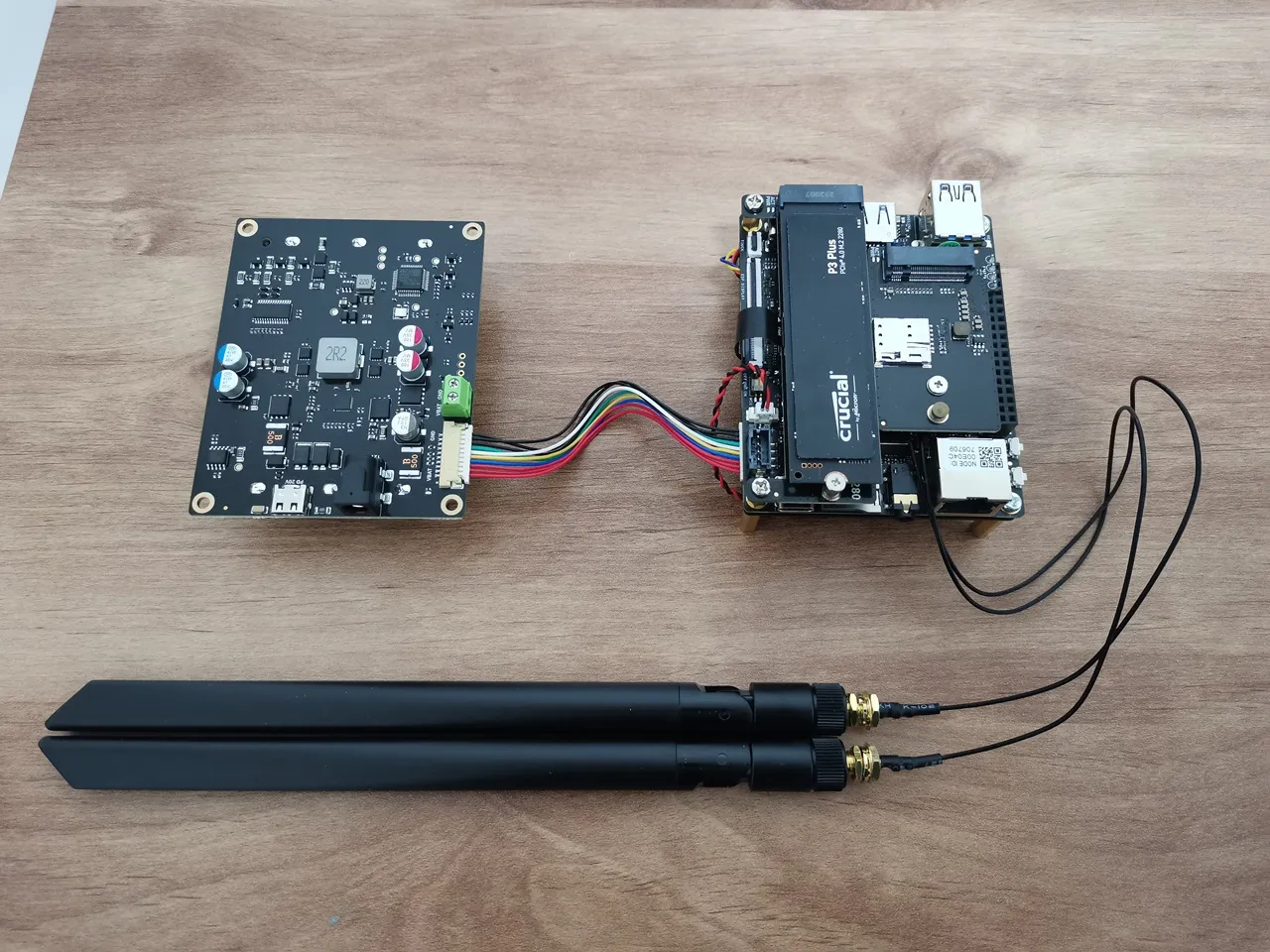
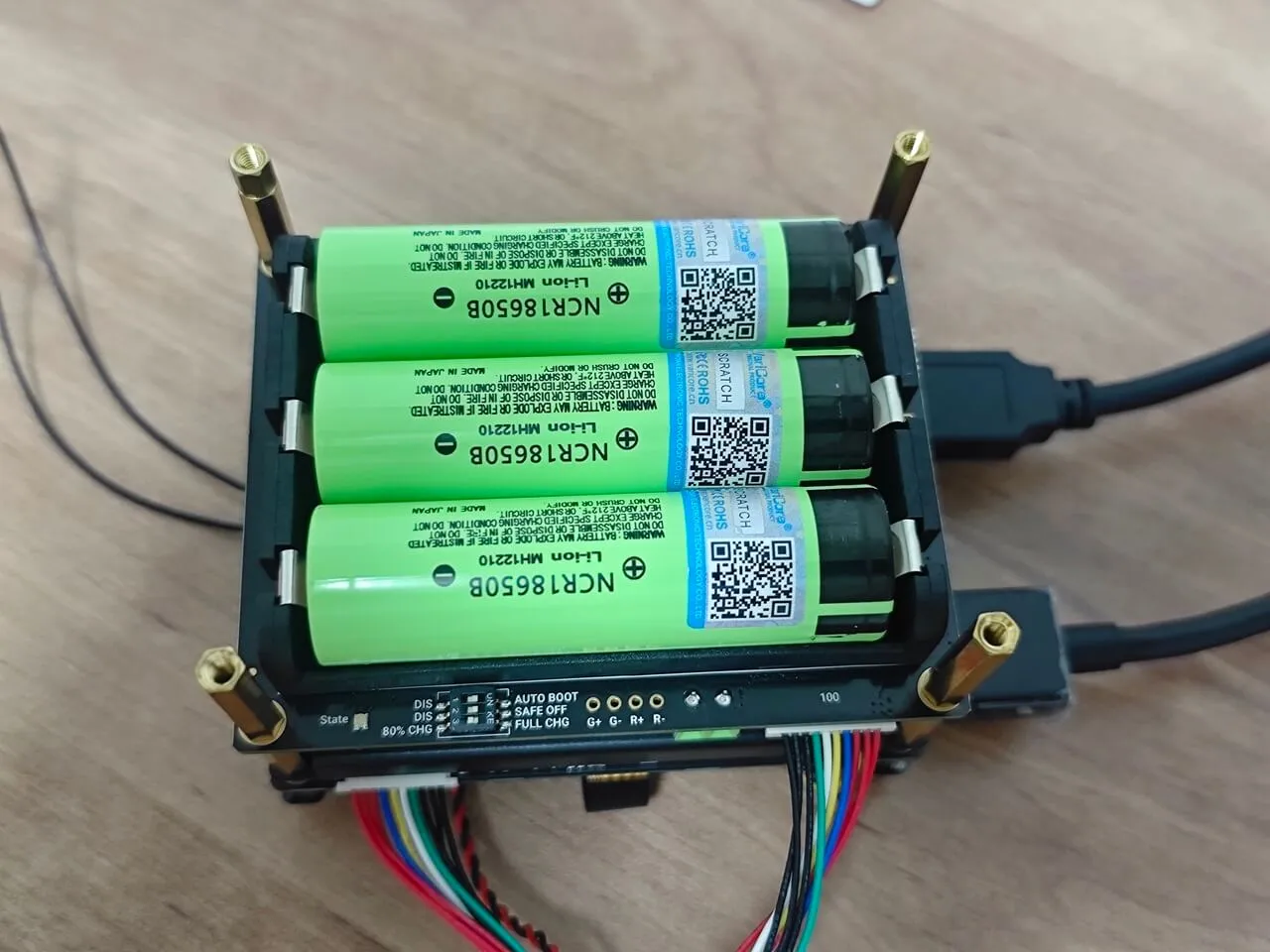
It’s pretty simple. Just insert the three batteries and connect the provided cable from the UPS board to the MX1.25 10-pin connector on the IOTA board. Under the board, where the battery housing is located, you’ll find an LED status indicator that lights up red when charging, blue when discharging, and green when fully charged.
Optional power inputs
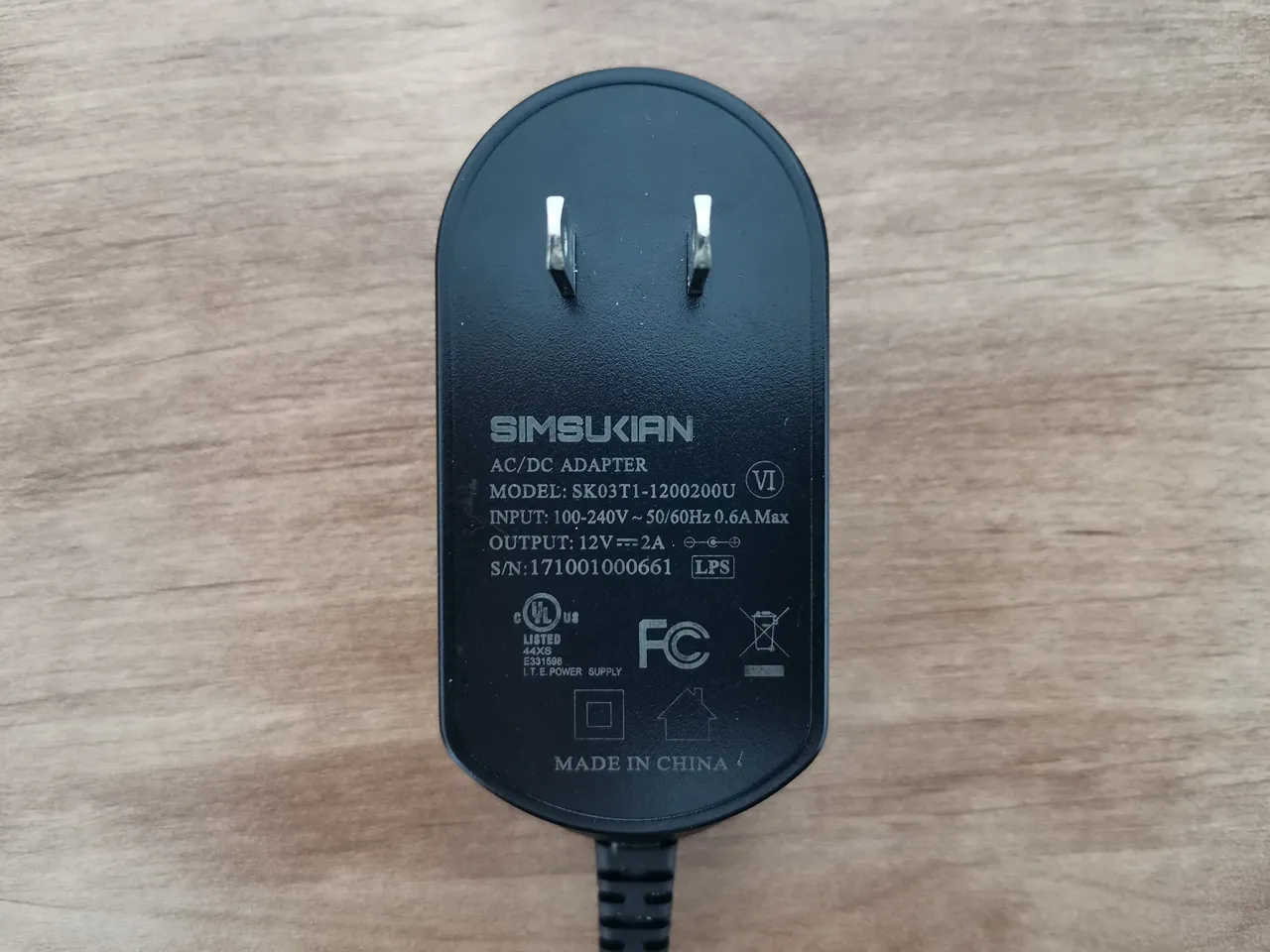
The UPS board doesn’t include power adapters, so you’ll need to purchase them separately. It can be powered in two ways: through a DC jack or a USB Type-C port. You can choose whichever option works best based on the power adapter you feel is the most comfortable for you.
Charging input requirements:
- USB Type-C: Supports PD 20V input
- DC Jack: 5.5×2.5mm (center positive), 12–24V input
- Minimum Power Requirement: =36WBattery Configuration: 3 × 3.7V 18650 Li-ion batteries (user-installed)
Hardware Power Management (DIP Switch)
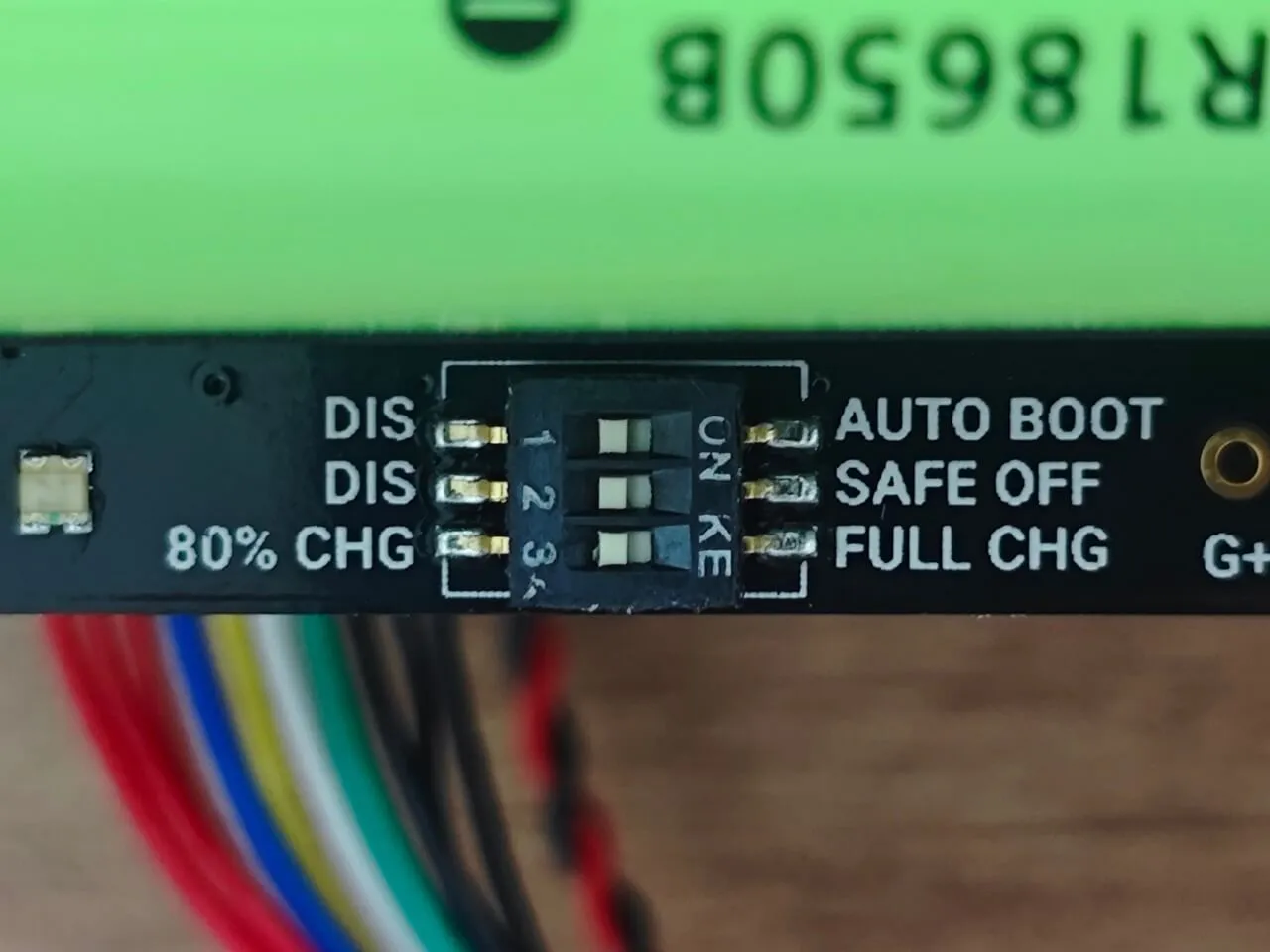
DIP switches allow manual configuration without requiring any special software setup. To access them, you need to peel off the thin protective tape layer from the switch. Once that’s done, you can access it and adjust the settings according to your personal preferences.
| Switch | Function | Description |
|---|---|---|
| SW1: Auto Boot | Auto Power-On | OFF (default): Manual power-on required ON: Powers on automatically when external power is connected |
| SW2: Safe OFF | Safe Shutdown | OFF (default): Continues powering during outage ON: Triggers safe OS shutdown during power loss |
| SW3: CHG | Charge Limit | 80%CHG (default): Charges to 80% (extends battery life) Full CHG: Charges to 100% |
Setting up the UPS board
The UPS board kit comes with hex nuts and screws for mounting, but we decided not to use them. Instead, we mounted it underneath the IOTA board using longer threaded hex nuts, making it easier to access the IOTA interfaces and cards like the WiFi card, 4G M.2 card, and our 1TB NVMe SSD.
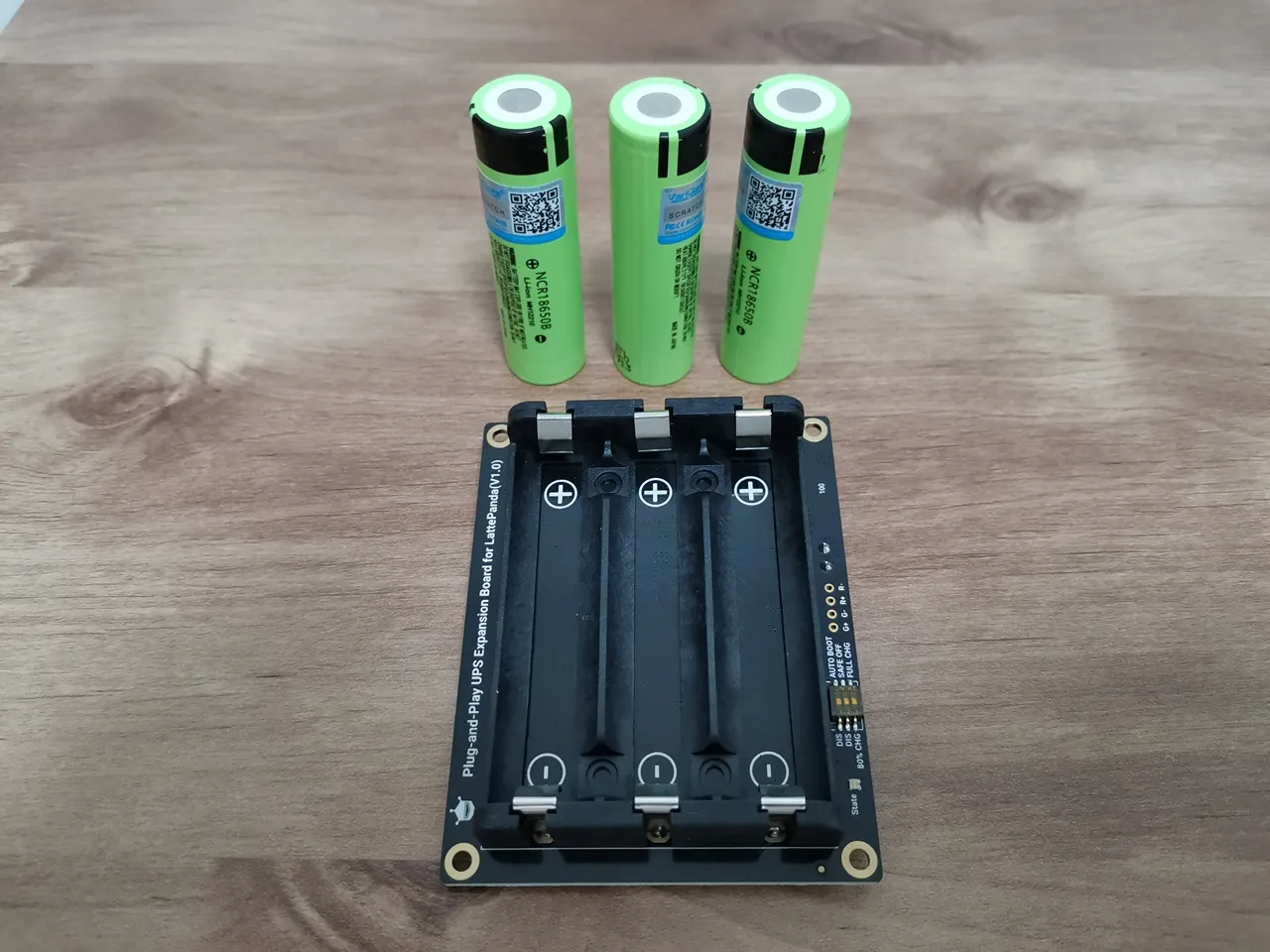
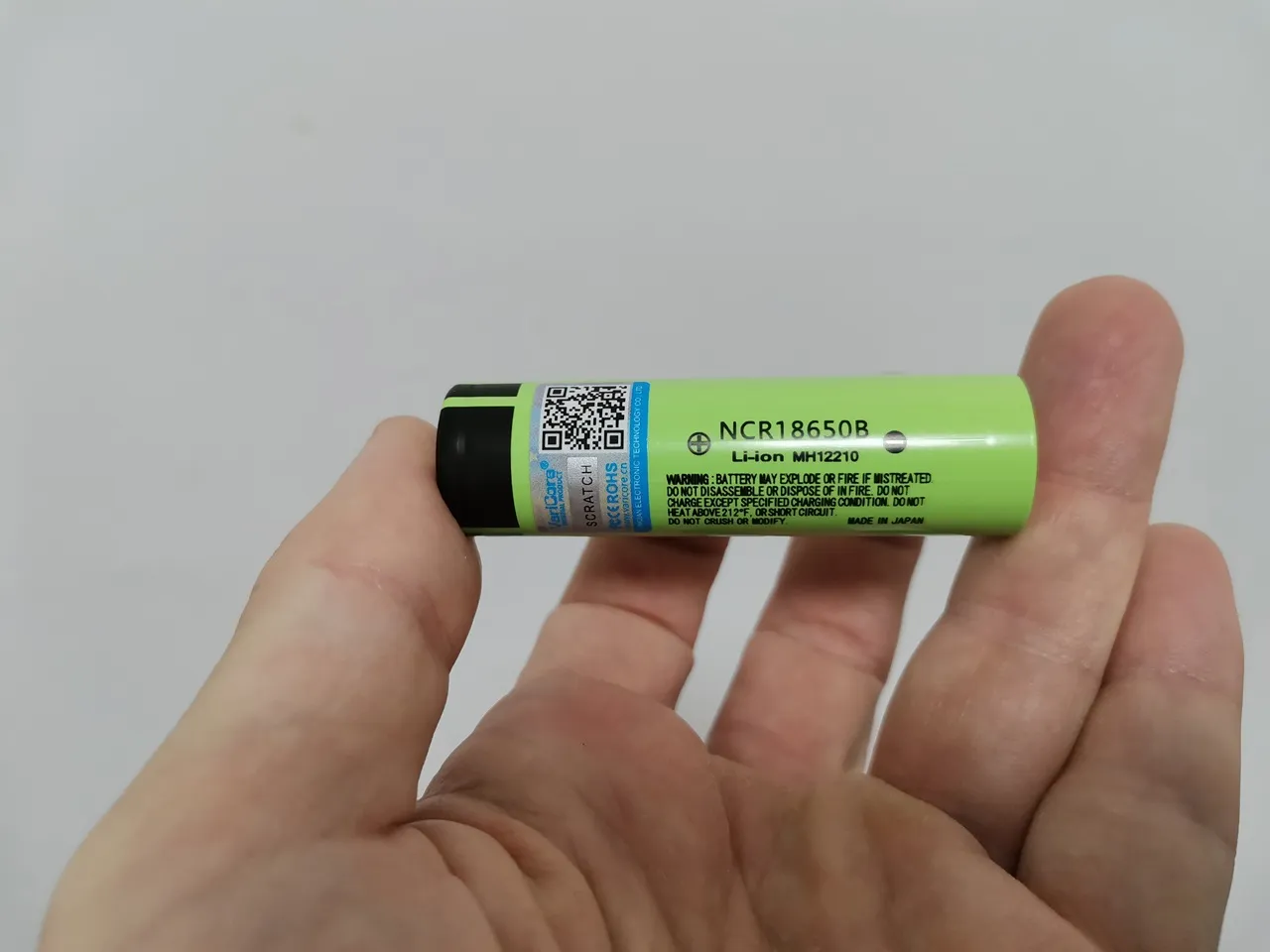
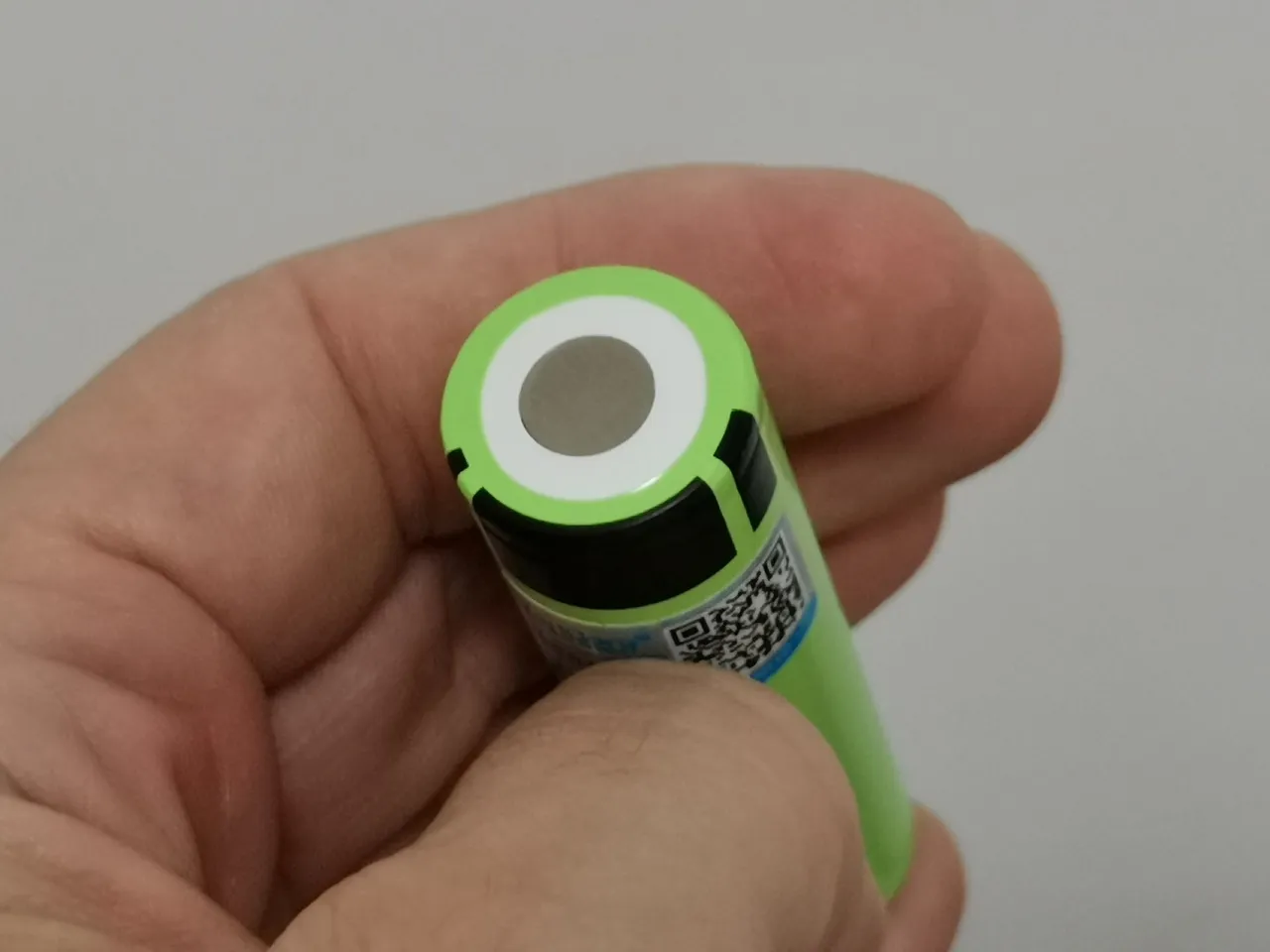
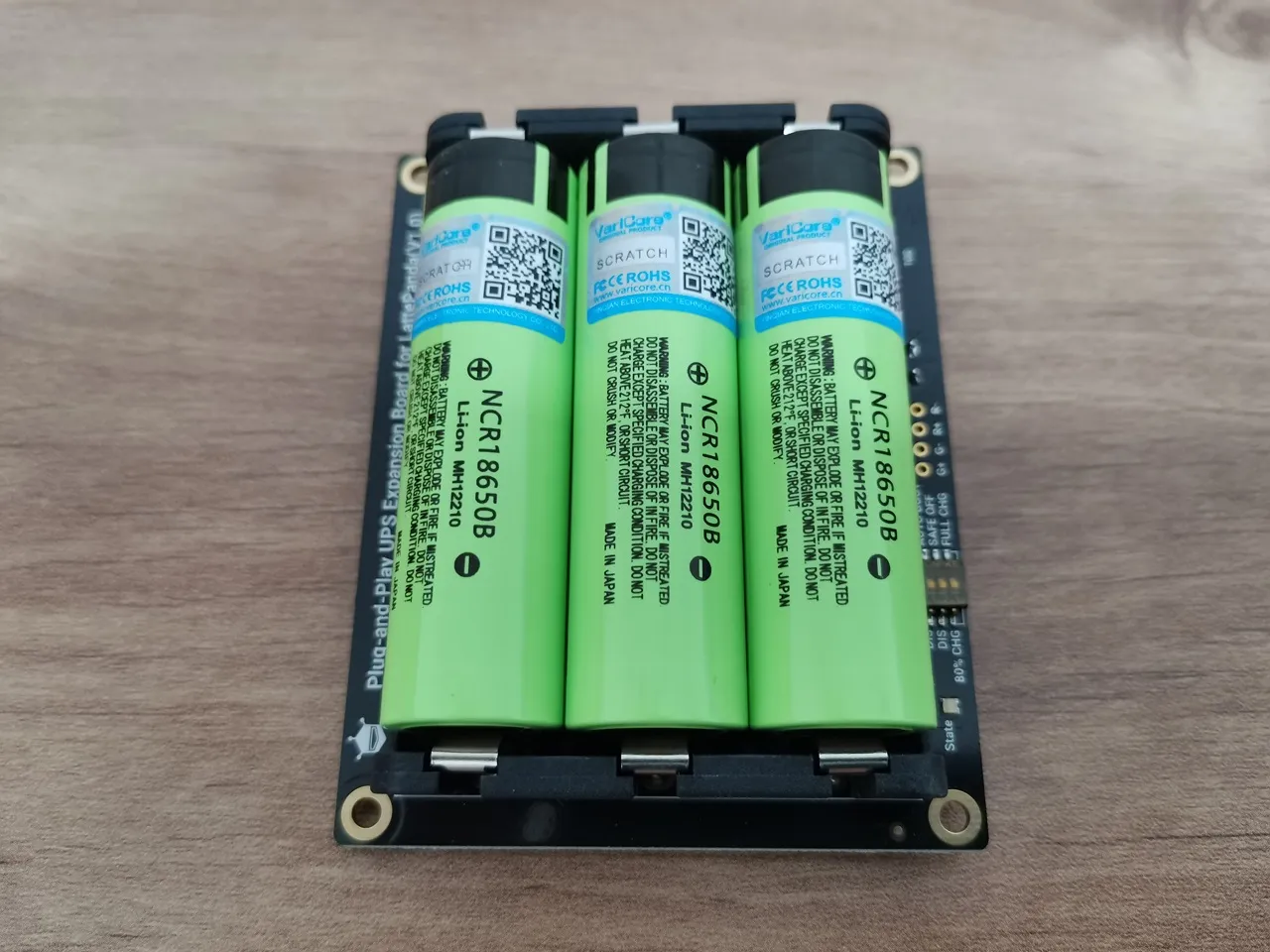
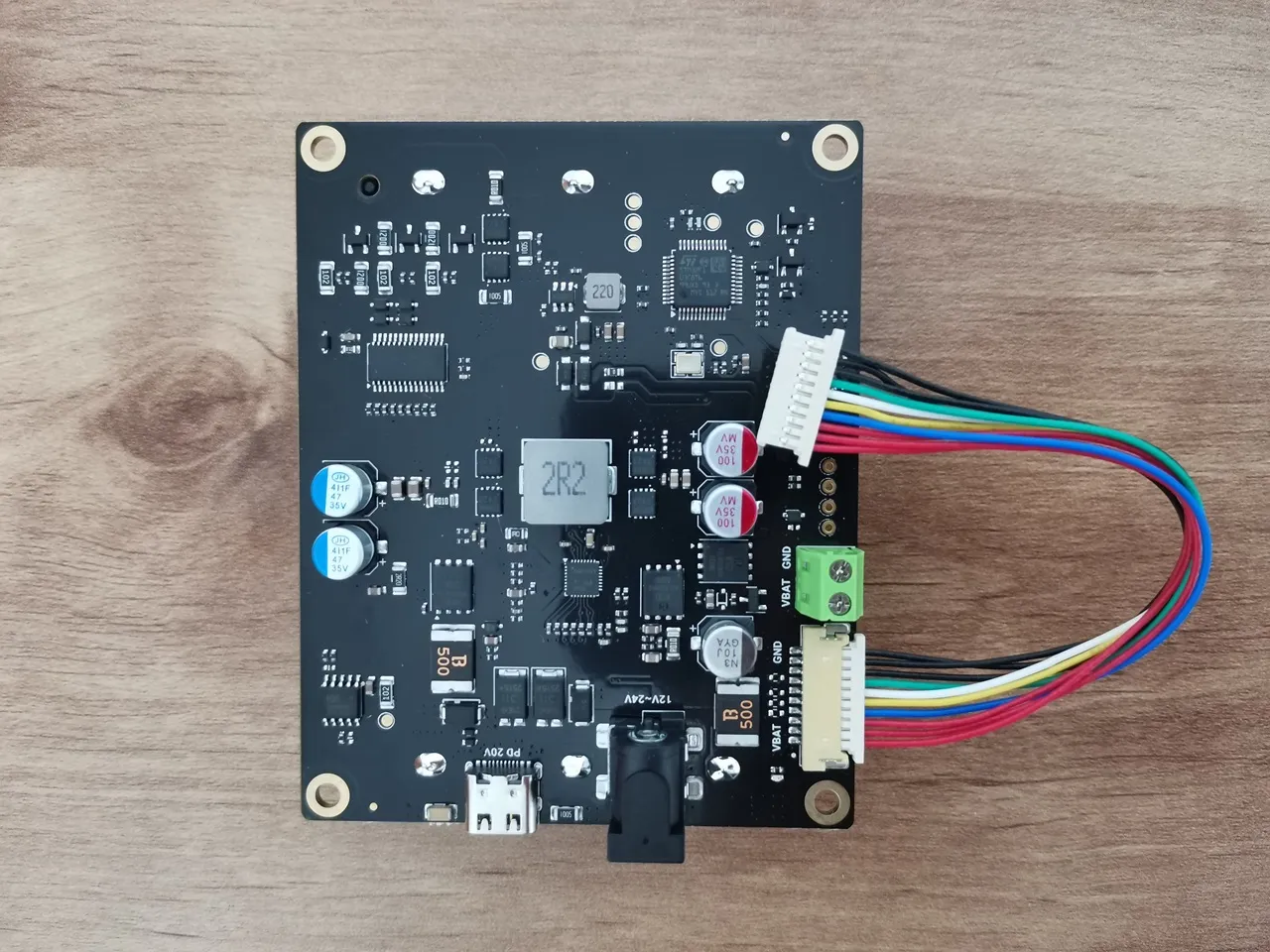
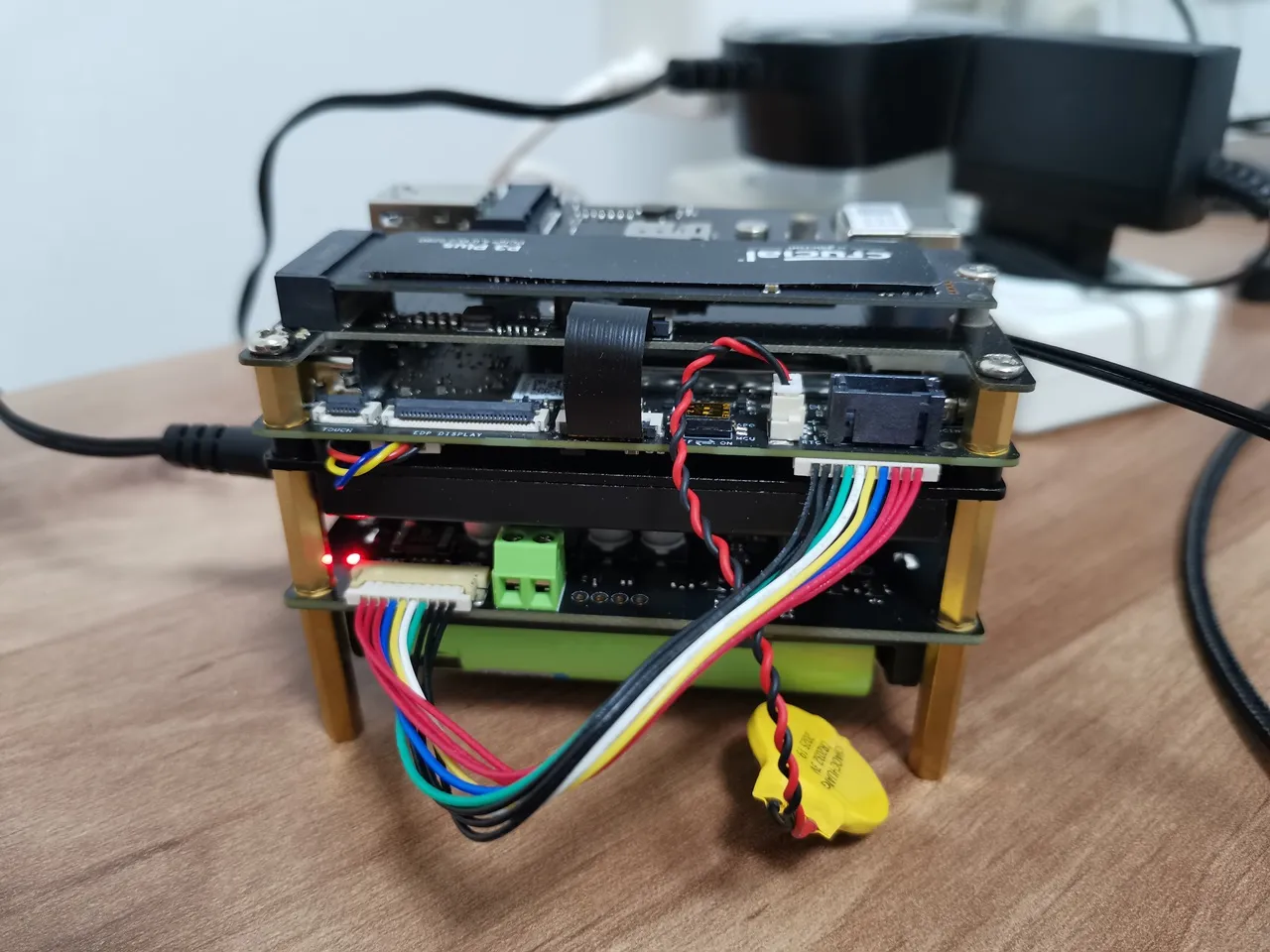
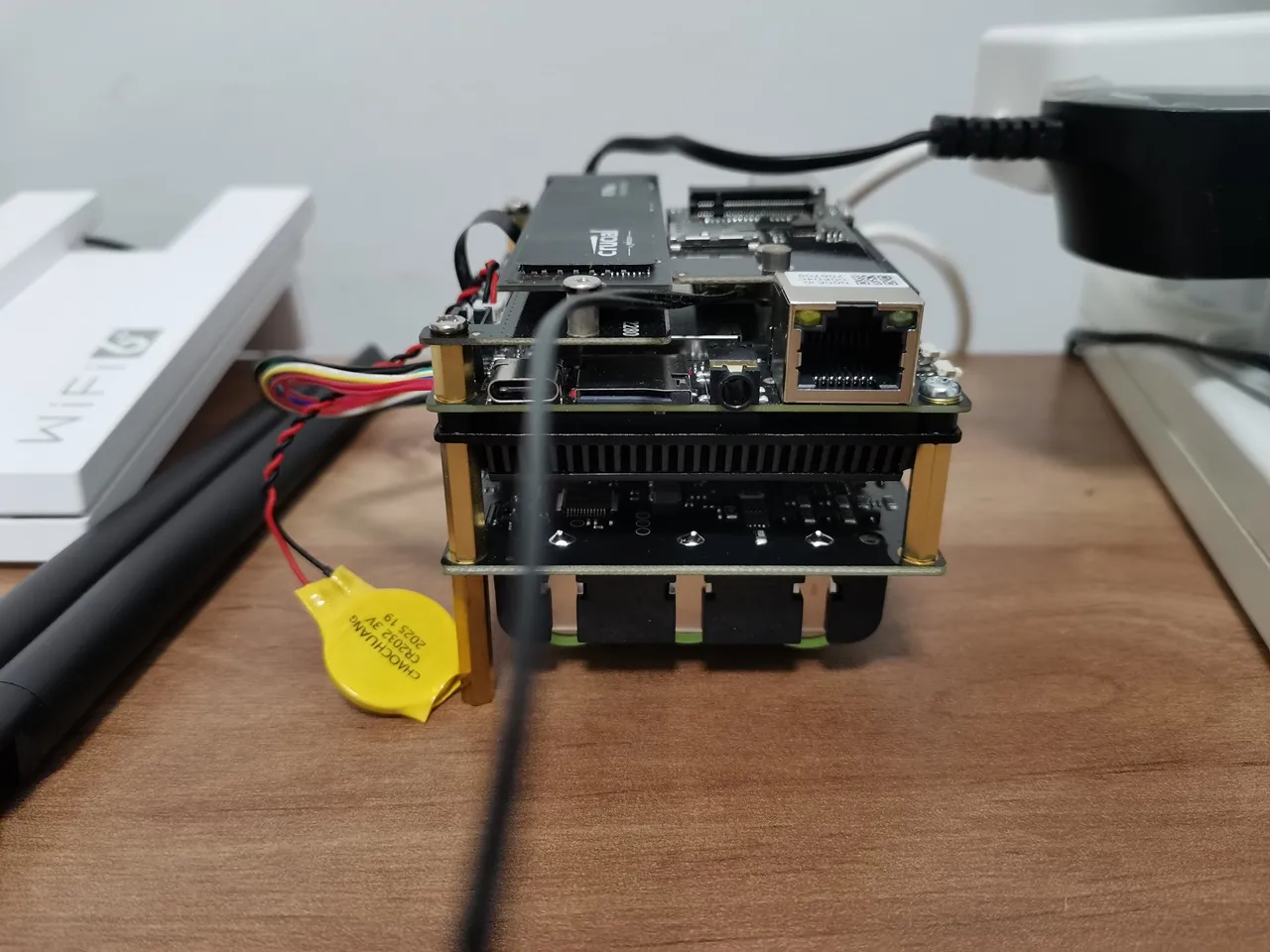
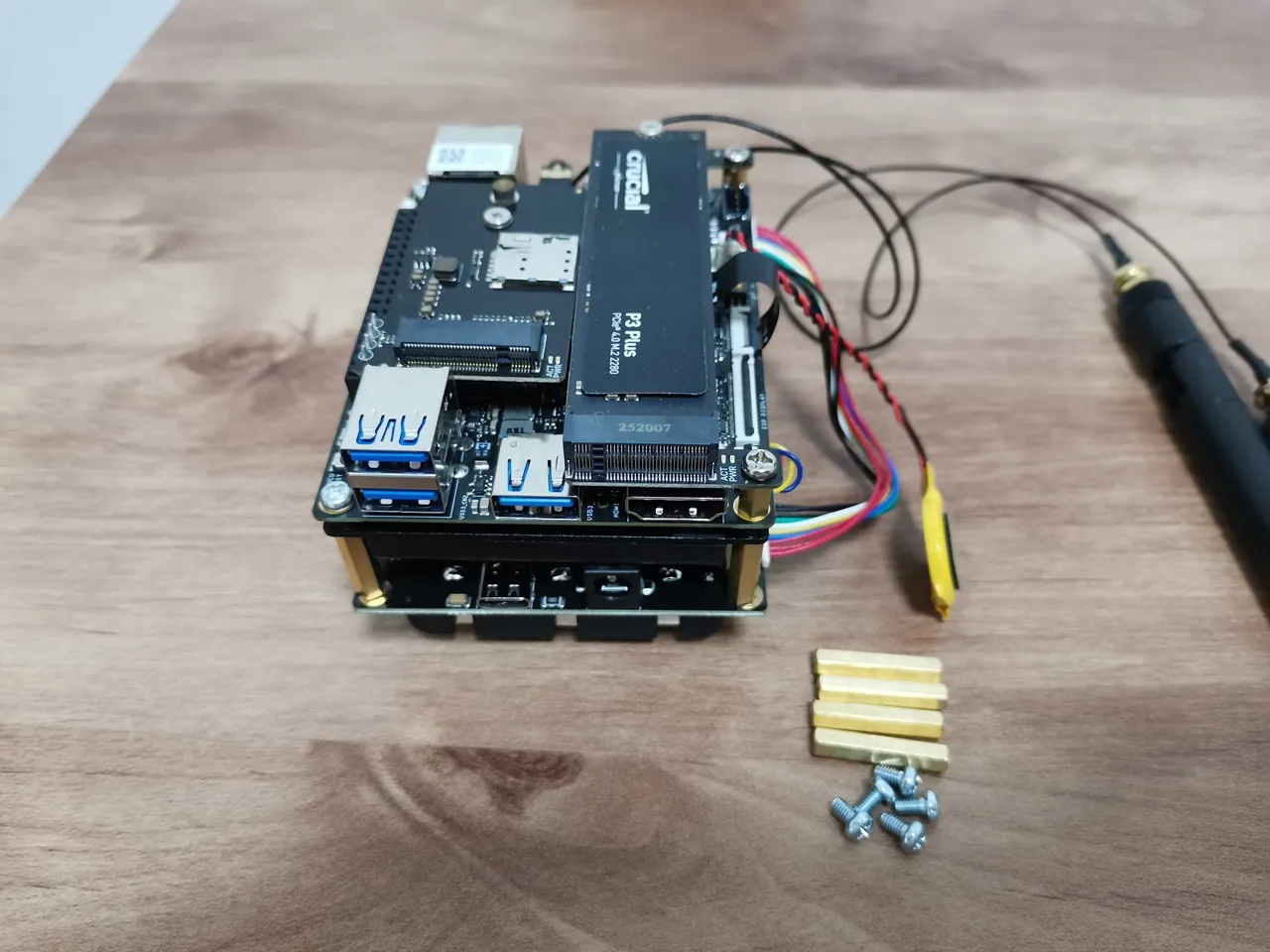
A closer view of the underside of our rack.
As shown in the photo below, we decided to mount the board at the bottom of our rack, which contains the IOTA board. That’s just our general preference, but you can also mount the UPS board on top, assuming you have the proper length hex type nuts. Regarding the dip switch, we set it to continuously power the board when the external power supply is unavailable, for example during a power outage. The alternative setting is to automatically shut down the device when no external power source is detected (available). Overall, both options are good and useful for us in home and industrial environments.
Checking overall battery performance
For our intensive battery test, we played a 4K video on YouTube using the Chrome browser and monitored the battery status throughout the playback. Although this test isn’t perfect, it gives a reasonable idea of battery drain during heavier usage.
| Initial battery status | End battery status | ⏱ Duration | 🔋 Battery drop | 📉 Drain Rate per hour |
| Start: 75% | End: 29% | Start: 22:49 PM End: 00:21 AM Elapsed time: 1 hour and 32 minutes | 75%−29%=46% Battery dropped 46% in 1.53 hours | 46 % /1.533 hours ≈ 29.99% |
Let’s break down our result:
- Battery dropped 46% in 1.53 hours.
- Average drain rate: ~30% per hour.
✅ Summary
Like any device, such as a smartphone battery or mini-PC, the performance of this Intel-based SBC can vary depending on the apps in use and how much system resources they consume. In idle mode, test results are likely to show significantly better performance compared to the battery drain rate observed during our test.
When you installed the IOTA Active Cooler, was there a gap between the CPU and the cooler? Mine seems to have an air gap that can’t be overcome with thermal paste.
Maybe, but I can’t say for sure. The thermal paste should help, even if there is a very small gap.
If you’re really annoyed with the gap, you can always try adding a thermal pad. What you should focus on is checking the temperatures to see if they are stable. If they are stable and reasonable in range, then everything is working as it should.