

The Kodi Experience
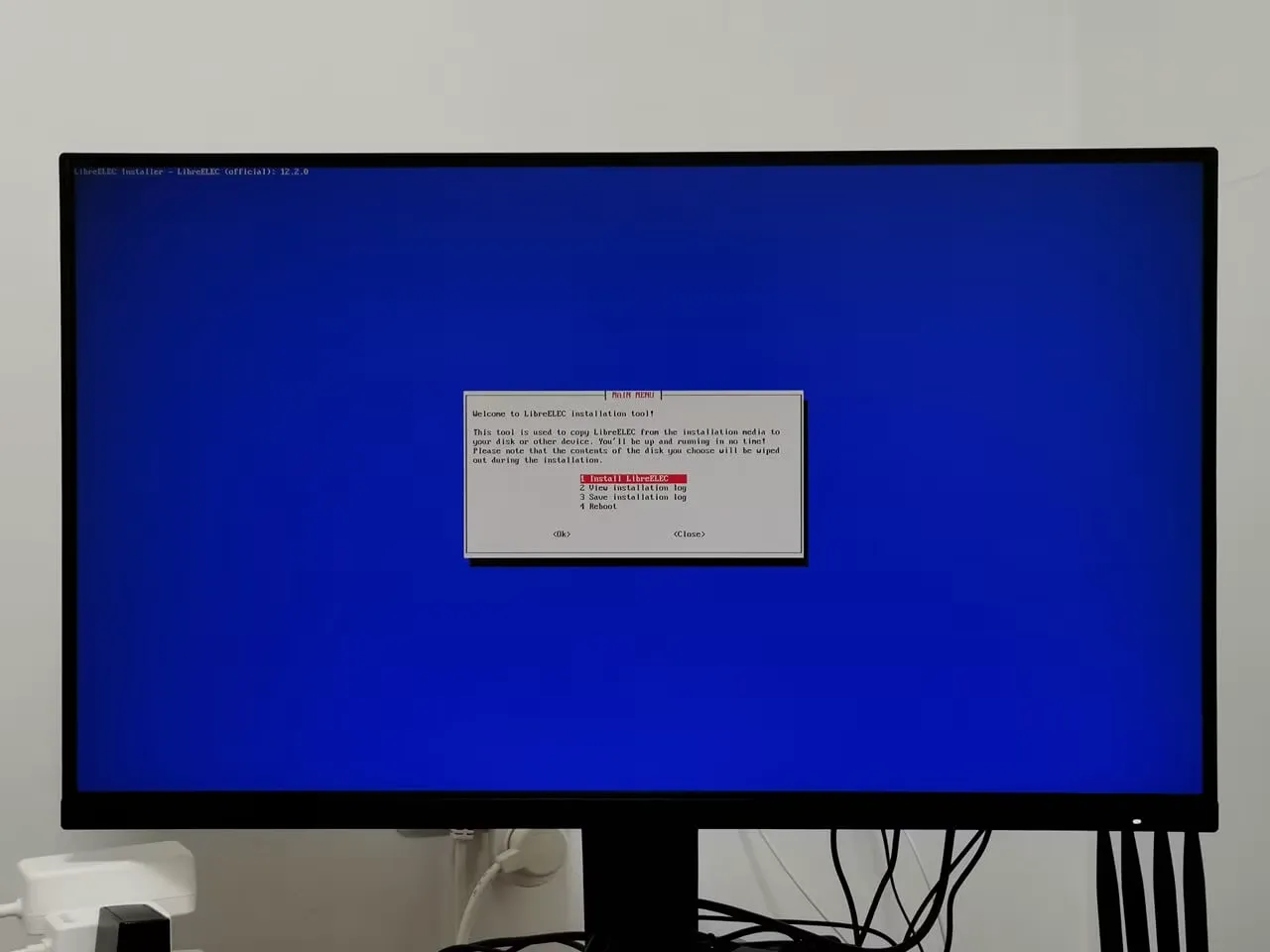
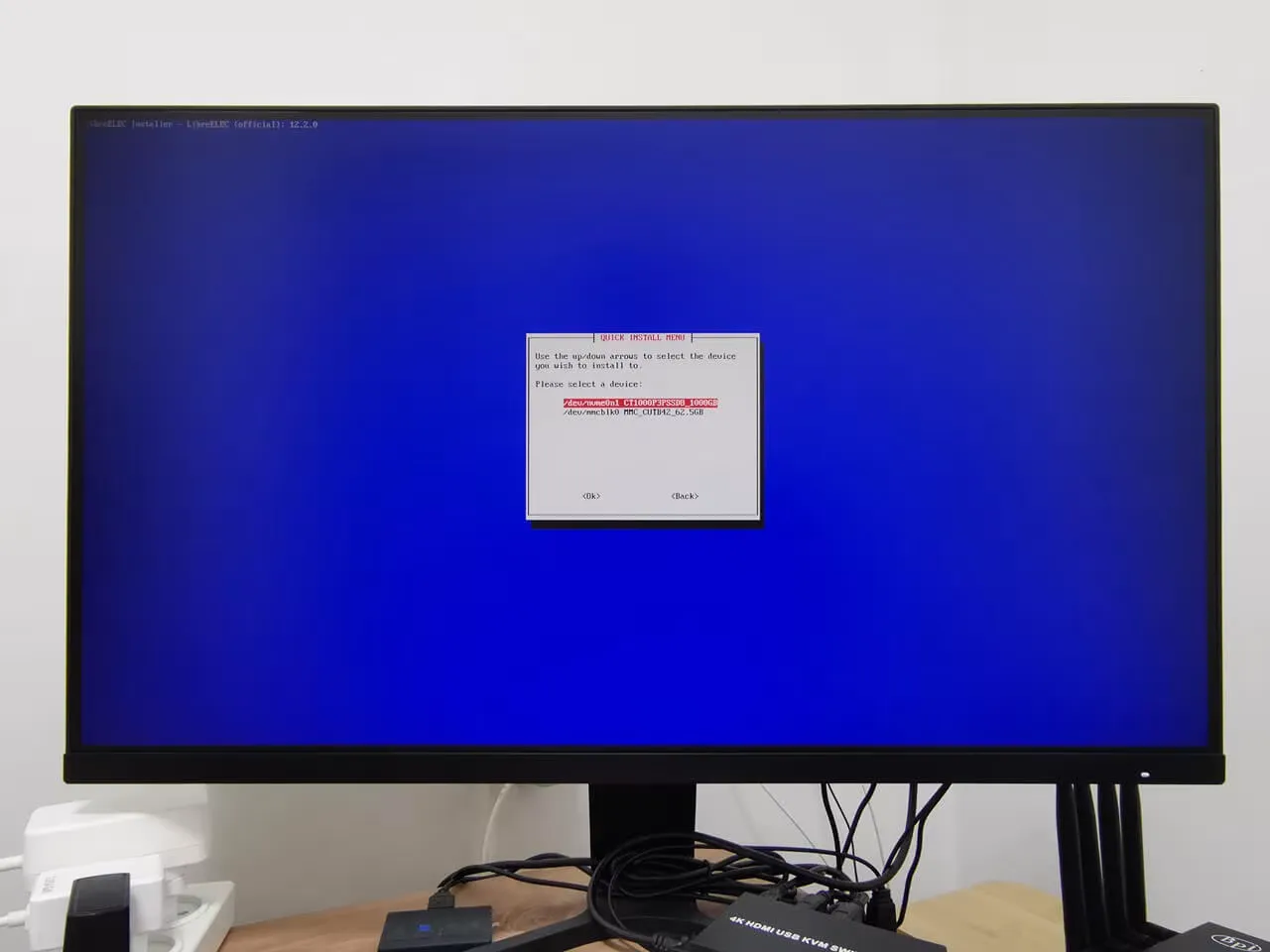
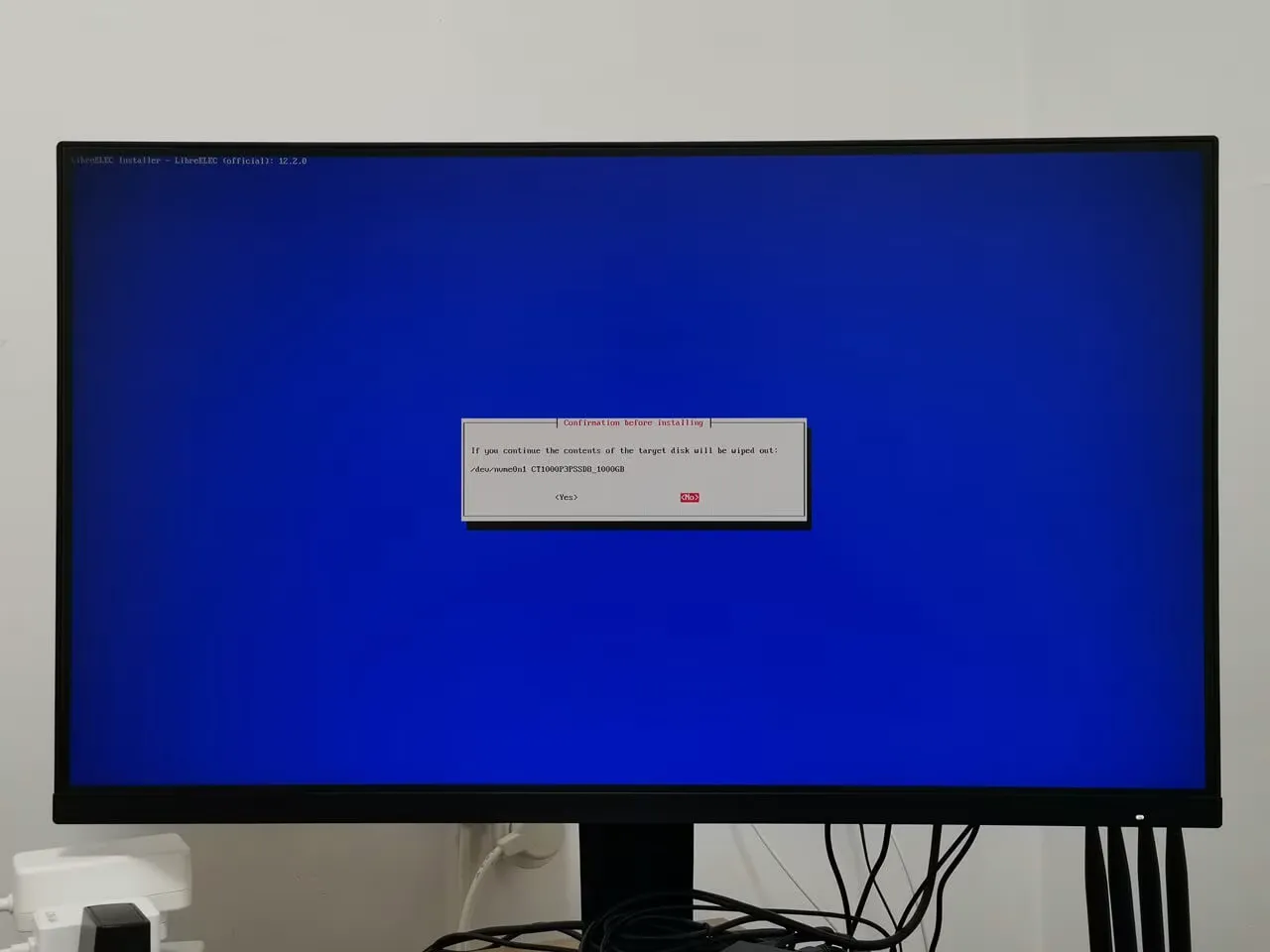
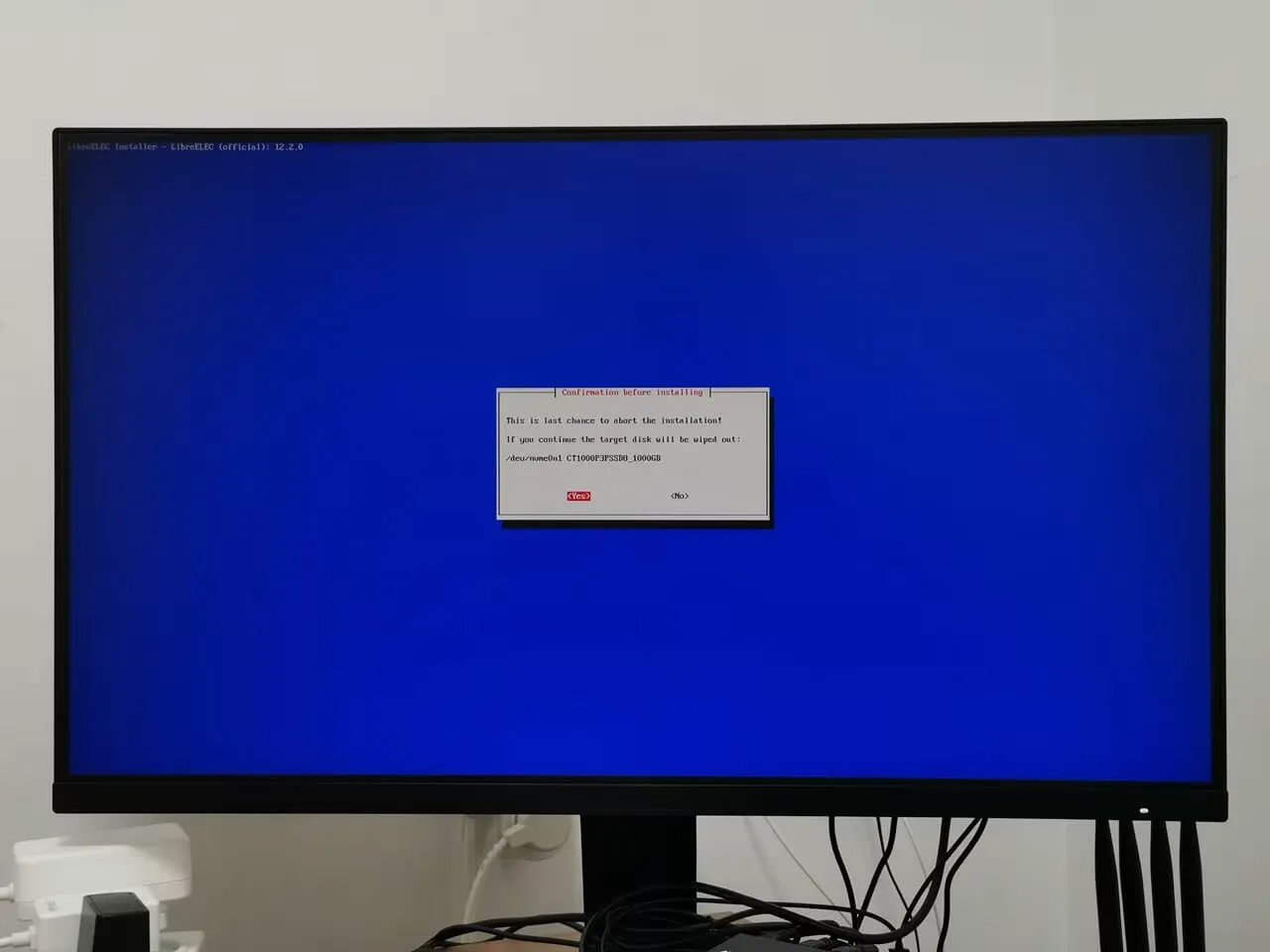
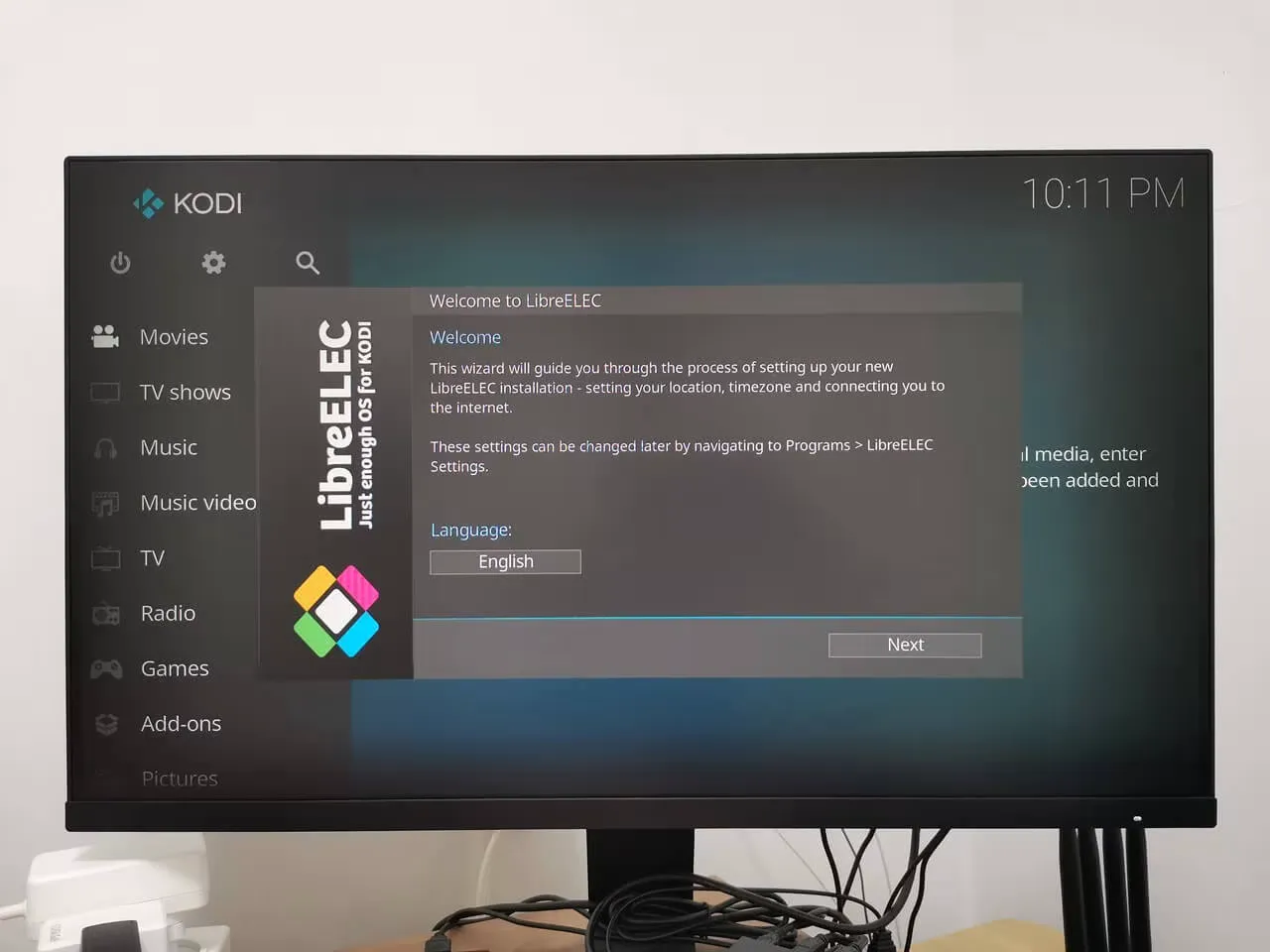
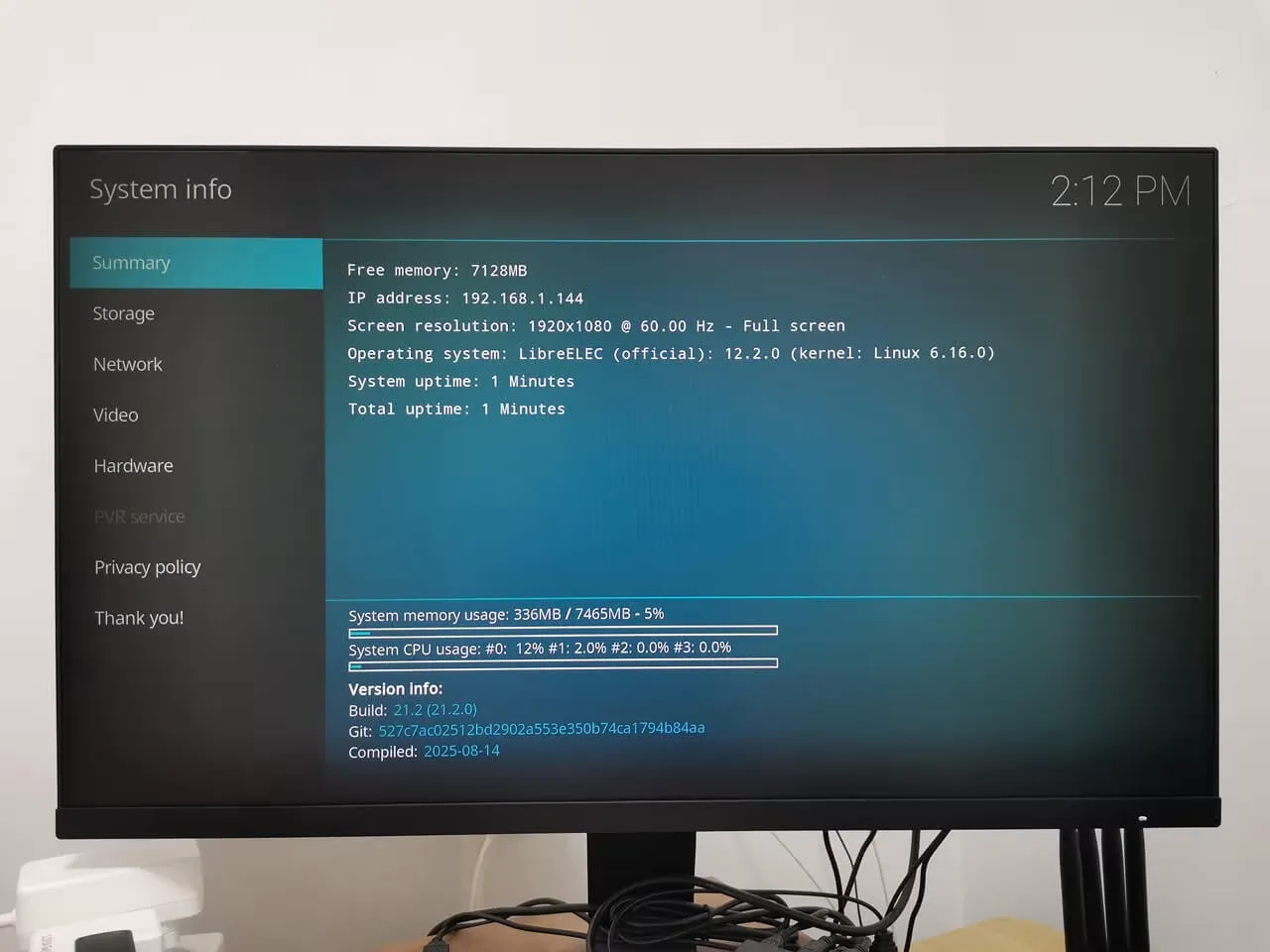
After installing Kodi v21.2 (Omega) on Windows, 4K videos played smoothly, but the app’s memory usage was inconsistent due to Windows OS’s inefficient resource management. To fix this, we switched to LibreELEC, using a Generic x86 image for Intel and AMD devices. We transferred it onto a flash drive and installed it on our NVMe SSD. This setup performed much better, using fewer resources like CPU and only consuming around 336MB of the available 8GB RAM.
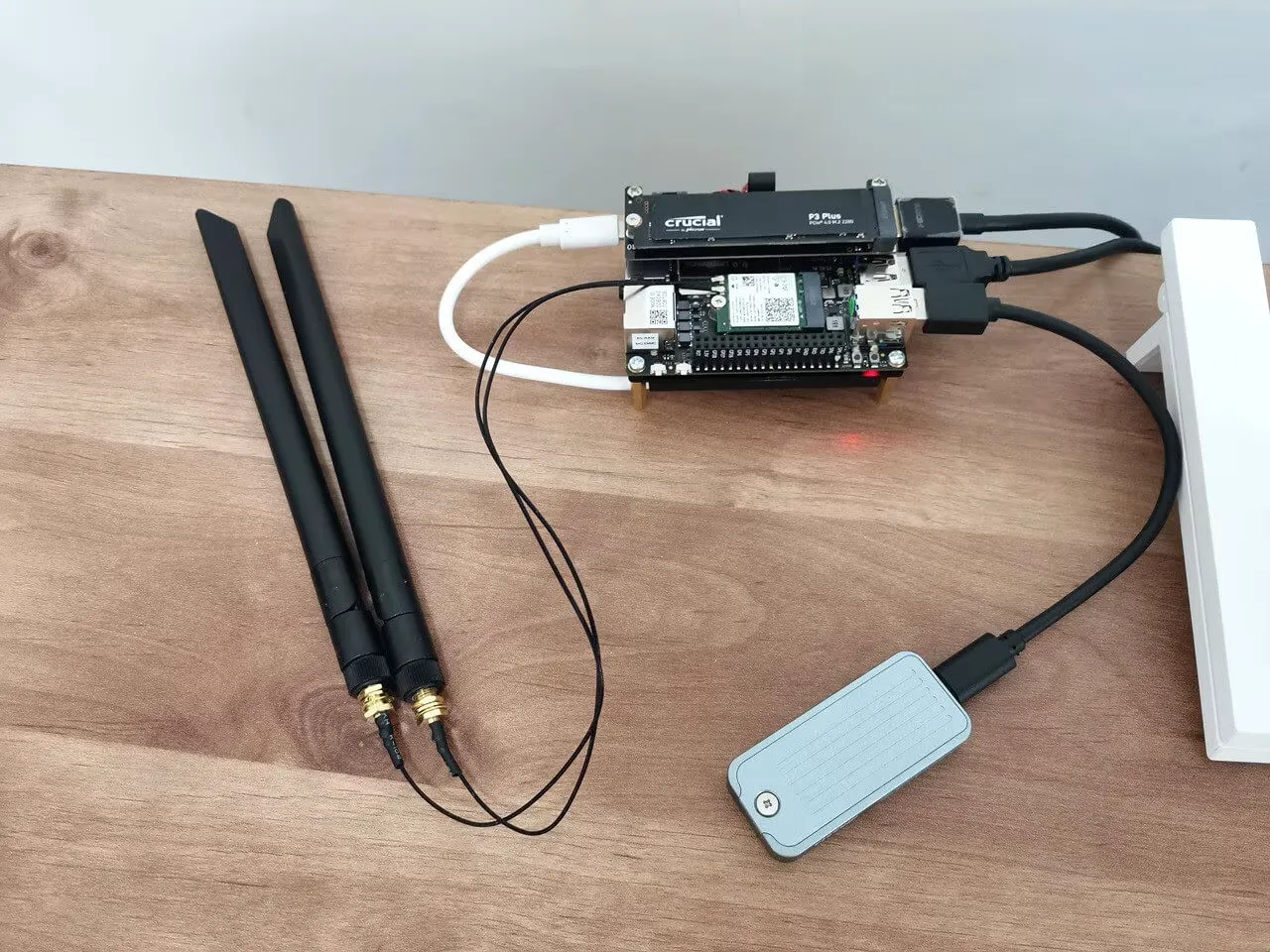
Installing LibreELEC from a USB flash drive.
As shown in the photos below, we decided to install the image onto our NVMe 1TB SSD.
So how is the playback performance?
The results turned out great. During our Kodi playback test, we ran several 4K video samples. While two of them encountered skipped frames, none of the test videos showed any dropped frames. Skipped frames usually stem from timing or decoding delays, while dropped frames are often caused by rendering or hardware limitations. Overall, the hardware performs excellently in video decoding.
| Sample No.. | Video title | Format | Duration | Size | Resolution | Codec | Bitrate | FPS | Playback Result |
|---|---|---|---|---|---|---|---|---|---|
| 1 | Beijing China in Drone | MP4 | 1m:29s | 1GB | 4K | AV1 | 13.4 Mbps | 60FPS | 1 |
| 2 | FLYING OVER CHINA | MP4 | 1m:11s | 5.34 Gib | 4K | AV1 | 10.5Mbps | 30FPS | 1 |
| 3 | LG 4K DEMO HDR 2018 ELBA | MP4 | 1:41s | 294Mb | 4K | AV1 | 24Mbps | 60FPS | 1 |
| 4 | SUPREME COLOR | MP4 | 11m:54s | 17.8GB | FHD | AV1 | 3.44Mbps | 120FPS | 1 |
| 5 | Vibrant OLED Demo | MP4 | 10m:11s | 1.77GB | 4K | AV1 | 3Mbps | 60FPS | 1 |
| 6 | LG New York | ST | 1:13 min | 448MB | 4K | HEVC | 51.45Mbps | 25FPS | 1 |
| 7 | Life Untouched | TS | 3m:17s | 449MB | 4K | HEVC | 19Mbps | 60FPS | 1 |
| 8 | Samsung: Wonderland Two | TS | 2m:10s | 802MB | 4K | HEVC | 51.44Mbps | 24FPS | 1 |
| 9 | The Most Beautiful Earth Scenes | MP4 | 55s | 2 GB | FHD | AVC | 5.12Mbps | 60FPS | 1 |
| 10 | Sony: Whale in Tonga | MP4 | 1m:31s | 815MB | 4K | HEVC | 74.5Mbps | 60FPS | 1 |
| 11 | LG: Cymatic Jazz | MP4 | 2m:38s | 1.10GB | 4K | HEVC | 60Mbps | 60FPS | 1 |
| No. | Status results: |
| 1 | ✅ Smooth |
| 2 | ⚠️ Minor Stuttering |
| 3 | ❌ Not Supported |
When you installed the IOTA Active Cooler, was there a gap between the CPU and the cooler? Mine seems to have an air gap that can’t be overcome with thermal paste.
Maybe, but I can’t say for sure. The thermal paste should help, even if there is a very small gap.
If you’re really annoyed with the gap, you can always try adding a thermal pad. What you should focus on is checking the temperatures to see if they are stable. If they are stable and reasonable in range, then everything is working as it should.