

Part 2: LattePanda IOTA Review (Currently being updated)
The Packages (Contents of the Package)
| Item No. | SKU | QTY | Product Name | Price in USD |
| 1 | DFR1226 | 1 | LattePanda IOTA (8GB/64 eMMC) | $129.00 USD |
| 2 | DFR1247 | 1 | Smart UPS HAT | $39.90 USD |
| 3 | DFR1248 | 1 | 51W PoE++ HAT | $42.90 USD |
| 4 | DFR1249 | 1 | M.2 4G Expansion Card | $9.90 USD |
| 5 | DFR1250 | 1 | M.2 M-Key Expansion Card | $11.90 USD |
| 6 | FIT0822 | 1 | M.2(A+E Key) X210 WiFi 6E | $32.90 USD |
| 7 | FIT1027 | 1 | Active Cooler | $12.00 USD |
All the packages
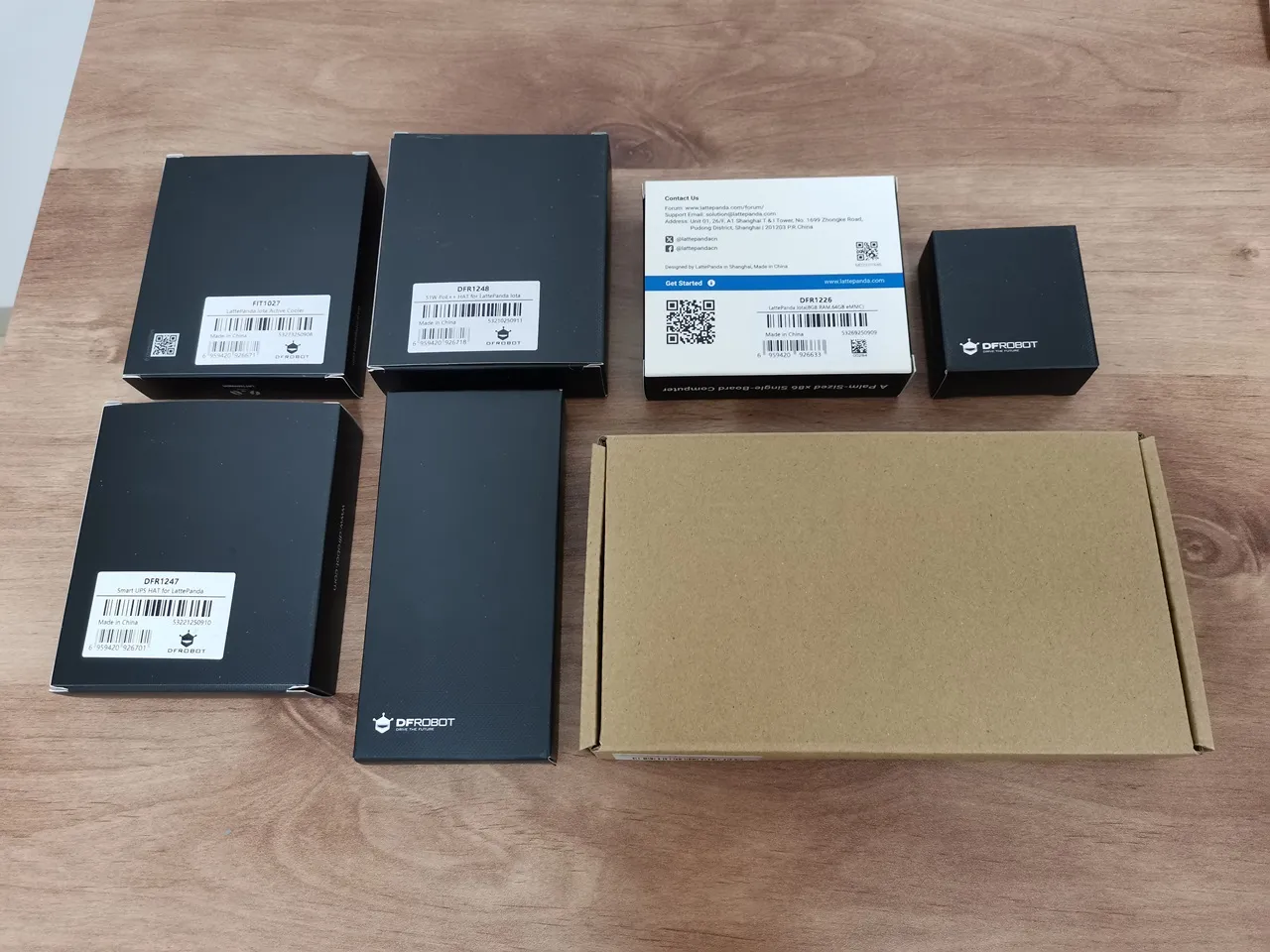
Unpacking all the items.
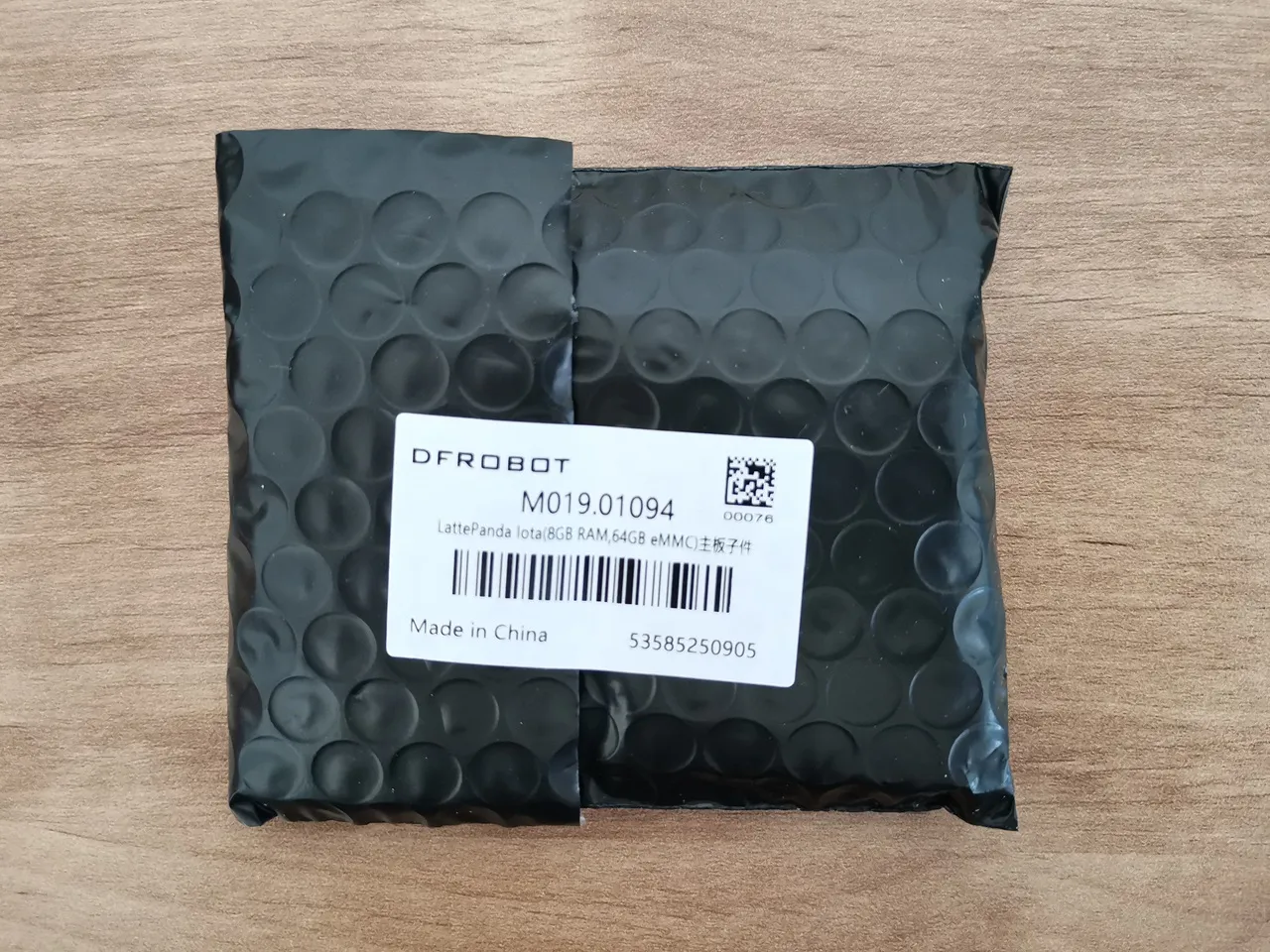
LattePanda IOTA [8GB/64 eMMC] (DFR1226)
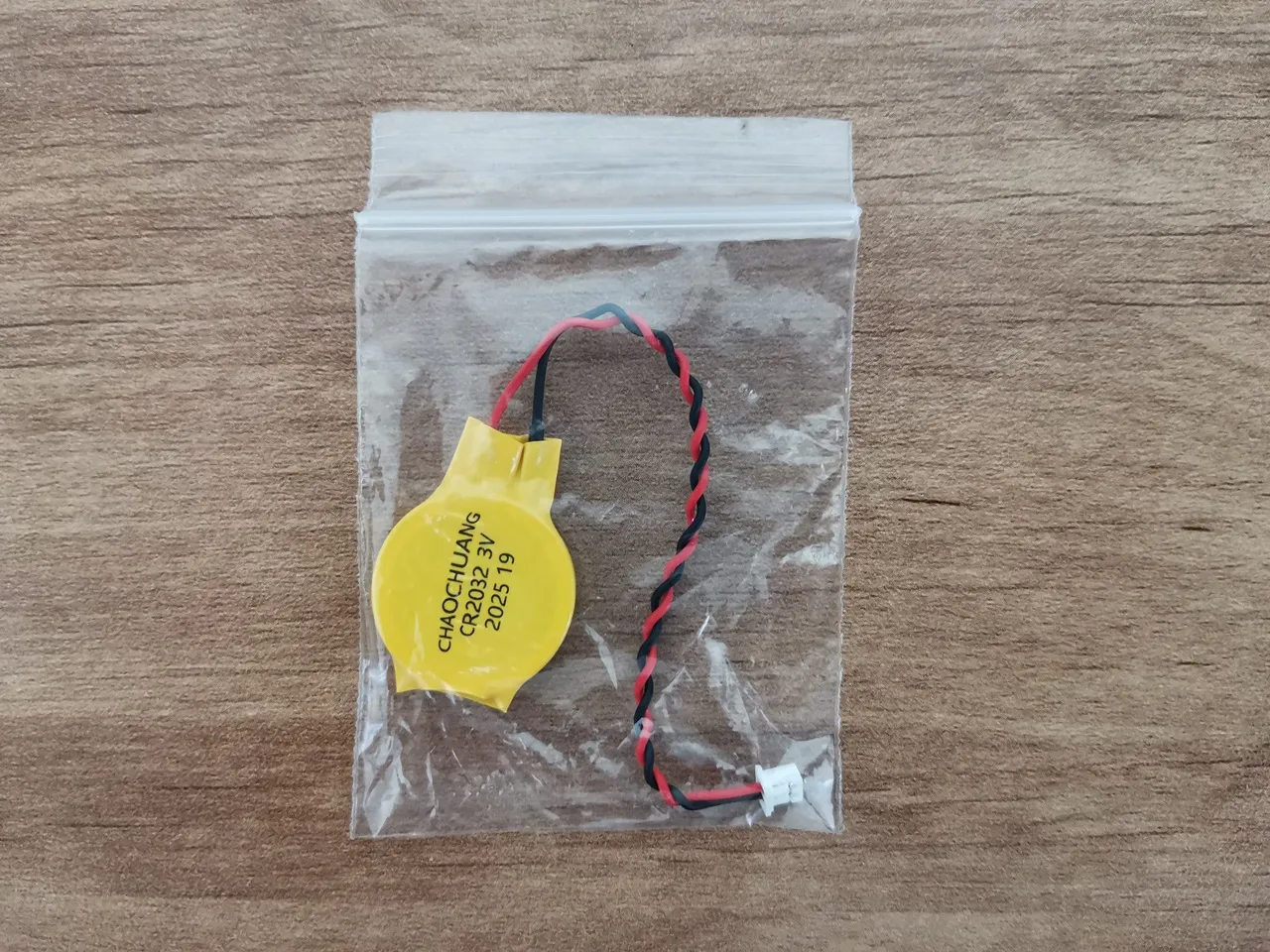
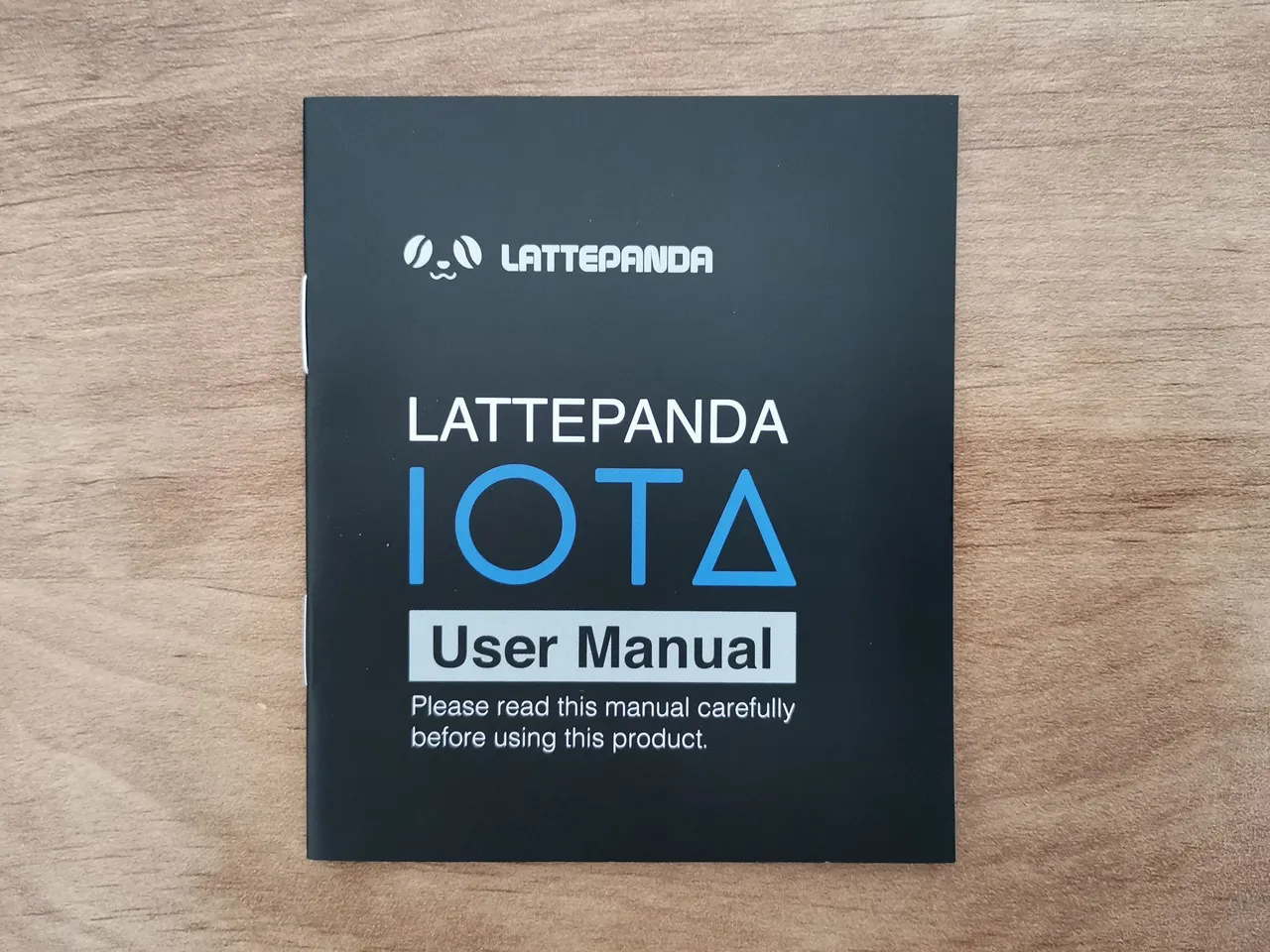
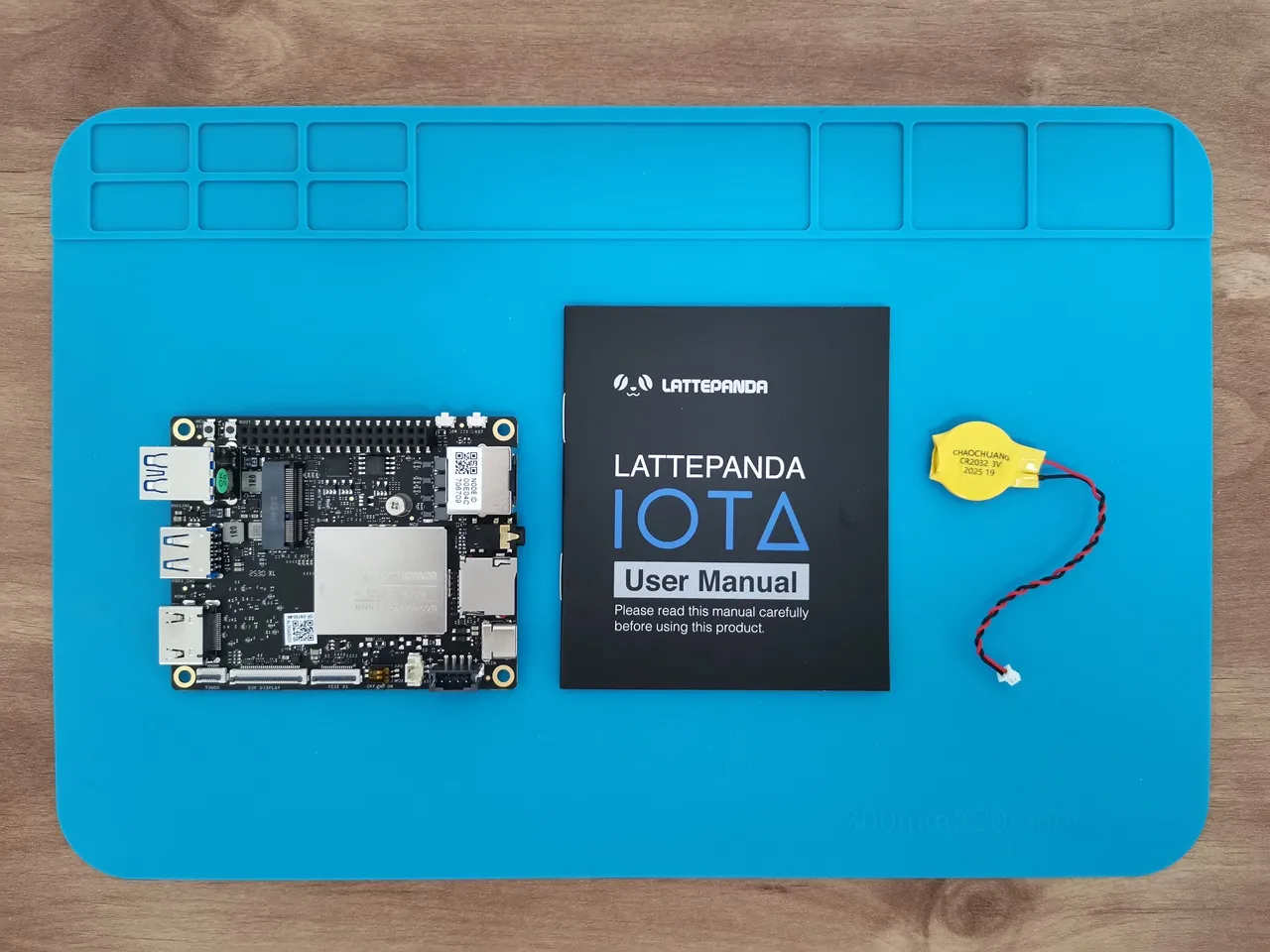
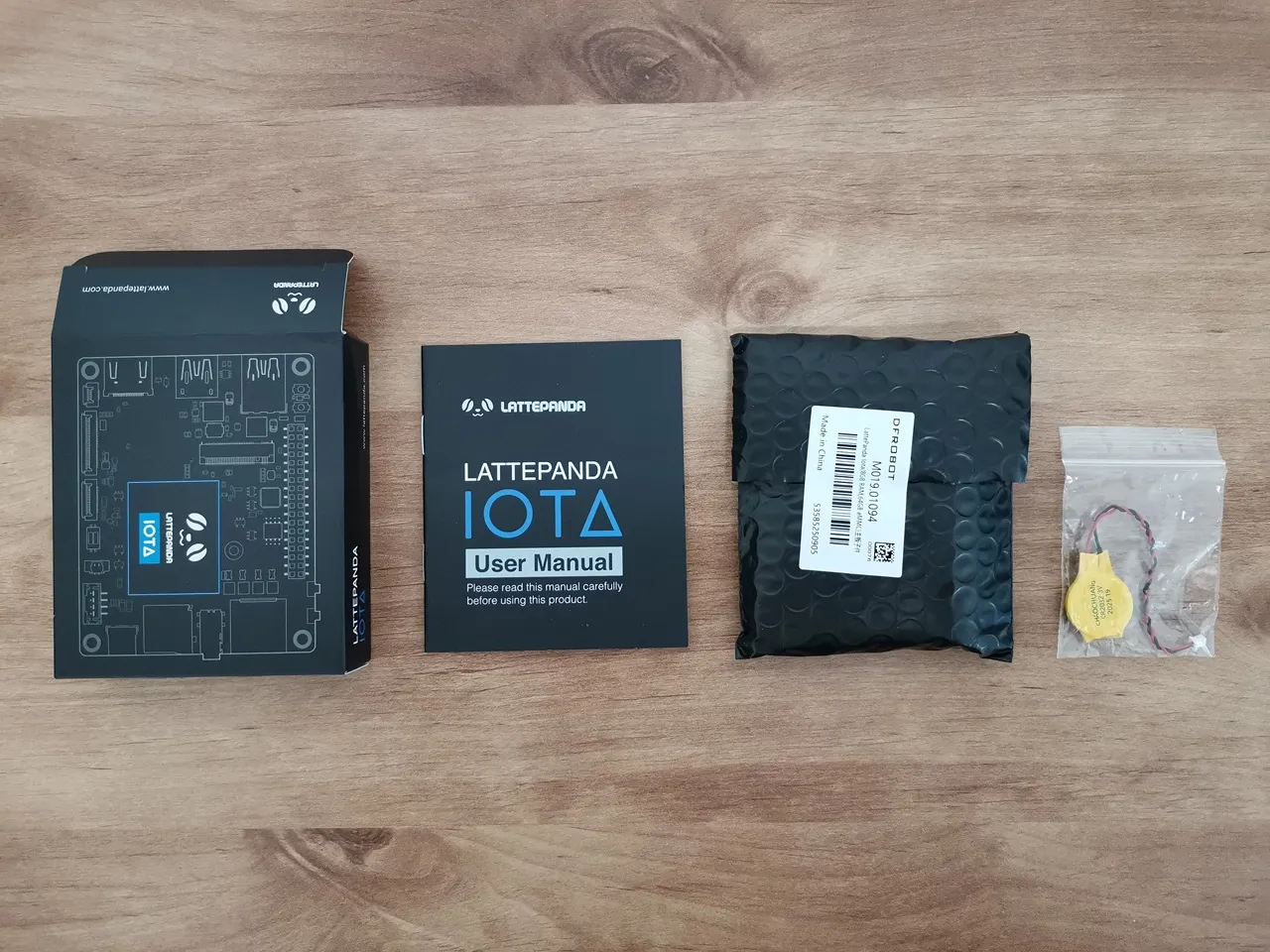
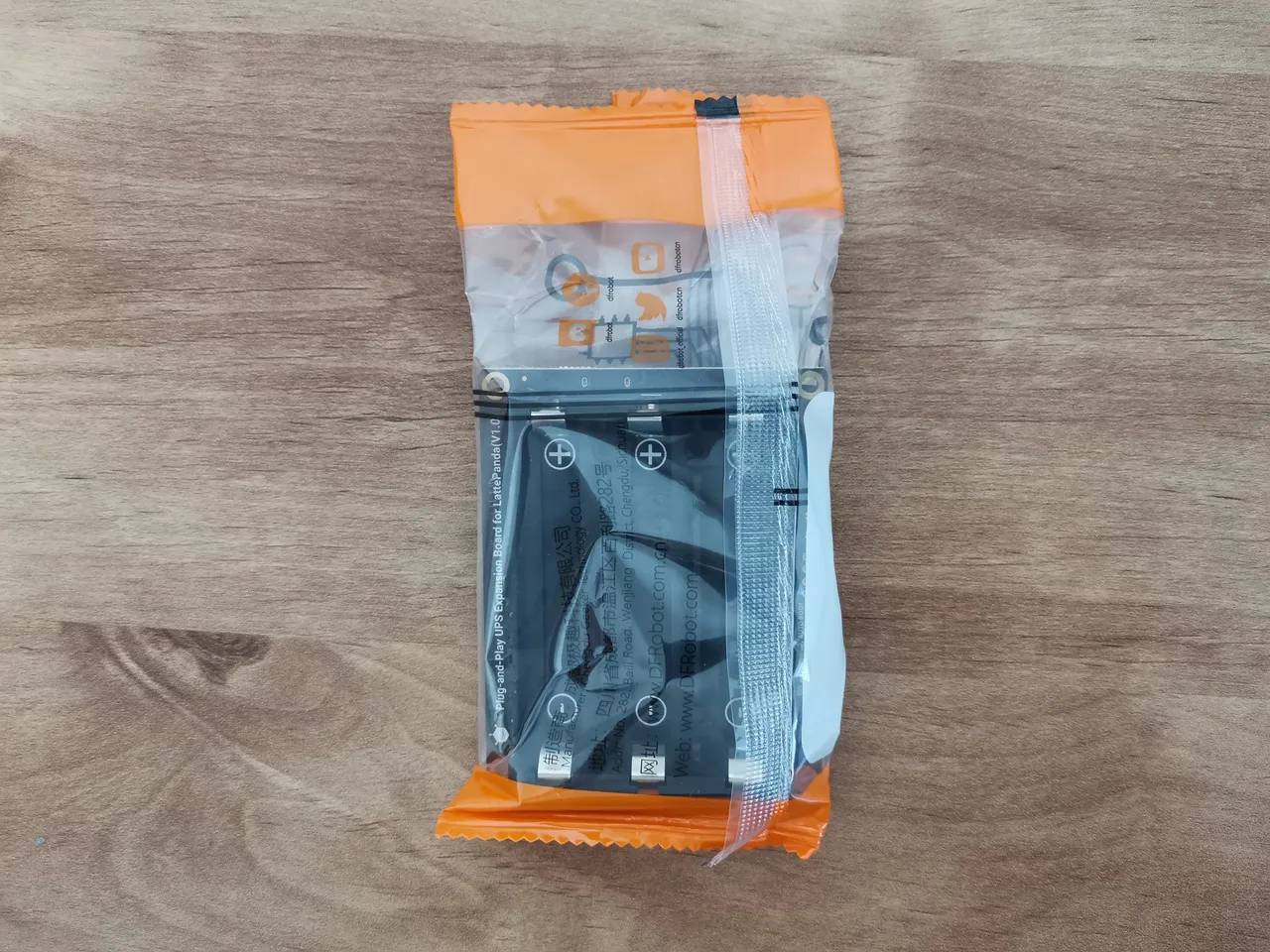
Smart UPS (DFR1247)
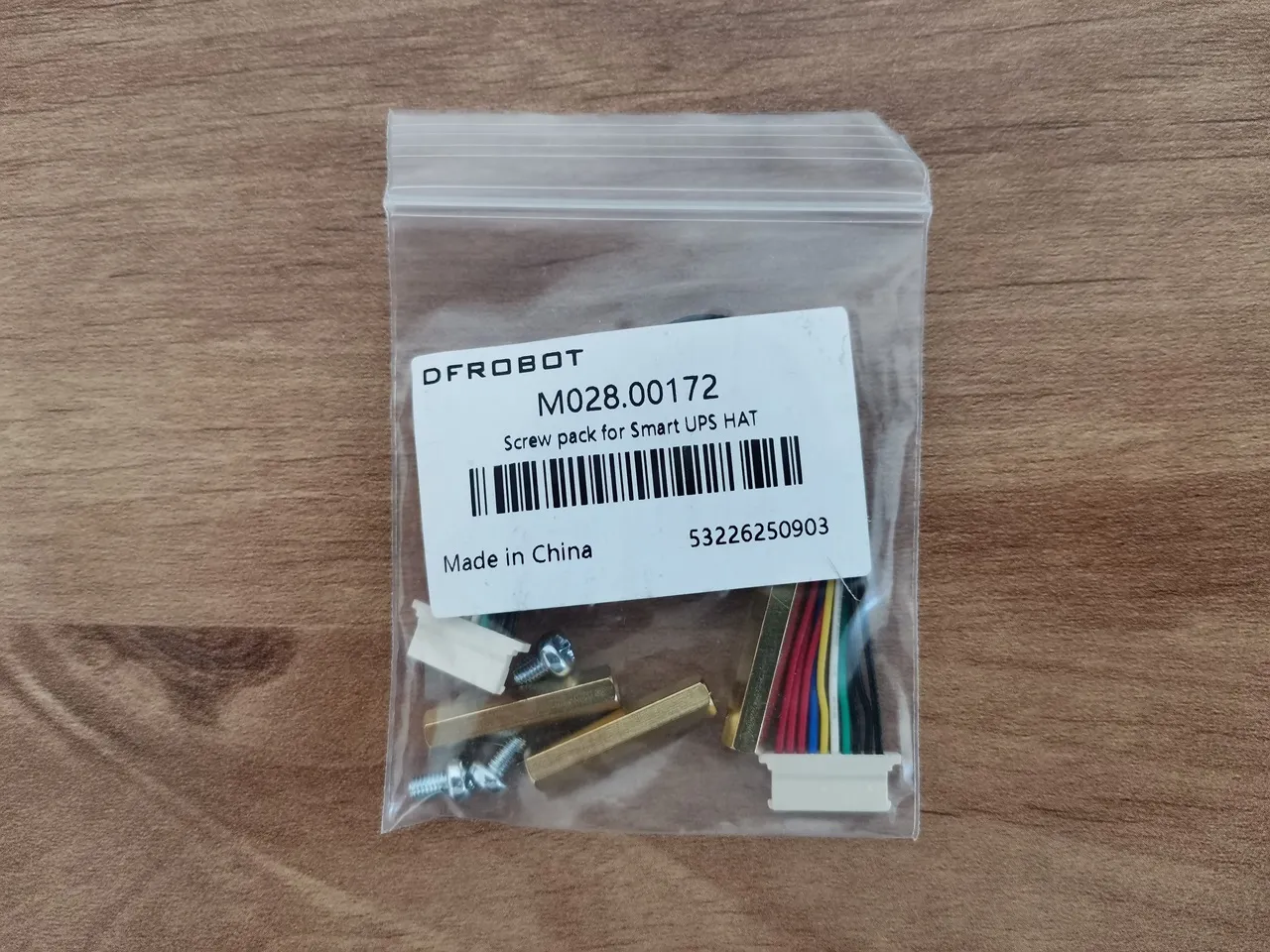
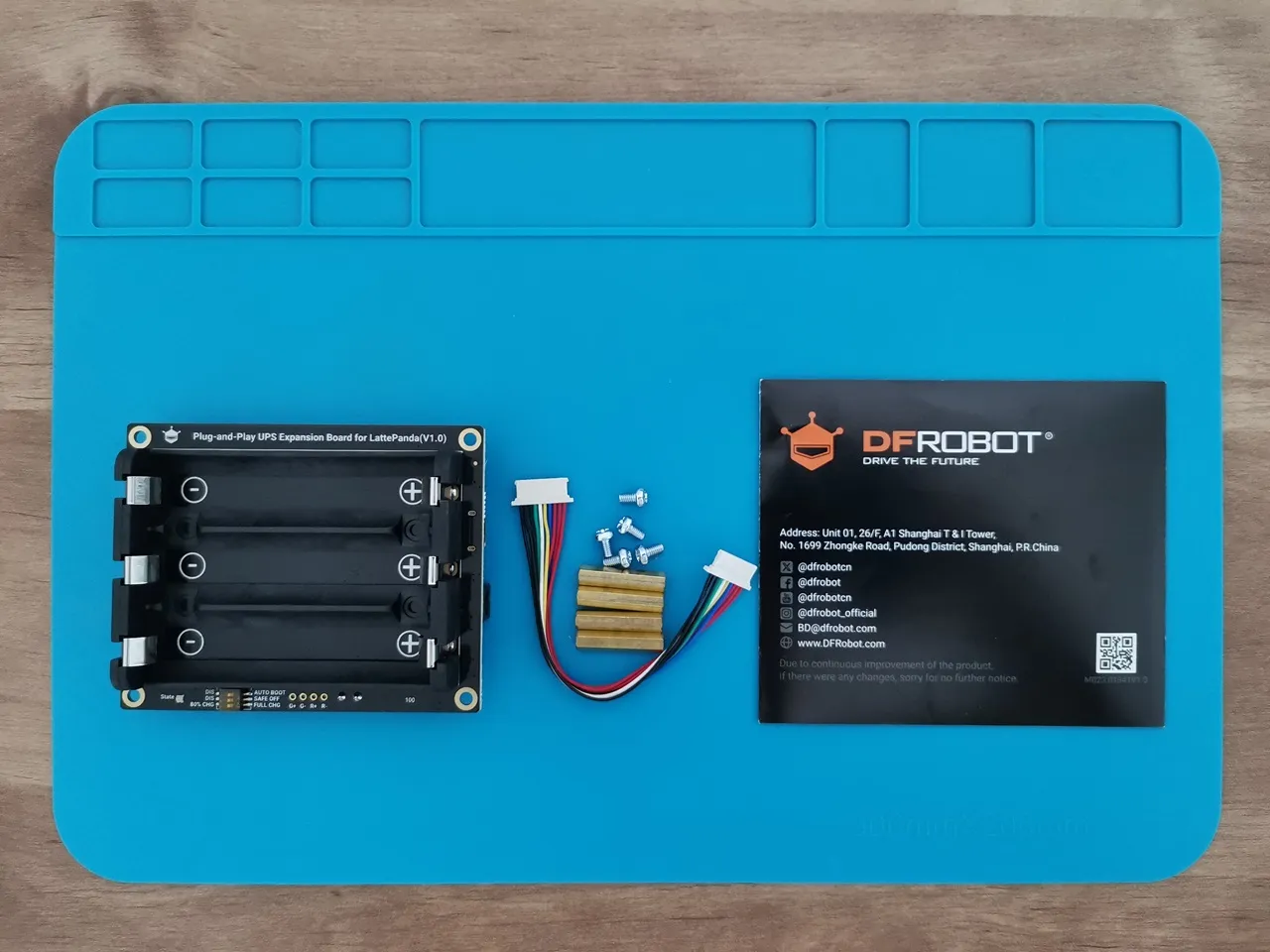
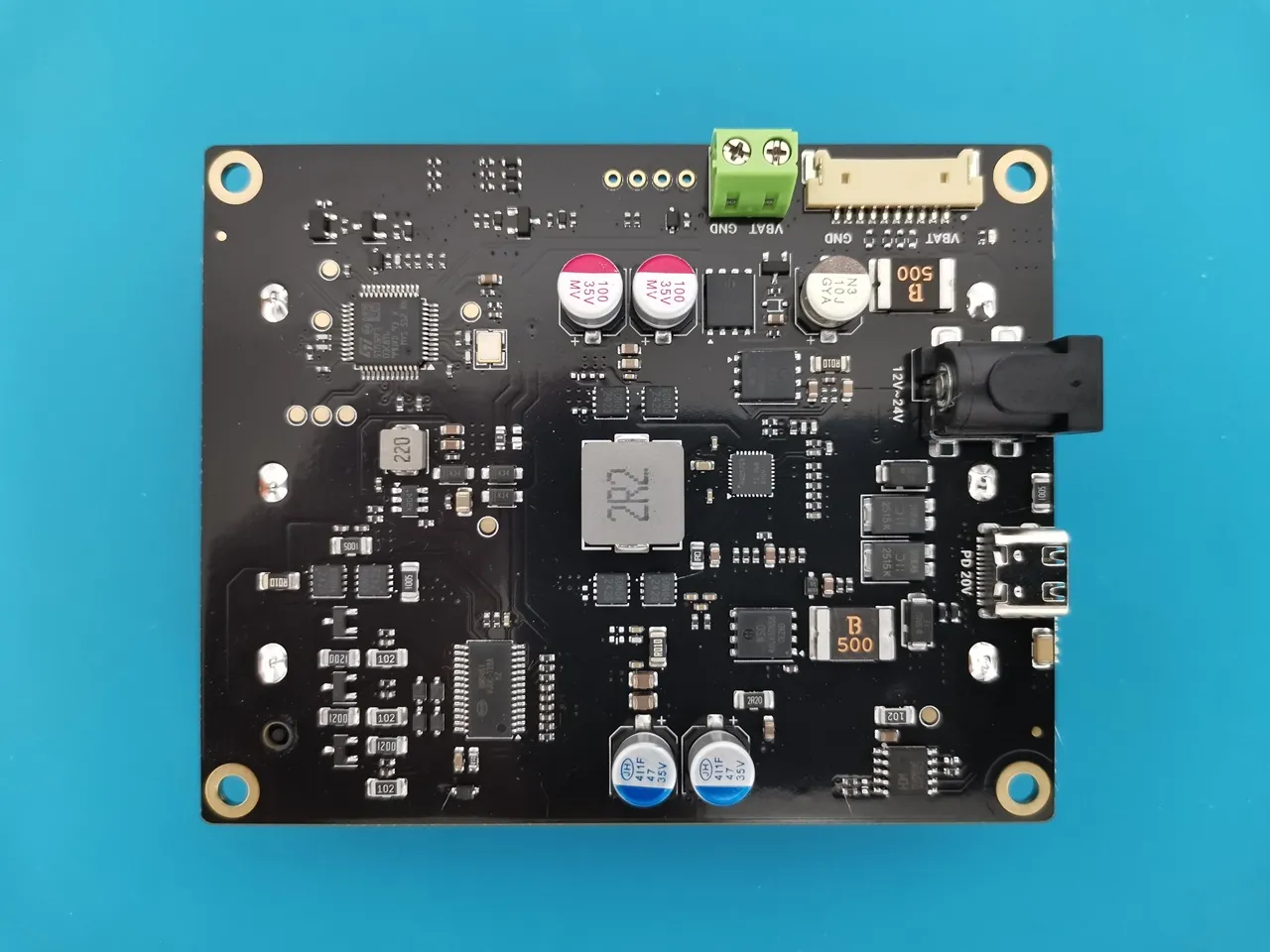
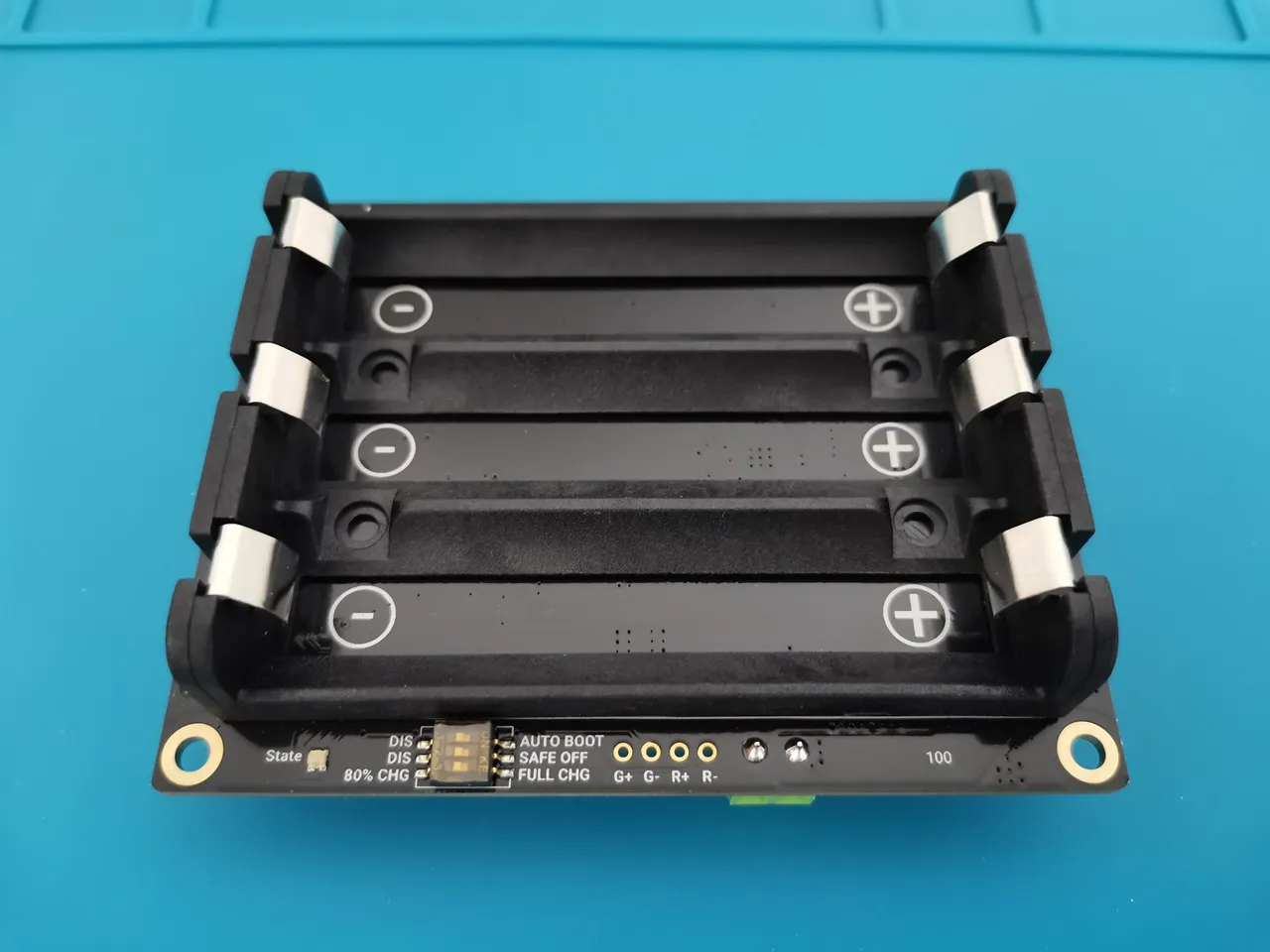
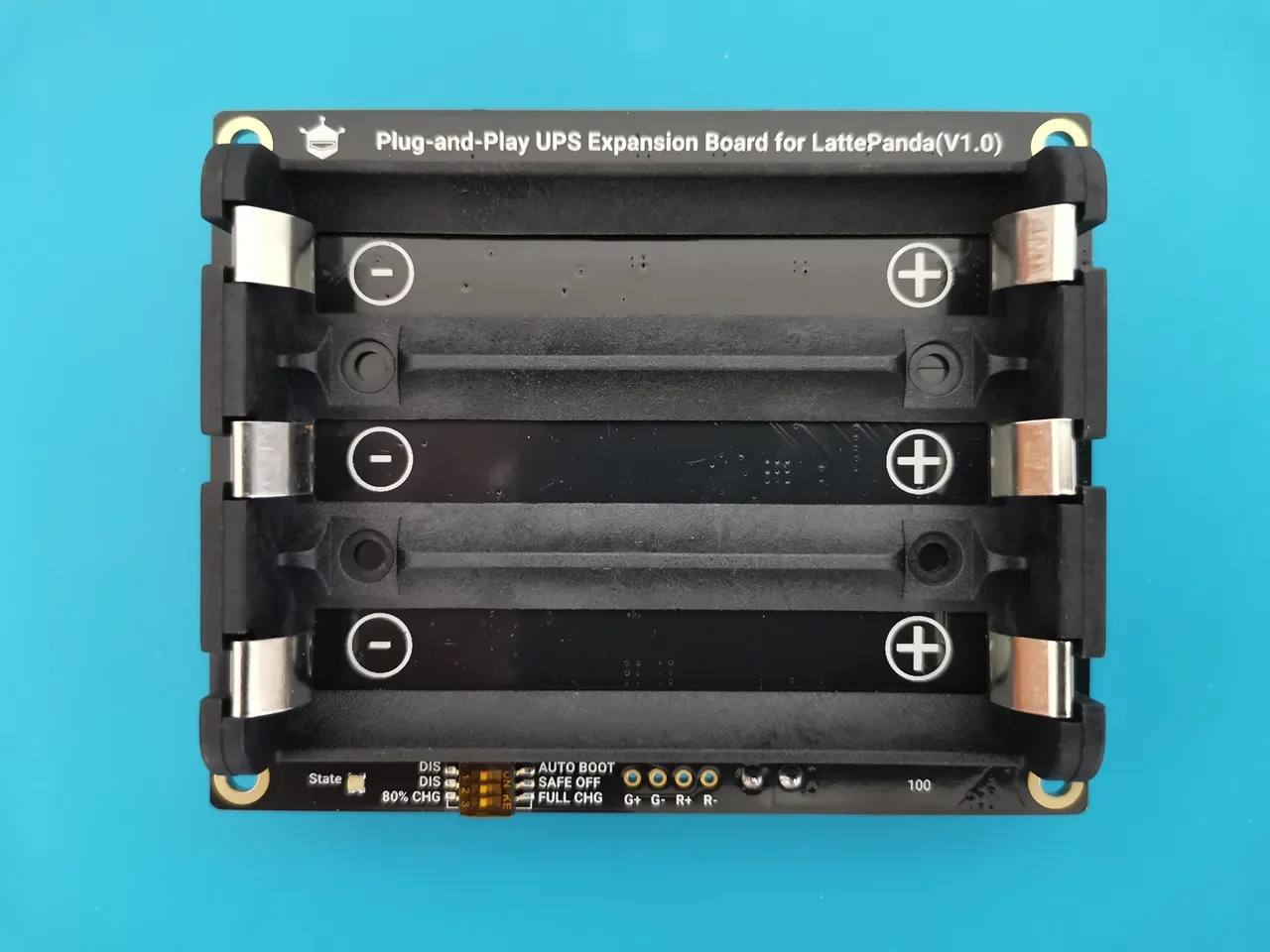


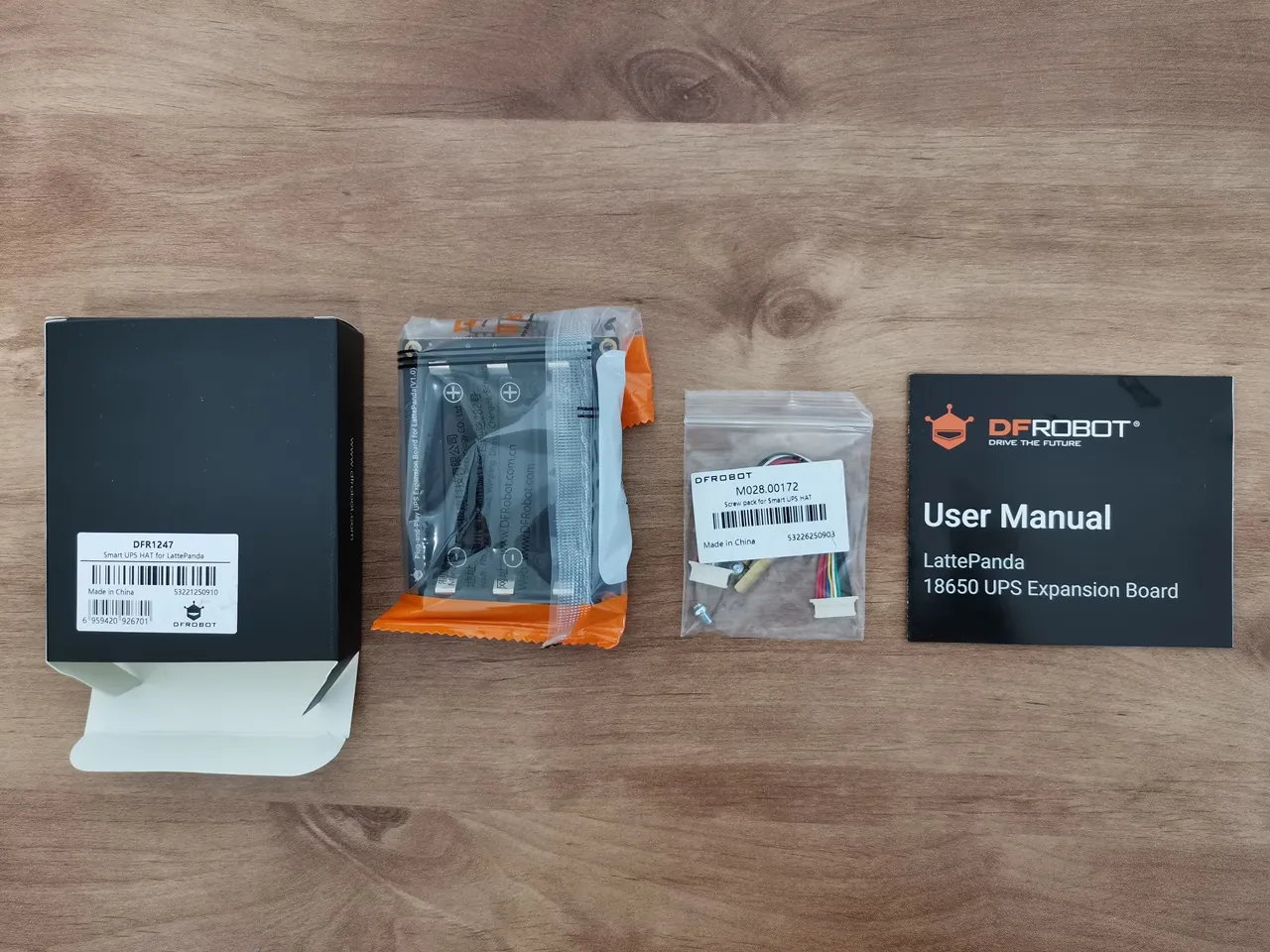
51W PoE++ HAT (DFR1248)
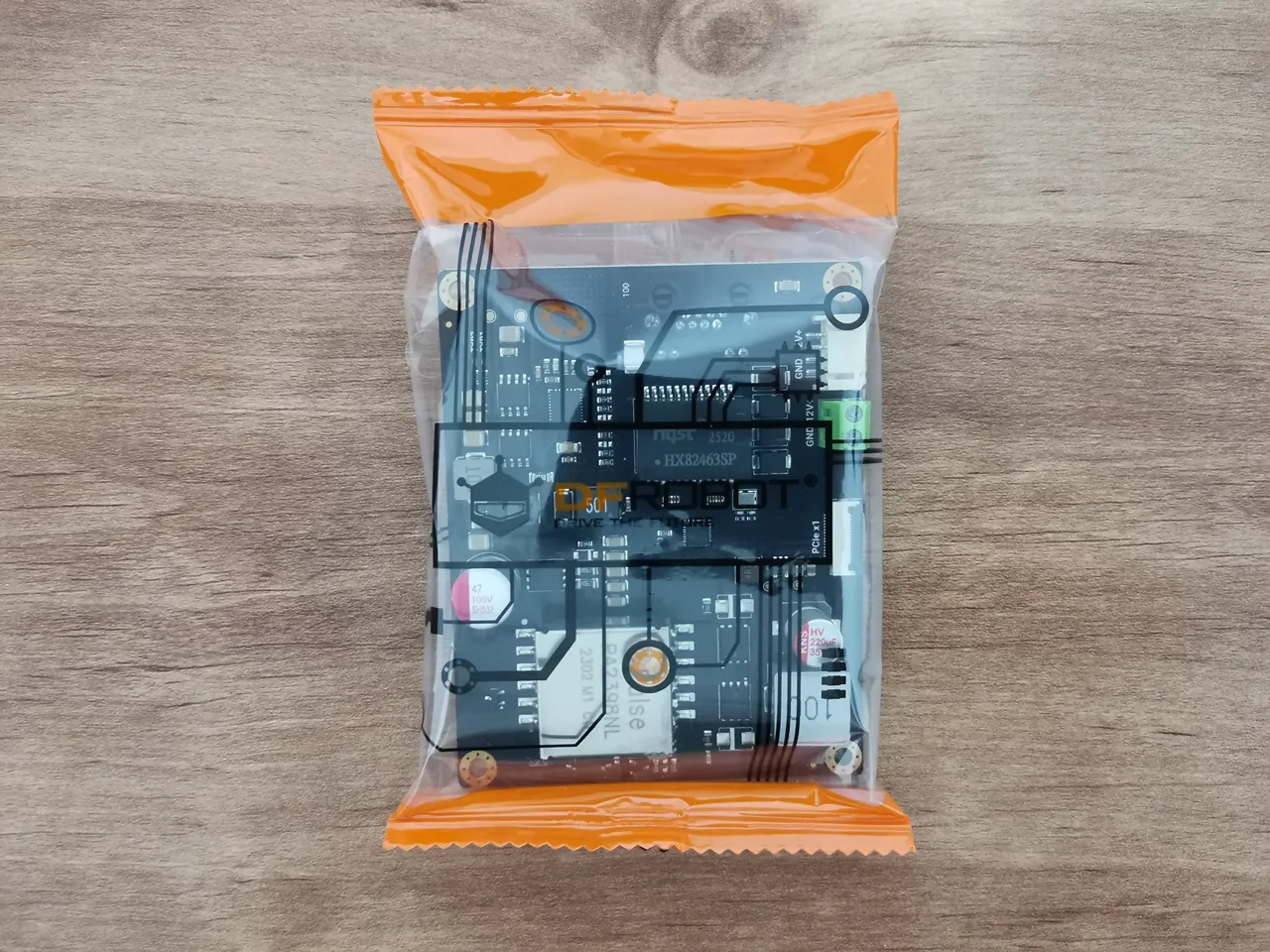
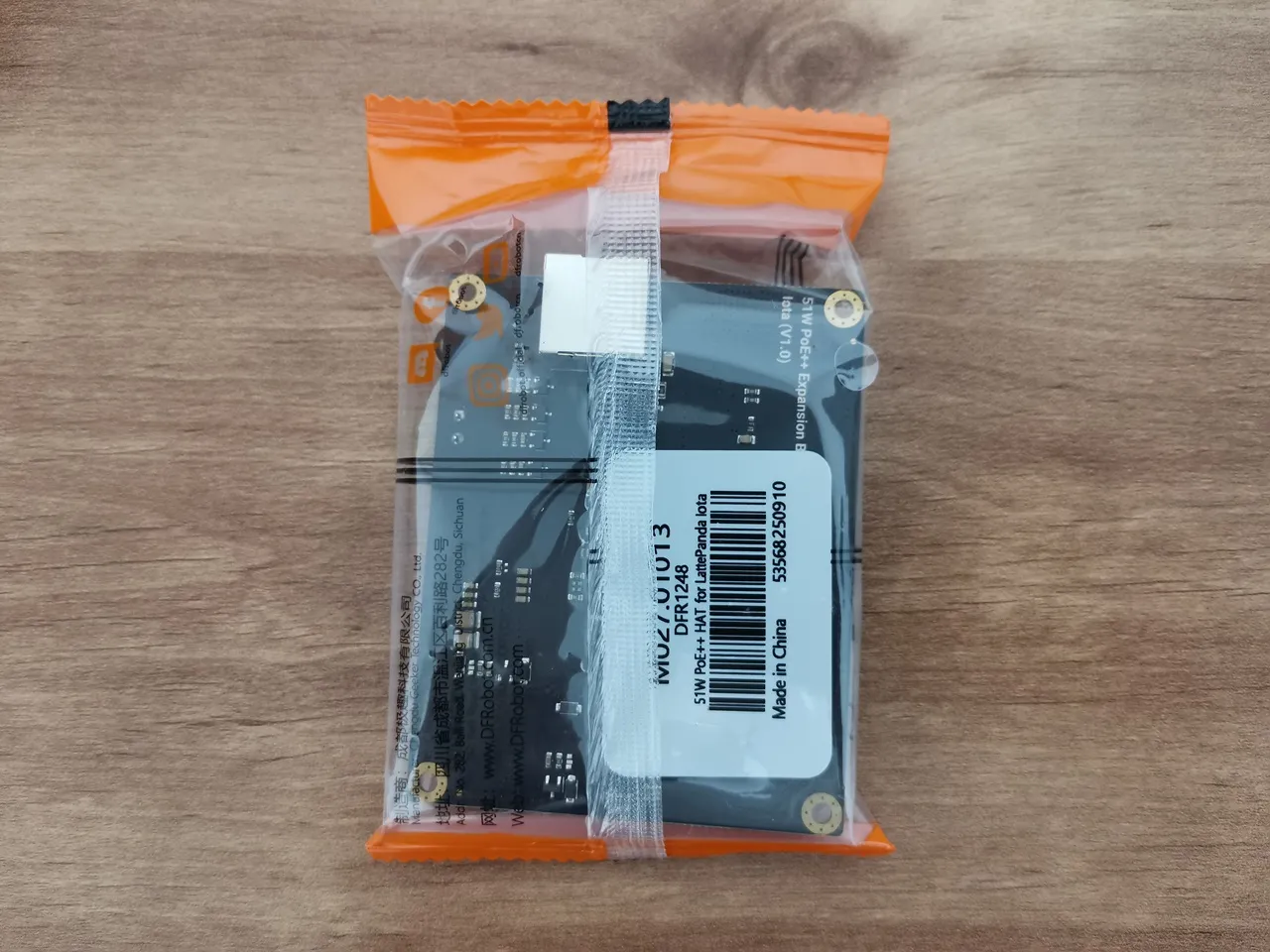
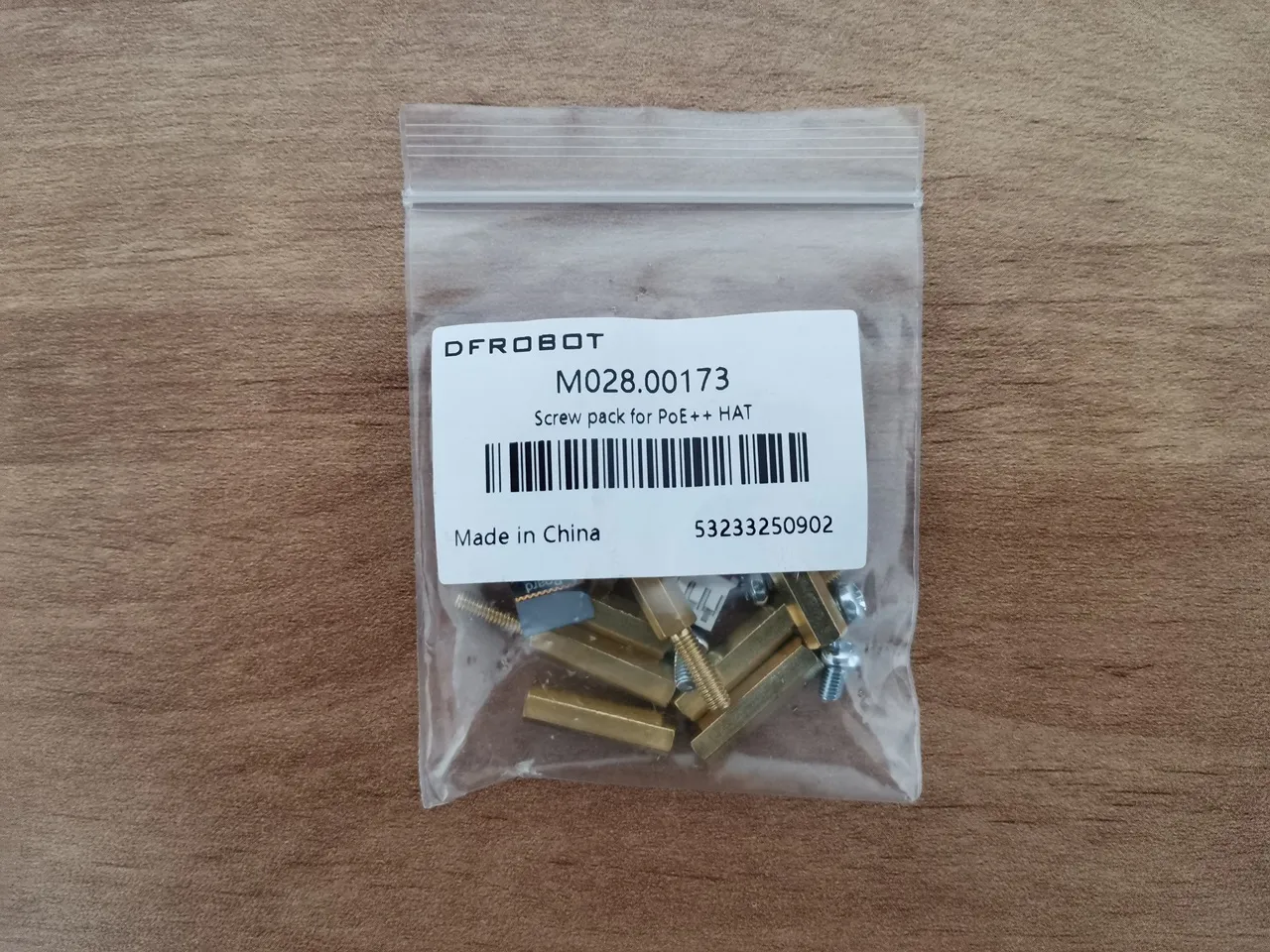

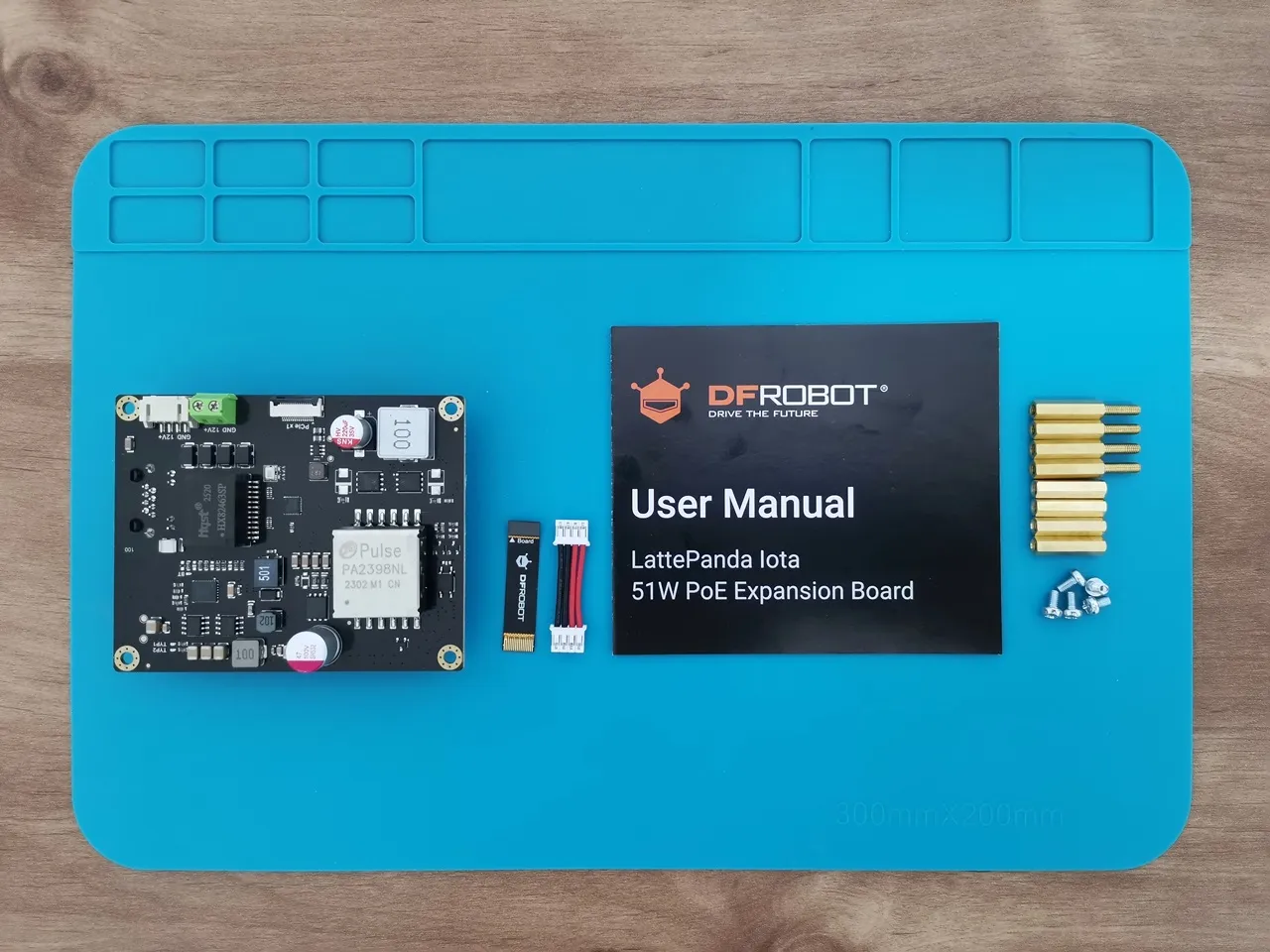
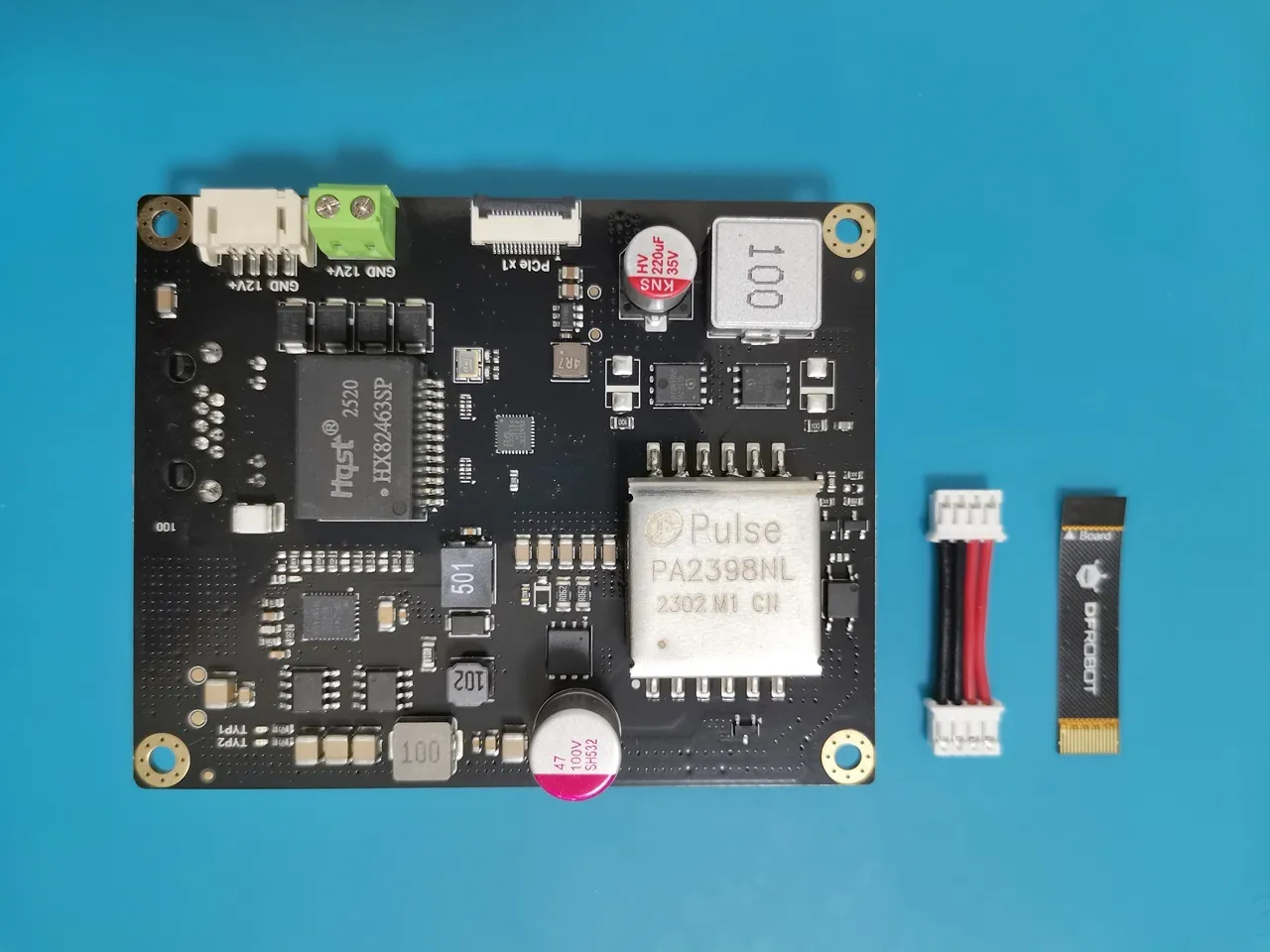
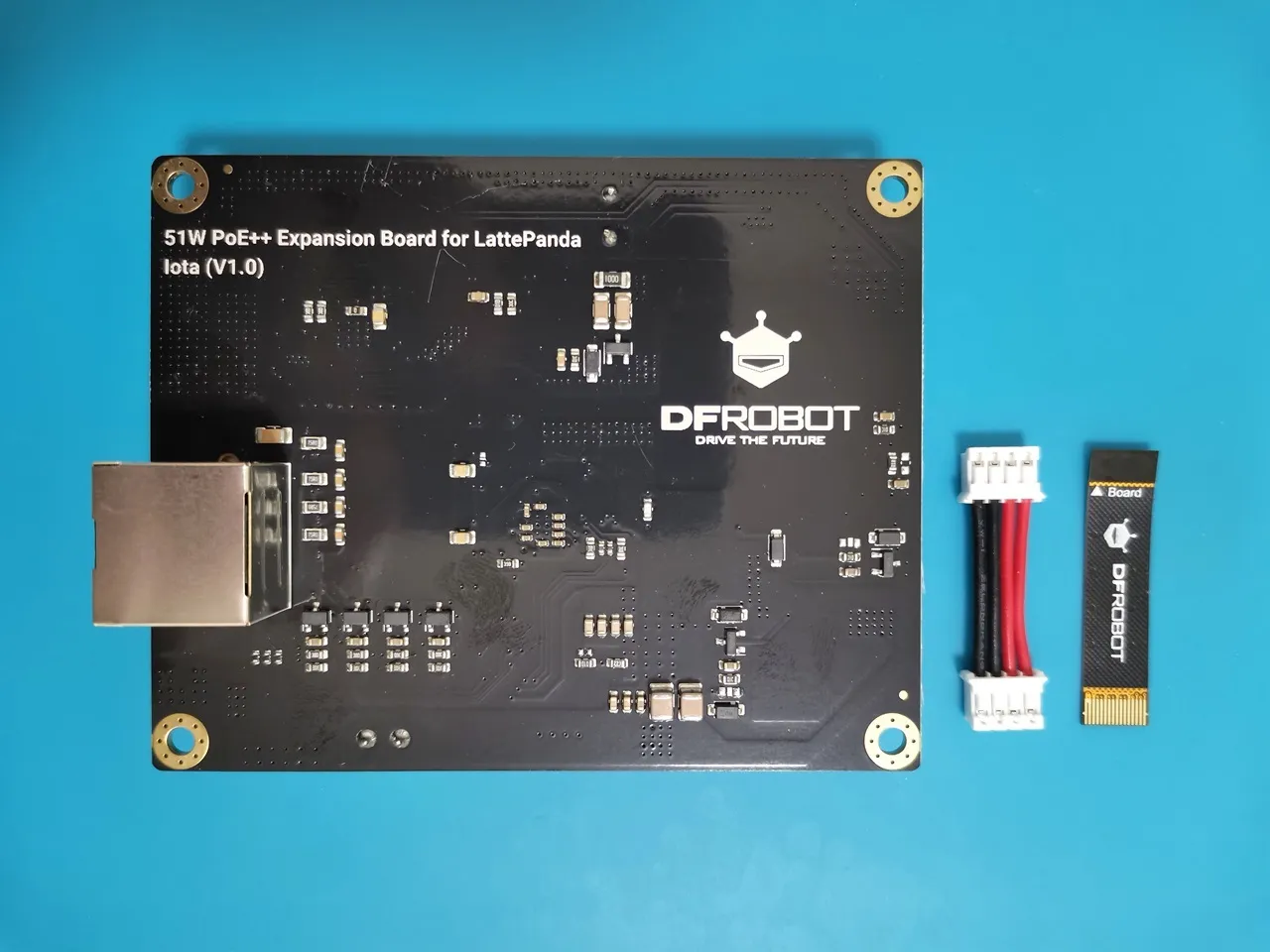
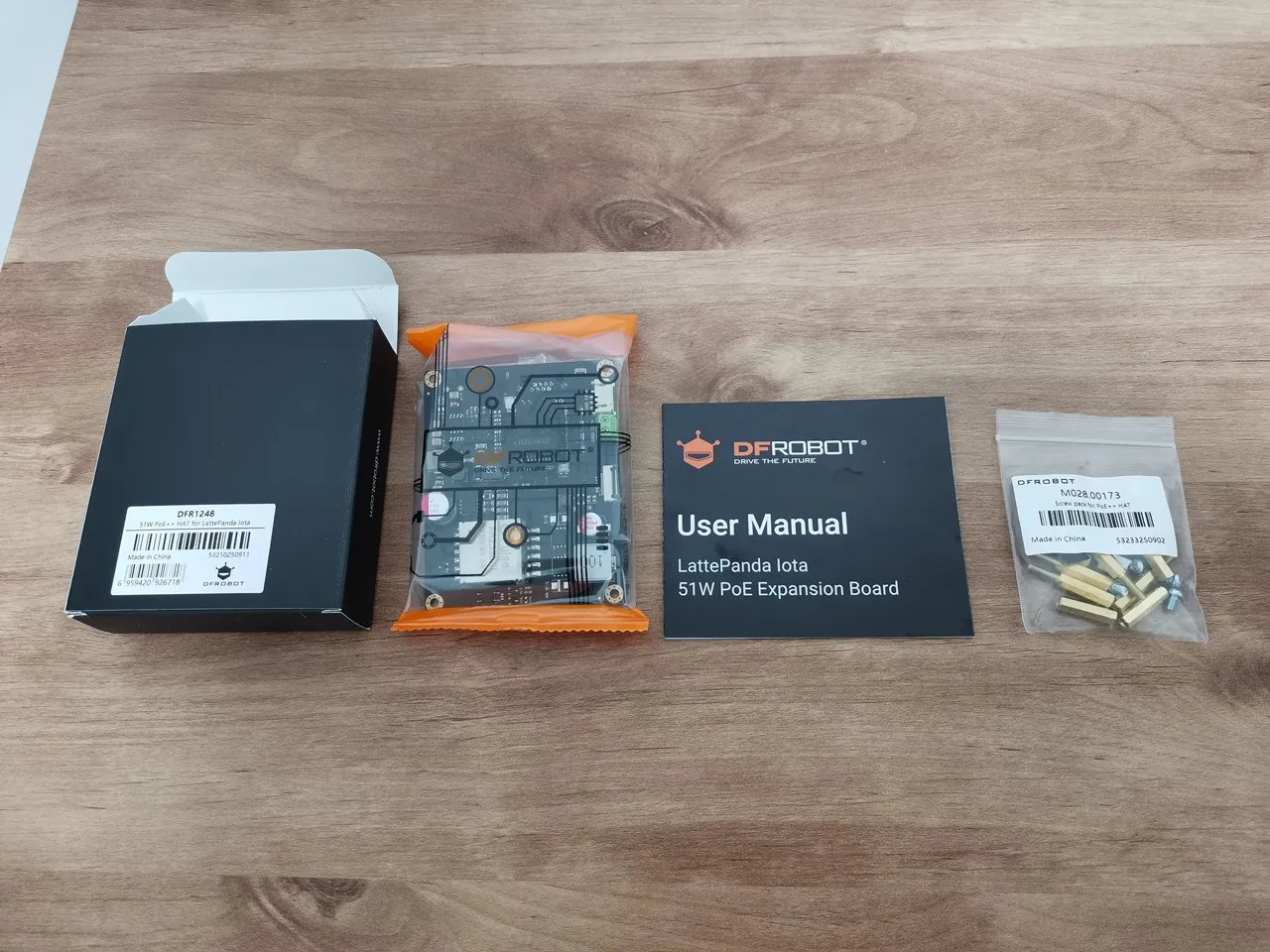
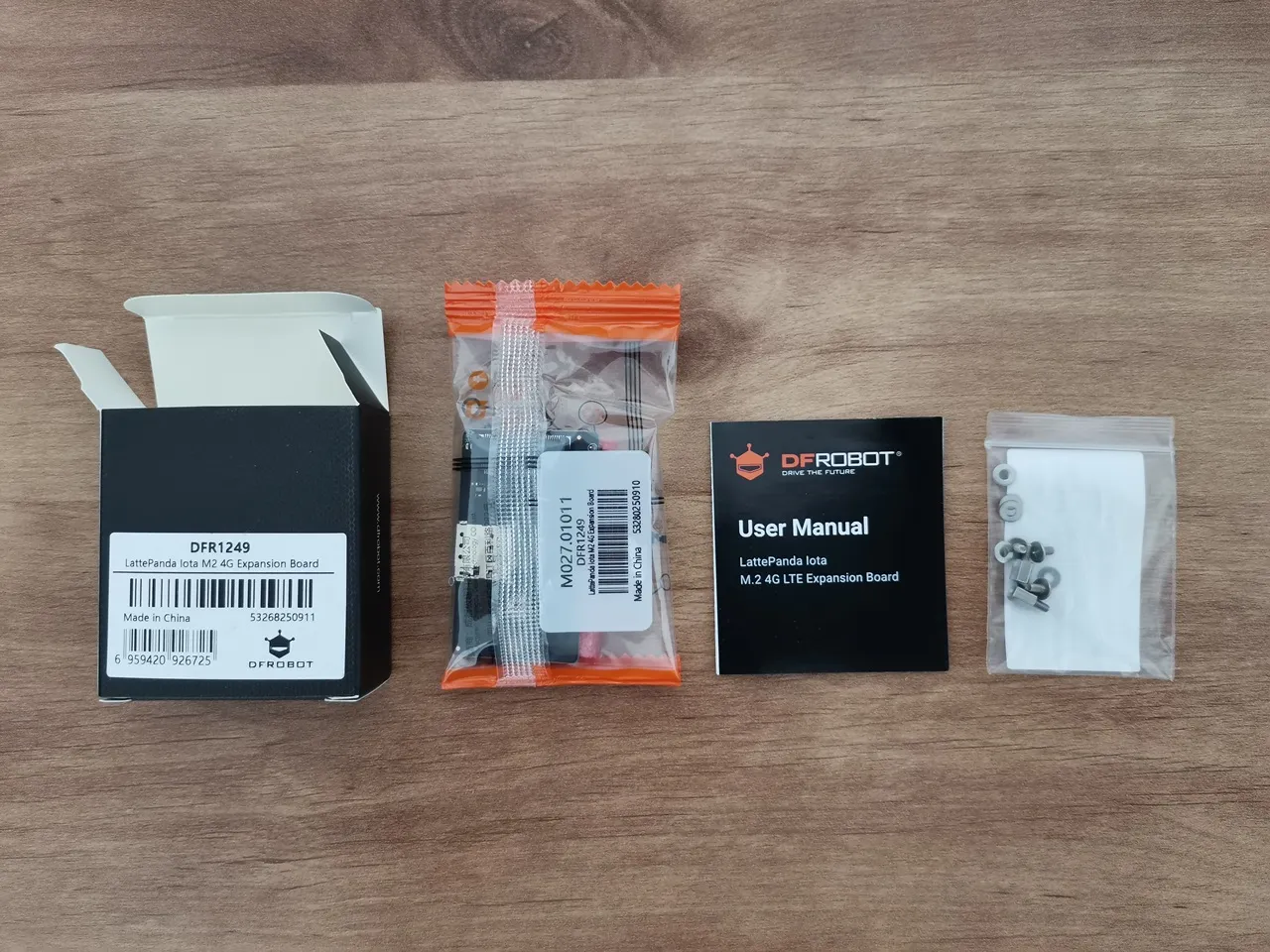
M.2 4G Expansion Board (DRF1249)
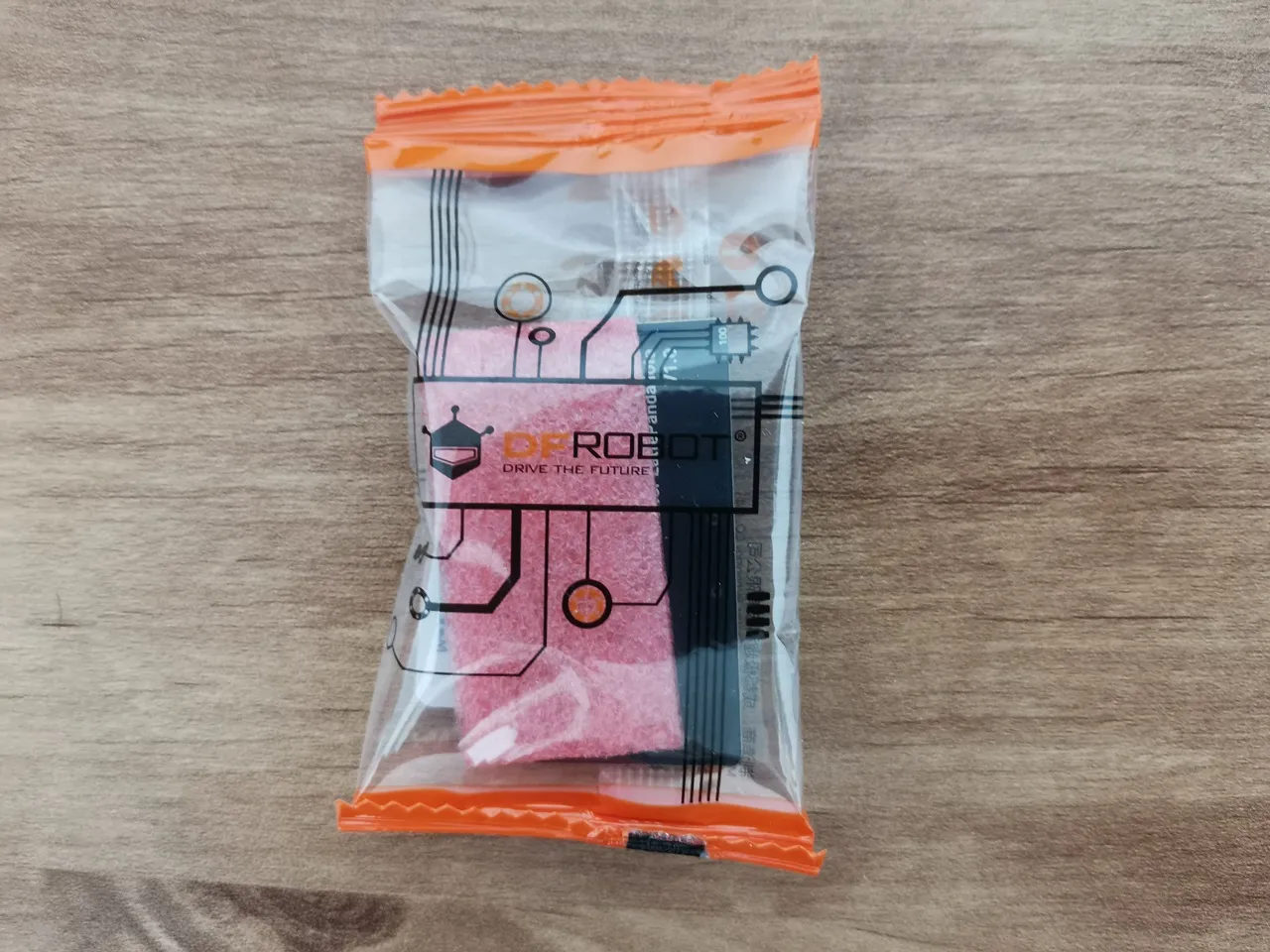
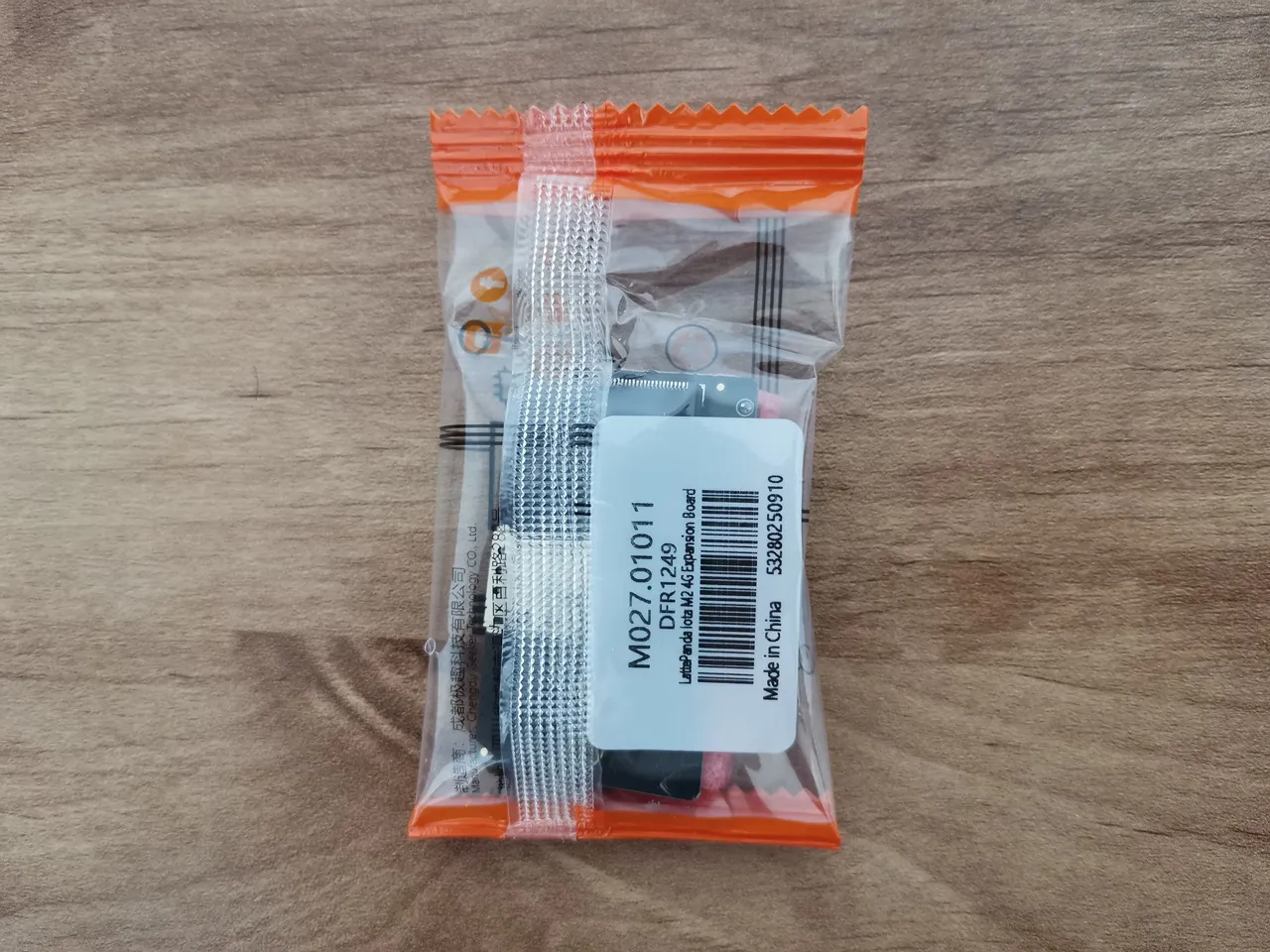
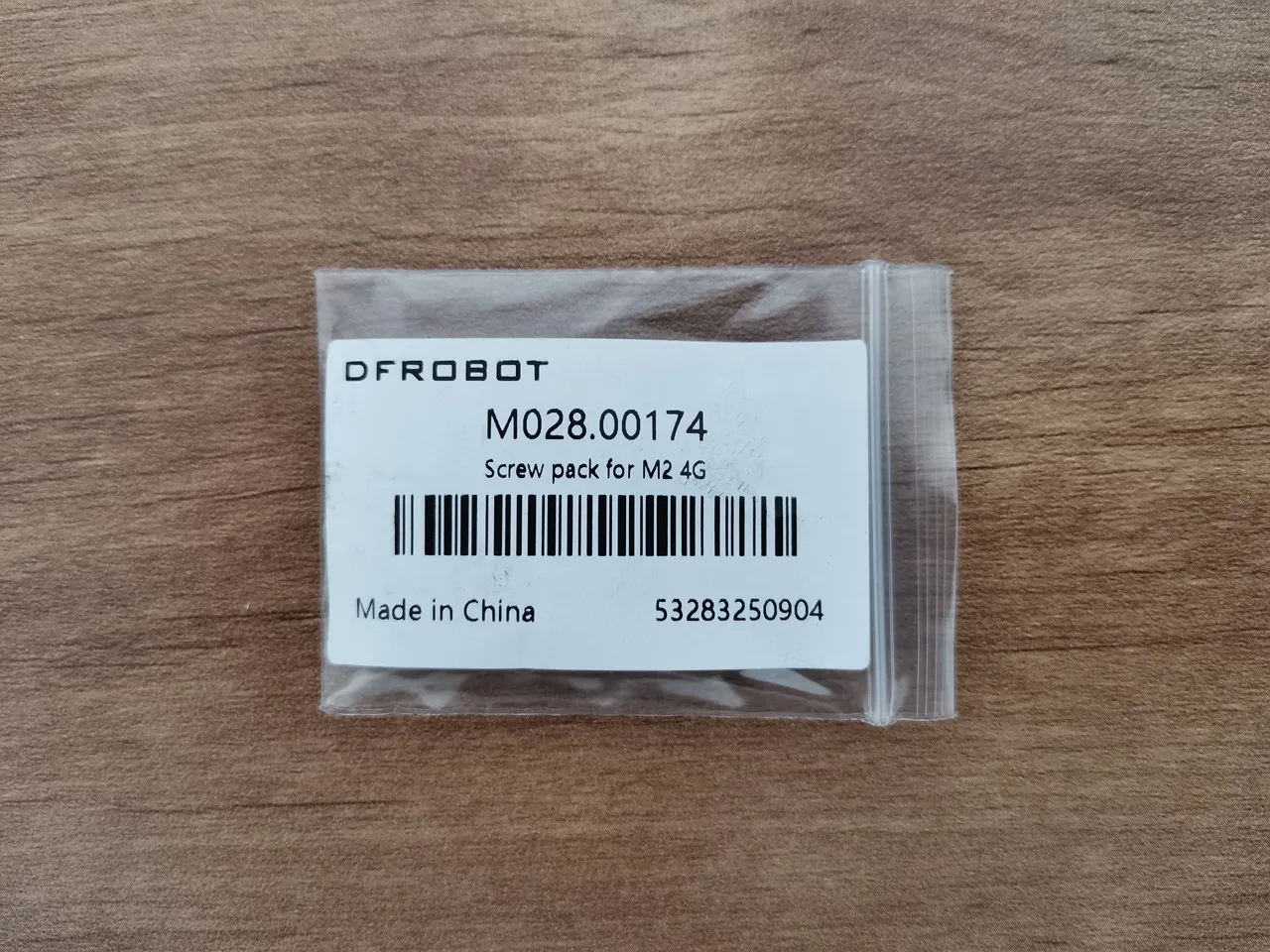

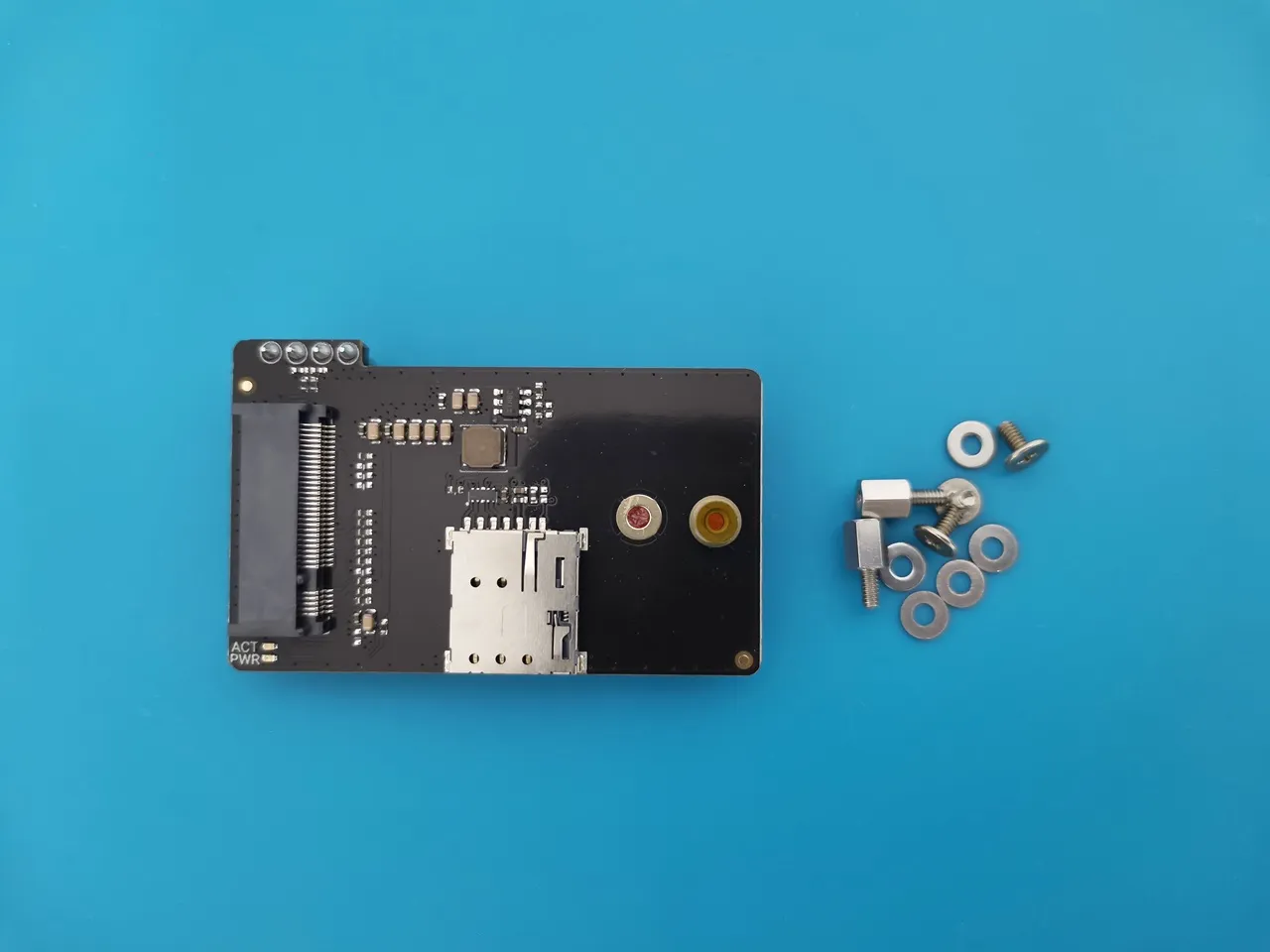
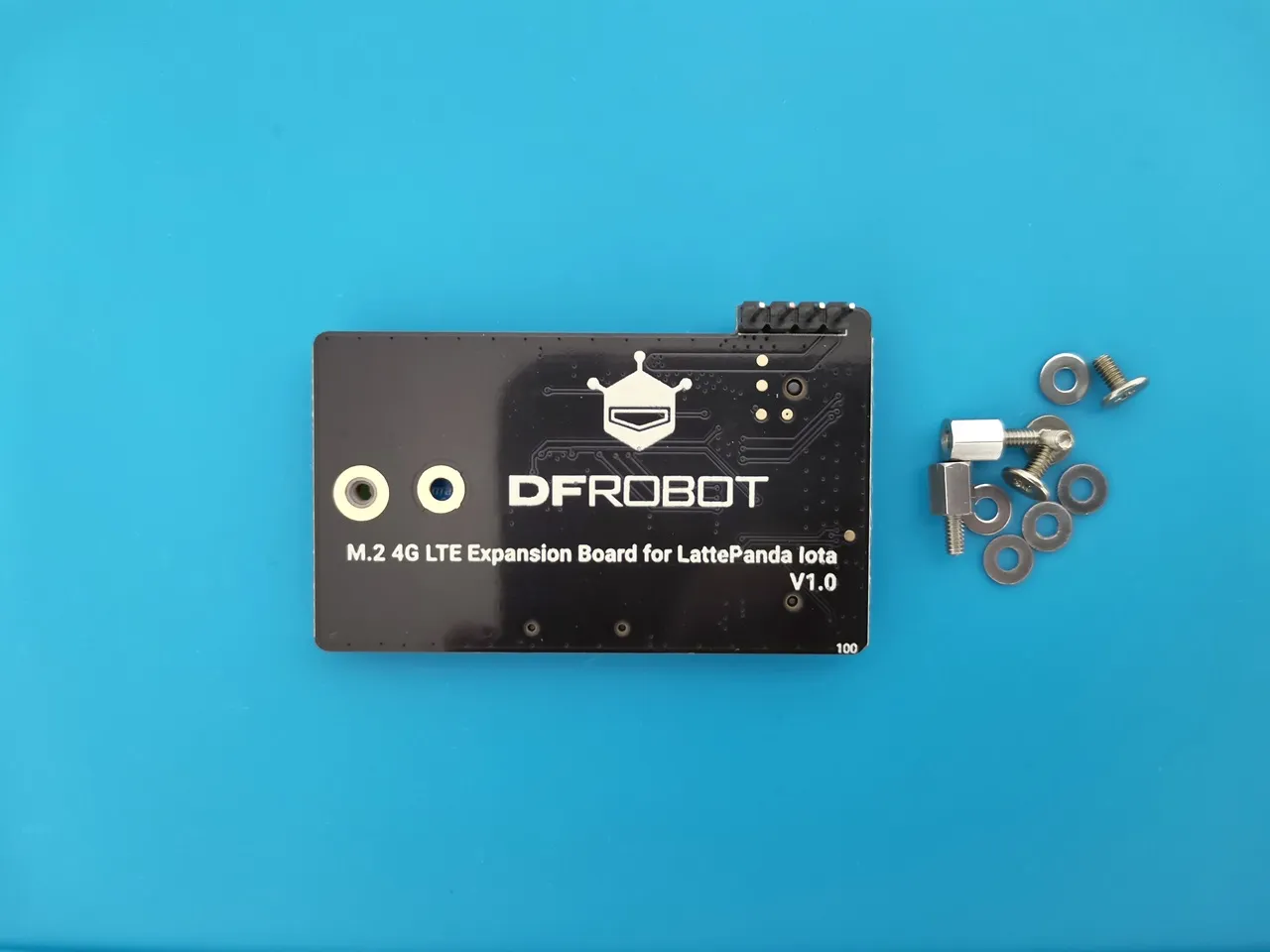
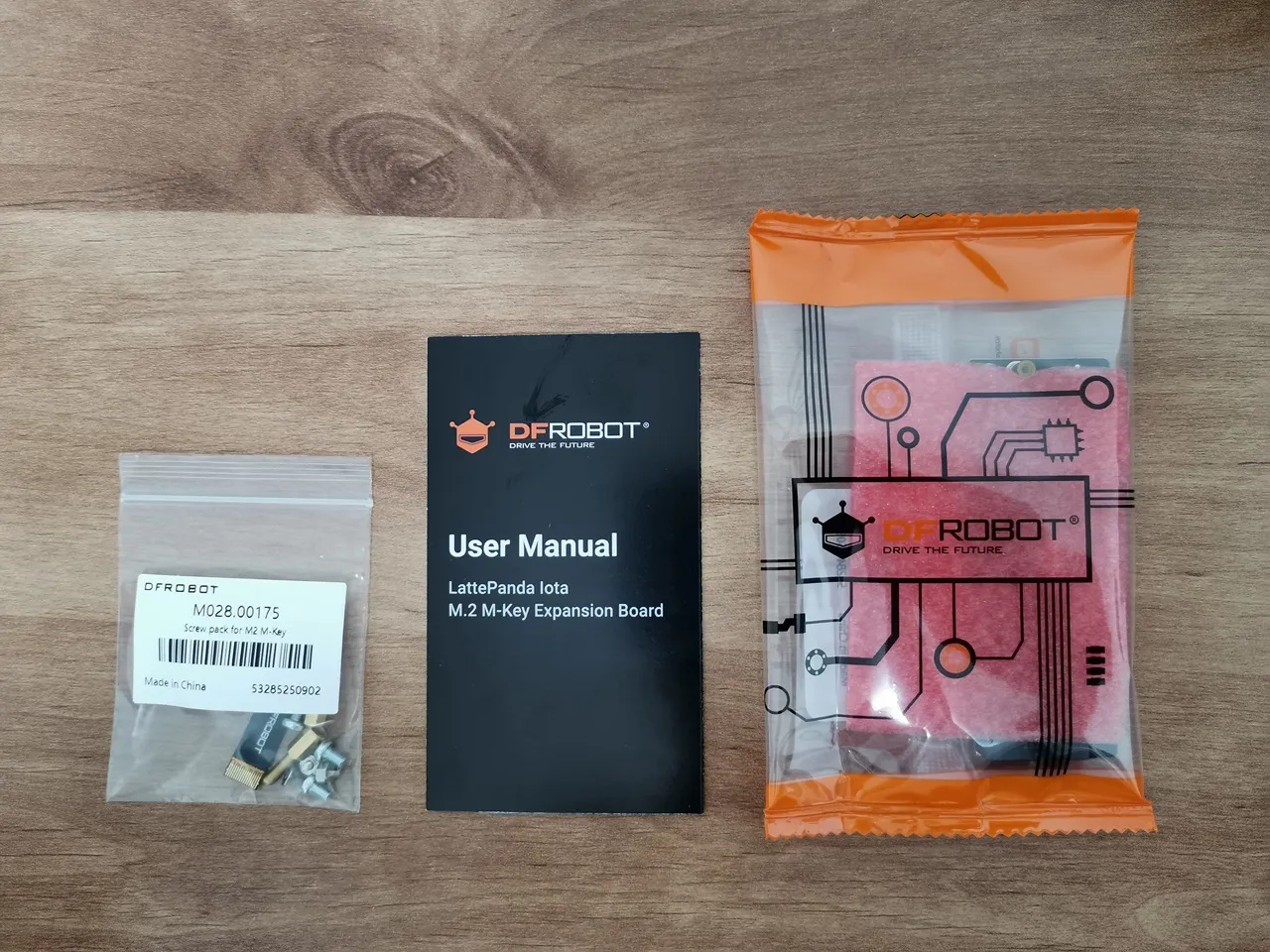
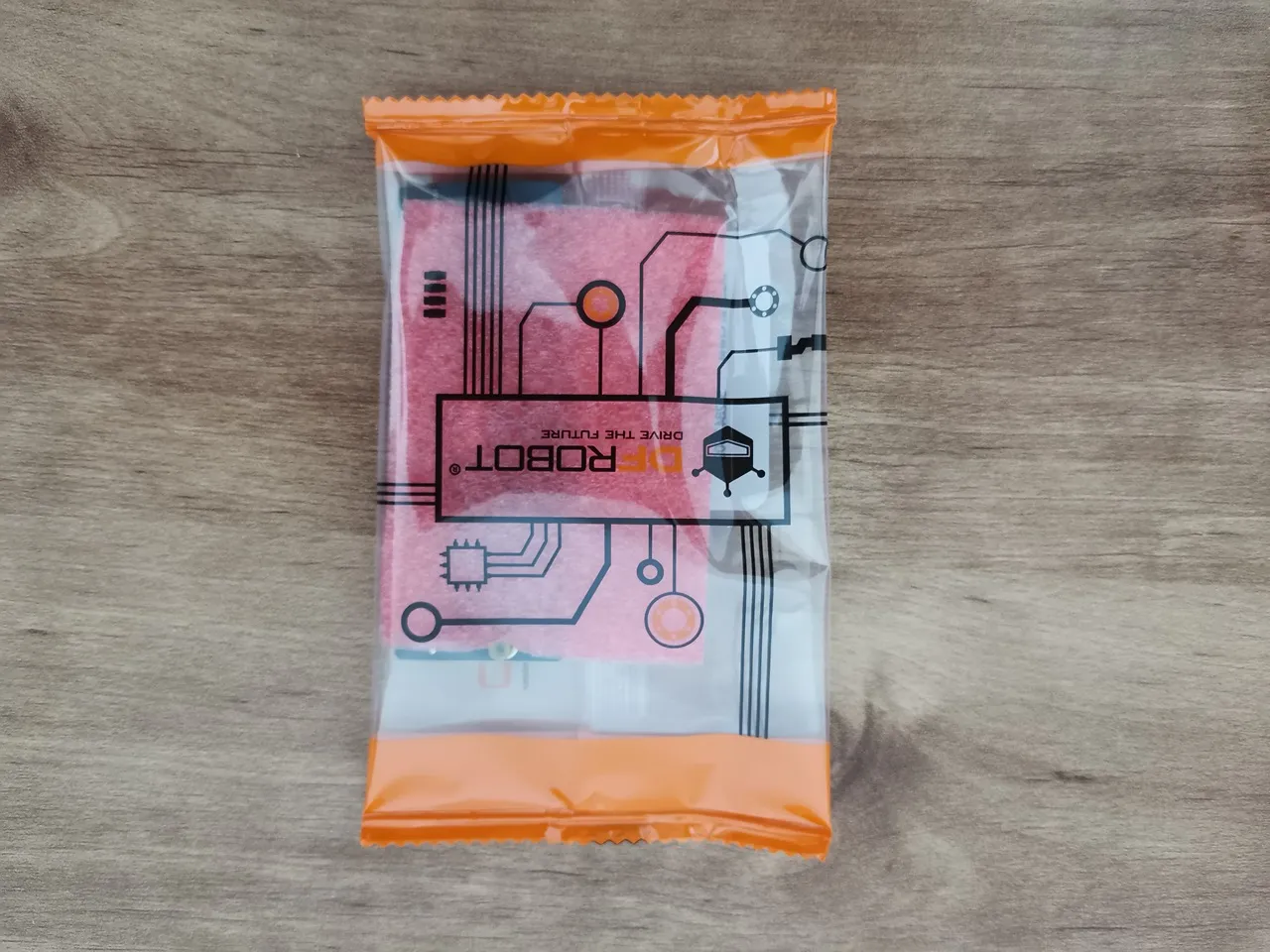
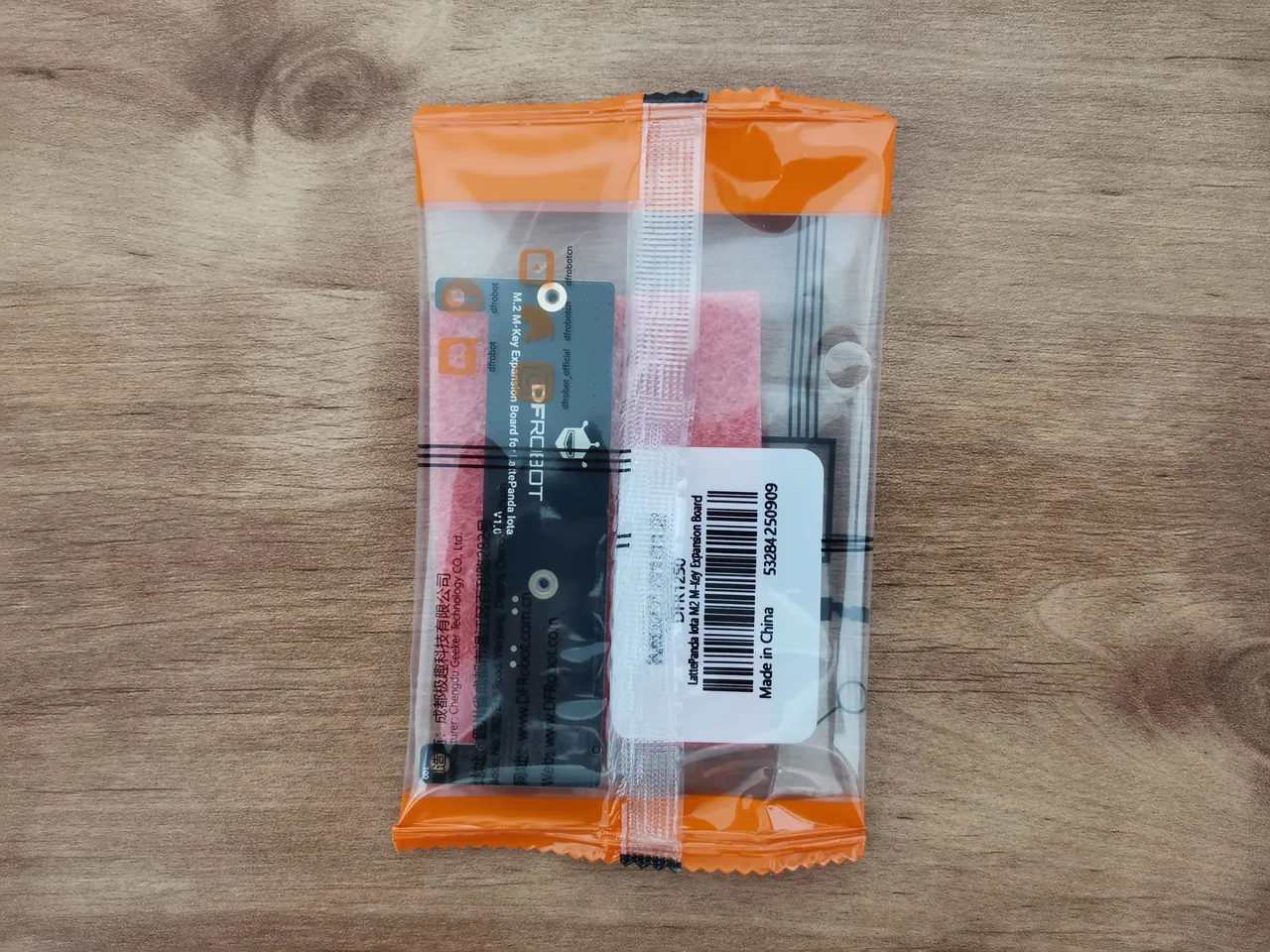
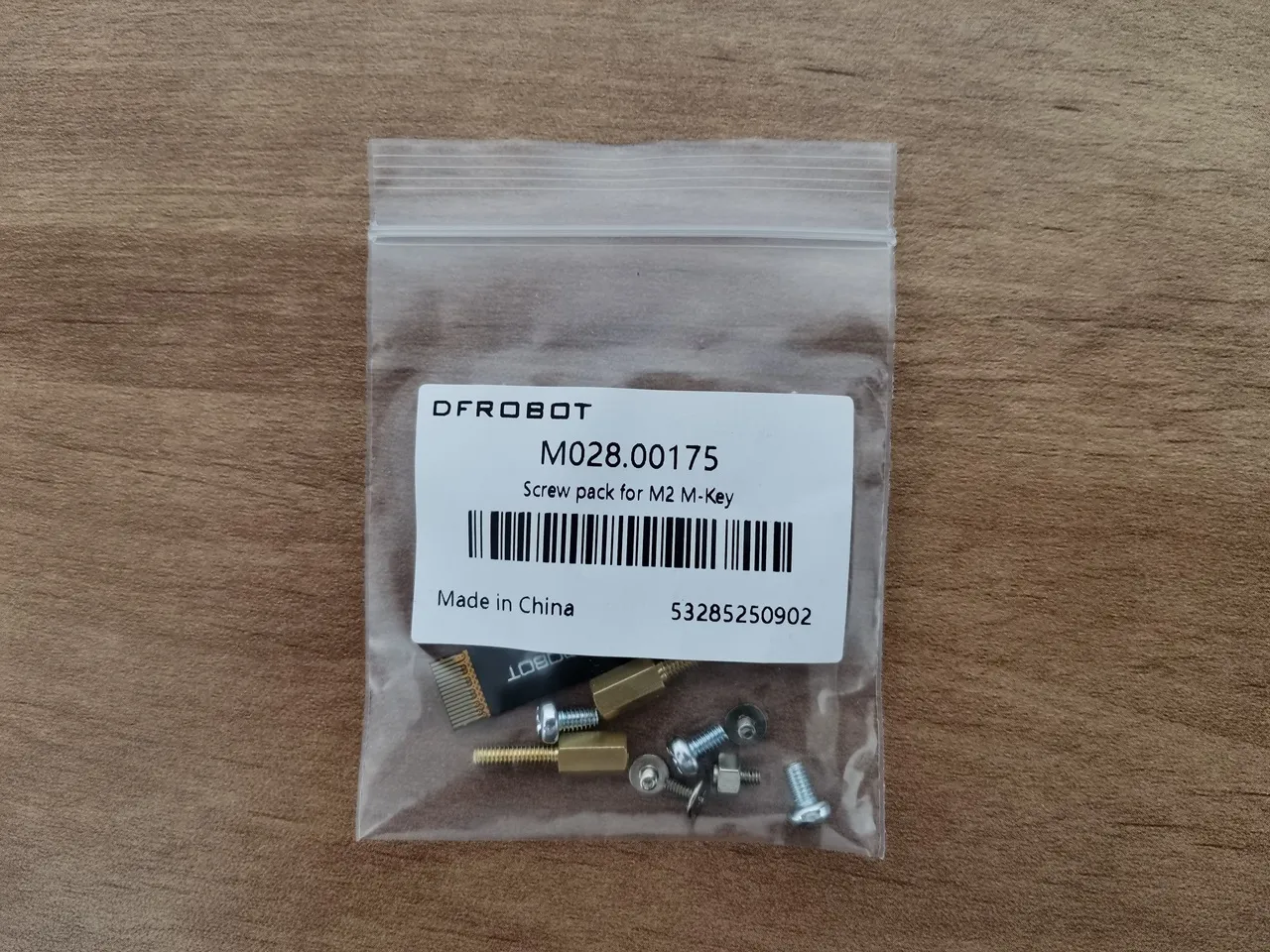
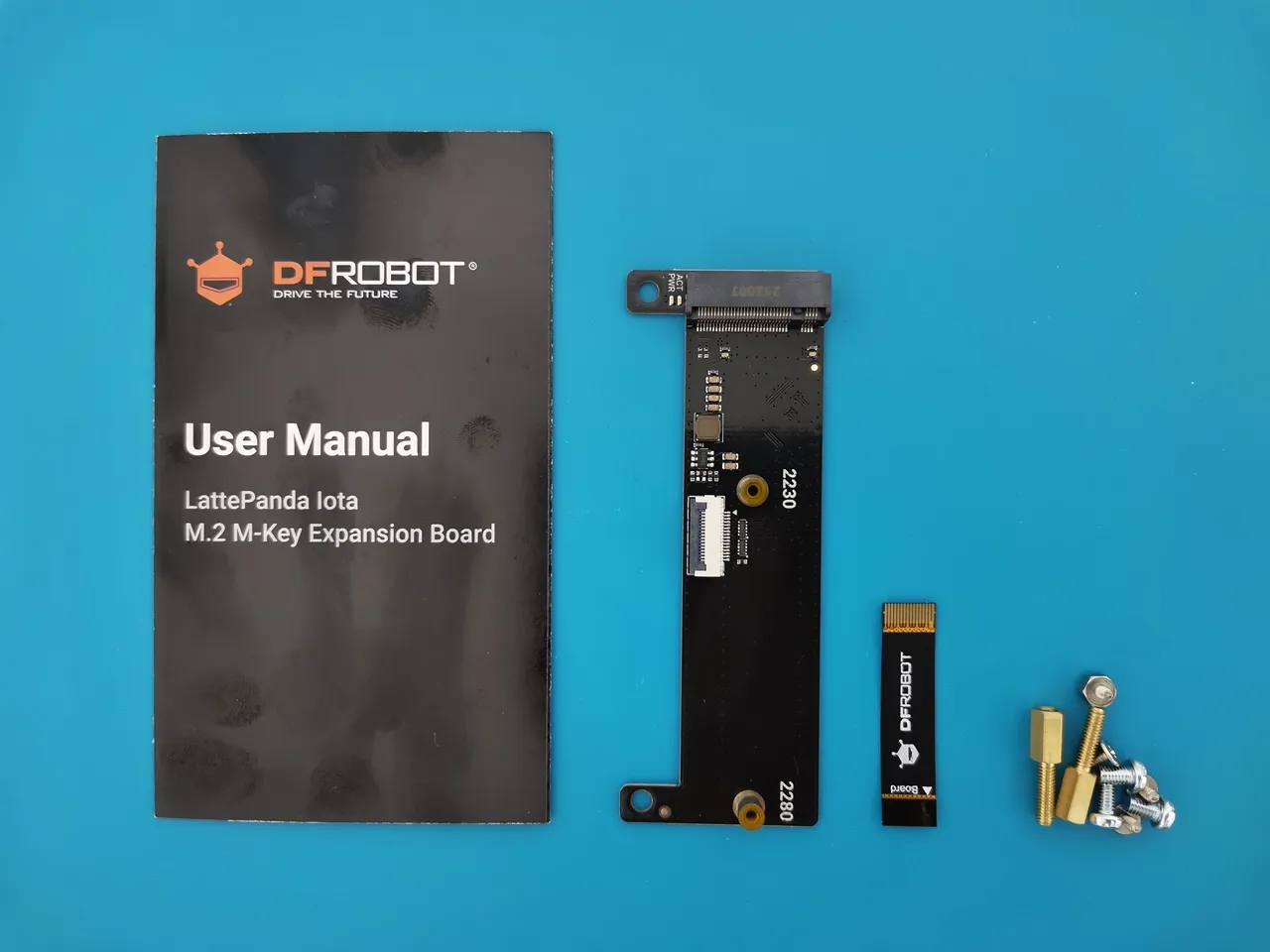
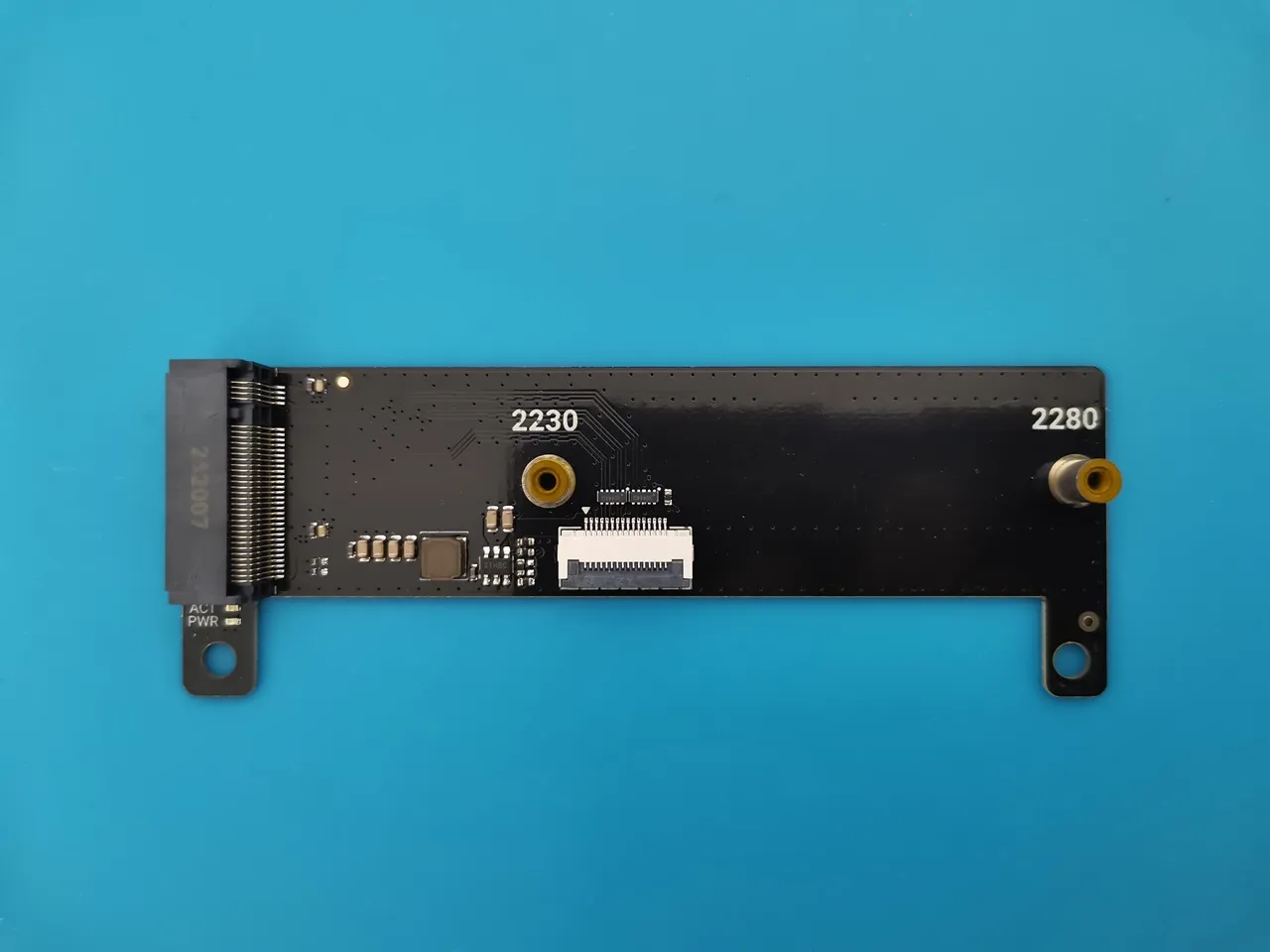
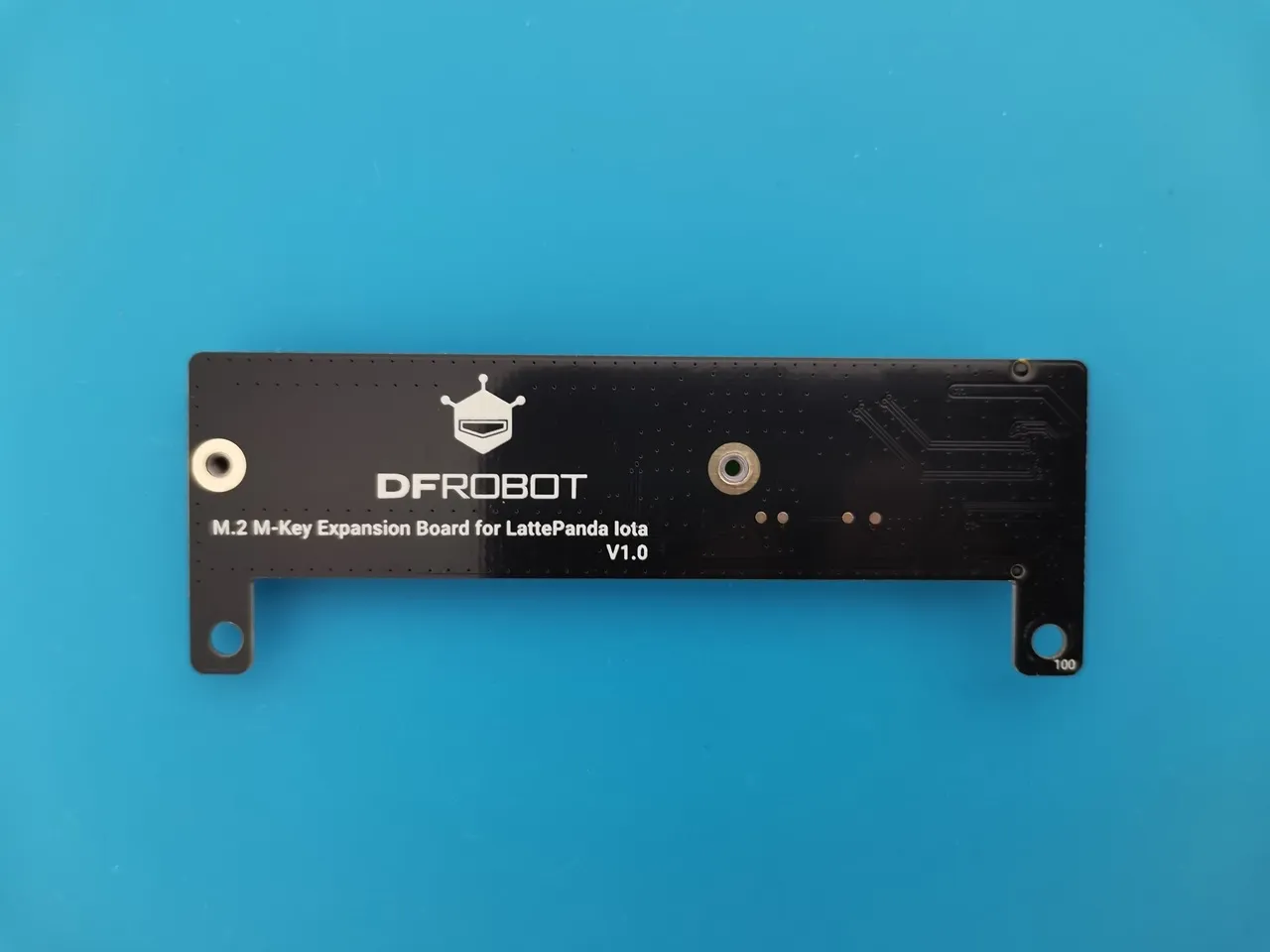
M2 M-Key Expansion Board (DFR1250)
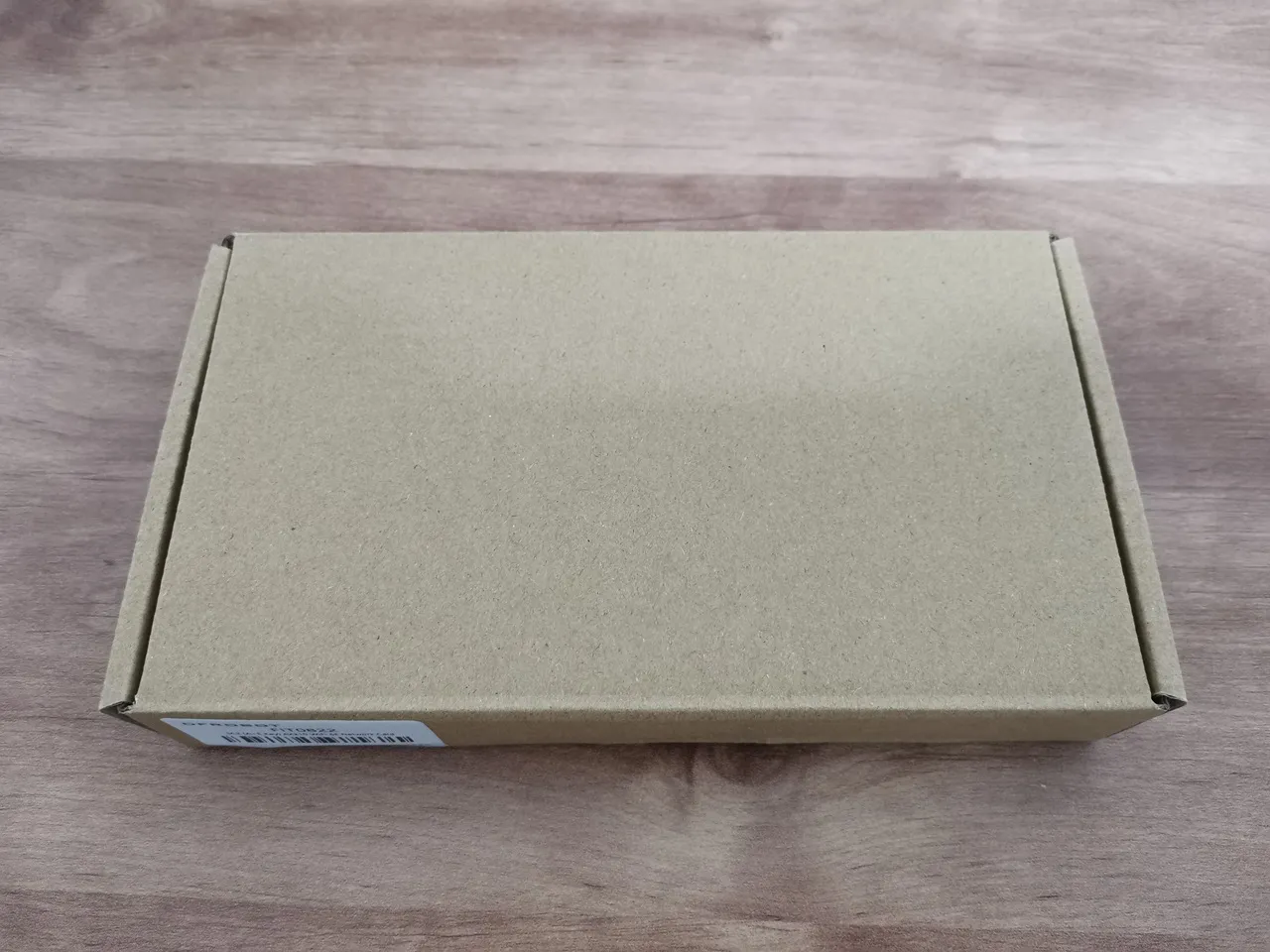
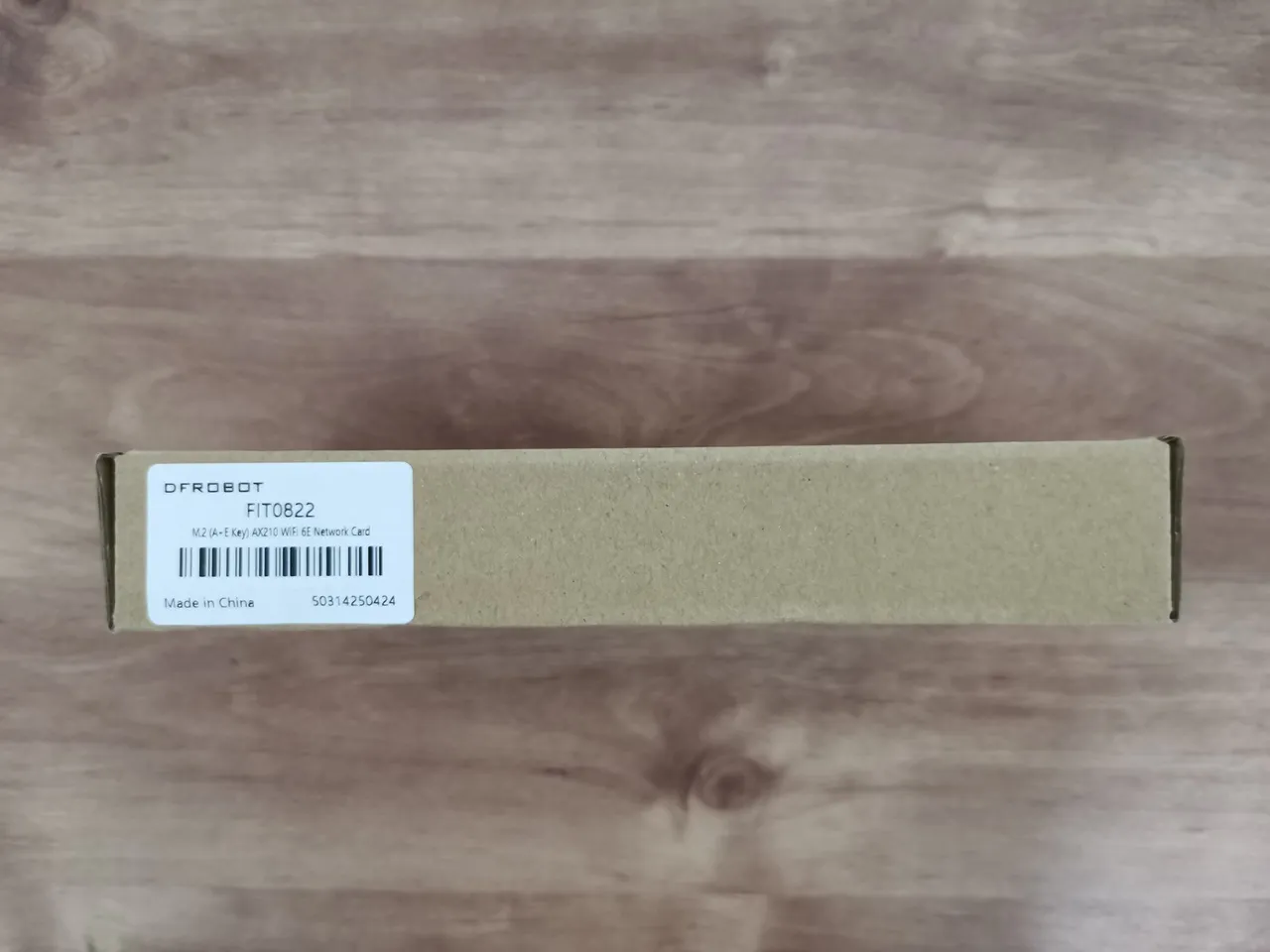
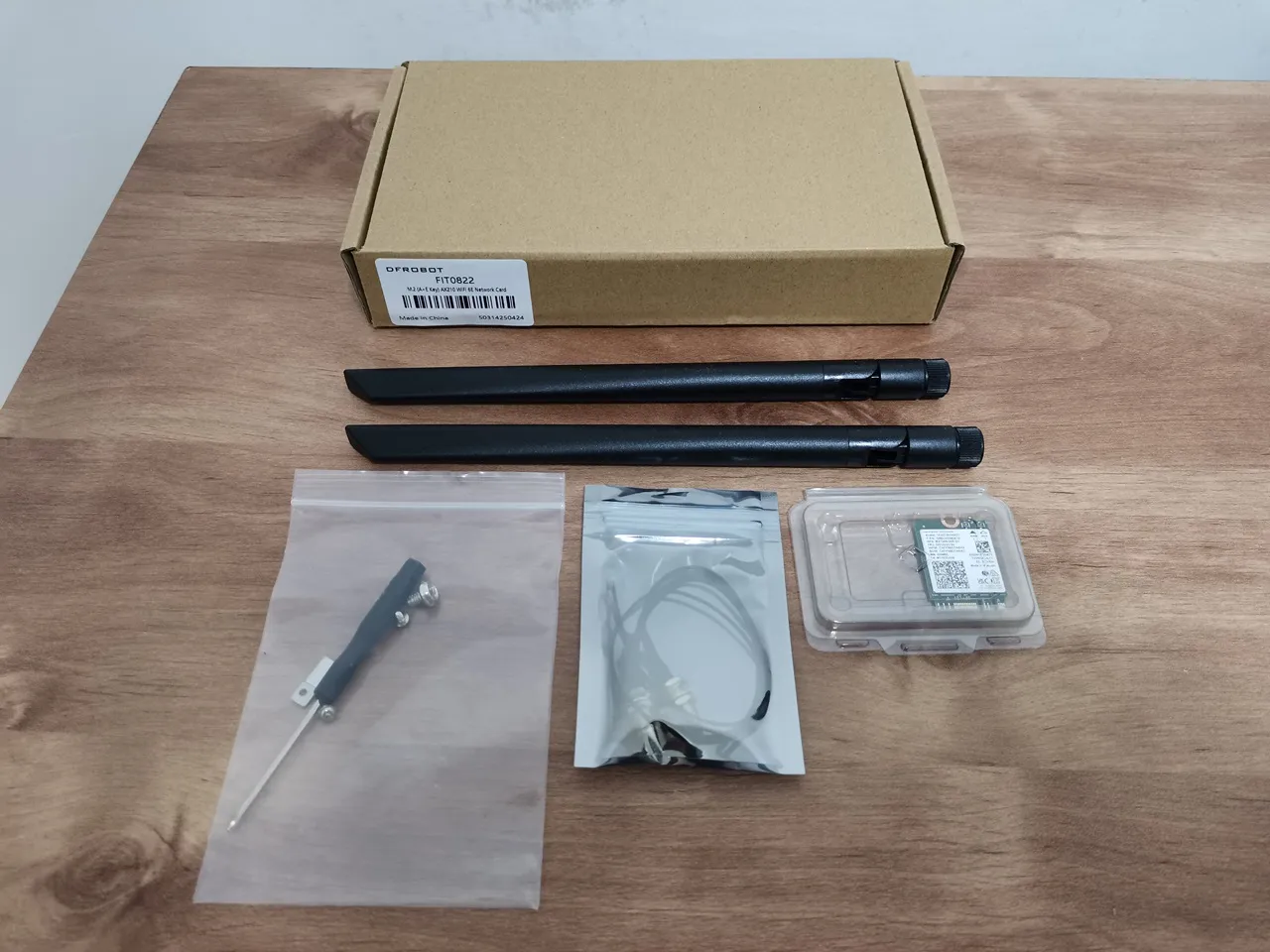
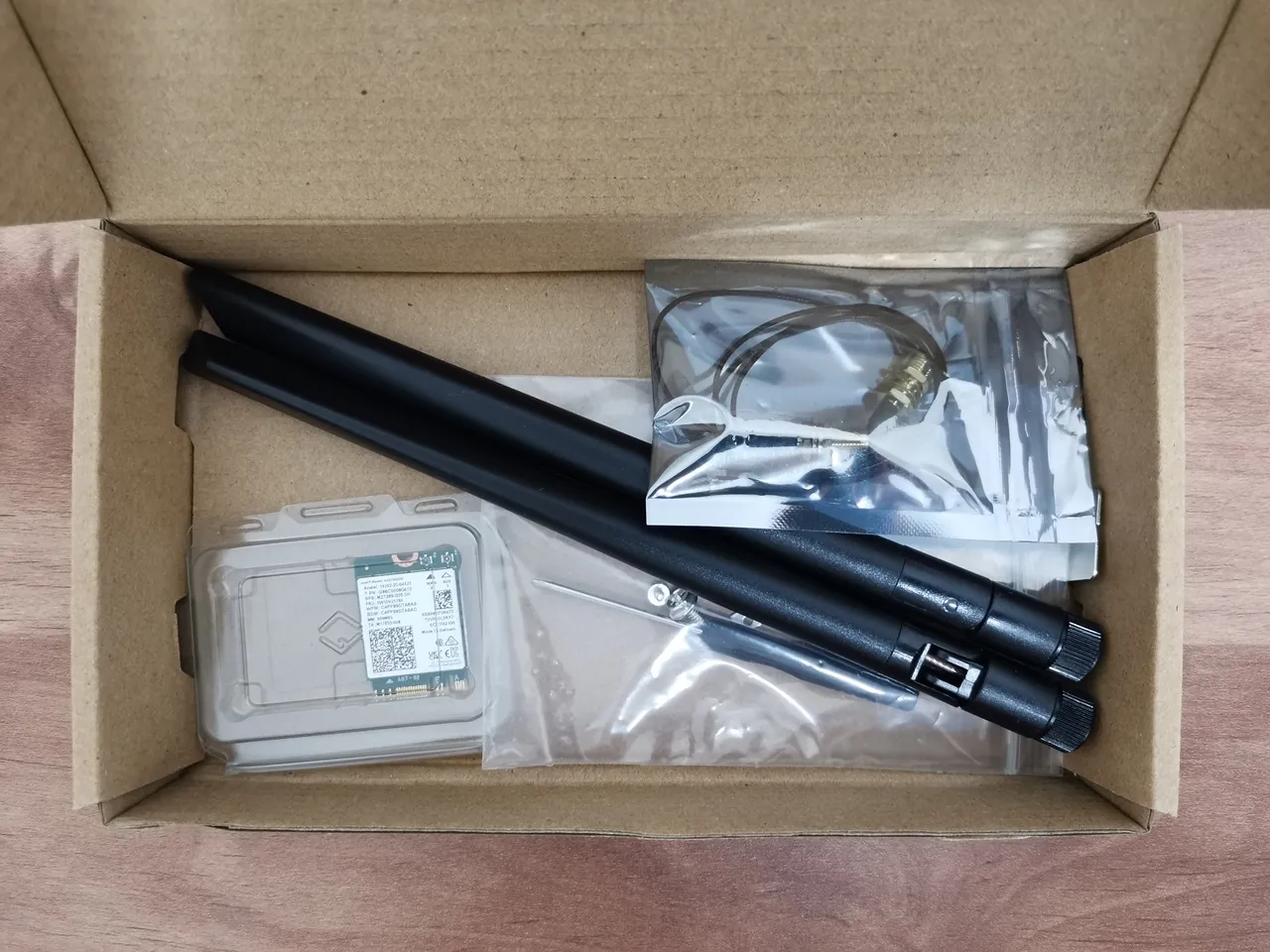
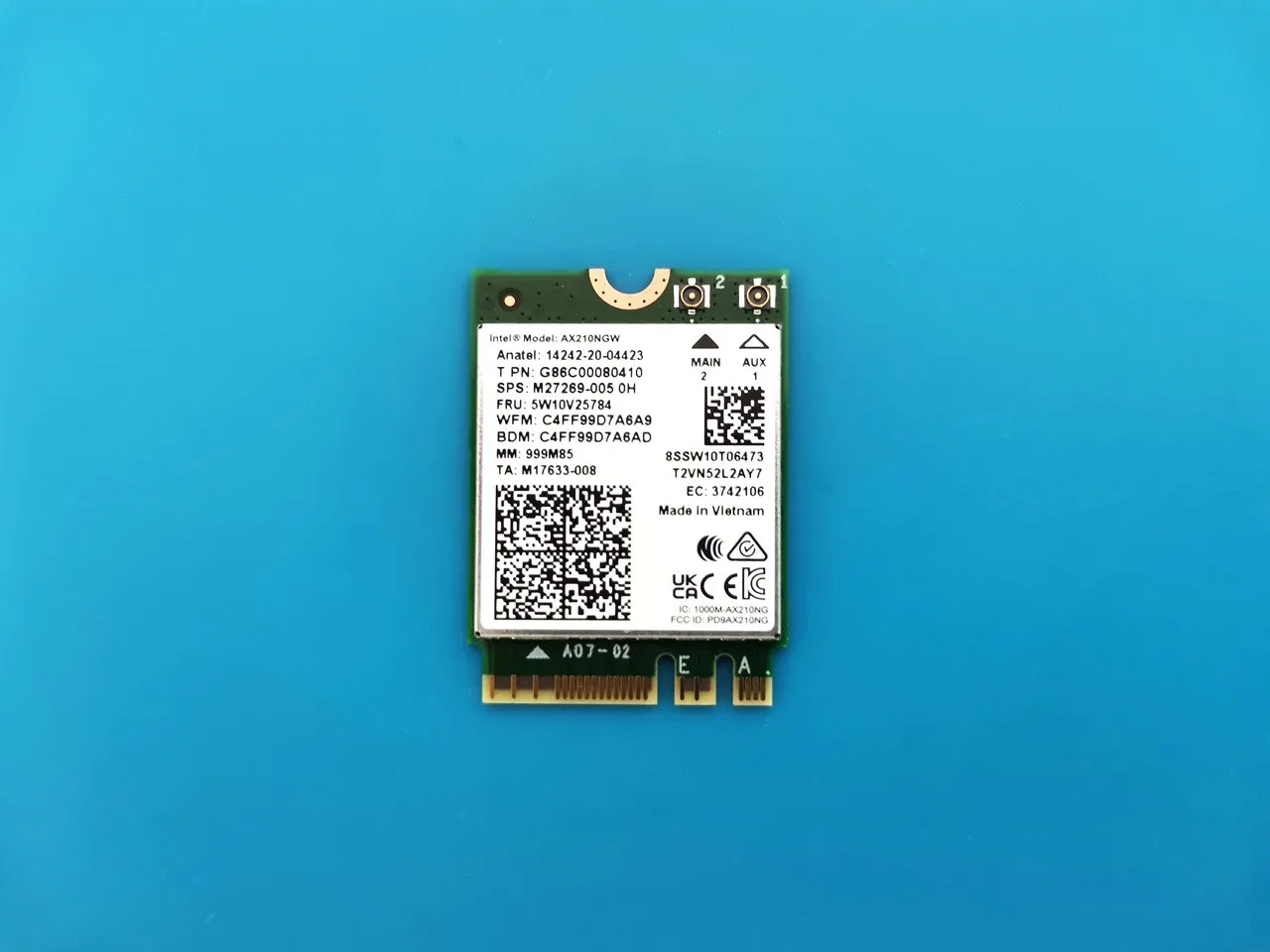
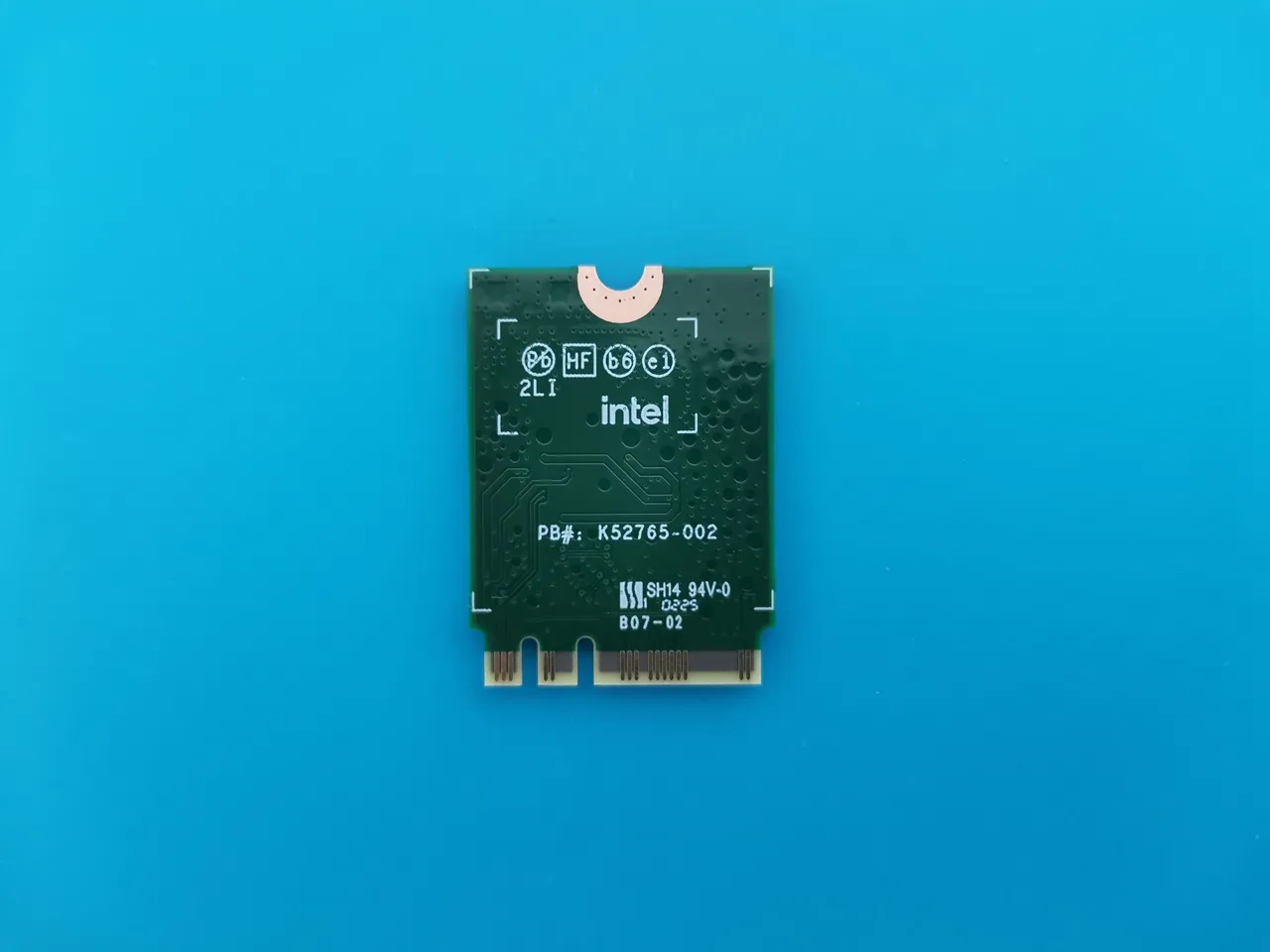
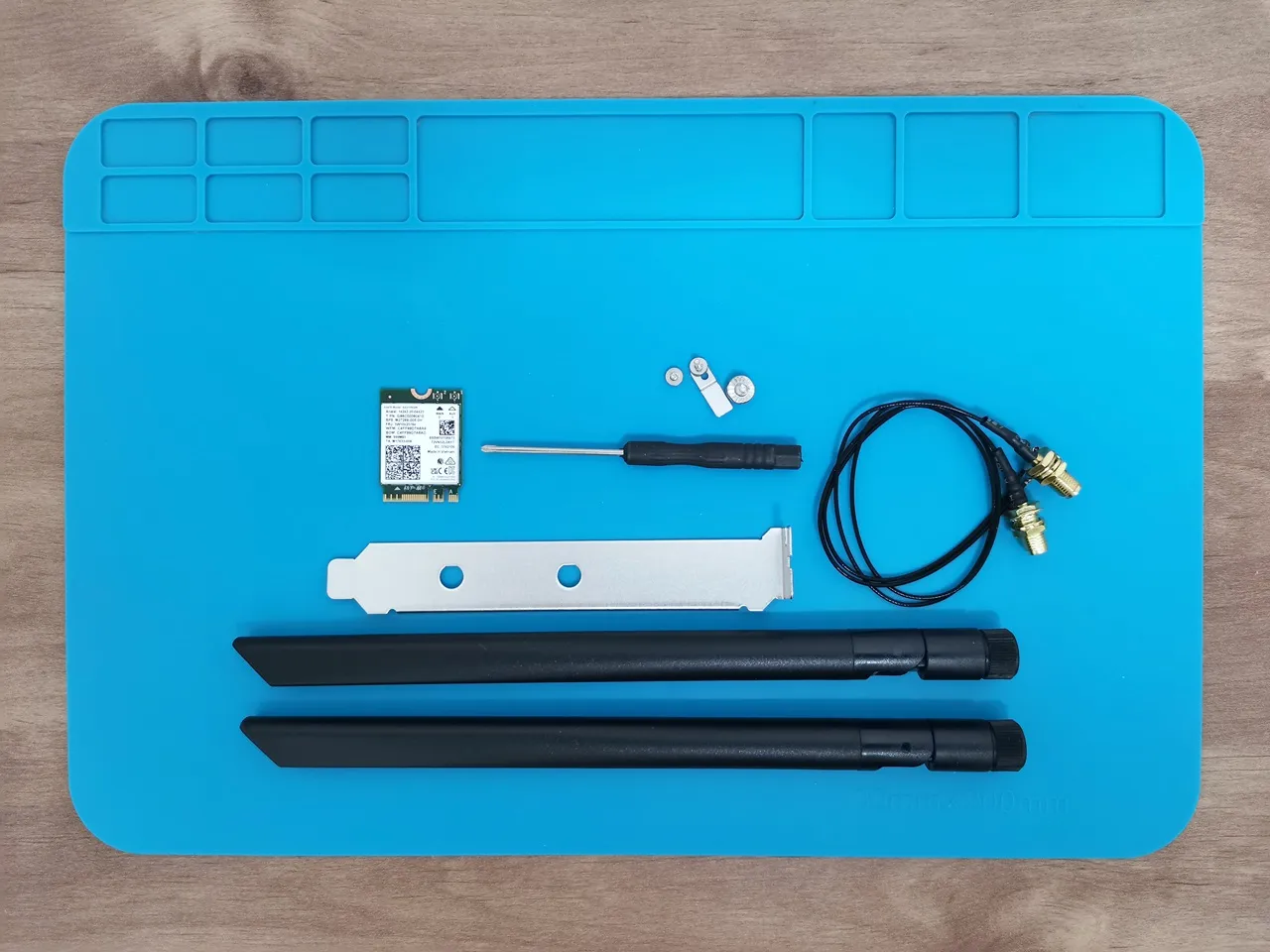
AX210 WiFi Kit (FIT0822)
Active Cooler (FIT1027)
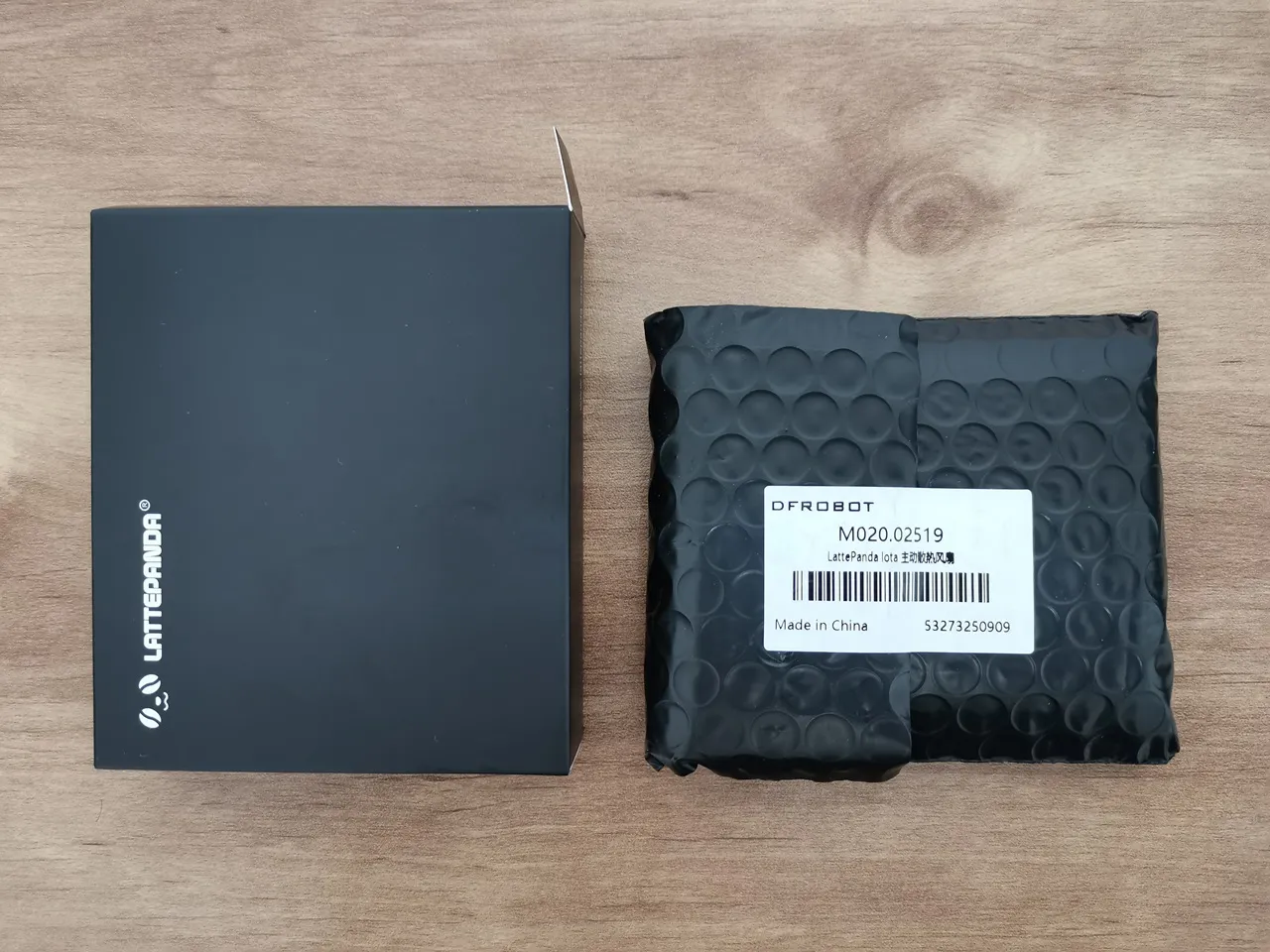
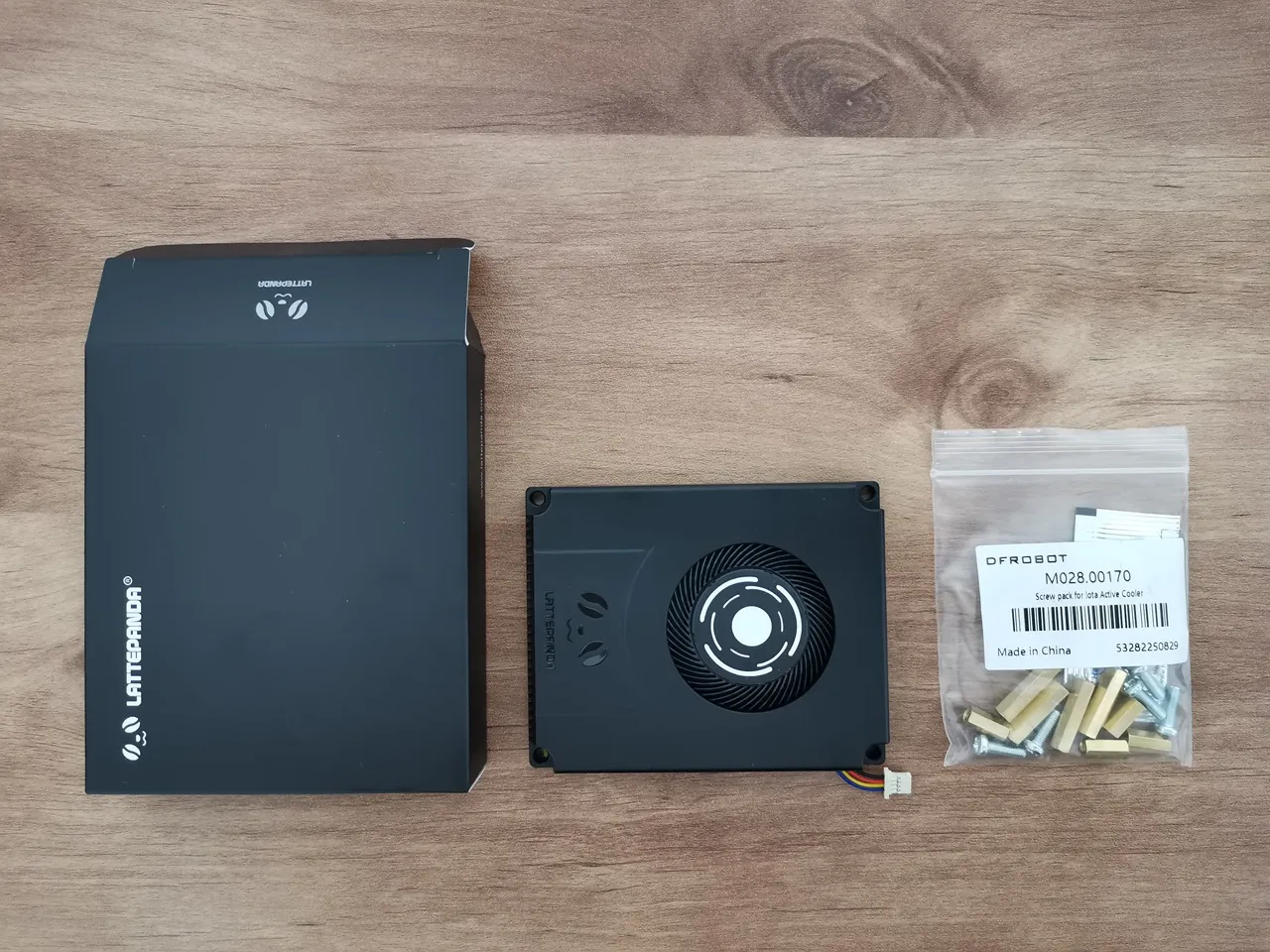
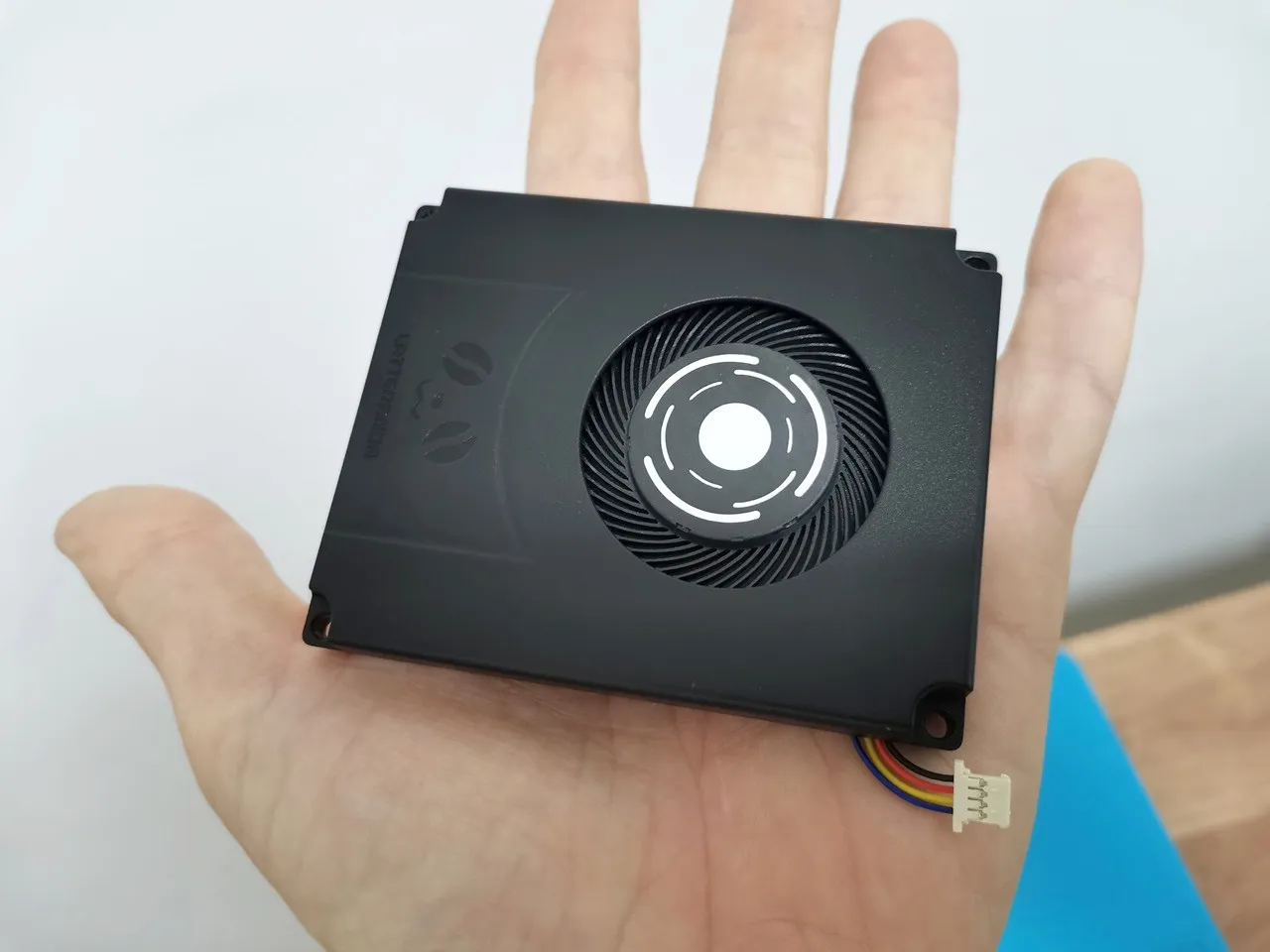
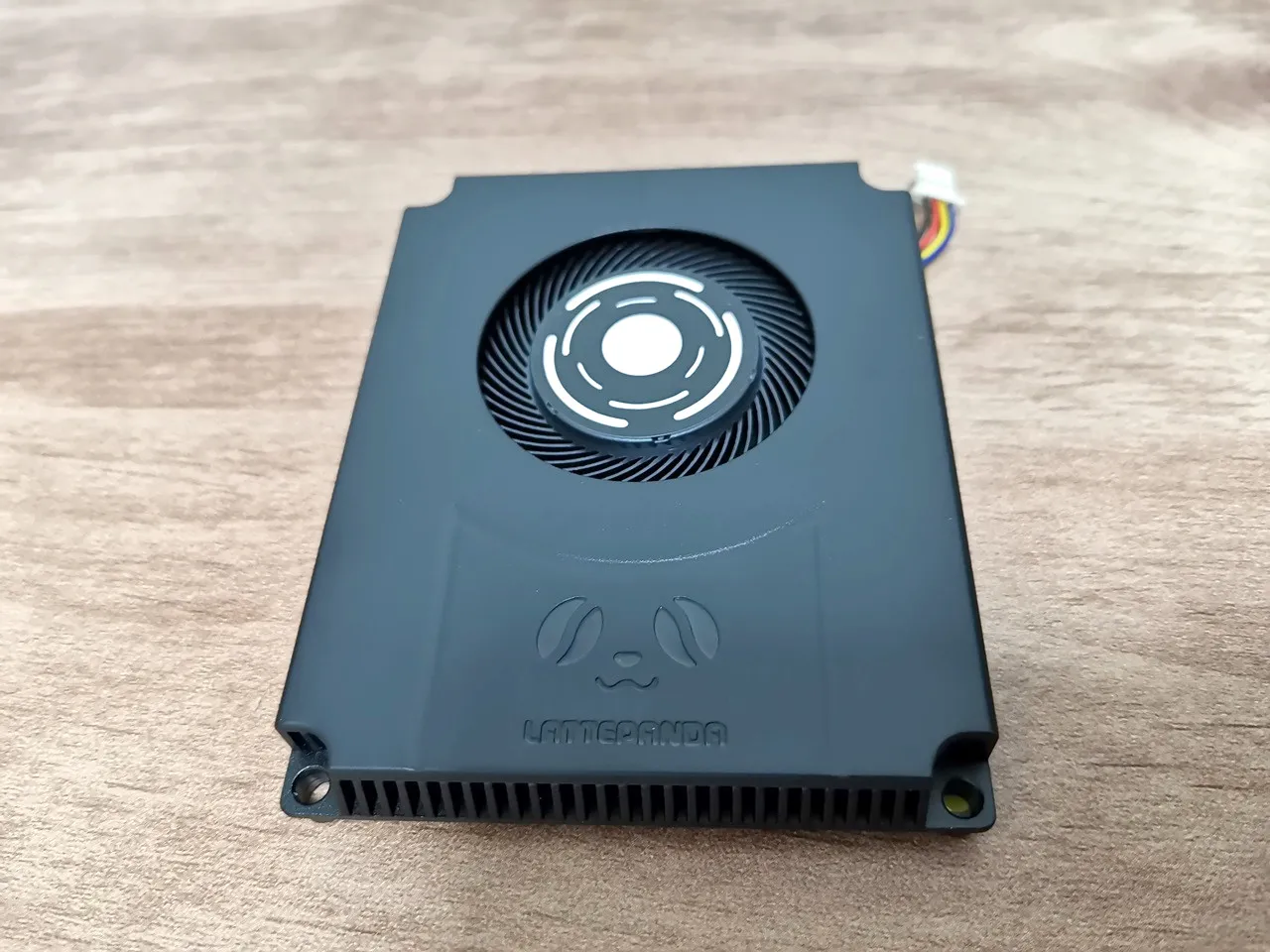
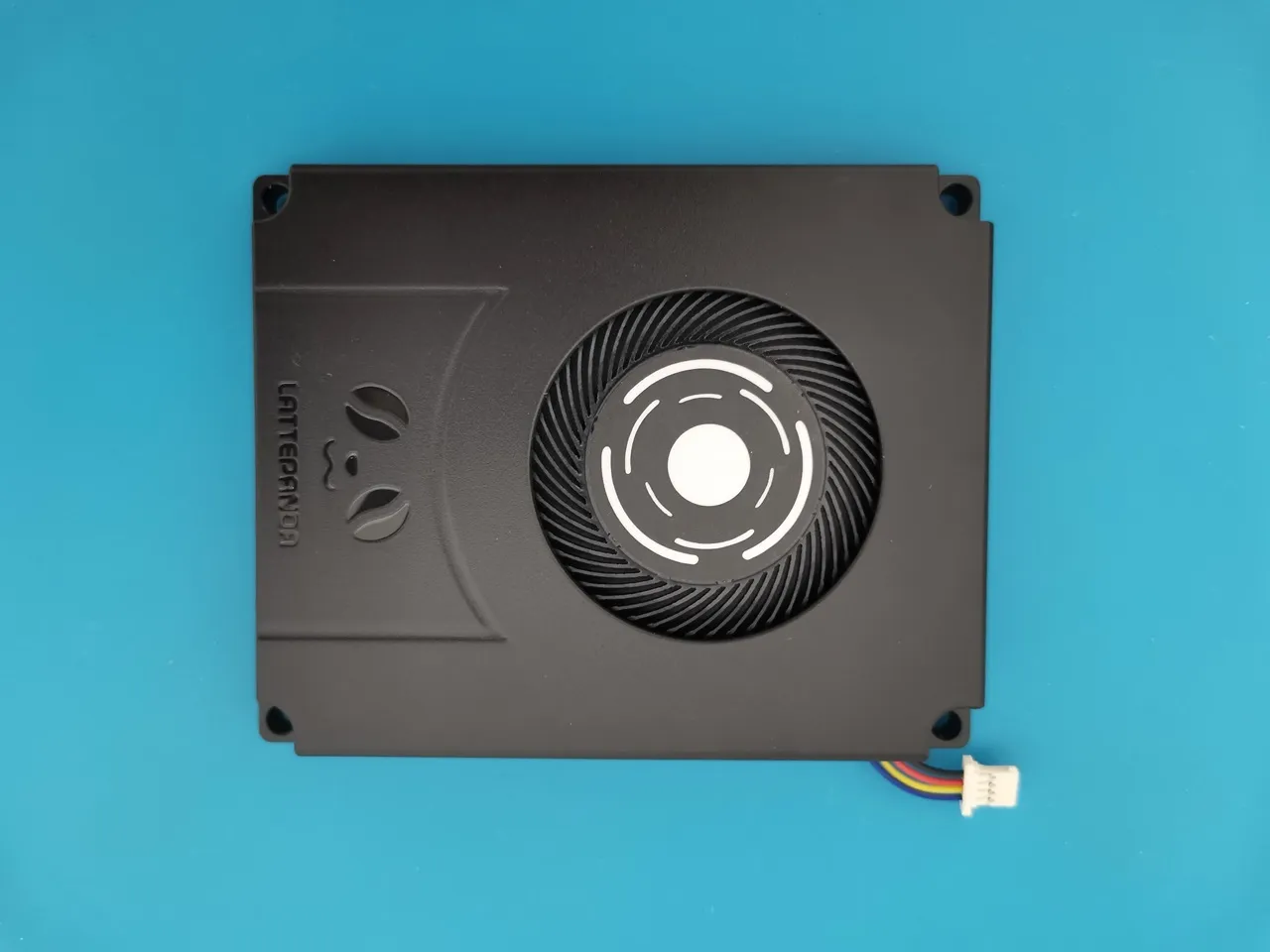
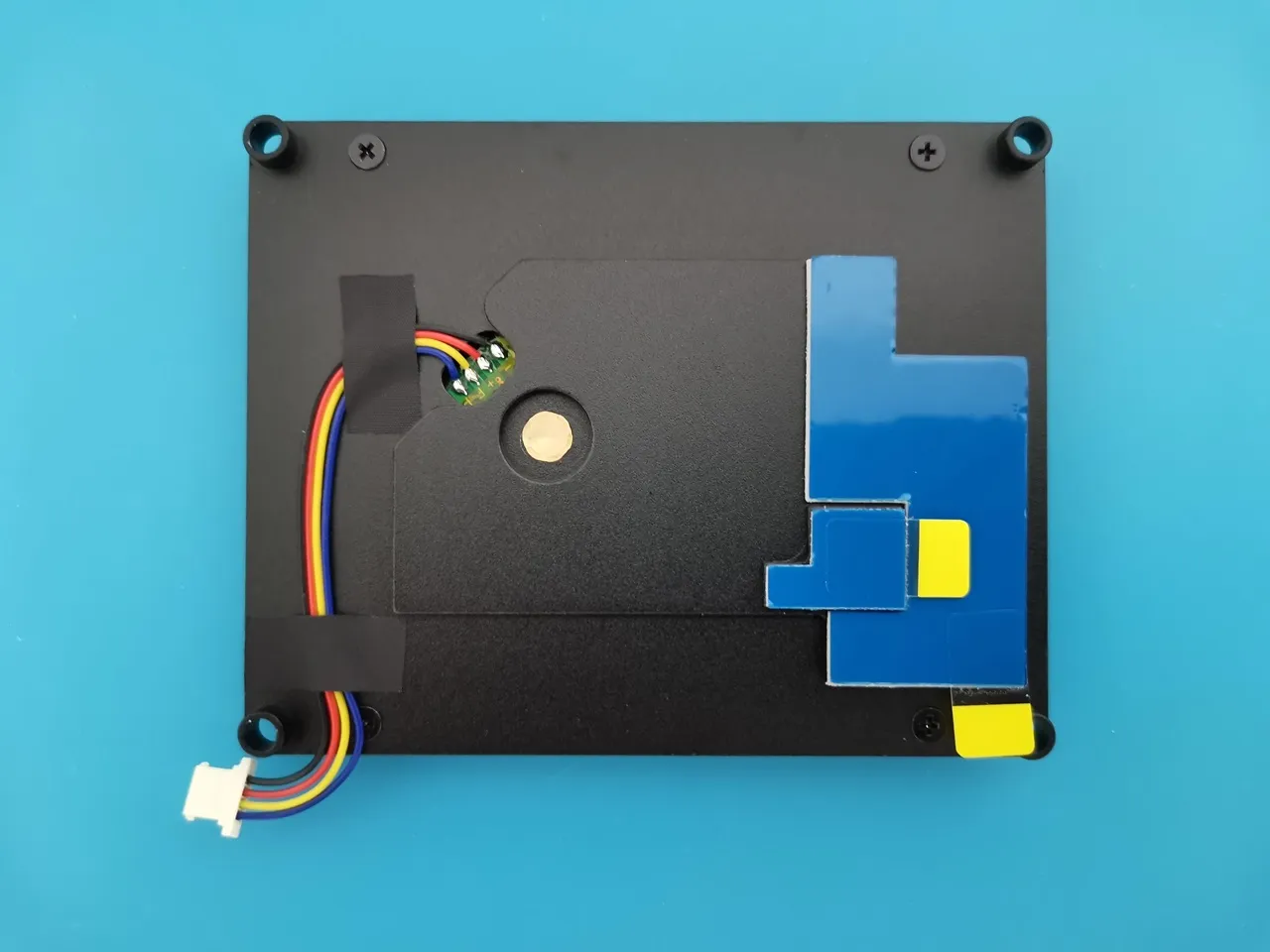
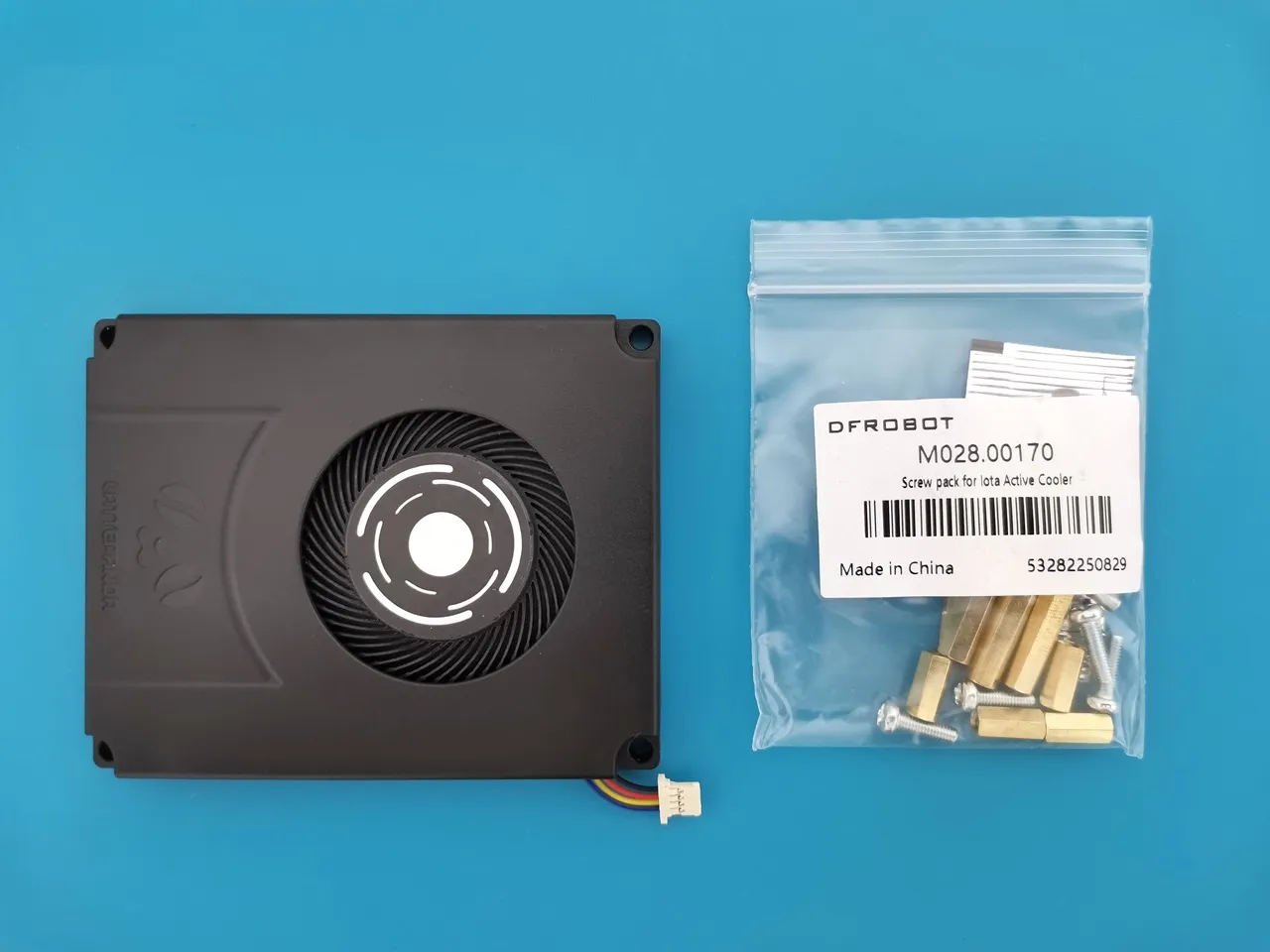
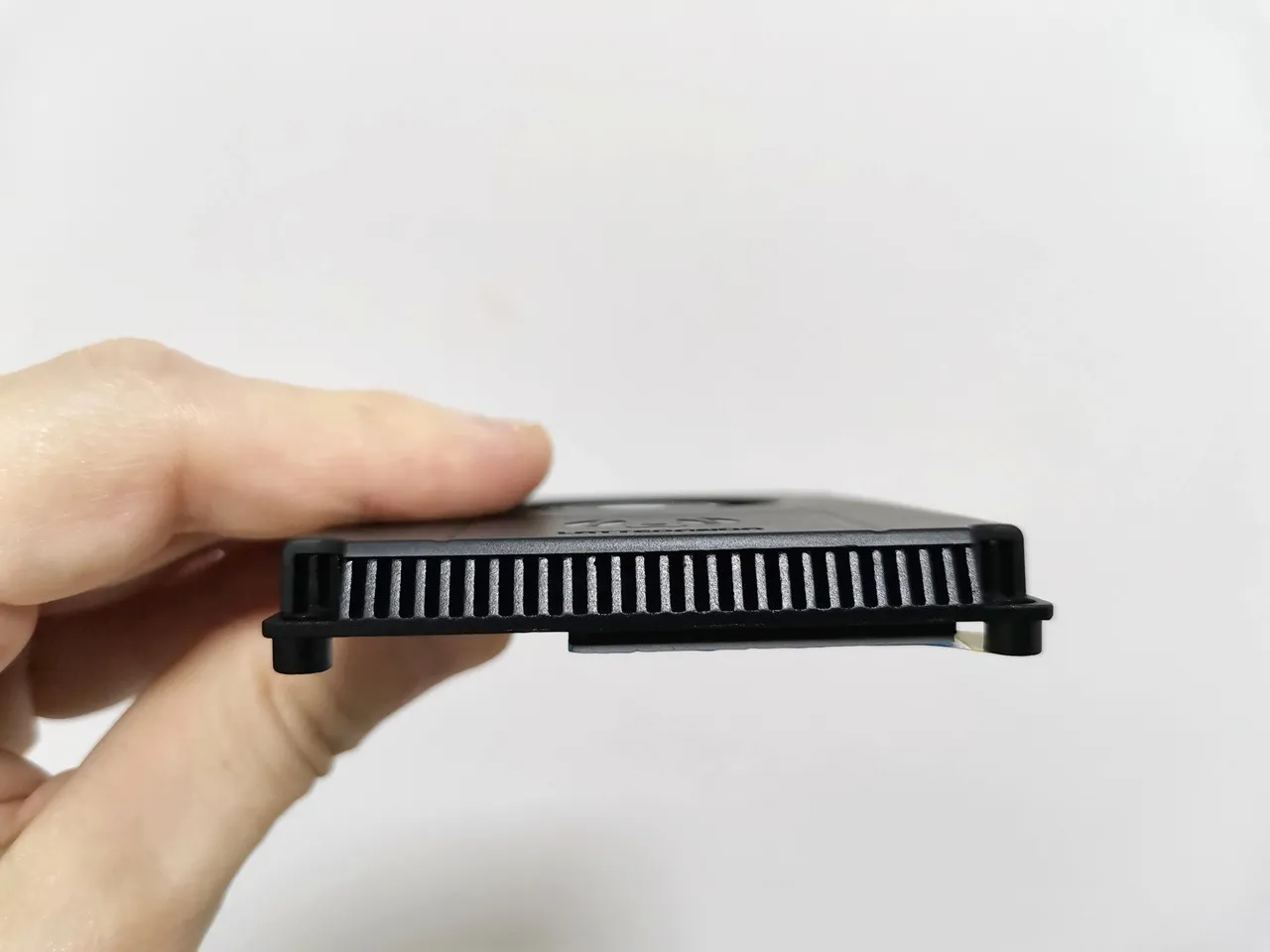
When you installed the IOTA Active Cooler, was there a gap between the CPU and the cooler? Mine seems to have an air gap that can’t be overcome with thermal paste.
Maybe, but I can’t say for sure. The thermal paste should help, even if there is a very small gap.
If you’re really annoyed with the gap, you can always try adding a thermal pad. What you should focus on is checking the temperatures to see if they are stable. If they are stable and reasonable in range, then everything is working as it should.