

Operating system support
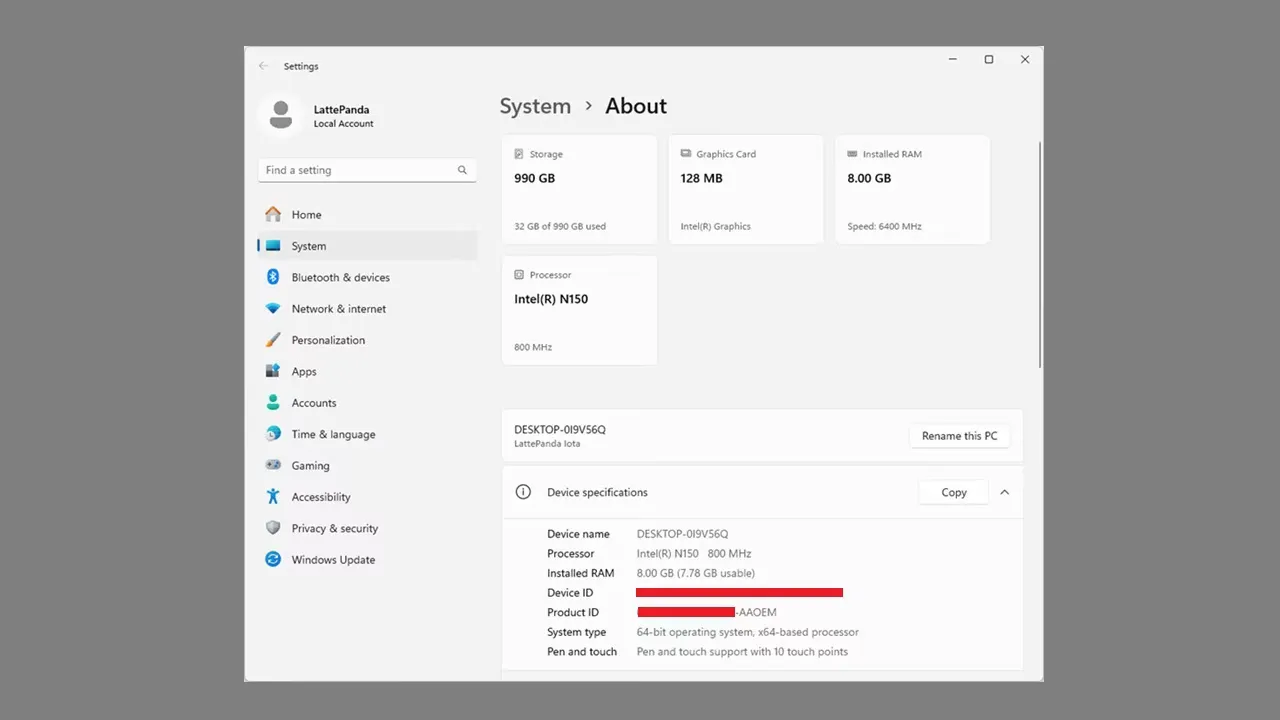
Built on the Intel x86 architecture, even budget-friendly hardware like the Intel N150 SoC offers impressive performance. The N150 is a 4-core mobile processor commonly found in single-board computers, mobiles, tablets, and more. It was initially released in the first quarter of 2025 as part of the Intel Processor lineup and is based on the Alder Lake-N architecture. From our personal experience running Windows on the IOTA equipped with 8GB RAM, we didn’t encounter any noticeable issues with apps or web browsing, including playing high-quality videos at 4K resolution. The bottom line is that the experience was smooth and satisfying.
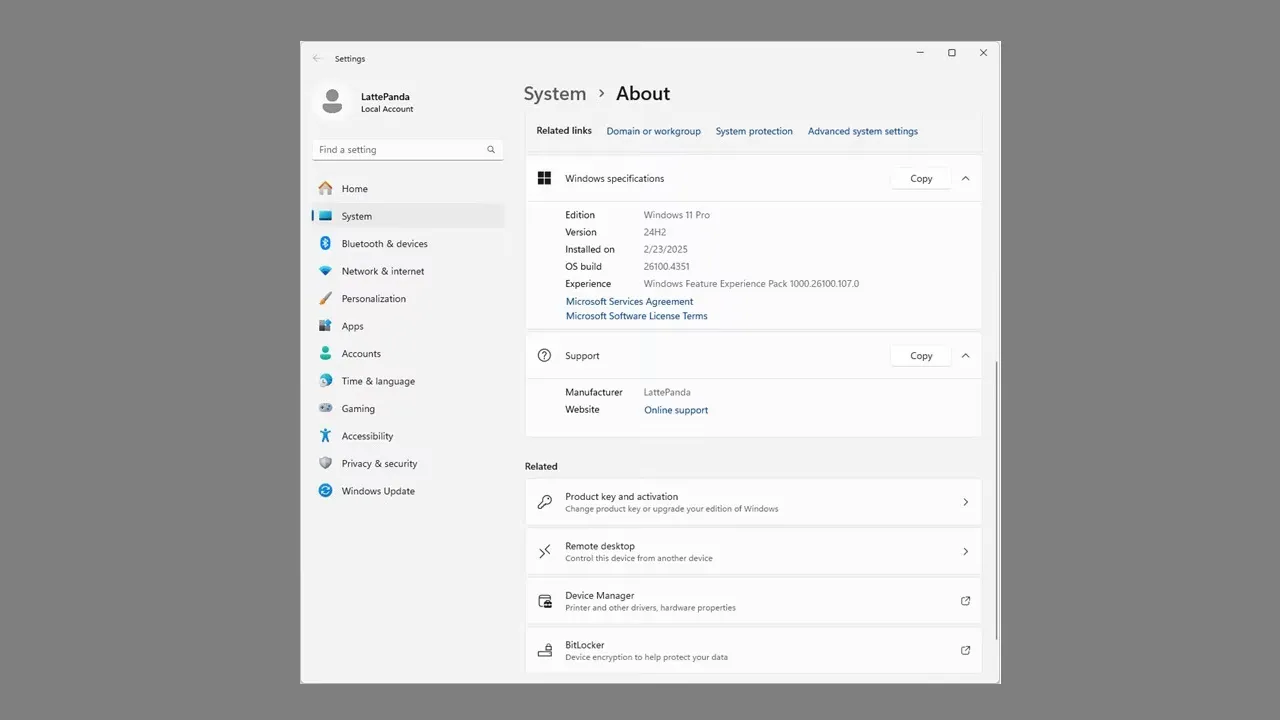
Running under Windows 64-bit Pro edition.

Windows OS Licensing
By default, the IOTA board comes pre-installed and activated with either a Windows 11 IoT Enterprise License or Windows Pro Edition. If you need a licensed OS, which is likely, you’ll have to purchase the mode which includes an activated version for an additional $60. Alternatively, you can use your own privately purchased windows license. Once configured, the board hardware can run Windows 10 and Windows 11, including Enterprise and IoT editions quite smoothly. That said, our general user experience with Windows Pro 64-bit Edition that came with the board was positive. As a final tip, if the GUI feels sluggish, consider disabling visual performance enhancements in the Windows appearance settings.
Available storage and memory
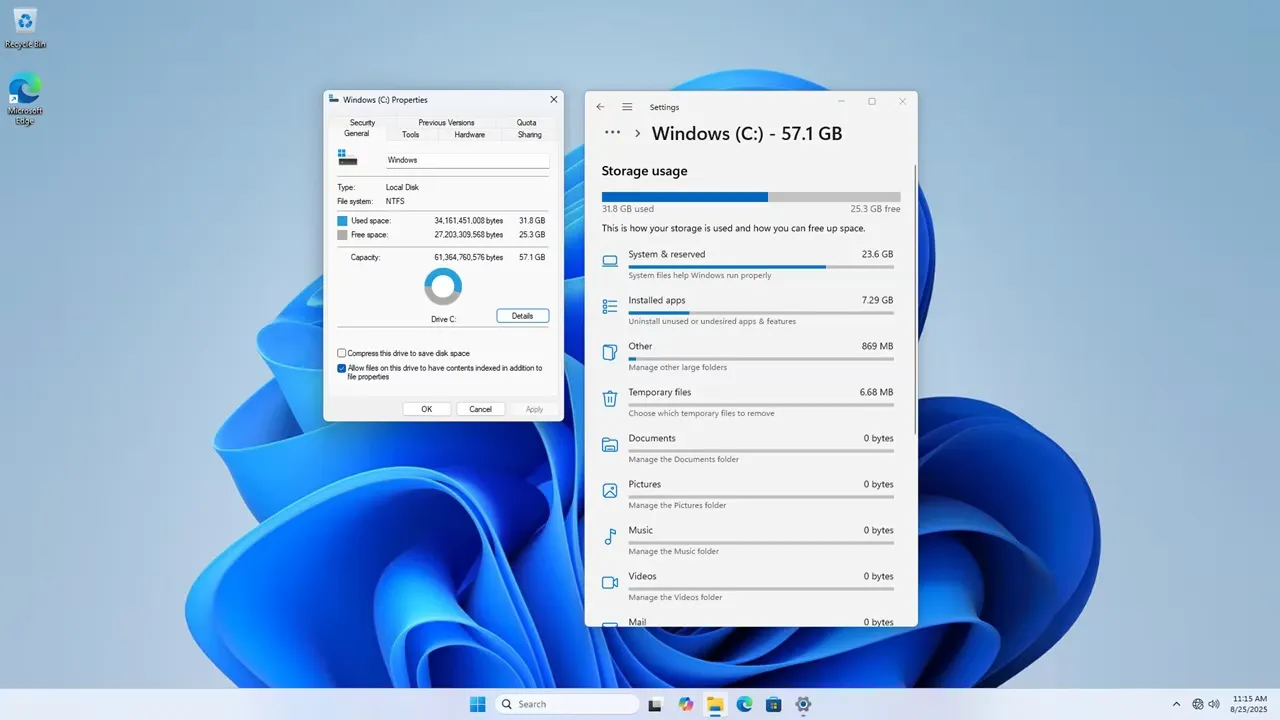
From a total memory size of 8GB, about 7.78GB of free RAM was available. The 8GB RAM device included 64GB of eMMC storage, of which around 31.8GB was used for OS files and apps, leaving 25.3GB of free space. To overcome limitations, we installed a 1TB NVMe SSD, which was easy to install and delivered excellent performance.
When you installed the IOTA Active Cooler, was there a gap between the CPU and the cooler? Mine seems to have an air gap that can’t be overcome with thermal paste.
Maybe, but I can’t say for sure. The thermal paste should help, even if there is a very small gap.
If you’re really annoyed with the gap, you can always try adding a thermal pad. What you should focus on is checking the temperatures to see if they are stable. If they are stable and reasonable in range, then everything is working as it should.