

Installing an M.2 4G expansion board.
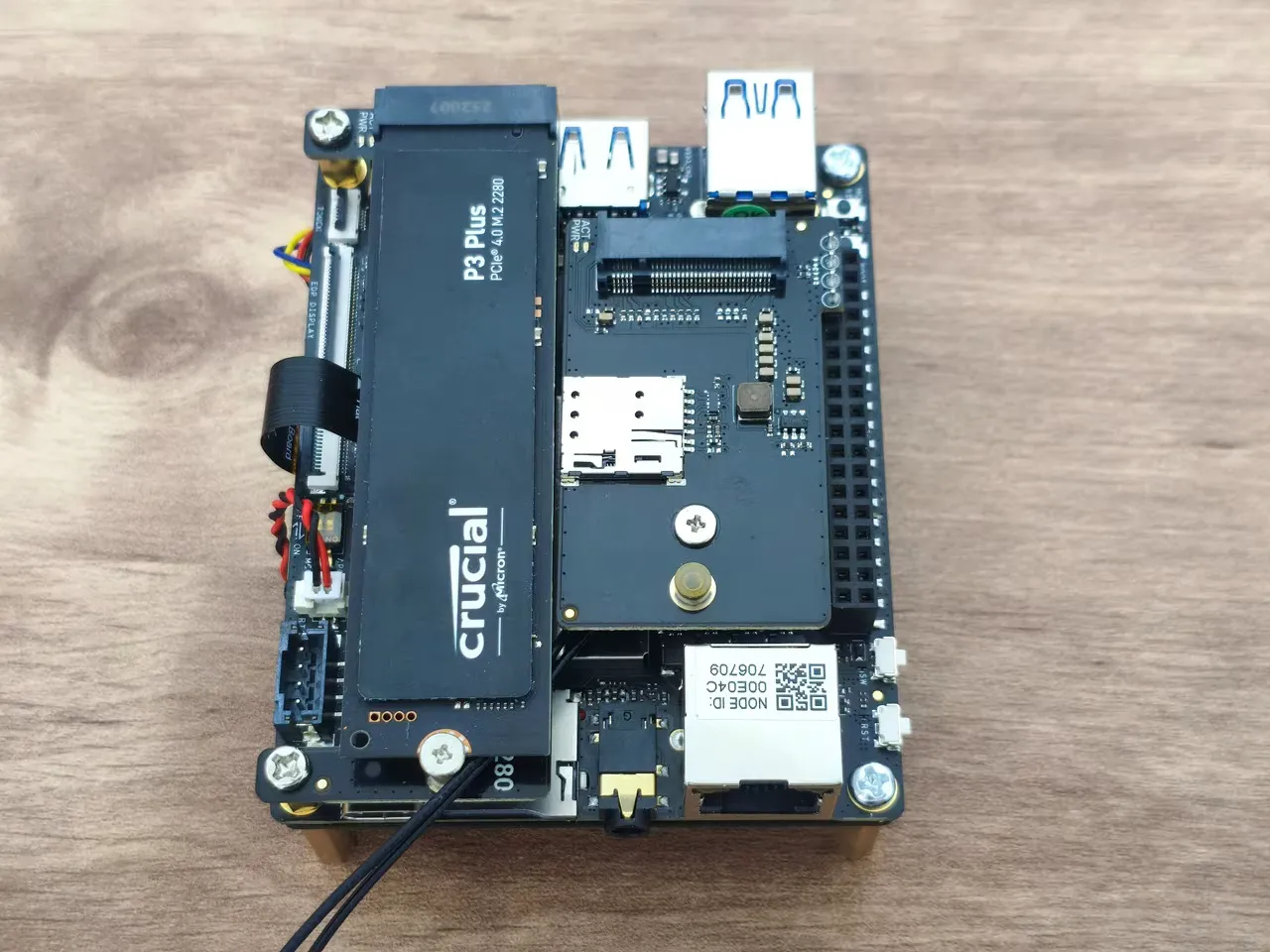
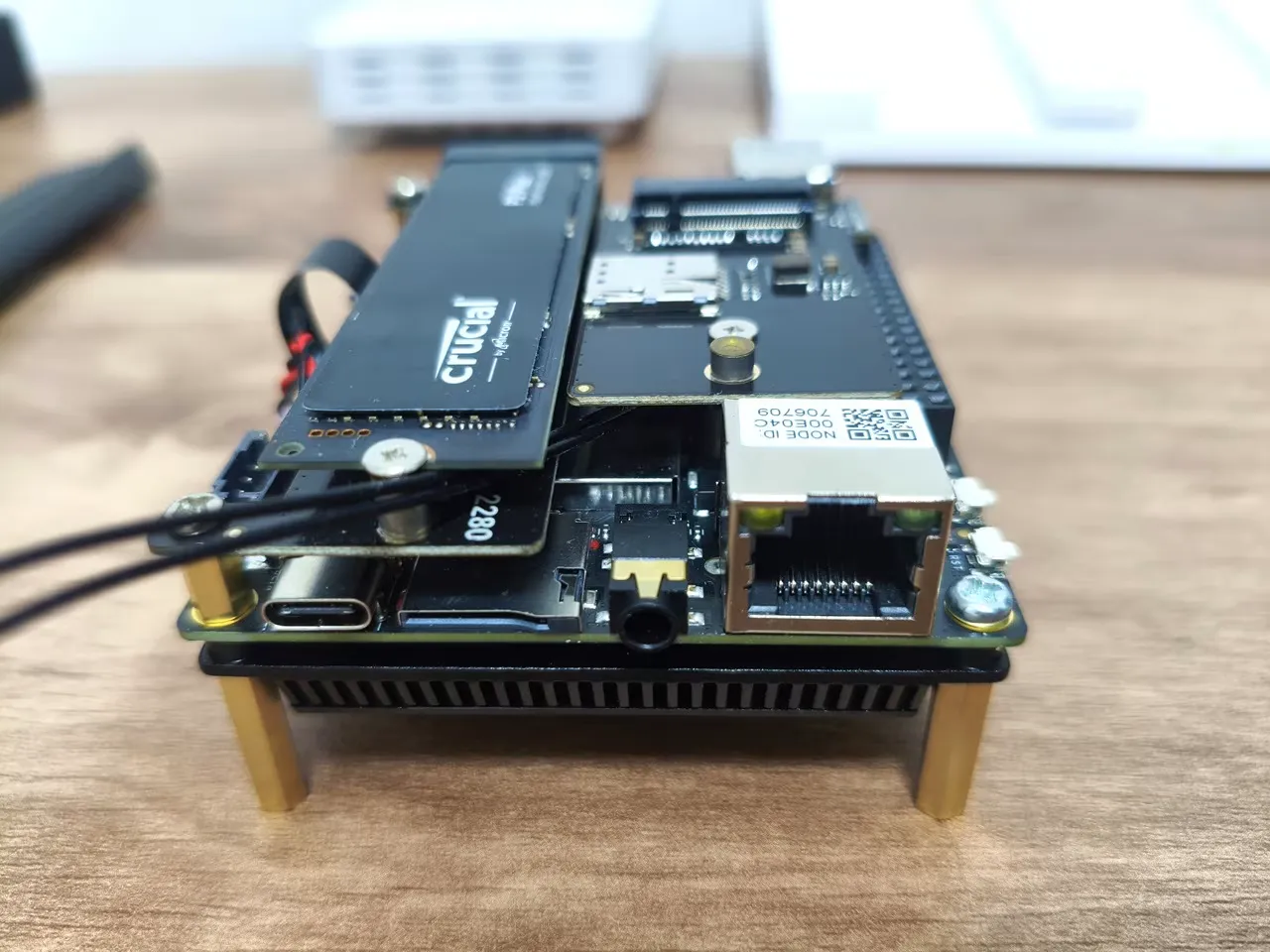
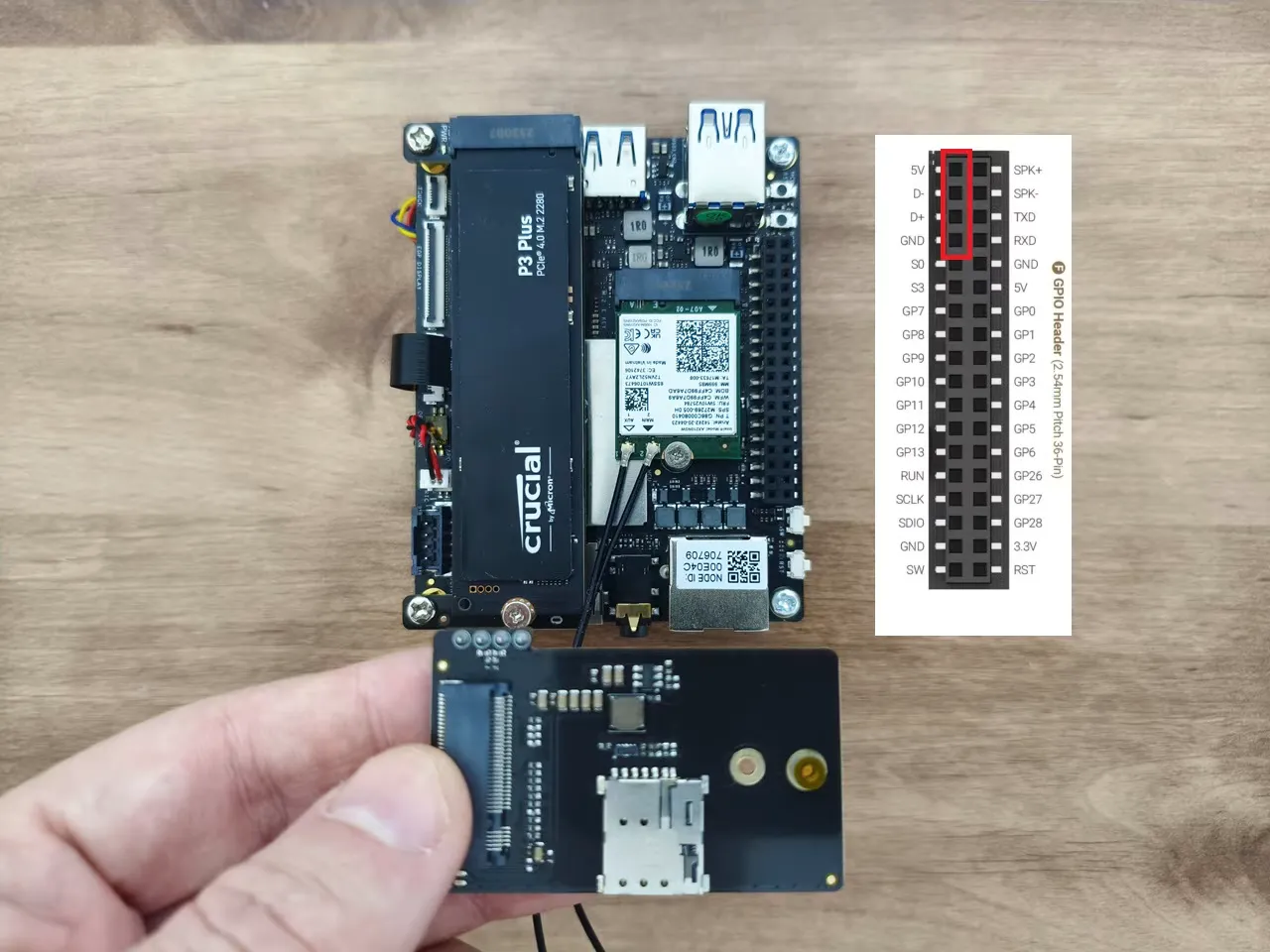
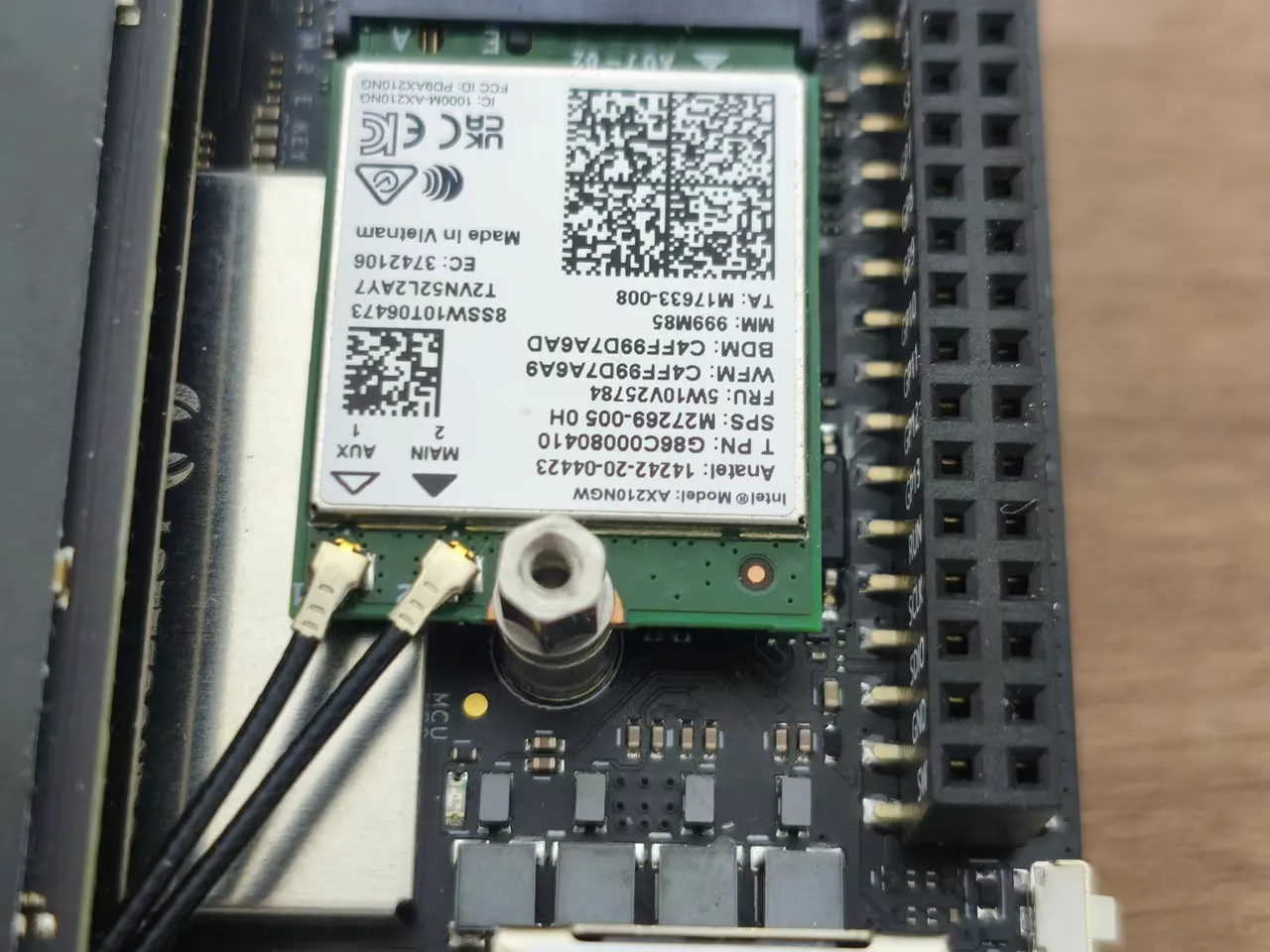
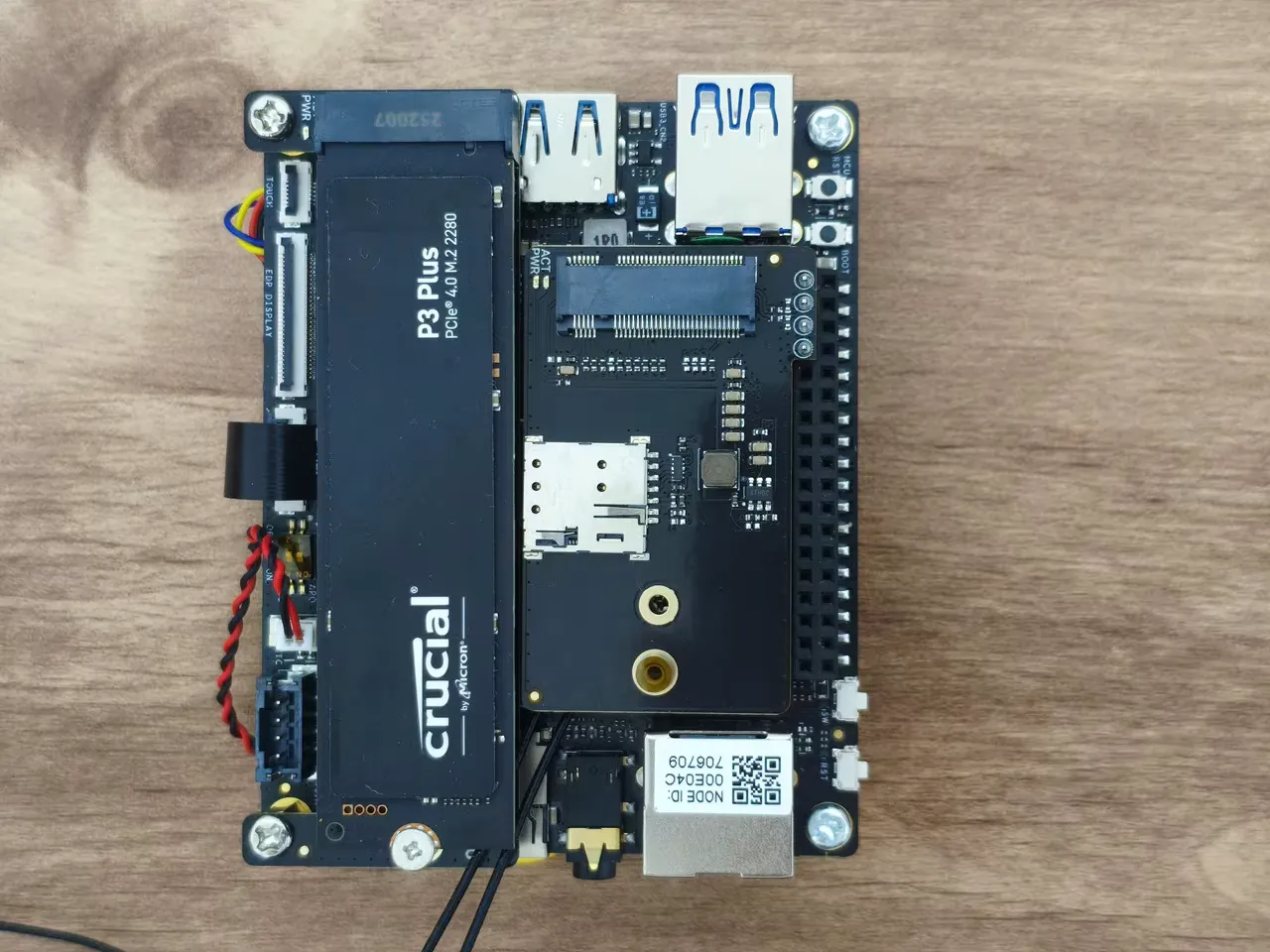
For those seeking 4G/LTE cellular connectivity, consider purchasing and installing an M.2 4G Expansion Board. The configuration consists of two distinct scenarios: one with a WiFi card installed, while the other does not. In both scenarios, it’s essential to add a hex standoff for proper support of the 4G expansion card.
Installing an M.2 4G expansion board.
The expansion card connects to the GPIO pins interface using a 4-pin header but needs extra support during assembly. To achieve this, you should extend the screw height with a hex standoff from the screw pack included with the card. As shown in the photos below, the expansion card is essentially assembled above the WiFi card, right next to our 1TB NVMe SSD we previously installed.
When you installed the IOTA Active Cooler, was there a gap between the CPU and the cooler? Mine seems to have an air gap that can’t be overcome with thermal paste.
Maybe, but I can’t say for sure. The thermal paste should help, even if there is a very small gap.
If you’re really annoyed with the gap, you can always try adding a thermal pad. What you should focus on is checking the temperatures to see if they are stable. If they are stable and reasonable in range, then everything is working as it should.