Close Menu
  • Home
  • About
  • Wearables
  • Earbuds
  • Computer Accessories
    • Routers
    • Remotes
  • Embedded
    • Single Board Computers
    • Addon Boards
    • Raspberry Pi
  • Wireless Routers
  • Contact
Facebook X (Twitter) Instagram Threads
Trending
  • DFRobot ESP32โ€‘S3 LoRaWAN Dev Board Gains Meshtastic & Home Assistant Support
  • Top Global AliExpress Promo Codes March 12, 2026
  • WaveNote AI Review 2026: An Honest Pro/Con Comparison (Tested)
  • CamThink NE301 Review: 25 FPS YOLOv8 on STM32 Edge AI
  • PrivadoVPN Review 2026: Is the Best Free VPN Still Good for Streaming?
  • Orange Pi 6: Why Buy an AI HAT+? This SBC has 45 TOPS of Integrated AI Power
  • AliExpress Shopping Guide 2026: How to Find Top Deals & Avoid Scams
  • Banana Pi BPI-R4 Pro Review: The Best WiFi 7 OpenWrt Router? We Checked!
AndroidPIMP
Facebook X (Twitter) Instagram
  • Home
  • About
  • Wearables
  • Earbuds
  • Computer Accessories
    • Routers
    • Remotes
  • Embedded
    • Single Board Computers
    • Addon Boards
    • Raspberry Pi
  • Wireless Routers
  • Contact
AndroidPIMP

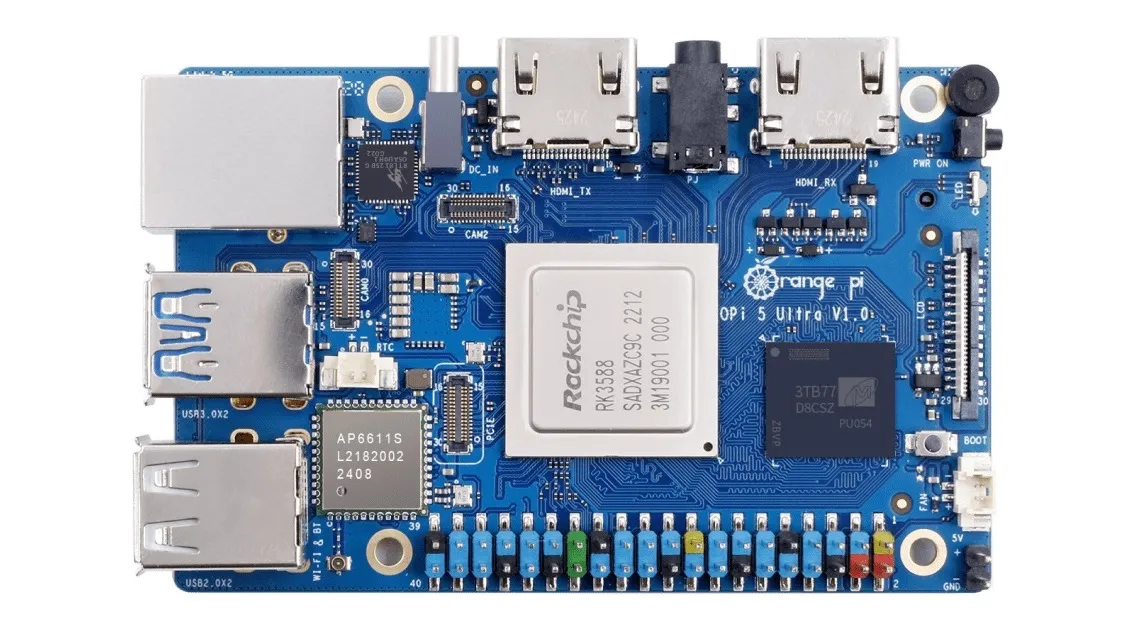
Orange Pi 5 Ultra Review: A New Fast SBC in the Spotlight

2
By androidpimp on February 16, 2025 Embedded Computers
OrangePi 5 Ultra
OrangePi 5 Ultra
Table of contents
  1. Part 1: Introducing the Orange Pi 5 Ultra
  2. A new SBC featuring a few significant upgrades.
    1. Featuring a 4K HDMI 2.0 Input โ€“ What advantages does having a 4K HDMI input provide?
      1. Here are several practical applications:
  3. Specifications for the Orange Pi 5 Ultra.
  4. The Design and Layout of the Board
  5. How does it compare to Orange Pi 5 Max model?
    1. The Ultra 5 Model Comes Equipped with an HDMI Input port
    2. Hereโ€™s a hardware comparison between the Orange Pi 5 Max and Orange Pi 5 Ultra:
  6. What are the new updates in this particular model?
  7. Whatโ€™s New and Improved?
  8. Software Support
  9. How does the new model compare to the Raspberry Pi 5?
  10. Part 2: Orange Pi 5 Ultra Review
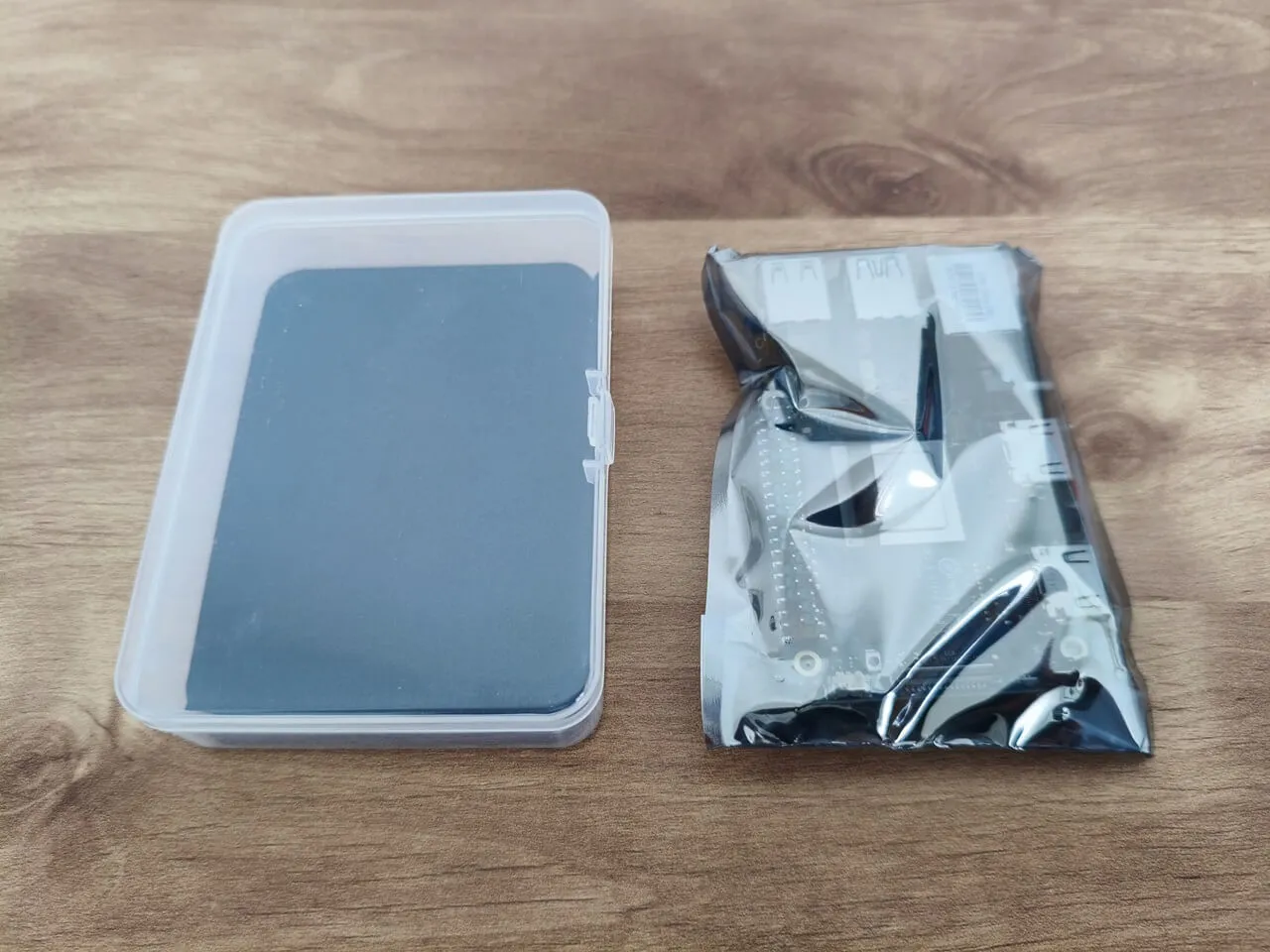
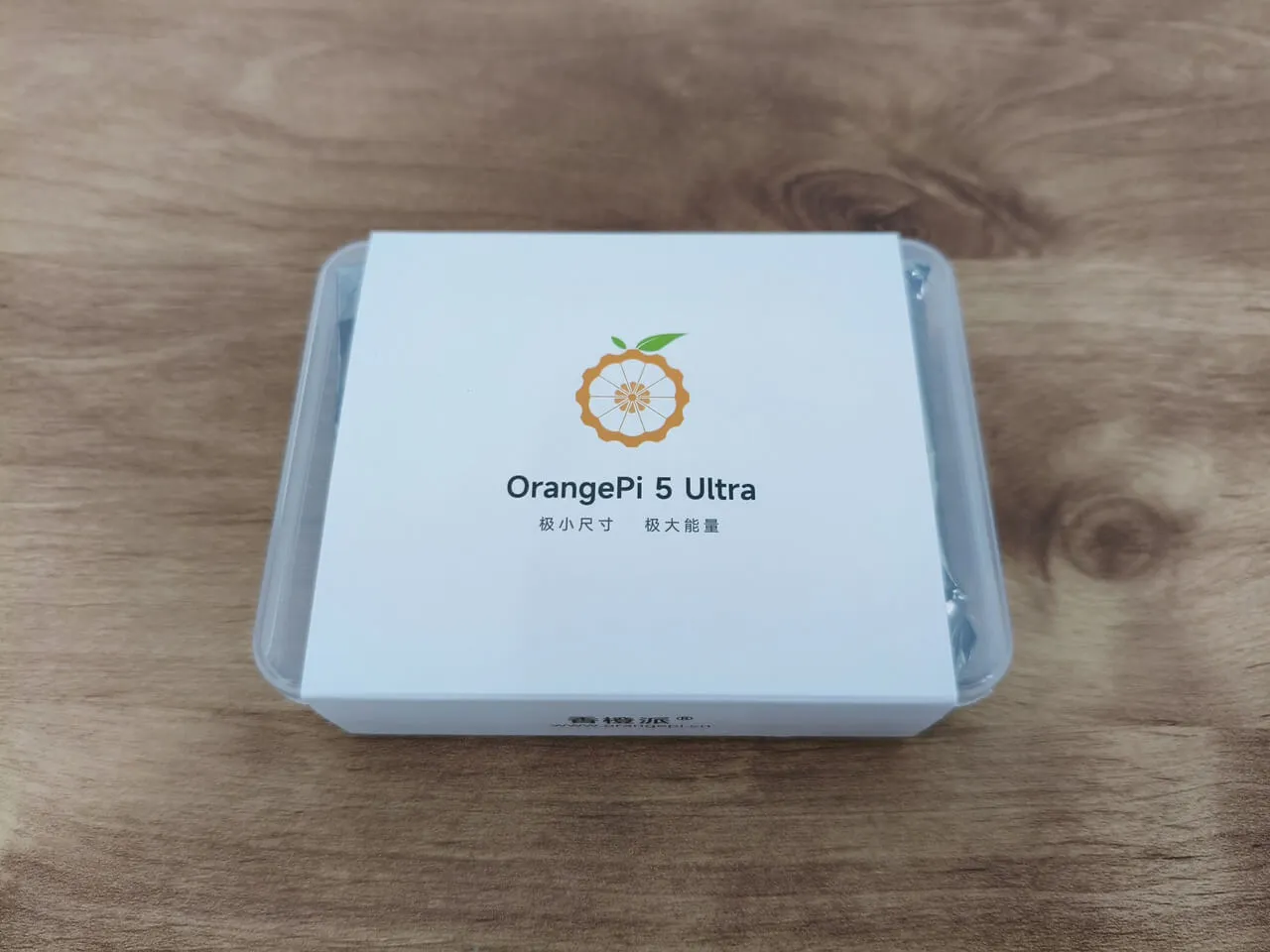
    1. The Package
  11. Unboxing (Package Contents)
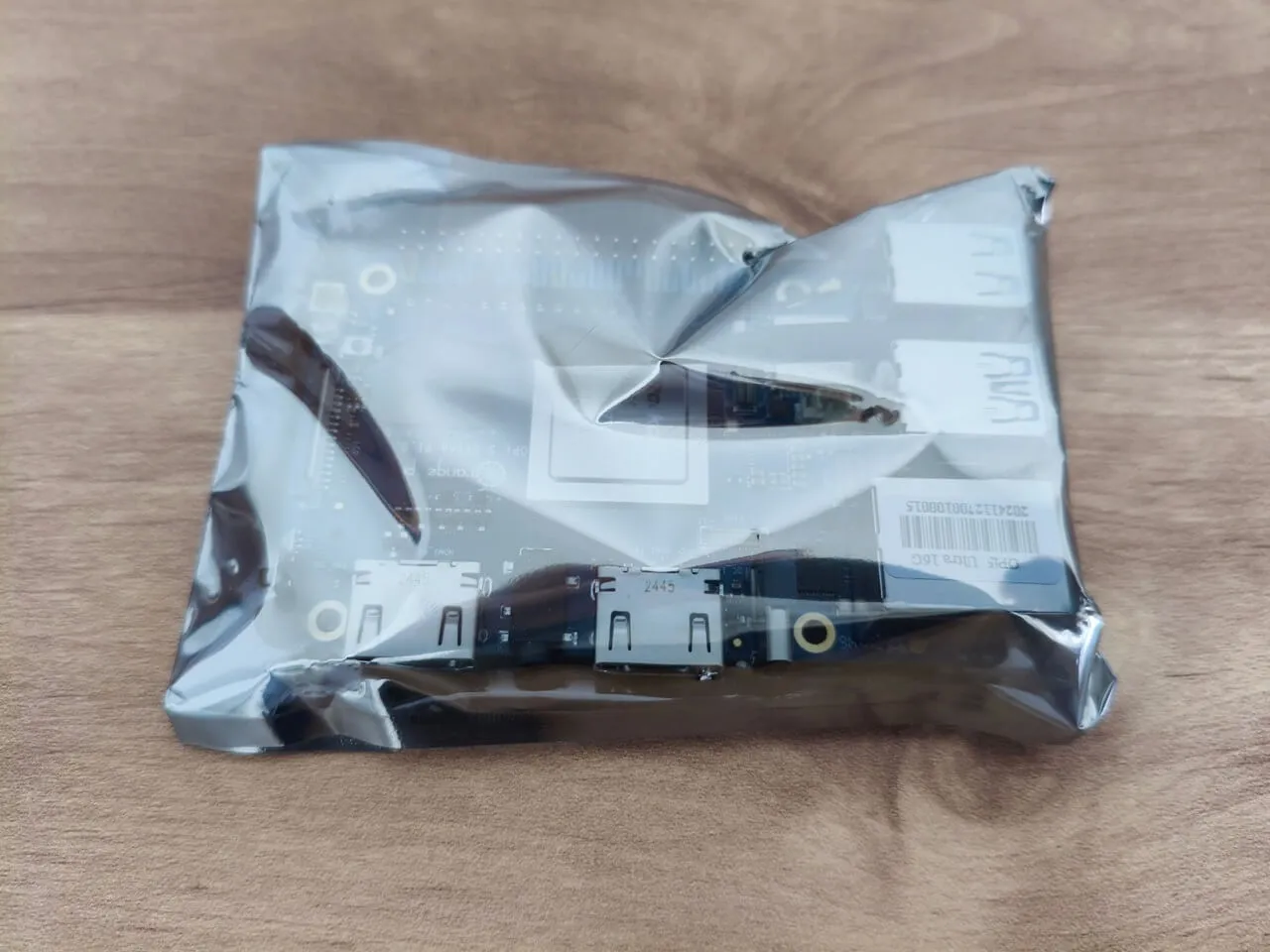
  12. A Close Look at the Board
  13. Installing a heat sink
  14. How well does the heatsink perform?
  15. Assembling the heatsink
  16. Mounting the board with the heatsink contained within a metal enclosure
  17. Software Support
    1. User Experience
    2. What is the expected amount of free RAM available?
  18. Available Storage Options
  19. x4 USB Host Ports
  20. Benchmarking Storage Devices
  21. Testing the eMMC Chip
    1. Evaluating the performance of a 1TB NVMe SSD
  22. How does the 5 Ultra perform compared to the Raspberry Pi 5?
  23. Power usage
    1. Evaluating CPU and Memory Performance under Load
    2. User Experience Running Kodi
    3. Final Words
  24. Business inquiries
  25. Price and Availability
    1. Orange Pi 5 Ultra

Part 2: Orange Pi 5 Ultra Review

The Package


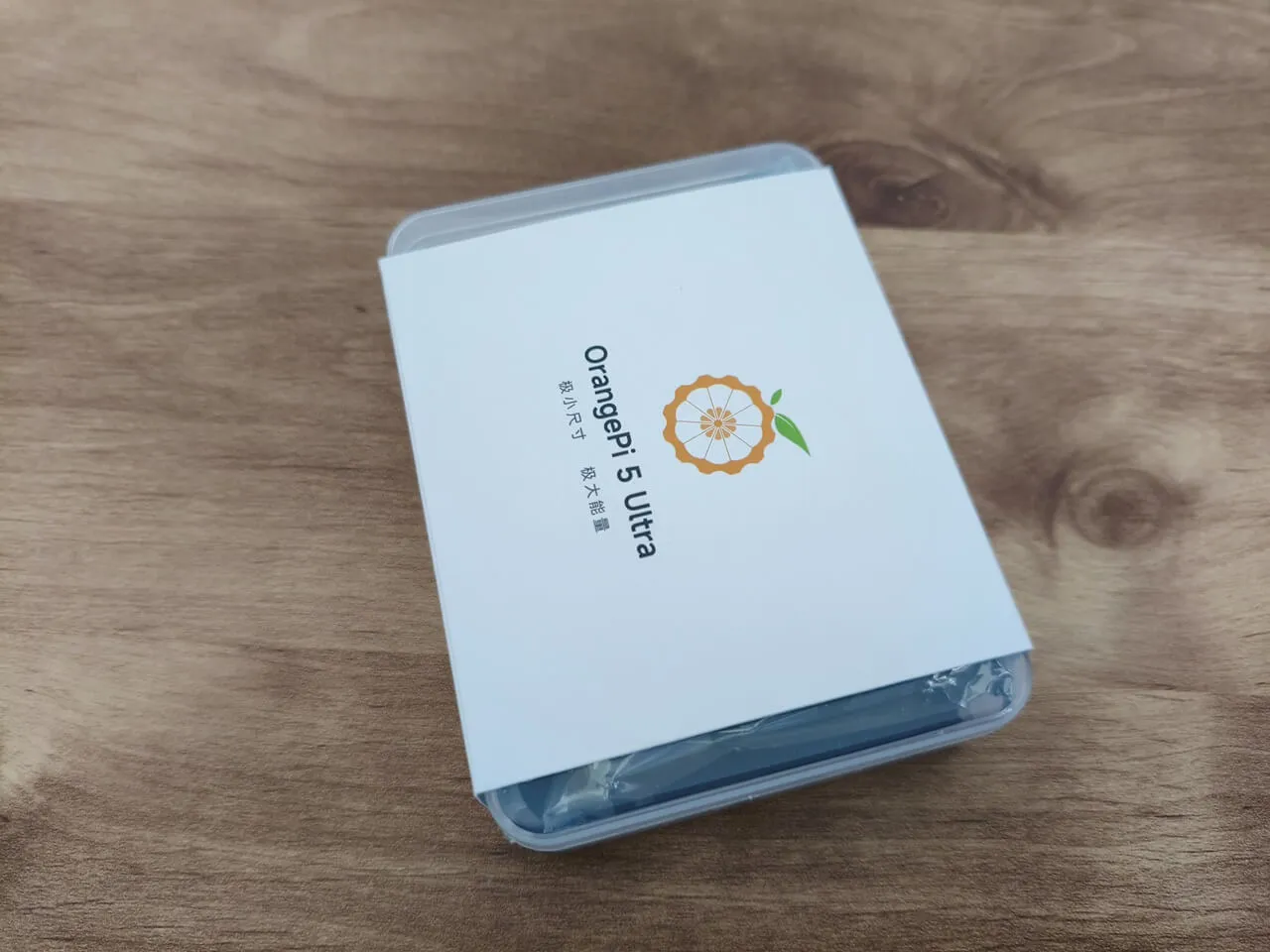
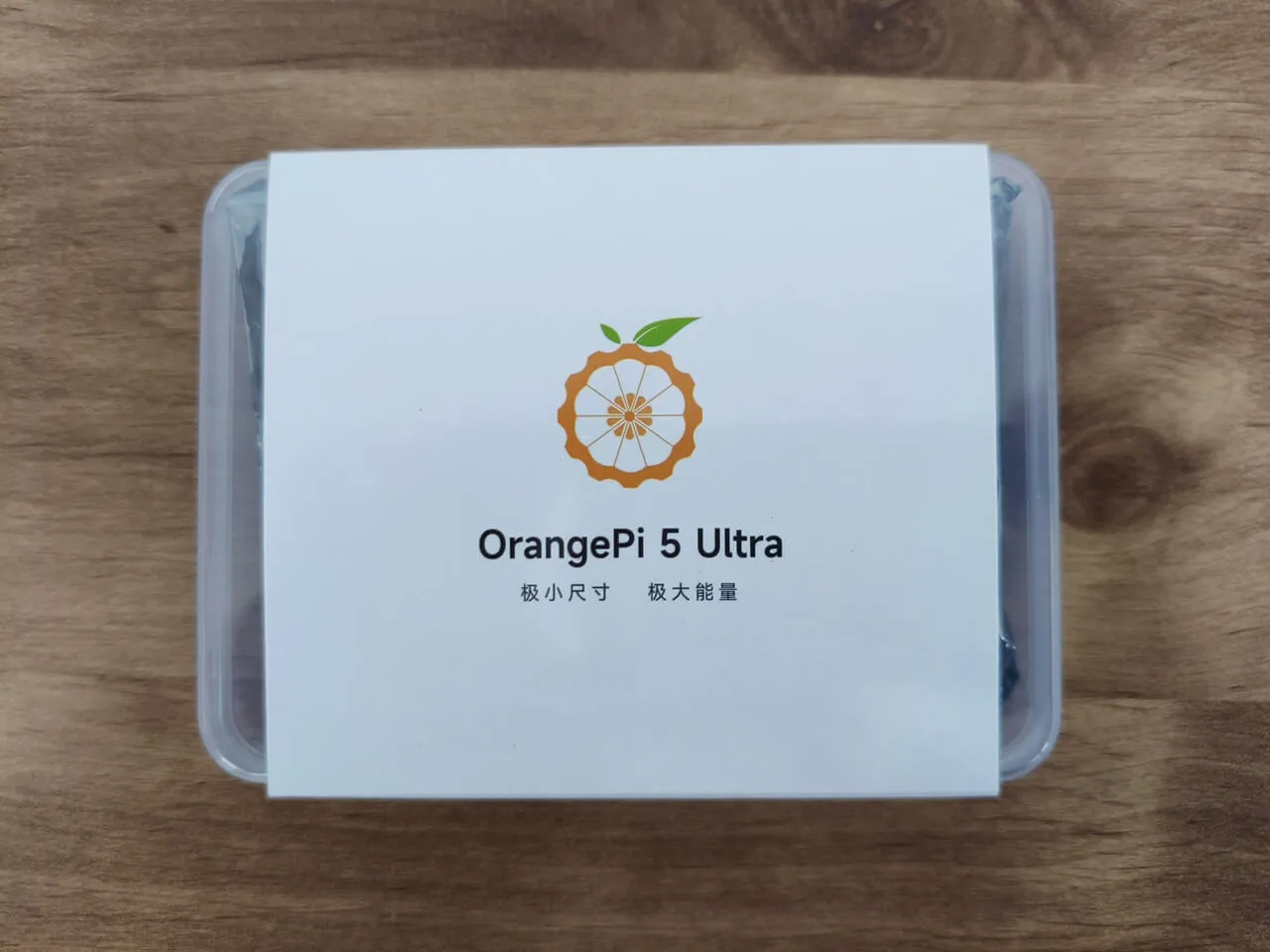
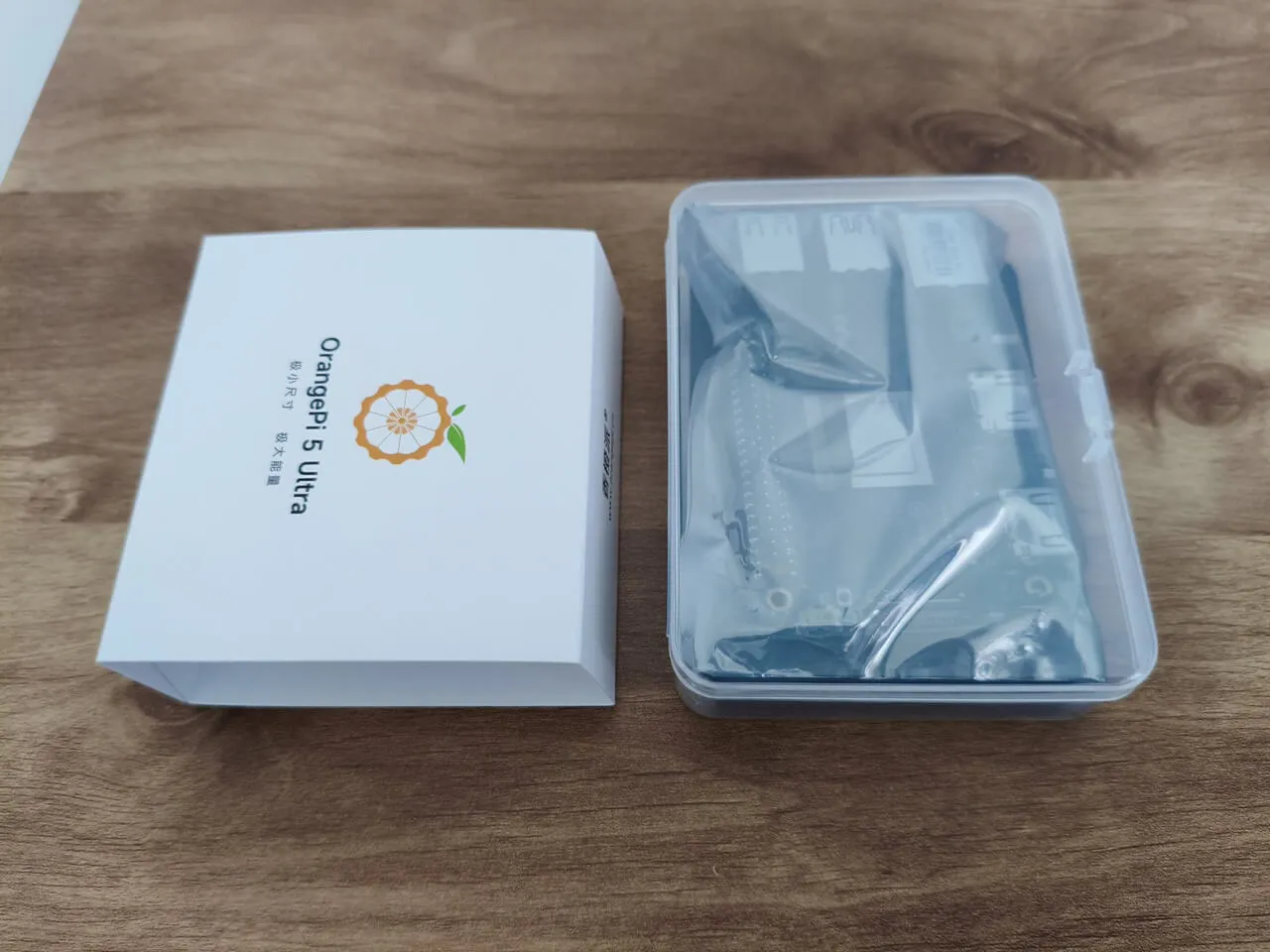
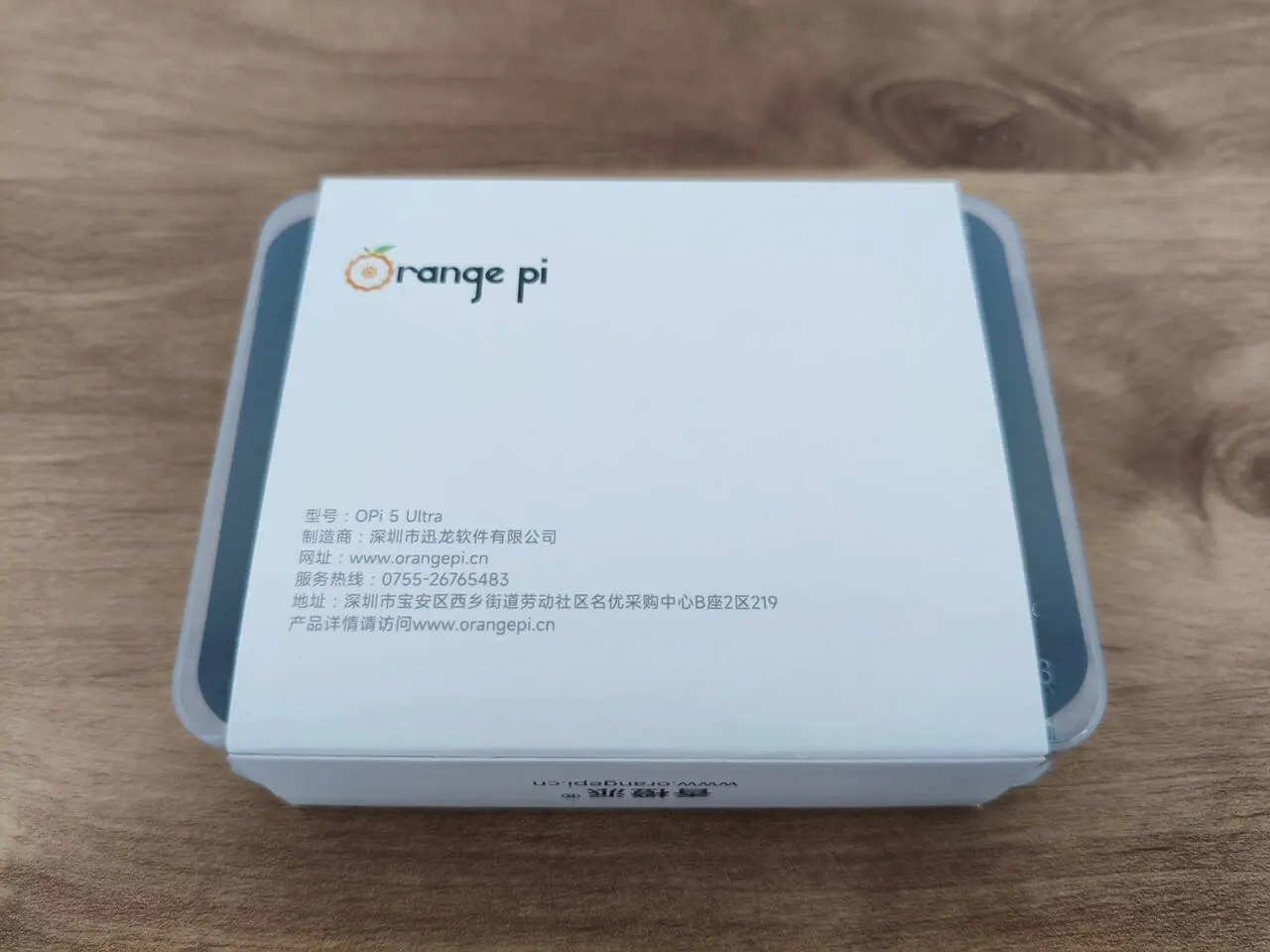
Unboxing (Package Contents)

x1 Orange Pi 5 Ultra (16GB Edition)

1 2 3 4 5 6 7 8 9 10 11 12
Share. Facebook Twitter Pinterest LinkedIn Tumblr Email
Previous ArticleBest Usenet Provider for 2026: Check Giganews Usenet Plans!
Next Article Orange Pi AIPro powered by Huawei Ascend SoC, launched globally
androidpimp
  • Website

Related Posts

DFRobot ESP32 S3 with Gateway

DFRobot ESP32โ€‘S3 LoRaWAN Dev Board Gains Meshtastic & Home Assistant Support

March 11, 2026
Orange Pi 6

Orange Pi 6: Why Buy an AI HAT+? This SBC has 45 TOPS of Integrated AI Power

February 17, 2026
Banana bpi r4 pro

Banana Pi BPI-R4 Pro Review: The Best WiFi 7 OpenWrt Router? We Checked!

February 7, 2026
5 1 vote
Article Rating
Subscribe
Notify of
2 Comments
Oldest
Newest Most Voted
Inline Feedbacks
View all comments
MatterTatter
1 year ago

Orange Pi needs to stop this nonsense. ANOTHER board?? Nobody can keep up with software – Armbian isn’t even supporting the Max.

0
Reply
Author
androidpimp
1 year ago
Reply to  MatterTatter

You don’t have to use Armbian, although it offers long-term support. The Orange Pi Ubuntu image works well, and I’m sure that a DietPi image will be available soon.
Well, there is a factory and employees, so people need continuous work all the time.

0
Reply
PureVPN
PureVPN Ad Banner
VyprVPN – No. 1 in Anonymity
Vyprvpn 350x260
PrivadoVPN – No. 1 in Parental Control
PrivadoVPN 350x437
Recent Posts
  • DFRobot ESP32โ€‘S3 LoRaWAN Dev Board Gains Meshtastic & Home Assistant Support
  • Top Global AliExpress Promo Codes March 12, 2026
  • WaveNote AI Review 2026: An Honest Pro/Con Comparison (Tested)
  • CamThink NE301 Review: 25 FPS YOLOv8 on STM32 Edge AI
  • PrivadoVPN Review 2026: Is the Best Free VPN Still Good for Streaming?
  • Orange Pi 6: Why Buy an AI HAT+? This SBC has 45 TOPS of Integrated AI Power
  • AliExpress Shopping Guide 2026: How to Find Top Deals & Avoid Scams
  • Banana Pi BPI-R4 Pro Review: The Best WiFi 7 OpenWrt Router? We Checked!
  • Best Off-Grid LoRa Mesh Messenger 2026 – LoraSecret
  • Redmi Turbo 5 Max (2026) unveiled with 9,000mAh battery, specs, price, and design
RSS The Latest RSS Feeds
  • DFRobot ESP32โ€‘S3 LoRaWAN Dev Board Gains Meshtastic & Home Assistant Support
  • Top Global AliExpress Promo Codes March 11, 2026
  • WaveNote AI Review 2026: An Honest Pro/Con Comparison (Tested)
Facebook X (Twitter) Instagram Pinterest
@2026 - All Right Reserved. Designed by AndroidPIMP

Type above and press Enter to search. Press Esc to cancel.

Powered by
►
Necessary cookies enable essential site features like secure log-ins and consent preference adjustments. They do not store personal data.
None
►
Functional cookies support features like content sharing on social media, collecting feedback, and enabling third-party tools.
None
►
Analytical cookies track visitor interactions, providing insights on metrics like visitor count, bounce rate, and traffic sources.
None
►
Advertisement cookies deliver personalized ads based on your previous visits and analyze the effectiveness of ad campaigns.
None
►
Unclassified cookies are cookies that we are in the process of classifying, together with the providers of individual cookies.
None
Powered by
Accessibility
Accessibility modes
Epilepsy Safe Mode
Dampens color and removes blinks
This mode enables people with epilepsy to use the website safely by eliminating the risk of seizures that result from flashing or blinking animations and risky color combinations.
Visually Impaired Mode
Improves website's visuals
This mode adjusts the website for the convenience of users with visual impairments such as Degrading Eyesight, Tunnel Vision, Cataract, Glaucoma, and others.
Cognitive Disability Mode
Helps to focus on specific content
This mode provides different assistive options to help users with cognitive impairments such as Dyslexia, Autism, CVA, and others, to focus on the essential elements of the website more easily.
ADHD Friendly Mode
Reduces distractions and improve focus
This mode helps users with ADHD and Neurodevelopmental disorders to read, browse, and focus on the main website elements more easily while significantly reducing distractions.
Blindness Mode
Allows using the site with your screen-reader
This mode configures the website to be compatible with screen-readers such as JAWS, NVDA, VoiceOver, and TalkBack. A screen-reader is software for blind users that is installed on a computer and smartphone, and websites must be compatible with it.
Readable Experience
Content Scaling
Default
Text Magnifier
Readable Font
Dyslexia Friendly
Highlight Titles
Highlight Links
Font Sizing
Default
Letter Spacing
Default
Left Aligned
Center Aligned
Right Aligned
Visually Pleasing Experience
Dark Contrast
Light Contrast
Monochrome
High Contrast
High Saturation
Low Saturation
Adjust Text Colors
Adjust Title Colors
Adjust Background Colors
Easy Orientation
Mute Sounds
Hide Images
Hide Emoji
Reading Guide
Stop Animations
Reading Mask
Highlight Hover
Highlight Focus
Big Dark Cursor
Big Light Cursor
Cognitive Reading
Virtual Keyboard
Navigation Keys
Voice Navigation

AndroidPIMP

Accessibility Statement

  • AndroidPIMP.com
  • 10/18/2025

Compliance status

We believe the internet should be open and accessible to everyone, and weโ€™re dedicated to making our website usable for the widest audience possible, no matter their circumstances or abilities.

To achieve this, we follow the World Wide Web Consortiumโ€™s (W3C) Web Content Accessibility Guidelines 2.1 (WCAG 2.1) at the AA level as closely as possible. These guidelines outline how to make web content accessible for people with a variety of disabilities. By complying with them, we help ensure our website is usable by everyone, including those who are blind, have motor or visual impairments, cognitive disabilities, and more.

This website uses a range of technologies to stay accessible at all times. An accessibility interface lets people with specific disabilities customize the siteโ€™s UI and design to fit their personal needs.

The website also uses an AI-powered application that works in the background to constantly enhance its accessibility. This app fixes the siteโ€™s HTML, adjusts its features and behavior for screen readers used by blind users, and optimizes keyboard functions for people with motor impairments.

If youโ€™ve found a malfunction or have ideas for improvement, weโ€™ll be happy to hear from you. You can reach out to the websiteโ€™s operators by using the following email [email protected]

Screen-reader and keyboard navigation

Our website implements the ARIA attributes (Accessible Rich Internet Applications) technique, alongside various different behavioral changes, to ensure blind users visiting with screen-readers are able to read, comprehend, and enjoy the websiteโ€™s functions. As soon as a user with a screen-reader enters your site, they immediately receive a prompt to enter the Screen-Reader Profile so they can browse and operate your site effectively. Hereโ€™s how our website covers some of the most important screen-reader requirements, alongside console screenshots of code examples:

  1. Screen-reader optimization:we run a background process that learns the websiteโ€™s components from top to bottom, to ensure ongoing compliance even when updating the website. In this process, we provide screen-readers with meaningful data using the ARIA set of attributes. For example, we provide accurate form labels; descriptions for actionable icons (social media icons, search icons, cart icons, etc.); validation guidance for form inputs; element roles such as buttons, menus, modal dialogues (popups), and others. Additionally, the background process scans all the websiteโ€™s images and provides an accurate and meaningful image-object-recognition-based description as an ALT (alternate text) tag for images that are not described. It will also extract texts that are embedded within the image, using an OCR (optical character recognition) technology. To turn on screen-reader adjustments at any time, users need only to press the Alt+1 keyboard combination. Screen-reader users also get automatic announcements to turn the Screen-reader mode on as soon as they enter the website.

    These adjustments are compatible with all popular screen readers, including JAWS and NVDA.

  2. Keyboard navigation optimization:The background process also adjusts the websiteโ€™s HTML, and adds various behaviors using JavaScript code to make the website operable by the keyboard. This includes the ability to navigate the website using the Tab and Shift+Tab keys, operate dropdowns with the arrow keys, close them with Esc, trigger buttons and links using the Enter key, navigate between radio and checkbox elements using the arrow keys, and fill them in with the Spacebar or Enter key.Additionally, keyboard users will find quick-navigation and content-skip menus, available at any time by clicking Alt+1, or as the first elements of the site while navigating with the keyboard. The background process also handles triggered popups by moving the keyboard focus towards them as soon as they appear, and not allow the focus drift outside it.

    Users can also use shortcuts such as โ€œMโ€ (menus), โ€œHโ€ (headings), โ€œFโ€ (forms), โ€œBโ€ (buttons), and โ€œGโ€ (graphics) to jump to specific elements.

Disability profiles supported in our website

  • Epilepsy Safe Mode: this profile enables people with epilepsy to use the website safely by eliminating the risk of seizures that result from flashing or blinking animations and risky color combinations.
  • Visually Impaired Mode: this mode adjusts the website for the convenience of users with visual impairments such as Degrading Eyesight, Tunnel Vision, Cataract, Glaucoma, and others.
  • Cognitive Disability Mode: this mode provides different assistive options to help users with cognitive impairments such as Dyslexia, Autism, CVA, and others, to focus on the essential elements of the website more easily.
  • ADHD Friendly Mode: this mode helps users with ADHD and Neurodevelopmental disorders to read, browse, and focus on the main website elements more easily while significantly reducing distractions.
  • Blindness Mode: this mode configures the website to be compatible with screen-readers such as JAWS, NVDA, VoiceOver, and TalkBack. A screen-reader is software for blind users that is installed on a computer and smartphone, and websites must be compatible with it.
  • Keyboard Navigation Profile (Motor-Impaired): this profile enables motor-impaired persons to operate the website using the keyboard Tab, Shift+Tab, and the Enter keys. Users can also use shortcuts such as โ€œMโ€ (menus), โ€œHโ€ (headings), โ€œFโ€ (forms), โ€œBโ€ (buttons), and โ€œGโ€ (graphics) to jump to specific elements.

Additional UI, design, and readability adjustments

  1. Font adjustments โ€“ users, can increase and decrease its size, change its family (type), adjust the spacing, alignment, line height, and more.
  2. Color adjustments โ€“ users can select various color contrast profiles such as light, dark, inverted, and monochrome. Additionally, users can swap color schemes of titles, texts, and backgrounds, with over seven different coloring options.
  3. Animations โ€“ person with epilepsy can stop all running animations with the click of a button. Animations controlled by the interface include videos, GIFs, and CSS flashing transitions.
  4. Content highlighting โ€“ users can choose to emphasize important elements such as links and titles. They can also choose to highlight focused or hovered elements only.
  5. Audio muting โ€“ users with hearing devices may experience headaches or other issues due to automatic audio playing. This option lets users mute the entire website instantly.
  6. Cognitive disorders โ€“ we utilize a search engine that is linked to Wikipedia and Wiktionary, allowing people with cognitive disorders to decipher meanings of phrases, initials, slang, and others.
  7. Additional functions โ€“ we provide users the option to change cursor color and size, use a printing mode, enable a virtual keyboard, and many other functions.

Browser and assistive technology compatibility

We aim to support the widest array of browsers and assistive technologies as possible, so our users can choose the best fitting tools for them, with as few limitations as possible. Therefore, we have worked very hard to be able to support all major systems that comprise over 95% of the user market share including Google Chrome, Mozilla Firefox, Apple Safari, Opera and Microsoft Edge, JAWS and NVDA (screen readers).

Notes, comments, and feedback

Despite our very best efforts to allow anybody to adjust the website to their needs. There may still be pages or sections that are not fully accessible, are in the process of becoming accessible, or are lacking an adequate technological solution to make them accessible. Still, we are continually improving our accessibility, adding, updating and improving its options and features, and developing and adopting new technologies. All this is meant to reach the optimal level of accessibility, following technological advancements. For any assistance, please reach out to [email protected]
wpDiscuz