Close Menu
    Facebook X (Twitter) Instagram Threads
    Trending
    • LattePanda Mu Ultra Debuts: A Micro x86 Compute Module for On-Device AI
    • Aliexpress Promo Codes Sep 2026 (100% Verified)
    • Orange Pi Zero 4 Review: Is This $26 Micro SBC a Raspberry Pi Killer?
    • Youyeetoo NestDisk Review: Pocket-Sized Mini PC, Router & NAS
    • Rii TU3607 iPad Keyboard Case Review: Dream or Heavy Burden?
    • PrivadoVPN Review 2026: Does the Free Tier Still Work for Streaming?
    • Rii 518BT Review: Is This Pocket Keyboard Actually Usable?
    • Rii RK807 Pro Review: The Best Budget Apple Magic Keyboard Alternative?
    AndroidPIMP
    Facebook X (Twitter) Instagram
    • Mini PCs & Media Players
    • Embedded Computers
    • Wearables
    • Wireless Routers
    • Edge AI Cameras Vision Hardware
    • Tech Accessories
    AndroidPIMP

    Youyeetoo NestDisk Review: Pocket-Sized Mini PC, Router & NAS

    0
    By androidpimp on August 28, 2026 Mini PCs & Media Players
    Table of contents
    1. Part I: Product introduction
      1. NestDisk is a 3-in-1 device that functions as a mini PC, router, and 4-bay NVMe SSD NAS.
    2. Key highlights
    3. Specifications
    4. Youyeetoo NestDisk Interfaces
    5. Tiny but Mighty: What’s Under the Hood?
    6. All-in-one: A local cloud NAS, mini PC, and router in one device.
      1. Software Support
      2. 1. The “Easy Button” for Storage (OpenMediaVault)
      3. 2. For the “Movie Night” Crowd (Unraid & TrueNAS)
      4. 3. Yes, It Can Run Windows!
      5. 4. Upgrade Your Home Internet (Soft Router)
    7. Part II: Youyeetoo NestDisk Review
      1. The Package
      2. Unboxing all Items (Package Contents)
    8. A Closer Look at the NestDisk Mini PC
      1. Desing wise
    9. Installing NVMe Cards
      1. The NVM compartment cover (buttom cover)
      2. Benchmark tests
    10. Software Support
    11. Setting everything up (configuring and mounting our 1TB NVMe)
    12. Throughput test
      1. Results
    13. Running Windows OS
    14. Streaming YouTube videos in the Chrome browser
      1. GPU Performance: Is it suitable for gaming?
    15. Hardware
    16. Connectivity
      1. Plex playback hardware compatibility
      2. Active Cooling
      3. Stability Test
        1. Results
      4. Optional Accessory
    17. Pricing vs. Competitors [Estimated Prices for 2026]
    18. Final verdict
      1. Configurations [Models]
    19. Where to buy
    20. Purchasing it on AliExpress.
      1. Before making a purchase, we strongly recommend:
      2. Youyeetoo NestDisk NAS/Mini-PC

    Software Support

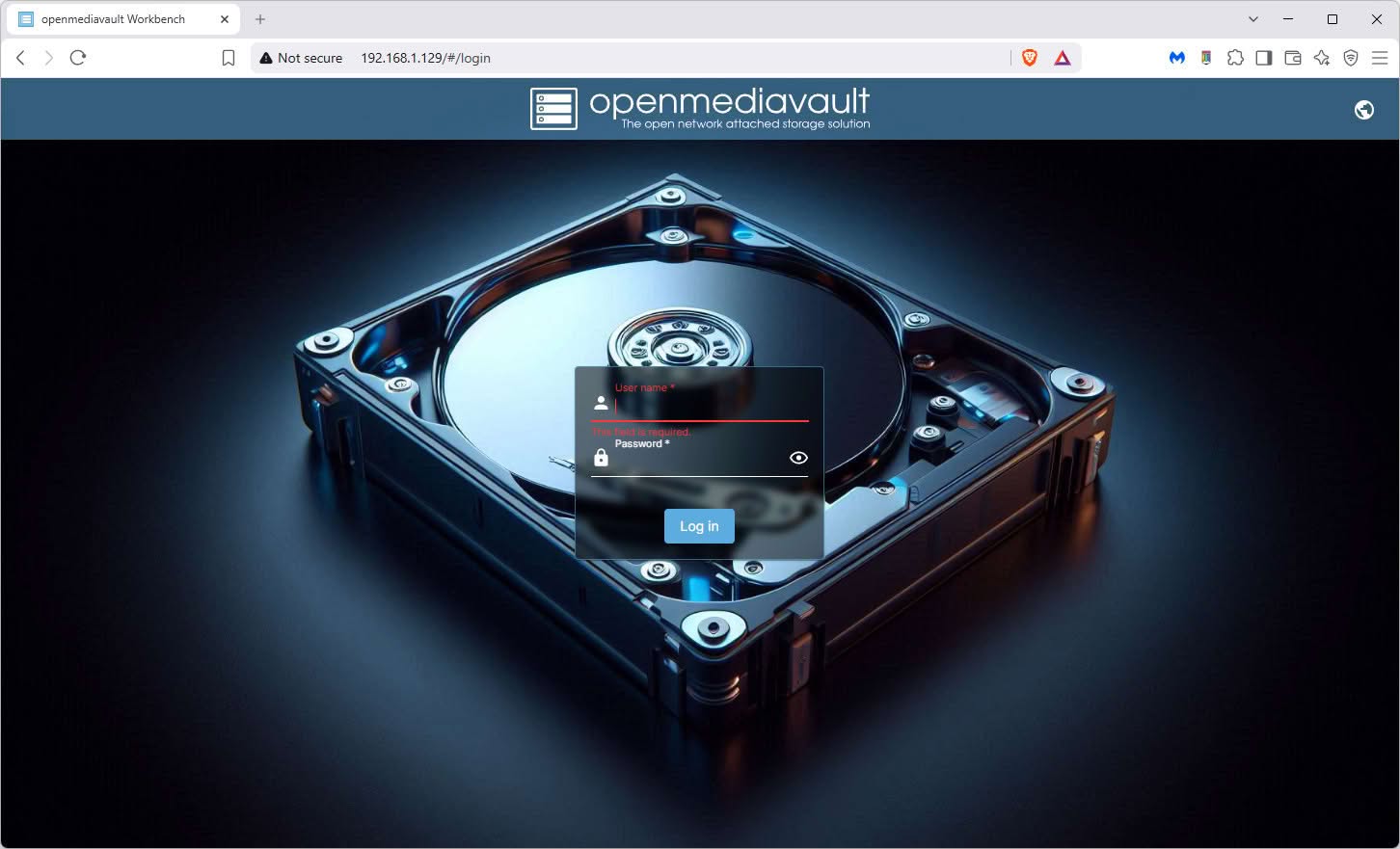
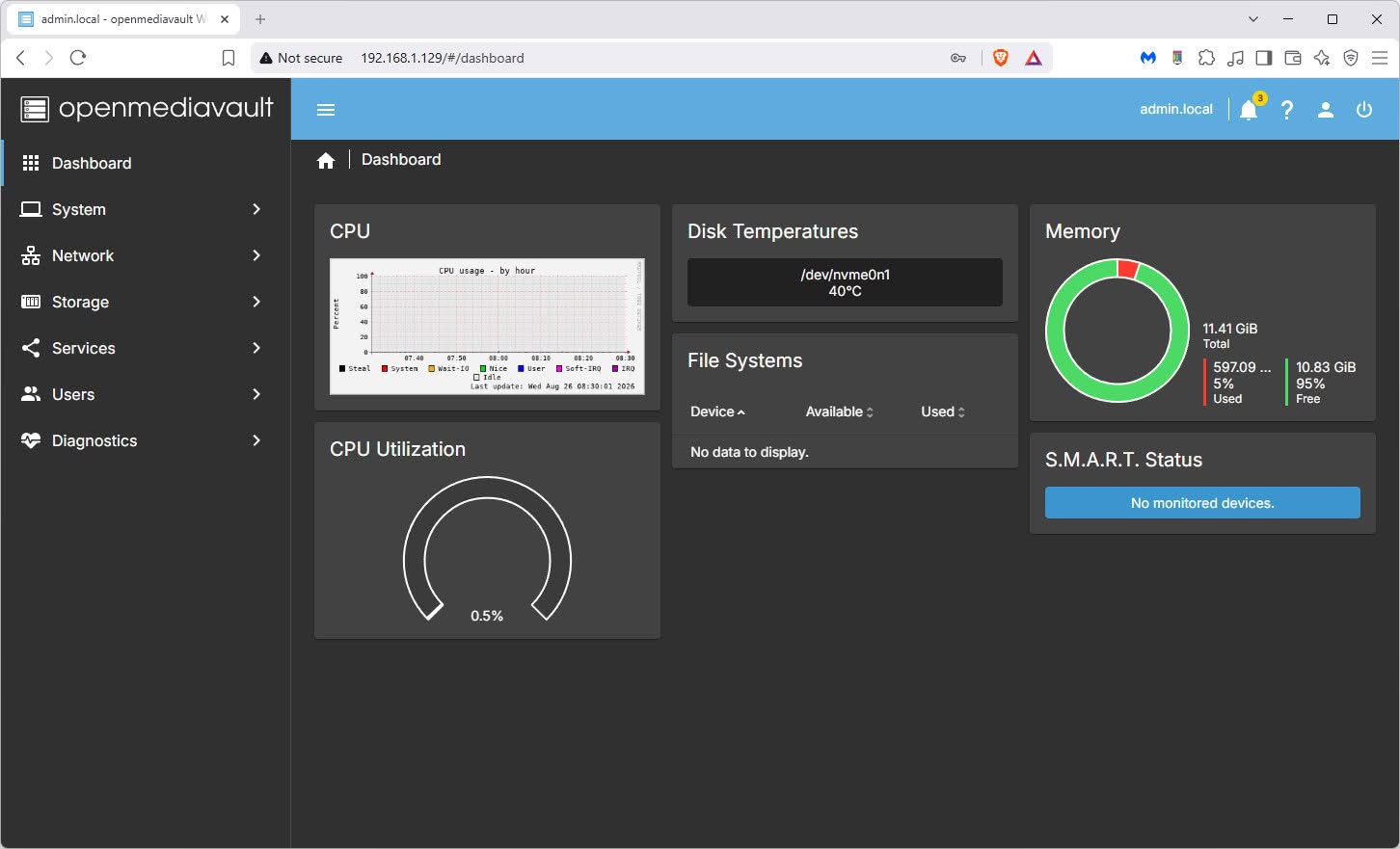
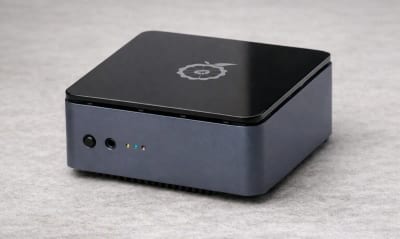
    In this area, you won’t have any trouble finding images, unlike ARM-based boards. Since this hardware is based on the Intel x86 architecture, you can run almost any popular operating system, such as Windows, Ubuntu, and so forth. That said, by default, the device comes pre-installed with OpenMediaVault, which is a free user-friendly, open-source network-attached storage (NAS) operating system built on Debian Linux. If you’re seeking a more modern NAS solution with an improved GUI experience and a wealth of features, consider installing other free NAS options like TrueNAS or CasaOS.

    On a positive note, OpenMediaVault is super easy to set up, making it an excellent choice for beginners who want to create a home/office NAS for data backup. It also includes some impressive features, such as a built-in firewall, which is essential for most users.

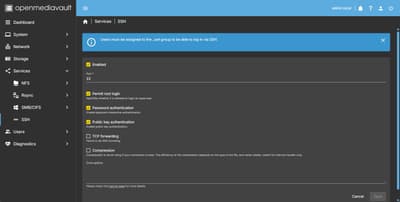
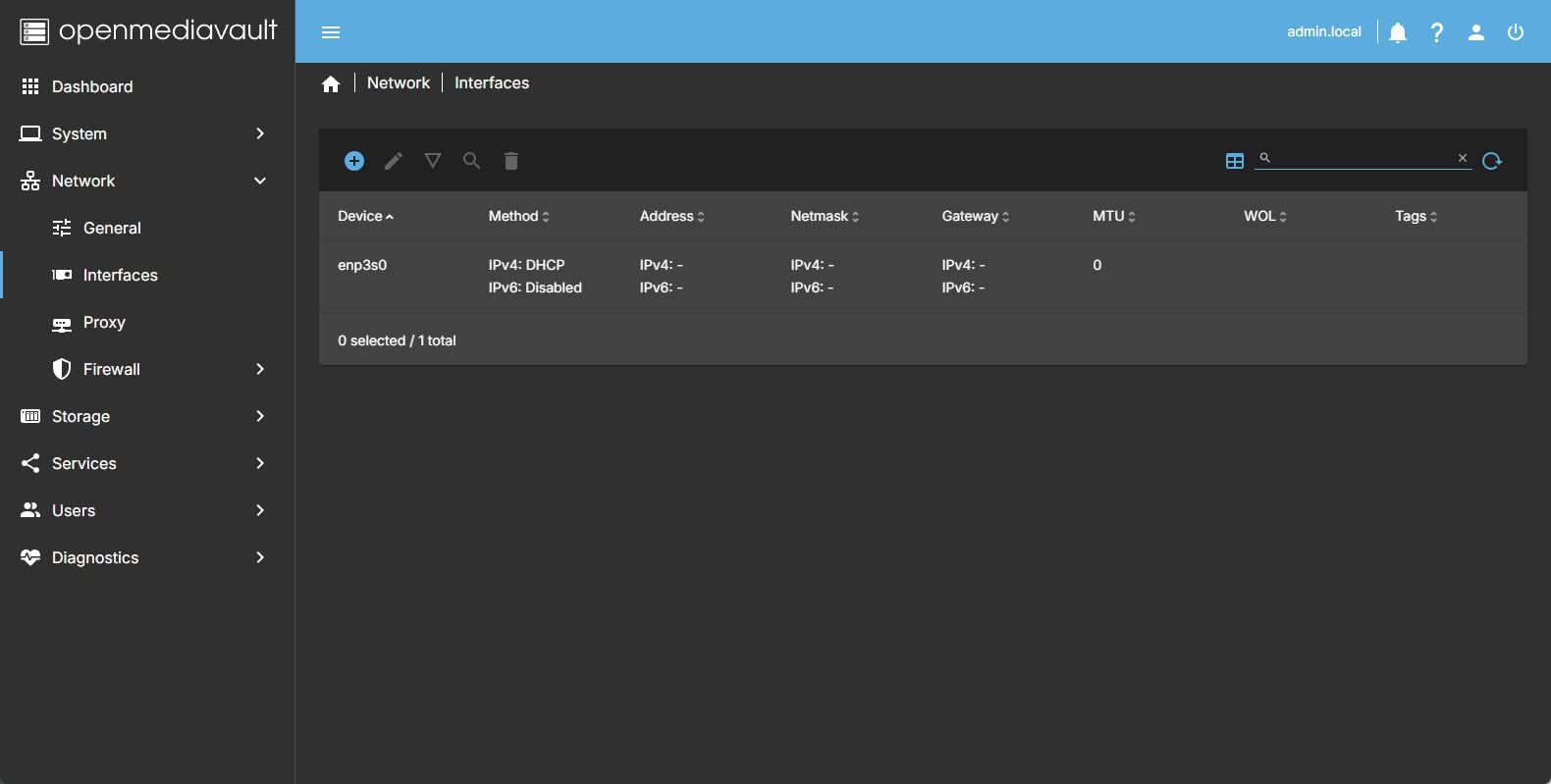
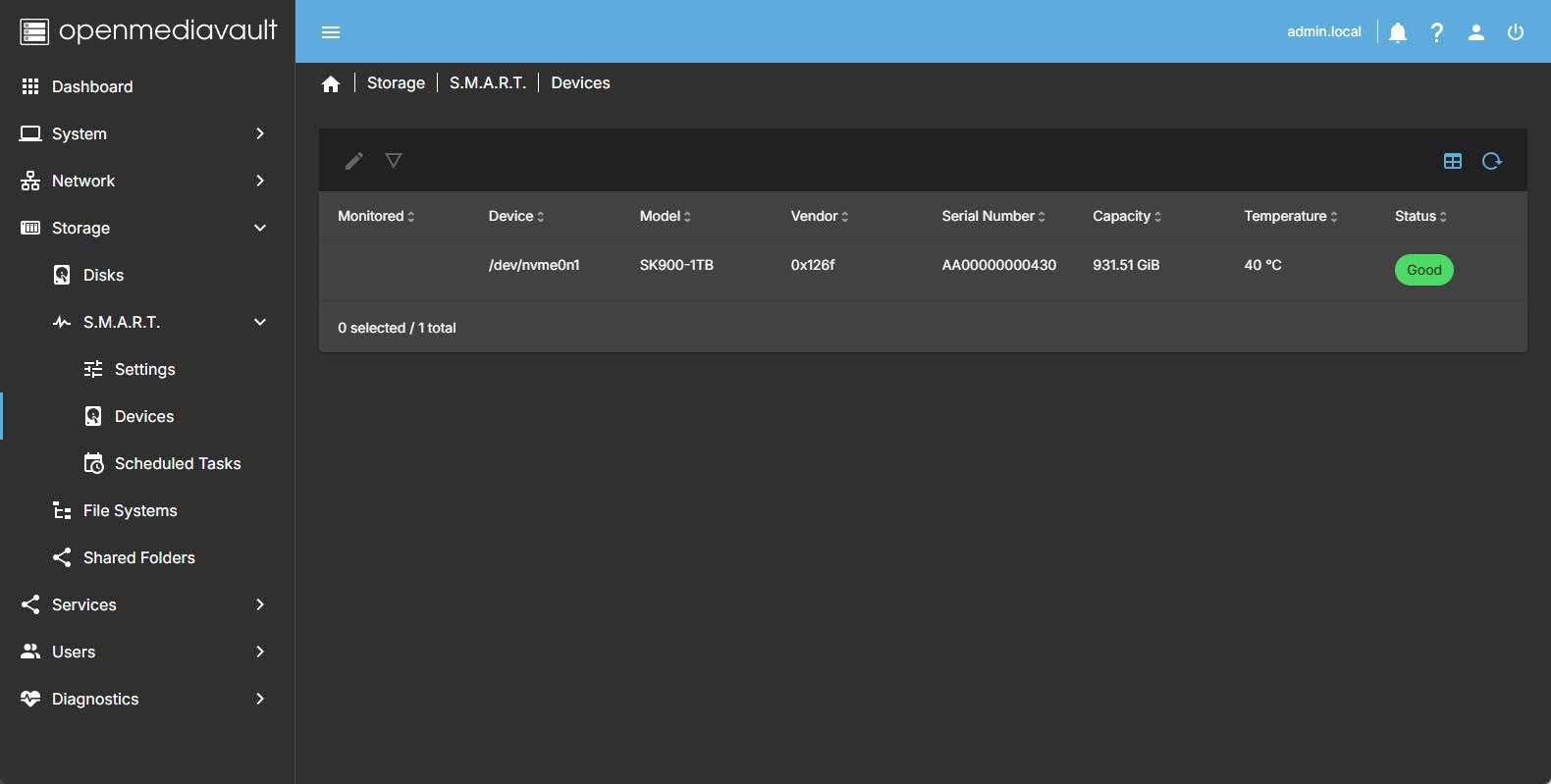
    OpenMediaVault (Screenshots)

    NestDisk Openmediavault
    NestDisk Openmediavault — AndroidPIMP.
    NestDisk Openmediavault
    NestDisk Openmediavault — AndroidPIMP.
    NestDisk Openmediavault
    NestDisk Openmediavault — AndroidPIMP.
    NestDisk Openmediavault
    NestDisk Openmediavault — AndroidPIMP.
    NestDisk Openmediavault
    NestDisk Openmediavault — AndroidPIMP.
    NestDisk Openmediavault
    NestDisk Openmediavault — AndroidPIMP.
    NestDisk Openmediavault
    NestDisk Openmediavault — AndroidPIMP.
    NestDisk Openmediavault
    NestDisk Openmediavault — AndroidPIMP.

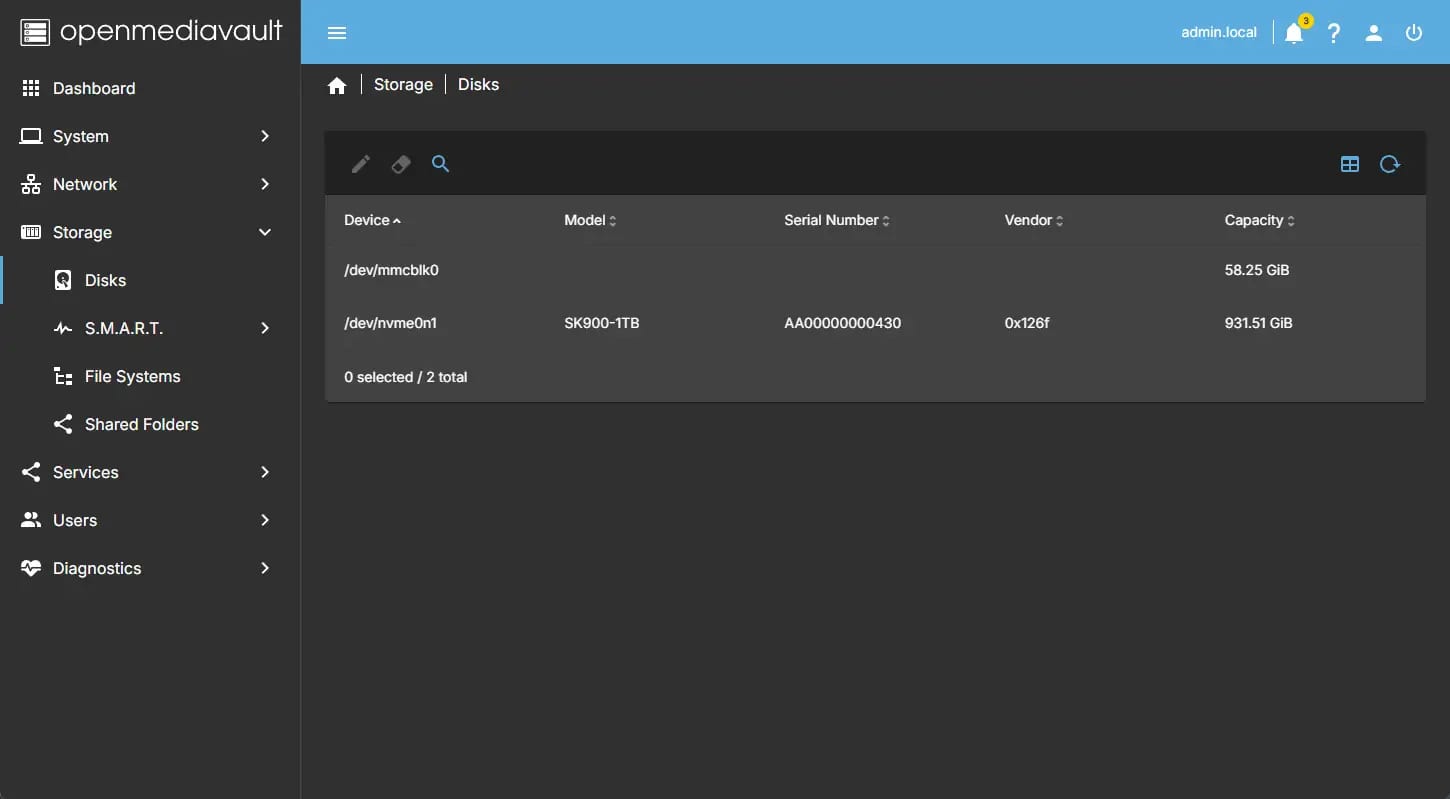
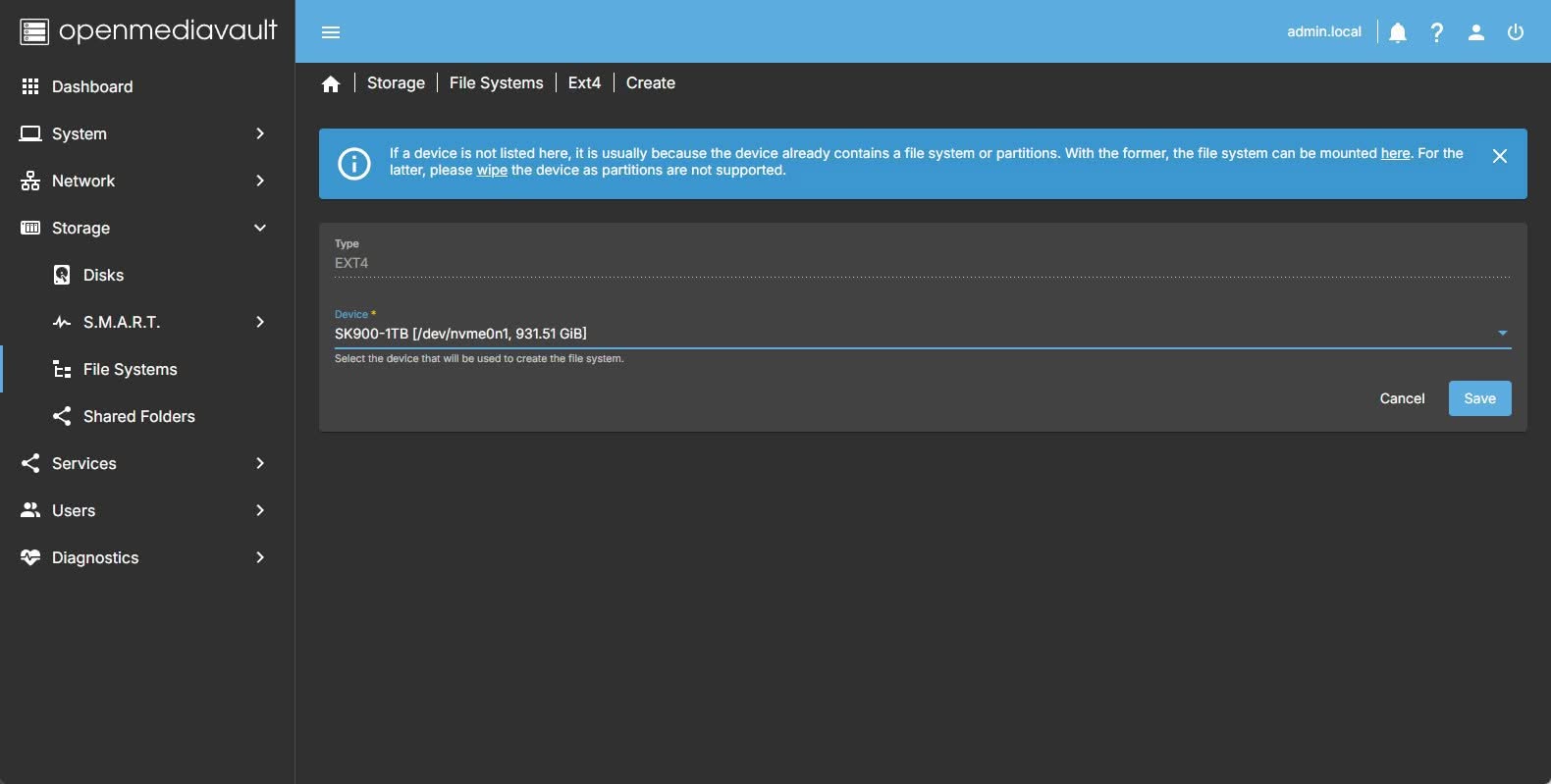
    Setting everything up (configuring and mounting our 1TB NVMe)

    The first step is to set a new admin password for OpenMediaVault. Once this is done, you will need to choose a preferred file system for the NVMe card (we selected ext4) that was pre-installed in the device. The final steps include enabling the “SMB/CIFS” service, creating a user, assigning the NVMe device to that user while configuring file permissions, and finally enabling the NFS option.

    With everything configured, you can map the device as a network drive from any Windows computer that is connected to the same local network by using our NAS gateway IP address. In our example, we have assigned the NVMe device name as NetDisk_NVMe1.

    Setting up our storage for network mapping under Windows 11 OS

    Nestdisk Omv Nas Storage
    Nestdisk Omv Nas Storage — AndroidPIMP.
    Nestdisk Omv Nas Storage
    Nestdisk Omv Nas Storage — AndroidPIMP.
    Nestdisk Omv Nas Storage
    Nestdisk Omv Nas Storage — AndroidPIMP.
    Nestdisk Omv Nas Storage
    Nestdisk Omv Nas Storage — AndroidPIMP.
    Nestdisk Omv Nas Storage
    Nestdisk Omv Nas Storage — AndroidPIMP.
    Nestdisk Omv Nas Storage
    Nestdisk Omv Nas Storage — AndroidPIMP.
    Nestdisk Omv Nas Storage
    Nestdisk Omv Nas Storage — AndroidPIMP.
    Nestdisk Omv Nas Storage
    Nestdisk Omv Nas Storage — AndroidPIMP.

    Throughput test

    We also measured the average data transfer speed when transferring data from one location to another over our local network within a specified time frame. Our setup was simple: the NestDisk device was connected to the RJ45 port of our Banana Pi R3 router using a standard Cat 6 cable (shown in the infographic below). After establishing the connection, we tested the transfer speed of a 21.2 GB video file from our Windows desktop PC to our 1 TB NestDisk storage.

    Nestdisk Omv Nas Local Network
    NestDisk Omv NAS Local Network Configuration — AndroidPIMP.

    Results

    According to our simple test, the average transfer speed for this test file was around 113 Mb/s, and it took approximately 3 minutes to completely copy the file to our NestDisk device.

    Nestdisk Omv Nas Test
    Nestdisk Omv Nas Test — AndroidPIMP.
    Nestdisk Omv Nas Test
    Nestdisk Omv Nas Test — AndroidPIMP.
    1 2 3 4 5 6 7 8 9 10 11
    Share. Facebook Twitter Pinterest LinkedIn Tumblr Email
    Previous ArticleRii TU3607 iPad Keyboard Case Review: Dream or Heavy Burden?
    Next Article Orange Pi Zero 4 Review: Is This $26 Micro SBC a Raspberry Pi Killer?
    androidpimp
    • Website

    Related Posts

    Orange Pi X2 Mini PC Is Officially in the Works – Here’s What We Know

    July 29, 2026
    Ugoos SK4 Review

    Ugoos SK4 Review: The Best Mid-Range Android TV Box for Value & Features

    December 6, 2025
    Keyboard Integrated PC Unveiled

    Orange Pi 600 specs revealed: A compact Intel PC built into a keyboard, featuring an Intel N150 processor

    September 25, 2025
    0 0 votes
    Article Rating
    Subscribe
    Notify of
    0 Comments
    Oldest
    Newest Most Voted
    Categories
    PureVPN
    PureVPN Ad Banner
    PrivadoVPN – No. 1 in Parental Control
    PrivadoVPN 350x437
    Recent Posts
    • LattePanda Mu Ultra Debuts: A Micro x86 Compute Module for On-Device AI
    • Aliexpress Promo Codes Sep 2026 (100% Verified)
    • Orange Pi Zero 4 Review: Is This $26 Micro SBC a Raspberry Pi Killer?
    • Youyeetoo NestDisk Review: Pocket-Sized Mini PC, Router & NAS
    • Rii TU3607 iPad Keyboard Case Review: Dream or Heavy Burden?
    • PrivadoVPN Review 2026: Does the Free Tier Still Work for Streaming?
    • Rii 518BT Review: Is This Pocket Keyboard Actually Usable?
    • Rii RK807 Pro Review: The Best Budget Apple Magic Keyboard Alternative?
    • Rii RK808 Review: The Best Foldable Travel Keyboard?
    • Rii RS201 Review: $69 16-Inch Portable Monitor Tested
    RSS feed: The Latest RSS Feeds The Latest RSS Feeds
    • LattePanda Mu Ultra Debuts: A Micro x86 Compute Module for On-Device AI
    • Aliexpress Promo Codes Sep 2026 (100% Verified)
    • Orange Pi Zero 4 Review: Is This $26 Micro SBC a Raspberry Pi Killer?
    Facebook X (Twitter) Instagram Pinterest
    @2026 - All Right Reserved. Designed by AndroidPIMP

    Type above and press Enter to search. Press Esc to cancel.

    wpDiscuz