Where to Get It
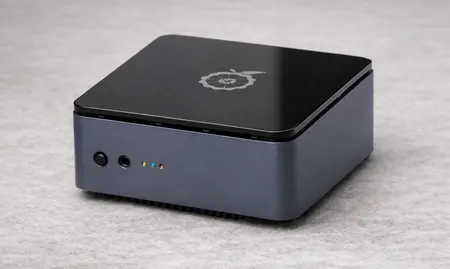
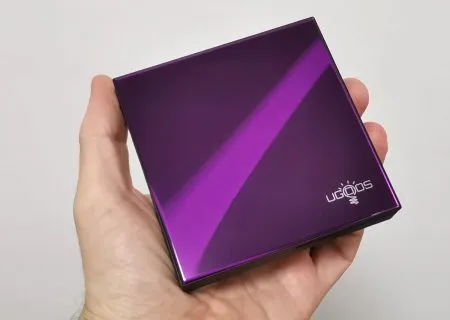
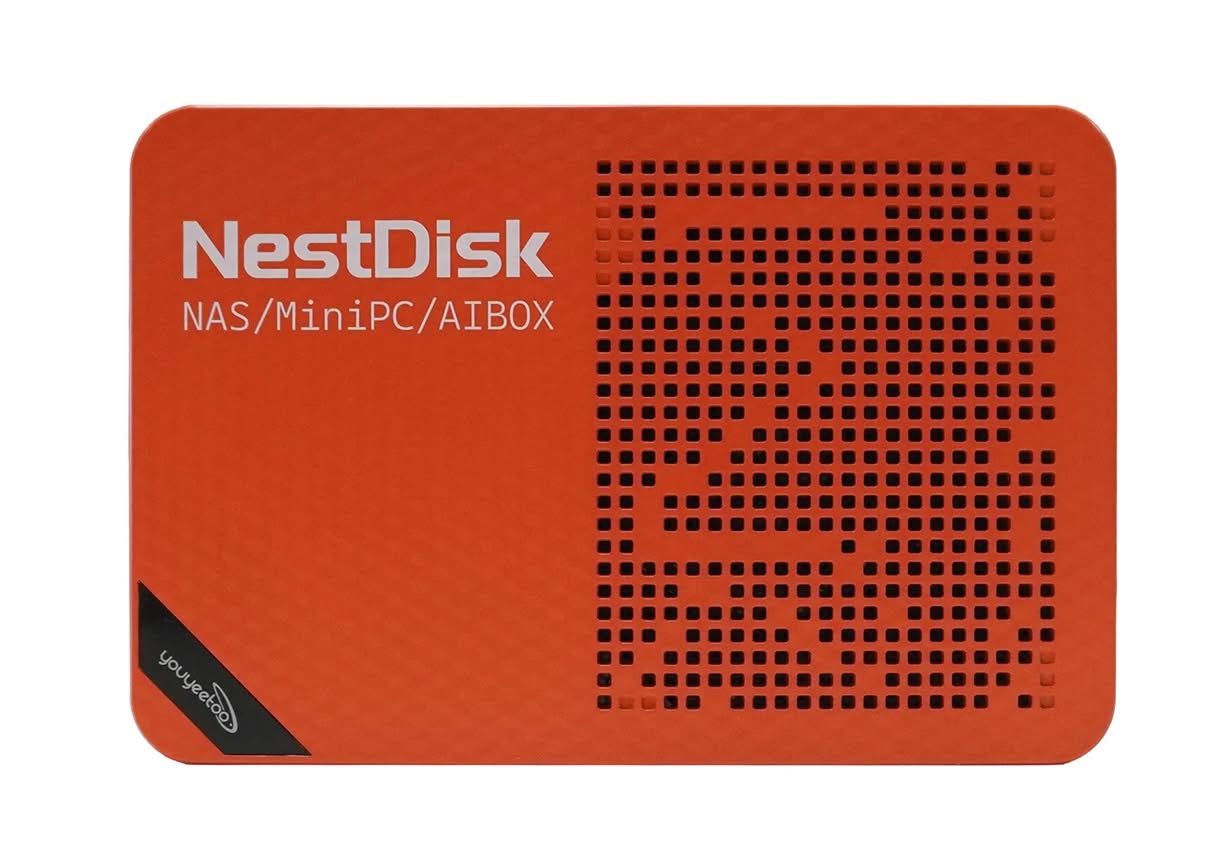
The Youyeetoo NestDisk Mini PC NAS is currently available on Amazon, eBay, and the official Youyeetoo website. From a user perspective, the “barebones” kit is the most cost-effective choice, enabling you to customize it with your preferred storage drives to suit your specific needs. It is offered in two colors: Dark Blue and Orange chassis options, both priced the same. The product configurations include the following options:
| Configuration | Technical Specifications |
| Barebone / No SSD | 12GB DDR5 + 64GB eMMC |
| Pre-configured bundles with storage. (512 GB / 1 TB NVMe) | 12GB DDR5 + 64GB eMMC + 512GB NVMe SSD |
| Pre-configured bundles with storage. (512 GB / 1 TB NVMe) | 12GB DDR5 + 64GB eMMC + 1TB NVMe SSD |
Where to buy
Here is a table of stores currently selling the Youyeetoo NestDisk, along with the product links and their current pricing:
| Store | Product Link | Current Price / Configuration |
|---|---|---|
| Amazon (US) | Amazon Link | $269.99 (12GB RAM + 64GB eMMC) $352.99 (+ 512GB SSD) $404.90 (+ 1TB SSD) |
| Youyeetoo Official Store | Official Store Link | $302.99 (Base Configuration) |
| eBay | eBay Listing | ~$285.28 (C$399.99) – Open Box (Pre-installed with OMV 8, accepts Best Offer) |
| Amazon (Canada) | Amazon CA Link | ~$383.77 CAD (Base Configuration) |
Purchase it on AliExpress.
Before making a purchase, we strongly recommend:
- Using our special discount coupon: JT6NP3YUYMVV ($3.71 discount coupon)
- Use AliExpress sitewide coupons.
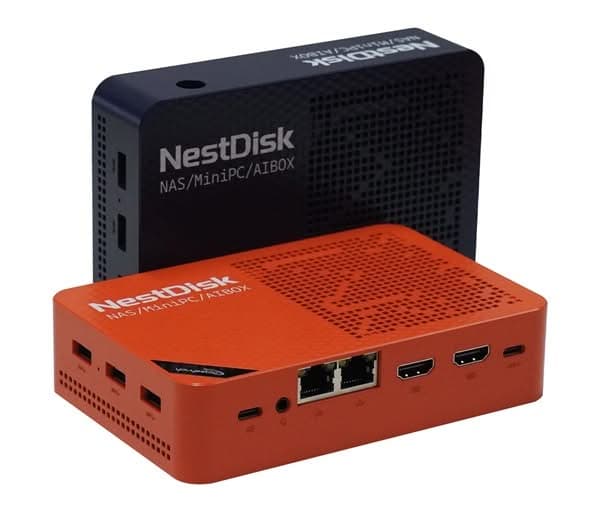
Youyeetoo Nest Disk NAS/Mini-PC
The Youyeetoo is a compact, palm-sized all-in-one Nest Disk NAS mini PC (measuring 146 × 97.5 × 32 mm) that serves as a four-bay NVMe storage device, a mini router, a lightweight desktop workstation, and a media center.
About Youyeetoo: (Youyeetoo Tech Co., Ltd.) is a Shenzhen-based hardware manufacturer, distributor, and engineering firm specializing in embedded systems, single-board computers (SBCs), edge AI platforms, and IoT hardware.
Established in 2012, the company operates both as a direct hardware vendor and as an original equipment manufacturer (OEM/ODM) providing customized computing solutions for the global maker community, software developers, and industrial clients.
If you would like to learn more or have any questions, please feel free to reach out.
- Drop us a line at shop@youyeetoo.com
- Offical Store: https://www.youyeetoo.com.
- Product wiki page: https://wiki.youyeetoo.com
Key Takeaways
- That's why Youyeetoo offers the NestDisk Mini PC NAS solution.
- It has four slots for NVMe SSDs, making it great for home or school use.
- High-Performance Intel Twin Lake N150 Processor: Powered by the Intel Twin Lake N150 processor, this device delivers efficient performance for file storage, media streaming, and light server tasks.
- Upgrade Your Home Internet (Soft Router) The NestDisk has two high-speed internet ports, which allows it to act as a "Soft Router.
- Where to Get It The Youyeetoo NestDisk Mini PC NAS is currently available on Amazon, eBay, and the official Youyeetoo website.