
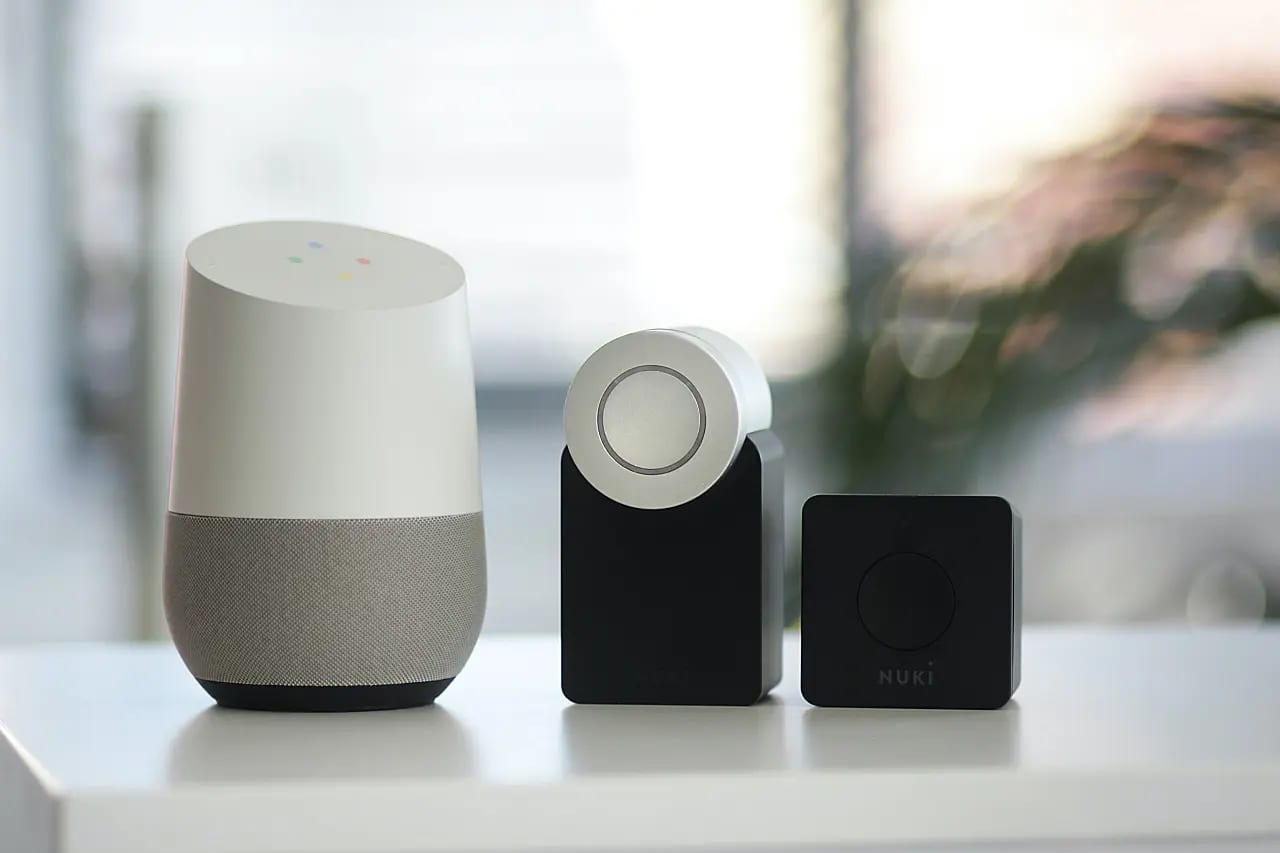
- BW-IS8 Temperature & humidity Sensor
- Setting the W-IS8 sensor
- BW-IS8 Temperature & humidity Sensor – Where Can I use it?
- Main Features
- Specifications
- BlitzWolf Smart Home Platform
- Unboxing Item 1 – BlitzWolf Smart Home gateway
- Gateway Design
- Unboxing Item 2 – BlitzWolf IS8 Humidity & Temp Sensor
- Sensor Design
- A handy tip!
- Features
- Pairing with the BW-IS10 gateway
- Compatibility with other Brands
- Compatibility with Zigbee gateway devices
- BlitzWolf recommended devices list
- Software
- Verdict
- Price and availability
- Starting With Tuya / BlitzWolf Smart Home Platform – Smart home introduction.
- Maybe you missed it? Best Budget PC Gaming Speakers Under $30 with Bluetooth [BW-GS1]
BW-IS8 Temperature & humidity Sensor
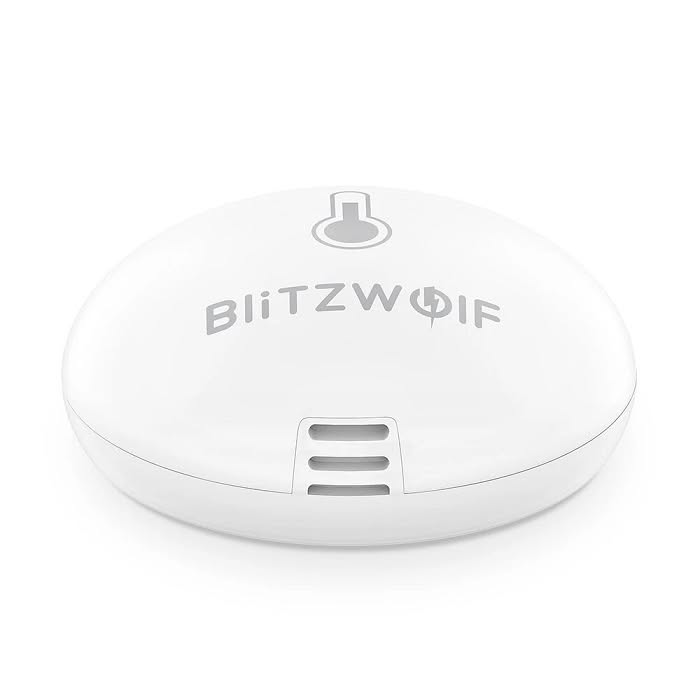
BlitzWolf BW-IS8 is a small, compact in size Temperature & humidity sensor that allows you to maintain a comfortable temperature in any room of your house and it can basically used as a smart thermostat appliance. Supporting iOS and Android devices, with BlitzWolf App you can monitor the room temperature and track humidify and temperature information and store measurements based on days/week and months in a very convenient and user-friendly way.
The sensor is equipped with a low energy Bluetooth wireless technology, and have a working range of up to 100 meters (in open space). It featured a replaceable CR2 3V lithium battery with up to two years of battery life.
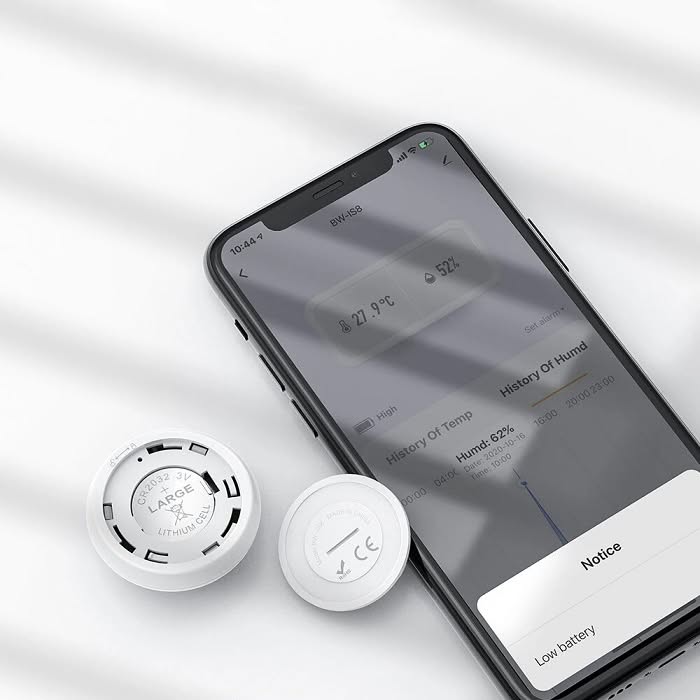
Setting the W-IS8 sensor
BlitzWolf BW-IS8 sensors can be placed in strategic locations across your home and it’s capable of pairing with Tuya Smart home, smart gateway solution, and not only monitor the room environment , but also for an example operate a wide selection of home AC appliances at home when reaching a specific room and humidity values.
The Tuya Smart is an All-in one IoT platform that can be used not only to be used with BlitzWolf BW-IS8 sensor, but also connect to a wide selection of home smart appliances, starting from smart sockets, light, movement sensors and so fourth. The possibilities are nearly limitless.
BW-IS8 Temperature & humidity Sensor – Where Can I use it?
The BW-IS8 sensor is a temperature and humidity sensor can be placed in a different environment. Here are some suggestions where you can use it:
- In Households
- Storage places
- Warehouses
- Attics
Main Features
- Model BW-IS8
- Size:ɸ42x18mm
- Transmitting Frequency:2.4GHz
- Sensor Communication Distance:100 meters
- Low Battery Prompt:2.5V±0.2V
- Sensor Temperature Error:0.5℃ :5%
- Working Temperature:-20℃〜60℃
- Sensor Installation Mode:Wall-mounted
- Battery :Up to 1 year battery
- APP Control:BlitzWolf / Tuya / Smart Life
Specifications
| Brand | BlitzWolf® |
| Model | BW-IS8 |
| Size | 42x18mm |
| Working temperature | -10 ℃ – + 55 ℃ |
| Working voltage | 3V |
| Working current | ≤30mA |
| Standby current | ≤30uA |
| Wireless type | ZigBee |
| Transmitting power | ≤15dBm |
| Low voltage alarm | 2.5V ± 0.2V |
| Installation method | Wall hanging |
| Temperature error | 0.5 degrees |
| Humidity error | 5% |
| Distance | 100 meters (open area) Mainly depends on whether the network distance of the gateway is covered |
| Battery life | More than 1 year (20 times / day) |
| Package Included | 1 x BlitzWolf BW-IS8 (Zigbee temperature and humidity sensor) 1 x User Manual |
BlitzWolf Smart Home Platform
Unboxing Item 1 – BlitzWolf Smart Home gateway
Package Content:
- 1x BW-IS10 Home gateway
- 1x Micro USB Power Cable
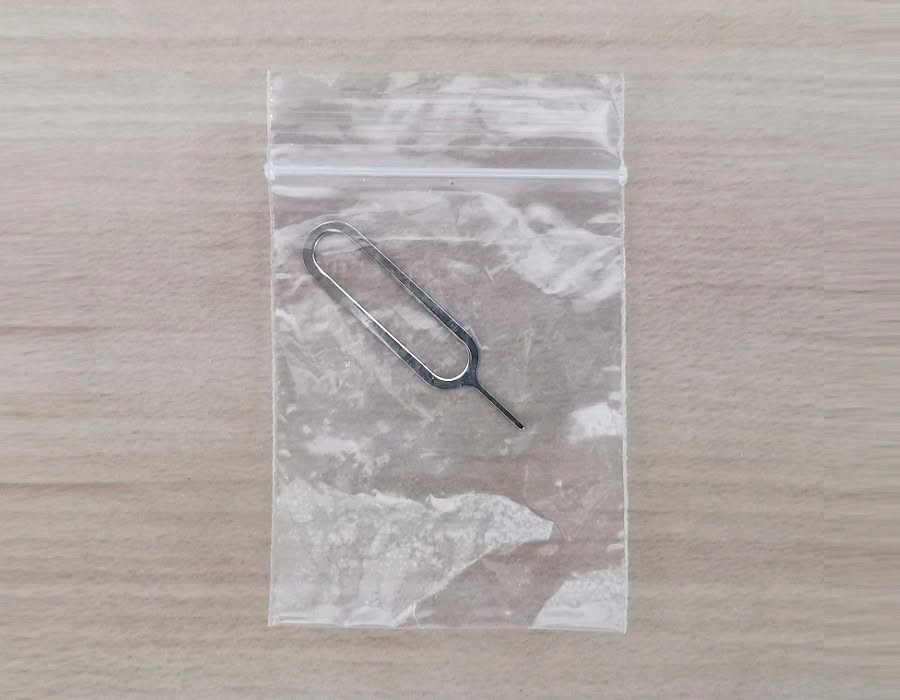
- 1x Reset Tool
- 1x Service Card
- 1x User Manual
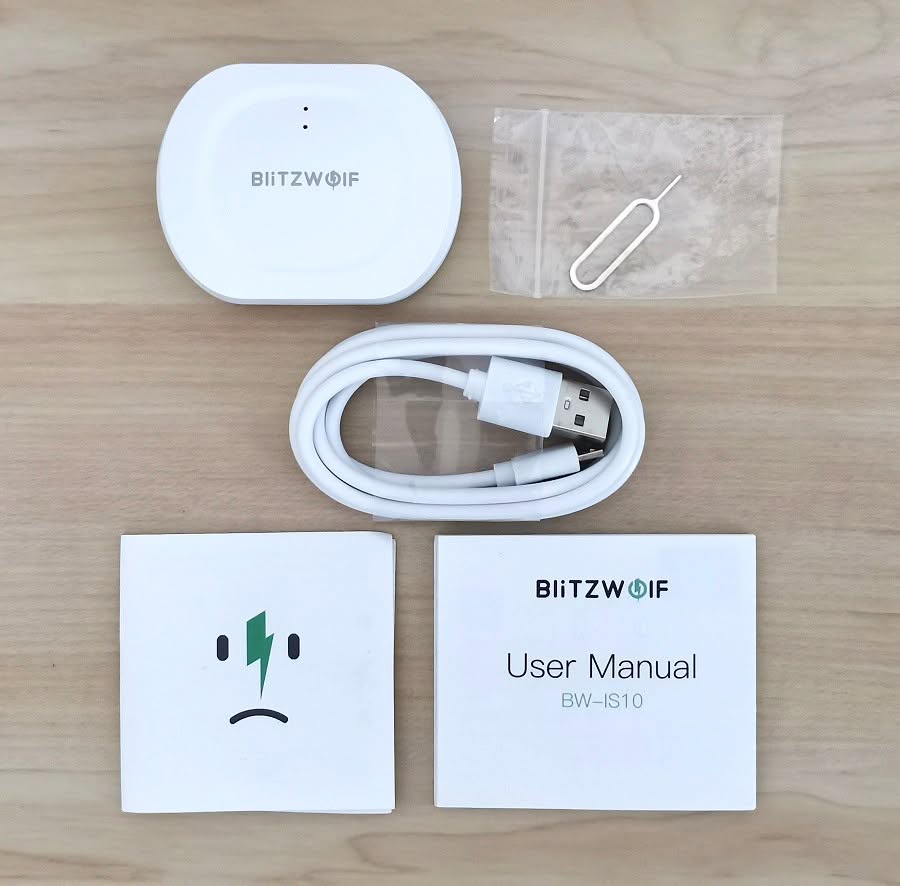
Other Items included in the package:
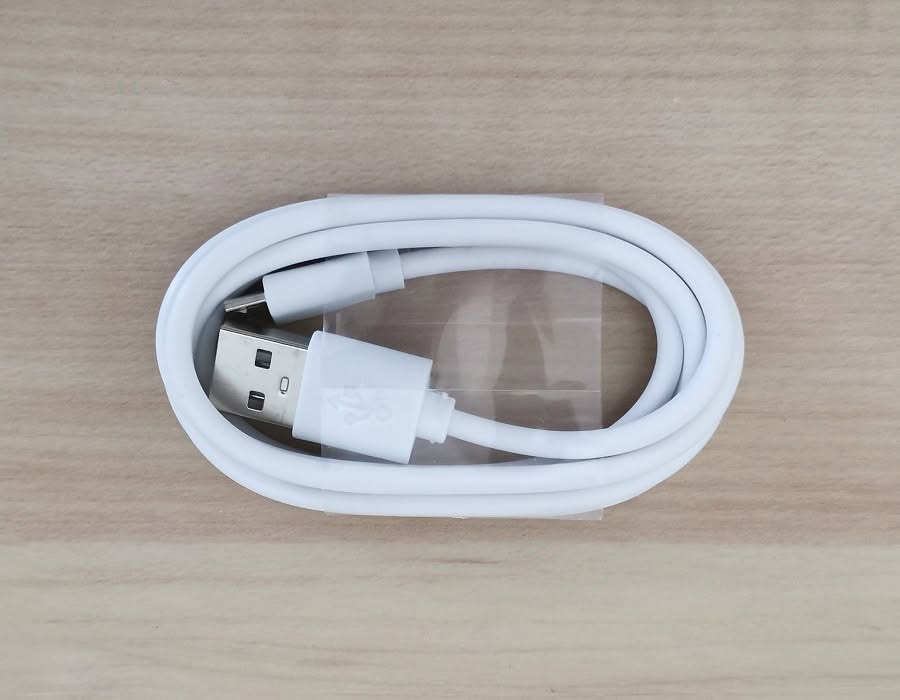 BlitzWolf Smart Home Gateway | USB Power Cable

Gateway Design
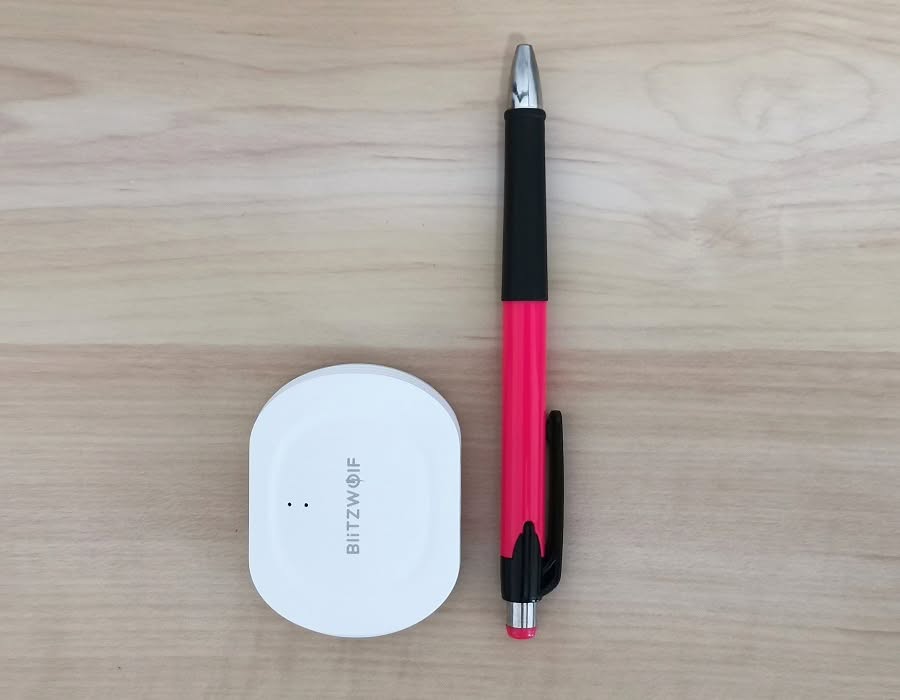
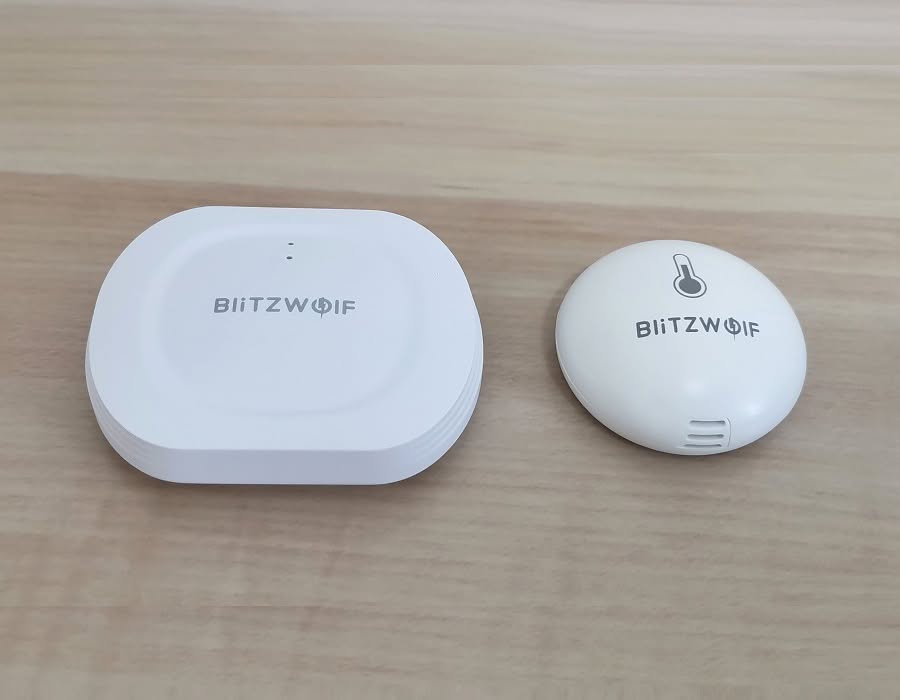
The shell of the product, holding the PCB inside is made from high quality ABS plastic. Design is modern yet simple and does the job well. It doesn’t have any double sided sticker to stick it on a surface, but you can stick it on a wall if you independently buy a 3M sticker.
On the rear side of the device you have a Micro-USB port for the power supply along with a reset button hole that can be used using a metal clip, also included with the gateway device.
BlitzWolf Smart Home Gateway BW-IS10
- BlitzWolf Smart Home Gateway - PIC 1 of 6
Unboxing Item 2 – BlitzWolf IS8 Humidity & Temp Sensor
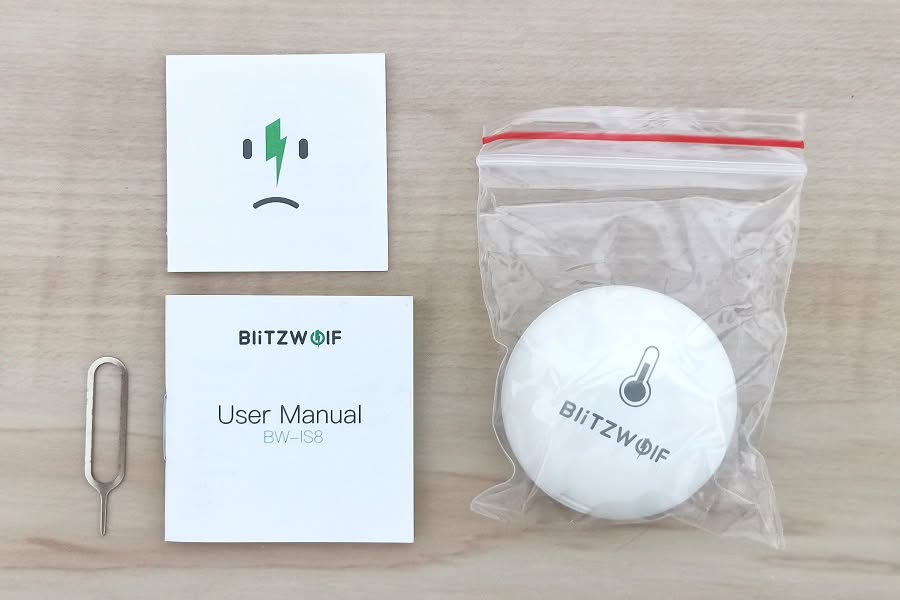
Package Content:
- 1x BW-IS8 Humidity & Temperature sensor
- 1x Metal Clip Tool
- 1x Service card
- 1x User Manual
Sensor Design
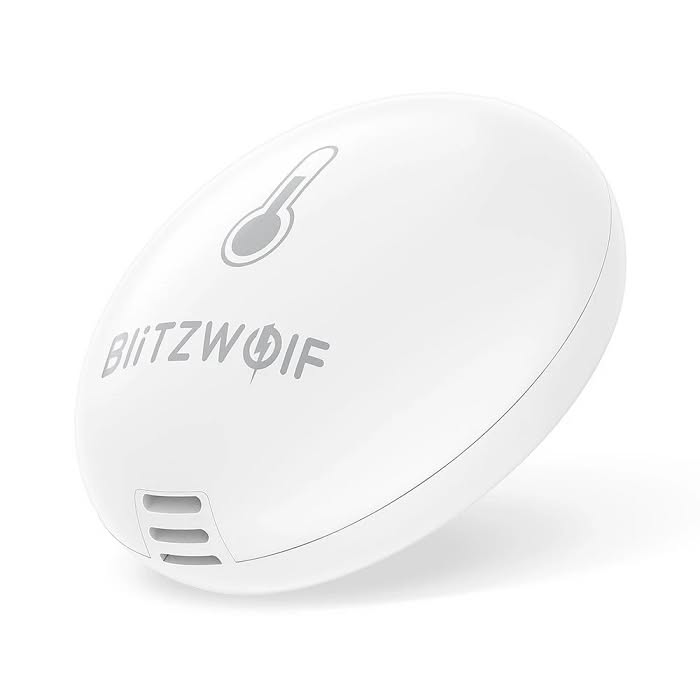
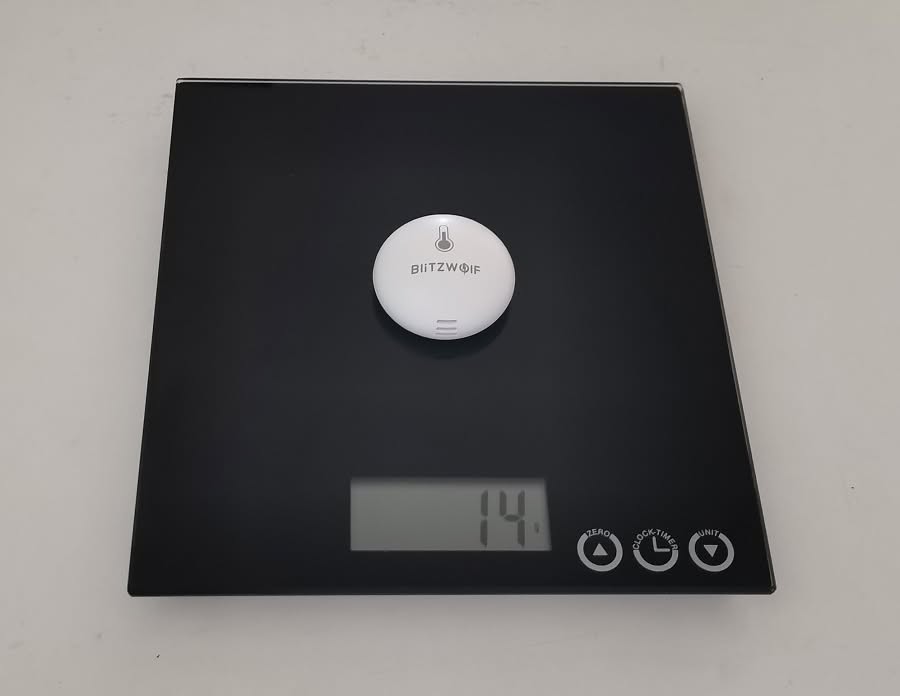
Made from ABS plastic weighting 14g (Including battery). The BW-IS8 sensor comes in a dome shaped shell. The design looks modem and very practical. You can stick the sensor or multiply sensors in different rooms including Wearhouse’s where you constantly need to monitor temperature and moisture levels.
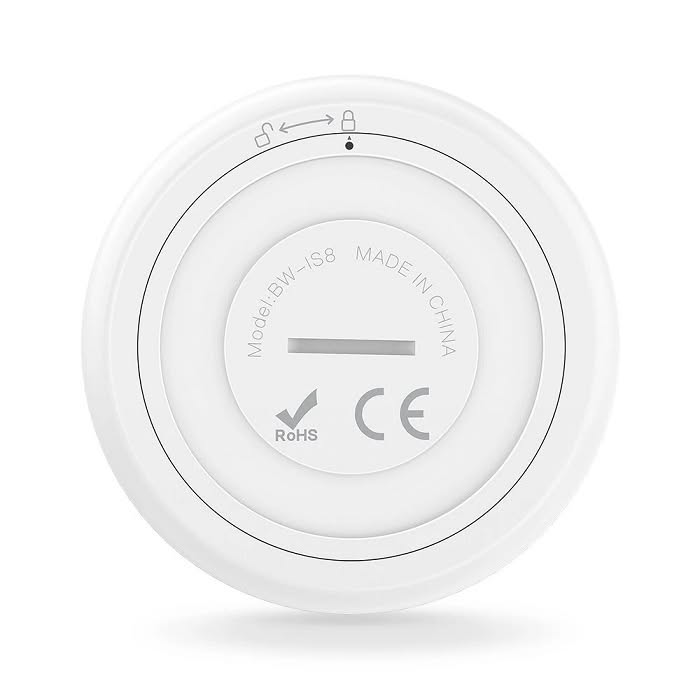
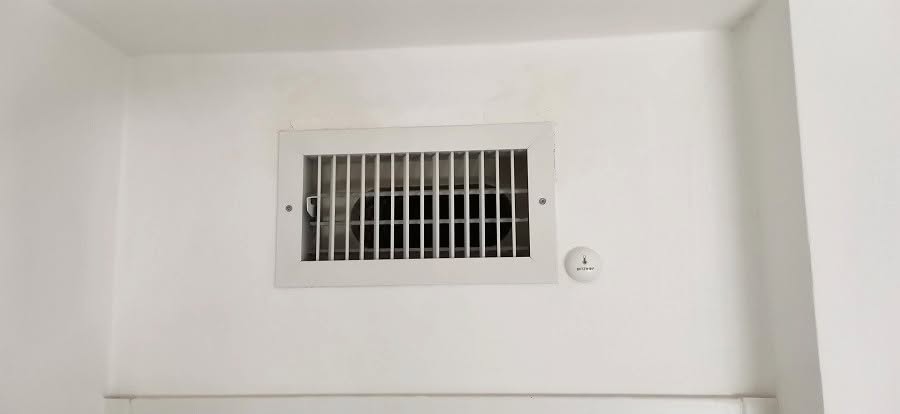
At the back of the sensor, you have the cover which can be easily removed to replace the 3 V battery. The sensor comes with a sticker that you can use to attach the sensor to various surfaces, including walls that can leave a layer of annoying plaster residue if for some reason you decide to remove it. Having said that, from our experience, we strongly recommend attaching it to wood or plastic surfaces.
Mounting the BW-IS8 sensor next to an AC vent cover
A handy tip!
If you decide to place the sensor on a different surface and the sensor sticker glue has weakened, you can consider buying a 3M – 30 mm diameter double side sticker on Ming An Store.
The glue on this 3M sticker is a lot stronger compared to the one provided with the BW-IS8 sensor, what will assure that the sensor will not suddenly detached from a surface.
Features
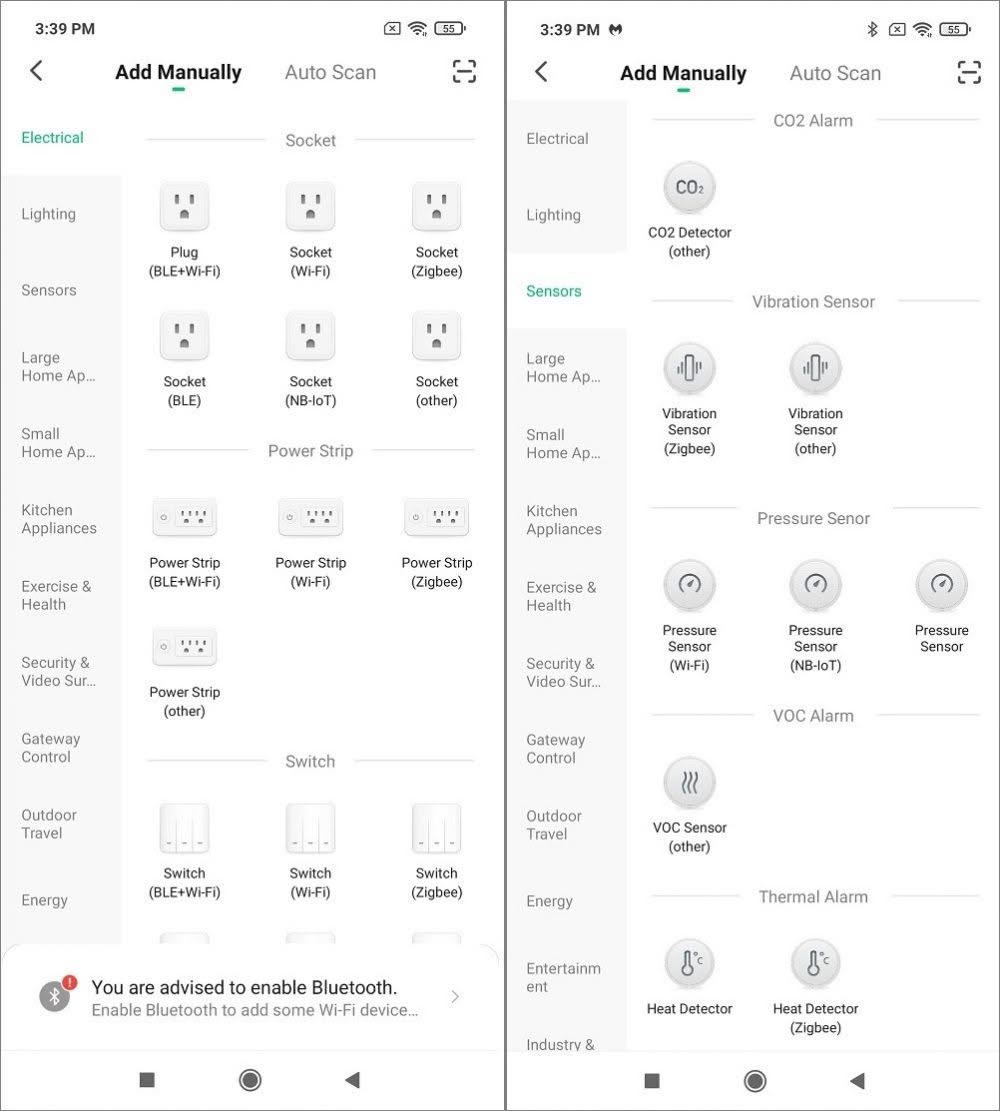
‘BlitzWolf’ smart home app supports a wide selection of sensor types you can combine together. For a super cheap price of ~$13 for one unit, you can buy few BW-IS8 sensors.
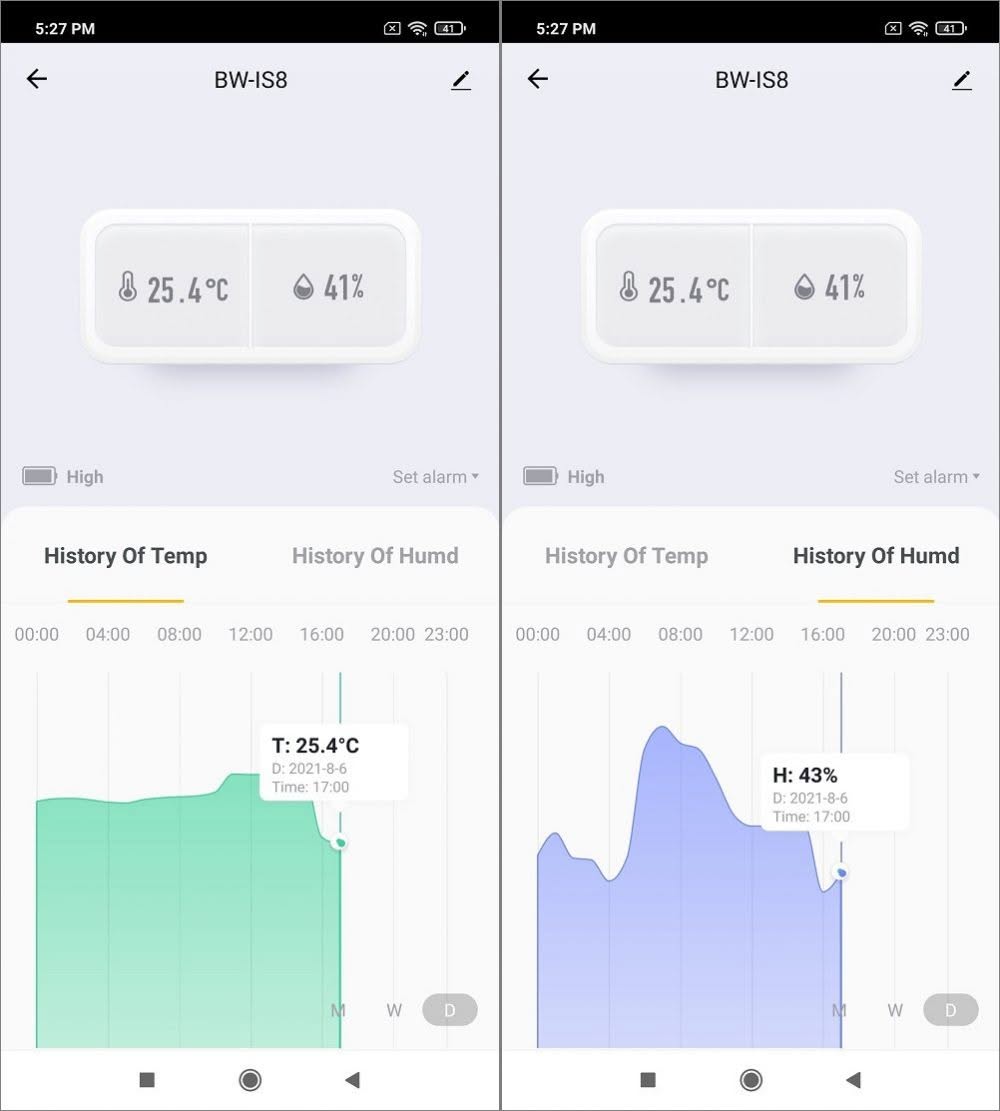
You can use your mobile phone to monitor different environment conditions and get a detailed graphical history report displaying both temp as well as humidity levels over a specific period of time based on day, week, or month.
For a power source, the BW-IS8 sensor is powered by a cr2032 lithium 3v coin type battery. As for powering other sensors, its most likely others are also powered with the same type of battery. If you are wondering how is it possible to know battery levels for all the sensors and appliances connected to the gateway.
BlitzWolf app includes a power monitoring function that displays battery power level for each connected device, so you can know when the device will need a new battery replacement before its fully drained.
Opening the BlitzWolf IS8 sensor
Pairing with the BW-IS10 gateway
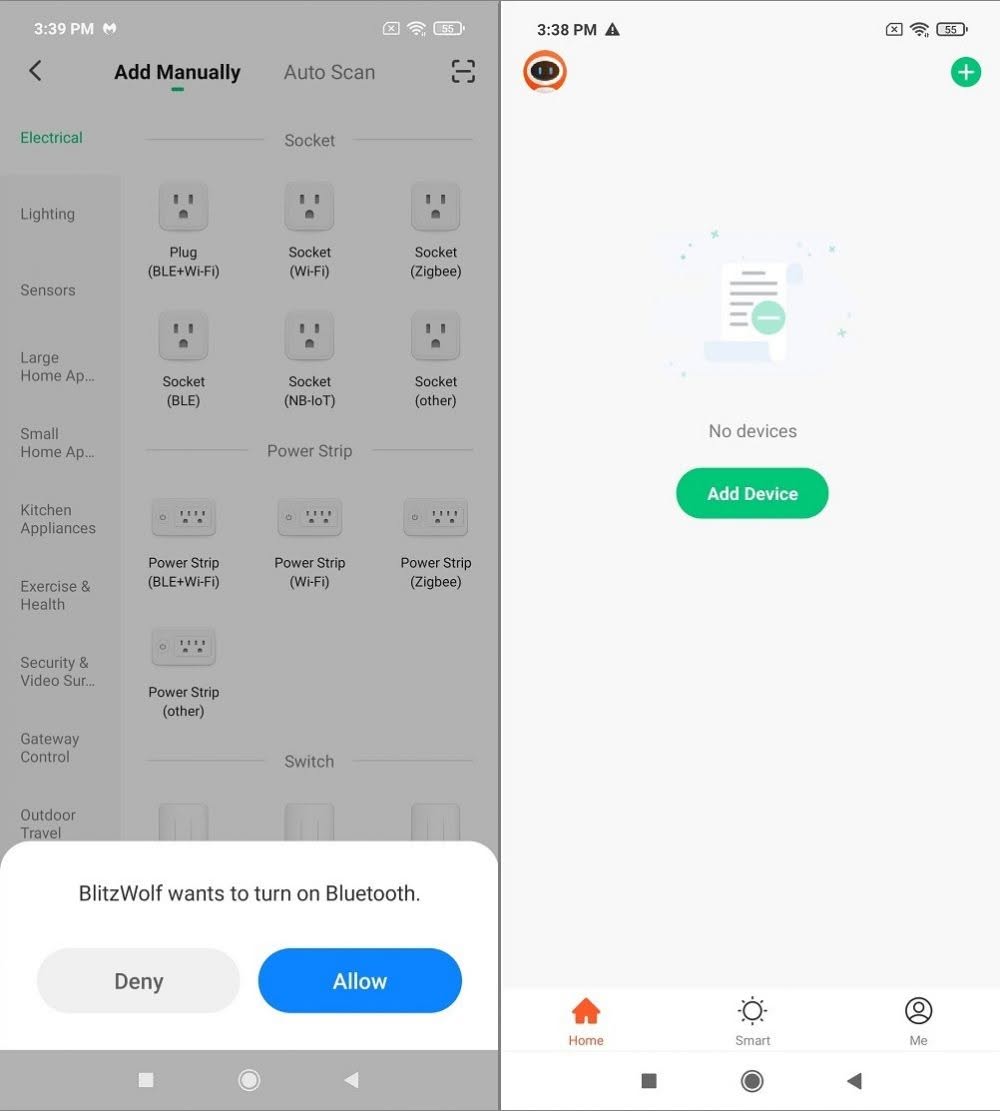
To pair the BW-IS8 sensor or any type of end device of that matter, you would need to first download the ‘BlitzWolf’ mobile app from Google Play and connect the BW-IS10 Home gateway that works as a type of access point for all of your smart devices.
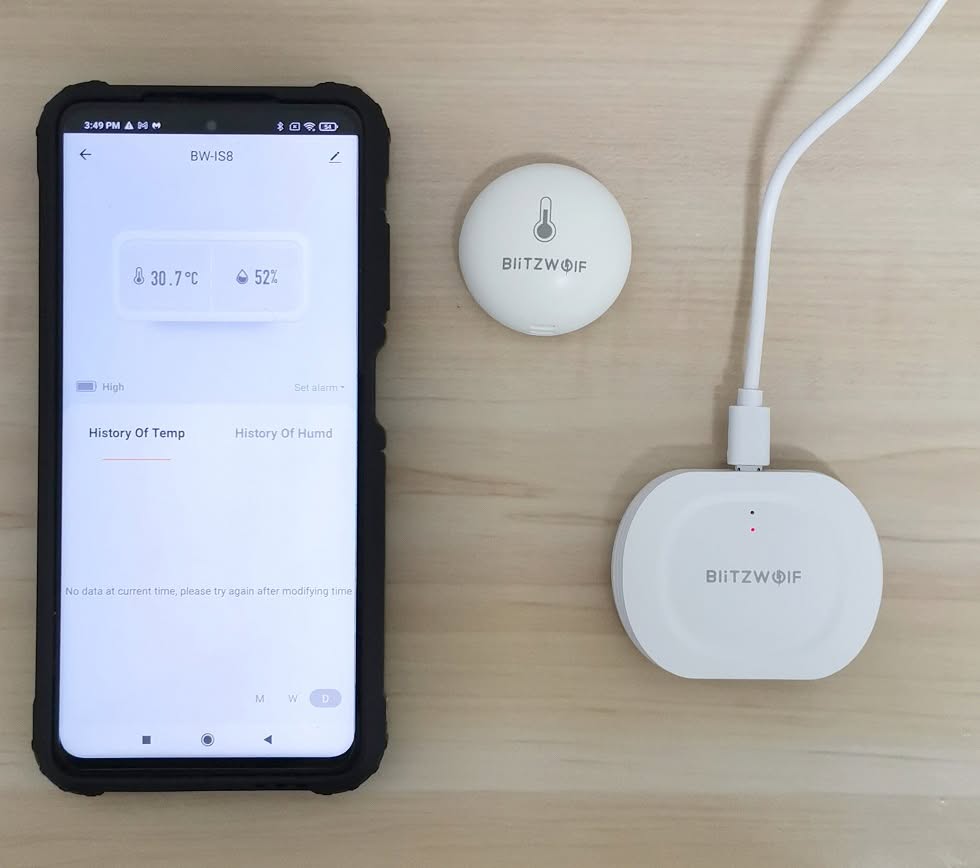
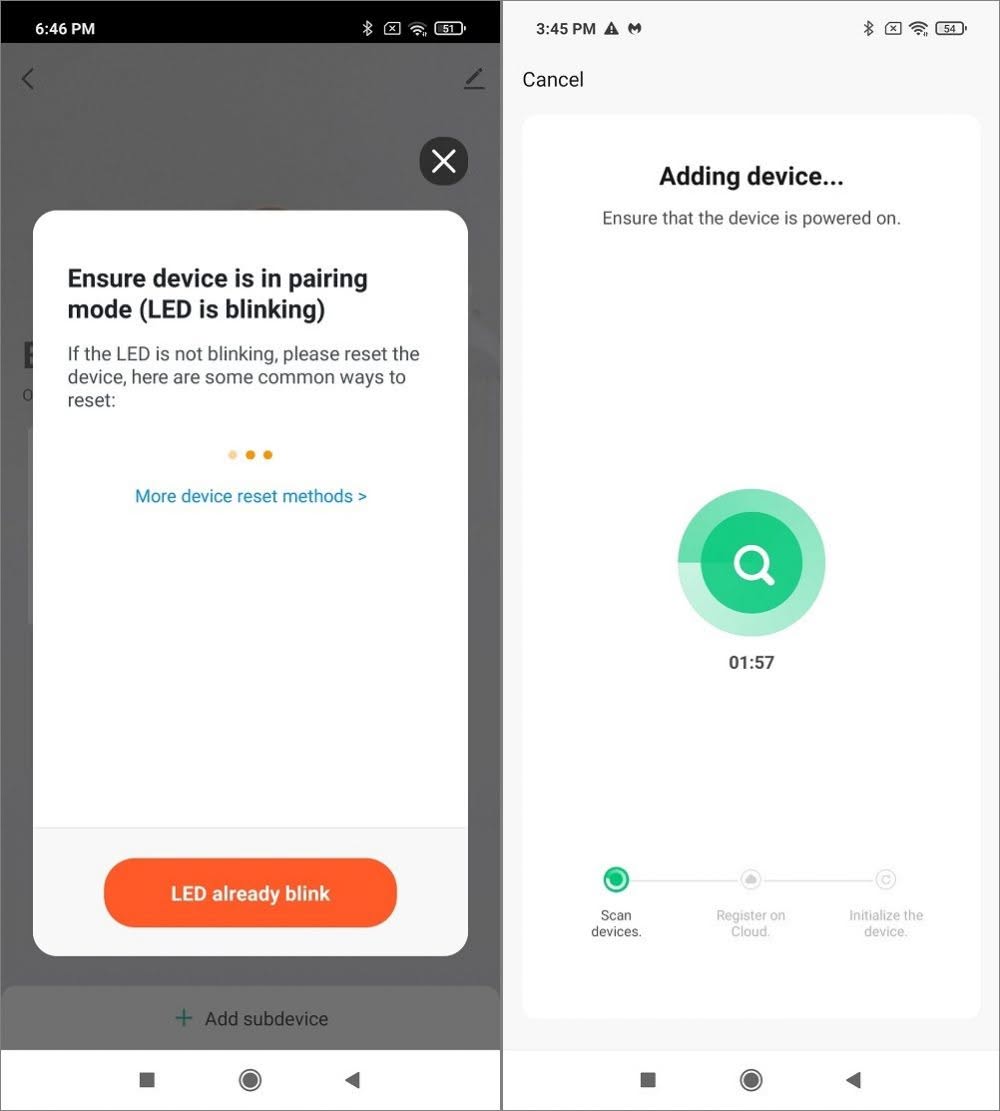
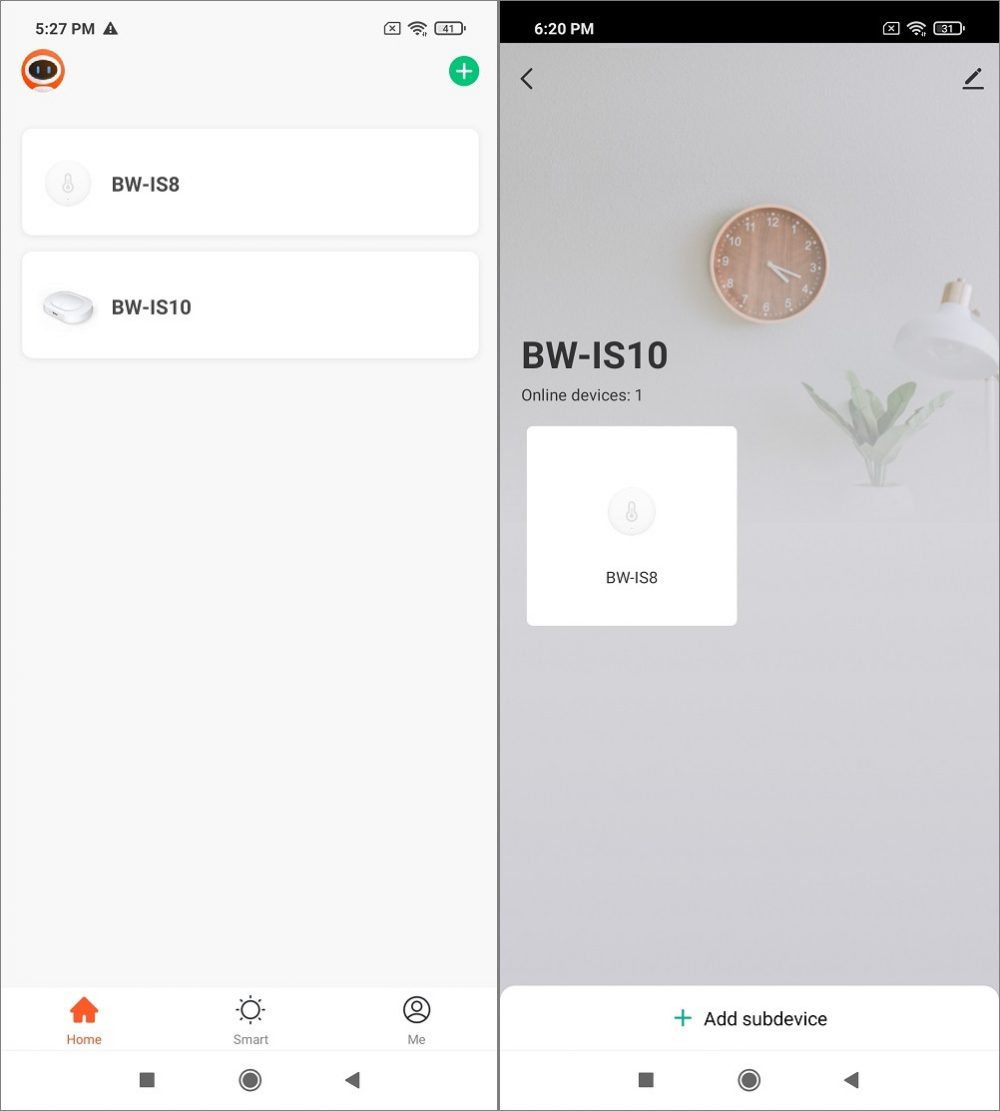
If all goes well, the BW-IS10 will self discover by the App after registering an account and enabling Bluetooth, Location and connecting to a WIFI 2.4 GHz network through the app. With the assistance of the provided metal clip you would need to slide it inside the pairing hole switch of the sensor and hold the clip for a few seconds until the red color led blinks. In this state, you are ready to pair and the device would be recognized. Having said that, the BW-IS8 discovery process worked pretty smooth and took us around four seconds.
BW-IS10 Gateway + BW-IS8 sensor paired to a POCO X3 phone
Compatibility with other Brands
Because the BlitzWolf platform huge in term of supported devices, you can also find plenty of compatible devices from other brands like BLE, including the known Zigbee brand devices. You can combine the two brands under the same smart home ecosystem, giving you the flexibility to purchase different devices according to your specific needs.
Compatibility with Zigbee gateway devices
It’s most likely that you can also use a Zigbee gateway under the BlitzWolf App. But It’s something that needs further checking. Users that prefer using a wired connection with a gateway can find a few Zigbee gateway models with a built-in LAN Ethernet port on AliExpress platform, but we can’t 100% guarantee they are fully compatible with BitzWolf App.
Different type of sensors can be placed in different rooms and monitored under the BlitzWolf application. The sensors are probably the “main core” endpoints that cover almost all the emergency and security issues you will need to monitor.
Sensor Type | Support | Category |
Gas Detector |  | Gas Leakage monitoring |
Motion Detector | | Security |
Contact sensor | | Security (Doors & Windows) |
Temperature & Humidity | | Environmental monitoring |
Flood sensor | | Water flooding |
Smoke sensor | | Environmental monitoring |
Methane alarm | | Gass detection |
CO detector | | Gass detection |
BlitzWolf recommended devices list
BlitzWolf Smart Home Platform | ||
Product Photo | Device Decription | Parameters |
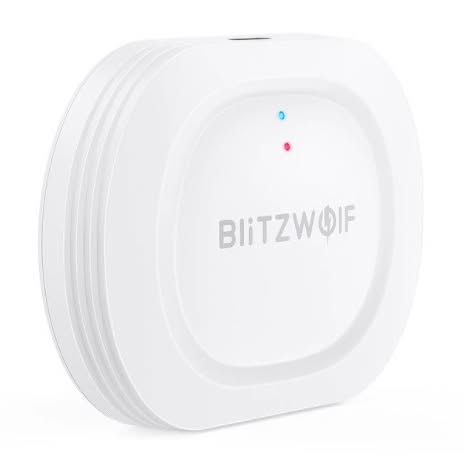 | BW-IS10 Smart Home Gataway | Shell Material : PC+ABS Net Weight : 50g Size : 65 x 50mm Working Temperature : -10℃ to + 55℃ Working Humidity : 10%~90% RH Power Supply : DC 5V/1A Micro-USB Power Port WIFI Standard : 802.11 b/g/n 2.4GHz WiFi Main IC : RTK8711AM WiFi Flash : 4MB WiFi Maximum Transmitting Power : <18dBm WiFi Receiving Sensitivity : -95dBm WiFi Effective Communication Distance : >30m WiFi Protocol Standard : IEEE 802.15.4 ZigBee Wireless Technology : ZigBee 3.0 ZigBee Main IC : SILICON LABS ZigBee Maximum Transmitting Power : 13dBm ZigBee Receiving Sensitivity : <-101dBm ZigBee Effective Communication Distance : >30m |
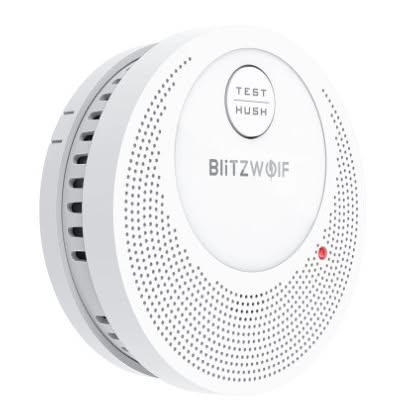 | BW-OS1 Smoke Detector Fire Sensor | Input DC3V Power 2*AA Batteries (Not Included) Alarm Volume ≥85dB@3m Low-Voltage Detection 2.4V±0.1V Working Temperature -10℃~+55℃ Working Humidity ≤95%RH, non-condensing Standard TUV EN14604:2005/AC:2008 Product Dimension φ98*32mm Weight 145g |
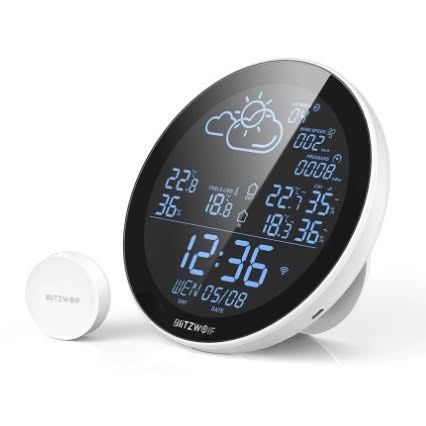 | BW-WS02 Smart Weather Station & Clock | Input DC5V2A Type of Power Cord Micro-USB APP Name BlitzWolf APP Wi-Fi IEEE802.11b/g/n Radio Frequency 433Mhz Sensor Up to 3 sensors can be connected Screen Material VA Screen Transmission Distance >30M (In the open area) Installation Method Bracket Stand and Wall Mount BlitzWolf Detect Sensor Model BW-DS02 Input DC3V Battery Type CR2477*1 Radio Frequency 433Mhz |
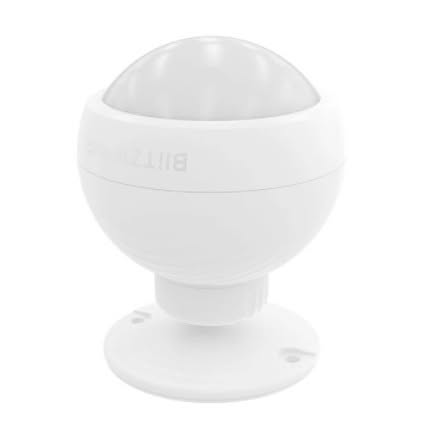 | BW-IS3 WiFi PIR Motion Sensor Detector | Compatible: Android 4.4 +, iOS8.0+ Battery Type 3.7V/500mAh lithium battery Detection Angle 110° Detection Range 6-8m Charging: 5V/1A micro-usb Transport Working Voltage DC5V Working Temperature -20℃-70℃ Relative Humidity 10-90%(non-condensing) |
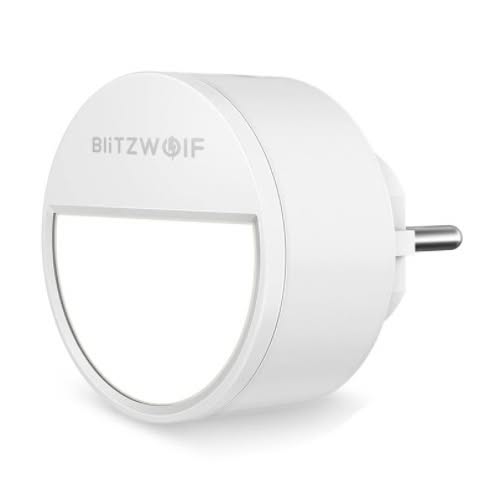 | BW-LT10 Smart Lamp | Working Voltage AC100-240V Working Current Max. 0.1A Rated Power 1W Standby Power 0.2W Lumens 20lm Color Temperature 3000K Life-span 30000h LED Amounts 4pcs x 0.2W 2835 3000K Material ABS + PC Net Weight 45g(US Plug) 60g(EU Plug) Size 55x55x50mm(US Plug) 60x60x68.5mm(EU Plug) Certification FCC, RoHS(US Plug) CE, RoHS(EU Plug) |
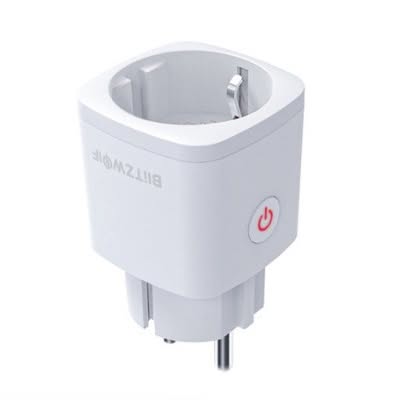 | BW-SHP13 Smart Plug | Plug Standard EU Input Voltage&Current AC110~250V 50Hz/60Hz 16(MAX) Wireless Type Zigbee 3.0 Compatible Amazon Alexa, Google Home Operating Temperature 0℃-40℃ RH≤80% Shell Material Flame Retarding V0 Class ABS+PC Product Size 46*46*82mm |
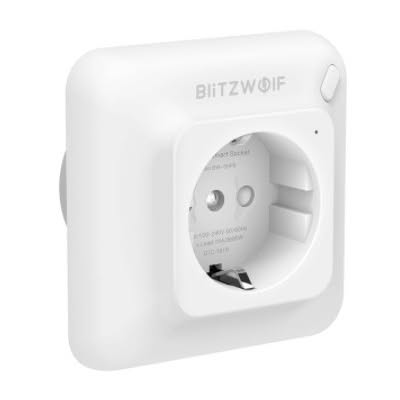 | BW-SHP8 3680W Wireless Wall Socket | Type EU Plug Color White Dimension 80*80*54mm Weight 105g Material ABS & PC Input AC 1000V-240V 50/60Hz Max Load 16A Maximum Power 3680W Power Consumption ≤ 0.3W Working Temperature -20~45℃ Relative Humidity ≤80% WIFI Frequency 2.4GHz WIFI Wireless Range 30M Certification CE, RoHS |
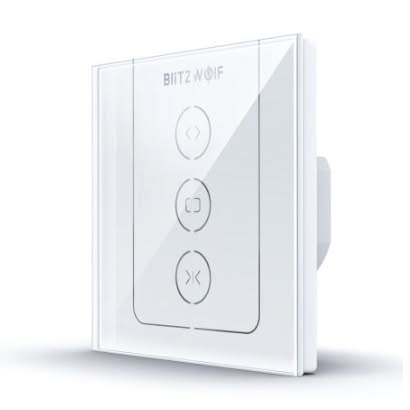 | BW-SS12 Smart Switch | Material: Flame retardant ABS+ Glass |
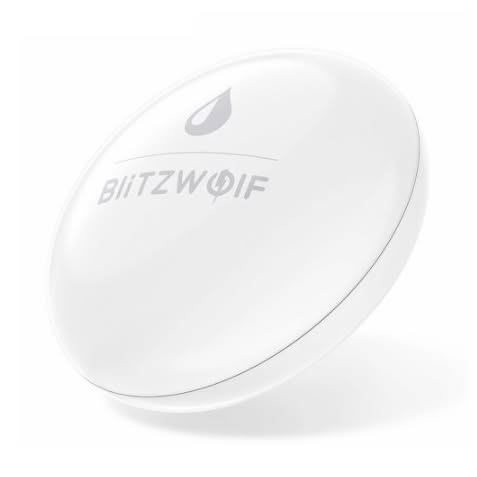 | BW-IS9 Water Leak Sensor | Size 60 * 15mm Communication Protocol TUYA ZigBee Wireless Distance: 100m(in the open area) Working Voltage: DC 2.1-3.3V Replaceable Battery :CR2450 *1 Battery Life Up to 1 year Low Voltage Detection: 2.3V Working Current Static current≤10uA;alarm current:≤ 8mA Detection Medium Water or other liquid that can conduct electricity (pure water cannot be detected) After Detecting the Conductive Liquid Send the alarm signal again in about 5 mins Working Temp & Humidity -10℃~50℃;≤ 95% RH without condensation Waterproof Level IP64 |
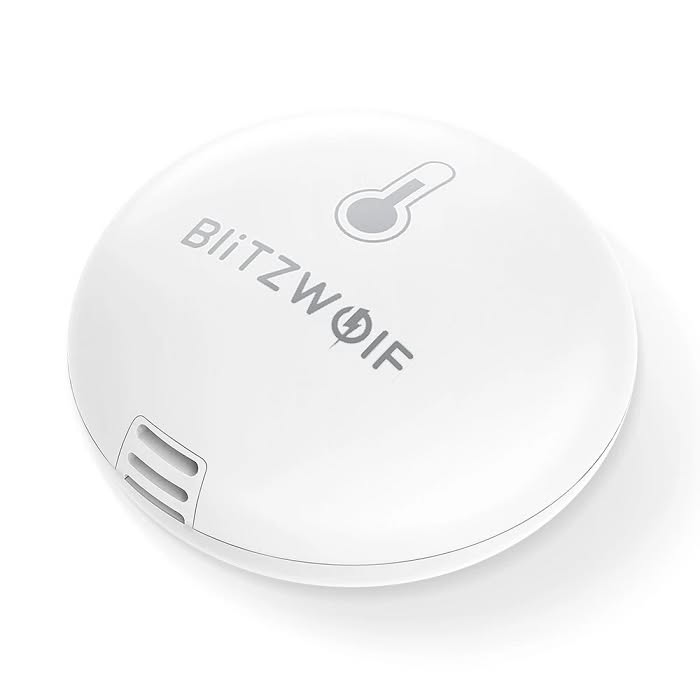 | BW-IS8 Temputure & Humidity Sensor | Size 42x18mm Communication Distance: 100 meters Low Battery Prompt 2.5V±0.2V Transmitting Frequency 2.4GHz Temperature Error 0.5℃ Humidity Error 5% Save Table Working Temperature -20℃?60℃ Installation Mode Wall-mounted Battery Up to 1 year battery life |
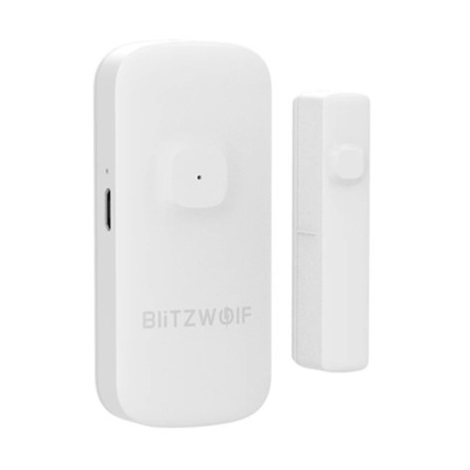 | BW-IS2 Door/Window Sensor | Compatible Android 4.4 +, iOS8.0+ Battery Type 3.7V/500mAh Li-ion Battery Magnet Material N35 Trigger alarm distance ≥20mm(influenced by the environment.) Charging Way 5V/1A micro-usb Transport Protocol ZigBee Working Voltage DC5V Working Temperature -20℃-70℃ Relative Humidity 10-90%(non-condensing) |
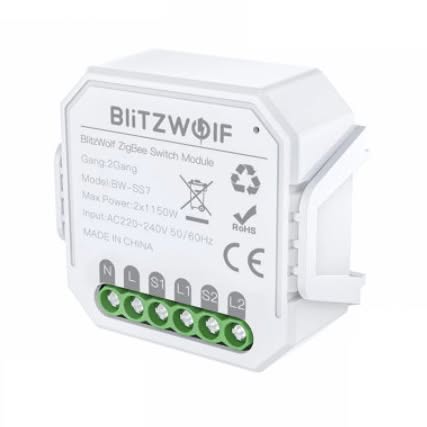 | BW-SS7 Smart Switch Module | Input Voltage AC 230V 50/60Hz Rated Current 10A Wireless Protocol ZigBee 3.0 App BlitzWolf, Tuya, Smart Life Working Distance ≤200m Maximum Power LED 250W White Light 2300W Shell Material Flame Retardant Material IP Rating IP20 Operating Temperature -10~45℃ Product Size 46x46x18mm |
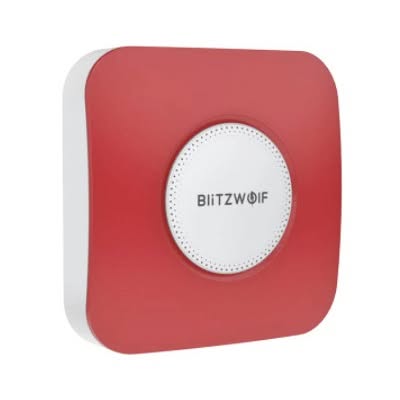 | BW-IS11-Security-Alarm-Siren | Sound power: 90dB or above |
Software
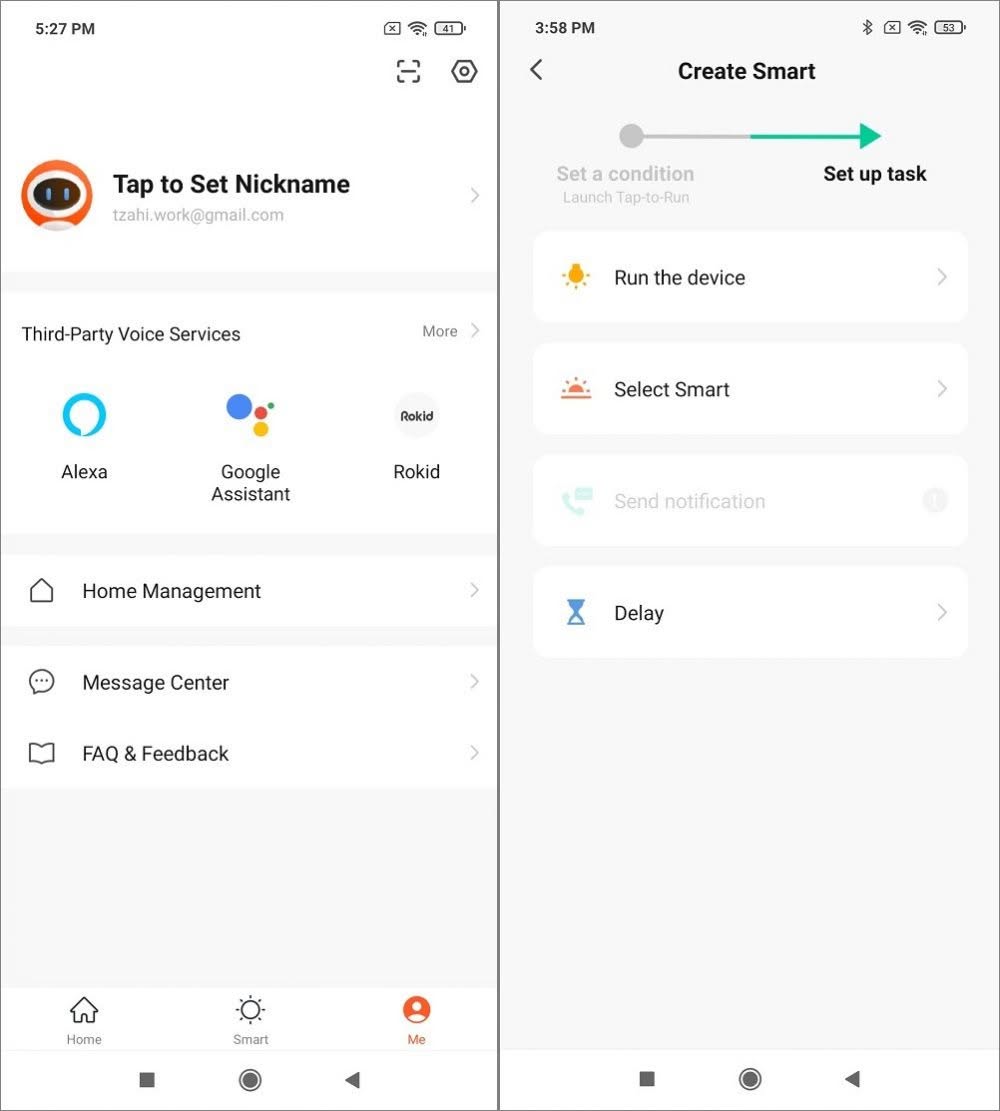
Without probing into all these features of the application. You have a nice set of different operation modes you can set, based on different conditions such as time, weather (temperatures) to operate all of your connected smart devices. You can even send a notification alarm, according to each device battery level, including viewing each device assigns MAC and IP address. If you are a great fan of voice activated services, you would happy to hear it also supports few known platforms such as Alexa, Google Assistant, Rokid, and Tmall Genie.
BlitzWolf company team did an impressive work in UX design of the App. It’s very easy to operate and each setup step is followed with clear to understand instruction. As for the information provided by the BW-IS8 sensor, it offers a simple and effective graphical interface displaying humidity and temperature levels. We also noticed that the sensor displays updated information every 60 minutes and not in real time. That’s probably has to do with energy conservation considerations, but we thought it was worth pointing out.
BlitzWolf (Android Mobile App)
Verdict
Our experience with BlitzWolf Smart home platform was awesome. The App is intuitive and very easy to operate. The well crafted mobile app offers a massive list of different smart devices for all home monitoring applications you will ever need, starting from security, smart switches, health , home automation and so forth. To conclude, we certainly recommend purchasing the product.
Price and availability
| Description | Coupon Code | Final Price | Product Photo | Buy Link |
|---|---|---|---|---|
| BW-IS10 Gateway | BGCNBWYR | $23.99 | | |
| W-IS8 Humidity & temperature sensor | BGf66a6c | $13.99 | |