Close Menu
    Facebook X (Twitter) Instagram Threads
    Trending
    • Rii TU3607 iPad Keyboard Case Review: Dream or Heavy Burden?
    • PrivadoVPN Review 2026: Does the Free Tier Still Work for Streaming?
    • Rii 518BT Review: Is This Pocket Keyboard Actually Usable?
    • Rii RK807 Pro Review: The Best Budget Apple Magic Keyboard Alternative?
    • Rii RK808 Review: The Best Foldable Travel Keyboard?
    • Rii RS201 Review: $69 16-Inch Portable Monitor Tested
    • AliExpress Promo Codes: August 2026 (100% Verified)
    • Orange Pi 6 Review: Is It Suitable for Running Local LLMs? We Checked.
    AndroidPIMP
    Facebook X (Twitter) Instagram
    • Mini PCs & Media Players
    • Embedded Computers
    • Wearables
    • Wireless Routers
    • Edge AI Cameras Vision Hardware
    • Tech Accessories
    AndroidPIMP
    Xiaomi Poco Pad Review

    Poco Pad Review: A Detailed Hands-on Review

    0
    By androidpimp on March 27, 2025 Tablet PCs
    Table of contents
    1. Part I: Xiaomi Poco Pad Introduction
    2. Xiaomi Poco Pad Specifications
    3. Comparing Specifications: Xiaomi Pad 6S versus Poc Pad.
    4. Comparison: Xiaomi Poco Pad and Apple iPad Pro 12.9-inch
    5. Powered by HyperOS
    6. An affordable alternative to the Pad Pro with comparable quality
    7. Part II: Xiaomi Poco Pad Review
    8. Unboxing All Items:
    9. The main package (Tablet & Accessories)
    10. Poco Pad Cover (Optional Accessory)
    11. Poco Pad Keyboard (Optional Accessory)
      1. Using the Poco Pad Keyboard
    12. The crucial accessory overlooked by Xiaomi
      1. What are the benefits?
    13. Smart pen (Optional Accessory)
    14. Design
    15. Weight
    16. Display
      1. Testing the visibility of displays in strong sunlight conditions.
      2. Whatโ€™s a TรœV Rheinland certified device is and why it is crucial for the health of your eyes?
    17. Quad speakers for immersive stereo sound
    18. Hardware
    19. Software
      1. What is the current amount of available space?
    20. Interconnectivity
    21. Xiaomi Interconnectivity โ€“ Pairing with the Poco X7 Pro smartphone
    22. Kodi Compatibility
      1. Kodi Performance and Memory Use
    23. Using the Tablet With Stylus Pen For Drawing & Writing
      1. What does Mi Canvas Apps have to offer?
    24. Smart Pen
      1. Charging the Smart Pen
      2. Palm rejection support
      3. Latency
      4. Understanding Smart Pen Latency
      5. How good is the latency on the Poco Pad?
      6. Pressure sensitivity
    25. Cameras
      1. What is the quality of the picture like?
    26. Benchmarking
      1. AnuTu Benchmark
      2. Geekbench 6: Test Results
      3. Comparing the results to equivalent devices
    27. 3DMark performance assessment:
      1. Can the hardware handle graphically intensive games?
    28. Battery Life and Charging Speed of Poco Pad
    29. Battery life during Netflix streaming
    30. Netflix Streaming
    31. The Poco Pad offers support for WiFi 6, providing even better connectivity options.
    32. What about the competition?
    33. Accessories for the Xiaomi Poco Pad
    34. Is the Xiaomi Poco Pad Worth Buying?
    35. Frequently asked questions about the Poco Pad
      1. What type of processor powers the POCO Pad?
      2. What storage options are offered for the POCO Pad?
      3. What kind of display is included in the POCO Pad?
      4. What is the battery capacity and charging capability of the POCO Pad?
      5. Can Kodi be installed on the Poco Pad, and how does it perform?
      6. Is the POCO Pad OS capable of fully utilizing the available 8GB of RAM?
      7. Does the Poco Pad HyperOS support a 64-bit architecture and allow the installation of 64-bit APKs?
      8. What is the highest resolution that Netflix supports for video playback on the Poco Pad?
    36. Verdict, Pricing, and Availability
      1. Poco Pad Pricing and purchasing options
      2. Poco Pad

    Display

    The Poco Pad display features a great-looking 12.1″ IPS LCD panel with a resolution of 1600 x 2560 pixels and a refresh rate of 120Hz. According to our impression, it is highly responsive and offers excellent viewing angles. The product specifications state that it boasts a maximum brightness level of 600 nits, ensuring crystal-clear visibility even under the sunniest skies.

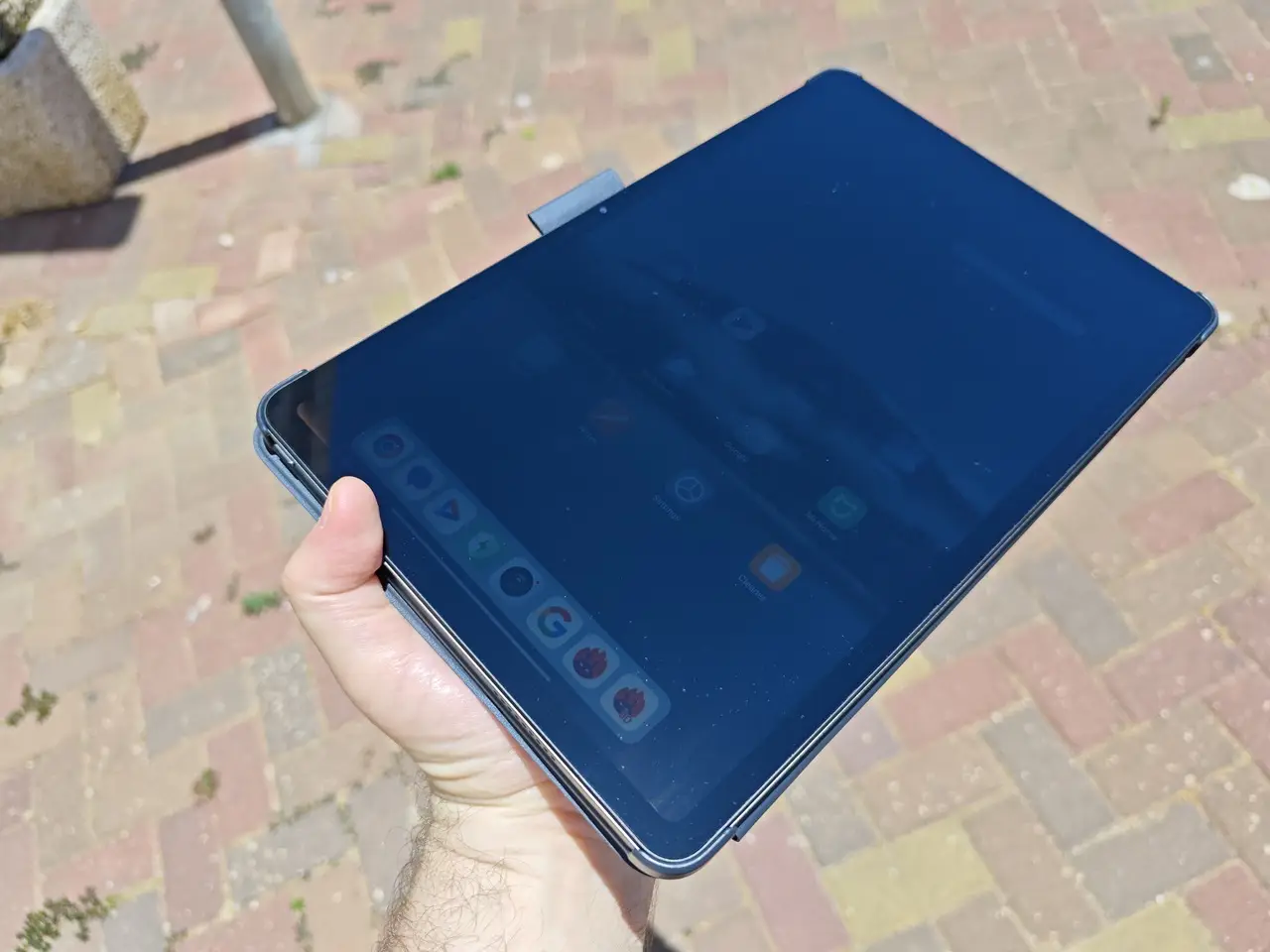
    Testing the visibility of displays in strong sunlight conditions.

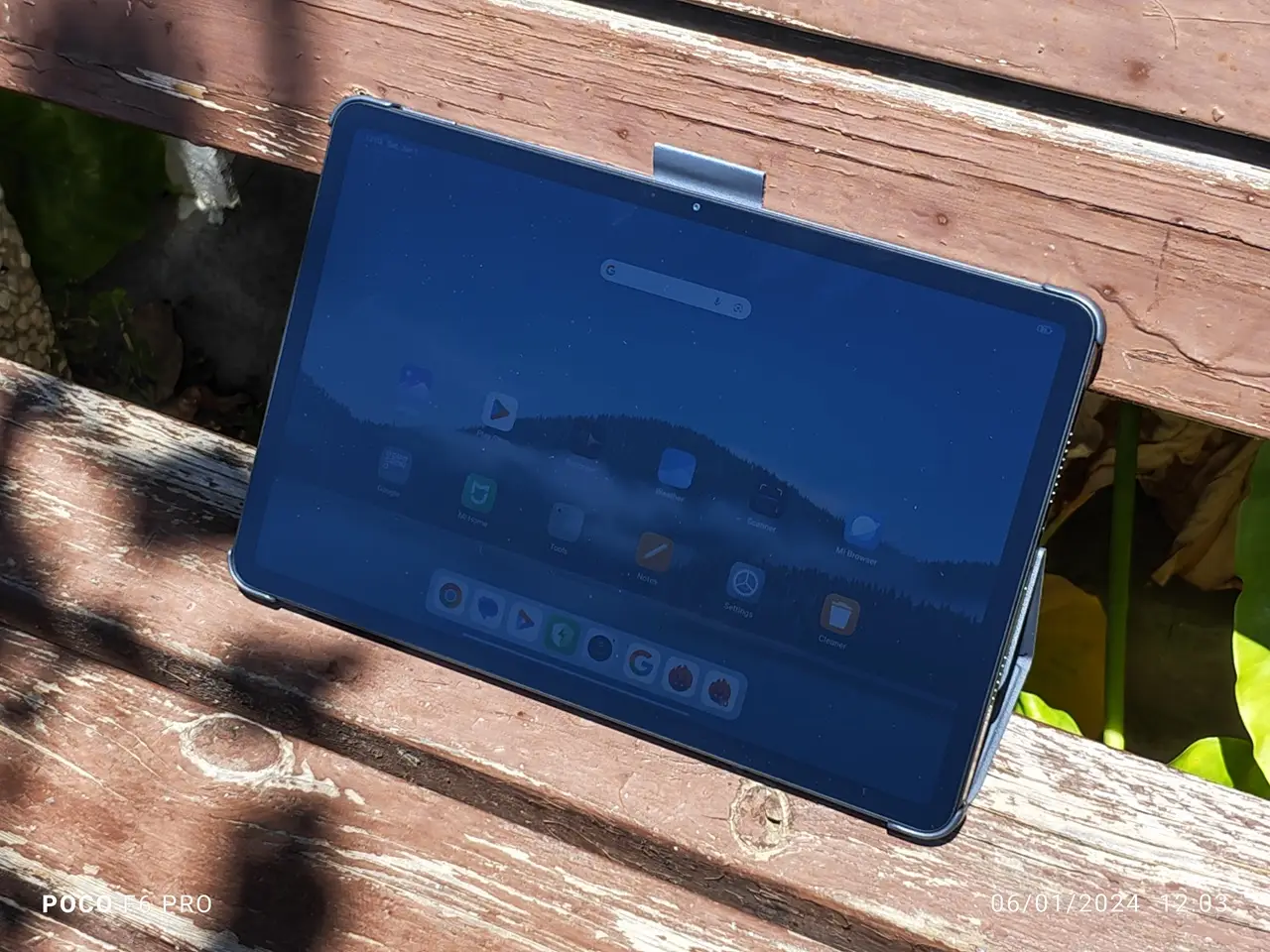
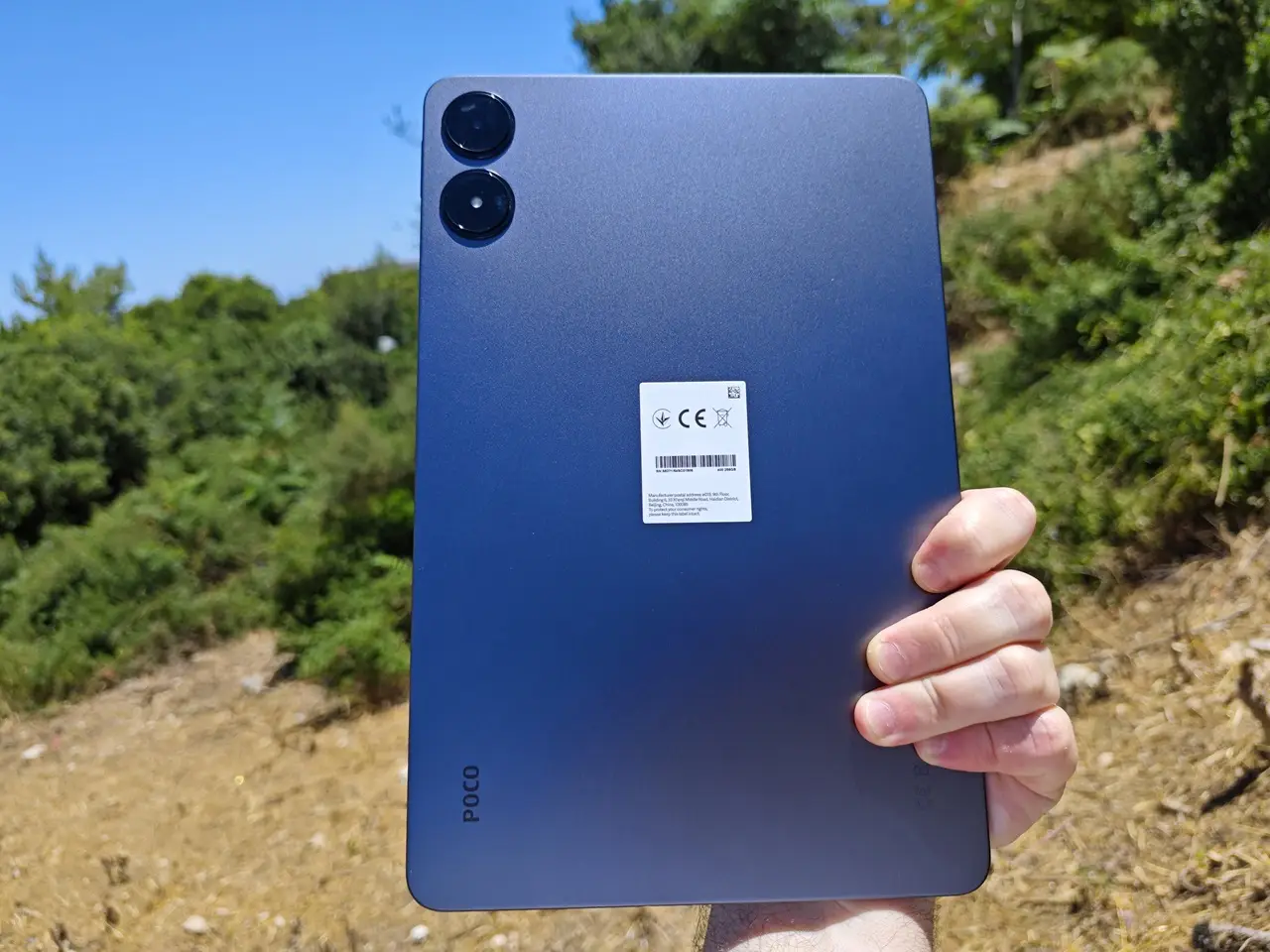
    For this simple test, we manually adjusted the brightness level to its maximum and checked if the display is readable. With 600 nits of brightness, the results were average, but not entirely bad. The display remained readable even under intense light, but a minimum of 1000 nits brightness would be more helpful. The solution is to use the device in a shaded environment with minimal reflections and exposure to sunlight.
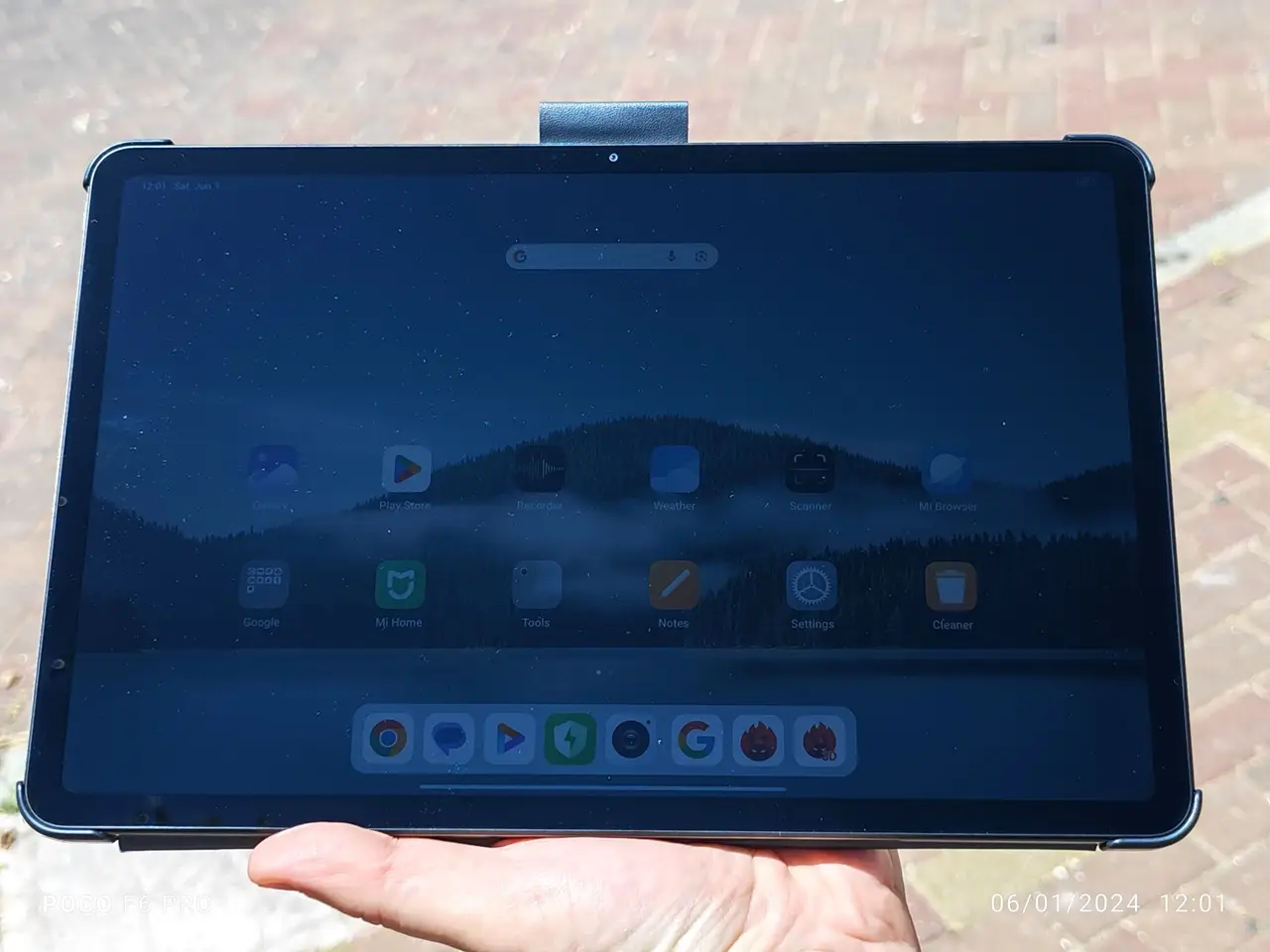
    Poco Pad Sunlight visibility test (Front 1/2)
    Poco Pad Sunlight visibility test (Front 2/2)
    Xiaomi Poco Pad Display 4
    Poco Pad Sunlight visibility test (Rear)

    What’s a TÜV Rheinland certified device is and why it is crucial for the health of your eyes?

    The specifications of the tablet align with the utmost standards of eye protection for users, rendering it an essential feature that must never be overlooked.

    • TÜV Rheinland Low Blue Light (Hardware Solution) Certified: This certification assures that the display or device has undergone testing and has been certified to emit reduced levels of blue light. Blue light can lead to eye strain and disrupt sleep patterns, so having a Low Blue Light certification means the device is specifically designed to emit less harmful blue light, making it more comfortable for extended use.
    • TÜV Rheinland Flicker Free Certification:This certification guarantees that the display or device has undergone rigorous testing and has been proven to be flicker-free. Flickering screens can lead to eye strain and fatigue, so obtaining a Flicker-Free certification means the device maintains a steady light output without any discernible flicker, offering a more comfortable viewing experience.
    • TÜV Rheinland Circadian Friendly Certified: This certification indicates that the display or device is designed to be circadian-friendly, meaning it minimizes disruptions to your body’s natural sleep-wake cycle. Circadian-friendly devices typically reduce blue light emissions, maintain appropriate brightness levels, and avoid flickering, all of which can help support healthy sleep patterns and overall well-being.

    The certifications from TÜV Rheinland guarantee that the devices meet precise standards that effectively minimize eye strain, enhance visual comfort, and contribute to overall eye health.


    Quad speakers for immersive stereo sound

    One of the standout features of the tablet is its exceptional support for Dolby Atmos, accompanied by a remarkable quad-speaker sound system. Xiaomi has ingeniously placed speaker grille holes on both the left and right sides of the tablet, ensuring an unparalleled level of sound dispersion. If you’re concerned about sound quality, rest assured it’s good. While the sound levels may not be through the roof, the audio is clear, and the bass effect is quite reasonable. As an added bonus, Poco has included a headphone jack with this device, which is a feature that iPad users unfortunately lack. This not only sets the product apart, but also adds considerable value to it.


    Hardware

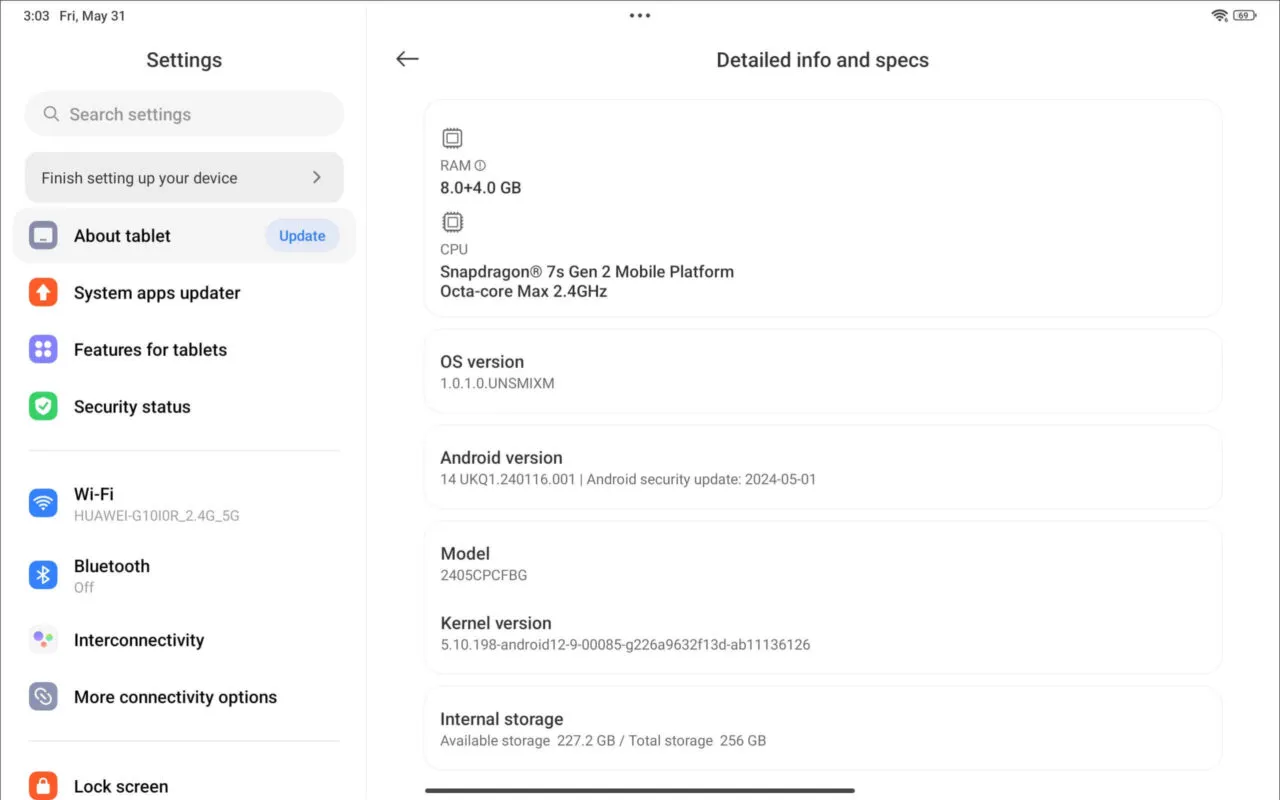
    The hardware is powered by an Octa-core Snapdragon 7s Gen 2 processor that operates at a peak frequency of 2.4GHz. This processor makes it an excellent choice mostly for casual everyday use.

    While it may not be designed for running heavy, intensive games, it is still capable of handling some. This tablet is ideal for everyday tasks. The specifications are perfect for students who require a portable notebook style with smart pen features similar to the Apple iPad Pro, but without breaking the bank. It is also great for those seeking a tablet for entertainment purposes, to watch their favorite streaming services like YouTube, Netflix, Amazon Prime, and more.


    Software

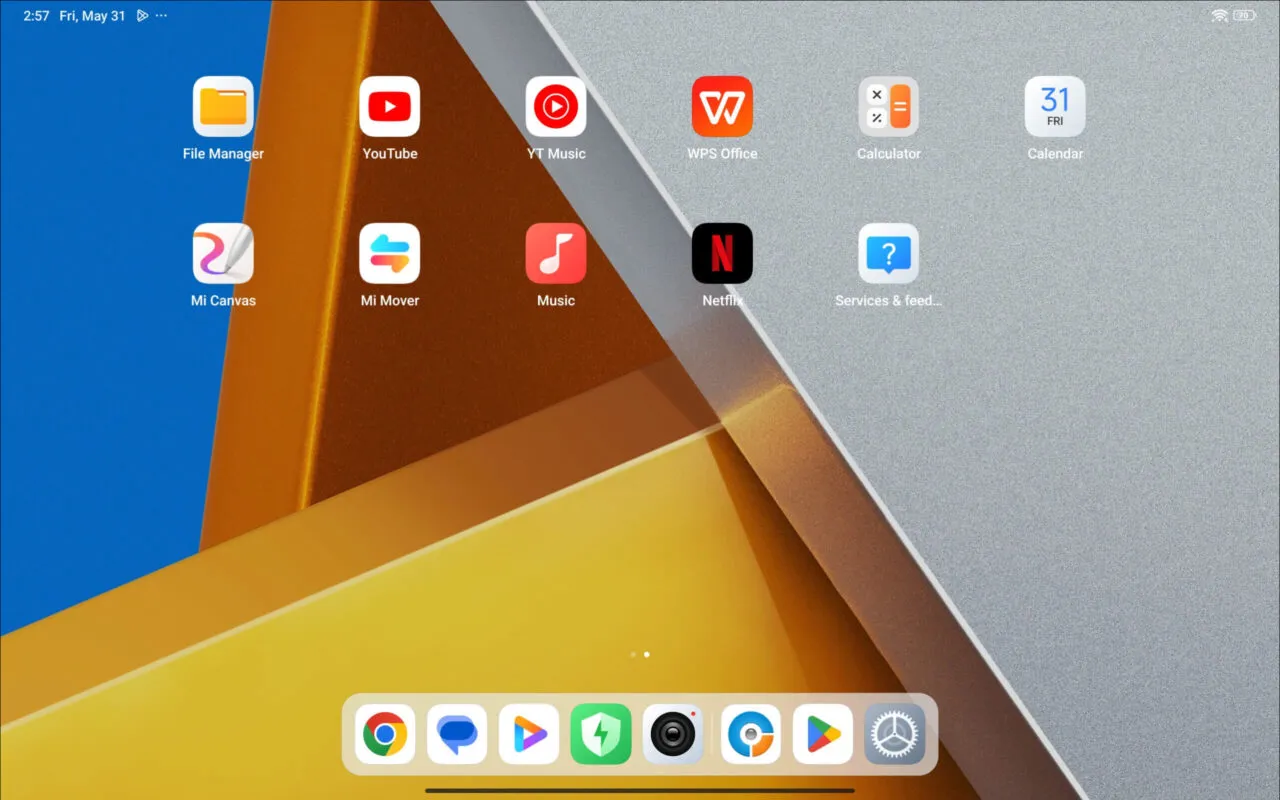
    Powered by Xiaomi HyperOS, everything remains clean and free from unnecessary bloatware. The only pre-installed application that comes with the software is Netflix. Additionally, Xiaomi has included some exciting new apps: Mi Canvas for sketching with their smart pen, as well as the Mi Mover app, which allows you to transfer files between all Xiaomi devices wirelessly without using any cables.

    What is the current amount of available space?

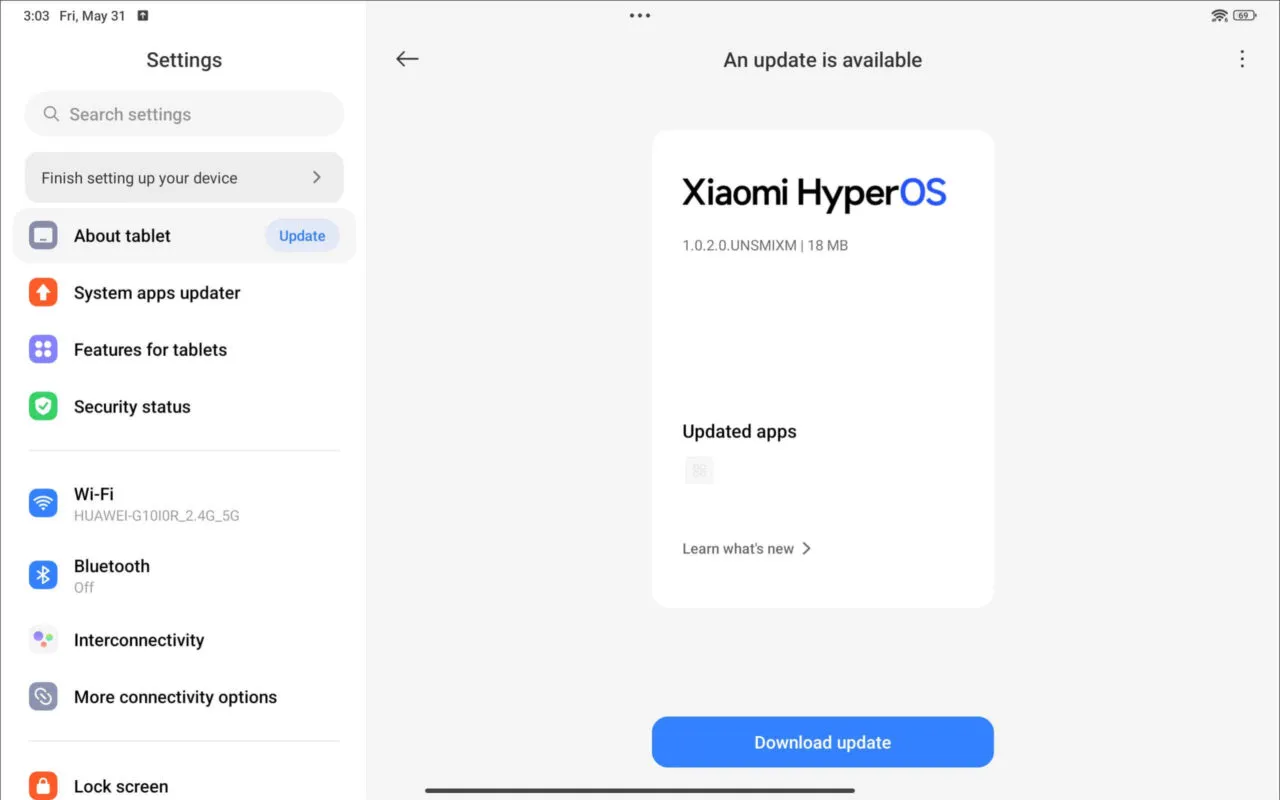
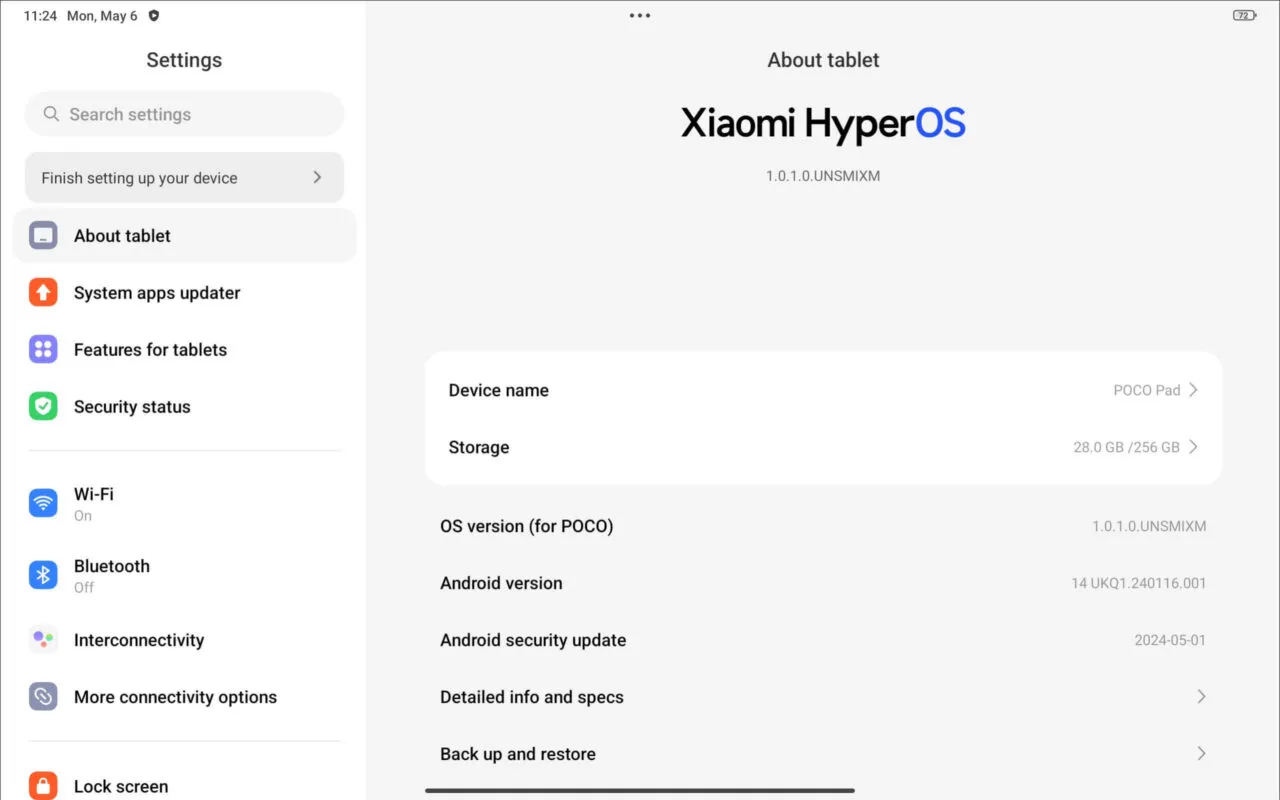
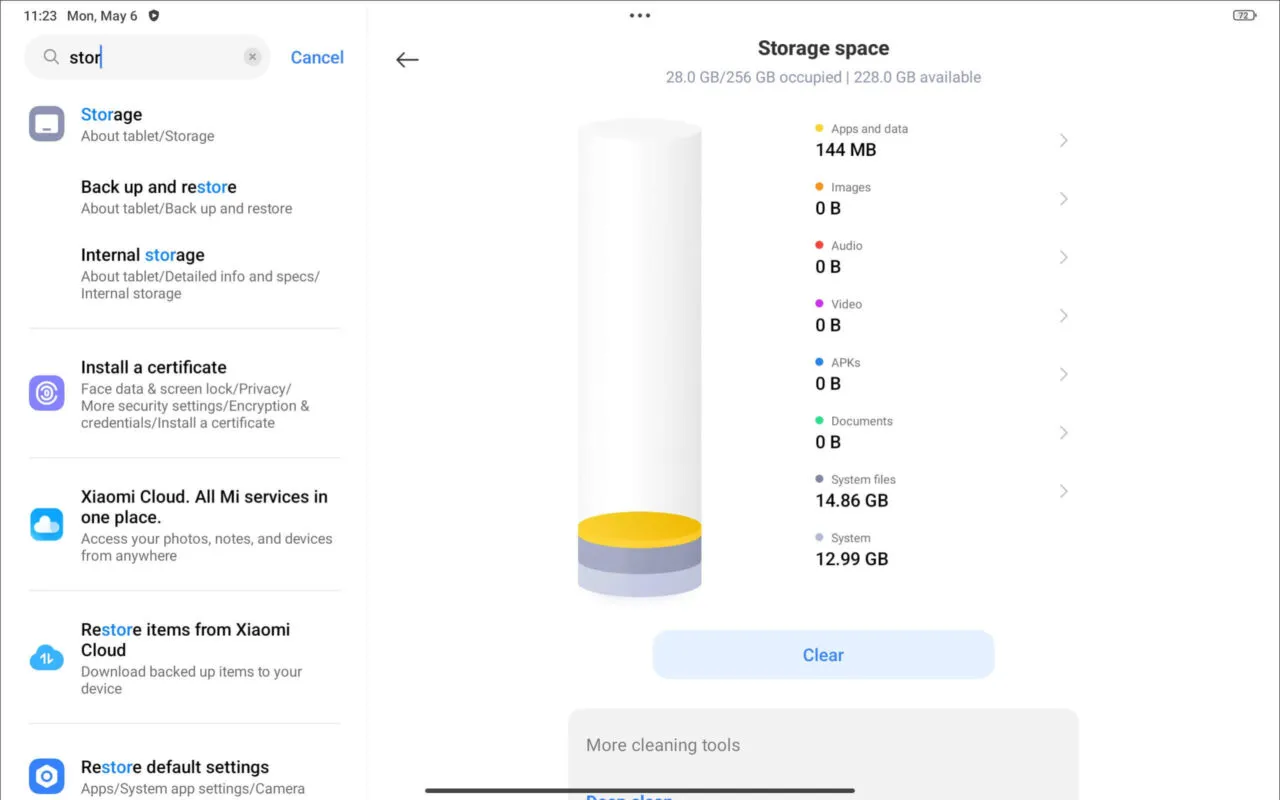
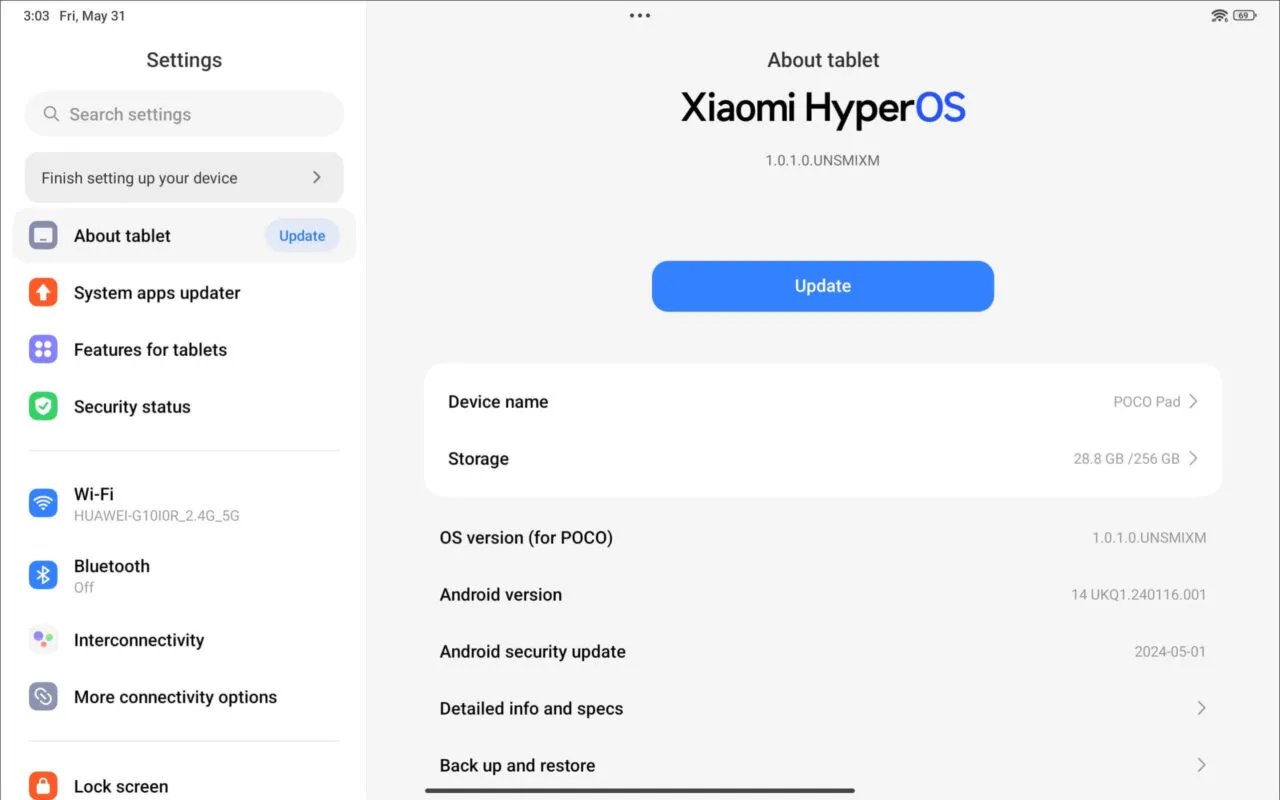
    Upon receiving the review sample, the tablet was pre-installed with HyperOS 1.0.1.0 and subsequently updated to version 1.0.2.0, so naturally we updated the software. Additionally, our device with 8GB RAM and 256GB storage offers an impressive 228GB of available space. Furthermore, Poco has incorporated a Micro SD Card slot that can support cards up to 1.5TB, providing a significant advantage. To sum up, our user experience has been exceedingly positive.

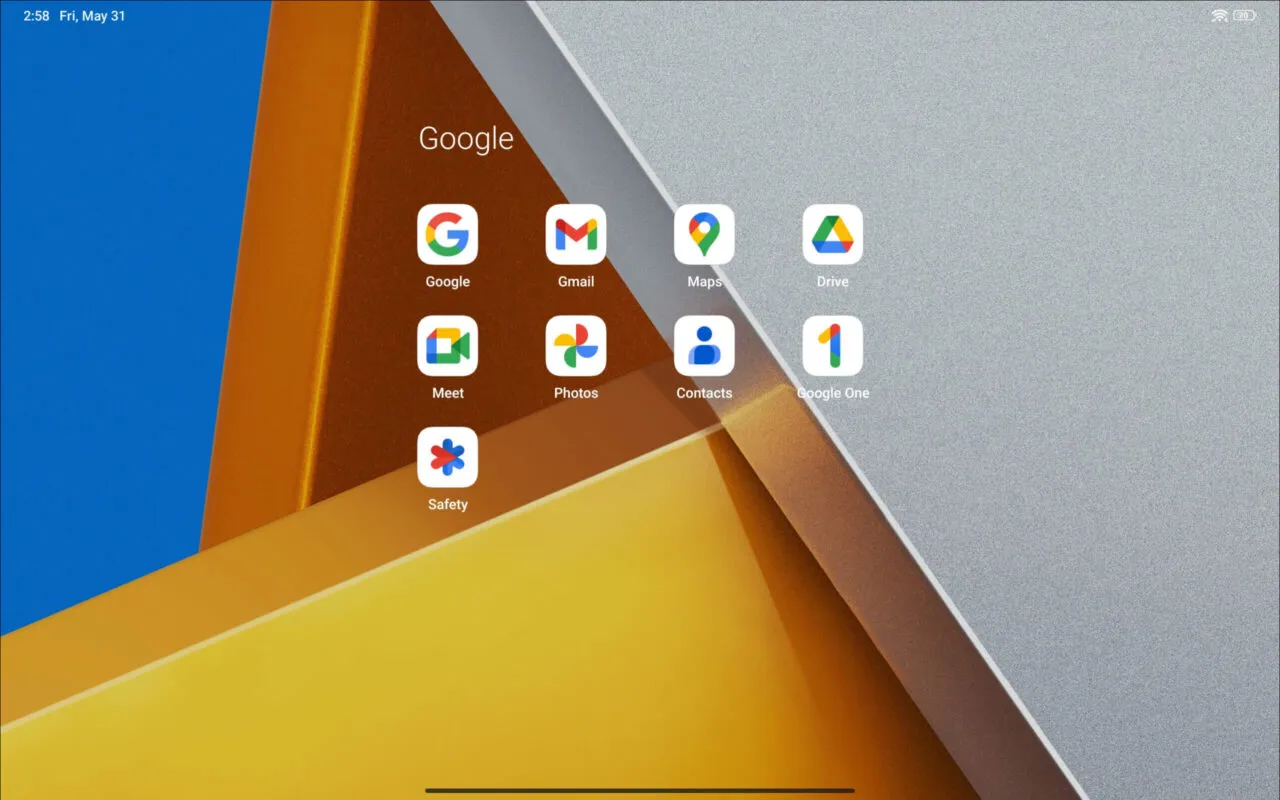
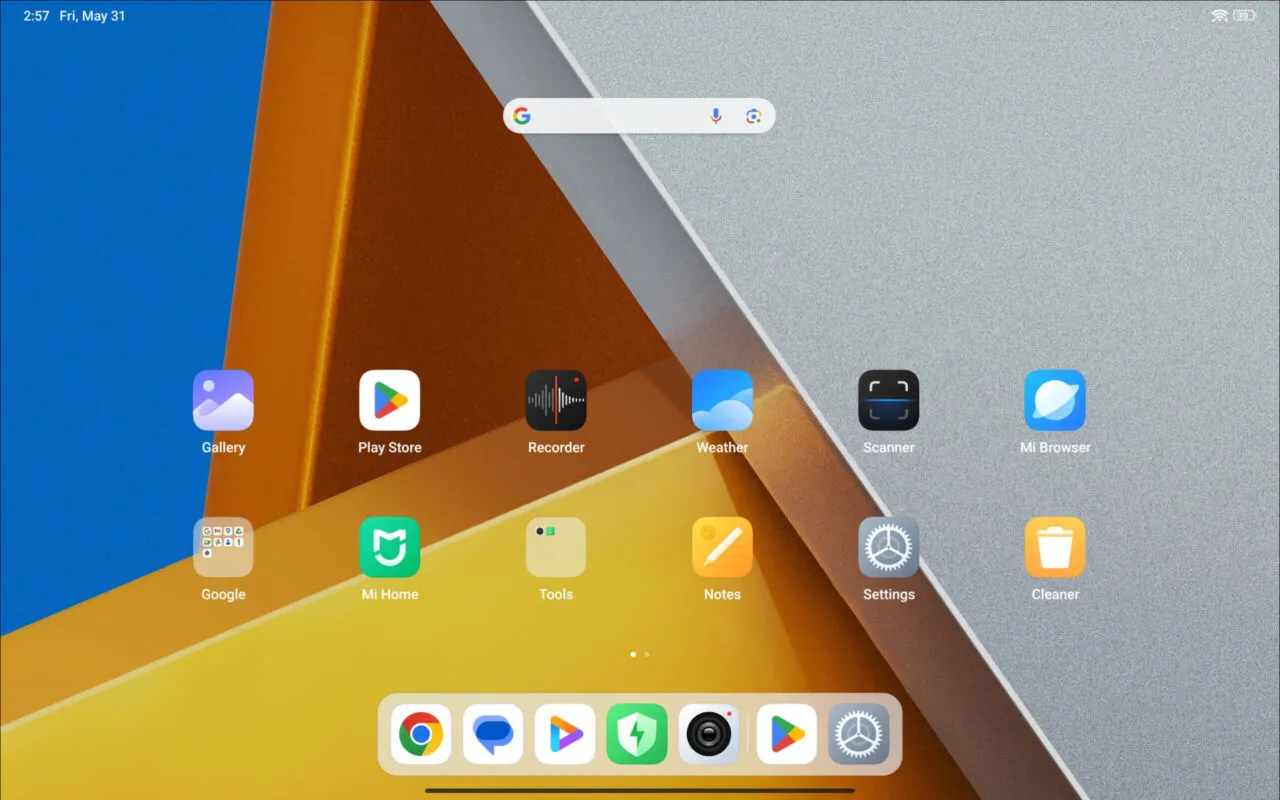
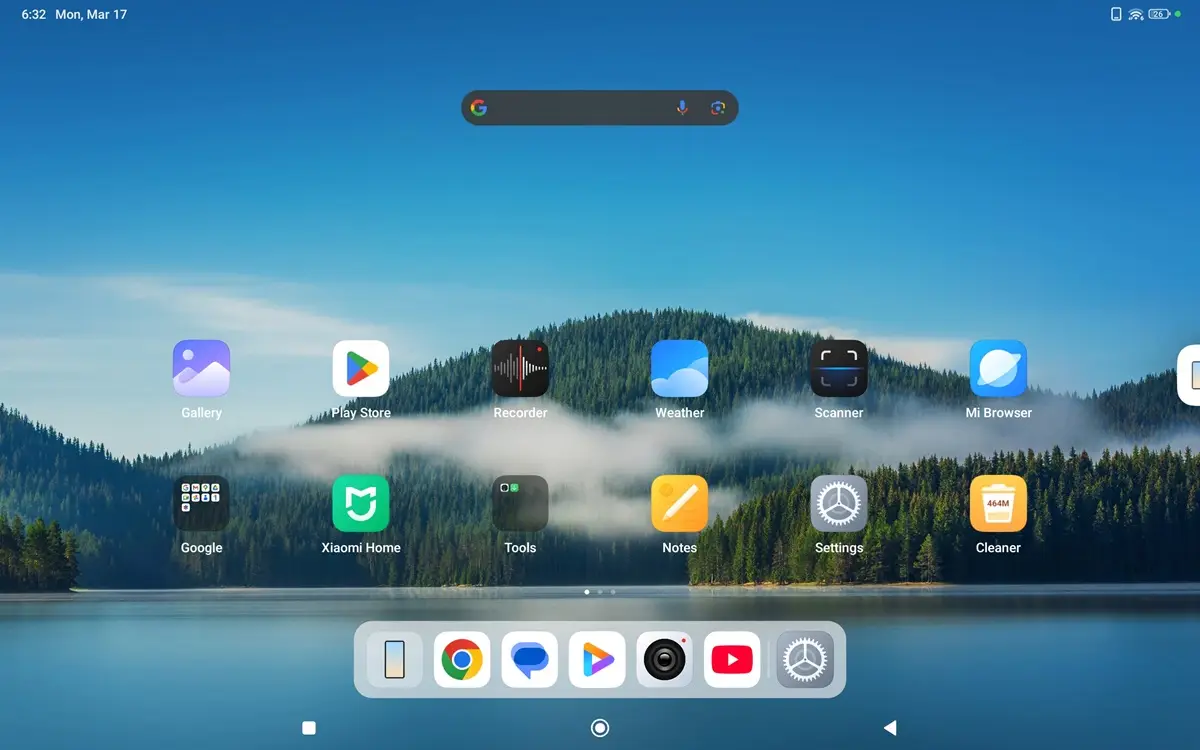
    Poco Pad, featuring Xiaomi’s HyperOS (Screenshots)
    • Xiaomi Poco Pad OS 6 scaled
    • Xiaomi Poco Pad OS 8 scaled
    • Xiaomi Poco Pad OS 5 scaled
    • Xiaomi Poco Pad OS 7 scaled
    • Xiaomi Poco Pad OS 4 scaled
    • Xiaomi Poco Pad OS 3 scaled
    • Xiaomi Poco Pad OS 2 scaled
    • Xiaomi Poco Pad OS 1 scaled

    Interconnectivity

    Drawing from our experience, this service demonstrates remarkable effectiveness. Although we encountered a few minor lag issues, the overall performance remains impressively smooth.

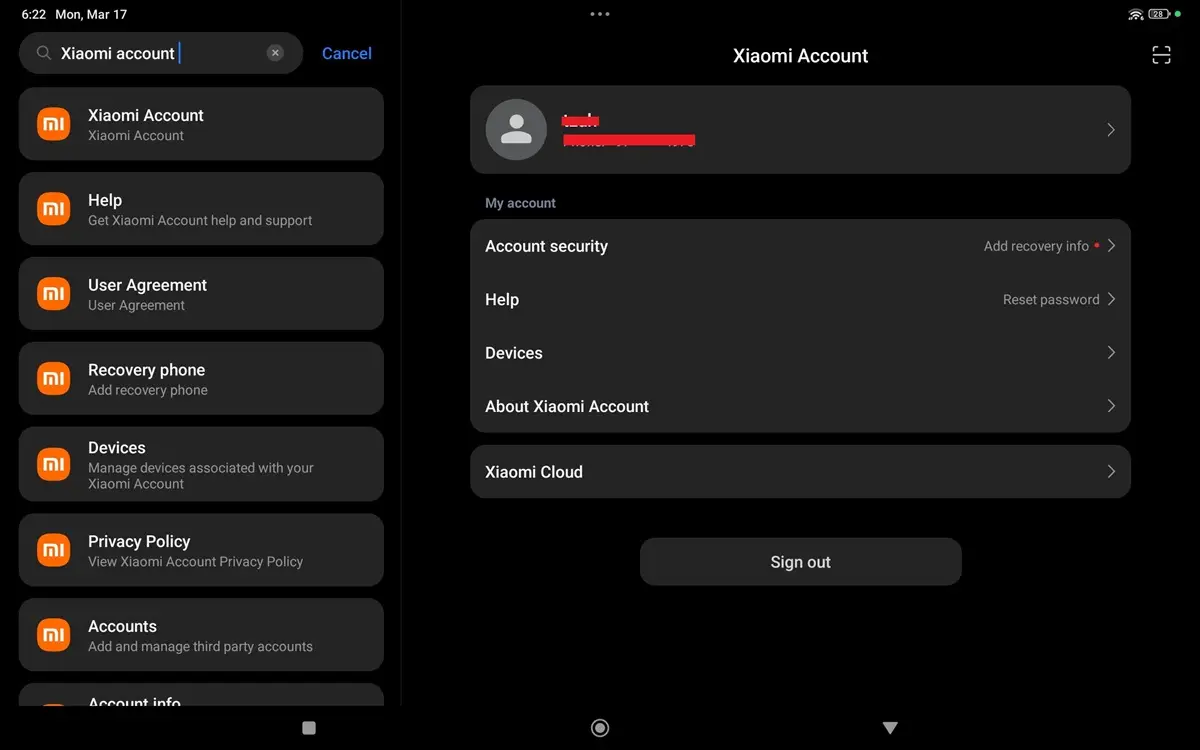
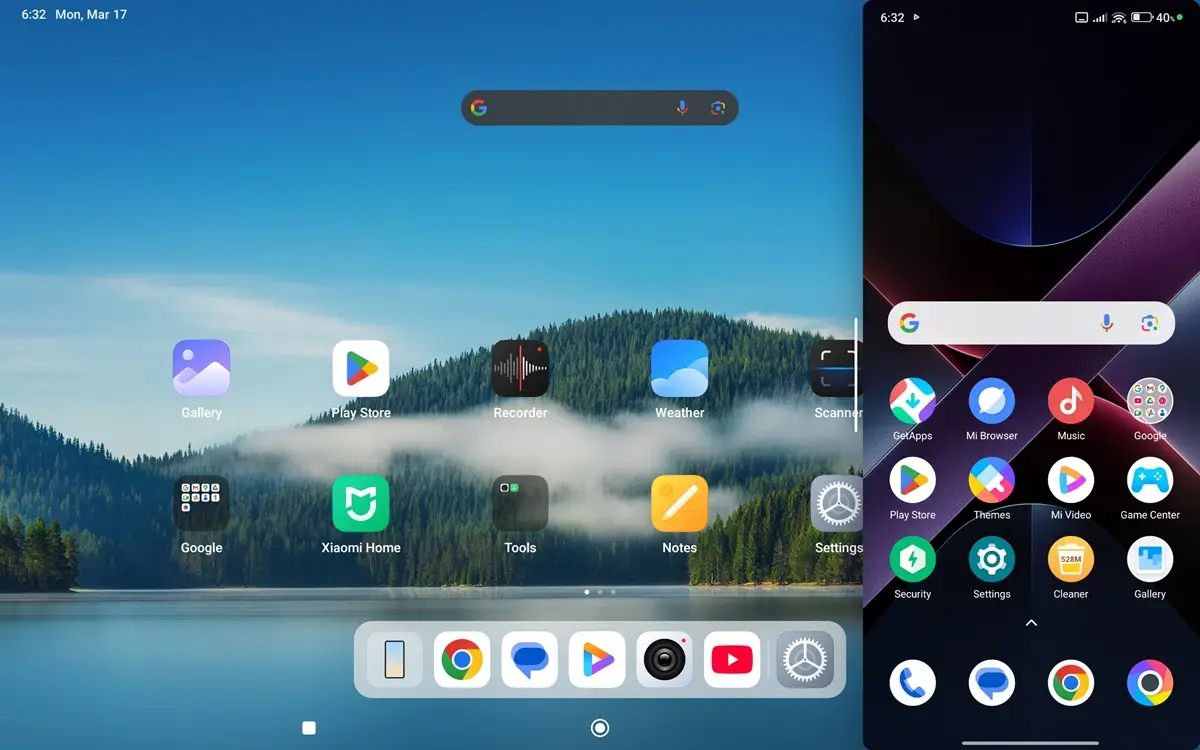
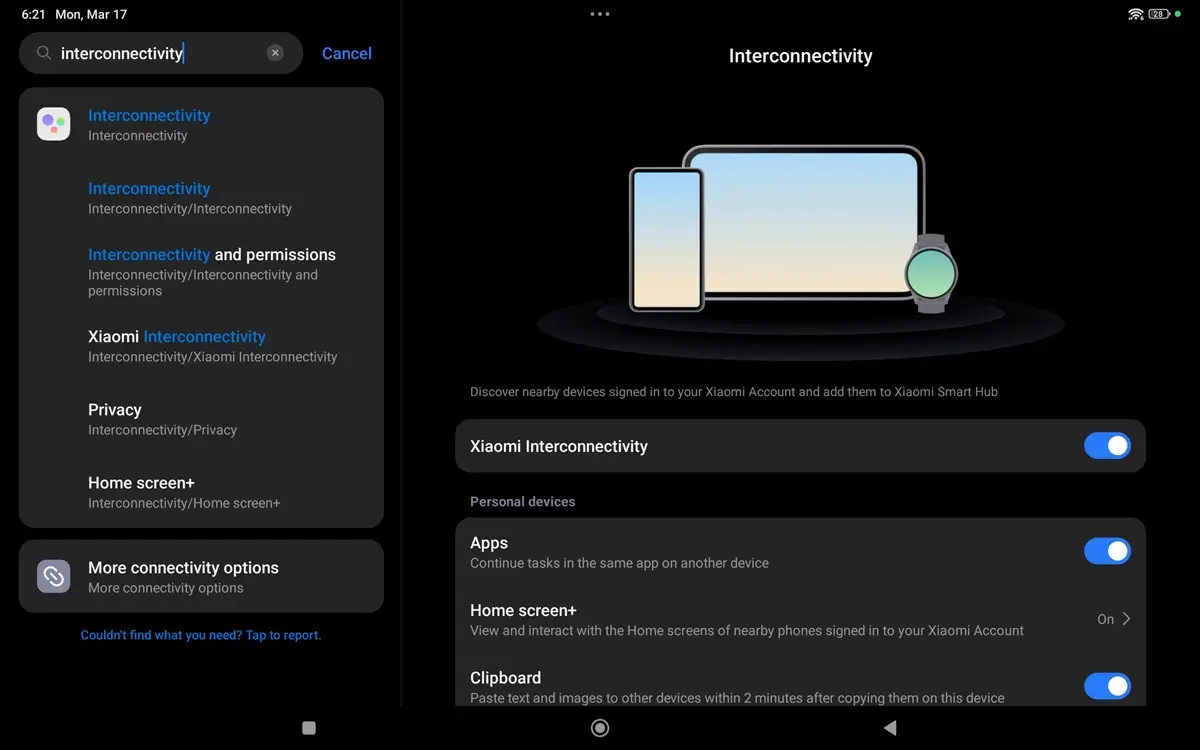
    Also known as Screen Mirroring, this cutting-edge feature enables you to effortlessly replicate your phone’s display on the tablet’s desktop interface. You can continue to use your phone, accessing all your apps and even the camera seamlessly. To activate this feature, you’ll need to log in to your Xiaomi account on both devices: the Poco Pad and your phone.

    After completing this step, you’ll receive a notification request on your phone, and you’ll be ready to begin. At this point, you should see a rectangular icon on your Poco Pad desktop that you can click to activate the feature.

    Xiaomi Interconnectivity
    Xiaomi Interconnectivity 1
    Xiaomi Interconnectivity 2
    Xiaomi Interconnectivity 3
    Xiaomi Interconnectivity 4
    Xiaomi Interconnectivity 5

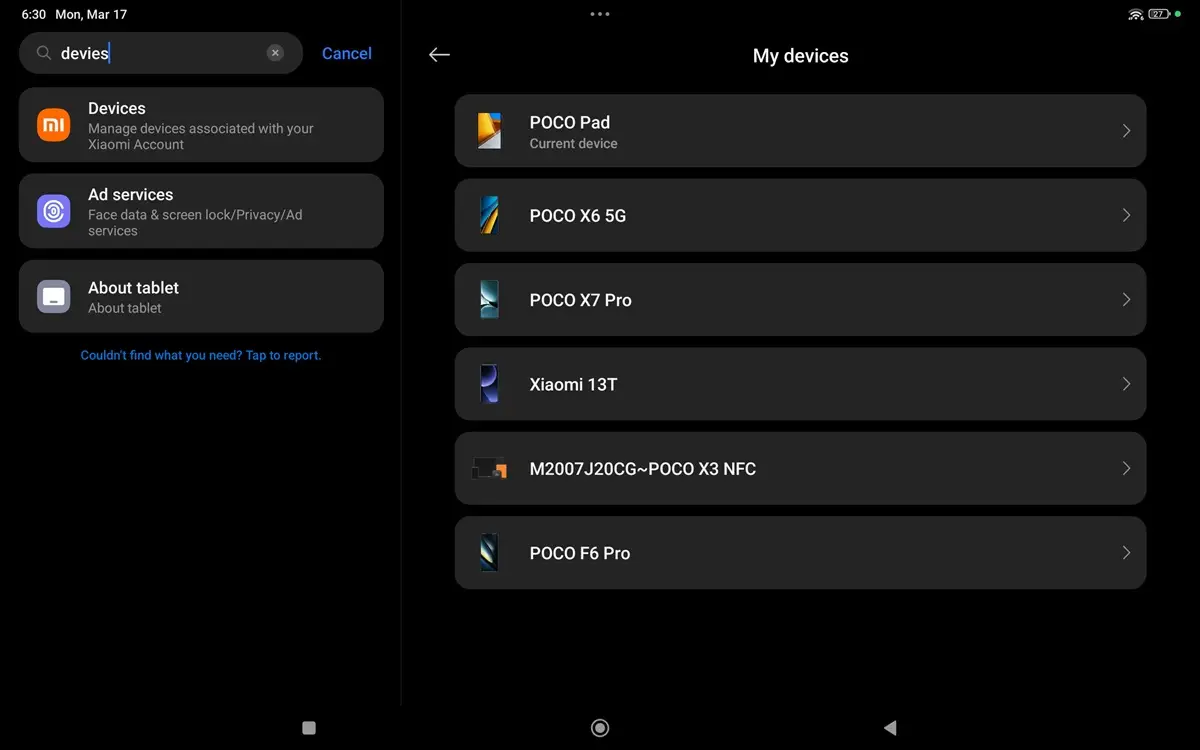
    Xiaomi Interconnectivity – Pairing with the Poco X7 Pro smartphone

    Once the pairing is completed, you can utilize the Poco Pad to fully access your phone’s apps, browser, contacts, and even initiate phone calls, all from the tablet. This functionality allows you to work efficiently on the go while still maintaining access to your nearby mobile phone.
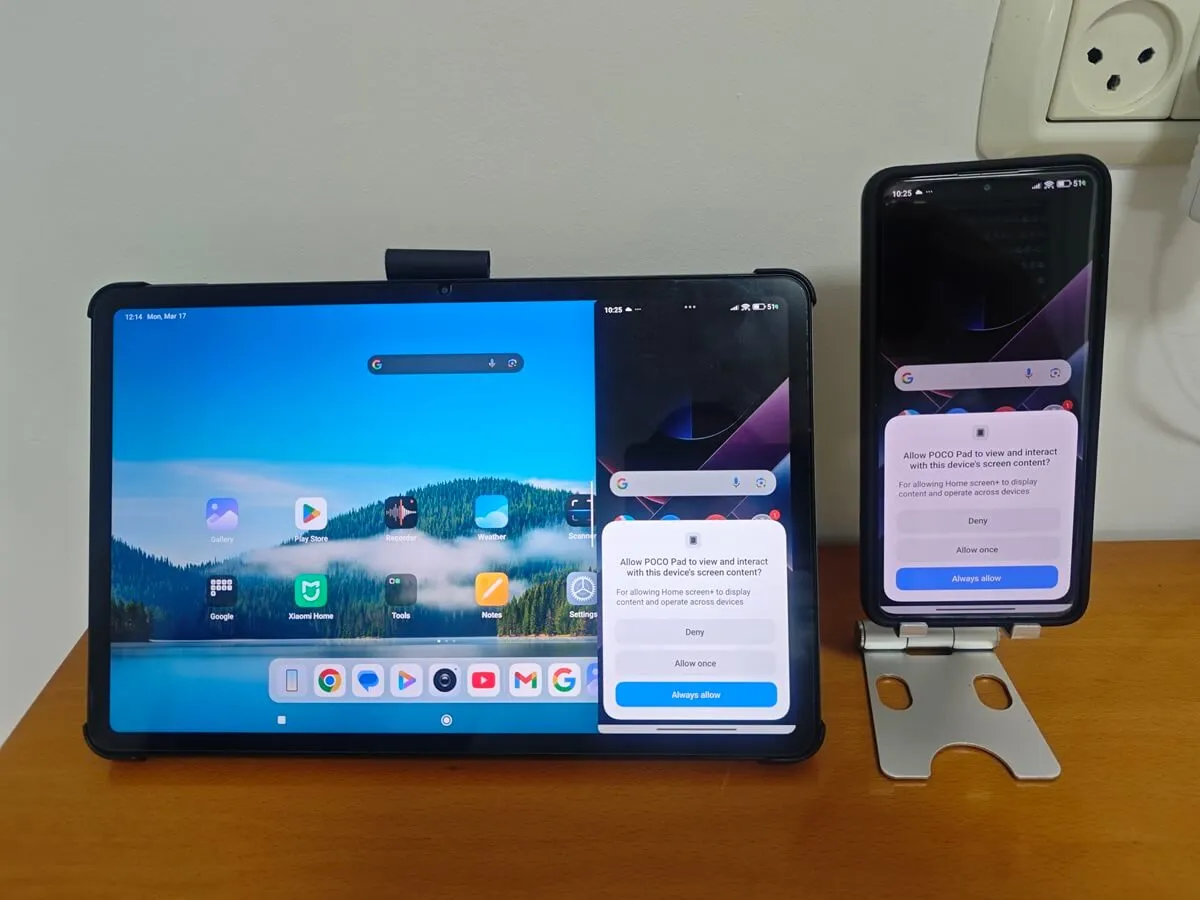
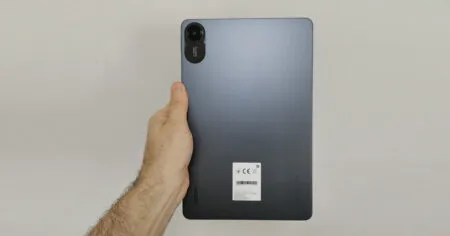
    Xiaomi Interconnectivity
    1 2 3 4 5 6 7 8 9 10 11
    Share. Facebook Twitter Pinterest LinkedIn Tumblr Email
    Previous ArticleSinoVoip unveils Banana Pi BPI-AI2N SBC powered by Renesas RZ/V2N AI MPU
    Next Article Banana Pi R4 gets an 8GB RAM upgrade. Here’s why you should consider buying one!
    androidpimp
    • Website

    Related Posts

    Redmi Pad 2 Tablet Review

    Redmi Pad 2 Review (2025): The Best Budget Tablet Value? Full Review

    September 26, 2025
    Xiaomi Redmi Pad 5 Review

    Xiaomi Redmi Pad Review: Powerful and Affordable

    June 30, 2024
    Xiaomi Pad 6

    Xiaomi Pad 6 Specs, price and top features

    July 7, 2023
    5 1 vote
    Article Rating
    Subscribe
    Notify of
    0 Comments
    Oldest
    Newest Most Voted
    Categories
    PureVPN
    PureVPN Ad Banner
    PrivadoVPN – No. 1 in Parental Control
    PrivadoVPN 350x437
    Recent Posts
    • Rii TU3607 iPad Keyboard Case Review: Dream or Heavy Burden?
    • PrivadoVPN Review 2026: Does the Free Tier Still Work for Streaming?
    • Rii 518BT Review: Is This Pocket Keyboard Actually Usable?
    • Rii RK807 Pro Review: The Best Budget Apple Magic Keyboard Alternative?
    • Rii RK808 Review: The Best Foldable Travel Keyboard?
    • Rii RS201 Review: $69 16-Inch Portable Monitor Tested
    • AliExpress Promo Codes: August 2026 (100% Verified)
    • Orange Pi 6 Review: Is It Suitable for Running Local LLMs? We Checked.
    • Youyeetoo NestDisk Mini PC/Router: Is This Pocket-Sized 3-in-1 NAS Worth It?
    • DFRobot Unveils seeMote Cube: A 6DoF Physical Controller for Apple Vision Pro
    RSS feed: The Latest RSS Feeds The Latest RSS Feeds
    • Rii TU3607 iPad Keyboard Case Review: Dream or Heavy Burden?
    • PrivadoVPN Review 2026: Does the Free Tier Still Work for Streaming?
    • Rii 518BT Review: Is This Pocket Keyboard Actually Usable?
    Facebook X (Twitter) Instagram Pinterest
    @2026 - All Right Reserved. Designed by AndroidPIMP

    Type above and press Enter to search. Press Esc to cancel.

    wpDiscuz