Connectivity
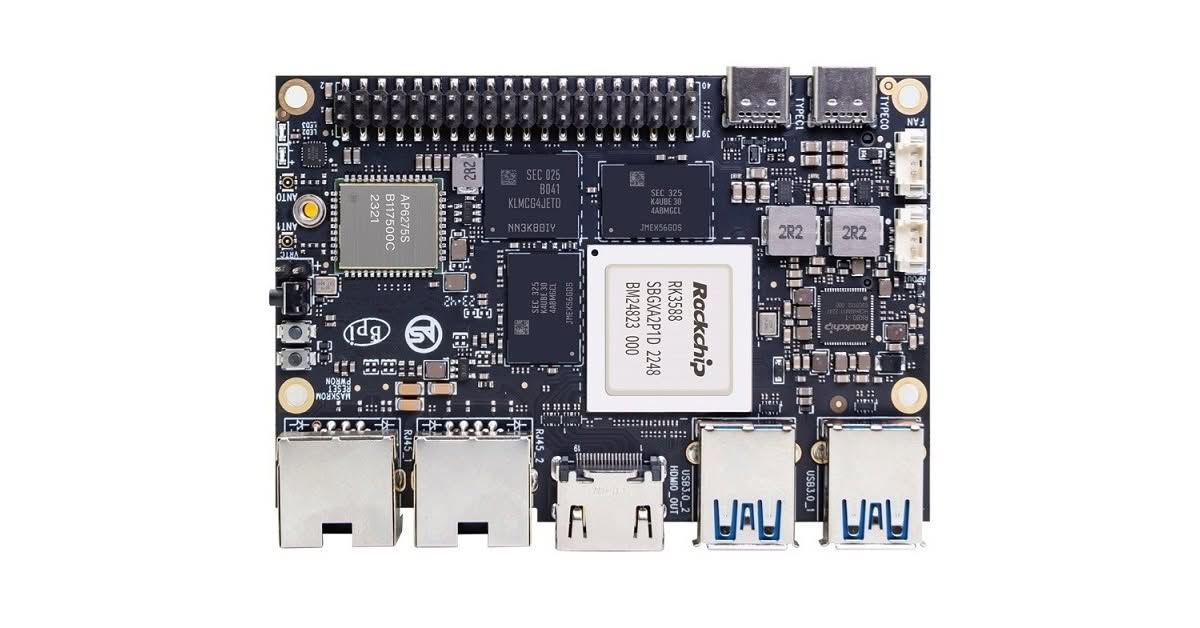
The standout feature of the M7, when compared to other single board computers, is its inclusion of two MAC addresses for each LAN interface. Although this feature is not commonly available on ARM boards, its importance should not be overlooked, and is particularly useful for projects requiring large bandwidth, including router devices.
Utilizing two MAC addresses for two LAN ports provides a wide array of advantages:
- Load Balancing: Utilizing two MAC addresses facilitates load balancing between the two LAN ports, effectively distributing network traffic evenly to optimize performance.
- Redundancy: In the event of a LAN port failure, the presence of dual MAC addresses ensures failover and high availability, effectively reducing downtime.
- Increased Bandwidth: Dual MAC addresses can potentially achieve higher data transmission speeds by effectively utilizing both LAN ports simultaneously.
- Improved Network Performance: – By utilizing dual MAC addresses, you can optimize the routing of network traffic and prioritize critical data for enhanced network performance.
- Flexibility: The availability of dual MAC addresses enhances the flexibility in network configurations, accommodating a wide range of setups to effectively meet diverse networking requirements.
These advantages can be especially valuable in scenarios where high network availability, performance, and customization are crucial.
The M7 network interfaces
As shown below, the “enP2p33s0” and “enP4p65s0” interface names belong to the Ethernet interfaces of the board.
tzah@tzah-desktop:~$ ifconfig
enP2p33s0: flags=4099<UP,BROADCAST,MULTICAST>  mtu 1500
        ether fa:c9:35:c4:4e:97  txqueuelen 1000  (Ethernet)
        RX packets 0  bytes 0 (0.0 B)
        RX errors 0  dropped 0  overruns 0  frame 0
        TX packets 0  bytes 0 (0.0 B)
        TX errors 0  dropped 0 overruns 0  carrier 0  collisions 0
        device interrupt 191

enP4p65s0: flags=4099<UP,BROADCAST,MULTICAST>  mtu 1500
        ether f2:42:a2:c0:9b:b3  txqueuelen 1000  (Ethernet)
        RX packets 0  bytes 0 (0.0 B)
        RX errors 0  dropped 0  overruns 0  frame 0
        TX packets 0  bytes 0 (0.0 B)
        TX errors 0  dropped 0 overruns 0  carrier 0  collisions 0
        device interrupt 137

lo: flags=73<UP,LOOPBACK,RUNNING>  mtu 65536
        inet 127.0.0.1  netmask 255.0.0.0
        inet6 ::1  prefixlen 128  scopeid 0x10<host>
        loop  txqueuelen 1000  (Local Loopback)
        RX packets 380  bytes 38185 (38.1 KB)
        RX errors 0  dropped 0  overruns 0  frame 0
        TX packets 380  bytes 38185 (38.1 KB)
        TX errors 0  dropped 0 overruns 0  carrier 0  collisions 0

wlan0: flags=4163<UP,BROADCAST,RUNNING,MULTICAST>  mtu 1500
        inet 192.168.3.48  netmask 255.255.255.0  broadcast 192.168.3.255
        inet6 2a0d:6fc2:5c50:3000:c0b4:7d97:66dc:7  prefixlen 128  scopeid 0x0<global>
        inet6 fe80::6e3:ee43:e790:9040  prefixlen 64  scopeid 0x20<link>
        inet6 2a0d:6fc2:5c50:3000:6139:a96:d2ea:7773  prefixlen 64  scopeid 0x0<global>
        inet6 2a0d:6fc2:5c50:3000:619e:4ce:bb55:7daa  prefixlen 64  scopeid 0x0<global>
        ether b8:2d:28:5a:57:7a  txqueuelen 1000  (Ethernet)
        RX packets 2059  bytes 1026814 (1.0 MB)
        RX errors 0  dropped 8  overruns 0  frame 0
        TX packets 1422  bytes 362018 (362.0 KB)
        TX errors 0  dropped 0 overruns 0  carrier 0  collisions 0
The ethernet interfaces under Ubuntu

Testing WiFi 6 Connectivity
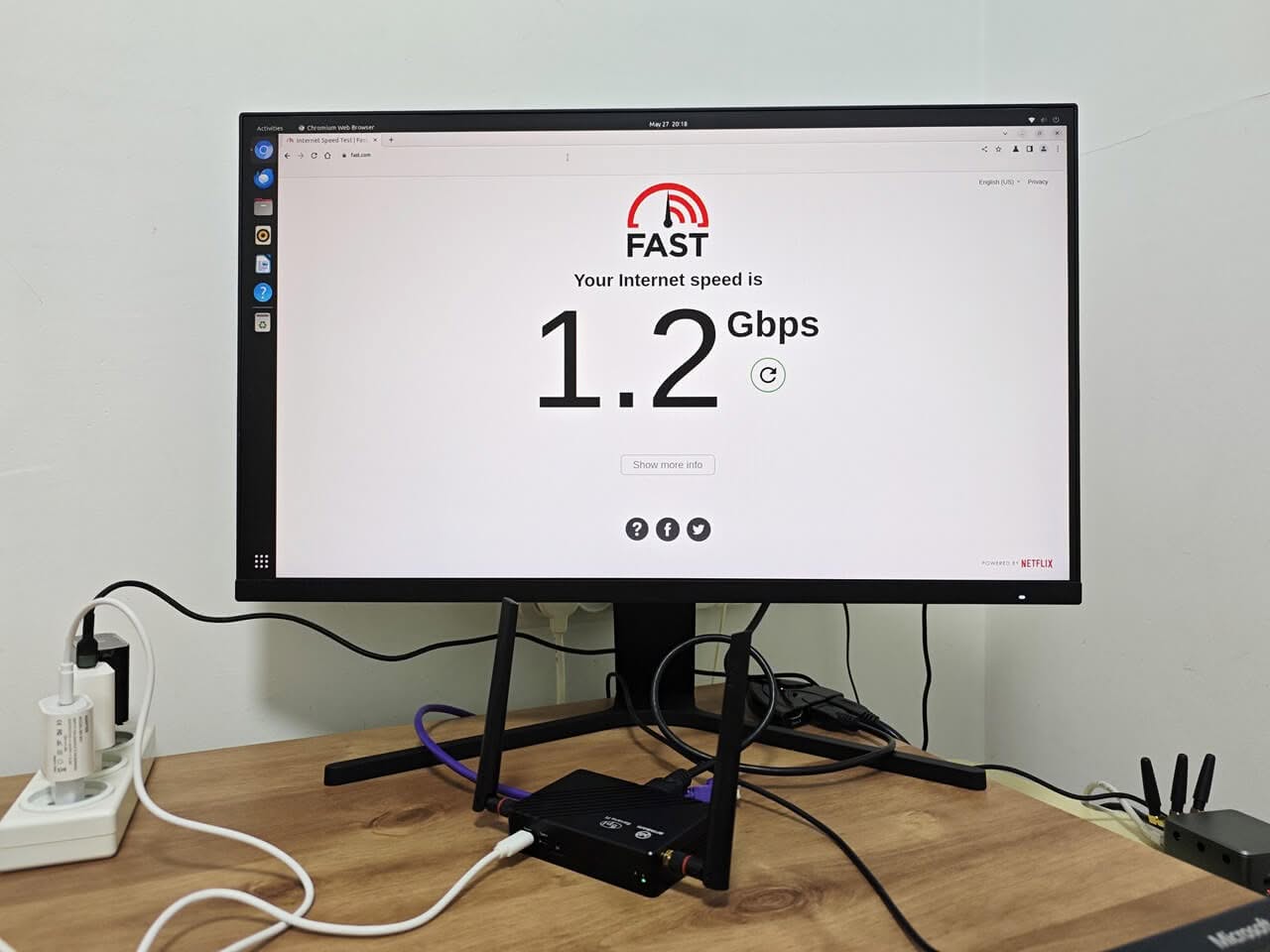
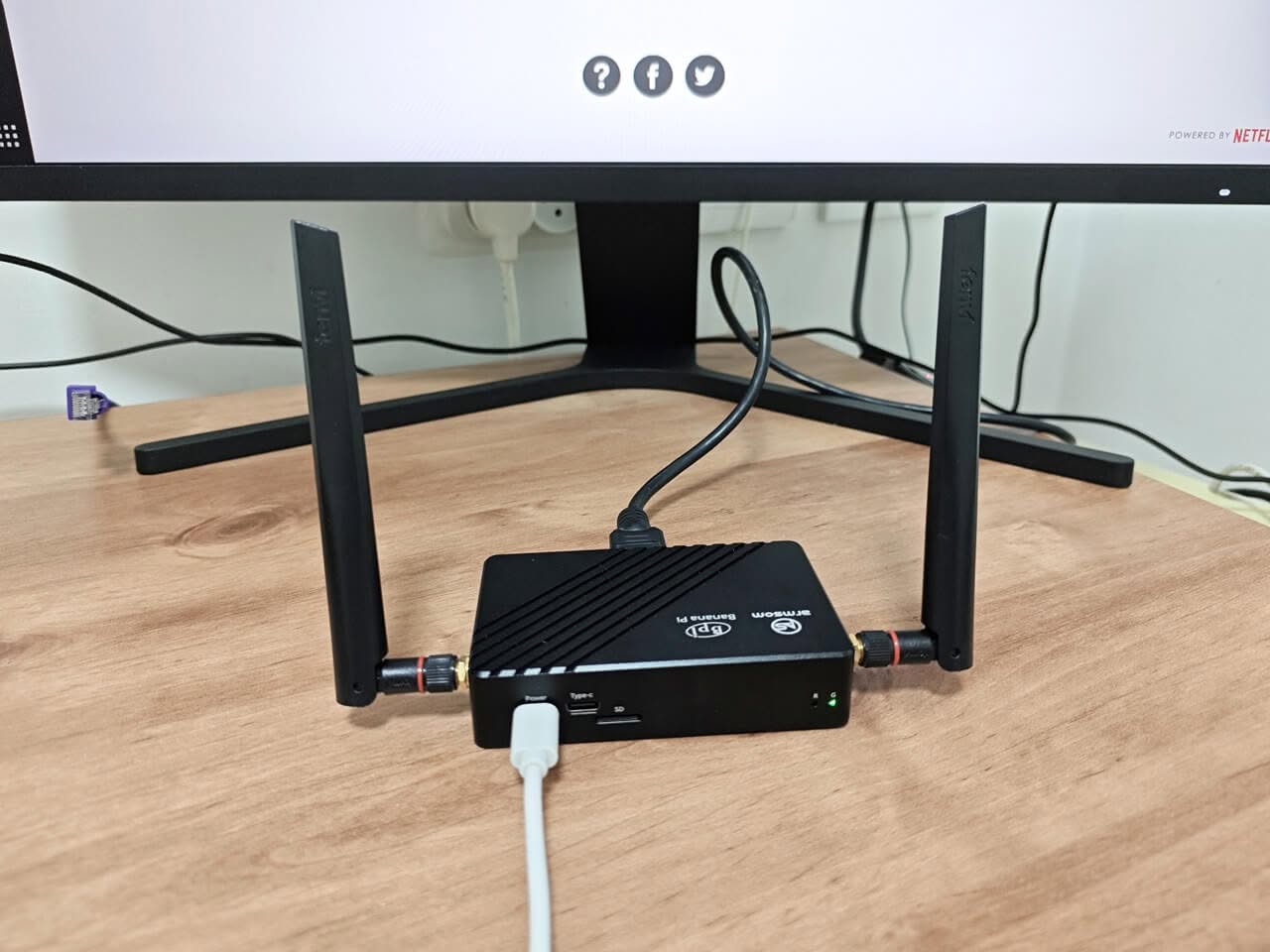
As mentioned before, the board comes with an integrated WiFi/BT chip, which is a big plus. You don’t need to buy and plug in an additional card module. The Banana R3 Mini router excelled in delivering fast and stable internet speeds through our 1G fiber connection during our testing. Even at a distance of approximately 1 meter, the router consistently demonstrated impressive performance. Our next objective is to assess its range capabilities at different distances to provide a comprehensive evaluation.