Sports modes
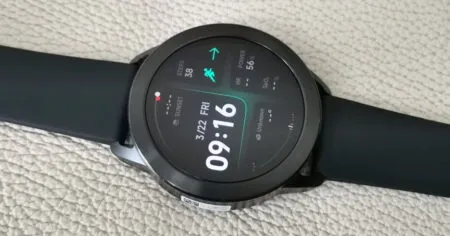
The smartwatch can track up to 150+ different sports activities, including boxing movements, thanks to an additional acceleration sensor. The Band 8 is equipped with advanced 6-axis motion sensors, allowing it to accurately monitor and track all of your movements during exercise sessions. The Band 8 by Xiaomi is also designed to be water-resistant up to 5 ATM. This means that you can wear the fitness tracker while swimming without any worries.
There’s nothing groundbreaking, but just like Xiaomi’s other fitness trackers, this one excels in monitoring your heart rate and blood oxygen saturation 24/7. The Band 8 now features an enhanced sleep mode that diligently monitors and provides a comprehensive analysis of your light, deep, and REM sleep the following morning.
Design
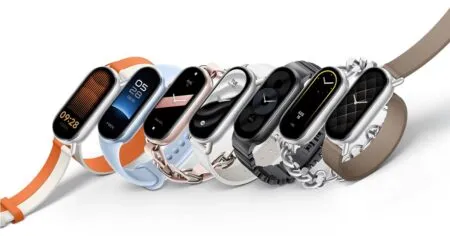
Xiaomi has put a lot of effort into creating the unique design of the Smart Band 8. With its sleek elongated oval design, this smartwatch showcases a remarkable 1.62-inch AMOLED display. Crafted from durable metal, the frame guarantees an impeccably strong and sturdy design.
Xiaomi Band 8 – New Design
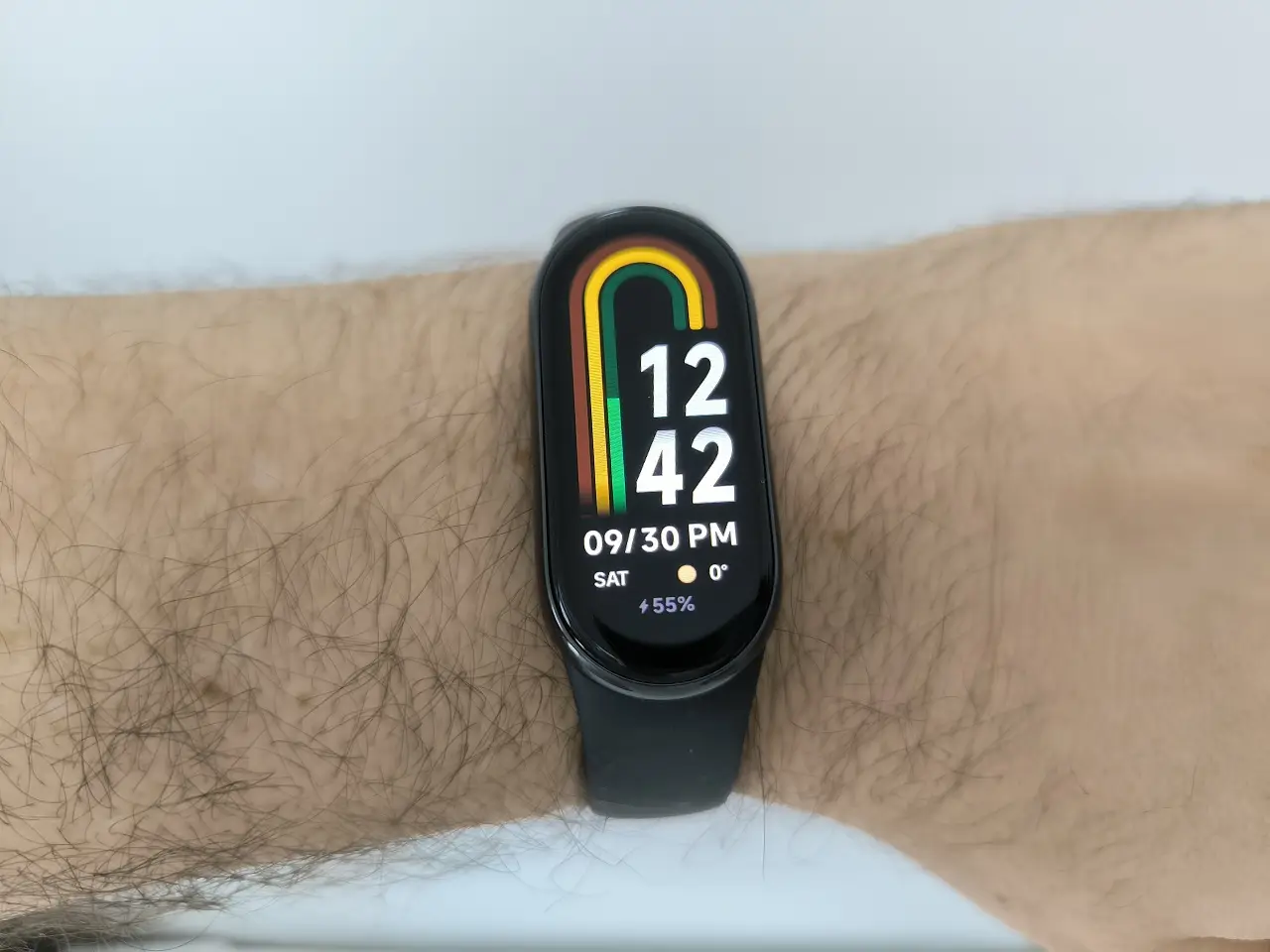
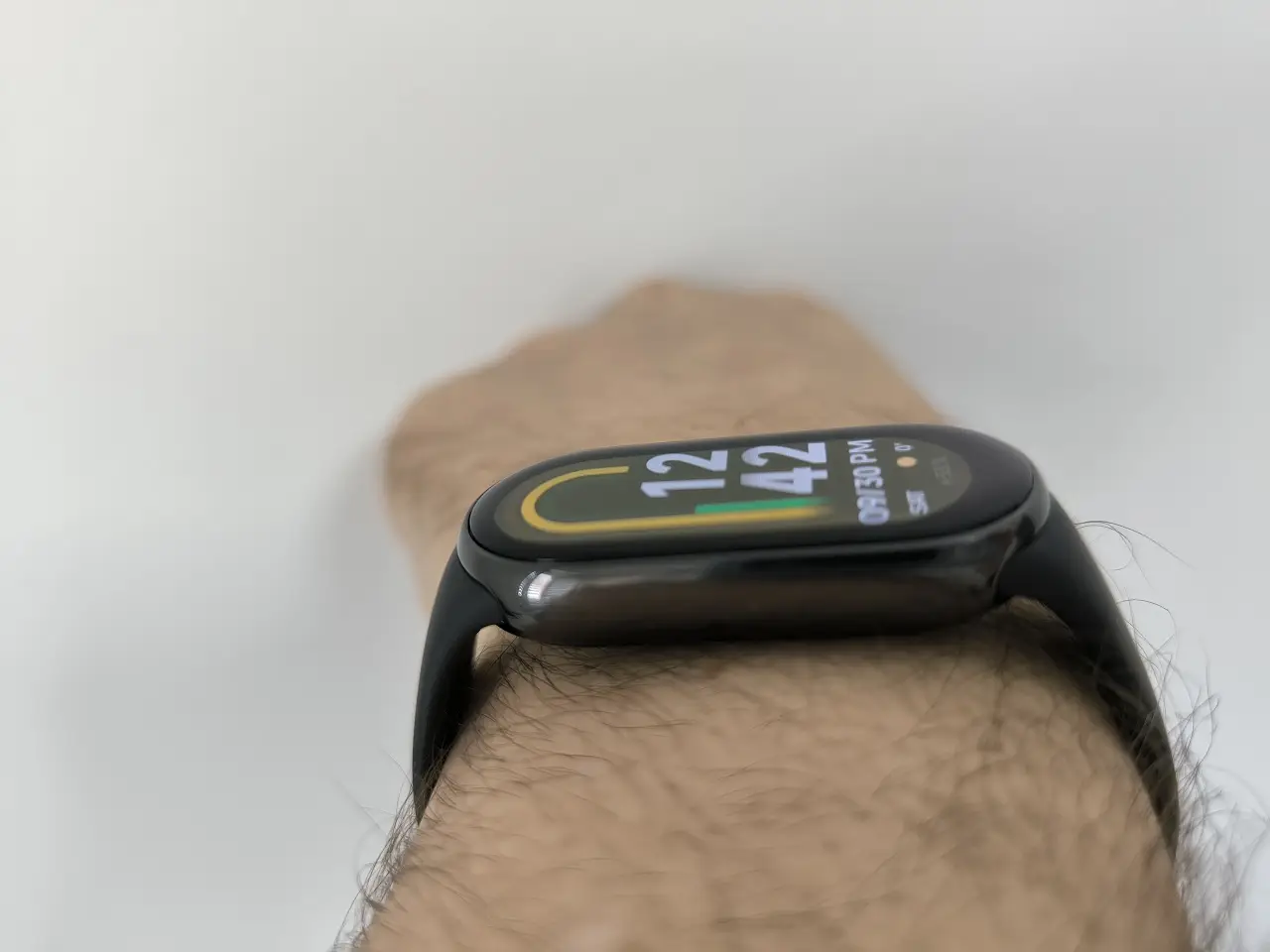
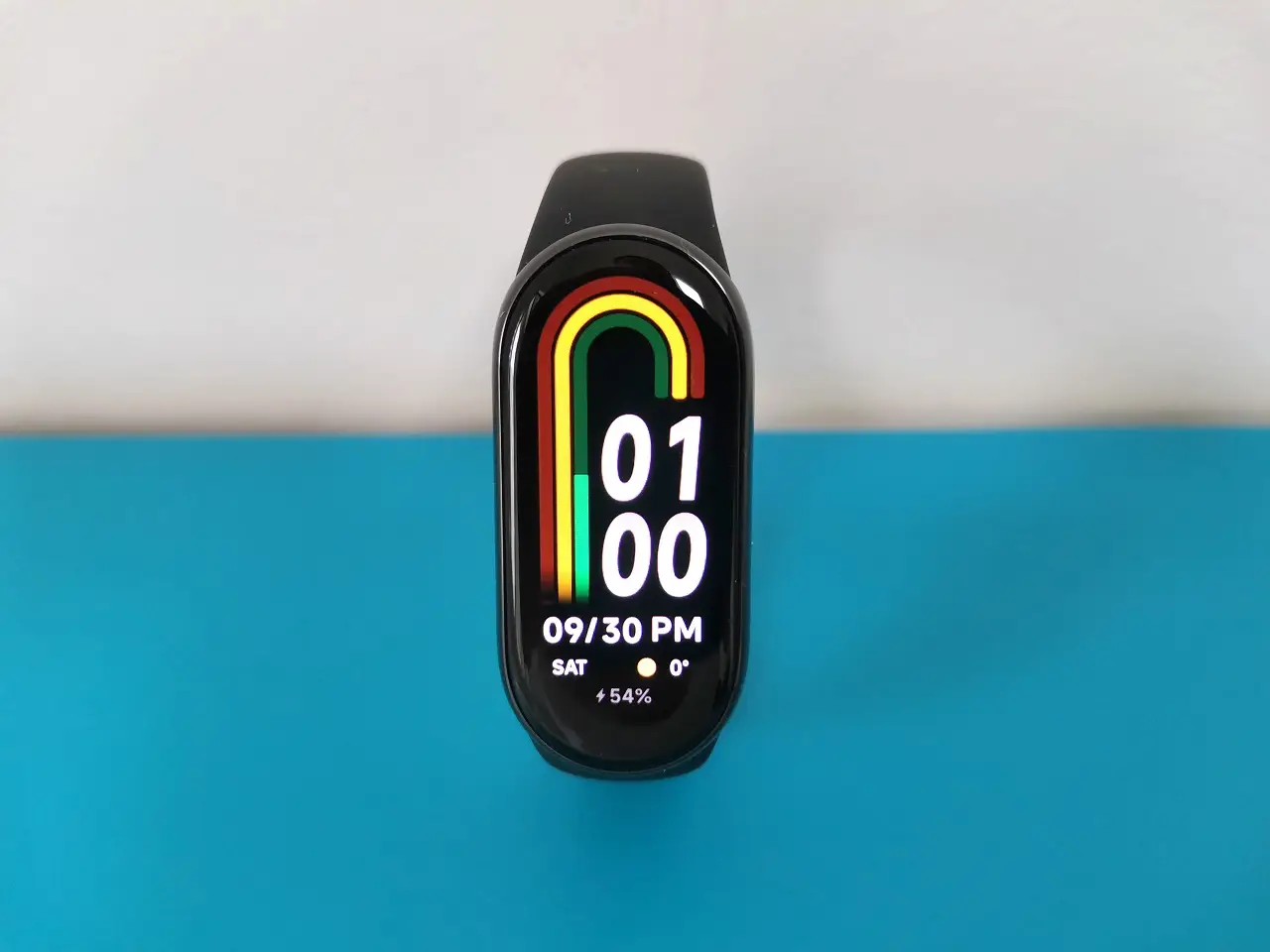
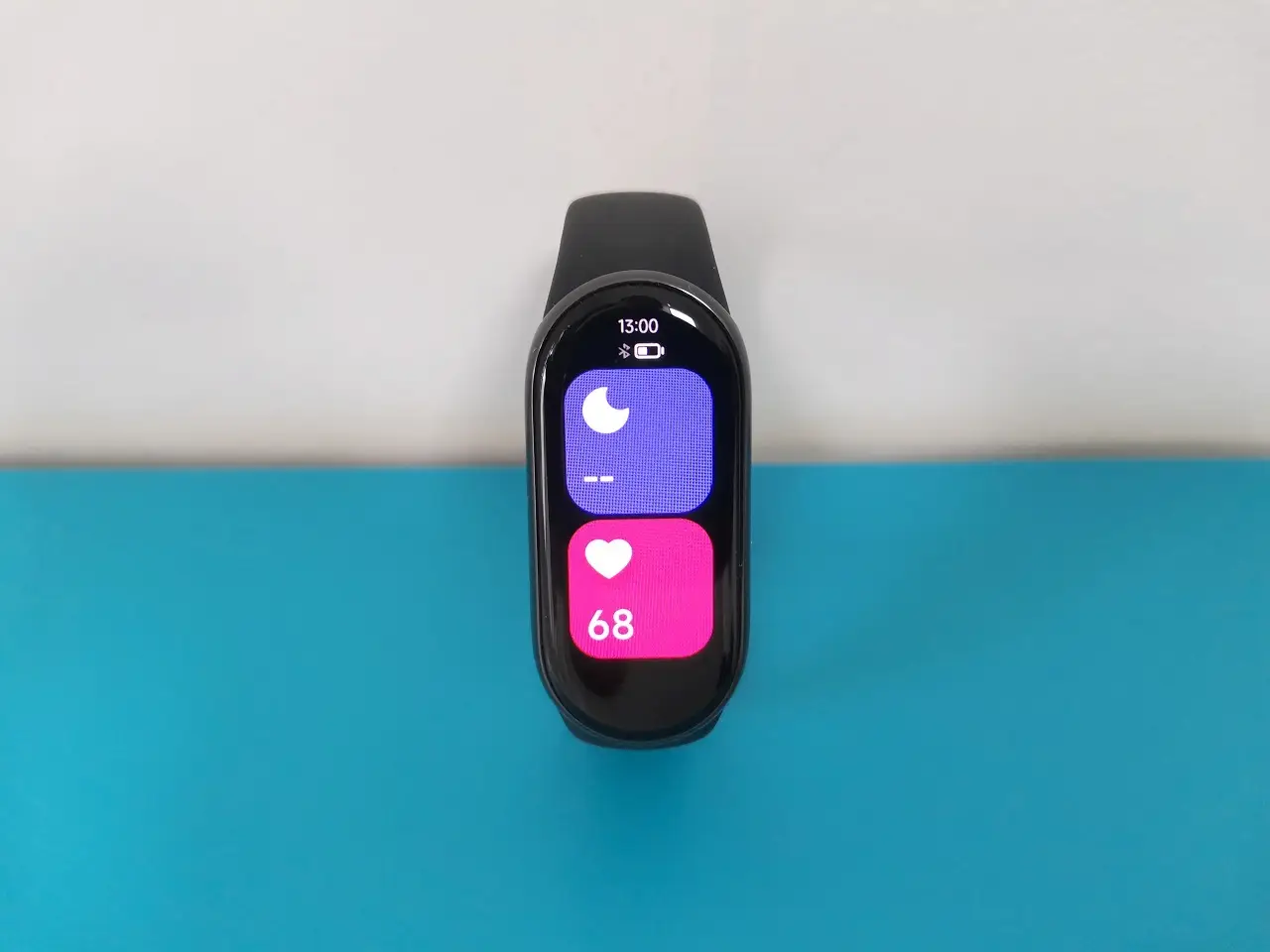
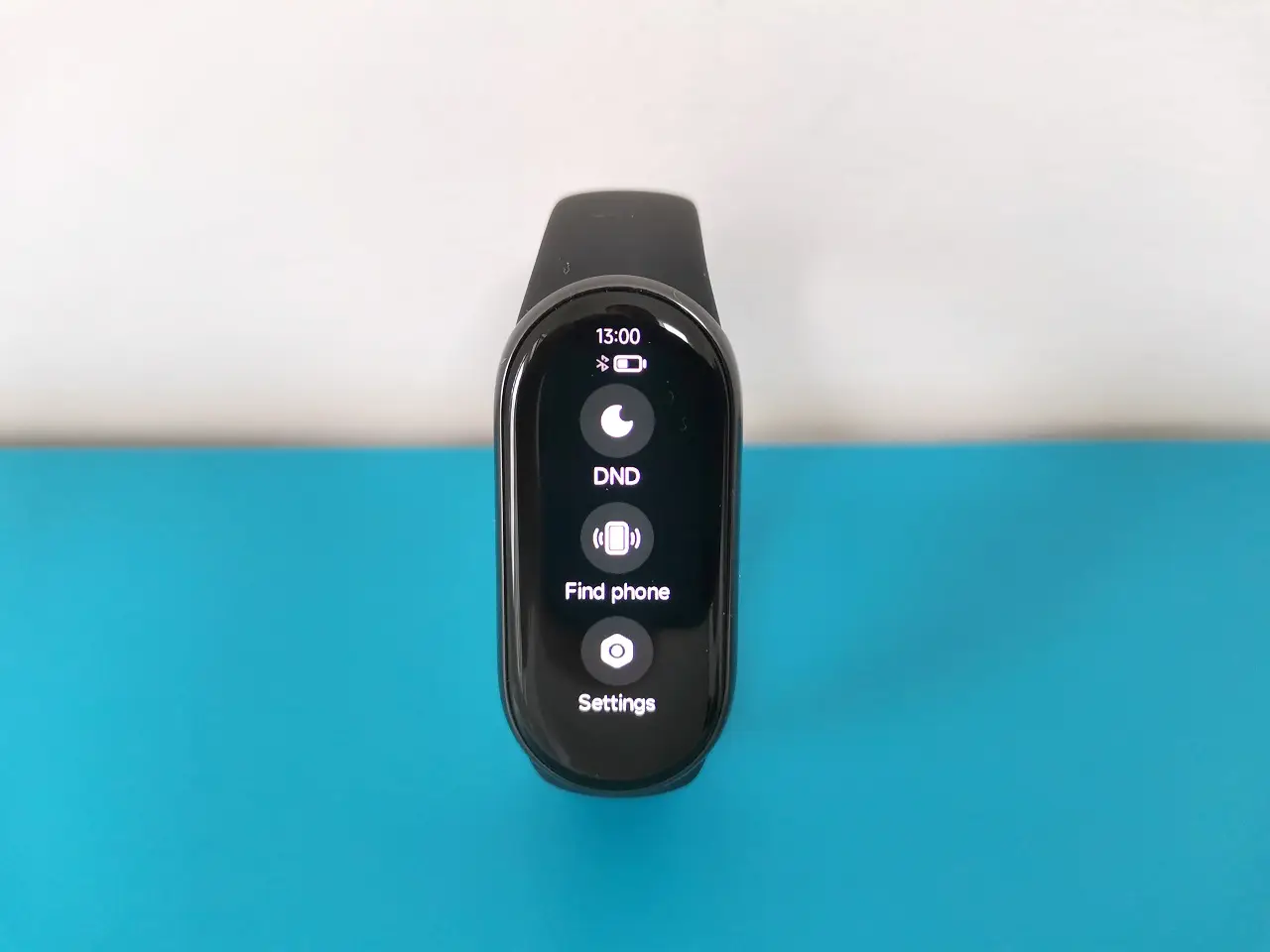
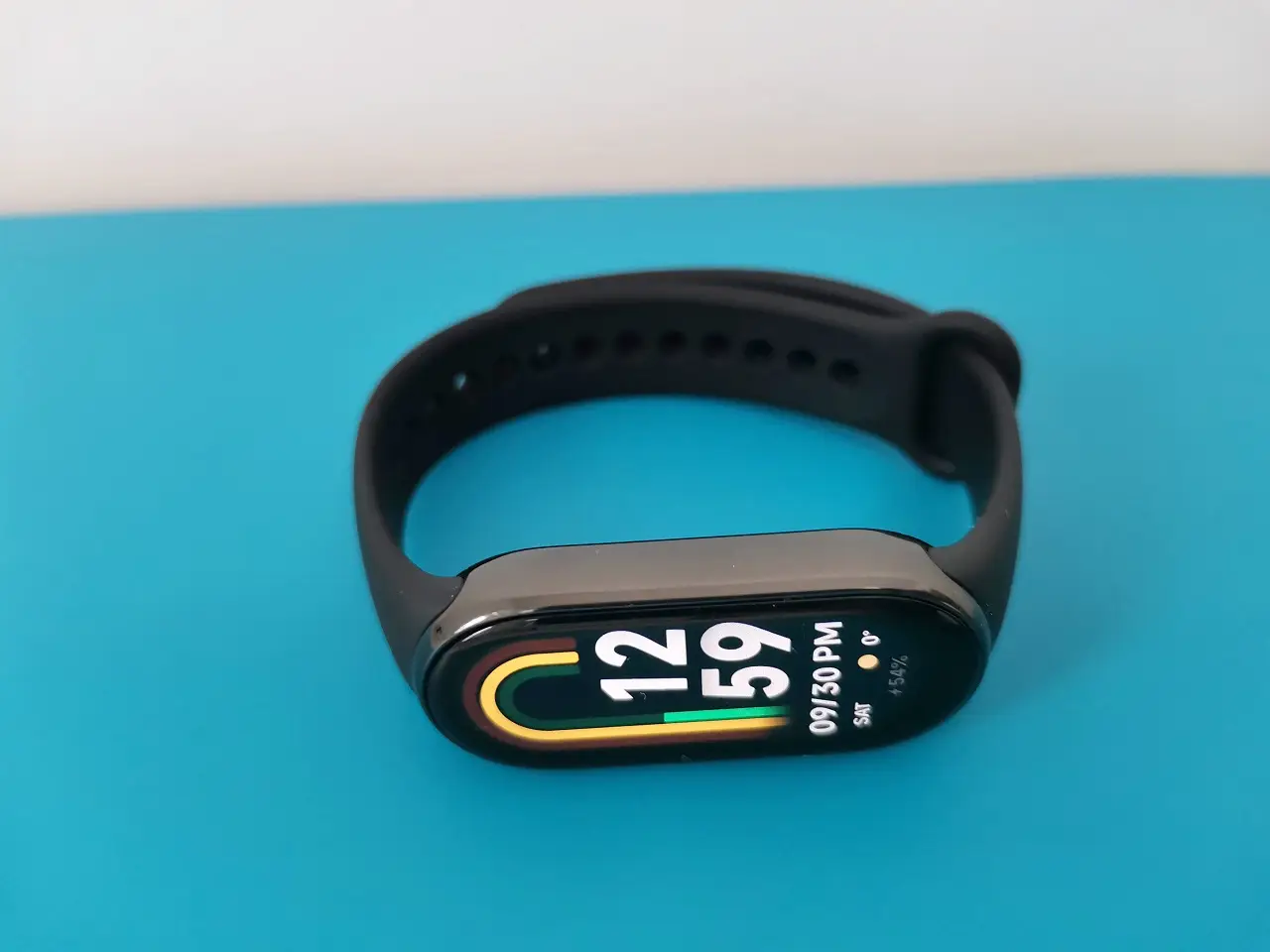
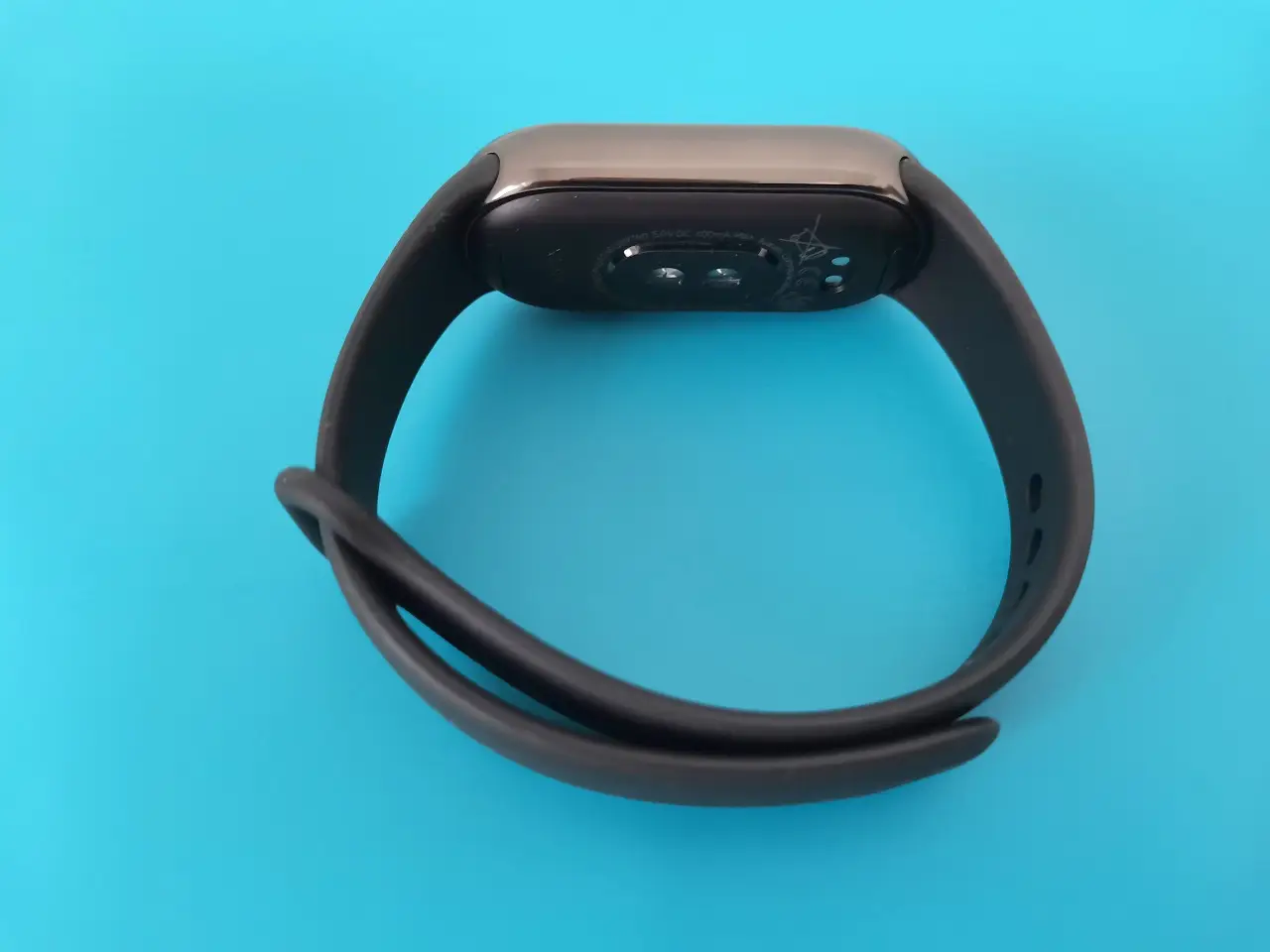
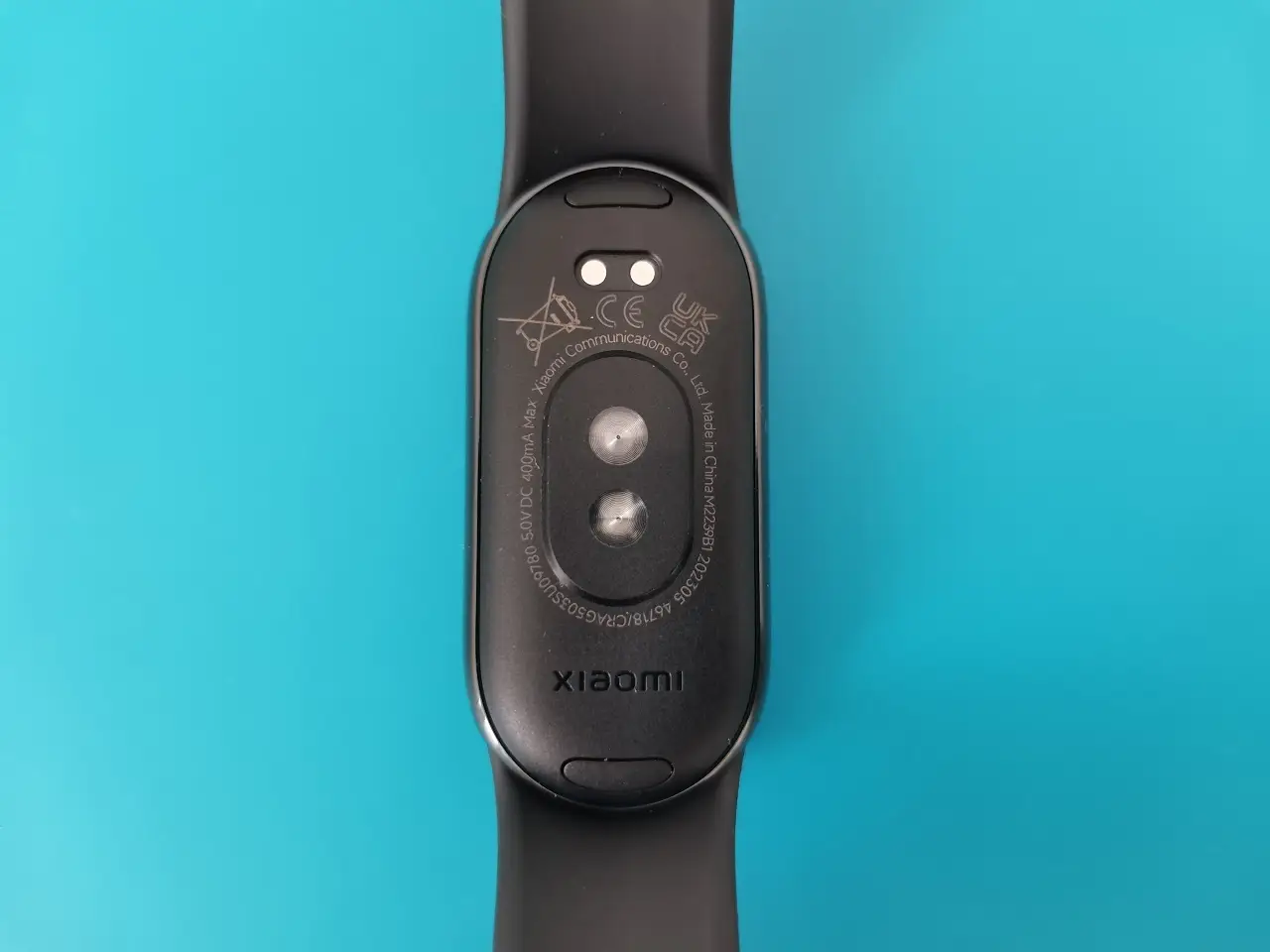
Furthermore, the Smart Band 8 boasts a sleek button-less design, providing users with the utmost convenience in controlling the smartwatch. This can be done effortlessly either through its intuitive touch screen or conveniently via a paired smartphone.
Design upgrades and Changes – What’s New?
It seems that Xiaomi has finally abandoned the design where the straps are made from a single molded rubber material. The new design is made from a metal frame that contributes to the durability of the products and makes it simpler to detach and replace the straps with less force than before.
A new click system
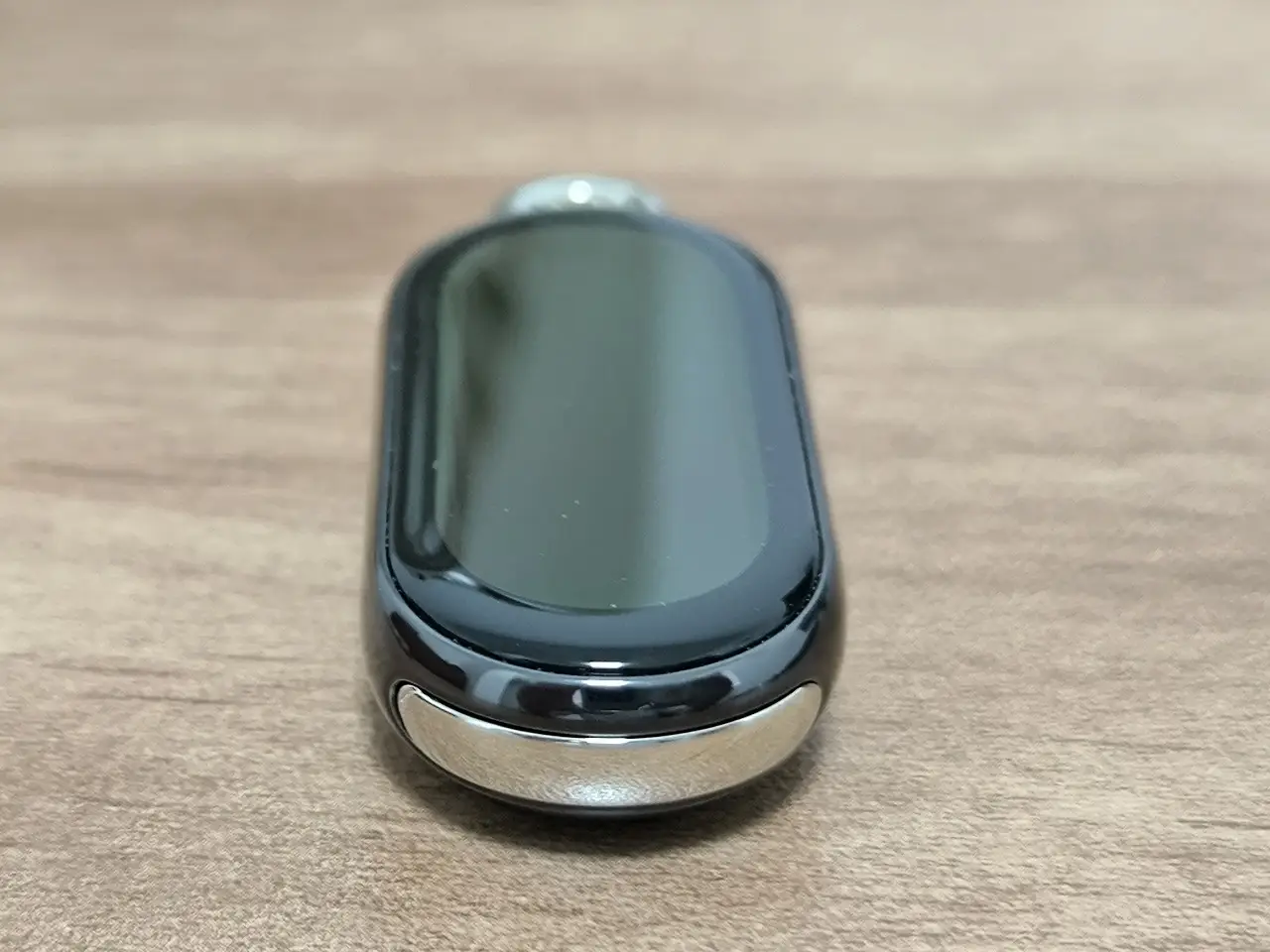
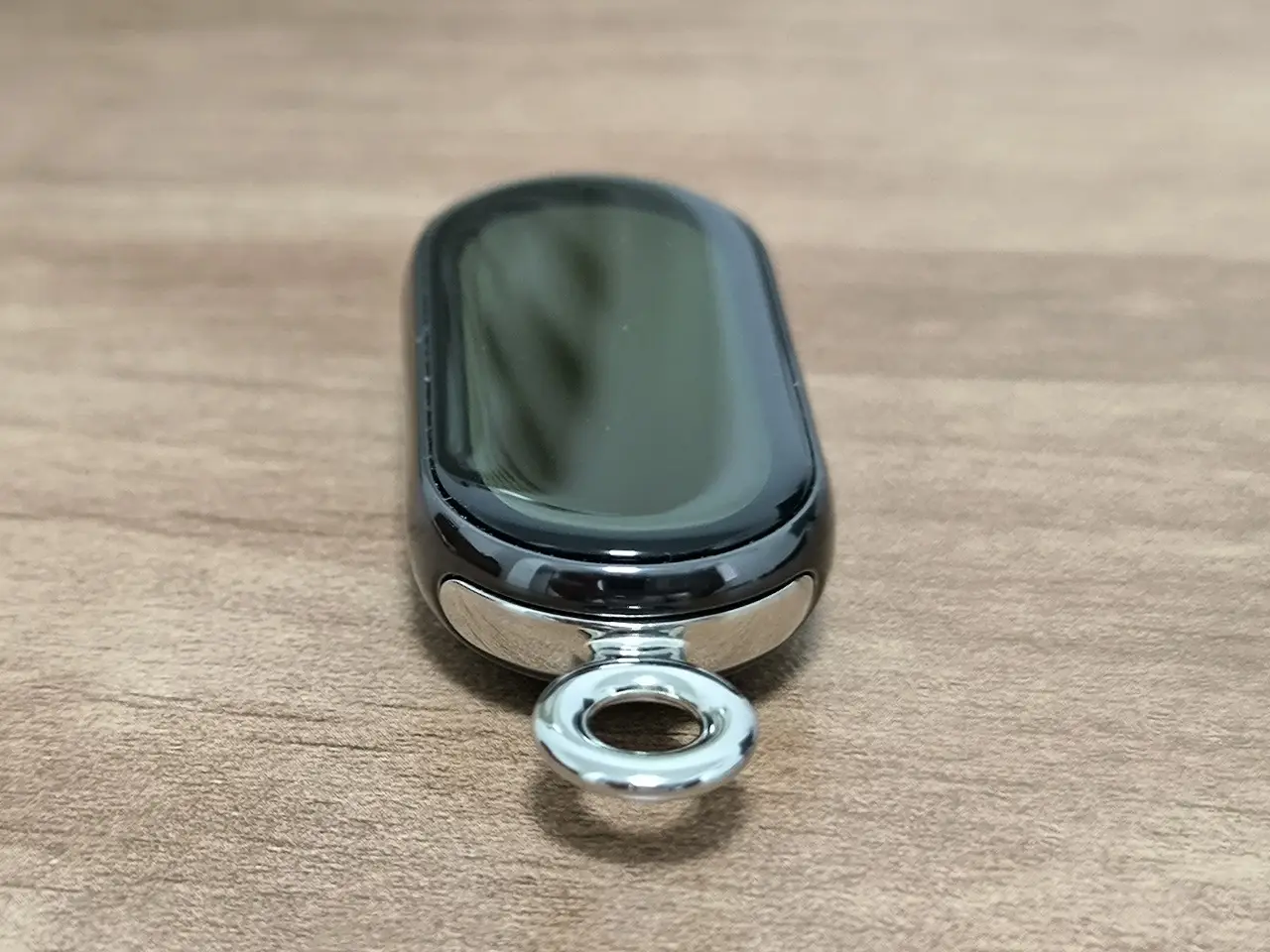
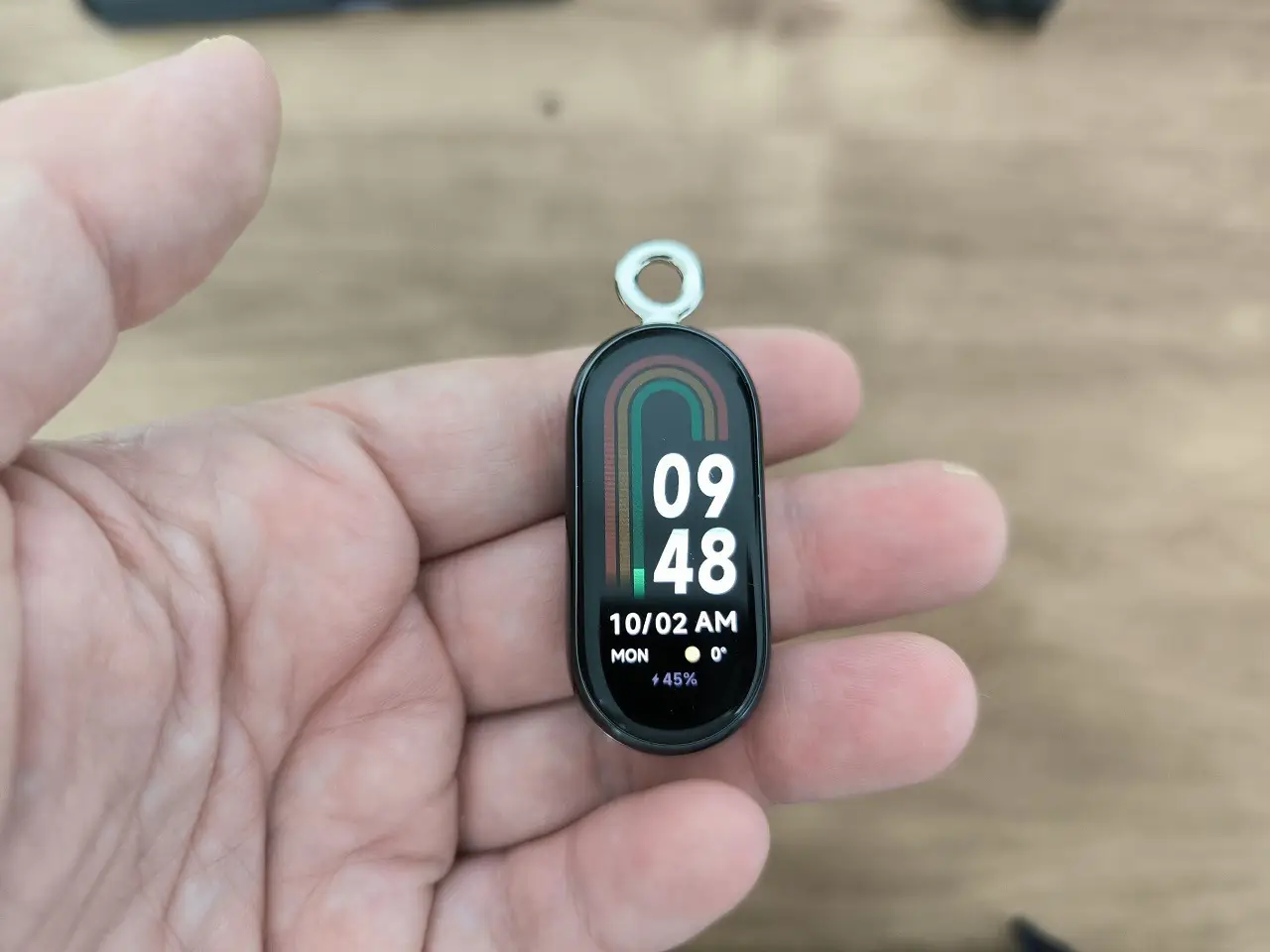
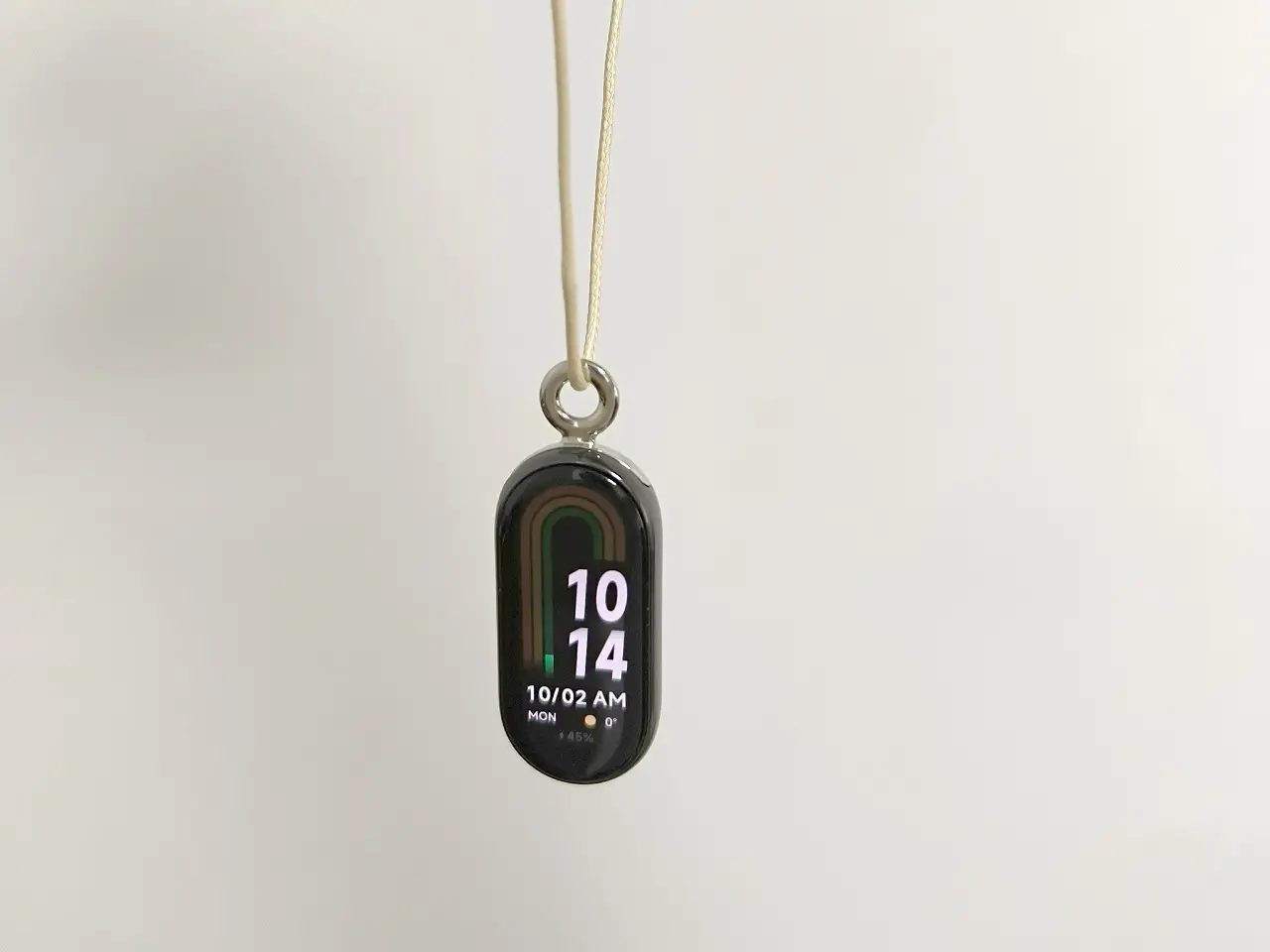
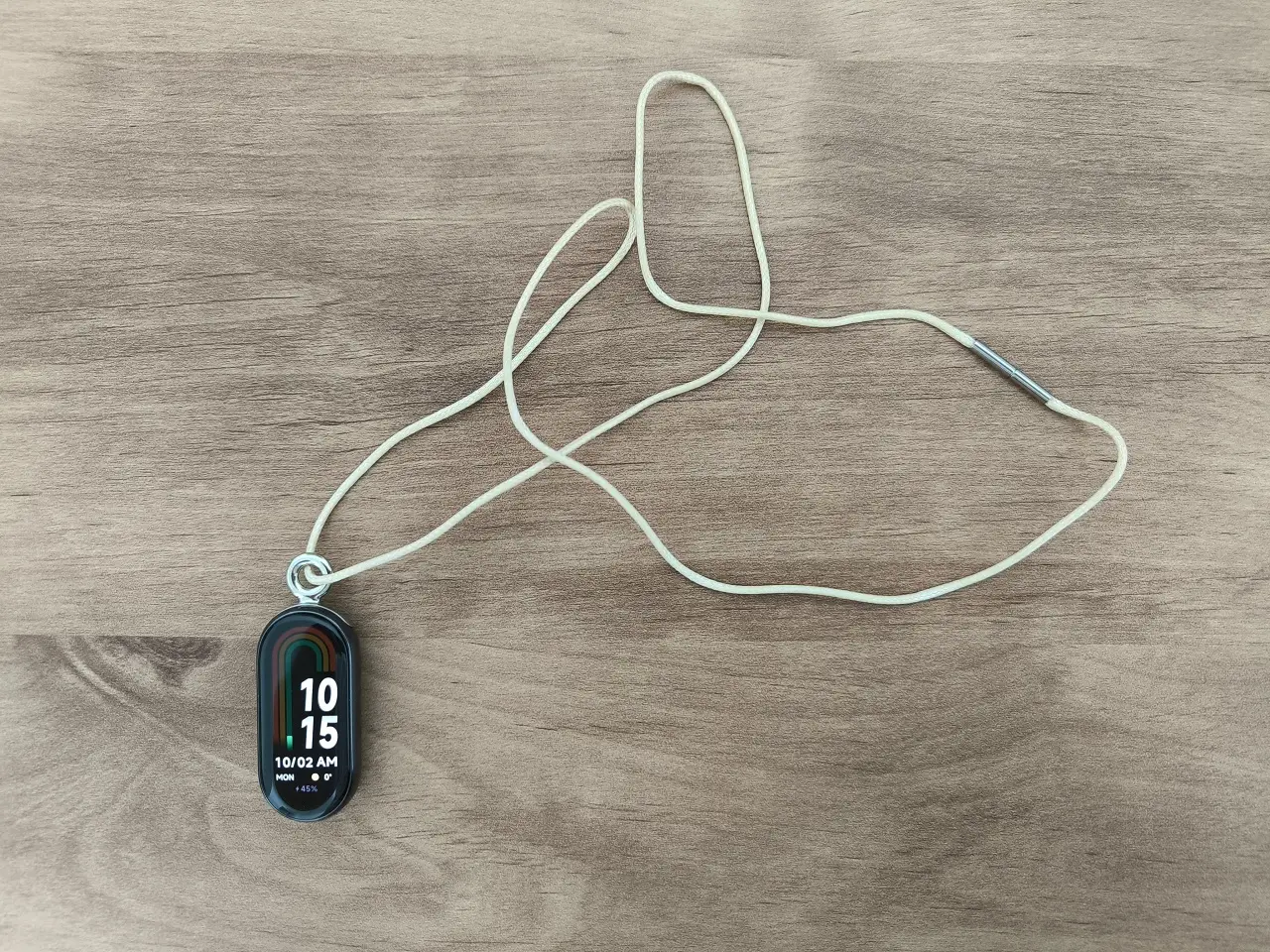
Xiaomi has recently introduced an innovative click system. With this feature, the Smart Band 8 can also be used as a necklace. We have not fully grasped the benefits of wearing a necklace, considering the wide range of over 150 sports options available. However, the choice is there for users to explore.
Pebble mode
A fresh approach to footwear – Wearable on a shoe
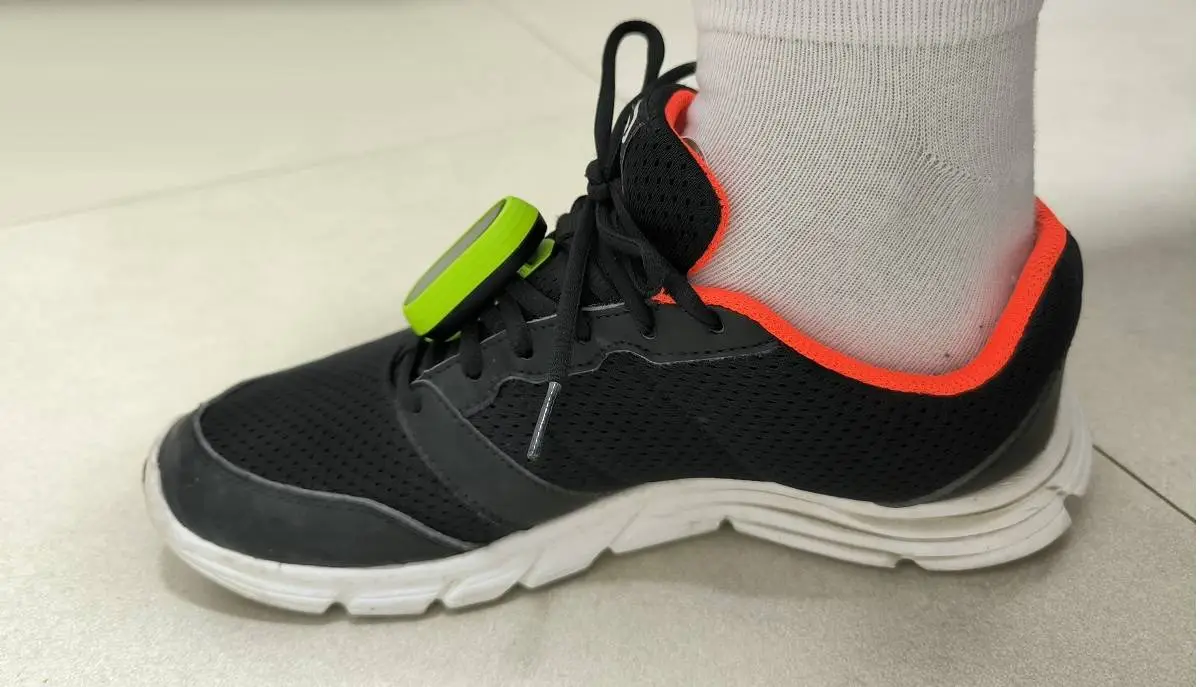
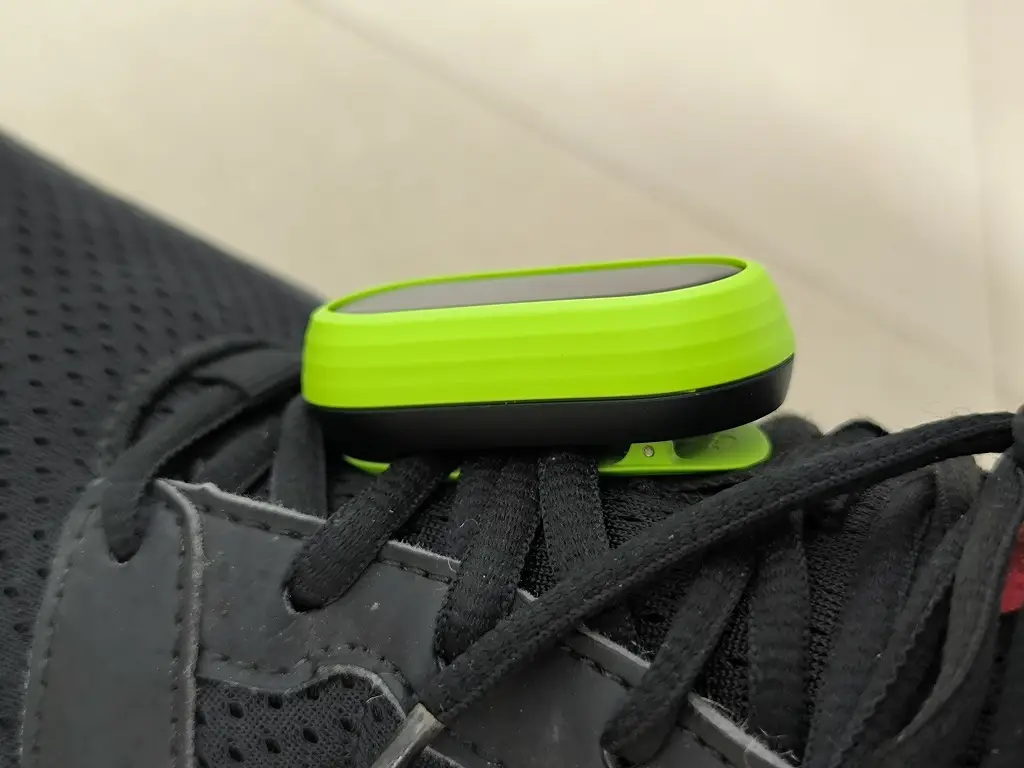
The smart band 8 can be mounted with the “running pod”. It’s important to mention that this product is not included with the default package of the smart band. The housing comes with a clip that is designed to securely attach the device to your running shoe. This product is highly beneficial for joggers and speed walkers. You can effortlessly find it at various AliExpress stores, and the best part is its incredibly low price of just $7.00.
Xiaomi Smart Band 8: Running Clip
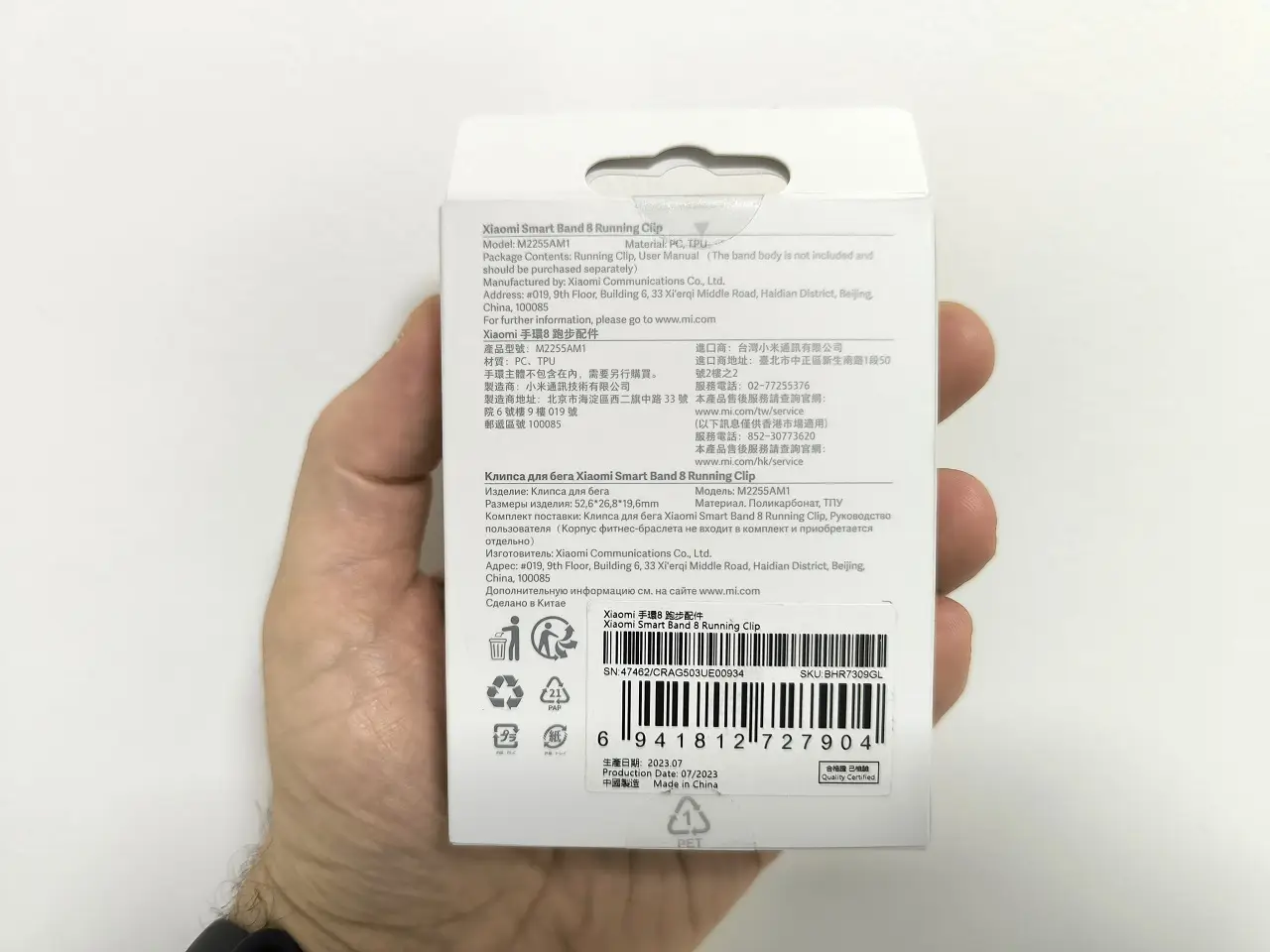
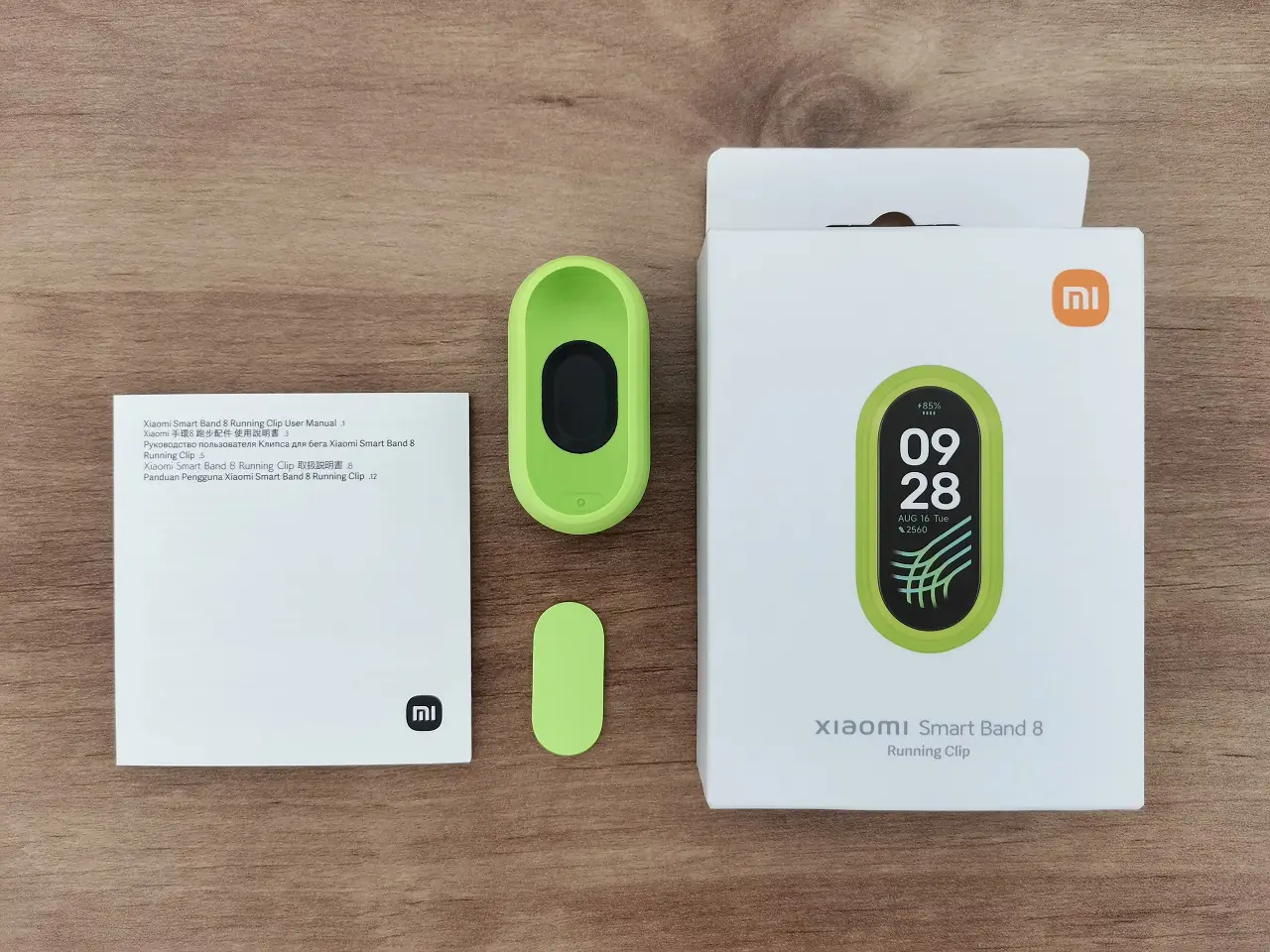
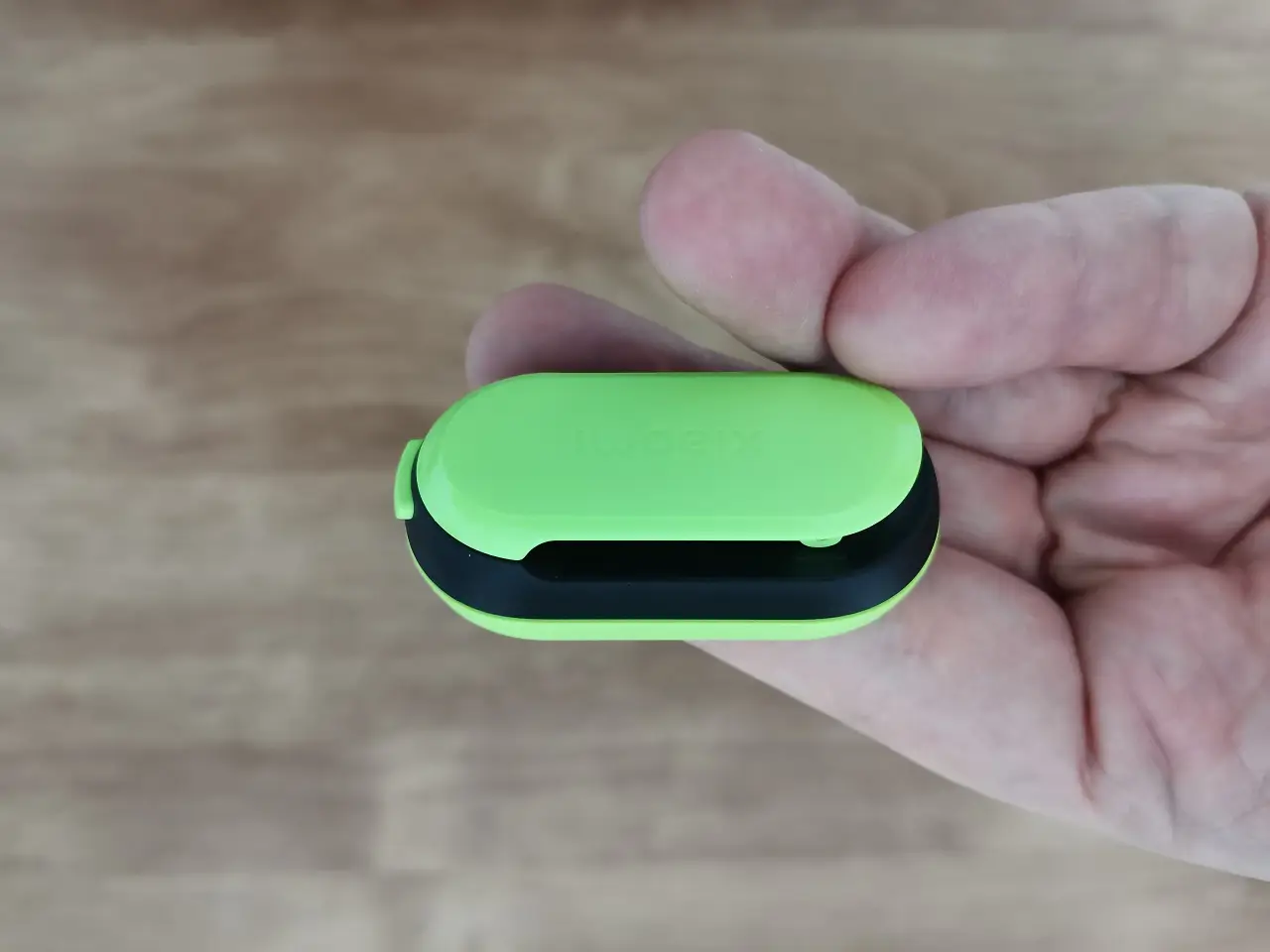
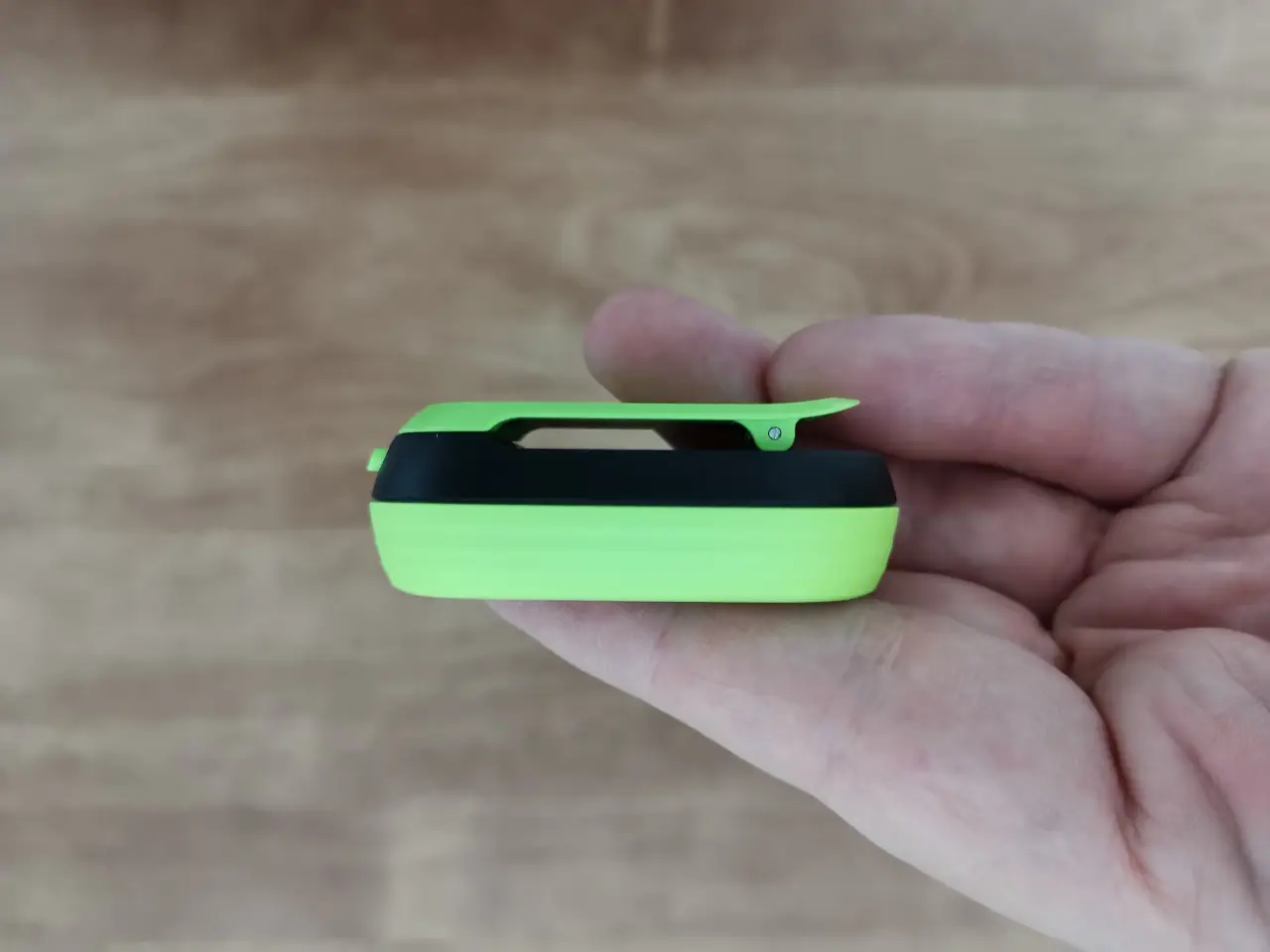
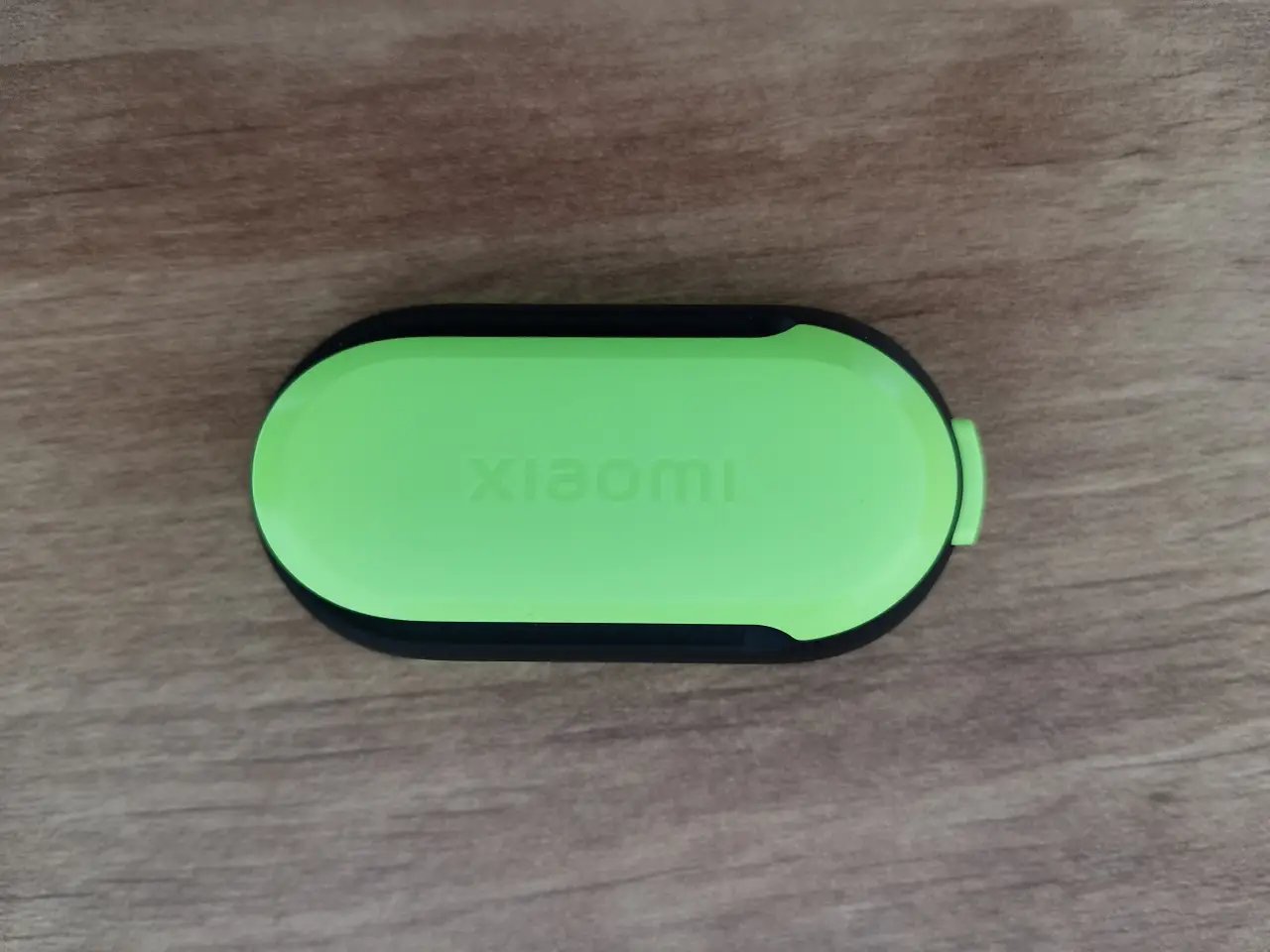
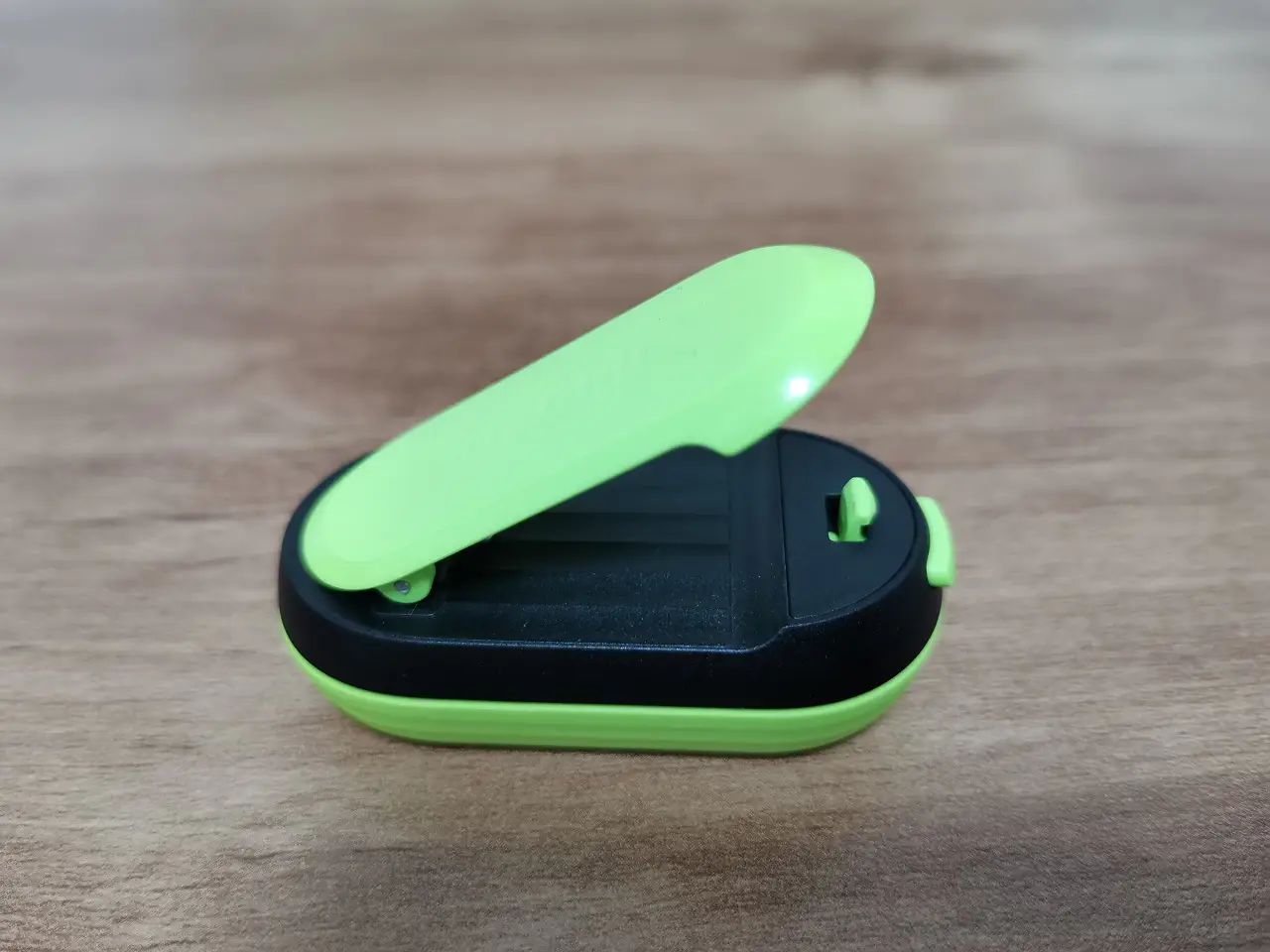
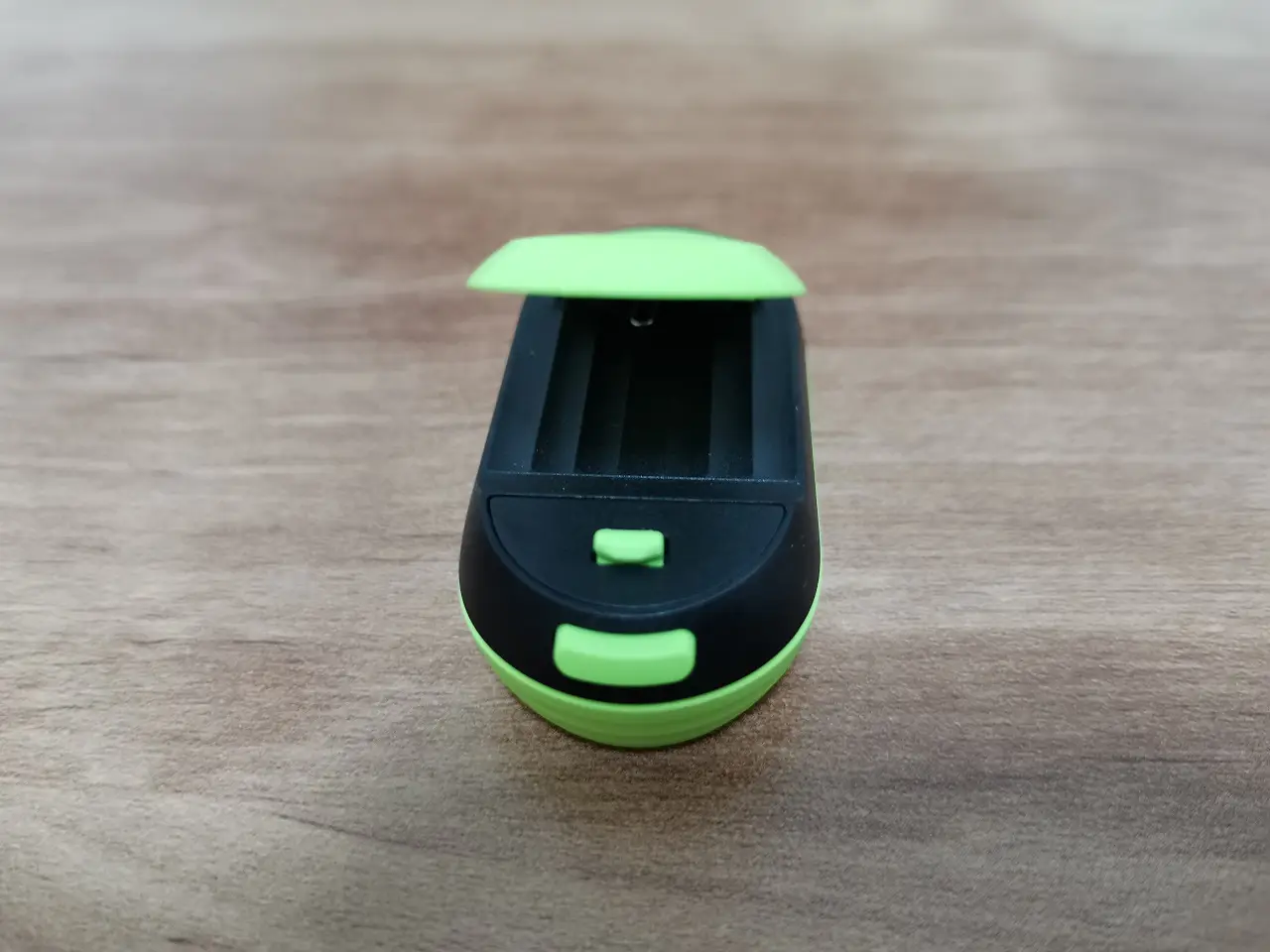
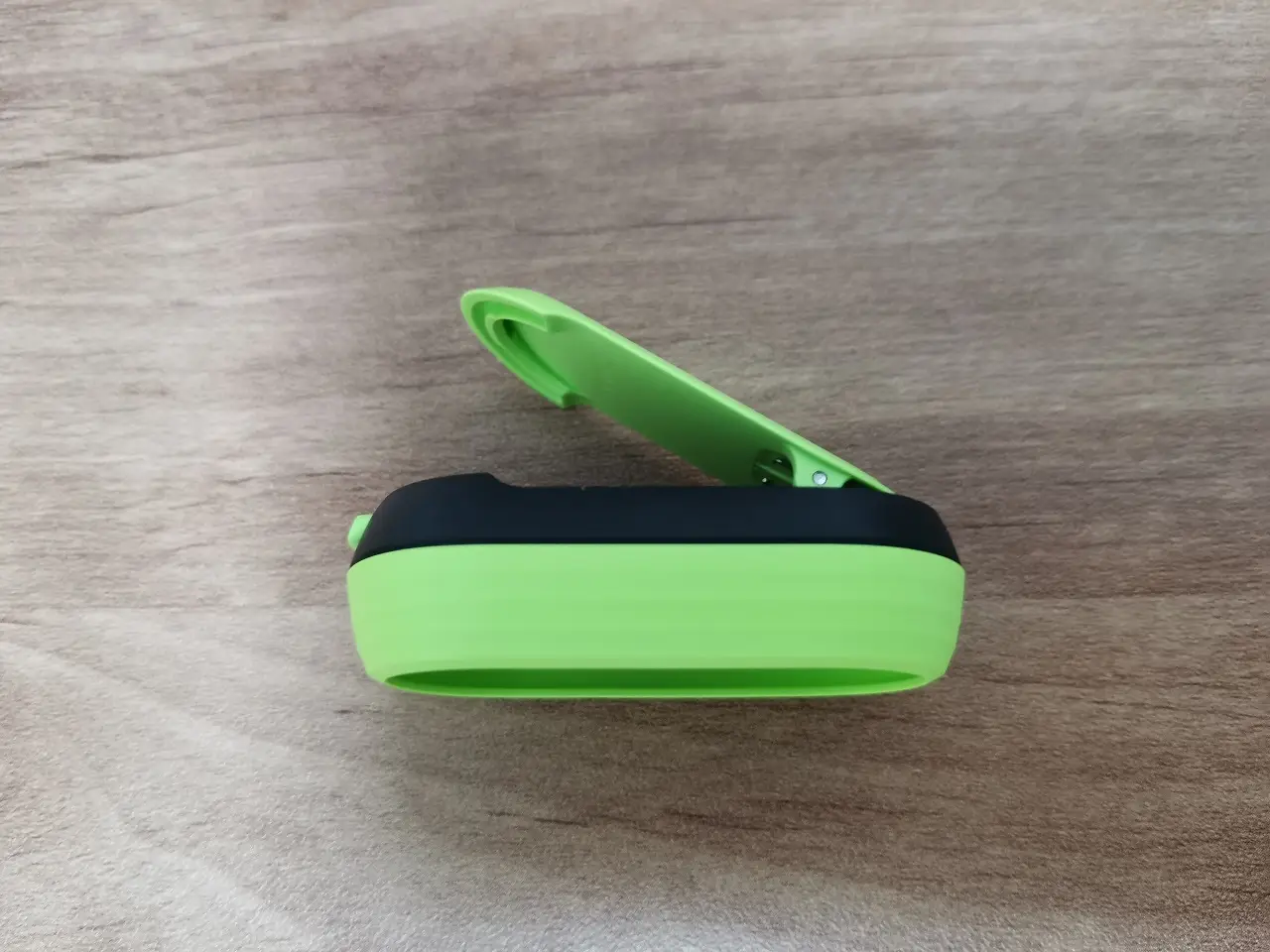
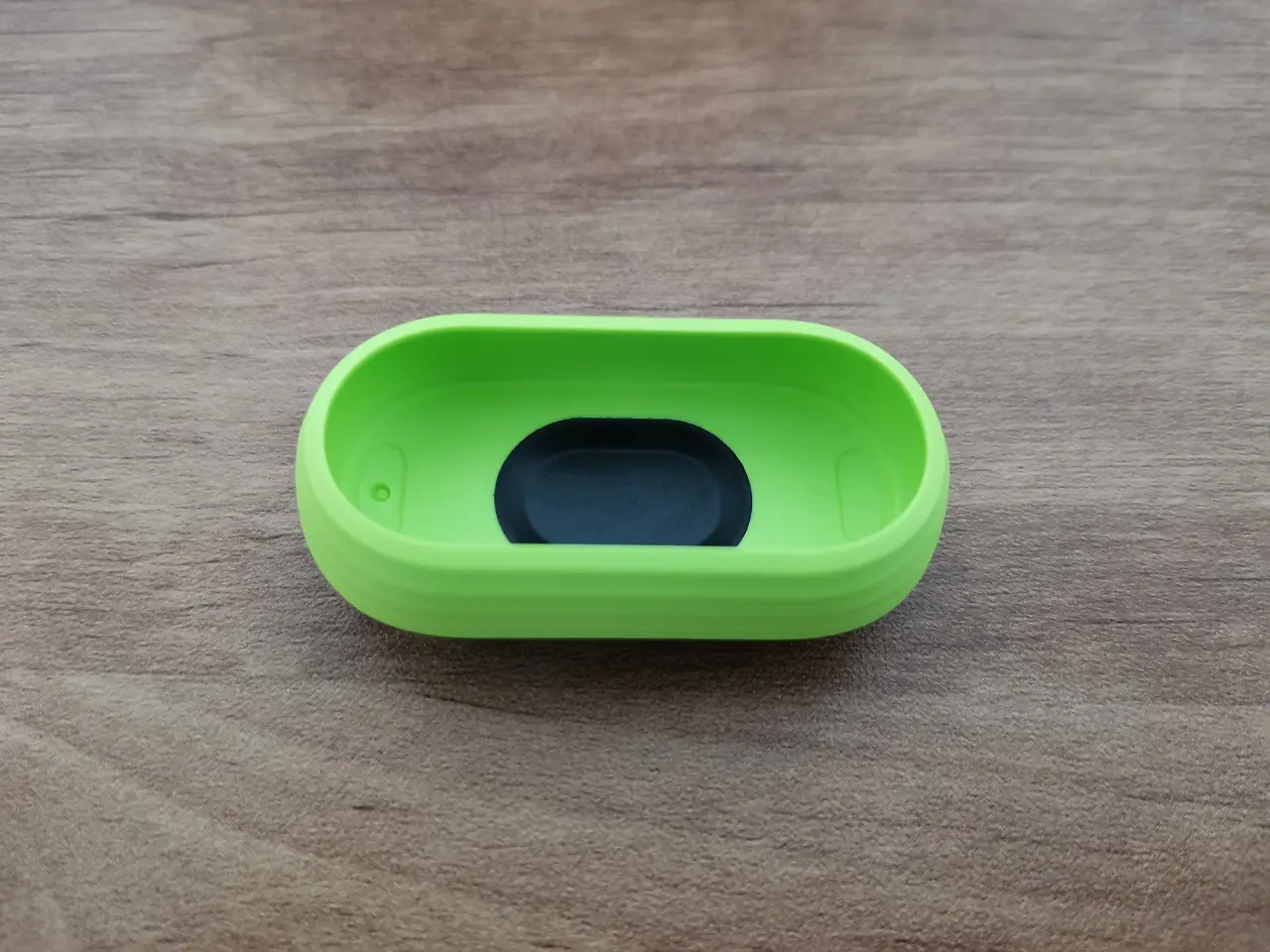
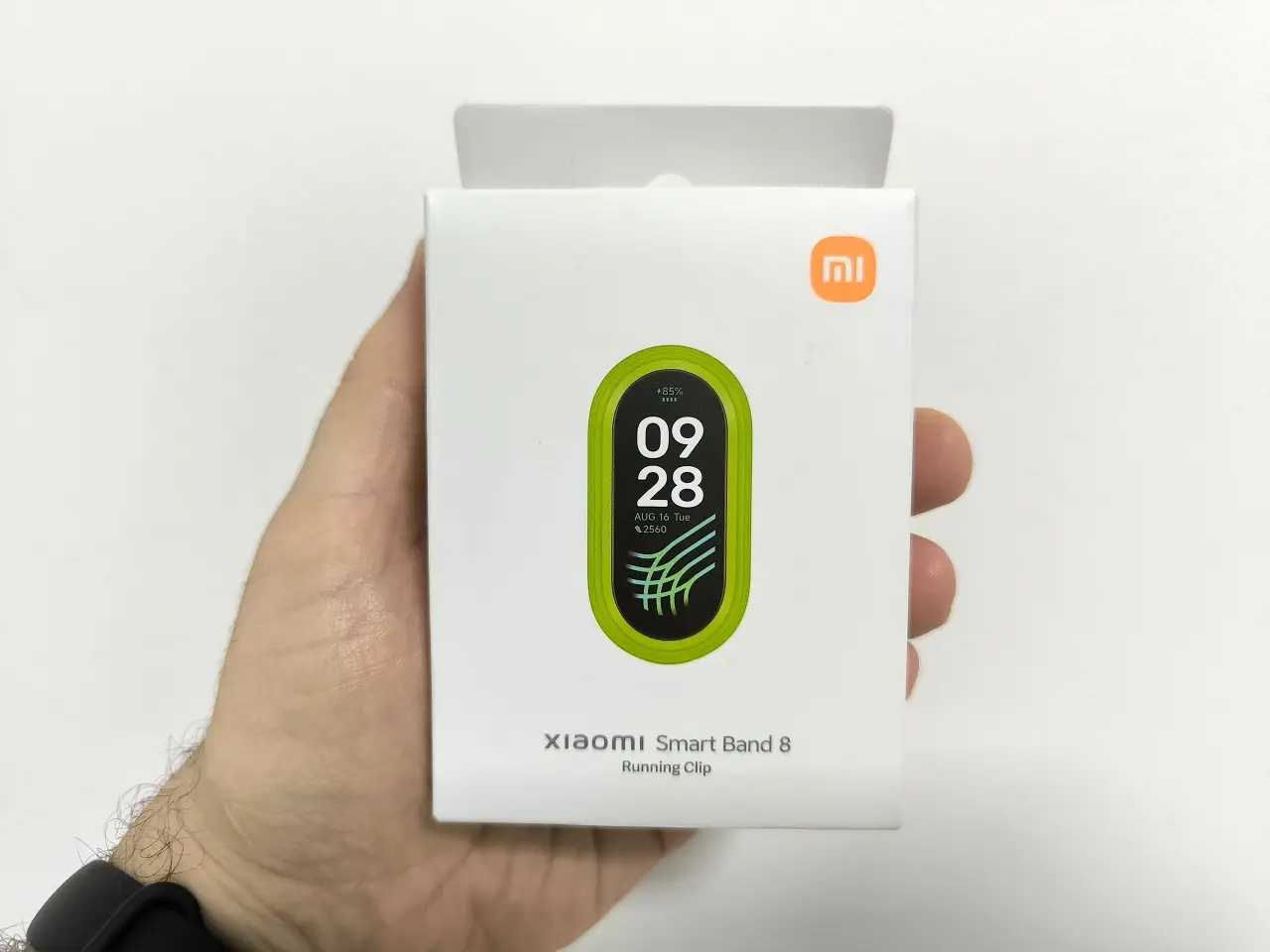
With the attached tracker on your shoe, you can effortlessly monitor your steps and so much more! Additionally, it also tracks important metrics such as stride frequency, stride length, and provides insight into the impact of your foot placement while running.
Attaching the tracker to the shoe
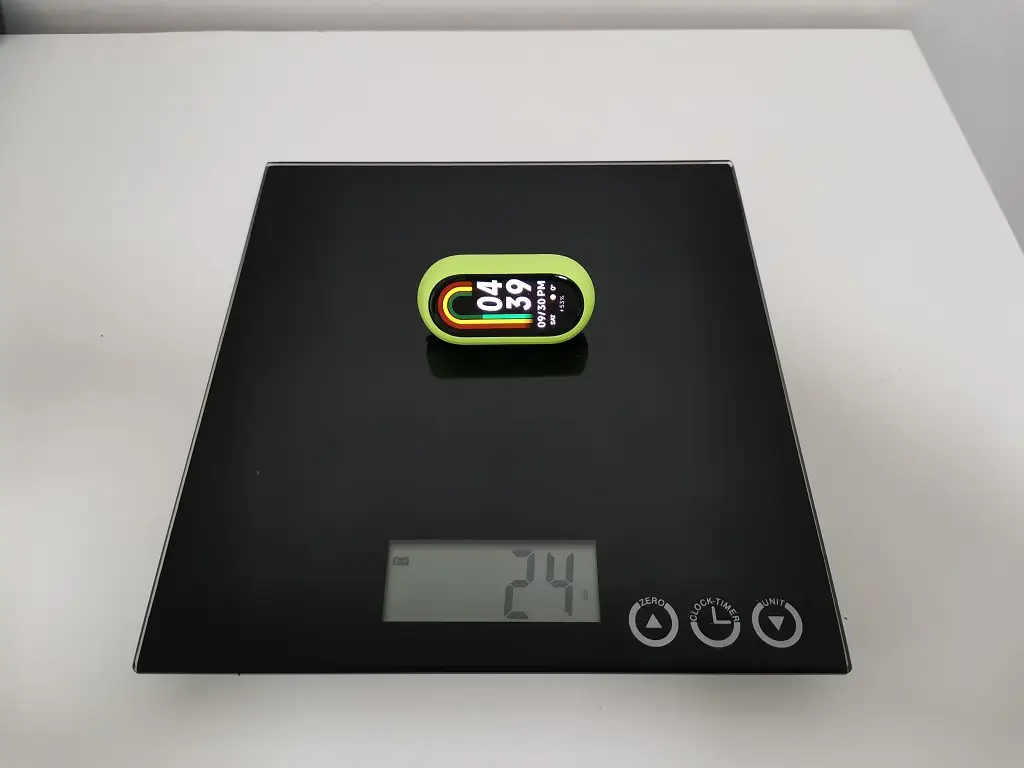
The fitness tracker weighs only 24g and can be attached to a shoe. A straightforward lock and release mechanism with a button is utilized in the running clip. The clip is mounted to the shoe using the shoelaces.
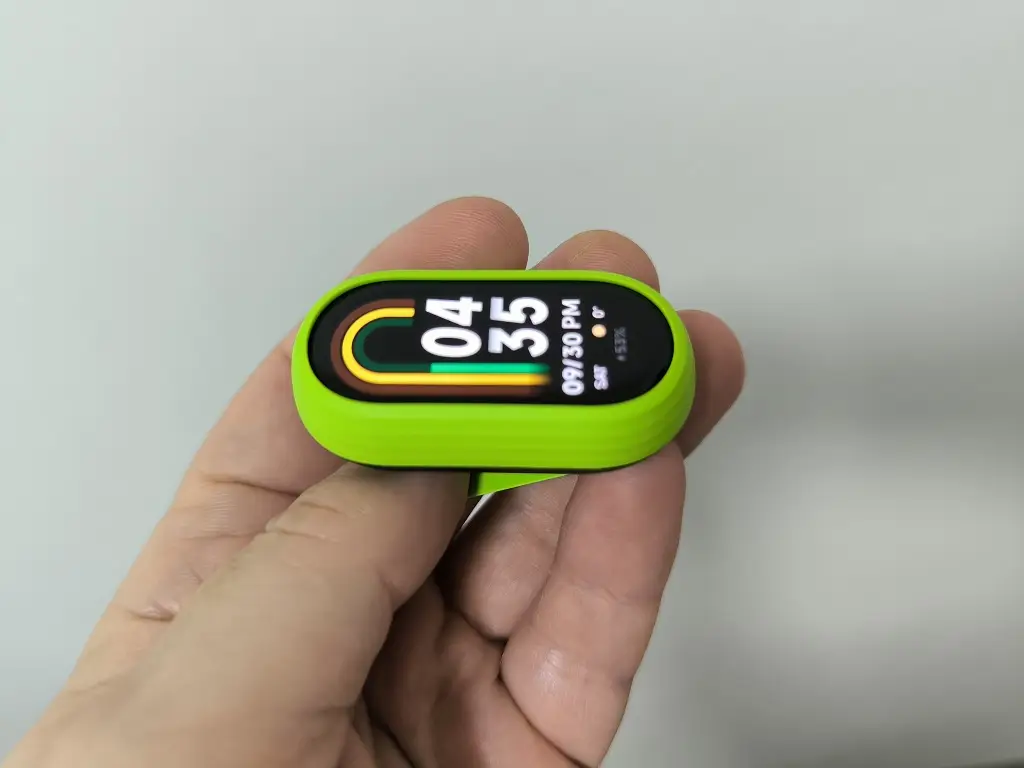
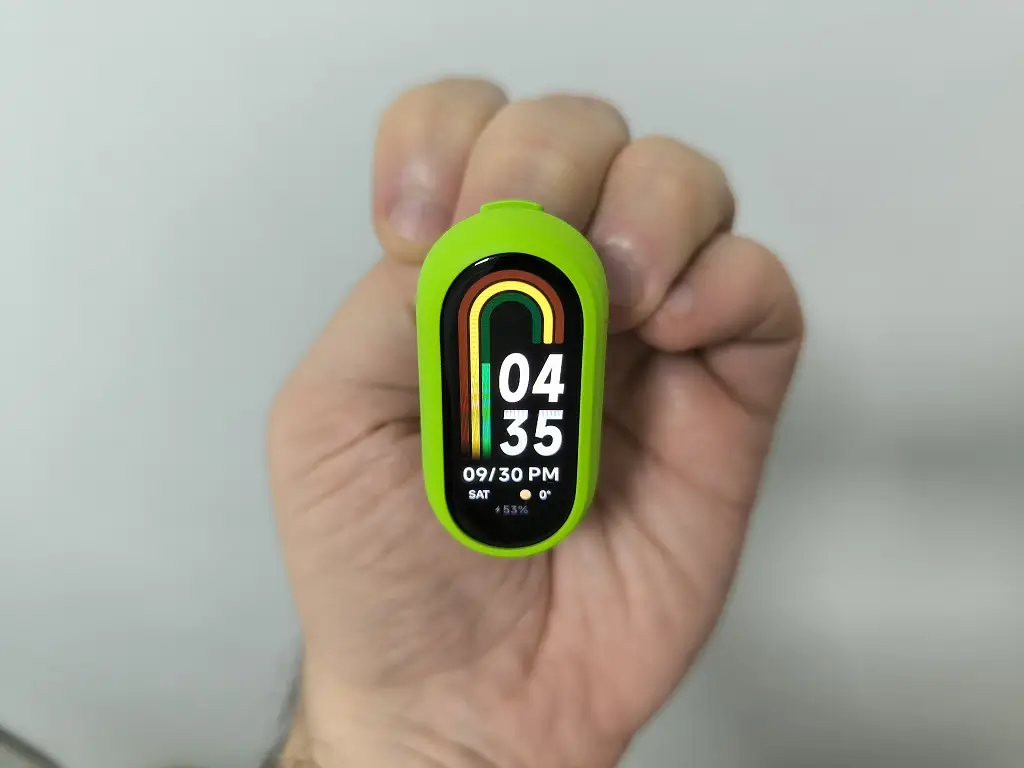
Using the Xiaomi Smart Band 8 Running Clip.
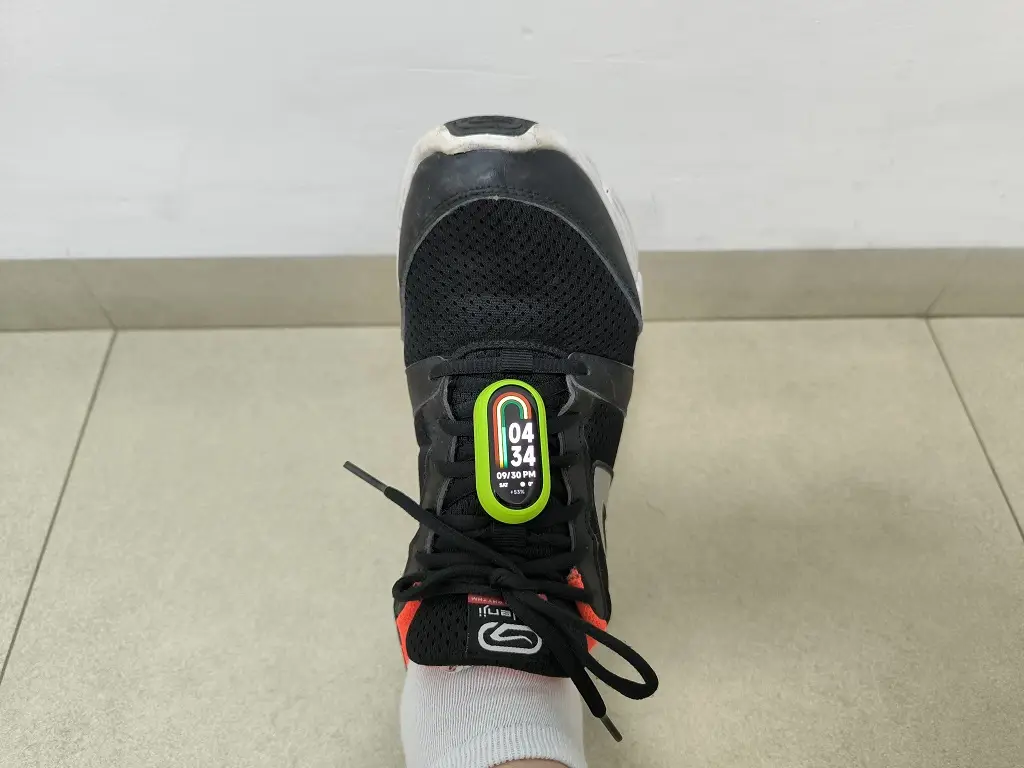
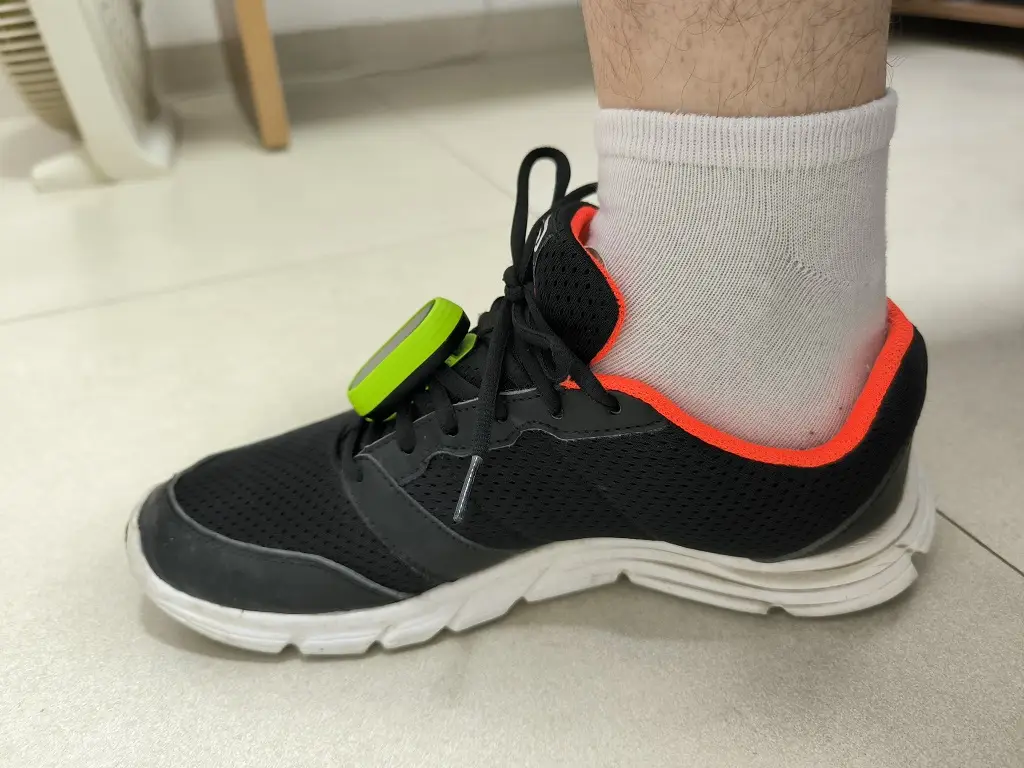
What is pebble mode exactly?
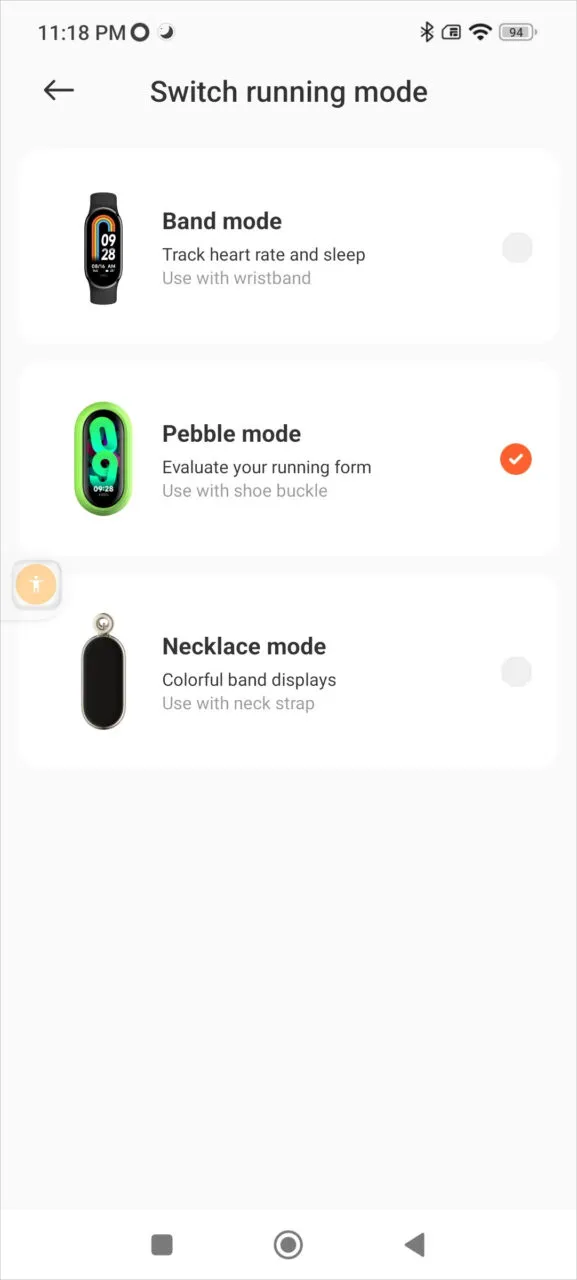
In order to simplify matters. Xiaomi has ingeniously integrated a gyro sensor into the tracker, providing comprehensive feedback on leg movements. The Xiaomi Mi Fitness app provides users with three unique running modes: Band mode, Pebble mode, and Necklace mode.
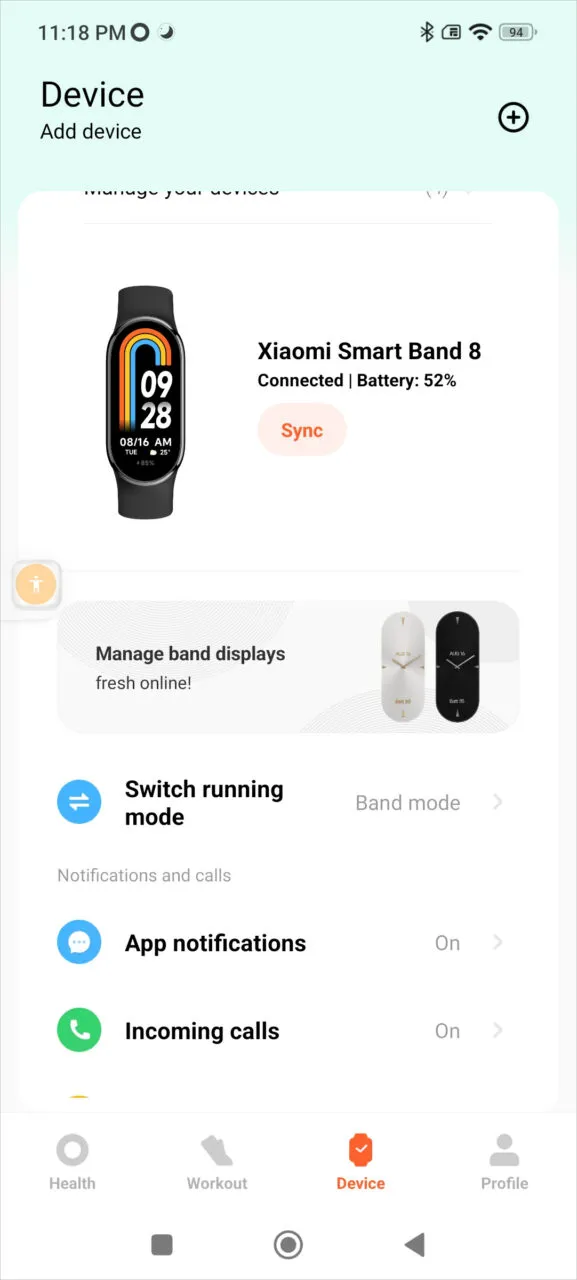
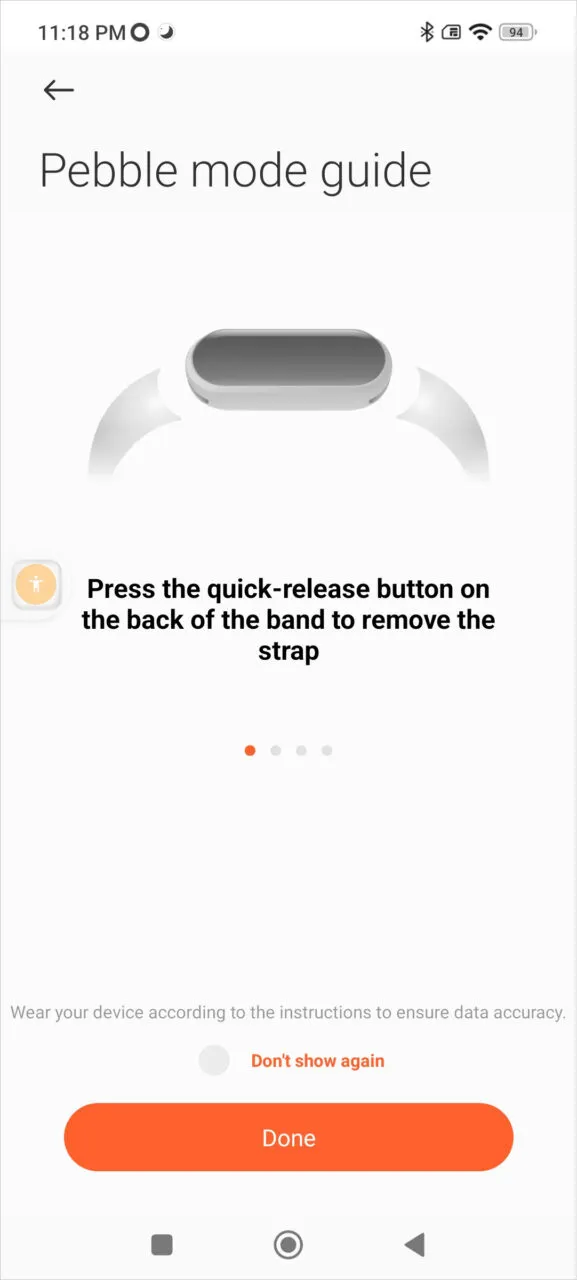
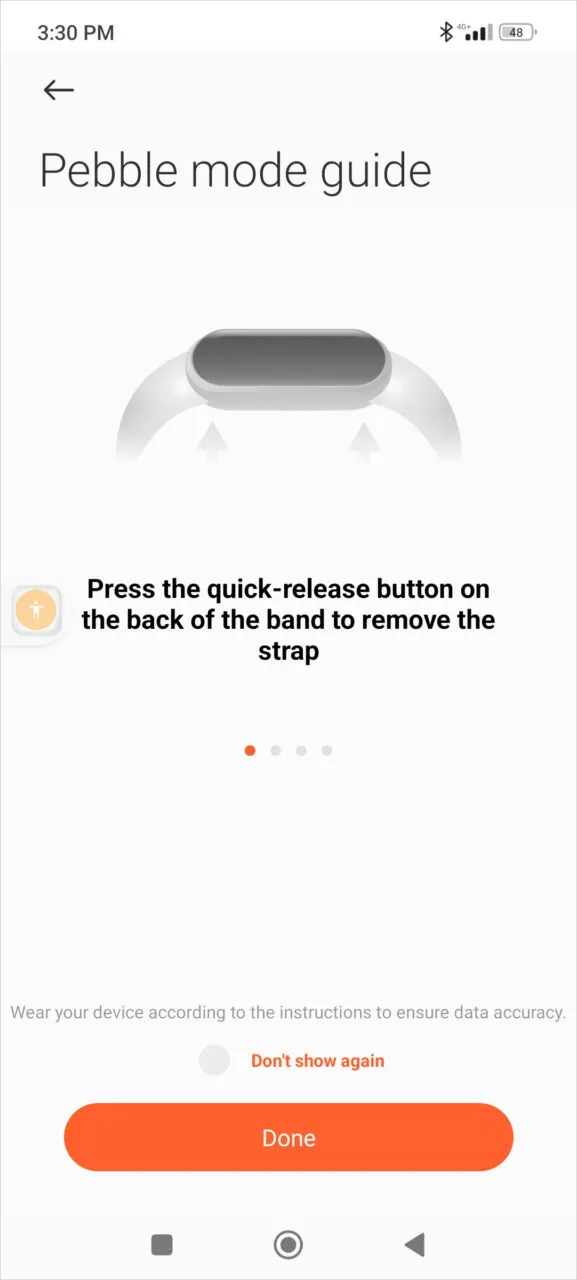
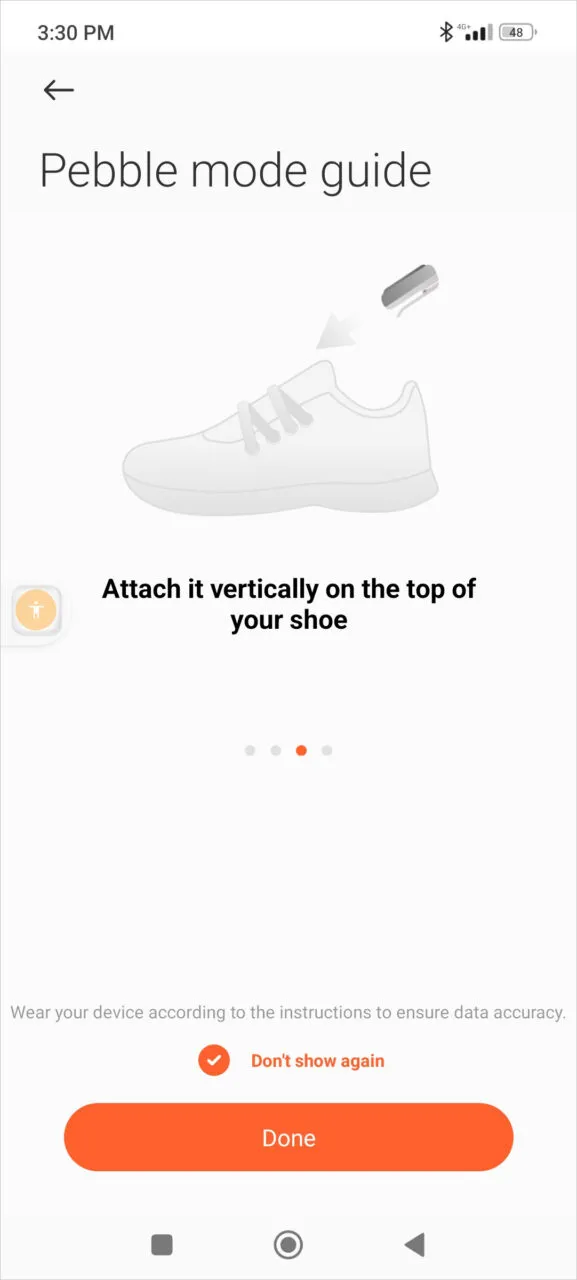
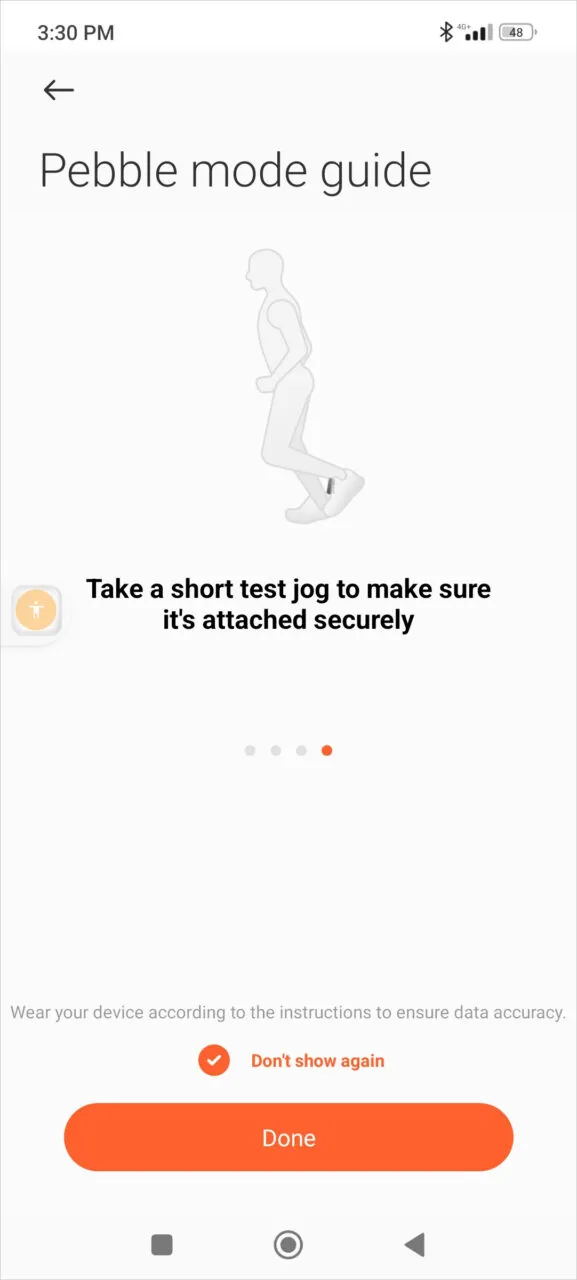
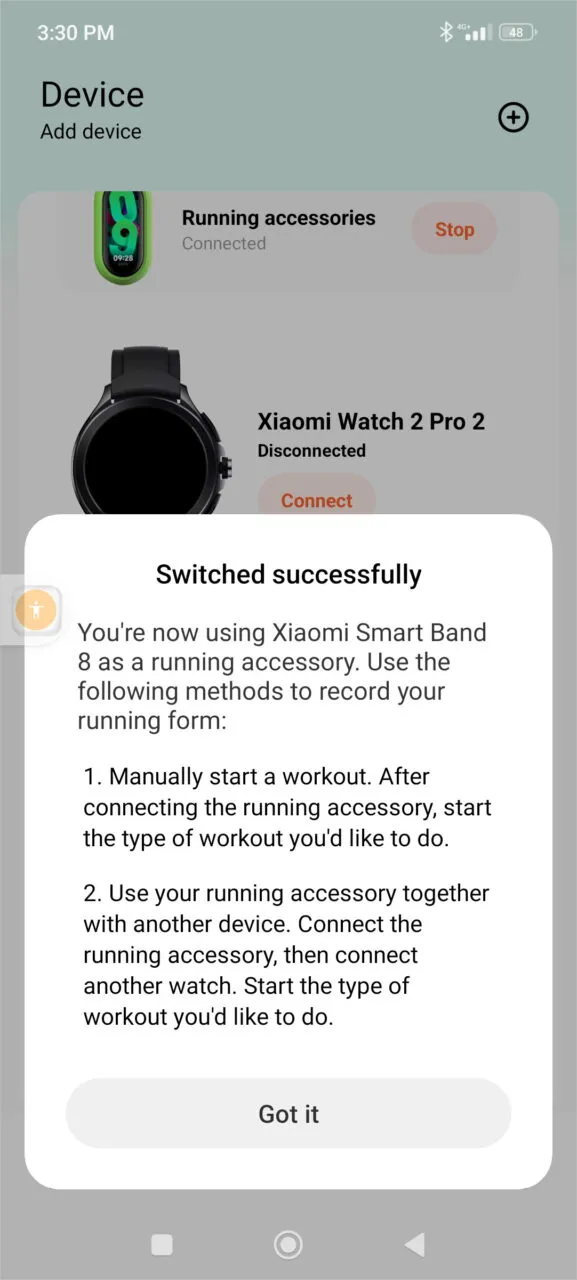
To activate Pebble mode, simply open the Mi Fitness app on your smartphone. Next, tap on “Switch running mode” and choose “Pebble mode.” After that, follow the instructions to adjust the running clip. Once you’ve completed these steps, you’re ready to.
Screenshots of Mi Fitness app showing Pebble mode settings.
Running form
Once you activate your GPS and begin an exercise, you have the ability to transition into the running mode and access valuable data about your running or walking routine, including Cadence, Stride, Ground Contact Time, and Impact Force. Professional runners can greatly benefit from valuable data, but it isn’t limited to just them.
Please watch our Pebble workout mode demo video.
Necklace mode
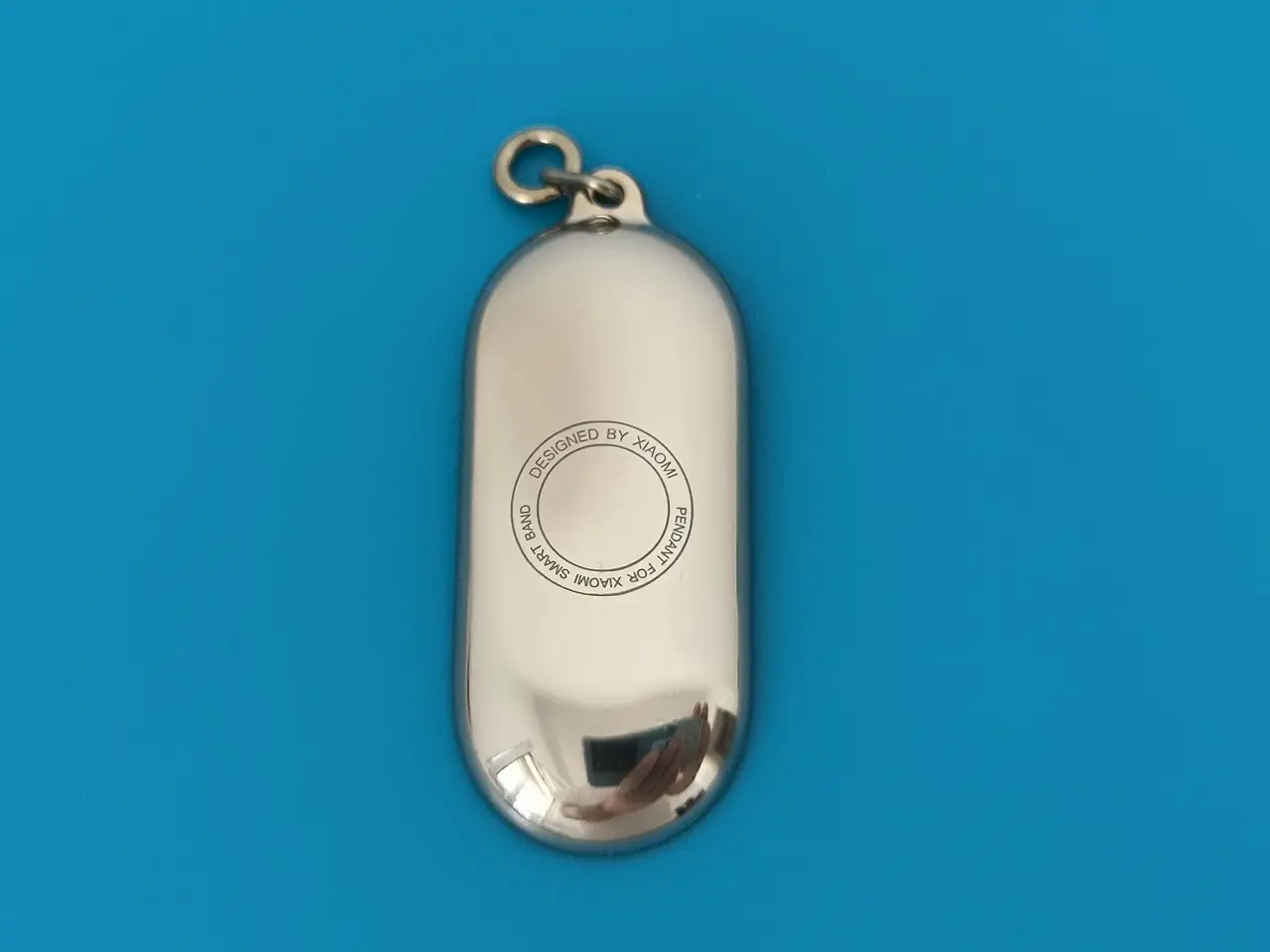
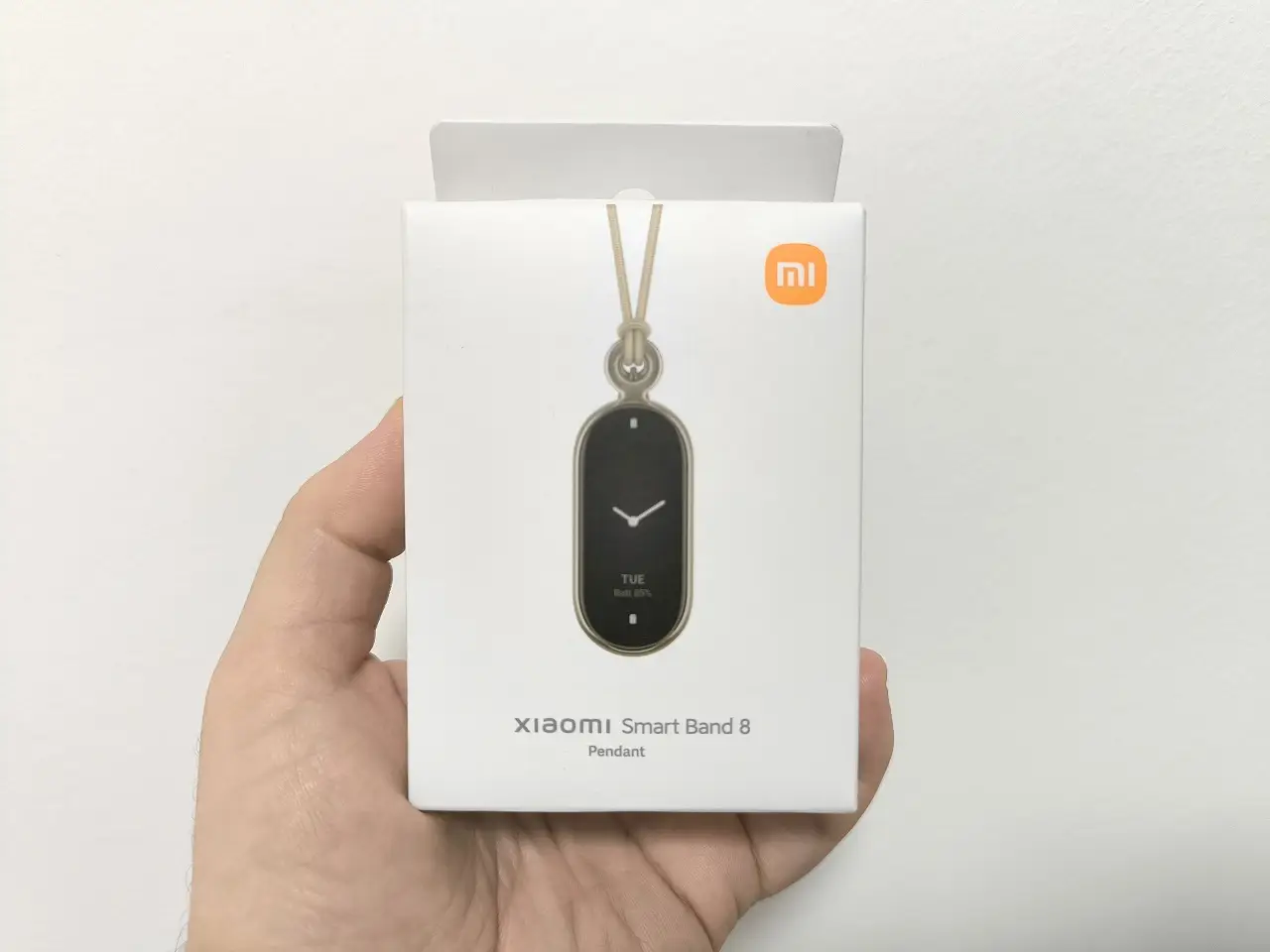
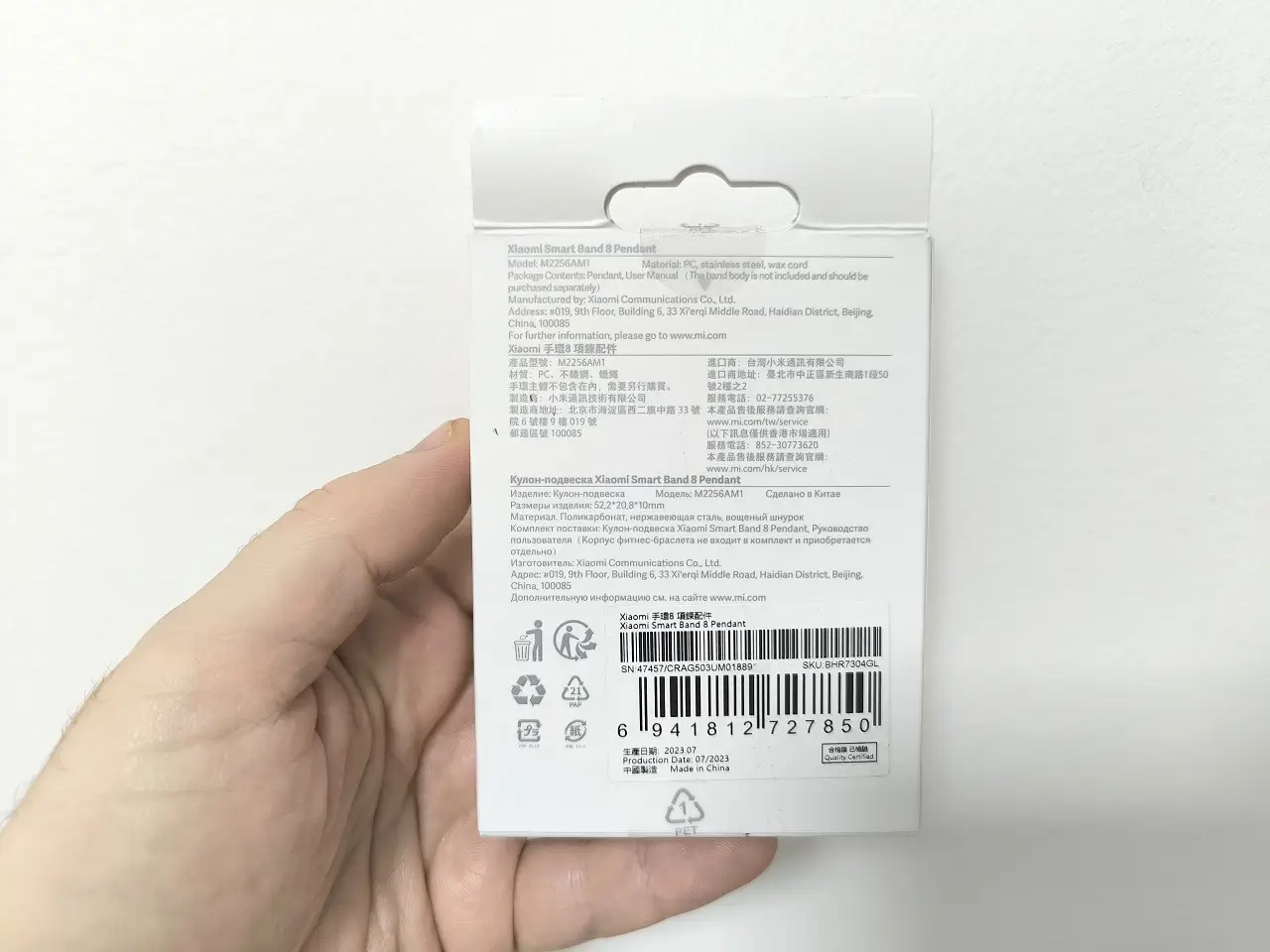
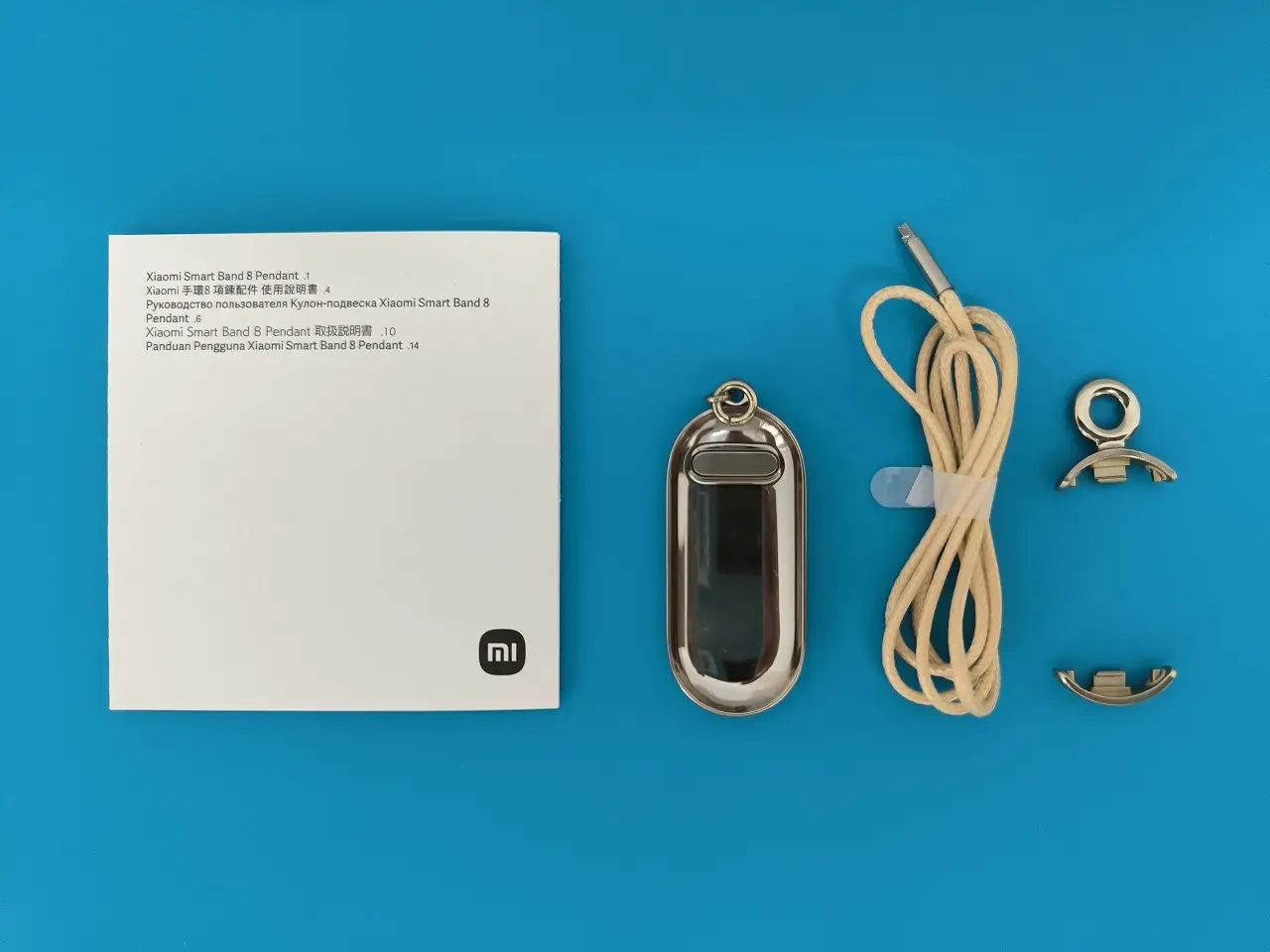
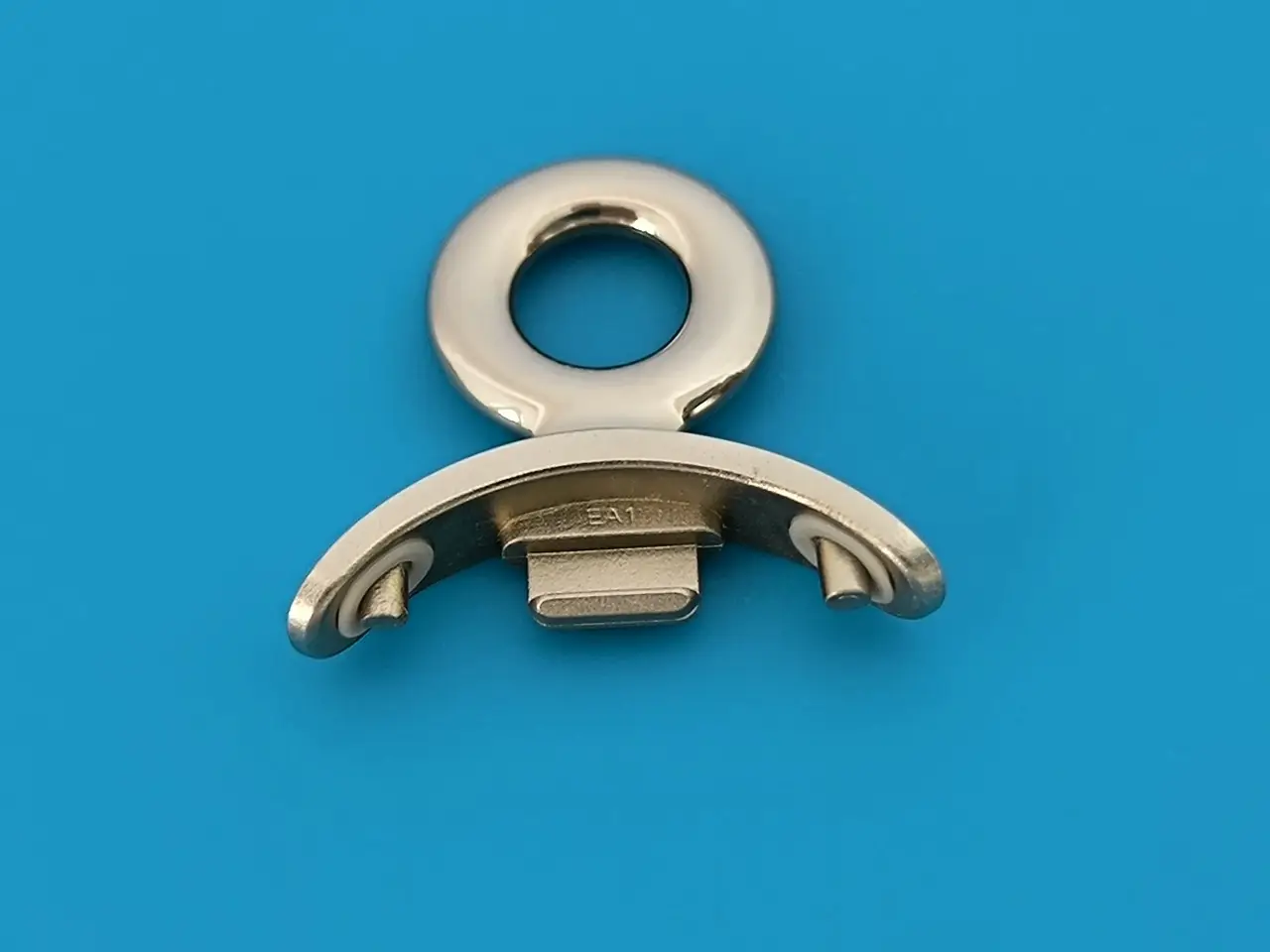
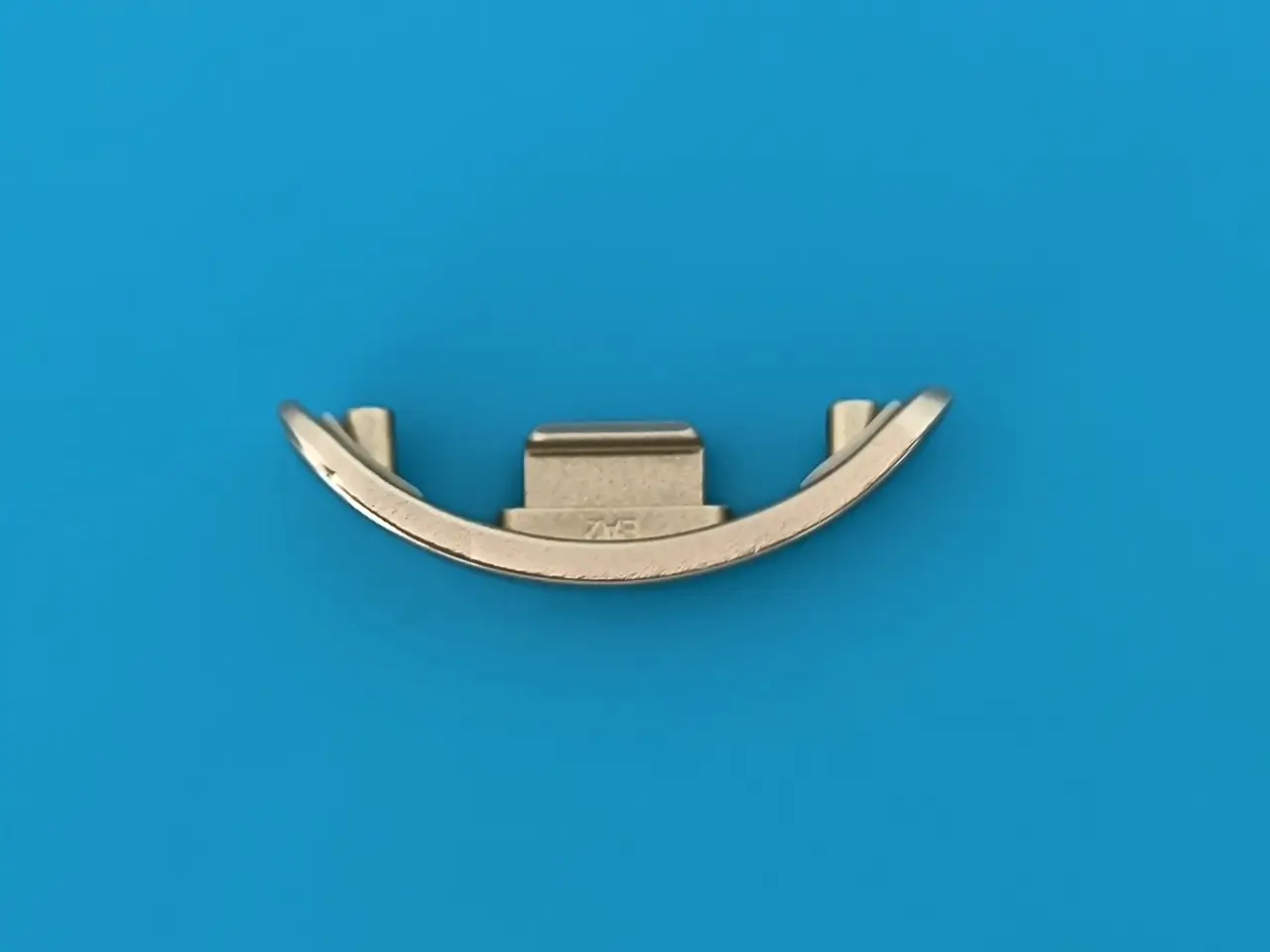
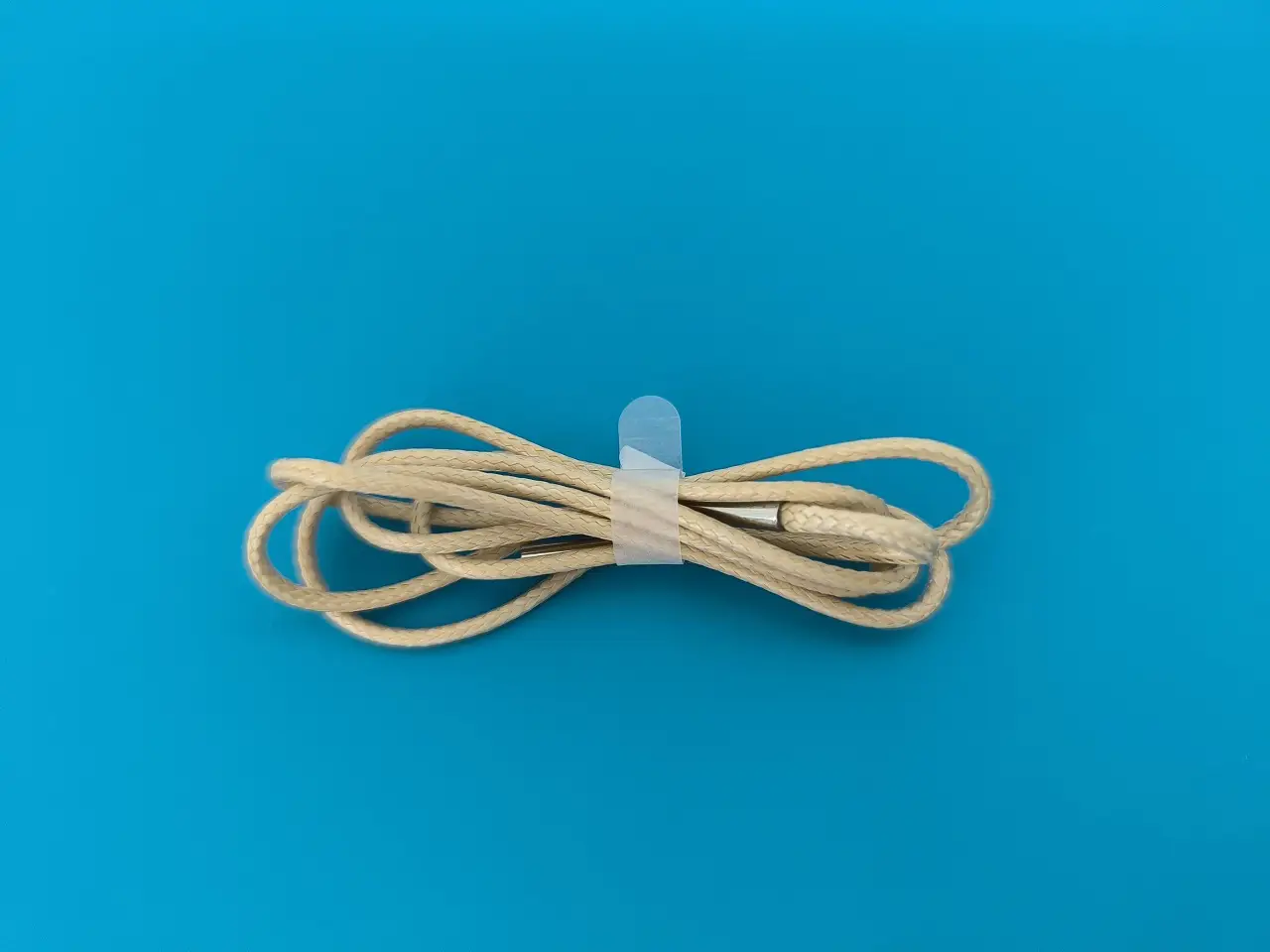
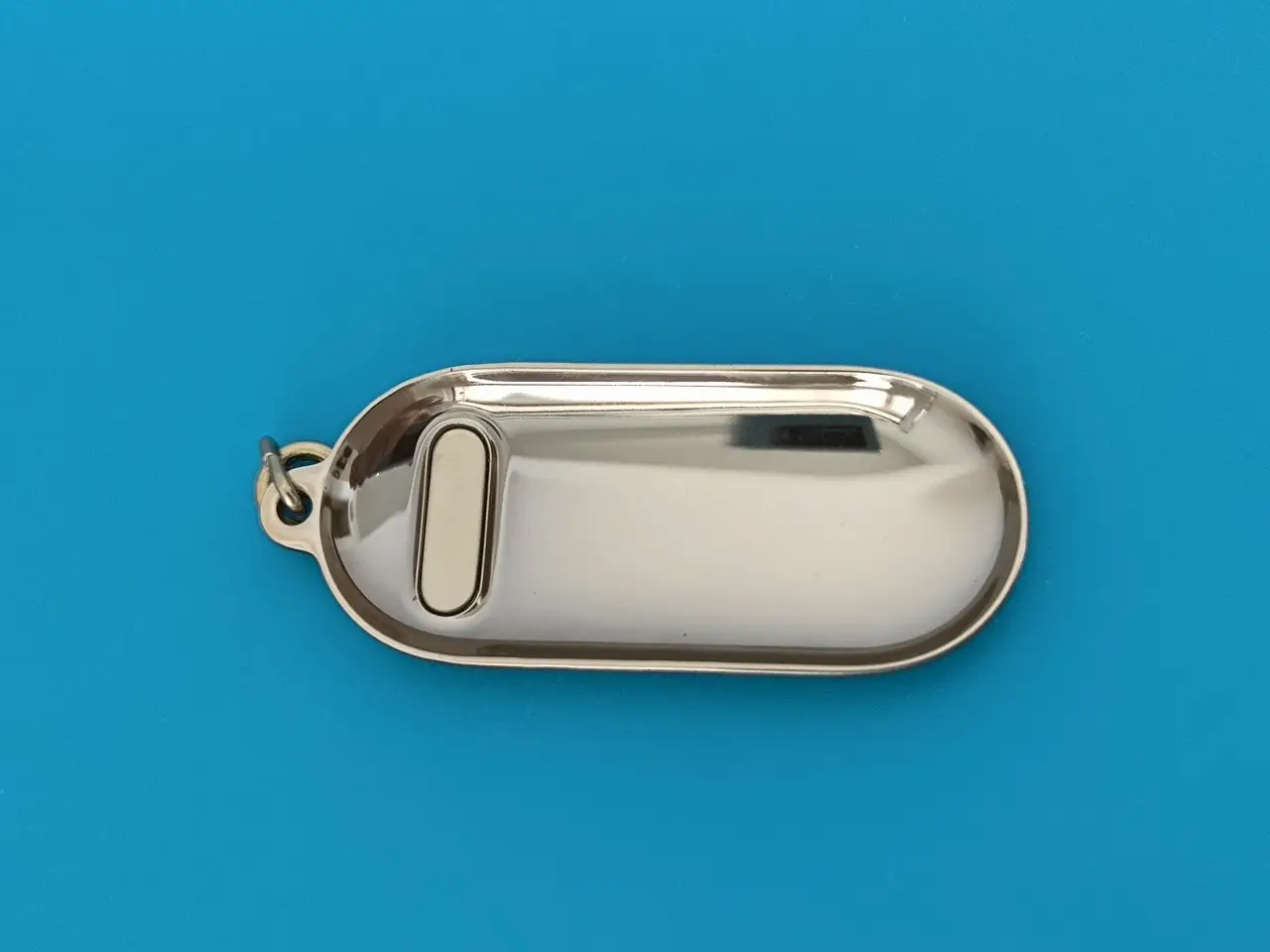
There is another optional accessory that is not included in the package, but it could be highly beneficial for certain sports activities. Furthermore, the pendant package consists of three distinct components.
To ensure the security of the tracker unit. To assemble the tracker unit, you will need to start by assembling the metal ring and the bottom part that are both made of metal. Lastly, the next step is to use a plastic shell with an integrated ring to protect the back of the tracker.
Key Takeaways
- Xiaomi Watch 2 Pro Review Xiaomi Smart Band 8 Review: Xiaomi's affordable smart band for runners.
- Specifications [wptb id=1000025980] Part 2 - Xiaomi Smart Band 8 Review The Package Unboxing (Package Contents) x1 Xiaomi Smart Band 8.
- Using the Xiaomi Smart Band 8 Running Clip.
- Xiaomi Smart Band 8: Chinese vs.
- Conclusion: Is Xiaomi Smart Band 8 Worth the Investment?
Frequently Asked Questions
What is part i - introduction to xiaomi smart band 8?
The new fitness bracelet comes with an AMOLED screen of a similar size of 1.
What is main features?
62-inch 60Hz AMOLED display Battery life of 16 days 24/7 Blood Oxygen Monitoring Health Monitoring - Heart rate/Sleep/Pressure Monitoring.
What is unboxing (package contents)?
x1 Xiaomi Smart Band 8.
What is sports modes?
The smartwatch can track up to 150+ different sports activities, including boxing movements, thanks to an additional acceleration sensor.