Close Menu
  • Home
  • About
  • Wearables
  • Earbuds
  • Computer Accessories
    • Routers
    • Remotes
  • Embedded
    • Single Board Computers
    • Addon Boards
    • Raspberry Pi
  • Wireless Routers
  • Contact
Facebook X (Twitter) Instagram
Trending News
  • Orange Pi 6 Plus Review: A 12-Core SBC Powerhouse (Benchmarks, Specs, and Pricing)
  • Orange Pi 6 Unveiled: The Affordable, Slimmed-Down SBC Alternative to the 6 Plus
  • Ugoos SK4 Review (2025): The Best Mid-Range Android TV Box for Value & Features
  • AliExpress Black Friday 2025: 🚨 LATEST Deals & ALL Exclusive Country Promo Codes (Save 90%!)
  • LattePanda IOTA Review: 4 Reasons It Beats Raspberry Pi 5
  • POCO F8 Ultra/Pro global release date unveiled, showcasing flagship-level specs
  • Ugoos GaN Chargers 2025: 35W, 65W, 140W – Fast, Compact & Universal
  • Orange Pi RG: A retro handheld gaming console powered by RISC-V is currently in dev.
AndroidPIMP
Facebook X (Twitter) Instagram
  • Home
  • About
  • Wearables
  • Earbuds
  • Computer Accessories
    • Routers
    • Remotes
  • Embedded
    • Single Board Computers
    • Addon Boards
    • Raspberry Pi
  • Wireless Routers
  • Contact
AndroidPIMP
Speakers

Under $30 Best Budget PC Gaming Speaker: Wired & Bluetooth

By androidpimpJune 29, 2021Updated:June 17, 2024No Comments4 Mins Read
Facebook Twitter Pinterest LinkedIn Tumblr Email
Follow Us
Google News Flipboard
Table of contents
  1. BlitzWolf BW-GS1 PC Gaming Speaker
  2. BlitzWolf BW-GS1 Speaker [Product Intro]
  3. Main Features
  4. Specification
  5. The Package
  6. BlitzWolf BW-G21 Unboxing
  7. Design
  8. Build-Quality
  9. Operation
  10. Sound Quality
  11. Final verdict
  12. Where to Buy!
    1. BlitzWolf BW-GS1 Computer Game Speaker Best Values

Maybe you missed it? Xiaomi Square Box II Bluetooth Speaker


BlitzWolf BW-GS1 PC Gaming Speaker

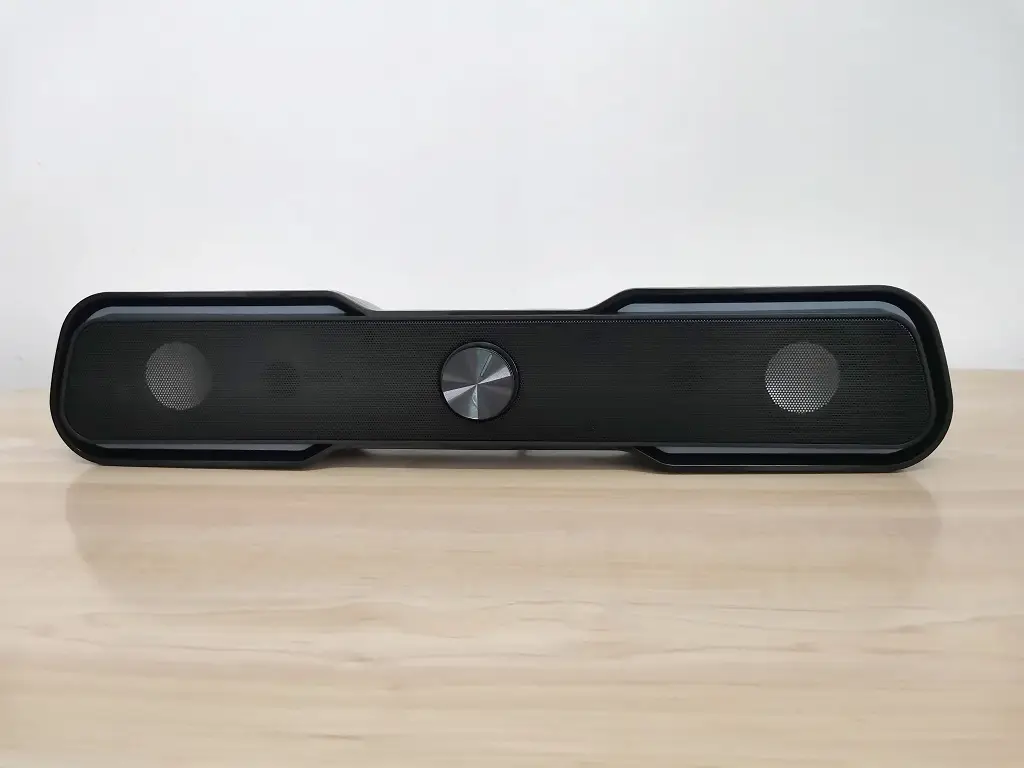
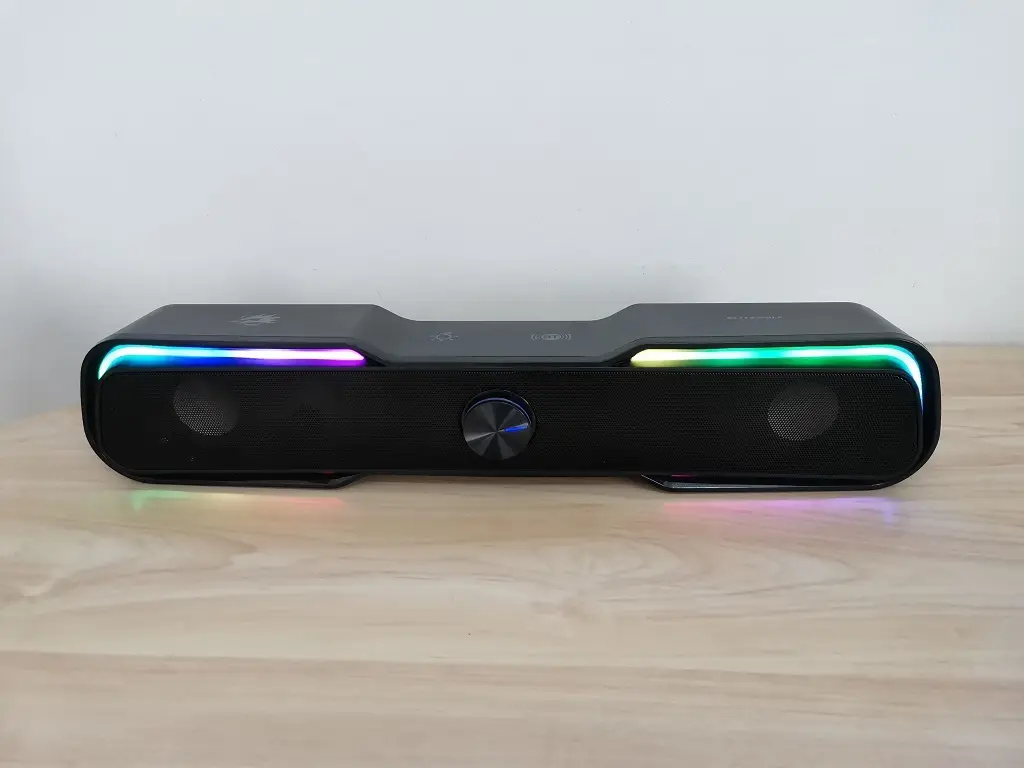
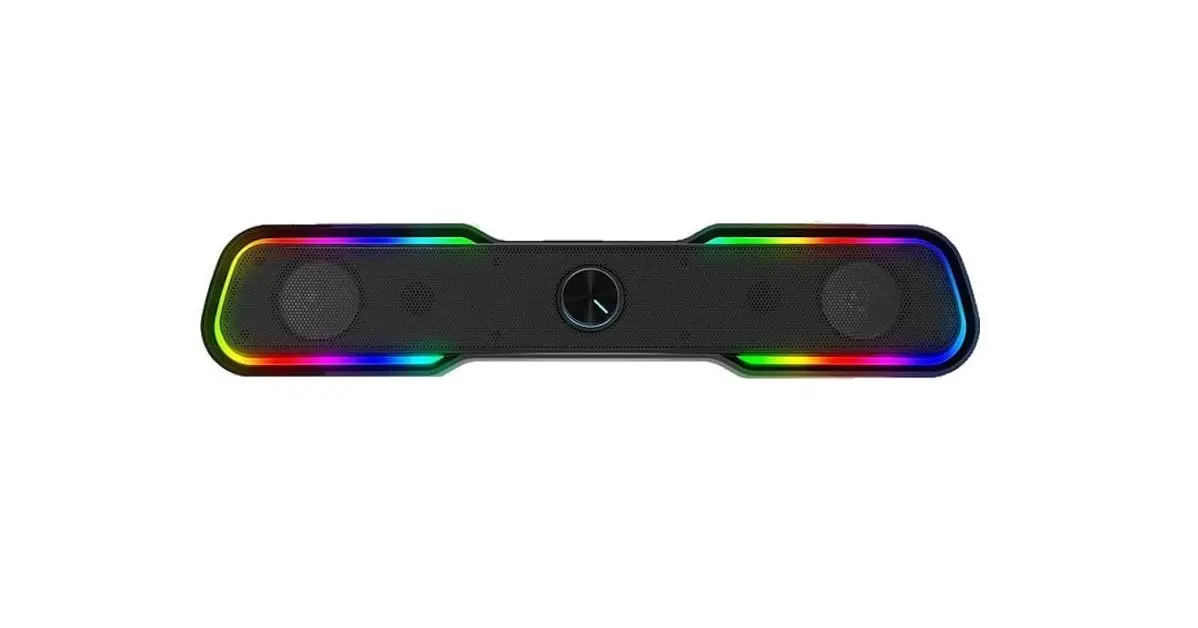
The BlitzWolf BW-GS1 Computer Game Speaker features a 2.0 Channel audio system composed of a pair of 2-inch stereo speakers, packed in a very cool, stylish sound bar designed shell. It comes with built-in RGB lights for a great visual experience that every gamer would love to have when listening to music or playing games, including every day for home media entertainment purposes.

Jumping into the BW-GS1 speaker connectivity options. You can use the speaker as a wired speaker and connect it directly to your desktop PC and also use the Bluetooth speaker function to stream music from your mobile device too.

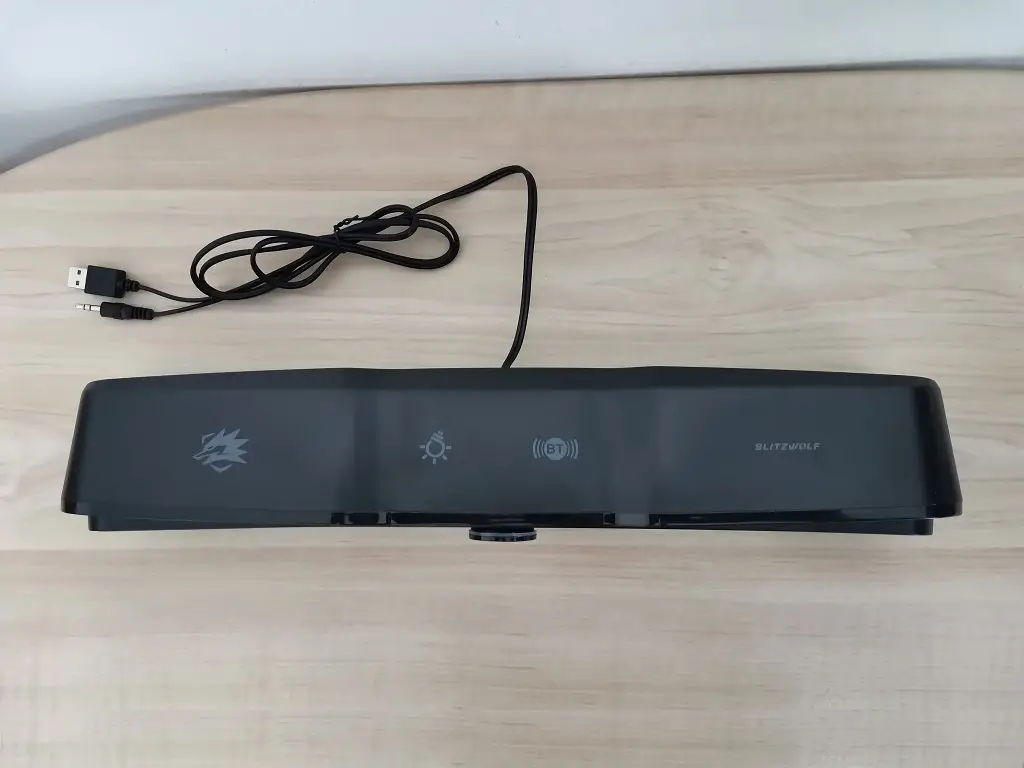
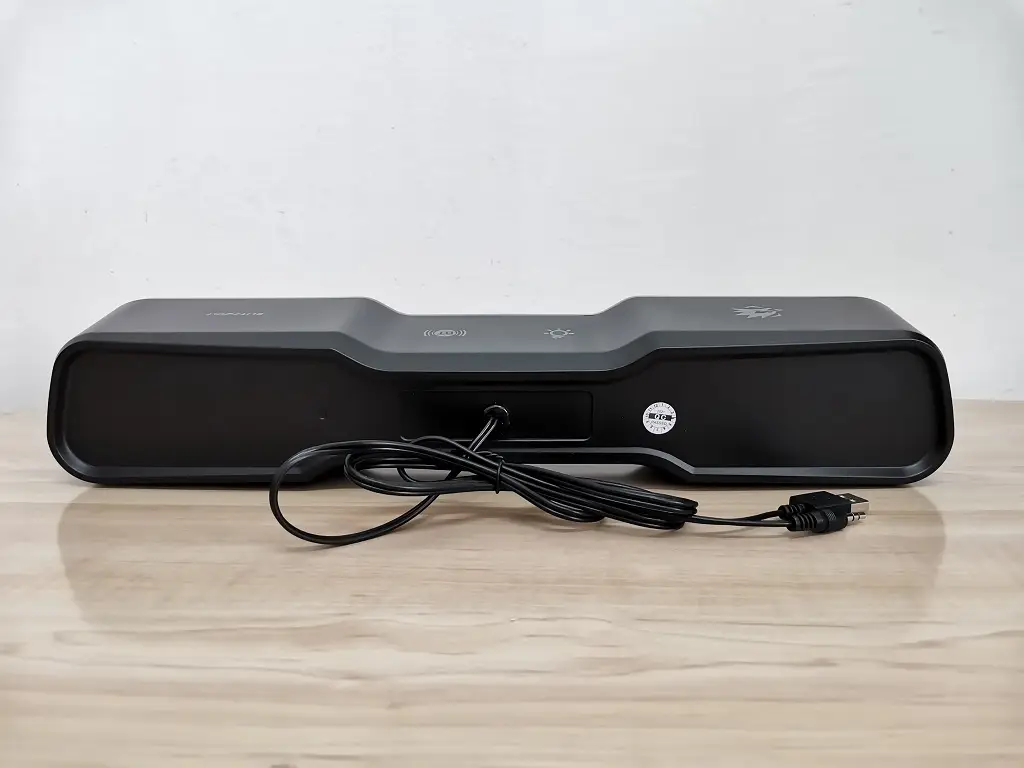
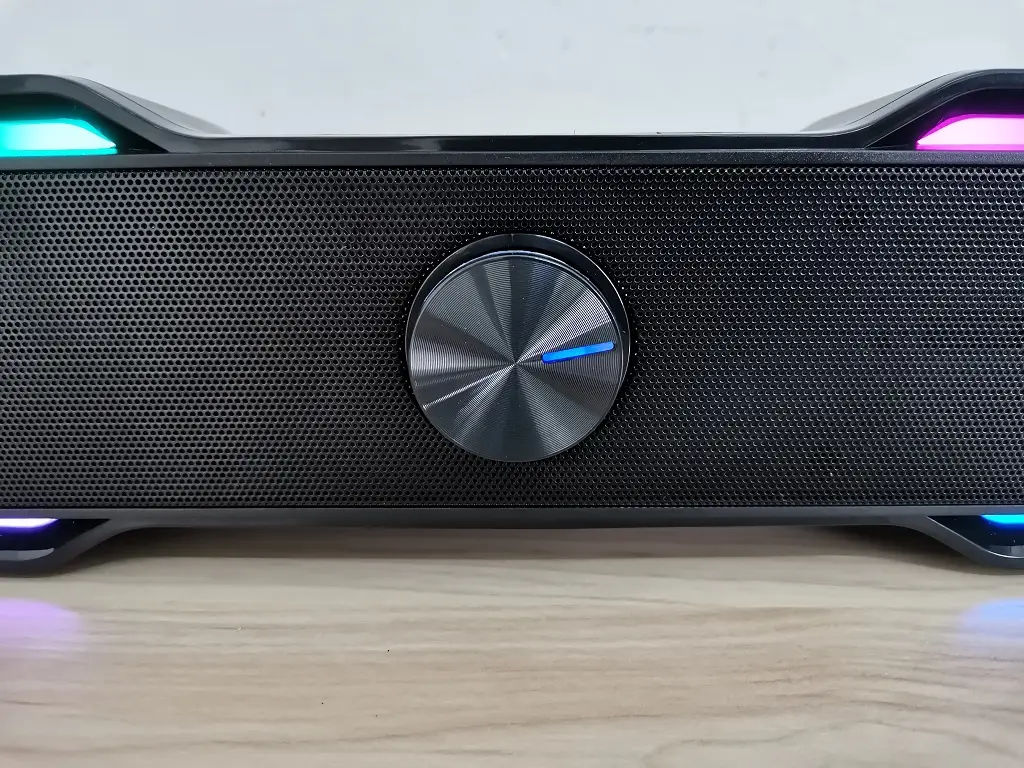
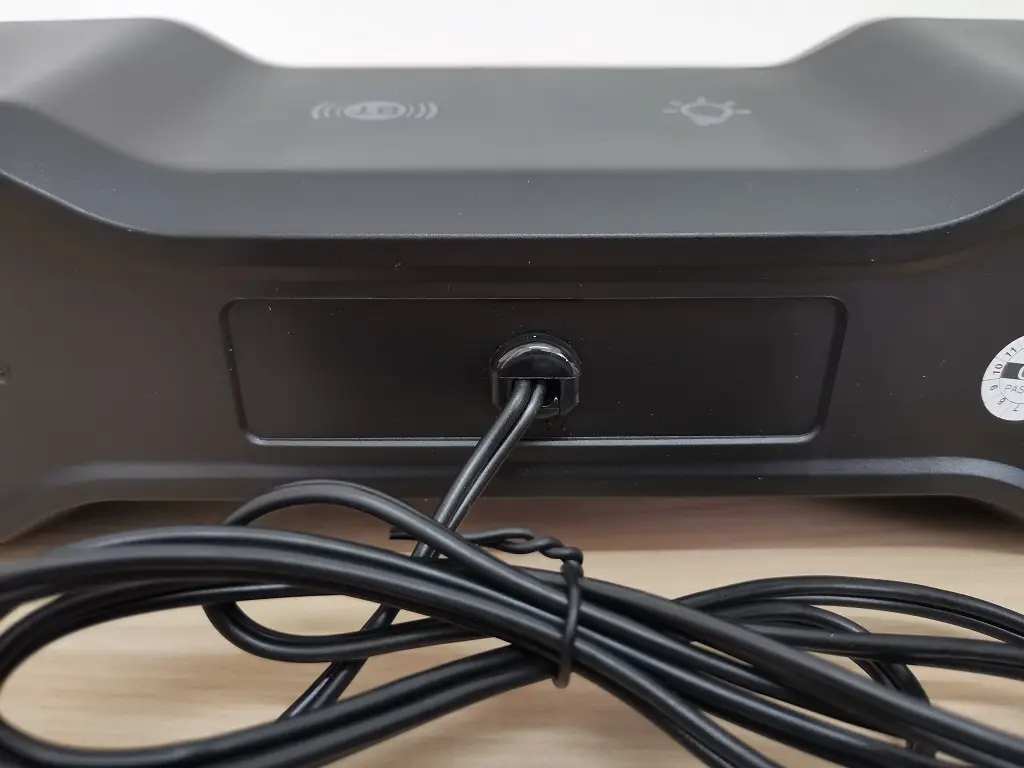
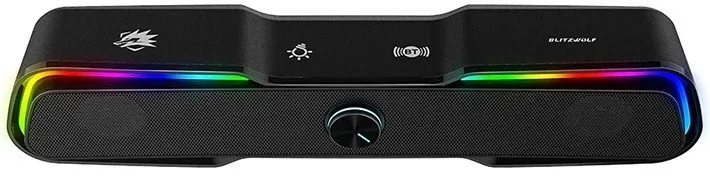
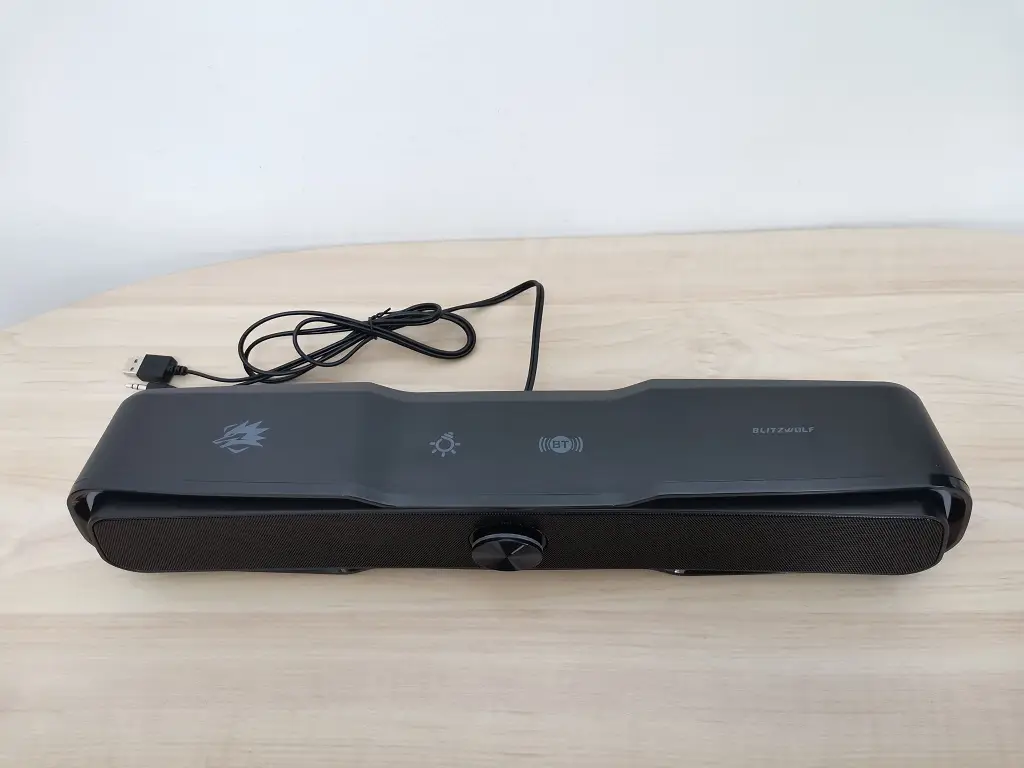
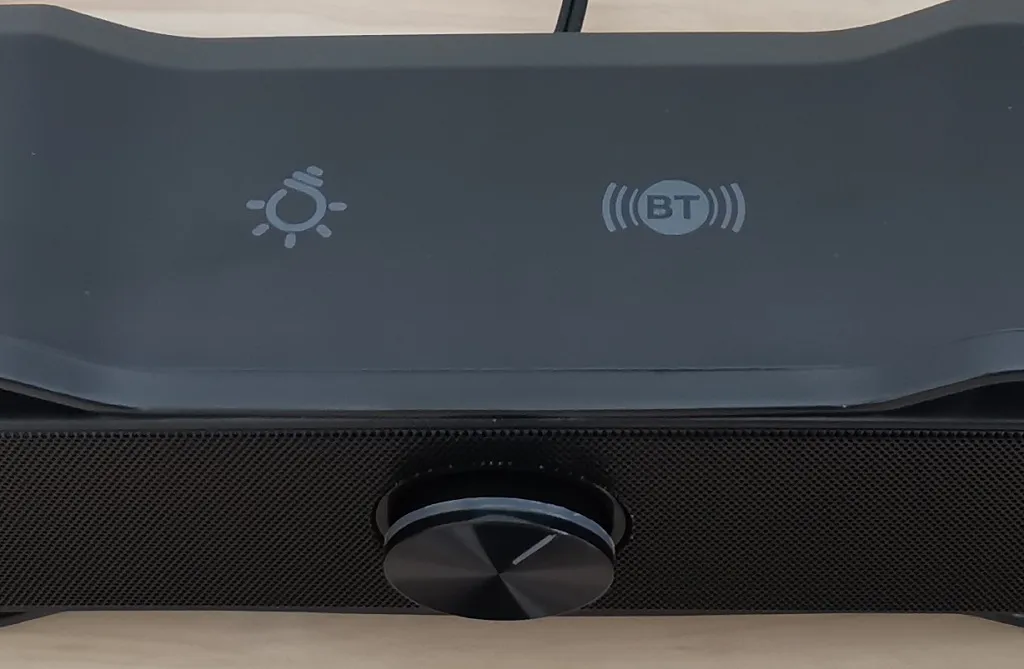
On the top of the speaker, you will find two touch-type buttons for turning on the LED RGB lights on and off as well as a Bluetooth pairing button. On the front of the speaker, you will find a volume control knob which is very typical and can be found in most Soundbar type speakers on the market.

As for the price tag, the product is currently sold online Banggood store for $39.99 and according to our impression, the customer feedbacks about the product are good so we definitely recommend checking them too.

BlitzWolf BW-GS1 Speaker [Product Intro]
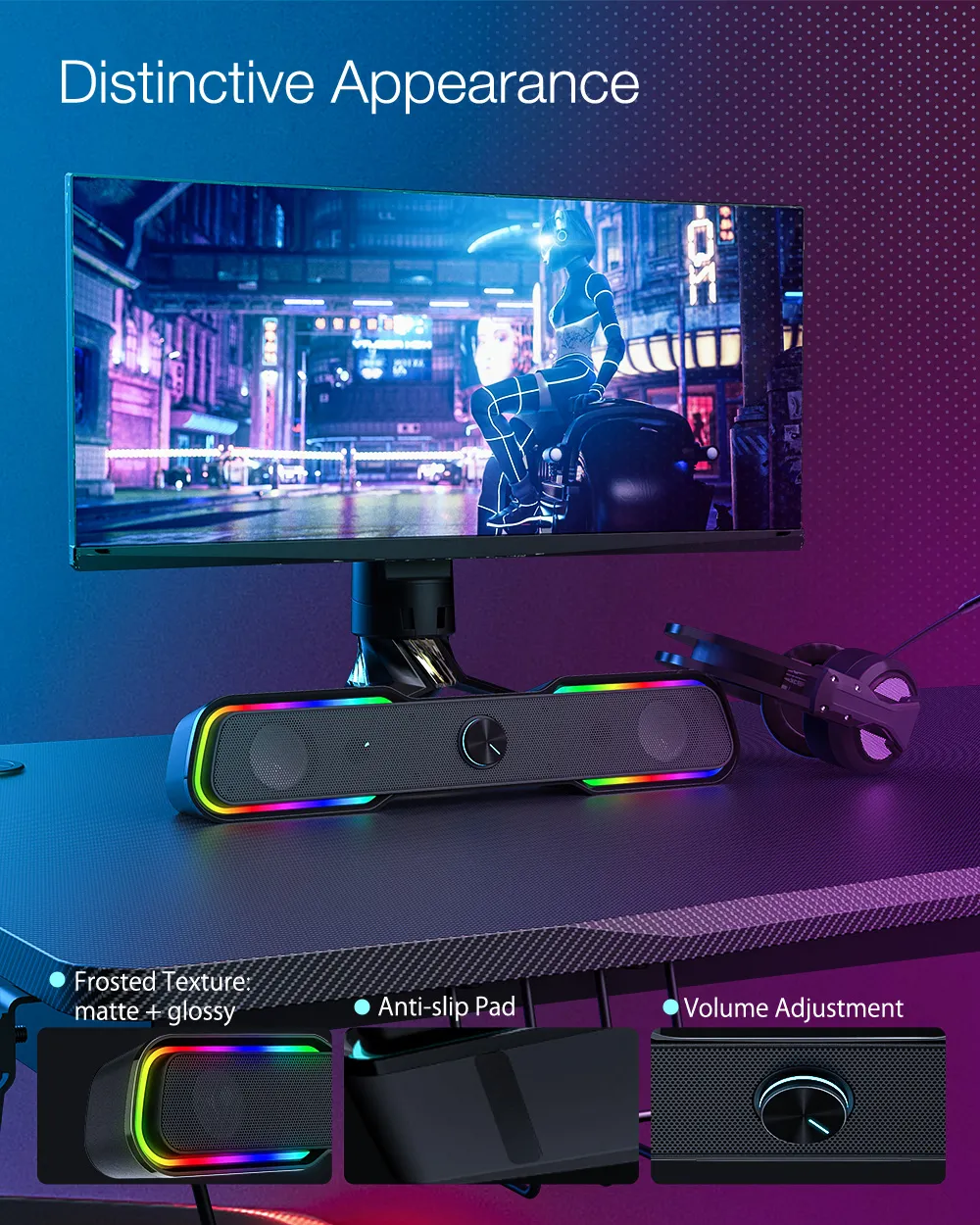

Main Features

BlitzWolf BW-GS1

Capable of producing realistic, pure and beautiful sound.

Soundbar Speaker Design

Bluetooth connectivity support

Build-in 2.0 Channel System,

Dual Speakers

Strong, powerful bass output

360°HiFi stereo sound audio effect

Dazzling RGB Colorful Lights suitable for a great gaming experience.

Easy to operate touch control buttons

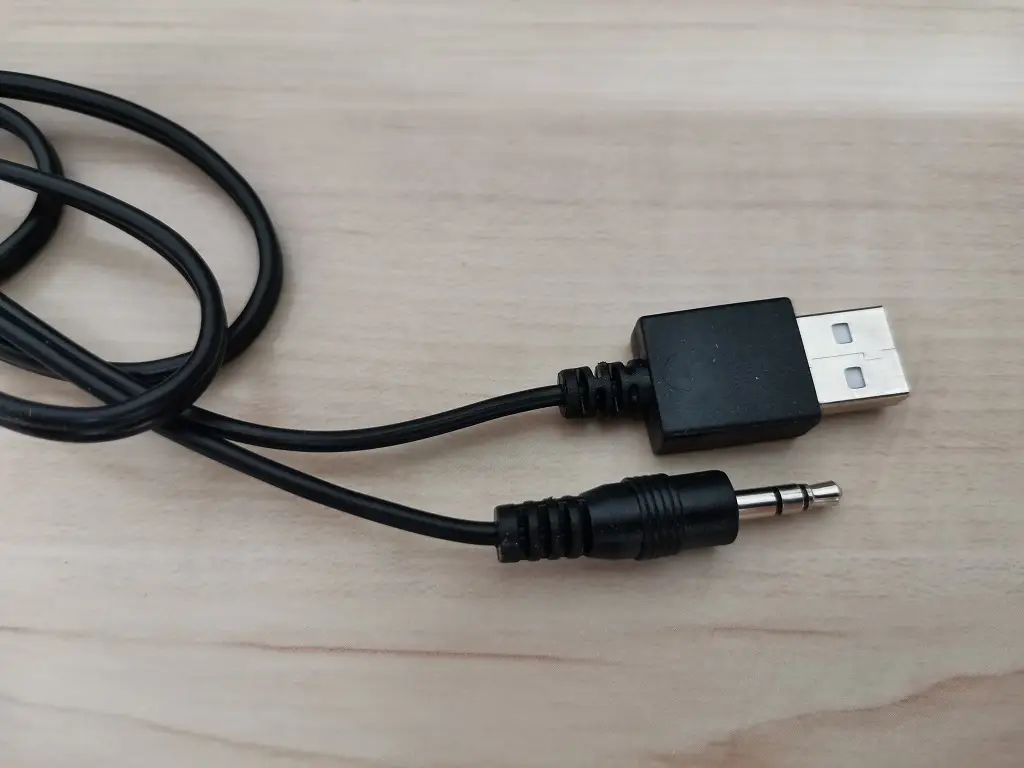
USB + 3.5mm Audio Connection,Plug and play.

Compatible with mobile phones, laptops, PC, Smart TVs.


Specification

ModelBW-GS1
ColorBlack
BrandBlitzWolf
Speaker output10W
Speaker diameter2inch
Frequency response200Hz-20KHz
Light modeRGB
Power inputDC 5V
Cable length1.2m
PlugUSB + 3.5mm audio
Size440(W) x 83(D) x 88(H)mm

The Package

  • Bw G21 Gaming Speaker Pkg 1
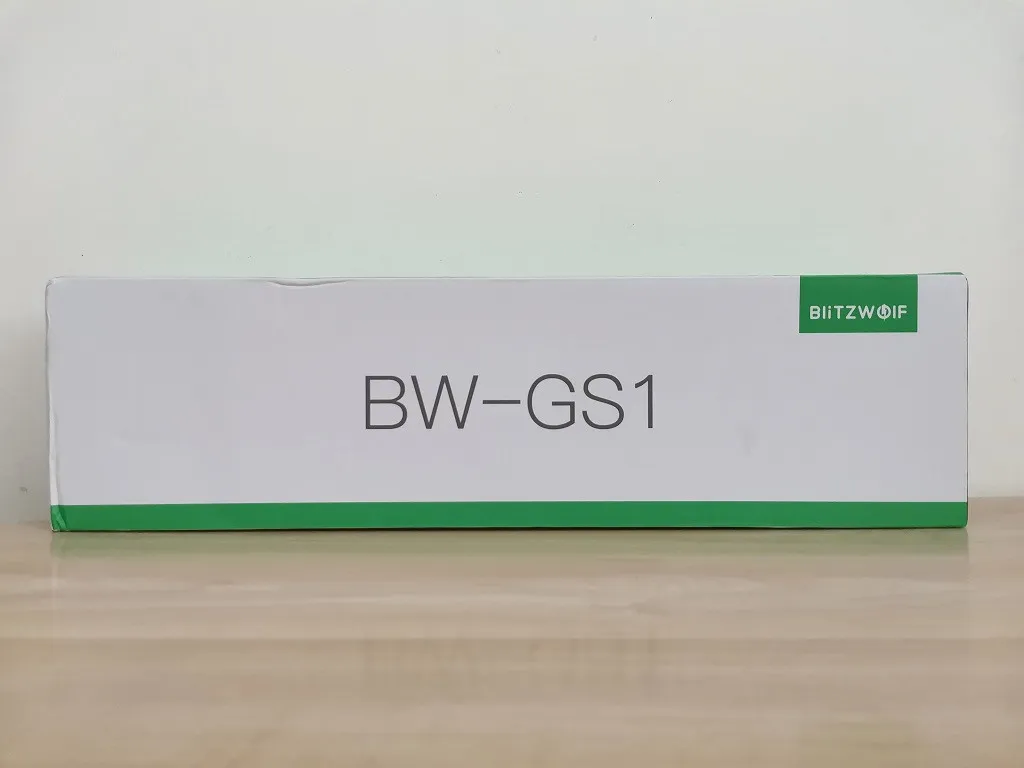
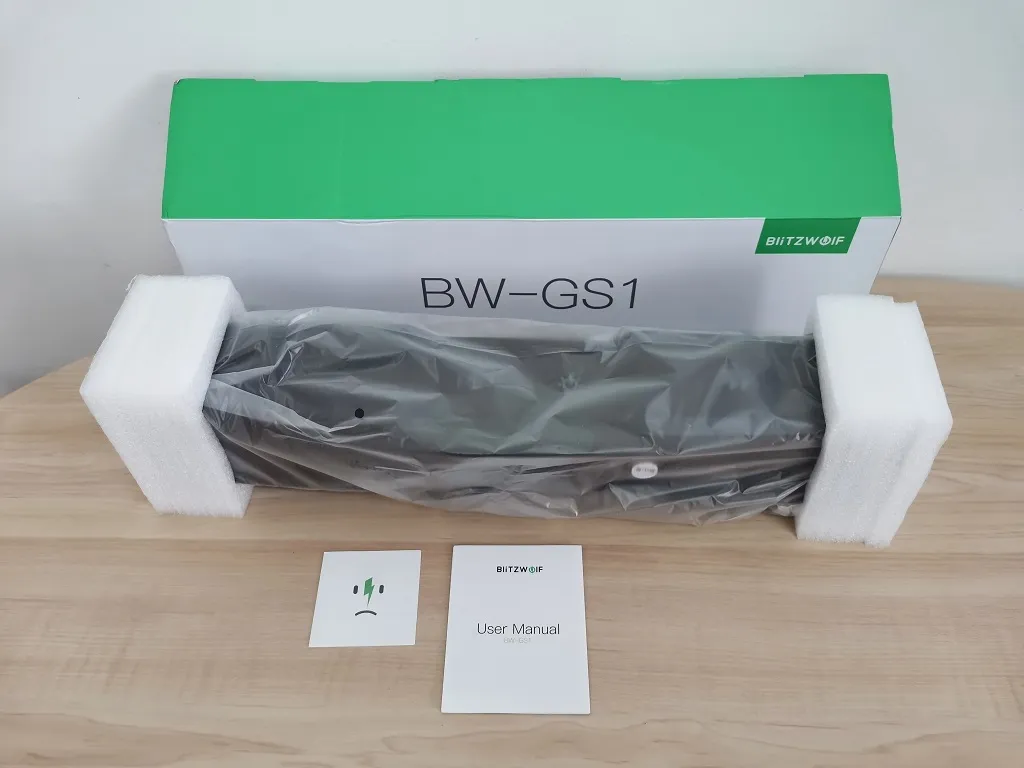
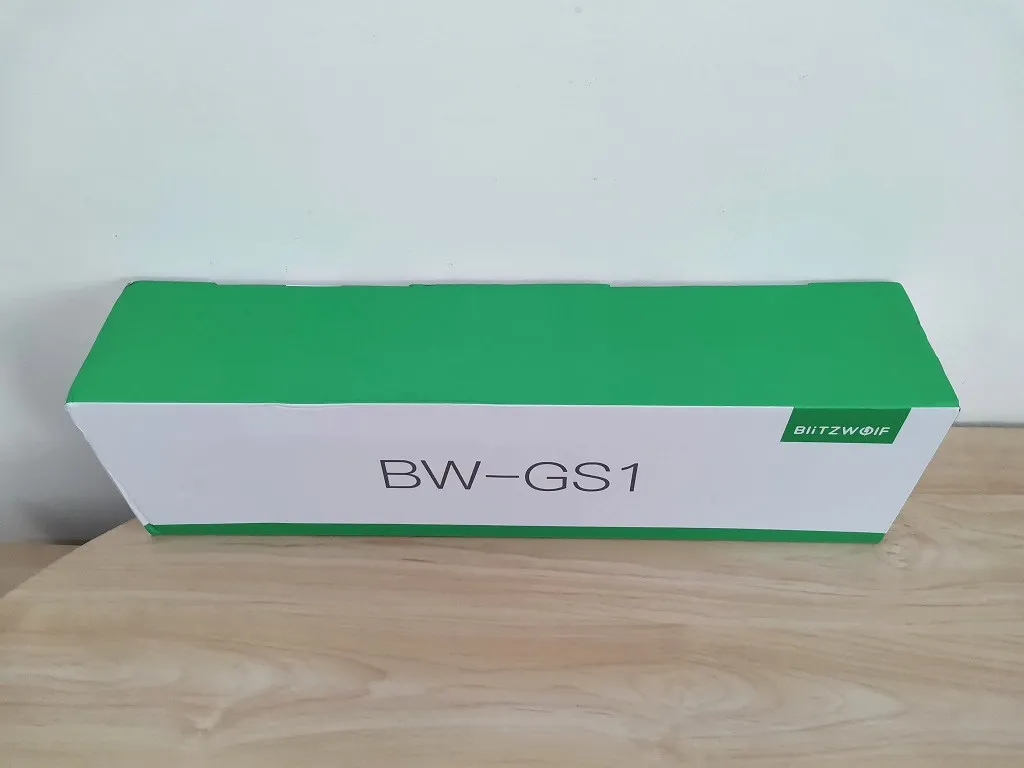
    BlitzWolf BW-G21 Speaker Package - PIC 1 of 4
  • Bw G21 Gaming Speaker Pkg 2
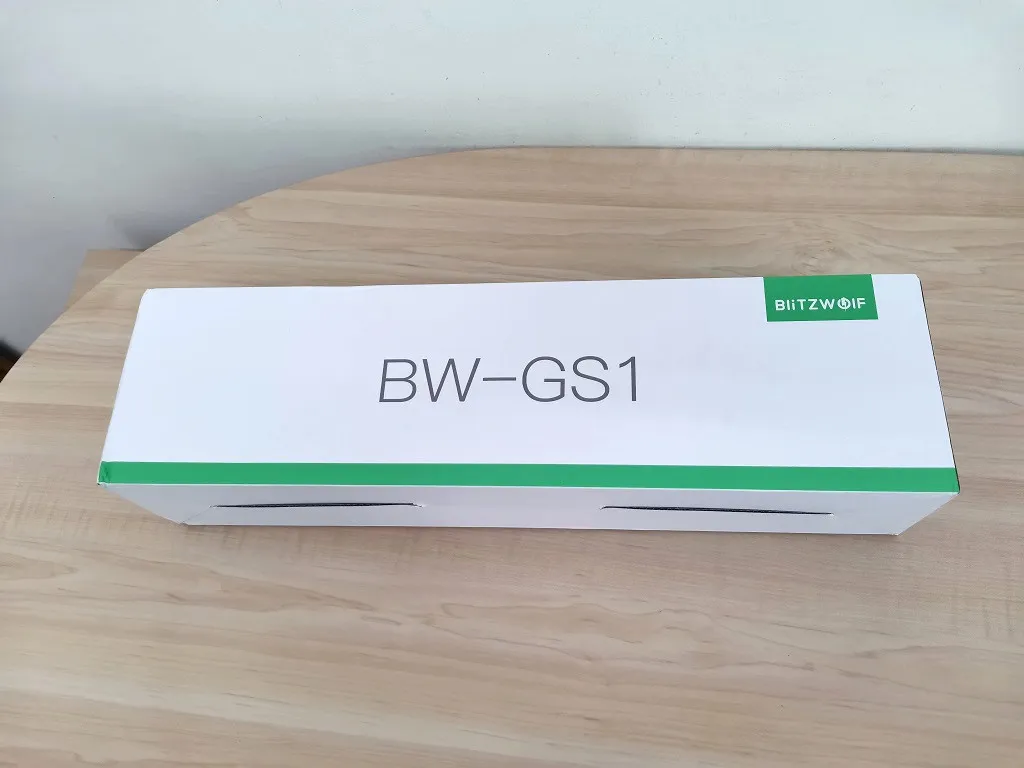
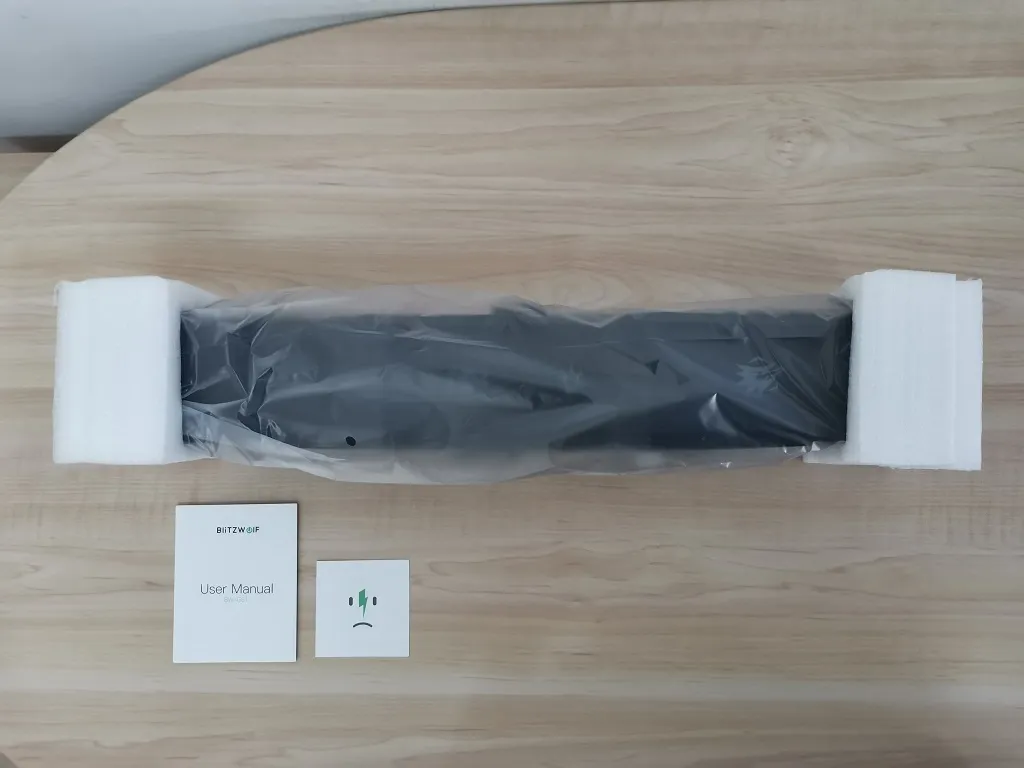
    BlitzWolf BW-G21 Speaker Package - PIC 2 of 4
  • Bw G21 Gaming Speaker Pkg 3
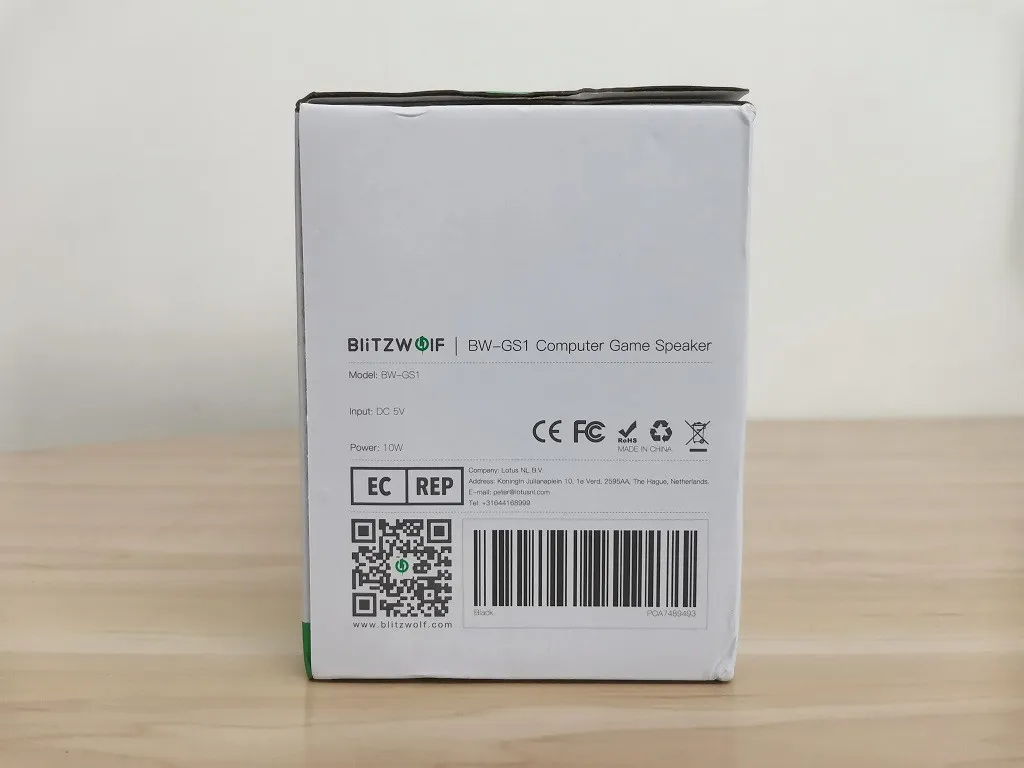
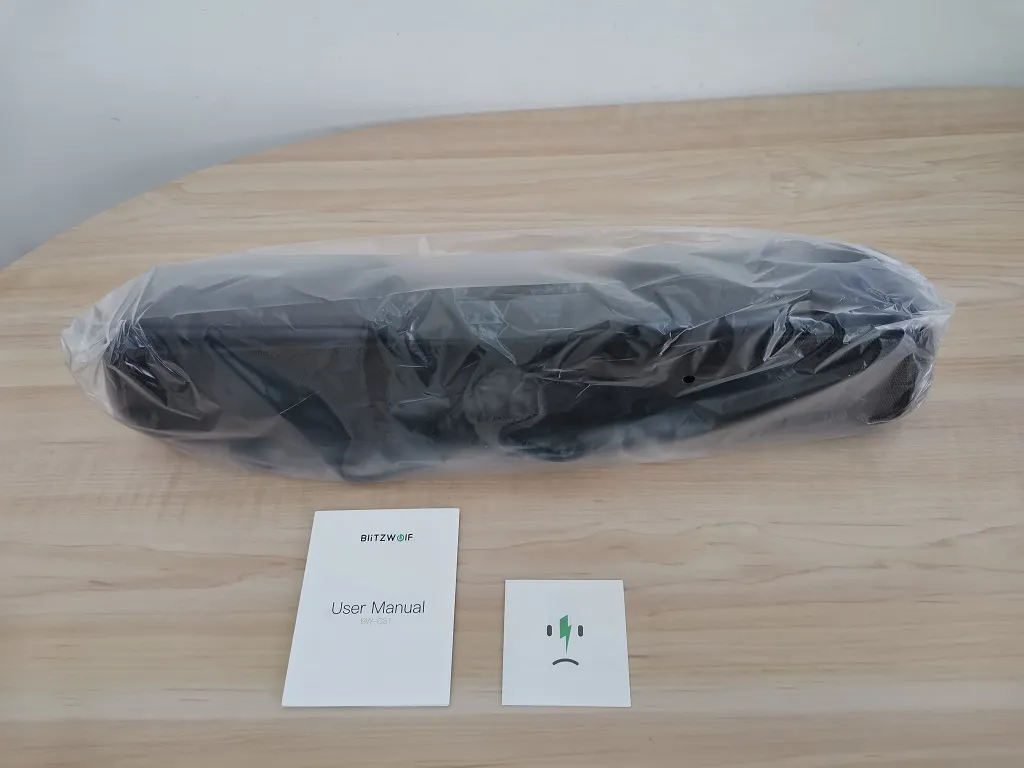
    BlitzWolf BW-G21 Speaker Package - PIC 3 of 4
  • Bw G21 Gaming Speaker Pkg 4
    BlitzWolf BW-G21 Speaker Package - PIC 4 of 4

BlitzWolf BW-G21 Unboxing

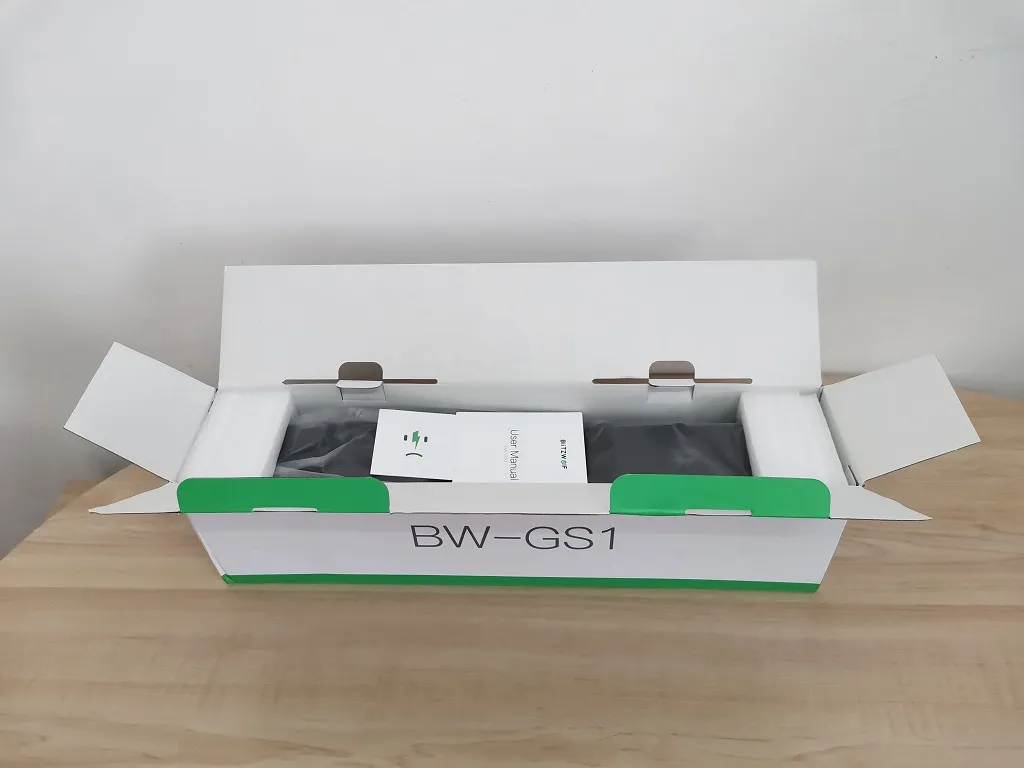
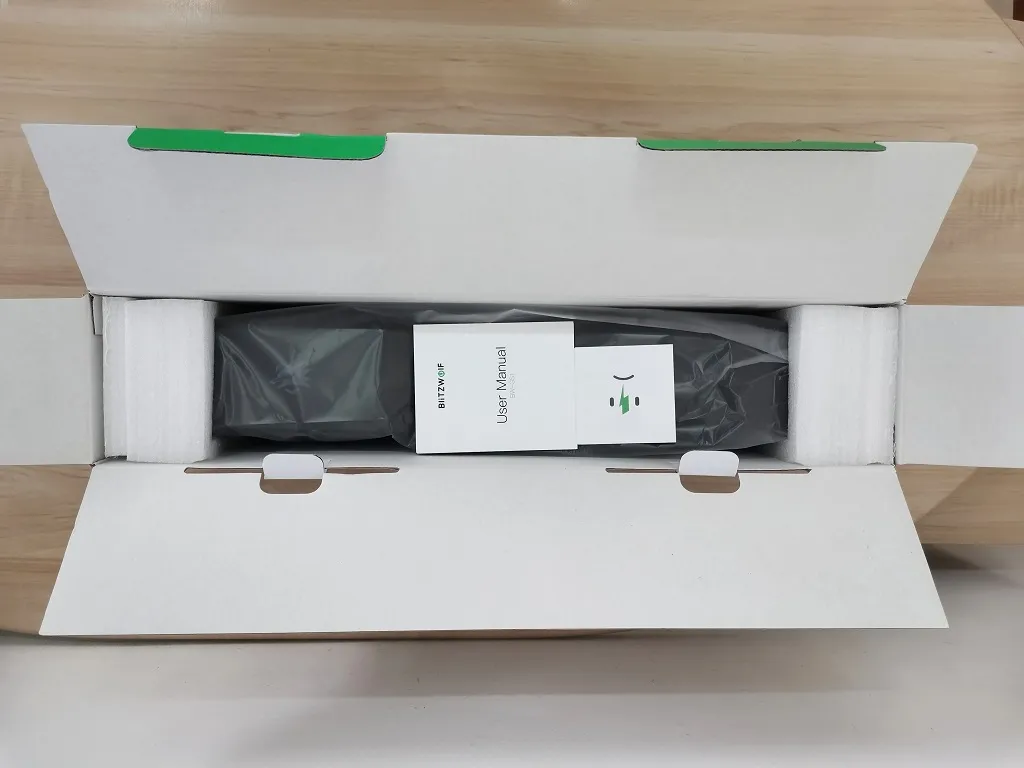
Package Contents:

  • 1x BlitzWolf BW-G21 Speaker
  • 1x User Guide
  • 1x Customer Service Support Card.
  • Bw G21 Gaming Speaker Unbox 1
    BlitzWolf BW-G21 Speaker | Unboxing PIC 1 of 5
  • Bw G21 Gaming Speaker Unbox 2
    BlitzWolf BW-G21 Speaker | Unboxing PIC 2 of 5
  • Bw G21 Gaming Speaker Unbox 3
    BlitzWolf BW-G21 Speaker | Unboxing PIC 3 of 5
  • Bw G21 Gaming Speaker Unbox 4
    BlitzWolf BW-G21 Speaker | Unboxing PIC 4 of 5
  • Bw G21 Gaming Speaker Unbox 5
    BlitzWolf BW-G21 Speaker | Unboxing PIC 5 of 5

Design

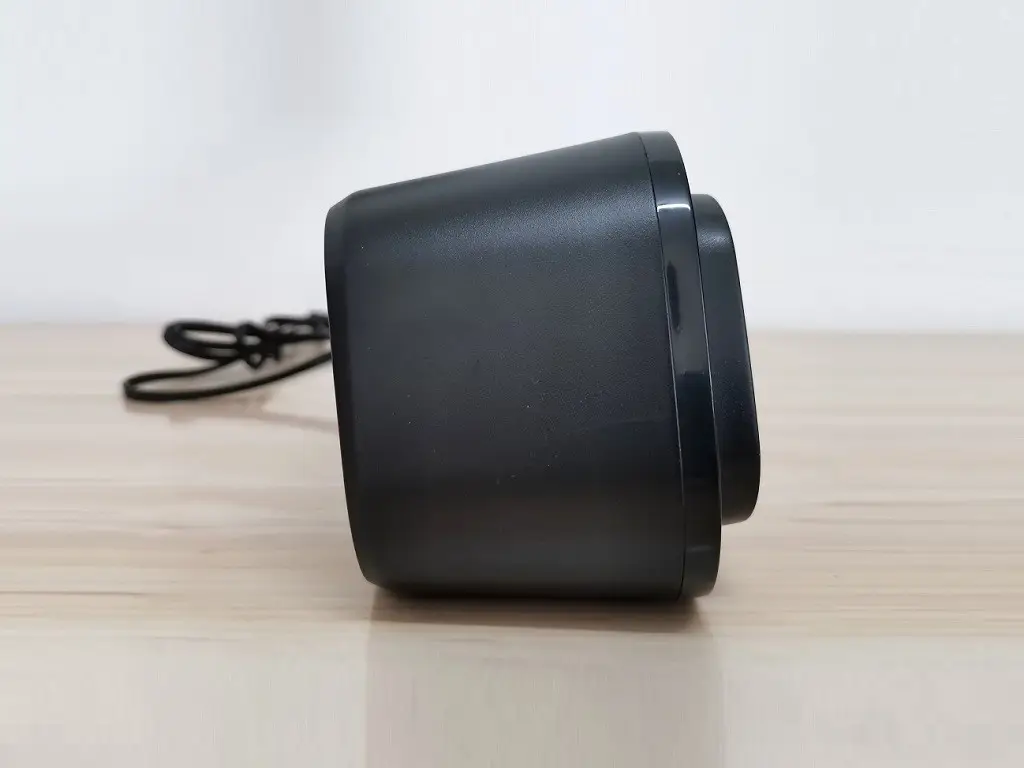
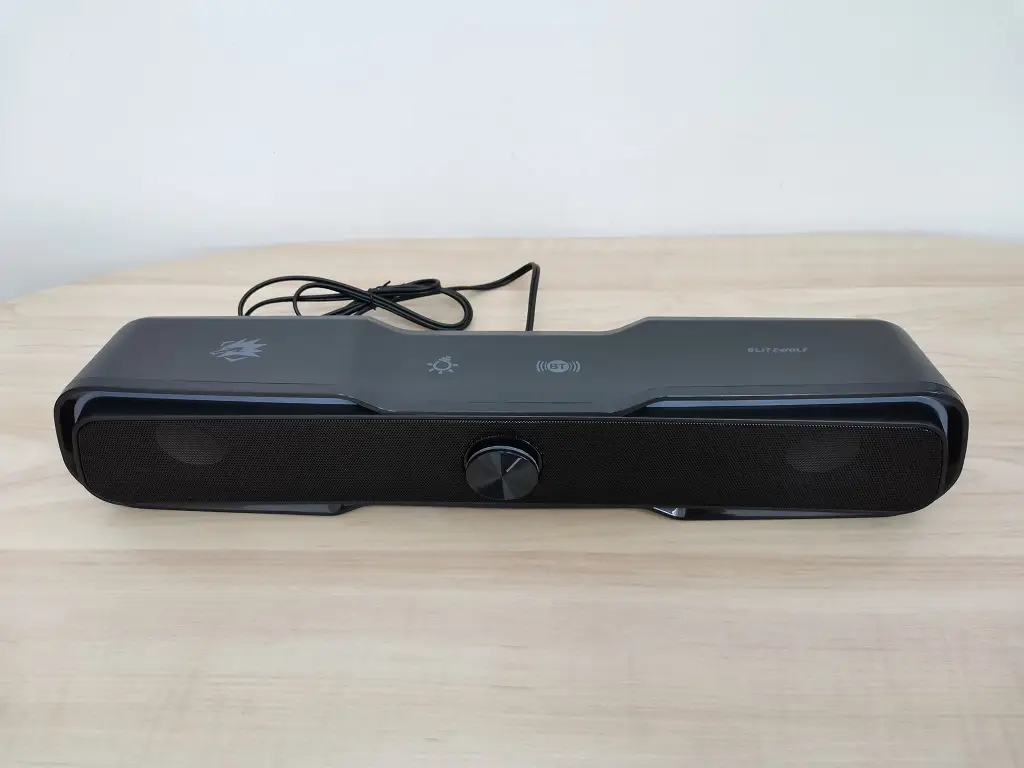
In the design arena, the speaker is well crafted with a modern type appearance. The speaker shell/case is made from high-quality plastic with a pair of stereo speakers integrated with a beautiful and colorful series of LED lights. Overall, the design is modern which makes this product’s exterior very attractive, especially for gamers.
Bw G21 Gaming Pc Speaker 03
Bw G21 Gaming Pc Speaker 04
Bw G21 Gaming Pc Speaker 05
Bw G21 Gaming Pc Speaker 06
Bw G21 Gaming Pc Speaker 07
Bw G21 Gaming Pc Speaker 08
Bw G21 Gaming Pc Speaker 09
Bw G21 Gaming Pc Speaker 10
Bw G21 Gaming Pc Speaker 01
Bw G21 Gaming Pc Speaker 02

Build-Quality

Based on our personal impression, The BW-GS1 pc speaker build-quality is impressive and exceeded our expectations for a ~$28 speaker. We also noticed the quality of the plastic surface is great. Again, another excellent job by the BlitzWolf company team is maintaining great quality at a very low price.


Operation

Operating the speaker is very easy and does not require any special technology how-to knowledge. To operate the speaker you have the volume adjustment knob located in the front of the speaker, that is also serving as the speaker power button along with the BT and LED control touch buttons.

Operation Modes

We categorized the BW-GS1 speaker as two in One product, because it can operate in two modes. The AUX wired connection uses an audio jack plug connected to a PC along with a USB plug for the power, and also the wireless Bluetooth option that lets you stream audio from any mobile device, for example, using a smartphone. Although at first when we tried to operate the speaker, we didn’t fully understand or it wasn’t obvious to us how to switch between different play modes, we finally after 2 minutes managed to figure things out.

BT Button

With the assistance of the BT button, you can switch between both modes. When you switch to a different mode, you get a nice voice notification prompt in the English language, which is a nice feature we liked. And finally but last, as a general proposal, It would more sense from a user standpoint to rename the touch button print from “BT” to “BT/AUX” so it would be more clear to understand the button functionality.

LED Control Button

Using this button, you can set the LED light display to an automatic mode. In this mode, the LED light randomly changes to different colors within the RGB color space. The two remaining modes give you the possibility to change color individually or switch off the LED light completely.

BW-GS1 Speaker | Control Buttons
Blitzwolf Bw G21 Speaker Buttons

Sound Quality

Both drivers inside the speaker are able to withstand up to 10 Watts of power. The BW-GS1 really impressed us when we played a few YouTube videos. The speaker produced excellent sound quality with above average bass effect. Most importantly, we didn’t notice any sound distortions you might find in low-cost speakers.


Final verdict

The BW-GS1 is an awesome speaker we loved playing with. It’s a low-cost stationary speaker with superb build quality that will not burn a hole in your pocket. We were missing a few additional features that might be nice to have, such as an audio headphone jack and maybe a built-in microphone. But still, at this low price tag, this product is the ideal pick for both gaming and multimedia applications, therefore we obsoletely recommend buying it.


Where to Buy!

The BW-GS1 speaker is currently available on Banggood official store!

Banggood Logo

BlitzWolf BW-GS1 Computer Game Speaker Best Values

Content
$39.99
Buy Now
Read full review
This site contains affiliate links to products. We may receive a commission for purchases made through these links.
Share. Facebook Twitter Pinterest LinkedIn Tumblr Email
Previous ArticleChristmas Deals 2025: All the Greatest Discounts & Deals
Next Article Internet Speed Test: 6 Useful Tips to Test Your Connection
androidpimp
  • Website

Related Posts

Smalody Portable Bluetooth Speaker

Best budget Bluetooth speaker under $50 in 2023/4: Smalody 850.

October 2, 2024
Xiaomi Square Box 2 Bluetooth Speaker

Xiaomi Square Box 2 Review: Impressive Sound Quality and Easy to Carry

May 22, 2023
Anonsuo Bluetooth Speaker Review

Anonsuo Saturn Bluetooth Speaker Review

March 20, 2023
0 0 votes
Article Rating
Subscribe
Notify of
0 Comments
Oldest
Newest Most Voted
Inline Feedbacks
View all comments
Categories
PureVPN
PureVPN Ad Banner
VyprVPN – No. 1 in Anonymity
Vyprvpn 350x260
PrivadoVPN – No. 1 in Parental Control
PrivadoVPN 350x437
Recent Posts
  • Orange Pi 6 Plus Review: A 12-Core SBC Powerhouse (Benchmarks, Specs, and Pricing)
  • Orange Pi 6 Unveiled: The Affordable, Slimmed-Down SBC Alternative to the 6 Plus
  • Ugoos SK4 Review (2025): The Best Mid-Range Android TV Box for Value & Features
  • AliExpress Black Friday 2025: 🚨 LATEST Deals & ALL Exclusive Country Promo Codes (Save 90%!)
  • LattePanda IOTA Review: 4 Reasons It Beats Raspberry Pi 5
  • POCO F8 Ultra/Pro global release date unveiled, showcasing flagship-level specs
  • Ugoos GaN Chargers 2025: 35W, 65W, 140W – Fast, Compact & Universal
  • Orange Pi RG: A retro handheld gaming console powered by RISC-V is currently in dev.
  • HUSKYLENS 2: DFRobot’s New AI Machine Vision Sensor Unveiled
  • Orange Pi 4 Pro RISC-V SBC Debuts with Allwinner SoC and WiFi 6 Support
  • Orange Pi RV2 Plus with Integrated Wi-Fi 6 Chip Confirmed!
  • Banana Pi BPI-R4 Pro (8X): Wi-Fi 7 Router with 10G SFP+ Ports Released
  • Youyeetoo K1 CoM Packs an Intel N100 processor and X2 Gigabit Ethernet ports
  • Youyeetoo YY3588 Review: Ultimate RK3588 COM for AI, 8K Video & Edge Computing in 2025
  • Xiaomi 17 Pro Max vs iPhone 17 Pro Max: Specs, Price & Honest Review
  • Premium Budget RGB Gaming Keyboard 2025? Rii RK805 Full Review
  • Orange Pi AI Studio / Pro launched Globally, Rivaling Nvidia Jetson Orin Nano
  • Redmi Pad 2 Review (2025): The Best Budget Tablet Value? Full Review
  • Orange Pi 600 specs revealed: A compact Intel PC built into a keyboard, featuring an Intel N150 processor
RSS Recent RSS Feed
  • Orange Pi 6 Plus Review: A 12-Core SBC Powerhouse (Benchmarks, Specs, and Pricing) December 1, 2025
  • Orange Pi 6 Unveiled: The Affordable, Slimmed-Down SBC Alternative to the 6 Plus November 30, 2025
  • Ugoos SK4 Review (2025): The Best Mid-Range Android TV Box for Value & Features November 26, 2025
  • AliExpress Black Friday 2025: 🚨 LATEST Deals & ALL Exclusive Country Promo Codes (Save 90%!) November 24, 2025
  • LattePanda IOTA Review: 4 Reasons It Beats Raspberry Pi 5 November 23, 2025
Facebook X (Twitter) Instagram Pinterest
@2025 - All Right Reserved. Designed by AndroidPIMP

Type above and press Enter to search. Press Esc to cancel.

Accessibility
Accessibility modes
Epilepsy Safe Mode
Dampens color and removes blinks
This mode enables people with epilepsy to use the website safely by eliminating the risk of seizures that result from flashing or blinking animations and risky color combinations.
Visually Impaired Mode
Improves website's visuals
This mode adjusts the website for the convenience of users with visual impairments such as Degrading Eyesight, Tunnel Vision, Cataract, Glaucoma, and others.
Cognitive Disability Mode
Helps to focus on specific content
This mode provides different assistive options to help users with cognitive impairments such as Dyslexia, Autism, CVA, and others, to focus on the essential elements of the website more easily.
ADHD Friendly Mode
Reduces distractions and improve focus
This mode helps users with ADHD and Neurodevelopmental disorders to read, browse, and focus on the main website elements more easily while significantly reducing distractions.
Blindness Mode
Allows using the site with your screen-reader
This mode configures the website to be compatible with screen-readers such as JAWS, NVDA, VoiceOver, and TalkBack. A screen-reader is software for blind users that is installed on a computer and smartphone, and websites must be compatible with it.
Readable Experience
Content Scaling
Default
Text Magnifier
Readable Font
Dyslexia Friendly
Highlight Titles
Highlight Links
Font Sizing
Default
Letter Spacing
Default
Left Aligned
Center Aligned
Right Aligned
Visually Pleasing Experience
Dark Contrast
Light Contrast
Monochrome
High Contrast
High Saturation
Low Saturation
Adjust Text Colors
Adjust Title Colors
Adjust Background Colors
Easy Orientation
Mute Sounds
Hide Images
Hide Emoji
Reading Guide
Stop Animations
Reading Mask
Highlight Hover
Highlight Focus
Big Dark Cursor
Big Light Cursor
Cognitive Reading
Virtual Keyboard
Navigation Keys
Voice Navigation

AndroidPIMP

Accessibility Statement

  • AndroidPIMP.com
  • 10/18/2025

Compliance status

We firmly believe that the internet should be available and accessible to anyone, and are committed to providing a website that is accessible to the widest possible audience, regardless of circumstance and ability.

To fulfill this, we aim to adhere as strictly as possible to the World Wide Web Consortium’s (W3C) Web Content Accessibility Guidelines 2.1 (WCAG 2.1) at the AA level. These guidelines explain how to make web content accessible to people with a wide array of disabilities. Complying with those guidelines helps us ensure that the website is accessible to all people: blind people, people with motor impairments, visual impairment, cognitive disabilities, and more.

This website utilizes various technologies that are meant to make it as accessible as possible at all times. We utilize an accessibility interface that allows persons with specific disabilities to adjust the website’s UI (user interface) and design it to their personal needs.

Additionally, the website utilizes an AI-based application that runs in the background and optimizes its accessibility level constantly. This application remediates the website’s HTML, adapts Its functionality and behavior for screen-readers used by the blind users, and for keyboard functions used by individuals with motor impairments.

If you’ve found a malfunction or have ideas for improvement, we’ll be happy to hear from you. You can reach out to the website’s operators by using the following email

Screen-reader and keyboard navigation

Our website implements the ARIA attributes (Accessible Rich Internet Applications) technique, alongside various different behavioral changes, to ensure blind users visiting with screen-readers are able to read, comprehend, and enjoy the website’s functions. As soon as a user with a screen-reader enters your site, they immediately receive a prompt to enter the Screen-Reader Profile so they can browse and operate your site effectively. Here’s how our website covers some of the most important screen-reader requirements, alongside console screenshots of code examples:

  1. Screen-reader optimization: we run a background process that learns the website’s components from top to bottom, to ensure ongoing compliance even when updating the website. In this process, we provide screen-readers with meaningful data using the ARIA set of attributes. For example, we provide accurate form labels; descriptions for actionable icons (social media icons, search icons, cart icons, etc.); validation guidance for form inputs; element roles such as buttons, menus, modal dialogues (popups), and others. Additionally, the background process scans all the website’s images and provides an accurate and meaningful image-object-recognition-based description as an ALT (alternate text) tag for images that are not described. It will also extract texts that are embedded within the image, using an OCR (optical character recognition) technology. To turn on screen-reader adjustments at any time, users need only to press the Alt+1 keyboard combination. Screen-reader users also get automatic announcements to turn the Screen-reader mode on as soon as they enter the website.

    These adjustments are compatible with all popular screen readers, including JAWS and NVDA.

  2. Keyboard navigation optimization: The background process also adjusts the website’s HTML, and adds various behaviors using JavaScript code to make the website operable by the keyboard. This includes the ability to navigate the website using the Tab and Shift+Tab keys, operate dropdowns with the arrow keys, close them with Esc, trigger buttons and links using the Enter key, navigate between radio and checkbox elements using the arrow keys, and fill them in with the Spacebar or Enter key.Additionally, keyboard users will find quick-navigation and content-skip menus, available at any time by clicking Alt+1, or as the first elements of the site while navigating with the keyboard. The background process also handles triggered popups by moving the keyboard focus towards them as soon as they appear, and not allow the focus drift outside it.

    Users can also use shortcuts such as “M” (menus), “H” (headings), “F” (forms), “B” (buttons), and “G” (graphics) to jump to specific elements.

Disability profiles supported in our website

  • Epilepsy Safe Mode: this profile enables people with epilepsy to use the website safely by eliminating the risk of seizures that result from flashing or blinking animations and risky color combinations.
  • Visually Impaired Mode: this mode adjusts the website for the convenience of users with visual impairments such as Degrading Eyesight, Tunnel Vision, Cataract, Glaucoma, and others.
  • Cognitive Disability Mode: this mode provides different assistive options to help users with cognitive impairments such as Dyslexia, Autism, CVA, and others, to focus on the essential elements of the website more easily.
  • ADHD Friendly Mode: this mode helps users with ADHD and Neurodevelopmental disorders to read, browse, and focus on the main website elements more easily while significantly reducing distractions.
  • Blindness Mode: this mode configures the website to be compatible with screen-readers such as JAWS, NVDA, VoiceOver, and TalkBack. A screen-reader is software for blind users that is installed on a computer and smartphone, and websites must be compatible with it.
  • Keyboard Navigation Profile (Motor-Impaired): this profile enables motor-impaired persons to operate the website using the keyboard Tab, Shift+Tab, and the Enter keys. Users can also use shortcuts such as “M” (menus), “H” (headings), “F” (forms), “B” (buttons), and “G” (graphics) to jump to specific elements.

Additional UI, design, and readability adjustments

  1. Font adjustments – users, can increase and decrease its size, change its family (type), adjust the spacing, alignment, line height, and more.
  2. Color adjustments – users can select various color contrast profiles such as light, dark, inverted, and monochrome. Additionally, users can swap color schemes of titles, texts, and backgrounds, with over seven different coloring options.
  3. Animations – person with epilepsy can stop all running animations with the click of a button. Animations controlled by the interface include videos, GIFs, and CSS flashing transitions.
  4. Content highlighting – users can choose to emphasize important elements such as links and titles. They can also choose to highlight focused or hovered elements only.
  5. Audio muting – users with hearing devices may experience headaches or other issues due to automatic audio playing. This option lets users mute the entire website instantly.
  6. Cognitive disorders – we utilize a search engine that is linked to Wikipedia and Wiktionary, allowing people with cognitive disorders to decipher meanings of phrases, initials, slang, and others.
  7. Additional functions – we provide users the option to change cursor color and size, use a printing mode, enable a virtual keyboard, and many other functions.

Browser and assistive technology compatibility

We aim to support the widest array of browsers and assistive technologies as possible, so our users can choose the best fitting tools for them, with as few limitations as possible. Therefore, we have worked very hard to be able to support all major systems that comprise over 95% of the user market share including Google Chrome, Mozilla Firefox, Apple Safari, Opera and Microsoft Edge, JAWS and NVDA (screen readers).

Notes, comments, and feedback

Despite our very best efforts to allow anybody to adjust the website to their needs. There may still be pages or sections that are not fully accessible, are in the process of becoming accessible, or are lacking an adequate technological solution to make them accessible. Still, we are continually improving our accessibility, adding, updating and improving its options and features, and developing and adopting new technologies. All this is meant to reach the optimal level of accessibility, following technological advancements. For any assistance, please reach out to

wpDiscuz