
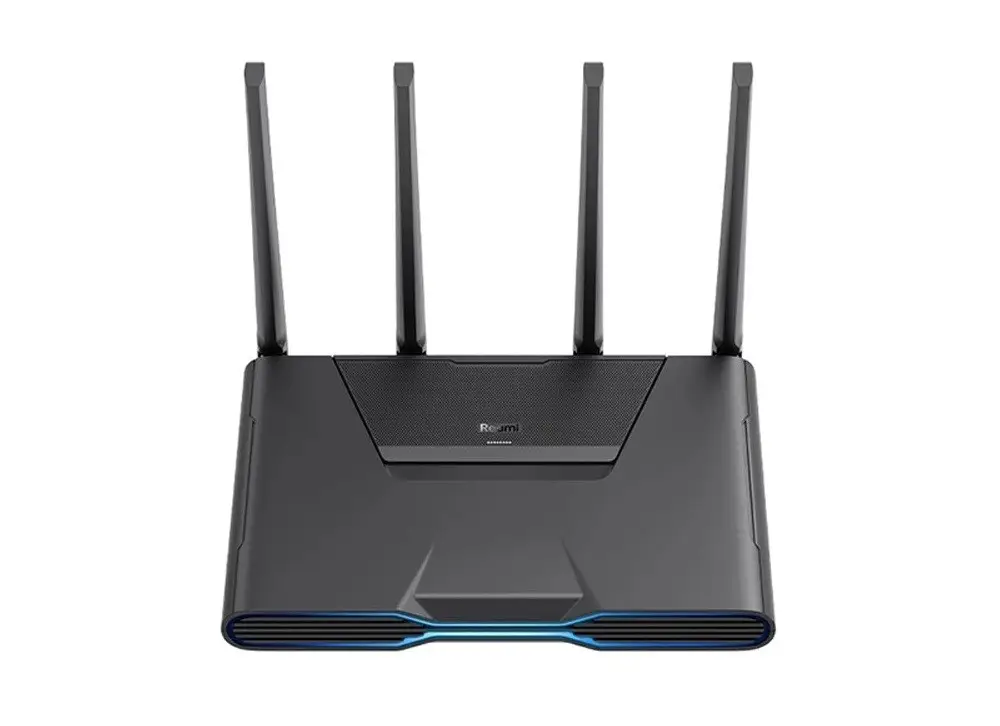
Redmi AX5400 Gaming Router Review
Xiaomi introduces the Redmi Router AX5400, specially designed for gaming, providing excellent performance and value for money. You won’t believe the amazing deal you can get on AliExpress for this extraordinary router we checked, priced at just $83-109.
Hardware
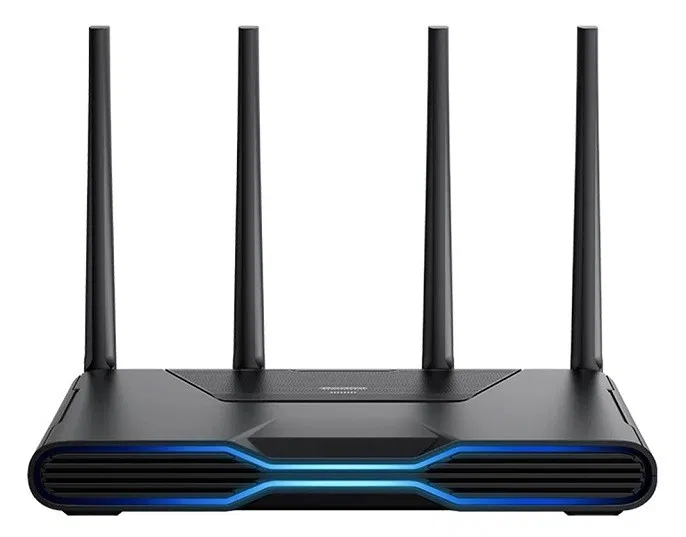
The Redmi AX5400 adopts Qualcomm Atheros IPQ5018 dual-core Arm Cortex-A53 processor. The independent NPU further reduces heat generation while reducing the CPU’s heat. The design assumes a large-area hollow design so that the heat dissipation is more optimal, so there is no need to regularly pull out the cable power cord to cool the device when it heats up.
In detail, the IPQ5018 SoC, dual-core 64-bit 1.0GHz + NPU single-core 1.0GHz, the NPU core’s role is to significantly improve the packet forwarding efficiency by about 80%, reduce CPU usage and improve efficiency.
Redmi AX5400 Hardware Specs
Redmi AX5400 |  |
Product type | Gaming Router |
Model | Xiaomi AX5400 |
Design Type | Horizontal |
CPU | Qualcomm Cortex ARM A53 IPQ5018 Dual-core 1.0GHz CPU |
Network acceleration engine | Dual core 1.0GHz NPU |
Network protocols | IEEE 802.11a/b/g/n/ac/ax |
Maximum wireless transmission speed | 5378Mbps 5GHz up to 4804Mbps |
Frequency Range | Dual Band (2.4GHz, 5GHz) |
2.4G Wi-Fi Wireless Channels | 1-13 |
5G Wi-Fi Wireless Channels | 36,40,44,48,52,56,60,64,149,153,157,161,165 |
5G Band bandwidth | 160/80/40/20MHz |
Network Interface | x1 2.5Gbps WAN/LAN interface |
512MB Memory |  |
128MB ROM | |
4 External high gain antennas | |
6 independent external signal amplifiers | |
Port aggregation | |
Signal amplifiers | 6 independent signal amplifiers |
Wi-Fi 5/6 (802.11ac/ax) | |
MU-MIMO | |
OFDMA | |
Wi-Fi Mesh | |
Wall anchors | |
Dual WAN ports | |
OFDMA support | |
OAM technology | |
MU-MIMO | |
MESH networking | Support up to 10 units |
Can connect up to 256 devices at the same time (Theoretically) | |
Mobile App Support | Mijia APP (Only Works in China) |
Network management | Support Web, Android, iOS |
Wireless security | WPA-PSK/WPA2-PSK/WPA3-SAE encryption, wireless access control (black and white list), SSID hiding, intelligent anti-rubbing network |
Operating system | MiWiFi ROM (based on OpenWrt deep customization) |
Other Paramaters | |
Status Indicator | 7 (top status indicator × 1, network port light × 5, ambient light × 1) |
Environmental Standard | Working Temperature: 0-40℃ |
Working Humidity | 10%-90%RH (non-condensing) |
Storage Temperature | -40-70℃ |
Storage Humidity | 5%-90%RH (non-condensing) |
Button | 1 system reset button, 1 Mesh button |
Voltage | 12V/2A Power |
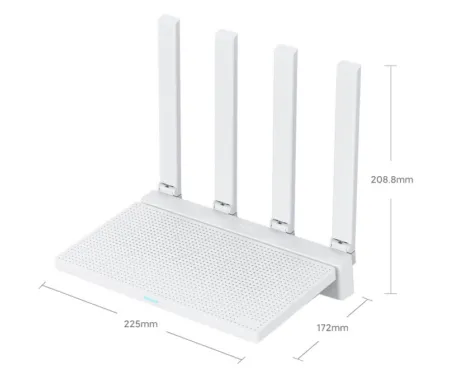
Product Size | 241×182×228mm |
Packing list | x1 Redmi AX5400 Router |
Starting Price | $110 |
Connectivity
As its name implies, the Redmi Router AX5400 can reach a total traffic speed of 5,400 megabits / second with the parallel wireless connectivity of 2.4 and 5.0 GHz. It supports WiFi 6 in a 160 Hz band and OFDMA + 4 × 4 MU-MIMO and 4K QAM technologies with the ability to work with up to 248 devices simultaneously and connect additional routers as a unified Mesh network.
The Redmi AX5400 has built-in 512MB memory. The larger the routing memory, the more theoretically connected devices. The Redmi AX5400 has a theoretically stable connection and can connect 248 devices. The premise of connecting more devices is high signal strength and comprehensive coverage.
Mesh Networking Support
The Redmi router AX5400 supports forming a Mesh with other Xiaomi Wi-Fi6 routers and can network with up to 10 devices; when the network changes, it will automatically re-network, and the device will automatically switch to a better network when surfing the Internet.
Wireless Network bandwidth
Its total wireless rate is 5378Mbps, which is approximately equal to 5400M, which is 600Mbps less than an AIoT antenna compared to the AX6000. Specific parameters: 5G 4×4 160MHz 4804Mbps; 2.4G 2×2 40MHz 574Mbps.
Redmi AX5400 vs. Xiaomi AIoT Router AX6000
Product Photo | | 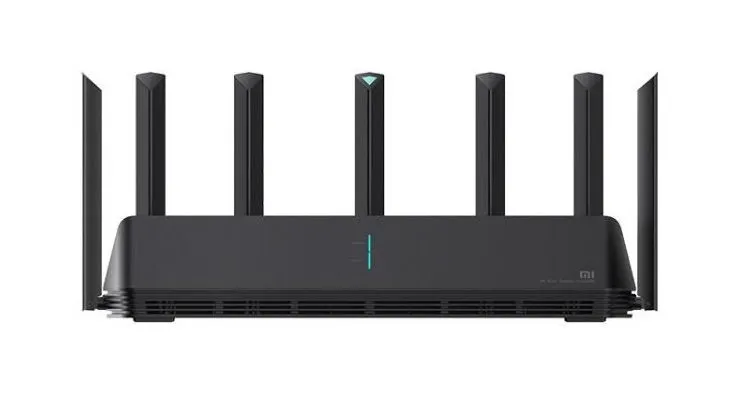 |
Model | Redmi AX5400 (Chinese Edition) | Xiaomi AIoT Router AX6000 (Chinese Edition) |
Design Type | Horizontal | Horizontal |
Theoretical throughput | 4500Mbps | 6000Mbps |
CPU | Qualcomm IPQ5018 SoC CPU: Dual-core Arm Cortex-A53 processor chip (1.0GHz) | Qualcomm IPQ5018 SoC CPU: Dual-core Arm Cortex-A53 processor chip (1.0GHz) |
Network acceleration engine | Dual core 1.0GHz NPU | Dual core 1.0GHz NPU |
512MB Memory | | |
128MB ROM | | |
4K QAM Modulation | | |
160MHz High Bandwidth | | |
Antennas | 4 external high gain antennas | 6 external high gain antennas + 1 AloT antenna |
6 independent signal amplifiers | | |
Independent IoT Antenna |  | |
Link aggregation | | |
Wi-Fi 5/6 (802.11ac/ax) | | |
MU-MIMO | | |
OFDMA | | |
Wi-Fi Mesh | | |
Wall anchors | | |
16M RGB light | | |
Physical Interface | 1x WAN/LAN 2.5G 4x LAN 1G | 1x WAN/LAN 2.5G 3x LAN 1G |
Number of Ethernet ports | 5 | 4 |
Reset/MESH Button | | |
Can connect up to 248 devices at the same time | | |
Theoretical network throughput (Wireless) | 2×2 (IEEE802.11ax 574Mbps, max) | 2×2 (IEEE802.11ax 574Mbps, max) |
12V/2A Power | | |
Dimensions | 241 x182 x 228mm | 408mm × 133mm × 177mm |
Mobile Support | Mi Home MiWiFi ROM (Multi-Language Support) | Mi Home MiWiFi ROM (Multi-Language Support) |
Price (updated on 04-22-2022) | Starting at $110 | Starting at $116 |
Redmi AX5400 (Black) vs. Redmi AX5400 (White)
Which model should you choose?
There are two editions for the AX5400 Router. The white color model on paper should have better signal coverage than the black edition and has six external WiFi antennas and six signal amplifiers that boost your WiFi signal nicely.
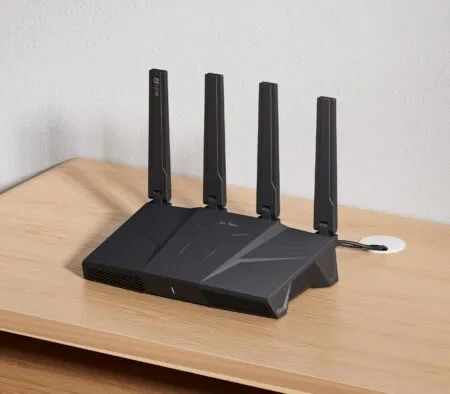
Against it, the black edition has few significant advantages. For example, a 2.5Gbps WAN port, Link aggeration support for combining two internet connections, and a more eternal modern design that gamers would love. To summarize, We liked the black model, but both models have almost identical hardware specs and are worth considering.
● Network acceleration engine: 1.0GHz NPU.
● RAM: 512MB
● Speeds up to 5400 Mbps
● 160MHz High Bandwidth
● Number of Antennas: 6
● Number of Signal Amplifiers: 6
● Link Aggregation function – Yes
● 2.5Gbps WAN port
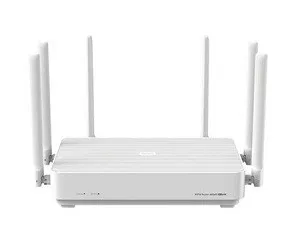
Network acceleration engine: 1.0GHz NPU.
● RAM: 512MB
● Speeds up to 5400 Mbps
● 160MHz High Bandwidth
● Number of Antennas: 4
● Number of Signal Amplifiers: 4
● Link Aggregation function – No
● 1Gbps WAN port
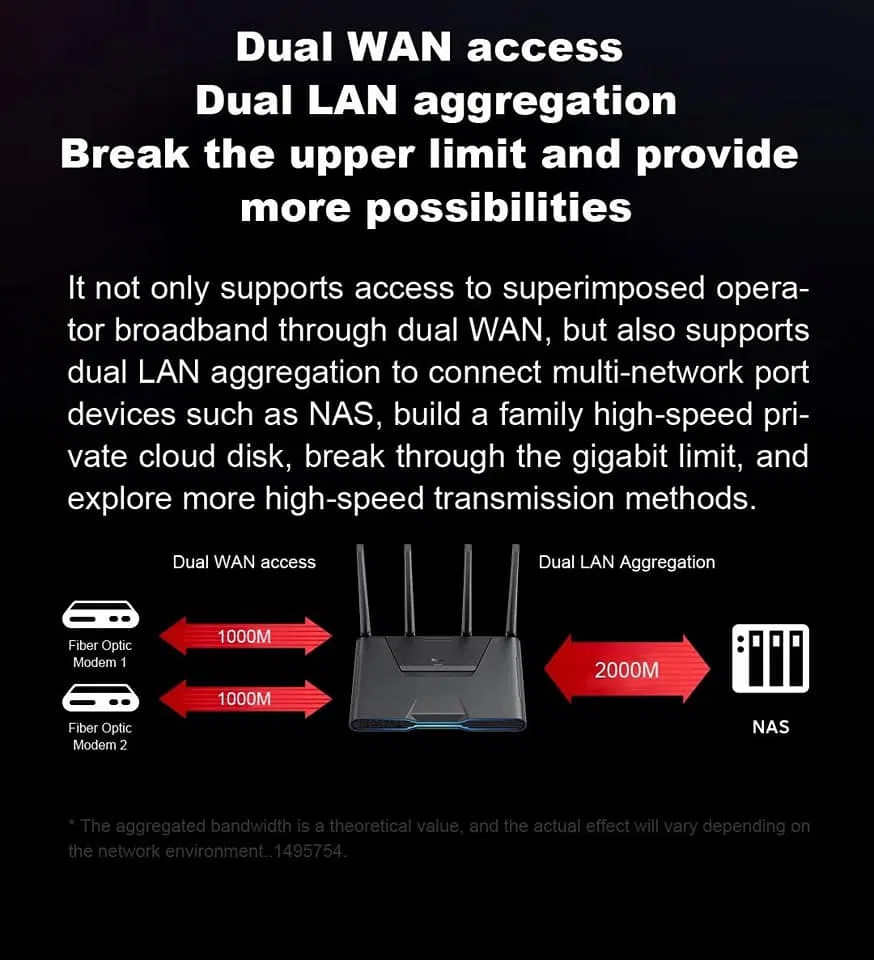
Link aggregation
Link aggregation combines (aggregating) multiple network connections in parallel by several methods. For example, to merge two separated fiber connections into one. You can use a pair of network connections simultaneously and enjoy a much wider bandwidth.
Designed for Gaming
Besides using a mobile app, gamers can make custom adjustments and optimization to the router for various popular games, such as opening ports, changing and limiting download speed to other users, and more. It is, of course, impossible even without colored lighting, which exists in the front of the router.
Redmi AX5400 vs Xiaomi AX6000
When the Xiaomi AX6000 was released at the end of 2020, Xiaomi brought the 2.5Gbps network port to the routers within 1,000 yuan for the first time. Although more than a year has passed, routers with 2.5G network ports of around 500 yuan are still in the minority. Fortunately, Redmi AX5400 and Xiaomi AX6000 are products of the same solution, so they naturally inherit the 2.5Gbps network port.
Ethernet ports
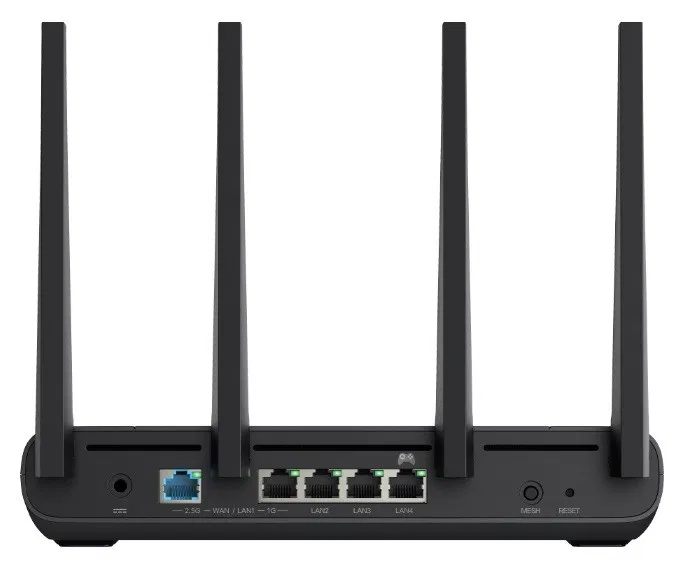
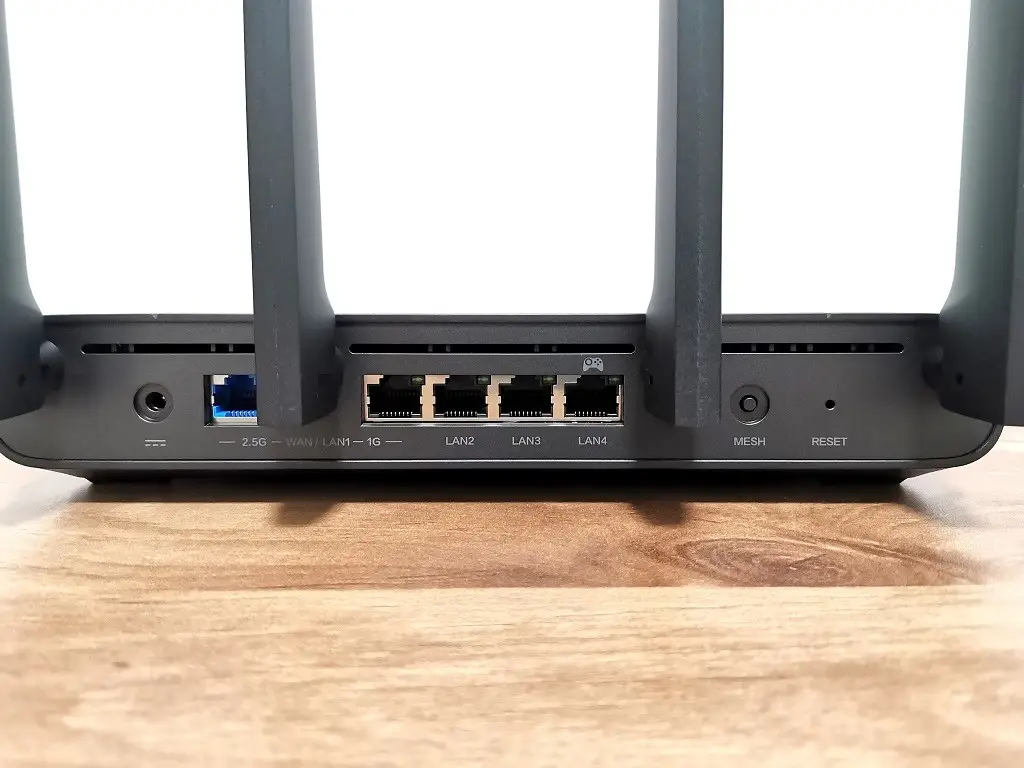
The Redmi AX5400 has a total of 5 network ports. Among the five network ports, the 2.5Gbps blue network port on the left and the first 1Gbps network port on the right have both WAN/LAN modes, while among the remaining 3 LAN ports, the last one has a handle symbol. One is the dedicated LAN port for games, which Xiaomi calls the gaming network port. Compared with the Xiaomi AX6000, one more game LAN port is added, a unique upgrade point. As the name suggests, it will make some optimizations for the needs of the game. That is to say; when the router processes the data to be transferred, it will prioritize the devices on this interface. There will be some network latency optimizations so we can hook up the game console here.
In addition, let’s focus on the 2.5Gbps network port. Currently, the 2.5Gbps network port does not play a role for home broadband users. After all, most home broadband packages usually do not exceed 1000Mbps (1Gbps), so the 2.5Gbps network port is more like an interface for the next few years, but today the 2.5Gbps network port is not useless. If you need intranet transmission, then 2.5Gbps is very useful. NAS users should not miss this great feature.
Package
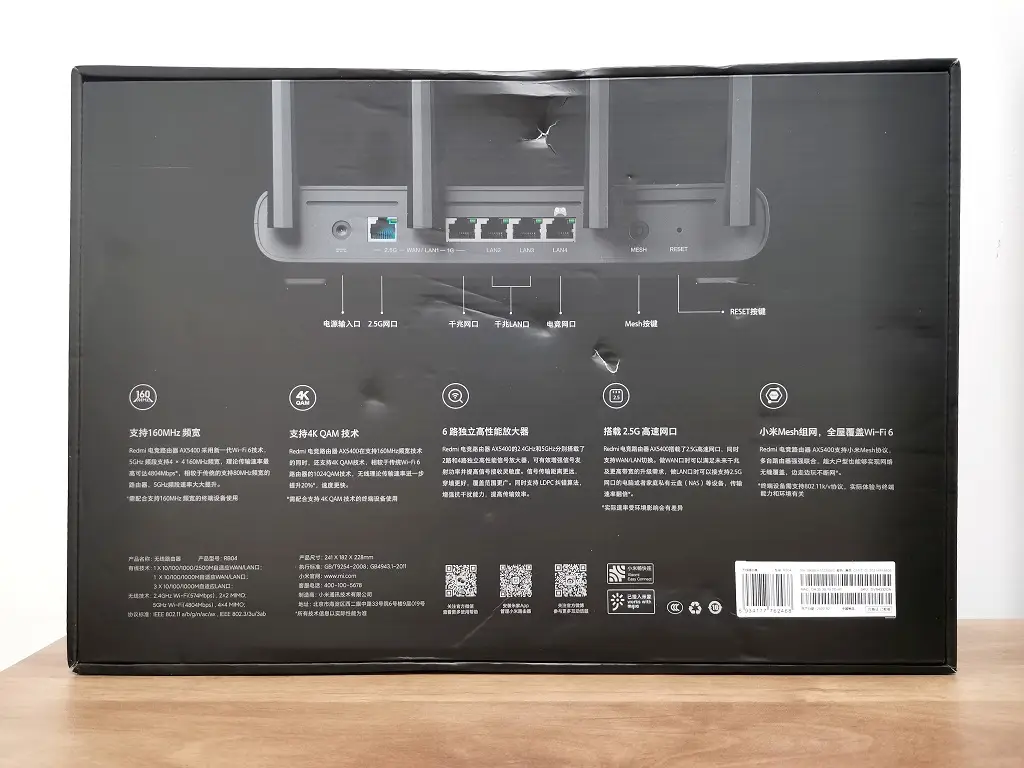
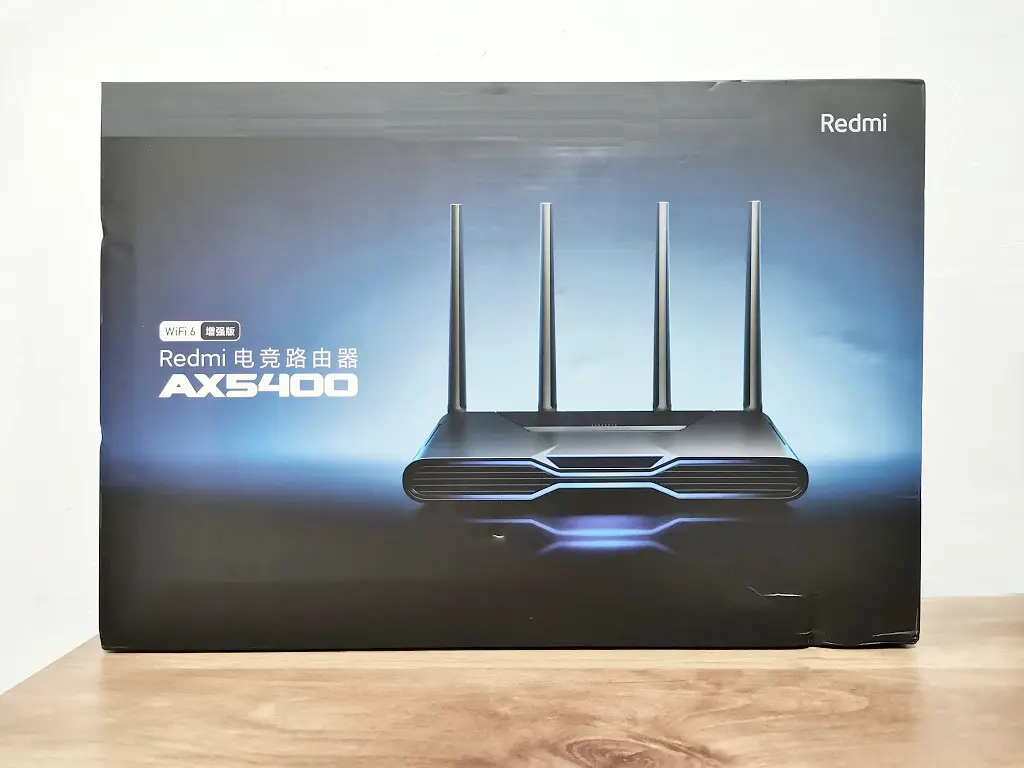
Unboxing
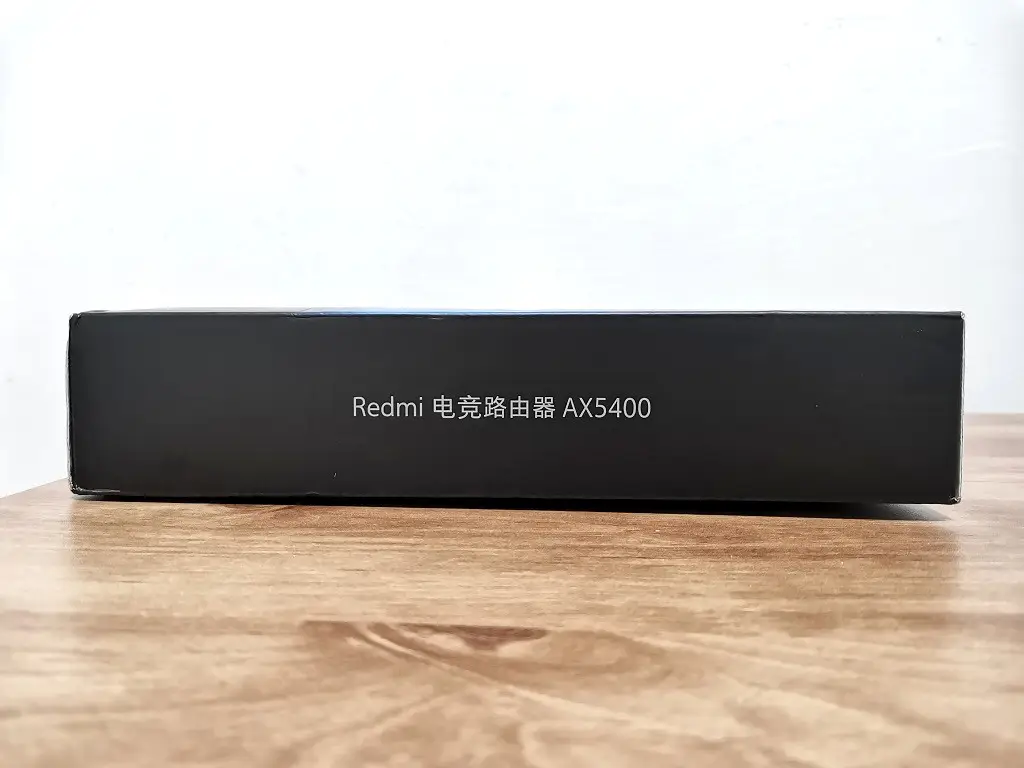
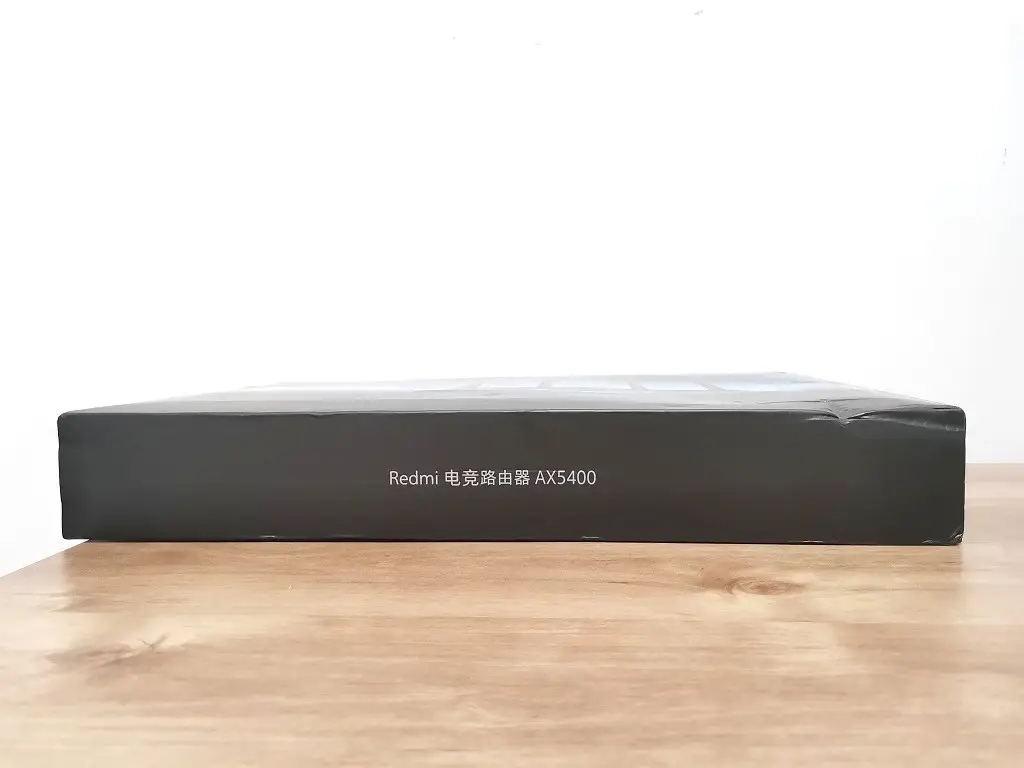
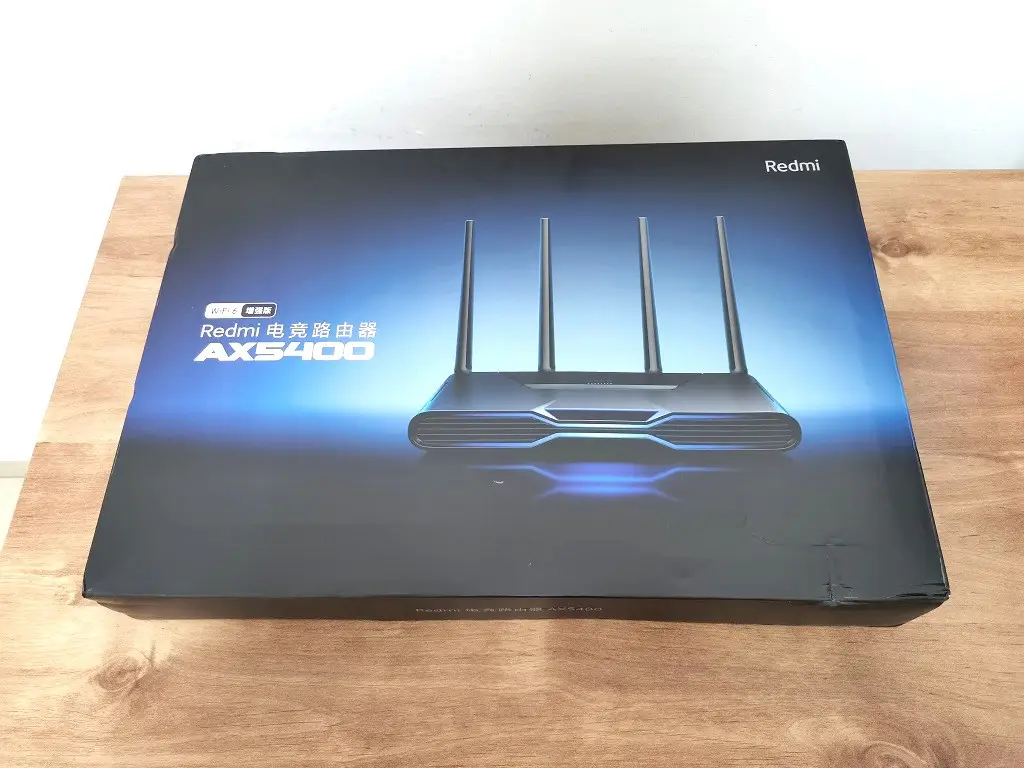
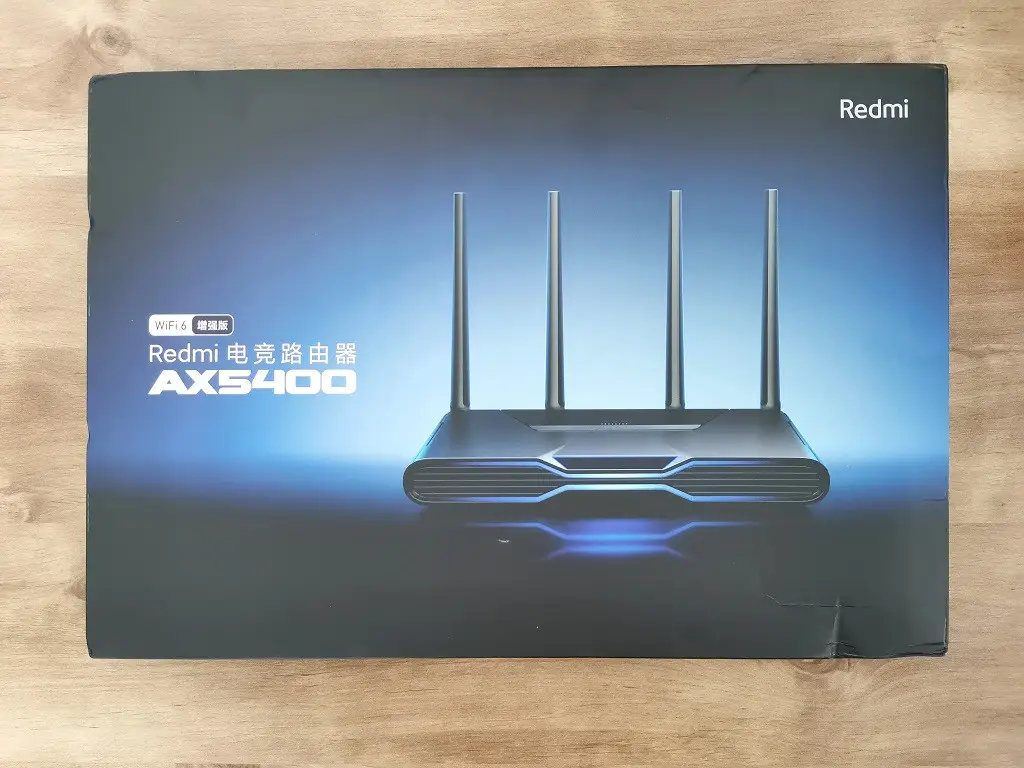
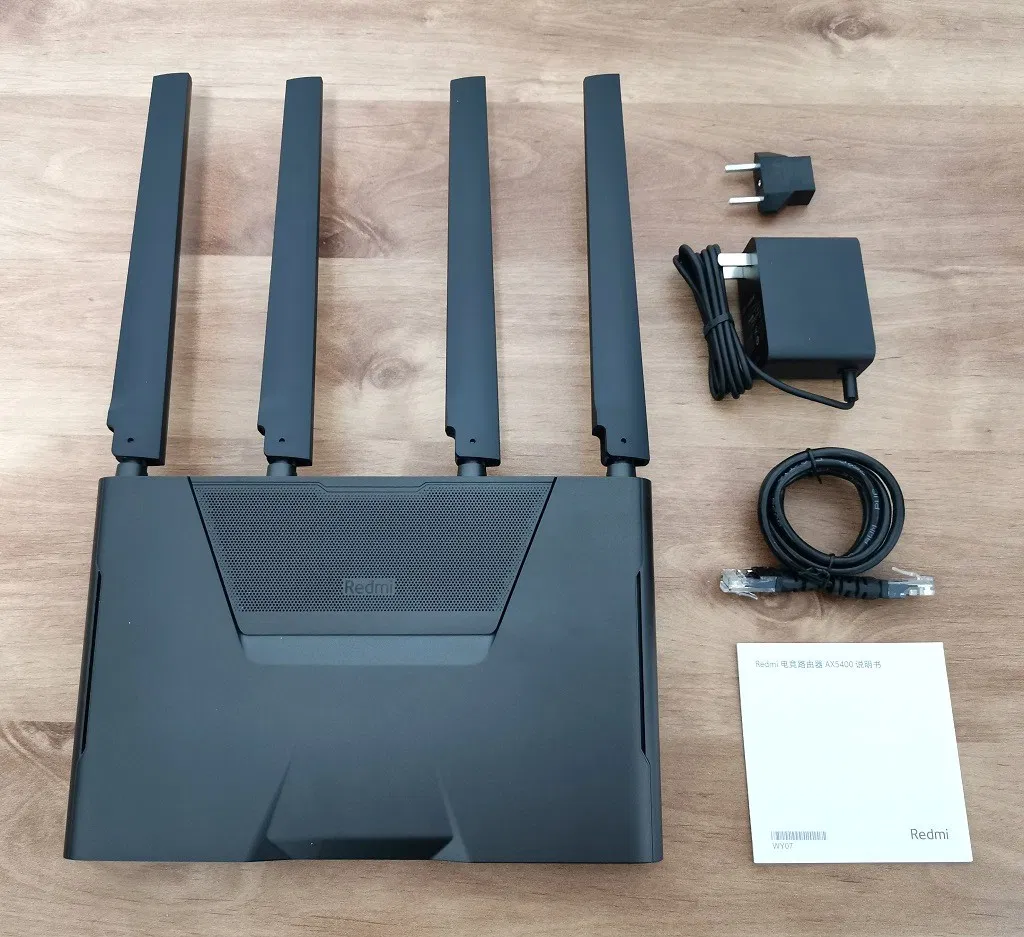
All of the items came packed in a super easy-to-open package. The Redmi ax5400 router, including accessories, came in thin nylon film to protect them from dust and dirt.
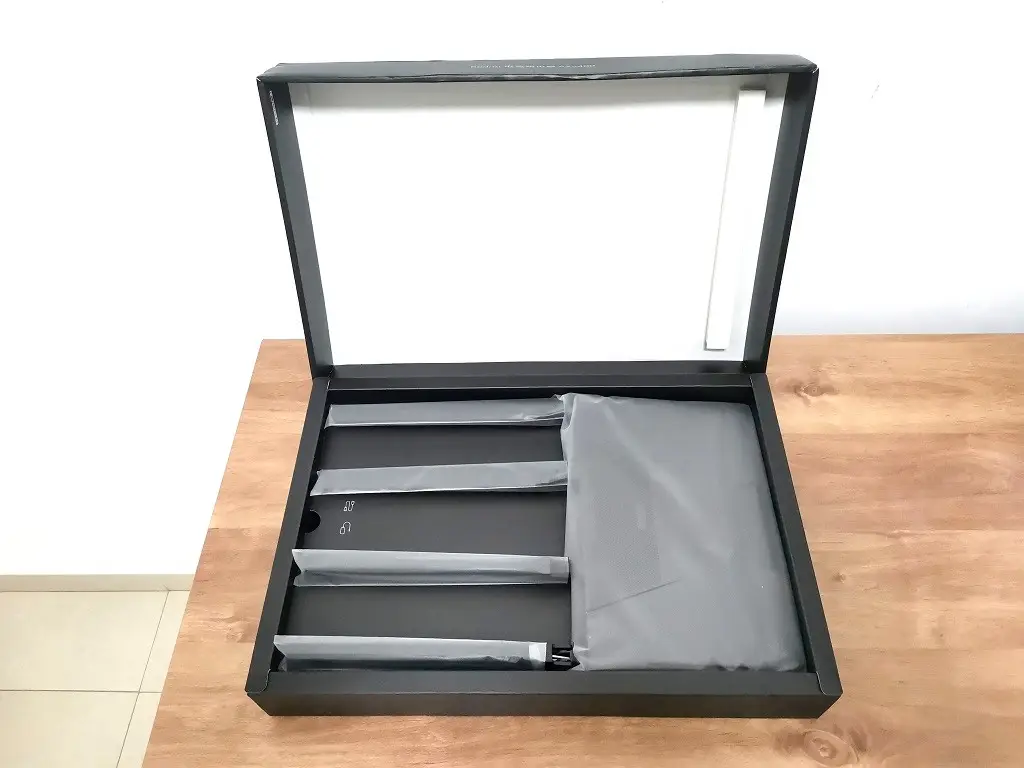
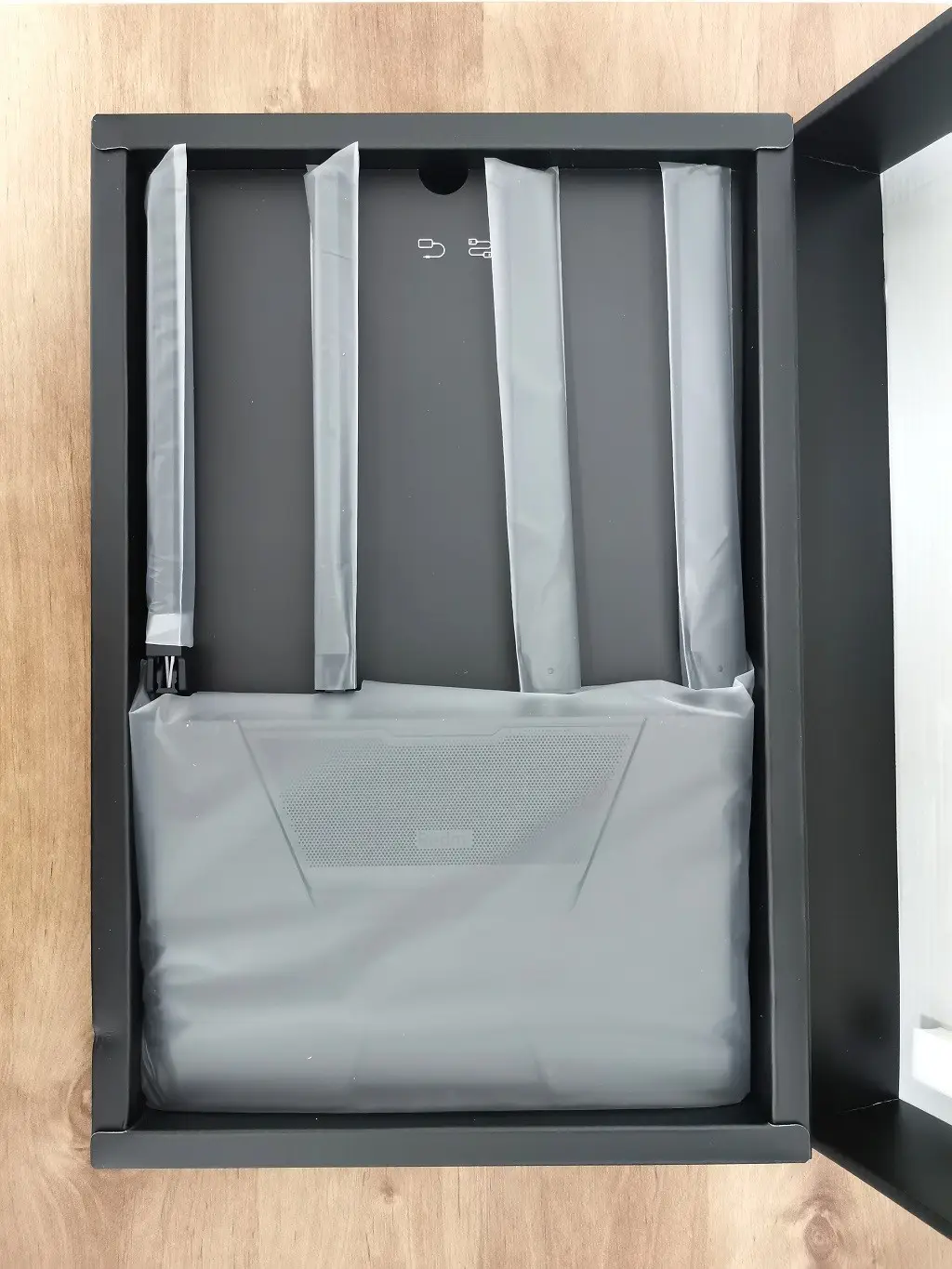
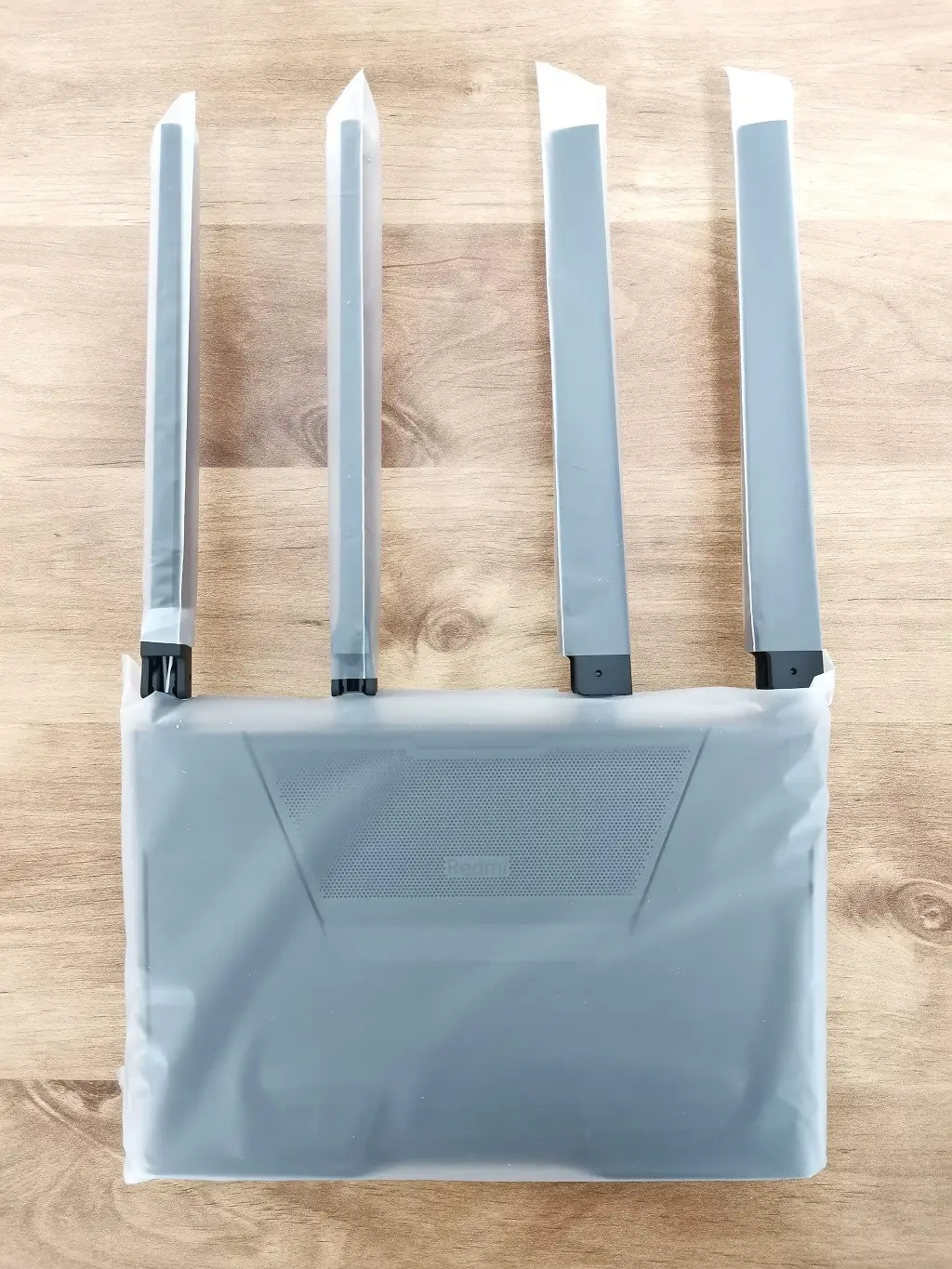
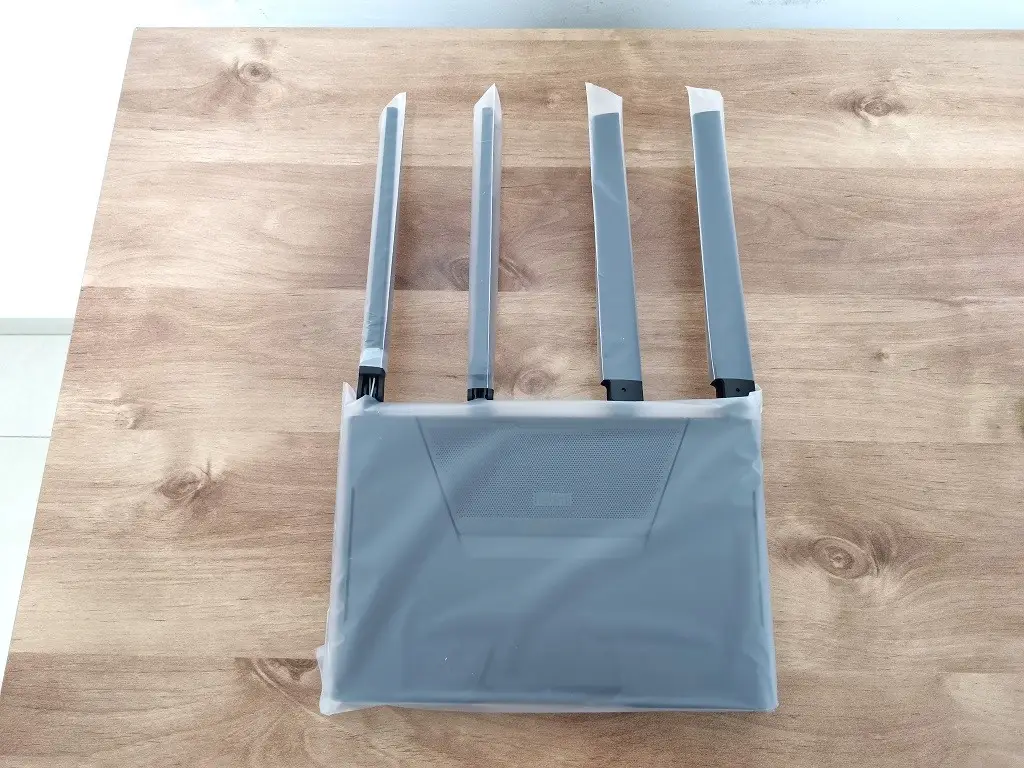
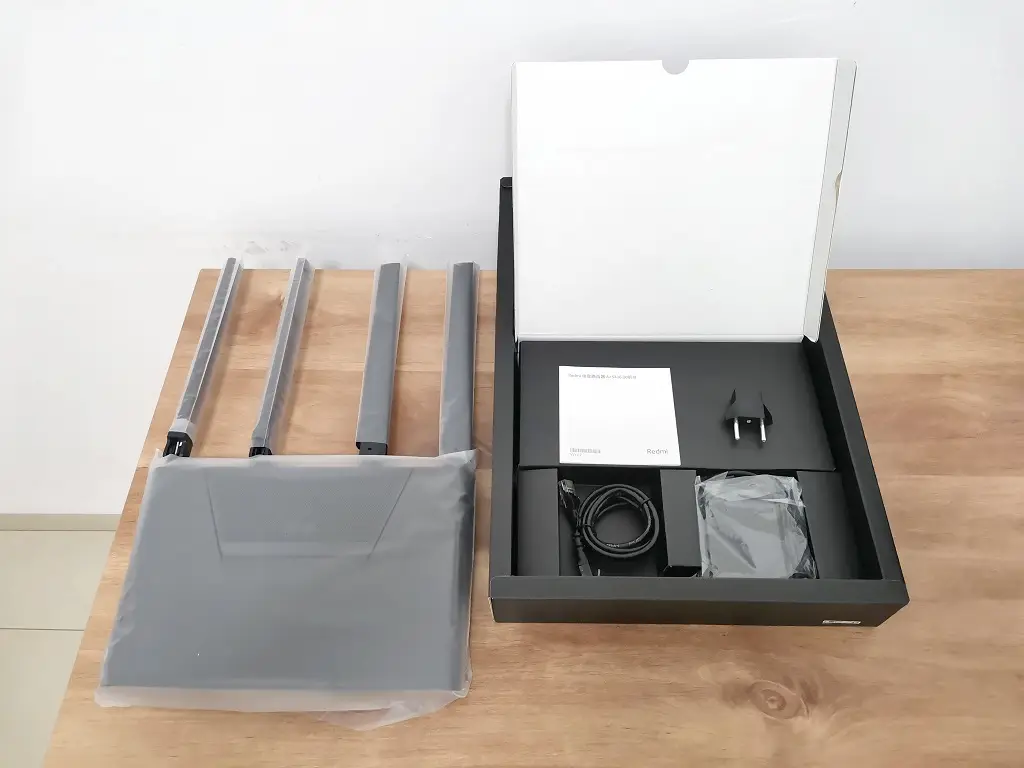
Redmi AX5400 Accessories
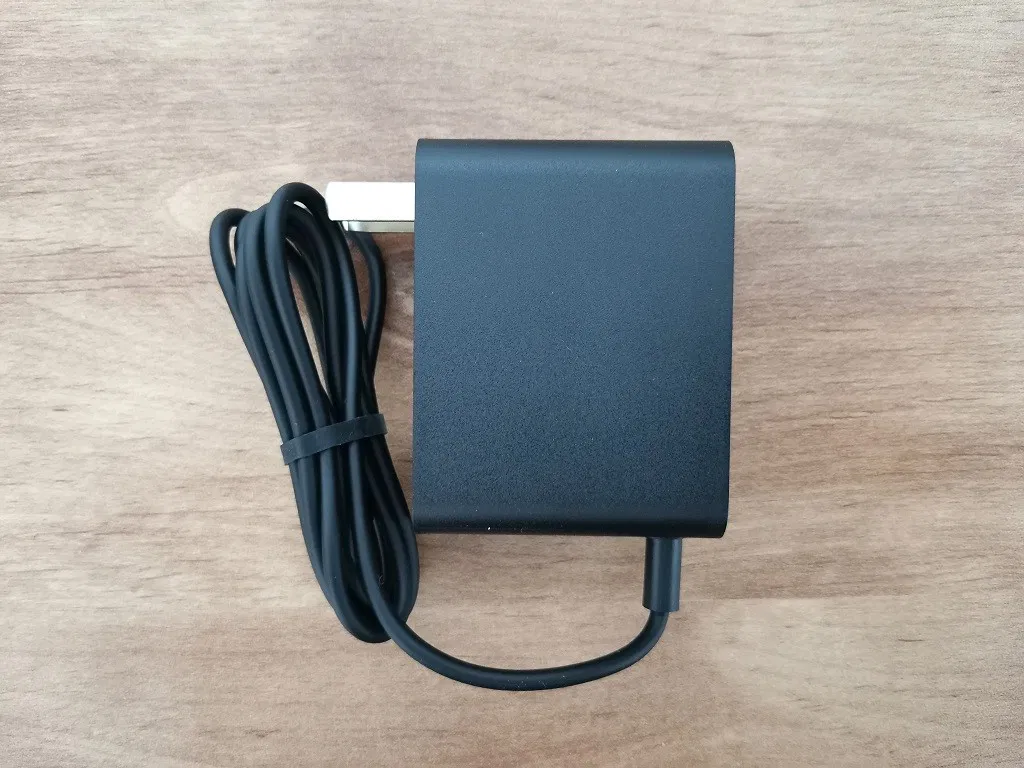 Redmi AX5400 | AC Power Adapter - PIC 1 of 2
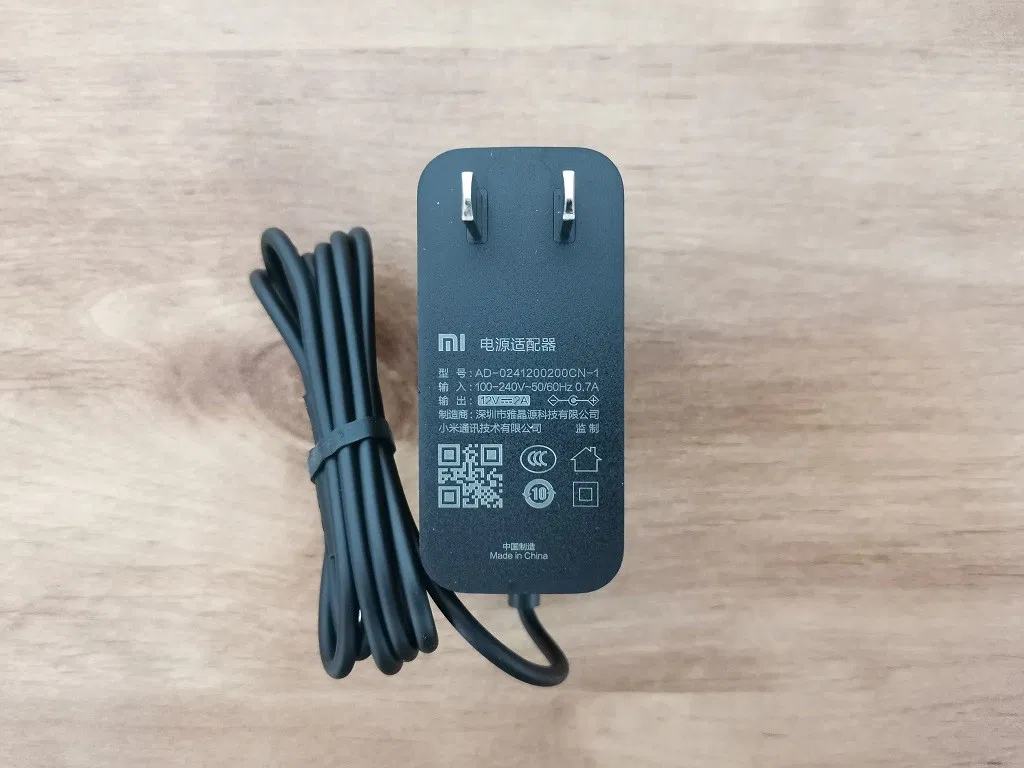
All Items (Unboxed)
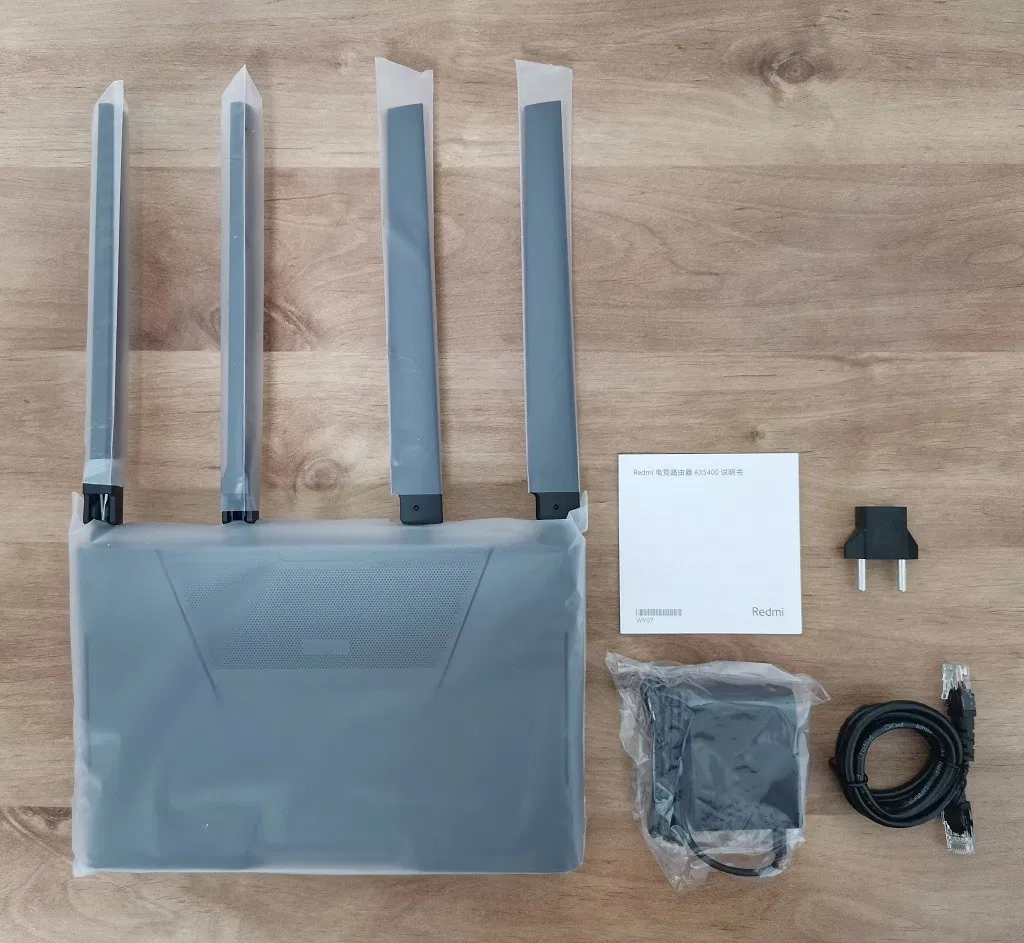
Package Contents
- 1x Redmi AX5400 Router.
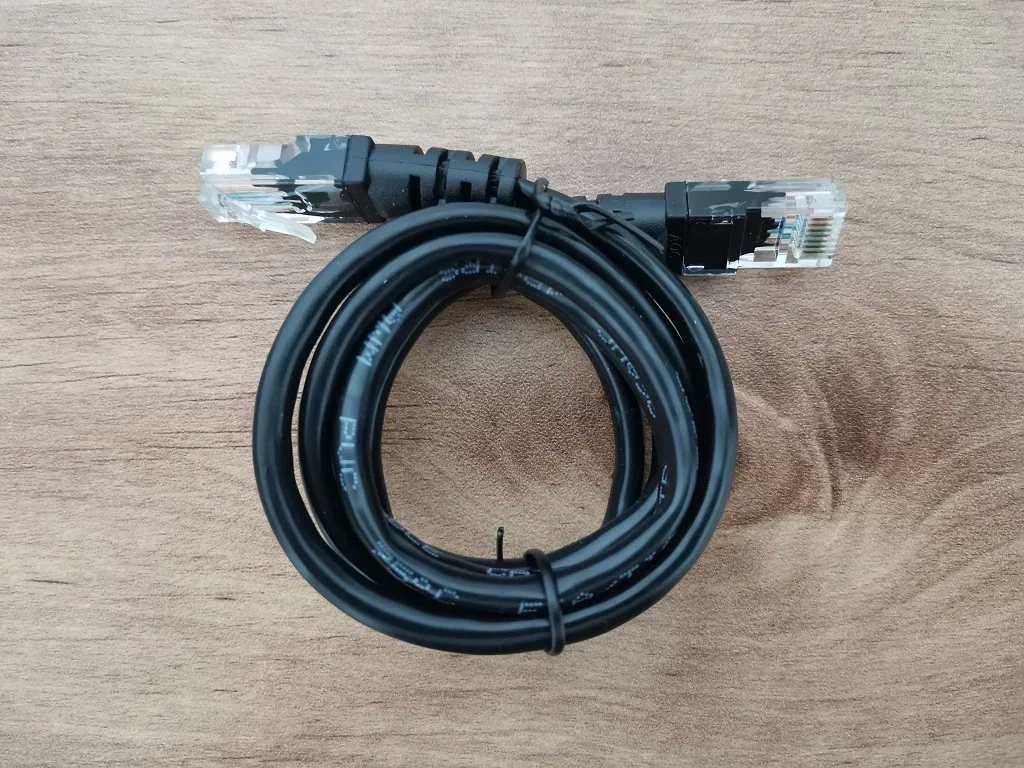
- 1x CAT5E network cable.
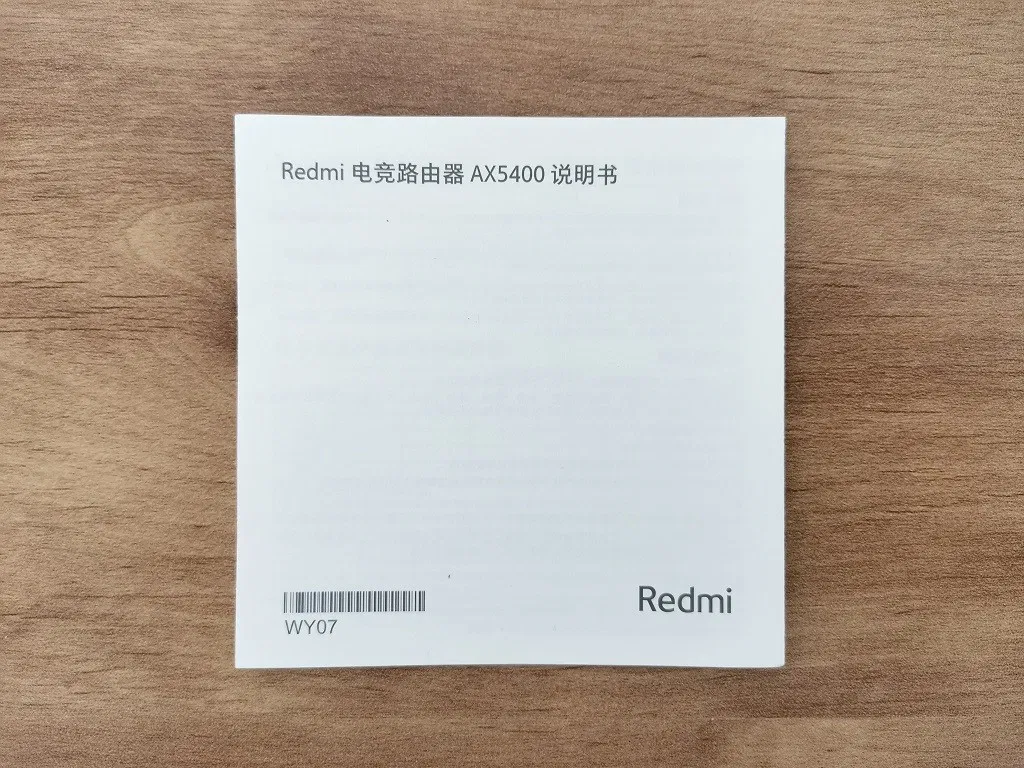
- 1x User Guide
- 1x 12 Volt 2A Power Adapter
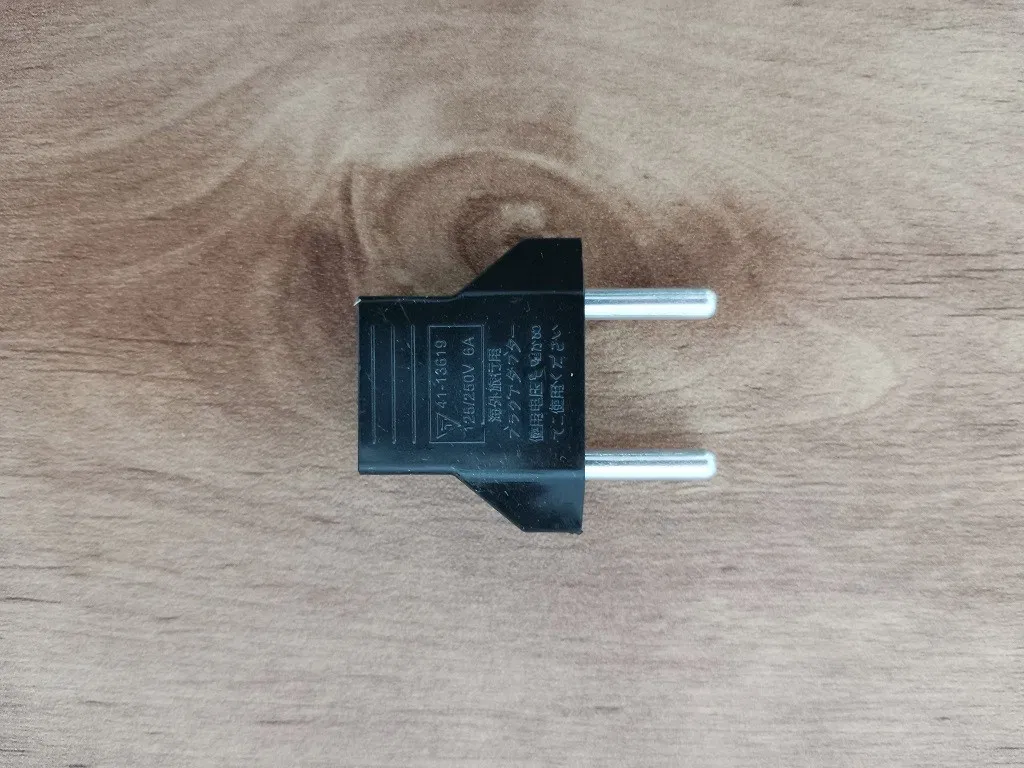
- 1x EU Socket Adapter (Not included in the default package).
Design
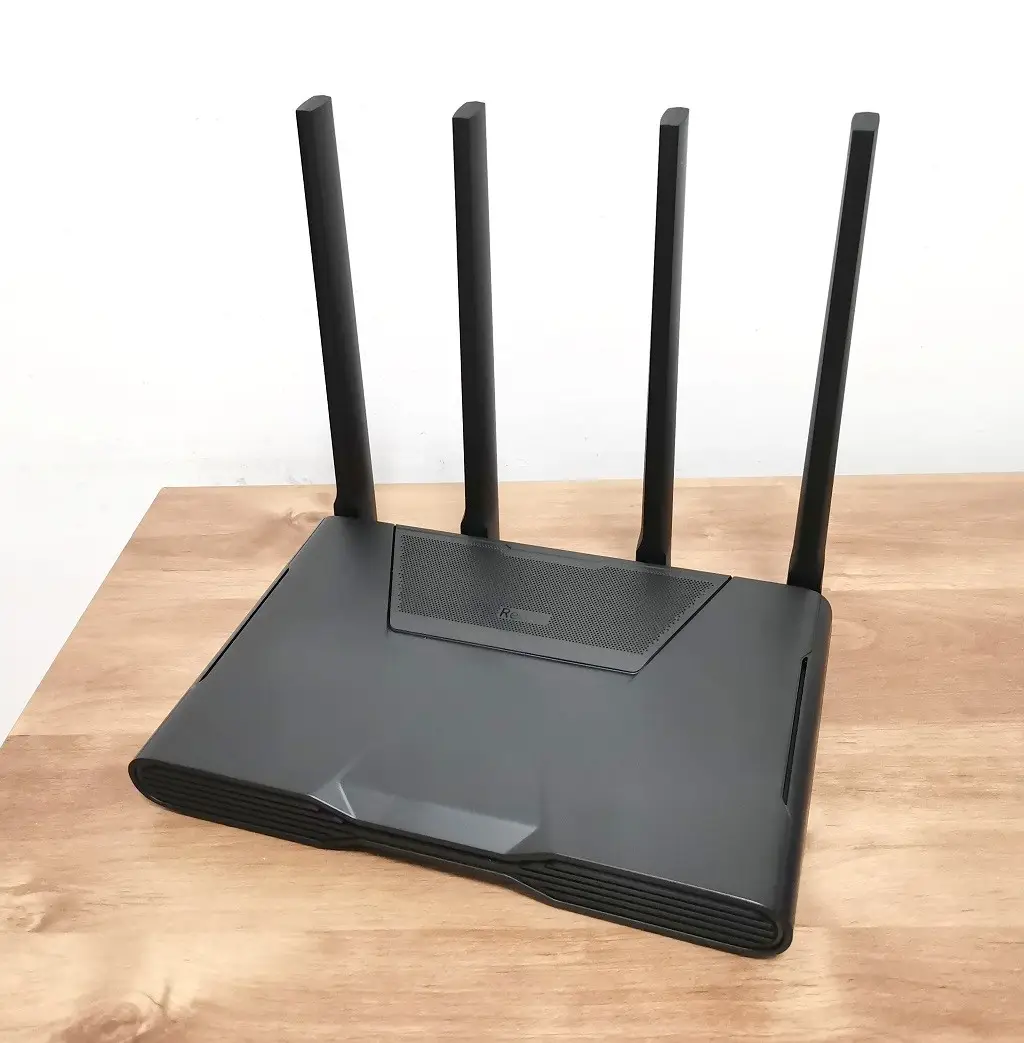
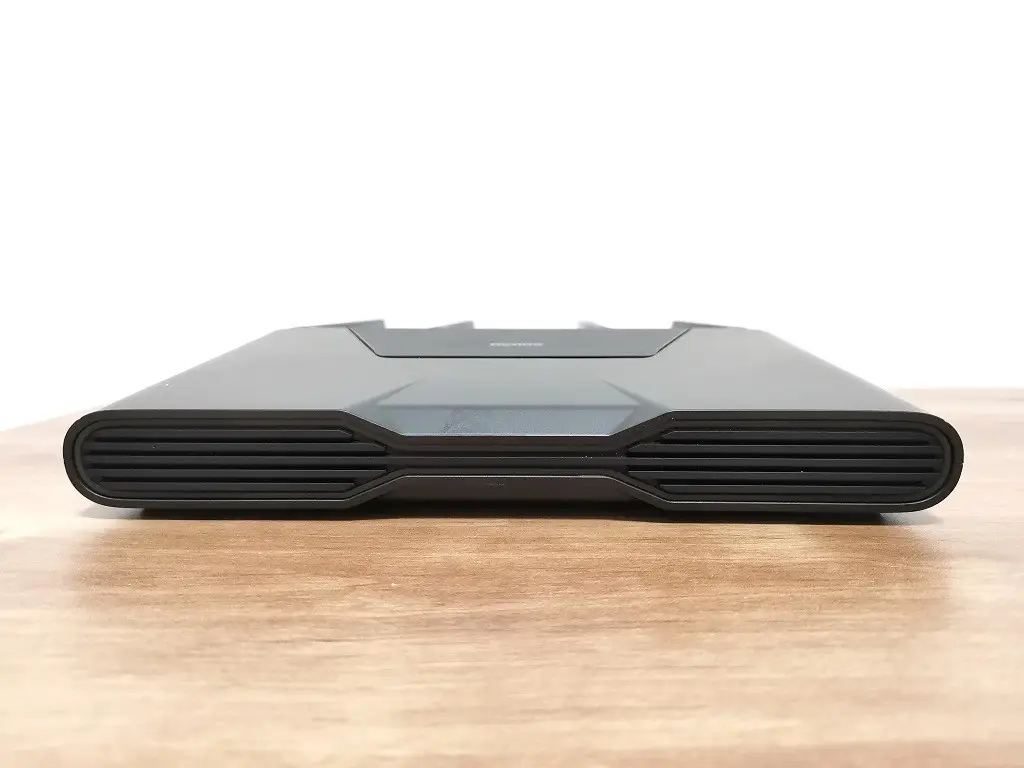
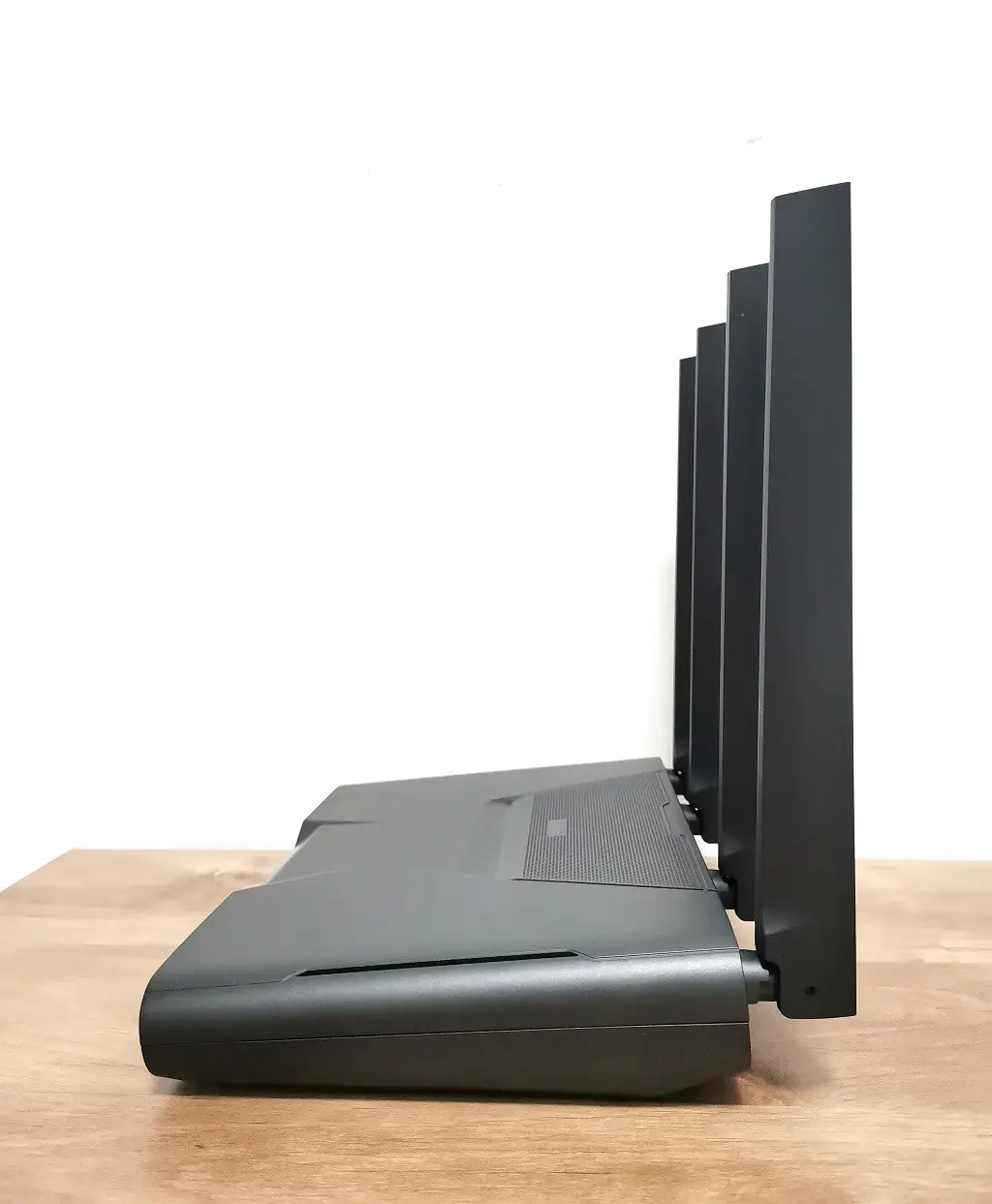
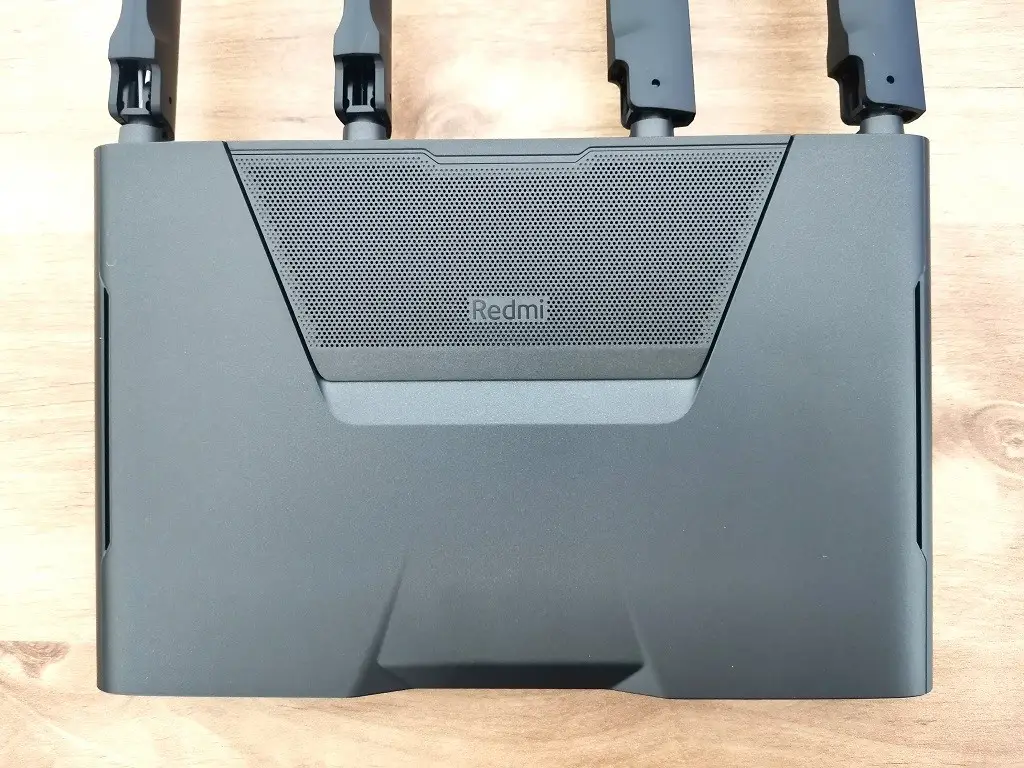
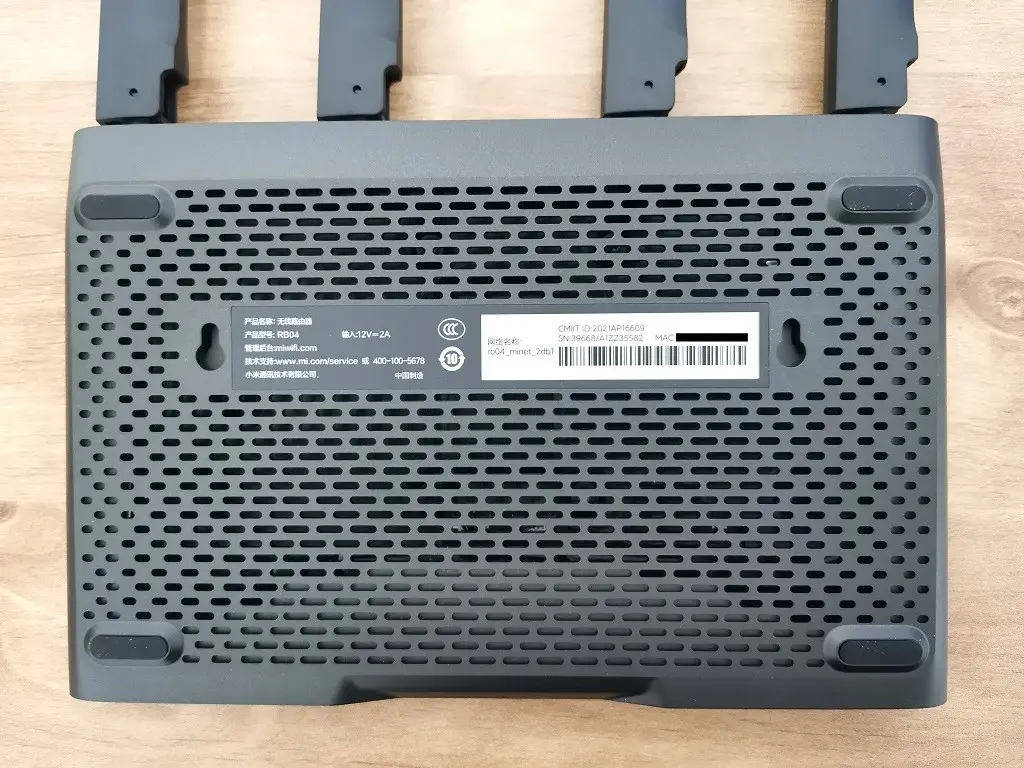
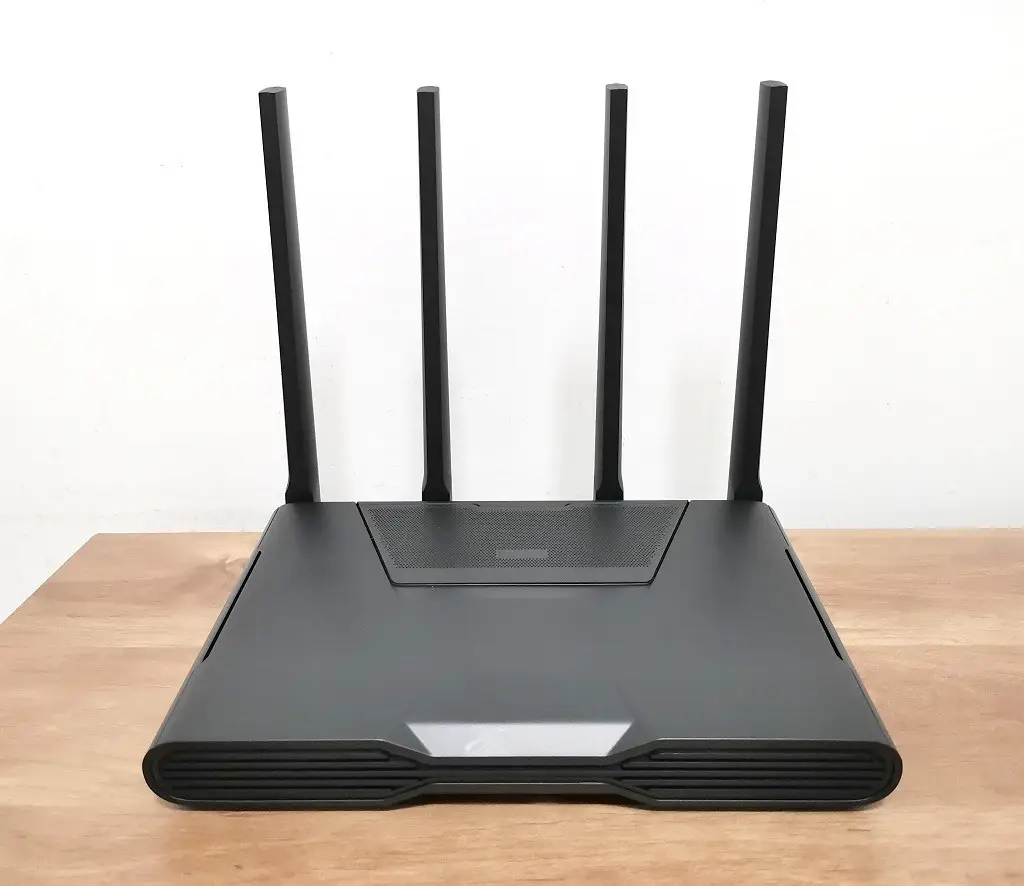
In our opinion, both design and also build quality are superb. The plastic quality feels like premium and of a $110-120 router. Xiaomi placed a well-designed net-style cover with the Redmi brand logo on the top side, giving the router a spotless minimalistic style look. On the bottom of the base, Xiaomi made sure that are enough venting holes to let the heat out of the router case.
Xiaomi Redmi AX5400
RGB Status Lights
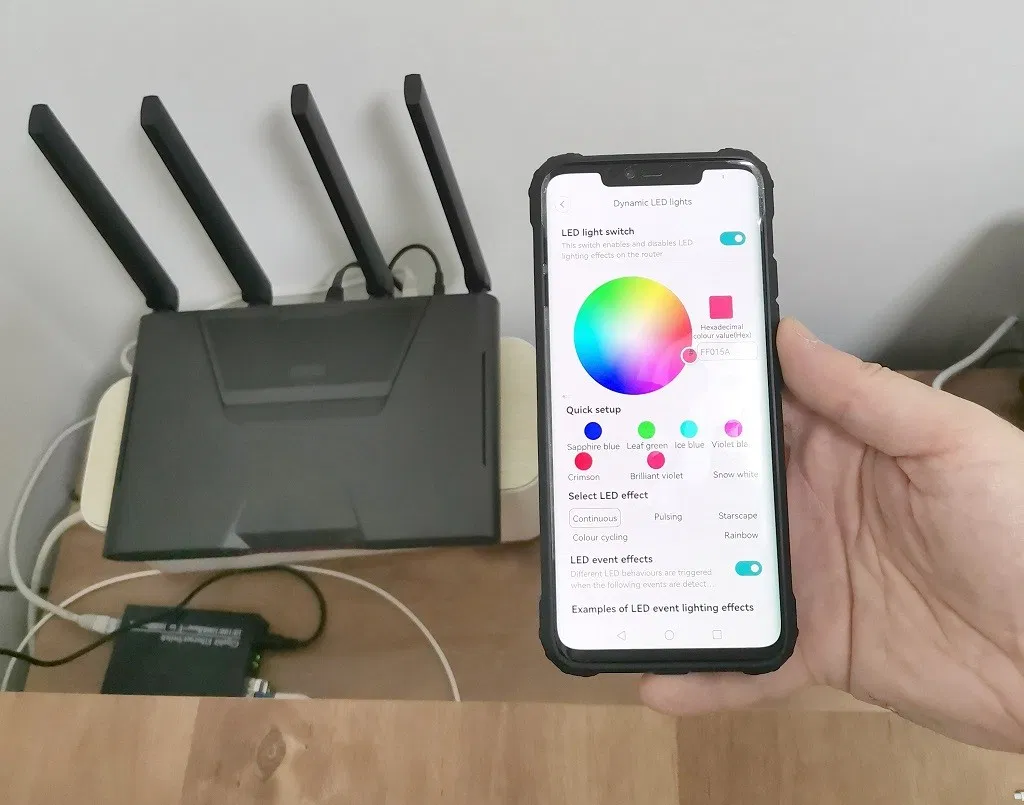
Xiaomi Added an exceptionally fashionable and modern visual RGB LED light on the front side of the AX5400 router. This feature is not solely designed for appearance purposes and allows users to set different color modes manually, according to operation scenarios.
This feature is only available in Mi-Home App under the Dynamic LED lights option. You can manually select the LED color from the color selection palette and choose visual effects from a few types: cycling colors, pulsing, starscape, and rainbow. There is also an option to select a preferred color that will flash as a visual indicator when your local network is under cyber attack. If you are not into flashing LED lights, you can switch them completely.
A Closer Look at the Redmi AX5400 LAN ports
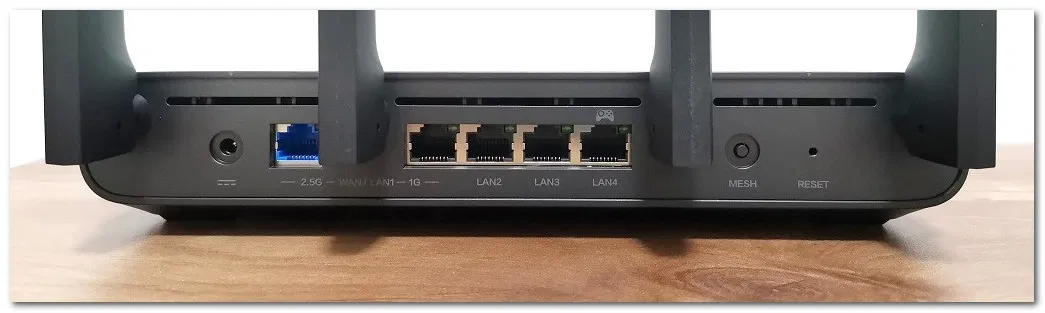
On the router’s backside, you will find a 2.5Gbps WAN port and an additional LAN port that supports 1Gbps. Both ports can be used as WAN ports and are interchangeable or operate simultaneously.
For example, if you have two 1Gbps fiber connections from different fiber providers, the router is capable of Link aggregation, increasing the bandwidth by “uniting” both network connections. On top of that, according to Xiaomi’s product sheet, the LAN ports also support dual-port aggregation, which means you can plug both LAN cable cables anywhere from LAN 1 to 4.
Xiaomi skipped the power on/off switch but added a “Mesh” button next to the “Reset” hole that, in some situations when something doesn’t work well, you can always use to restore/recover all of the router default settings.
Built-in Game Accelerator Engines
Finally, as the flagship new machine of the Redmi router, Xiaomi’s functions, such as smooth connection, game acceleration, and Mesh networking, have naturally not fallen. In addition, the Redmi AX5400 has various built-in game accelerators, including NetEase UU accelerator, Xunyou accelerator, Youbangbang Accelerator, and Qiyou Online Treasure Accelerator, which are more relevant for Chinese users.
Software
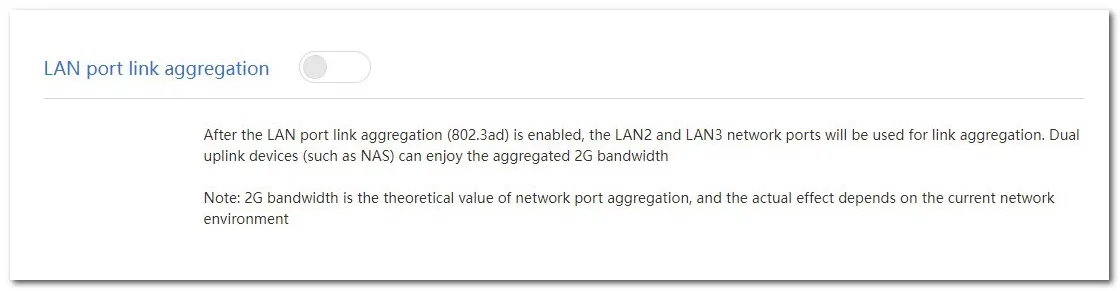
As with all Xiaomi routers, the AX5400 runs “Mi WiFi” software based on the OpenWrt platform. We didn’t notice any unusual new features except the LAN Port Aggregation function mentioned a few times in this review. You can surely enjoy this cool feature if you have two fiber optic internet providers at home or the office.
MiWFi LAN Port Aggregation settings
Multi-language Support
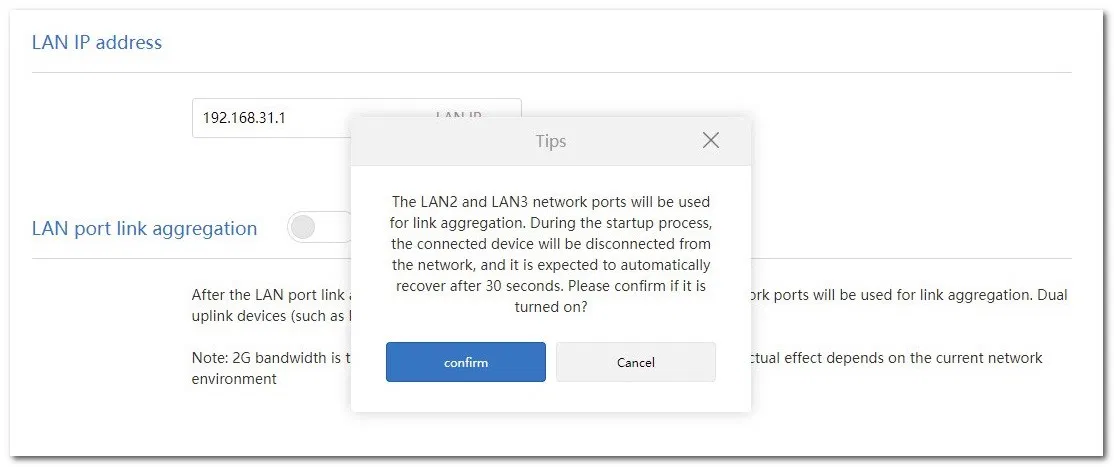
To access the AX5400 router settings through Web Access, you will have to use an active internet connection and a google translation service built inside almost every chrome base. By right-clicking on the page you wish to view, you can get an instant translation of the page in nearly every language.
Mobile App Support
Xiaomi supports Mijia APP and Mi WiFi Mobile Apps. Unofficially, they are available only for users living in China and using a location-based service. To bypass this limitation, users can change the region to china’s mainland and enable location service, which solves this problem.
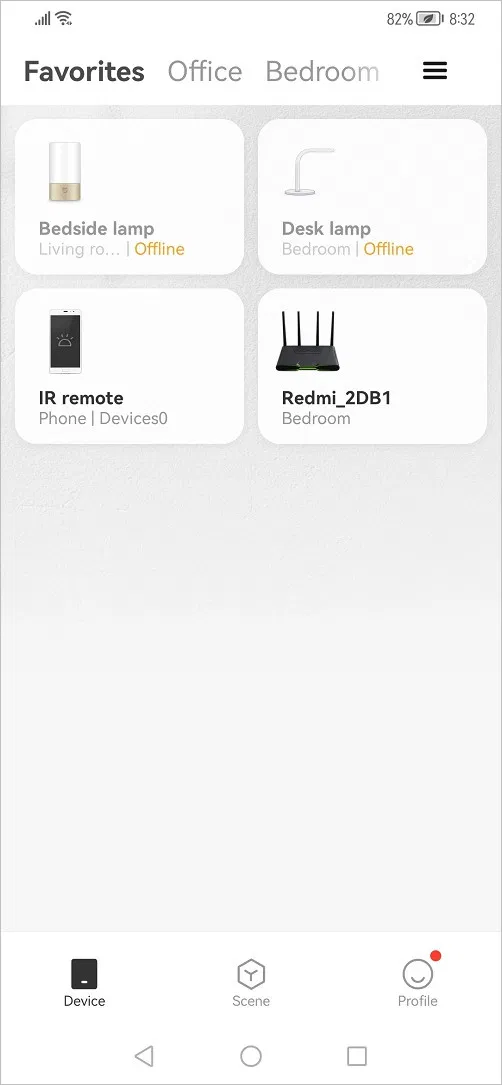
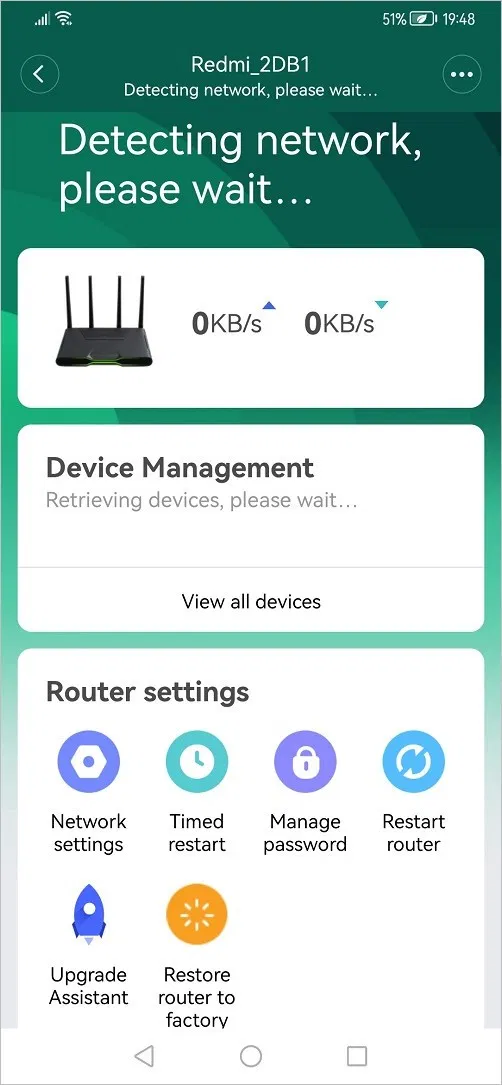
Mi-Home
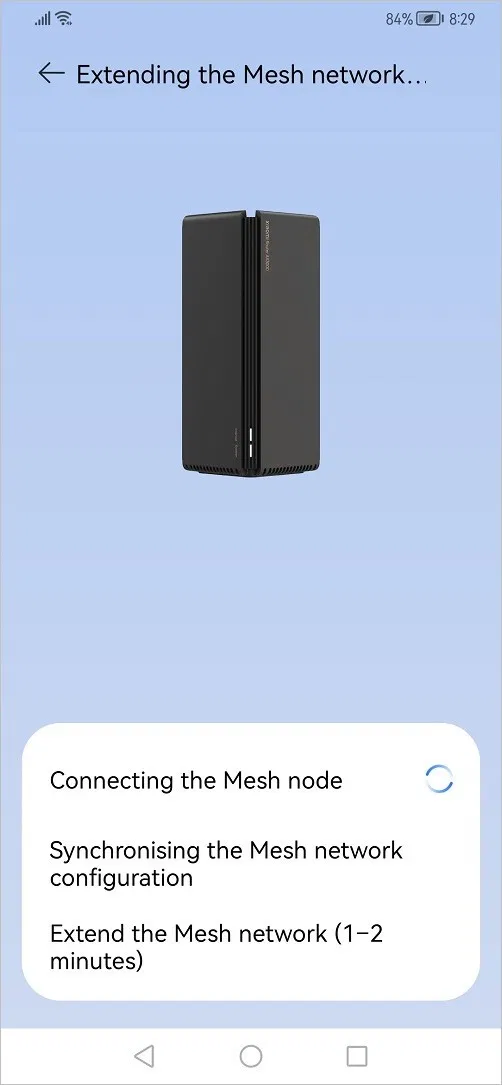
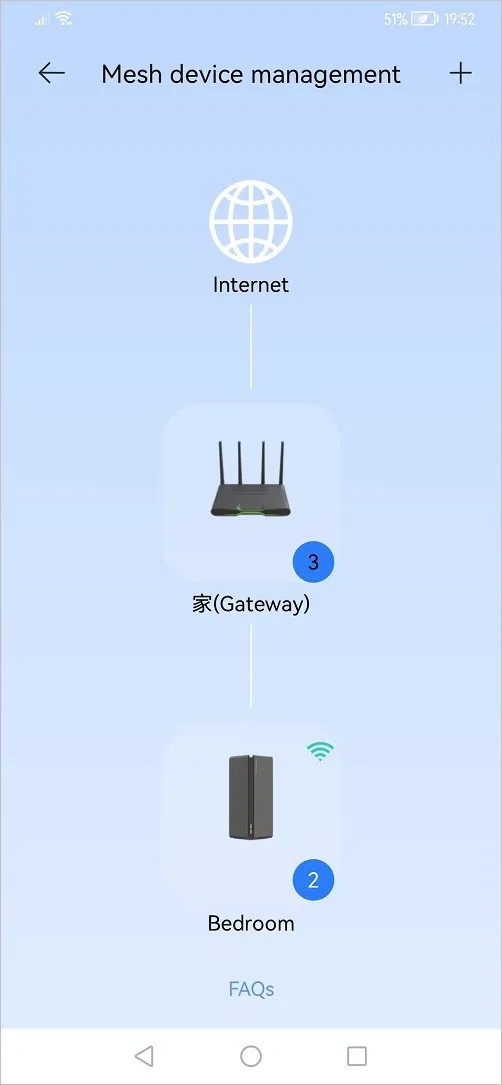
There are many you can choose from a massive list of products. Also known in its international version, Mi Home (Mijia APP) mobile App is available to download from google play, including Apple Store. This App lets you manage all Xiaomi intelligent devices under one, making life simpler by using different Xiaomi appliances.
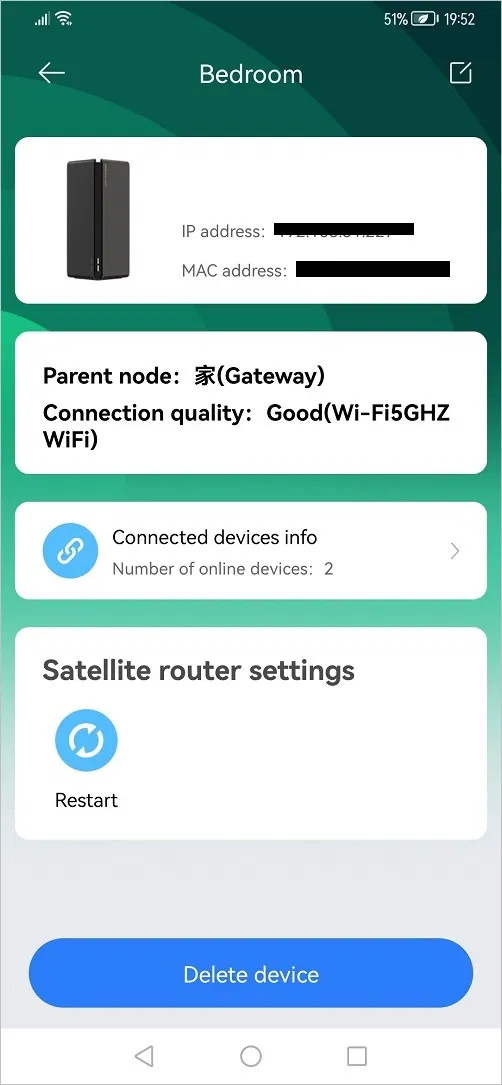
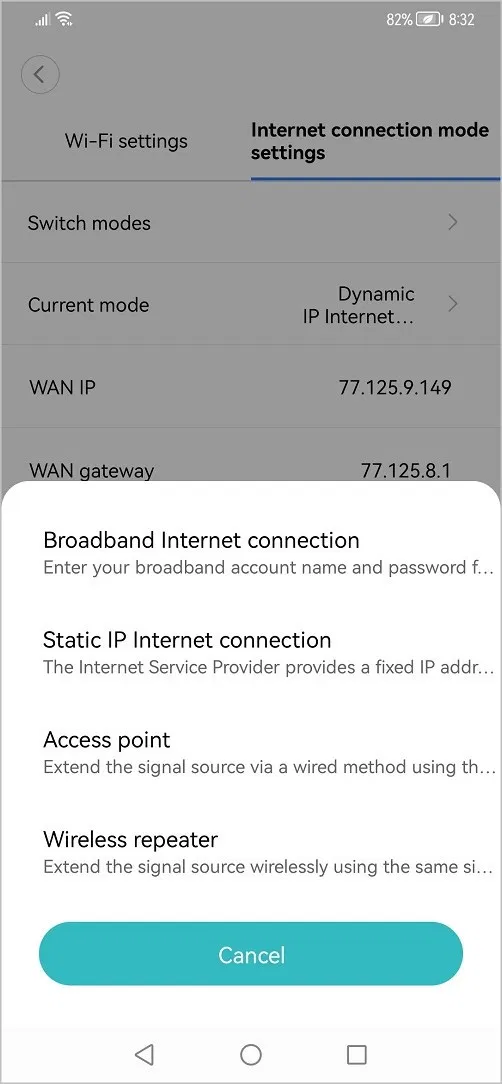
With the help of Mi Home, you can remotely access and configure all of the router settings. Most importantly, you also have a respectful list of supported languages you can pick from, including English, so this is undoubtedly the better and easy method to manage this router.
Mi Home Mobile App (Screenshots)
Mi WiFi
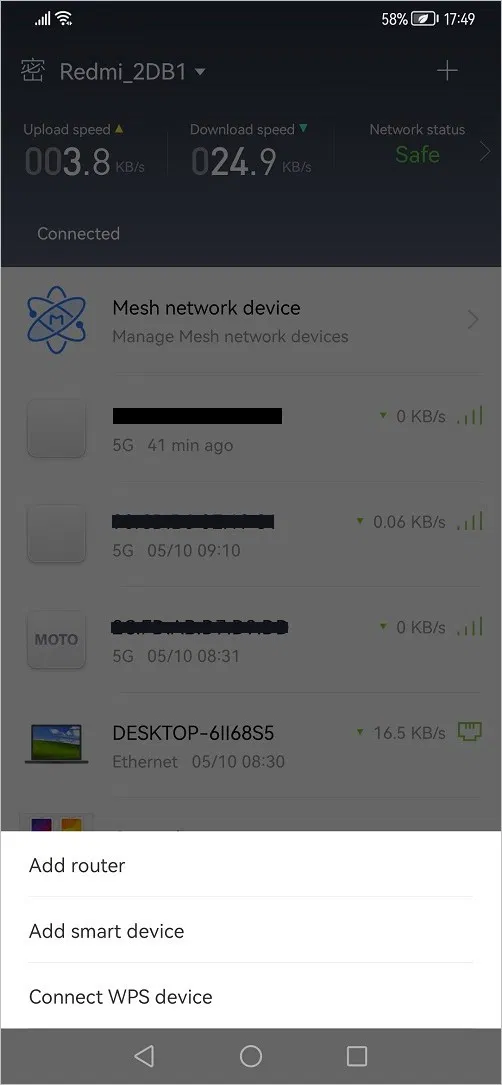
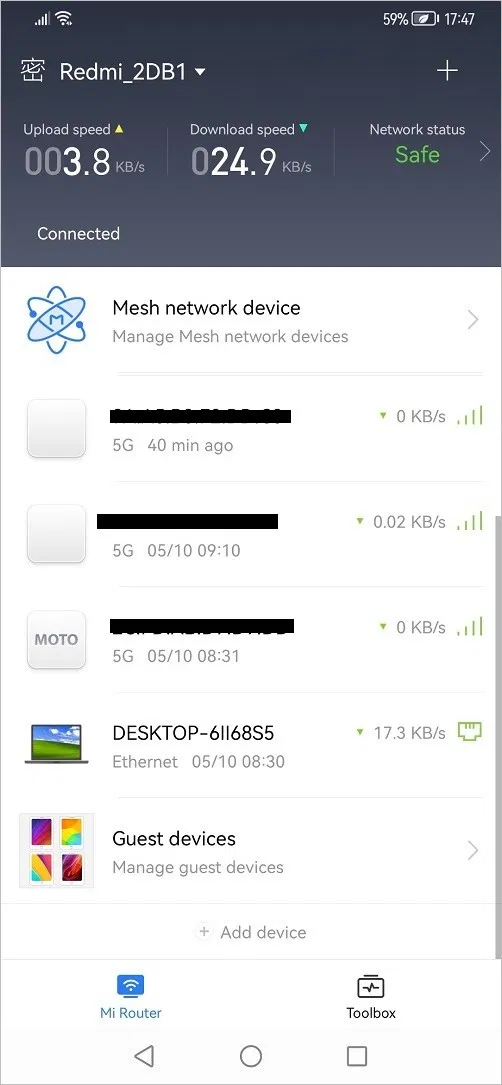
Another excellent mobile app you can install and use with your mobile device. The Mi WiFi Mobile App provides an easy method to manage all Xiaomi routers. It has an awesome user-friendly UI, is packed with many settings you can play with, and works flawlessly. You can monitor all connected devices, apply QoS settings, and even set a timer to switch the router on/off, deny access based on a specific time or apply filtering rules to block certain websites.
Mi WiFi Mobile App (Screenshots)
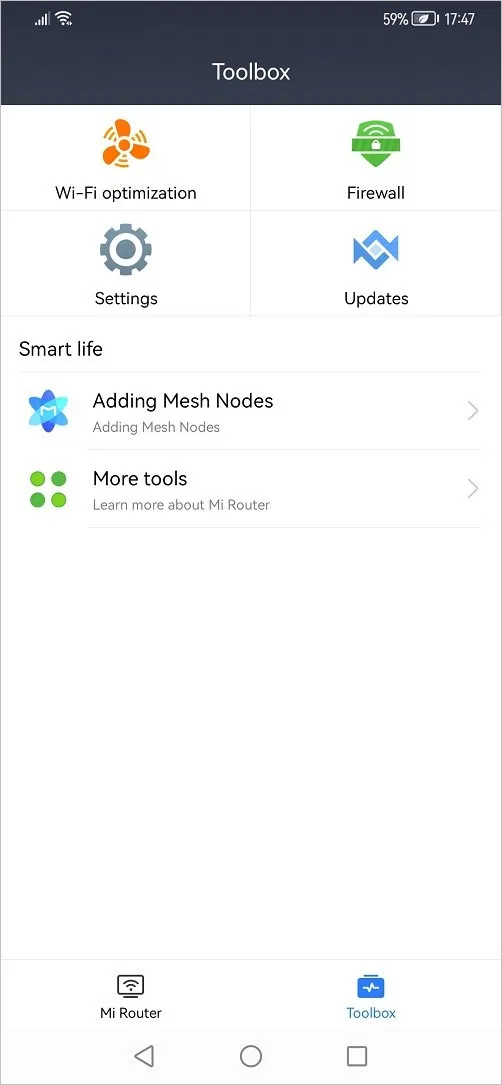
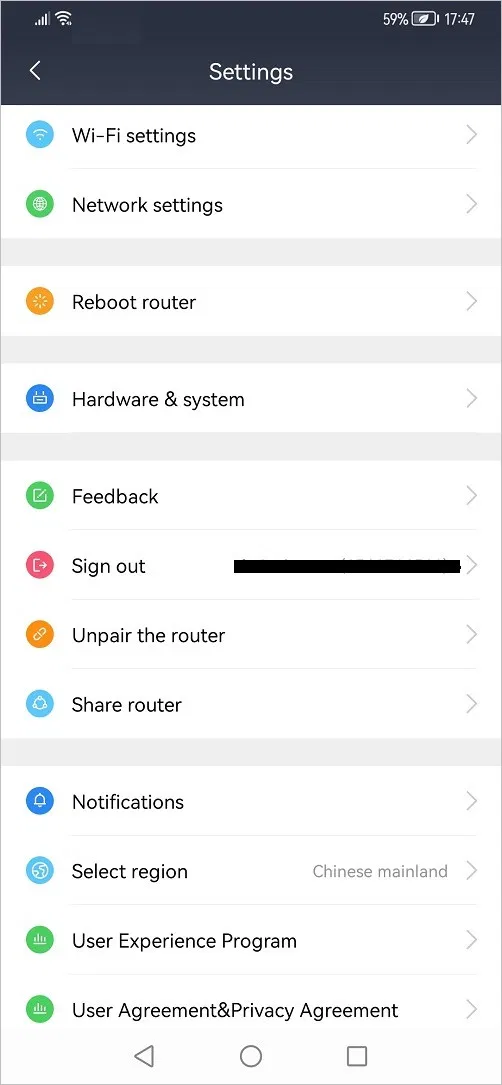
WiFi optimization
This feature is available under the WiFi optimization setting inside Mi WiFi mobile App. Users who don’t know how to configure the router manually by selecting the correct WiFi channels can use it.
With just “one click,” you can let the App do all the work by selecting the best optimal WiFi settings. It also saves some headaches for non-geeks less familiar with the router settings.
Common Security Options
Access control
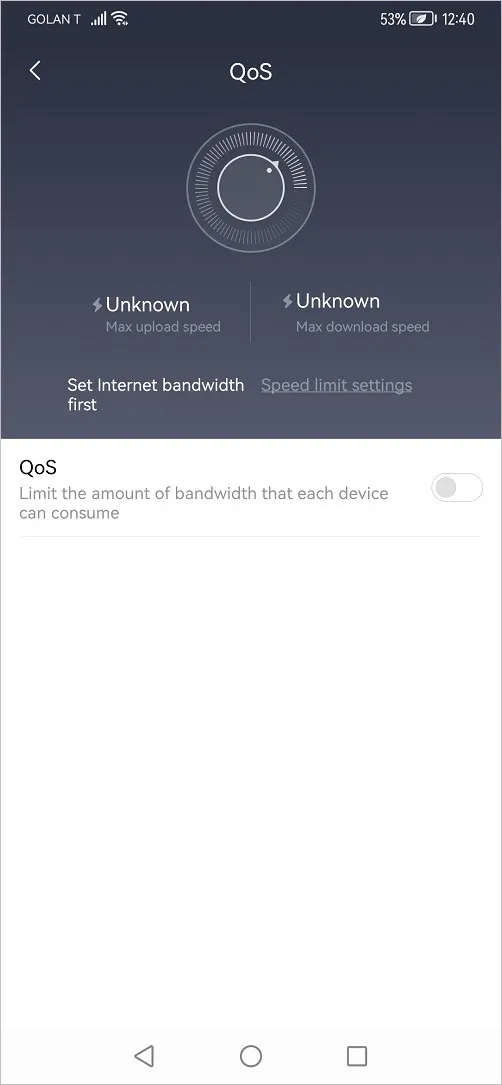
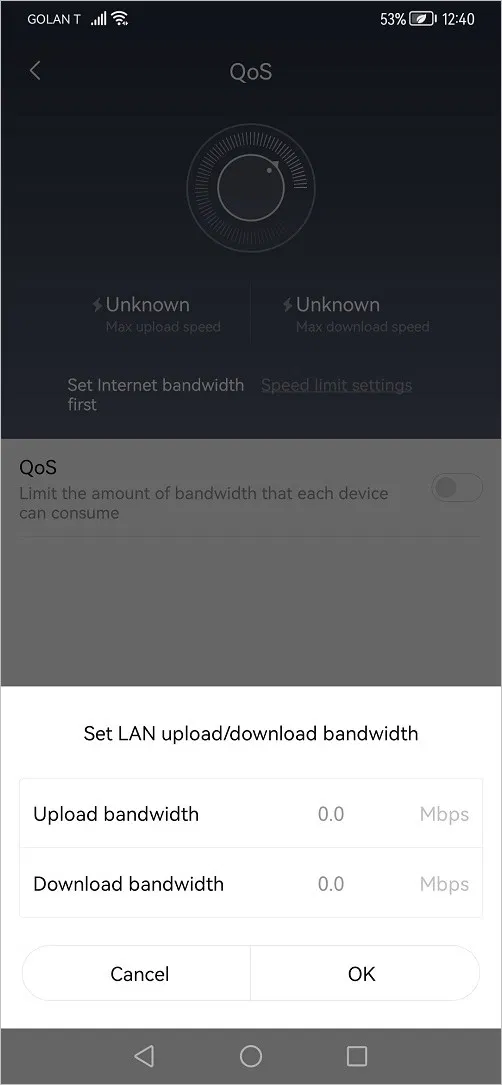
AX5400 Quality of service (QoS) settings let you set a bandwidth limit for every device connected to the local network. You can set a limit for downstream and upstream speeds. You can use the Access control option if you desire to block specific potential armful websites. There you can select your denylists and safelists of URLs.
AX5400 Quality of service (QoS) Settings
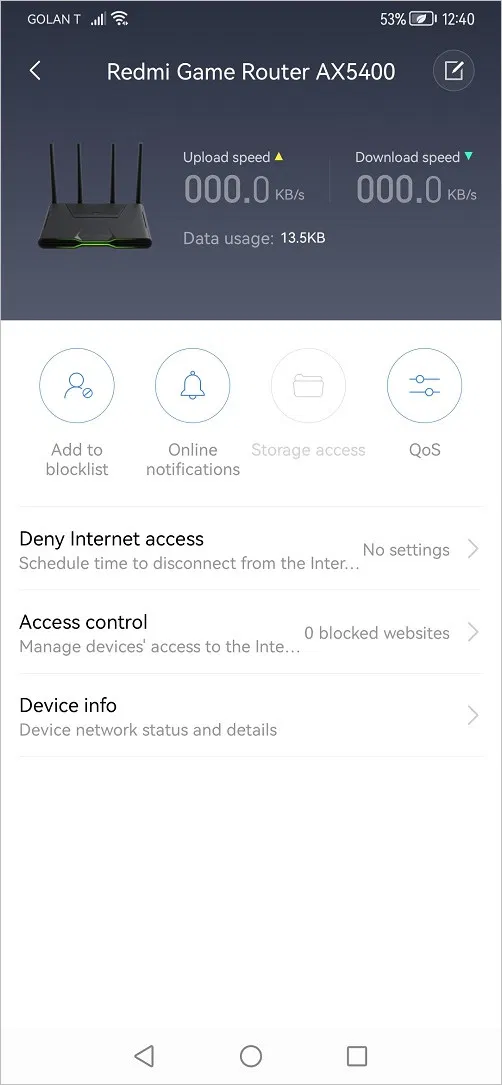
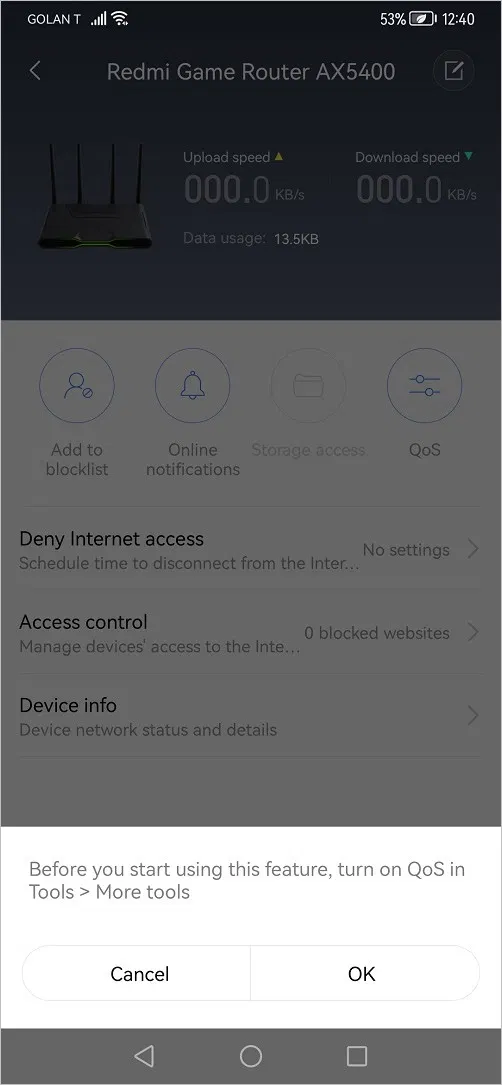
Deny internet access
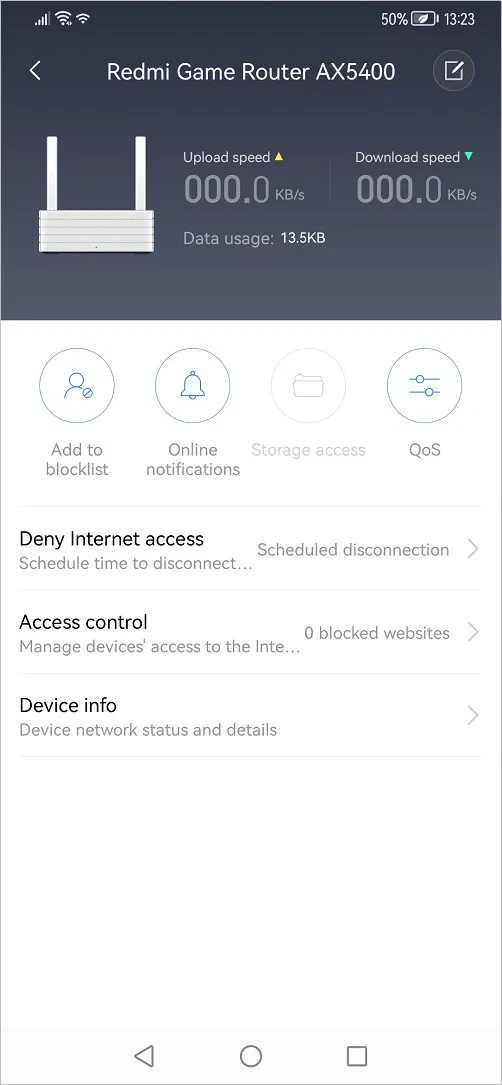
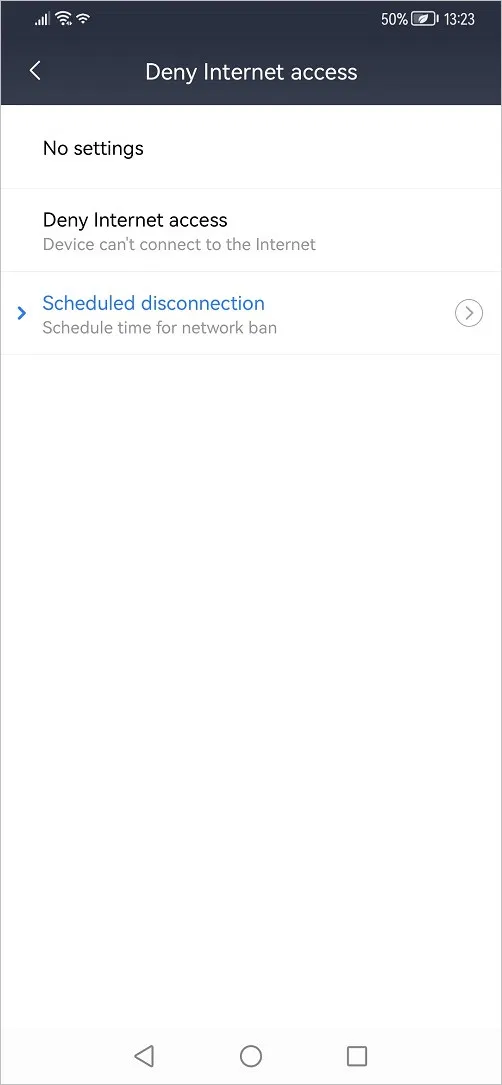
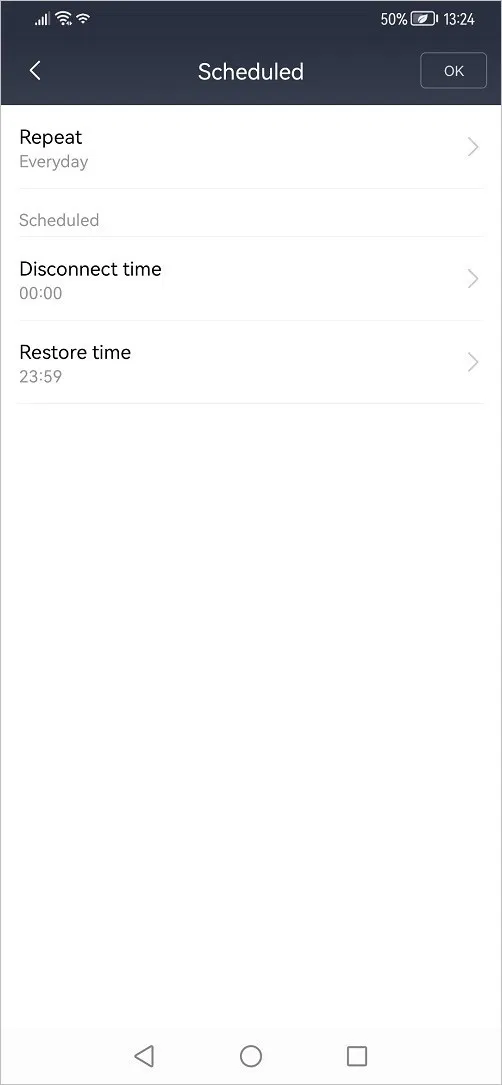
In this option, you can deny internet access or schedule a disconnection based on a scheduled time based on time of disconnection and connection restoration time. This option might be helpful for parents that want to limit how much time their kids spend online, which can sometimes be unhealthy and addictive.
Redmi AX5400 (Deny Internet access settings)
Device info
Under this option, you can view the device’s MAC and IP addresses. You can also select a device description type from a list of pre-defined device types.
Signal Strength Test
In our tests, all three devices’ signal coverage was pretty similar, but we have a big but! the connection seemed more stable in favor of the Redmi AX5400.
Cat6 Network Cable Mobile Device: Huawei Mate 20 Pro Testing App: analiti | |||
All Router Settings: | |||
5GHz | Wireless channel: Automatic Signal Strenght: through the wall Band: 160/80/40/20MHz | ||
2.4GHz | Wireless channel: Automatic Signal Strenght: through the wall Band: 40 / 20MHz | ||
Model | 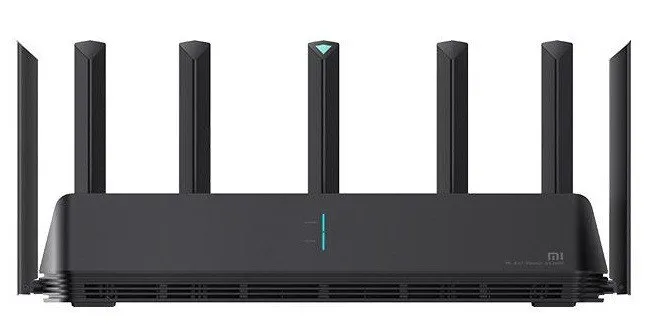 Mi AIoT Router AX6000 [Chinese Edition] | Redmi Router AX5400 [Chinese Edition] | 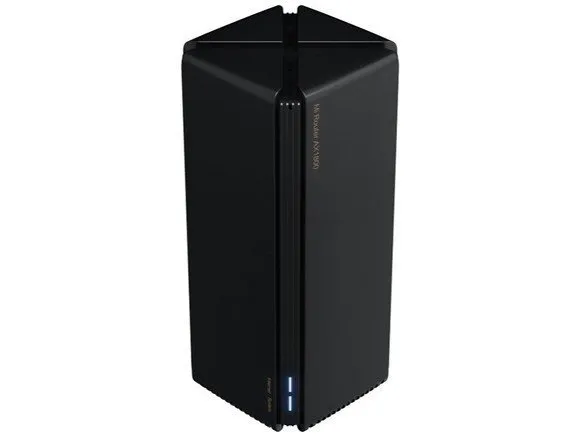 Xiaomi AX3000 |
Starting Price (04-22-2022) | USD $116 | USD $110 | USD $63-64 |
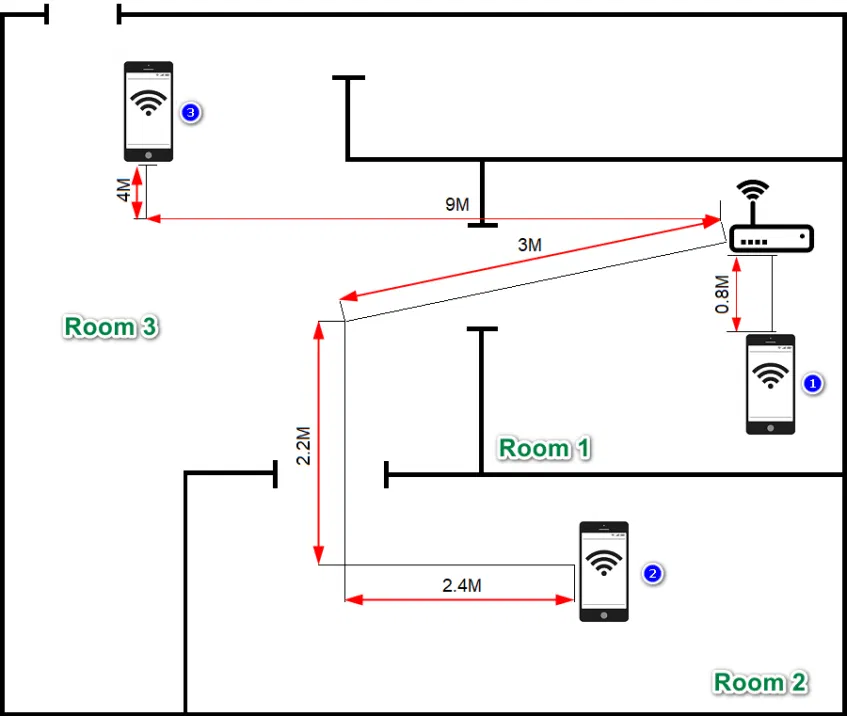
Location: No` 1 | Signal: -35 / -41 dBm Frequancy: 5180 MHz Channel: 36 / 160MHz | Signal: -34 / -35 dBm Frequancy: 5240 MHz Channel: 36 / 160MHz | Signal: -32 / -37 dBm Frequancy: 5240 MHz Channel: 48 / 160MHz |
Location: No` 2 | Signal: -53 / 55 dBm Frequancy: 5180 MHz Channel: 36 / 160MHz | Signal: -56 / -62 dBm Frequancy: 5240 MHz Channel: 36 / 160MHz | Signal: -53 / -54 dBm Frequancy: 5240 MHz Channel: 48 / 160MHz |
Location: No` 3 | Signal: -75 / -80dBm Frequancy: 5180 MHz Channel: 36 / 160MHz | Signal: -69 / -72 dBm Frequancy: 5240 MHz Channel: 36 / 160MHz | Signal: -67 / -72dBm Frequancy: 5240 MHz Channel: 48 / 160MHz |
Testing various points in 100sqm Apartment
Ookla Speedtest (Android Mobile App)
Test Location: No` 1
During our tests, conducting a speed test using a Huawei Mate 20 Pro handset, we noticed a massive gap in performance in favor of the Redmi AX5400 device. The router seemed to handle multiple connections well and achieved almost the maximum speed of our 1Gbps fiber plan.
Redmi AX5400 | Xiaomi AIoT AX6000 |
Test No` 1 | Test No` 2 |
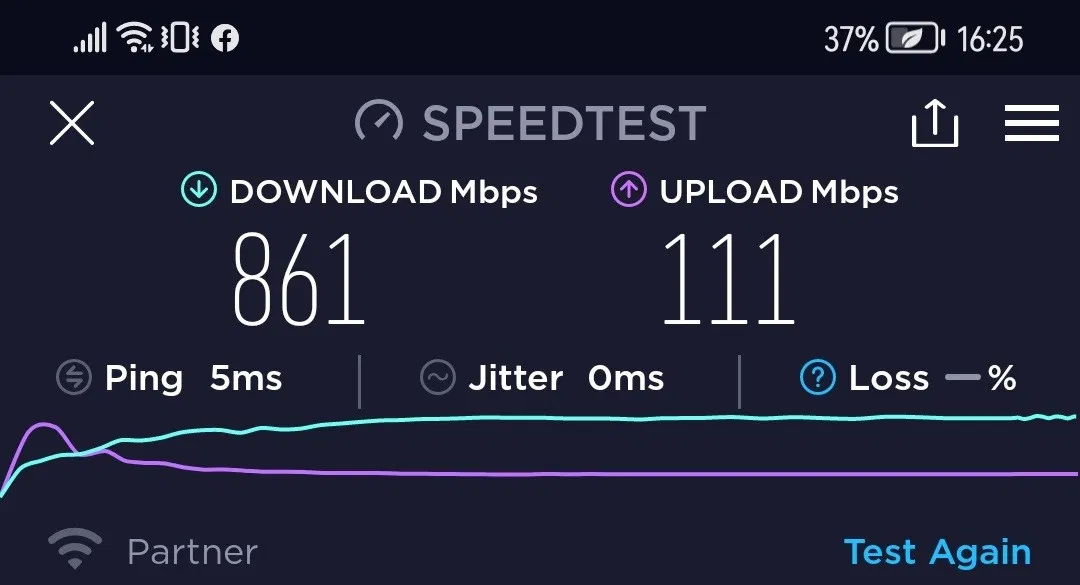 | 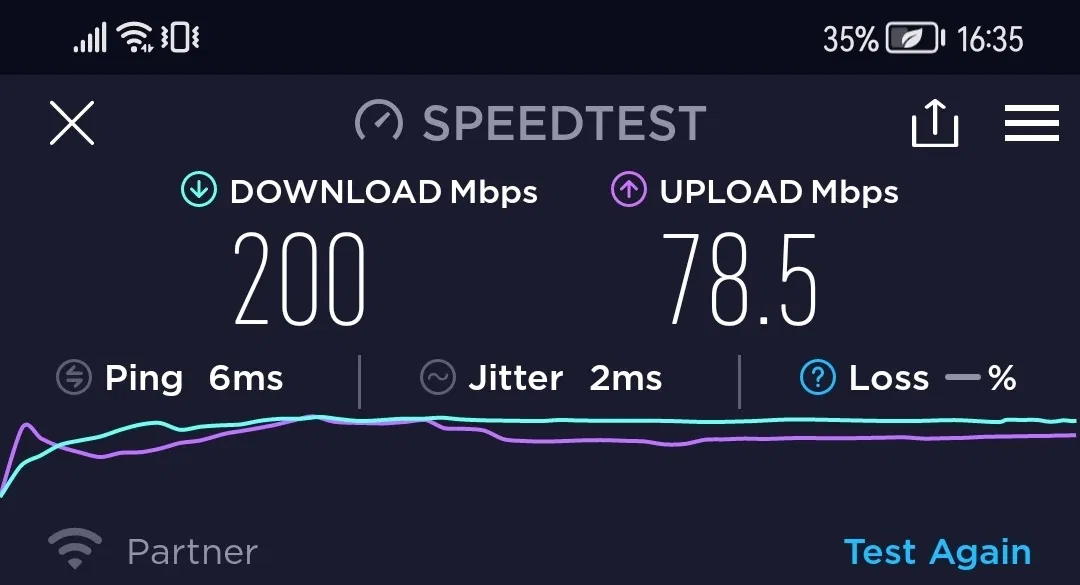 |
Result: 861 / 111 Mbps | Result: 200 / 78.5 Mbps |
Ookla Speedtest (Android Mobile App)
Speed Test at a distance of 1 meter.
What Can you do with one 2.5Gbps WAN port?
Wired Network Connection
Assuming you got a 2.5Gbps internet connection, you will not be able to utilize or reach the top 2.5gbps speed because the x4 LAN ports support a maximum throughput of 1Gbps. Xiaomi only added one 2.5Gbps LAN port, so we are limited in a wired connection to the 1Gbps limit.
Wireless Network Connection
It doesn’t matter if the router supports a theoretical bandwidth of 4804Mbps or higher as long as the port is limited to 2.5Gbps. The only way it’s possible to use the total 2.5Gbps bandwidth is through a wireless network.
Do you need 2.5Gbps at home?
The answer is probably not. Most smart devices, such as TV boxes, come with a 1Gbps LAN port. Smart TVs usually have a 100Mbps LAN port which is more than enough for streaming videos in 4k quality.
Redmi AX5400 Router – How to Setup a Mesh Network
There are two mesh arrangments or configurations you can use. The first is the wired type using a standard network cable connected to each mesh device and the wireless option, without needing any network cables.
For both methods to work, you must use additional Xiaomi routers that also function as mesh devices. The number of mesh devices depends on the range you need to cover. In most cases, for a +100 sqm apartment, adding a second Xiaomi device should be enough. You can also use more than one unit, especially if you have a bigger apartment. We recommend using a Xiaomi AX3000 router because it’s easy to place on a small shelf or a table.
Xiaomi Router AX3000 & Mi AX1800 Router: Both models can operate as mesh/Access point devices. For best results, we recommend using the AX3000 model.
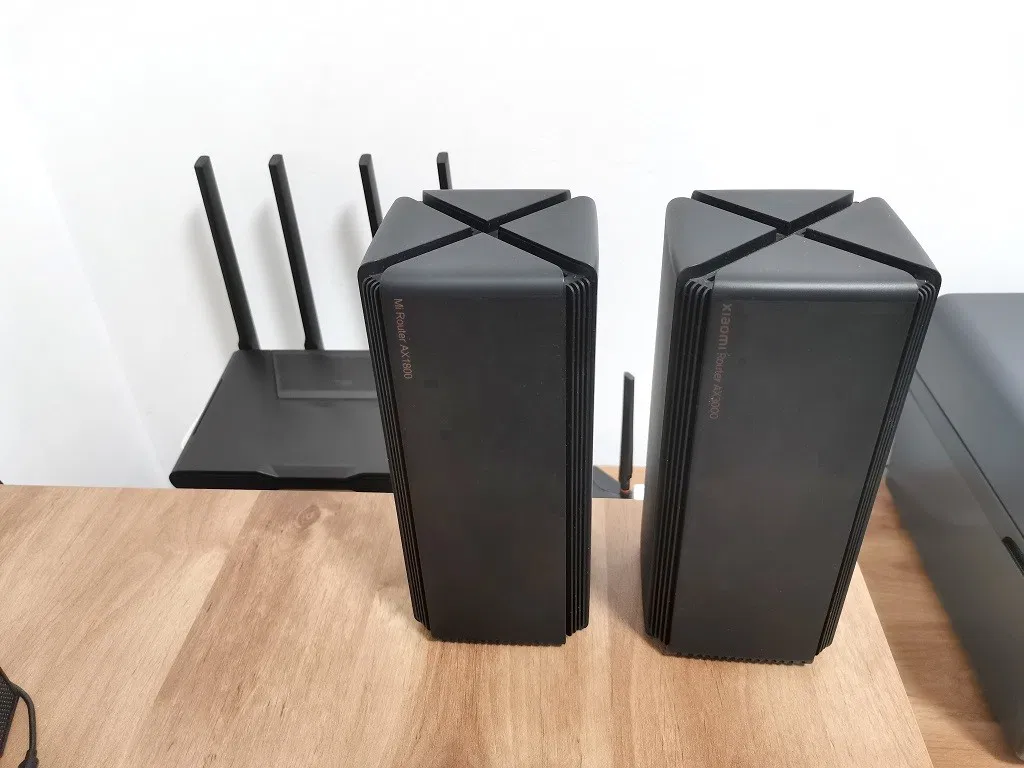
How does it work?
The main AX5400 router will communicate with the end devices, for example. The AX3000 units link to them and boost the wifi signal to cover more area. In the first setup step, connecting with the AX3000 router wirelessly, you will need to press the AX3000 mesh button in the vicinity of the AX5400 router and select the mesh unit scan option located inside the router’s web management portal or the Mi WiFi mobile app.
Final verdict
In terms of performance, the Redmi AX5400 is an absolute beast. You can expect at least of %80 bandwidth if you are 1-6 meters from the Router. You can’t get any better from this for this price tag. Build quality is also solid, and the Router’s plastic-made shell doesn’t look cheap. The LED style lights are a nice touch for this product, making it very suitable for Gammers but not only. The only thing we are missing is an external USB Host port that could be an excellent addition.
Redmi AX5400 Price & Availability
The official price of the Redmi AX5400 in China is 599 yuan ($93.4). You can be categorized the product at the same level as the Xiaomi AX6000, but with different scene orientations rather than a reduced version. The Redmi AX5400 is another cost-effective mid-to-high-end masterpiece among Xiaomi router products. It adopts a brand-new design optimized for gaming scenarios. If you want to upgrade your network equipment at home, the Redmi AX5400 is a solid choice, starting with a price tag as low as ~$179 for international buyers.
Redmi AX5400 Review Summary – Pros & Cons
- Great Design
- A Perfect choice for gaming (Low Pings)
- Solid build quality
- Good Software Support
- Value for the Buck
- Good WIFI Signal coverage
- No USB Port

Hi, So, I have devices below: – Huawei P50 Pro, support for AX – Samsung Galaxy Z Flip 3, support for AX – LG Smart TV , I don’t know if it support for AC or not. – Lenovo Flex 5 notebook which already have AC support. And I am living in Indonesia which only using Fiber optic , Indihome with only 20Mbps currently, may upgrade if I have powerfull router, might be up to 100Mbps which have reasonable monthly cost. The main modem wifi router is Fiberhome, but everytime I downloading, another devices will not able to load any… Read more »
This Redmi AX5400 router is superb on all levels and better vs. others you mentioned. If you are short in cash, the better buy is the Xiaomi AX3000.
It should cost the same as the AX1800.
Hi, Thank you for your prompt advice. At first I was going to buy Huawei AX3 Pro as my main device is Huawei P50 Pro. And found your review here. But when I check another review on this site, the anothers type also available on the store. Here the pricelist, which should I buy for the best one: Huawei AX3 Pro at $72 Redmi AX5400 Black Gaming Edition at $105 Redmi AX5400 White Standard Edition $70 Xiaomi AX3000 Black Tower Edition $52 Redmi AX3000 White Standard Edition $44 Of course I am not going to buy Redmi AX5400 Black Gaming… Read more »
I advise you to buy Xiaomi AX3000 and not the Xiaomi AX1800 which is an “older” model. Your picks are good.