
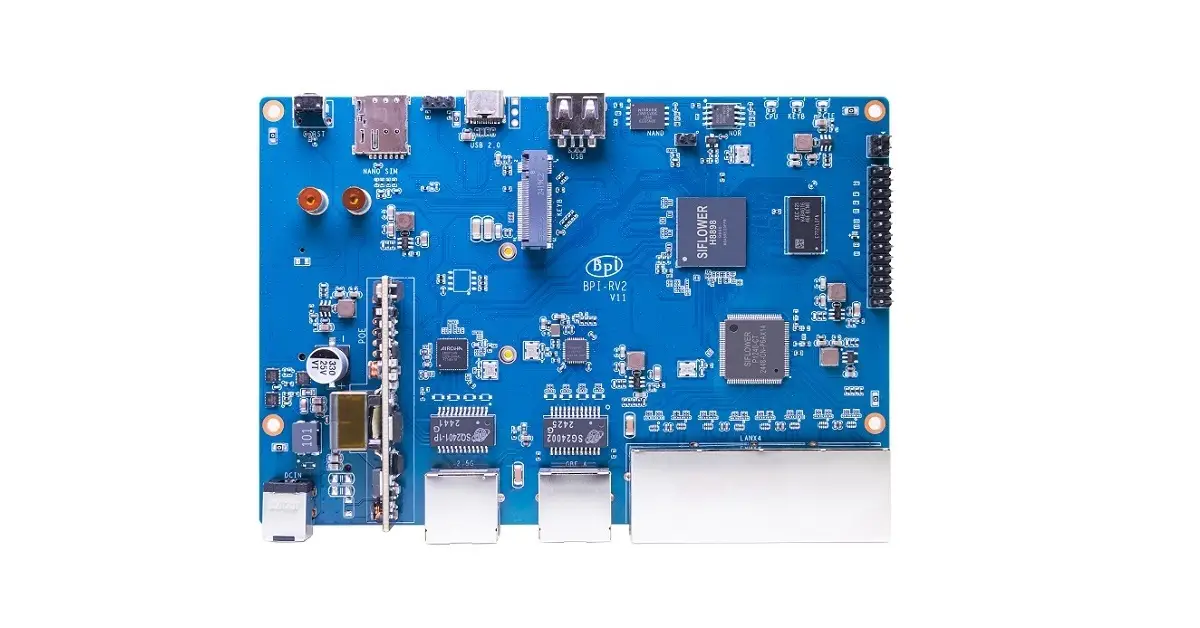
What network speeds can you realistically anticipate?
If you’re thinking about incorporating a Wi-Fi/Bluetooth Mini PCIe card, don’t overlook that the 2.5GbE port will restrict (cap) your speeds to 2.5Gbps. Furthermore, it’s vital to opt for a card that can accommodate such speeds. In addition to the Wi-Fi option, you got five 1GbE ports are at your disposal for wired connections.
Steps for Installing a WiFi/Bluetooth Card
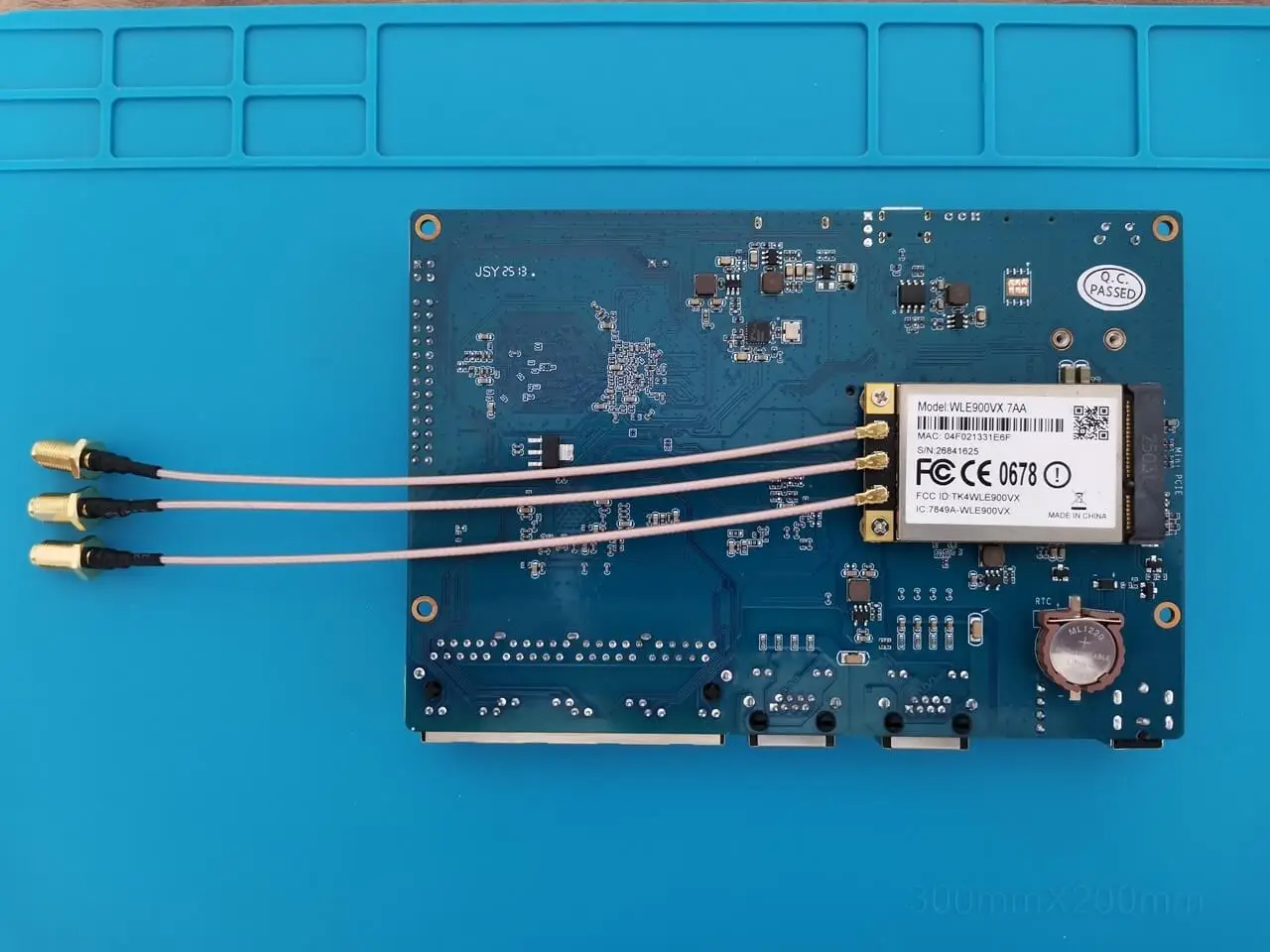
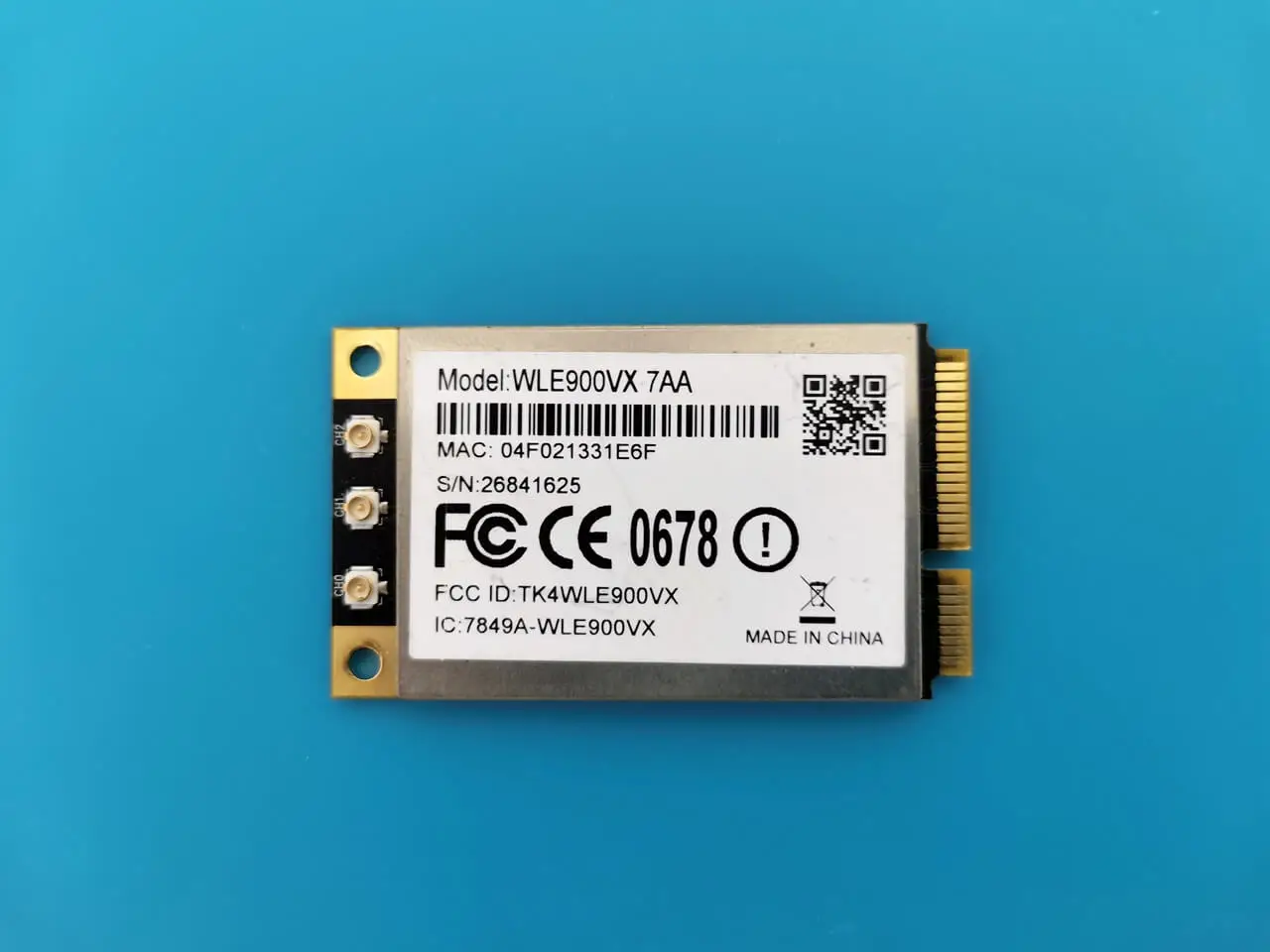
The RV2 mPCIE slot is located on the rear side of the board. In general, if the kernel supports the hardware, it should operate flawlessly. As recommended by the Banana Pi team, we installed a dual-band WLE900VX 7AA Wi-Fi/BT card based on the Qualcomm Atheros QCA9880 chipset.
The standout feature of this card is its compatibility, which means it comes equipped with the necessary OpenWrt drivers and the installation is pretty smooth. Furthermore, investigating alternative cards that feature the MediaTek chipset may provide enhanced performance benefits, including support for WiFi 6 and 7, which this card currently does not offer.
Here’s a detailed table of the WLE900VX module specifications:
📋 QCA9880 (WLE900VX) Specifications
| Category | Specification |
|---|---|
| Chipset | Qualcomm Atheros QCA9880 ‘Peregrine’ series |
| Form Factor | Mini PCIe (30 × 51 mm) |
| Interface | PCIe 1.1 |
| Wi-Fi Standard | IEEE 802.11ac (Wi-Fi 5), backward compatible with 802.11a/b/g/n |
| MIMO Configuration | 3×3 MIMO |
| Spatial Streams | 3 |
| Max Data Rate | Up to 1.3Gbps (5GHz), 600Mbps (2.4GHz) |
| Channel Widths | 20/40MHz (2.4GHz), 20/40/80MHz (5GHz) |
| Frequency Range | 2.412–2.472GHz (2.4GHz), 5.150–5.825GHz (5GHz) |
| Output Power | Up to 21dBm per chain (2.4GHz), up to 20dBm per chain (5GHz) |
| Modulation Techniques | OFDM, BPSK, QPSK, DBPSK, DQPSK, 16-QAM, 64-QAM, 256-QAM |
| Operating Voltage | 3.3V |
| Power Consumption | Max 5W |
| Operating Temperature | -20°C to 70°C |
| Storage Temperature | -40°C to 90°C |
| Humidity Tolerance | 5% to 95% (non-condensing) |
| Antenna Connectors | 3 × U.FL connectors |
| Operating Modes | AP and STA (can act as access point and client simultaneously) |
| Advanced Features | LDPC, MRC, STBC, Spatial Multiplexing, DFS, CDD |
| Certifications | FCC (USA), CE RED (EU), IC (Canada), RoHS, REACH |
| Driver Support | Qualcomm QSDK, ath10k (OpenWRT/LEDE), compatible with Intel x86 & ARM platforms |
Installation
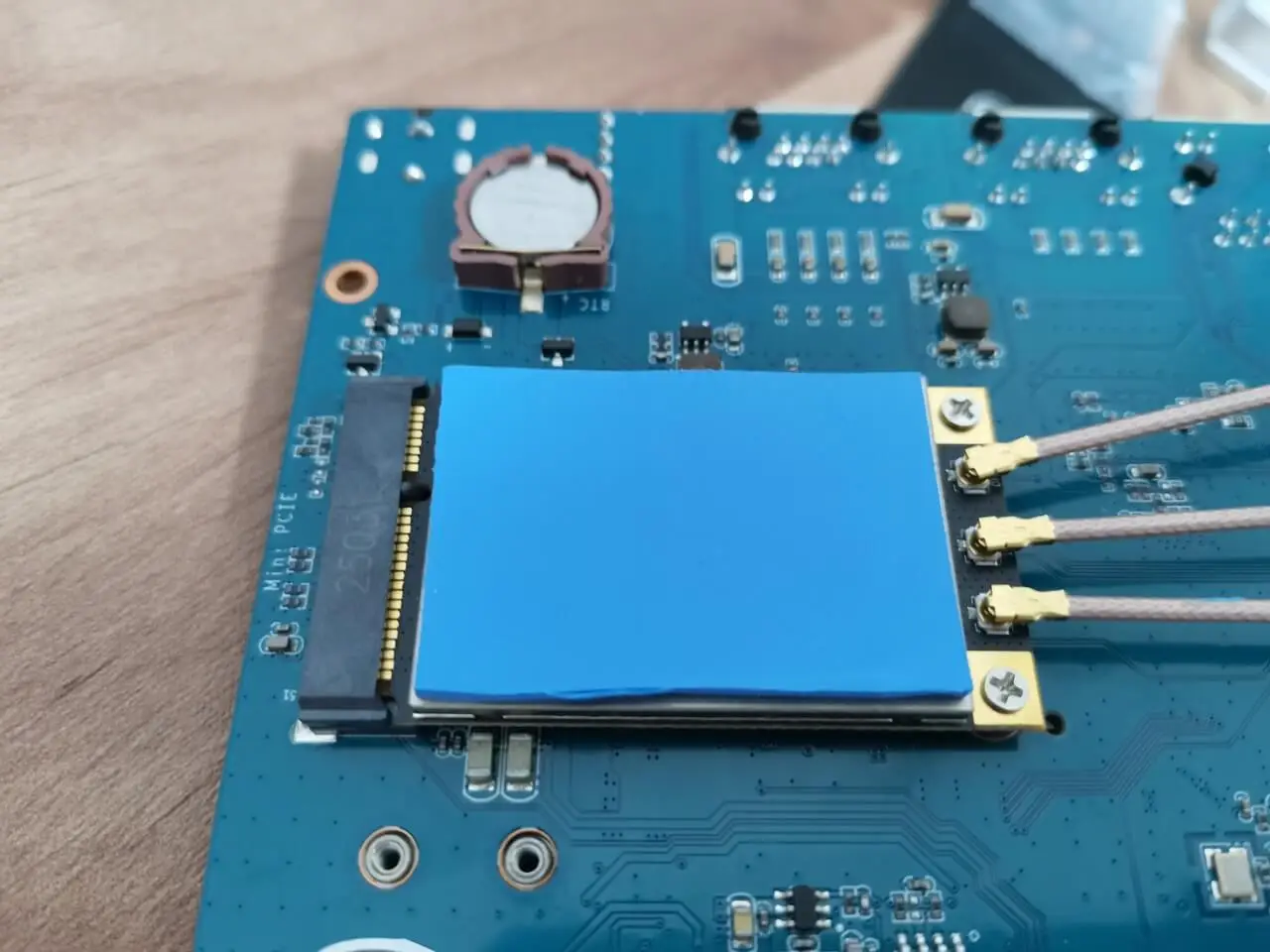
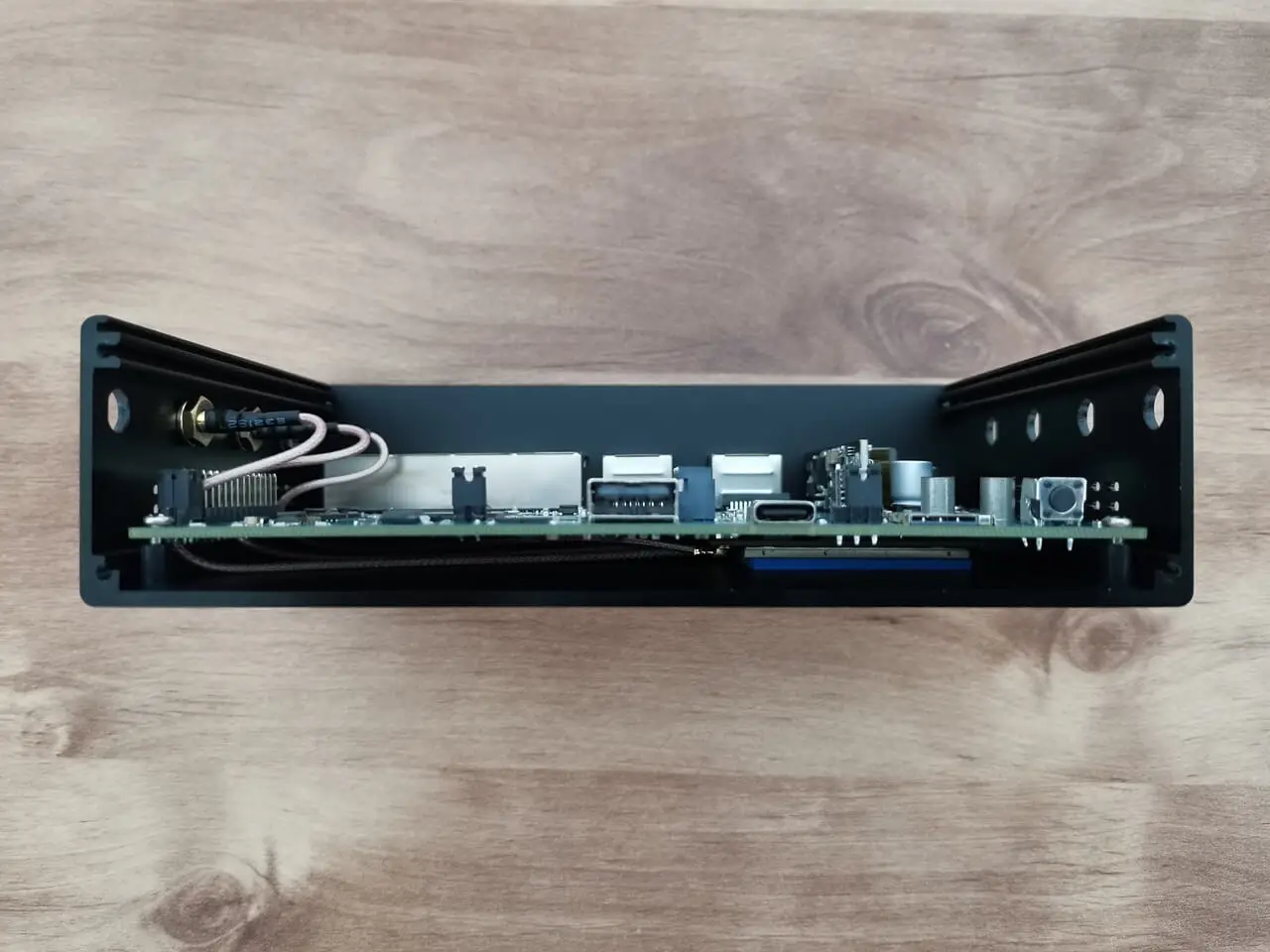
We successfully completed the installation of the WLE900VX module, which comes with three RP-SMA Male connectors. We used three cables, each measuring 15cm in length, which is sufficient for our needs and eliminates the necessity for longer cables. Additionally, we strategically placed a 1mm-thick thermal pad on the card to guarantee optimal contact with the case body, facilitating superior heat dissipation.
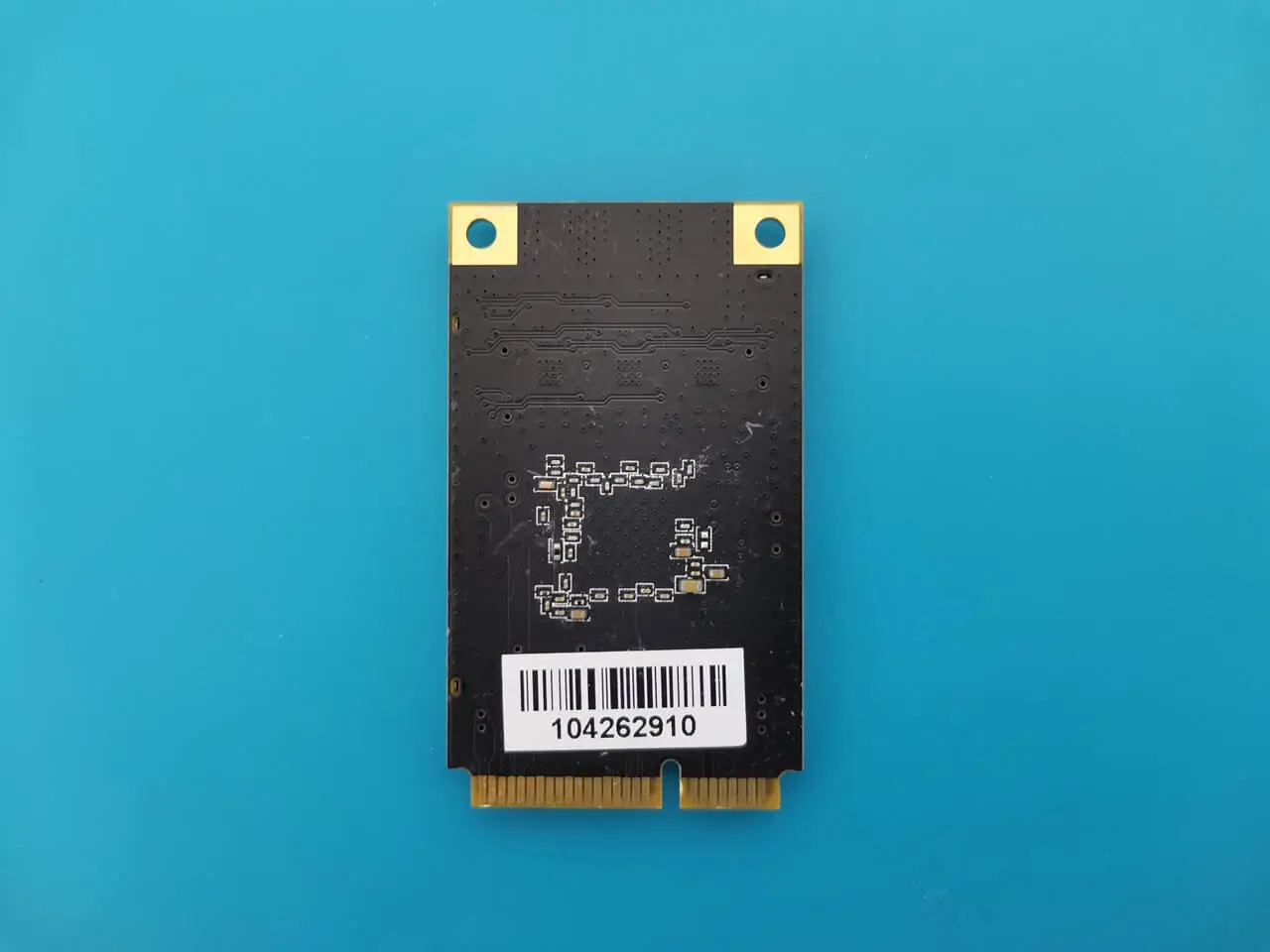
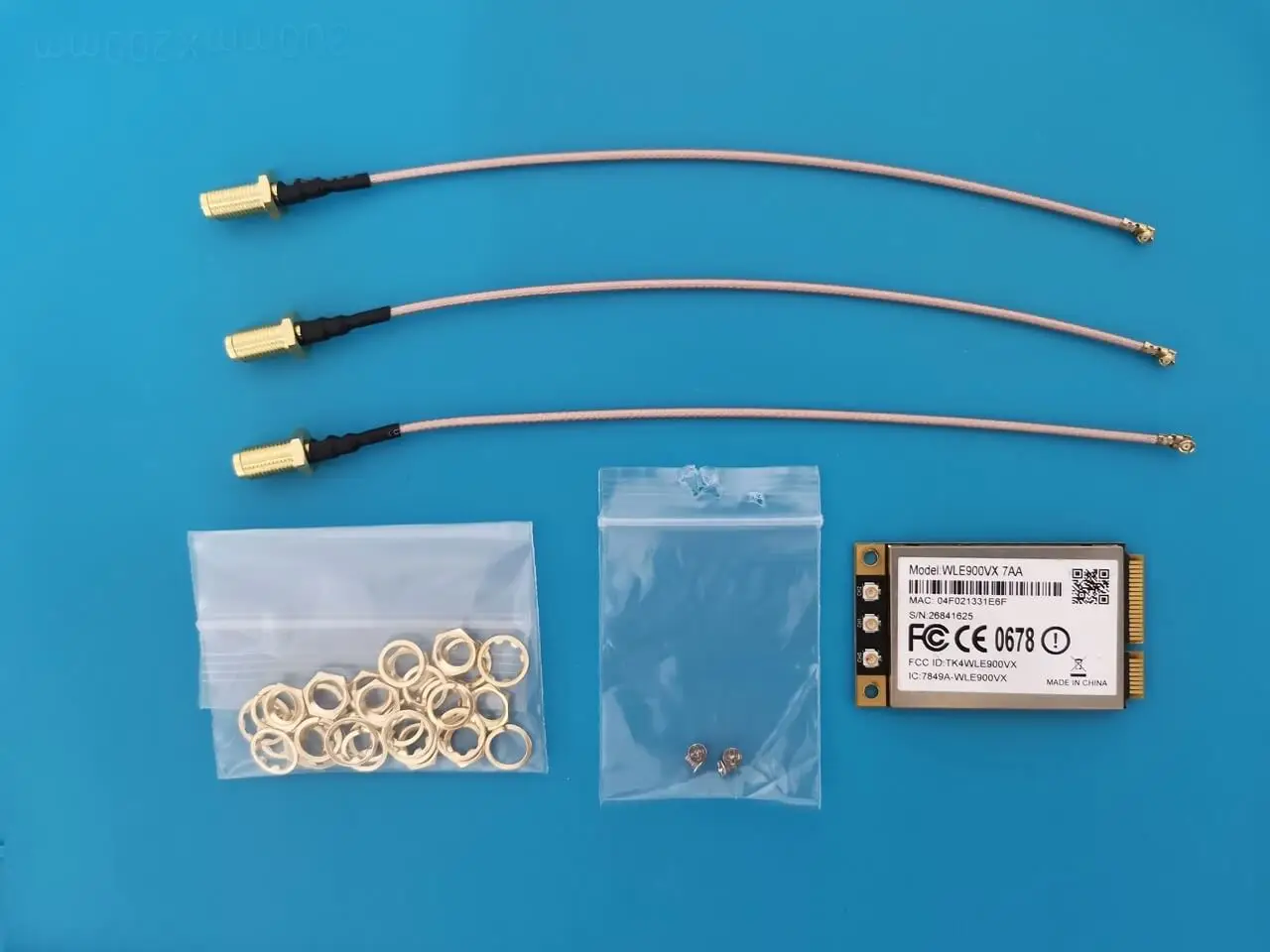
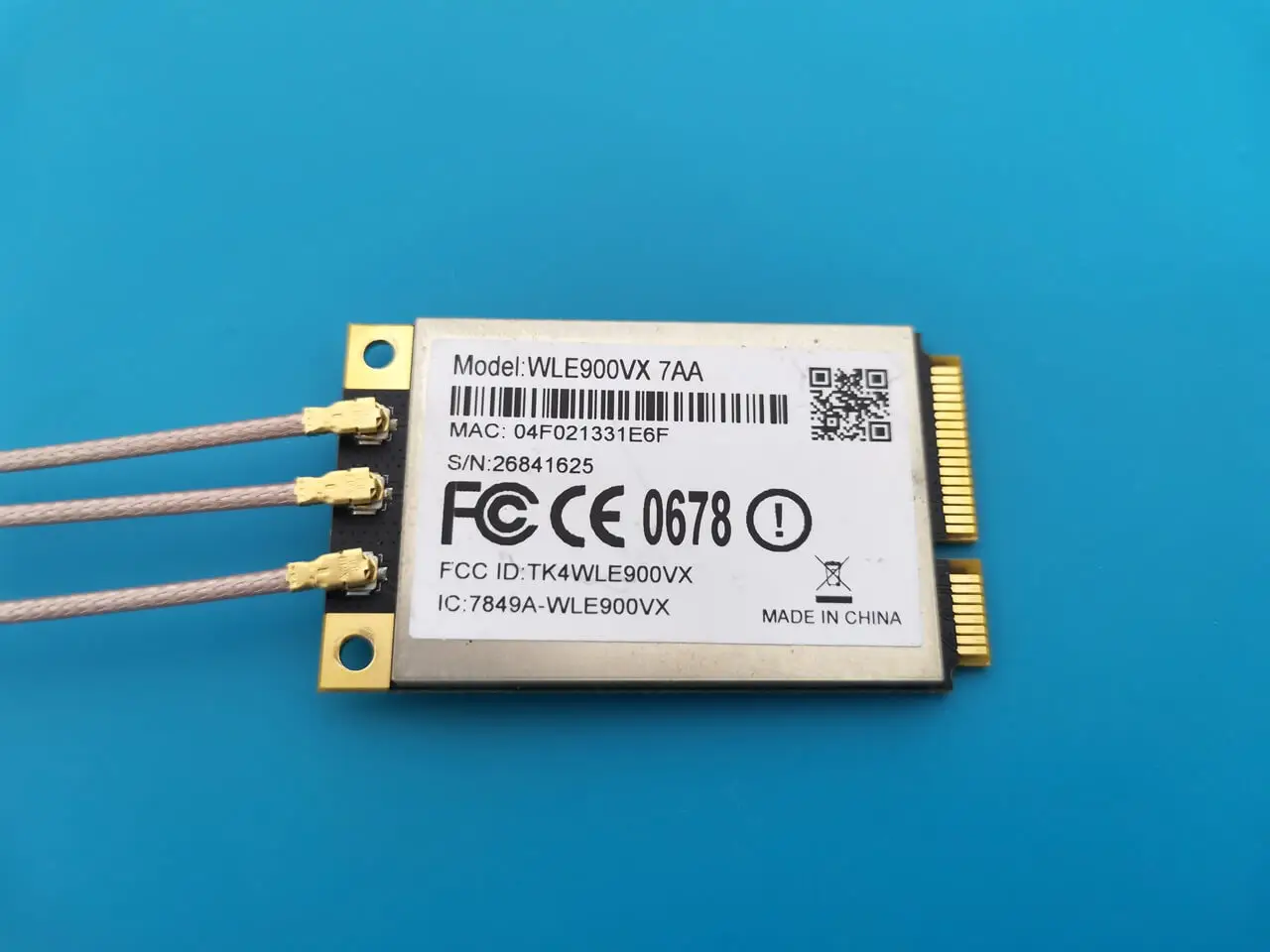
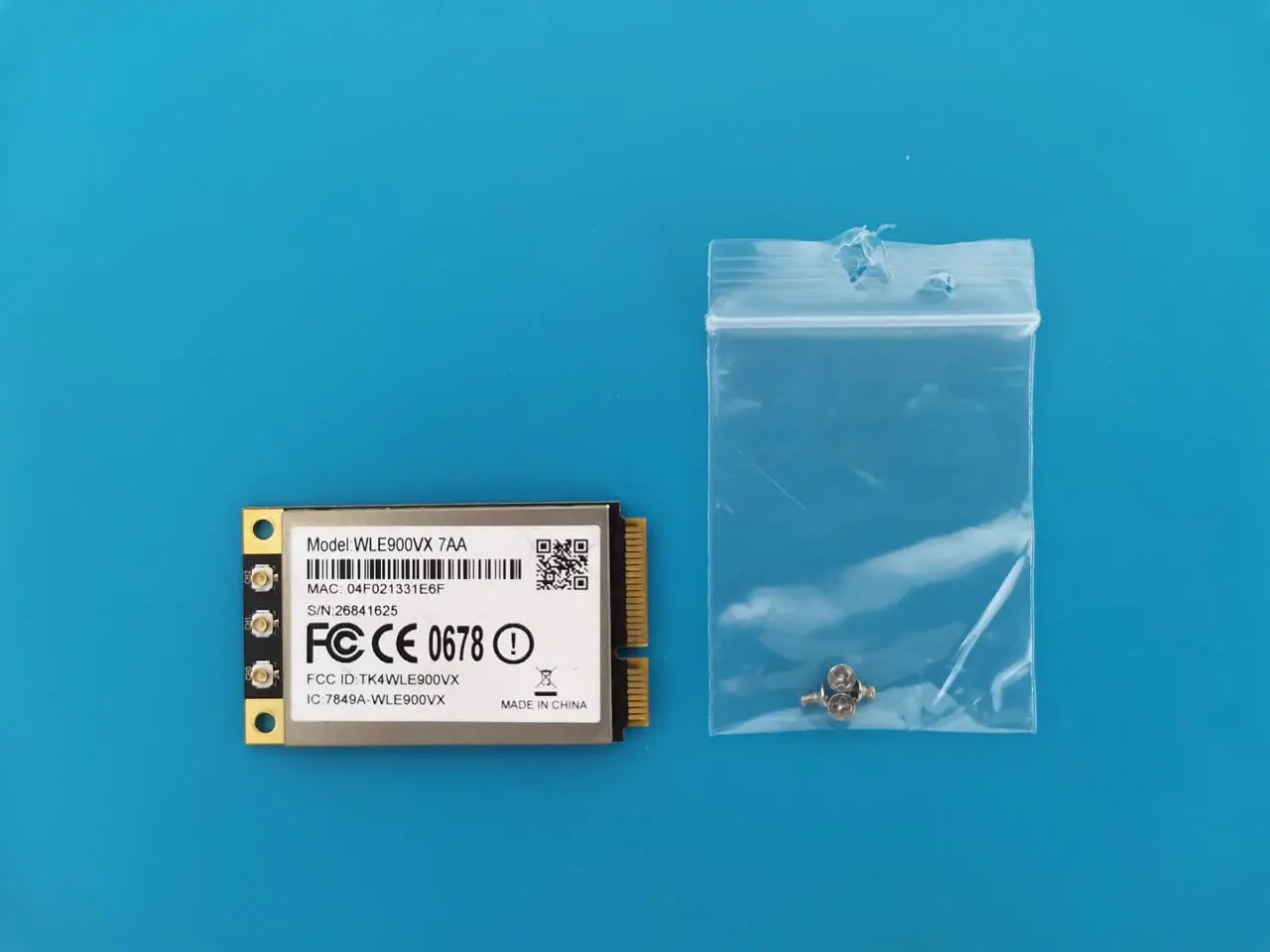
Installing the necessary drivers
For installing the WLE900VX module card, refer to the following list of packages needed from the OpenWrt package repository.
kmod-ath10k-ct
ath10k-firmware-qca988x-ct
hostapd-basic
Q: Why the WLE900VX only show radio0?
A: The Atheros QCA9880 is a dual-band selectable WiFi card, meaning it can operate on either 2.4GHz or 5GHz, but not both simultaneously. It’s not a DBDC (dual-band dual-concurrent) device, so OpenWrt will only show one radio interface, typically labeled radio0
Key Takeaways
- Banana Pi OpenWrt One Router Board Banana Pi RV2 Review: First impression and a closer look at the new router board.
- This router board features a Siflower SF21H8898 chip, which is built on the RISC-V architecture.
- MINI PCIE, Supported Rates PCIe gen 2 x1; can be used to connect a Wi-Fi module, wired network card, etc.
- 5 mm A closer look at the board interfaces Hardware The Banana Pi BPI-RV2 features the Siflower SF21H8898 chip, which offers reliable performance.
- This device promises good performance for individuals seeking a very low-cost, open-source router powered by OpenWrt.
Frequently Asked Questions
What is banana pi bpi-rv2: an openwrt variant powered by a risc-v processor?
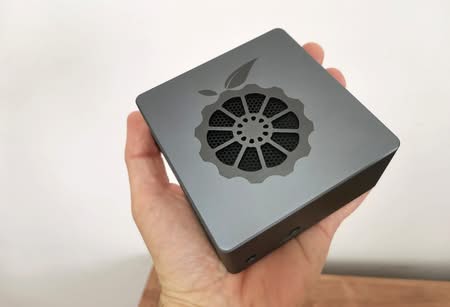
The growing popularity of RISC-V architecture in China has led to the introduction of an exciting new router board named Banana Pi BPI-RV2.
What is product introduction: a brief overview?
https://www.
What is key features?
Siflower SF21H8898 4-core RISC-V processor.
What is hardware specifications?
ParameterSpecsSoCSiflower SF21H8898 4 core RISC-V @ 1.


Fantastic buy. OpenWRT compatible only on the snapshot version, but it runs smoothly. Strange choice to put PoE on the WAN port: my LAN switch has PoE, so I swapped WAN and one of the LAN ports to make it work.
I understand. Yes, it’s cheap, good quality, and works well.
Bought a CR1220 battery, but no way to have RTC work.
Bought an M.2 disk, but it seems not recognized (maybe because is a SATA one, not NVME: very difficult to find M.2 NVME disks with B-Key).
Lacks a lot of informations and settings…
Try the ImmortalWrt snapshot, its better. SATA shouldn’t work, so your right.