Close Menu
    Facebook X (Twitter) Instagram Threads
    Trending
    • RiiTek RK807 Pro Review: The Best Budget Apple Magic Keyboard Alternative?
    • Rii 518BT Review: Is This Pocket Keyboard Actually Usable?
    • RiiTek RK808 Review: The Best Foldable Travel Keyboard?
    • Rii RS201 Review: $69 16-Inch Portable Monitor Tested
    • AliExpress Promo Codes: August 2026 (100% Verified)
    • Orange Pi 6 Review: Is It Suitable for Running Local LLMs? We Checked.
    • Youyeetoo NestDisk Mini PC/Router: Is This Pocket-Sized 3-in-1 NAS Worth It?
    • DFRobot Unveils seeMote Cube: A 6DoF Physical Controller for Apple Vision Pro
    AndroidPIMP
    Facebook X (Twitter) Instagram
    • Mini PCs & Media Players
    • Embedded Computers
    • Wearables
    • Wireless Routers
    • Edge AI Cameras Vision Hardware
    • Tech Accessories
    AndroidPIMP
    Orange Pi 800 Computer Kit

    Orange Pi 800 Review: All-in-one PC Inside a Keyboard Kit

    0
    By androidpimp on November 23, 2022 Mini PCs & Media Players
    Table of contents
    1. Orange Pi 800
    2. Product Highlights
      1. Orange Pi 800 specifications
    3. Portable and lightweight
    4. Hardware & Interfaces
    5. Orange Pi 800 Keyboard layout
    6. Orange Pi 800 Review
      1. Package, Unboxing, Package Content, Design & Build Quality, and Installation
        1. The Package
        2. Unboxing All Items
    7. Package Content
      1. Design
      2. Portability – A Single Board Computer inside a Keyboard
      3. Build Quality
      4. Cooling
      5. External Speaker
    8. Installation
    9. Software
    10. Hardware Information
      1. CPU Information
      2. Block Device Information
      3. Internal Storage Information
    11. Performing GPU, CPU, and I/O stress testing
      1. S-tui CPU Stress Test
      2. HardInfo: Comparing Performance to other CPUs
    12. Sysbench – Benchmarking (CPU, Memory, File IO) 
      1. CPU Benchmark
      2. Memory Benchmark
      3. I/O Benchmark
    13. Geekbench 5: Benchmarks Test Results 
      1. Geekbench 5 test results: Single-Core Performance
      2. Geekbench 5 test results: Multi-Core Performance
    14. Glmark2: GPU Stress testing & benchmarking
      1. GPU Driver
      2. Running glmark2 benchmark suite.
    15. What about video playback?
    16. Kodi Support
    17. Fixing user experience problems
    18. Final Words
    19. Price & Availability

    Orange Pi 800 Review

    Package, Unboxing, Package Content, Design & Build Quality, and Installation

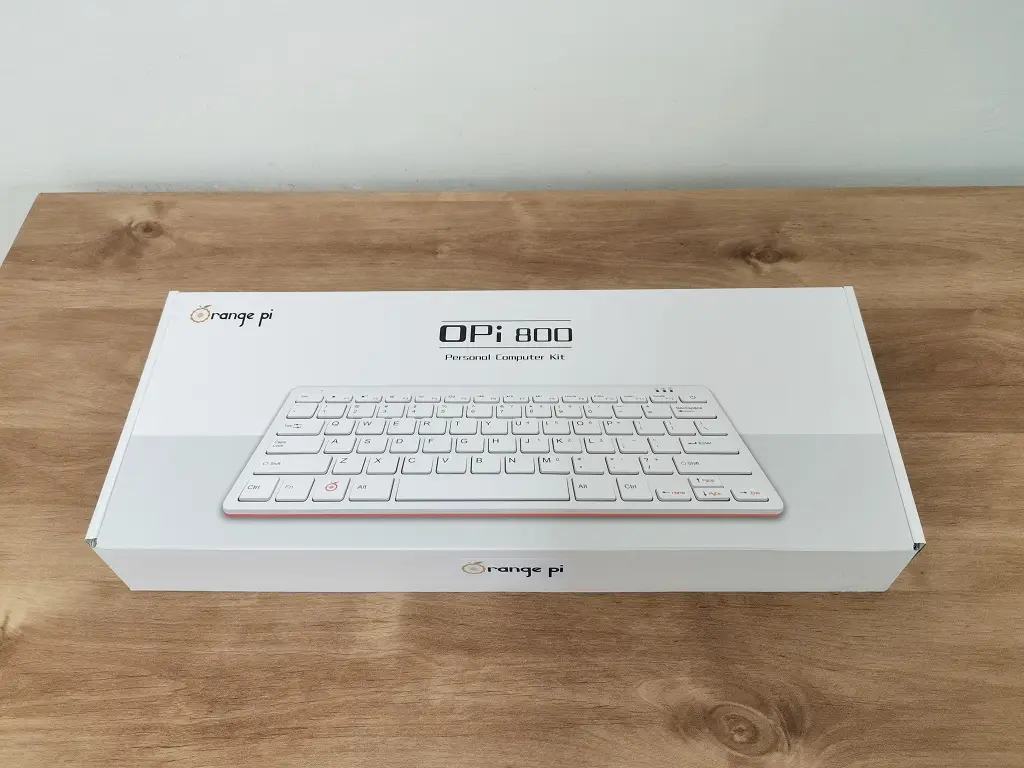
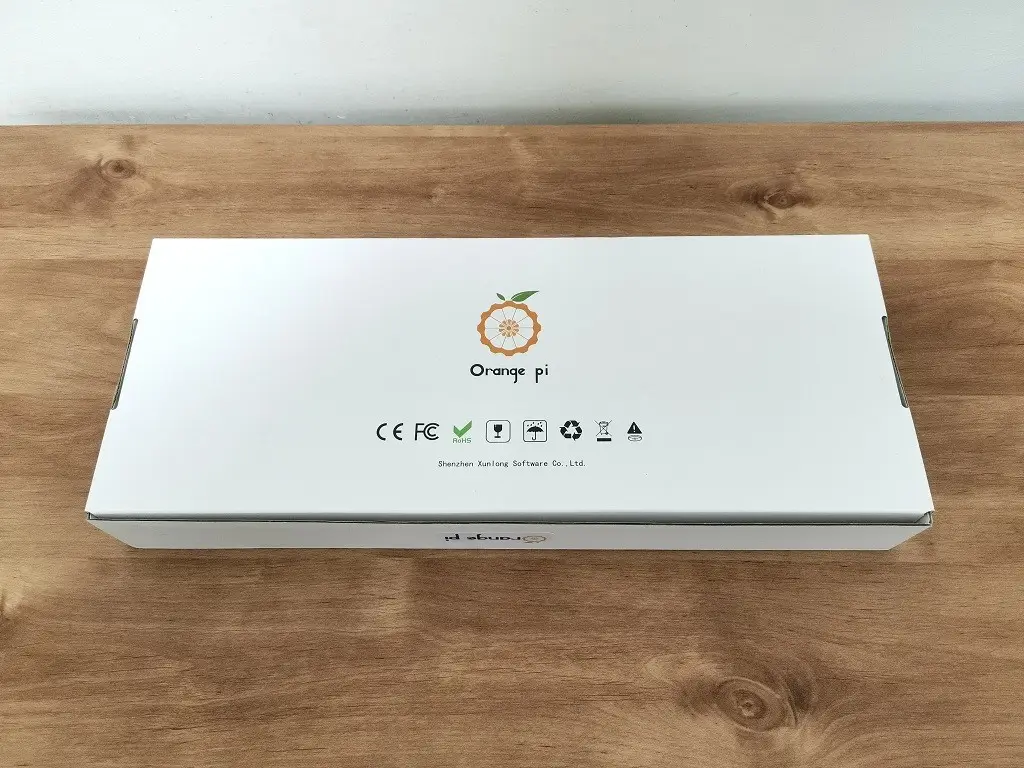
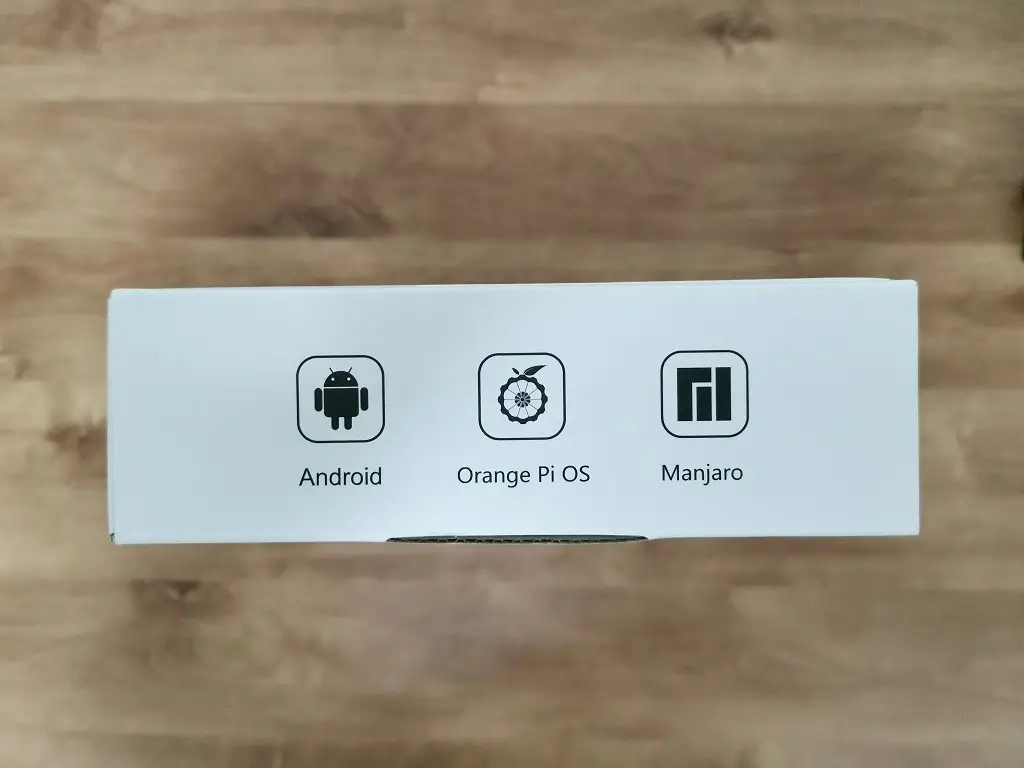
    The Package
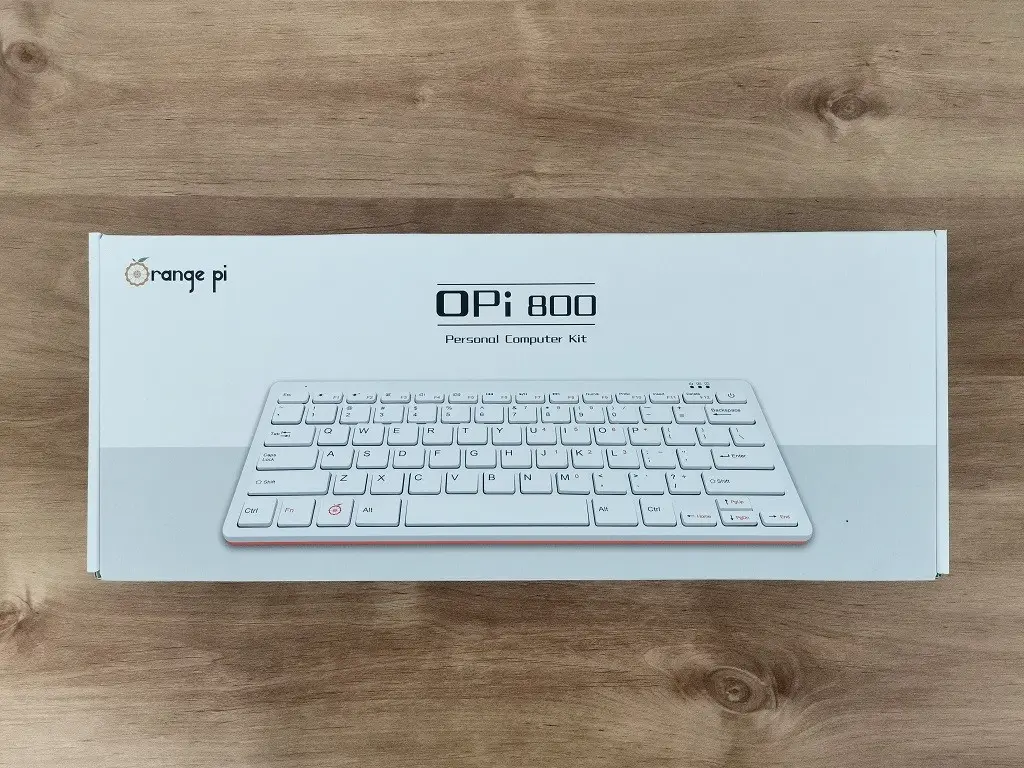
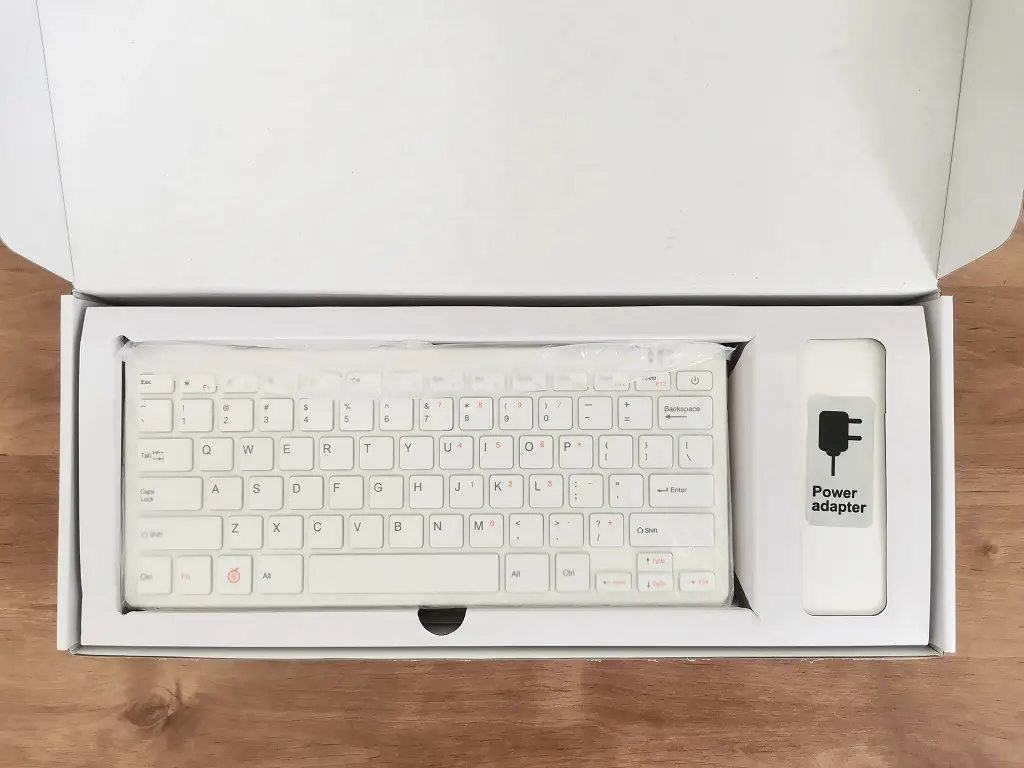
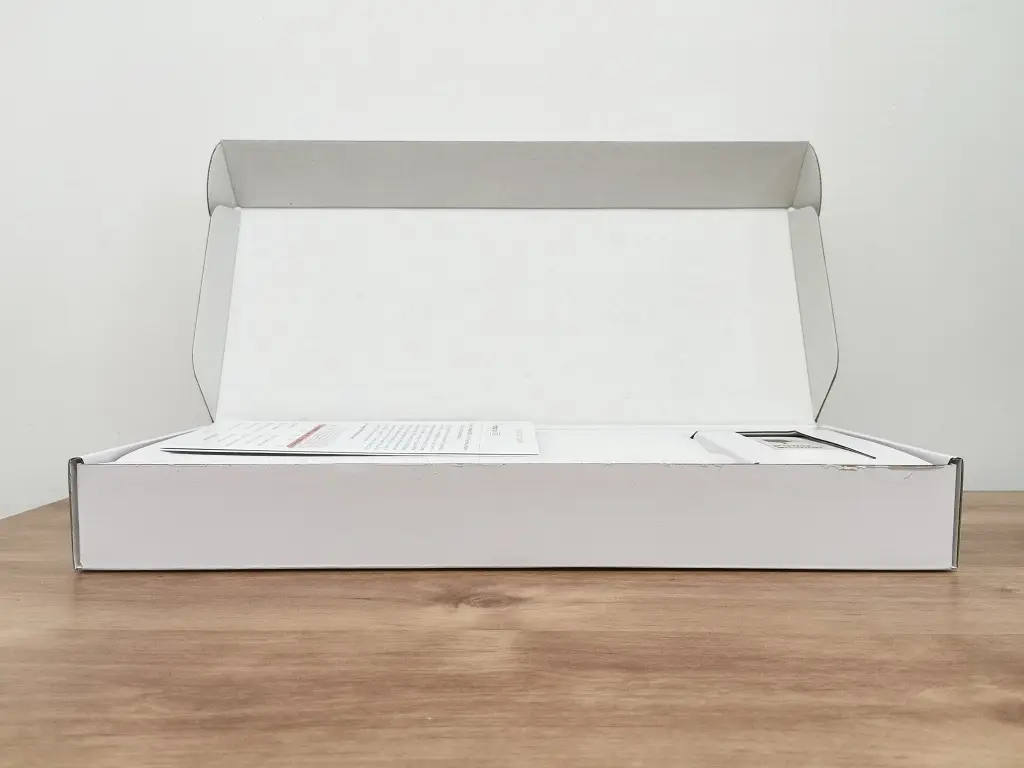
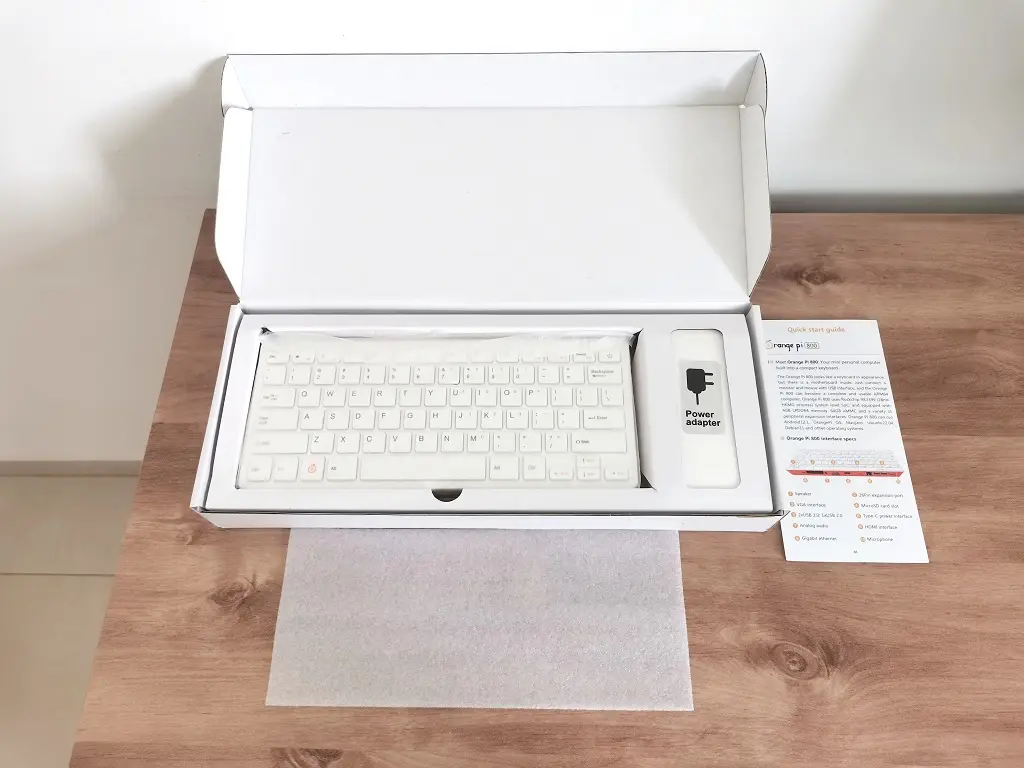
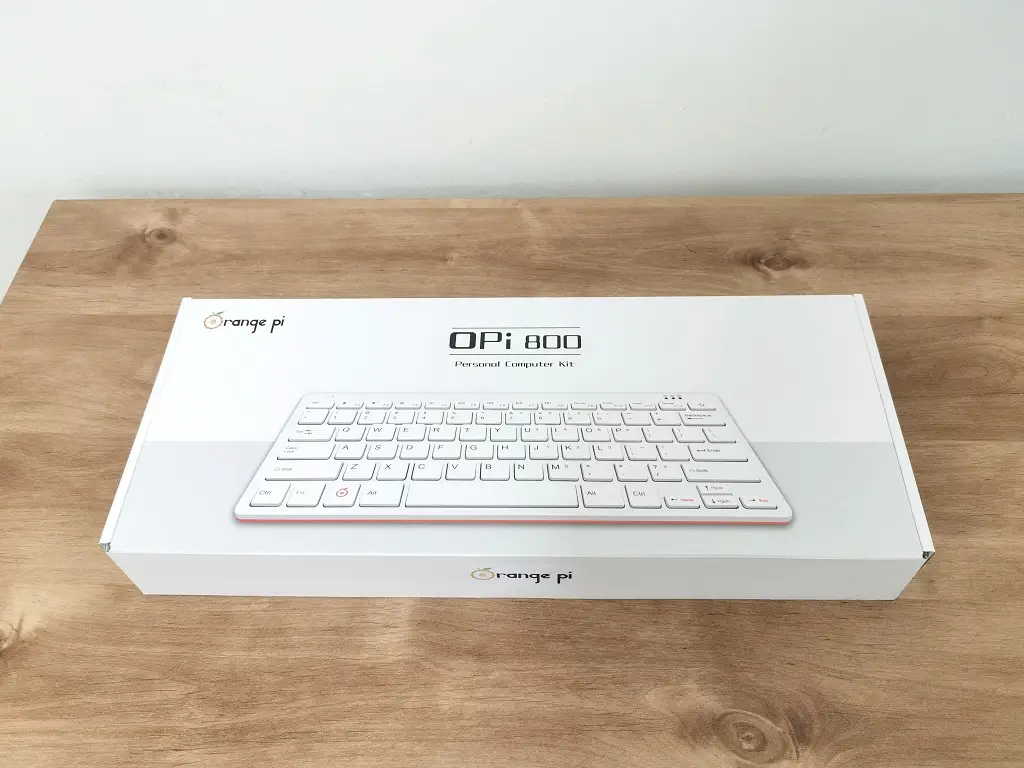
    Orange Pi 800 Package 1
    Orange Pi 800 Package 2
    Orange Pi 800 Package 3
    Orange Pi 800 Package 4
    Orange Pi 800 Package 5

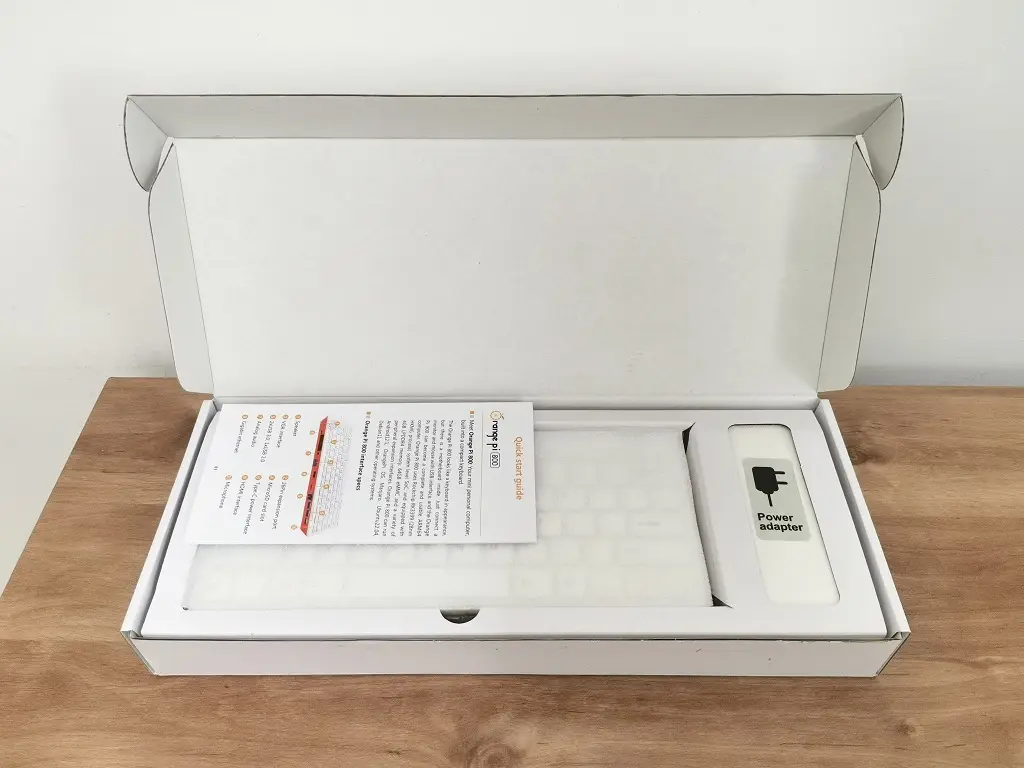
    Unboxing All Items

    Orange Pi 800 Unbox 2
    Orange Pi 800 Unbox 3
    Orange Pi 800 Unbox 4
    Orange Pi 800 Unbox 5
    Orange Pi 800 Unbox 6
    Orange Pi 800 Unbox 7
    Orange Pi 800 Unbox 1

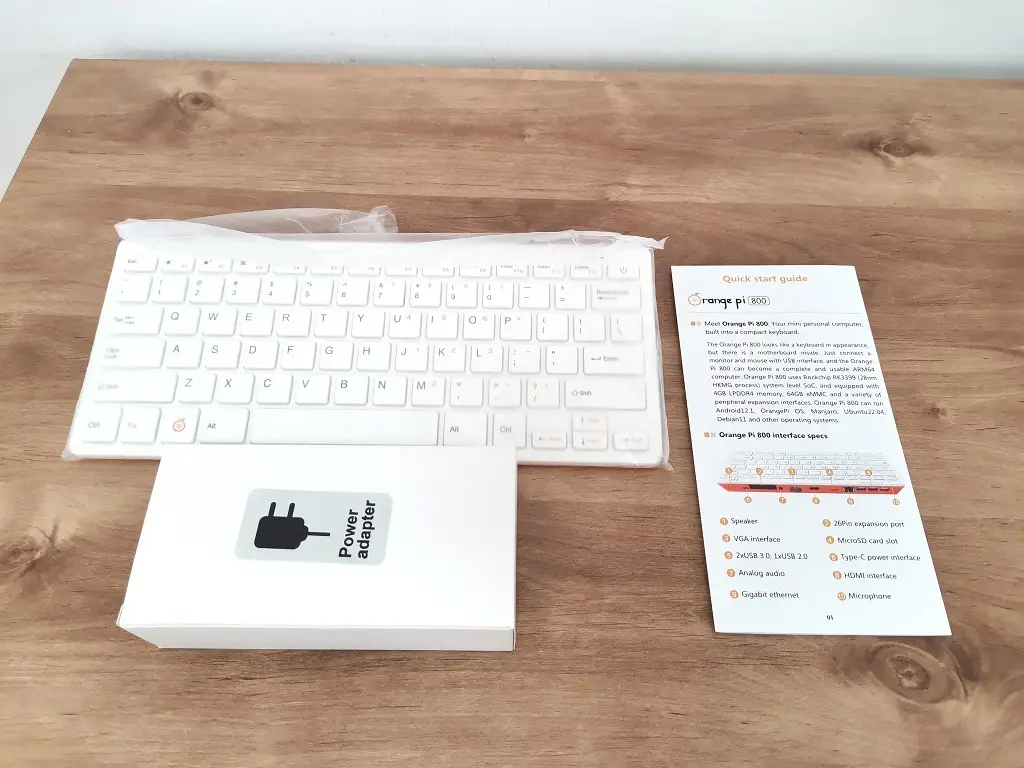
    Package Content

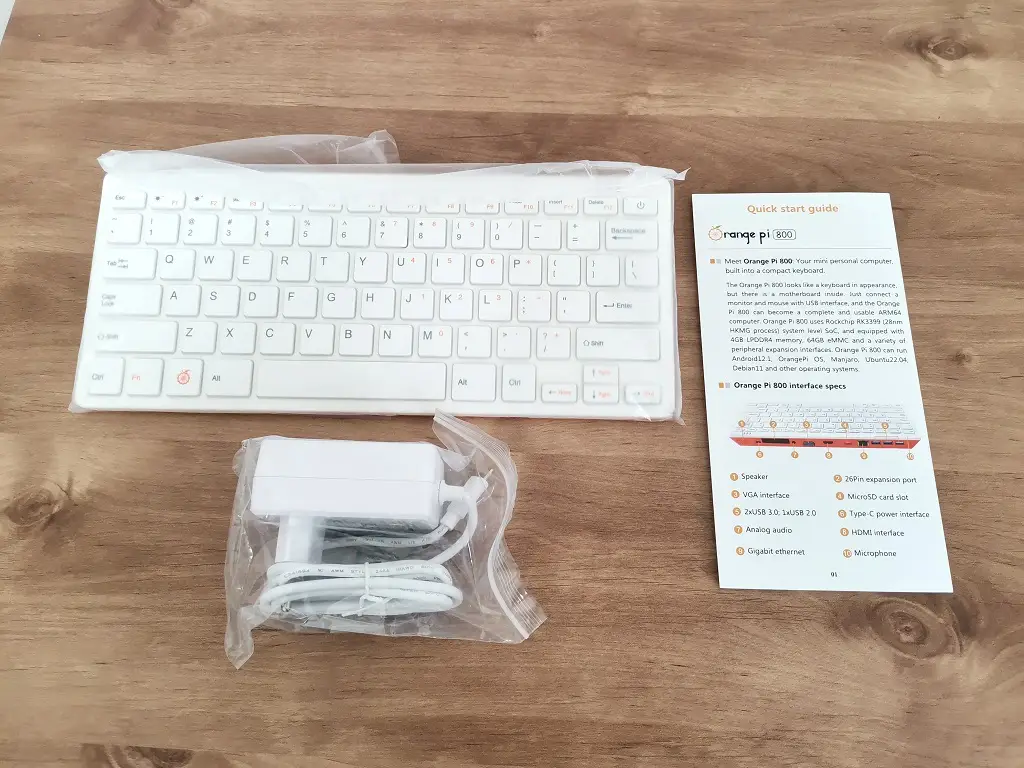
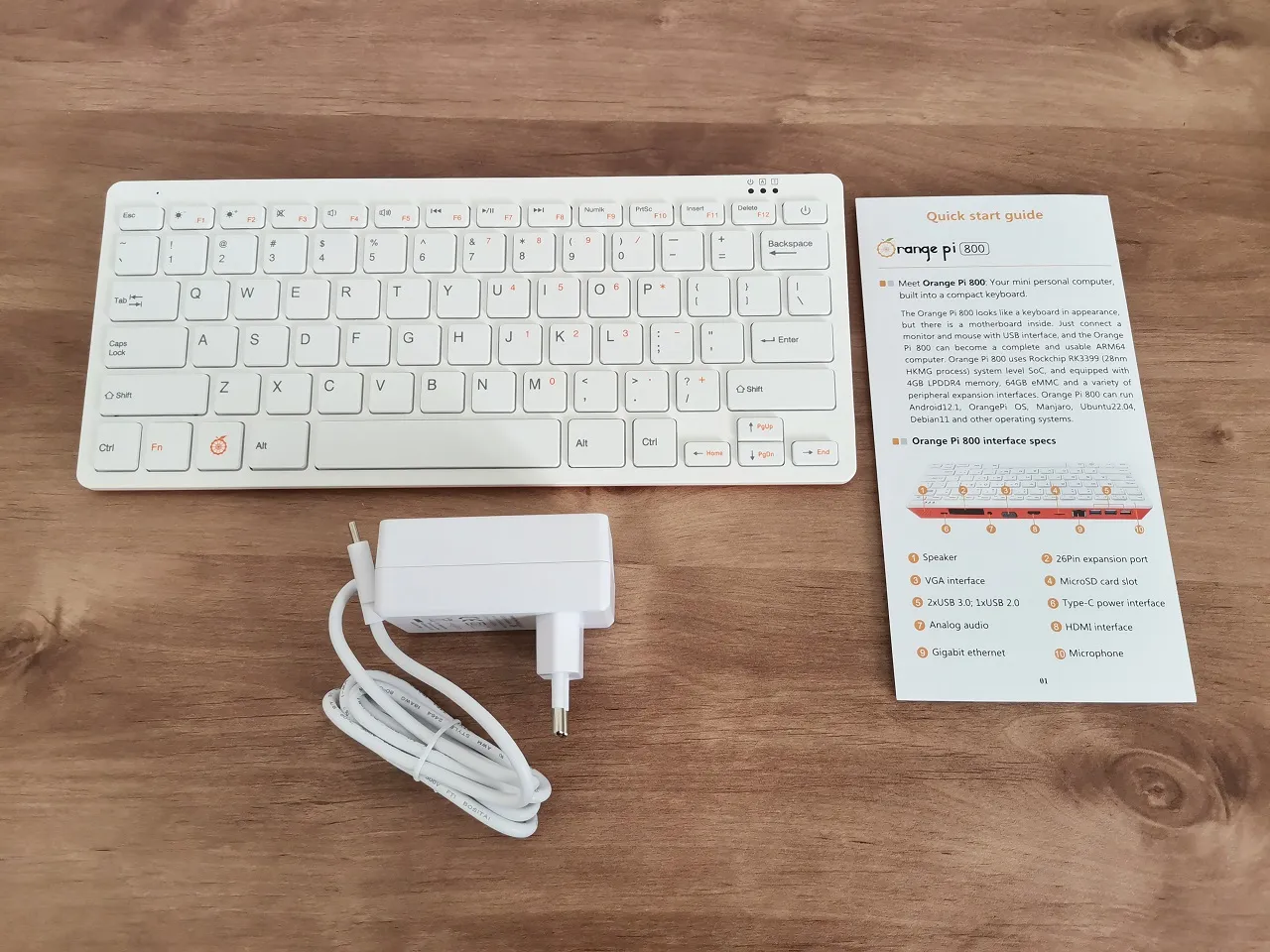
    • x1 Orange Pi 800
    • x1 User Guide
    • x1 5V 2A (20W) Power adapter
    Orange Pi 800 Items

    Design

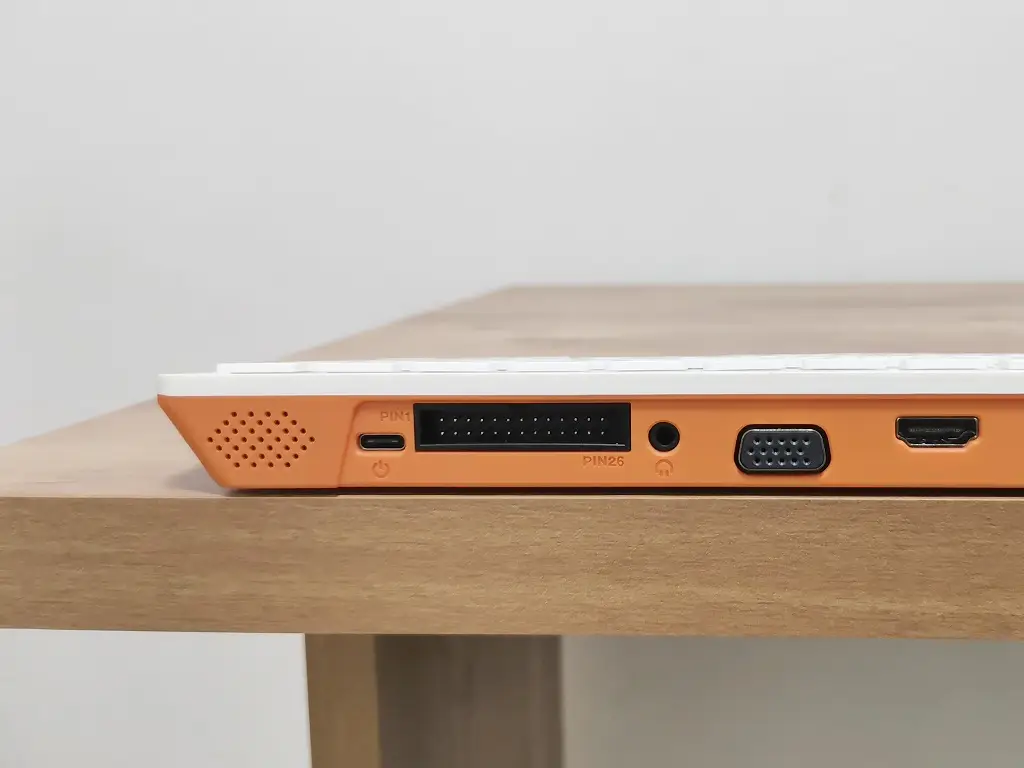
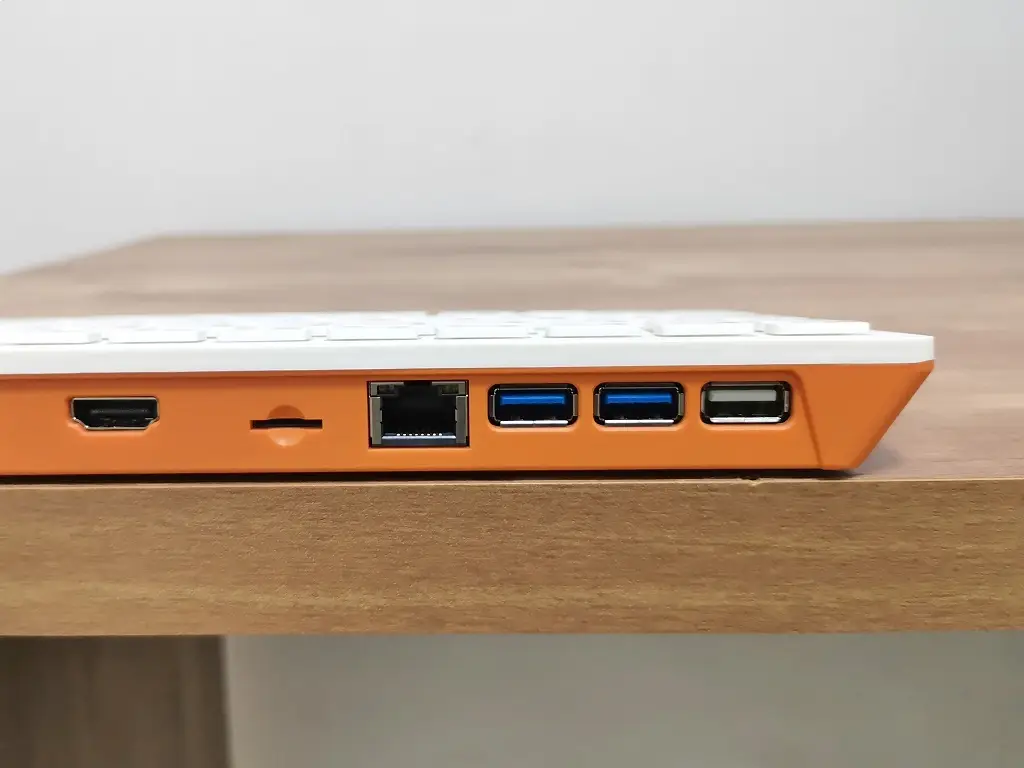
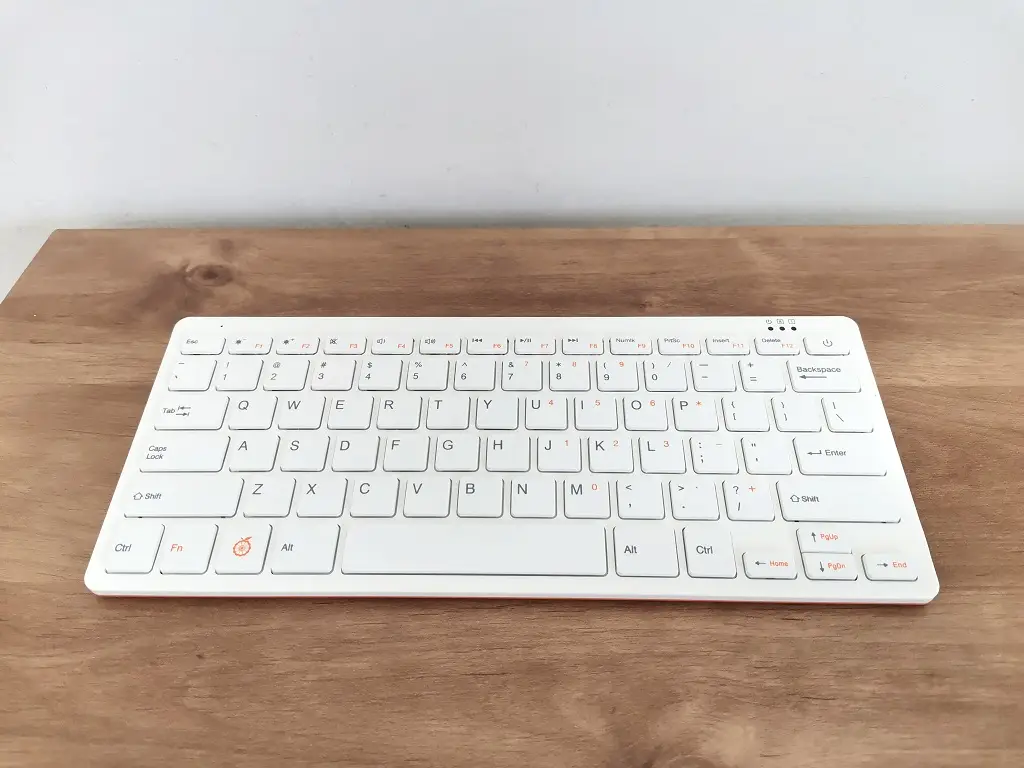
    The Orange Pi 800 exterior design is similar to the Raspberry 400 computer kit but with a few changes. It comes in orange color and not red. Also, the Company team added speaker holes located on the upper right-side corner of the keyboard interfaces.

    Portability – A Single Board Computer inside a Keyboard

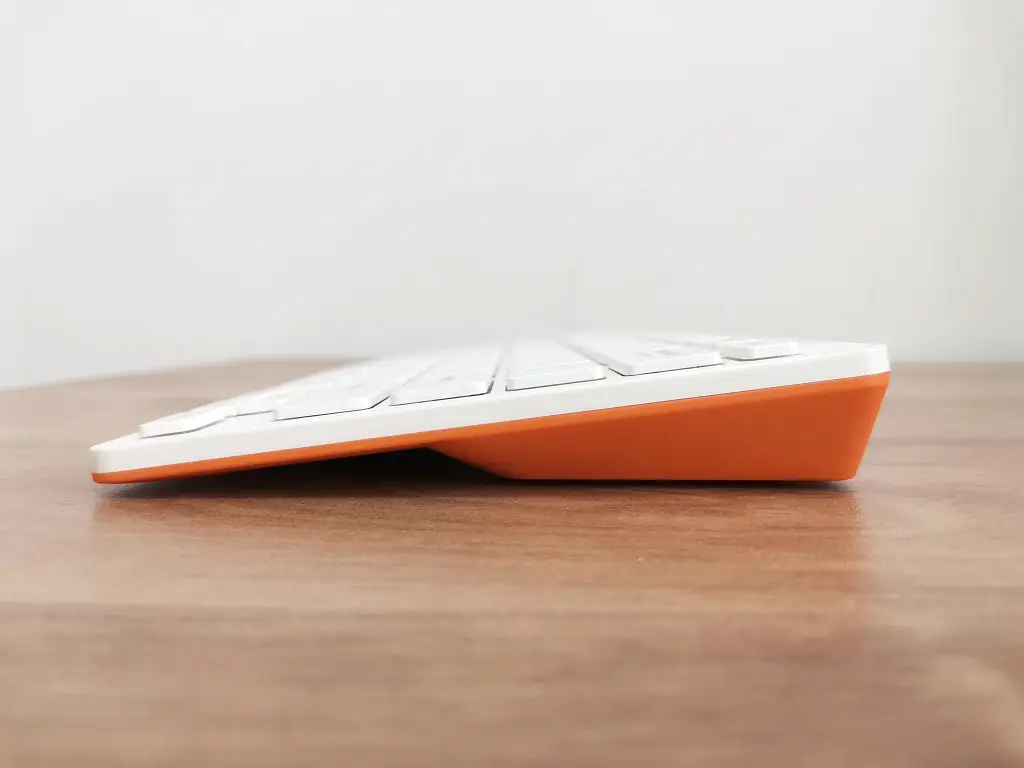
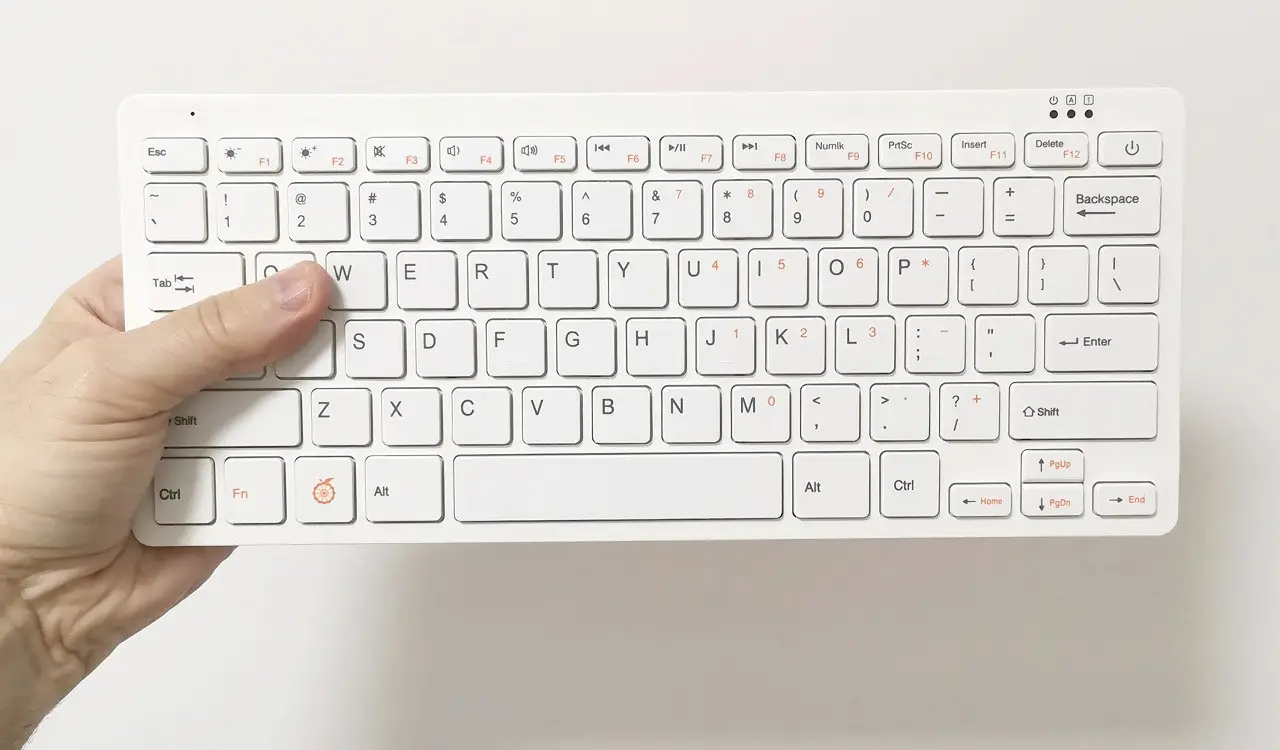
    The Orange Pi 8000 computer keyboard dimensions are 286mmX122mmX22mm, and its weight is only 385g. It can be used almost anywhere indoors and outdoors by connecting to a standard TV/Display without the hassle of carrying an external single-board computer case, plus an additional keyboard and a mouse that can be less comfortable to maintain and install when traveling.

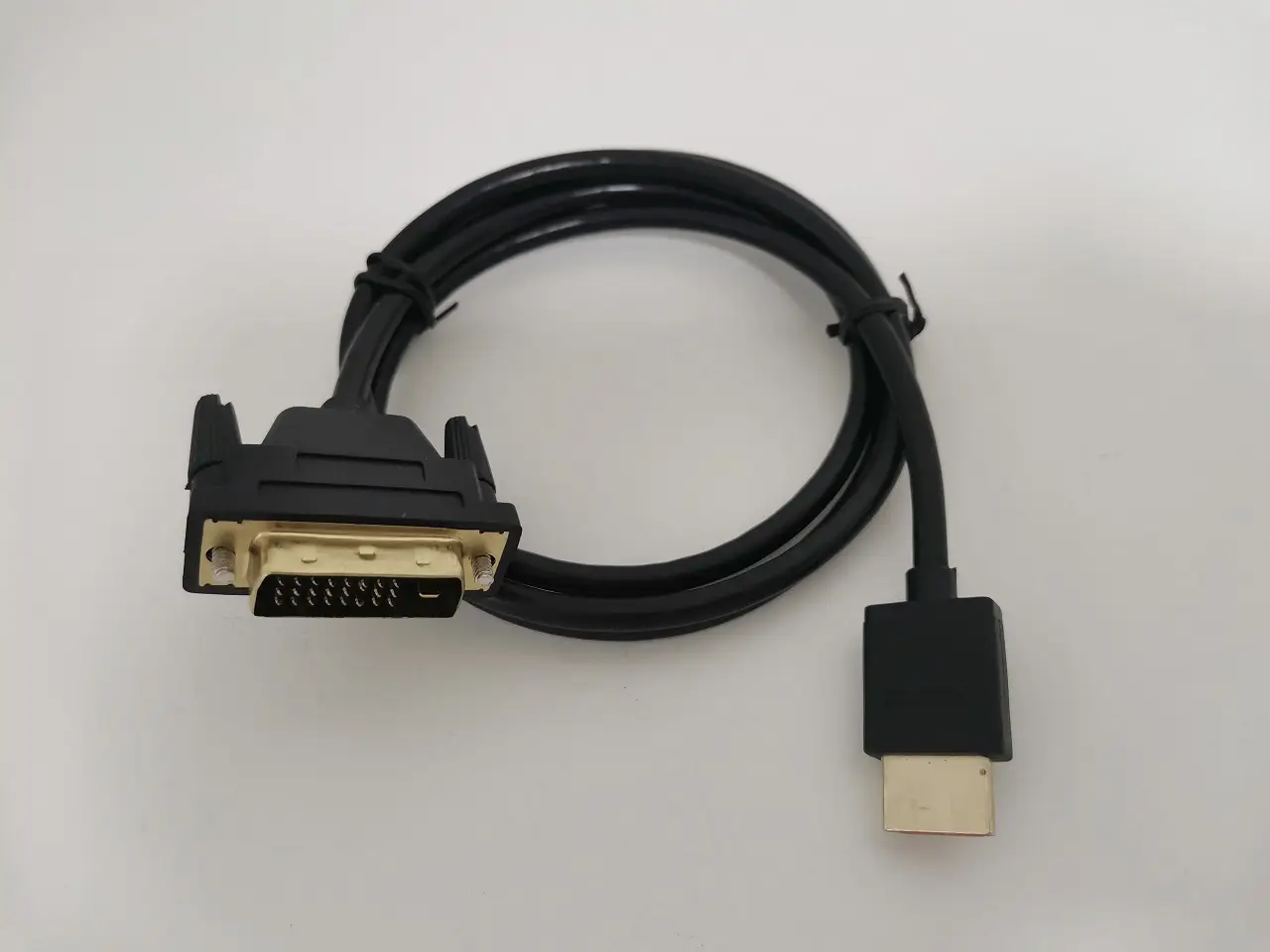
    A standard HDMI cable isn’t included inside the package, so you must buy one, including a mouse. In some situations, purchasing and carrying a second HDMI to DVI cable could be a wiser idea, as not all computer monitor models come with HDMI ports.

    Build Quality

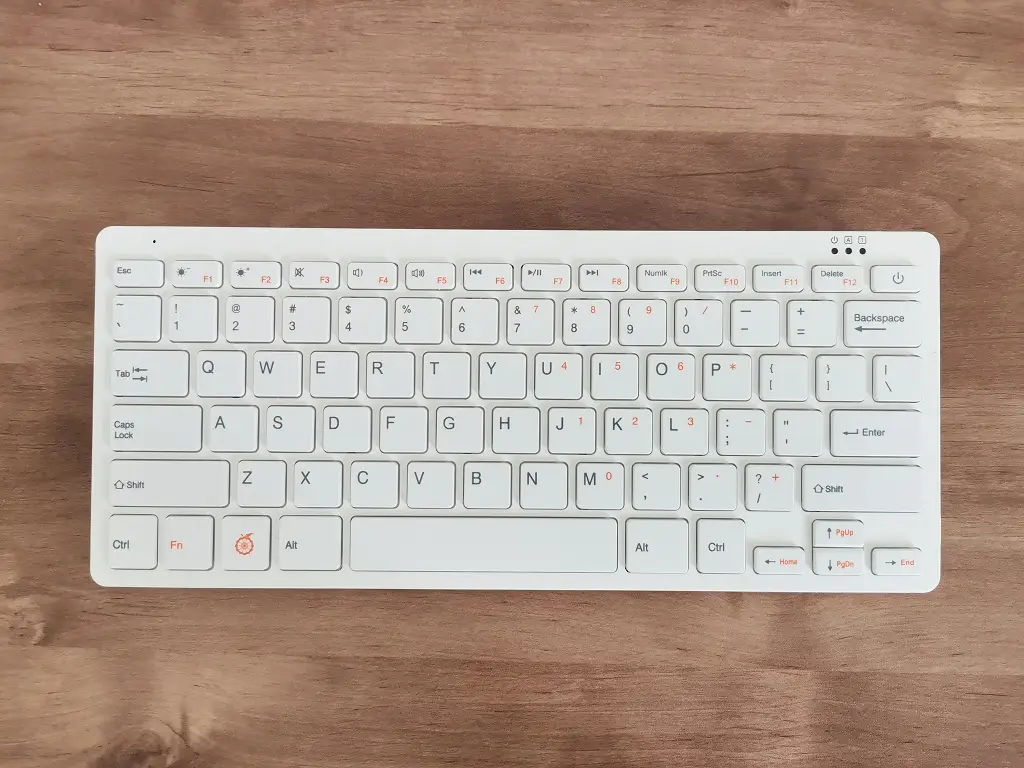
    Orange Pi 800 comprises two high-quality plastic molded parts joined in a snap-type assembly without any screws. The keyboard layout comes with 78 keys compared to a standard full-size 104 keys keyboard. The quality is excellent, and the keys were easy to click and soft upon touch. We didn’t find any design problems, and our experience was fantastic.
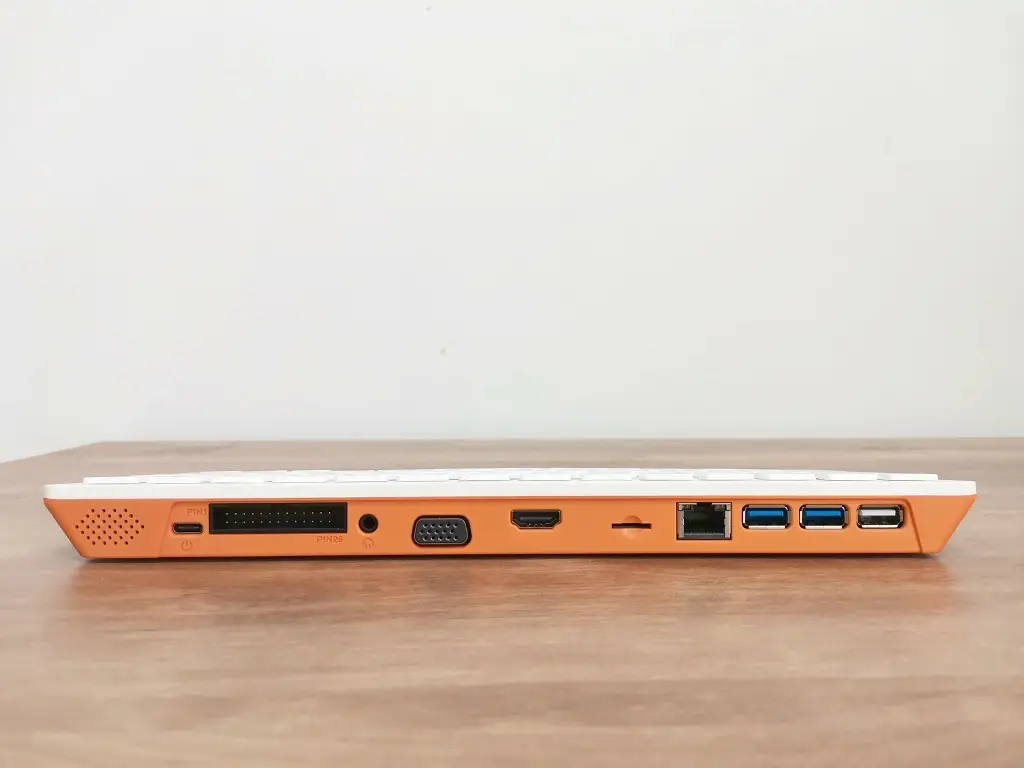
    Orange Pi 800 Computer Kit 2
    Orange Pi 800 Computer Kit 3
    Orange Pi 800 Computer Kit 4
    Orange Pi 800 Computer Kit 5
    Orange Pi 800 Computer Kit 6
    Orange Pi 800 Computer Kit 0
    Orange Pi 800 Computer Kit 1

    Cooling

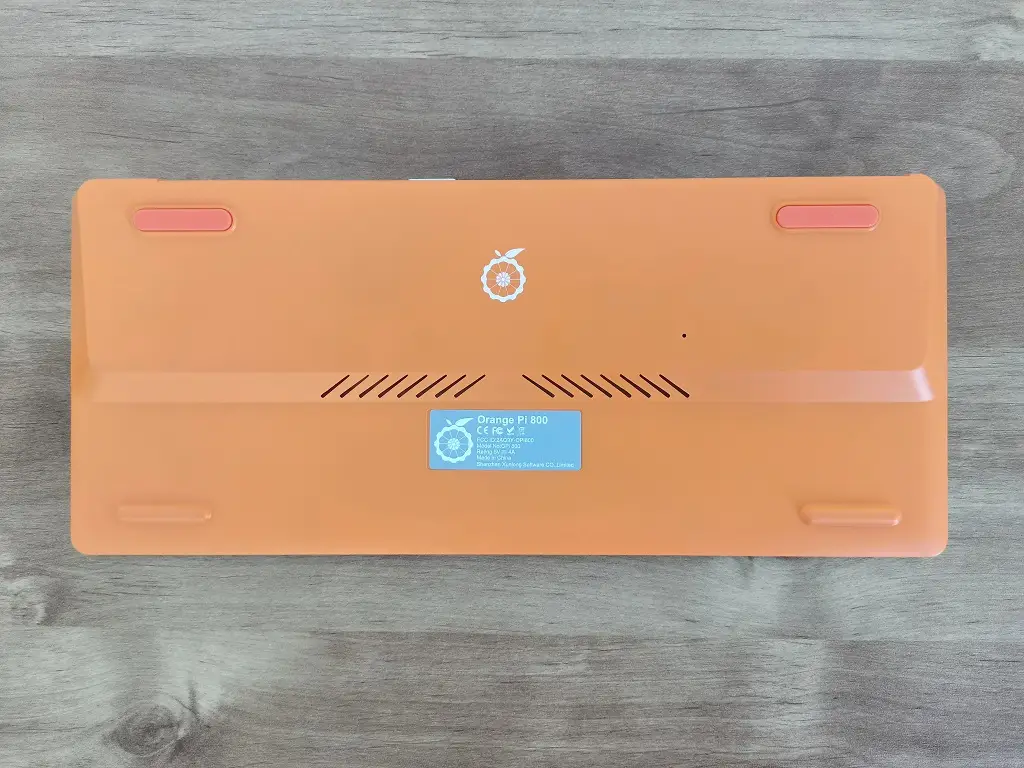
    Orange Pi 800 uses passive cooling. Therefore, there are no moving fans inside the keyboard. The Orange Pi company team added a series of 45-degree venting slots to cool the hardware inside on the bottom side of the Orange Pi 800.
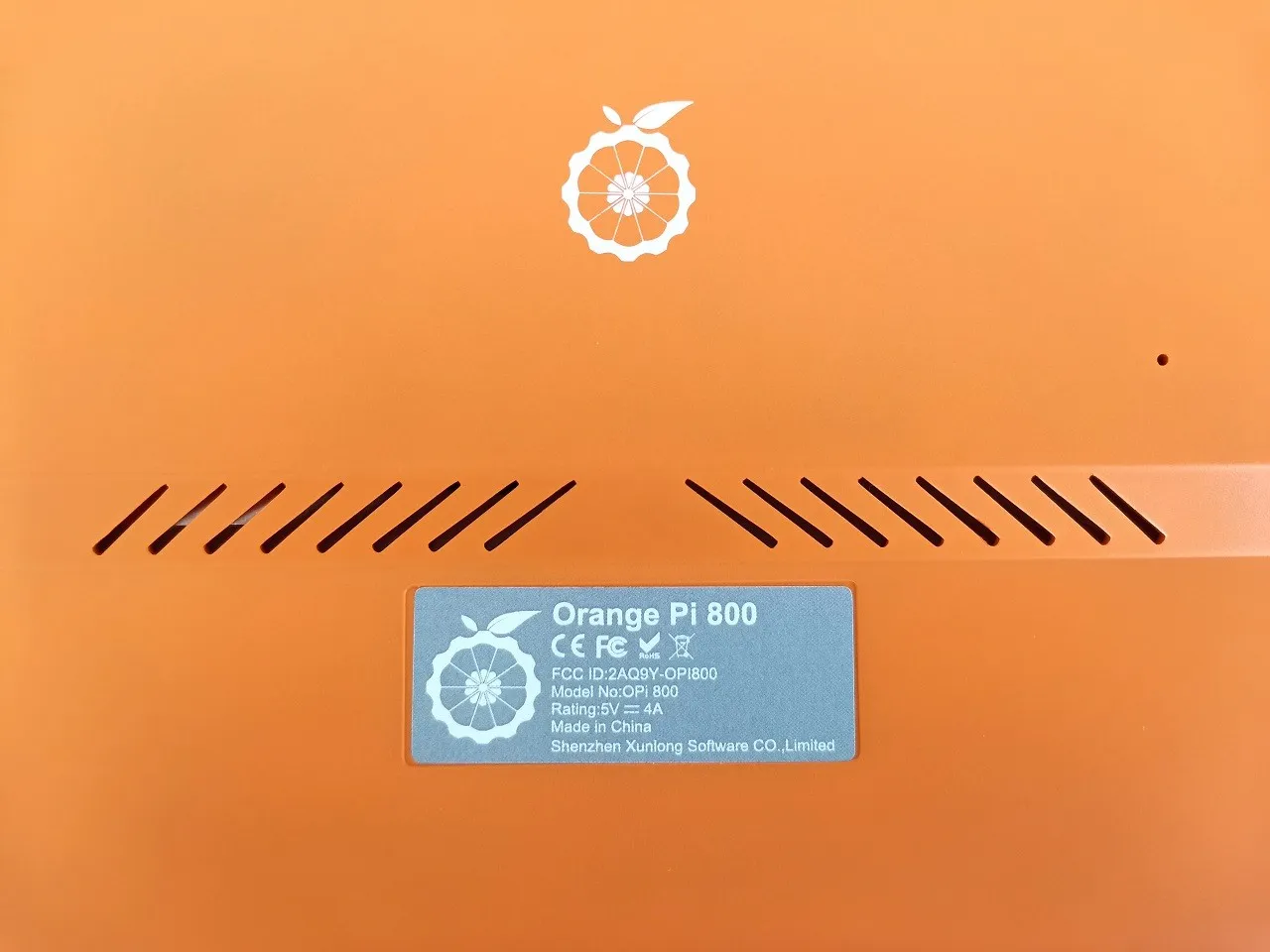
    Orange Pi 8000 Venting Slots

    External Speaker

    Based on our impression, the sound quality wasn’t outstanding, but it’s better than not having any. It produces reasonable quality for listening to online radio stations but is less suitable for music. To use the speaker, you must select the correct audio output and switch from HDMI Audio device to Headphones or Speaker.

    1. Speaker.
    2. 3.5mm headphone jack audio input/output.
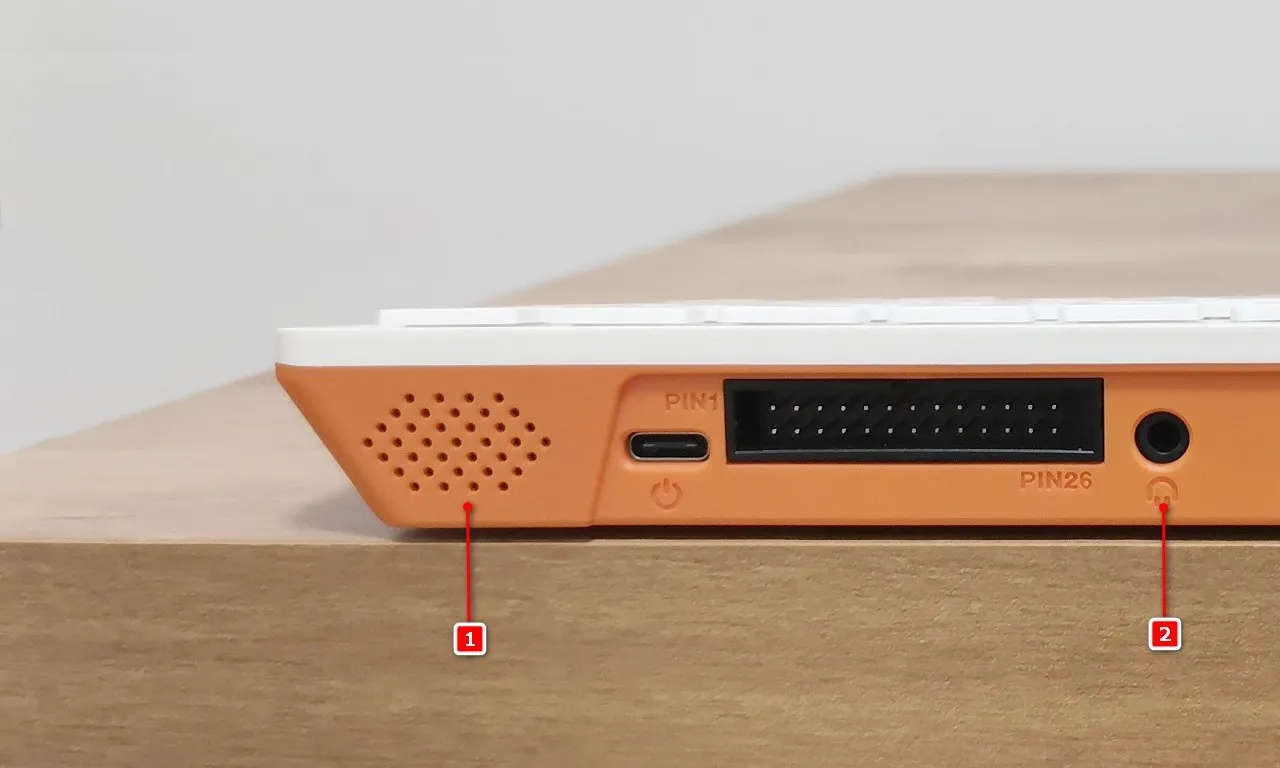
    Orange Pi 800 Audio Interfaces

    Connecting to a Portable Bluetooth Speaker

    If you are still unhappy with the sound quality. In that situation, we highly recommend using an audio jack headphone or the Bluetooth option that works fine for us with Xiaomi Mi Bluetooth Speaker, which also fits perfectly with the Orange Pi 800 exterior design and produces good sound quality.
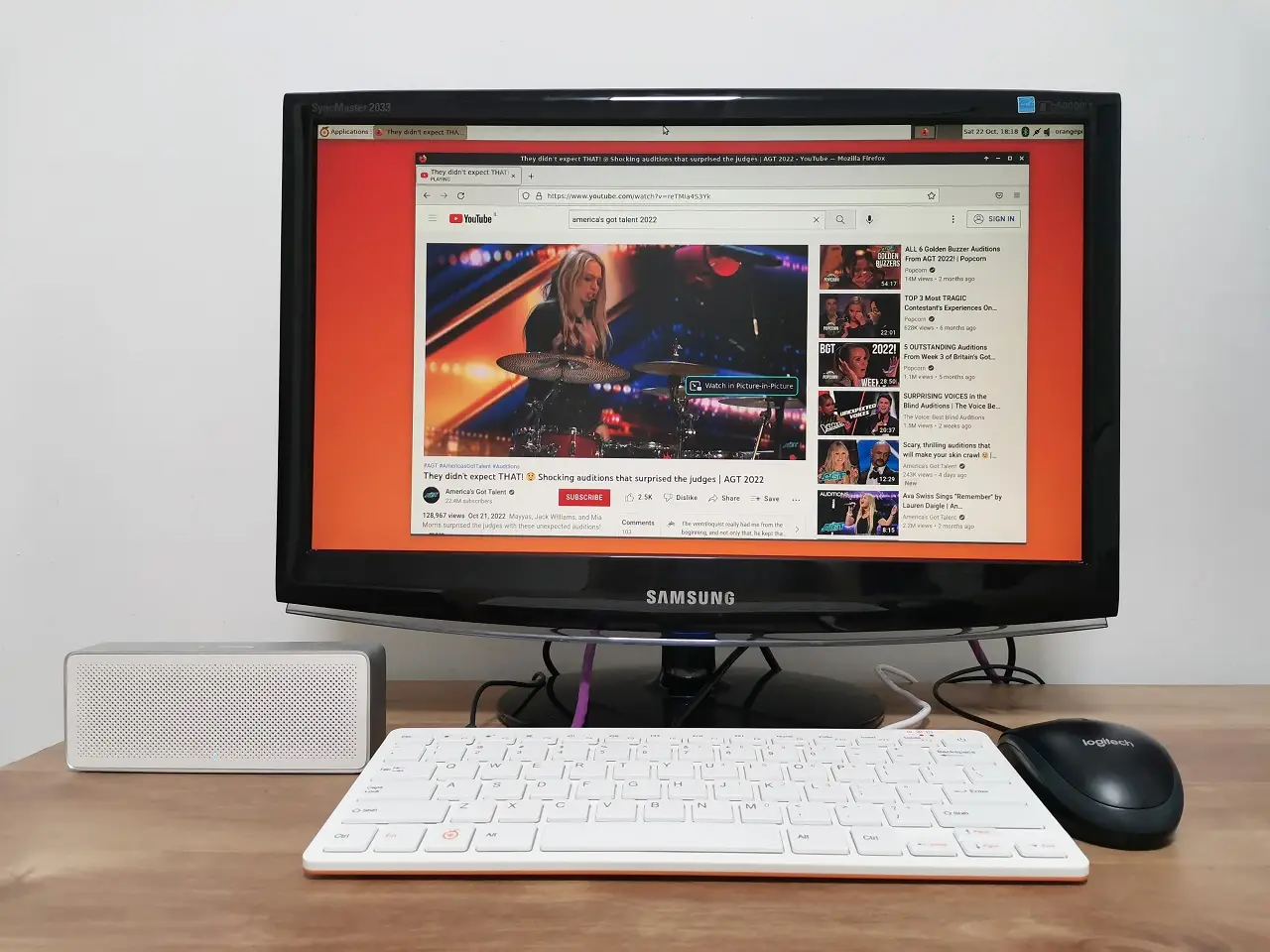
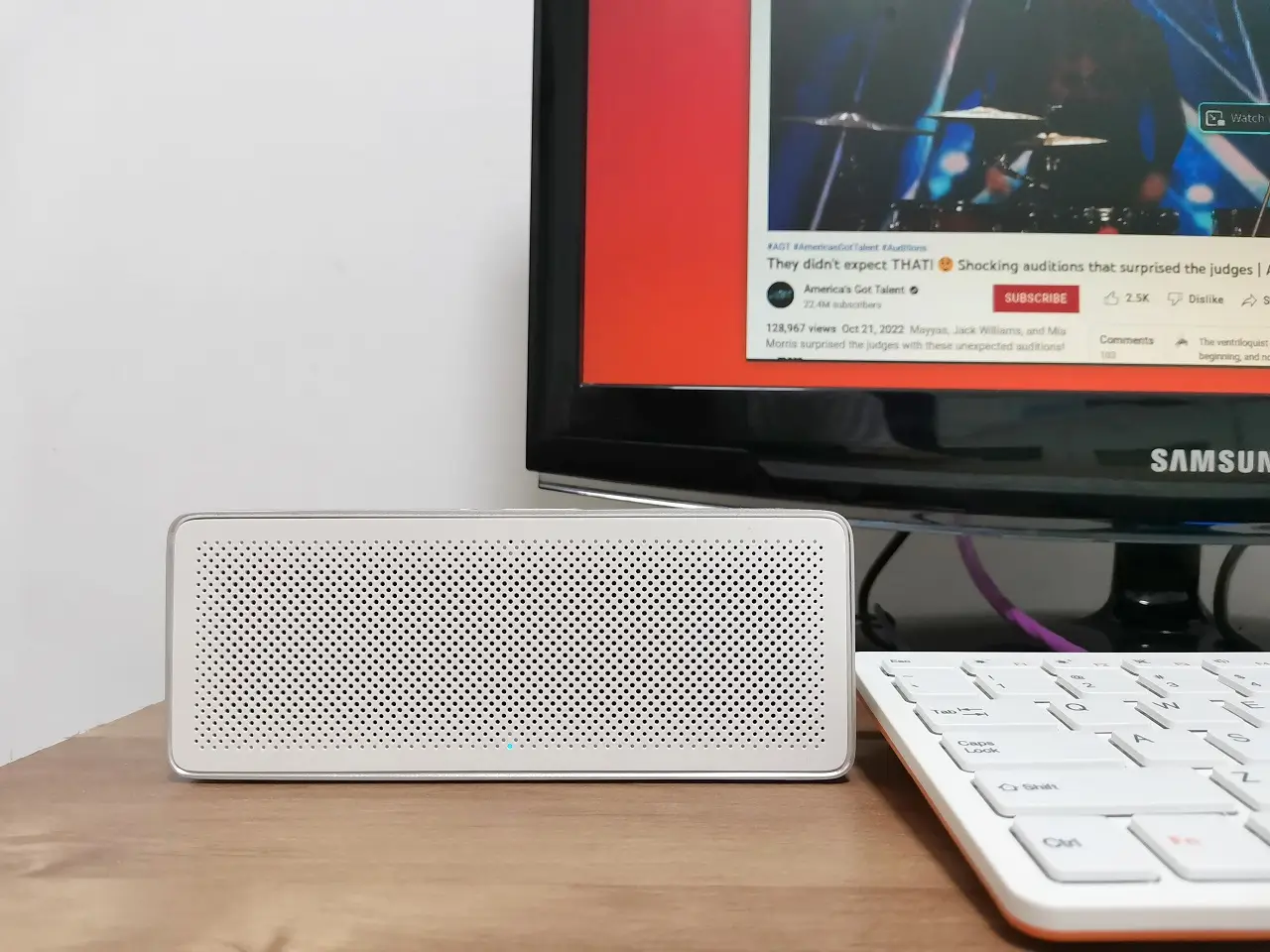
    Orange Pi 800 Bt Speaker 1
    Orange Pi 800 Bt Speaker 2

    Installation

    The beauty of low-cost and power computers / mini PC is the ability to connect them to an old monitor or TV and put them to good use instead of throwing them away, keeping the environment cleaner while saving some electric bill expenses.

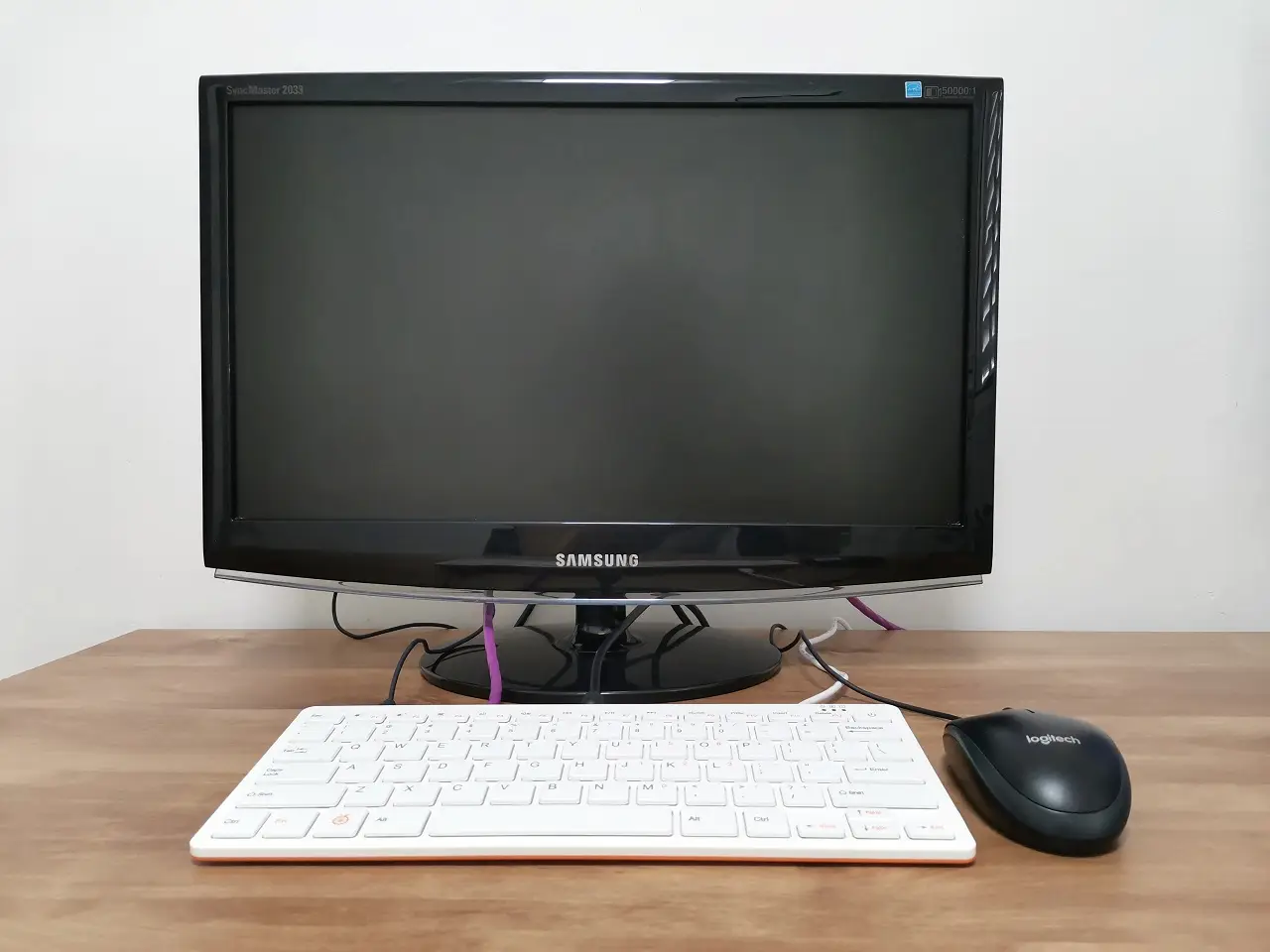
    For this review, we used an old SyncMaster 2033 (20-Inch) Samsung monitor and plugged it into our Orange Pi 800 device using an HDMI to DVI cable. You need three connections, one for the mouse, a second for the power supply, and a third for the HDMI Cable.
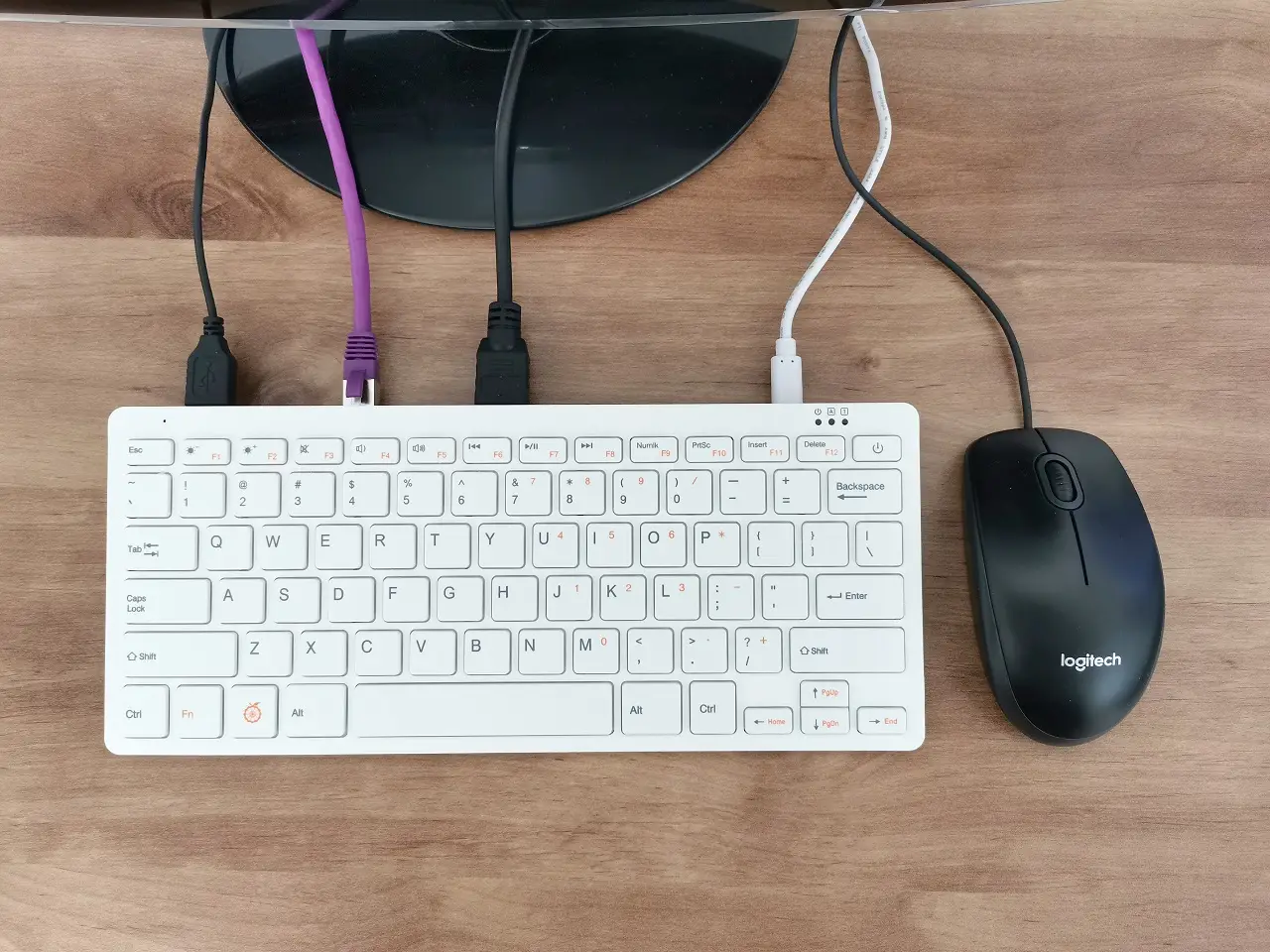
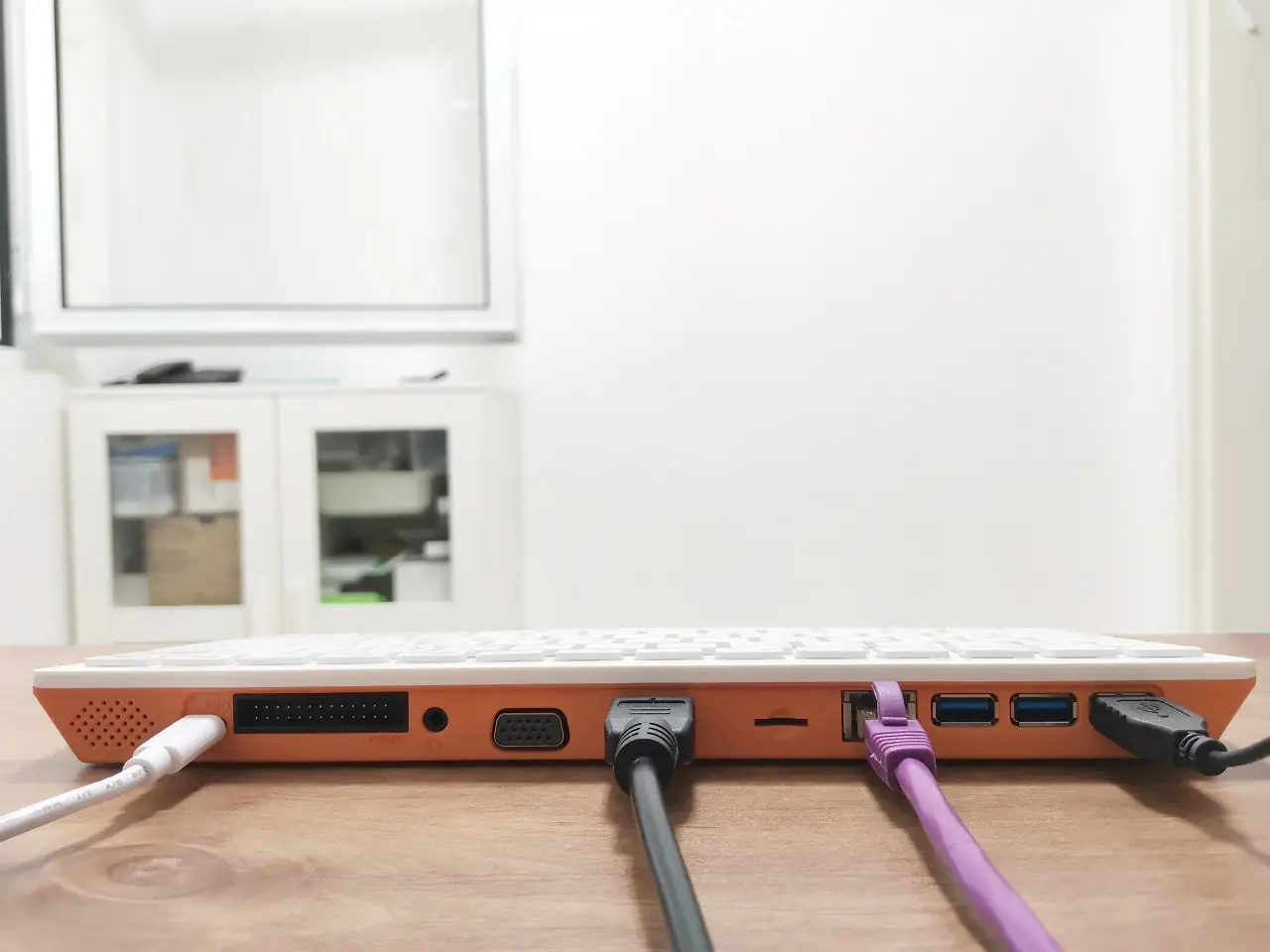
    Orange Pi 800 Installation 2
    Orange Pi 800 Installation 3
    Orange Pi 800 Installation 4
    Orange Pi 800 Installation 1
    1 2 3 4
    Share. Facebook Twitter Pinterest LinkedIn Tumblr Email
    Previous ArticleASUS Tinker Edge T/R To Challenge the Raspberry Pi 4
    Next Article NanoPi R5C Tiny & Powerful OpenWrt Router Starts at $49
    androidpimp
    • Website

    Related Posts

    Youyeetoo NestDisk Mini PC/Router: Is This Pocket-Sized 3-in-1 NAS Worth It?

    August 4, 2026

    Orange Pi X2 Mini PC Is Officially in the Works – Here’s What We Know

    July 29, 2026
    Ugoos SK4 Review

    Ugoos SK4 Review: The Best Mid-Range Android TV Box for Value & Features

    December 6, 2025
    0 0 votes
    Article Rating
    Subscribe
    Notify of
    0 Comments
    Oldest
    Newest Most Voted
    Categories
    PureVPN
    PureVPN Ad Banner
    PrivadoVPN – No. 1 in Parental Control
    PrivadoVPN 350x437
    Recent Posts
    • RiiTek RK807 Pro Review: The Best Budget Apple Magic Keyboard Alternative?
    • Rii 518BT Review: Is This Pocket Keyboard Actually Usable?
    • RiiTek RK808 Review: The Best Foldable Travel Keyboard?
    • Rii RS201 Review: $69 16-Inch Portable Monitor Tested
    • AliExpress Promo Codes: August 2026 (100% Verified)
    • Orange Pi 6 Review: Is It Suitable for Running Local LLMs? We Checked.
    • Youyeetoo NestDisk Mini PC/Router: Is This Pocket-Sized 3-in-1 NAS Worth It?
    • DFRobot Unveils seeMote Cube: A 6DoF Physical Controller for Apple Vision Pro
    • Orange Pi X2 Mini PC Is Officially in the Works – Here’s What We Know
    • BPI-R4 Wi-Fi 7 NIC (BE14): OpenWrt Setup & Optimal WiFi Power Guide
    RSS feed: The Latest RSS Feeds The Latest RSS Feeds
    • RiiTek RK807 Pro Review: The Best Budget Apple Magic Keyboard Alternative?
    • Rii 518BT Review: Is This Pocket Keyboard Actually Usable?
    • RiiTek RK808 Review: The Best Foldable Travel Keyboard?
    Facebook X (Twitter) Instagram Pinterest
    @2026 - All Right Reserved. Designed by AndroidPIMP

    Type above and press Enter to search. Press Esc to cancel.

    wpDiscuz