Close Menu
  • Home
  • About
  • Wearables
  • Earbuds
  • Computer Accessories
    • Routers
    • Remotes
  • Embedded
    • Single Board Computers
    • Addon Boards
    • Raspberry Pi
  • Wireless Routers
  • Contact
Facebook X (Twitter) Instagram Threads
Trending
  • Orange Pi Zero 3W Review: $25 Dual Video Pi Zero 2W Killer?
  • DFRobot 6.67″ Flexible AMOLED Review: Curved Display for Raspberry Pi & LattePanda
  • Banana Pi BPI-SM10 Review: 60 TOPS RISC-V Jetson Orin Nano Alternative
  • SpacemiT K3 Pico-ITX Review: 60-TOPS RISC-V Powerhouse for LLMs?
  • Banana Pi BPI-R4 Pro Review: The Best WiFi 7 OpenWrt Router? We Checked!
  • DFRobot ESP32-S3 LoRaWAN & Gateway Review: Build a Private IoT Network
  • Top Global AliExpress Promo Worldwide Country Codes June 11, 2026
  • WaveNote AI Review 2026: An Honest Pro/Con Comparison (Tested)
AndroidPIMP
Facebook X (Twitter) Instagram
  • Home
  • About
  • Wearables
  • Earbuds
  • Computer Accessories
    • Routers
    • Remotes
  • Embedded
    • Single Board Computers
    • Addon Boards
    • Raspberry Pi
  • Wireless Routers
  • Contact
AndroidPIMP

Redmi Pad 2 Review (2025): The Best Budget Tablet Value? Full Review

0
By androidpimp on September 26, 2025 Tablet PCs
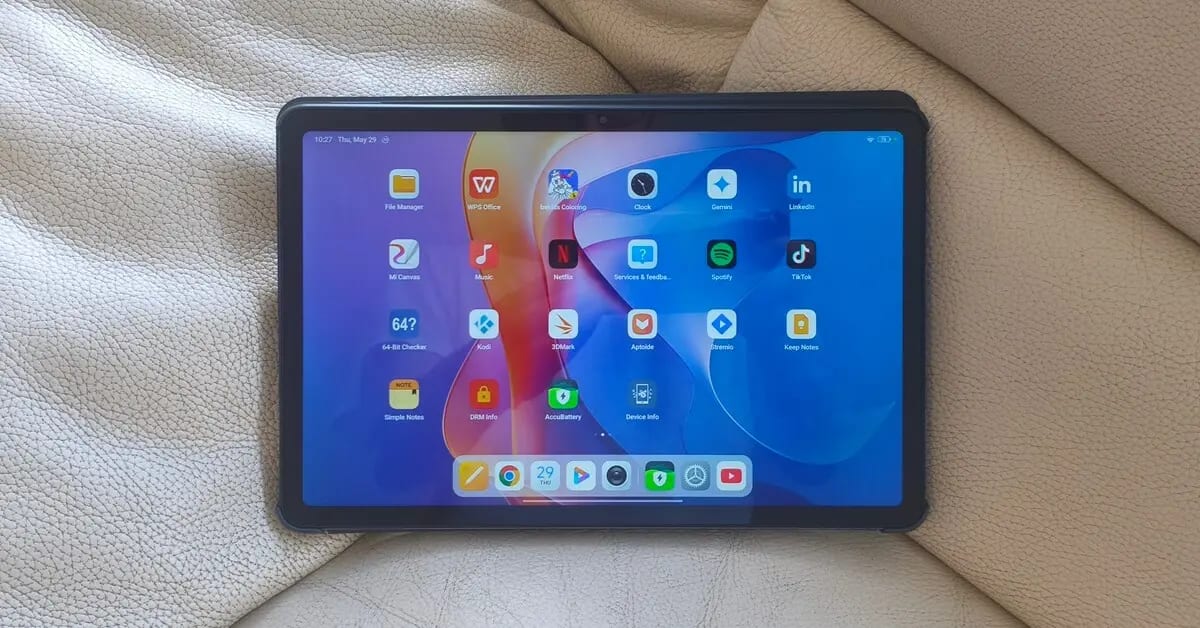
Redmi Pad 2 Tablet Review
Table of contents
  1. Part I: Presenting the budget-friendly Redmi Pad 2 Tablet!
  2. Now Officially Released
  3. Design
    1. External Design
    2. Color variants
  4. Display
  5. Software โ€“ Powered by HyperOS 2.0
  6. Hardware
  7. Battery and Charging
  8. Specifications
    1. The Package
  9. Unboxing All Items
  10. Design & Build Quality
  11. Weight
    1. Comparing this deviceโ€™s weight to other top tablet brands.
  12. Display
    1. Assessing display visibility under various lighting conditions.
    2. Display size and aspect ratio
  13. Recommended Accessories (Optional for an additional fee)
    1. Screen Protection
    2. Is the display made with Gorilla Glass to ensure greater durability?
    3. Protection cover
    4. Redmi Smart Pen
      1. The Smart Pen Latency (Responsiveness)
      2. The Pros and Cons in a Nutshell
  14. Speakers & Sound Quality
    1. How would you describe the sound quality?
  15. Cameras & Photography
  16. The main camera housing design
  17. Personal impression
    1. Capturing videos and images at high resolutions
  18. Software
    1. Widevine L1 Certification
  19. Storage Space
    1. Available Space
    2. Internal Storage (Flash)
    3. Does this device operate on a 64-bit operating system? Absolutely!
    4. Is it possible to install the Kodi 64-bit APK?
    5. How much Memory and CPU resources are utilized
    6. Youtube video playback
  20. Hardware
    1. CPU Architecture
    2. Overall performance assessment of the device
    3. Redmi Pad 2 vs. Oppo Pad SE
    4. Side-by-side hardware comparison of the Poco Pad and Redmi Pad 2
  21. Conclusions
    1. GPU
    2. Gaming Performance
  22. Performance Benchmarks
    1. Running Geekbench 6.0
    2. Single-Core Test Results
    3. Multi-Core Test Results
    4. Comparing our benchmark results to equivalent devices
  23. Connectivity
  24. Battery Life & Charging Speed
    1. Battery life testing
    2. Test No. 1 โ€“ Testing in lightweight usage (YouTube only)
    3. Test No. 2 โ€“ Testing in moderate usage (YouTube & Stremio)
    4. Recommended Power adapter
    5. Charging Speed
  25. Conclusions
  26. Final Verdict
  27. Price and availability of the Redmi Pad 2.
  28. Overall thoughts after three months of testing the Tablet
    1. Redmi Pad 2
    2. Redmi Pad 2
    3. Redmi Pad 2
  29. FAQ
    1. Is the Redmi Pad 2 compatible with a stylus?
    2. Does it have a headphone jack?
    3. When was the Redmi Pad 2 released?
    4. What operating system does the Redmi Pad 2 run on?
    5. What are the RAM and storage configurations available?
    6. Is the storage expandable?
    7. Does it support fast charging?
    8. How does the Redmi Pad 2 compare to the Redmi Pad SE?
    9. What is the price of the Redmi Pad 2?
    10. Is the Redmi Pad 2 good for gaming?
    11. What color options are available for the Redmi Pad 2?
    12. How long does the battery last?
    13. What are the camera specifications?
    14. What are the displayโ€™s brightness and color capabilities?

Display

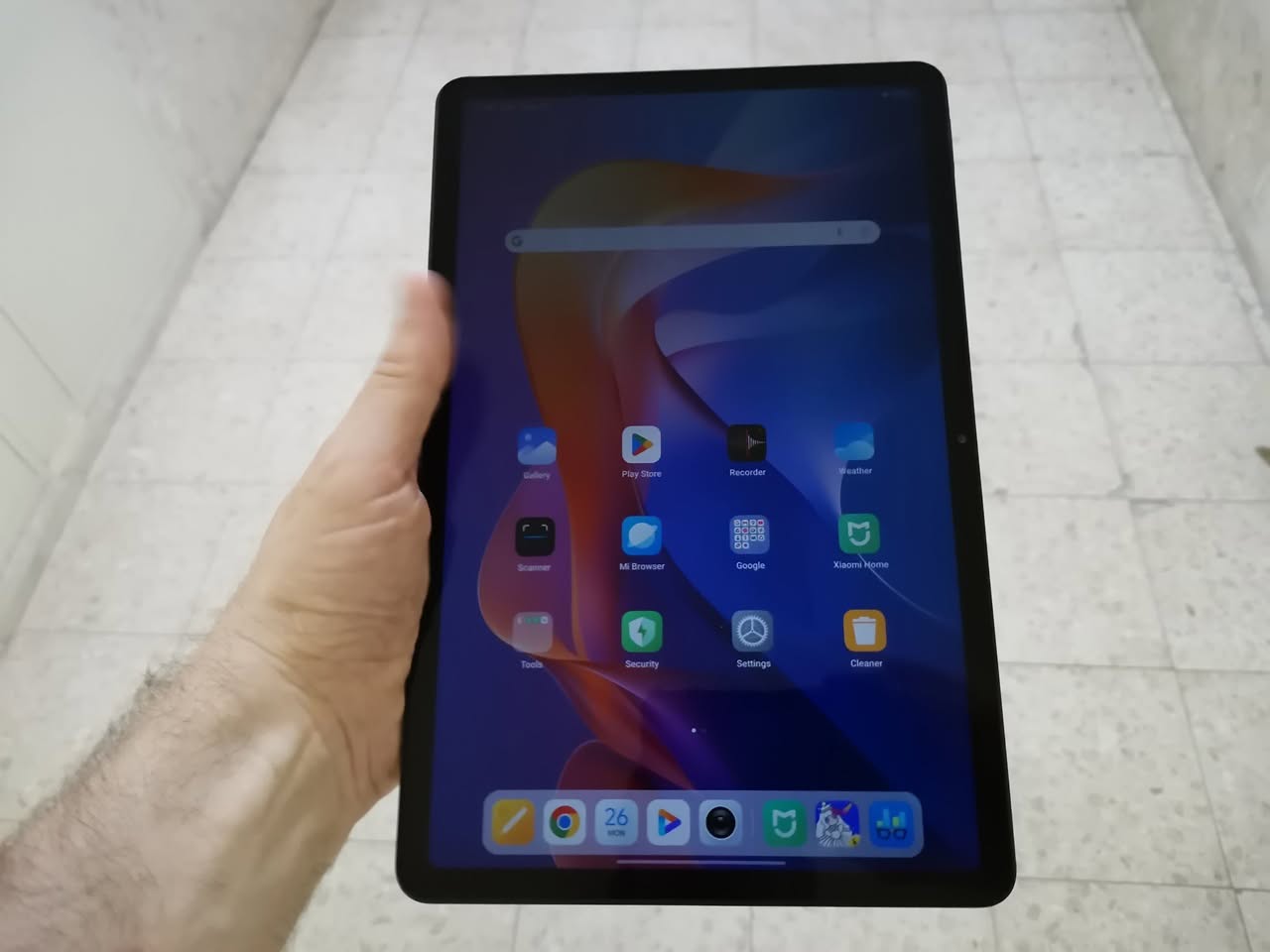
The device features an 11-inch IPS LCD display with a resolution of 2,500×1,600 pixels and a 90Hz refresh rate, similar to that found in the Oppo Pad SE tablet which contribute to smoother visuals for gaming and scrolling. The display brightness reaches 600 nits, allowing for visibility in various lighting.

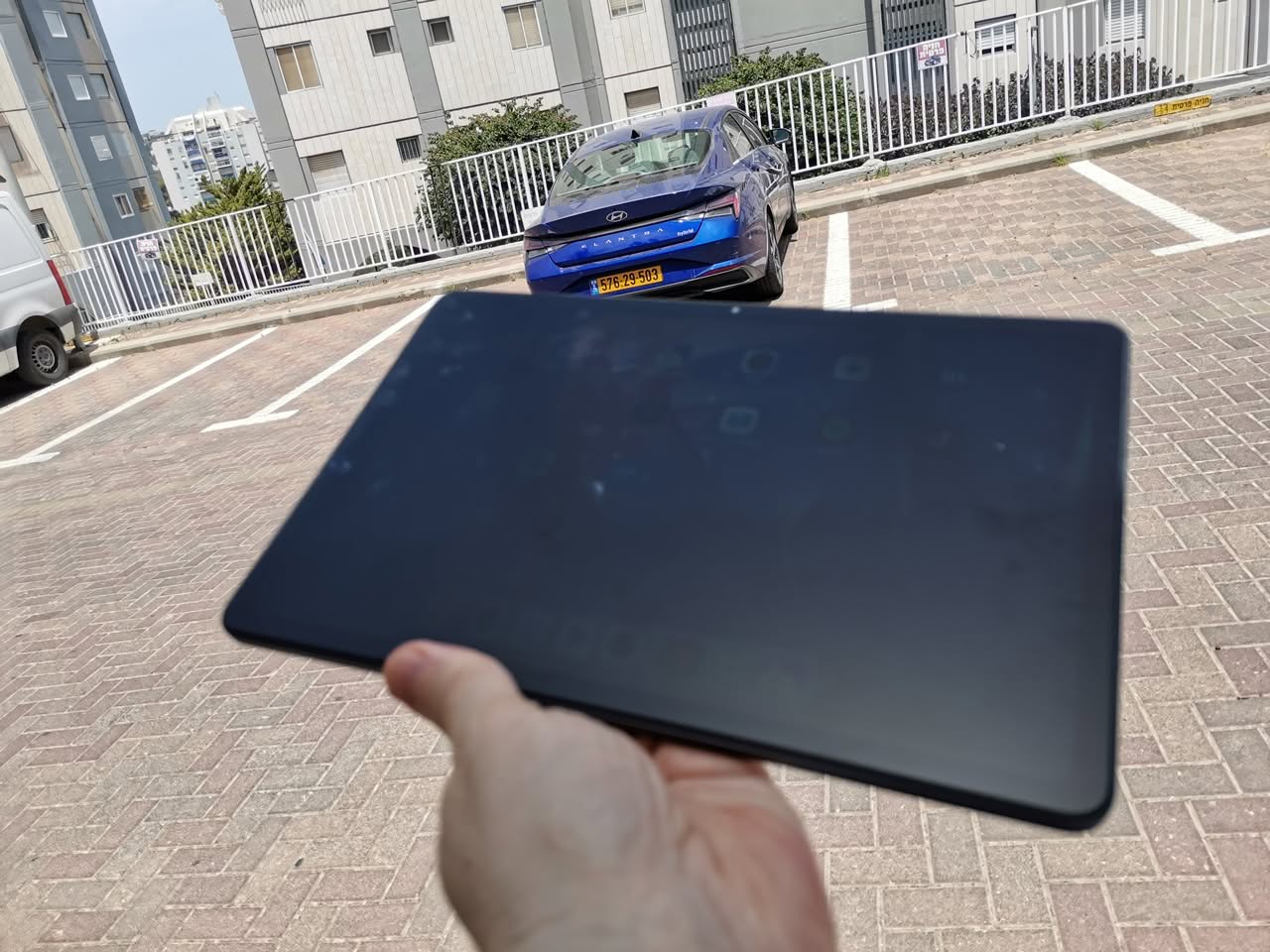
Although performance may vary in very extreme direct sunlight conditions. It is suitable for casual use, and if you are trying to view it in a very sunny day, the option to view it in shaded areas is the better option. In addition, device also offer HDR experience with more vibrant colors and improved contrast.

Assessing display visibility under various lighting conditions.

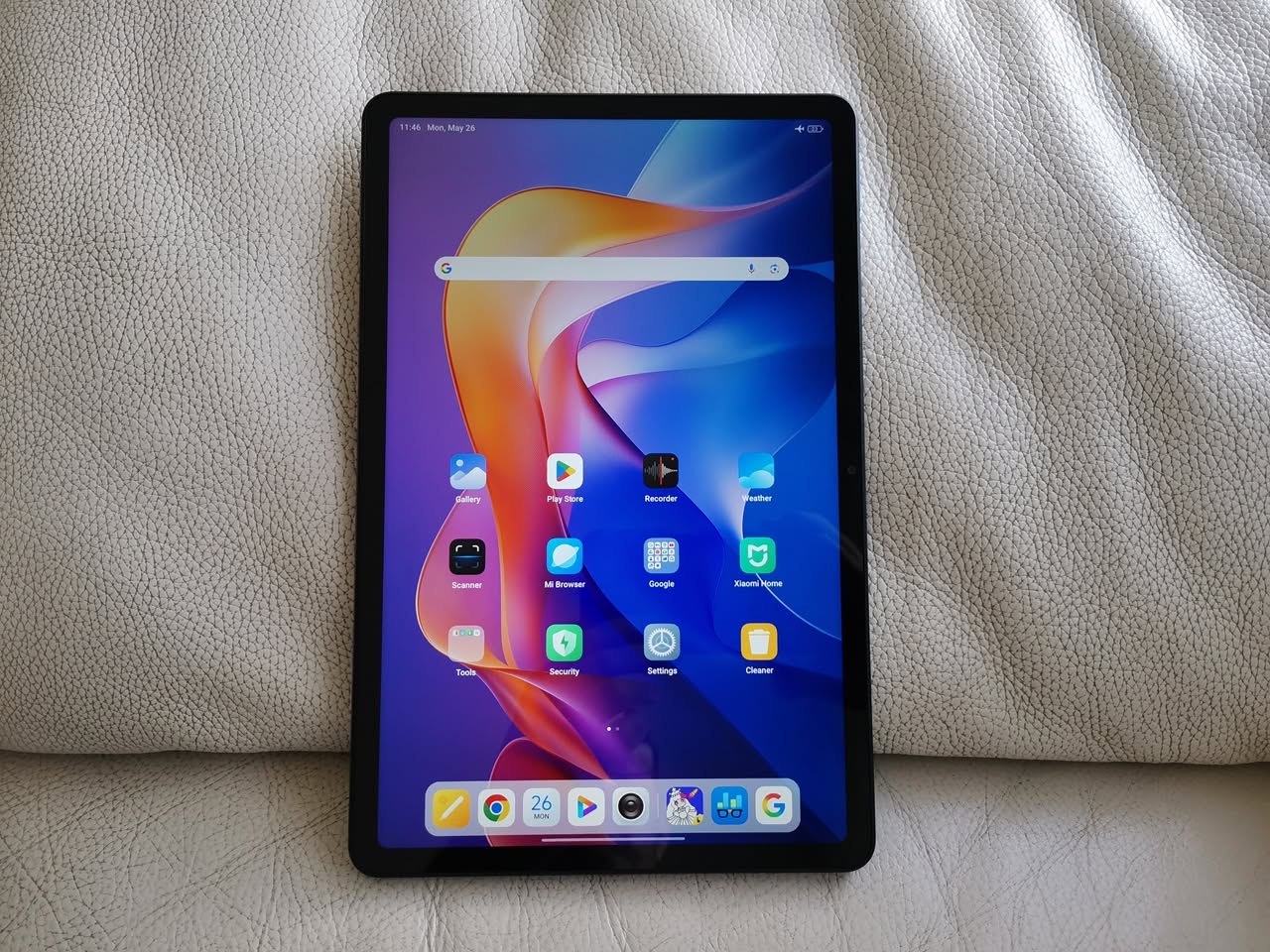
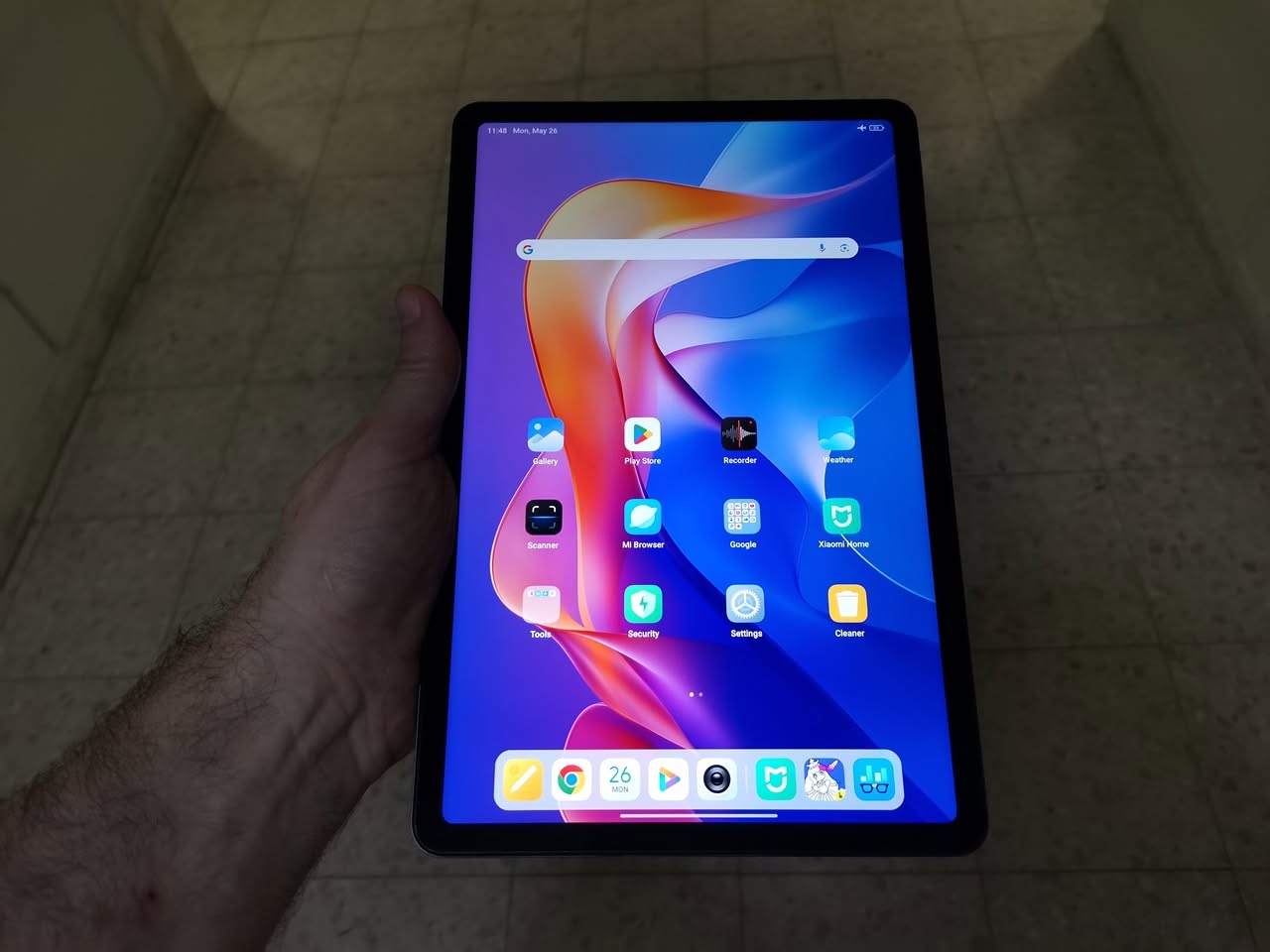
The photos below illustrate that the display experienced issues in extreme sunlight conditions in different viewing angles. While this may not be a dealbreaker, it is advisable to consider this aspect based on your country’s weather conditions, especially regarding intensive sunlight, before purchasing any tablet for outdoor use.
Display size and aspect ratio

The display’s 16:10 aspect ratio provides a balance between screen space for productivity and entertainment, while the 276 PPI density offers clear and detailed visuals. The display size strikes the perfect balance—not too large and not too small—making it ideal for casual use. Plus, it’s conveniently portable, so you can take it with you wherever you go.


Recommended Accessories (Optional for an additional fee)

Screen Protection

Is the display made with Gorilla Glass to ensure greater durability?

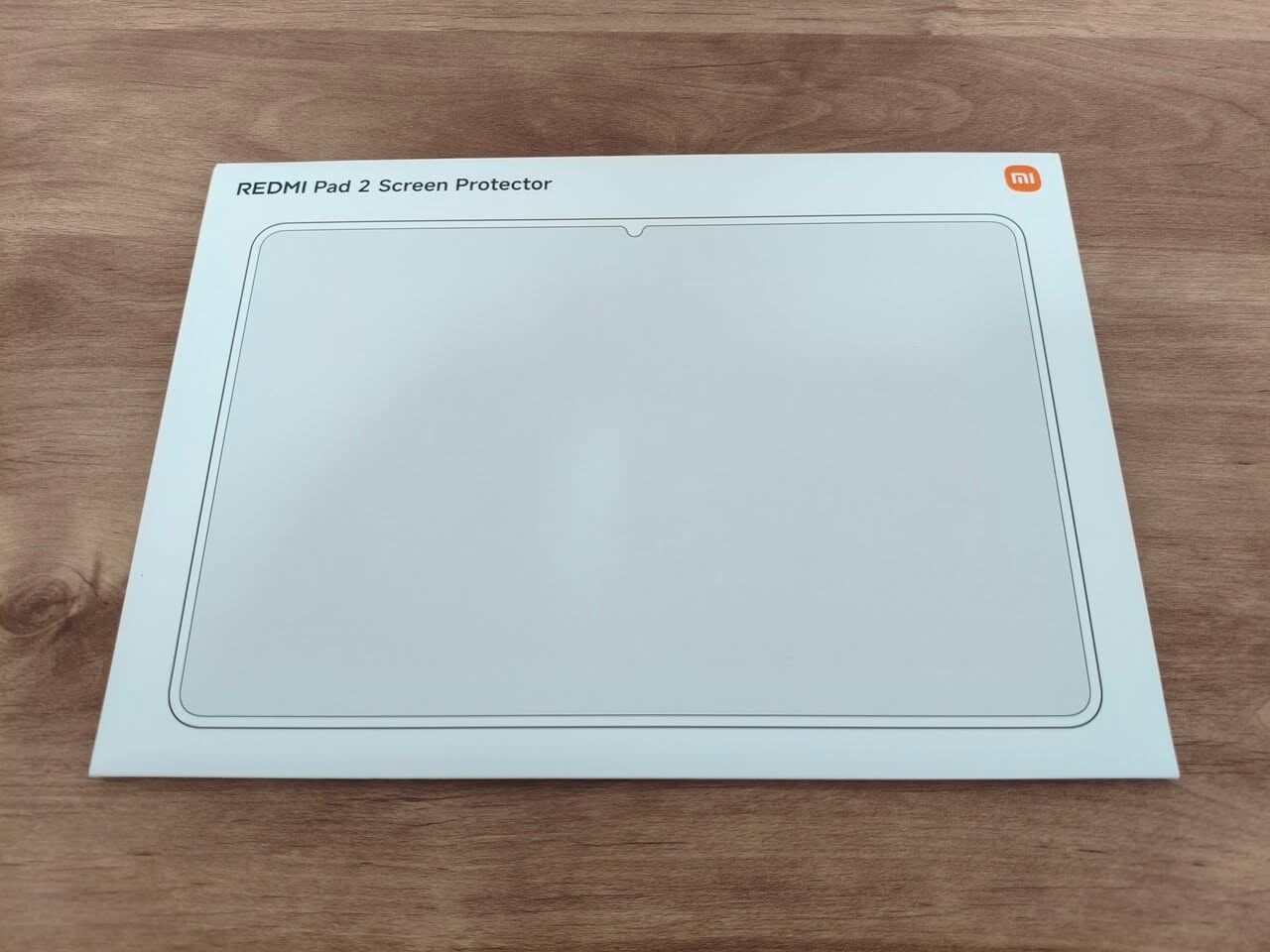
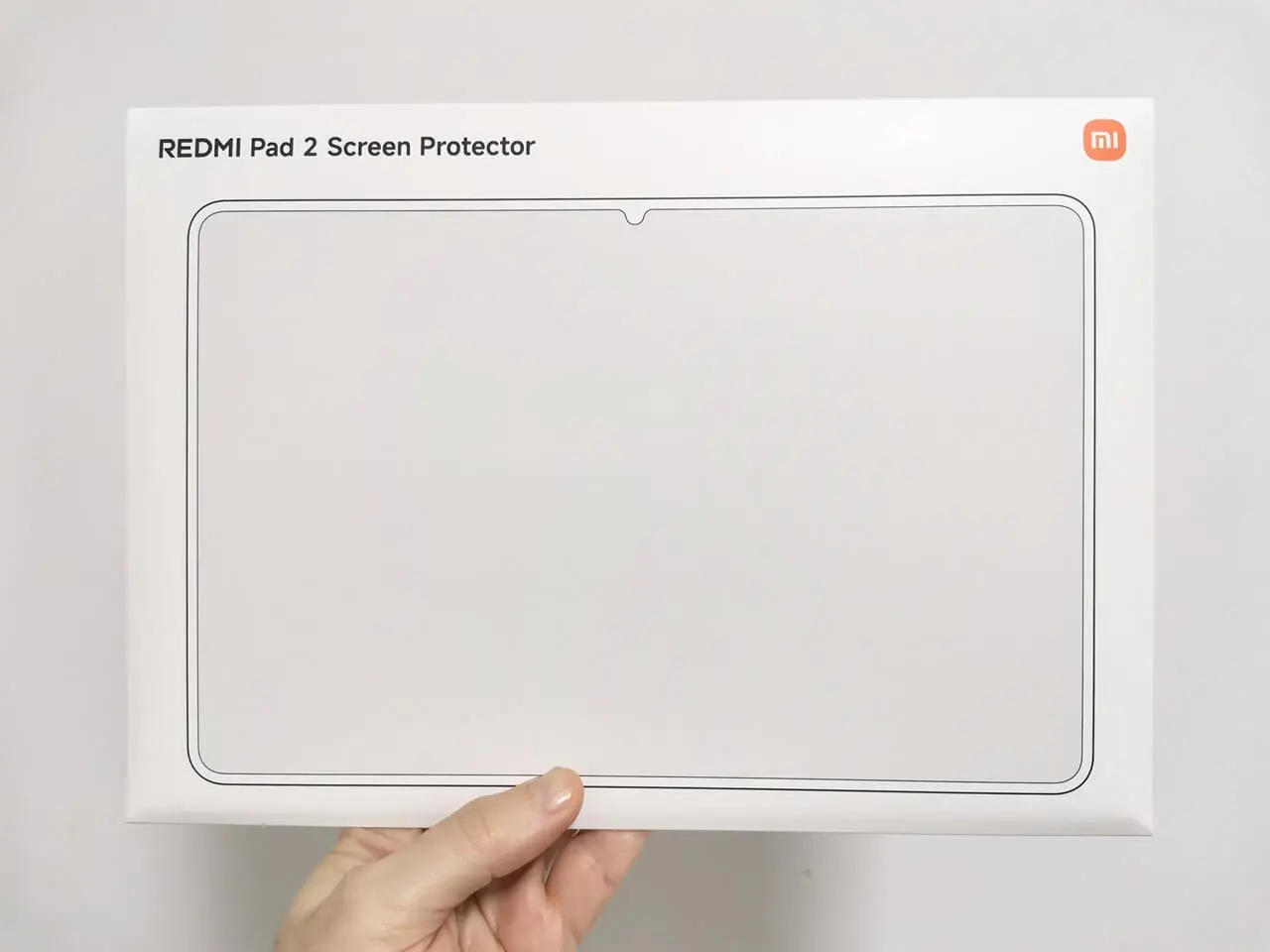
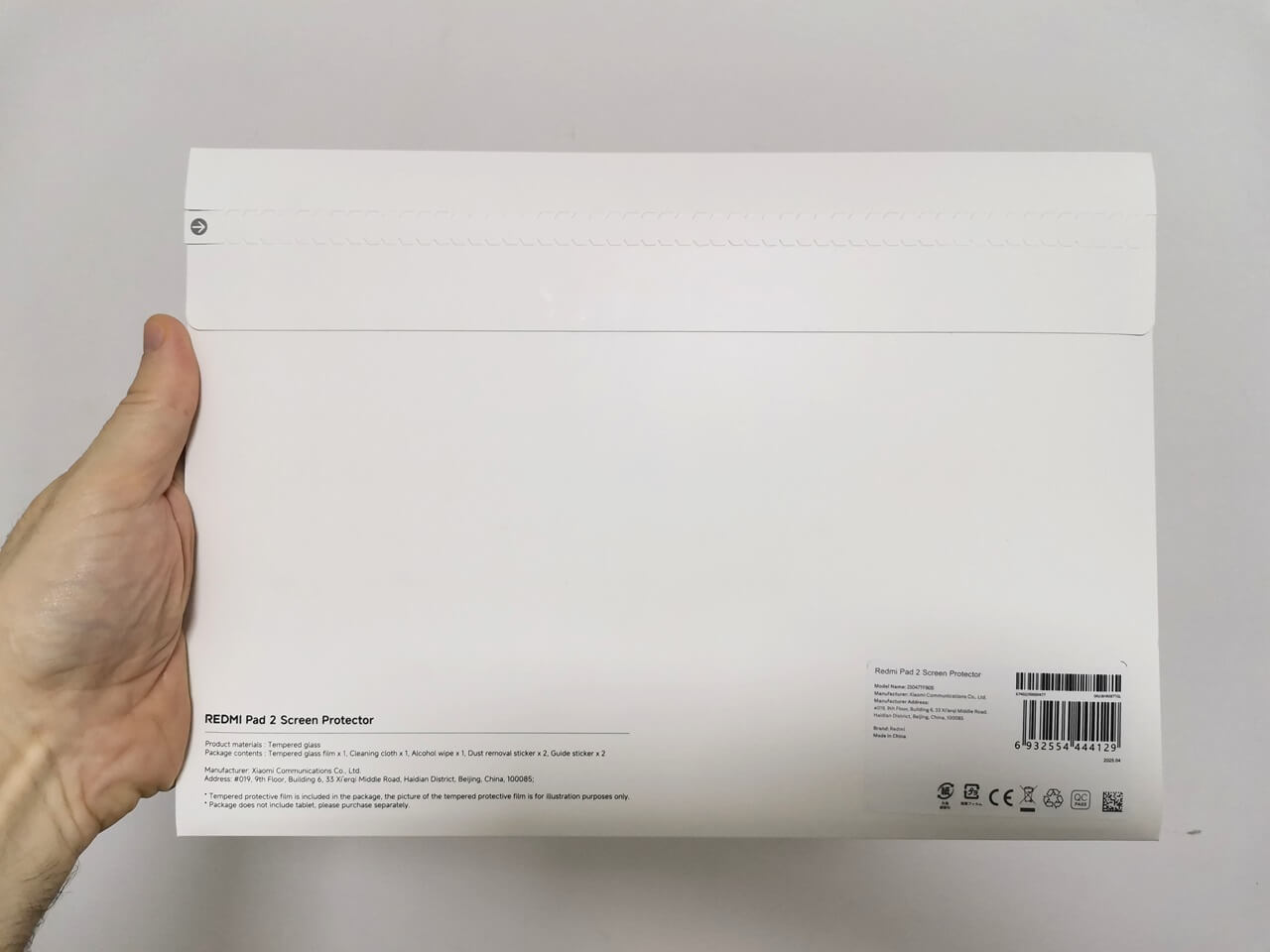
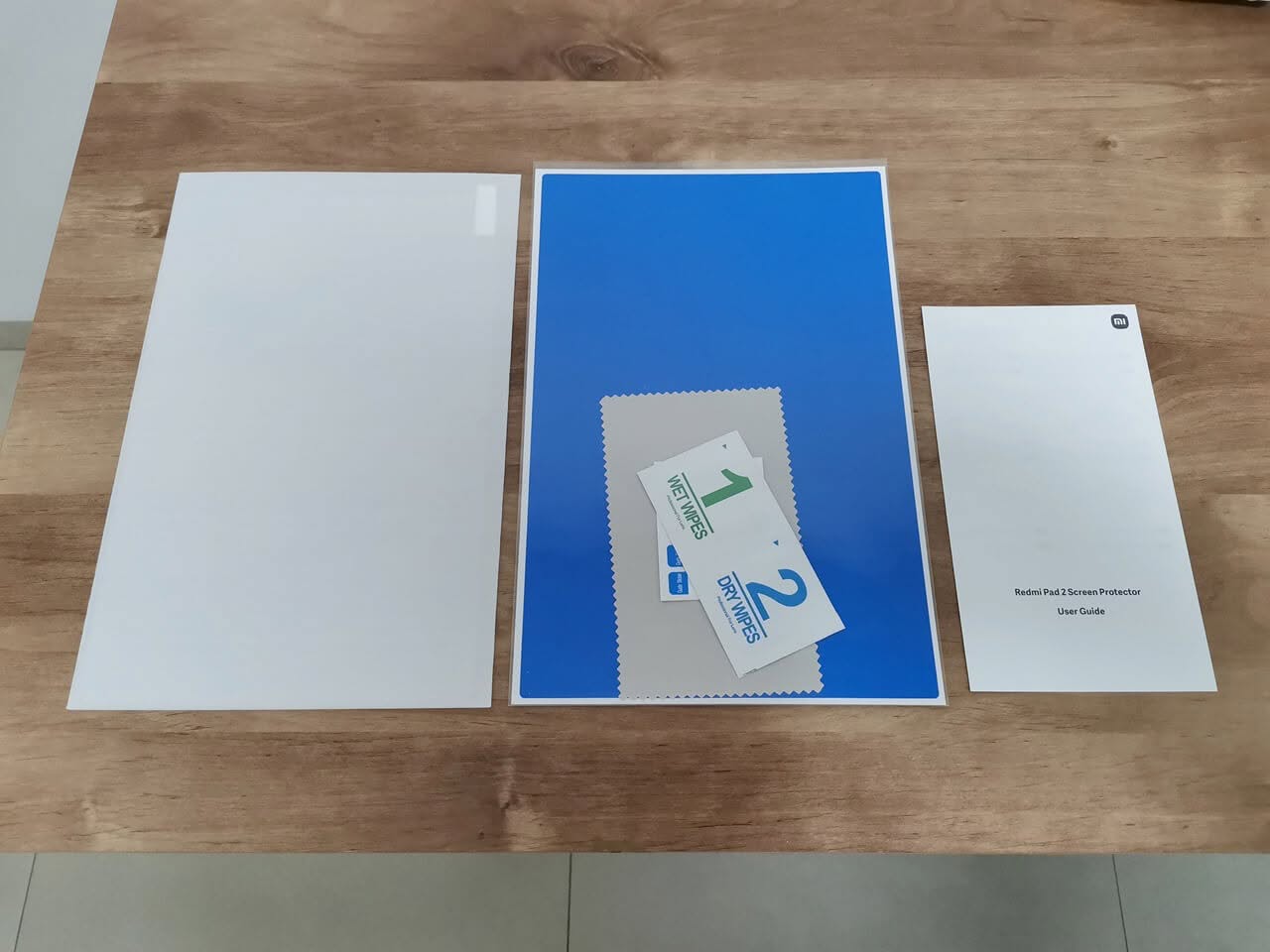
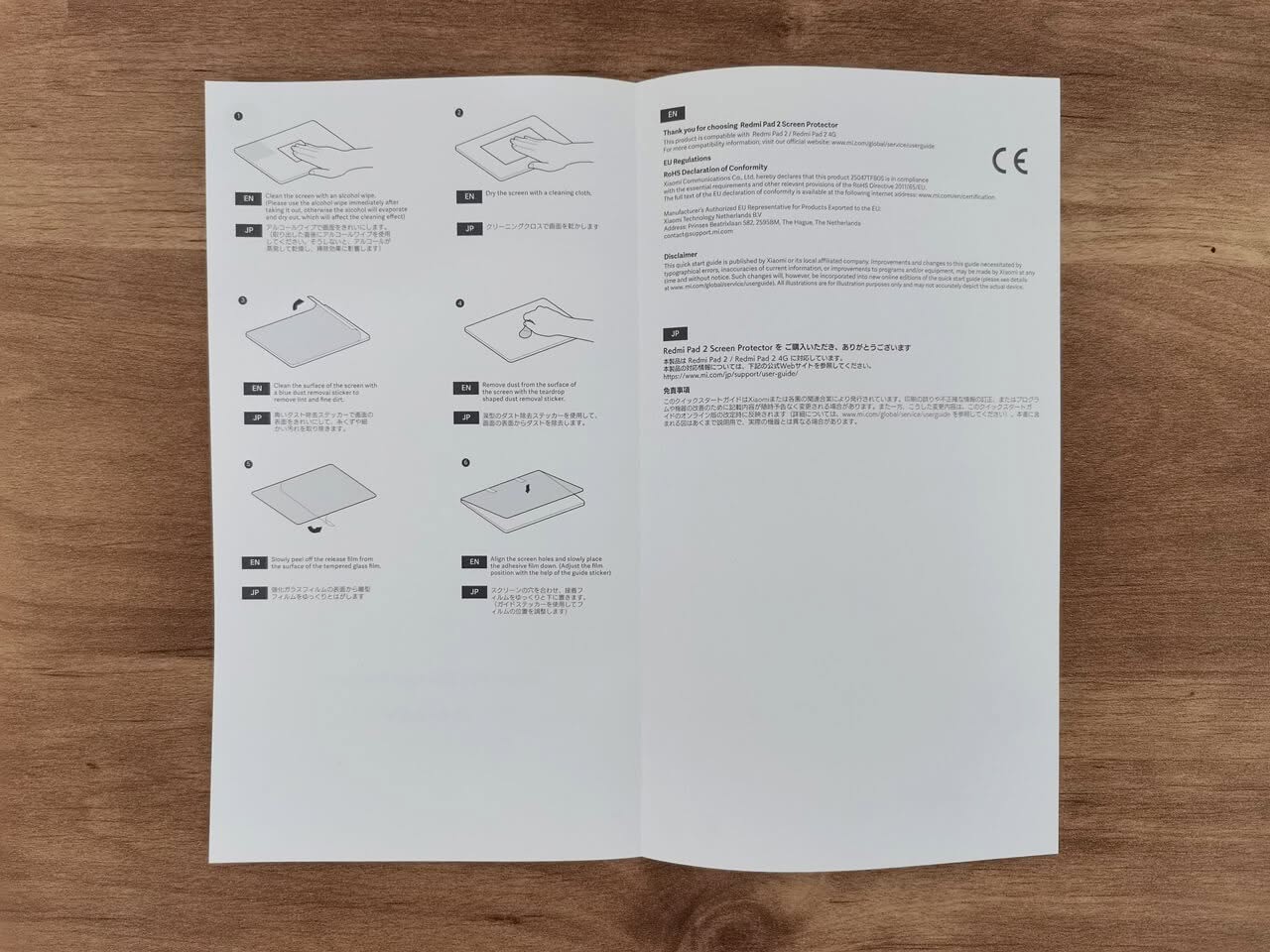
The answer is probably not. A tempered glass may not be available on this device to reduce costs. If we assume it has some level of protection, it is likely not as robust as gorilla glass with scratch resistance durability. To address this, Xiaomi offers a screen protector kit that includes the following items:

  • 1x Tempered glass.
  • 1x Cleaning cloth.
  • 1x Alcohol cloth.
  • 1x Dust removal sticker.
  • x1 Guide sticker.

Screen Protector

Protection cover

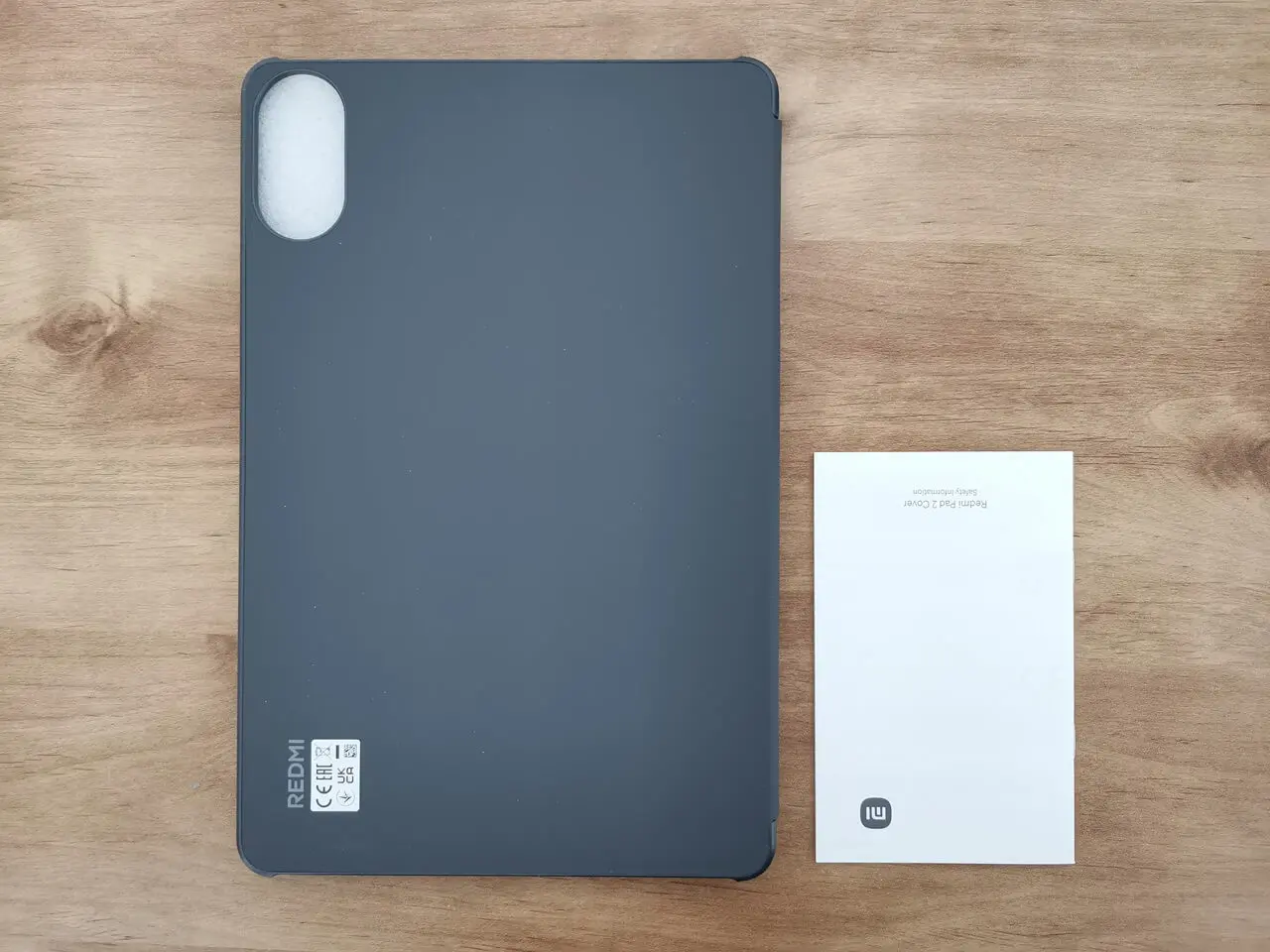
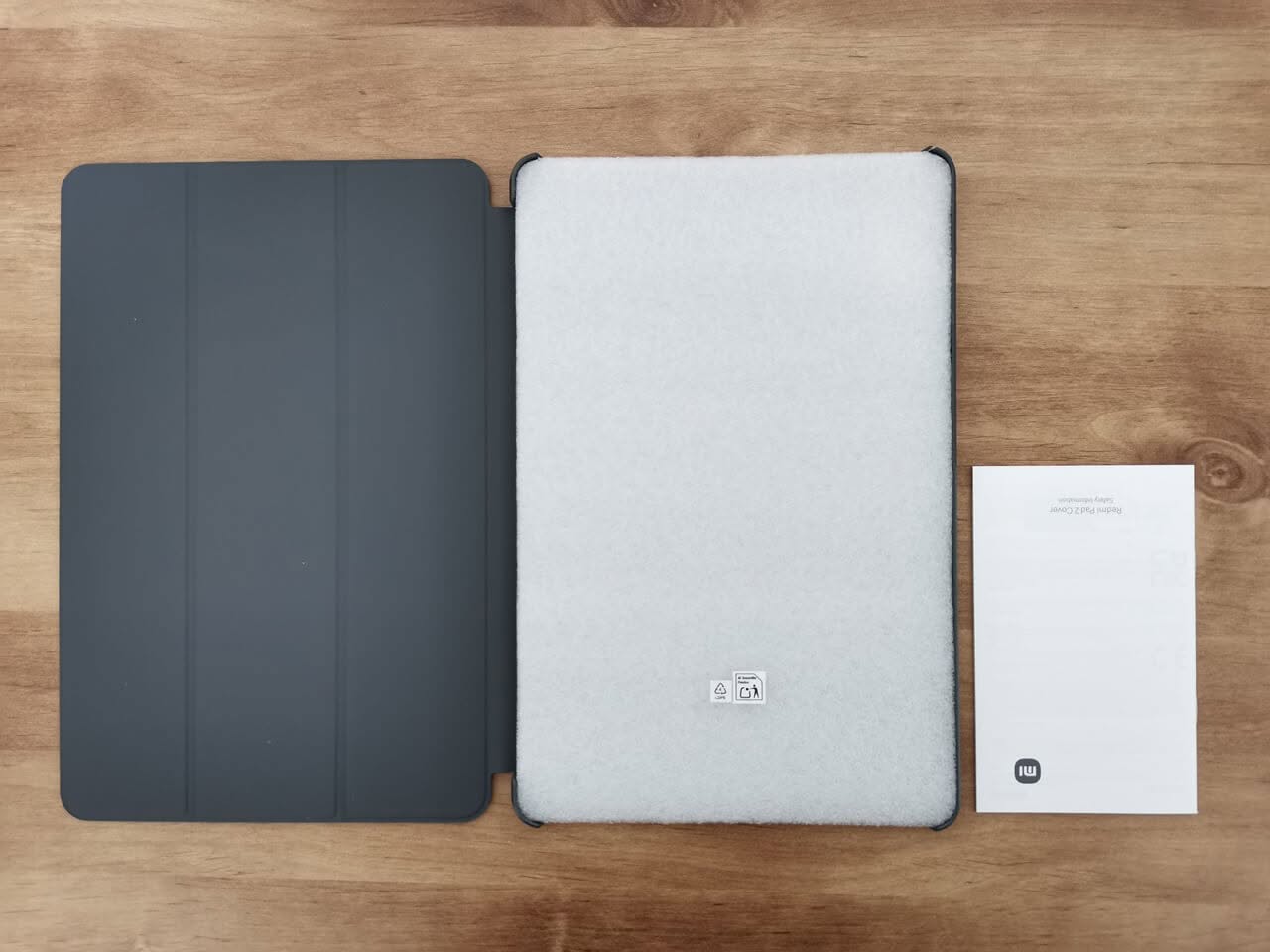
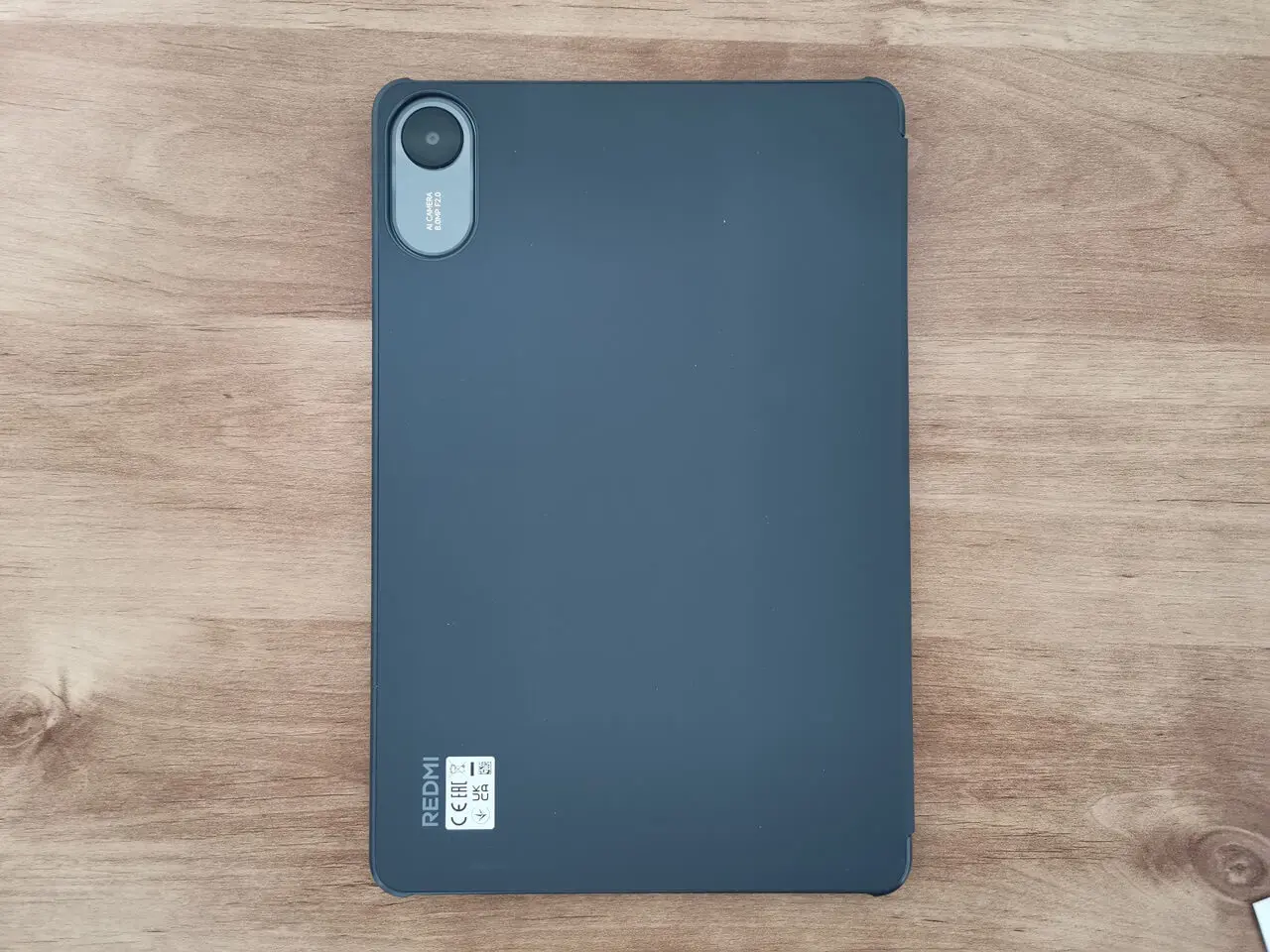
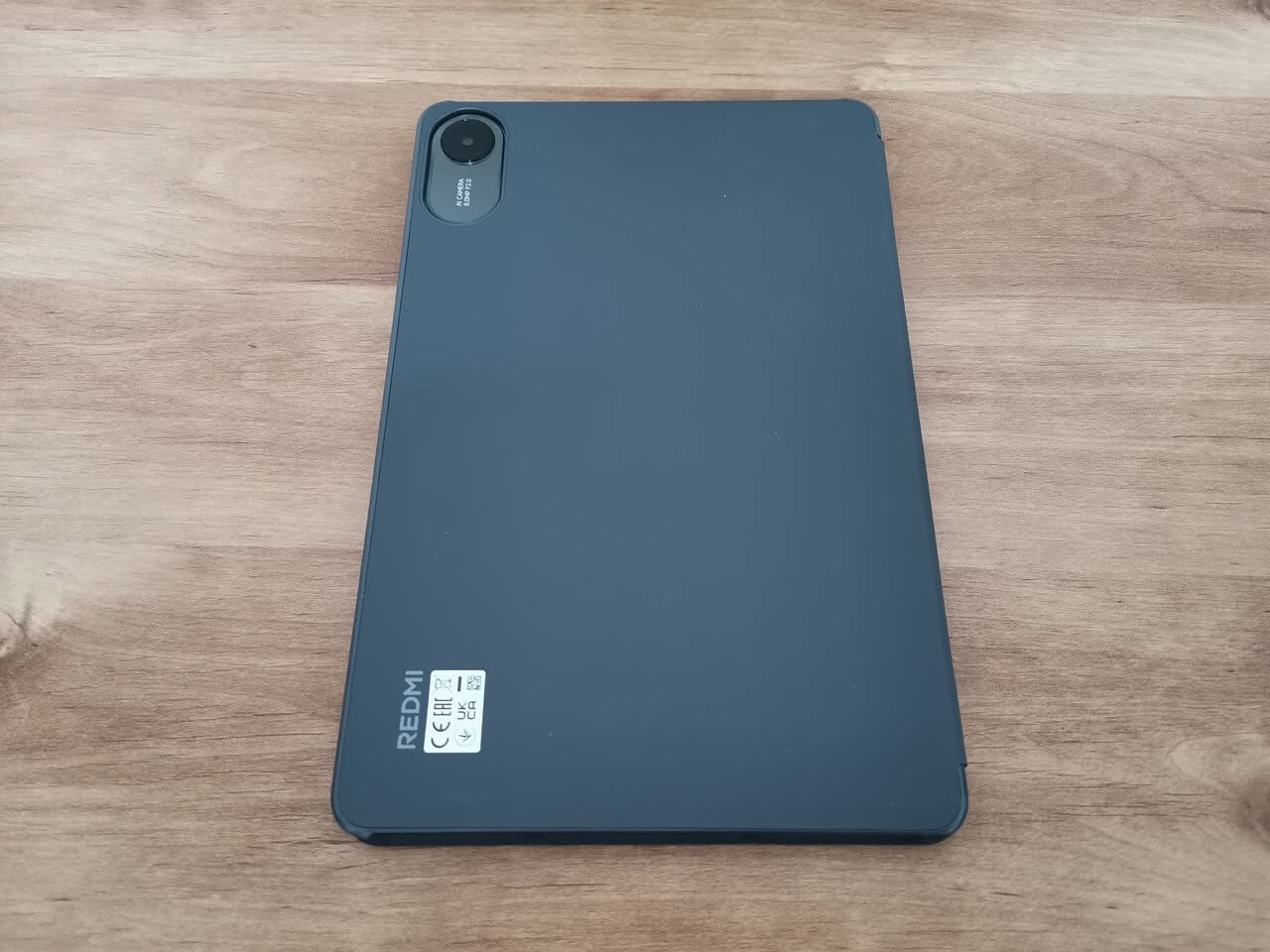
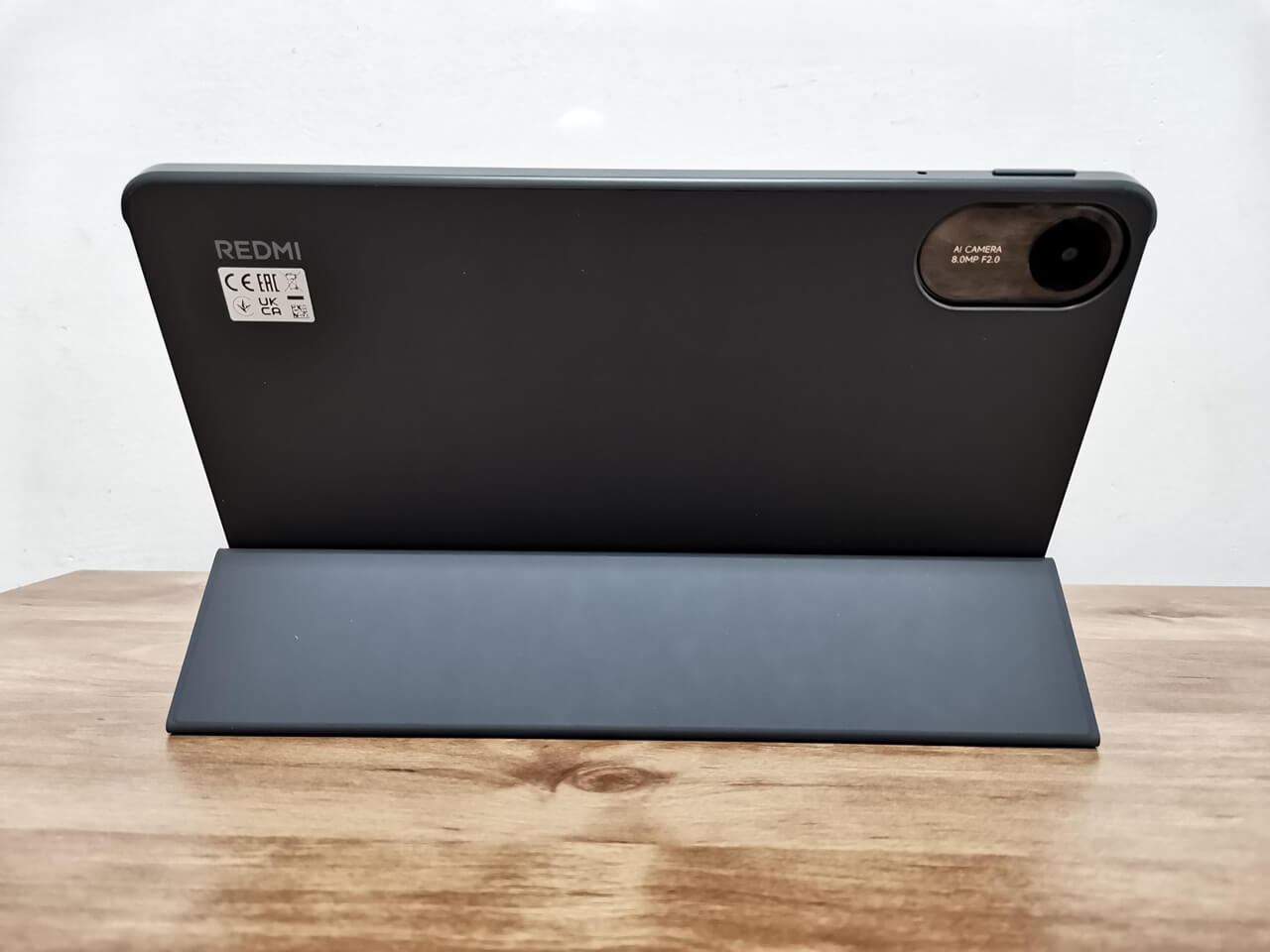
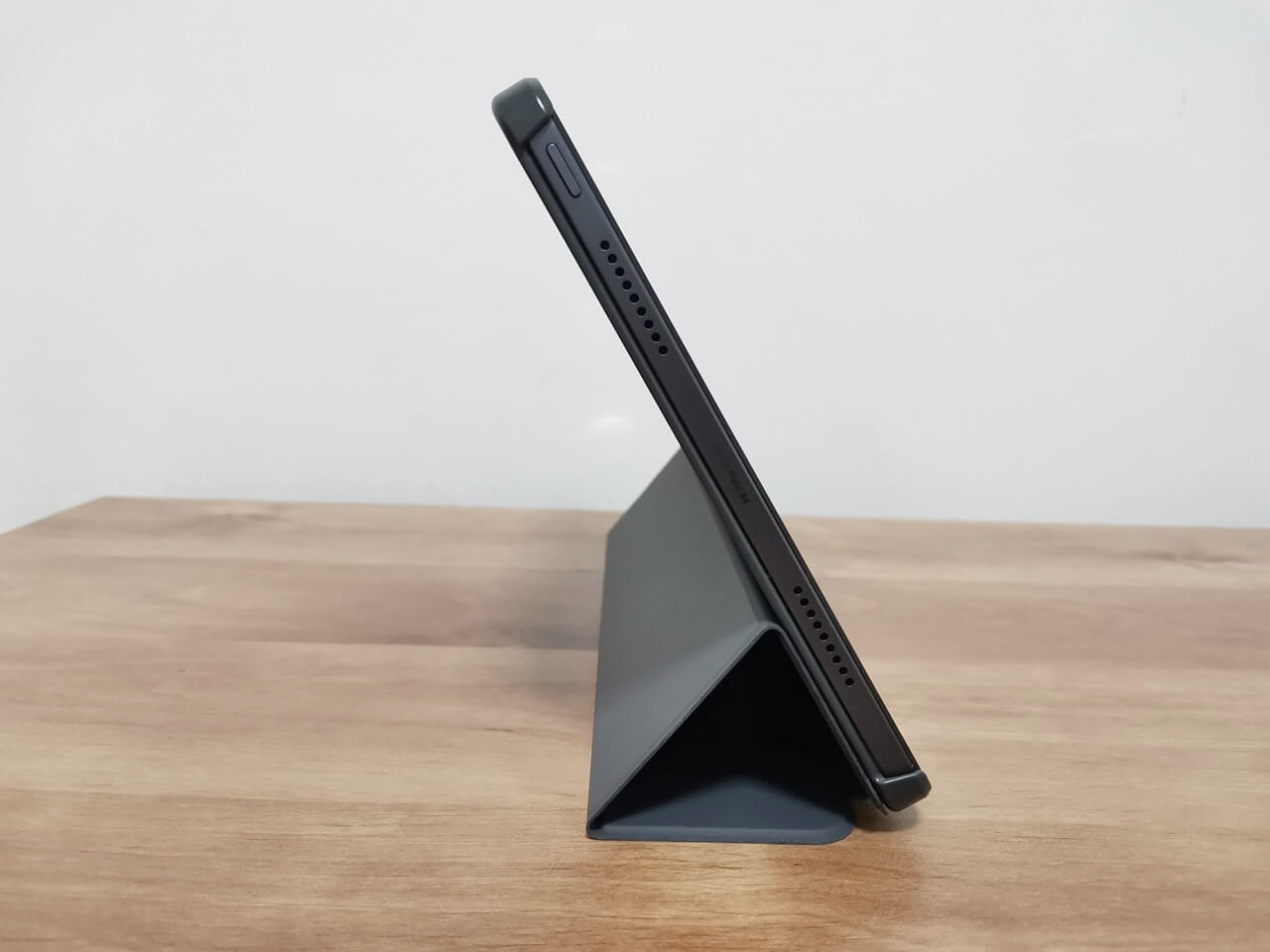
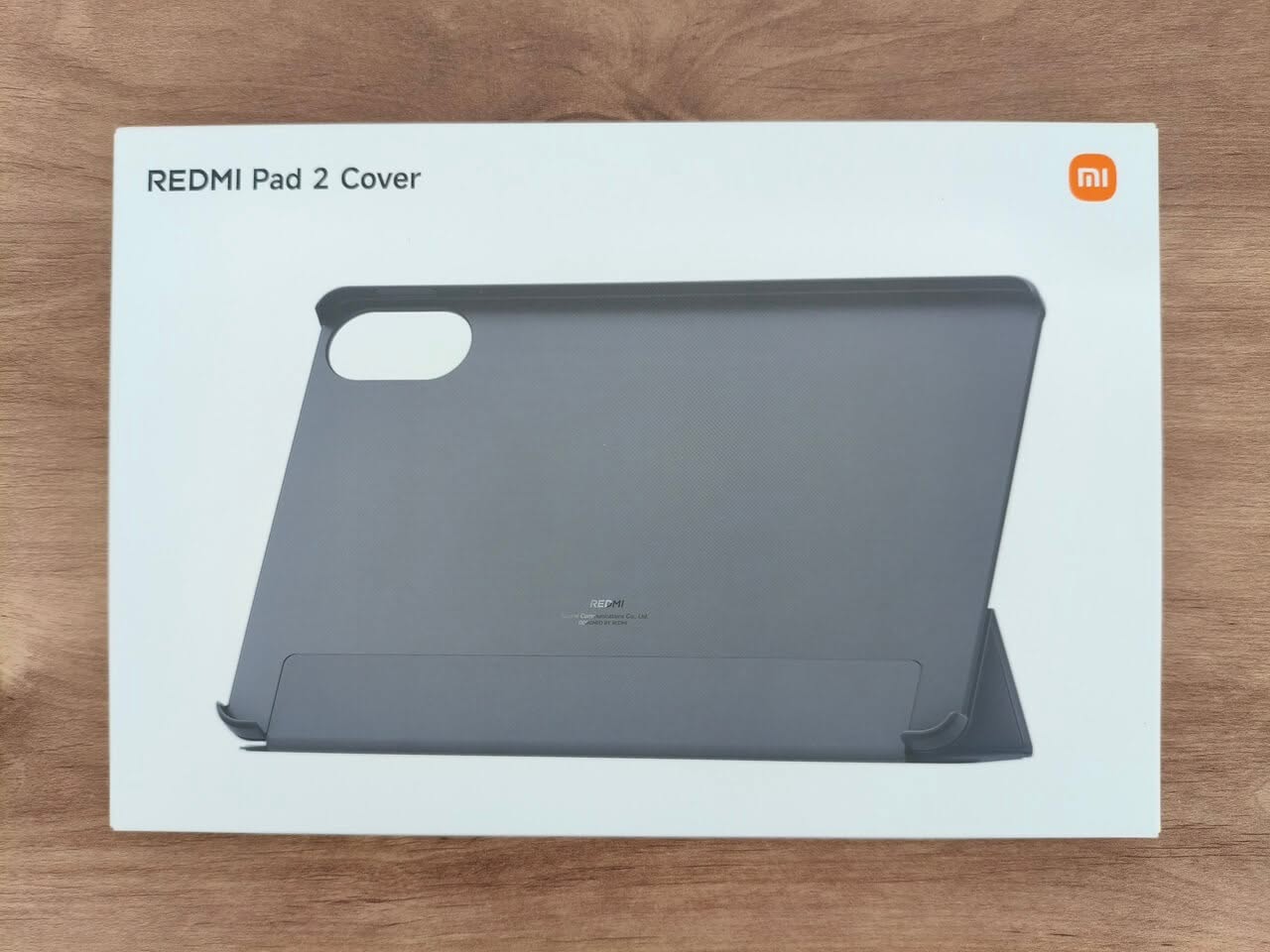
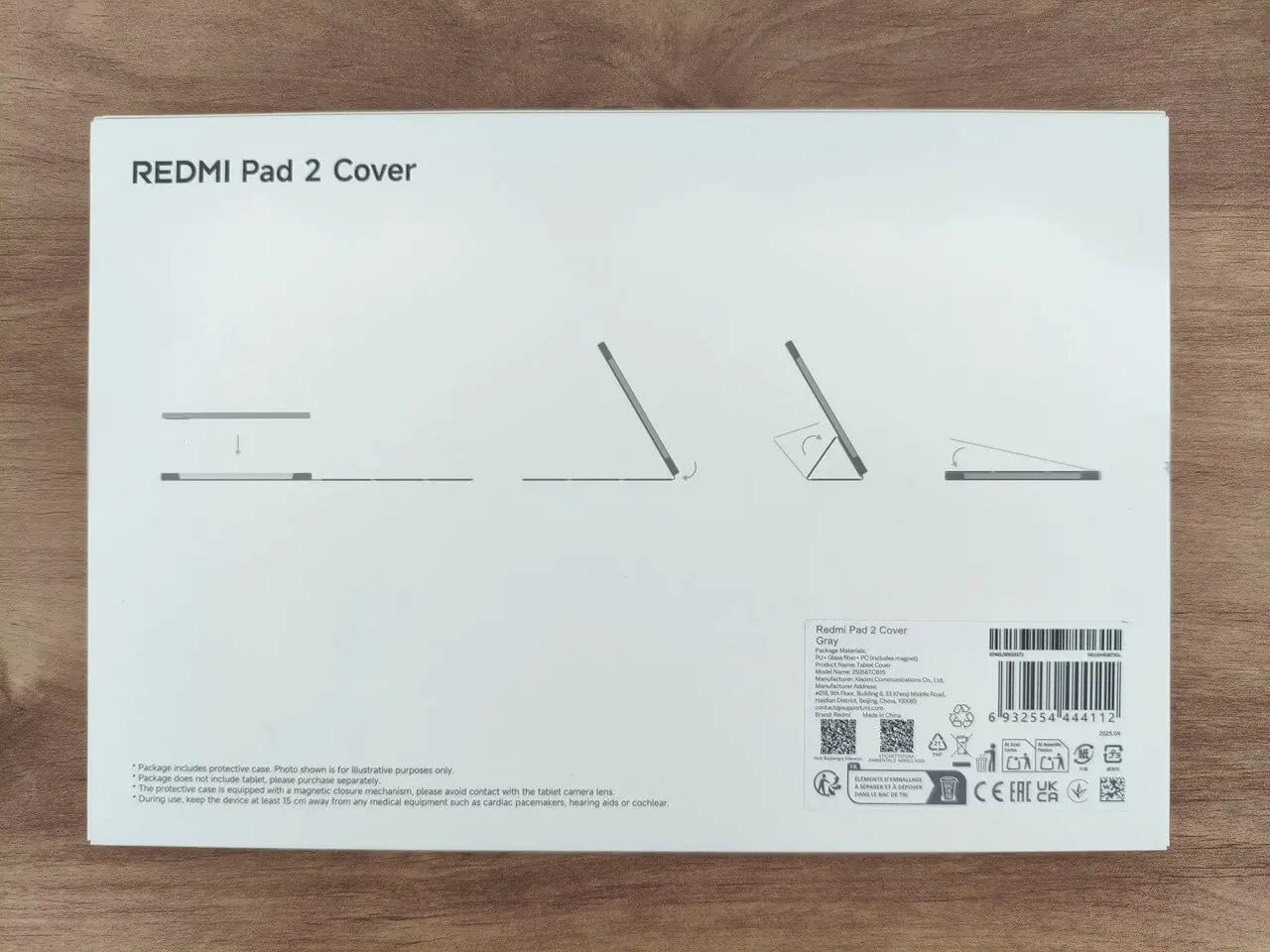
Xiaomi offers a premium protective cover for an additional fee, crafted from PU leather and polycarbonate (PC) materials. This semi-open case provides robust protection for both the display and the back of the device. With its simple design, it ensures reliable safeguarding while also enabling you to adjust the tablet’s viewing angle for enhanced convenience. Did we find it practical and handy? Absolutely, we did!

Cover
Redmi Smart Pen

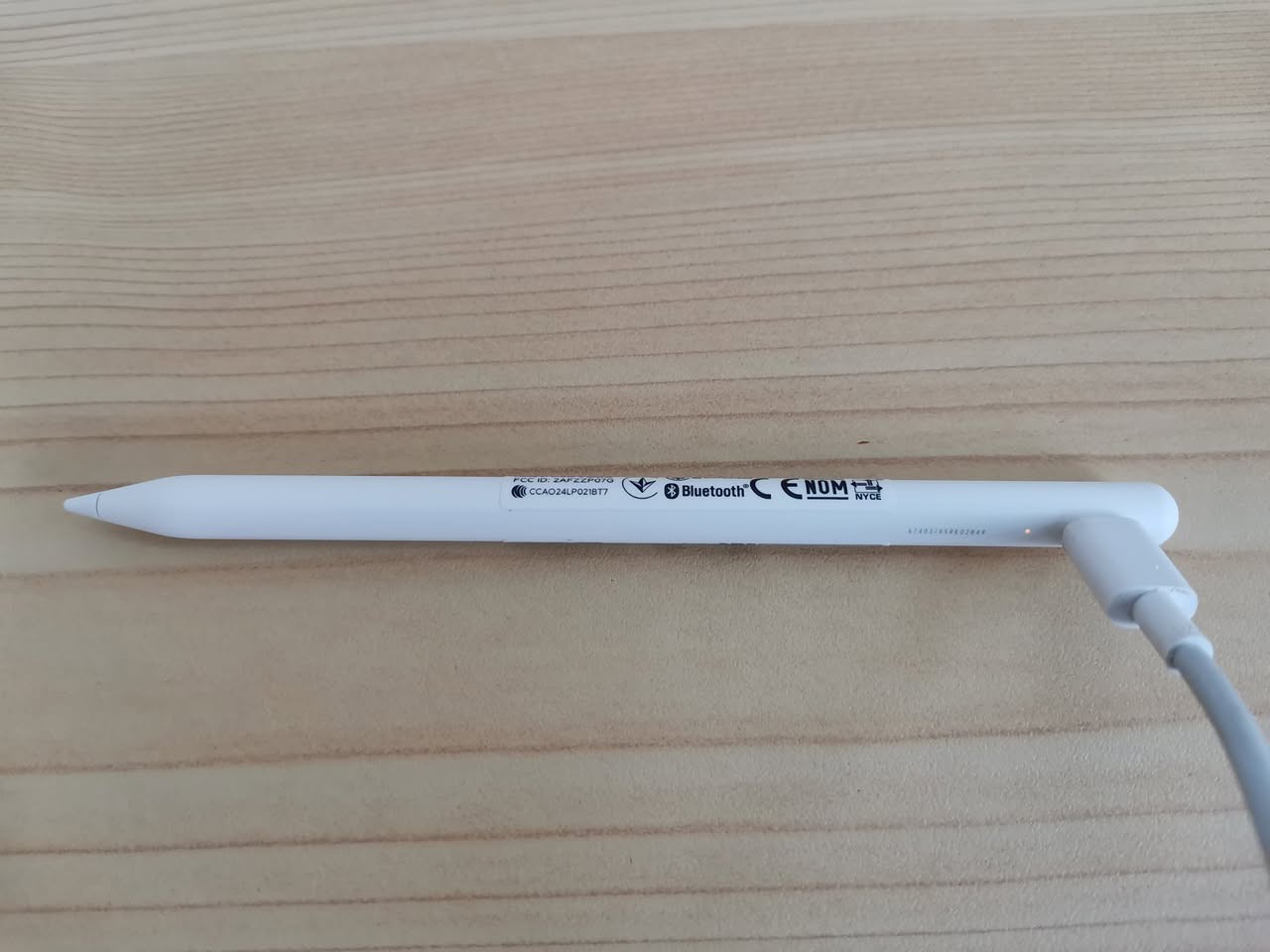
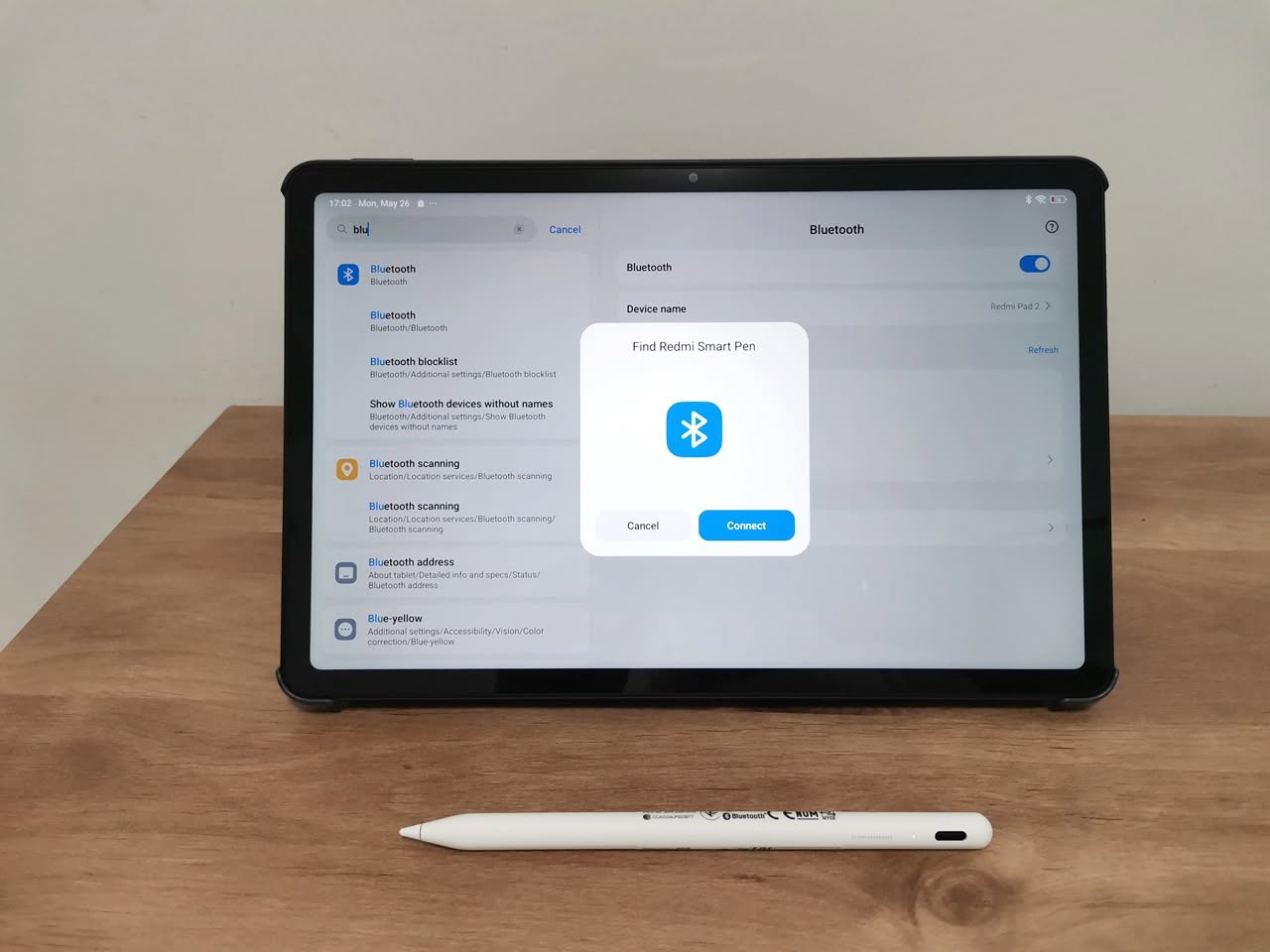
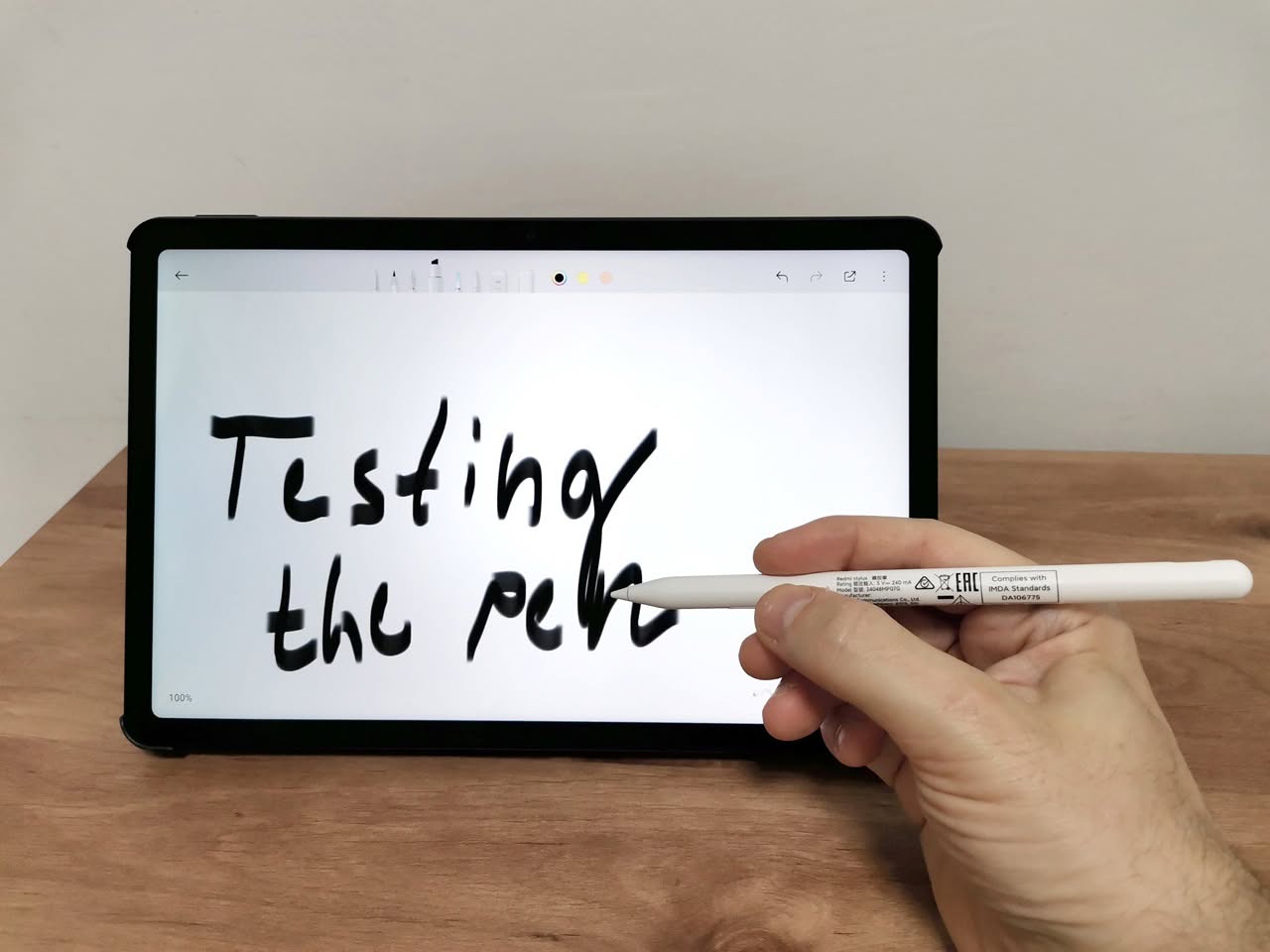
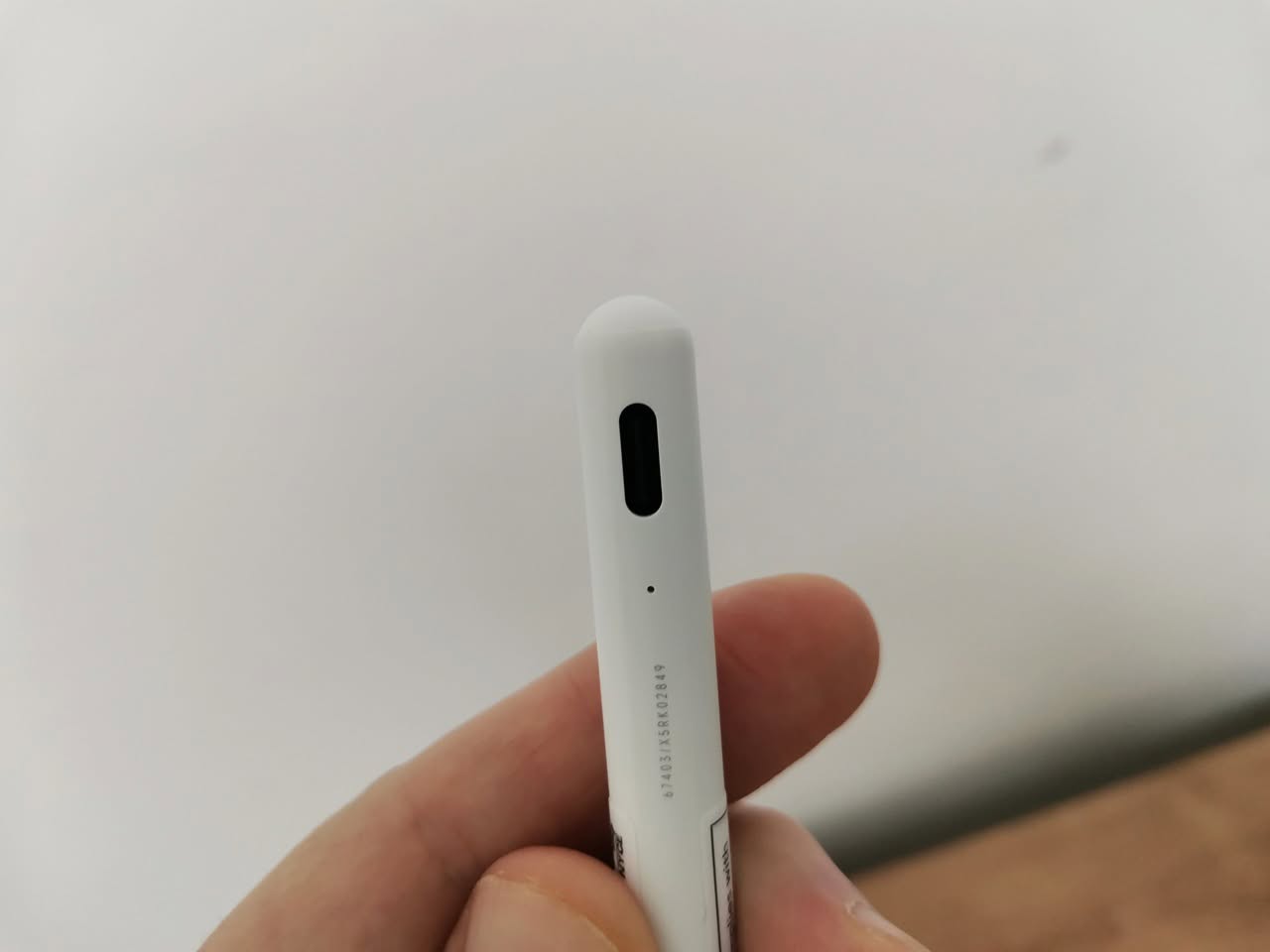
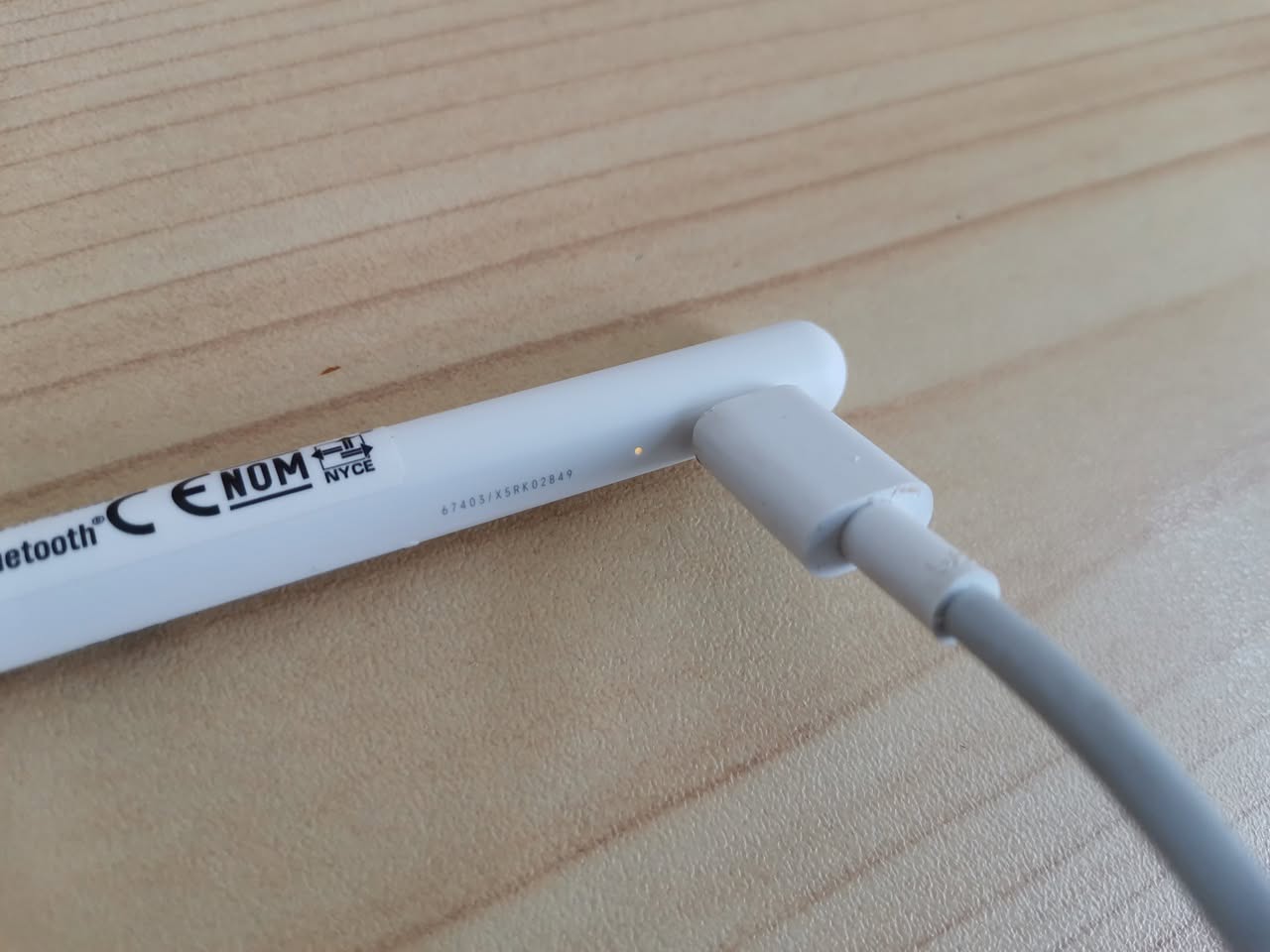
Another accessory worth highlighting is the stylus, particularly beneficial for students or anyone taking notes as well as drawing. This stylus pen is charged via a Type-C port and connects to the tablet using Bluetooth. It’s practical and performs its tasks well. Xiaomi has included their Mi Canvas app, which has proven to be quite functional.

While it may not be as sophisticated as Apple’s app with its character recognition features, it serves its purpose and can convert handwriting to text very well. Perhaps after the success of DeepSeek in China, Xiaomi will introduce new AI-related enhancements to the app to elevate its capabilities. Only time will tell.

The Smart Pen Latency (Responsiveness)

The smart pen offers above-decent responsiveness, making it ideal for intricate drawing tasks. According to our tests, it functioned well with popular drawing applications such as ibis Paint X, Sketchbook, and Google Keep for notes and lists, with minimal noticeable lag.

The Pros and Cons in a Nutshell

The pen does not feature a magnetic attachment to the tablet frame and is also incompatible with wireless charging, as it relies on a USB Type-C port for powering up. On the brighter side, it is fairly budget-friendly, priced at approximately $36, making it an attractive option for those in search of a replacement if needed.

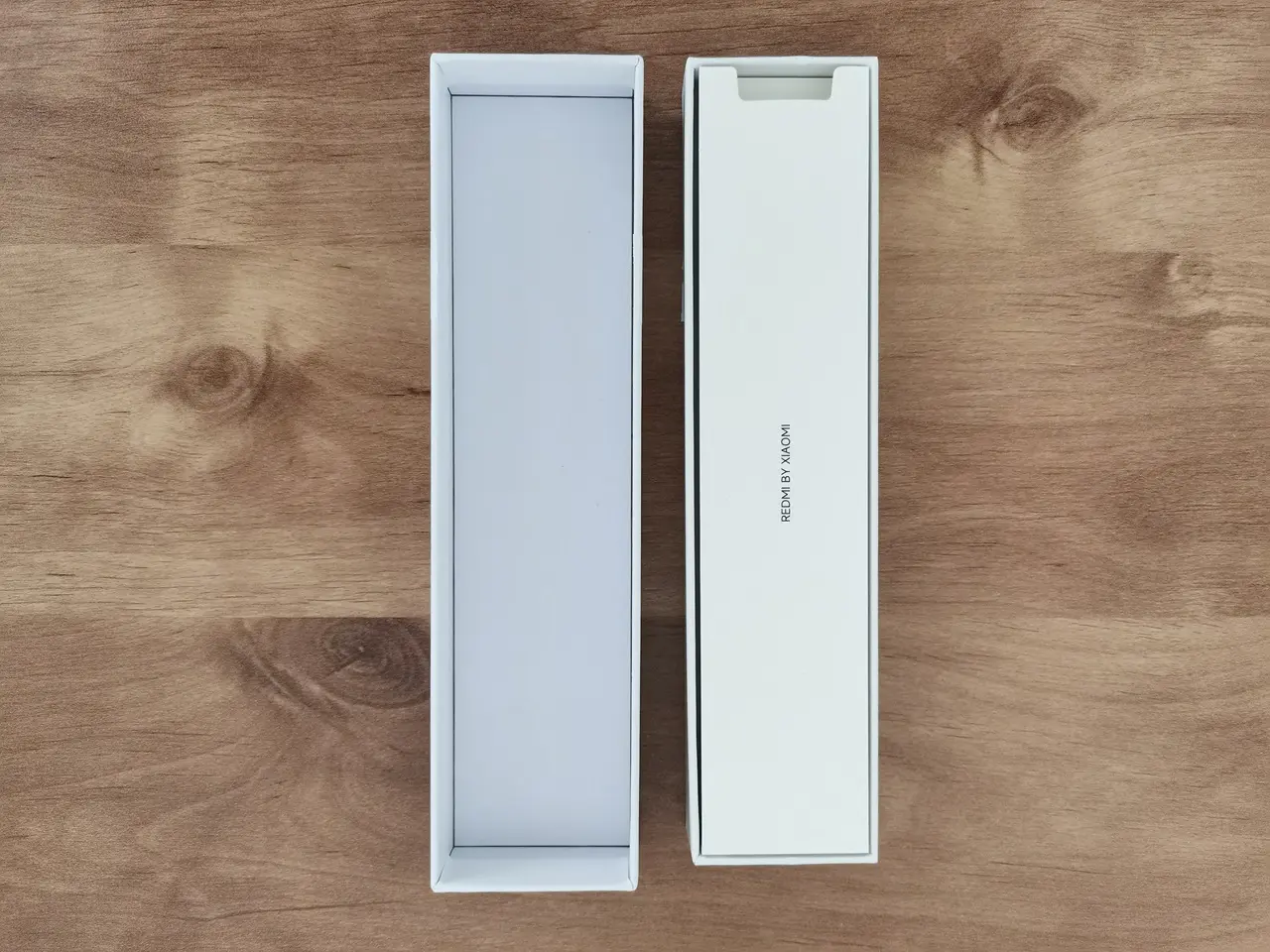
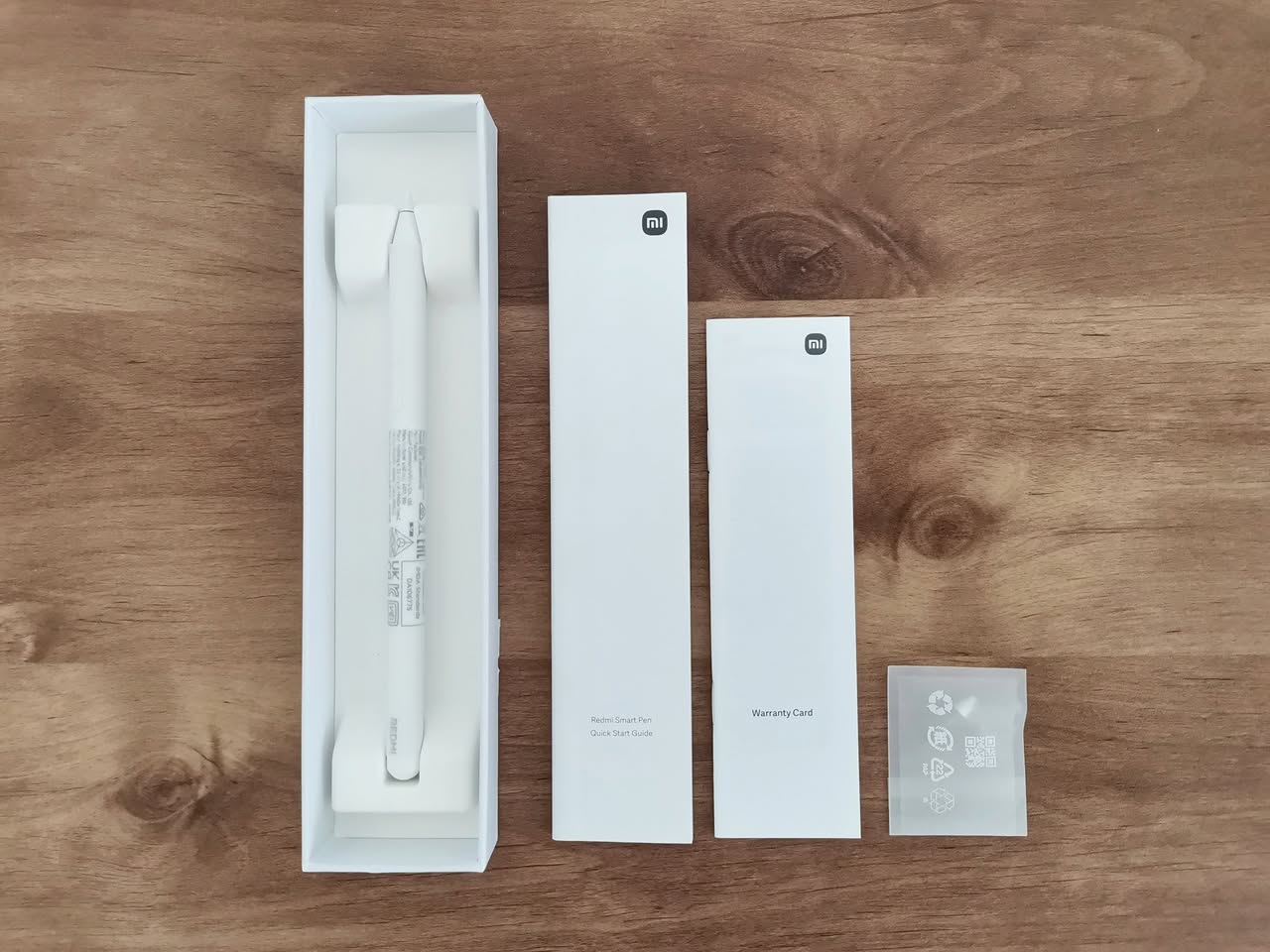
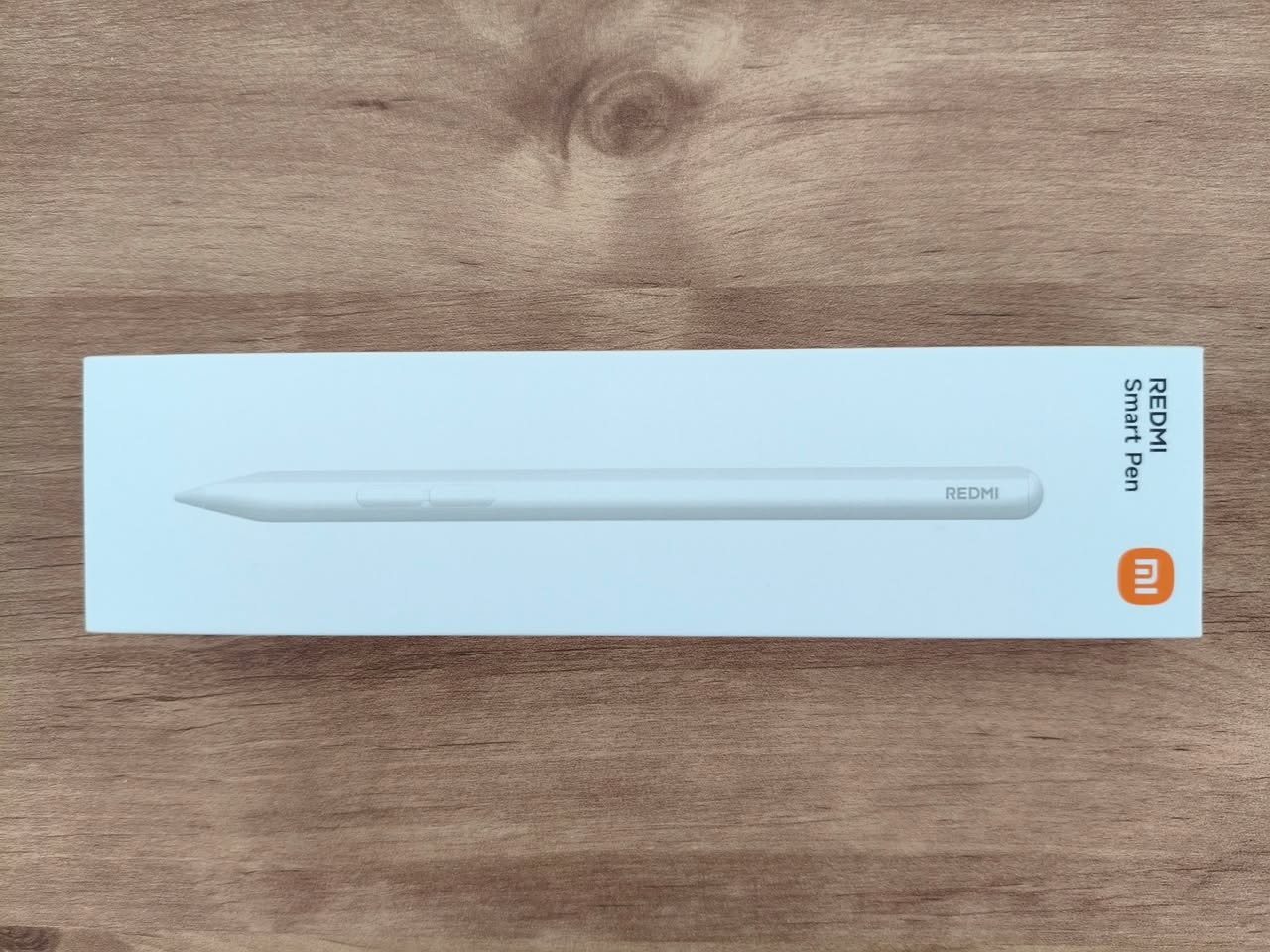
The Redmi smart pen package includes the following items:

  • 1x Redmi Smart Pen (Stylus Smart Pen).
  • 1x Quick Start Guid.
  • 1x Warranty card.
  • 1x Replacement tip.

Redmi Smart Pen
1 2 3 4 5 6 7 8 9 10 11 12 13 14 15
Share. Facebook Twitter Pinterest LinkedIn Tumblr Email
Previous ArticleOrange Pi 600 specs revealed: A compact Intel PC built into a keyboard, featuring an Intel N150 processor
Next Article Orange Pi AI Studio / Pro launched Globally, Rivaling Nvidia Jetson Orin Nano
androidpimp
  • Website

Related Posts

Xiaomi Poco Pad Review

Poco Pad Review: A Detailed Hands-on Review

March 27, 2025
Xiaomi Redmi Pad 5 Review

Xiaomi Redmi Pad Review: Powerful and Affordable

June 30, 2024

Xiaomi Pad 6 Specs, price and top features

July 7, 2023
0 0 votes
Article Rating
Subscribe
Notify of
0 Comments
Oldest
Newest Most Voted
PureVPN
PureVPN Ad Banner
VyprVPN – No. 1 in Anonymity
Vyprvpn 350x260
PrivadoVPN – No. 1 in Parental Control
PrivadoVPN 350x437
Recent Posts
  • Orange Pi Zero 3W Review: $25 Dual Video Pi Zero 2W Killer?
  • DFRobot 6.67″ Flexible AMOLED Review: Curved Display for Raspberry Pi & LattePanda
  • Banana Pi BPI-SM10 Review: 60 TOPS RISC-V Jetson Orin Nano Alternative
  • SpacemiT K3 Pico-ITX Review: 60-TOPS RISC-V Powerhouse for LLMs?
  • Banana Pi BPI-R4 Pro Review: The Best WiFi 7 OpenWrt Router? We Checked!
  • DFRobot ESP32-S3 LoRaWAN & Gateway Review: Build a Private IoT Network
  • Top Global AliExpress Promo Worldwide Country Codes June 11, 2026
  • WaveNote AI Review 2026: An Honest Pro/Con Comparison (Tested)
  • CamThink NE301 Review: 25 FPS YOLOv8 on STM32 Edge AI
  • PrivadoVPN Review 2026: Is the Best Free VPN Still Good for Streaming?
RSS The Latest RSS Feeds
  • Orange Pi Zero 3W Review: $25 Dual Video Pi Zero 2W Killer?
  • DFRobot 6.67โ€ณ Flexible AMOLED Review: Curved Display for Raspberry Pi & LattePanda
  • Banana Pi BPI-SM10 Review: 60 TOPS RISC-V Jetson Orin Nano Alternative
Facebook X (Twitter) Instagram Pinterest
@2026 - All Right Reserved. Designed by AndroidPIMP

Type above and press Enter to search. Press Esc to cancel.

Powered by
►
Necessary cookies enable essential site features like secure log-ins and consent preference adjustments. They do not store personal data.
None
►
Functional cookies support features like content sharing on social media, collecting feedback, and enabling third-party tools.
None
►
Analytical cookies track visitor interactions, providing insights on metrics like visitor count, bounce rate, and traffic sources.
None
►
Advertisement cookies deliver personalized ads based on your previous visits and analyze the effectiveness of ad campaigns.
None
►
Unclassified cookies are cookies that we are in the process of classifying, together with the providers of individual cookies.
None
Powered by
wpDiscuz