Close Menu
  • Home
  • About
  • Wearables
  • Earbuds
  • Computer Accessories
    • Routers
    • Remotes
  • Embedded
    • Single Board Computers
    • Addon Boards
    • Raspberry Pi
  • Wireless Routers
  • Contact
Facebook X (Twitter) Instagram Threads
Trending
  • Banana Pi BPI-R4 Pro Review: The Best WiFi 7 OpenWrt Router? We Checked!
  • AliExpress New Promotions: Country-specific Promo Codes
  • CamThink NeoEyes NE301: An Ultra-Low Power Edge AI Camera with STM32N6 MCU (Review)
  • Kickpi K7C RK3576 Edge AI SBC Launches with 6 TOPS AI Power & Dual Gigabit Ethernet
  • Raspberry Pi 5 vs Orange Pi 6: Which SBC is Best in 2026?
  • Ugoos SK4 Review (2025): The Best Mid-Range Android TV Box for Value & Features
  • Orange Pi 6 Unveiled: The Affordable, Slimmed-Down SBC Alternative to the 6 Plus
  • Orange Pi 6 Plus Review: A 12-Core SBC Powerhouse (Benchmarks, Specs, and Pricing)
AndroidPIMP
Facebook X (Twitter) Instagram
  • Home
  • About
  • Wearables
  • Earbuds
  • Computer Accessories
    • Routers
    • Remotes
  • Embedded
    • Single Board Computers
    • Addon Boards
    • Raspberry Pi
  • Wireless Routers
  • Contact
AndroidPIMP
Tablet PCs

Poco Pad Review: A Detailed Hands-on Review

By androidpimpMarch 27, 2025Updated:March 27, 2025No Comments23 Mins Read
Facebook Twitter Pinterest LinkedIn Tumblr Email
Follow Us
Google News Flipboard
Xiaomi Poco Pad Review
Table of contents
  1. Part I: Xiaomi Poco Pad Introduction
  2. Xiaomi Poco Pad Specifications
  3. Comparing Specifications: Xiaomi Pad 6S versus Poc Pad.
  4. Comparison: Xiaomi Poco Pad and Apple iPad Pro 12.9-inch
  5. Powered by HyperOS
  6. An affordable alternative to the Pad Pro with comparable quality
  7. Part II: Xiaomi Poco Pad Review
  8. Unboxing All Items:
  9. The main package (Tablet & Accessories)
  10. Poco Pad Cover (Optional Accessory)
  11. Poco Pad Keyboard (Optional Accessory)
    1. Using the Poco Pad Keyboard
  12. The crucial accessory overlooked by Xiaomi
    1. What are the benefits?
  13. Smart pen (Optional Accessory)
  14. Design
  15. Weight
  16. Display
    1. Testing the visibility of displays in strong sunlight conditions.
    2. What’s a TÜV Rheinland certified device is and why it is crucial for the health of your eyes?
  17. Quad speakers for immersive stereo sound
  18. Hardware
  19. Software
    1. What is the current amount of available space?
  20. Interconnectivity
  21. Xiaomi Interconnectivity – Pairing with the Poco X7 Pro smartphone
  22. Kodi Compatibility
    1. Kodi Performance and Memory Use
  23. Using the Tablet With Stylus Pen For Drawing & Writing
    1. What does Mi Canvas Apps have to offer?
  24. Smart Pen
    1. Charging the Smart Pen
    2. Palm rejection support
    3. Latency
    4. Understanding Smart Pen Latency
    5. How good is the latency on the Poco Pad?
    6. Pressure sensitivity
  25. Cameras
    1. What is the quality of the picture like?
  26. Benchmarking
    1. AnuTu Benchmark
    2. Geekbench 6: Test Results
    3. Comparing the results to equivalent devices
  27. 3DMark performance assessment:
    1. Can the hardware handle graphically intensive games?
  28. Battery Life and Charging Speed of Poco Pad
  29. Battery life during Netflix streaming
  30. Netflix Streaming
  31. The Poco Pad offers support for WiFi 6, providing even better connectivity options.
  32. What about the competition?
  33. Accessories for the Xiaomi Poco Pad
  34. Is the Xiaomi Poco Pad Worth Buying?
  35. Frequently asked questions about the Poco Pad
    1. What type of processor powers the POCO Pad?
    2. What storage options are offered for the POCO Pad?
    3. What kind of display is included in the POCO Pad?
    4. What is the battery capacity and charging capability of the POCO Pad?
    5. Can Kodi be installed on the Poco Pad, and how does it perform?
    6. Is the POCO Pad OS capable of fully utilizing the available 8GB of RAM?
    7. Does the Poco Pad HyperOS support a 64-bit architecture and allow the installation of 64-bit APKs?
    8. What is the highest resolution that Netflix supports for video playback on the Poco Pad?
  36. Verdict, Pricing, and Availability
    1. Poco Pad Pricing and purchasing options
    2. Poco Pad
  • Xiaomi Poco Pad Review: Exploring the cost-effective Redmi Pad Pro variant also known as the Poco pad.
  • Maybe you missed it? Redmi Pad Review.
9.7Expert Score
Excellent value for the price
Overall Assessment of Xiaomi Poco Pad (Pros & Cons)

The Poco Pad is a fantastic mid-range tablet with outstanding build quality and a premium design, making it a compelling choice for those seeking an exceptional device at an affordable price point. Let’s take a closer look at its pros and cons:
  • High-resolution 12.1-inch display.
  • Fast Charging (33W).
  • Impressive Build Quality.
  • Long-lasting Battery Life (10,000 mAh).
  • Quad Speakers.
  • Dolby Atmos support.
  • Next generation Wi-Fi 6 Support.
  • Micro SD Memory Card slot.
  • Headphone jack.
  • Affordable price point.
  • Smart Pen Support (Optional)
  • Support for 64-bit APKs
  • Lacks eSIM and SIM card compatibility.
  • The cameras support 1080P resolution.
  • Netflix FHD (1080p) Playback, No 4K Support

Part I: Xiaomi Poco Pad Introduction

In the ever-evolving world of technology, the quest for the perfect tablet seems boundless. Amidst the intense competition in the tablet market, the Xiaomi Poco Pad emerges as a noteworthy contender, offering a compelling alternative to the dominant Apple iPad and Galaxy Tab Series in terms of price and value.

In a grand event held in Dubai, next to the launch of the F6 Flagship series, Poco company have proudly introduced the all-new Poco Pad to the world, the first tablet lineup. With its sleek design and powerful specifications, the Poco Pad offers great value for money. The tablet features a 12.2-inch display with a resolution of 1600 x 2560 pixels, providing crisp and vibrant visuals. It is powered by an octa-core Qualcomm Snapdragon 7s Gen 2 (4 nm) processor, coupled with up to 8GB of RAM, ensuring smooth performance for multitasking and gaming.

The Poco Pad runs HyperOs, based on Android 14, offering a user-friendly interface with access to a wide range of apps and features. It comes with an 8-megapixel rear camera and an 8-megapixel front camera, allowing users to capture high-quality photos and videos.

Battery life is a critical concern for tablet users, and the Poco Pad addresses this head-on with a long-lasting 10,000mAh battery that supports extended usage without the need for constant recharging on a single charge.. This makes it an ideal companion for those on the go. Additionally, the Poco Pad comes equipped with a high-quality camera setup, enabling users to capture moments with clarity and detail.

Additionally, it supports fast 33W charging, so you can quickly get back to using your tablet. With its affordable price tag, the Xiaomi Poco Pad is definitely a great option for those looking for a reliable and feature-packed tablet. Whether you want to watch movies, play games, or get work done on the go, the Poco Pad has got you covered.

The new tablet blends performance, design, and affordability in a way that commands attention. This review article delves deep into what makes the Xiaomi Poco Pad a compelling alternative to well-known popular brands, covering its features, specifications, pricing, and availability.
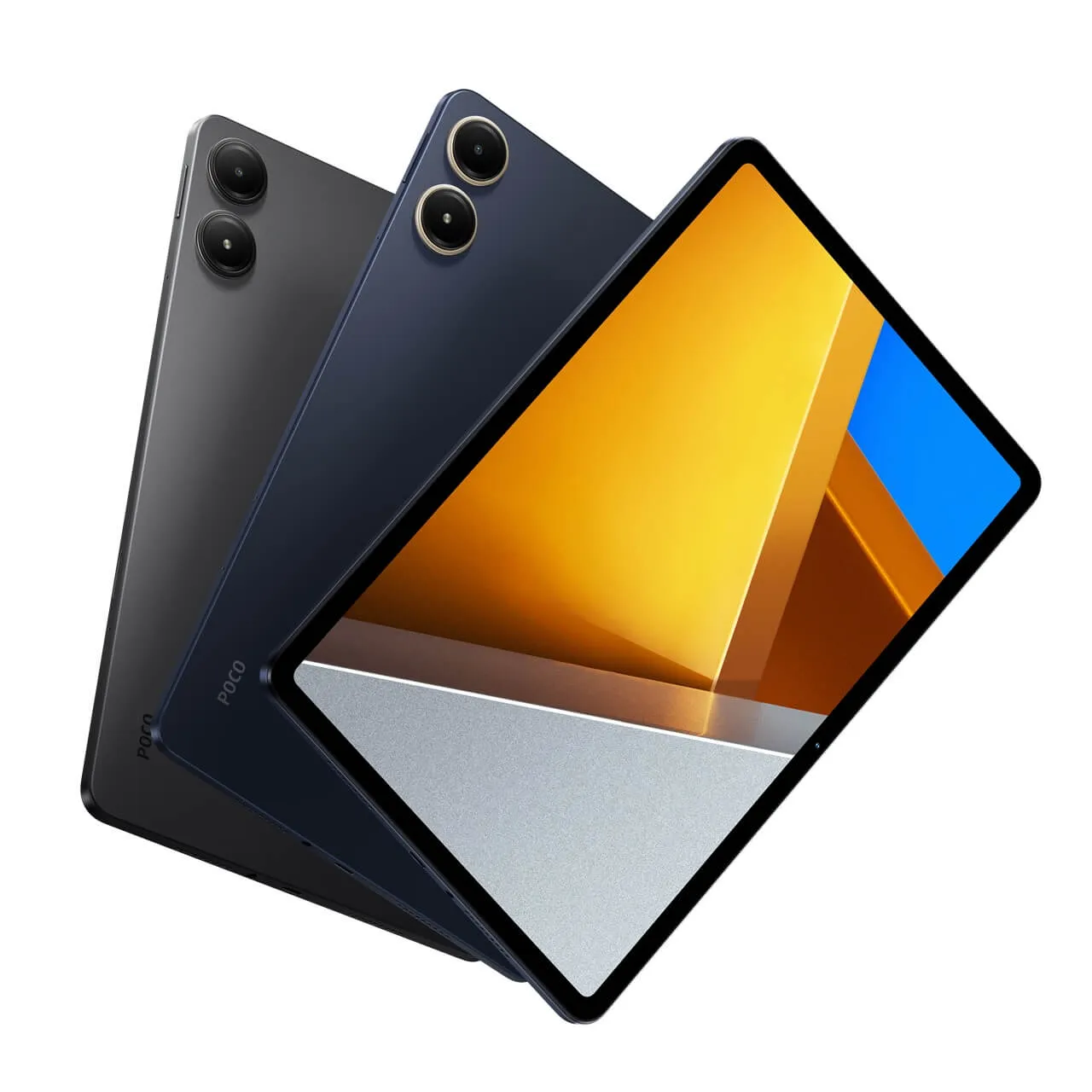

Main Takeaways
Chip system – Snapdragon 7s Gen 2.
Screen – 12.1-inch LCD 2.5K with a 16:10 ratio, 2560×1600 resolution, 120Hz refresh rate, 600 nit brightness and Gorilla Glass 3 coating.
Memory/Storage – 6GB+128GB / 8GB+128GB / 8GB+256GB.
Cameras – front 8 megapixel / rear 8 megapixels.
Battery/charging – 10000mAh / 33W USB-C.
Size – 280×191.86×7.52 mm.
Weight – 571 grams.

Xiaomi Poco Pad Specifications

CategoryDescription
Launch2024, May 23
BodyDimensions: 280 x 181.9 x 7.5 mm (11.02 x 7.16 x 0.30 in)
Weight571 g (1.26 lb)
BuildGlass front (Gorilla Glass 3), aluminum frame, aluminum back
Display TypeIPS LCD, 120Hz, Dolby Vision, 600 nits
Display Size12.1 inches, 424.5 cm2 (83.4% screen-to-body ratio)
Resolution2.5k Resolution (1600 x 2560 pixels), 16:10 ratio
(249 PPI density)
ProtectionCorning Gorilla Glass 3
Platform (OS)HyperOS (Android 14)
ChipsetQualcomm SM7435-AB Snapdragon 7s Gen 2 (4 nm)
CPUOcta-core (4×2.40 GHz Cortex-A78 & 4×1.95 GHz Cortex-A55)
GPUAdreno 710
SD Card✅ microSDXC (dedicated slot)
Storage & Memory128GB+6GB RAM, 128GB+8GB RAM, 256GB+8GB RAM
File SystemUFS 2.2
Main Camera8 MP
FeaturesLED flash, HDR
Video1080p@30fps
Selfie Camera8 MP
Video1080p@30fps
SoundQuad speakers (4 speakers)
Audio24-bit/192kHz Hi-Res audio
WLANWi-Fi 802.11 a/b/g/n/a/6, dual-band, Wi-Fi Direct
BluetoothV5.2, A2DP, LE
Stylus support (Optional)✅
3.5 mm jack✅
Positioning❌
SIM❌
USB InterfaceType-C 2.0
SensorAccelerometer, gyro, proximity
Battery Type10000 mAh, non-removable
Charging 33W wired, PD3.0, QC3+
Colors Graphite Grey or Ocean Blue
Models2405CPCFBG
PriceStarting at $329

Comparing Specifications: Xiaomi Pad 6S versus Poc Pad.

Xiaomi Pad 6S Pro 12.4 vs. Poco Pad Specs – (Product specifications)

Brand

POCO

Model

Xiaomi Pad 6S Pro 12.4

Poco Pad

Released

Feb 22rd, 2024

May 23rd, 2024

Display

Size

12.4 inches

12.1 inches

Display Type

IPS LCD

IPS LCD

Resolution

2032 x 3048 pixels

2560 x 1600 pixels

Pixel Density

~295 ppi

~249 ppi

Brightness

900 nits (peak brightness)

600 nits (peak brightness)

Glass front Protection

Corning Gorilla Glass 5

Corning® Gorilla® Glass 3

Refresh rate

144Hz

120Hz

TÜV Rheinland

Low Blue Light  & Rheinland Flick Certified

N/A

Yes, Included

Display ratio

Touch Screen

Yes, Capacitive, Multi-touch

Touch Points

10 Point Multi-touch

Display Colors

68 billion colors

Dolby Vision

Yes, Included

Hardware

SoC / Chipset

Qualcomm Snapdragon 8s Gen 2

Qualcomm Snapdragon 7s Gen 2

CPU

• 1×3.0 GHz Cortex-X4 

• 4×2.8 GHz Cortex-A720 

• 3×2.0 GHz Cortex-A520

• 4x 2.40 GHz Cortex-A78

• 4x 1.95 GHz Cortex-A55

GPU

Adreno 740

Adreno 710

Storage & Ram Configurations

• LPDDR5X RAM

• UFS 4.0 storage

• 8GB RAM+256GB

• 12GB RAM+256GB

• 12GB RAM+512GB

• 16GB RAM+1TB

• LPDDR4X RAM

• UFS 2.1 storage

• 6GB RAM + 128GB

• 8GB RAM + 128GB

• 8GB RAM + 256GB

microSD Memory Card Slot

N/A

Yes, expandable storage up to 1.5TB

Sensors

• G-sensor

• Gyroscope

• L-Sensor

• P-Sensor

• E-Compass

• Finger Print Sensor

• Hall sensor

• Flicker Sensor

• Color temperature sensor

• Accelerometer

• Hall sensor

• Gyroscope

• Ambient light sensor

• Color temperature sensor 

• Electronic compass 

Software

OS: Powered by HyperOS / Android 14

Cameras

Main Camera (Rear)

• LED flash, HDR, panorama
• 50 MP, f/1.8, (wide), 1/2.76″, 0.64µm, PDAF
• 2 MP, f/2.4, (depth)

• LED flash, HDR, panorama

• 8 MP, f/2.2 120˚ (ultrawide)

• 8 MP, f/2.4

Selfie Camera (Front-facing)

32 MP, f/2.2, (wide), 1/3.6″, 0.61µm

8 MP 1/4″, f/2.28, 1.12μm (ultra-wide)

Video Recording (Front/Selfi Camera)

4K@30/60fps, 1080p@30/60fps

1080p@30fps

Video Recording (Main Camera)

4K@30/60fps, 1080p@30/60fps

1080p@30fps

Features

• Autofocus
• Touch focus
• Manual focus
• Continuous shooting
• Geotagging
• HDR
• Face detection
• ISO settings
• Exposure compensation
• Self-timer
• Night Mode

Speakers

6 Speakers with Dolby Atmos

4 Speakers with Dolby Atmos

3.5mm jack

N/A

Yes, Included

WiFi Support

Wi-Fi 802.11 a/b/g/n/a/6/7

Wi-Fi 802.11 a/b/g/n/a/6

NFC

Yes, Included

N/A

Smart Pen Support

Yes, Included

Yes, Included

Bluetooth 

V5.3

V5.2

Charging

• USB Type-C 3.2 Interface (Power/Charging)
• 120W Turbo Charge (wired)

• USB Type-C 2.0 Interface (Power/Charging)
• 33W Turbo Charge (wired)

Battery Capacity

Non-removable Li-Po 10,000mAh (type)

Non-removable Li-Po 10,000mAh (type)

Materials

Metal frame with tempered glass on the front

Metal unibody design with tempered glass on the front

Colors

Black, Blue, Green

Graphite Grey or Ocean Blue

Dimensions

278.7 x 191.6 x 6.3 mm

280 x 181.9 x 7.5 mm

Weight

590 g

571 g

Launch price

Starting at $760
Base variant: 8GB+256GB

Starting at $329

Base variant: 8GB+256GB


Comparison: Xiaomi Poco Pad and Apple iPad Pro 12.9-inch

When placed side by side with the Apple iPad, the Xiaomi Poco Pad holds good value. One of the most significant points of comparison is the price-to-performance ratio, where the Poco Pad offers comparable, making it a worthy tech product without breaking the bank.

Here’s a comparison table comparing the specifications of the Xiaomi Poco Pad and the Apple iPad Pro (6 Gen):

SpecificationXiaomi Poco PadiPad Pro 12.9-inch (6th generation)
12-inch (diagonal) Display Size✅ ✅
Stylus support✅ ✅
Operating SystemAndroid 14, HyperOSiPadOS 17
Screen TypeLCDRetina
Resolution1600 x 2560 pixels2388 x 1668 pixels
CHIPSETQualcomm SM7435-AB Snapdragon 7s Gen 2 (4 nm)Apple M1 chip
GPUAdreno 710Apple GPU (10-core graphics)
RAM6GB RAM or 8GB RAM8GB RAM or 16GB RAM
Rear Camera8MP10MP
Front Camera8MP12MP
Storage Options128GB/256GB, microSDXC128GB/256GB/512GB/1TB/2TB
Thickness7.5mm5.9mm
Weight571g643g
BatteryLi-Po 10,000mAhLi-Po 10,758mAh

Powered by HyperOS

In terms of operating systems, the Poco Pad runs on HyperOS, Xiaomi’s custom OS with improved re-designed interface. The OS offers an improved user experience that is both intuitive and customizable running on top of Android OS, providing a viable alternative to Apple’s iPadOS. Additionally, the Poco Pad boasts compatibility with a wide range of Google apps and services, ensuring users have access to the tools and entertainment they need.


An affordable alternative to the Pad Pro with comparable quality

For consumers torn between the high price of the iPad and the desire for a high-quality tablet experience, the Xiaomi Poco Pad presents a persuasive argument. It embodies a balance of affordability, performance, and features that cater to a wide audience, from students to professionals. The Poco Pad’s commitment to providing a premium user experience without the premium price tag is what sets it apart as the perfect Apple iPad Pro alternative.


Part II: Xiaomi Poco Pad Review

Reviewed Item Configuration:

Model:Configuration
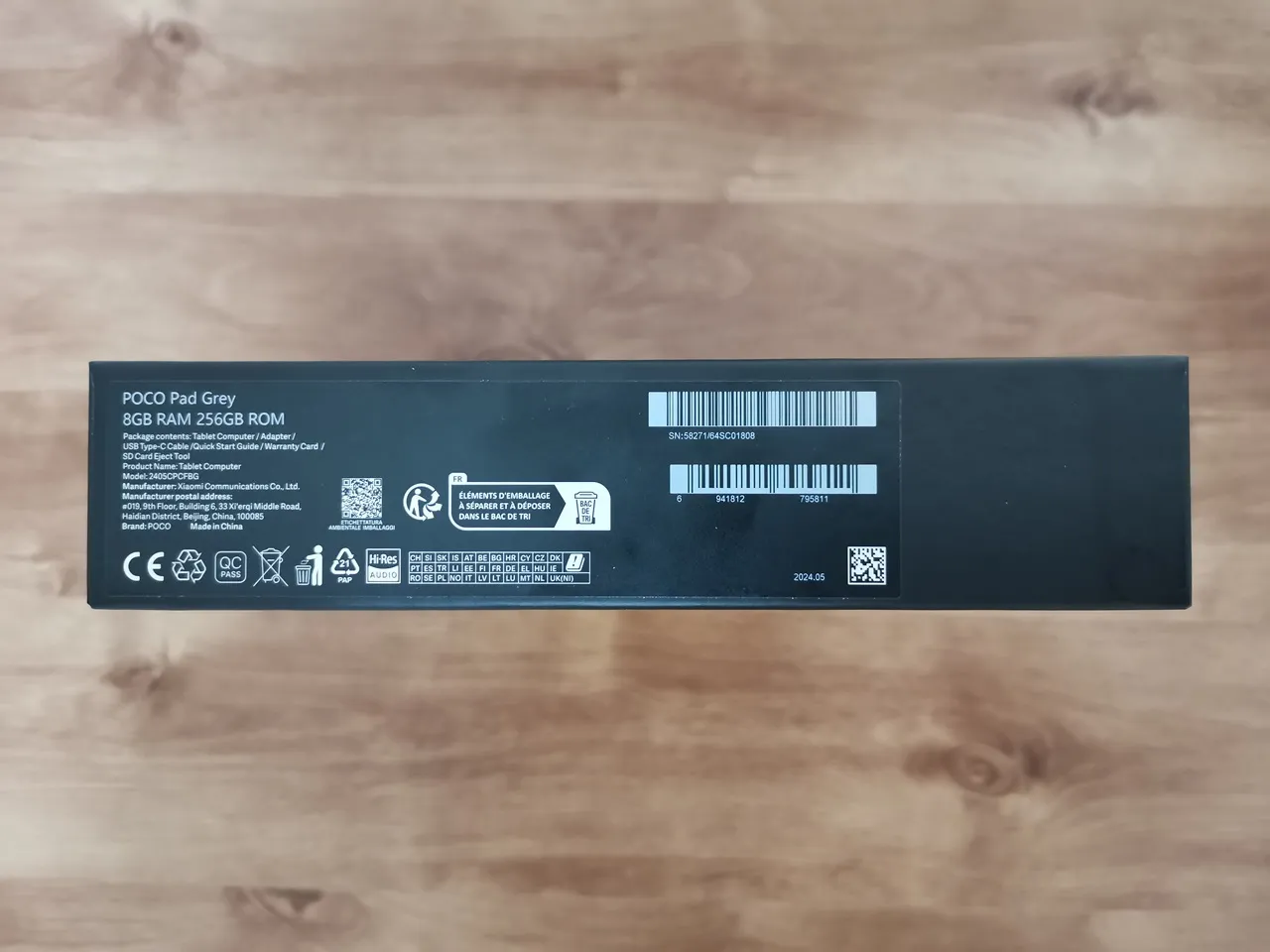
Poco Pad Grey (240SCPCFBG)8GB RAM / 256GB ROM (flash)

Unboxing All Items:

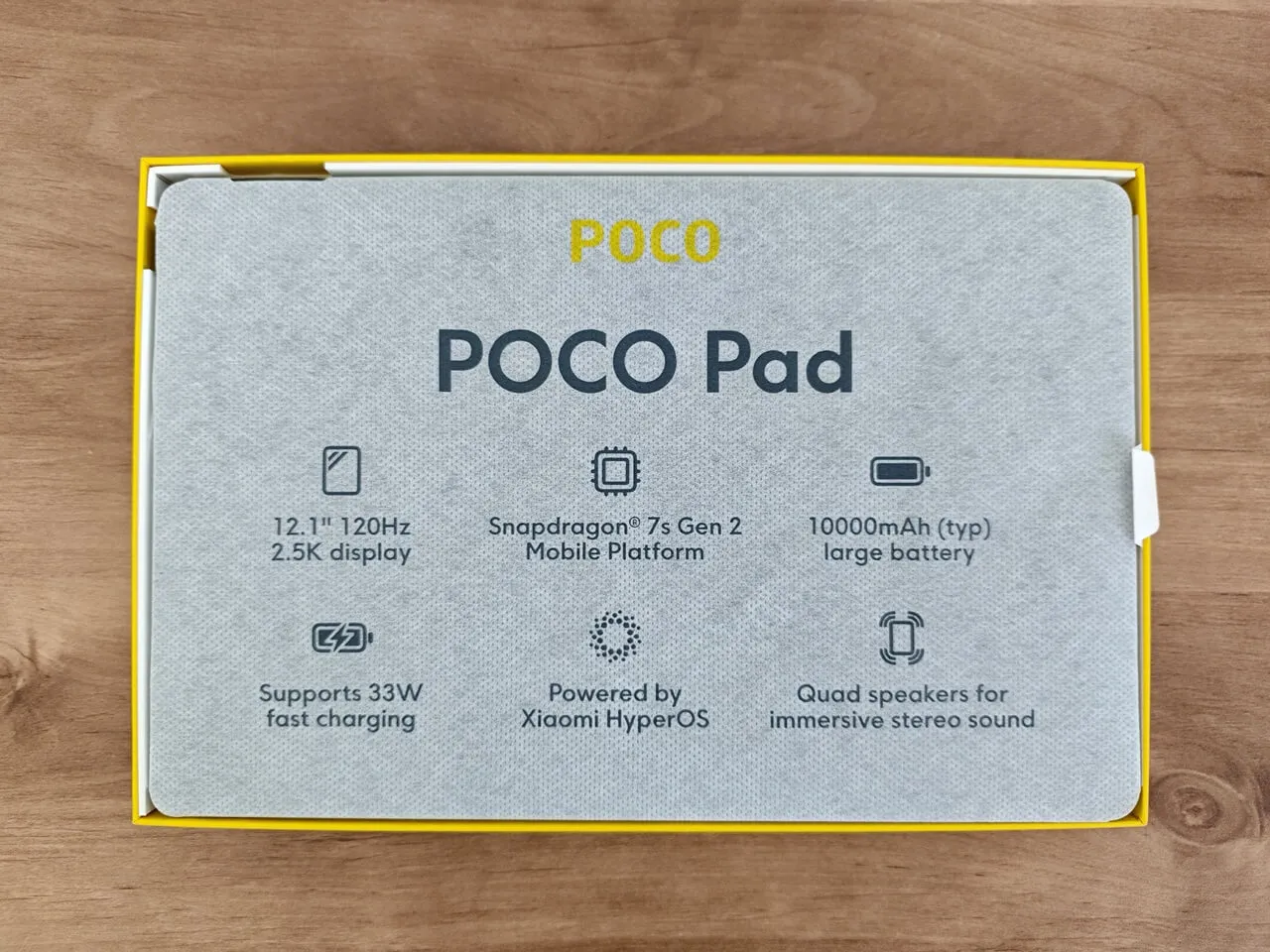
The main package (Tablet & Accessories)

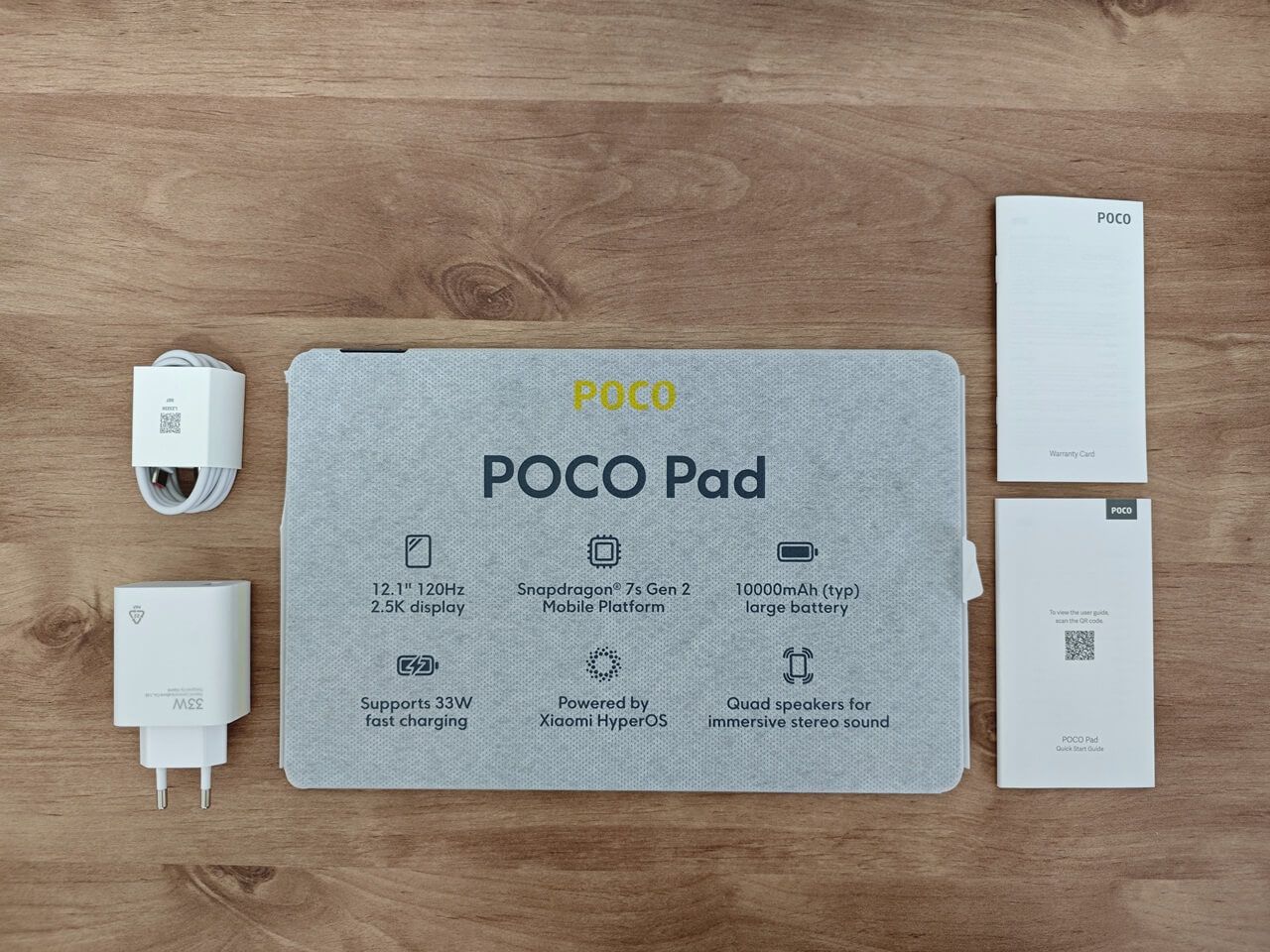
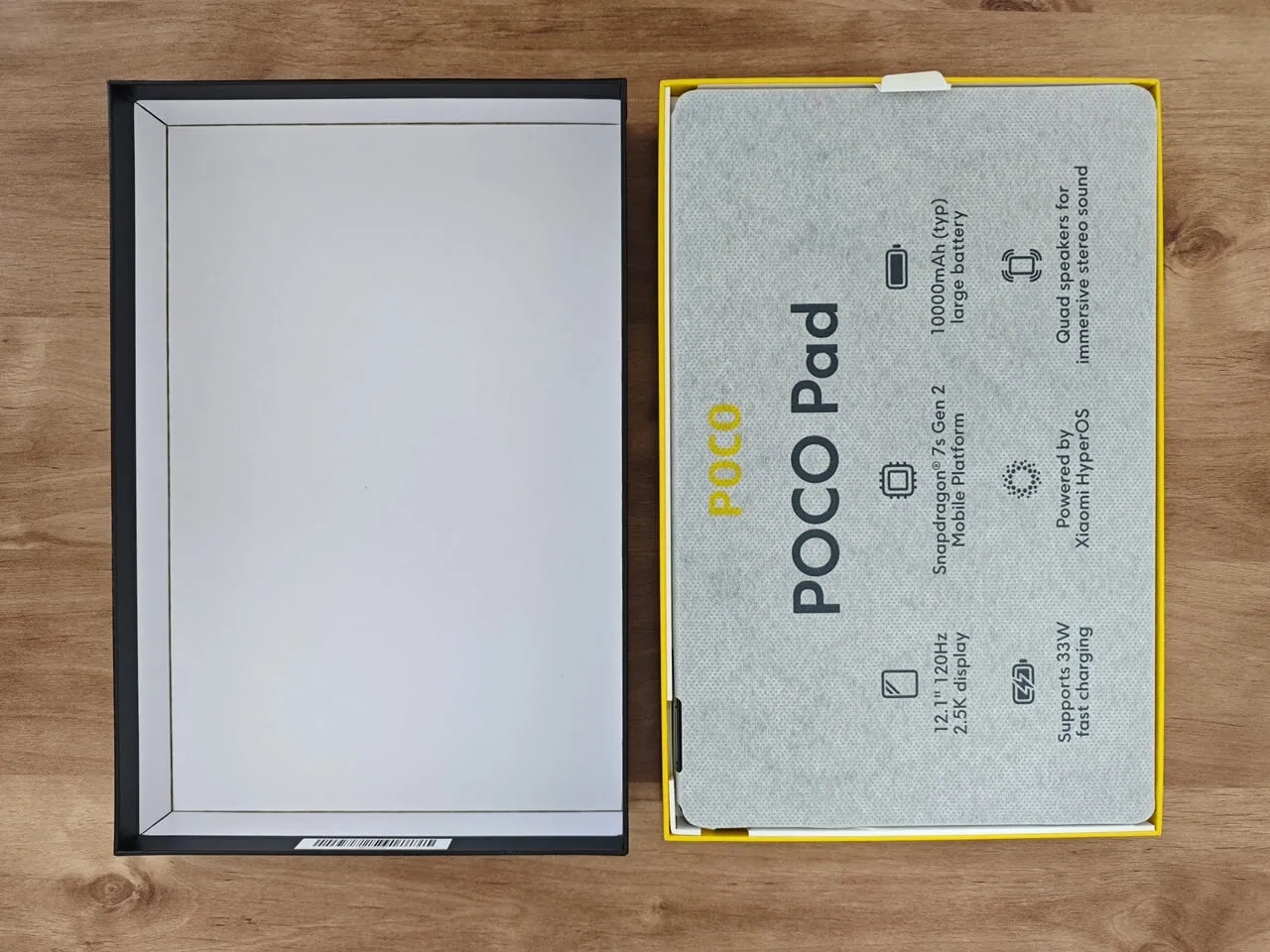
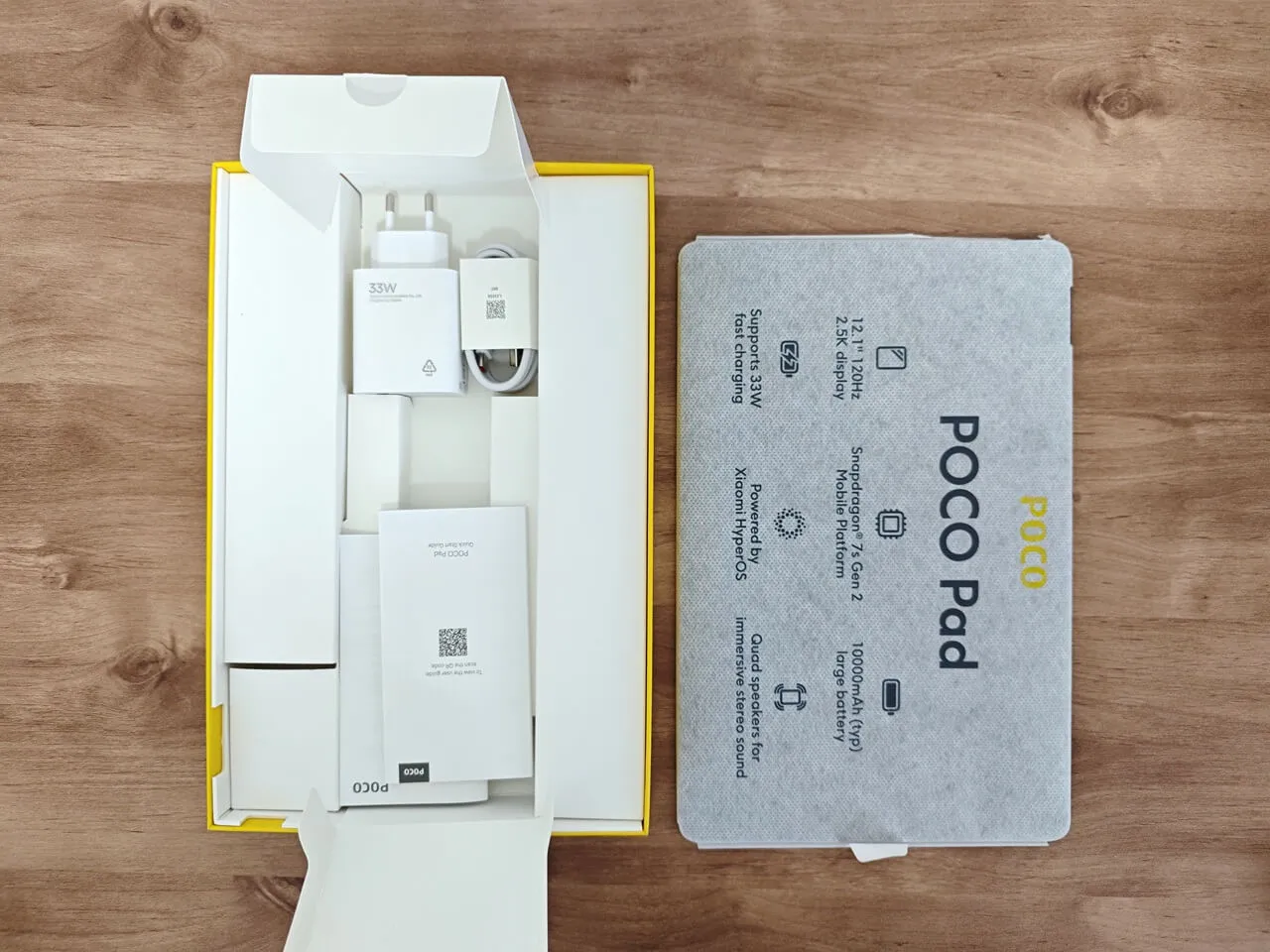
Package Contents:

  • 1x Poco Pad.
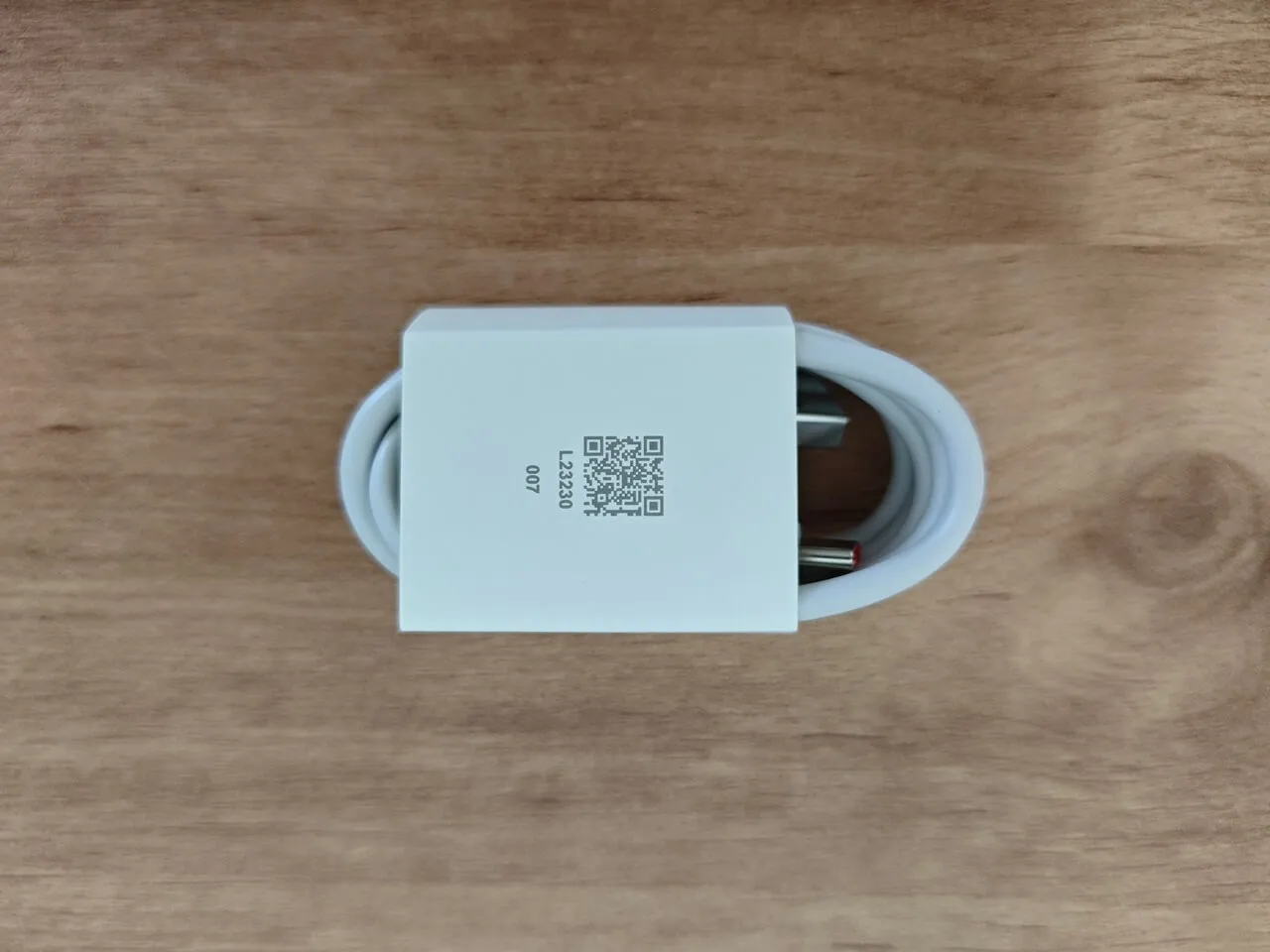
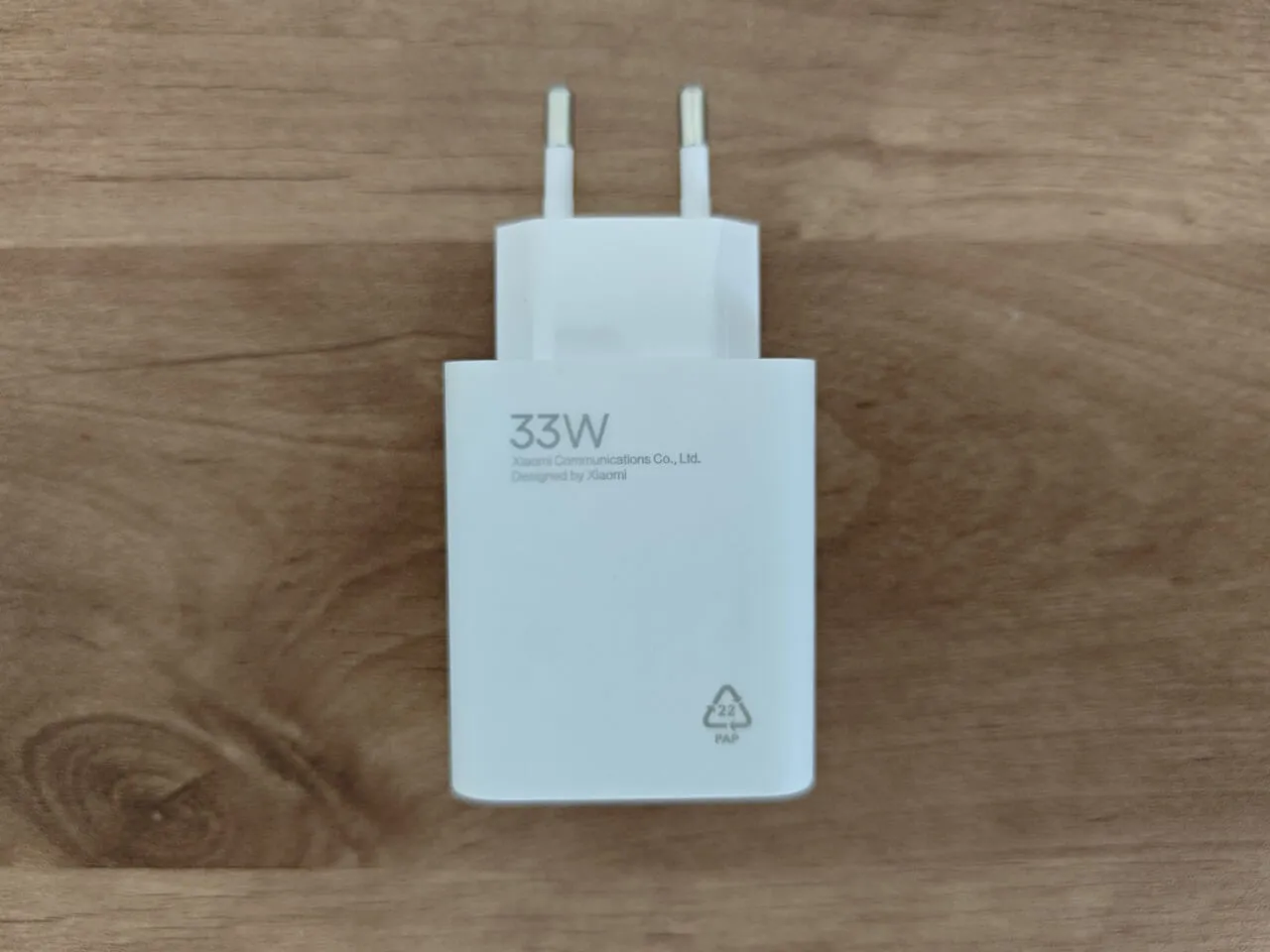
  • 1x 33W Power Adaptor.
  • 1x USB Type-C Charging/power Cable.
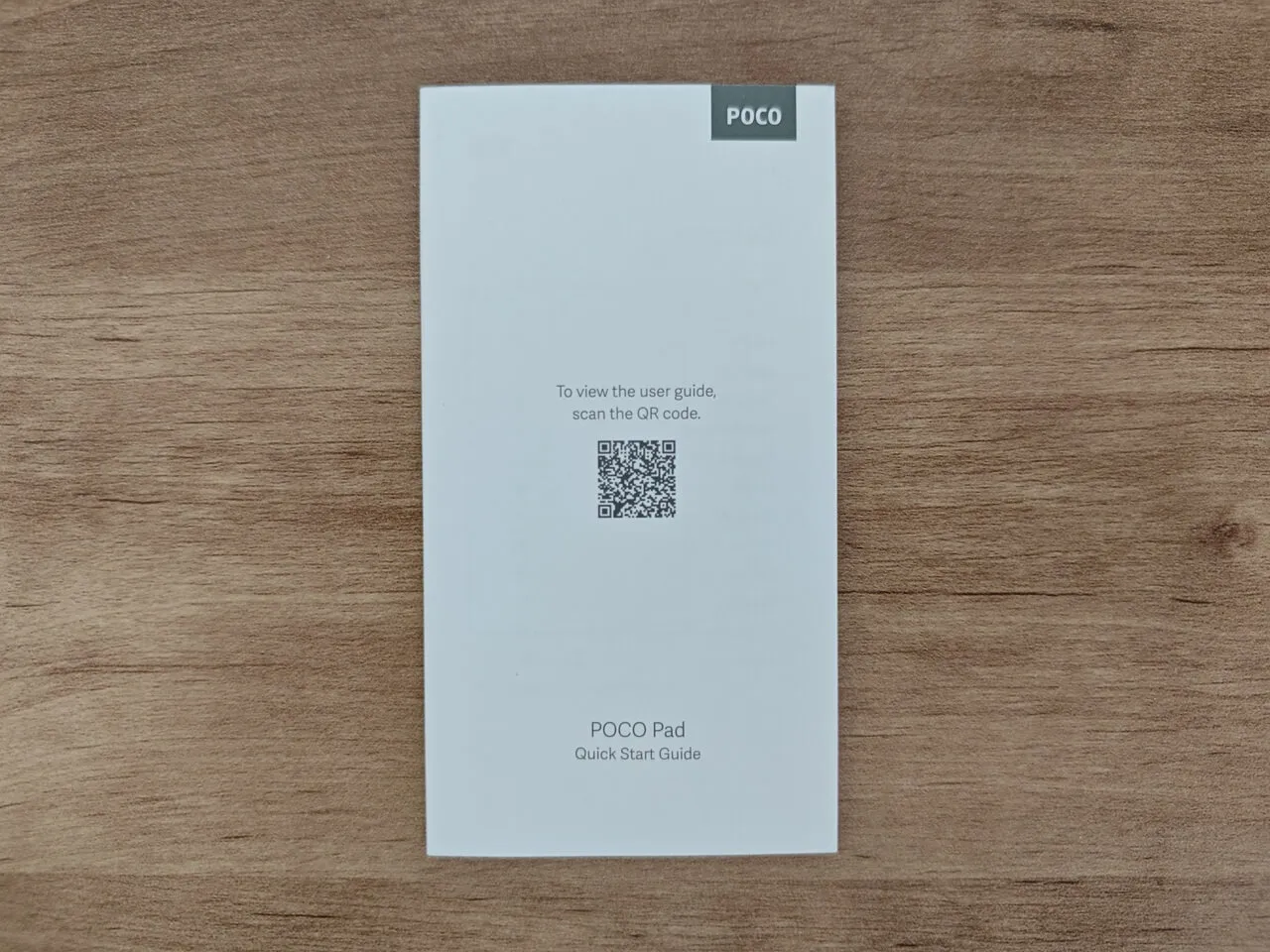
  • 1x Quick Start Guide.
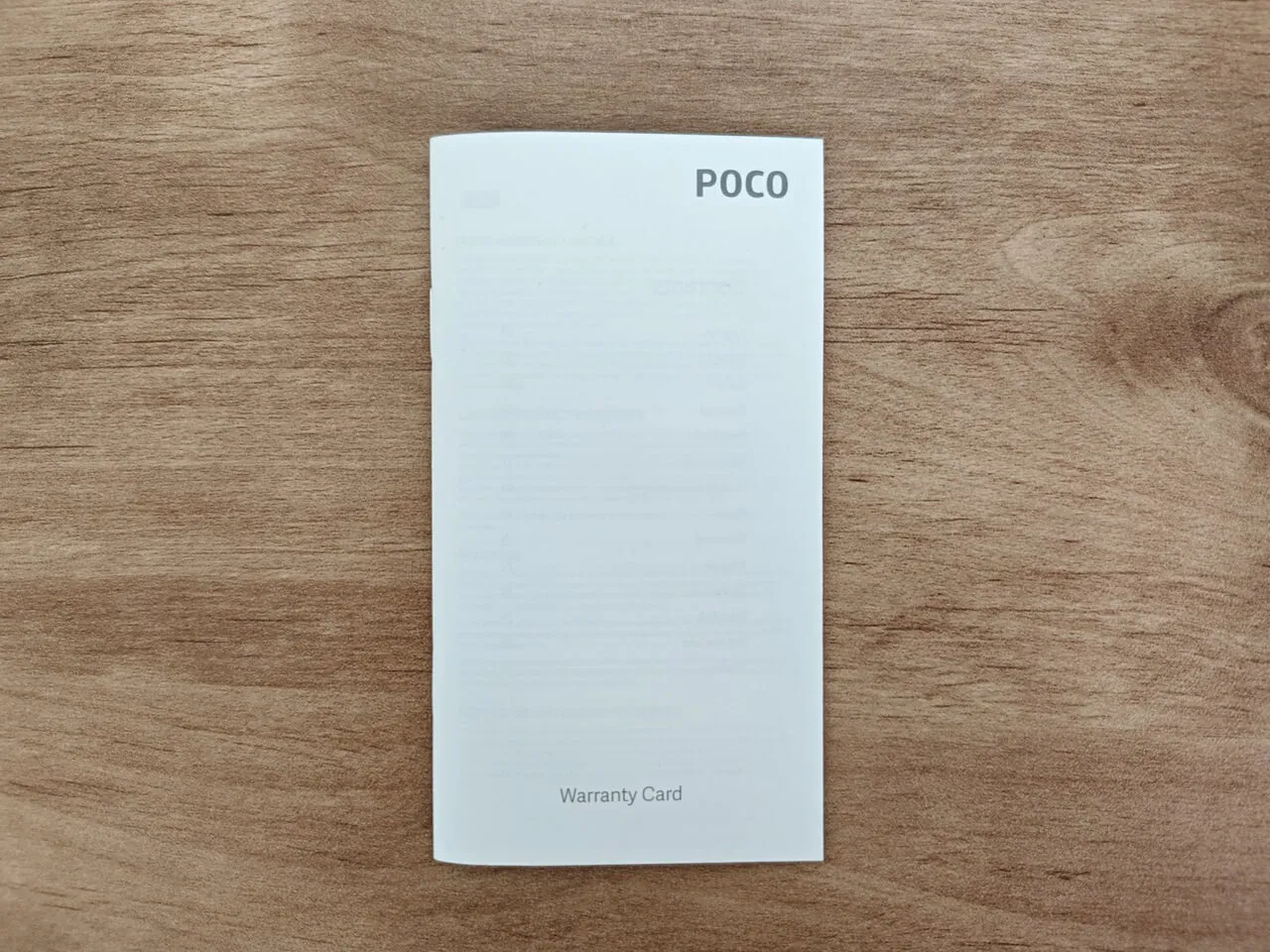
  • 1x Warranty Card.


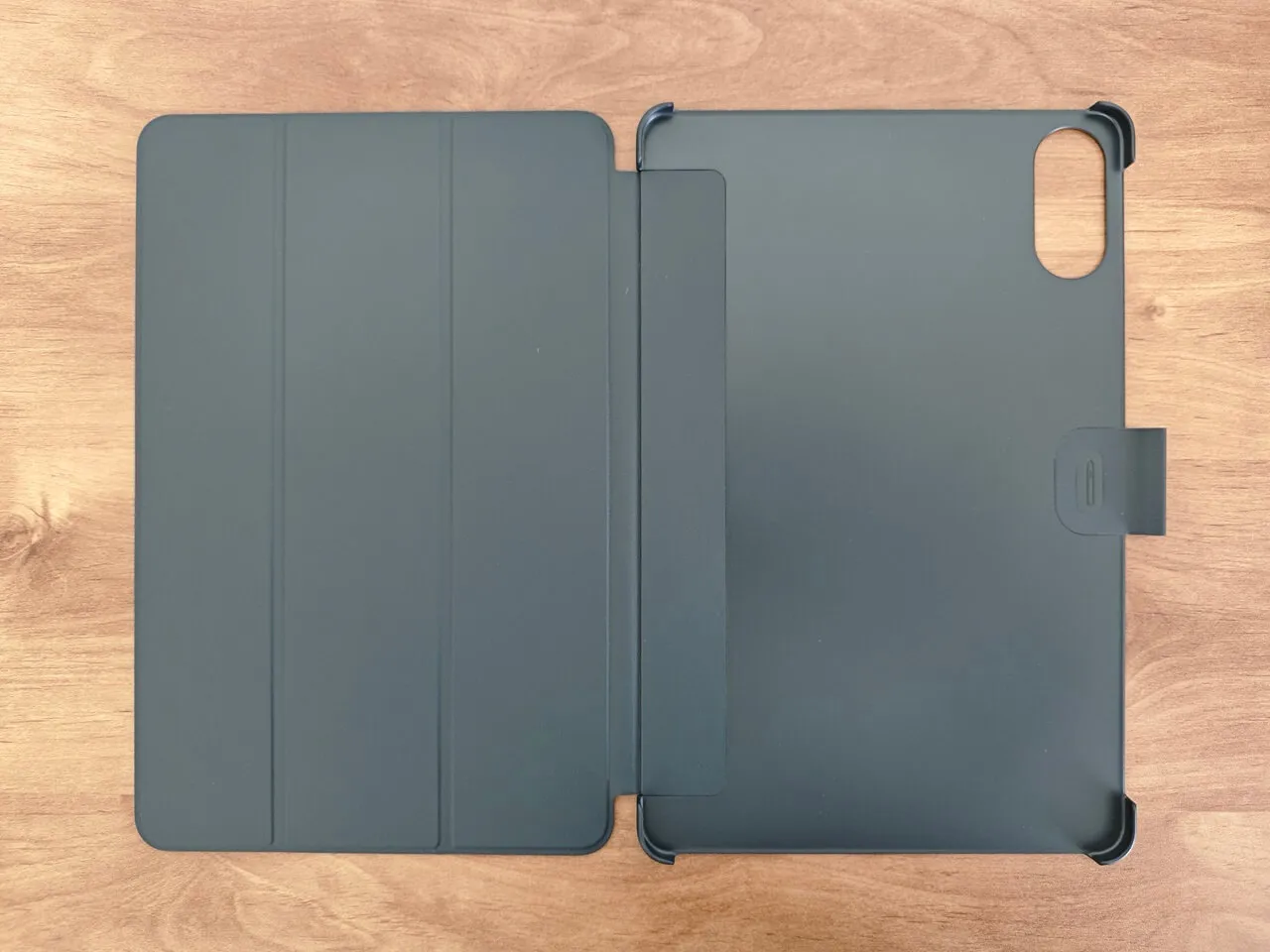
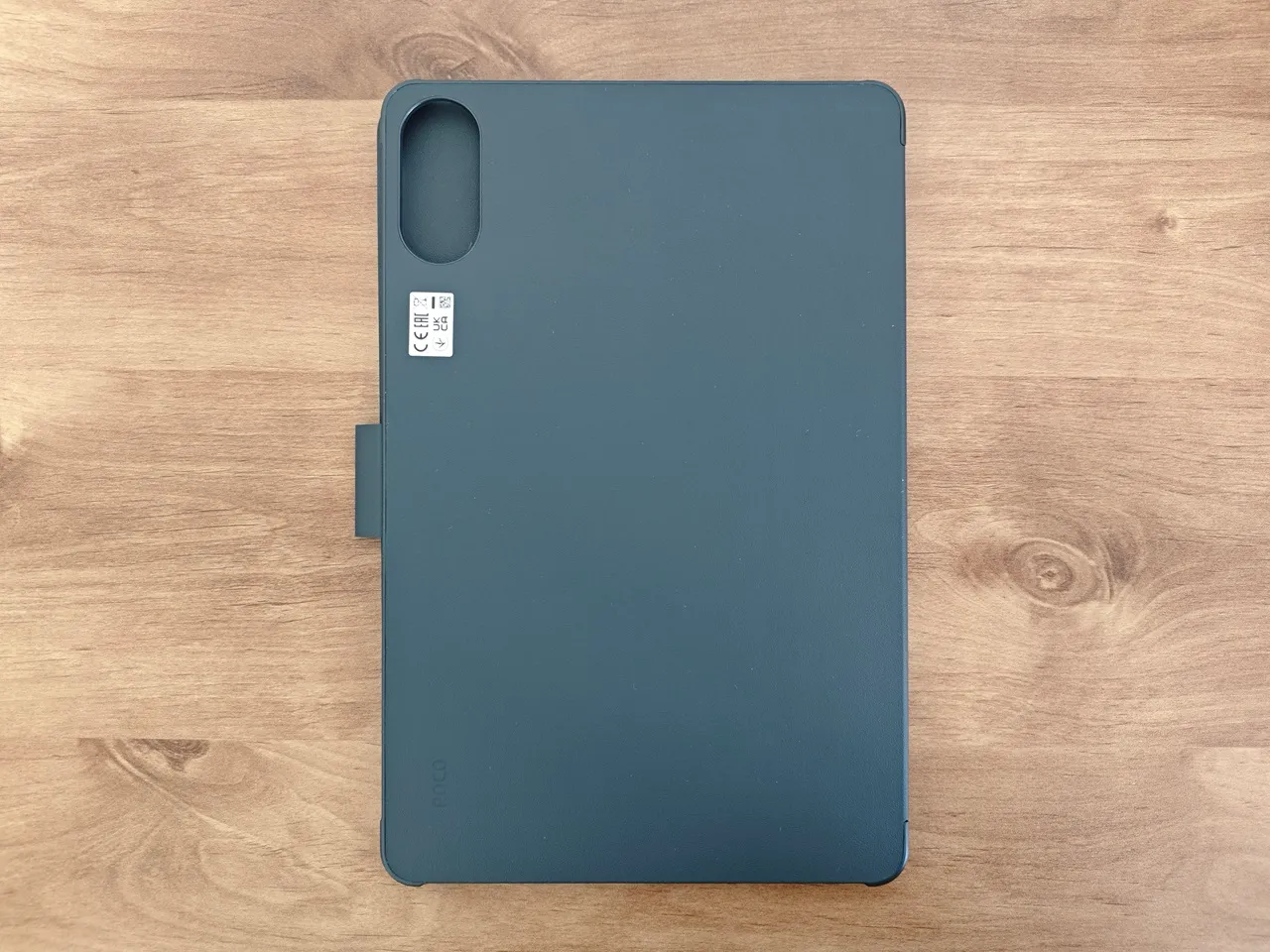
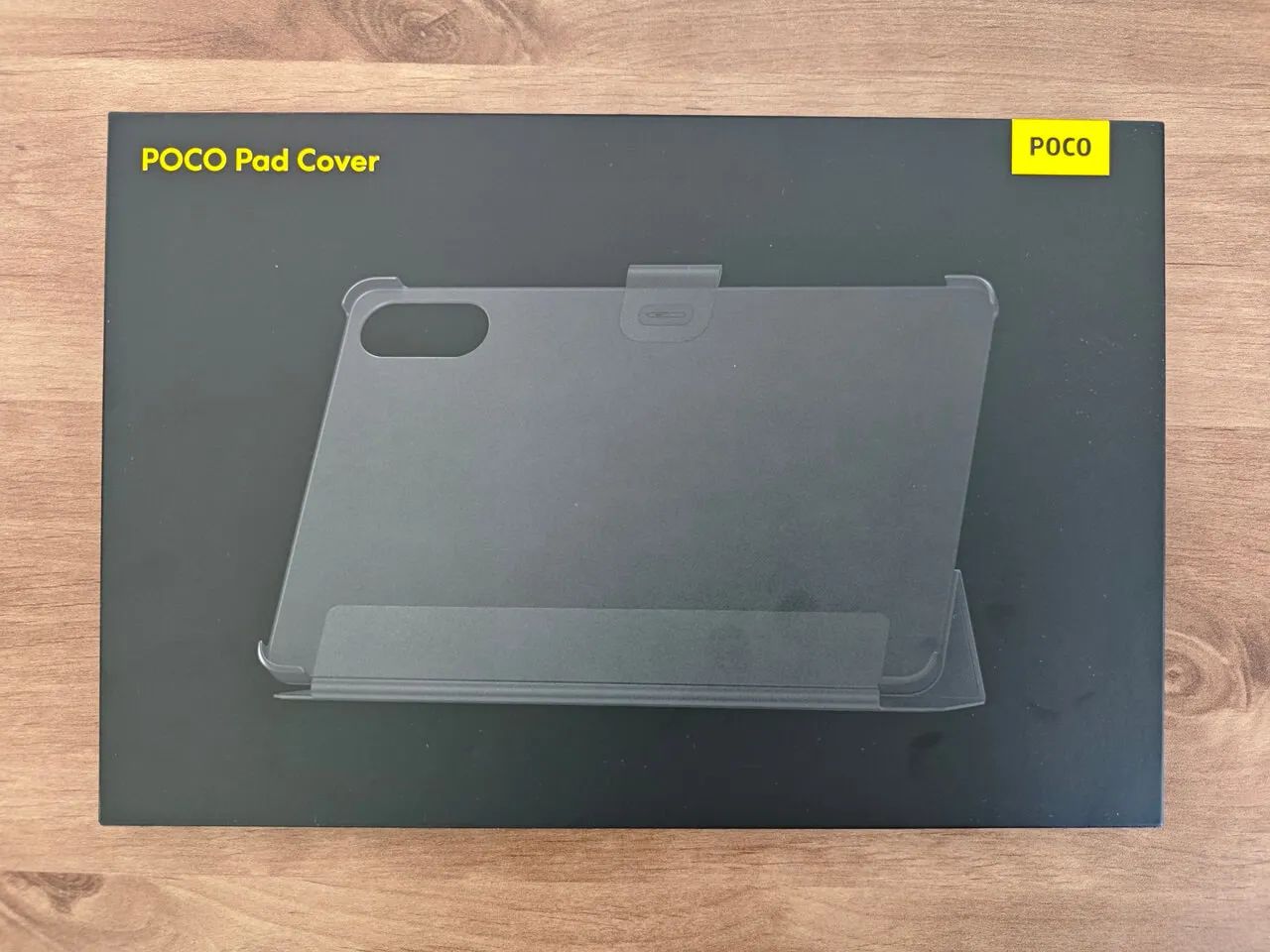
Poco Pad Cover (Optional Accessory)

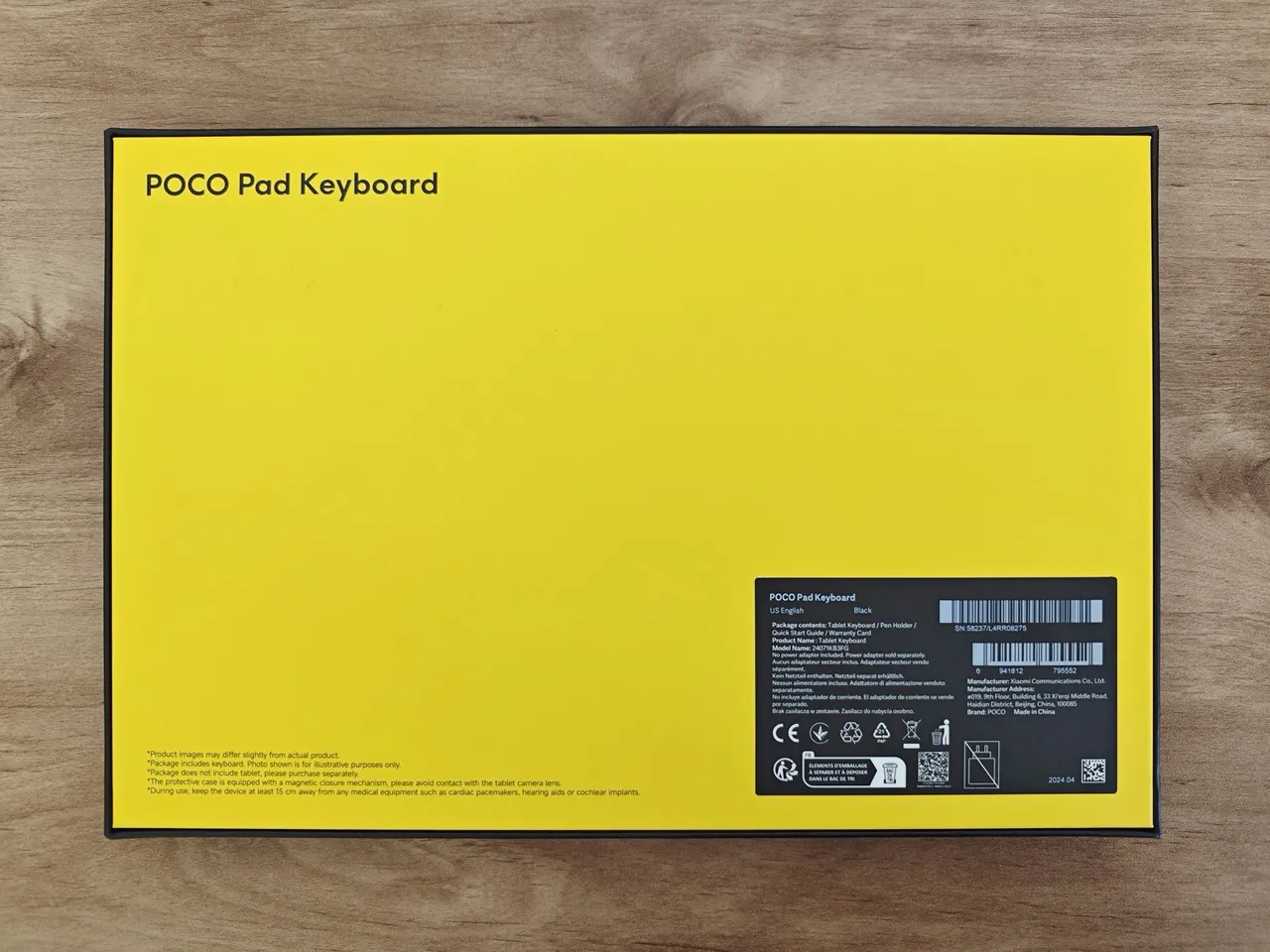
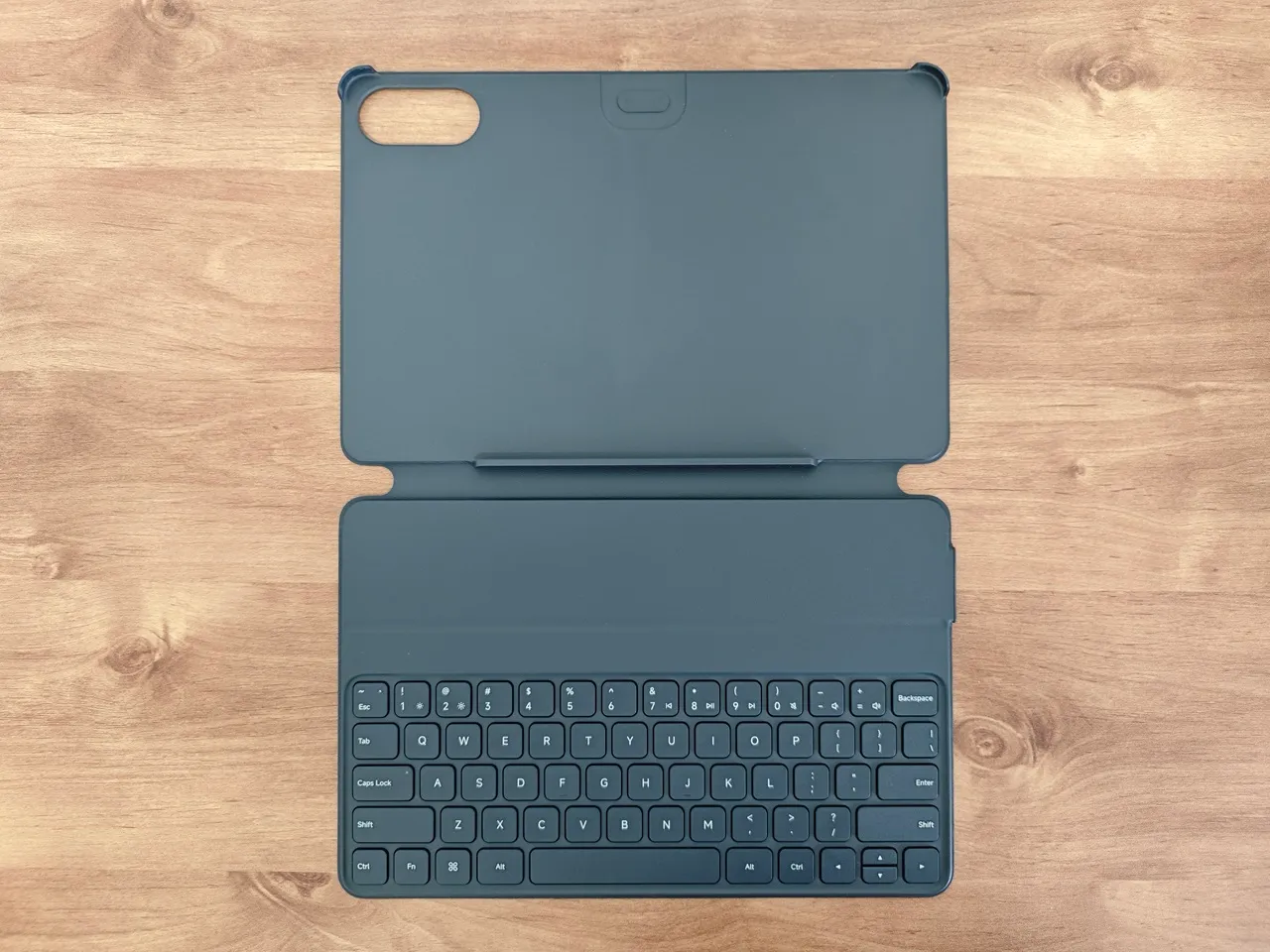
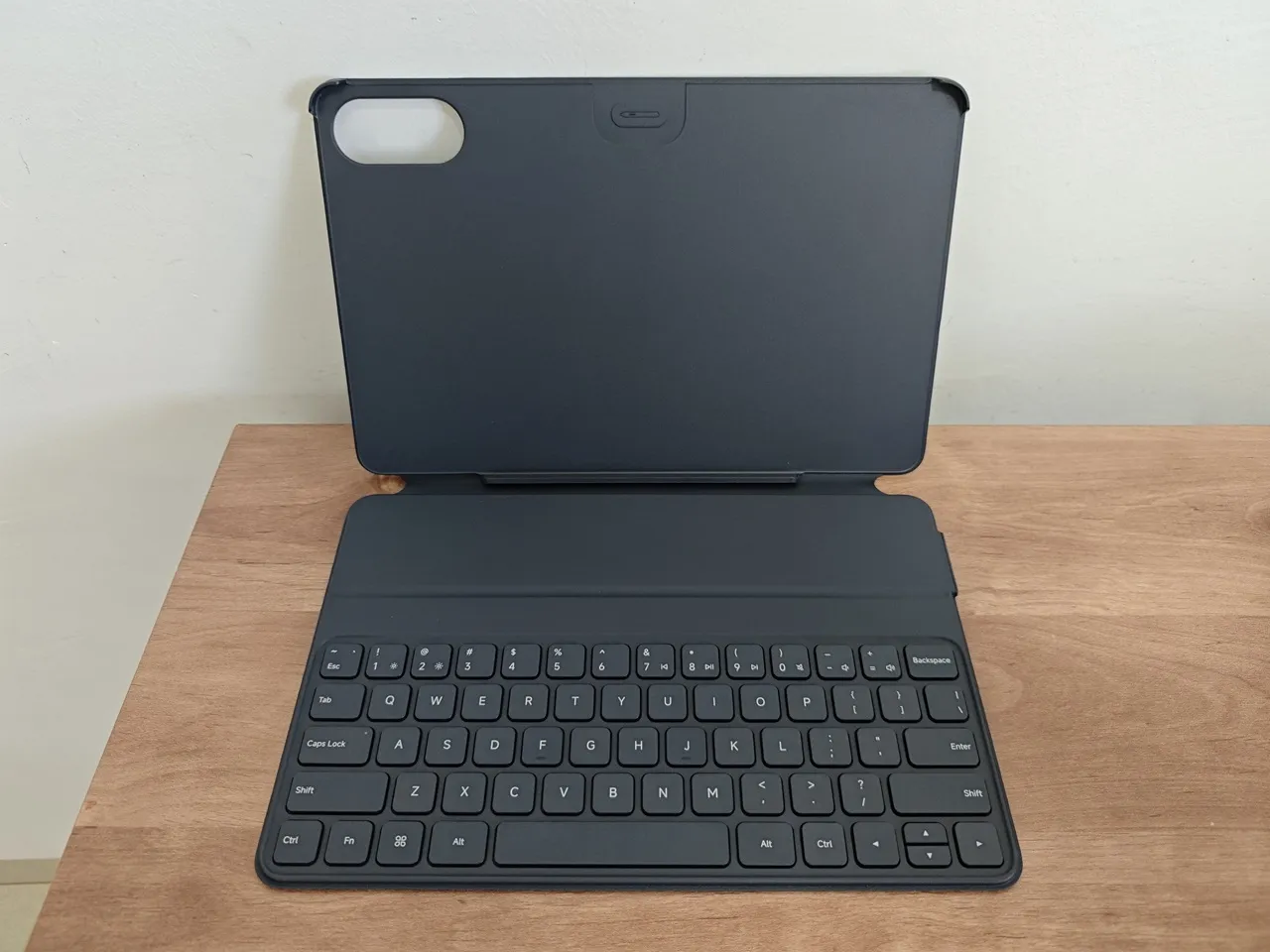
Poco Pad Keyboard (Optional Accessory)
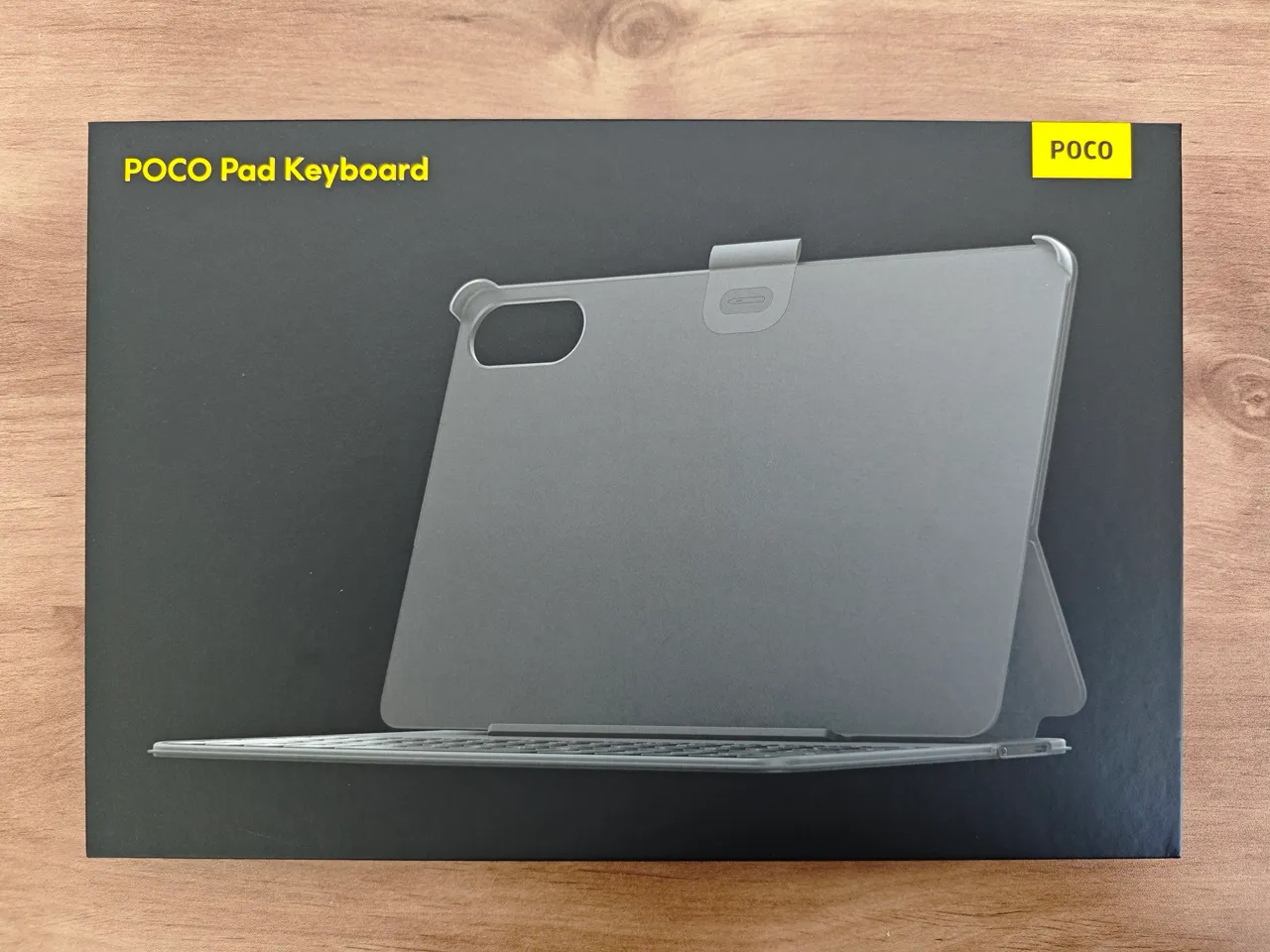
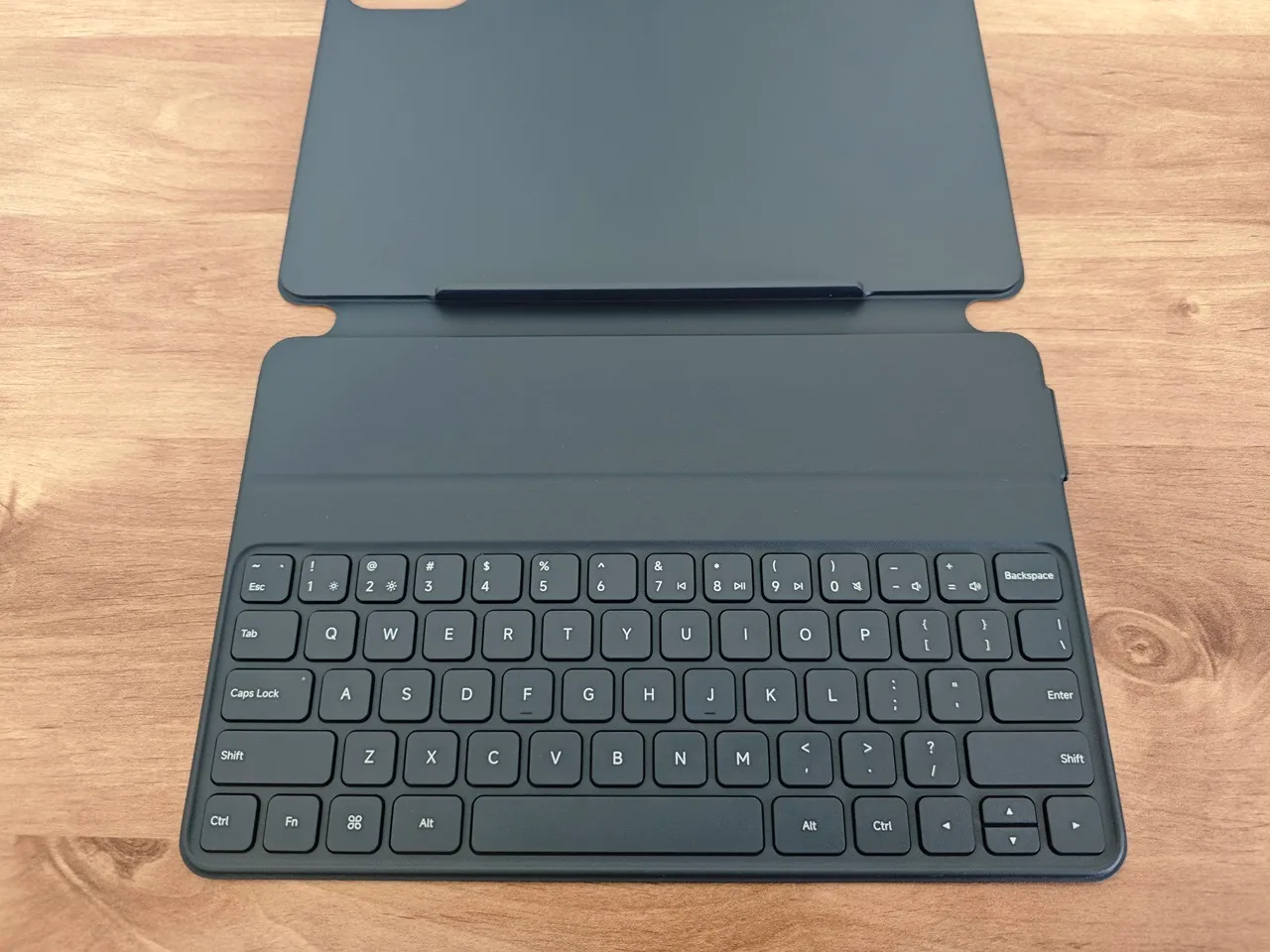
Using the Poco Pad Keyboard

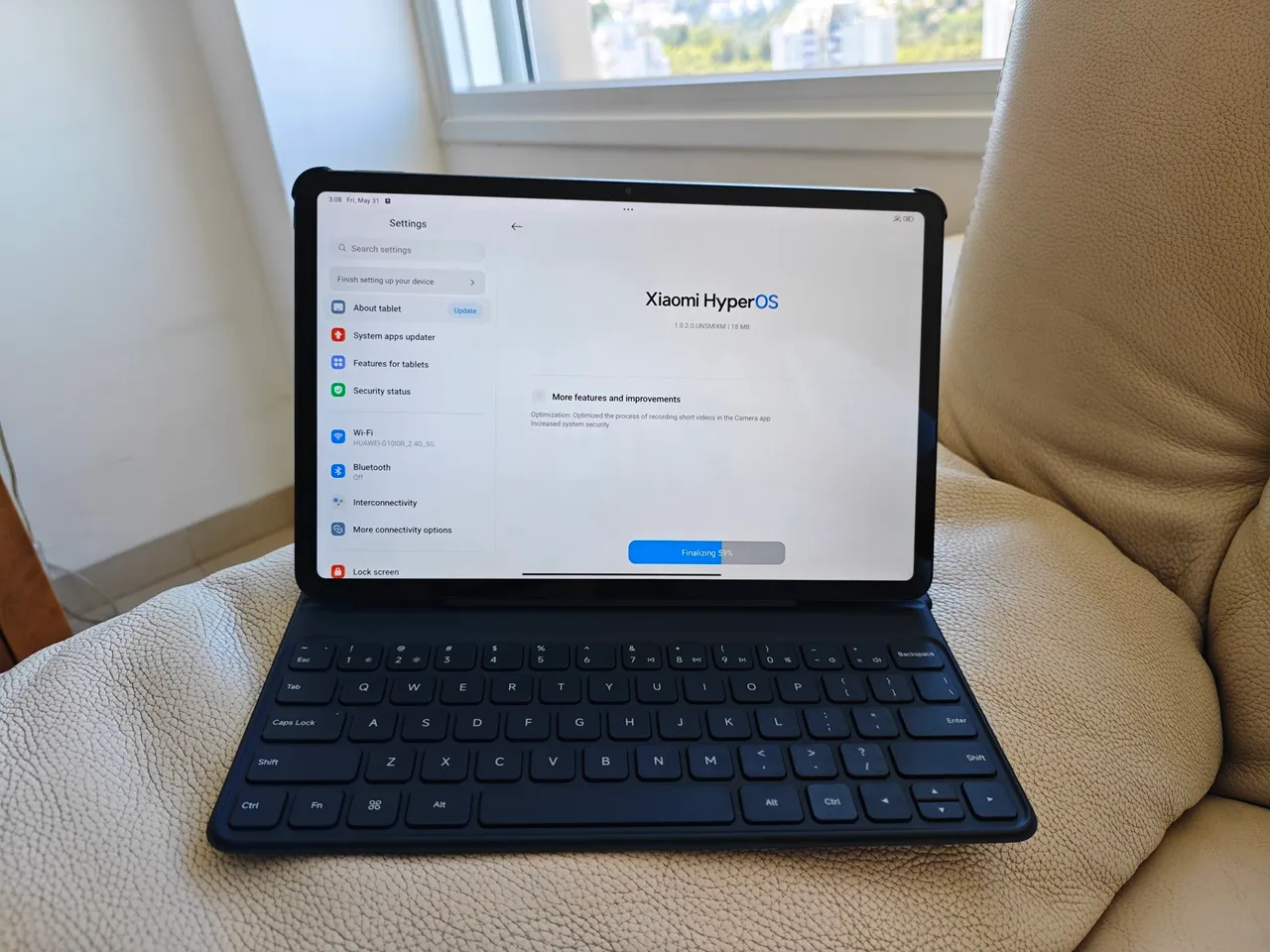
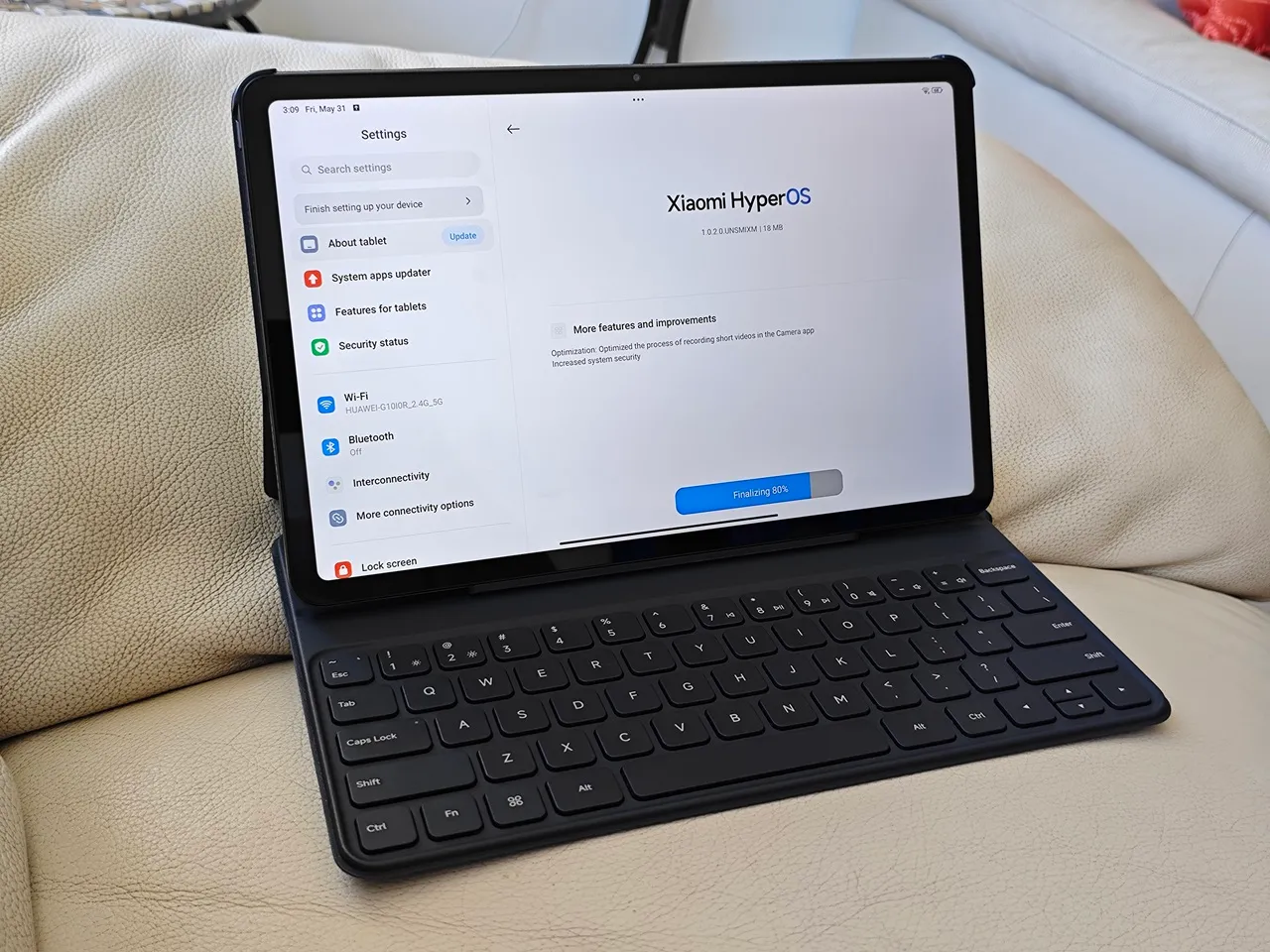
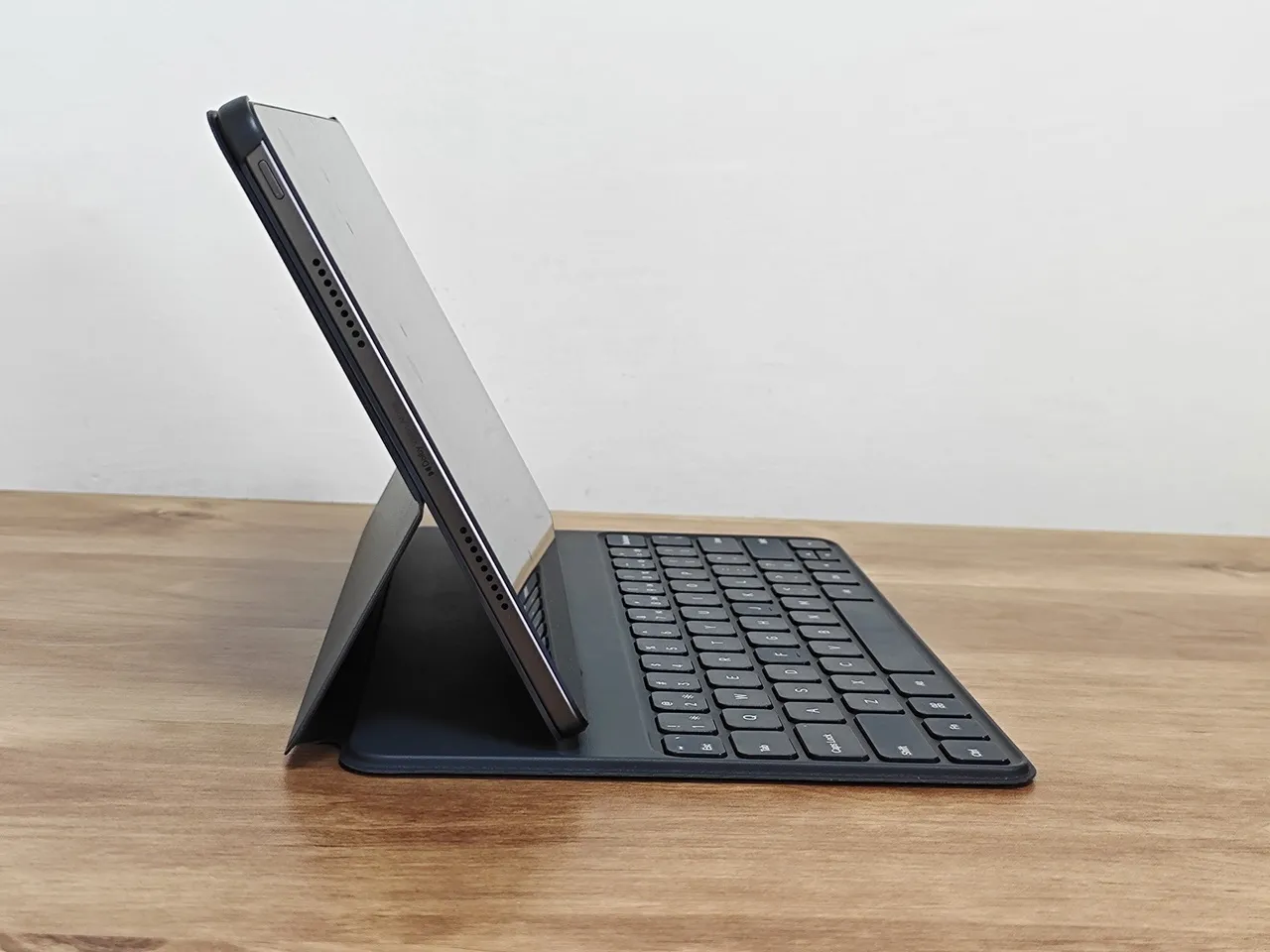
Poco also offers a user-friendly carrying case with an integrated keyboard that connects to the tablet via a Bluetooth connection. This carrying case provides users with some desktop experience, similar to working on a laptop. Poco missed a great chance to improve the user experience even more by including a desktop-style switching option with a responsive menu launcher into the HyperOS GUI, like the one in the former Remix OS (demonstrated in the photo below). Overall, this specific case offers numerous benefits for individuals who are frequently on the go and rely on portability, and it looks cool and also well-constructed.

Remix OS
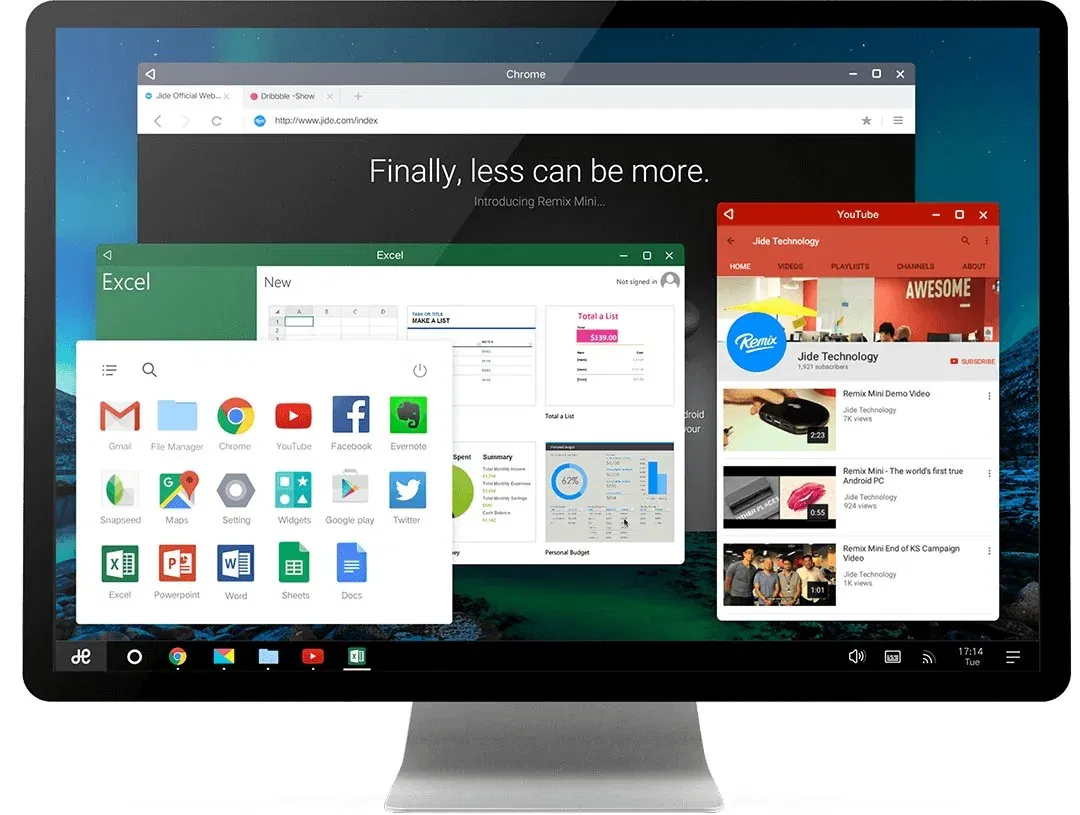
Poco Pad Desktop OS Example
POCO Pad Keyboard
POCO Pad Keyboard
POCO Pad Keyboard
POCO Pad Keyboard
POCO Pad Keyboard
POCO Pad Keyboard

The crucial accessory overlooked by Xiaomi

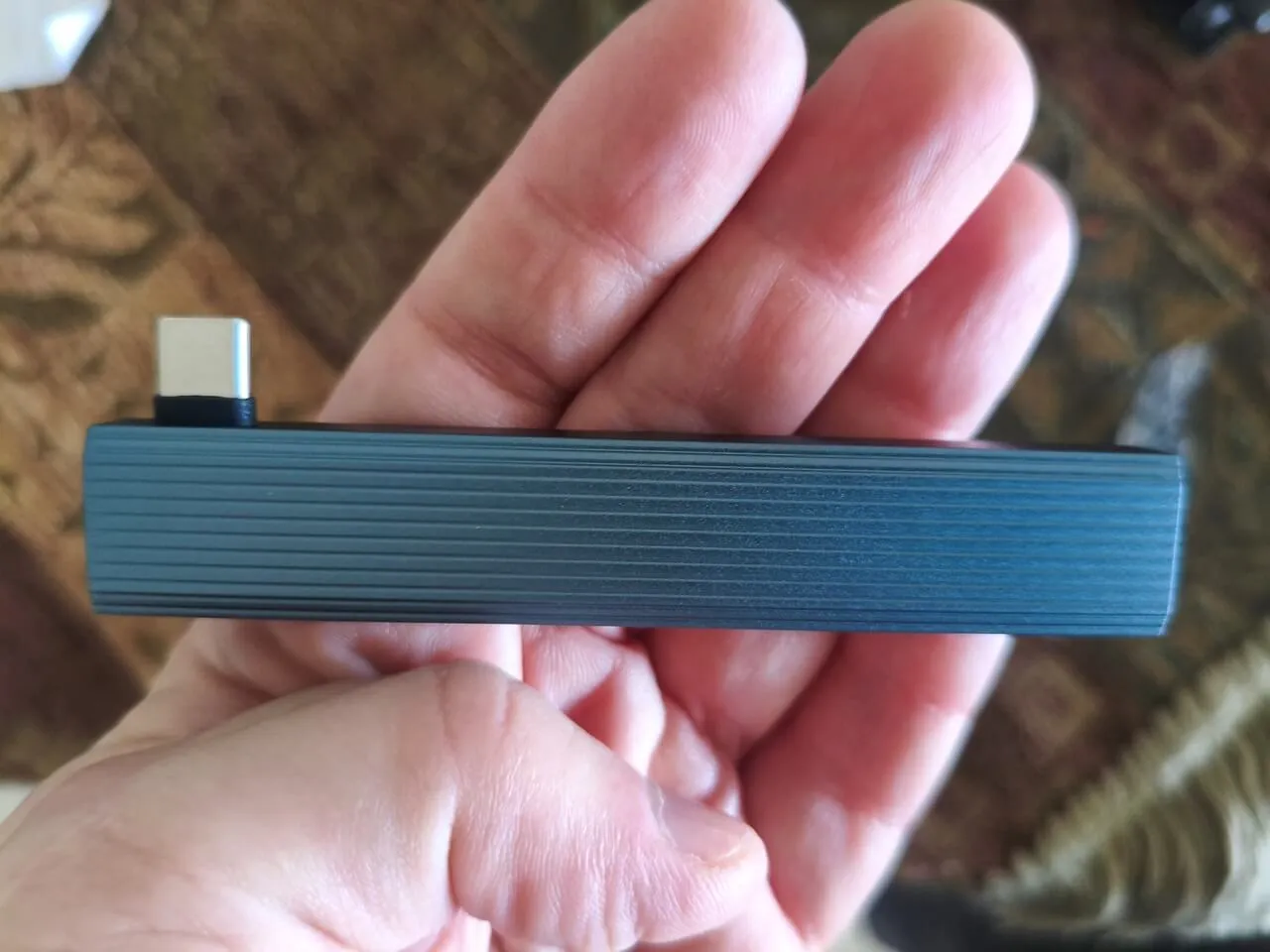
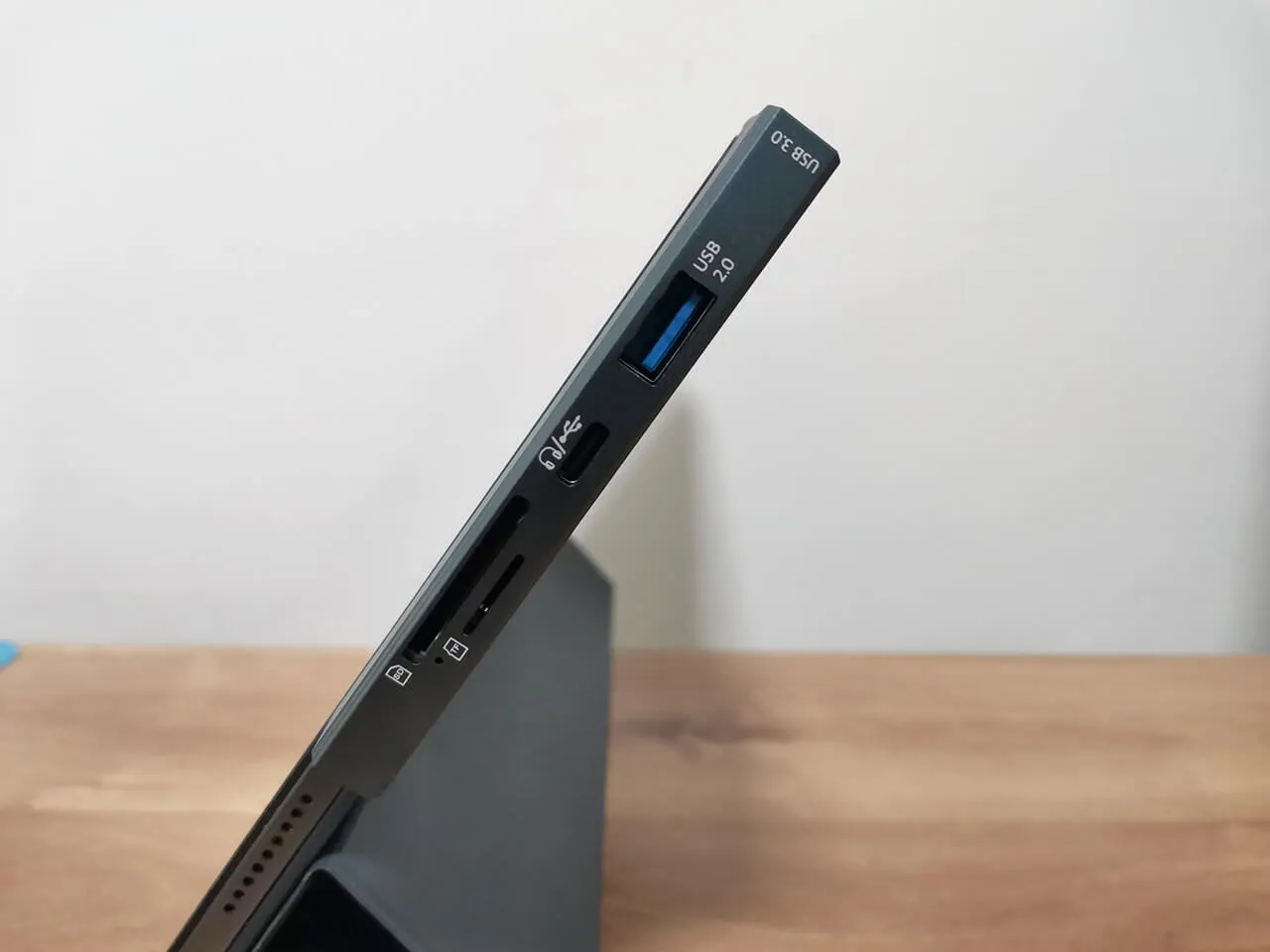
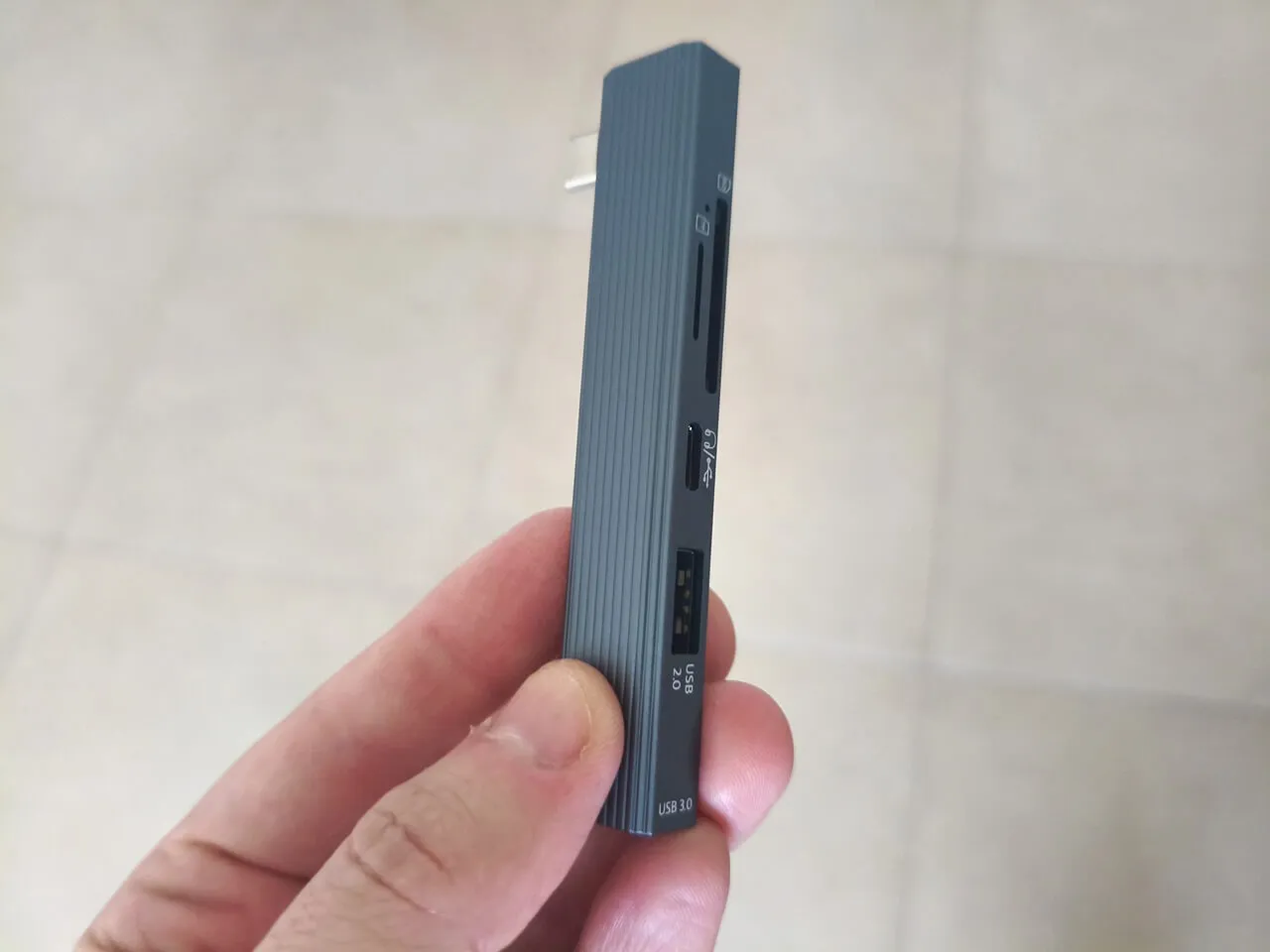
Unveiling a compact, slim mini hub designed to enhance the functionality of the Poco Pad. We have discovered a sleek design that connects effortlessly to the tablet’s Type-C USB port.

What are the benefits?

A complete or nearly complete laptop experience. The Hub features two full-size USB Type-A host ports (USB 2.0 & USB 3.0), a full-size SD card slot, a micro-SD card slot, and a Type-C port. This versatile Type-C port not only allows for charging your tablet but also connects seamlessly to earphones equipped with a Type-C plug. In summary, all the interfaces mentioned greatly enrich the experience for users on the move, particularly students, while they are traveling.

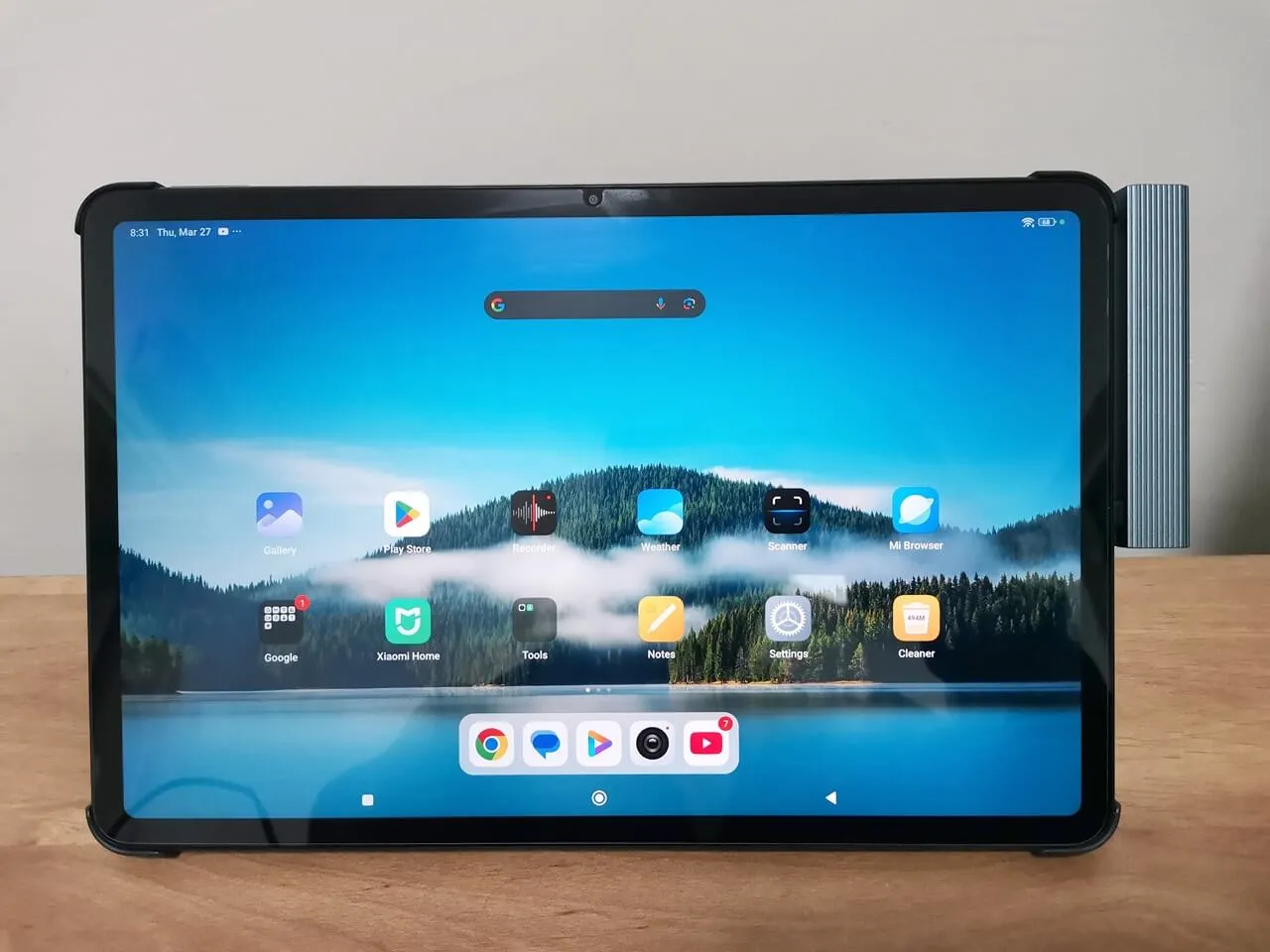
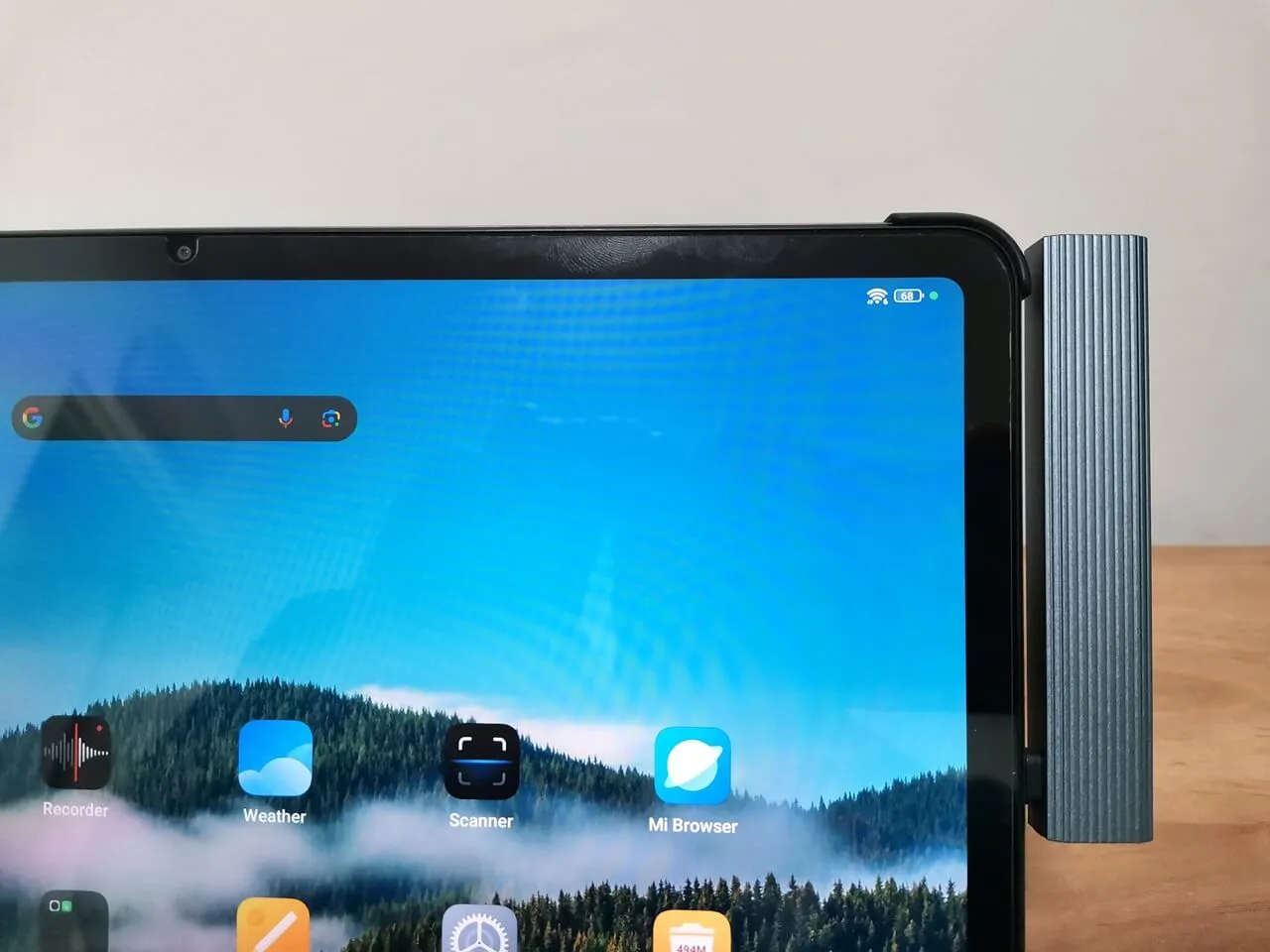
A slim designed USB hub connected to the Poco tablet.

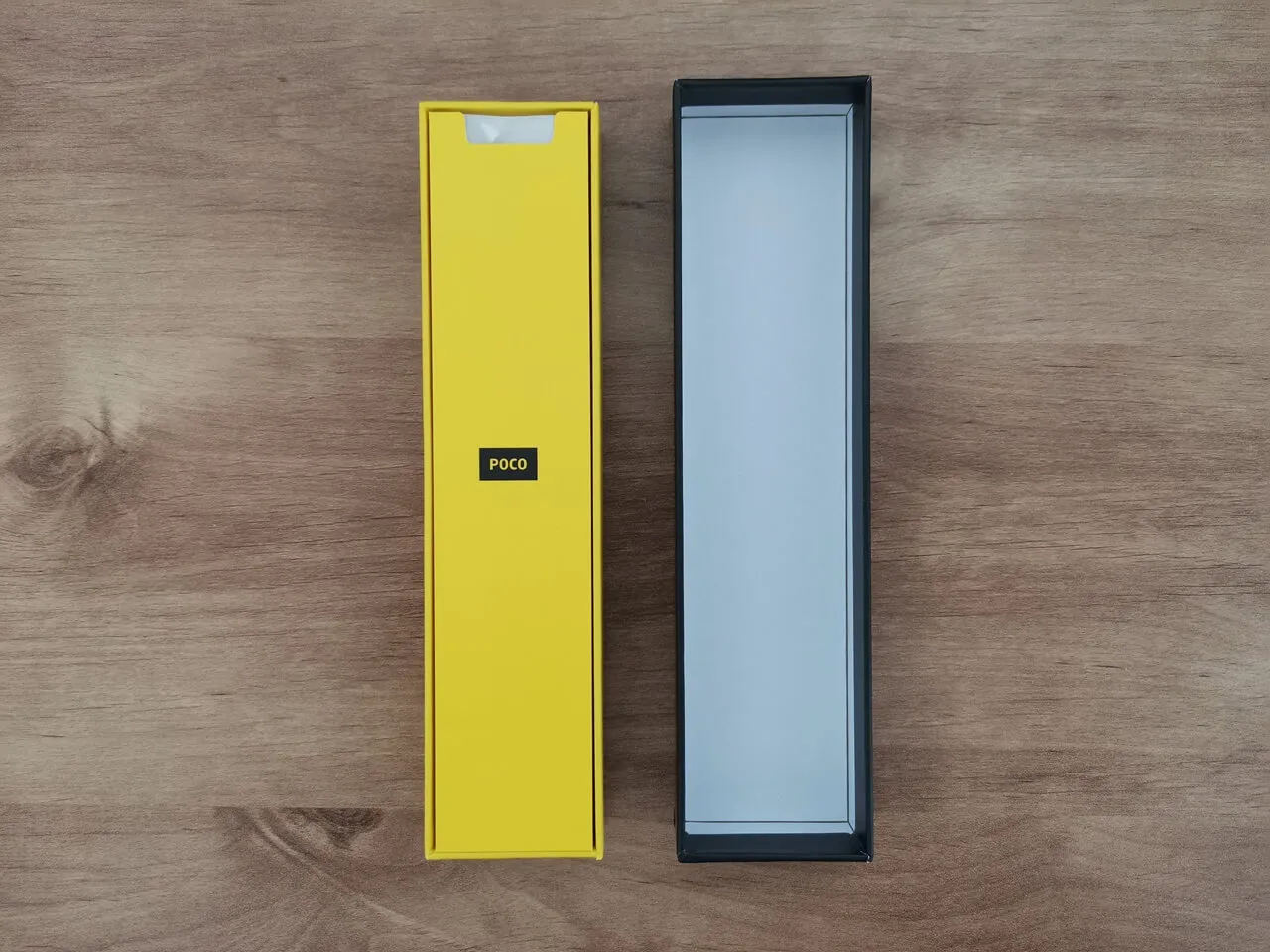
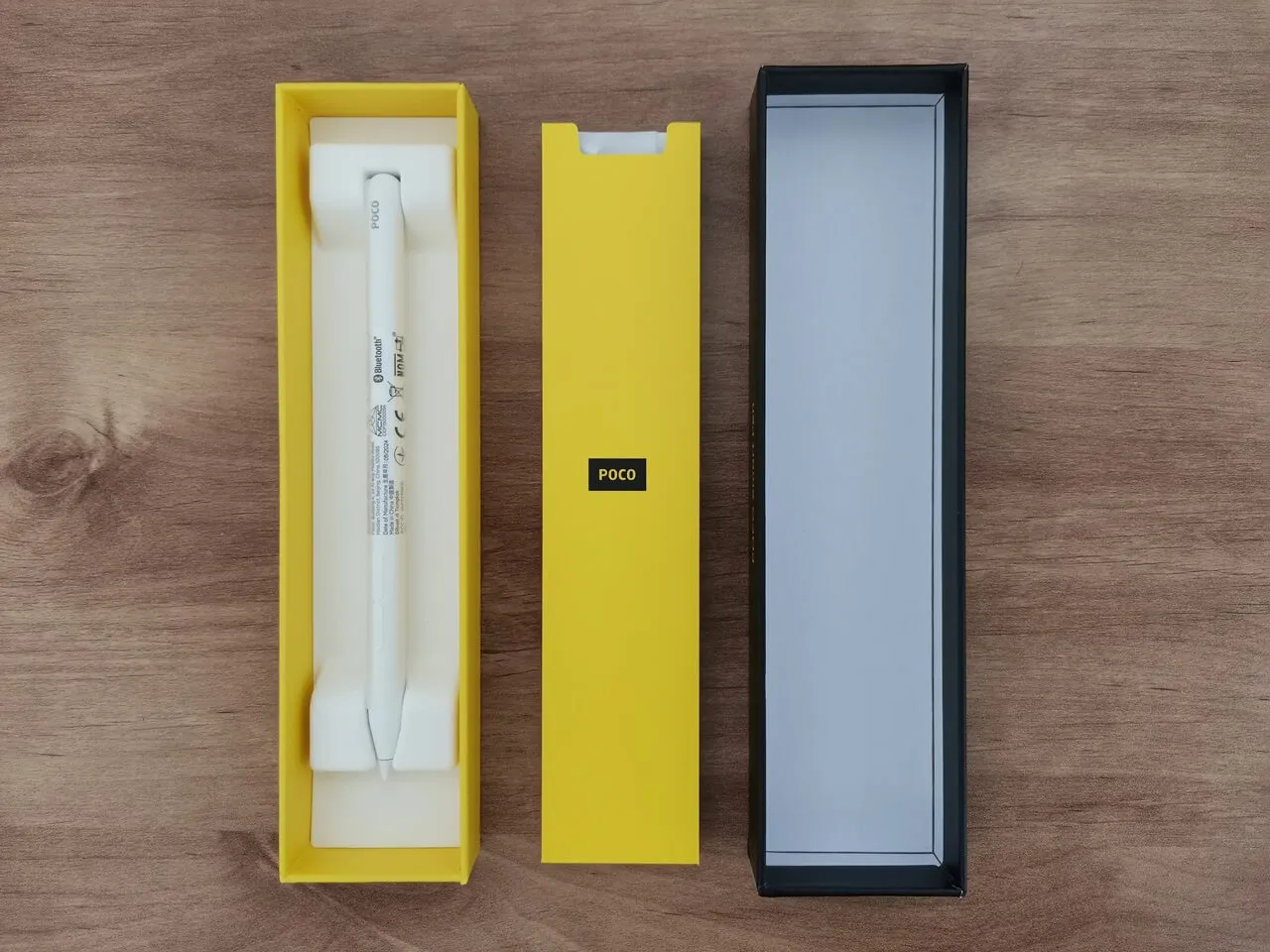
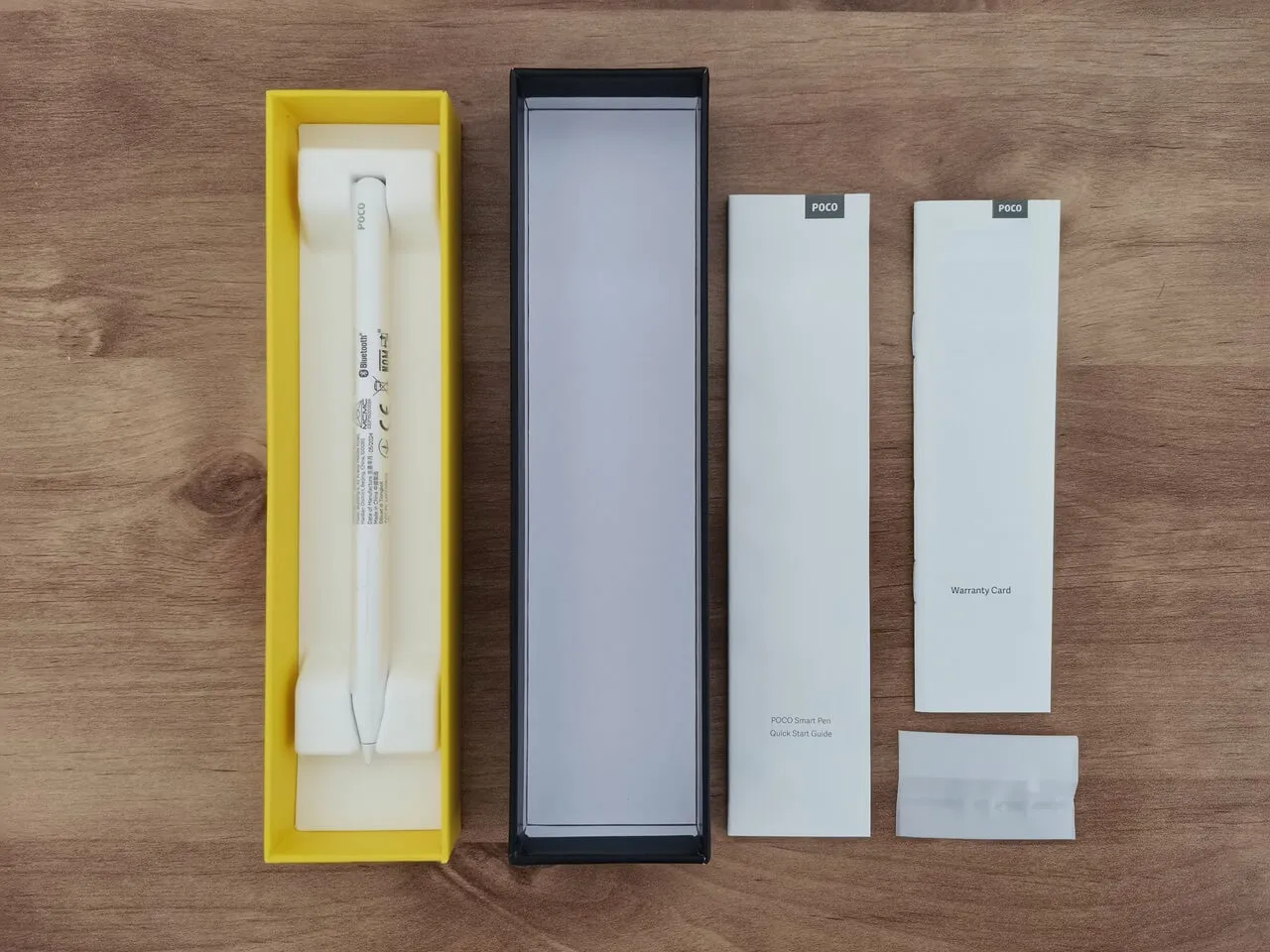
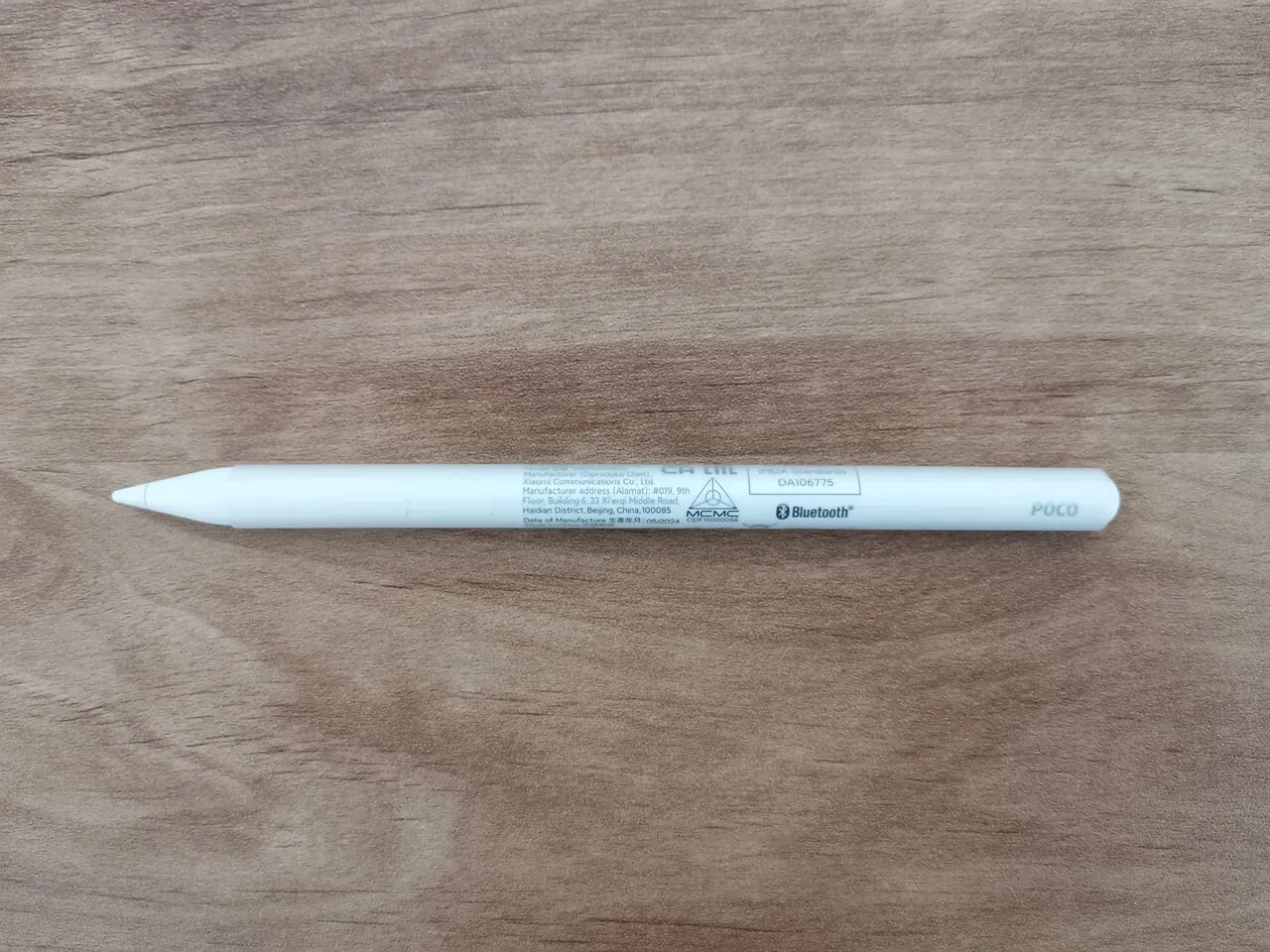
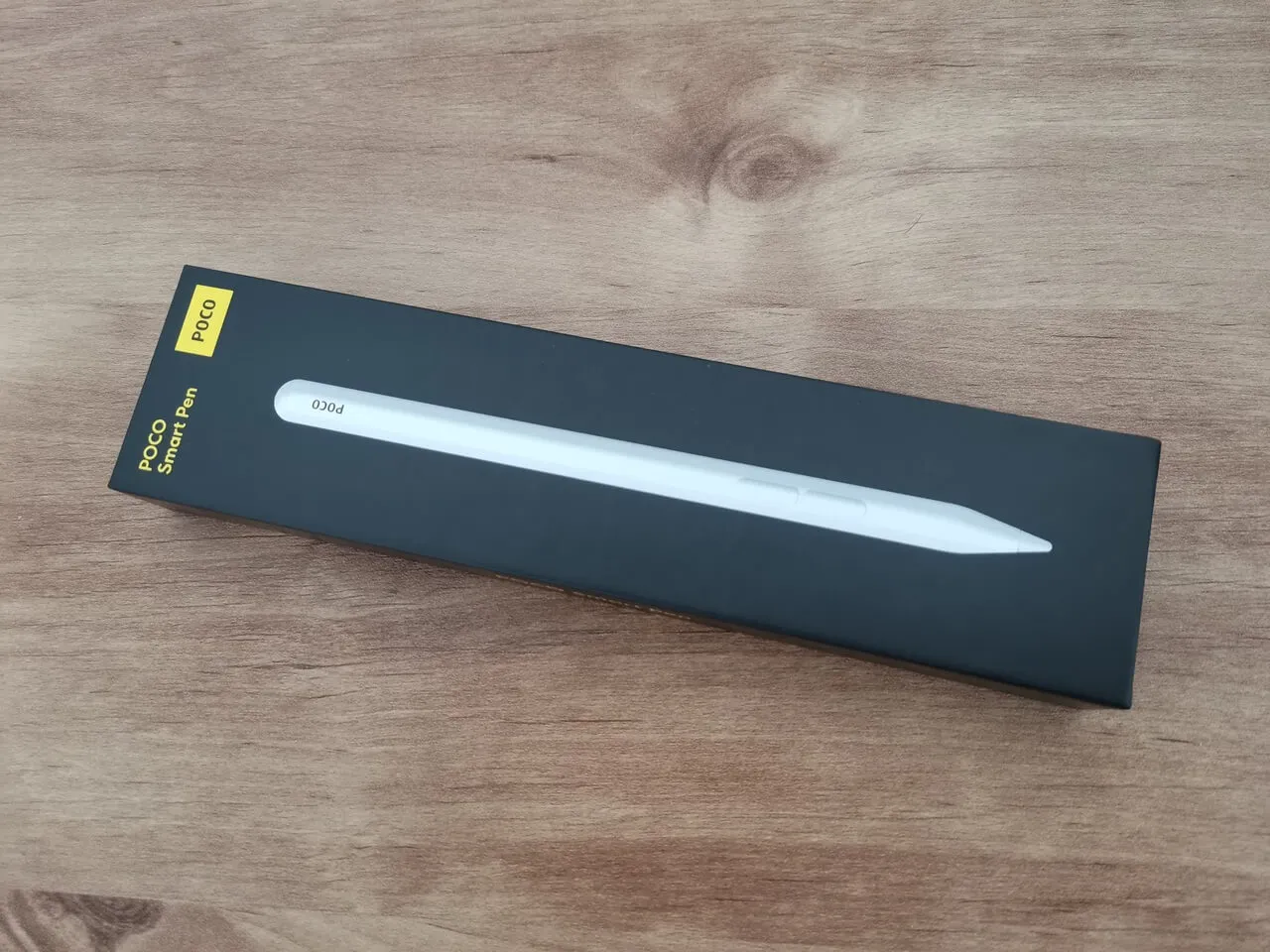
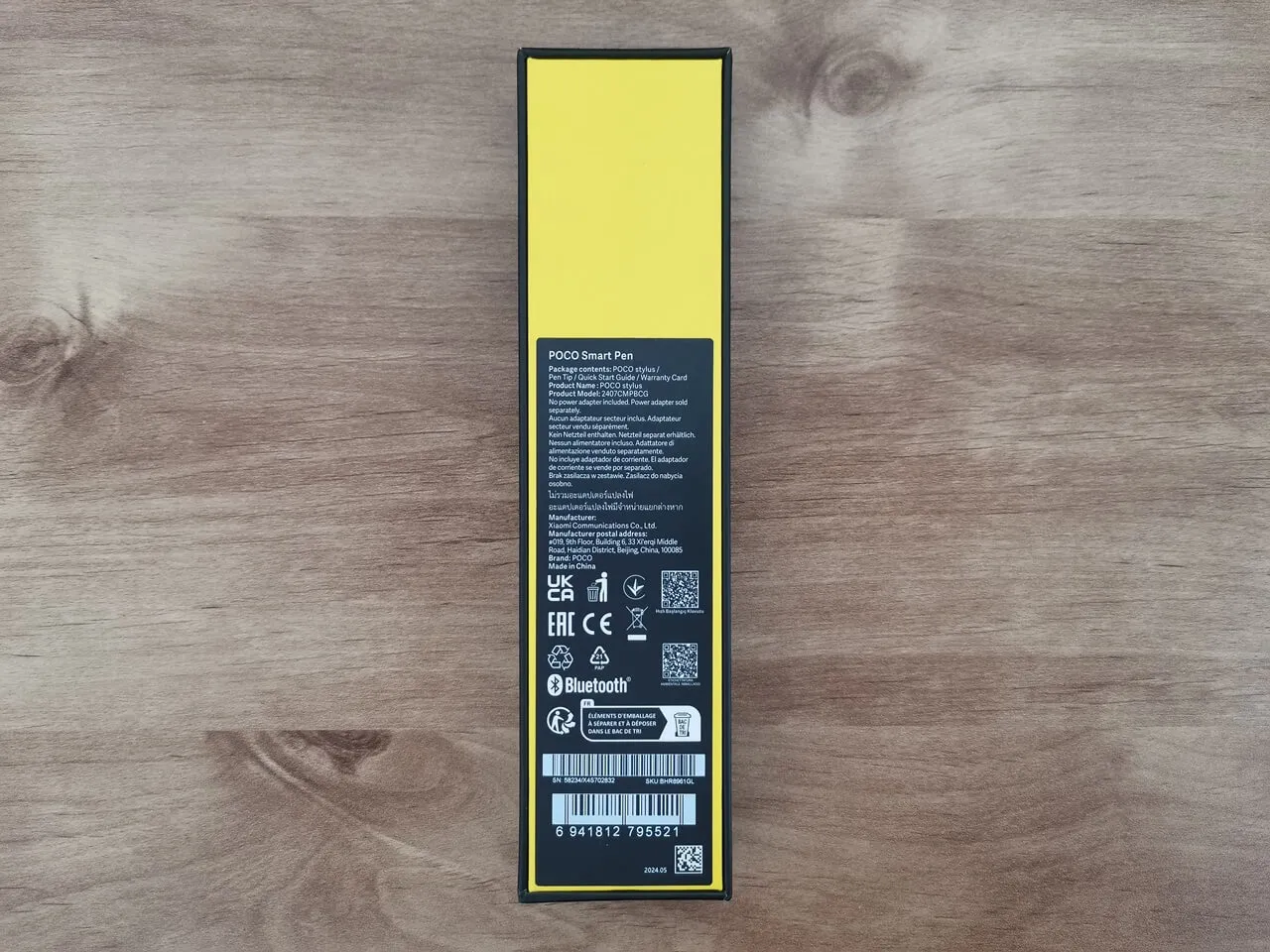
Smart pen (Optional Accessory)

Package Contents:

  • 1x Smart Pen.
  • 1x Quick Start Guide.
  • 1x Waranty card.
  • 1x Additional Smart Pen Tip.
1 2 3 4 5 6 7 8 9 10 11
Share. Facebook Twitter Pinterest LinkedIn Tumblr Email
Previous ArticleSinoVoip unveils Banana Pi BPI-AI2N SBC powered by Renesas RZ/V2N AI MPU
Next Article Banana Pi R4 gets an 8GB RAM upgrade. Here’s why you should consider buying one!
androidpimp
  • Website

Related Posts

Redmi Pad 2 Tablet Review

Redmi Pad 2 Review (2025): The Best Budget Tablet Value? Full Review

September 26, 2025
Xiaomi Redmi Pad 5 Review

Xiaomi Redmi Pad Review: Powerful and Affordable

June 30, 2024

Xiaomi Pad 6 Specs, price and top features

July 7, 2023
5 1 vote
Article Rating
Subscribe
Notify of
0 Comments
Oldest
Newest Most Voted
Inline Feedbacks
View all comments
Categories
PureVPN
PureVPN Ad Banner
VyprVPN – No. 1 in Anonymity
Vyprvpn 350x260
PrivadoVPN – No. 1 in Parental Control
PrivadoVPN 350x437
Recent Posts
  • Banana Pi BPI-R4 Pro Review: The Best WiFi 7 OpenWrt Router? We Checked!
  • AliExpress New Promotions: Country-specific Promo Codes
  • CamThink NeoEyes NE301: An Ultra-Low Power Edge AI Camera with STM32N6 MCU (Review)
  • Kickpi K7C RK3576 Edge AI SBC Launches with 6 TOPS AI Power & Dual Gigabit Ethernet
  • Raspberry Pi 5 vs Orange Pi 6: Which SBC is Best in 2026?
  • Ugoos SK4 Review (2025): The Best Mid-Range Android TV Box for Value & Features
  • Orange Pi 6 Unveiled: The Affordable, Slimmed-Down SBC Alternative to the 6 Plus
  • Orange Pi 6 Plus Review: A 12-Core SBC Powerhouse (Benchmarks, Specs, and Pricing)
  • LattePanda IOTA Review: 4 Reasons It Beats Raspberry Pi 5
  • Ugoos GaN Fast Chargers (35W, 65W, 140W): USB‑C PD 3.1, Ultra‑Compact, High‑Speed Charging 2026
RSS The Latest RSS Feeds
  • Banana Pi BPI-R4 Pro Review: The Best WiFi 7 OpenWrt Router? We Checked!
  • AliExpress New Promotions: Country-specific Promo Codes
  • CamThink NeoEyes NE301: An Ultra-Low Power Edge AI Camera with STM32N6 MCU (Review)
Facebook X (Twitter) Instagram Pinterest
@2026 - All Right Reserved. Designed by AndroidPIMP

Type above and press Enter to search. Press Esc to cancel.

Accessibility
Accessibility modes
Epilepsy Safe Mode
Dampens color and removes blinks
This mode enables people with epilepsy to use the website safely by eliminating the risk of seizures that result from flashing or blinking animations and risky color combinations.
Visually Impaired Mode
Improves website's visuals
This mode adjusts the website for the convenience of users with visual impairments such as Degrading Eyesight, Tunnel Vision, Cataract, Glaucoma, and others.
Cognitive Disability Mode
Helps to focus on specific content
This mode provides different assistive options to help users with cognitive impairments such as Dyslexia, Autism, CVA, and others, to focus on the essential elements of the website more easily.
ADHD Friendly Mode
Reduces distractions and improve focus
This mode helps users with ADHD and Neurodevelopmental disorders to read, browse, and focus on the main website elements more easily while significantly reducing distractions.
Blindness Mode
Allows using the site with your screen-reader
This mode configures the website to be compatible with screen-readers such as JAWS, NVDA, VoiceOver, and TalkBack. A screen-reader is software for blind users that is installed on a computer and smartphone, and websites must be compatible with it.
Readable Experience
Content Scaling
Default
Text Magnifier
Readable Font
Dyslexia Friendly
Highlight Titles
Highlight Links
Font Sizing
Default
Letter Spacing
Default
Left Aligned
Center Aligned
Right Aligned
Visually Pleasing Experience
Dark Contrast
Light Contrast
Monochrome
High Contrast
High Saturation
Low Saturation
Adjust Text Colors
Adjust Title Colors
Adjust Background Colors
Easy Orientation
Mute Sounds
Hide Images
Hide Emoji
Reading Guide
Stop Animations
Reading Mask
Highlight Hover
Highlight Focus
Big Dark Cursor
Big Light Cursor
Cognitive Reading
Virtual Keyboard
Navigation Keys
Voice Navigation

AndroidPIMP

Accessibility Statement

  • AndroidPIMP.com
  • 10/18/2025

Compliance status

We believe the internet should be open and accessible to everyone, and we’re dedicated to making our website usable for the widest audience possible, no matter their circumstances or abilities.

To achieve this, we follow the World Wide Web Consortium’s (W3C) Web Content Accessibility Guidelines 2.1 (WCAG 2.1) at the AA level as closely as possible. These guidelines outline how to make web content accessible for people with a variety of disabilities. By complying with them, we help ensure our website is usable by everyone, including those who are blind, have motor or visual impairments, cognitive disabilities, and more.

This website uses a range of technologies to stay accessible at all times. An accessibility interface lets people with specific disabilities customize the site’s UI and design to fit their personal needs.

The website also uses an AI-powered application that works in the background to constantly enhance its accessibility. This app fixes the site’s HTML, adjusts its features and behavior for screen readers used by blind users, and optimizes keyboard functions for people with motor impairments.

If you’ve found a malfunction or have ideas for improvement, we’ll be happy to hear from you. You can reach out to the website’s operators by using the following email [email protected]

Screen-reader and keyboard navigation

Our website implements the ARIA attributes (Accessible Rich Internet Applications) technique, alongside various different behavioral changes, to ensure blind users visiting with screen-readers are able to read, comprehend, and enjoy the website’s functions. As soon as a user with a screen-reader enters your site, they immediately receive a prompt to enter the Screen-Reader Profile so they can browse and operate your site effectively. Here’s how our website covers some of the most important screen-reader requirements, alongside console screenshots of code examples:

  1. Screen-reader optimization: we run a background process that learns the website’s components from top to bottom, to ensure ongoing compliance even when updating the website. In this process, we provide screen-readers with meaningful data using the ARIA set of attributes. For example, we provide accurate form labels; descriptions for actionable icons (social media icons, search icons, cart icons, etc.); validation guidance for form inputs; element roles such as buttons, menus, modal dialogues (popups), and others. Additionally, the background process scans all the website’s images and provides an accurate and meaningful image-object-recognition-based description as an ALT (alternate text) tag for images that are not described. It will also extract texts that are embedded within the image, using an OCR (optical character recognition) technology. To turn on screen-reader adjustments at any time, users need only to press the Alt+1 keyboard combination. Screen-reader users also get automatic announcements to turn the Screen-reader mode on as soon as they enter the website.

    These adjustments are compatible with all popular screen readers, including JAWS and NVDA.

  2. Keyboard navigation optimization: The background process also adjusts the website’s HTML, and adds various behaviors using JavaScript code to make the website operable by the keyboard. This includes the ability to navigate the website using the Tab and Shift+Tab keys, operate dropdowns with the arrow keys, close them with Esc, trigger buttons and links using the Enter key, navigate between radio and checkbox elements using the arrow keys, and fill them in with the Spacebar or Enter key.Additionally, keyboard users will find quick-navigation and content-skip menus, available at any time by clicking Alt+1, or as the first elements of the site while navigating with the keyboard. The background process also handles triggered popups by moving the keyboard focus towards them as soon as they appear, and not allow the focus drift outside it.

    Users can also use shortcuts such as “M” (menus), “H” (headings), “F” (forms), “B” (buttons), and “G” (graphics) to jump to specific elements.

Disability profiles supported in our website

  • Epilepsy Safe Mode: this profile enables people with epilepsy to use the website safely by eliminating the risk of seizures that result from flashing or blinking animations and risky color combinations.
  • Visually Impaired Mode: this mode adjusts the website for the convenience of users with visual impairments such as Degrading Eyesight, Tunnel Vision, Cataract, Glaucoma, and others.
  • Cognitive Disability Mode: this mode provides different assistive options to help users with cognitive impairments such as Dyslexia, Autism, CVA, and others, to focus on the essential elements of the website more easily.
  • ADHD Friendly Mode: this mode helps users with ADHD and Neurodevelopmental disorders to read, browse, and focus on the main website elements more easily while significantly reducing distractions.
  • Blindness Mode: this mode configures the website to be compatible with screen-readers such as JAWS, NVDA, VoiceOver, and TalkBack. A screen-reader is software for blind users that is installed on a computer and smartphone, and websites must be compatible with it.
  • Keyboard Navigation Profile (Motor-Impaired): this profile enables motor-impaired persons to operate the website using the keyboard Tab, Shift+Tab, and the Enter keys. Users can also use shortcuts such as “M” (menus), “H” (headings), “F” (forms), “B” (buttons), and “G” (graphics) to jump to specific elements.

Additional UI, design, and readability adjustments

  1. Font adjustments – users, can increase and decrease its size, change its family (type), adjust the spacing, alignment, line height, and more.
  2. Color adjustments – users can select various color contrast profiles such as light, dark, inverted, and monochrome. Additionally, users can swap color schemes of titles, texts, and backgrounds, with over seven different coloring options.
  3. Animations – person with epilepsy can stop all running animations with the click of a button. Animations controlled by the interface include videos, GIFs, and CSS flashing transitions.
  4. Content highlighting – users can choose to emphasize important elements such as links and titles. They can also choose to highlight focused or hovered elements only.
  5. Audio muting – users with hearing devices may experience headaches or other issues due to automatic audio playing. This option lets users mute the entire website instantly.
  6. Cognitive disorders – we utilize a search engine that is linked to Wikipedia and Wiktionary, allowing people with cognitive disorders to decipher meanings of phrases, initials, slang, and others.
  7. Additional functions – we provide users the option to change cursor color and size, use a printing mode, enable a virtual keyboard, and many other functions.

Browser and assistive technology compatibility

We aim to support the widest array of browsers and assistive technologies as possible, so our users can choose the best fitting tools for them, with as few limitations as possible. Therefore, we have worked very hard to be able to support all major systems that comprise over 95% of the user market share including Google Chrome, Mozilla Firefox, Apple Safari, Opera and Microsoft Edge, JAWS and NVDA (screen readers).

Notes, comments, and feedback

Despite our very best efforts to allow anybody to adjust the website to their needs. There may still be pages or sections that are not fully accessible, are in the process of becoming accessible, or are lacking an adequate technological solution to make them accessible. Still, we are continually improving our accessibility, adding, updating and improving its options and features, and developing and adopting new technologies. All this is meant to reach the optimal level of accessibility, following technological advancements. For any assistance, please reach out to [email protected]

wpDiscuz