Setup and Operation
In order to begin using the Xiaomi Smart Band 8 Pro, users must first download the free Mi Fitness app from Xiaomi. This app is readily available for both Android devices (running Android 8.0 or later) and iOS devices (running iOS 12 or more recent). By utilizing the app’s extensive array of features, users can enjoy an unparalleled level of customization for their smart band, ensuring an exceptional user experience.
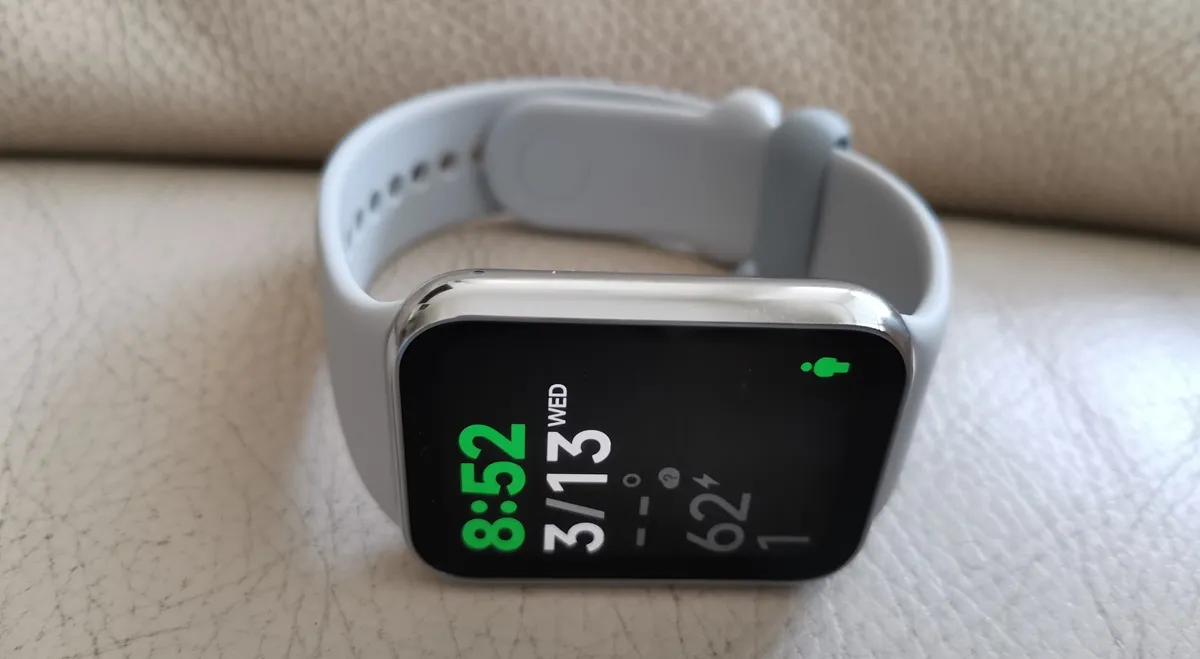
This device operates solely through touch input, providing an intuitive user experience. Horizontal swiping is utilized for selecting and customizing widgets, while vertical swiping allows for seamless scrolling through the menu. In addition to health functions, the menu includes a range of practical features such as weather updates, stopwatch, music and camera control, alarm clock, timer, and flashlight.
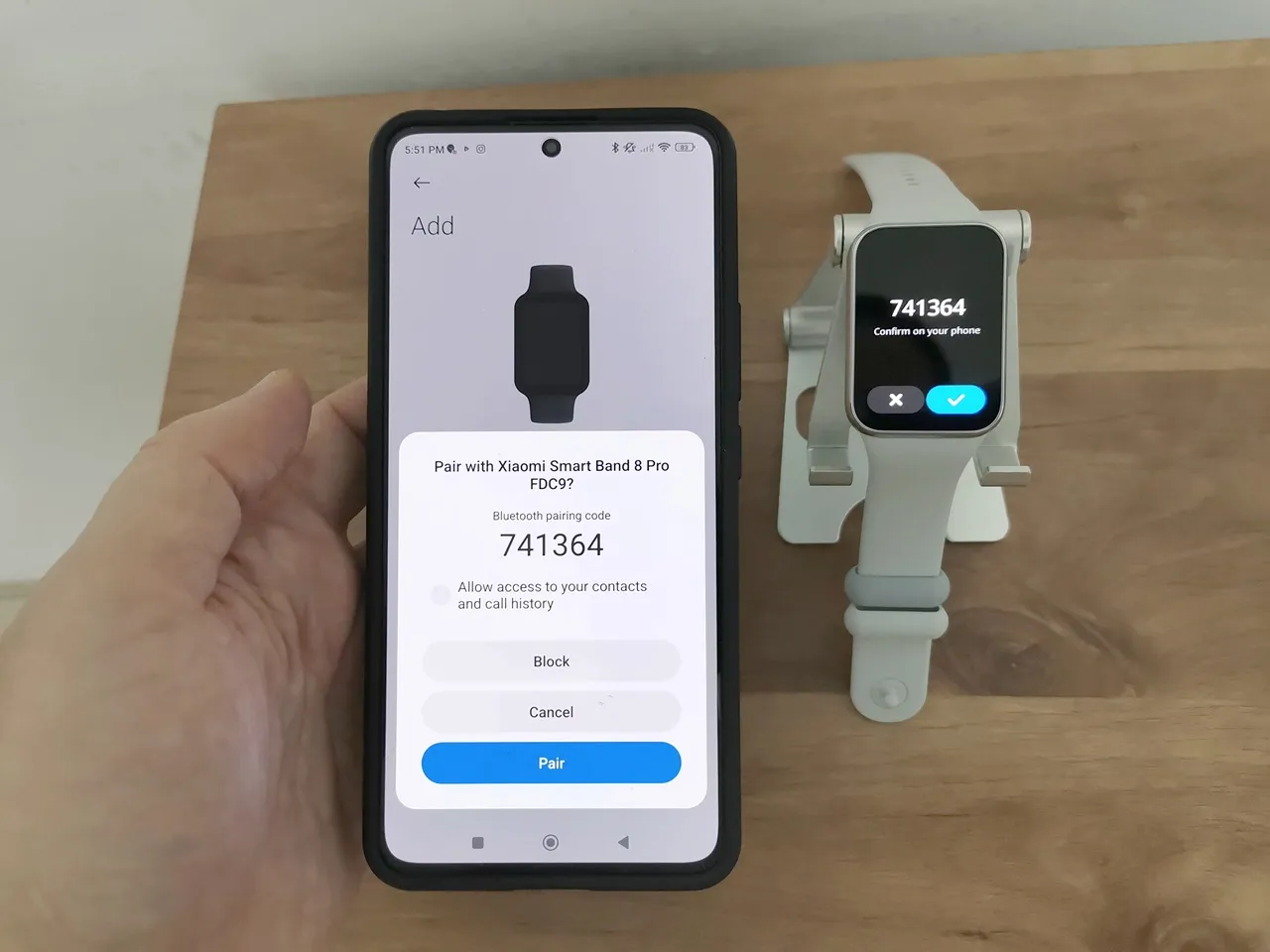
Pairing the Xiaomi Smart Band 8 Pro with a Smartphone
To synchronize your Xiaomi Smart Band, start by ensuring that Bluetooth is enabled on your smartphone. Next, download and install the “Mi Fit” app from either the Google Play Store or Apple App Store. Launch the app and simply follow the straightforward on-screen instructions to effortlessly connect your Xiaomi Smart Band to your smartphone. Upon verifying the pairing code transmitted to your smartwatch, you will gain access to a plethora of customizable features and the ability to effortlessly monitor your fitness metrics.