Xiaomi Redmi Router AX5 Review
Xiaomi Announces Redmi Router AX5 Router, the Company’s First Redmi Brand Router with wifi six support. While most of us are familiar with Xiami mainly for its handset devices worldwide, the company has also become a seller in the network routers field in recent years. Xiaomi’s new AX5 is the first low-cost entry-level router of the company that comes with wifi standard 6, joining the previous pair of wifi routers 6, the Xiaomi AIoT Router AX3600 and Xiaomi Router AX1800 announced earlier this year.
Hardware
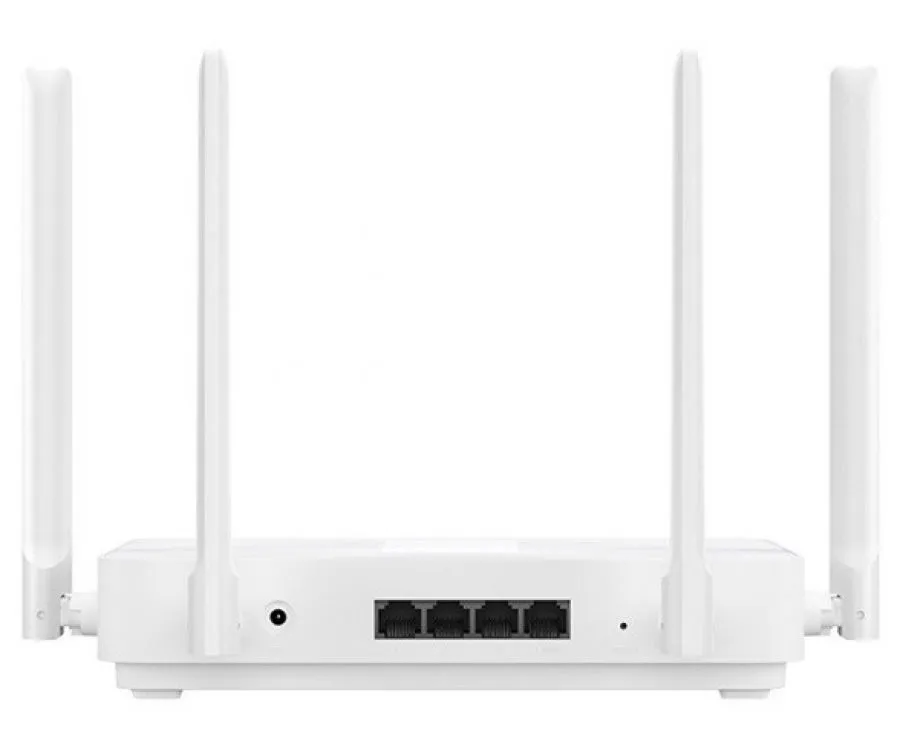
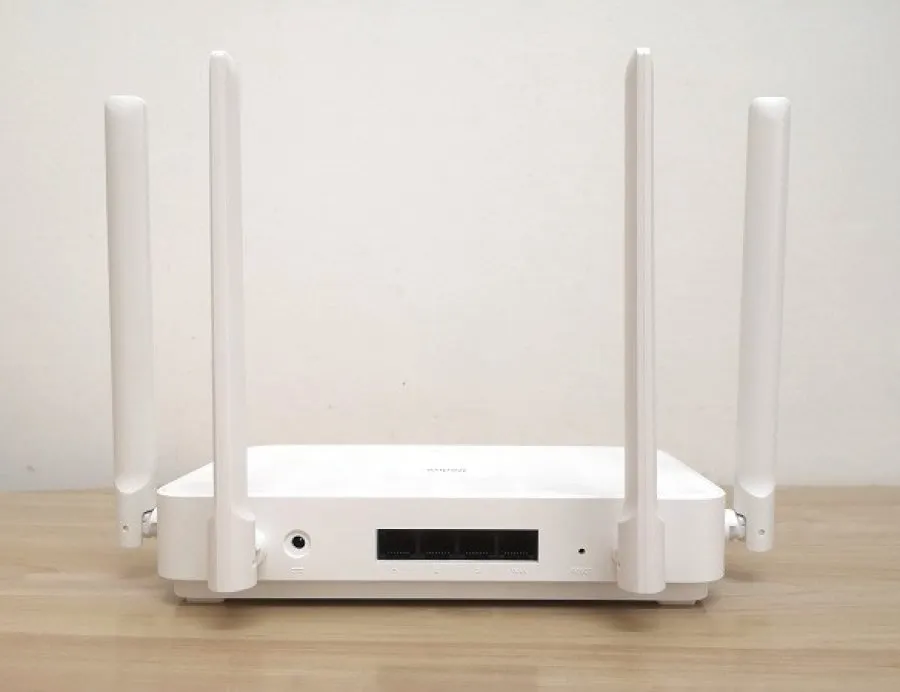
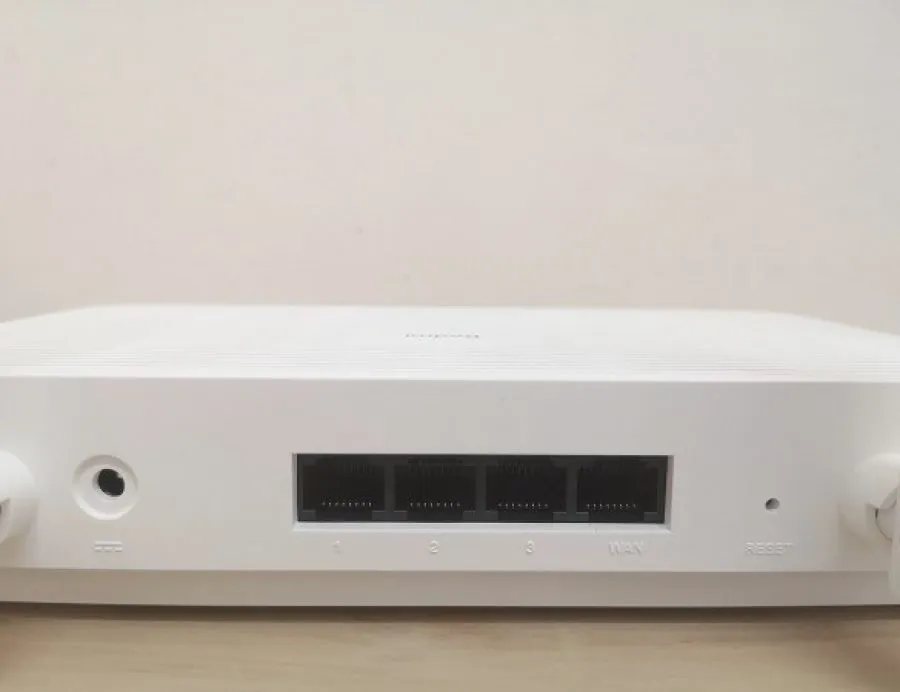
The new AX5 router comes with the MiWiFi system, based on the popular OpenWRT firmware, powered by a Qualcomm 4-core processor with a 1.2GHz Cortex-A53 processor and a dedicated 1.5GHz NPU core. The router comes with four antennas with a standalone Qorvo amplifier, each with a power of 4dB, while on the back, you can find 3 LAN ports and one WAN port – all come with GbE support.
Connectivity
It uses the Qualcomm solution, the enterprise-level 5-core chip Qualcomm IPQ6000. It can download a high-definition movie in 8 seconds through the Gigabit Ethernet port. Compared with the current mainstream wifi 5 AC1200 router at home, the Redmi AX5 wireless rate can increase by up to 52%.
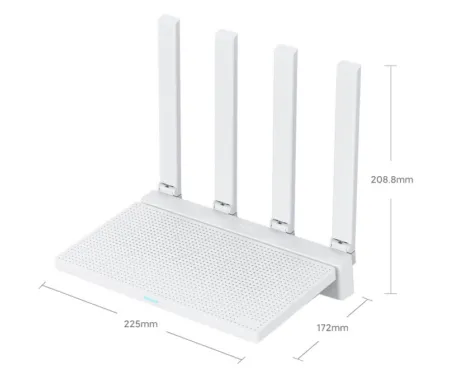
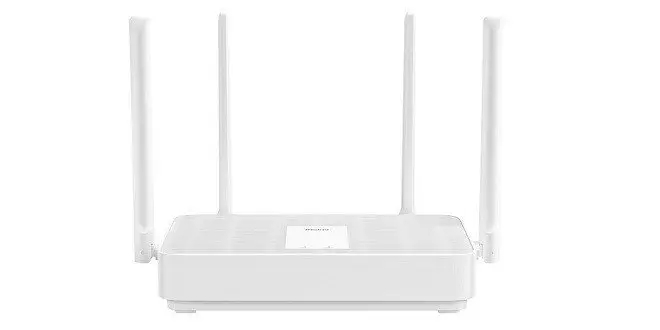
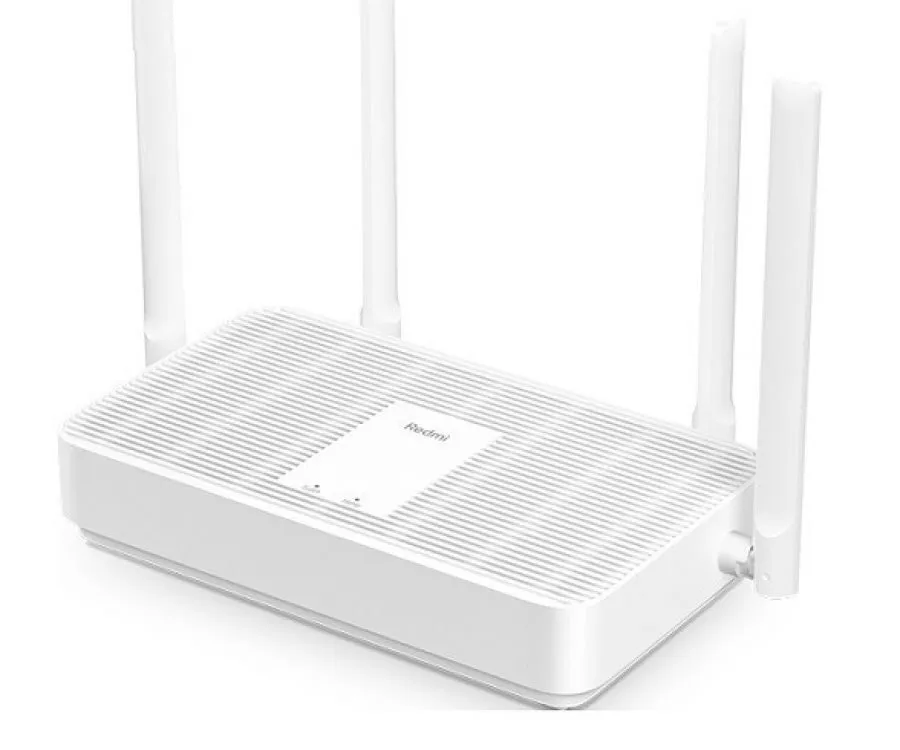
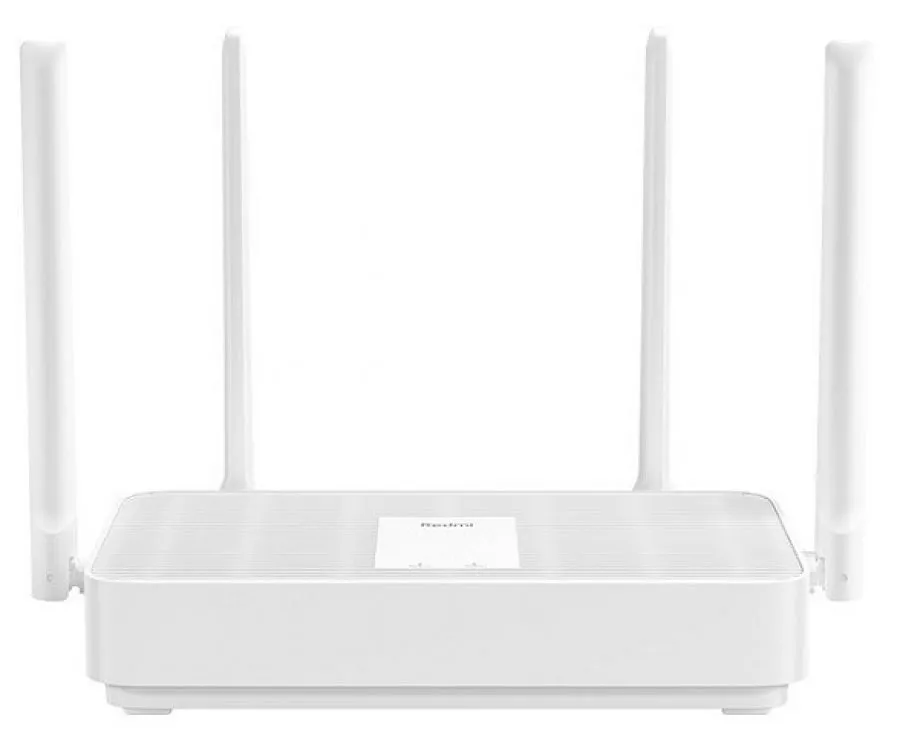
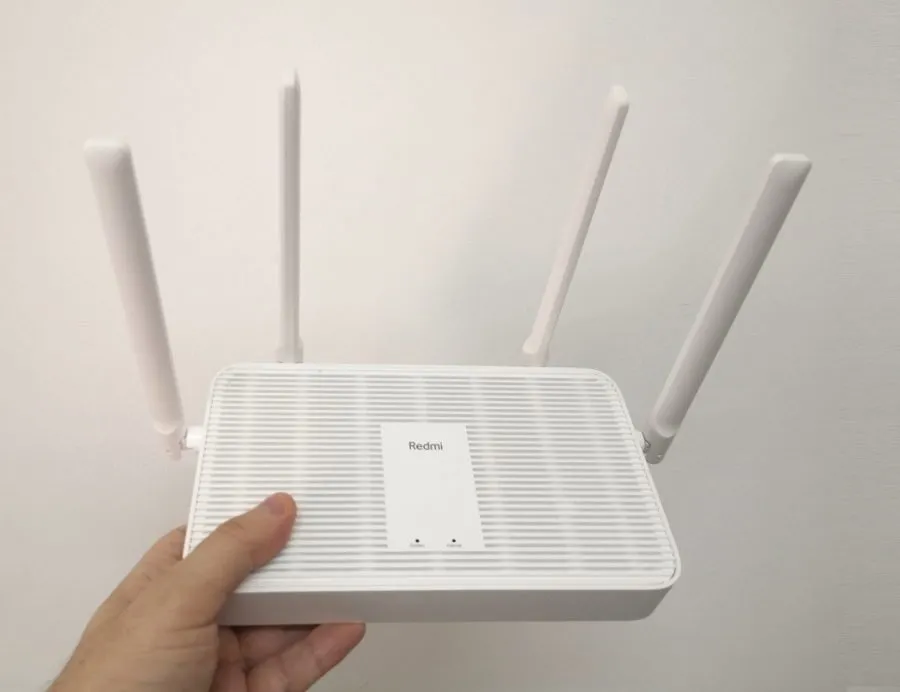
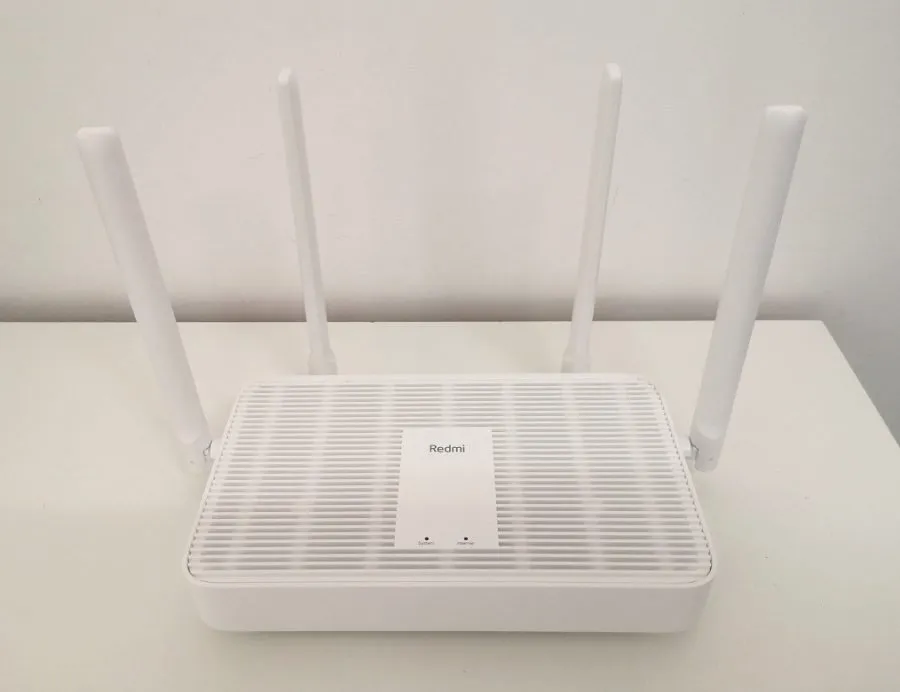
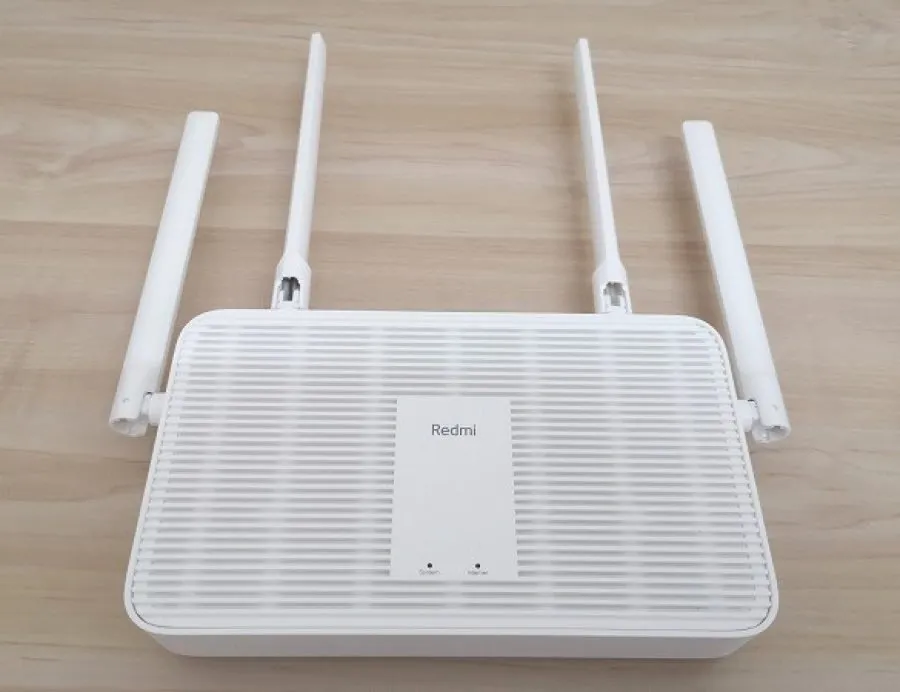
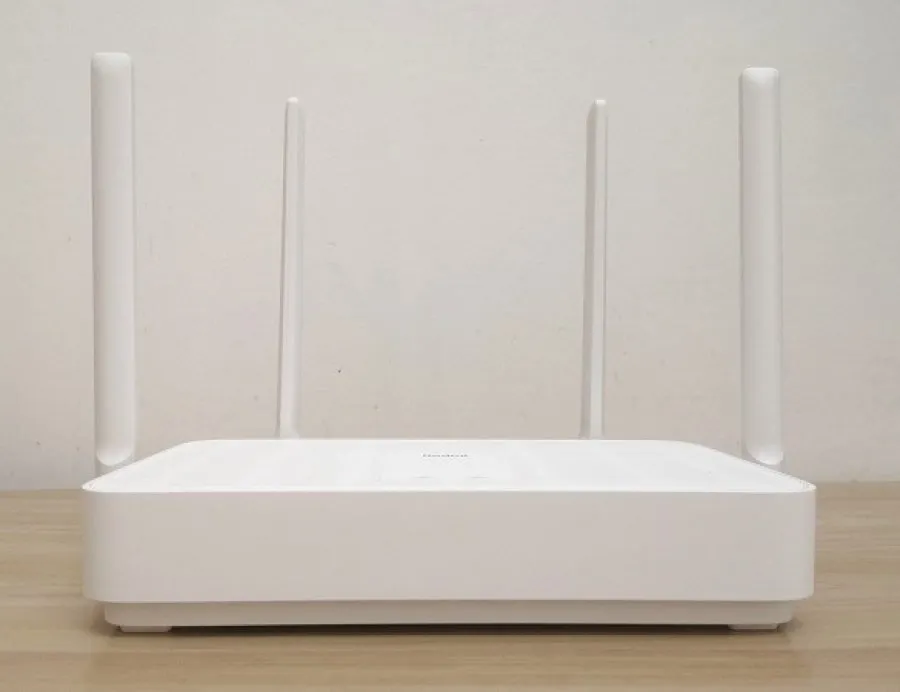
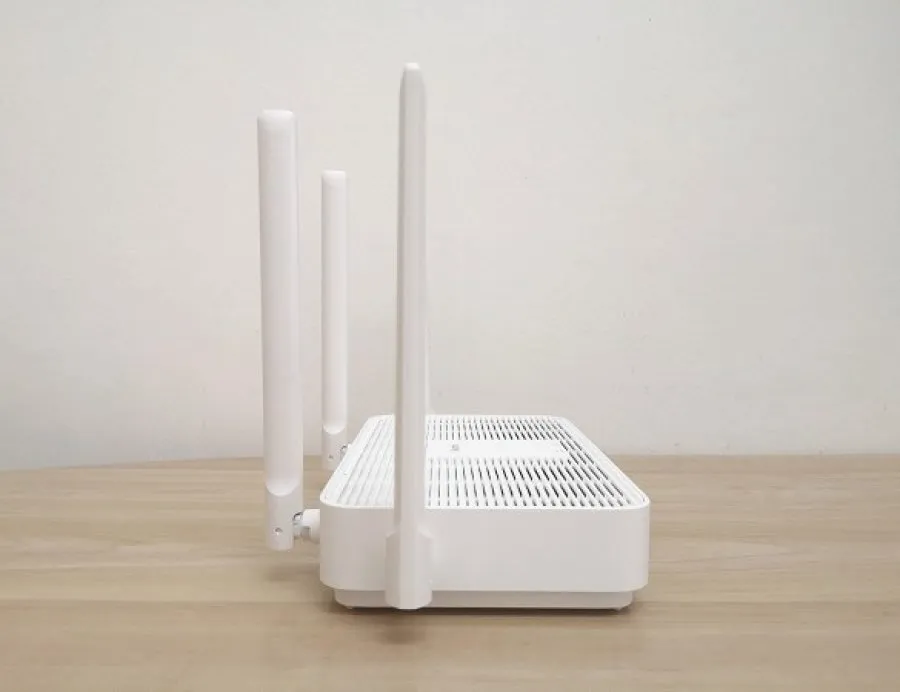
The Redmi router AX5 continues Xiaomi’s usually white and simple body design, with four external antennas, and supports simultaneous access of 128 devices. With Increased Home Broadband Absorption, Support for Technology Mesh, and data transfer capability of up to 574Mbps at 2.4GHz frequency and up to 1200Mbps at 5GHz frequency.
Technologies
The router also supports OFDMA and MU-MIMO technologies, allowing the router to complete data transmission for up to 8 devices with one connection, the network delay can be reduced by 66%, and multiple people can surf the Internet more smoothly.
Wifi 6 standard is still not very common today and has just started gaining popularity. Xiaomi AX5 could easily categorize as the cheapest wireless router with wifi six technology compared to more expensive router models when the combination of wifi support 6, the Mesh technology, and a low price tag of ~ $43 is expected to make the new router particularly attractive.
Xiaomi Redmi Router AX5
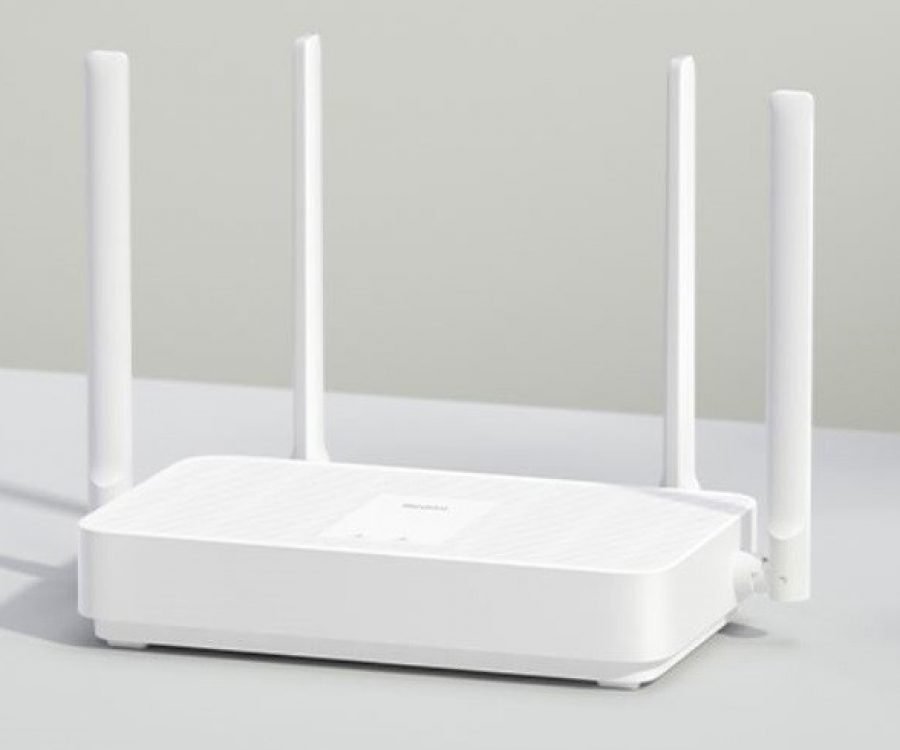 Redmi Router AX5 1
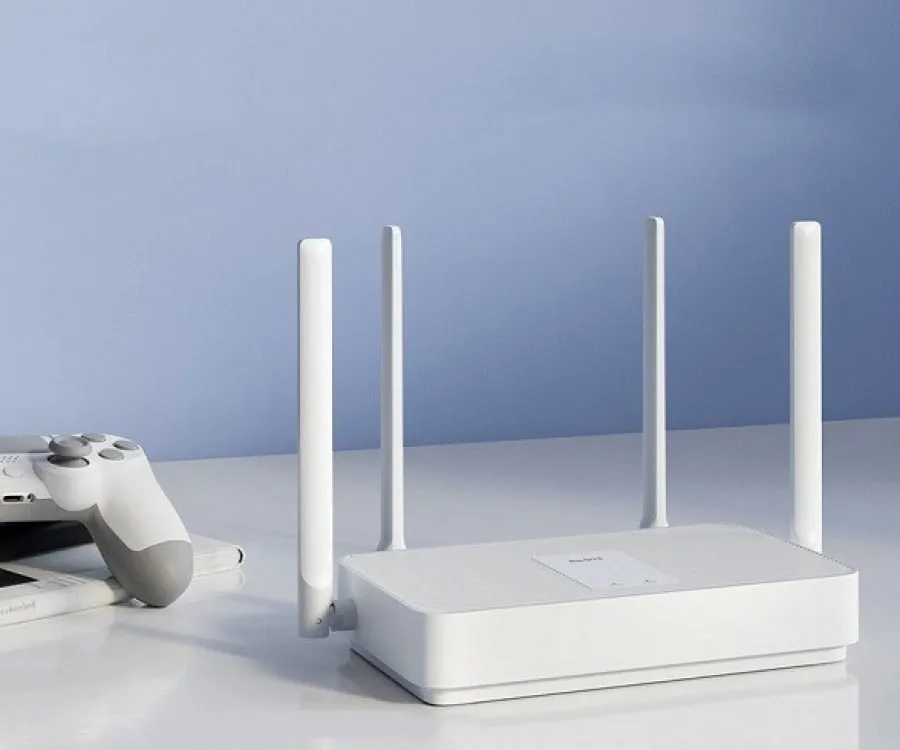
Highlights
- Support Mesh networking.
- 52% increase in the theoretical rate.
- OFDMA efficient transmission.
- Super signal coverage.
- Four high-gain omnidirectional antennas.
- Qualcomm 5-core chip, single-core NPU hardware-level acceleration.
- New generation router with a stable connection.
- Independent network acceleration engine.
- A new generation of 14nm process technology processors.
- 256MB large memory, stable connection up to 128 devices.
- Capable of offering speeds of 1,200 Mbps on the 5 GHz band (using wifi 6).
Specifications
| PRODUCT TYPE | Wifi Router |
| CPU CORES | Quad-core (4 Cores) |
| CPU FREQUENCY | 1.2GHz |
| CPU ARCHITECTURE | ARM Cortex A53 |
| MICROPROCESSOR MODEL | Qualcomm IPQ6000 |
| COLOR | White |
| PORTS | 3*LAN, 1*WAN |
| WIFI | 802.11a/b/g/n/ac/ax, 802.3/3u/3ab |
| RAM | 256MB |
| SUPPORTED OPERATING SYSTEMS | iOS, Android, Web |
| STORAGE | 128MB |
| TRANSMISSION FREQUENCY | 2.4GHz / 5GHz |
| BRAND | Redmi |
| PACKAGE TYPE | Plain |
| PACKAGE CONTENTS | 1*Wifi Router, 1*User Manual (w/ Three Guarantees Certificate), 1*US Plug Power Adapter |
| DEPTH | 141 mm |
| HEIGHT | 180 mm |
| WIDTH | 247 mm |
| PRODUCT WEIGHT | 710 g |
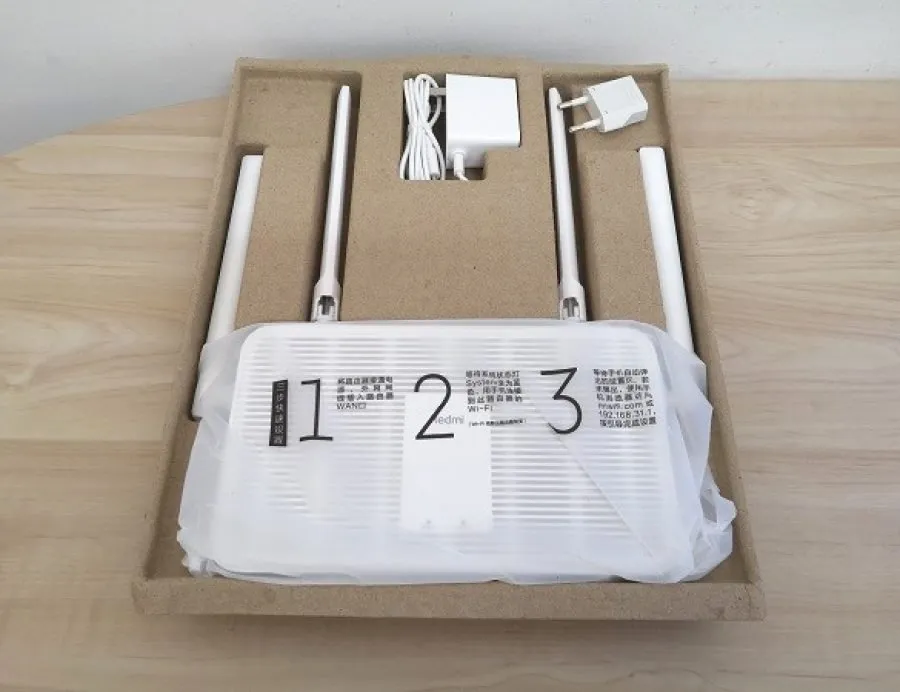
The package
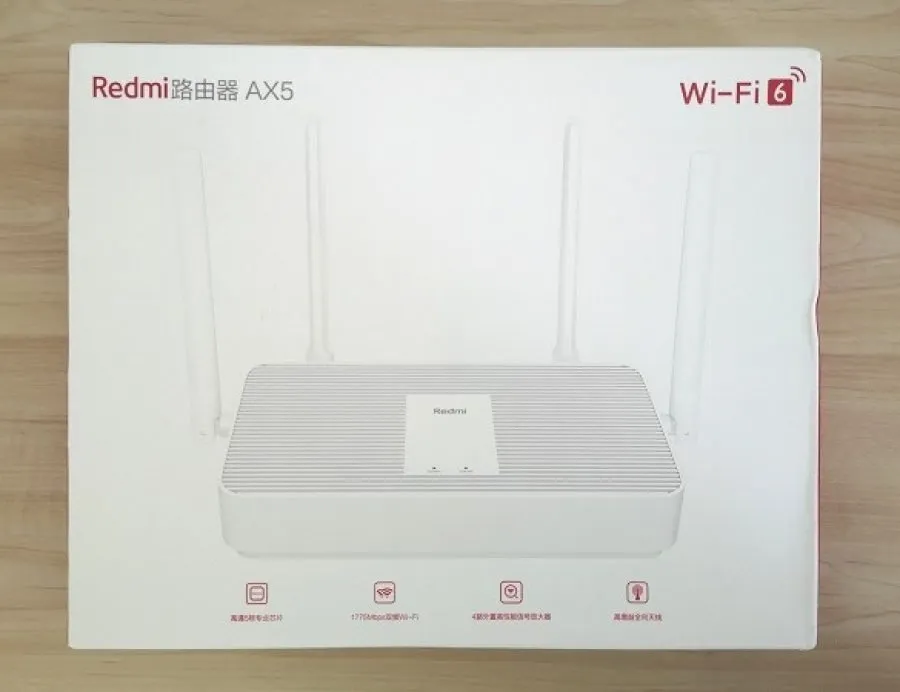 Redmi AX5 Pkg 1
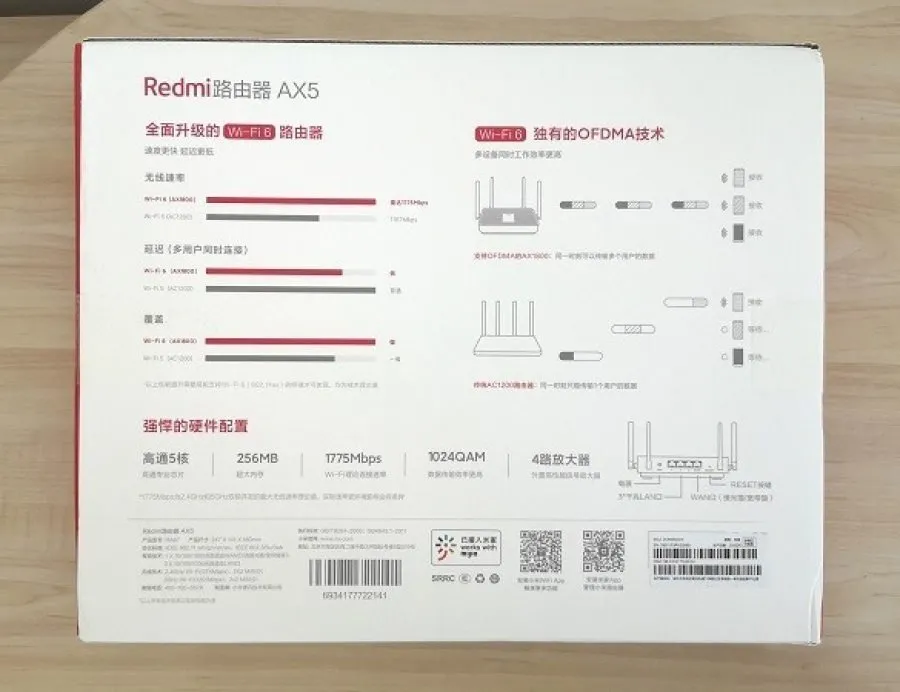
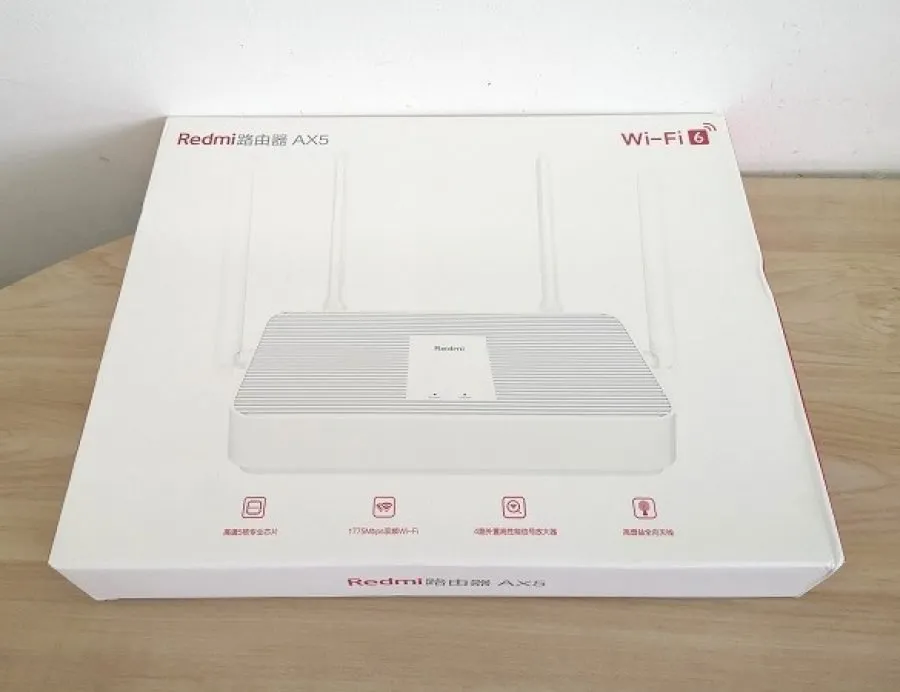
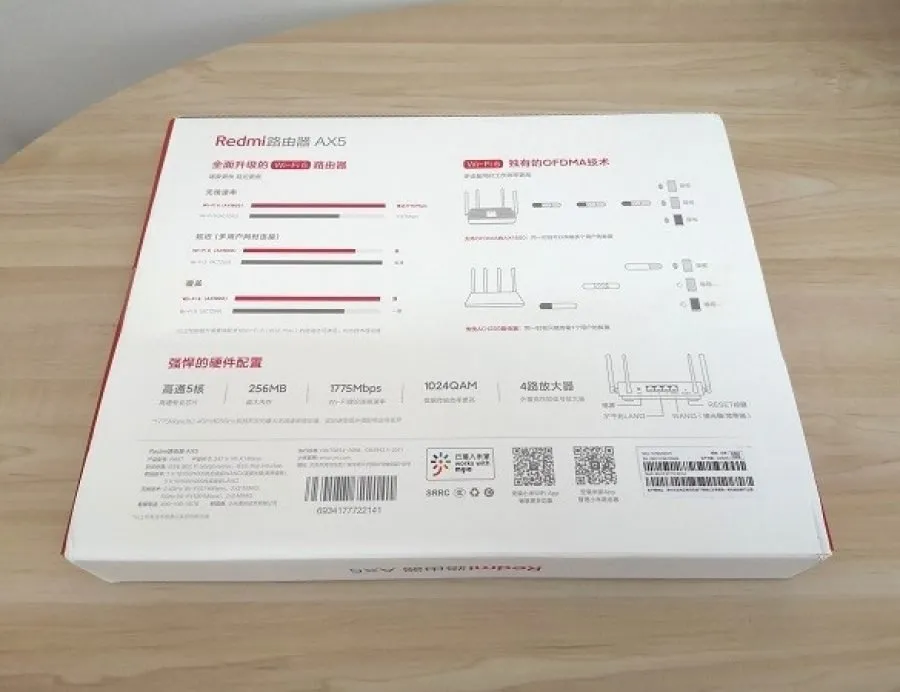
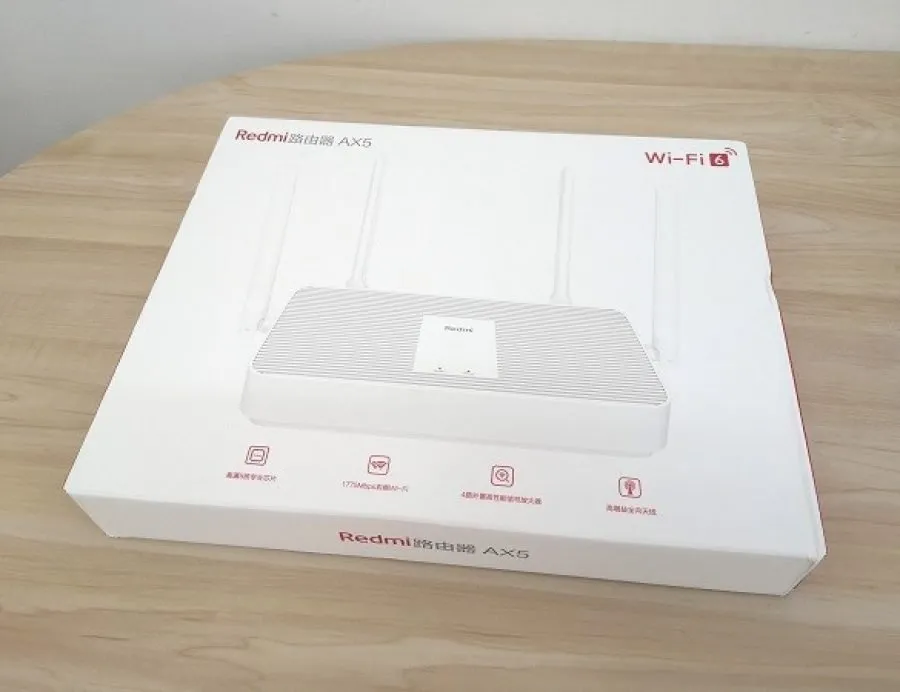
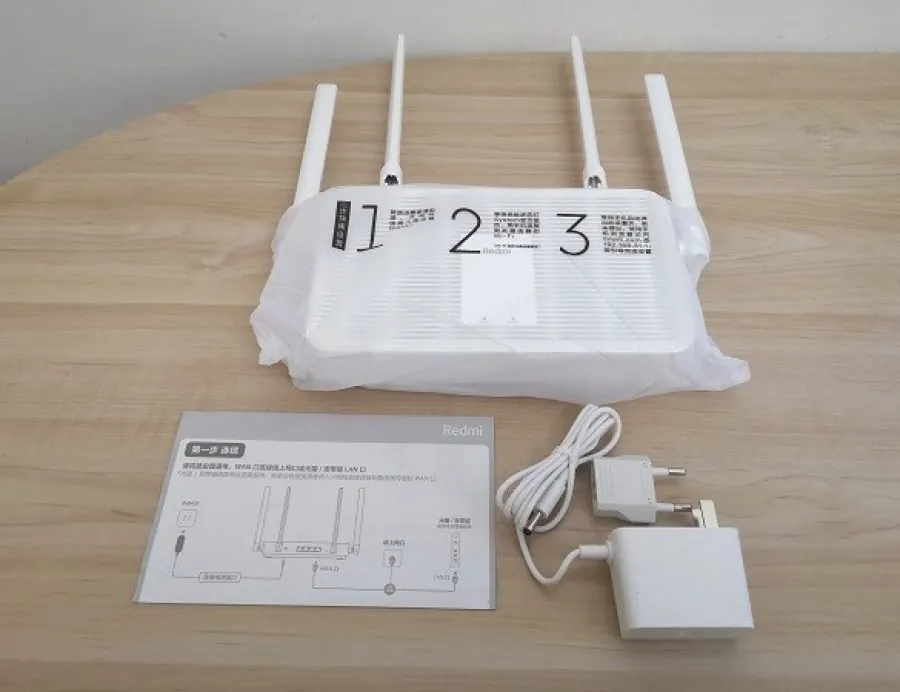
What’s inside the package?
- 1x AX5 router.
- 1x Manual.
- 1x Power adaptor (12V- 1A).
 Redmi AX5 Unbox 01
Design and appearance
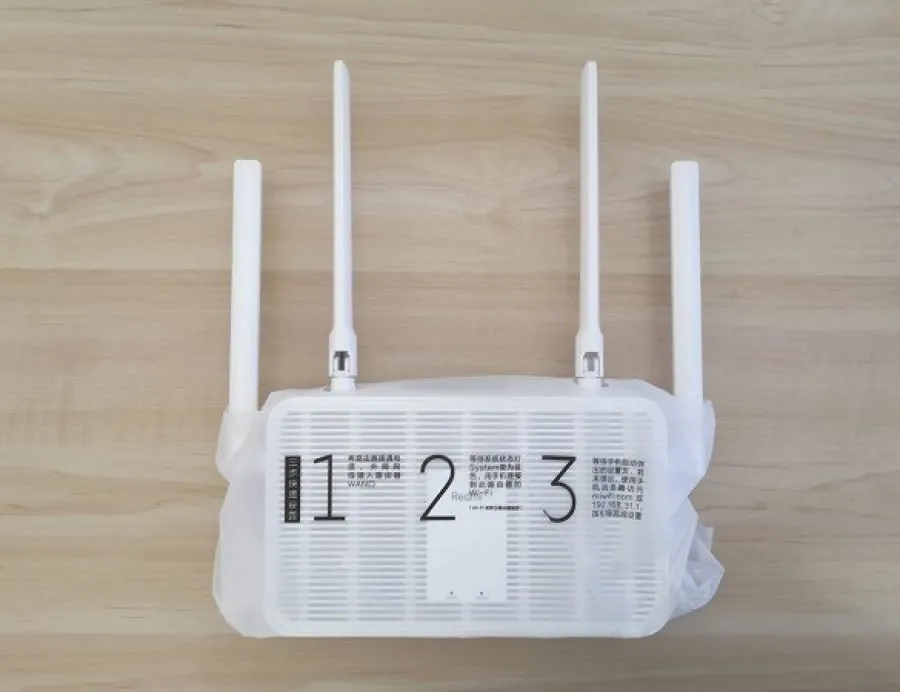
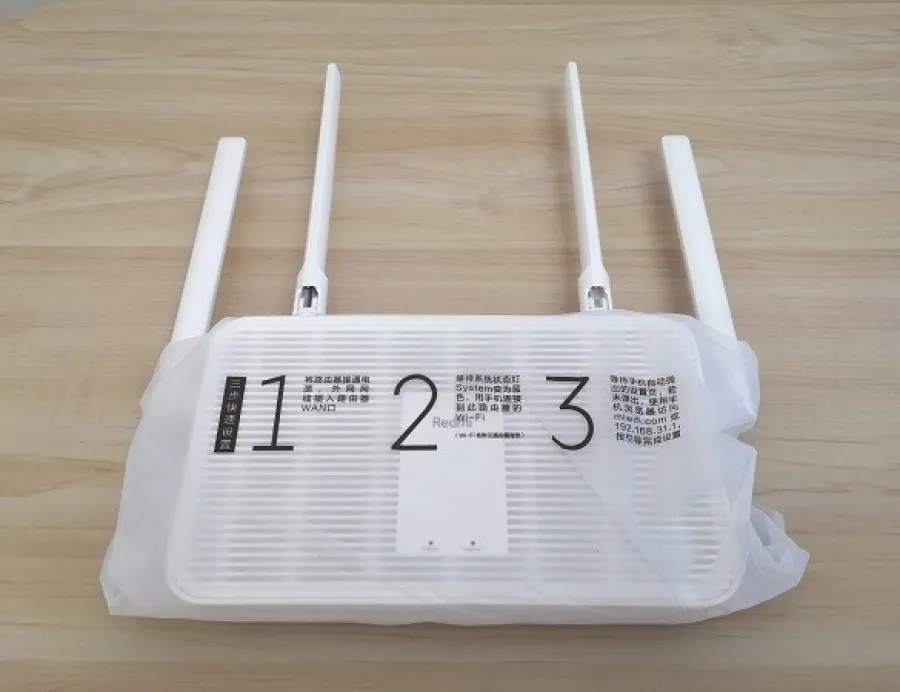
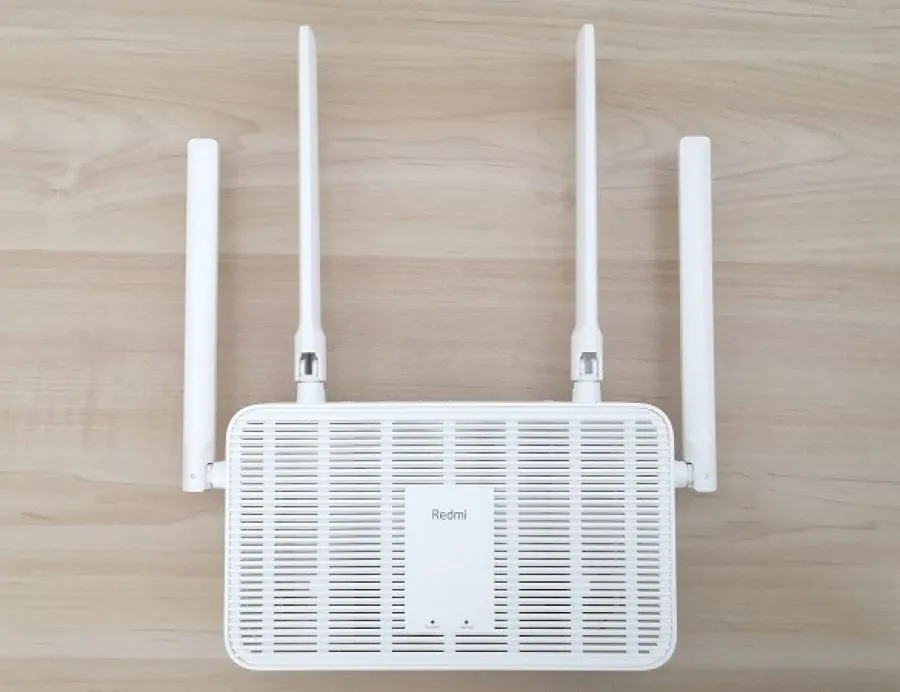
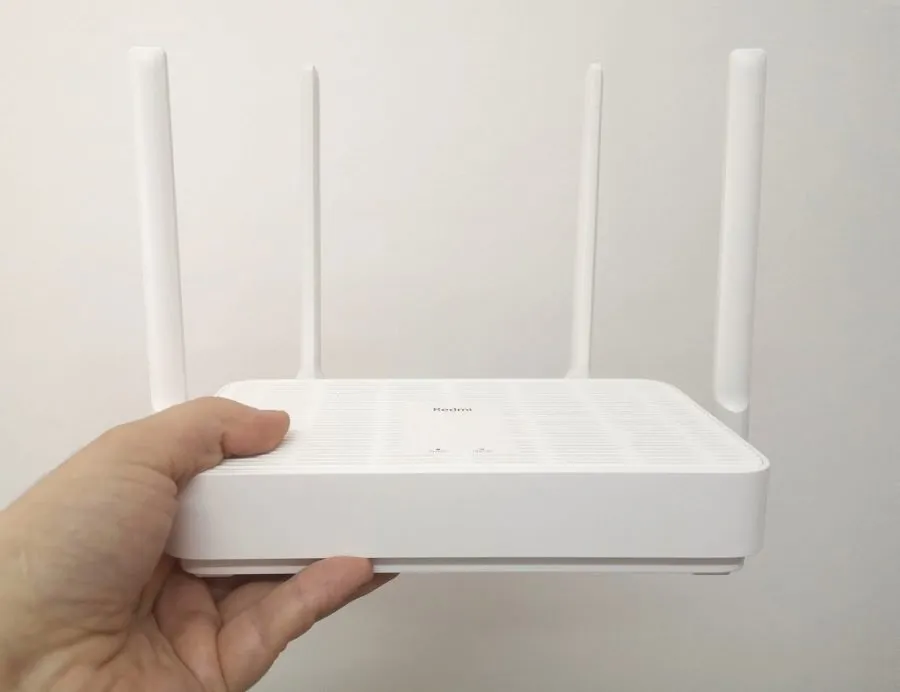
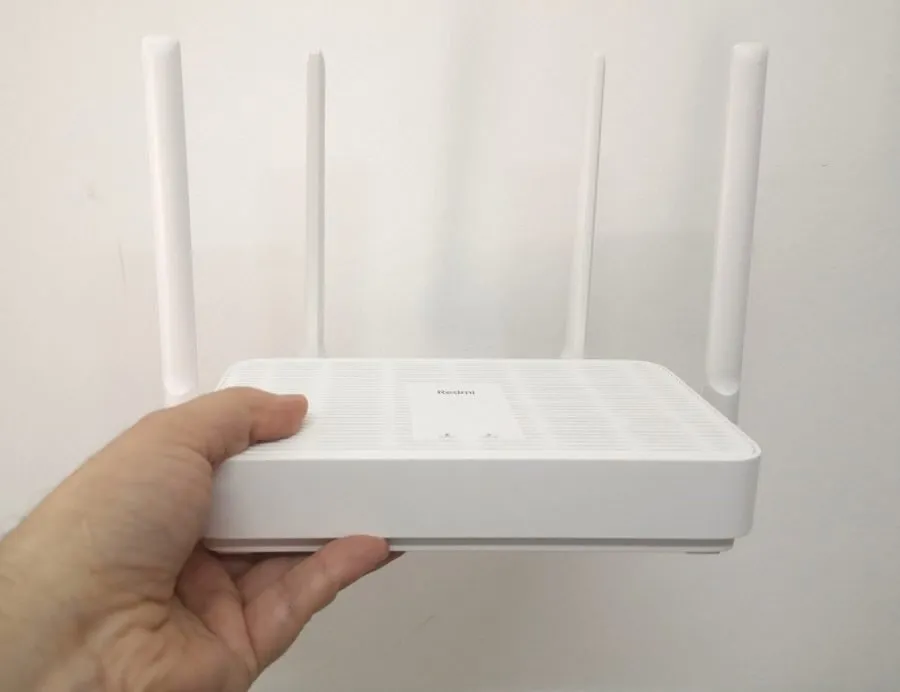
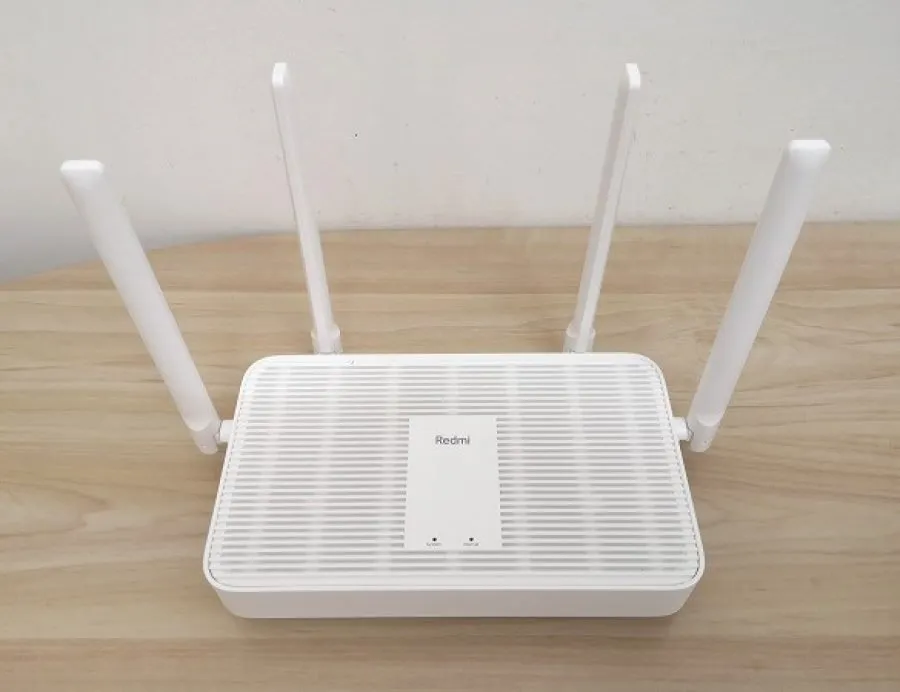
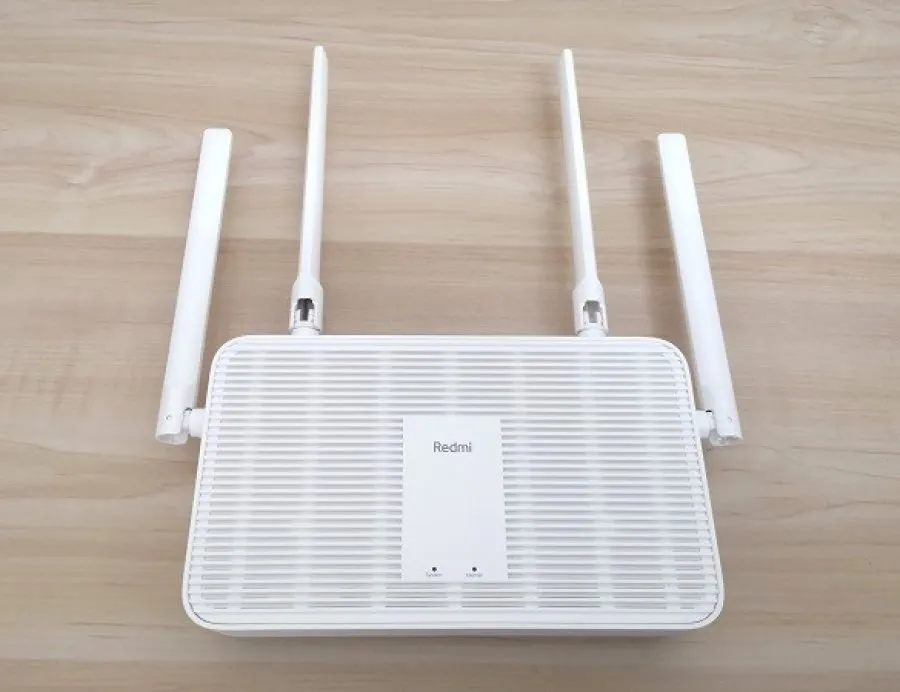
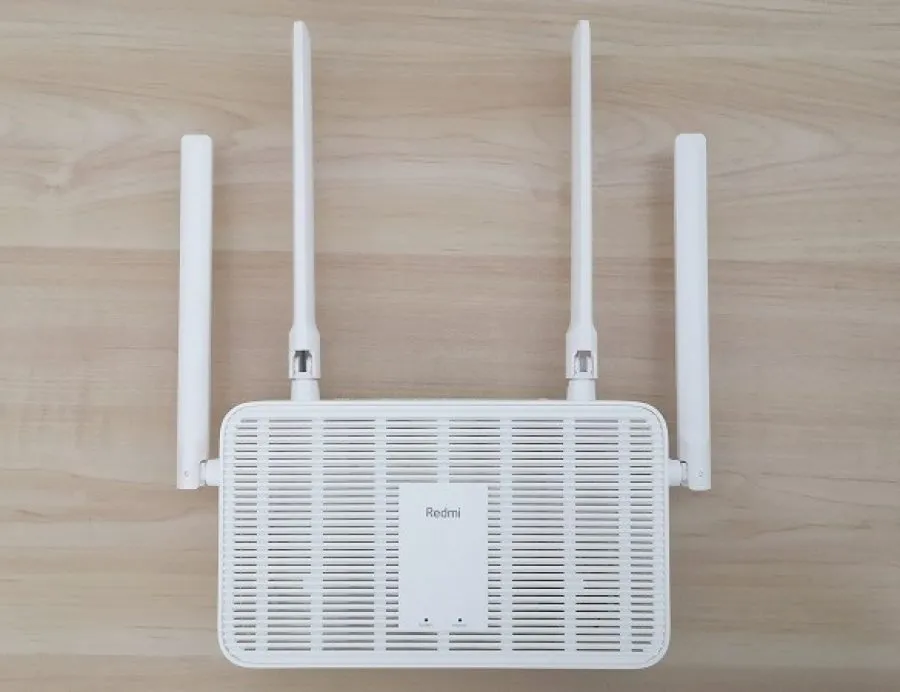
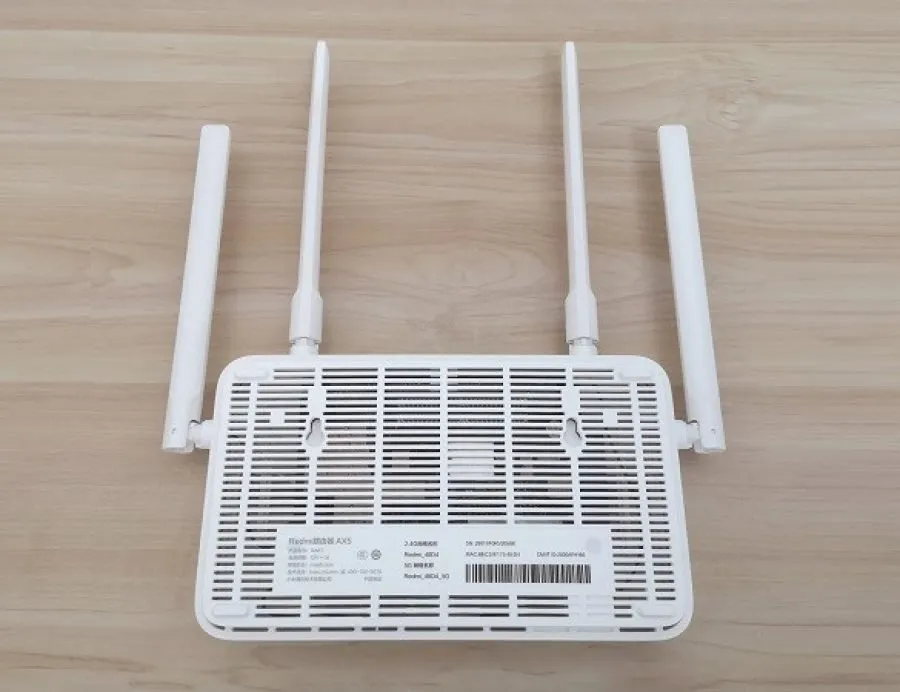
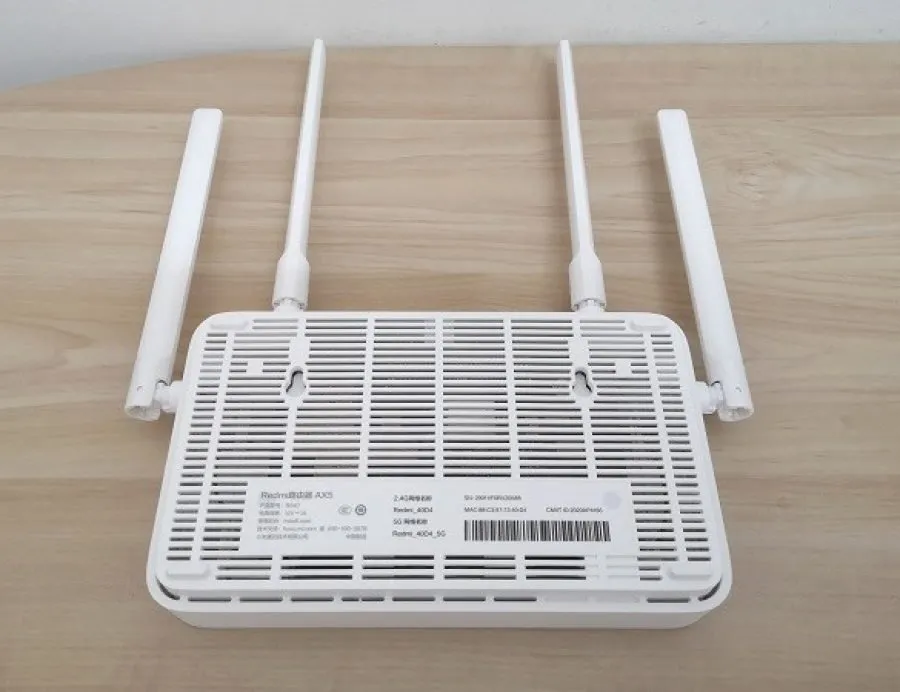
Xiaomi did a great job designing a beautiful case. The Redmi Router AX5 comes with a premium, clean-looking firm shell with lots of venting slots for cooling. It’s white, giving the product a beautiful look and not a low-cost $54 router. On the device’s rear side, you will find one WAN-type Ethernet port and an additional three ethernet ports that all support a maximum throughput of 1 Gigabit.
Mount Your AX5 Router to the Wall
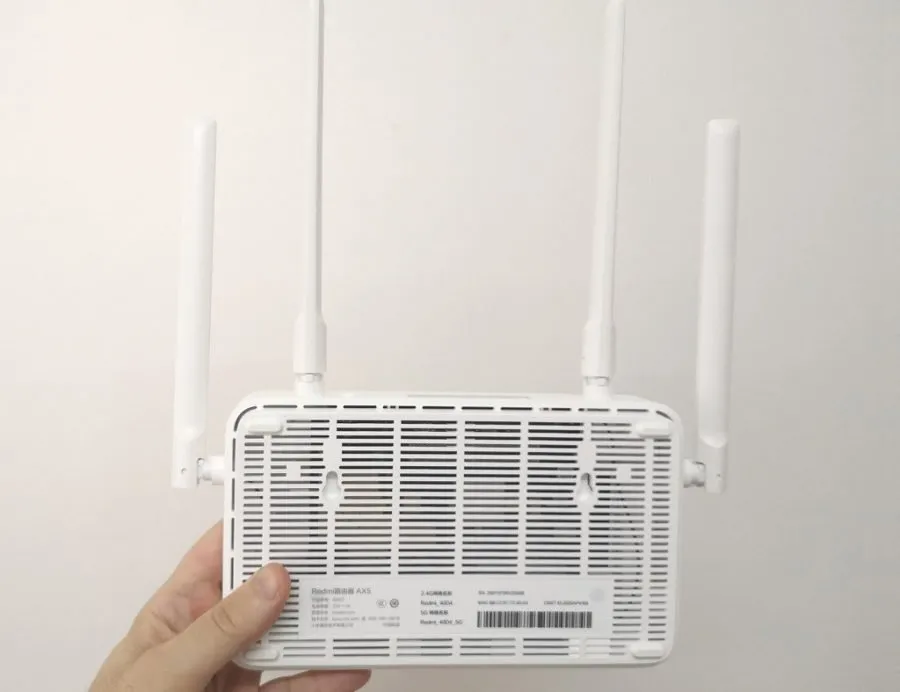
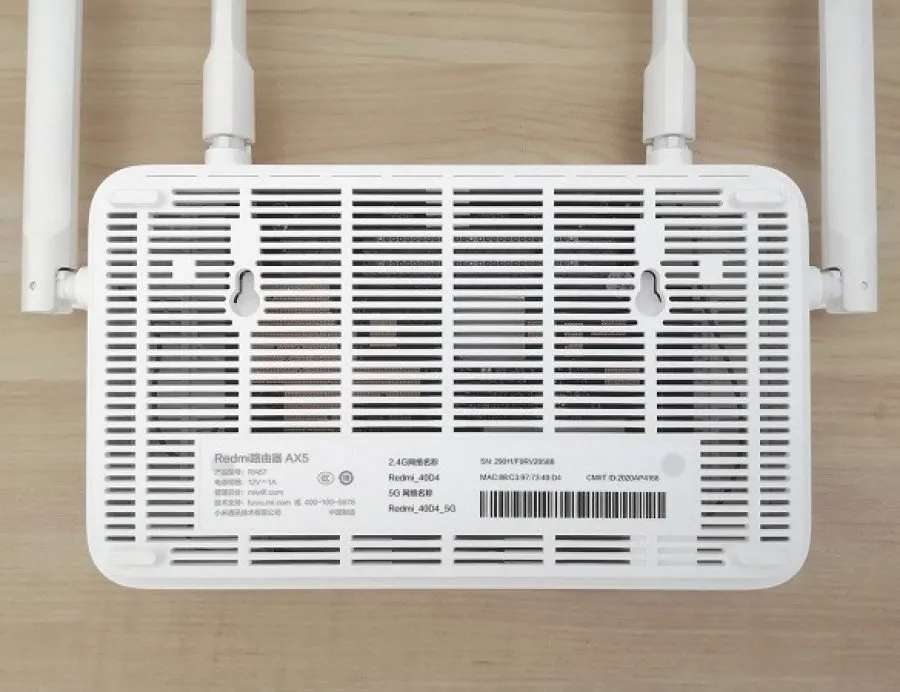
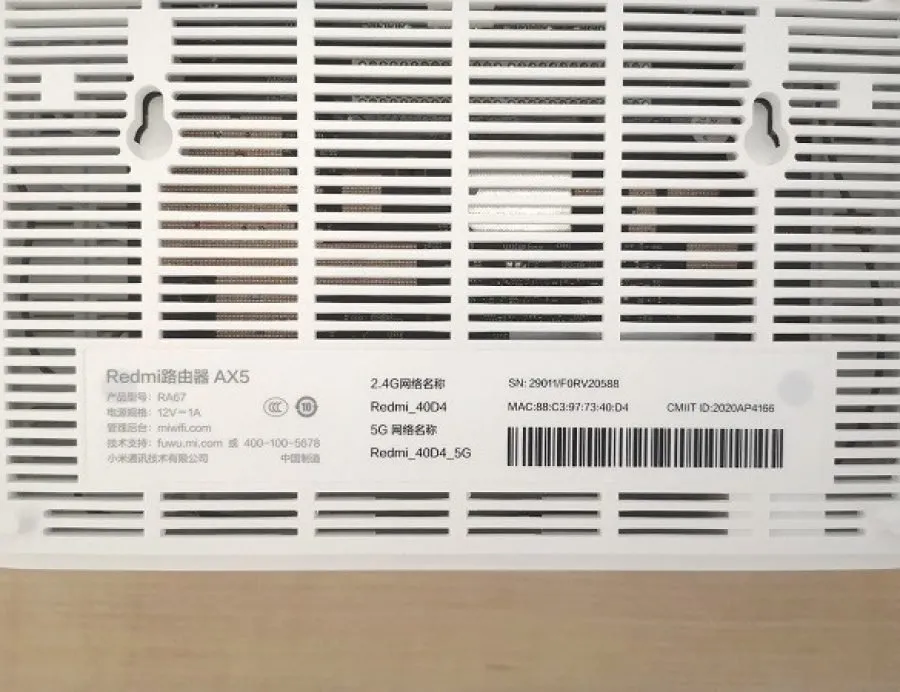
On the backside of the AX5 unit, Xiaomi also included holes to mount the AX5 on a wall using two wall anchors, which is a convenient way to save some extra space instead of placing the router on the desk, which most users usually do.
 Xiaomi Redmi AX5 PIC0
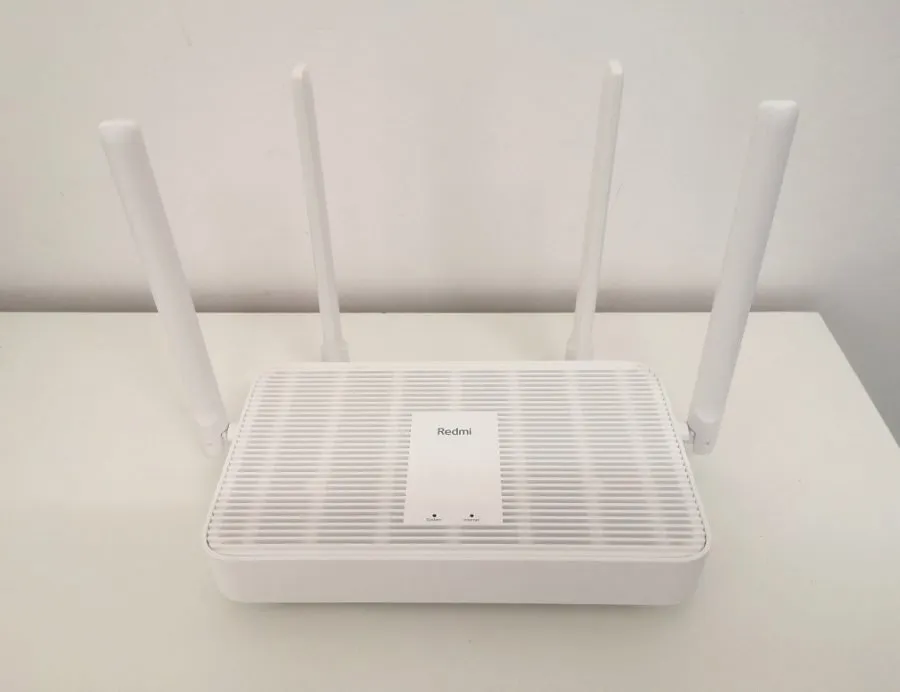
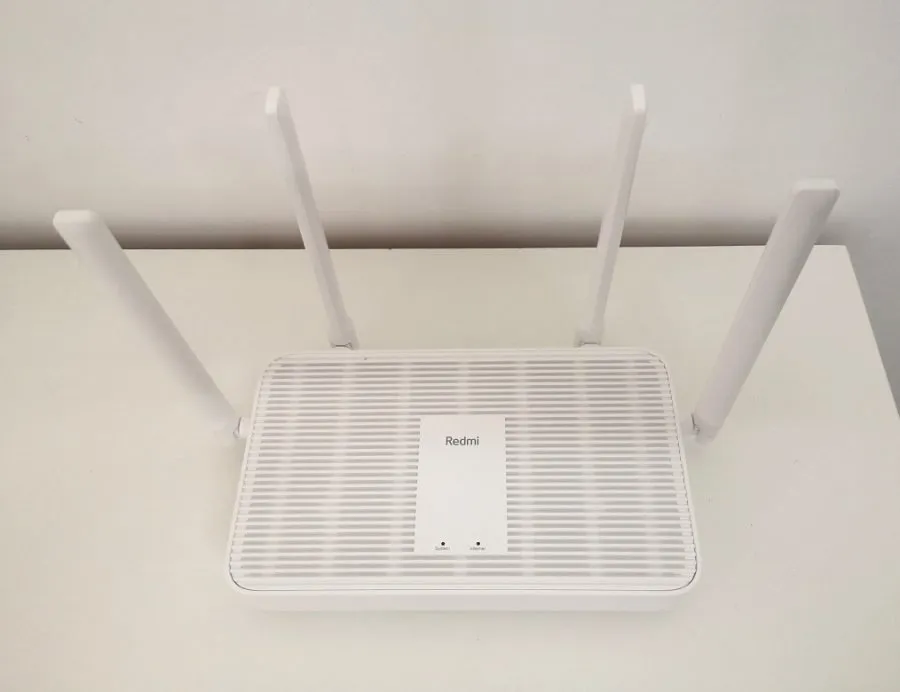
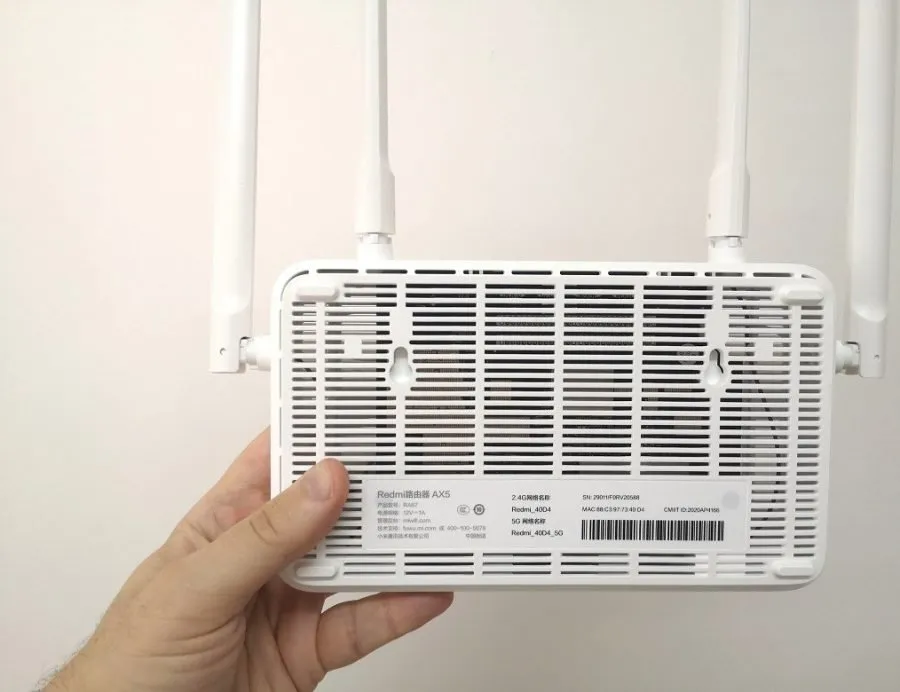
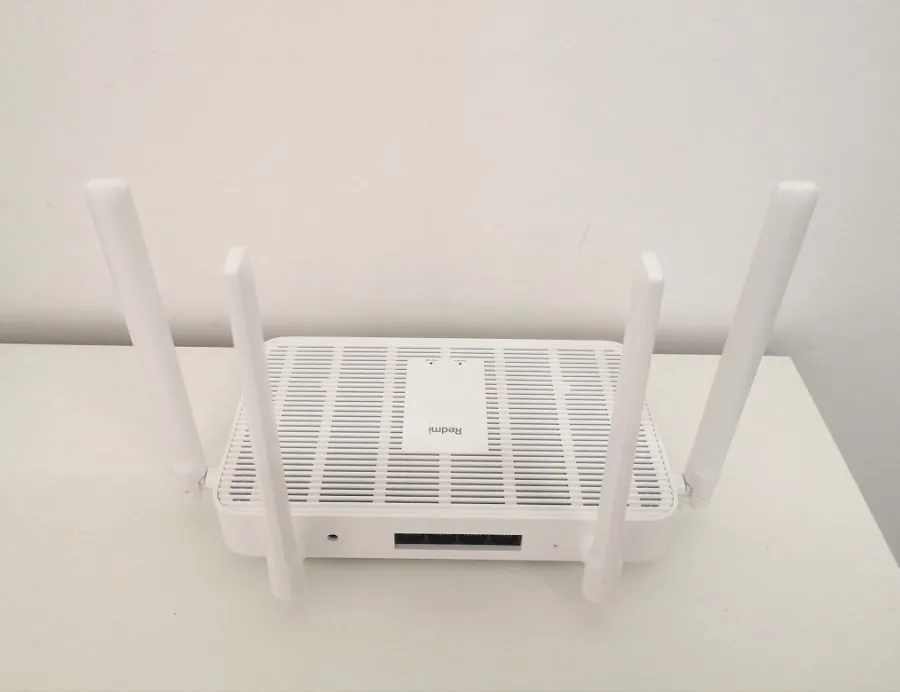
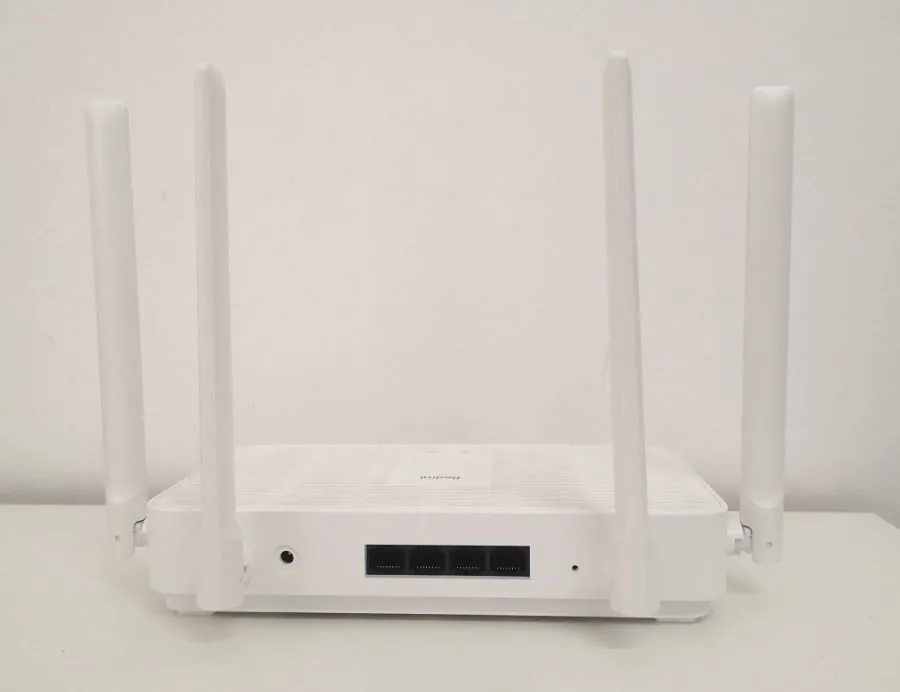
Next to the four Ethernet ports, you have the power socket and a device reset hole. The only thing I was missing as a user was maybe a power on/off button that could be nice to have. Because the labels of the ports on the case are also in white and not painted in black, It sometimes makes it very difficult to read and distinguish between different port numbers. Overall, I didn’t notice any fundamental manufacturing flaws or problems.
Xiaomi Redmi AX5
 Xiaomi Redmi AX5 1
Performance Configuration
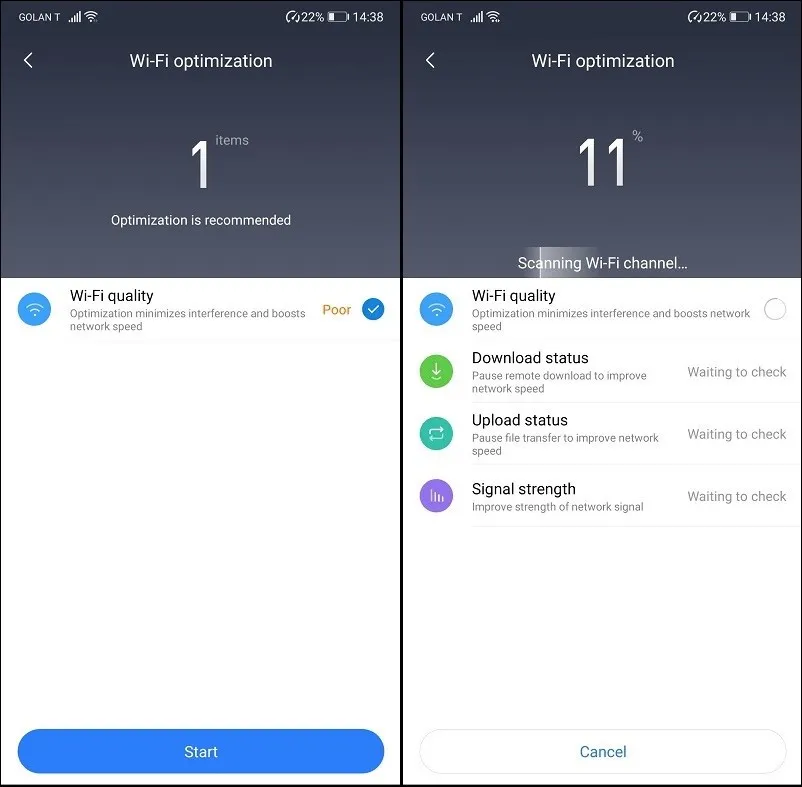
One of the top highlights of this product is the optimization feature that automatically optimizes your wifi and bandwidth settings to work in the most optimal way possible, so as a user, you don’t need to start playing with different options.
First Time Setup
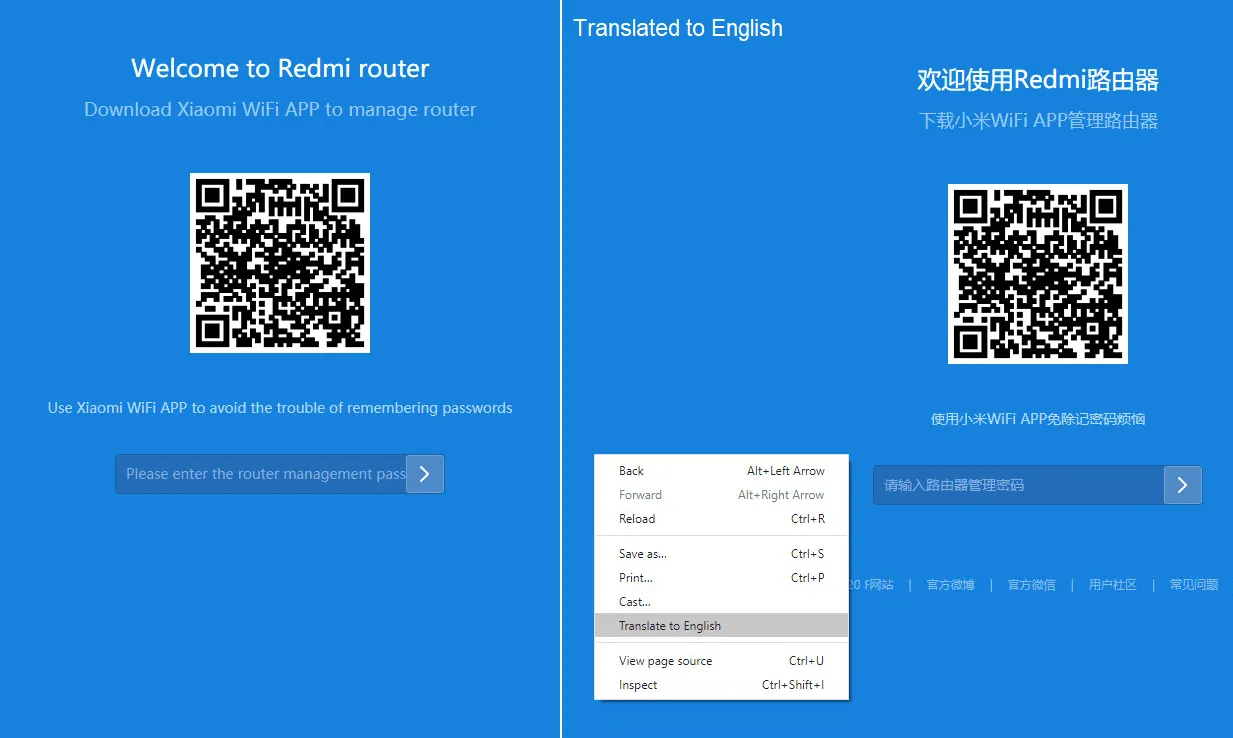
Xiaomi’s AX5 router software comes pre-installed with software in the Chinese language. If you don’t read Mandarin, once you connect the device and go online, you can google translation tool, which is an integrated part of most chrome browsers. The translation function worked well for me and can help you understand all the options.
An open-source project for embedded operating systems based on Linux. Xiaomi did an excellent job in modifying the LuCI Web Interface and adding lots of advanced features you might find in premium routers sold on the market. The Redmi AX5 operating system core runs on top of the popular OpenWrt framework. Features include automatic air updates, an internal speed test tool, advanced QoS settings, Bandwidth management for each device, a built-in firewall, and much more.
Xiaomi Redmi AX5 Web login screen (Translated with google)
Xiaomi Redmi AX5 wifi Settings
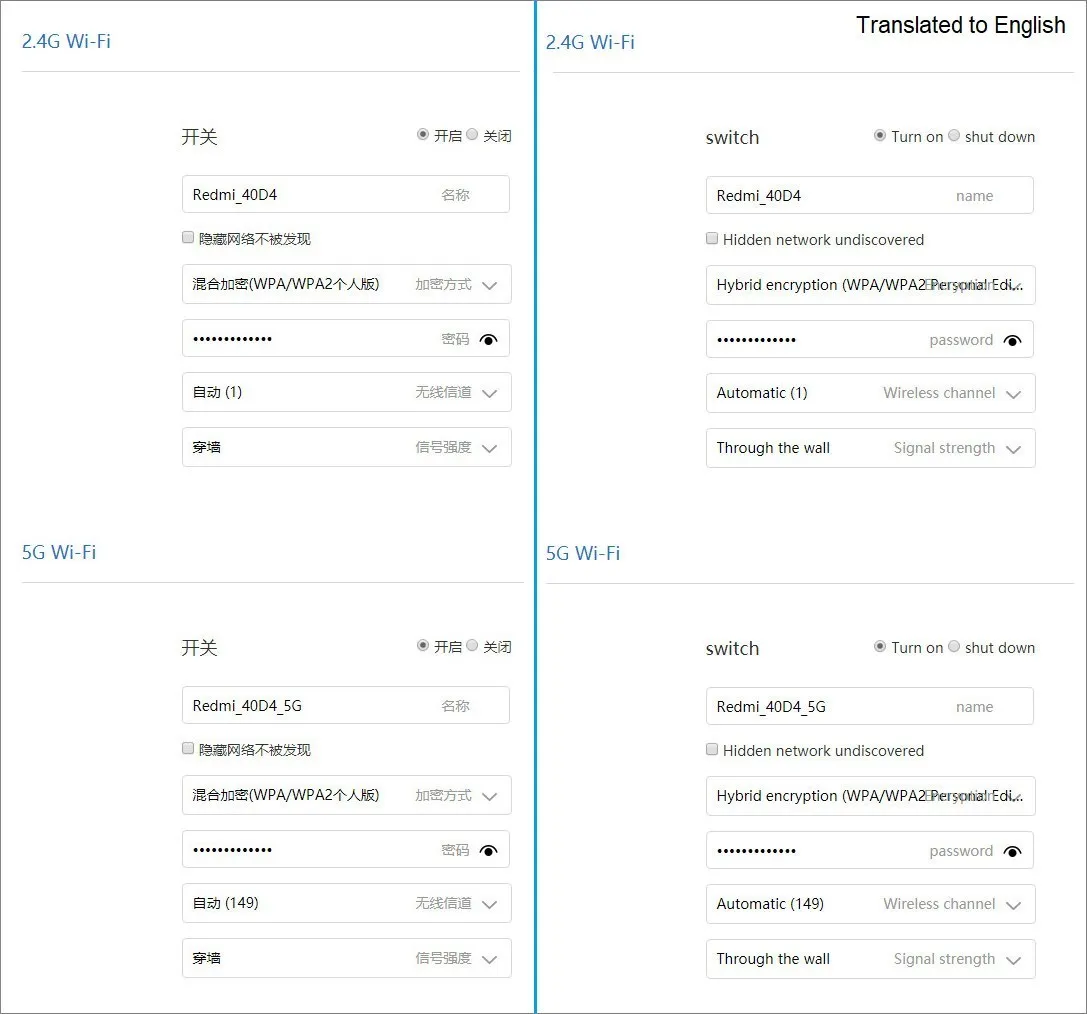
After the first time setup of the AX5 router device, your wifi network will be automatically assigned with default network names: Redmi_40D_4G and Redmi_40D_5G. Xiaomi added a few useful features under the ‘Wifi setting‘ section, such as the option to join 2.4GHz and 5GHz under the same name. This option lets you automatically switch between network bands according to the connected device signal strength.
Xiaomi Redmi AX5 |Default wifi Networks Names
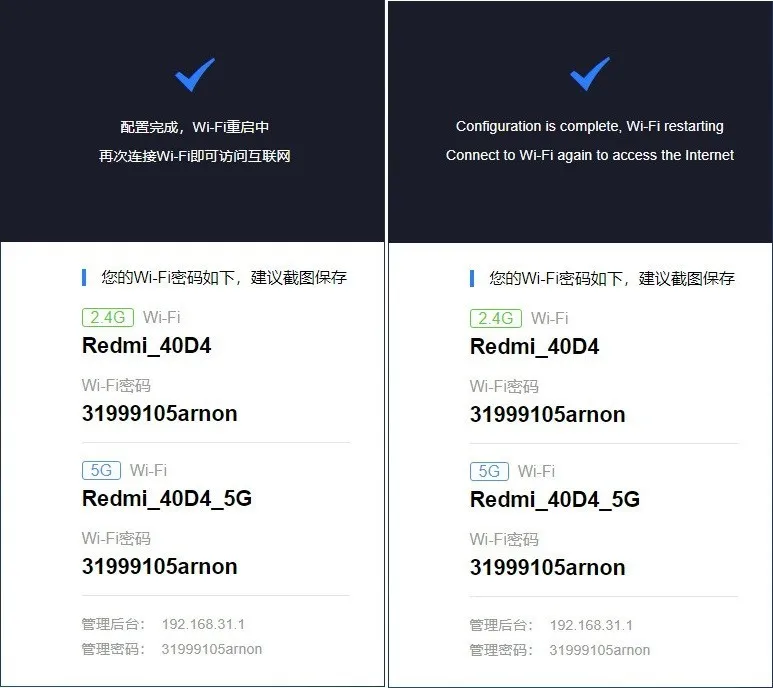
Connecting the router to Mi WIFI App
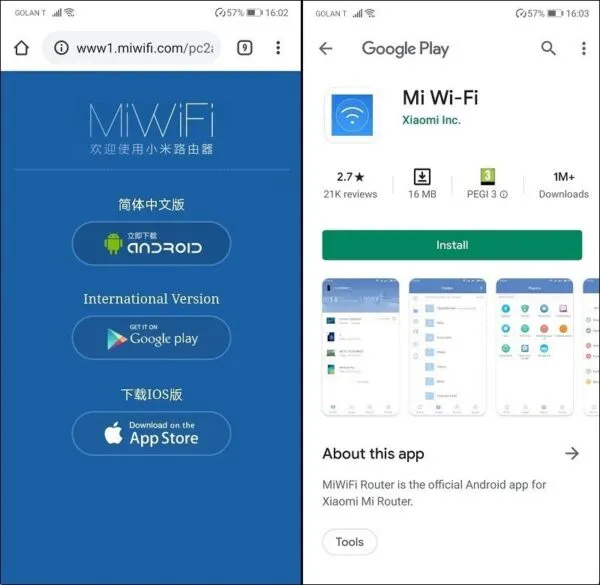
The process of pairing to your AX5 router is very straightforward and straightforward. You first need to download the ‘Mi WiFi’ mobile app available for Android and apple users.
First, you then will need an active MI account. If you currently don’t have one, you can sign up for free and join the Xiaomi community. After this step, you must select the proper country before logging into your MI account. Because this product is designed initially to work in china, you would have to pick the region: ‘China mainland’ and temporarily enable your location service on your mobile phone.
Xiaomi Mi wifi Android App [English interface support]
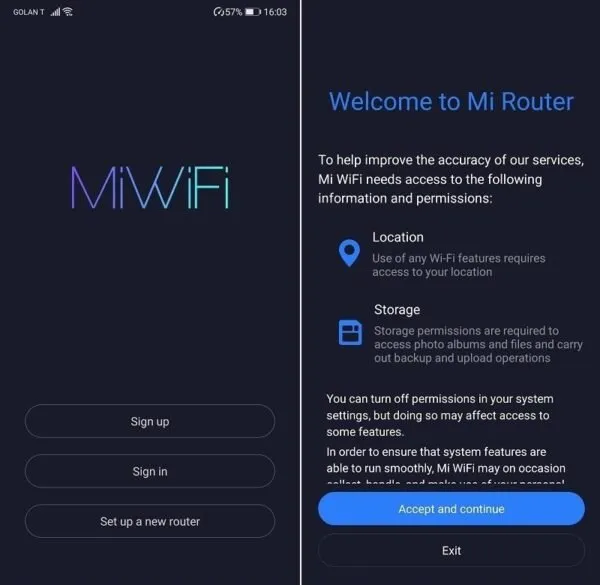 Xiaomi Mi WiFi | Android App [ PIC 1 OF 4 ]
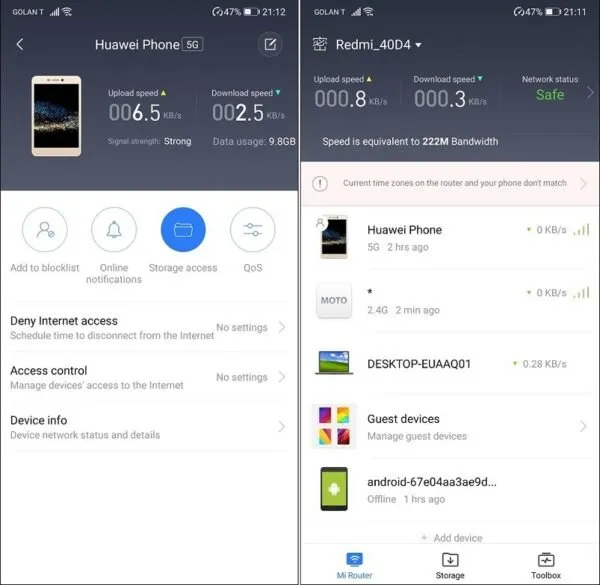
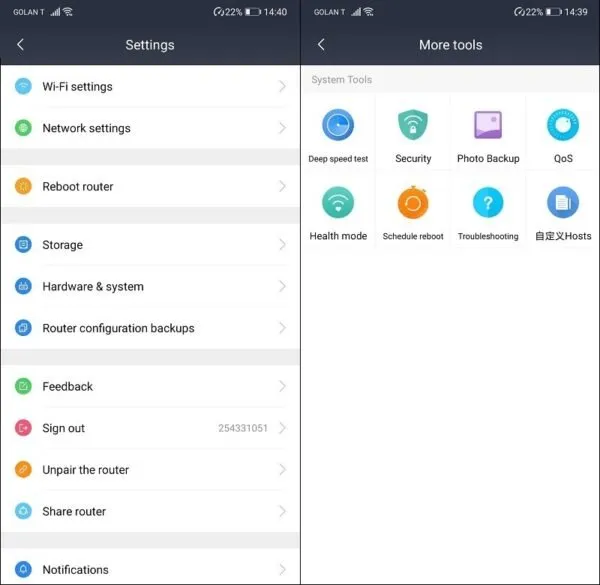
Device Management
The Xiaomi AX5 router is designed for Chinese people’s user experience taste. In the management features arena, Xiaomi did an outstanding and, most importantly, created a very user-friendly GUI that none Chinese users also use. You can control all functions of the AX5 settings remotely through a wifi connection using ‘Mi wifi’ mobile app, or if you don’t need it, you can always use the Web interface access method. Because the router’s software is in Mandarin Chinese, you can use any google chrome compatible browser to translate the text from Chinese to English, and it’s simple with a right-click on the mouse pointing to the screen.
Supporting the new wifi 6 Standard
She AX5 has the upper hand in price and compatibility, supporting the latest wifi6standards. A respectable list of known vendors such as Huawei, Apple, Motorola, LG, OnePlus, and Samsung have already launched compatible handsets, mainly implemented in high-end models.
Suppose you are preparing for the near future. Wifi 6, or in its tech name: 802.11ax, provides huge bandwidths up to 11 GB in the air, it’s effortless to operate (everything is automatic), requires almost no maintenance, with high reliability and zero amount of malfunctions and breakdowns.
Today, wifi networks connect almost everything in the business network, from smartphones, tablets, and laptops to security cameras, alarm systems, access control systems, “home and smart office” systems, “smart city” IoT systems, “autonomous vehicles,” and much more.
Security
In the security arena, Xiaomi added helpful and valuable features to protect users’ privacy. Under the ‘Security Center,’ ist possible to block specific devices connected to the router by entering their MAC address. You can prevent devices from accessing particular URLs, an option that can be used as a parental control tool to prevent children from accessing adult-related websites. You can even schedule a network disconnection for a device based on a specific date and time.
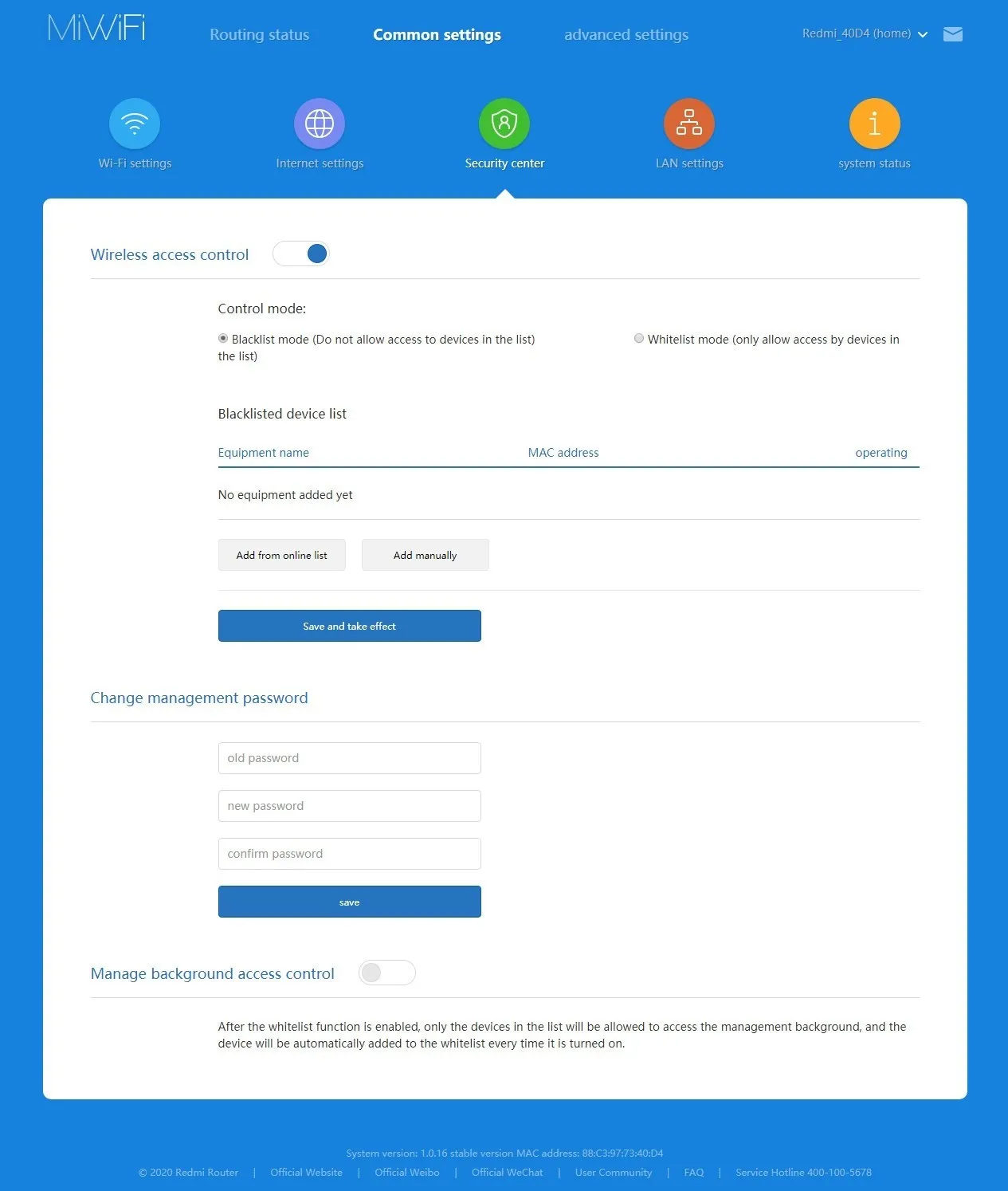
Signal Coverage
When I set a 5GHz band network on wireless channel no’ 48, the signal coverage was good, but I didn’t see anything extra special. The Redmi A5X comes with four external antennas that I think are more effective when the router is placed in an ideal open space where the other devices are connected. My connection was very stable, and everything worked well, As expected.
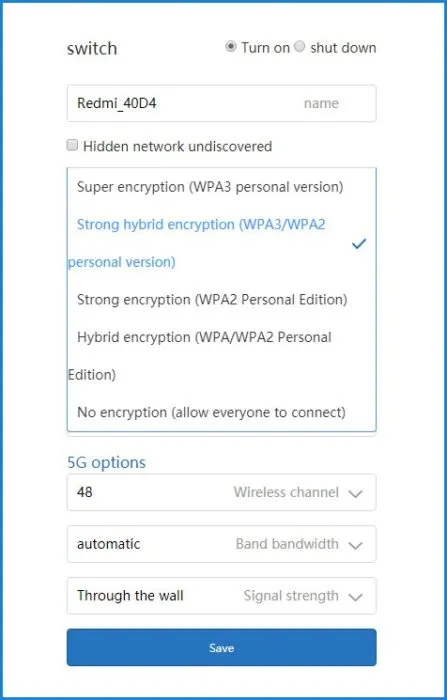
Redmi AX5 2.4GHz wifi Settings
Wireless Speed Testing
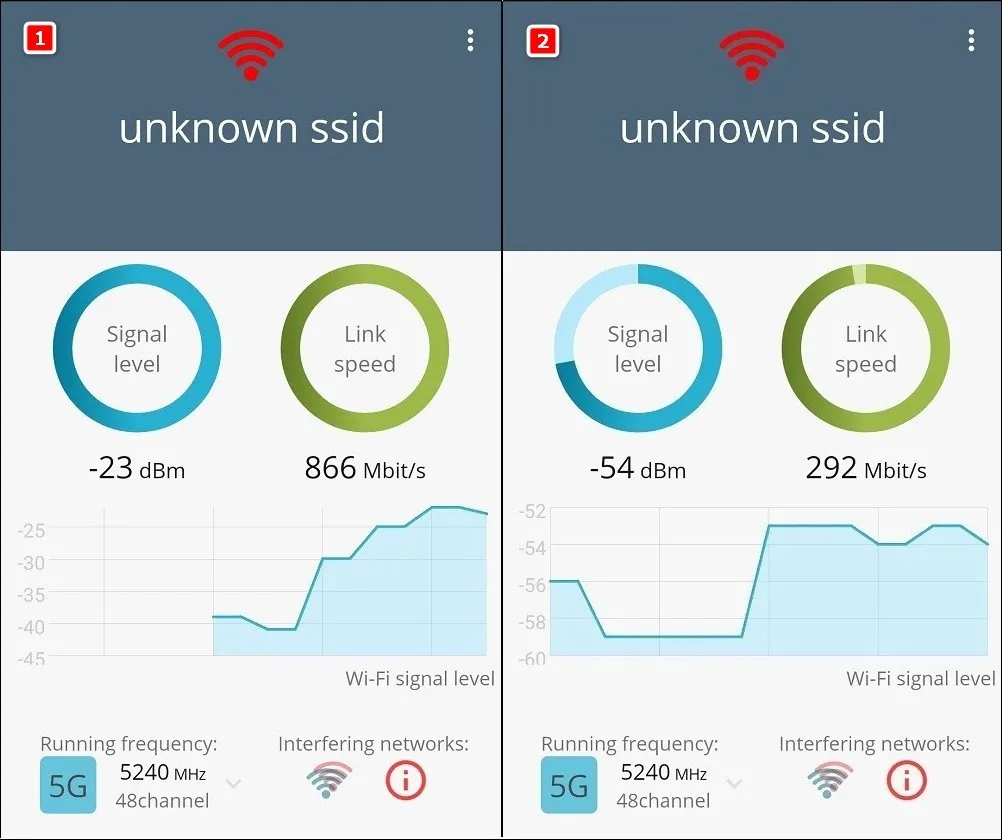
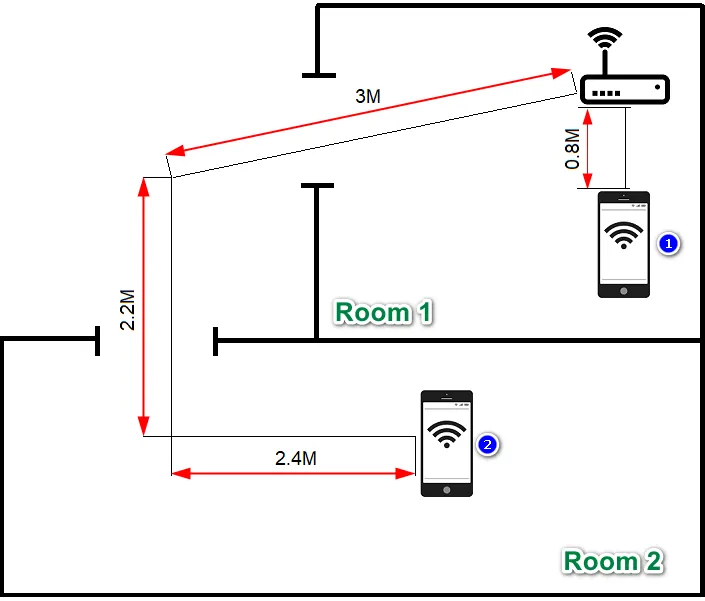
We placed my Huawei P20 phone in two locations (points) in nearby rooms separated by a wall with open doors to check 5GHz signal strength and bandwidth.
Results:
- Point 1 – The best area for the best signal reception was in point no`1 at a very close distance of 0.8M to the A5X router unit with a speed link of 866 Mbps.
- Point 2 – At a distance of approximately 7.6M, the signal dropped to a link speed of 292 Mbps.
Through the wall
This feature sounds more like a gimmick. Maybe it’s more feasible when connecting wifi 5 / 6 devices that operate in high network bands, something we couldn’t check in our test because we didn’t have a support device in reach.
Intelligent Speed Management
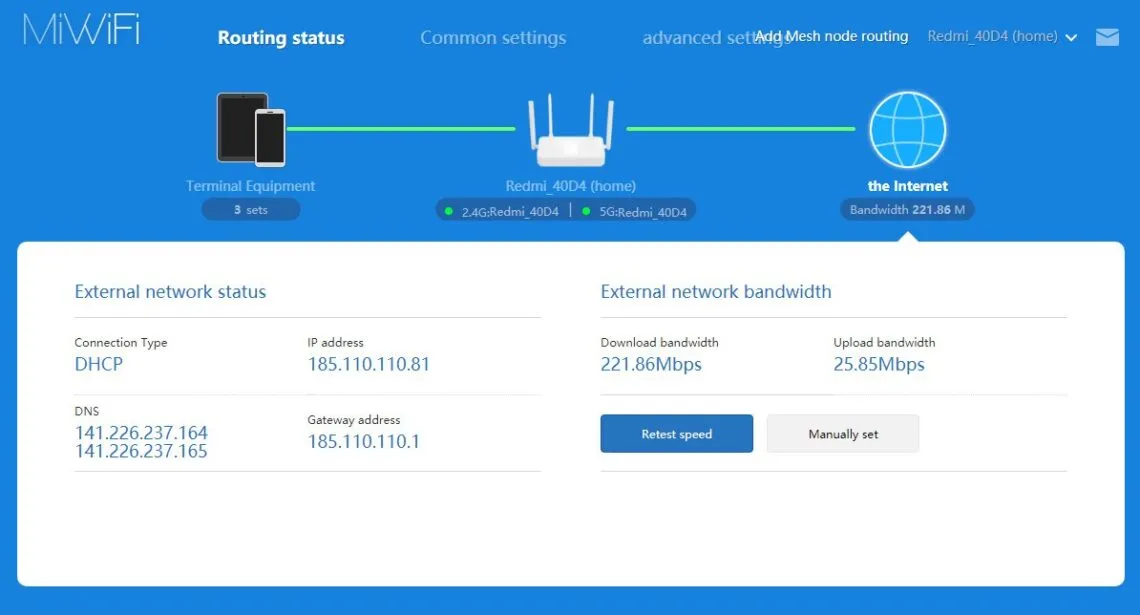
The intelligent speed management feature lets you monitor all the wireless devices connected to the AX5 router. You can adequately monitor bandwidth consumption for each device and get real-time information about your current download and upload connection speeds.
Redmi AX5 Review – Final Verdict
The Redmi AX5 router is an excellent easy-to-manage device, packed with many great features for basic and advanced users. The most notable highlight of the product is that it supports the next generation standard wifi 6, which is becoming increasingly popular these days.
The only thing I was missing as a user was maybe a USB port for connecting an external hard drive. Button line, I defiantly recommend the product as it provides an excellent spec value ratio.