Product Introduction
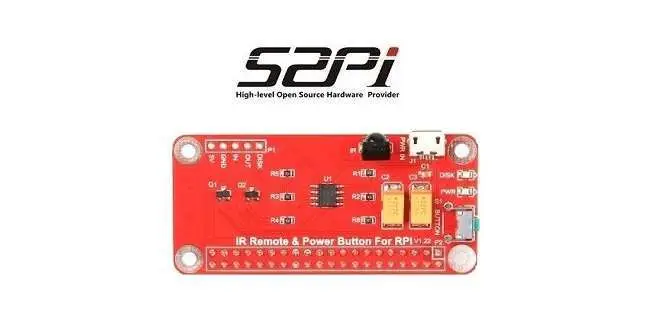
Everyone at some point recognizes that the Raspberry Pi’s downside is that it’s missing any kind of a power button. The only way to power the Raspberry board off is by unplugging it from the power supply. What can sometimes corrupt data stored on the SD card if the device is suddenly powered off during operation? To solve this problem, 52Pi company came out with an intelligent solution in a form of a special expansion board that connects to the raspberry 40 GPIO pin header and lets you turn on/off the Pi board remotely via the IR remote control unit and the expansion board power button.
When you power the Raspberry with this expansion board, it doesn’t only power it off but also sends a signal to the board and gives a few seconds delay to initialize a proper shutdown to the Pi Board, which assures that stored data is not damaged in any way.
This power expansion board could be very particle for hobbyists that use the Raspberry Pi boards as a type of a home media player center, to stream content from the internet, or just users that need to have the remote option for specific DIY projects, For example when designing Alarm systems, Smart home solutions. For further information about the product, price, and specifications, you are welcome to visit the company’s official AliExpress store link posted below:
Buy it from 52Pi Aliexpress Store
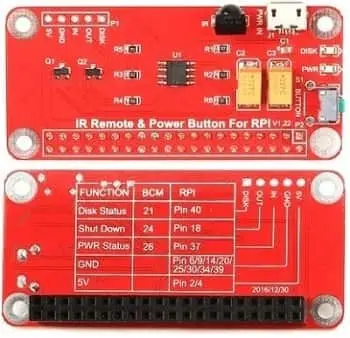
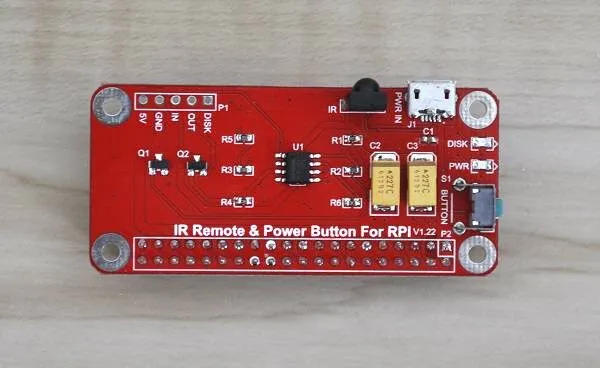
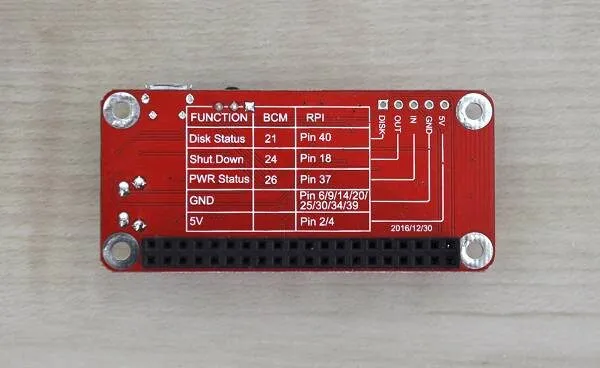
Expansion Board | Front & Rear Views
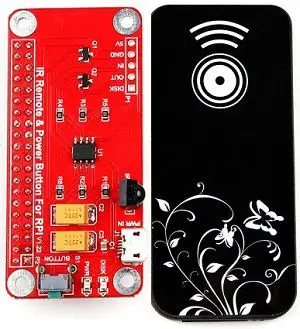
Expansion Board & IR Remote
Review TOC:
- Product Introduction
- Specifications
- Package
- Packaging and accessories supplied
- a closer look at the Board
- Hardware Compatibility
- Operation & Setup
- Final Verdict (Pros / Cons)
Features:
The Power Button provides a small circuit that includes the following features:
- Sending a shutdown signal to the Raspberry if the Shutdown Button is pressed
- Time delay function – waiting for the Raspberry to shut down
- Powering off the Raspberry after saving data
- Powering on the Raspberry after the Button is pressed again
- LED light indicating the current state: On / Shutdown / Off
- Dimension: 65 mm x 30 mm x 20 mm
- Easy to setup
Package Contents :
- 1x Switch Remote Control Module
- 1x IR Remote controller.
Package

Unpacking all Items
- 1x Switch Remote Control Module
- 1x IR Remote Controller (Battery not included)
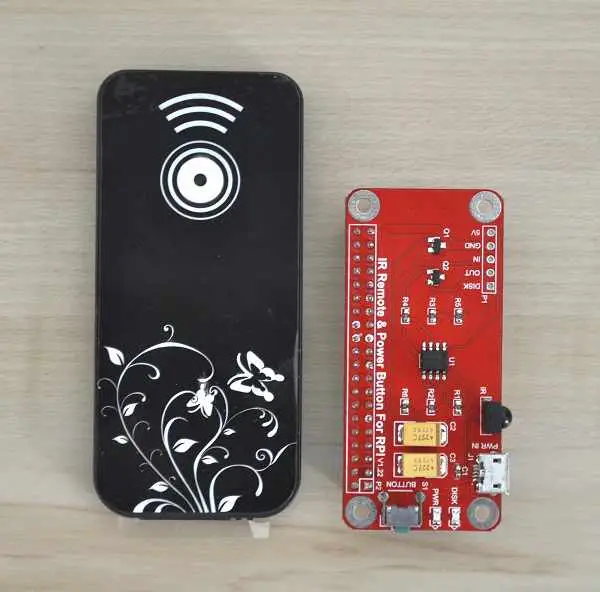
Accessories supplied
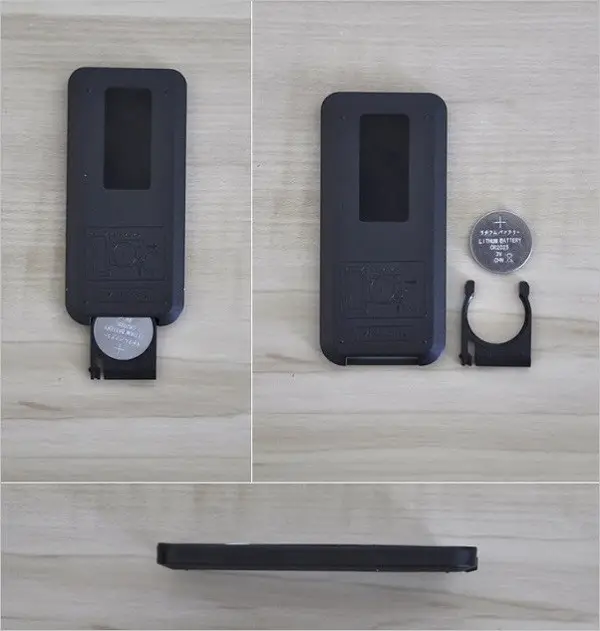
52Pi power switch expansion board came with a simple ON/OFF IR remote control unit in decent quality. Cables for operating this board are not needed because the power is provided using the Pi power adapter via the power switch Micro USB interface. Controlling the Pi board on/off modes is completely done using the GPIO interface pins. Also important to mention is that the package does not include a battery necessary for the remote control unit. Therefore, you will need to buy a 3V cr2025 lithium battery.
52Pi power switch IR Remote Control with Battery | Back View
a closer look at the Board
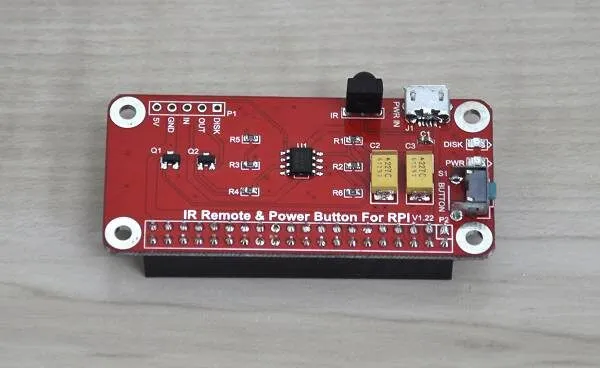
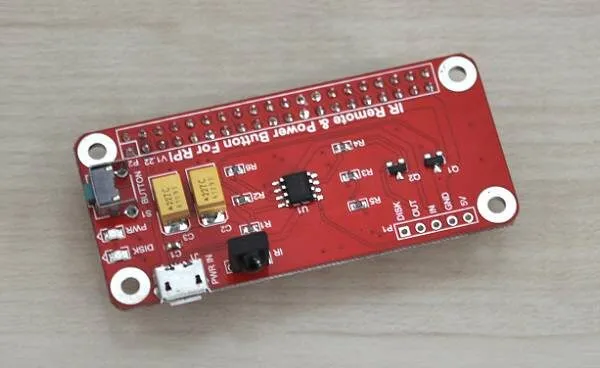
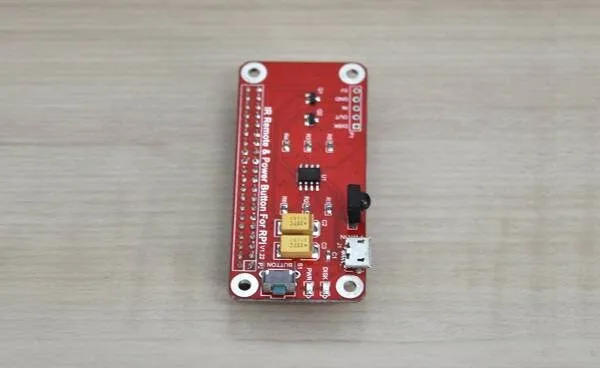
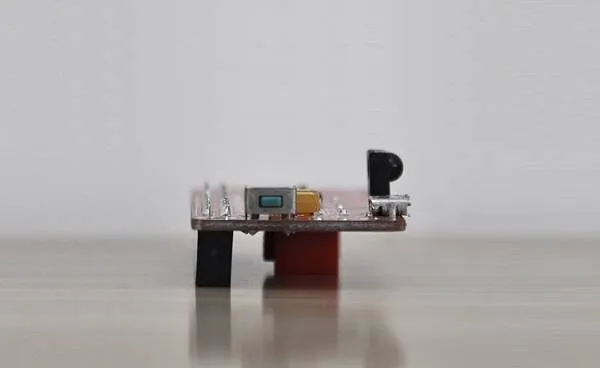
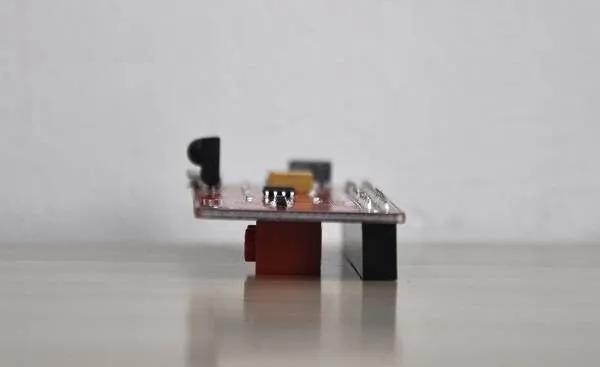
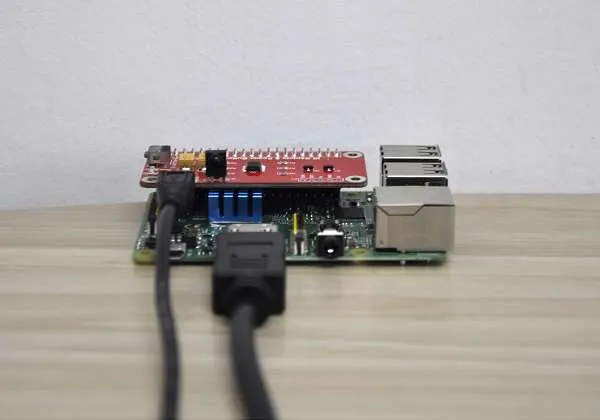
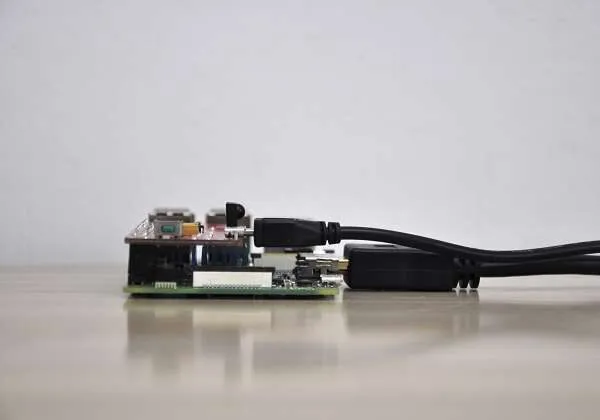
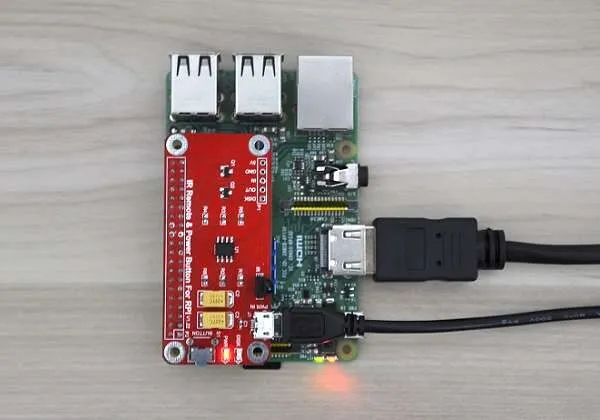
As explained in the product intro, The Pi boards don’t have any Onboard power button. The power switch expansion board provides two powering methods. It has an onboard power button that lets you manually switch the Pi board on & off. The second option, with an Onboard IR Receiver that enables you to power the unit remotely via a primary IR remote control equipped with a simple ON/OFF button.
52Pi Power Switch Expansion Board
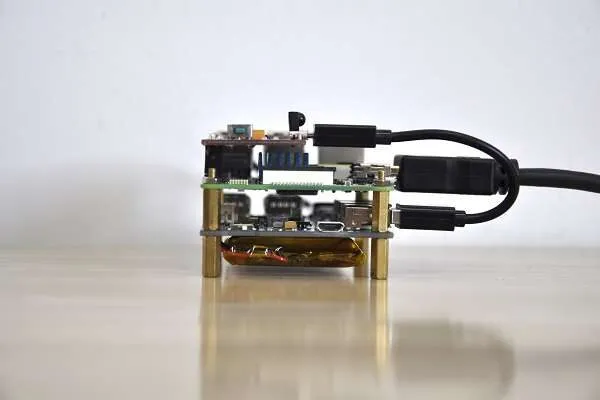
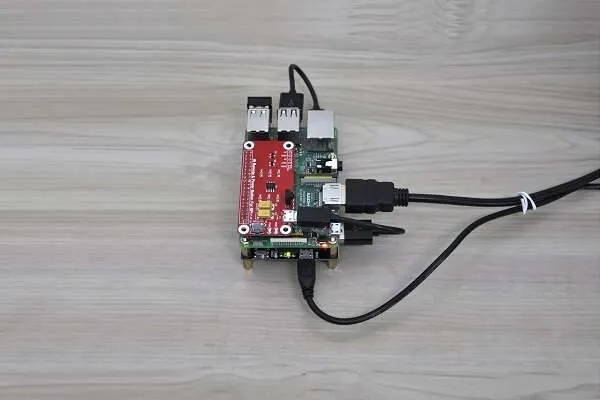
 Raspberry Pi Supply Switch 1

– Configuration #1 –
Raspberry Pi 3 + Power Switch Card
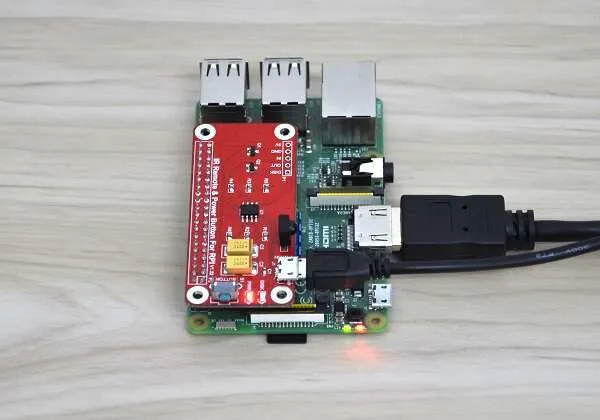 Power Switch Raspberry Pi 3 02
– Configuration #2 –
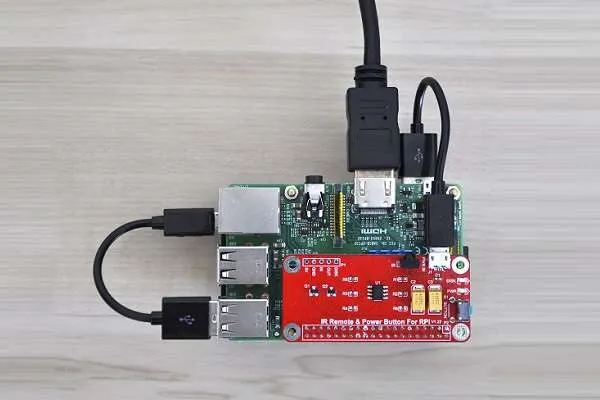
Raspberry Pi 3 + Power Switch Card + 7 Port Self Powered USB Hub
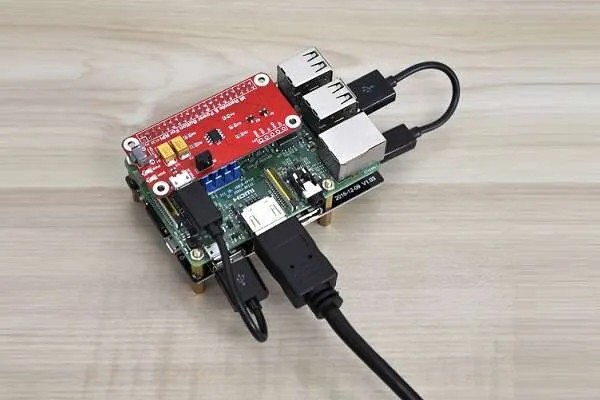
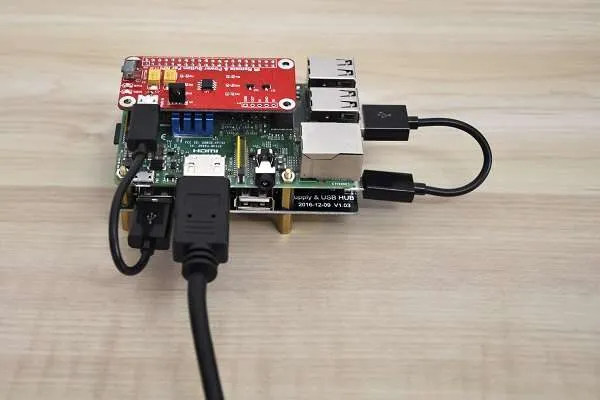
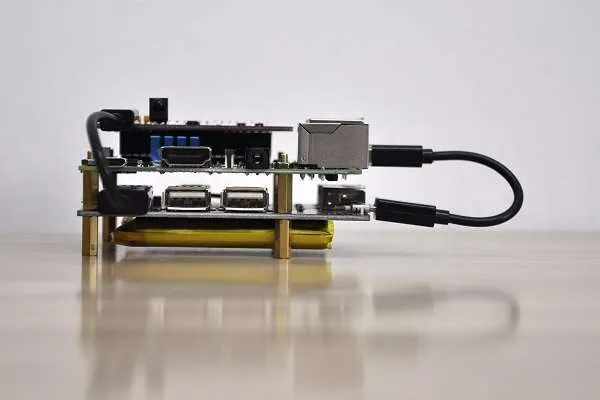
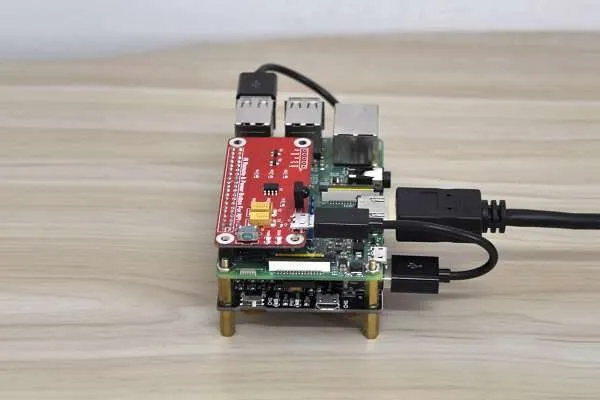
Hardware Compatibility
The power switch expansion board is compatible with Raspberry Pi 2, 3, and the Zero series boards. Banana Pi and Orange Pi brand boards based on All Winner SoC maybe also work with it. Still, I can’t guarantee %100 compatibilities because it likely depends on the GPIO pin arrangement on the specific board.
It can be an excellent solution for home media players and KODI fans who want to use a remote control with their PI boards instead of powering the Pi board on and off each time by unplugging the Pi power adapter cable hand or using a power socket with a built-in switch. Also, hobbyists using the Pi as a type of workstation and server applications can benefit from having a proper system shutdown.
Operation & Setup
Setting up the board to work with a Raspberry Pi 2, 3 board:
- Step #1: Hooking the Board it into the Pi 40 GPIO pins interface.
- Step #2: Modifying the OS Image config file: /boot/config.txt
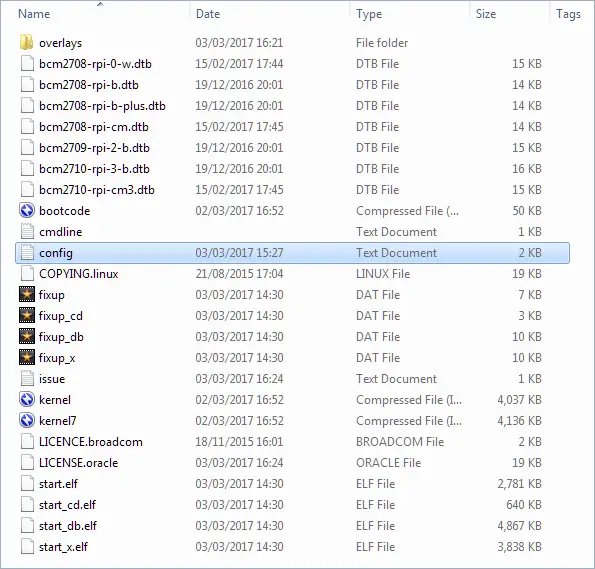
Adding the following lines:
device_tree=bcm2710-rpi-3-b.dtb
dtoverlay=power-off,gpiopin=26
dtoverlay=pi3-act-led,gpio=21
Modifying Config.txt file (Example)
#dtparam=pwr_led_activelow=off

## pwr_led_gpio
##     Set which GPIO to use for the PWR LED
##
##     In case you want to connect it to an external device
##
##     Not available on Model A/B boards.
##
##     Default 35.
##
#dtparam=pwr_led_gpio=35


# Power Switch Settings
device_tree=bcm2710-rpi-3-b.dtb
dtoverlay=power-off,gpiopin=26
dtoverlay=pi3-act-led,gpio=21
- Step #3: Installing ‘wiringPi’ GPIO library & moving script file to /etc/init.d/
apt-get install -y wiringPi
cd ~
git clone https://github.com/yoyojacky/powerbutton.git
cd ~/powerbutton
sudo mv ~/powerbutton/gpioshutdown /etc/init.d/
sudo chmod +x /etc/init.d/gpioshutdown
Step # 4: Editing the rc.local file and adding the following lines:
sudo nano /etc/rc.local


# Adding the following lines before exit 0

sudo /etc/init.d/gpioshutdown
gpio mode 25 out
gpio write 25 1
Note: The setup Instructions also can be found on the 52Pi Product wiki page.
Final Verdict (Pros / Cons)
52Pi Power Switch is a lovely addition to the Pi boards, including other SBCs that would like to power their boards remotely via a remote control unit. The only disadvantage I found with this product is that it occupies the Pi GPIO pins, so developers who need access to the pins will find that they are limited and can’t use both.
That said, this board is an excellent and cheap solution when there is a need to turn the Pi board entirely in an organized way without damaging files during device operation. Overall, I think it’s a must-have product.
Pros
- Works Well
- Cheap
- Easy to setup
Cons
- Occupies GPIO interface.