Read more about the Xiaomi Mijia Bedside Lamp
TUYa Amazon Smart Plug
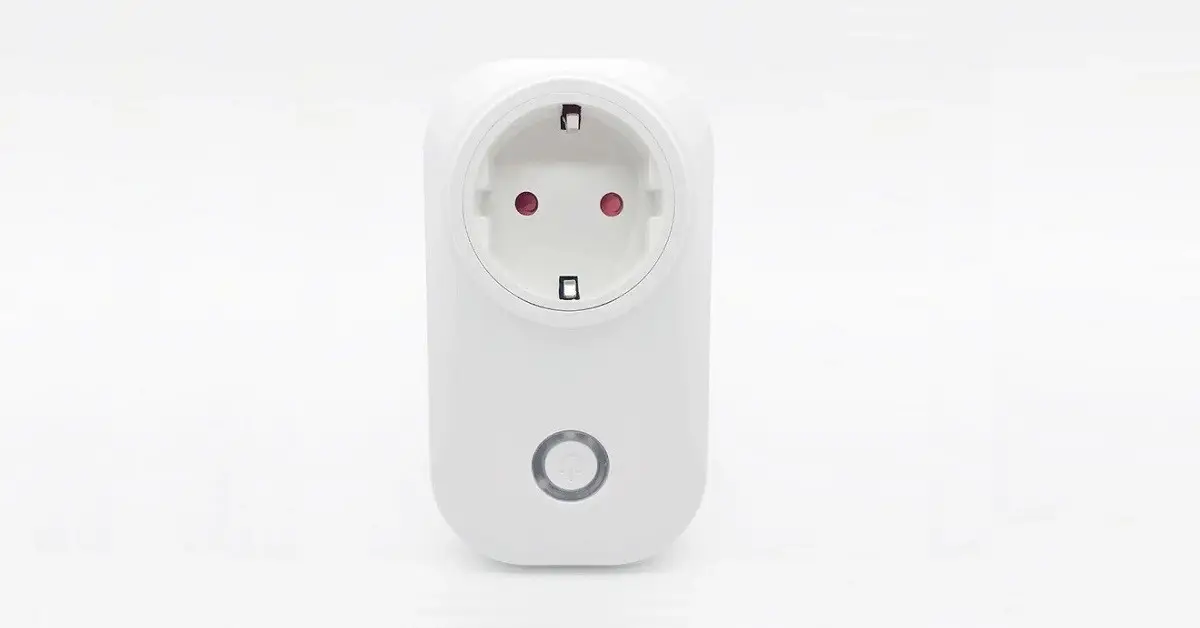
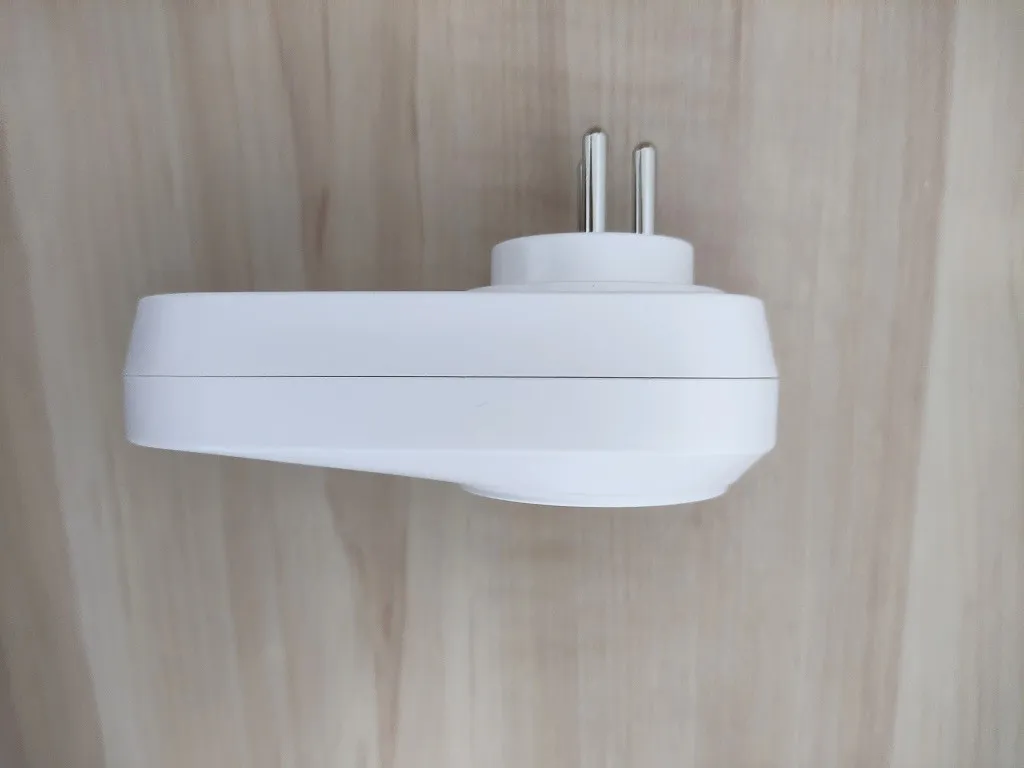
This a none branded generic Smart Plug we found and ordered on AliExpress that is equivalent to the TUYa brand smart plug device. The main advantages we found on this product is the ability to measure the energy consumption of appliances in real time and a very low price of ~$13. Having said that, If you are a low power usage savvy and want to monitor your electric devices across your home, then this is a great product worth exploring.
Specification
- Works with Amazon Alexa and Google Home for voice control
- Wi-Fi Power Plug A Simple and Stylish Smart Plug: Smart plugs connect electrical equipment to Wi-Fi, control all electrical equipment at any time via 2G, 3G, 4G or Wi-Fi at any location. A simple timer function, you can protect the equipment, safety, and can also control your excessive use of electricity. .
- Working voltage: AC 110~250V
- Max power: 3500W (resistance loading)
- Working current: Max 16A Energy Monitoring
- Material: PC flame retarding polymer V0
- Power consuming: <0.5W
- Working temperature: -20 ~ 45 (-4 ~ 113)
- Working Humidity: <80%
- Radio protocol: Wi-Fi(BLE MESH AND ZIGBEE ARE ACCEPTANCE)
- Radio rate: 30 meter indoor
- Radio rate: 50 meter outdoor, depends on building materials and structures.
The Package
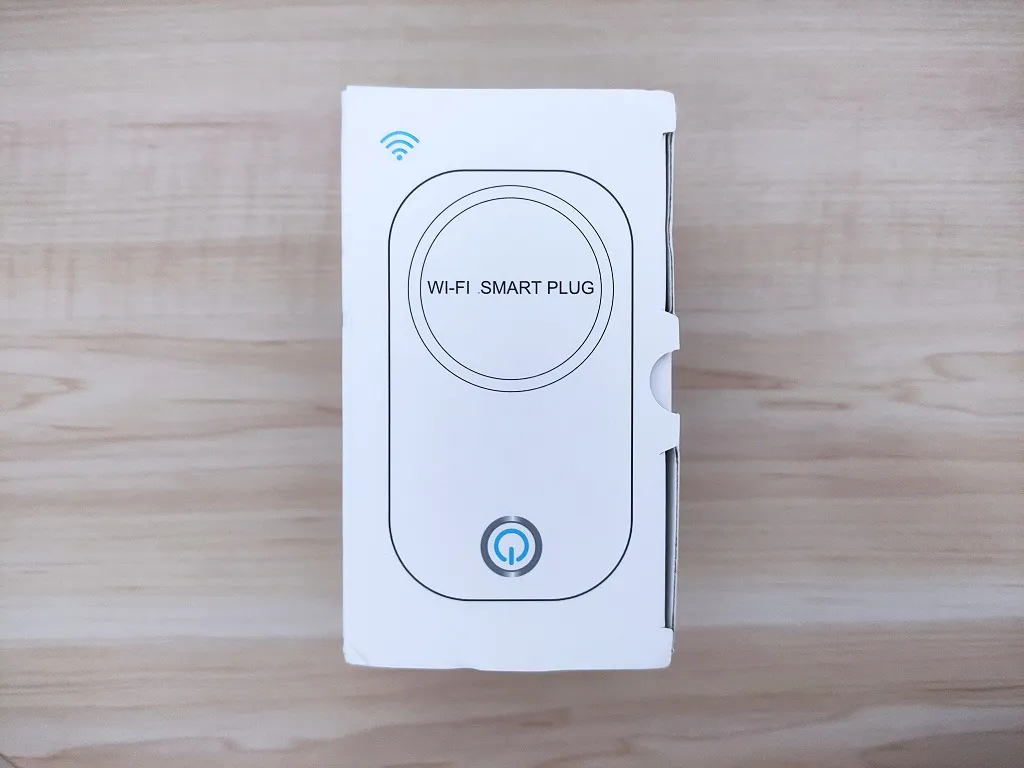
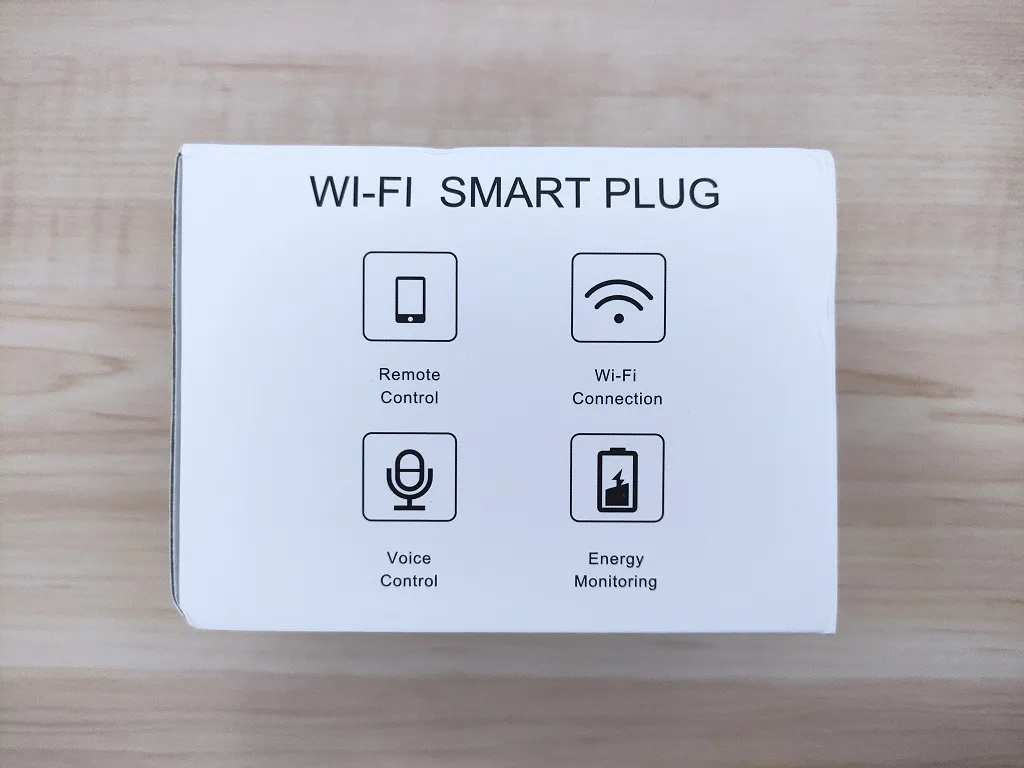
Package Content
- 1x Smart Plug
- 1x User Manual
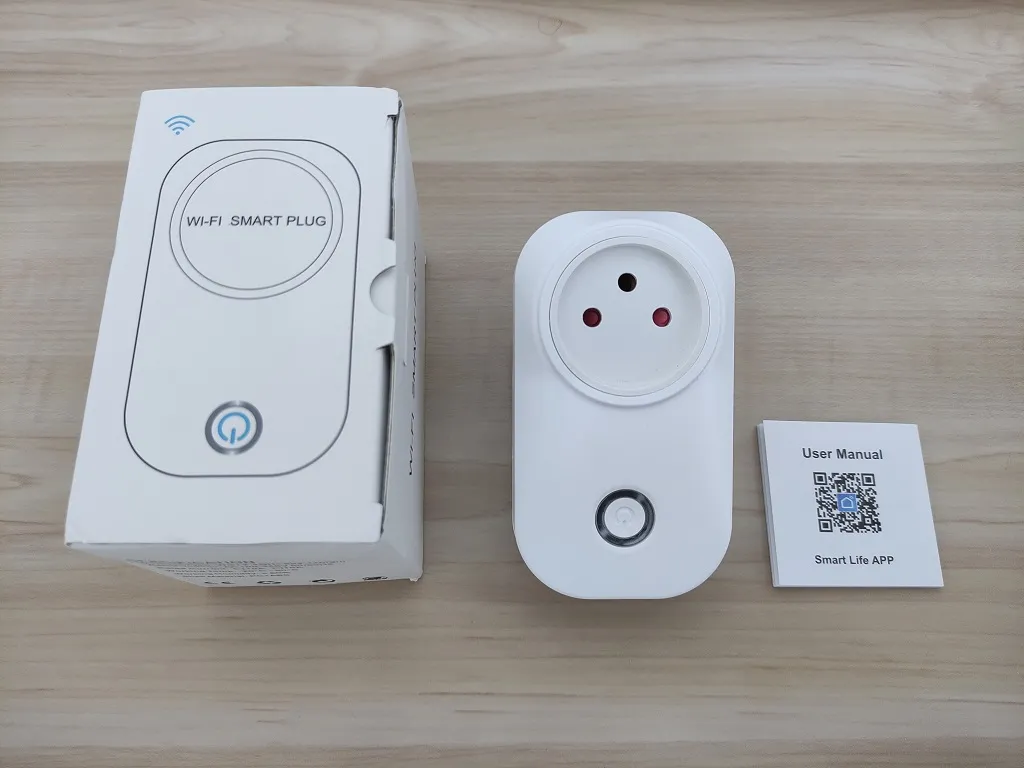
Design & Operation
First time Setup
Step #1
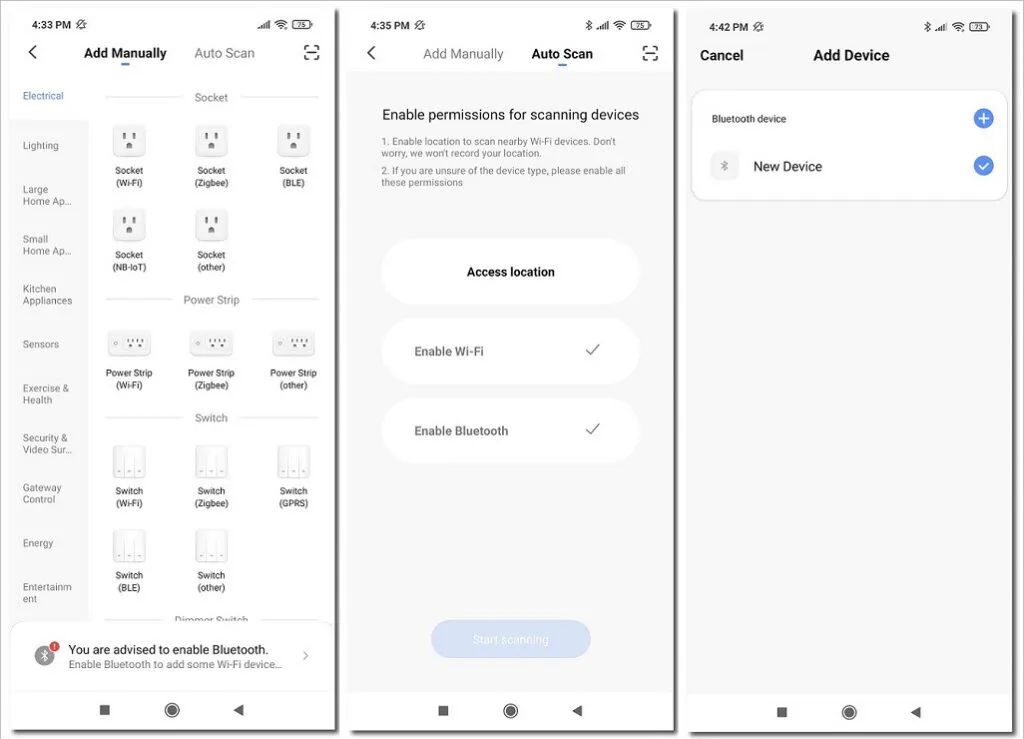
You will need to plug the smart plug into a wall socket. Once a red color status light appears, you will need to press the button for about 5 seconds until you get a blinking blue light, indicating that the device in a pairing status.
Step #2
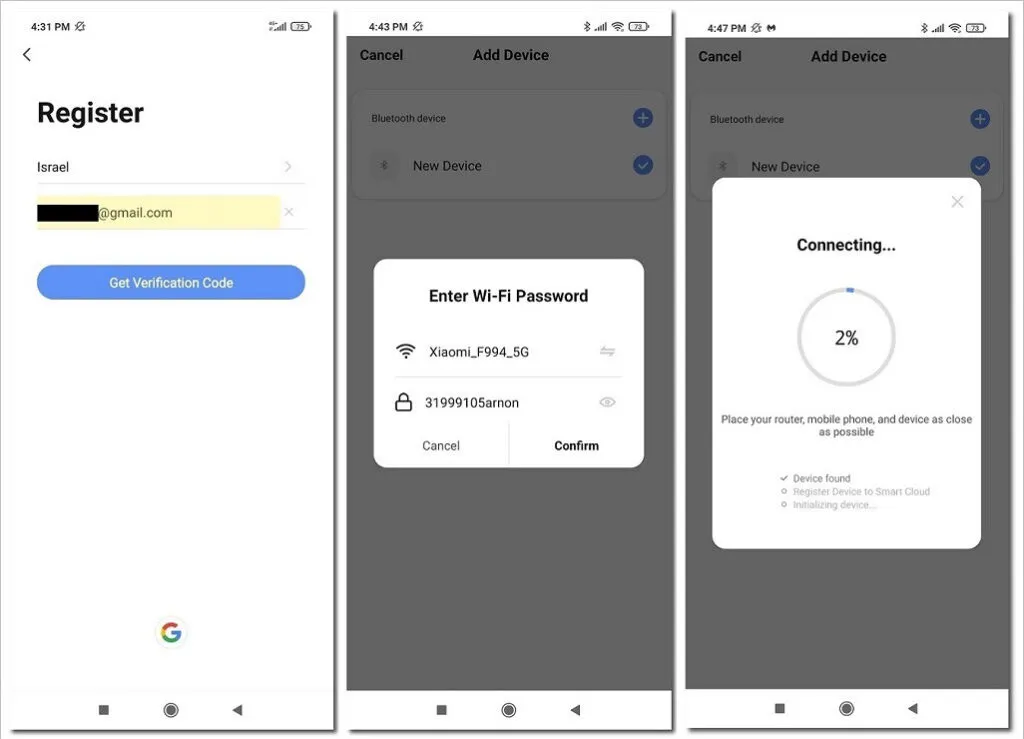
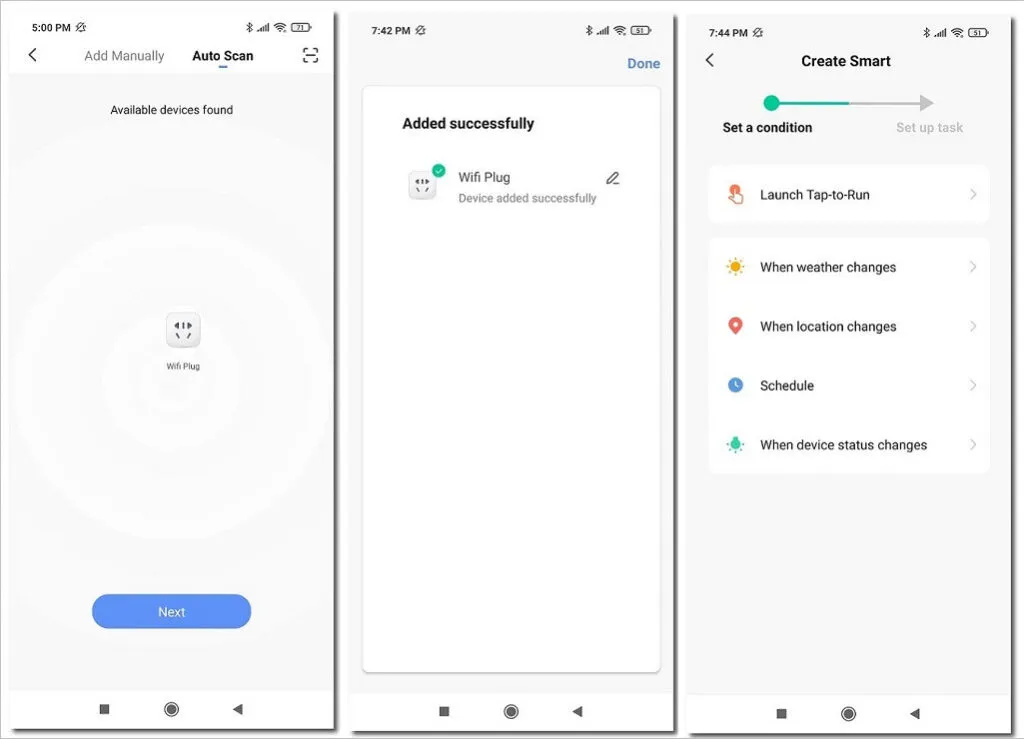
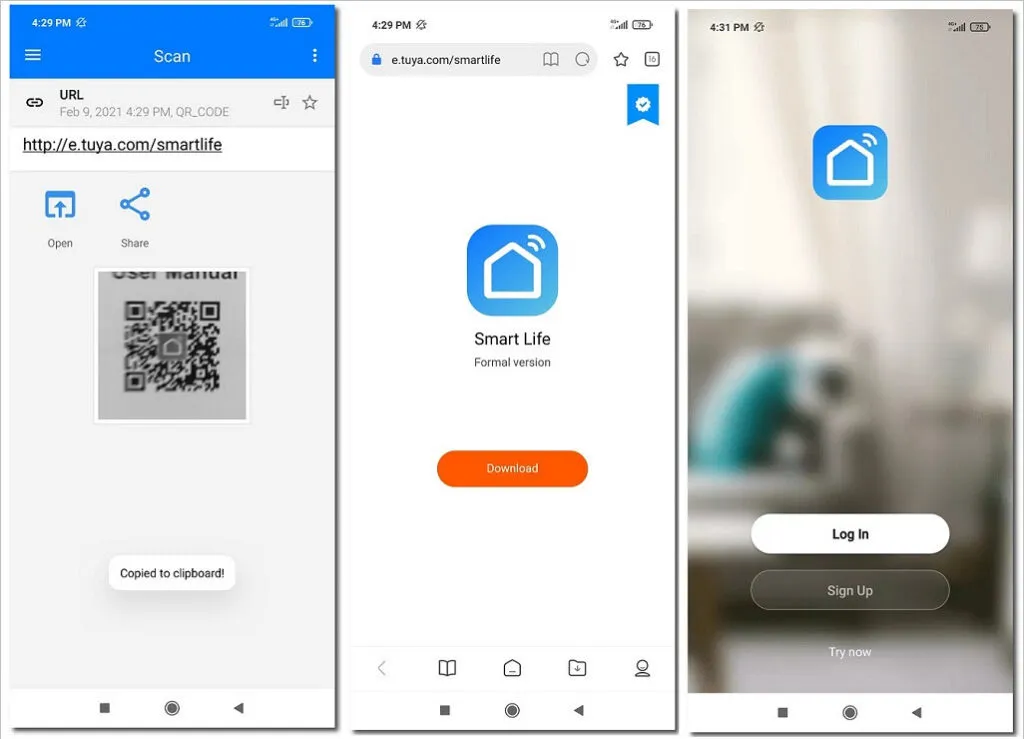
Once the blue led light flashes you will need to install ‘Smart Life’ device management App and enable location service, Bluetooth and Wi-Fi. Before you start with the first matching configuration, you will also have to choose the ‘Wi-Fi Plug’ listed in the ‘Electrical’ device category.
Step #3
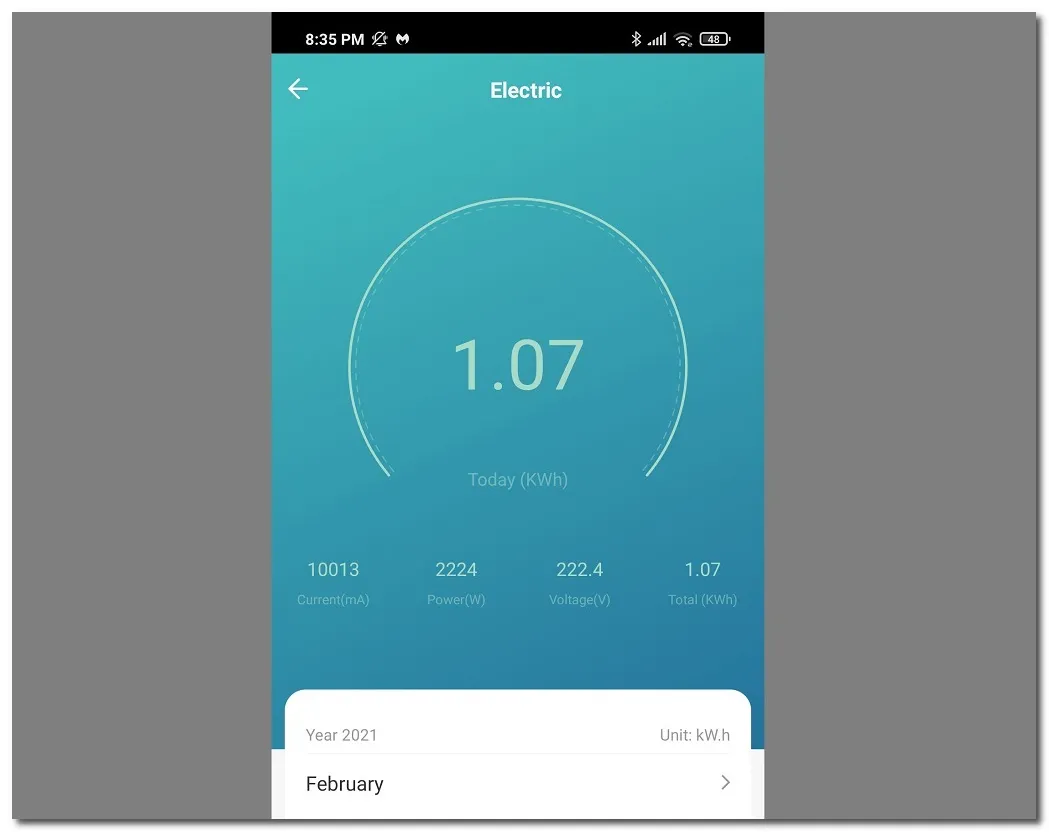
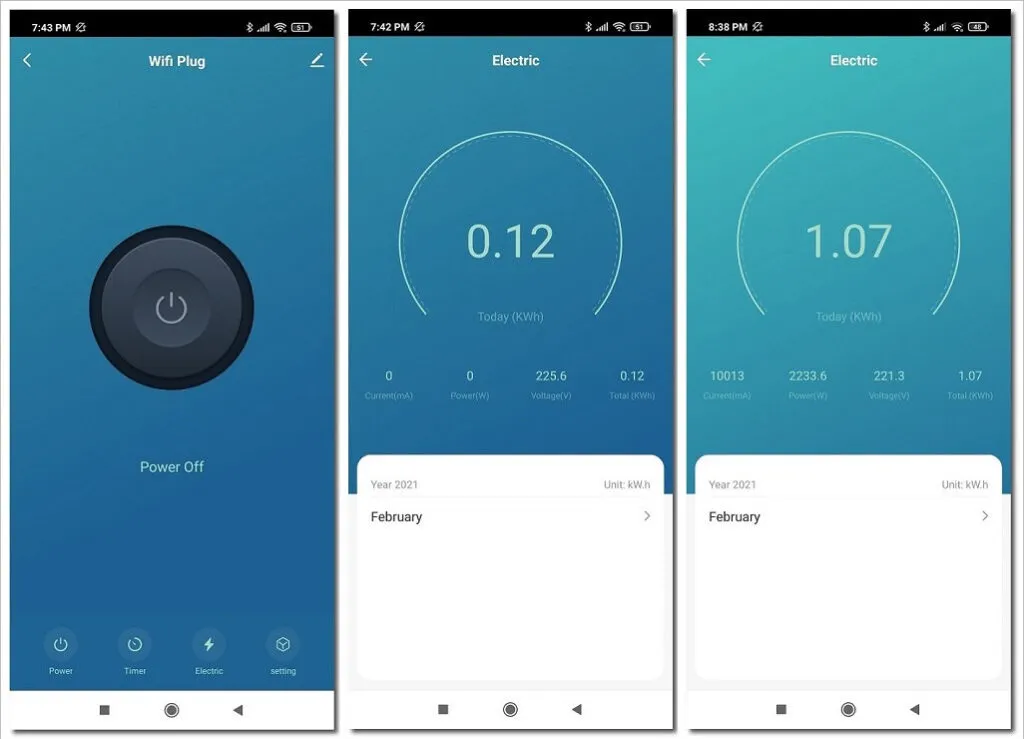
Inside the app you get a full power usage tracking function based on Current, Power, and the total power usage in kWh. You can track your power usage during all days of the month up to a year, therefore you can get a pretty accurate clear picture about your home appliance consumption. If you use few power sockets, there is also an option to name each plug based on its location at home. And control all of them through the App.
Software
In terms of design and quality, the product provides excellent value. The ‘Smart Life’ is highly professional in supporting both Android and iOS users. You can explore and find a wide variety of devices so you can control almost any smart device under the same application.
LSPA8 Smart Plug
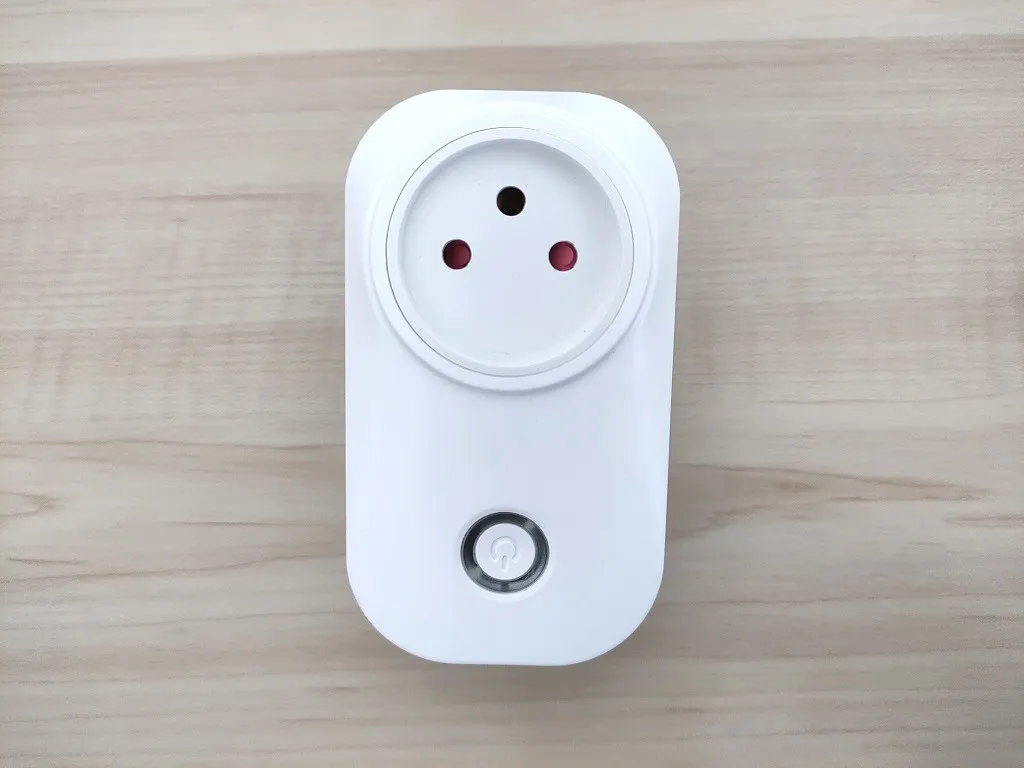
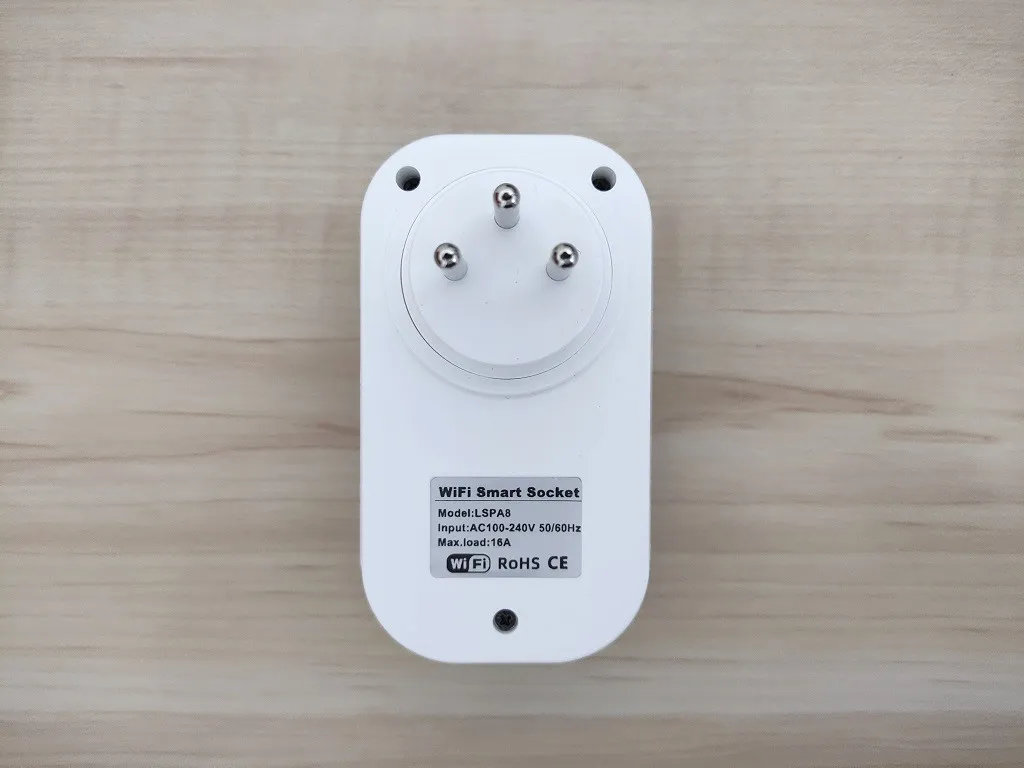
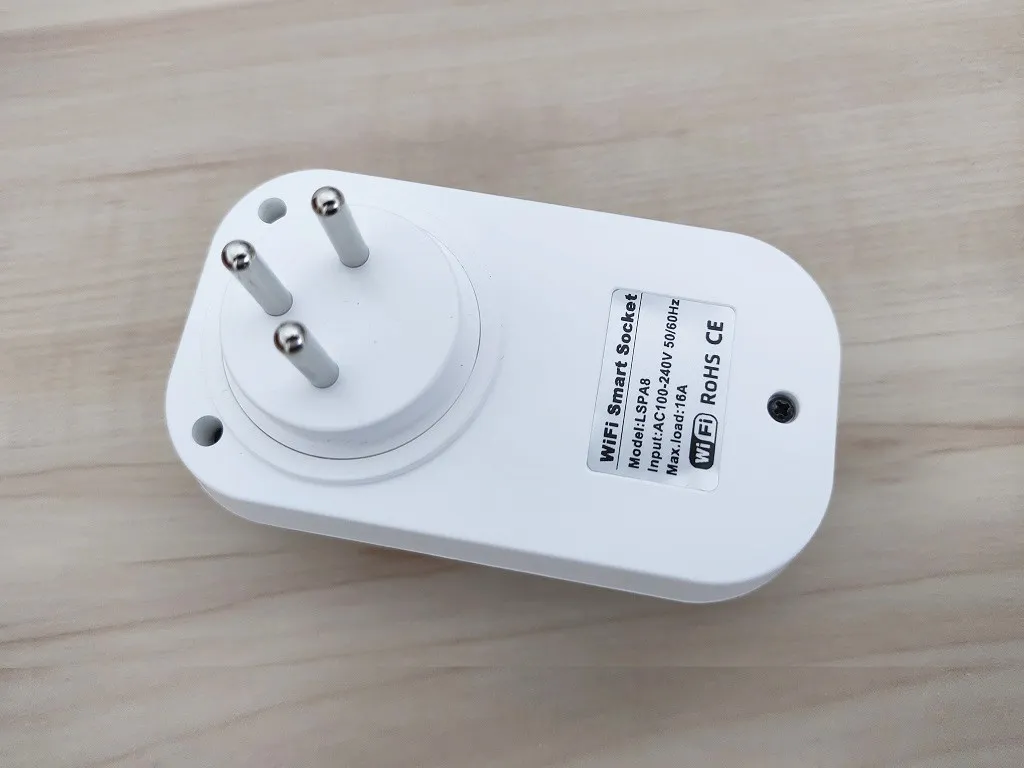
The Smart plug Operation Status Lights
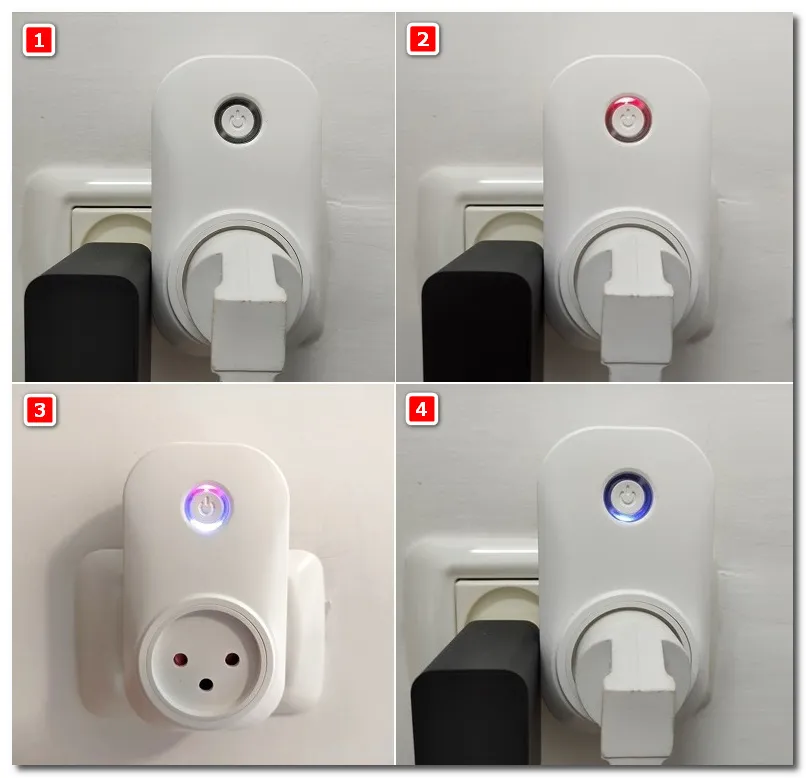
On the front of the smart plug, you will find a power on/off button, paired with an LED ring status indicator. When the plug is connected to the power socket it will turn Red color. In Bluetooth pairing mode, after pressing the button for 5 seconds, the LED light around the button will switch from red to blue. At this point, you would have less the a minute time frame where you will have to quickly start with the pairing process before the blue light stops blinking. Finally but last, after the pairing setup is complete, the blinking blue LED stops and stays constant.
Status lights Modes:
- Mode 1 – The Power Plug is completely turned off.
- Mode 2 – Red Color: Powered and not connected.
- Mode 3 – Blue + Red Colors: The Smart Plug relay is switched ON.
- Mode 4 – Blue Color: The device is connected & ready to use.
What functions does the Smart plug offer?
Operation Modes | Support | Additional Information |
Display Electric information |  | Current (mA) Power (W) Voltage (V) Total KWh |
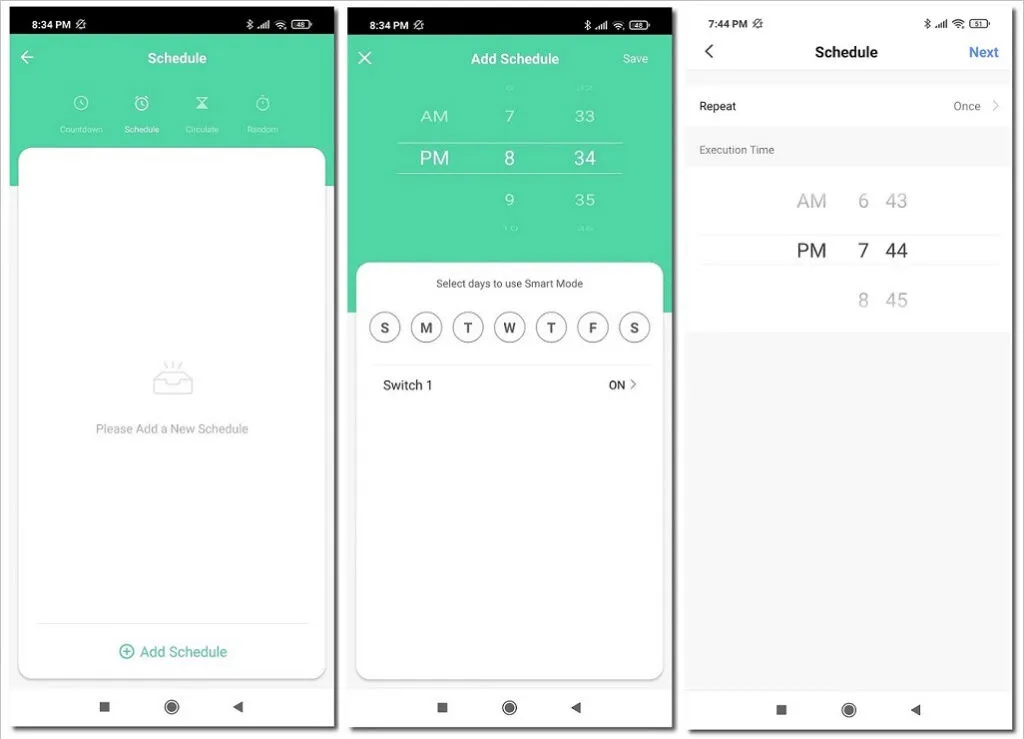
Remote ON/OFF Switch | | On/Off Button, On/Off Schedule |
Operation Schedule | | Switch On/Off on days |
Specify & Set Room names | | Assign names to diffrent smart devices. |
When Weather Changes | | If temputure changes |
When Weather Changes | | Switch On/Off based on Temperature,Humidty,Wind Speed, Weather conditions etc. |
When Location Changes | | Uses location service |
Alexa voice support | | |
Google Assistant support | | |
Switch Overcharge | |
Smart Life App
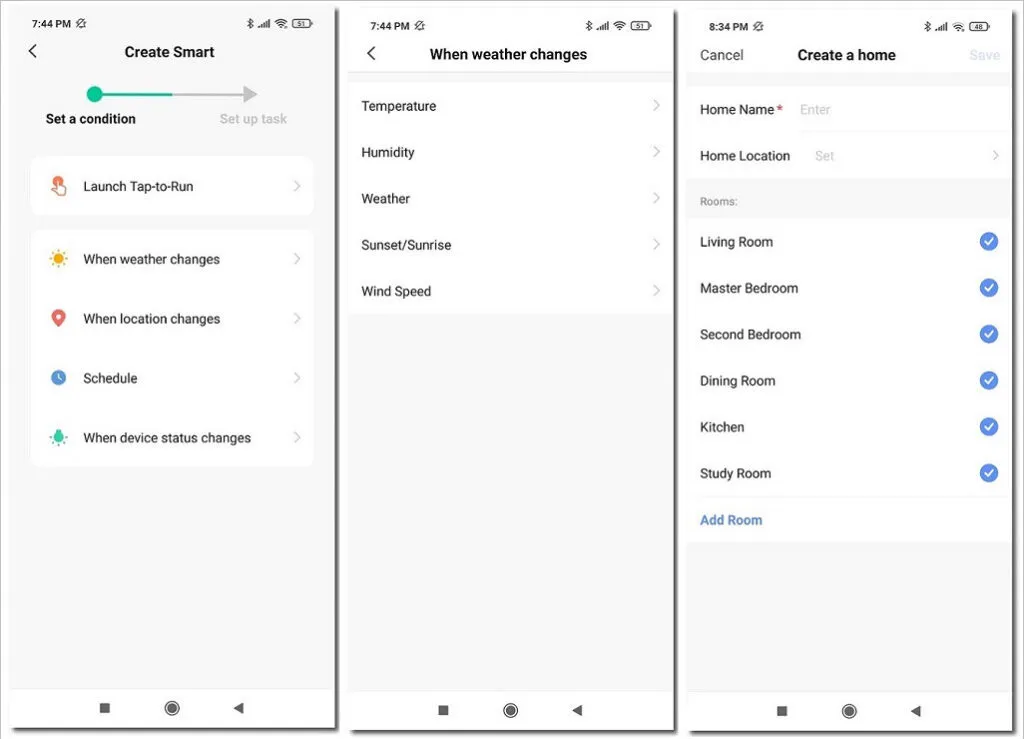
The ‘Smart Life’ app mobile offers a very clean yet simple user interface, that even a none geek person would be able to operate. You have many options including automatic scheduling to turn the plug power on and off. In our opinion, the most useful function, we found in the product is the power usage information that lets you track your appliance power consumption 24/7.
Inside the app under ‘Electric‘ category you will find a full power usage based on Current, Power, and the total power usage in kWh. You can track your power usage during all days of the month up to a year, therefore you can get a pretty accurate clear picture about your home appliance consumption. If you use few power sockets, there is also an option to name each plug based on its location at home. And control all of them through the App.
Smart Life App
Remote Operation
Another highlight of the product is the ability to control your appliances connected to the smart plug remotely using 3/4/5G data plan provided by a mobile network operator company which, allows you to get online when you’re away from a local Wi-Fi network and manage devices. For example, you can turn on the lights or turn on and off the air conditioner on your way home.
Final verdict
On the whole, this smart socket does the job well. Again, the product professional software is also worthy of praise. As a buyer, you get a ton of options, including Alexa voice support that we didn’t get a chance to test. Bottom line, it’s a good product and highly recommended.