NanoPi K1 Plus
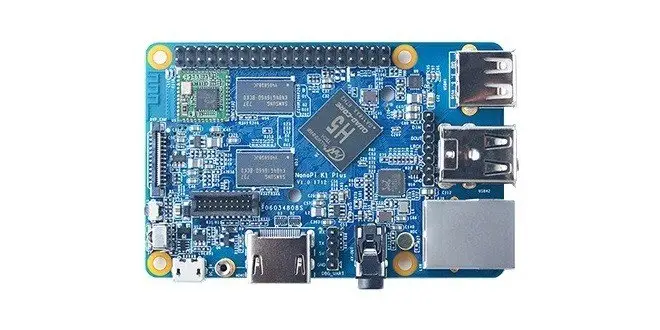
FriendlyARM, Aka FriendlyElec company’s new NanoPi K1 Plus SBC uses the latest Allwinner 64-bit quad-core Cortex™-A53 H5 SoC. It can run either a 64-bit OS or a 32-bit OS. It has a NEON multi-media engine and a Hexa-core Mali 450 GPU. It supports various video formats and has strong HD encoding/decoding capabilities.
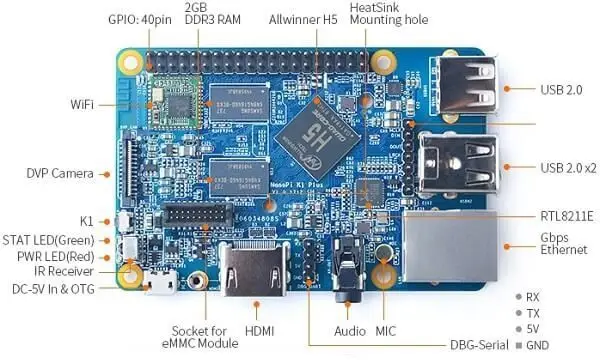
The NanoPi K1 Plus features 2GB DDR3 RAM, onboard WiFi, DVP camera interface, Gbps Ethernet, USB, HDMI, infrared remote control, 3.5mm audio jack, I2S, etc. It can boot from a TF card and supports an external EMMC module. The NanoPi K1 Plus has the same dimension as ripe 3. Its 40-Pin GPIO pin header is compatible with RPi 3’s GPIO pin header. It works with any repair housing. An Ubuntu Core image and an Armbian image are ready for the NanoPi K1 Plus.
NanoPi K1 Plus | Front view
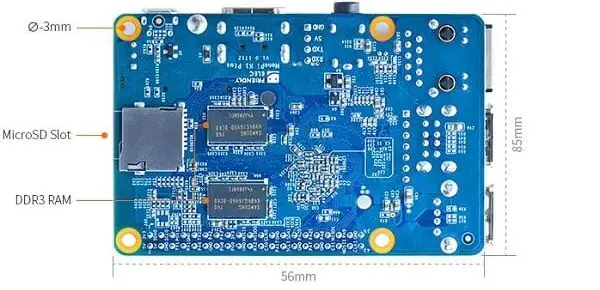
NanoPi K1 Plus | Rearview
Hardware Specs
- CPU: Allwinner H5, Quad-core 64-bit high-performance Cortex™-A53
- GPU: Hexa-core (6 Cores) Mali450
- DDR3 RAM: 2GB
- Wireless: 802.11 b/g/n and onboard PCB antenna
- Ethernet: 10/100/1000M Ethernet using RTL8211E IC
- Infrared: Onboard infrared receiver
- Audio: 3.5mm audio jack/Via HDMI
- Mic: onboard microphone
- The onboard eMMC Socket interface
- I2S: onboard I2S interface(7Pin, 2.54mm pin-header)
- MicroSD Slot: MicroSD card slot
- USB Host: 3 x USB 2.0 Host, type-A port
- DVP Camera interface: 24-Pin, 0.5mm pitch FPC seat
- MicroUSB: 1 x USB 2.0, OTG, for power input and data transmission
- HDMI: HDMI Type-A port. It supports a 4K@30fps display.
- Video Output: HDMI 1.4. It supports a 4K@30fps display, CVBS
- GPIO Pin-header: 40 Pin,2.54mm pitch pin-header containing I2C, GPIO, UART, PWM, SPDIF, SPI, etc
- Serial Debug Port: 4Pin, 2.5mm pitch pin-header
- Button: 1 x GPIO button(user configurable)
- LED: 1 x power LED and 1 x status LED
- Power Interface: MicroUSB
- Power: 5V/2A
- PCB Size:56 x 85mm, 6-la
NanoPi K1 Plus Package
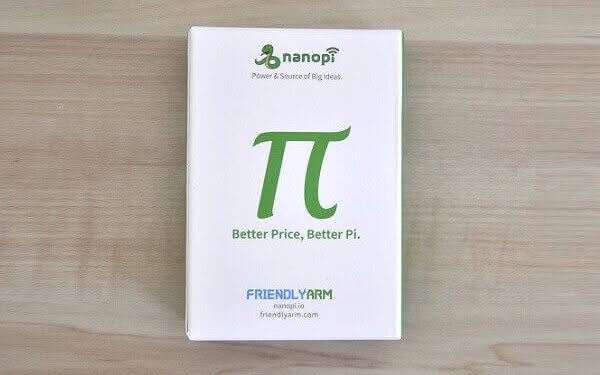 NanoPi K1 Plus Package 1
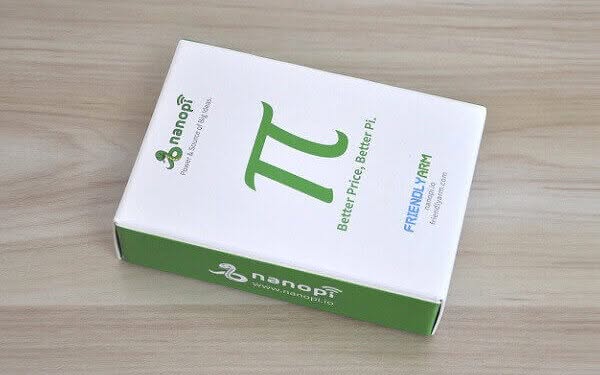

NanoPi K1 Plus Unboxing (With Extra Accessories)
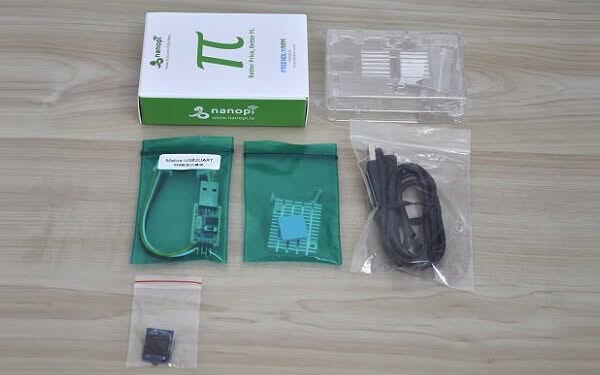 NanoPi K1 Plus Unboxing 1
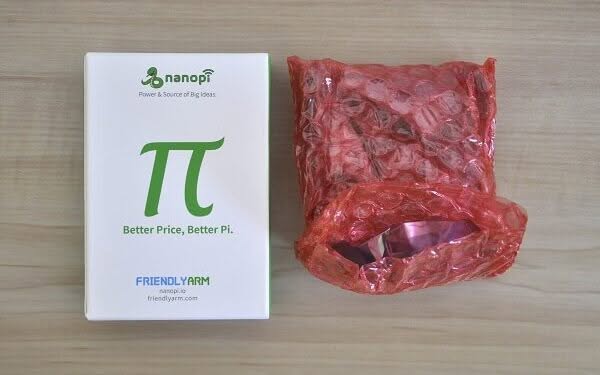
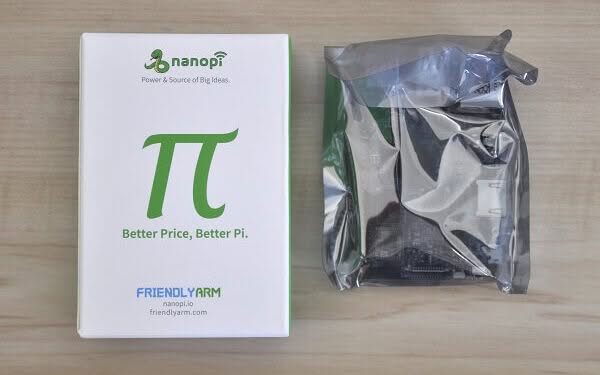
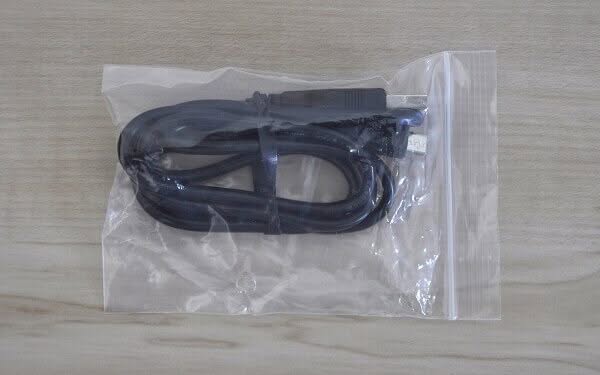
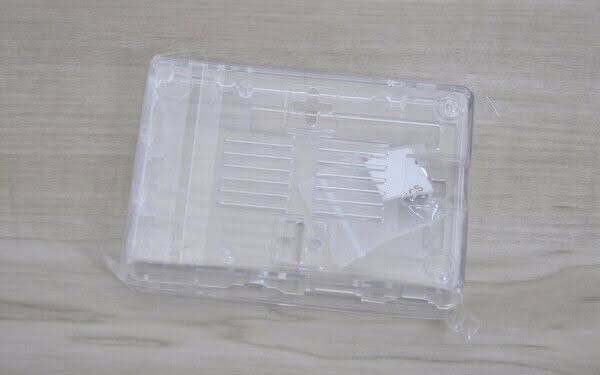
What’s inside the Package
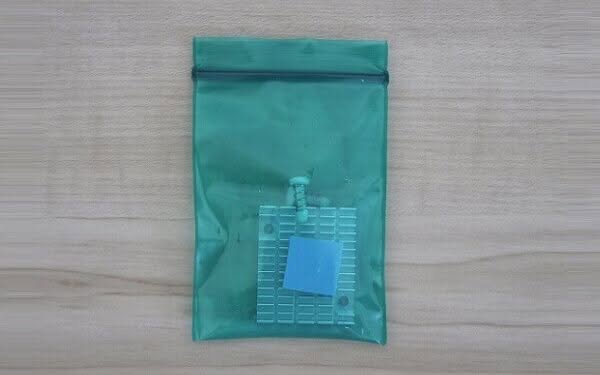
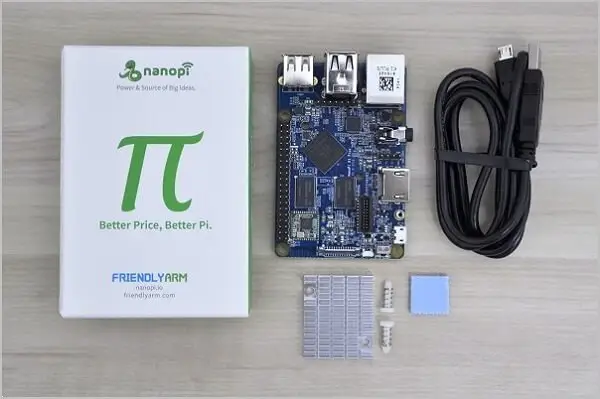
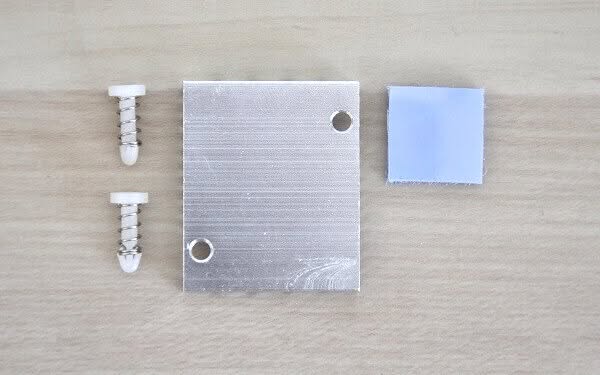
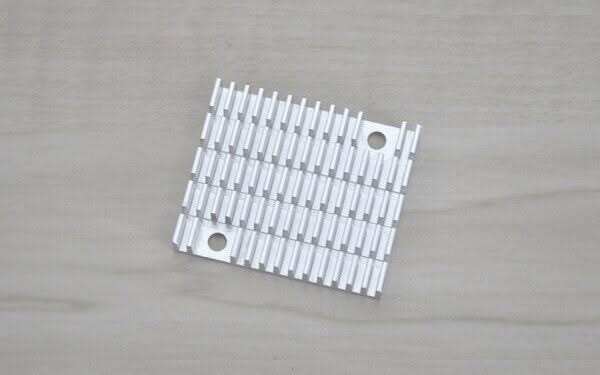
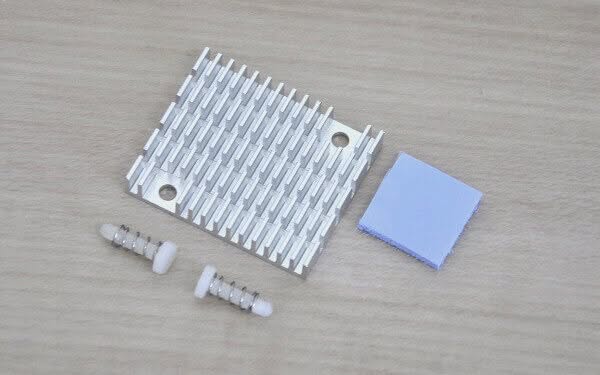
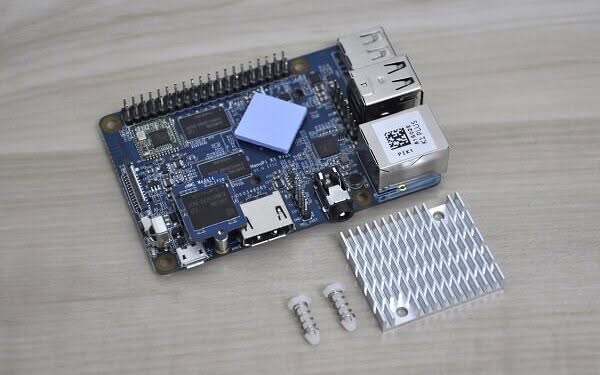
The main package is composed of the heat-sink unit, Board, and a USB-Micro USB power cable sold at a retail price of $35. If you want to buy a few extra accessories, I would recommend buying a power adapter and the Heat-sink that comes with a pair of plastic studs that connect to the board and provide good clamping force against the H5 Chip, providing better heat connectivity and ultimately more efficient cooling.
NanoPi K1 Plus (Basic Package)
- 1x NanoPi K1 Plus Board.
- 1x USB-Micro USB Power Cable.
- 1x Aluminum Heat-sink + two studs + Thermal Pad.
NanoPi K1 Plus
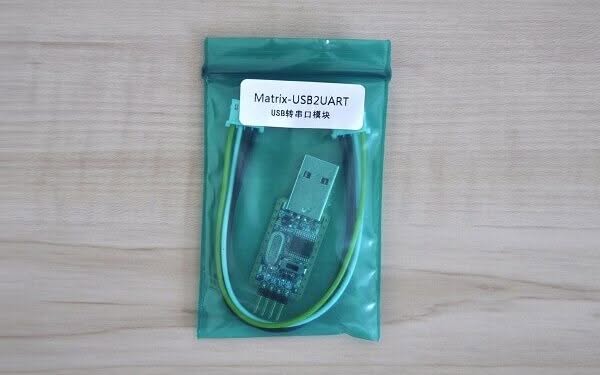
The NanoPi K1 Plus board received excellent quality and condition with a few extra accessories that you can buy separately such as the eMMC module, Plastic Case, and a USB2UART board. What I was missing as a user was the onboard external WiFi antenna socket and power/reset buttons that could have made it much easier to operate this board without unplugging the power cord when needed. Jumping into the main highlight of this board. The K1 Plus is equipped with a Hexa-core (6 Cores) Mali450 GPU that provides improved performance compared to most SBCs on the market, which is normally are equipped with a Quad (4 cores) GPU.
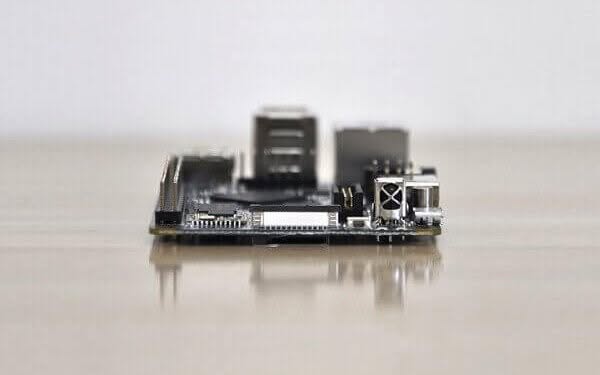
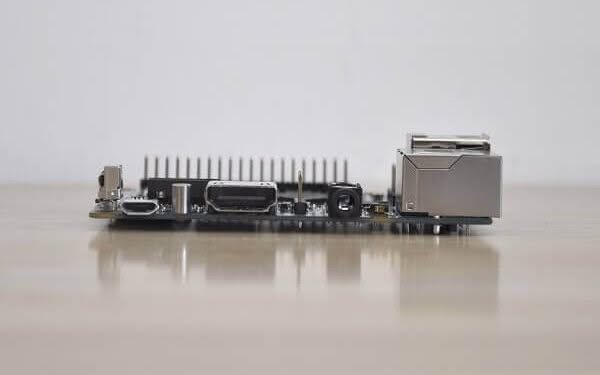
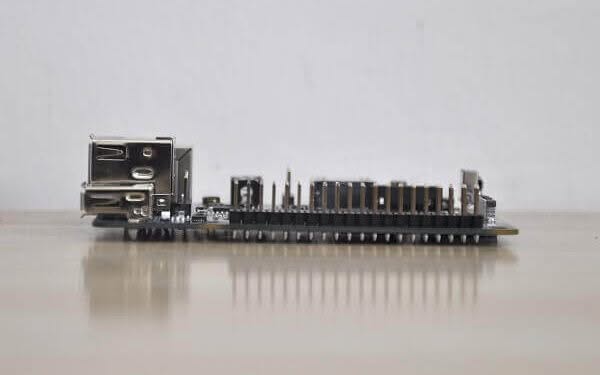
NanoPi K1 Plus Board | Full view
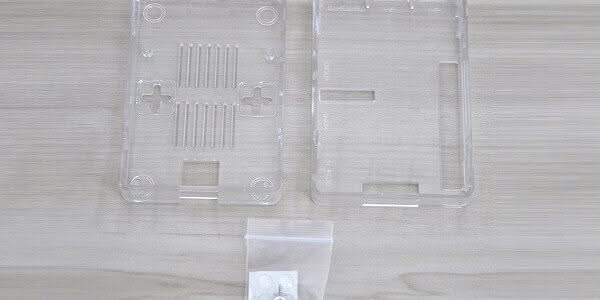
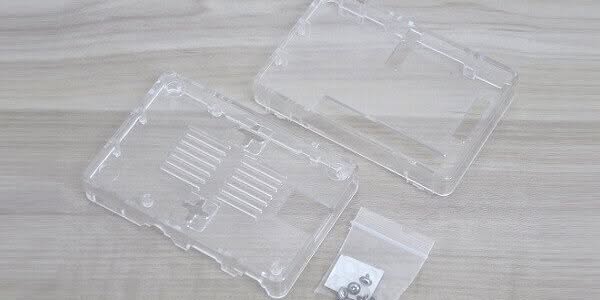
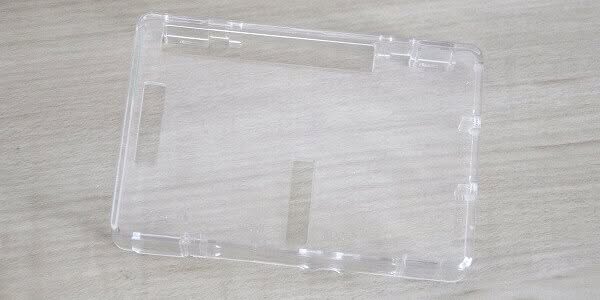
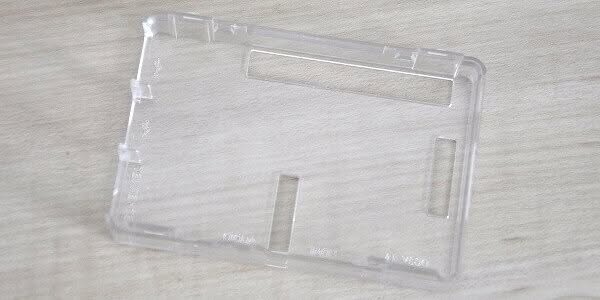
Plastic Case
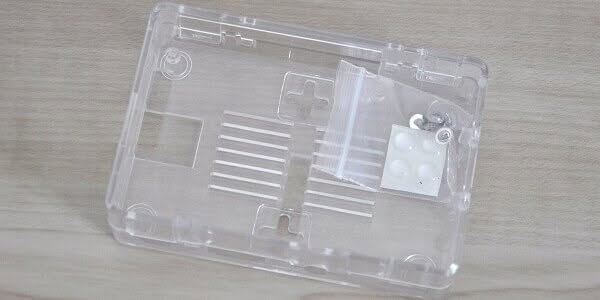 NanoPi K1 Plus Case 1
Aluminum Heat-sink
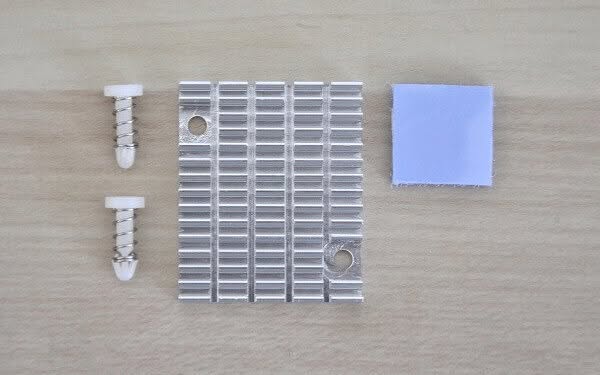 NanoPi K1 Plus Heatsink 1
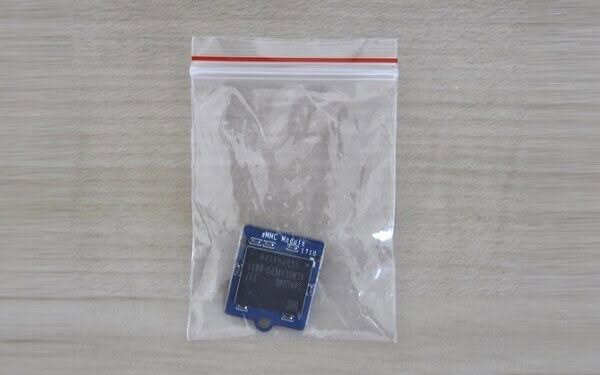
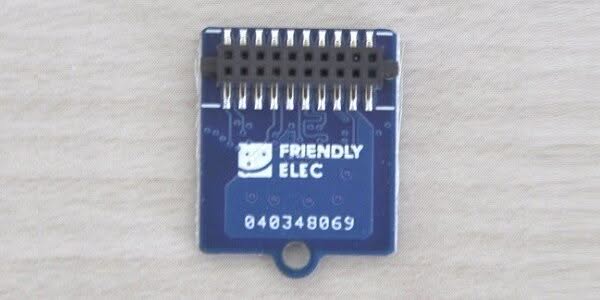
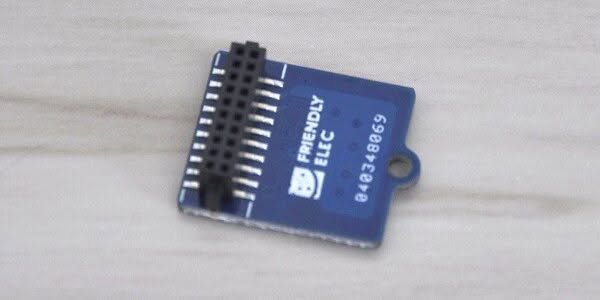
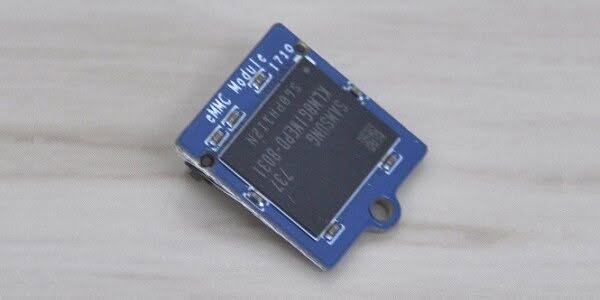
8GB eMMC Module
The K1 Plus system files are stored and loaded directly from a Micro SD Card inserted in the board card socket. If you need faster read & write speeds, the eMMC Module is a good option. Some users may not like the concept of adding an eMMC chip module at extra cost vs just buying a single board computer (SBC) that already comes with an eMMC chip soldered on the PCB itself. The main advantage of this module is that you can buy and replace it with a higher capacity. Therefore you are not limited to storage space, and on the manufacturing side, FriendlyARM doesn’t need to customize and re-design the board, which saves a lot of money and makes sense.
8GB eMMC Module | A Closer Look
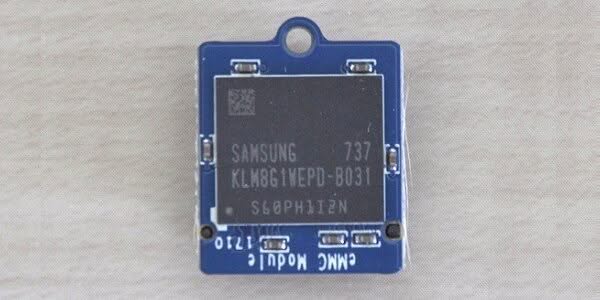 NanoPi K1 Plus eMMC Module 1
Testing Storage device’s read/write speeds
# Display All Storage Devices

pi@NanoPi-K1-Plus:~$ sudo fdisk -l
Disk /dev/mmcblk0: 7.3 GiB, 7818182656 bytes, 15269888 sectors
Units: sectors of 1 * 512 = 512 bytes
Sector size (logical/physical): 512 bytes / 512 bytes
I/O size (minimum/optimal): 512 bytes / 512 bytes
Disklabel type: dos
Disk identifier: 0xd69892cd

Device         Boot  Start      End  Sectors  Size Id Type
/dev/mmcblk0p1       49152   253951   204800  100M 83 Linux
/dev/mmcblk0p2      253952 15269887 15015936  7.2G 83 Linux


Disk /dev/mmcblk0boot1: 4 MiB, 4194304 bytes, 8192 sectors
Units: sectors of 1 * 512 = 512 bytes
Sector size (logical/physical): 512 bytes / 512 bytes
I/O size (minimum/optimal): 512 bytes / 512 bytes


Disk /dev/mmcblk0boot0: 4 MiB, 4194304 bytes, 8192 sectors
Units: sectors of 1 * 512 = 512 bytes
Sector size (logical/physical): 512 bytes / 512 bytes
I/O size (minimum/optimal): 512 bytes / 512 bytes


Disk /dev/mmcblk1: 29.8 GiB, 31952207872 bytes, 62406656 sectors
Units: sectors of 1 * 512 = 512 bytes
Sector size (logical/physical): 512 bytes / 512 bytes
I/O size (minimum/optimal): 512 bytes / 512 bytes
Disklabel type: dos
Disk identifier: 0xa7273e39

Device         Boot Start      End  Sectors  Size Id Type
/dev/mmcblk1p1       8192 62406655 62398464 29.8G  c W95 FAT32 (LBA)
Testing eMMC Chip
pi@NanoPi-K1-Plus:~$ sudo hdparm -t /dev/mmcblk0p2

/dev/mmcblk0p2:
 Timing buffered disk reads: 130 MB in  3.04 seconds
Testing Micro-SD Card
- Capacity: 32GB
- Class 10 Micro SD Card.
- FAT32 file system.
pi@NanoPi-K1-Plus:~$ sudo hdparm -t /dev/mmcblk1p1

/dev/mmcblk1p1:
 Timing buffered disk reads:  68 MB in  3.06 seconds =  22.22 MB/sec
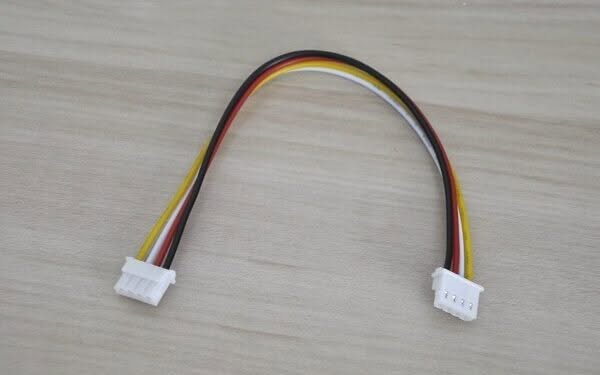
NanoPi K1 Plus USB2UART
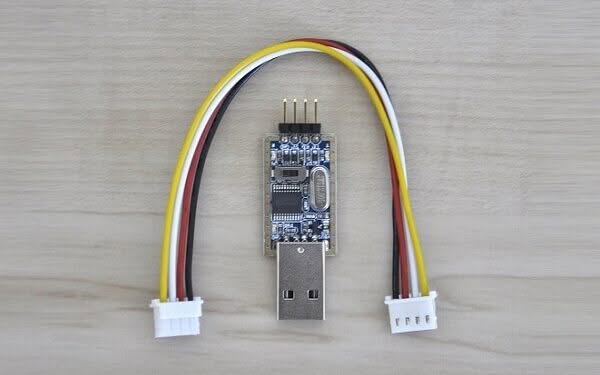 NanoPi K1 Plus UB2UART 1
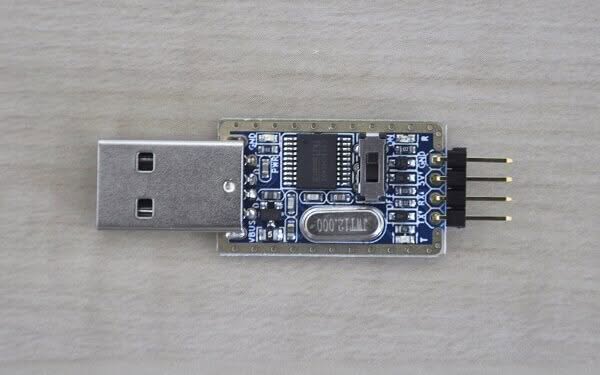
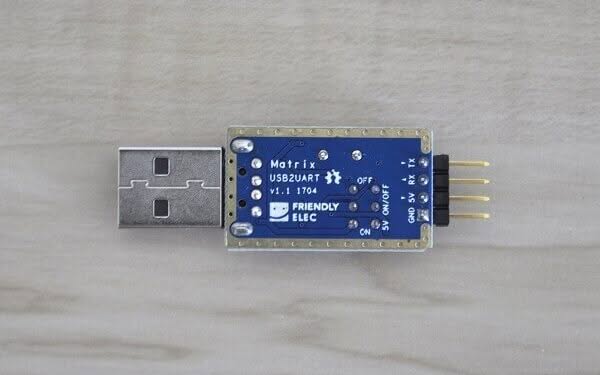
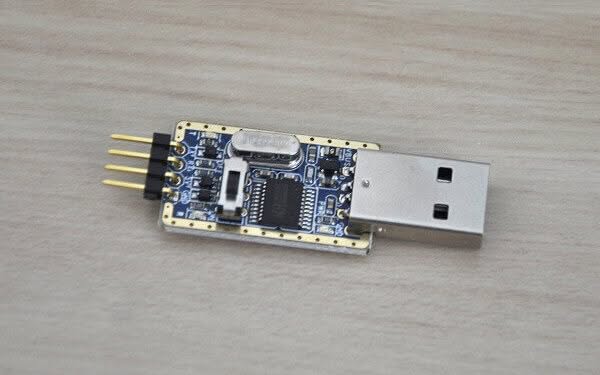
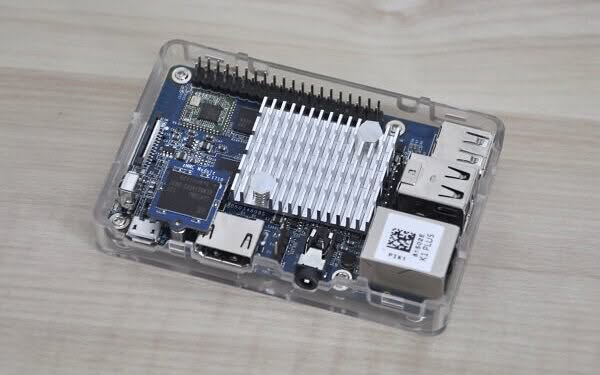
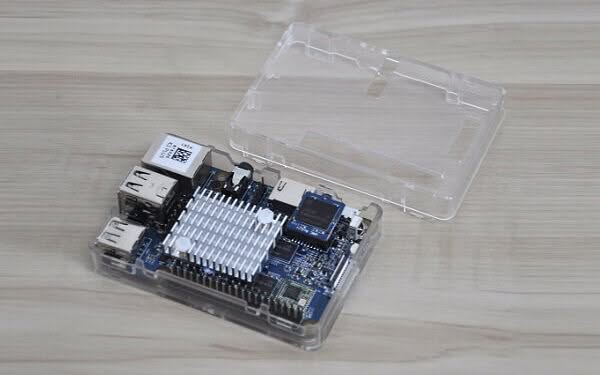
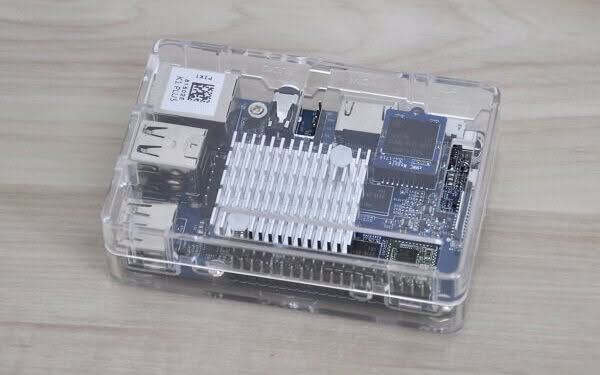
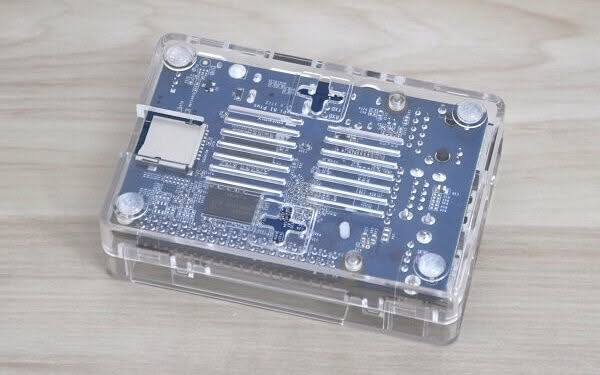
NanoPi K1 Plus + Case (Including All Accessories)
 NanoPi K1 Plus All Items 0
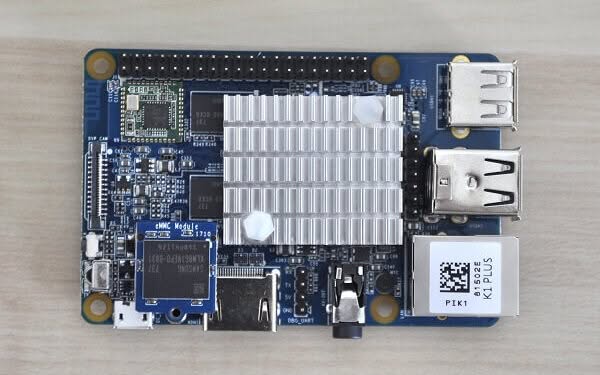
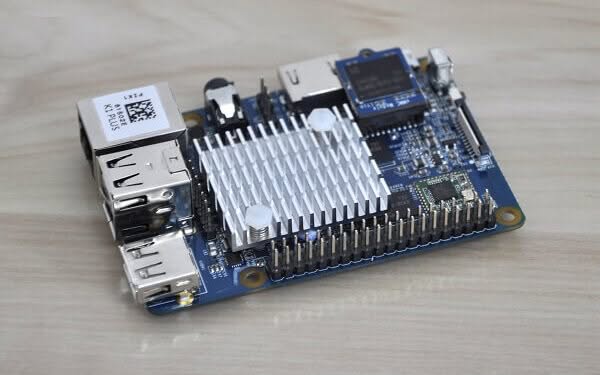
Heat-sink Performance
The combination of a good heat sink mounted with two studs and a thermal pad really helped in cooling the H5 Chip. After the K1 Plus was assembled inside the plastic case, the measured temperature for all four cores of the CPU Idle mode, without any loading of system resources was 30~31C (As shown below). In a standard workload, you can expect temperatures ranging from 41C and higher.
pi@NanoPi-K1-Plus:~$ sudo cpu_freq
INFO: HARDWARE=Allwinnersun50iw2Family
CPU0 online=1 temp=30644 governor=ondemand cur_freq=648000
CPU1 online=1 temp=30644 governor=ondemand cur_freq=1104000
CPU2 online=1 temp=30644 governor=ondemand cur_freq=936000
CPU3 online=1 temp=30644 governor=ondemand cur_freq=864000
Software Support
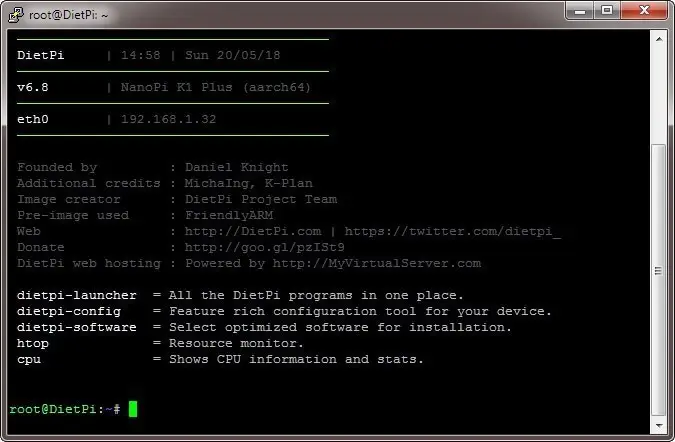
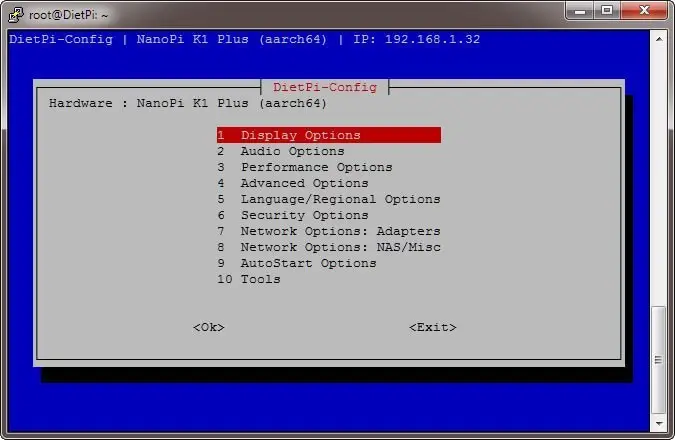
This K1 Plus board is pretty fresh on the market and has limited software support. It only supports Ubuntu core distribution and the desktop edition which only works with a small 2.8-inch display. From my personal experience, DietPi, which is a highly optimized lightweight Debian OS worked well for me. It features a low process/memory footprint, and it’s very recommended to download it directly from DietPi’s official website Here.
As for the eflasher image installer, it also worked well. I really liked the concept which offers none geek-tech users a super easy method to burn images into the eMMC chip, without any extra knowledge through a simple, user-friendly UI.
Supported Image Files:
| nanopi-k1-plus_friendlycore-xenial_4.x.y_YYYYMMDD.img.zip | FriendlyCore(based on UbuntuCore), kernel:Linux-4.x |
| nanopi-k1-plus_ubuntu-tft_4.x.y_YYYYMMDD.img.zip | FriendlyElec’s 2.8’TFT supported image file, kernel: Linux-4.x.y Matrix – 2’8 SPI Key TFT |
| nanopi-k1-plus_eflasher_4.x.y_YYYYMMDD.img.zip | eflasher image file, kernel: Linux-4.x |
| DietPi_NanoPiK1Plus-ARMv8-Stretch.7z | Lightweight Debian OS |
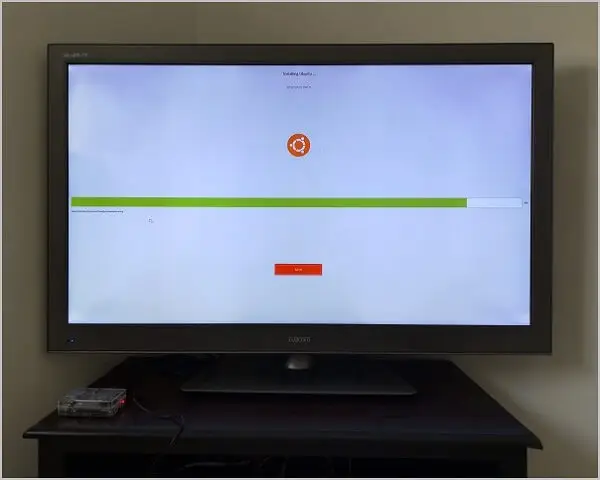
NanoPi K1 Plus | Installing UbuntuCore with eflasher
Configuring DietPi
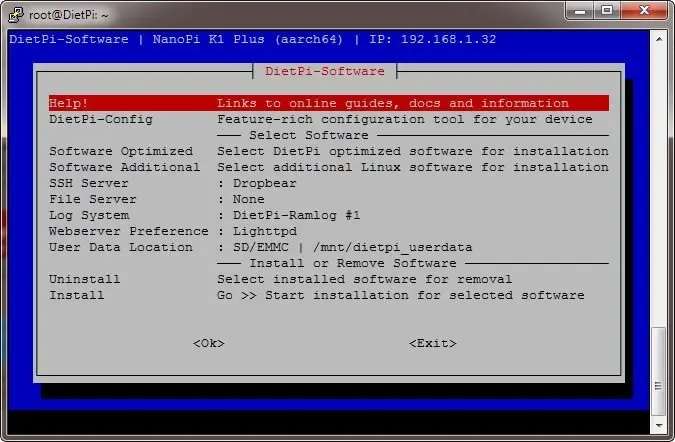
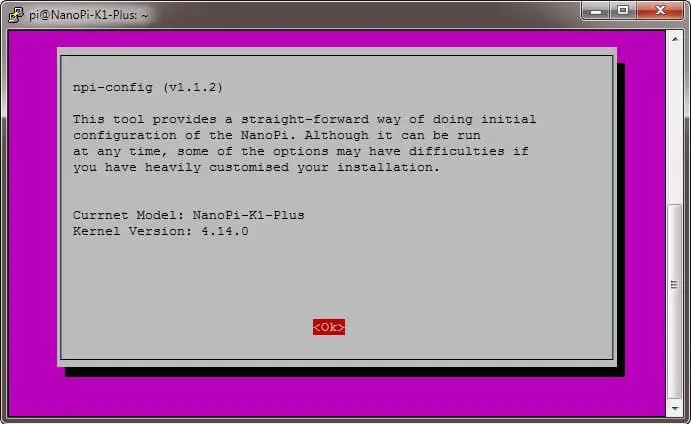
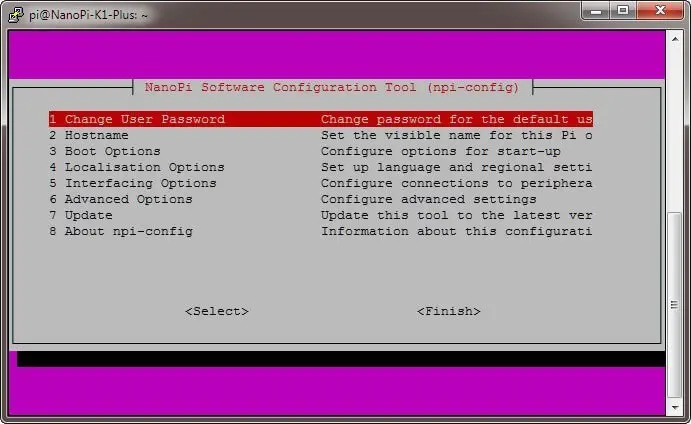
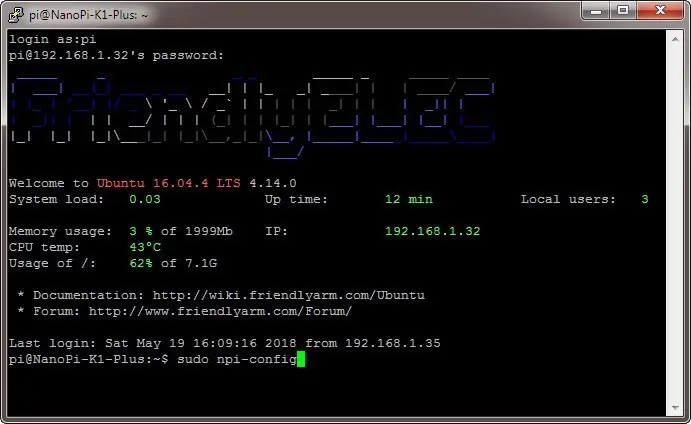
Configuring FriendlyCore (UbuntuCore) with npi-config Tool
Final Words
Overall the K1 Plus is a high-quality board. The software support is currently pretty limited but works well. The accessories provided in the package are of high quality. The bottom line, if you are looking for a low-cost SBC to run ubuntu, this product does the job well.