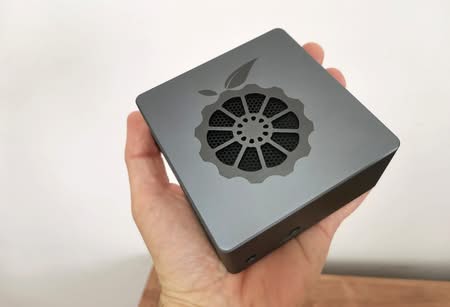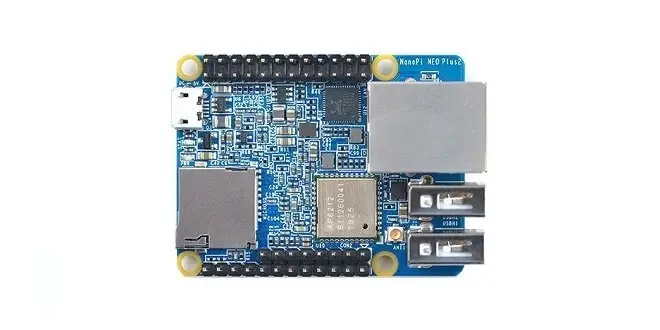
NanoPi NEO Plus2
The NanoPi NEO Plus2 is another Allwinner ARM board developed by FriendlyElec. It uses a 6-layers PCB layout featuring an Allwinner 64-bit quad-core A53 SoC with Hexa-core Mali 450 GPU and features 512MB – 1GB DDR3 RAM and 8GB EMMC. With a small form factor of only 40 x 52 mm the NanoPi NEO Plus2 has rich onboard resources that include: AP6212 WiFi & Bluetooth module, Gbps Ethernet and two USB hosts.
It supports the system to boot from both the Micro-SD card and the eMMC chip. There are few configuration possibilities for this board, you can use this board independently and assembled it in a compact semi-open Acrylic plastic case made from plastic or buy the metal type with better heat distribution. Similar to previous NanoPi NEO&NEO2 board series, based on the “older” generation 32-bit quad-core processor this board can also be used with the 1-bay NAS Kit to build a low-cost home NAS (Network-attached storage) server to backup data on a 2.5 inch hard drive, Having said that, you are welcome to check more information about the product features in the following links posted below:
NanoPi NEO Plus2: Unboxing & First Look
Buying Advice and Prices
The board can be purchased at a starting price of 34$ for the 512MB RAM edition. The 1GB RAM is priced for a higher price of $42. Extra accessories including power supply and case are not included in the default package. Personally, I liked the metal case and I think its also worth the price. It can be used in high dirt industrial investments. As for the power adapter, it’s not a must-have item, if you have a tablet P.C 2A/3A power adapter with a micro USB plug it should be fine.
Main Items:
- NanoPi NEO Plus2 ($34 / $42)
- Metal Case Kit ($9.99)
- 5V 3A Universal USB Port Power Adapter (+$8.97) ($20)
(Note: For additional accessories please check FriendlyElec website).
NanoPi NEO Plus | Layout
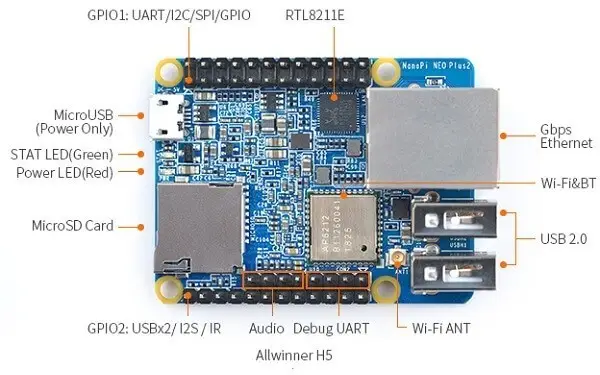
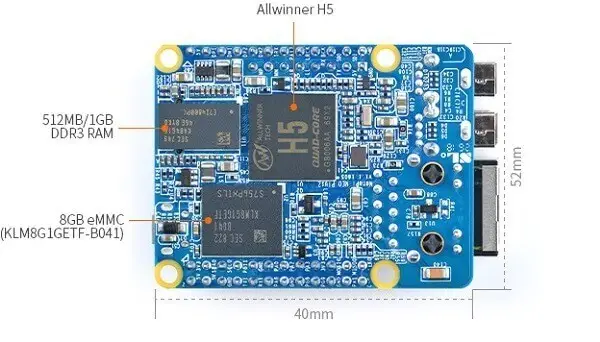
NanoPi NEO Plus (With Heat-sink)
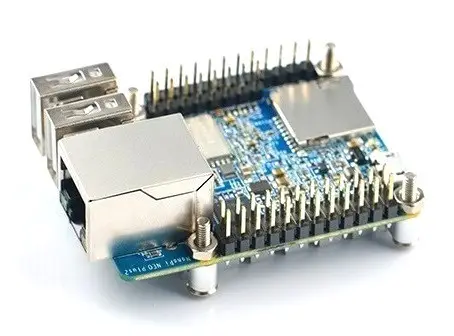
Hardware Spec
- CPU: Allwinner H5,Quad-core 64-bit high-performance Cortex A53
- DDR3 RAM: 1GB / 512MB
- Storage: 8GB eMMC
- Network: Gbps Ethernet
- WiFi: 802.11 b/g/n
- Bluetooth: 4.0 dual-mode
- USB Host: 2 x Independent USB Host
- Micro-SD Slot: 1 x Slot. It supports system booting or is used to hold a storage card
- Audio Input/Output: 4-Pin, 2.54 mm pitch pin-header
- Micro-USB power input
- Debug Serial: 4 Pin, 2.54 mm pitch pin-header
- GPIO1: 24Pin, 2.54 mm pitch double-row pin-header containing UART, SPI, I2C and IO
- GPIO2: 12Pin, 2.54 mm pitch pin-header containing USB, IR receiver, I2S and IO
- Power Supply: DC 5V/2A
- PCB Dimension: 40 x 52 mm
- PCB Layer: 6-Layer
- Software:
- Kernel 4.14
- U-boot 2017.11
- Armbian
- DietPi
- FrienlyCore (Based on UbuntuCore-16.04)
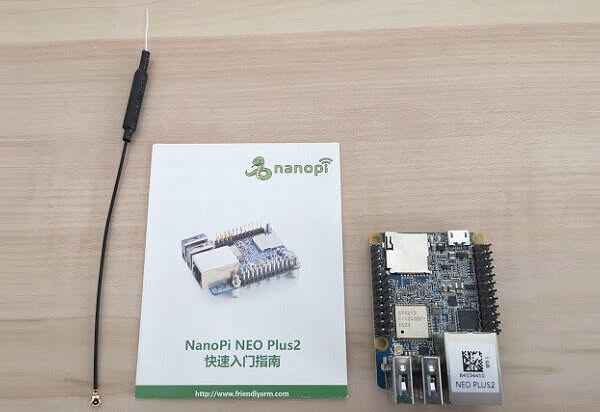
NEO Plus2 Board | Package
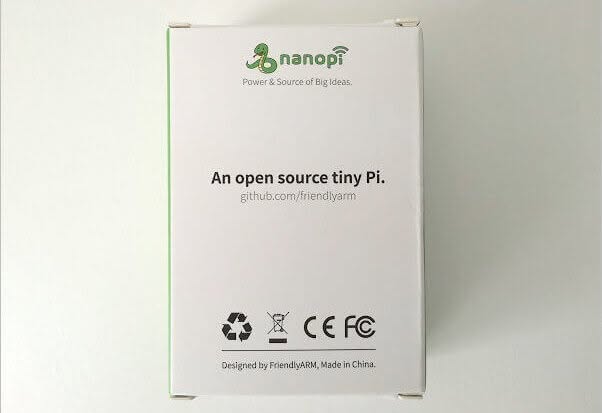 NEO Plus2 Package 03
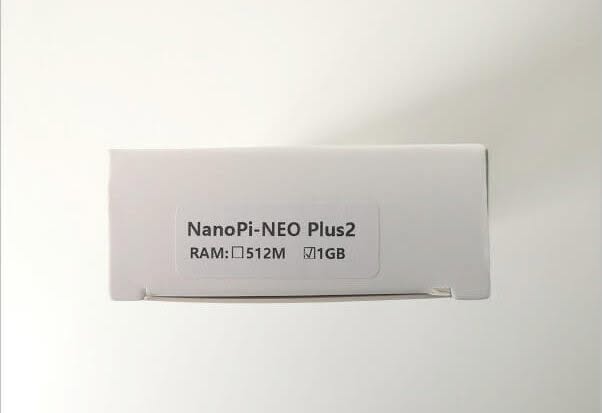
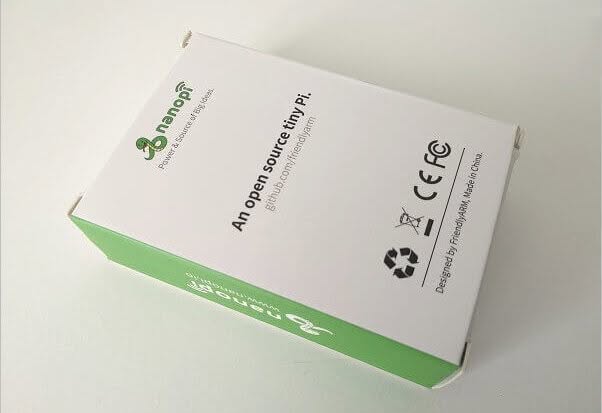
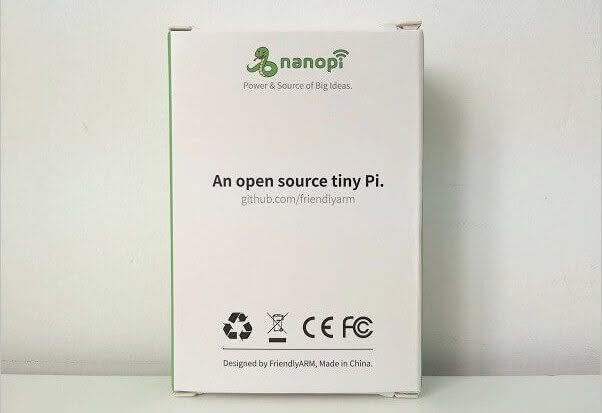

NEO Plus2 Board | Unboxing
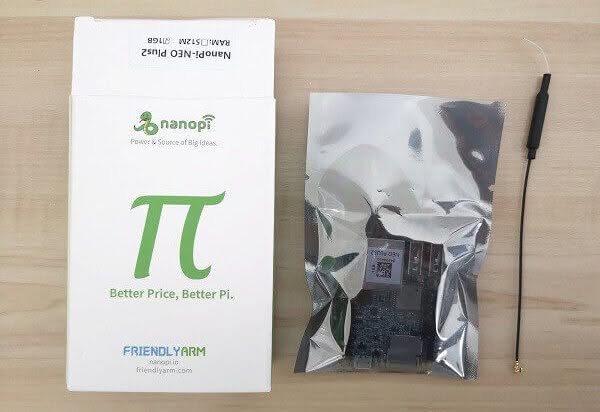 NEO Plus2 Unboxing 02
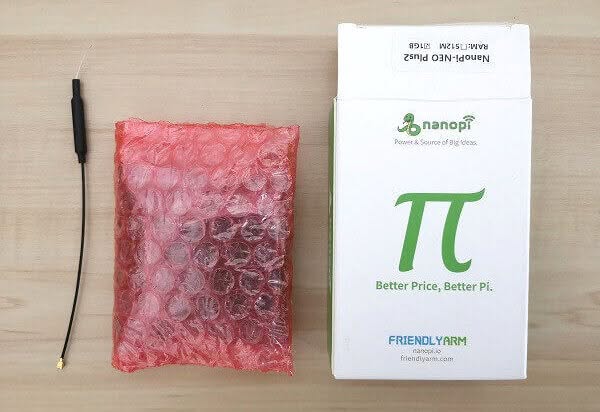
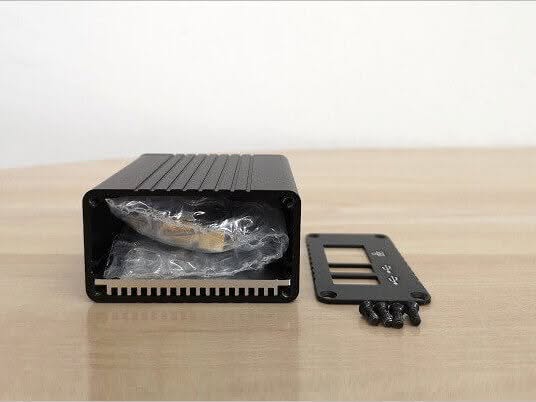
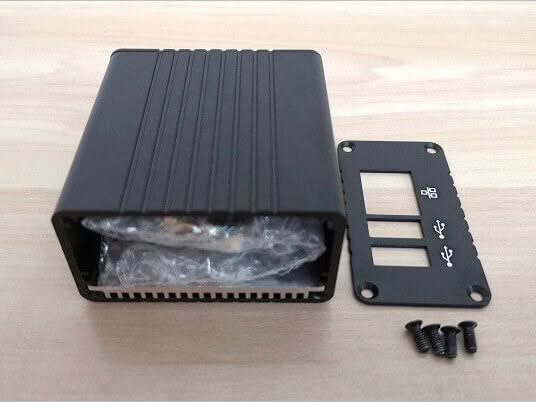
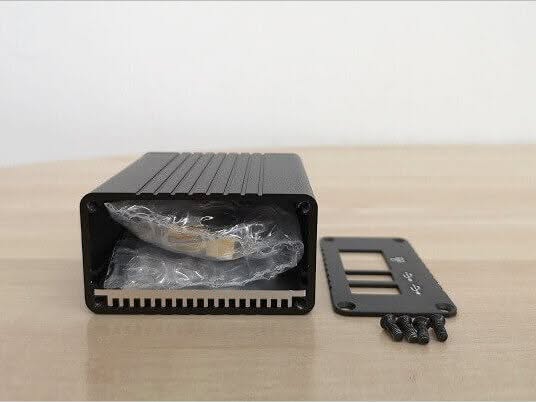
NEO Plus2 Metal Case Package
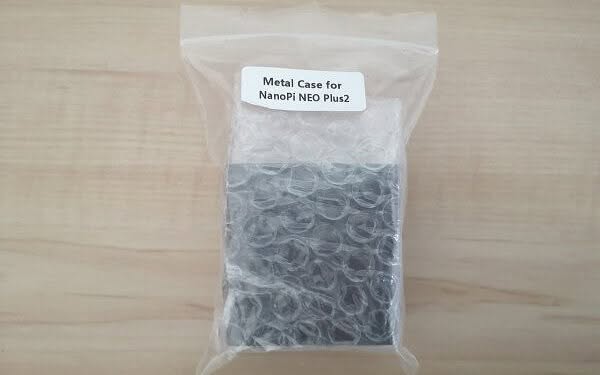 NEO Plus2 Case Unbox 1
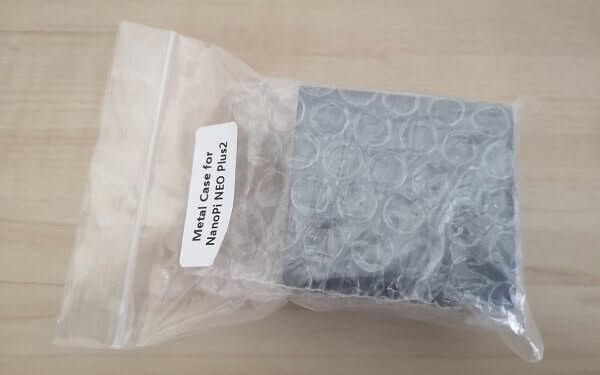
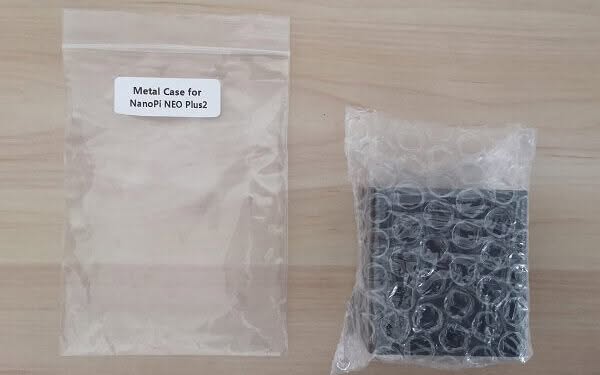
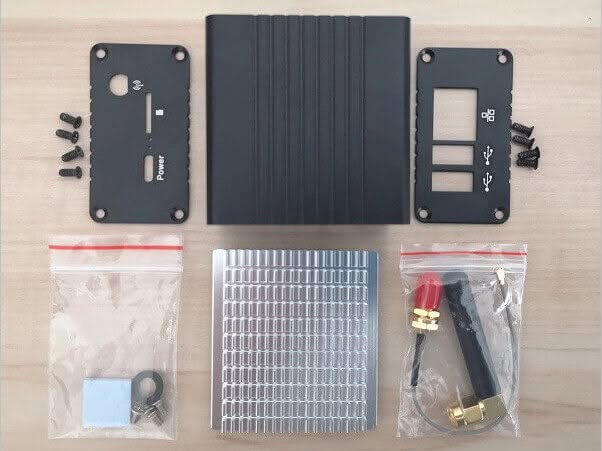
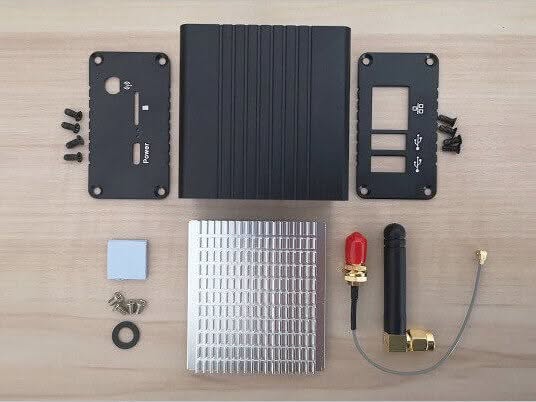
NEO Plus2 + Metal Case Kit | Unboxing
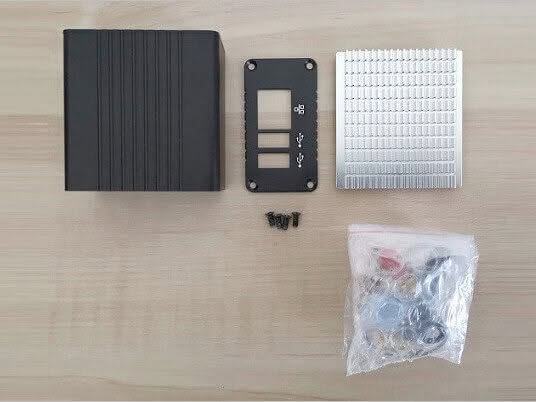 NEO Plus2 Case 00
First-time operation
- Download the DietPi Image
- Write the image to the SD card using Win32DiskImager / balenaEtcher Tool
- Boot the NanoPi NEO Plus2 from the card
- Finding the board IP address:
Method 1: Some advanced routers have LAN discover a feature that makes life easier viewing all connected devices across a local network.
Method 2: Use an IP network scanner
A network scanner is a useful tool for a network administrator. You can also use it to find your devices on your network. for this purpose, you can use Angry IP Scanner as it is simple and easy to use.
5. Download and install PuTTY software. Enter the IP address and run SSH
Flashing OS to 8GB eMMC Chip
Method #1: Flashing the image using dd
- After acquiring the DHCP / static IP address of the board.
- Install PuTTY software and select SSH protocol, enter your IP with port 22
- login with root / dietpi
- After runing fdisk -l to display storage devices, you would see the following line:
“/dev/mmcblk0p2 133120 15269887 15136768 7,2G 83 Linux”
/dev/mmcblk1 -> is your 8GB eMMC.
- Copy to the original image of DietPi to an NTFS formatted USB flash drive
- Create mount directory: mkdir /mnt/usb
- mount the USB flash drive running: mount /dev/sda1 /mnt/usb
- change path to /mnt/usb
- Execute the following command:
root@DietPi:/mnt/usb# dd if=dietPi.img of=/dev/mmcblk1 bs=512
- Wait few minutes until the process is over and run restart cmd
to boot the board. - Now you are ready to configure Service, software, settings:
dietpi-config
dietpi-software
Method #2: Flashing the image with eflasher Utility
The simplest method to burn the image is burning the image on a microSD card using the Win32DiskImager / balenaEtcher Tool. After that step is finished, you just need to boot your device and the rest is done automatically.
NanoPi NEO Plus2
Powered with a quad-core 64bit H5 Allwinner SoC the NanoPi NEO Plus2 board provides decent performance, enough for running popular services like NAS, FTP and more. The H5 CPU frequency operates in the minimum frequency of 120 MHz up to Max frequency of 1248 MHz.
DietPi distribution is the most flexible and easy to use. to change CPU settings you can run ‘dietpi-config‘ that loads with GUI. under ‘Performance Options’ you can control and set Throttle ratio by specifying a nominal percentage value, choose a CPU Governor according to the type of usage. Also set minimum and maximum CPU clock frequency. Settings that directly impact operation including power consumption.
CPU Performance settings (DietPi)
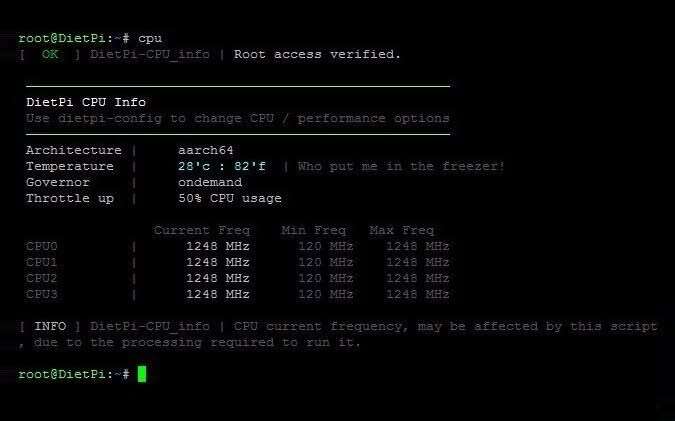 NEO Plus2 DietPi CPU1

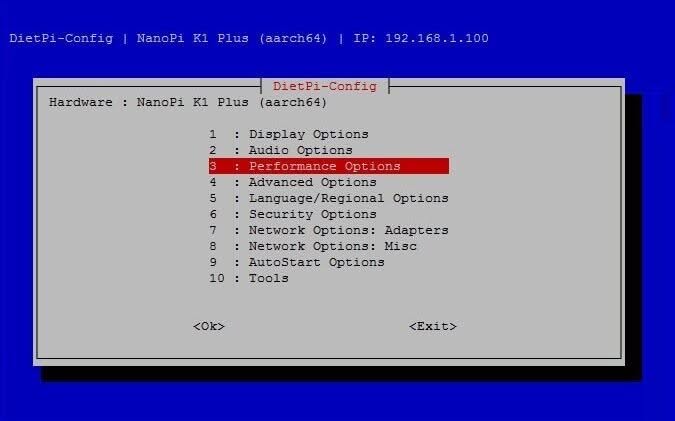
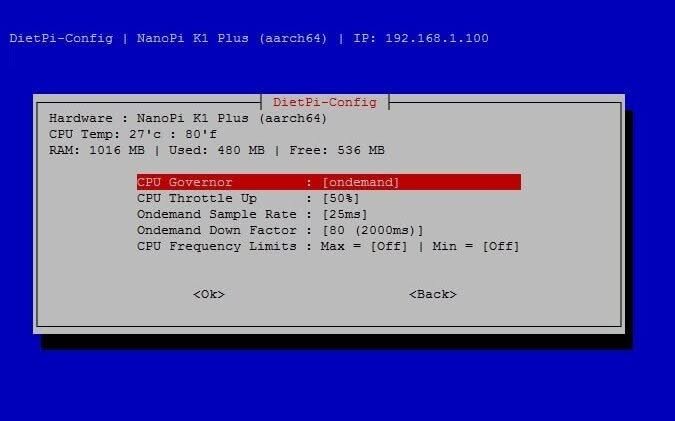
NanoPi NEO Plus2 | Full view
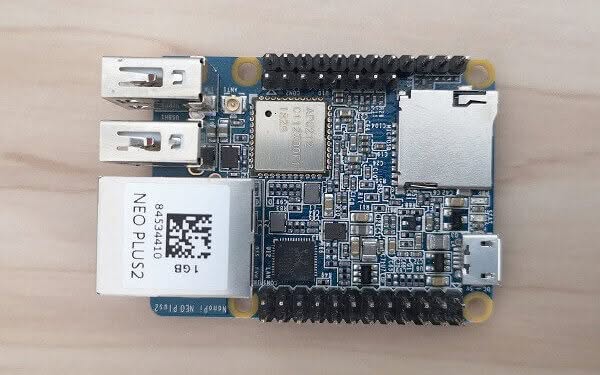 NanoPi NEO Plus2 01
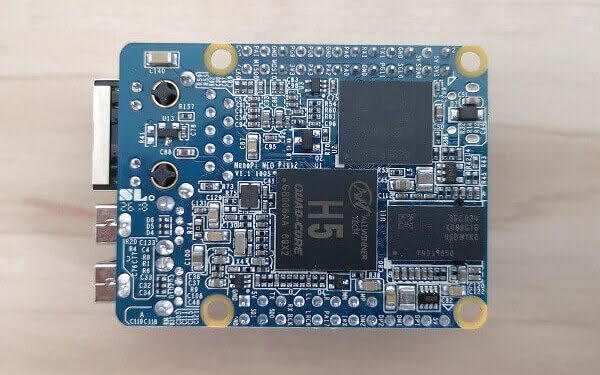
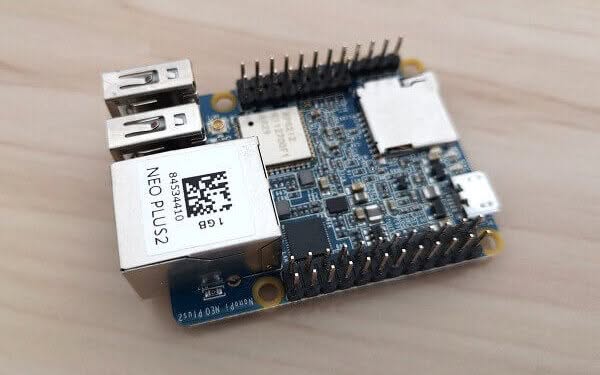
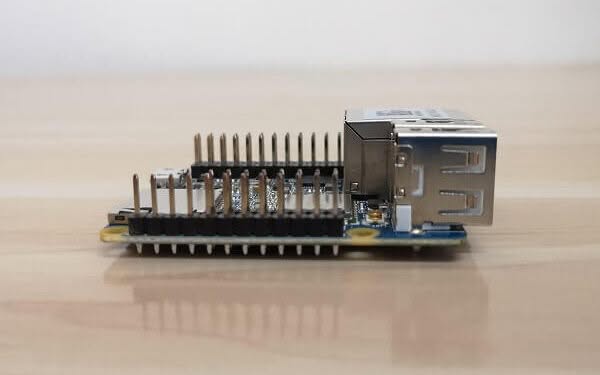
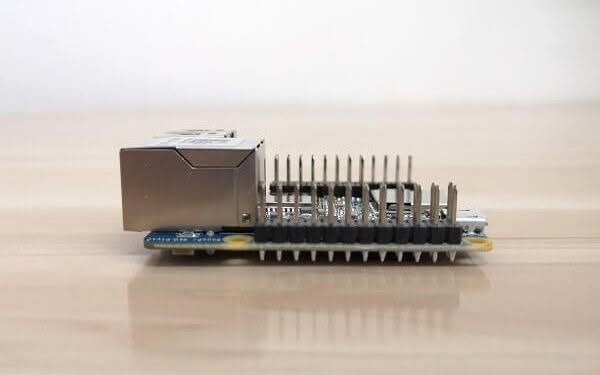
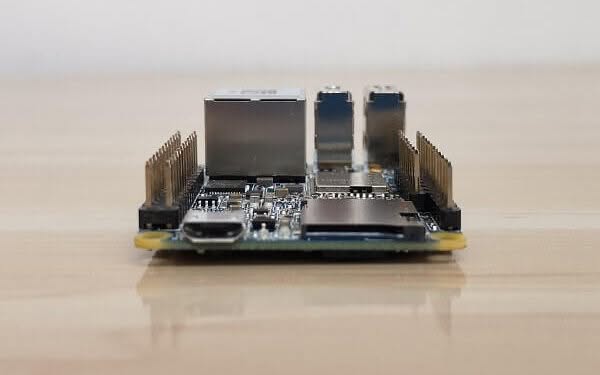
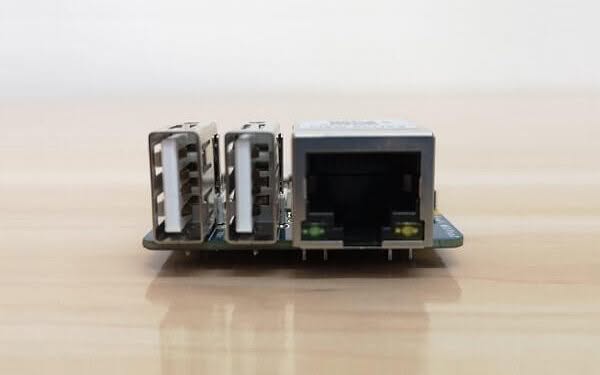
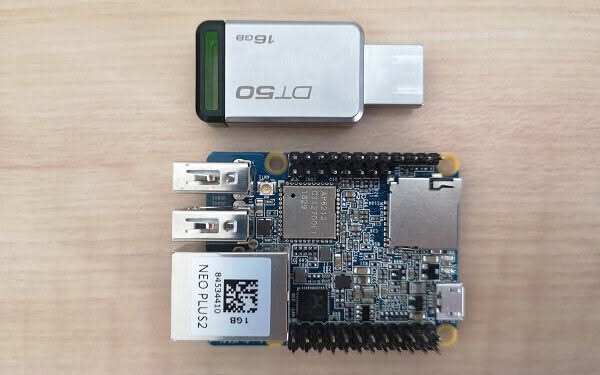
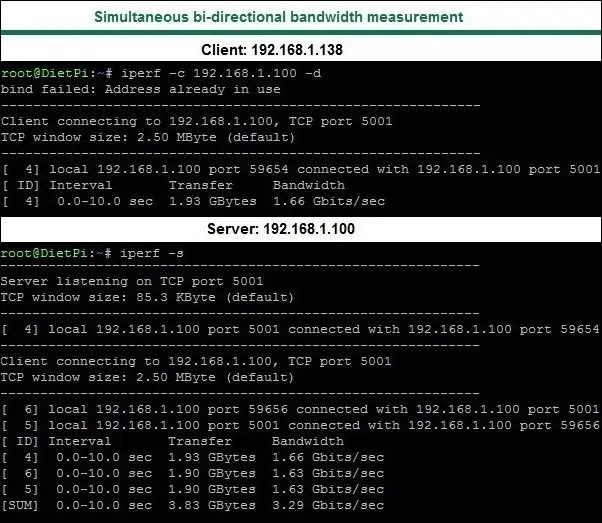
Ethernet Performance Test (throughput)
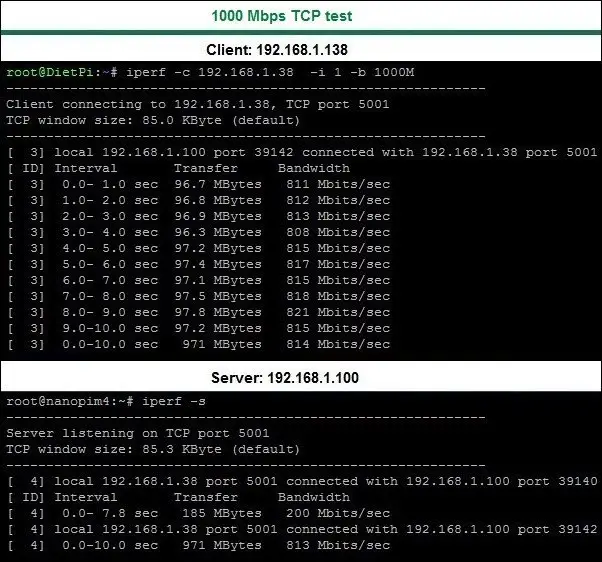
Testing Environment:
- Gigabit Network Switch, Transfer Rate: 10/100/1000Mbps.
- Test Tool: Iperf
- Test Type: Testing the Network Speed Between Two Machines.
- Connected devices: NanoPi NEO Plus2 (Client), NanoPi M4 (Server).
- Test result: 813 Mbits/sec
USB flash drive Performance Test
- Tested Flash Drive:
- Brand: Kingston
- Capacity: 16GB
- Interface: USB 3.0
- File system: NTFS
- Model: DT50/16GB (Datatraveler)
- Spec: Speed Up to 100MB/s(Read for USB3.0/1)
# Read Test

# sudo dd if=/dev/sda1 of=/dev/zero bs=1M count=400 iflag=direct
400+0 records in
400+0 records out
419430400 bytes (419 MB, 400 MiB) copied, 12.073 s, 34.7 MB/s

# Write Test

# sudo dd if=/dev/zero of=/dev/sda1 bs=1M count=400 skip=1000 oflag=direct
400+0 records in
400+0 records out
419430400 bytes (419 MB, 400 MiB) copied, 25.963 s, 16.2 MB/s
Resources Usage
The NanoPi NEO Plus2 (1GB) H5 Quad-core CPU is very capable of running and handling multiple services, especially in CLI mode. After executing the Service –status-all command to display all running services (list below). From a total 1GB RAM running those services, the system remained with approximately 607Mb of free available ram.
[ + ] avahi-daemon
[ – ] console-setup.sh
[ + ] cron
[ + ] dbus
[ + ] dhcpcd
[ + ] dropbear
[ + ] fake-hwclock
[ + ] hostapd
[ – ] hwclock.sh
[ + ] isc-dhcp-server
[ – ] keyboard-setup.sh
[ + ] kmod
[ + ] lighttpd
[ + ] networking
[ – ] nfs-common
[ + ] nfs-kernel-server
[ + ] nmbd
[ + ] php7.0-fpm
[ + ] pihole-FTL
[ + ] procps
[ + ] proftpd
[ + ] redis-server
[ + ] resolvconf
[ + ] rpcbind
[ – ] rsync
[ + ] samba
[ – ] samba-ad-dc
[ + ] smbd
[ + ] tor
Compatibility with 1-bay NAS Dock Board
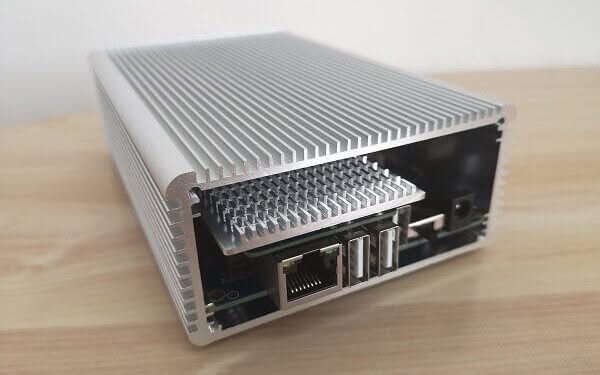
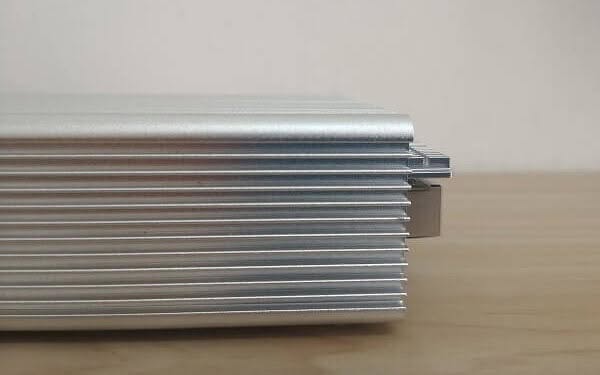
If you are planning on connecting a high capacity SSD / mechanical hard drive with the NEO Plus2, this combination would be a good pick, just keep in mind that if you decide to buy the 1-bay NAS Dock aluminium case it will not fit with the NanoPi NEO Plus2 because the board length is much longer, about 8-10mm in comparison to the NanoPi NEO/NEO2 board series.
NEO Plus2 With 1-bay NAS Doc & /Case
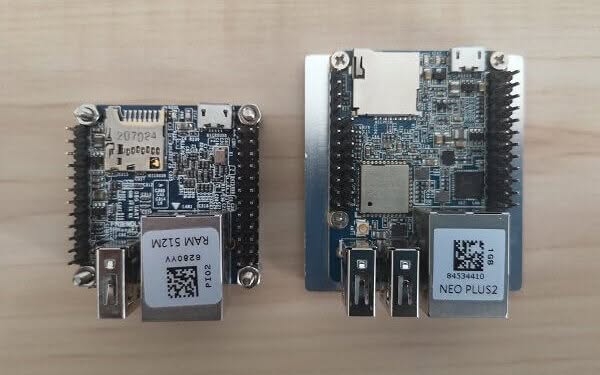 NEO Plus2 With 1 bay NAS Dock P1
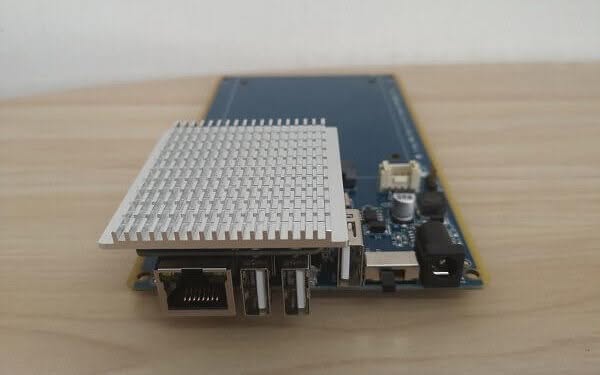
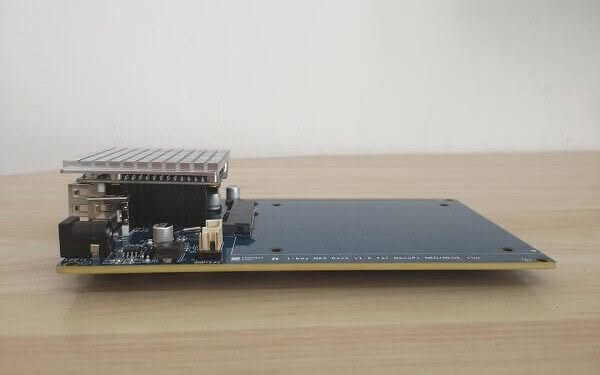
Practical Applications
Although the NEO Plus2 Board doesn’t have any video output interface and accessing it is done mainly through SSH connection, if you are asking what can you do with this board? the answer is simple. there are plenty of services you can run on it such as Print sharing service, NAS, VirtualHere, Samba, FTP, Pi-hole, Tor hotspot, WiFi hotspot and much more.
Metal Case Kit ($9.99)
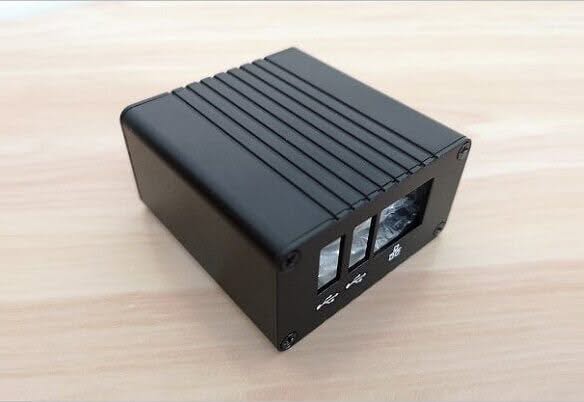
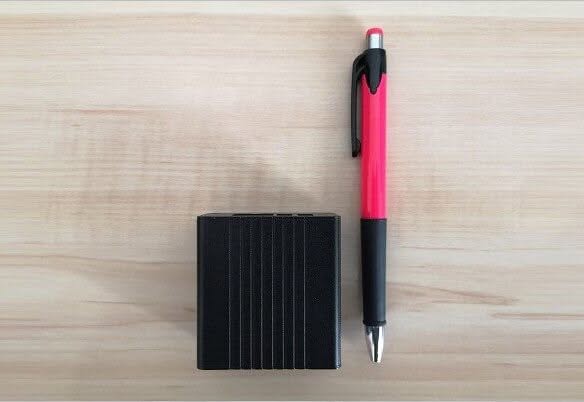
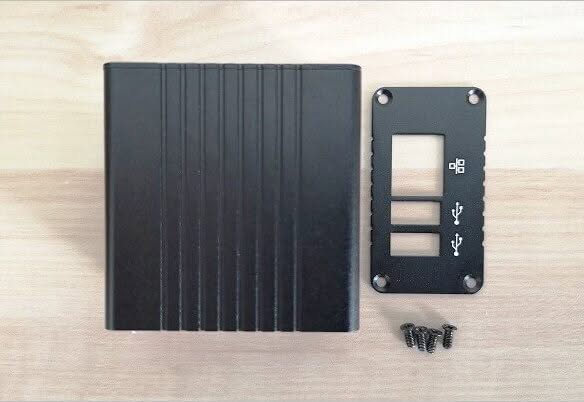
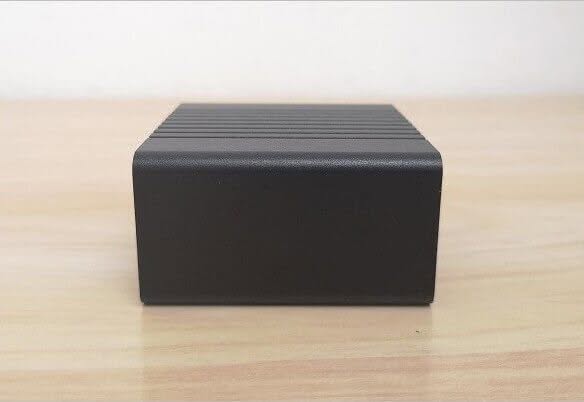
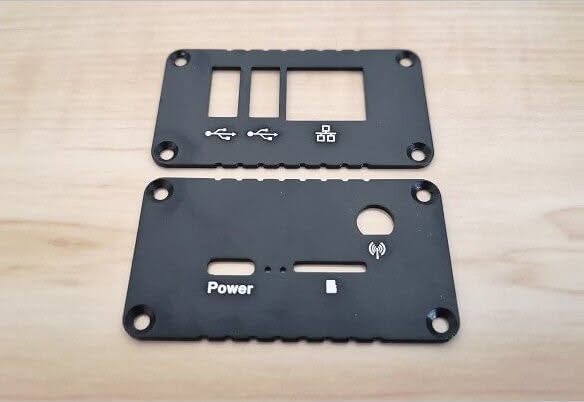
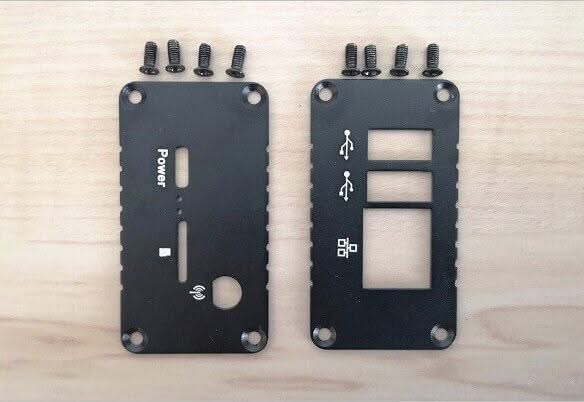
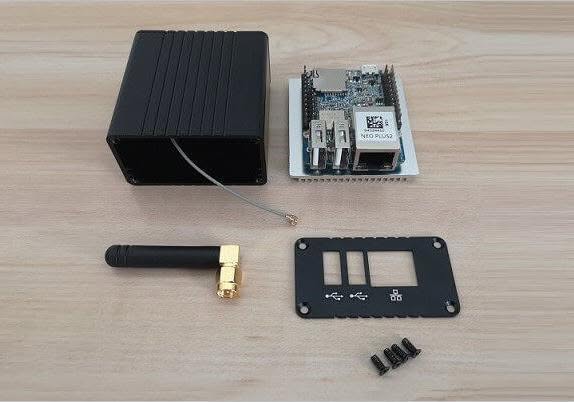
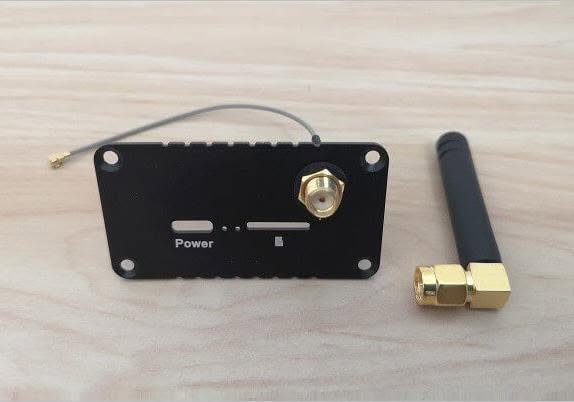
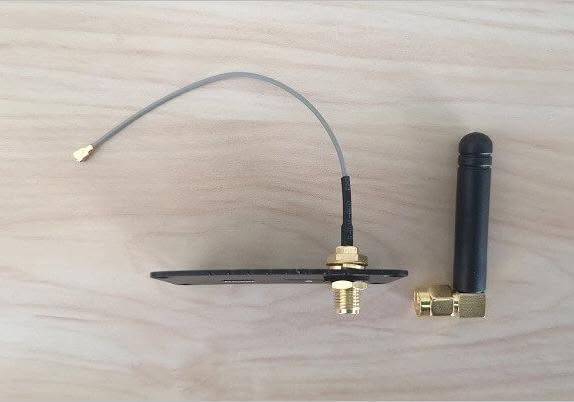
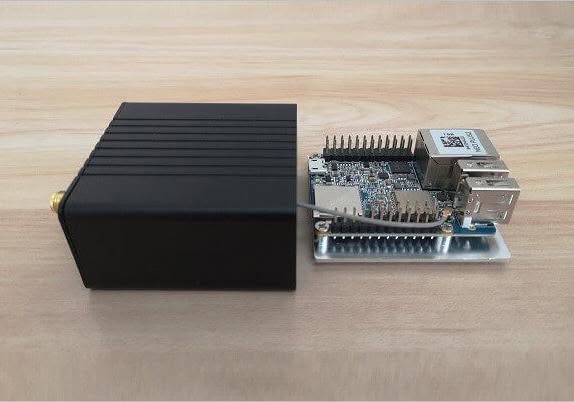
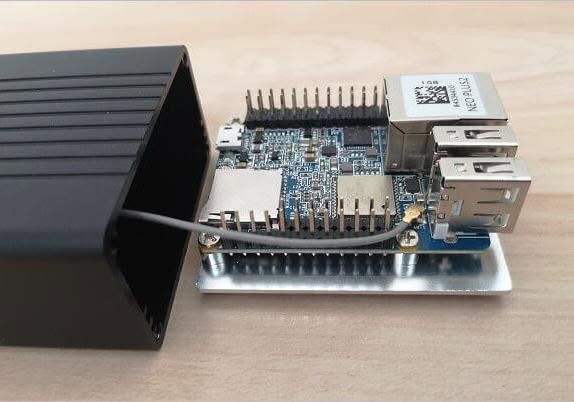
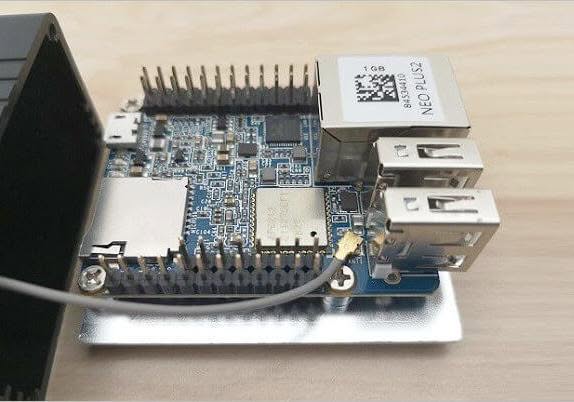
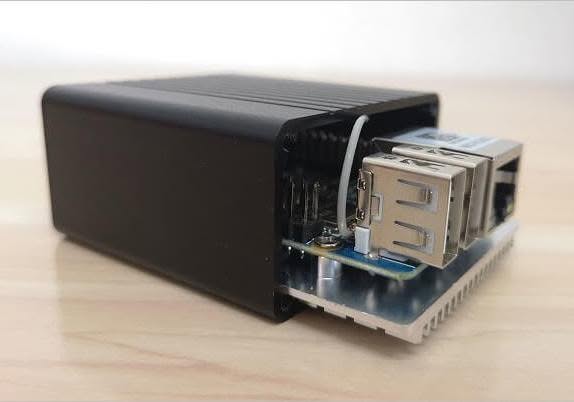
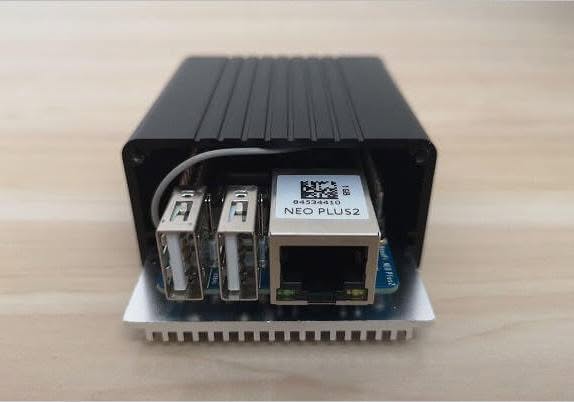
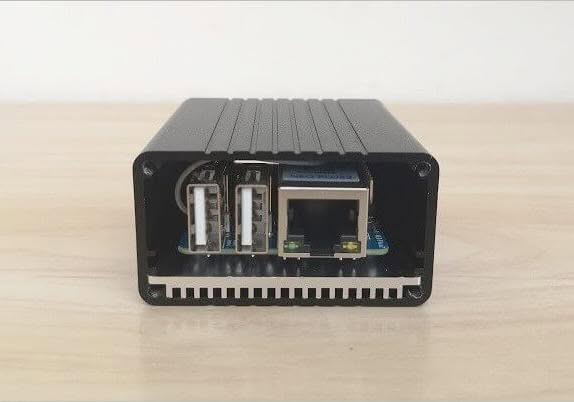
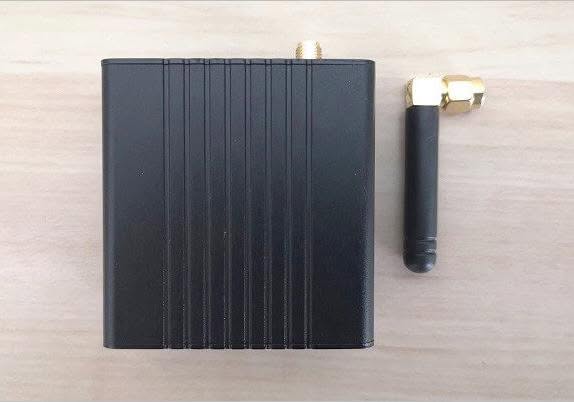
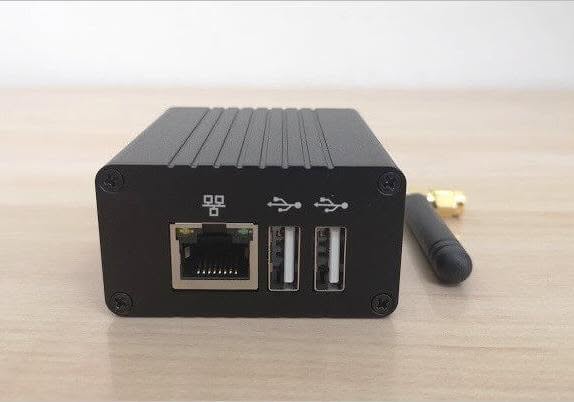
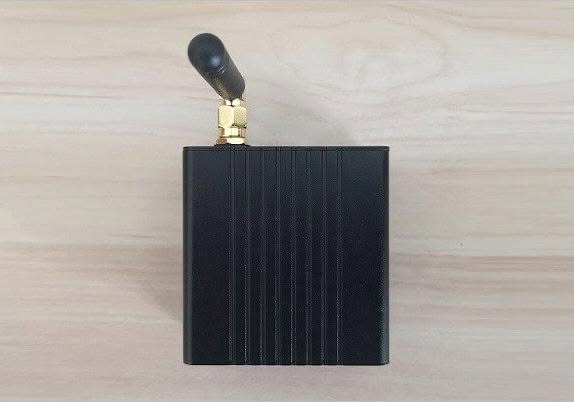
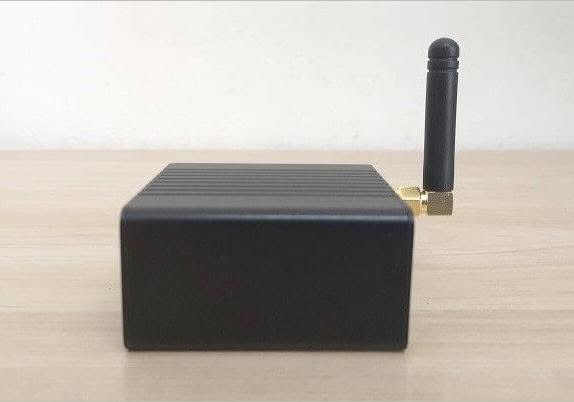
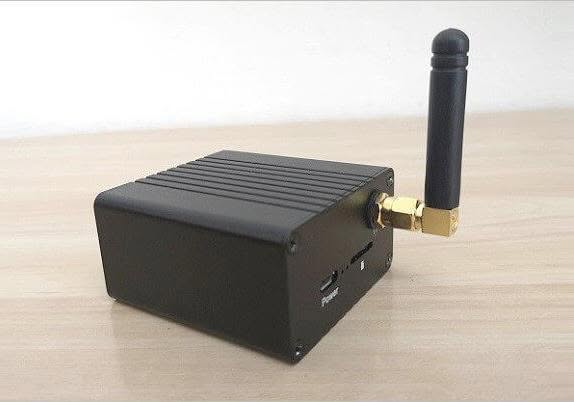
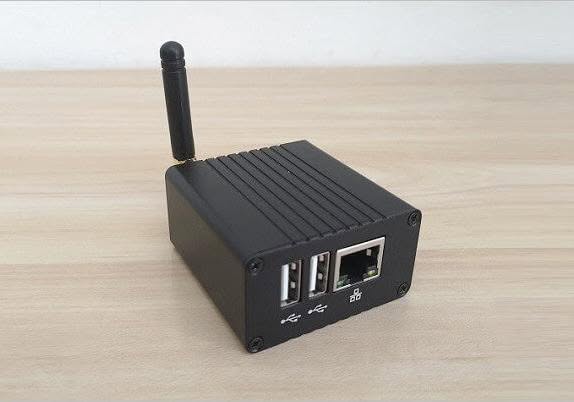
A must-have accessory if you need a firm case to protect the board. The case kit also comes with a few extra items such as an external 4dB WiFi antenna, a thermal pad, and relatively large-high-quality heatsink to cool the H5 Chip.
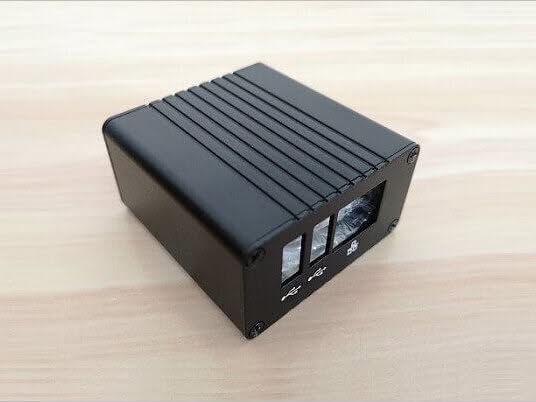
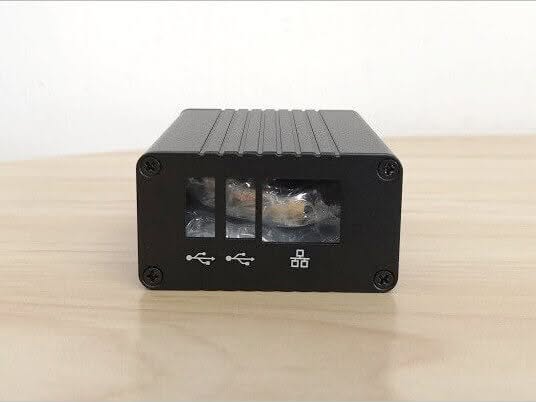
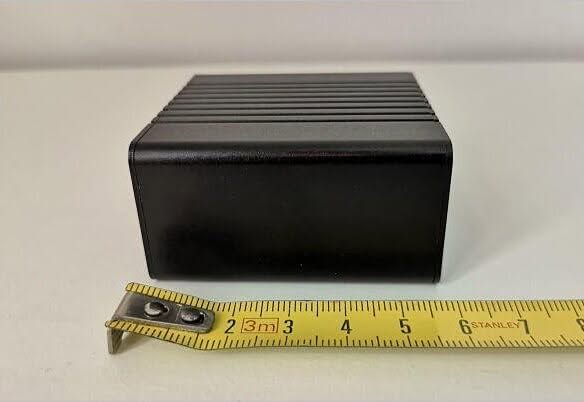
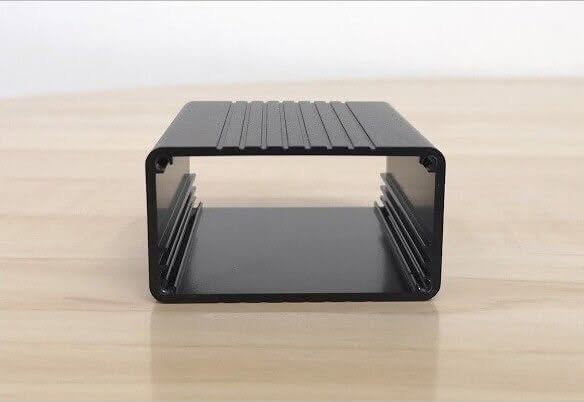
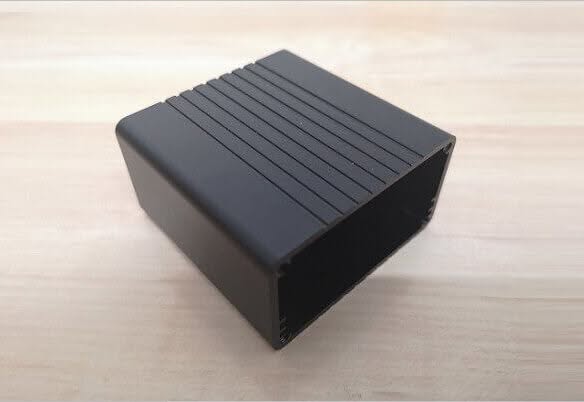
The case main envelope is made from a rectangle-shaped profile, with two covers tightened with M2.5 screws on both sides. Because the case is completely closed, the only issue I had was gaining access to the header pins. Cutting a small window just above the pins could be a nice solution to this problem.
NEO Plus2 Metal Case | Full view
 NEO Plus2 Case 01 1
NEO Plus2 Heatsink
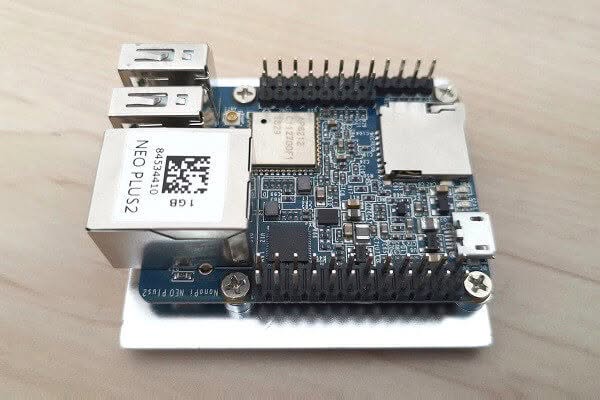
Included as part of the metal case kit. The heatsink is mounted against the H5 Chip using four M2.5×4.5mm screws and provided a terminal pad. From my checking, it would be wise buying additional two thermal pads with the same thickness as the H5 chip to also cool the eMMC and memory chips. Having said that, quality and design were both excellent and offer a great cooling solution for the board, as well as dirt protection.
NEO Plus2 + Heatsink
 NEO Plus2 Heatsink 4
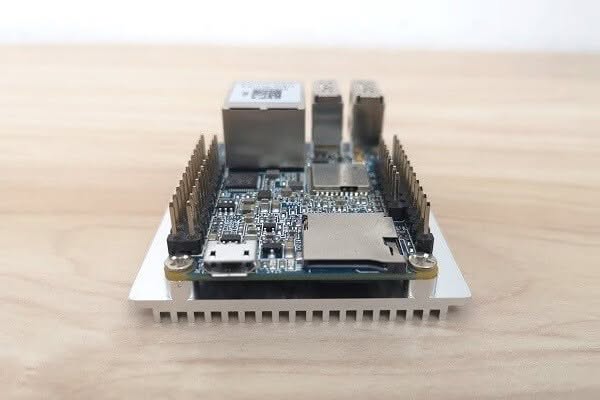
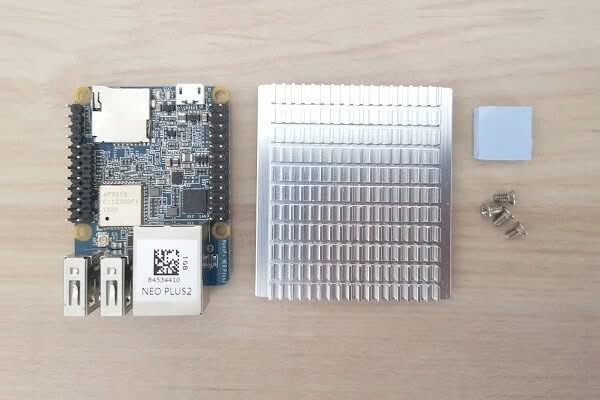
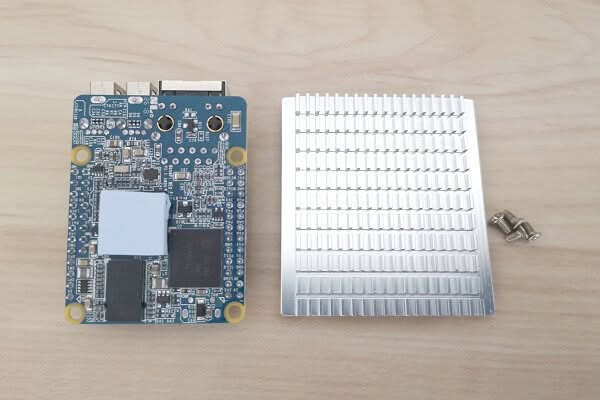
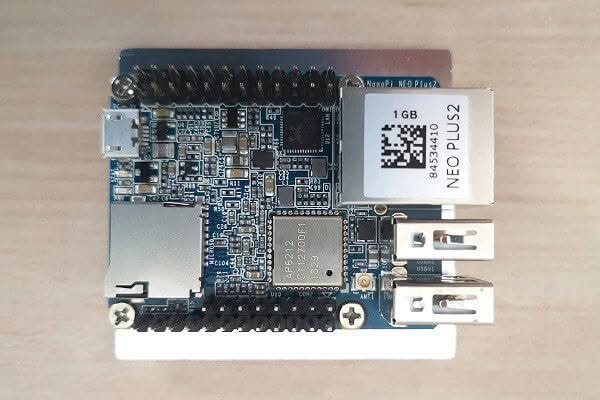
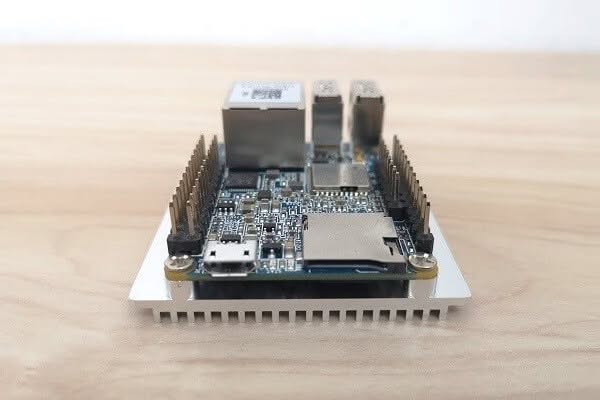
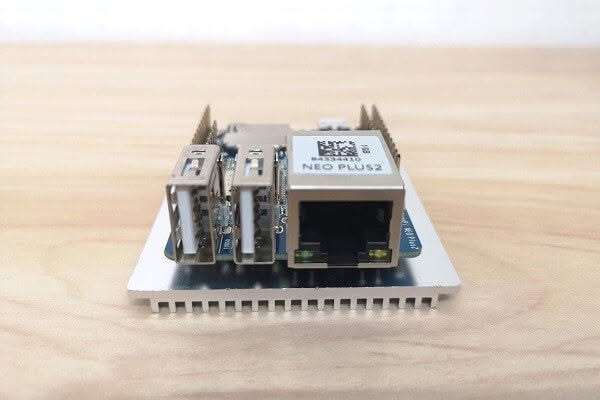
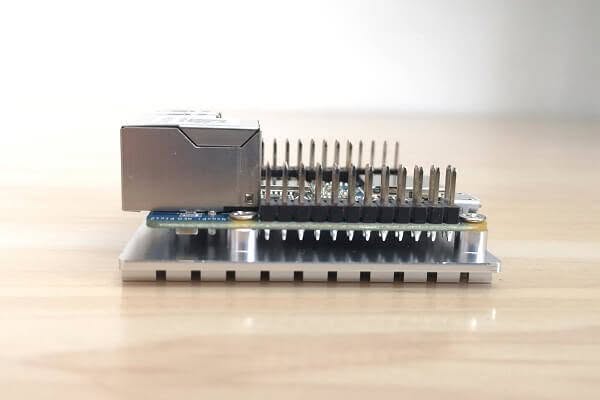
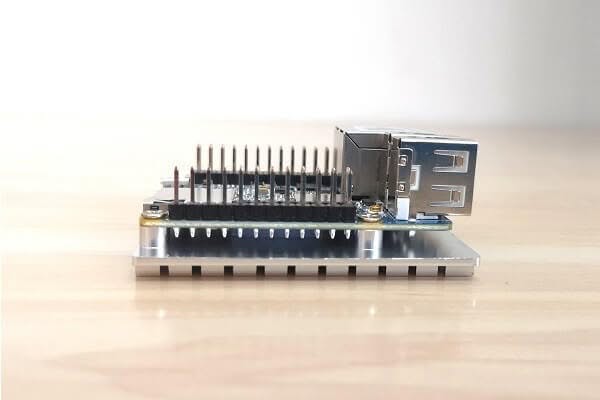
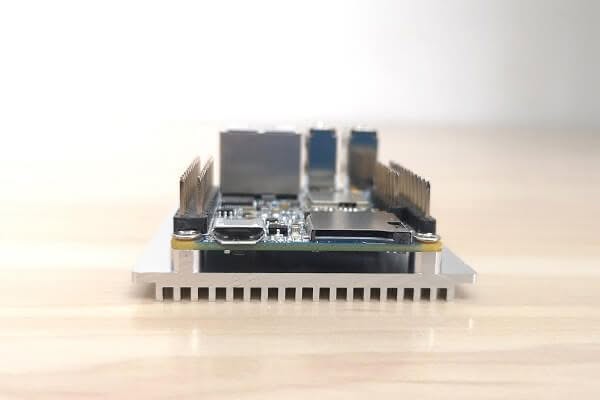
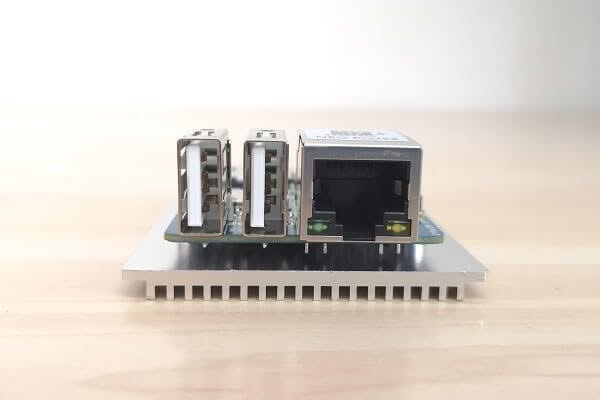
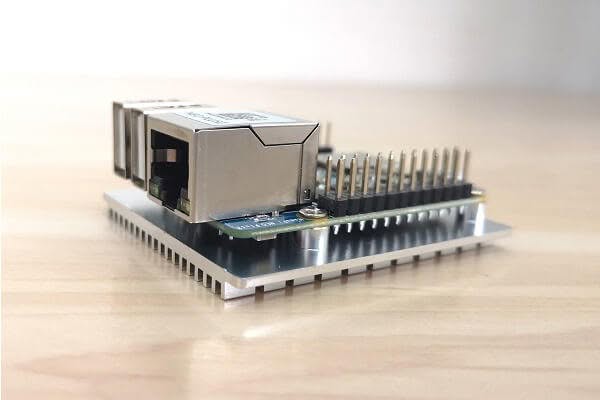
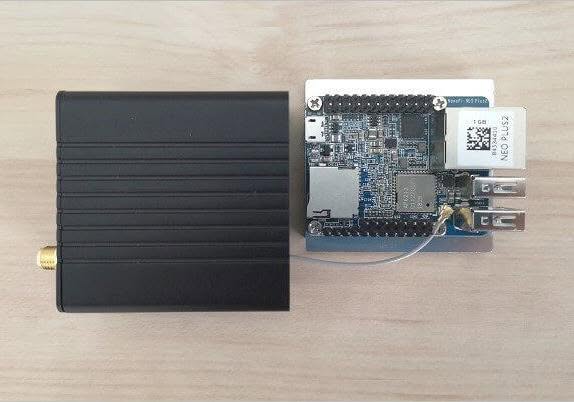
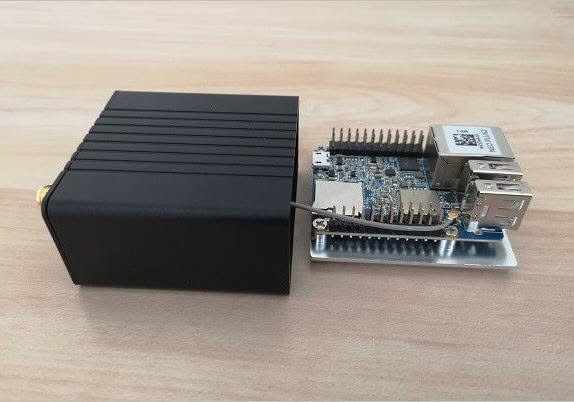
NEO Plus2 | Putting it all together
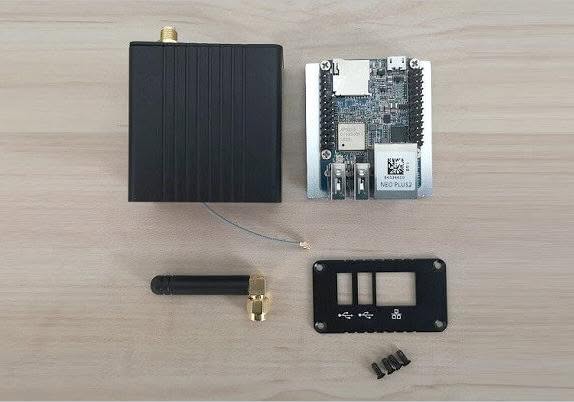 NEO Plus2 ASM 1
Conclusion
Overall, I really liked the quality of the NanoPi NEO Plus2 board including all optional accessories. This small form factor board can best be used for many applications where you might have limited space to place a large size low consumption minicomputer. In my opinion, the retail price is too high and needs to be lower. Bottom line, if you have an extra $32-42 and seeking a small board I definitely recommend buying one with the metal case kit.