Evaluating the performance of storage devices
Featuring a single-lane PCIe 1.0 (Peripheral Component Interconnect Express version 1.0) bus, the RV delivers a robust throughput of 250 MB/s in both reading and writing simultaneously. This means if you’re using a ×1 slot, you’re looking at about 500 MB/s of full-duplex bandwidth. Although it may not be the top performer among single-board computers, it is essential to understand that this board is not built for high-end applications as are found in more expensive boards.
Checking PCIe Lane Capabilities
root@orangepirv:~# sudo lspci -vv | grep -iA10 'LnkCap'

LnkCap: Port #1, Speed 5GT/s, Width x1, ASPM L0s L1, Exit Latency L0s <64ns, L1 <1us
                        ClockPM- Surprise- LLActRep- BwNot+ ASPMOptComp+
                LnkCtl: ASPM Disabled; RCB 64 bytes, Disabled- CommClk-
                        ExtSynch- ClockPM- AutWidDis- BWInt- AutBWInt-
                LnkSta: Speed 5GT/s, Width x1
                        TrErr- Train- SlotClk- DLActive- BWMgmt+ ABWMgmt-
                SltCap: AttnBtn- PwrCtrl- MRL- AttnInd- PwrInd- HotPlug- Surprise-
                        Slot #0, PowerLimit 0W; Interlock- NoCompl-
                SltCtl: Enable: AttnBtn- PwrFlt- MRL- PresDet- CmdCplt- HPIrq- LinkChg-
                        Control: AttnInd Unknown, PwrInd Unknown, Power- Interlock-
                SltSta: Status: AttnBtn- PowerFlt- MRL- CmdCplt- PresDet- Interlock-
--
                LnkCap2: Supported Link Speeds: 2.5-5GT/s, Crosslink- Retimer- 2Retimers- DRS-
                LnkCtl2: Target Link Speed: 5GT/s, EnterCompliance- SpeedDis-
                         Transmit Margin: Normal Operating Range, EnterModifiedCompliance- ComplianceS                     OS-
                         Compliance Preset/De-emphasis: -6dB de-emphasis, 0dB preshoot
                LnkSta2: Current De-emphasis Level: -3.5dB, EqualizationComplete- EqualizationPhase1-
                         EqualizationPhase2- EqualizationPhase3- LinkEqualizationRequest-
                         Retimer- 2Retimers- CrosslinkRes: unsupported
        Capabilities: [e0] MSI: Enable- Count=1/32 Maskable+ 64bit+
                Address: 0000000000000000  Data: 0000
                Masking: 00000000  Pending: 00000000
        Capabilities: [f8] Power Management version 3
--
                LnkCap: Port #0, Speed 5GT/s, Width x1, ASPM not supported
                        ClockPM+ Surprise- LLActRep- BwNot- ASPMOptComp-
                LnkCtl: ASPM Disabled; RCB 64 bytes, Disabled- CommClk-
                        ExtSynch- ClockPM- AutWidDis- BWInt- AutBWInt-
                LnkSta: Speed 5GT/s, Width x1
                        TrErr- Train- SlotClk+ DLActive- BWMgmt- ABWMgmt-
                DevCap2: Completion Timeout: Range B, TimeoutDis+ NROPrPrP- LTR-
                         10BitTagComp- 10BitTagReq- OBFF Not Supported, ExtFmt- EETLPPrefix-
                         EmergencyPowerReduction Not Supported, EmergencyPowerReductionInit-
                         FRS- TPHComp- ExtTPHComp-
                         AtomicOpsCap: 32bit- 64bit- 128bitCAS-
--
                LnkCap: Port #1, Speed 5GT/s, Width x1, ASPM L0s L1, Exit Latency L0s <64ns, L1 <1us
                        ClockPM- Surprise- LLActRep- BwNot+ ASPMOptComp+
                LnkCtl: ASPM Disabled; RCB 64 bytes, Disabled- CommClk-
                        ExtSynch- ClockPM- AutWidDis- BWInt- AutBWInt-
                LnkSta: Speed 5GT/s, Width x1
                        TrErr- Train- SlotClk- DLActive- BWMgmt+ ABWMgmt-
                SltCap: AttnBtn- PwrCtrl- MRL- AttnInd- PwrInd- HotPlug- Surprise-
                        Slot #0, PowerLimit 0W; Interlock- NoCompl-
                SltCtl: Enable: AttnBtn- PwrFlt- MRL- PresDet- CmdCplt- HPIrq- LinkChg-
                        Control: AttnInd Unknown, PwrInd Unknown, Power- Interlock-
                SltSta: Status: AttnBtn- PowerFlt- MRL- CmdCplt- PresDet- Interlock-
--
                LnkCap2: Supported Link Speeds: 2.5-5GT/s, Crosslink- Retimer- 2Retimers- DRS-
                LnkCtl2: Target Link Speed: 5GT/s, EnterCompliance- SpeedDis-
                         Transmit Margin: Normal Operating Range, EnterModifiedCompliance- ComplianceS                     OS-
                         Compliance Preset/De-emphasis: -6dB de-emphasis, 0dB preshoot
                LnkSta2: Current De-emphasis Level: -3.5dB, EqualizationComplete- EqualizationPhase1-
                         EqualizationPhase2- EqualizationPhase3- LinkEqualizationRequest-
                         Retimer- 2Retimers- CrosslinkRes: unsupported
        Capabilities: [e0] MSI: Enable- Count=1/32 Maskable+ 64bit+
                Address: 0000000000000000  Data: 0000
                Masking: 00000000  Pending: 00000000
        Capabilities: [f8] Power Management version 3
--
                LnkCap: Port #1, Speed 16GT/s, Width x4, ASPM L1, Exit Latency L1 unlimited
                        ClockPM- Surprise- LLActRep- BwNot- ASPMOptComp+
                LnkCtl: ASPM Disabled; RCB 64 bytes, Disabled- CommClk-
                        ExtSynch- ClockPM- AutWidDis- BWInt- AutBWInt-
                LnkSta: Speed 5GT/s (downgraded), Width x1 (downgraded)
                        TrErr- Train- SlotClk+ DLActive- BWMgmt- ABWMgmt-
                DevCap2: Completion Timeout: Range ABCD, TimeoutDis+ NROPrPrP- LTR+
                         10BitTagComp+ 10BitTagReq- OBFF Not Supported, ExtFmt+ EETLPPrefix-
                         EmergencyPowerReduction Not Supported, EmergencyPowerReductionInit-
                         FRS- TPHComp- ExtTPHComp-
                         AtomicOpsCap: 32bit- 64bit- 128bitCAS-
--
                LnkCap2: Supported Link Speeds: 2.5-16GT/s, Crosslink- Retimer+ 2Retimers+ DRS-
                LnkCtl2: Target Link Speed: 16GT/s, EnterCompliance- SpeedDis-
                         Transmit Margin: Normal Operating Range, EnterModifiedCompliance- ComplianceS                     OS-
                         Compliance Preset/De-emphasis: -6dB de-emphasis, 0dB preshoot
                LnkSta2: Current De-emphasis Level: -3.5dB, EqualizationComplete- EqualizationPhase1-
                         EqualizationPhase2- EqualizationPhase3- LinkEqualizationRequest-
                         Retimer- 2Retimers- CrosslinkRes: Upstream Port
        Capabilities: [d0] MSI-X: Enable+ Count=33 Masked-
                Vector table: BAR=0 offset=00002000
                PBA: BAR=0 offset=00003000
        Capabilities: [e0] MSI: Enable- Count=1/32 Maskable+ 64bit+
Based on the output, we can extract how many PCIe Lanes (sometimes called “Lanes”) are in use. Here’s the summary:
PCIe Lane Breakdown
LnkCap: Port #1, Speed 16GT/s, Width x4, ASPM L1
LnkSta: Speed 5GT/s (downgraded), Width x1 (downgraded)
Each device block shows:
- LnkCap Width → the maximum supported lanes.
- LnkSta Width → the actual negotiated lanes (what’s actually being used).
From your detailed output, here’s what we see:
| Device Port | Max Width (LnkCap) | Active Width (LnkSta) |
|---|---|---|
| Port #1 | x1 | x1 |
| Port #0 | x1 | x1 |
| Port #1 | x1 | x1 |
| Port #1 | x4 | x1 (downgraded) |
Test Results and Conclusions
- Max lanes width x4 in total.
- Current lanes in use: Width x1 (downgraded), All devices are currently running at x1, even the last one that supports x4, meaning it’s running below its potential—possibly due to board limitations, power saving, or lane sharing.
Benchmarking: Testing average read/write speeds
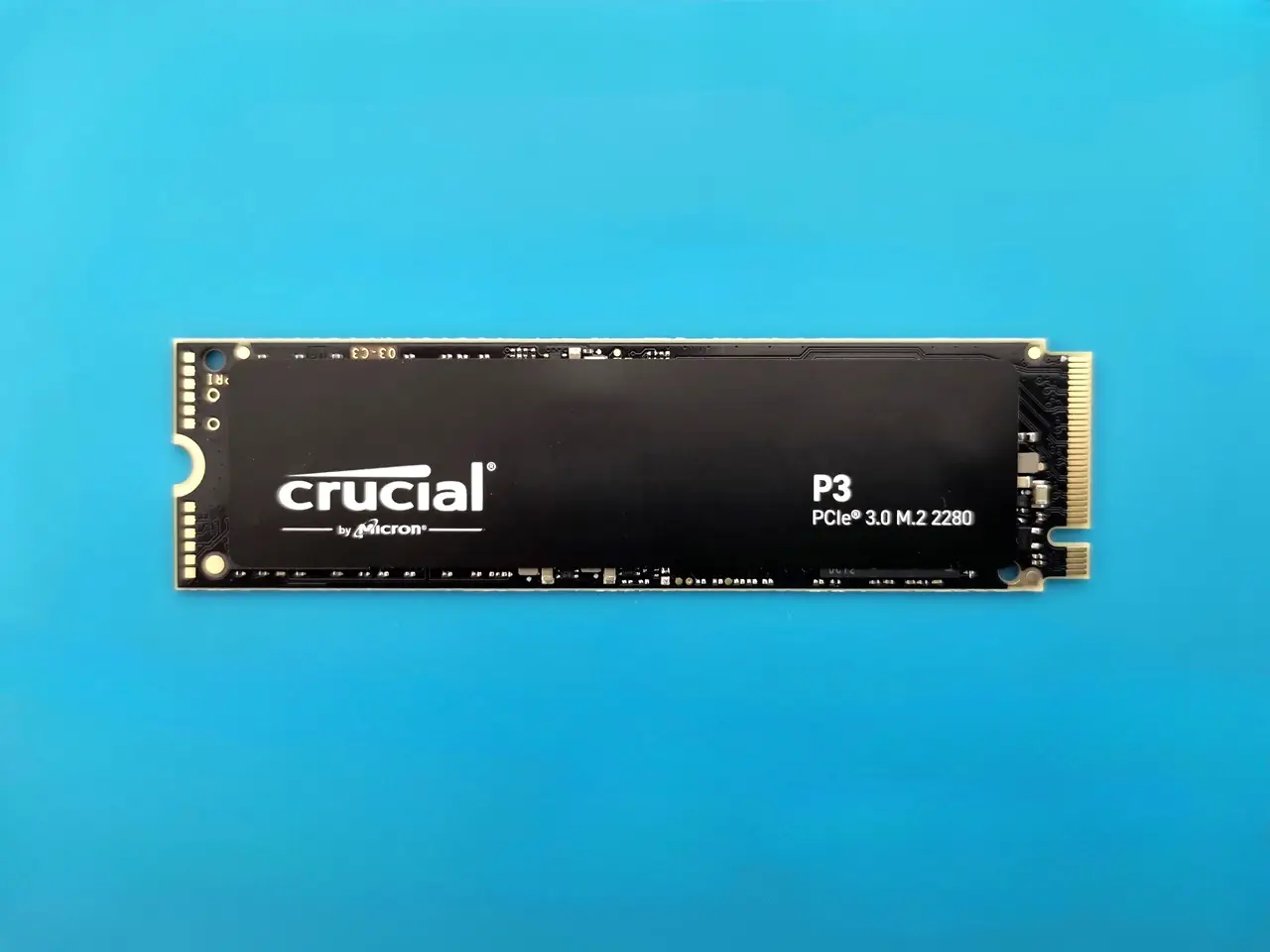
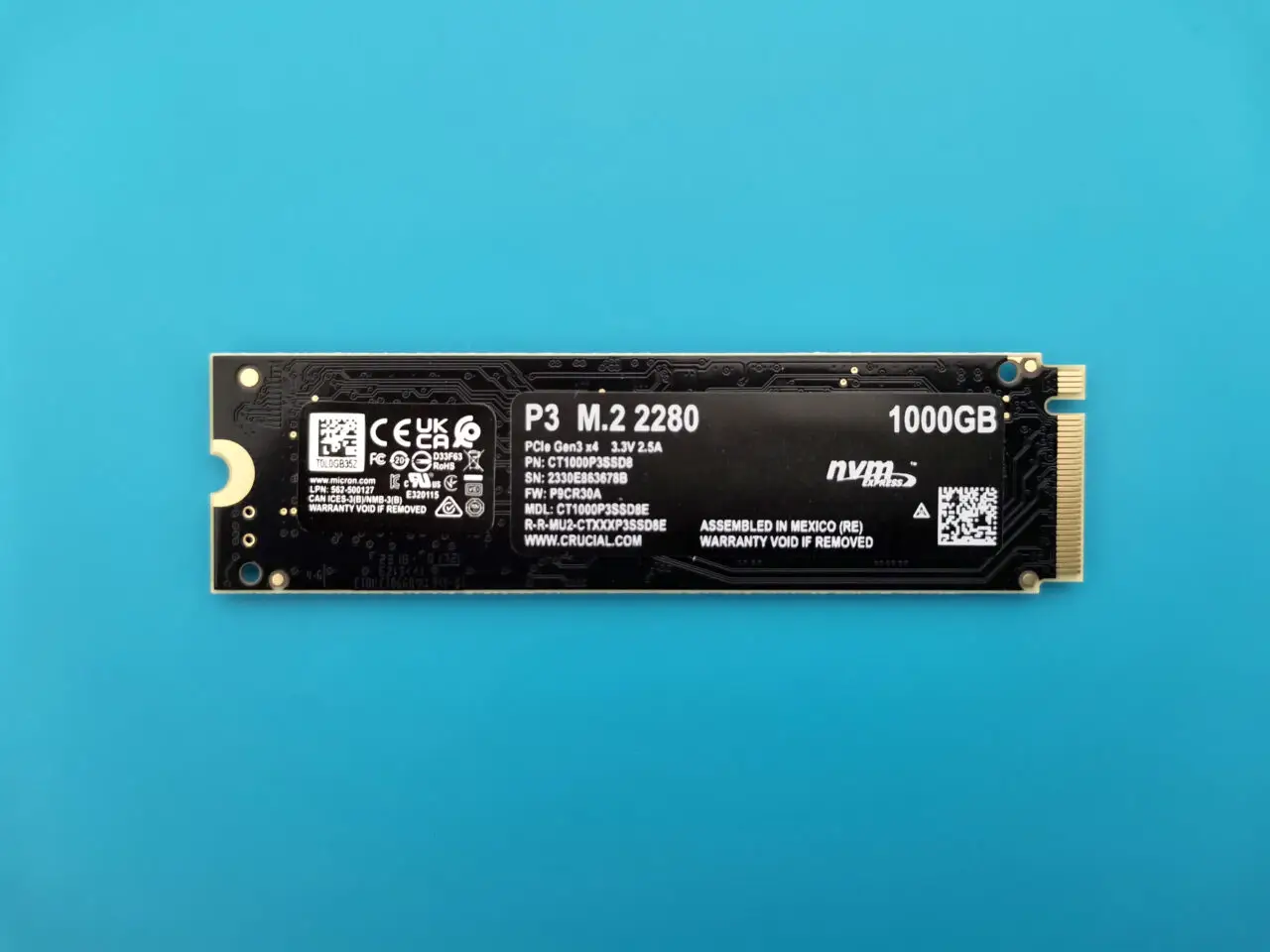
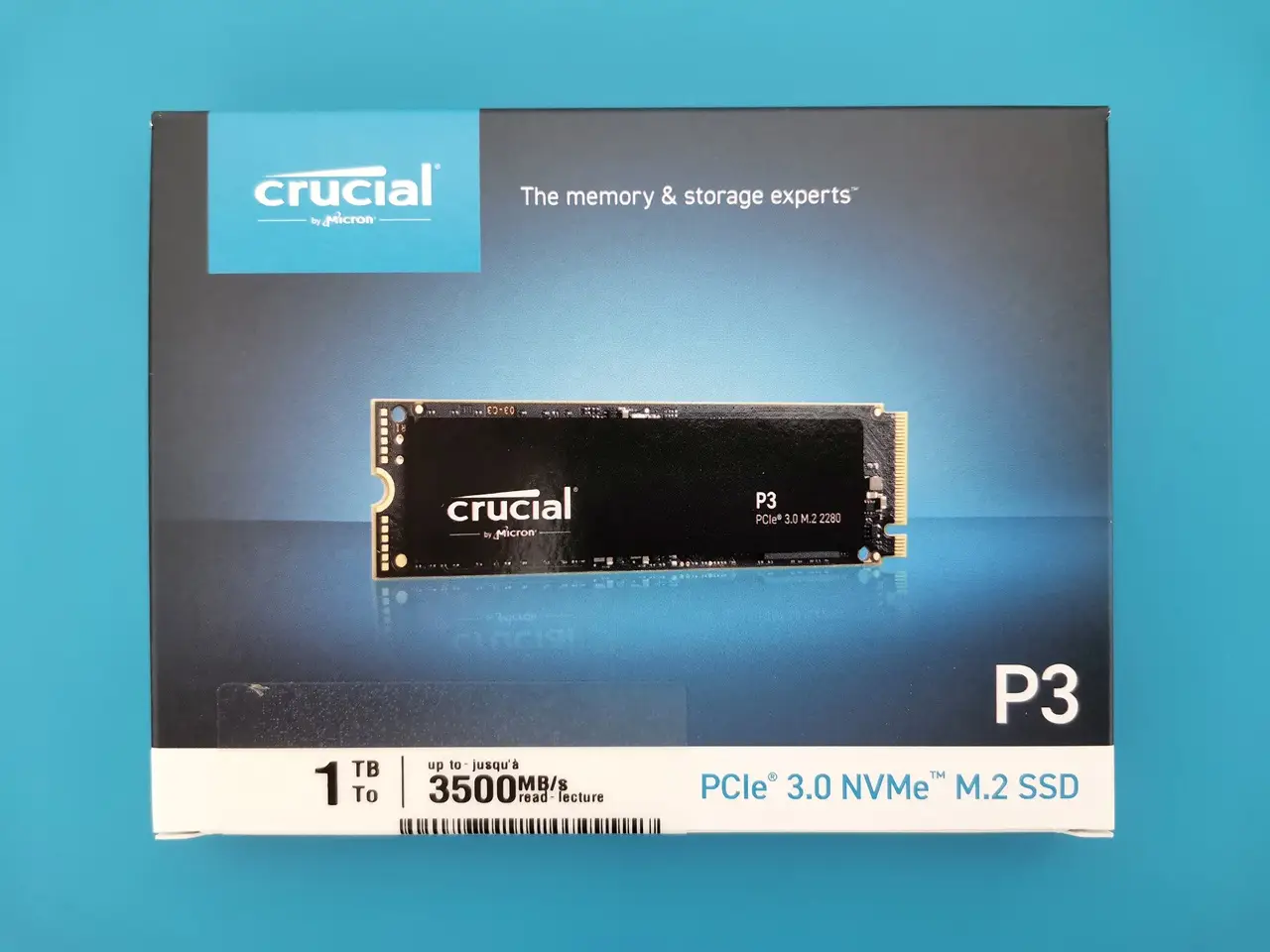
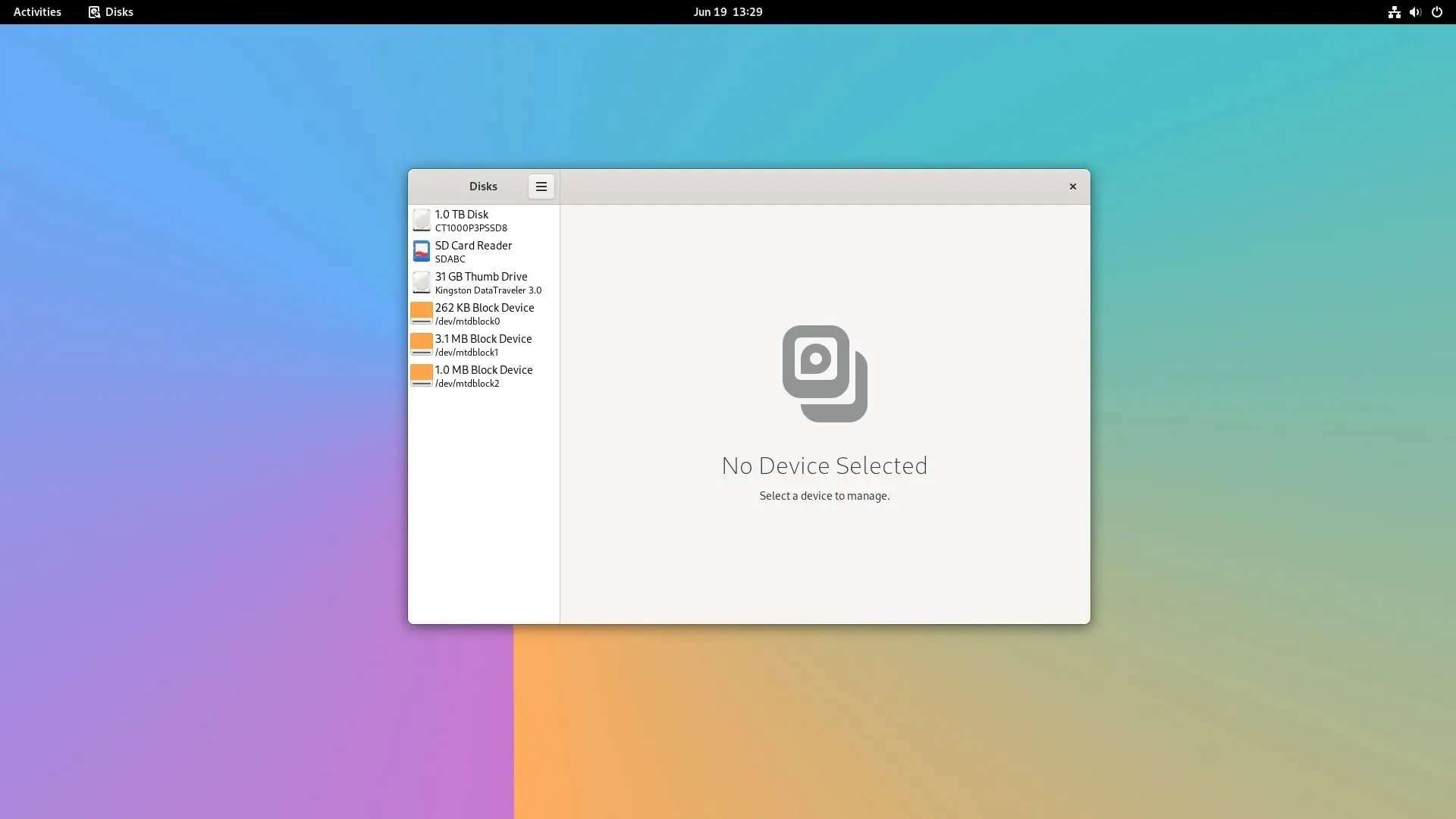
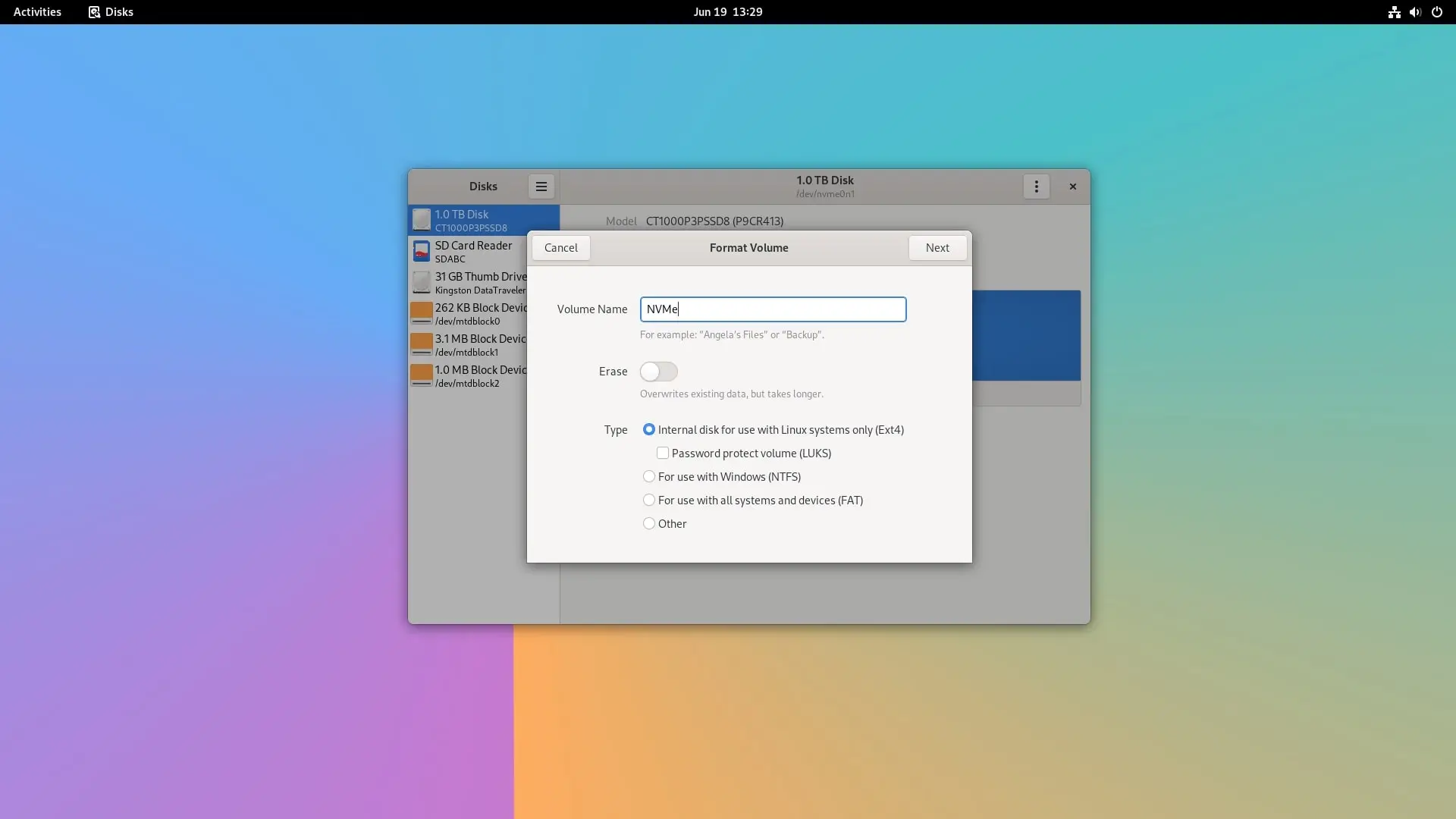
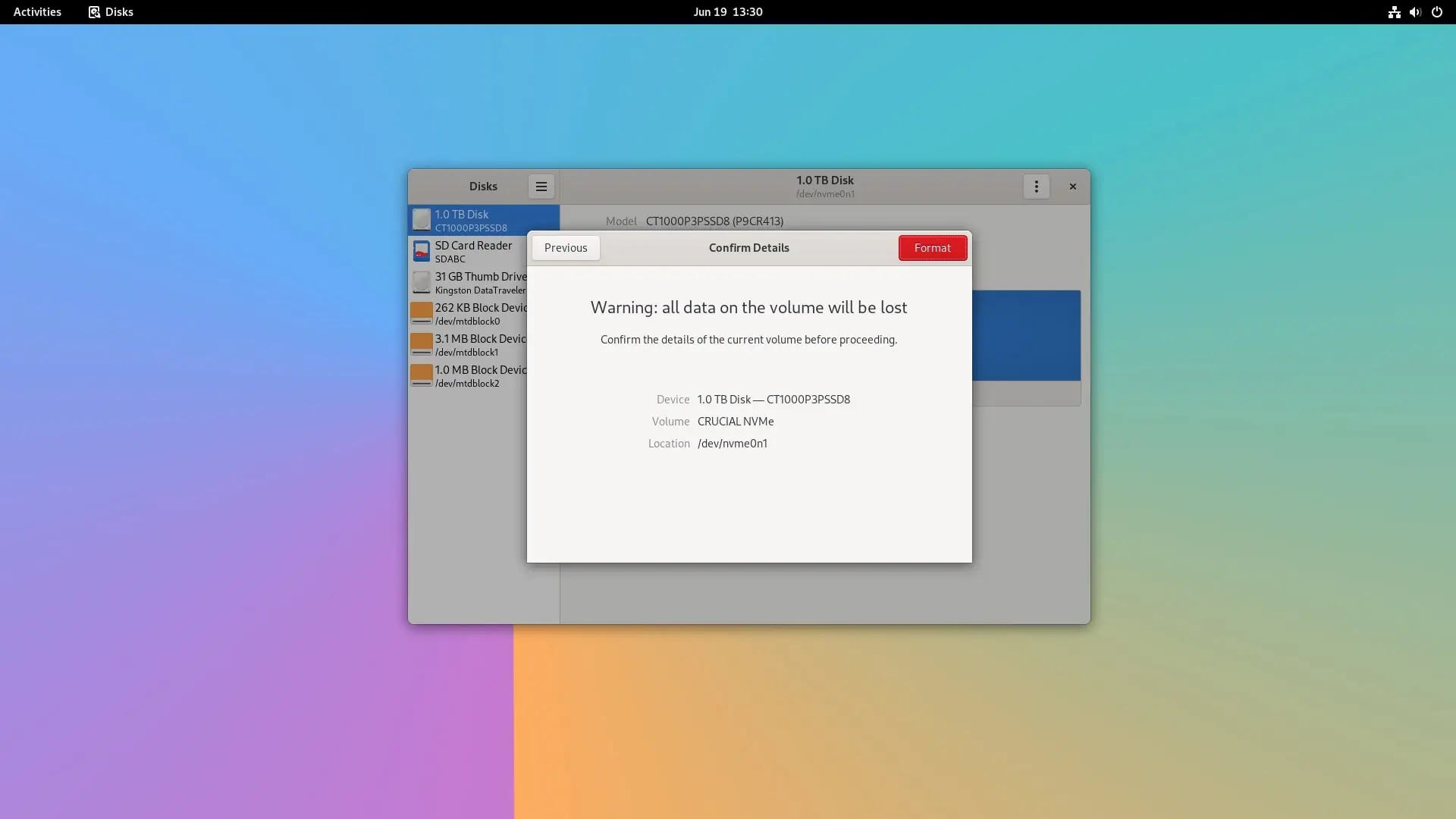
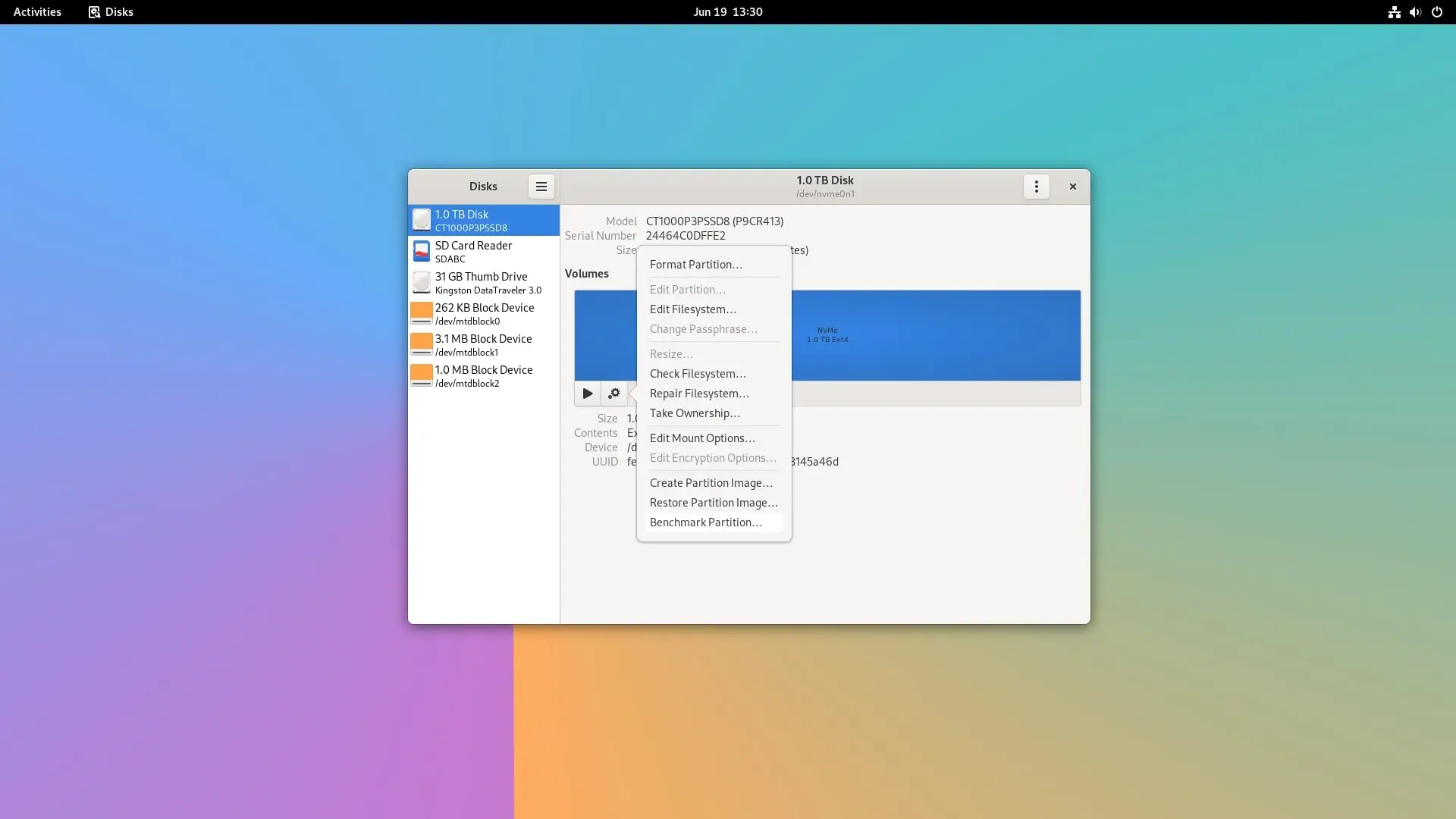
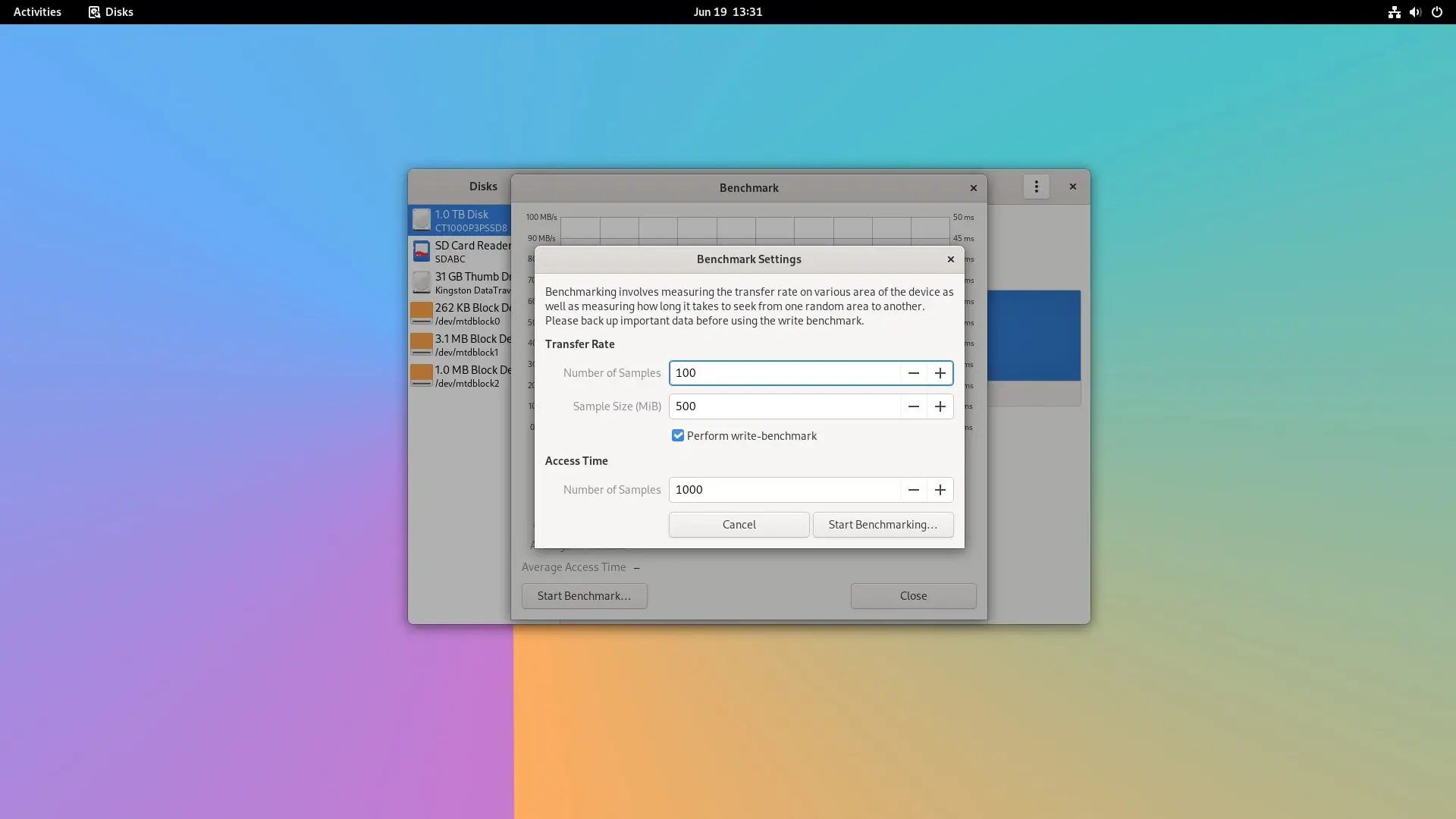
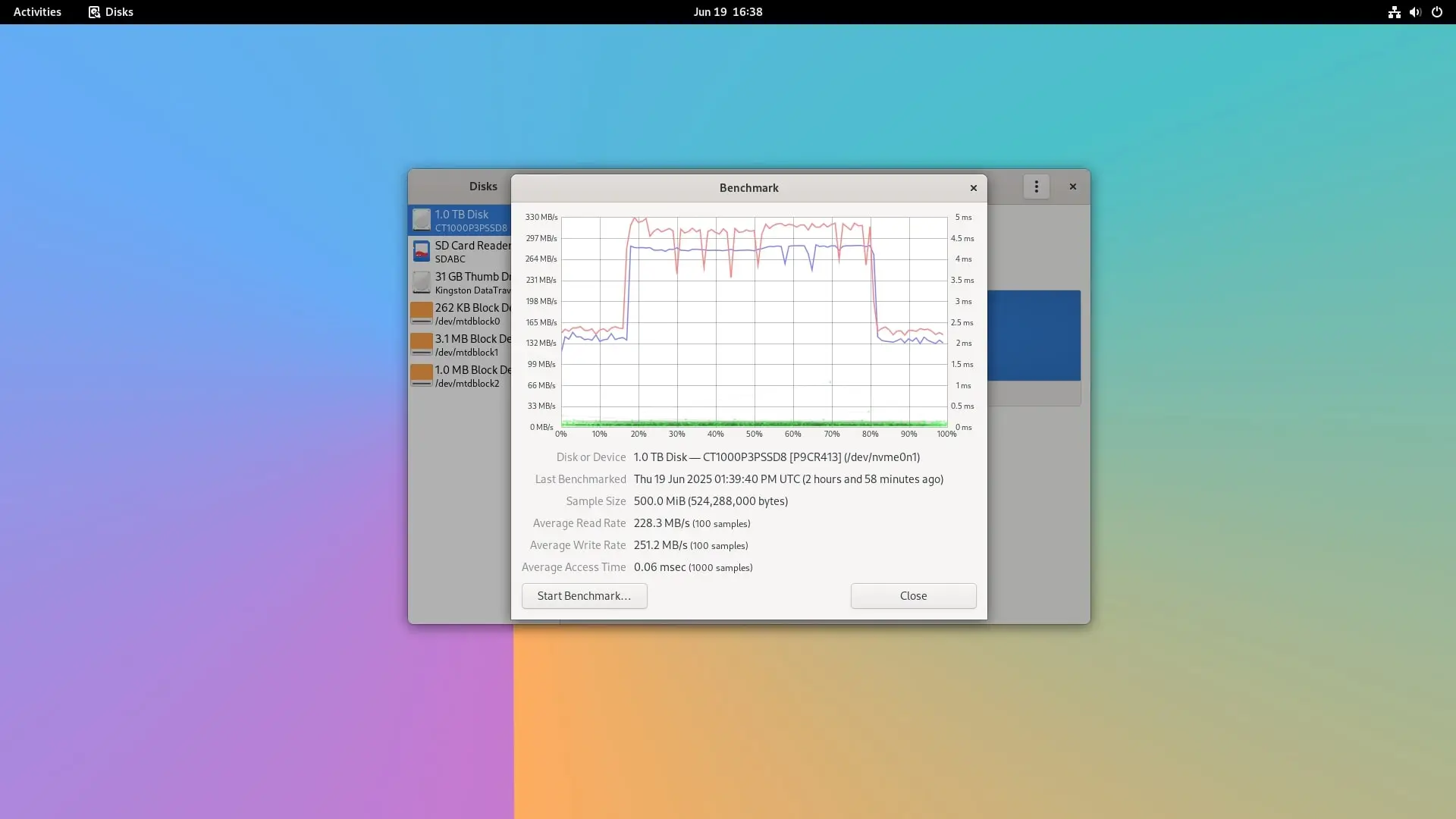
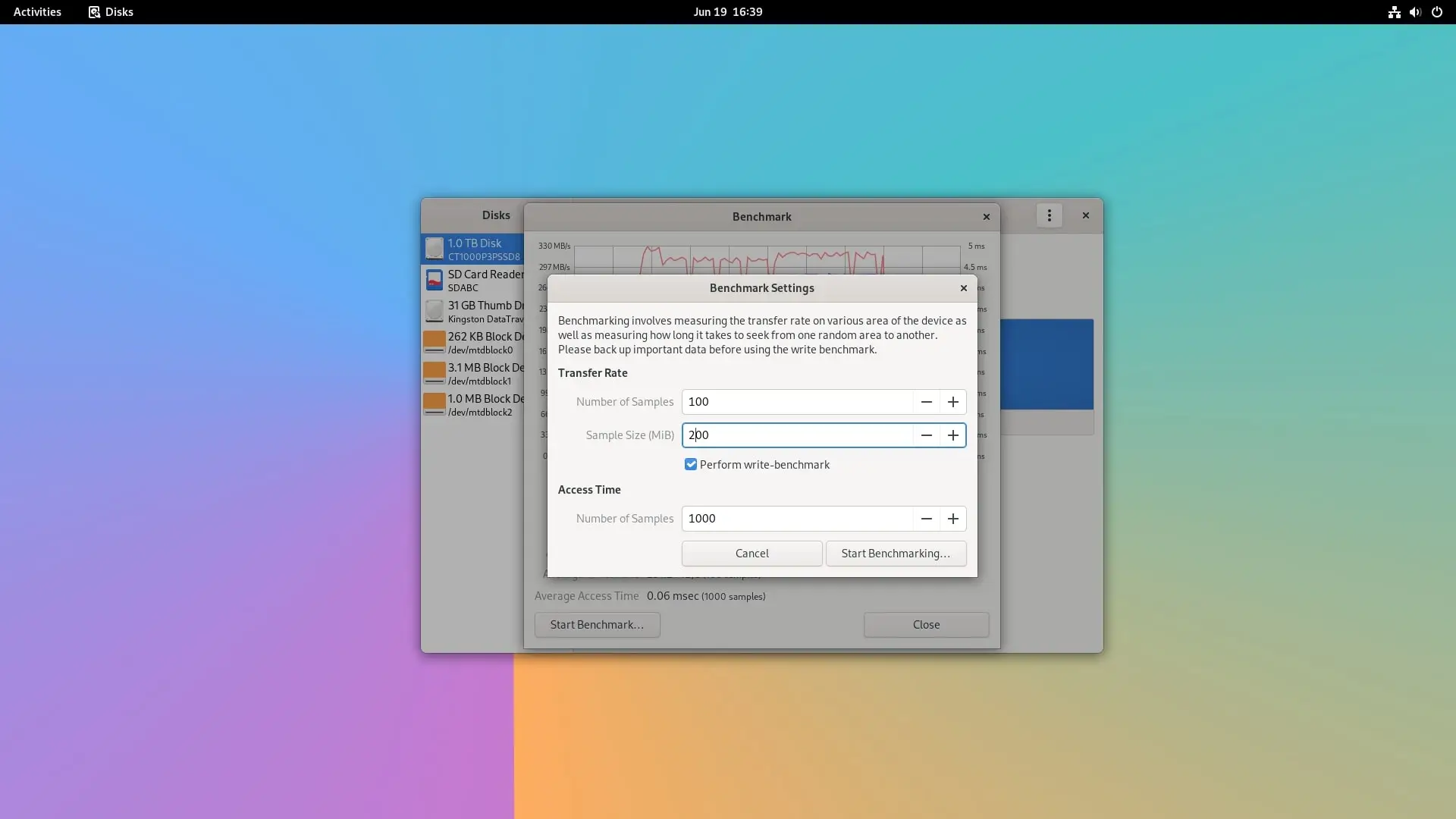
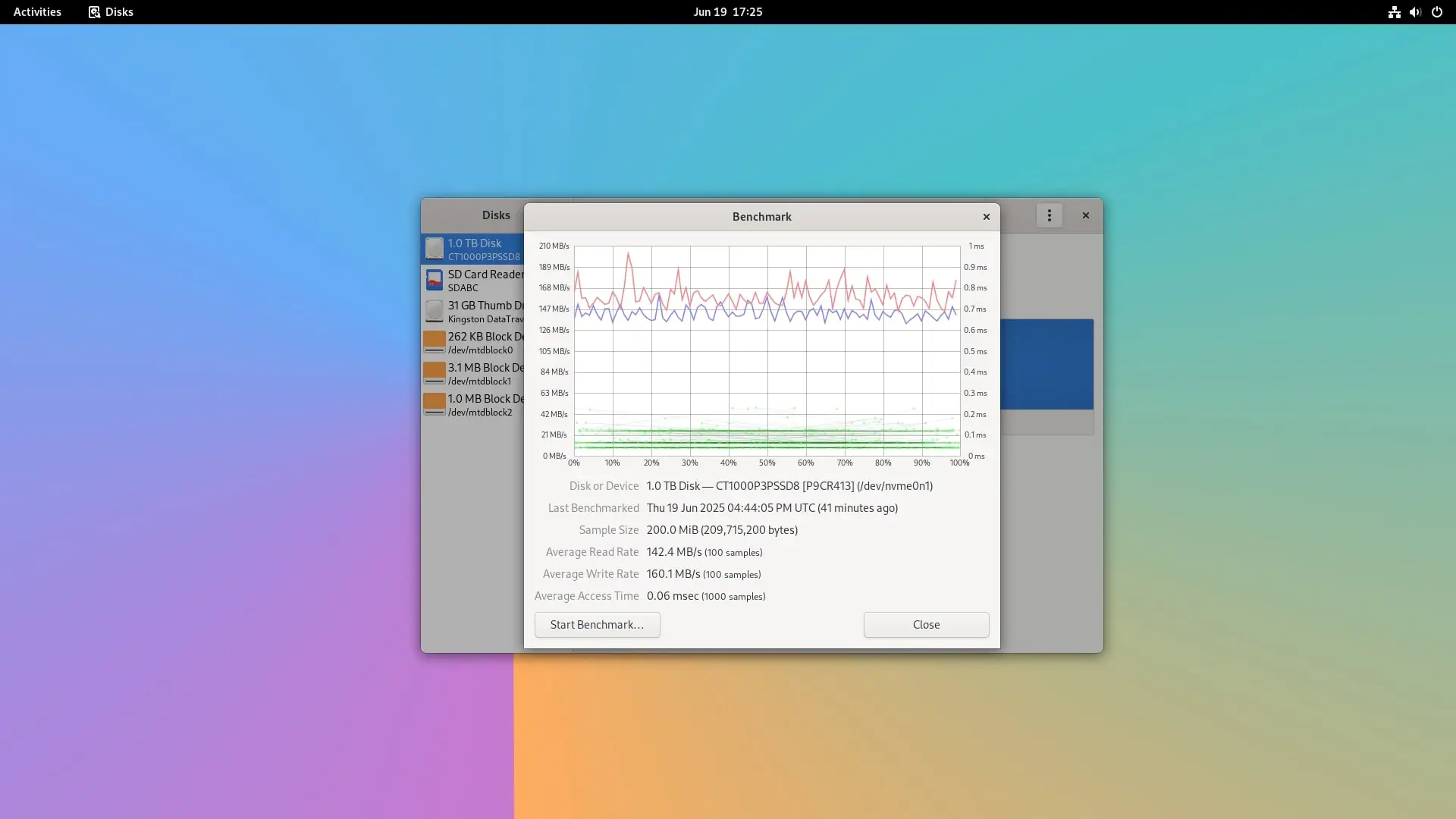
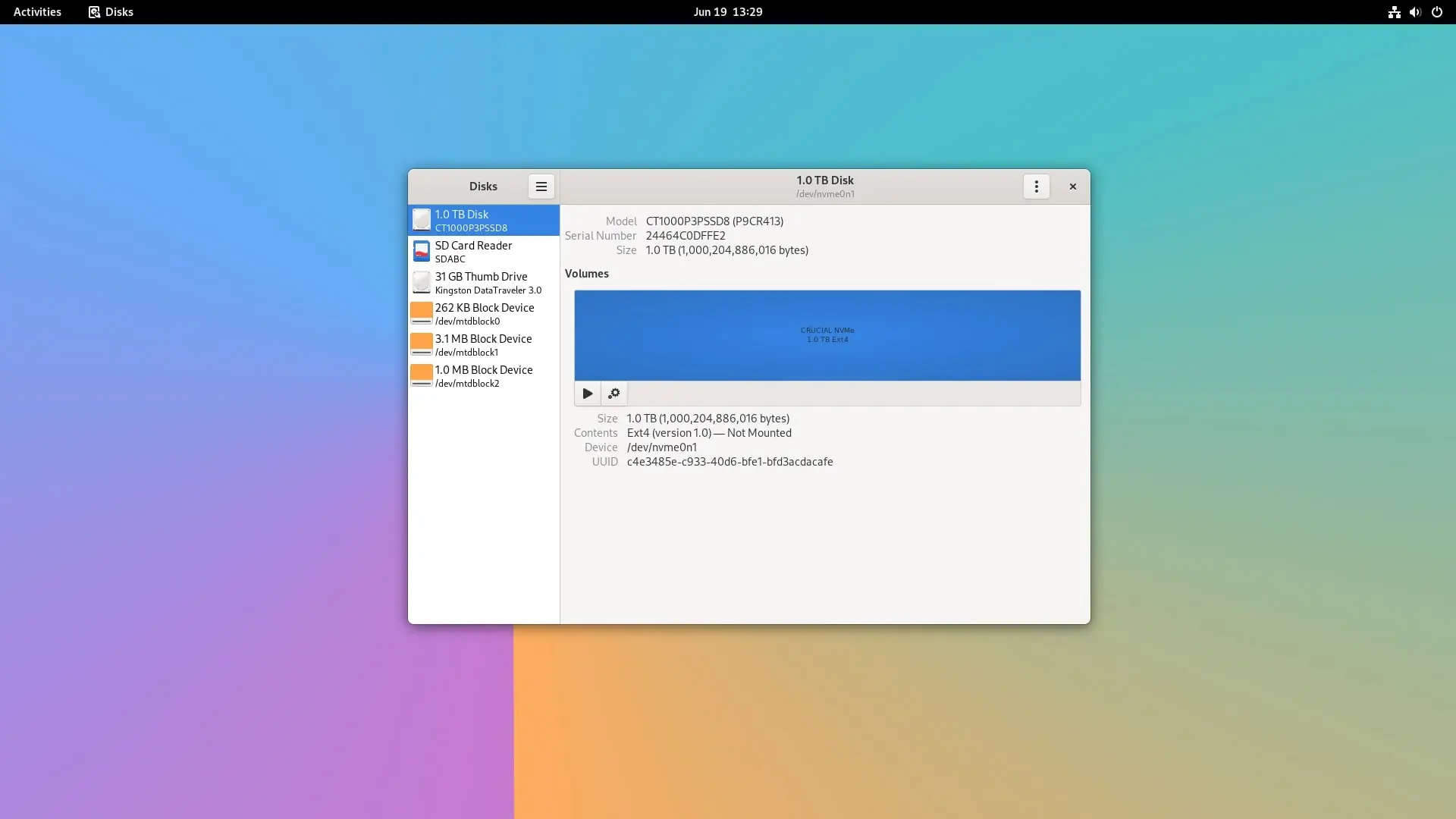
In our testing phase, we installed our Crucial P3 1TB NVMe and ran two separate tests through the GNOME Disk Utility. The first test was conducted with a sample size of 200 MiB, and the follow-up test utilized an increased sample size of 500 MiB, as evidenced in the screenshots below.
Crucial P3 NVMe SSD (1TB)

| Test No. | Number of Samples | Sample Size (MiB) | Number of Samples | Read/Write Rate |
| 1 | 100 | 200 | 1000 | Read: 142.4 MB/s Write: 160.1 MB/s |
| 2 | 100 | 500 | 1000 | Read: 228.3 MB/s Write: 251.2 MB/s |
Key Takeaways
- Orange Pi RV2 Review Orange Pi RV Review, Specs, Features, Interfaces, and Price.
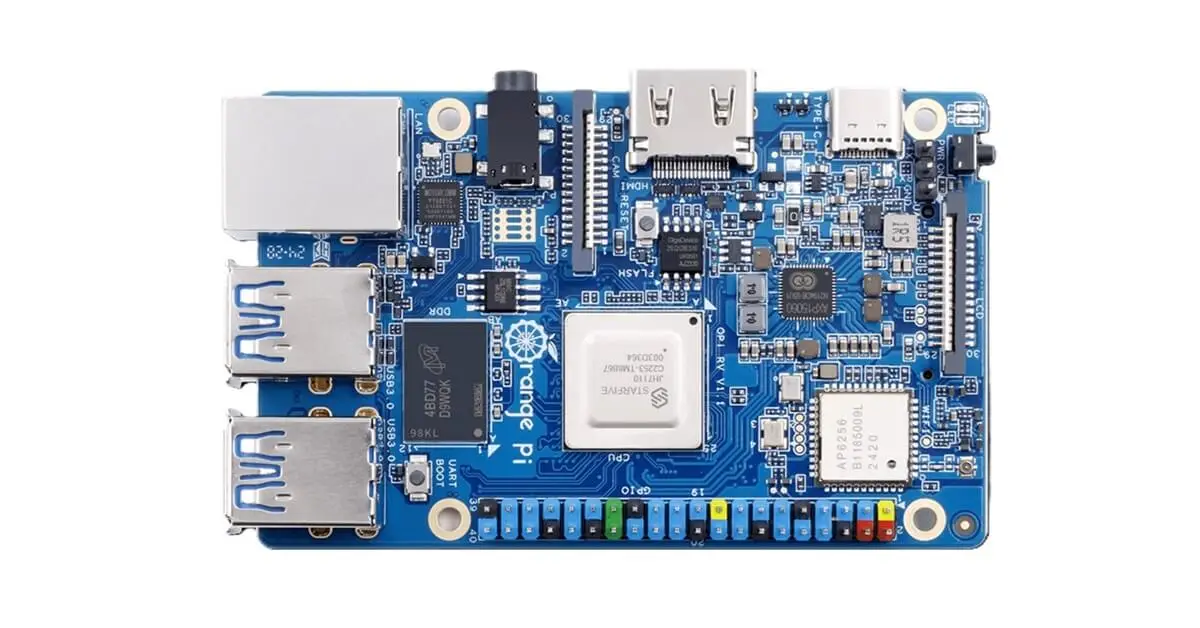
- Shenzhen Xunlong has unveiled the Orange Pi RV, a cutting-edge single-board computer featuring a StarFive CPU built on RISC-V architecture.
- Power EfficiencyModerate power efficiencyHigh power efficiency with better thermal managementEstimated Price(Excluding shipping)$75$49.
- Comparison of Form Factors: Orange Pi RV vs.
- 2 MB/s Comparing the Orange Pi RV with other RISC-V board brands.
Frequently Asked Questions
What is shenzhen xunlong has unveiled the orange pi rv, a cutting-edge single-board computer featuring a starfive cpu built on risc-v architecture?
The Orange Pi series, created by Shenzhen Xunlong Software Co.
What is part i: introducing the orange pi rv?
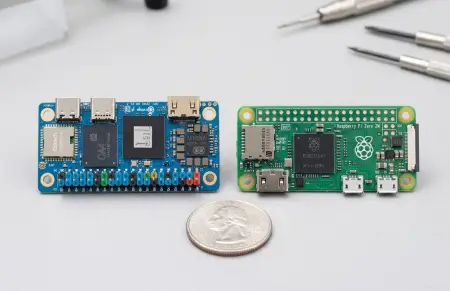
Following the surge of RISC-V single-board computers released by various Chinese manufacturers, the Orange Pi RV stands out as a highly compact board, surpassing both a credit card and the Raspberry Pi 5.
What is key takeaways?
Multiple RAM Configurations: 2GB/4GB/8GB LPDDR4.
What is orange pi rv specifications?
CPUJH-7110GPURISC-V architectureRAM2 GB/4 GB/8 GB LPDDR4, 2800 MT/s Single-channel B200 ballsMemory1x M.