Close Menu
  • Home
  • About
  • Wearables
  • Earbuds
  • Computer Accessories
    • Routers
    • Remotes
  • Embedded
    • Single Board Computers
    • Addon Boards
    • Raspberry Pi
  • Wireless Routers
  • Contact
Facebook X (Twitter) Instagram Threads
Trending
  • Orange Pi Zero 3W Review: $25 Dual Video Pi Zero 2W Killer?
  • Banana Pi BPI-SM10 Review: 60 TOPS RISC-V Jetson Orin Nano Alternative
  • SpacemiT K3 Pico-ITX Review: 60-TOPS RISC-V Powerhouse for LLMs?
  • Banana Pi BPI-R4 Pro Review: The Best WiFi 7 OpenWrt Router? We Checked!
  • DFRobot ESP32-S3 LoRaWAN & Gateway Review: Build a Private IoT Network
  • Top Global AliExpress Promo Worldwide Country Codes June 7, 2026
  • WaveNote AI Review 2026: An Honest Pro/Con Comparison (Tested)
  • CamThink NE301 Review: 25 FPS YOLOv8 on STM32 Edge AI
AndroidPIMP
Facebook X (Twitter) Instagram
  • Home
  • About
  • Wearables
  • Earbuds
  • Computer Accessories
    • Routers
    • Remotes
  • Embedded
    • Single Board Computers
    • Addon Boards
    • Raspberry Pi
  • Wireless Routers
  • Contact
AndroidPIMP

Orange Pi 4A Review: A low-cost 8-core RISC-V SBC powered by Allwinner T527 SoC

0
By androidpimp on December 17, 2024 Embedded Computers
OrangePi 4A SBC
OrangePi 4A SBC
Table of contents
  1. Part 1: Product Introduction
    1. Orange Pi 4A: A more robust and affordable RISC-V single-board computer.
  2. Orange Pi 4A Specifications
  3. Examining Board Design and Layout
  4. Powered by an Allwinner T527 SoC (System on chip)
    1. Applications Across Multiple Industries
    2. Enhanced thermal management
  5. Equipped with a 2TOPS NPU (Neural Processing Unit)
  6. Suited for audio-related applications.
    1. Key Features
    2. Advantages
  7. Part 2: Orange Pi 4A Review
    1. The Product Package
  8. Unpacking the board along with extra accessories
  9. A Closer Look at the Board
  10. Why is it so cheap? Pros and cons.
    1. The Compromises
    2. The placement of the operational buttons.
    3. The Good Stuff
  11. Orange Pi 4A Temperature Readings
  12. We also evaluated the sound quality.
  13. Software Support
    1. Available system resources
  14. Installing Android OS
  15. What is the assessment of the overall performance?
  16. Can Kodi play video files smoothly?
  17. Do you have an NVMe SSD installed?
  18. We also verify hardware info using the CPU-Z application.
  19. Geekbench Benchmarking
    1. When comparing the Orange Pi 4 and the Raspberry Pi 5, which one offers superior computing power?
    2. When comparing the Orange Pi 4A and the Raspberry Pi 4, which one offers superior computing power?
  20. Connectivity
    1. Assessing the Performance of the Ethernet LAN Port
    2. Our test results
  21. Available storage Options
    1. What is the advantage of using the eMMC chip?
    2. Evaluating the performance of an eMMC chip with the GNOME Disk Utility Benchmark tool.
    3. Testing a 1 TB NVMe using the GNOME Disk Benchmark tool.
    4. Test results
  22. Conclusions and Verdict
    1. The Positive
    2. The less positive
  23. Business inquiries
  24. Price and Availability
    1. OrangePi 4A (4GB RAM)

Software Support

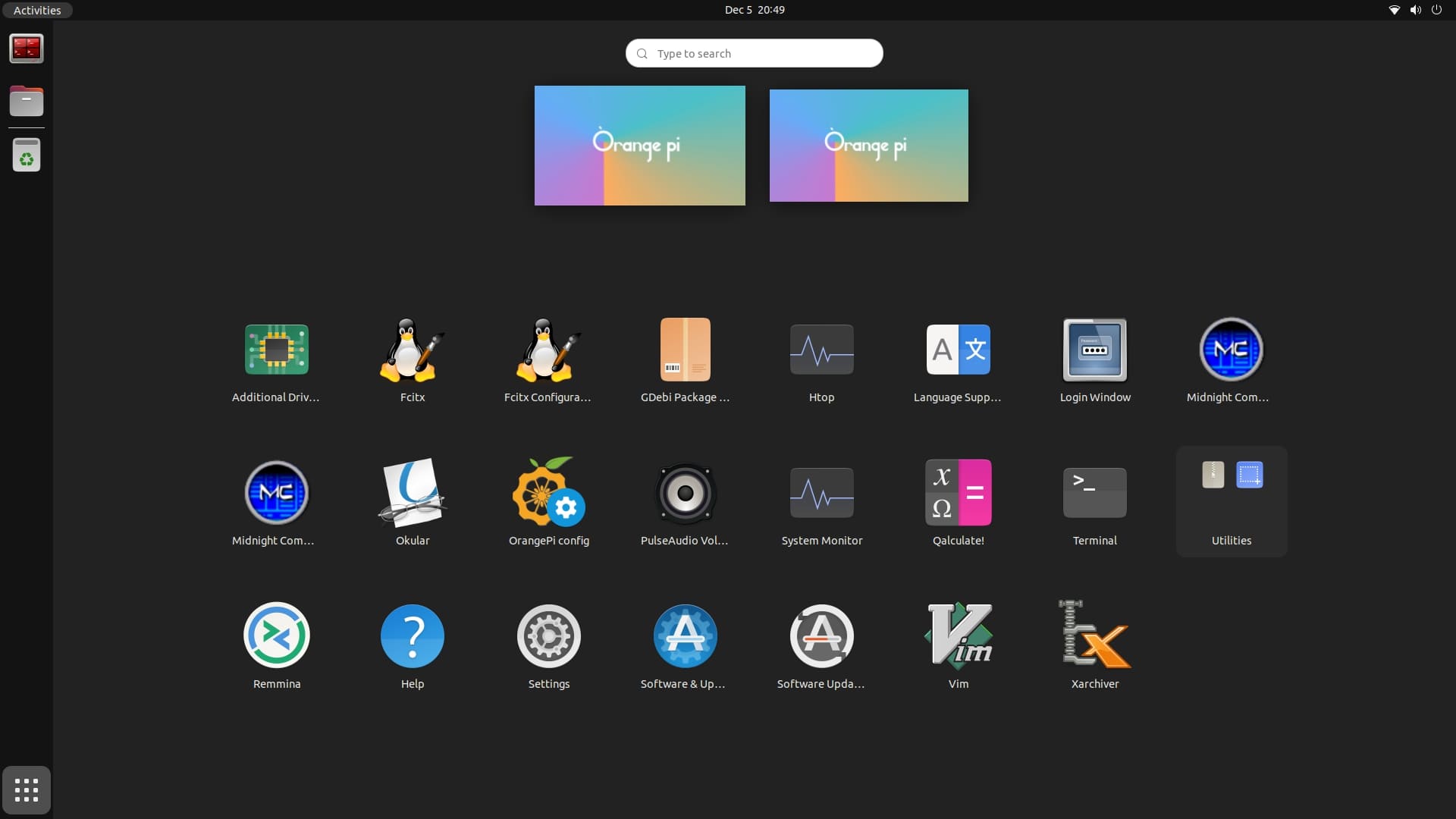
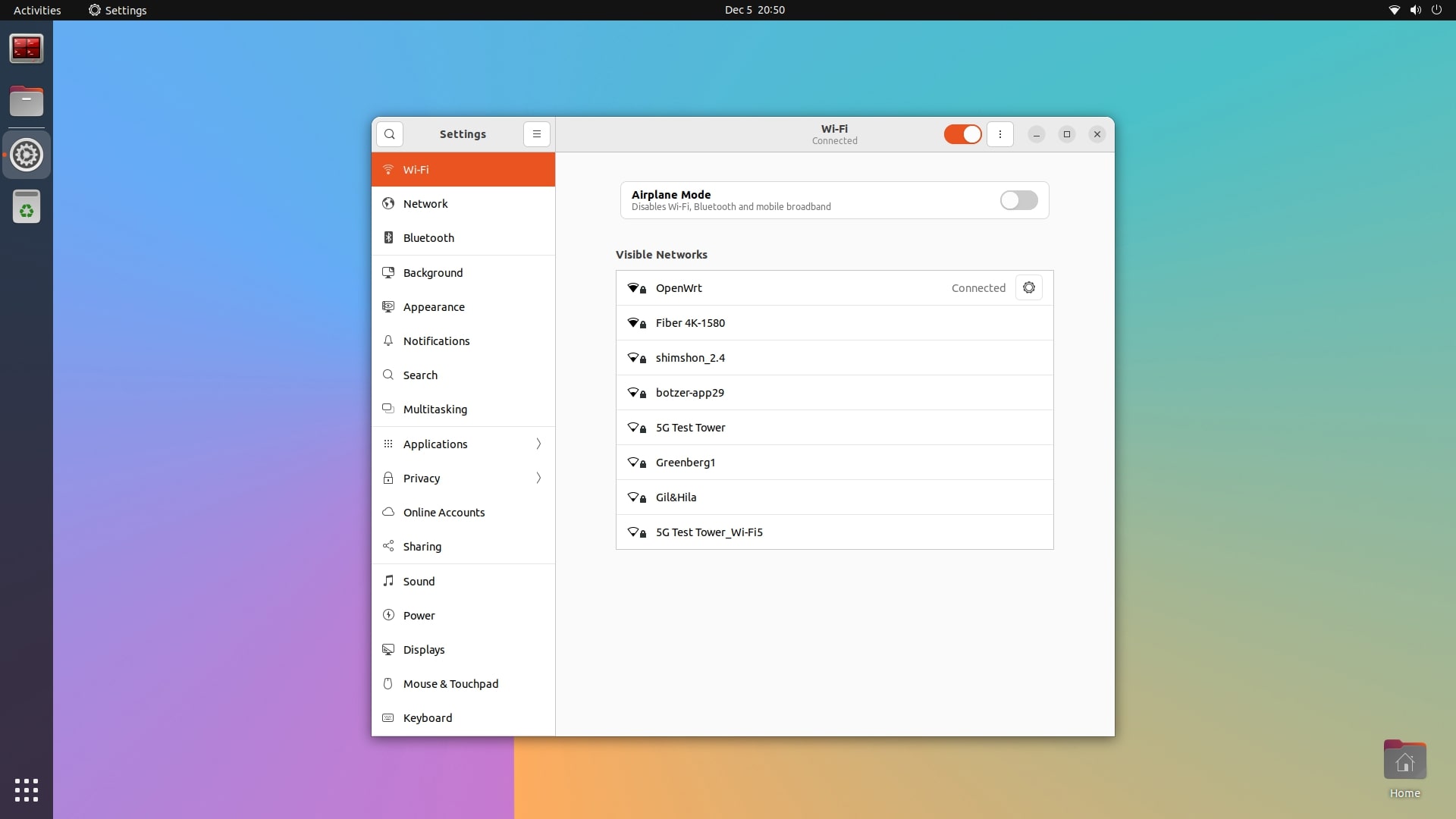
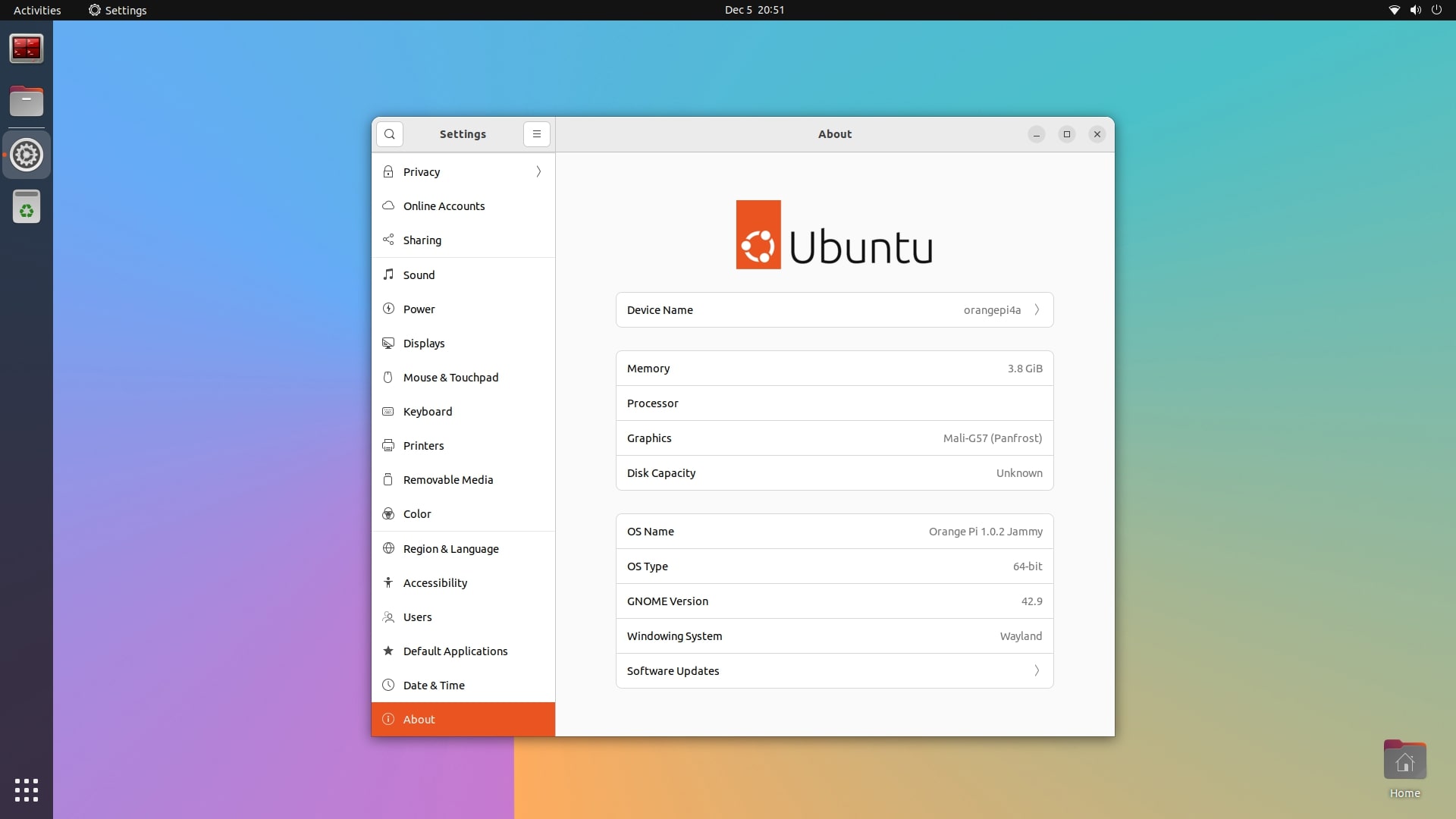
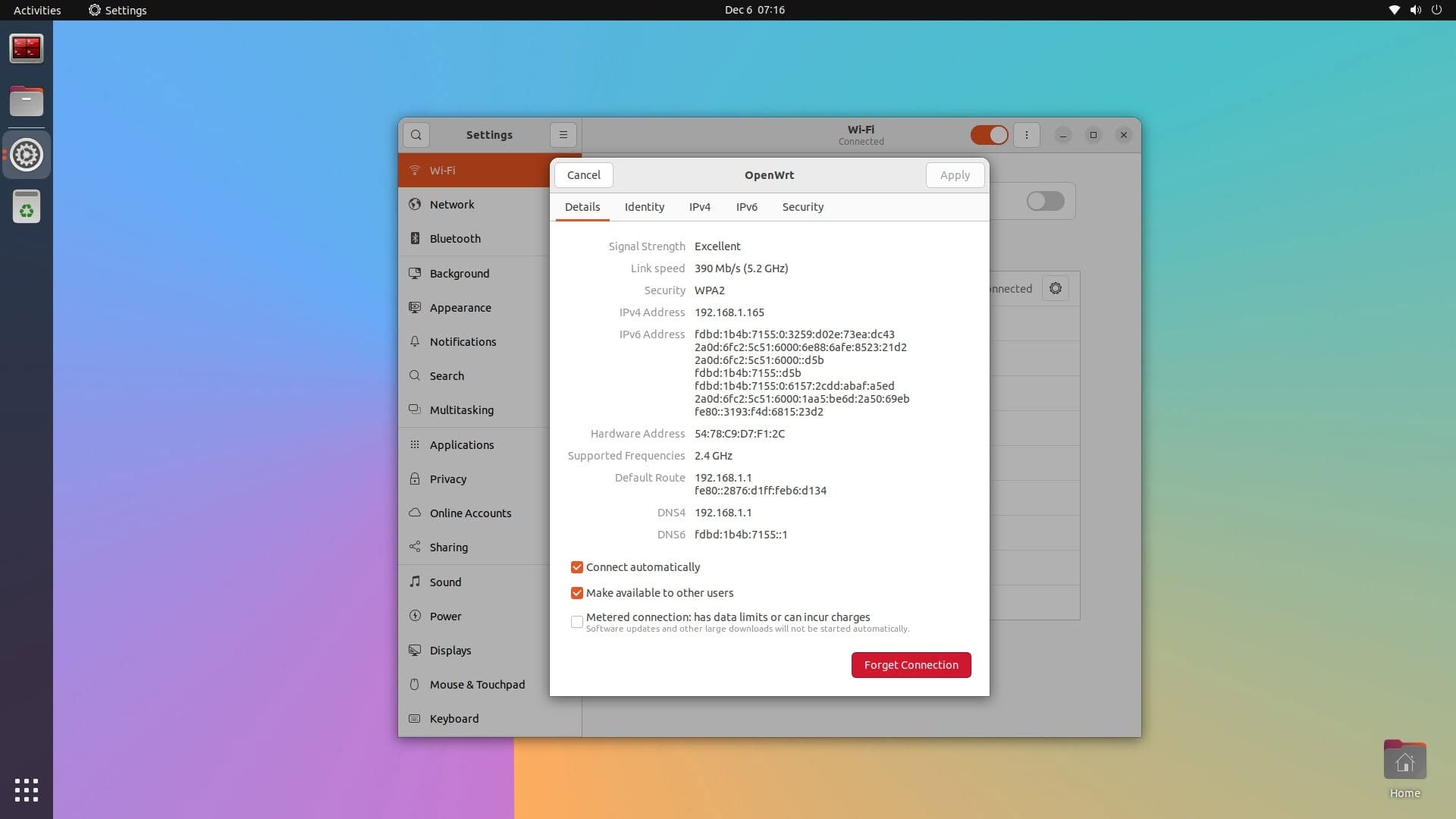
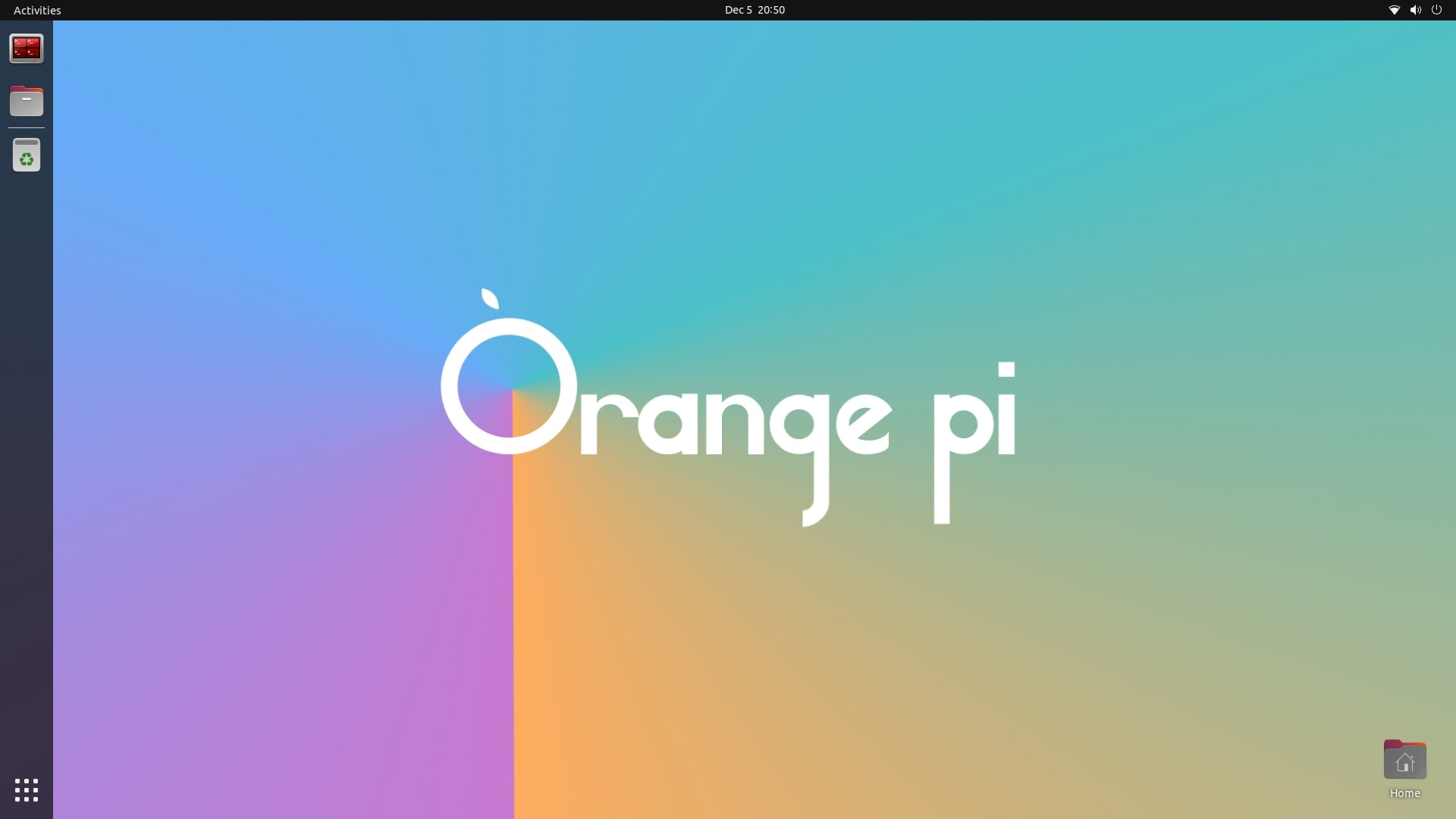
Orange Pi provides customized editions of Ubuntu Jammy and Debian, designed specifically for both server and desktop applications, operating on kernel version 5.15.147. For our testing, we intentionally chose the Ubuntu Jammy desktop edition featuring the GNOME desktop environment. Overall, our experience was highly positive, characterized by a seamless graphical user interface (GUI) that performed without any noticeable lag. You can likely disable the extra GUI animations for an even better experience. Furthermore, Orange Pi provides a lightweight version of the XFCE desktop environment, promising enhanced performance and efficiency.

Orange Pi 4A with Ubuntu Jammy desktop.
Orange Pi 4A Ubuntu Jammy 1
Orange Pi 4A Ubuntu Jammy 2
Orange Pi 4A Ubuntu Jammy 3
Orange Pi 4A Ubuntu Jammy 4
Orange Pi 4A Ubuntu Jammy 5

Available system resources

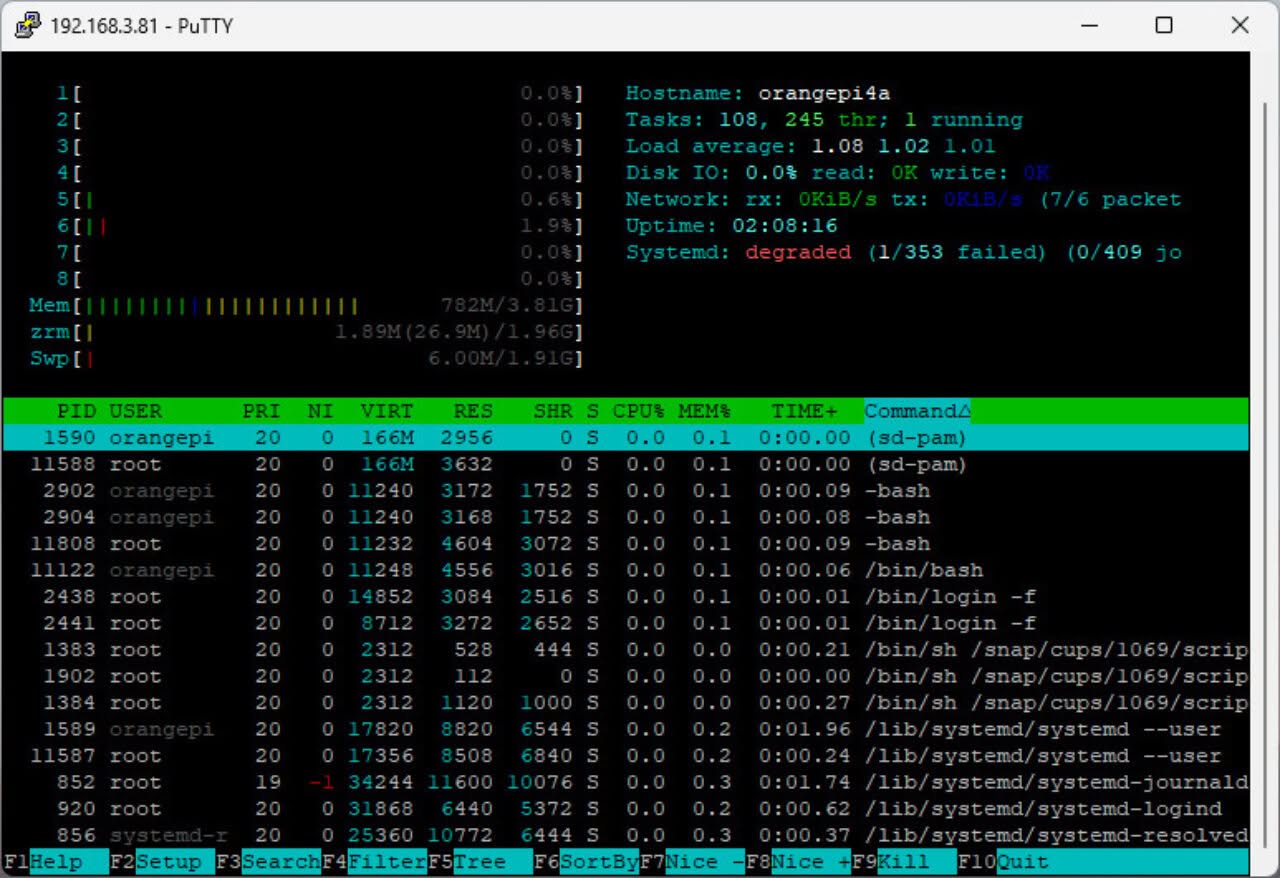
Out of the total available RAM of 3.81 gigabytes, the operating system utilized only 782 megabytes. This indicates that a significant amount of the RAM is still free and available for use by other applications or processes. Our results indicate that the operating system is fine-tuned, managing memory resources effectively without strain, and should potentially enhance overall performance for memory-intensive tasks.

Displaying system resources with htop on Ubuntu GNOME (Screenshot)
Orange Pi 4A Ubuntu htop

Installing Android OS

To burn the image, you will need the PhoenixCard burning tool, which provides two main options. If you have acquired an eMMC chip, you can burn the image directly onto it; alternatively, you can burn it onto a microSD card. The process is straightforward and uncomplicated.

What’s included in the Android image?

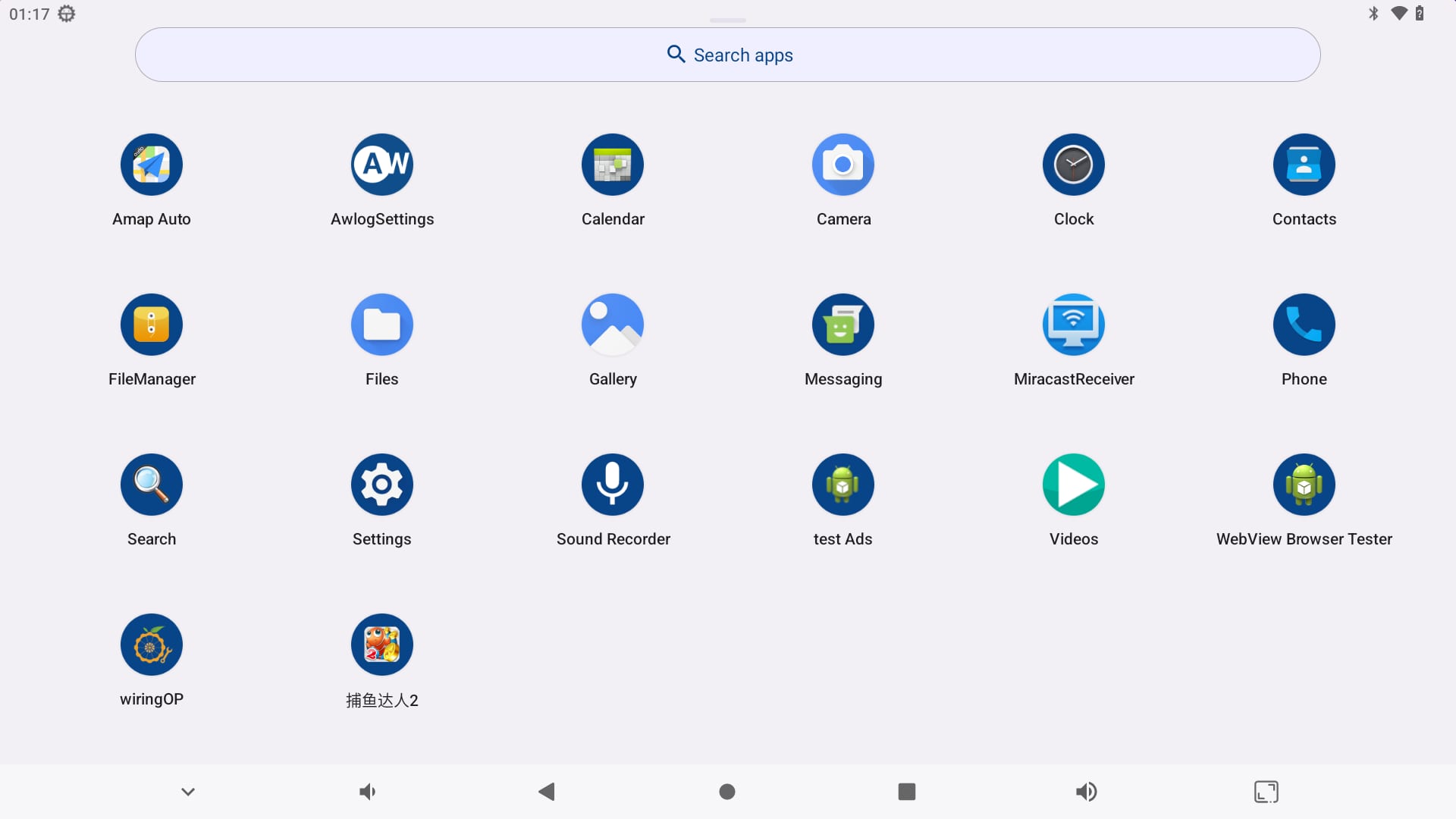
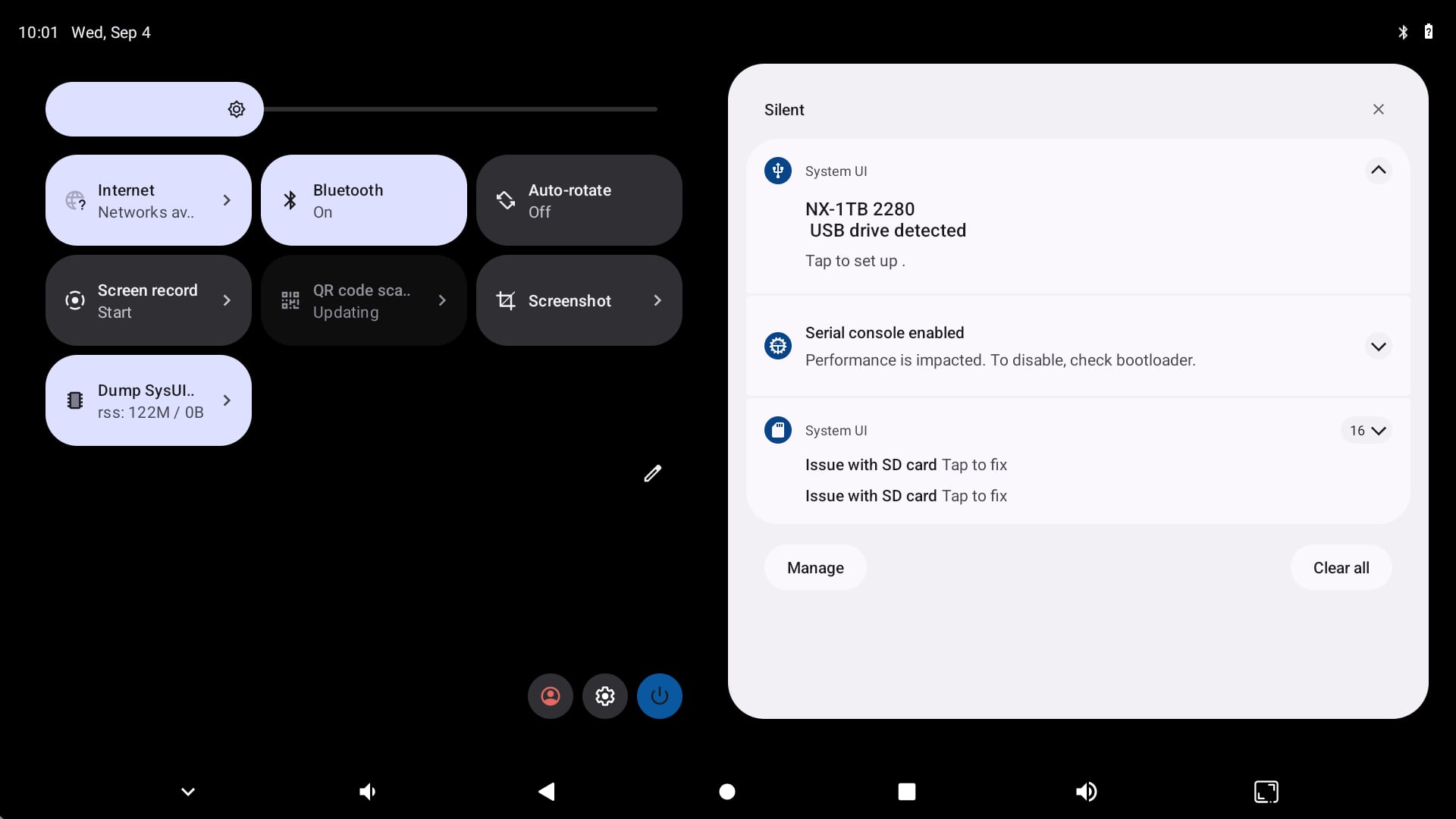
The Orange Pi team offers a stock Android ROM featuring a simple, basic launcher that crashes from time to time. However, it comes with a pre-installed Chinese game, an ad testing tool, and a WebView browser tester that can only be uninstalled with root access, which many users may find unnecessary. Additionally, the absence of the Google Play Store is a drawback, limiting the overall user experience. For those who require access to the Play Store, the best alternatives are to manually install the APKs or to use the Aptoide app store.

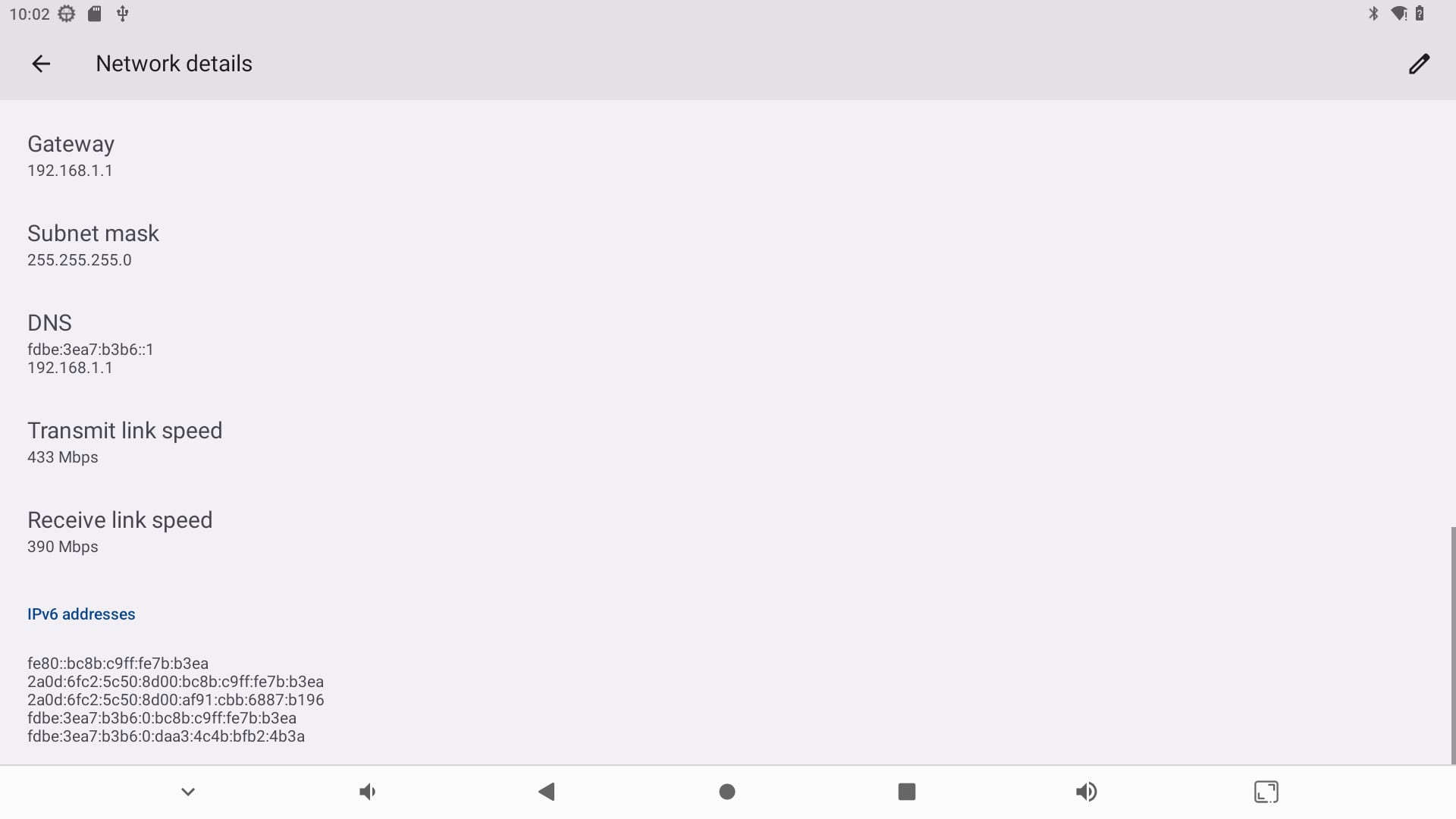
Screenshots of the Orange Pi 4A running Android 13.
Orange Pi 4A Android 3
Orange Pi 4A Android 4
Orange Pi 4A Android 2
Orange Pi 4A Android 1

What is the assessment of the overall performance?

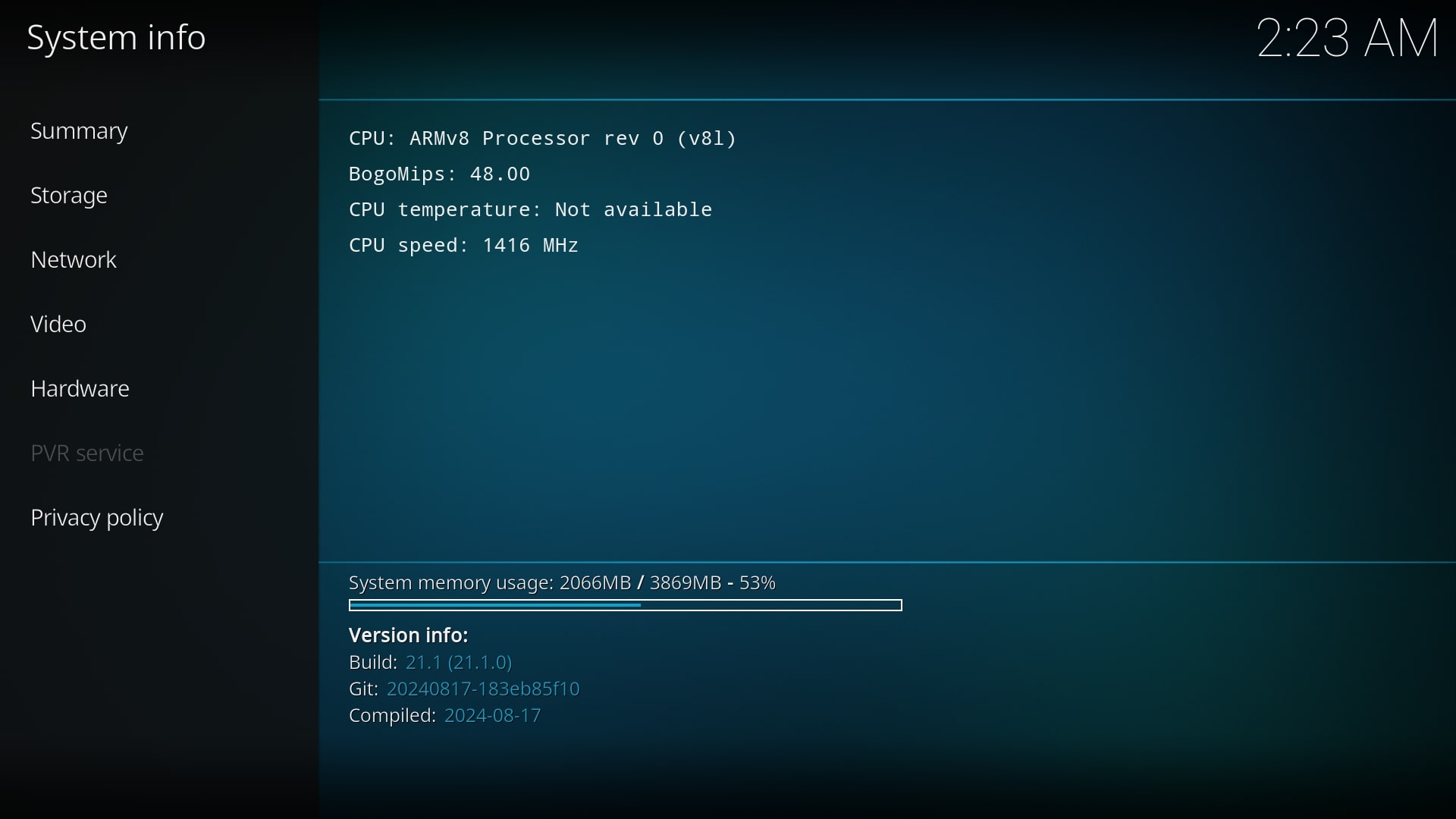
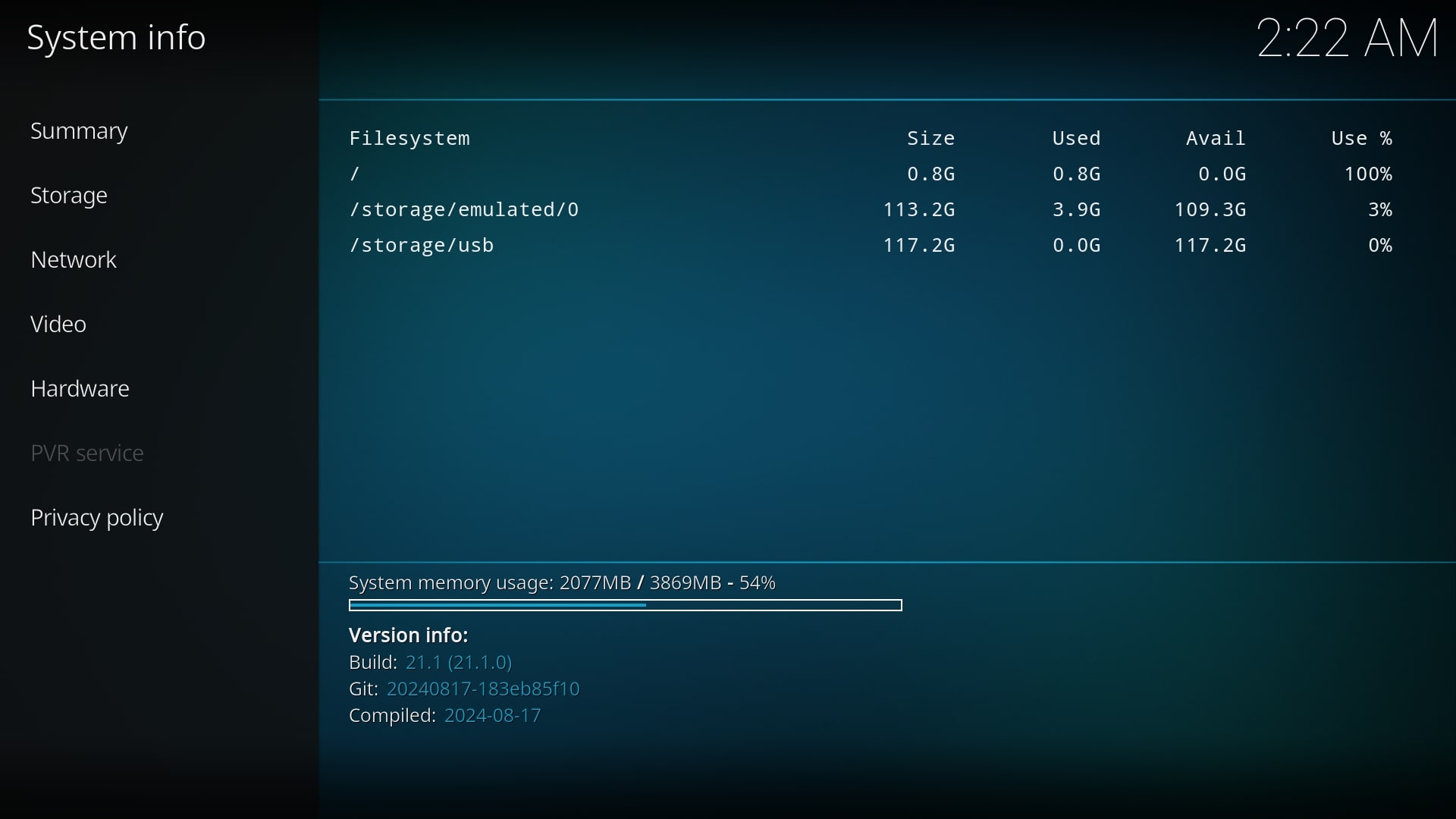
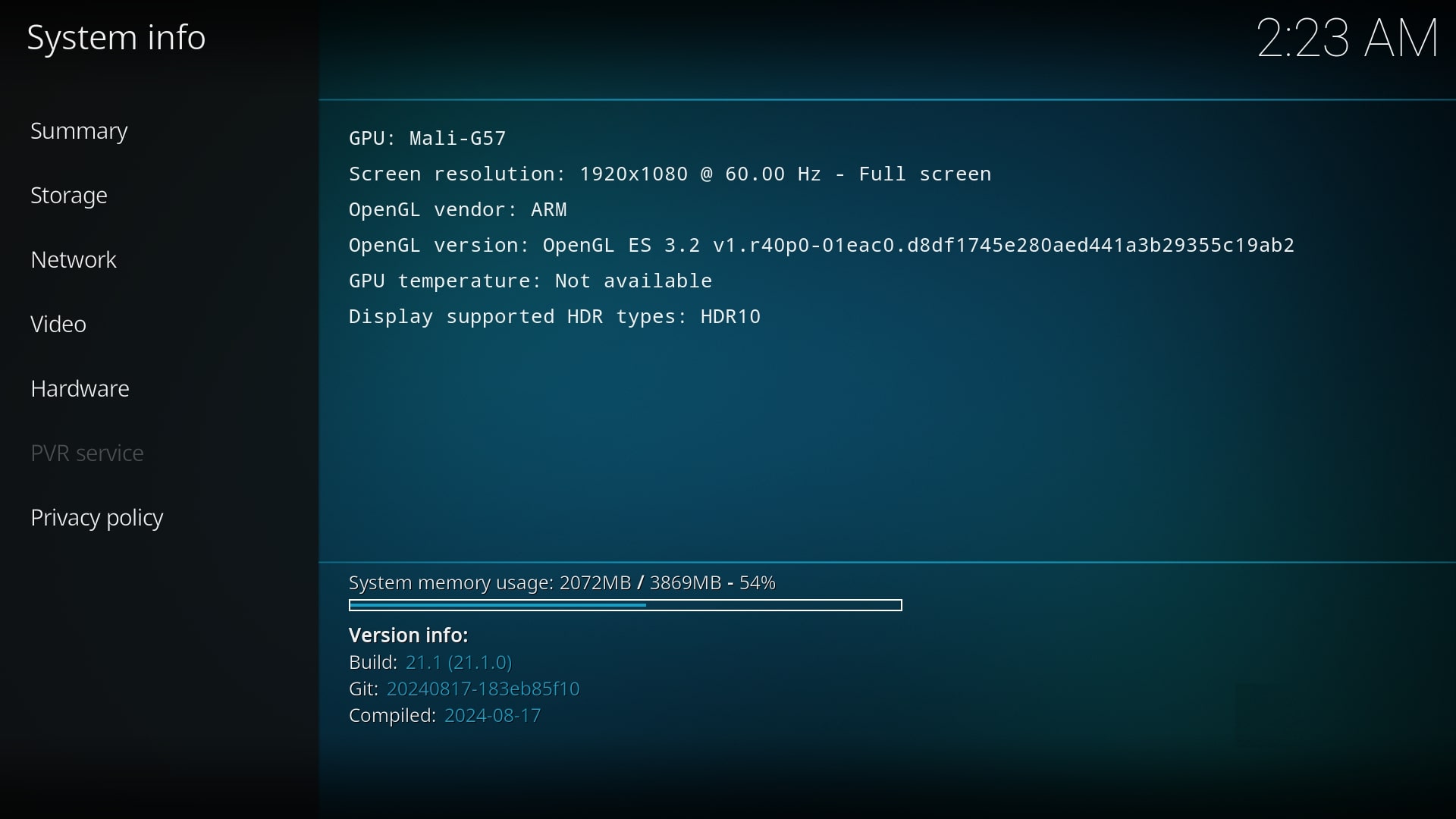
We were impressed by the fast speed and minimal lag during our experience running Android 13. The response time surpassed our expectations, resulting in an exceptionally enjoyable interaction. Additionally, we successfully installed the latest 32-bit edition of Kodi v21.1 (Omega), which performed remarkably well. Moreover, Kodi’s system information indicates that the application can efficiently utilize the full 4GB of available RAM, a significant advantage that particularly enhances the performance of memory-intensive plugins and add-ons.

Can Kodi play video files smoothly?

We found that playing videos in 1080p resolution yielded the best results, which satisfies most Kodi enthusiasts. In our attempts, 4K playback often fell short and resulted in laggy performance.

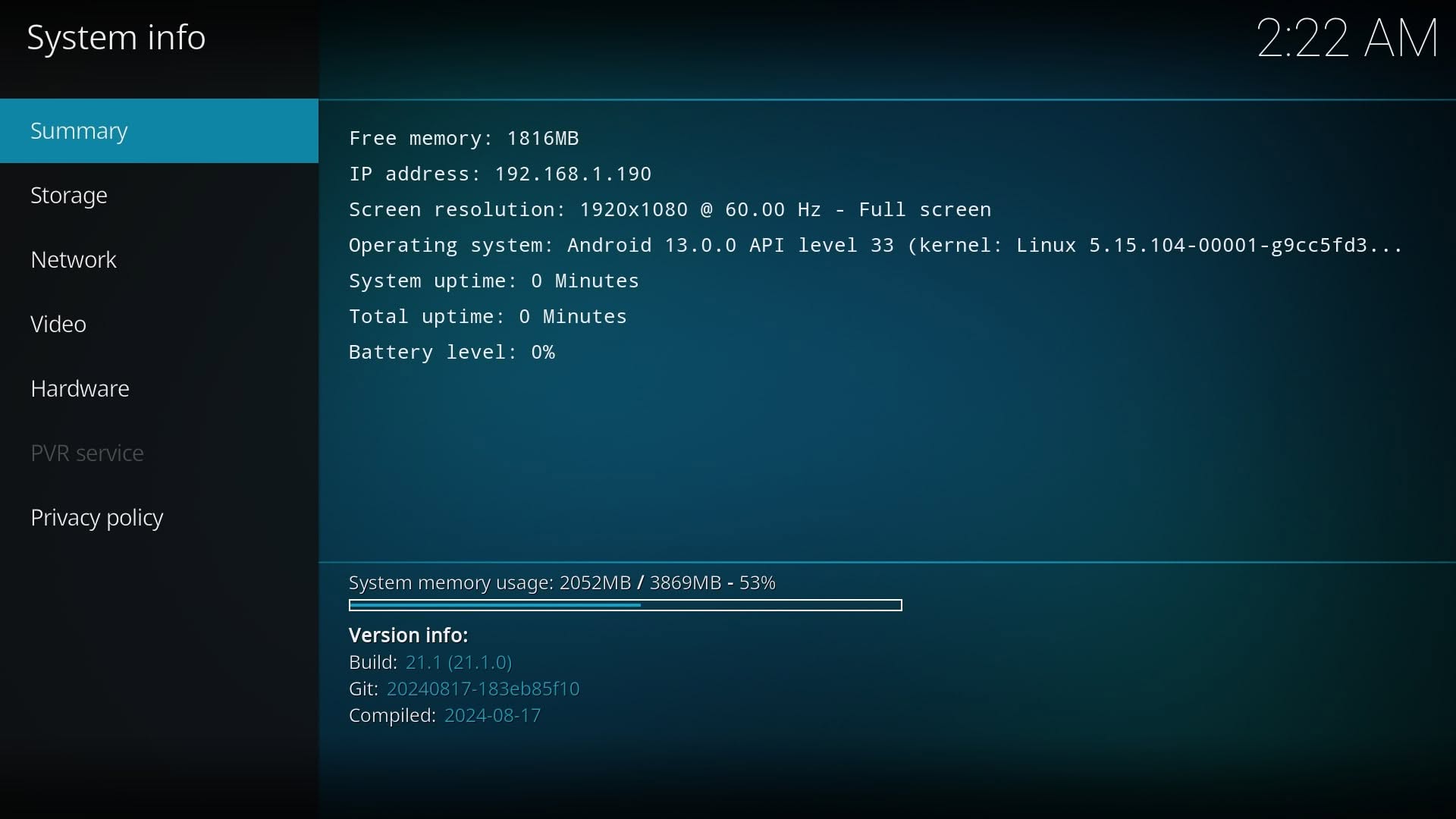
Running Kodi v21.1 (Omega) (Screenshots)
Orange Pi 4A Kodi 3
Orange Pi 4A Kodi 3
Orange Pi 4A Kodi 4
Orange Pi 4A Kodi 4
Orange Pi 4A Kodi 1
Orange Pi 4A Kodi 1
Orange Pi 4A Kodi 2
Orange Pi 4A Kodi 2

Do you have an NVMe SSD installed?

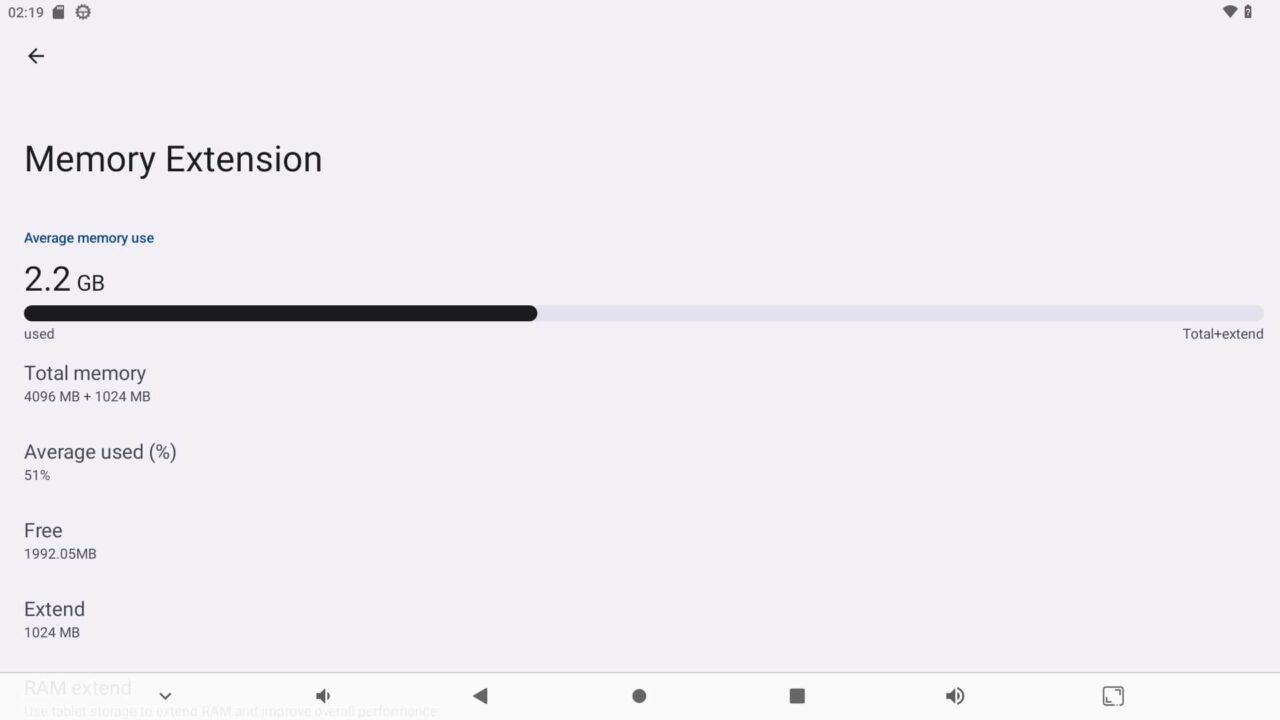
The 1TB NVMe drive we installed worked well under Android. In terms of RAM usage, the OS utilized about 2.2 GB of the available 4 GB, bolstered by an extra 1 GB of virtual RAM to elevate performance further.

Available RAM Information (Screenshot)
Orange Pi 4A Available RAM
Orange Pi 4A (Available RAM under Android 13.0)

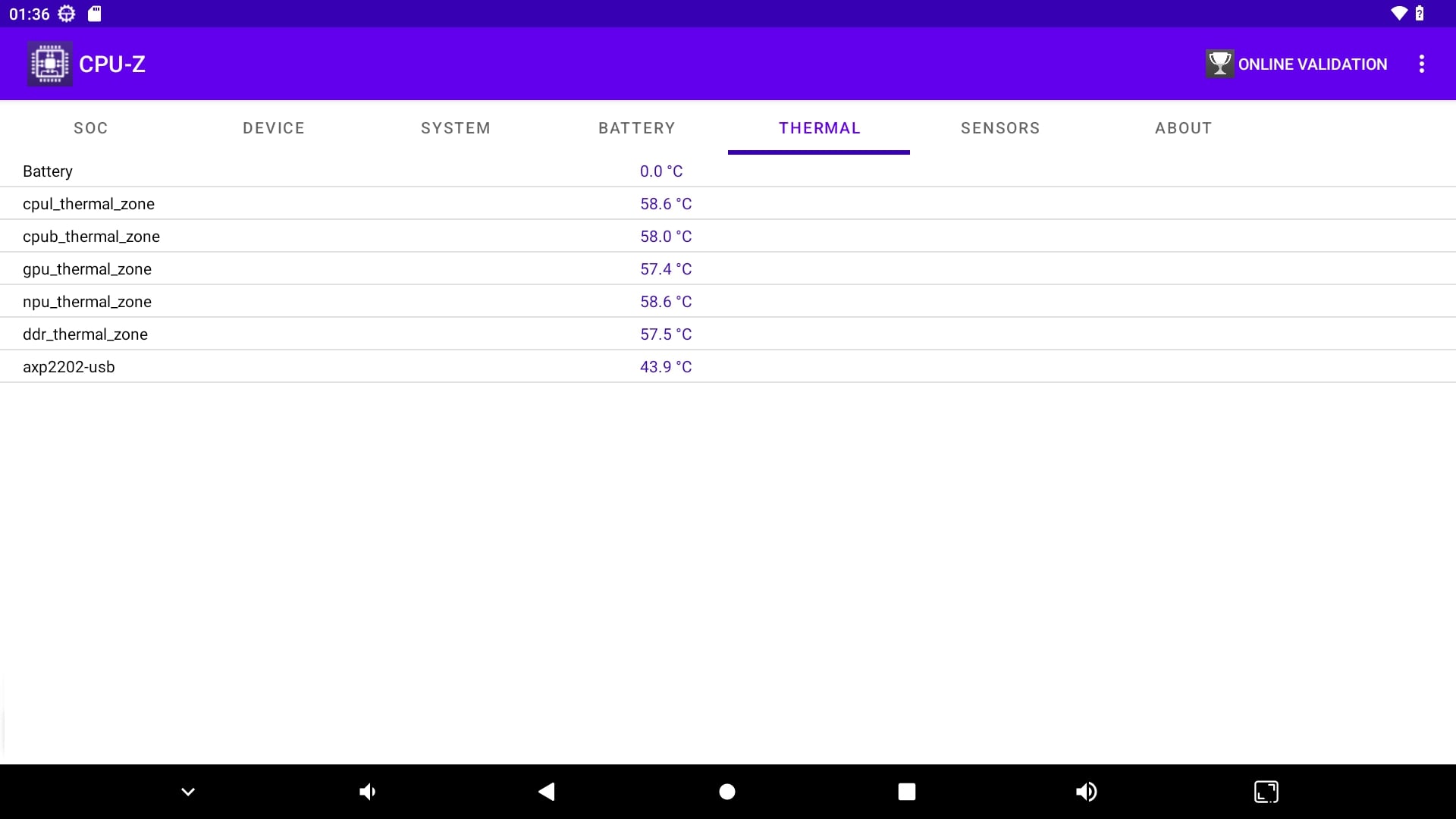
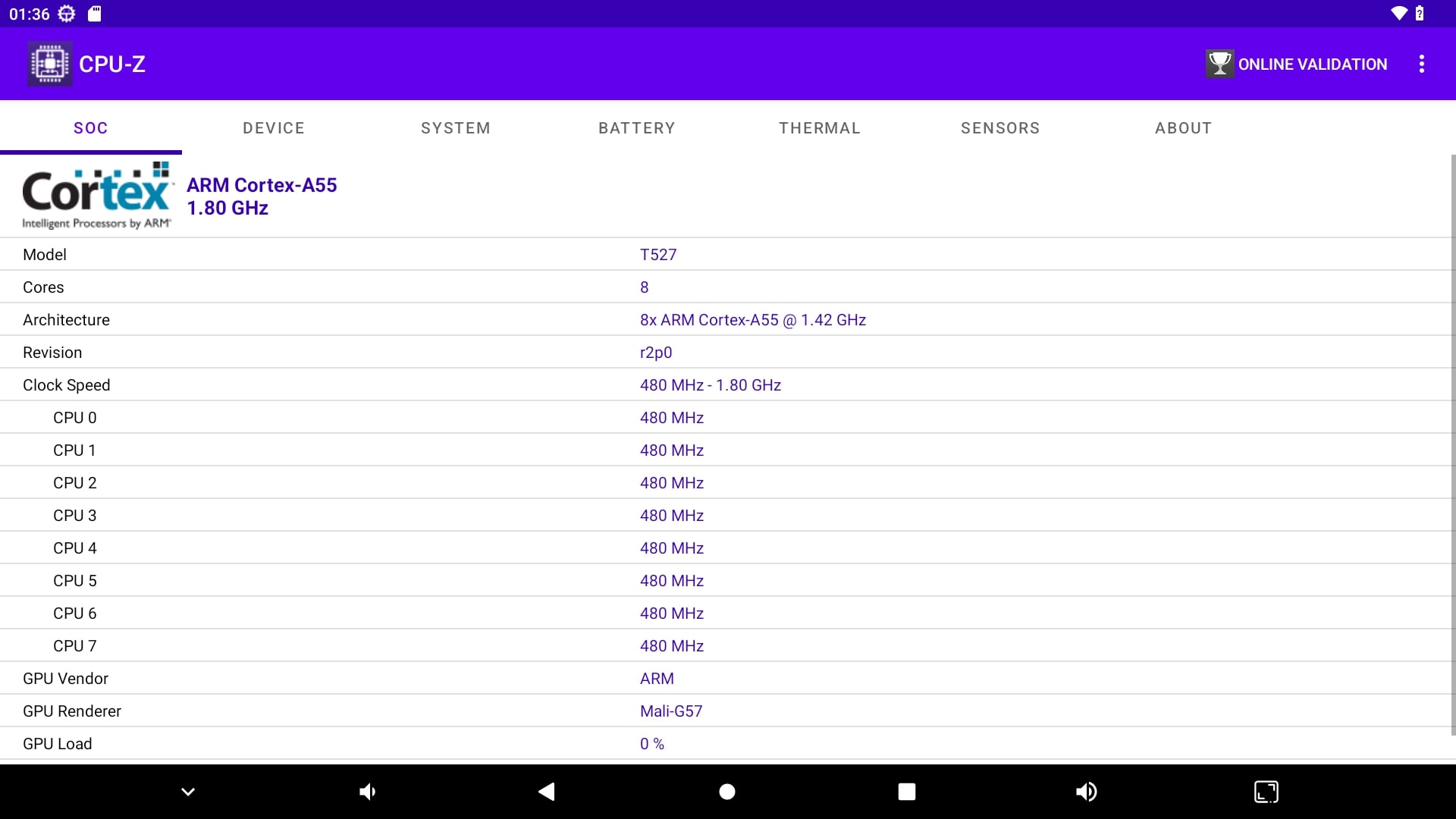
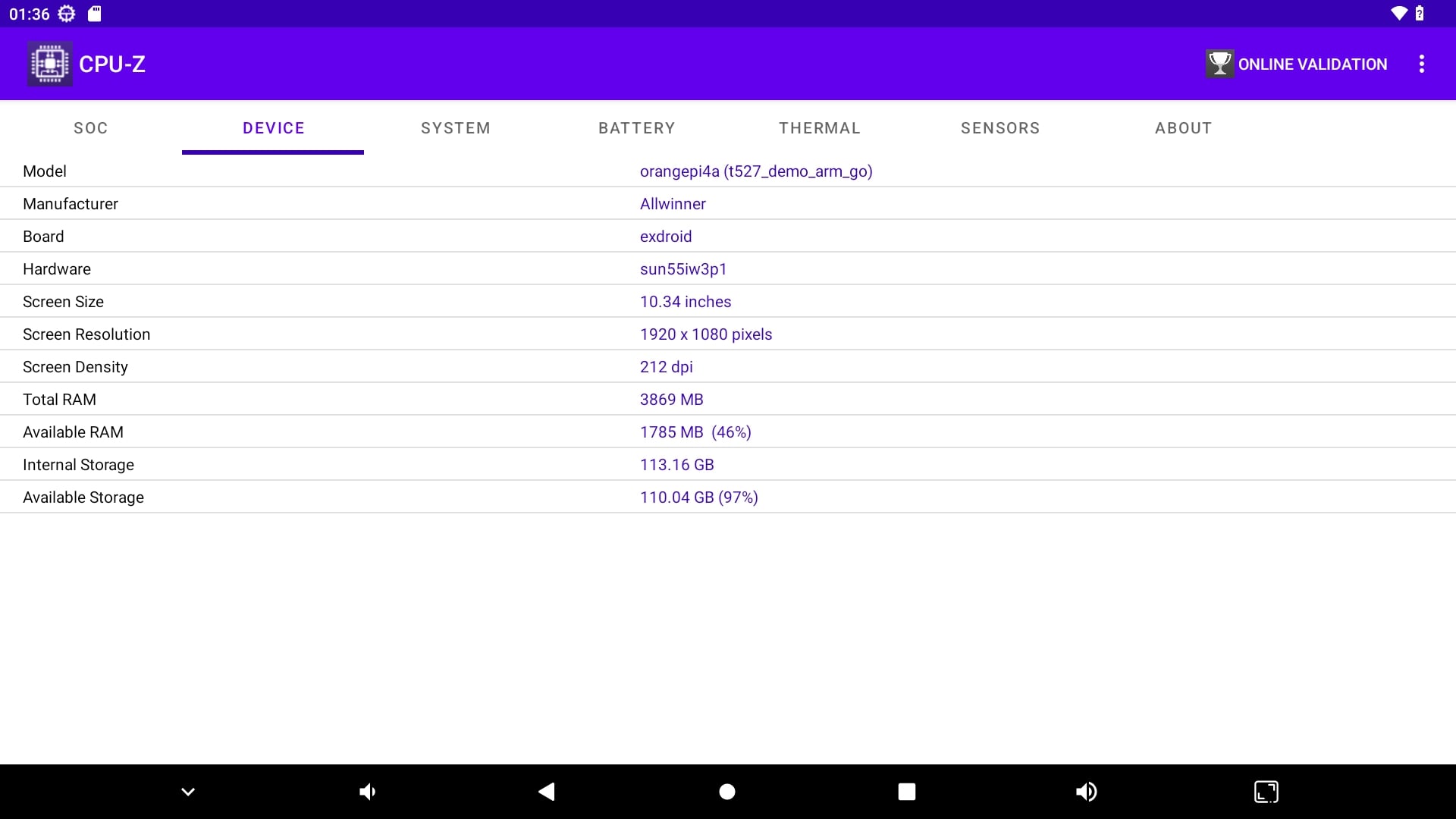
We also verify hardware info using the CPU-Z application.
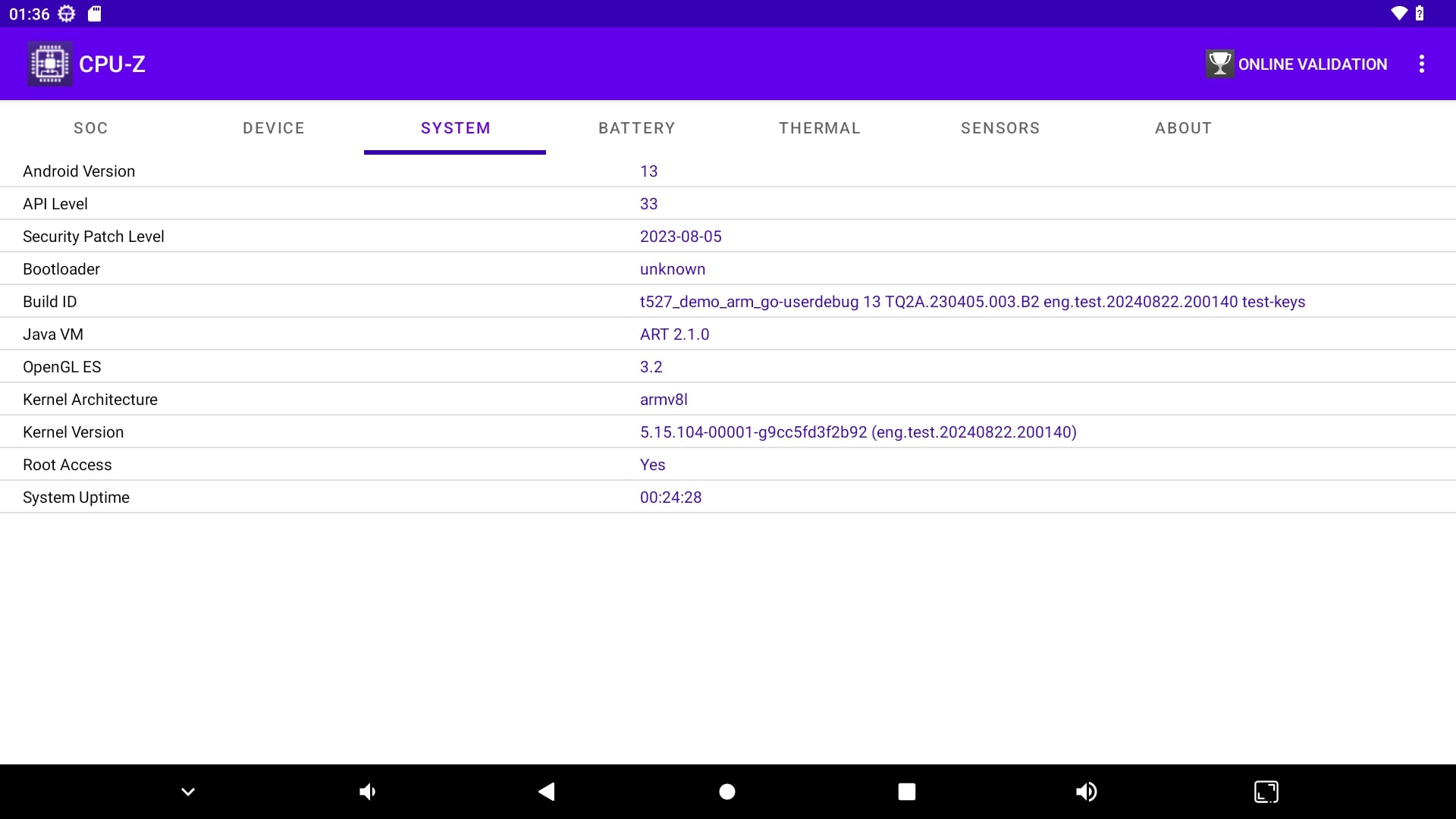
Orange Pi 4A CPU Z 3
Orange Pi 4A CPU Z 4
Orange Pi 4A CPU Z 1
Orange Pi 4A CPU Z 2
1 2 3 4 5 6 7 8
Share. Facebook Twitter Pinterest LinkedIn Tumblr Email
Previous ArticleRedmi AX5400 Gaming Router Review – Top WiFi 6 Router on Steroids
Next Article MeLE Quieter DL, Fanless miniโ€“PC Powered by Intel features 2×2.5G GbE ports.
androidpimp
  • Website

Related Posts

Raspberry Pi Zero 3W SBC

Orange Pi Zero 3W Review: $25 Dual Video Pi Zero 2W Killer?

June 4, 2026
Banana Pi SM10 Kit

Banana Pi BPI-SM10 Review: 60 TOPS RISC-V Jetson Orin Nano Alternative

June 3, 2026
SpacemiT K3 Pico ITX

SpacemiT K3 Pico-ITX Review: 60-TOPS RISC-V Powerhouse for LLMs?

June 2, 2026
5 1 vote
Article Rating
Subscribe
Notify of
0 Comments
Oldest
Newest Most Voted
PureVPN
PureVPN Ad Banner
VyprVPN – No. 1 in Anonymity
Vyprvpn 350x260
PrivadoVPN – No. 1 in Parental Control
PrivadoVPN 350x437
Recent Posts
  • Orange Pi Zero 3W Review: $25 Dual Video Pi Zero 2W Killer?
  • Banana Pi BPI-SM10 Review: 60 TOPS RISC-V Jetson Orin Nano Alternative
  • SpacemiT K3 Pico-ITX Review: 60-TOPS RISC-V Powerhouse for LLMs?
  • Banana Pi BPI-R4 Pro Review: The Best WiFi 7 OpenWrt Router? We Checked!
  • DFRobot ESP32-S3 LoRaWAN & Gateway Review: Build a Private IoT Network
  • Top Global AliExpress Promo Worldwide Country Codes June 7, 2026
  • WaveNote AI Review 2026: An Honest Pro/Con Comparison (Tested)
  • CamThink NE301 Review: 25 FPS YOLOv8 on STM32 Edge AI
  • PrivadoVPN Review 2026: Is the Best Free VPN Still Good for Streaming?
  • Orange Pi 6: Built-In 45 TOPS AI Power Beats Any AI HAT+
RSS The Latest RSS Feeds
  • Orange Pi Zero 3W Review: $25 Dual Video Pi Zero 2W Killer?
  • Banana Pi BPI-SM10 Review: 60 TOPS RISC-V Jetson Orin Nano Alternative
  • SpacemiT K3 Pico-ITX Review: 60-TOPS RISC-V Powerhouse for LLMs?
Facebook X (Twitter) Instagram Pinterest
@2026 - All Right Reserved. Designed by AndroidPIMP

Type above and press Enter to search. Press Esc to cancel.

Powered by
►
Necessary cookies enable essential site features like secure log-ins and consent preference adjustments. They do not store personal data.
None
►
Functional cookies support features like content sharing on social media, collecting feedback, and enabling third-party tools.
None
►
Analytical cookies track visitor interactions, providing insights on metrics like visitor count, bounce rate, and traffic sources.
None
►
Advertisement cookies deliver personalized ads based on your previous visits and analyze the effectiveness of ad campaigns.
None
►
Unclassified cookies are cookies that we are in the process of classifying, together with the providers of individual cookies.
None
Powered by
wpDiscuz