Market Positioning: Ritek vs. the Giants
To truly understand the value of the Ritek RK807 Pro, it must be viewed in the context of the broader iPad accessory market.
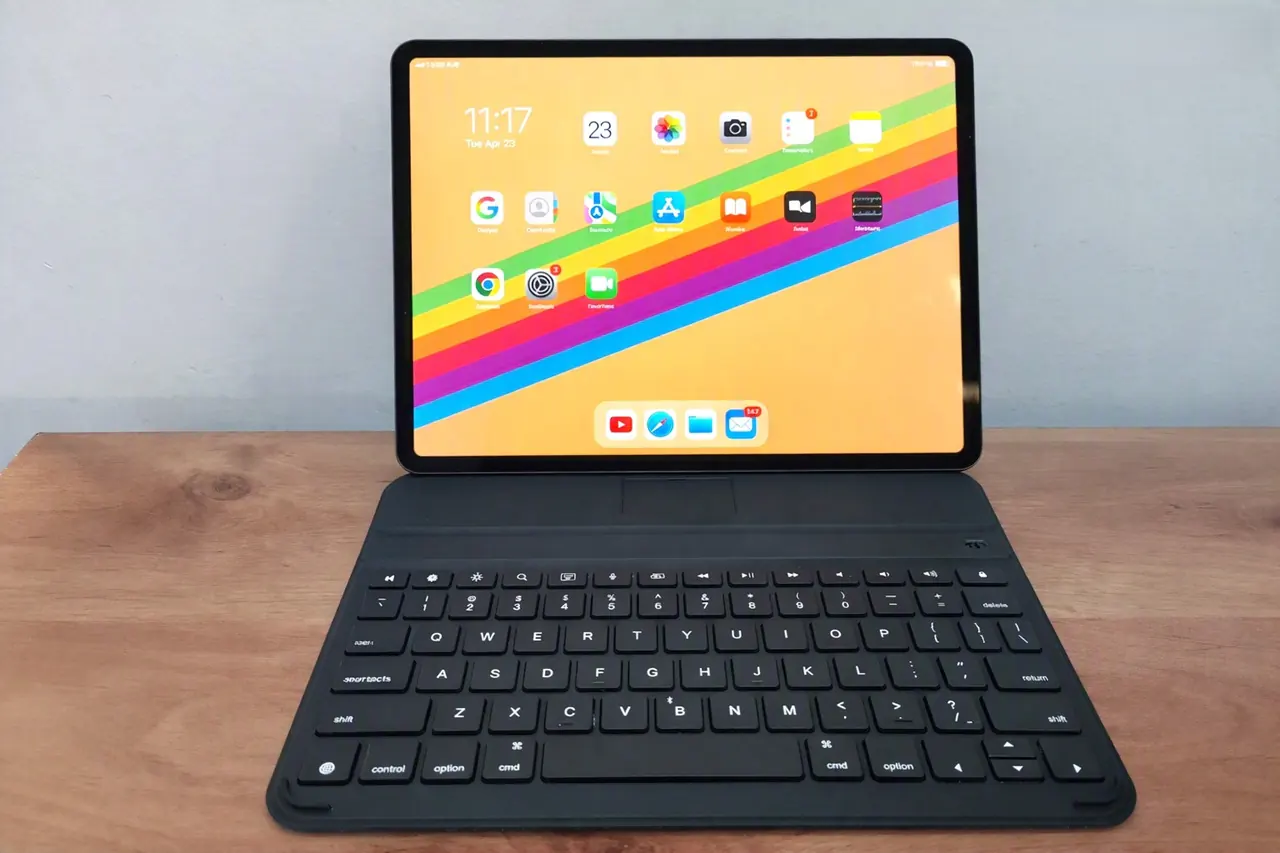
The Apple Magic Keyboard remains the gold standard for iPad typing, offering a floating cantilever design, a glass trackpad, and MagSafe charging. However, it routinely costs upwards of $300 to $350, and its heavy, bulky design completely ruins the iPad’s inherent portability.
The Logitech Combo Touch is a fantastic alternative that offers a detachable design and a trackpad, usually retailing around $150. It is highly protective but can feel somewhat plasticky and adds a fair amount of weight to the iPad.
The Ritek RK807 Pro (Slim) occupies a highly attractive middle ground. Priced significantly lower than both Apple and Logitech, it offers 85% to 90% of the premium typing experience and build quality for a fraction of the cost. By omitting the glass trackpad and the heavy battery required for backlighting, Riitek has created a product that is vastly lighter, slimmer, and more affordable. For users who already rely on the iPad’s touchscreen or an external mouse for navigation, the product is a no-brainer upgrade.
Who is the Ritek RK807 Pro designed for?
Given its specific feature set and design philosophy, the RK807 Pro Slim is not for everyone, but it is the perfect tool for several distinct user groups:
1. The College Student: Students need a device that can survive being tossed into a backpack day after day. The device profile means it won’t add unnecessary weight to an already heavy bag, while the robust build ensures it can withstand the rigors of campus life. The long battery life means you can leave it in your dorm for weeks without needing to hunt for a USB-C cable.
2. The Digital Nomad and Traveler: When working from airplane tray tables, crowded coffee shops, or hotel desks, every ounce of luggage weight matters. The keyboard featherlight design and detachable nature make it the ultimate travel companion. You can use the iPad as a lightweight consumption device during the flight, and snap the keyboard on when you land and need to work.
3. The Second-Screen Professional: Many professionals use their iPad as a secondary monitor via Sidecar, or as a dedicated terminal for communication apps like Slack and Zoom. The product provides a clean, unobtrusive typing experience that doesn’t dominate your desk space, allowing your primary Mac or PC setup to remain the focal point.
4. The Budget-Conscious Creative: Writers, bloggers, and journalists who use the iPad primarily for text-based workflows do not need to spend $300 on a trackpad-equipped keyboard. The RK807 Pro Slim delivers the exact typing experience required for long-form writing, allowing creatives to invest their budget into other essential tools, like a high-quality Apple Pencil or external storage.
Maximizing Productivity: Software Tips
To get the most out of the device, it is highly recommended to pair it with the latest iPadOS features. Because the keyboard lacks a built-in trackpad, utilizing iPadOS keyboard shortcuts is essential for a seamless workflow.
- Master the Command Key: Treat your iPad exactly like a Mac. Use
Cmd+Tabto switch apps,Cmd+~to switch between windows of the same app, andCmd+Qto quit applications entirely, freeing up RAM. - Customize Shortcuts: iPadOS allows you to map custom keyboard shortcuts to specific apps. You can set up the keyboard to trigger complex macros in your favorite note-taking or video-editing apps, turning this slim keyboard into a powerhouse of efficiency.
The Final Verdict
The RK807 Pro (Slim) takes a completely different approach. It strips away the heavy batteries, the glass trackpads, and the thick plastic hinges, and focuses entirely on what a keyboard is actually supposed to do: let you type comfortably, reliably, and lightly.
It’s not perfect. The lack of a backlight and trackpad will rule it out for some. But for everyone else, it’s a fantastic, pragmatic choice. It proves that you don’t need to spend a fortune or break your wrists to turn your iPad into a serious productivity machine. If you want a no-nonsense, ultra-portable typing experience that just gets out of your way and lets you work, the device is easy to use and the quality is excellent, making a great iPad accessory you can buy this year.
While it may not replace the Apple Magic Keyboard for users who absolutely require a built-in trackpad and backlighting, the keyboard offers a compelling, budget-friendly alternative that punches well above its weight class. It proves that you do not need to empty your wallet to transform your iPad into a legitimate productivity powerhouse. For students, travelers, and anyone who values portability without sacrificing typing quality, the product is a great choice that earns its place in our tech arsenal.
The bottom line
Overall, this product provides a premium typing experience, a rock-solid Bluetooth connection, an iPad-optimized layout, and a form factor that respects the iPad’s original promise of ultimate portability. By stripping away the heavy batteries, glass trackpads, and thick plastic bezels, Riitek designed a product that is remarkably slim, incredibly light, and highly effective.
Business Inquiries
For any questions or business inquiries regarding Riitek products, including pricing, please feel free to reach out to the company directly. Here is the contact information:
- Company name: Shenzhen Riitek Technology Co, Ltd.
- Contact Person: Lisa Pang
- Email: lisa@riitek.com
- Web: www.riitek.com