
Connnecting the Gateway to a router
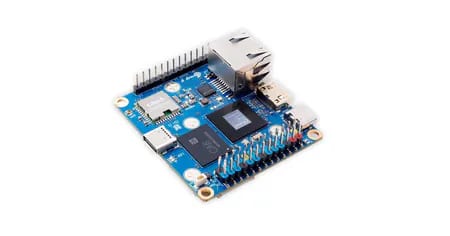
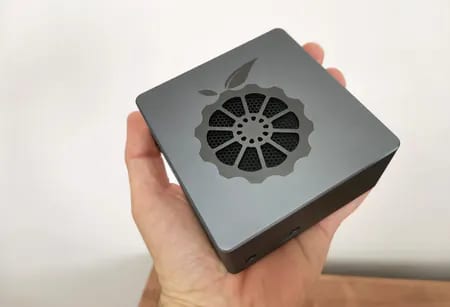
This device is equipped to handle both wireless Wi-Fi connectivity and wired networking options. To discover the default gateway address assigned by your router, consider using an IP scanning application such as Angry IP Scanner. This will enable you to effortlessly locate the device ip address.

First-time logging into the Gateway
Upon your initial login to the gateway, you are prompted to select your country and city, which are tailored to your geographic location and the device used. The default password is “admin,” and you have the option to change it if necessary.

An overview of LoRaWAN ESP32-S3 development Board
The LoRaWAN ESP32-S3 is a cutting-edge hybrid microcontroller that utilizes a low-power ESP32-S3 chipset. It boasts the Xtensa® dual-core 32-bit LX7 microprocessor, which operates at clock speed of 240MHz. Its specifications include 512KB of SRAM, 384KB of ROM, and 4MB of Flash memory, along with support for wireless protocols like WiFi and Bluetooth 5 connectivity.
This board boasts a built-in 0.96″ display and includes an external wired antenna, making it perfect for wireless LAN applications. Its standout feature is compatibility with the LoRaWAN protocol, driven by the SX1262 RF Chip, which functions within the 850-930MHz frequency band.
LoRaWAN functions as a Media Access Control (MAC) layer protocol that operates on the LoRa modulation technology. This essential software layer governs how devices leverage the LoRa hardware, encompassing aspects such as transmission timing and message formatting.
LoRaWAN excels at transmitting small payloads, such as sensor data, over extensive distances. Its LoRa modulation enables a considerably wider communication range with lower bandwidth compared to other wireless data transmission technologies.


Additional interfaces
This board boasts both GPIO and I2C interfaces, ensuring seamless integration with Arduino microcontrollers, Micro:bit and popular single-board computers such as the Raspberry Pi 4 and 5 series.
Power Supply
The board is designed to be powered via a Type-C port using a 5V supply. Furthermore, it includes a 3.7V lithium battery interface, which can potentially connect to uninterruptible power supply (UPS) boards powered by a single lithium battery. This configuration guarantees a dependable backup power solution during outages.
Operatio buttons
The company has effectively integrated additional operational buttons and LED lights into this compact board, as demonstrated in the table below:
| Key 1 | Button 1, connected to GPIO18 |
| Key 2 | Button 2, connected to GPIO0. Press this button and reset the device to enter boot mode; it can be used as a normal button after the system starts. |
| LED | LED light, connected to GPIO21 |
| RST | Reset button |
Our personal viewpoint
The board’s design and quality are exceptional and reasonably priced at $18.50 USD (excluding shipping). It’s an excellent choice for IoT projects, particularly as a dependable communication endpoint (NODE) paired with a gateway device.