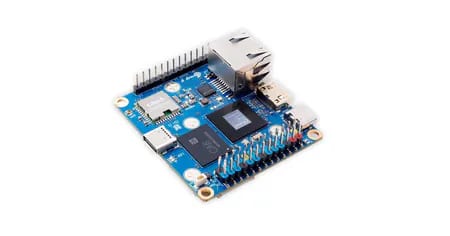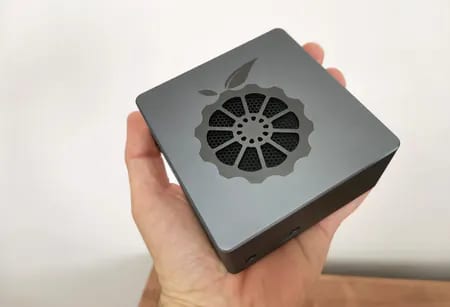

Running the gateway in LoRaWAN Network Server (LNS) mode
Alongside its packet forwarding capabilities, the gateway features a built-in integrated server mode, also known as the local server (LNS), eliminating the necessity for external cloud server services. This means that by simply powering on your gateway and connected devices, you can access full functionality without needing an internet connection.

Benefits of Operating the Gateway in Standalone Mode:
- No Internet Required: Perfect for remote farms, mines, or secure facilities where backhaul (internet) is unavailable or restricted.
- Lower Latency: Data doesn’t have to travel to a server in another country and back.
- Privacy: More secure, with your data staying entirely within your local network.
So what essentials do you need to make this work?
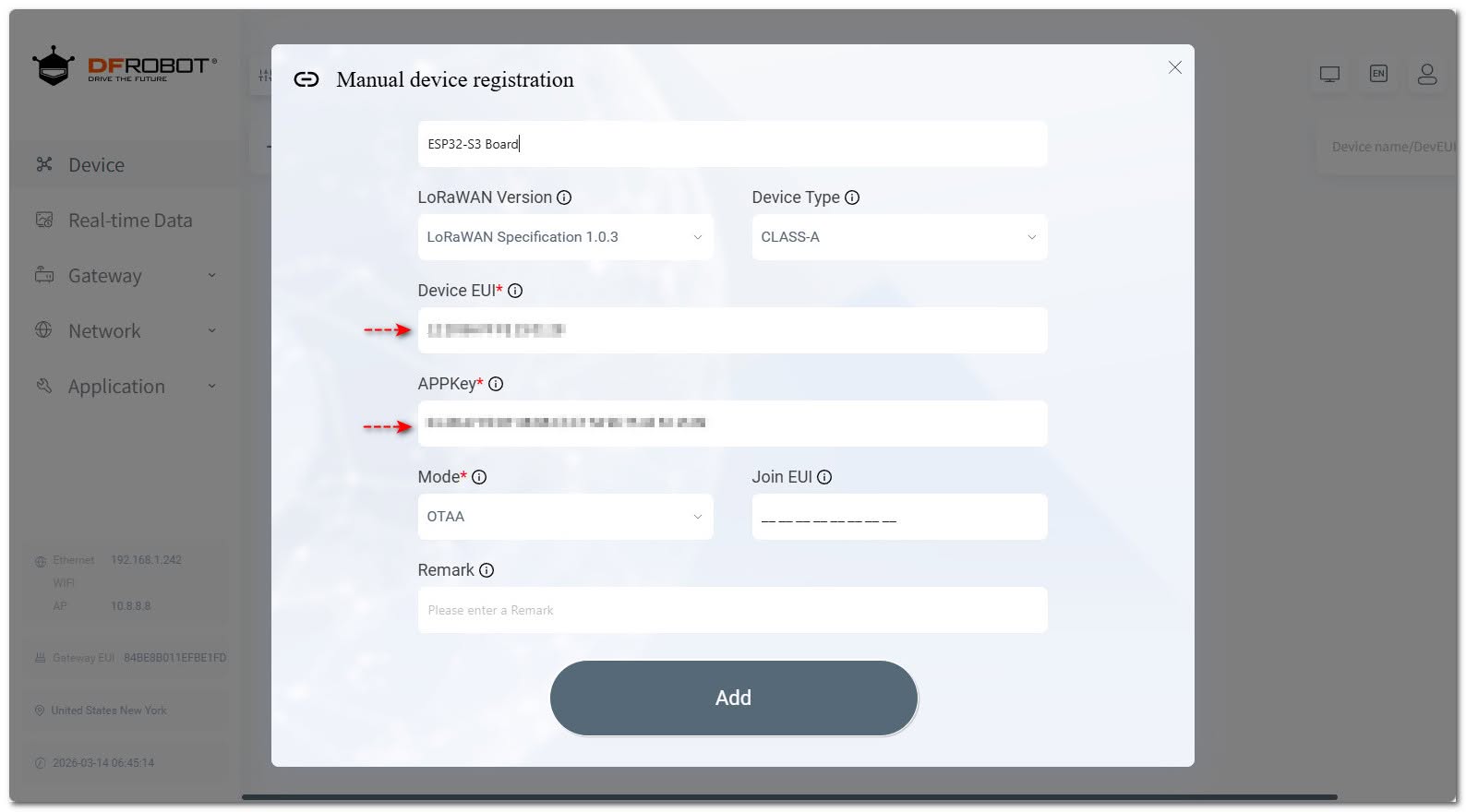
- DevEUI (from device)
- AppEUI (you choose)
- AppKey (you generate)
After successfully testing and showcased a configuration with TTN, you can easily repurpose the same keys from TTN for our local server connections. Here is the process to follow:
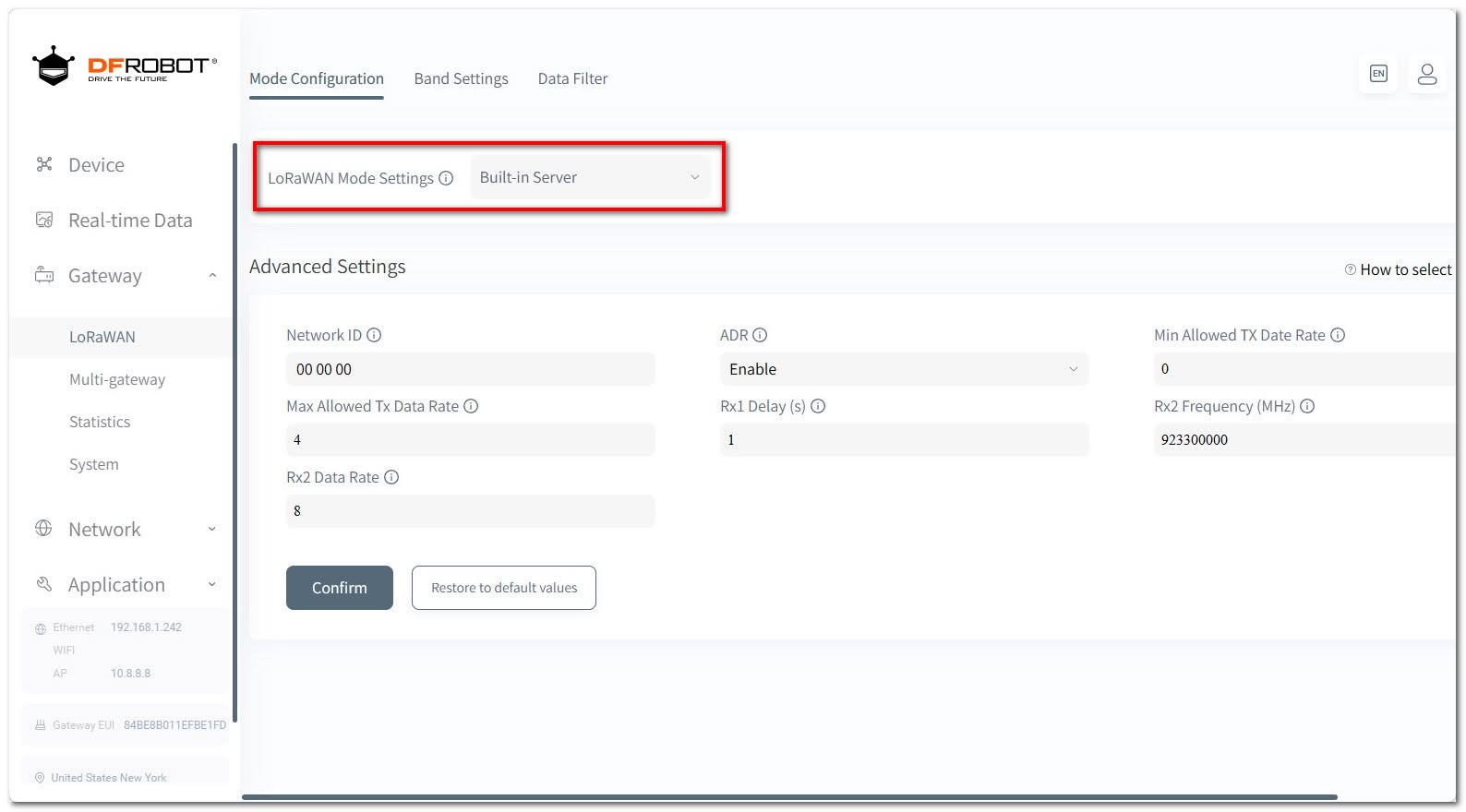
- In the Gateway settings, locate the LoRaWAN section and select the “Built-in Server” option to configure the mode.
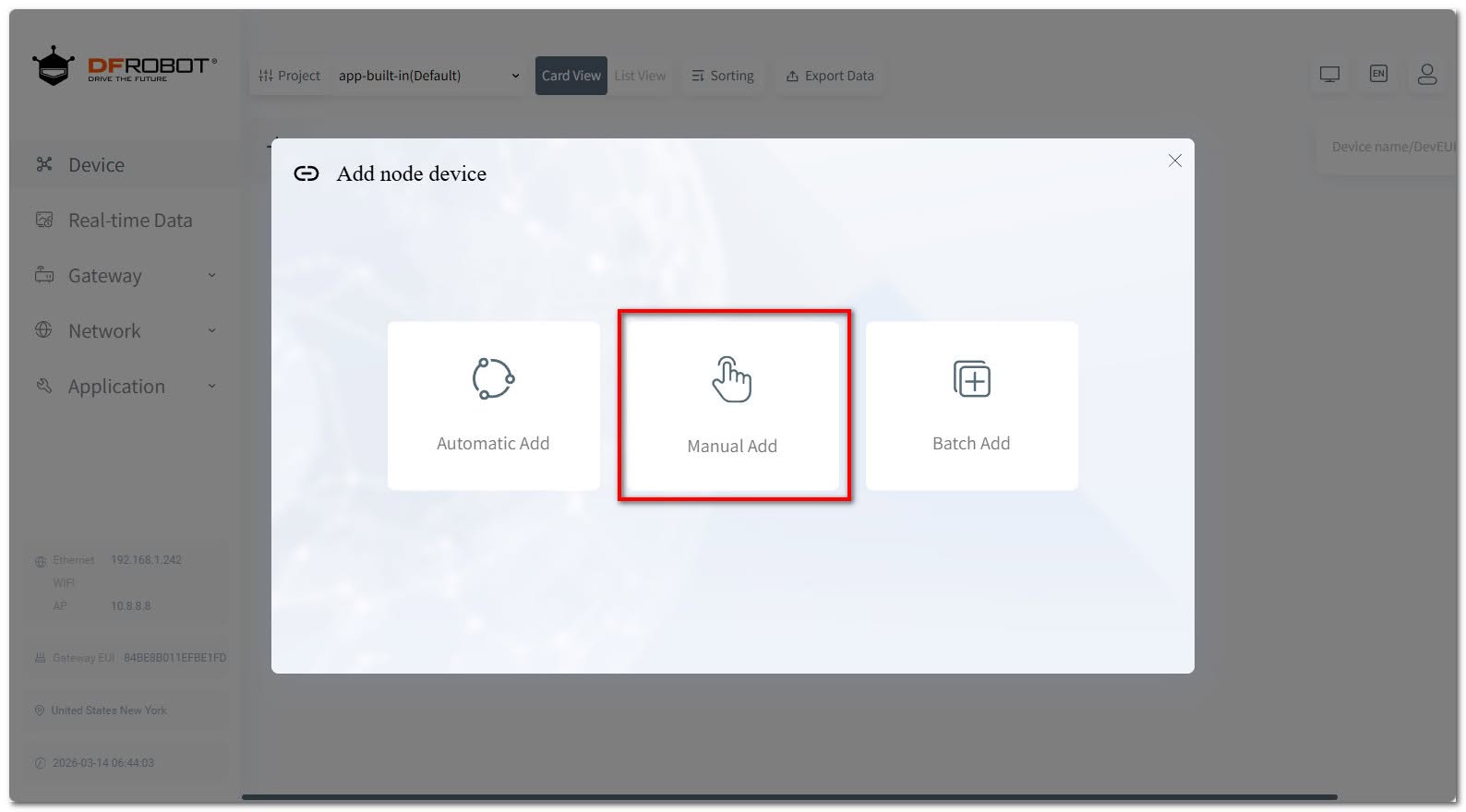
- Navigate to Device and add click on the + sign to add a device.
- Please choose the Manual option and input our existing keys, including the board DevEU that was uploaded to our ESP32 board while we were connected to TTN.
If you still want to add new keys, except for the fixed DevEUI, please follow these steps:
- You can generate an AppKey with a Random 32 Digit Hex Code Generator.
- You have the choice to either retain the SAME AppEUI, which is an 8-byte (16-hex-character) identifier represented as 0000000000000000, or select an alternative one.
- For the final step, you must re-upload the new identifiers to the ESP-32 board using the Arduino IDE, along with the code you have already employed.
Setting up our LoRaWAN Gateway to operate as a Local Server.
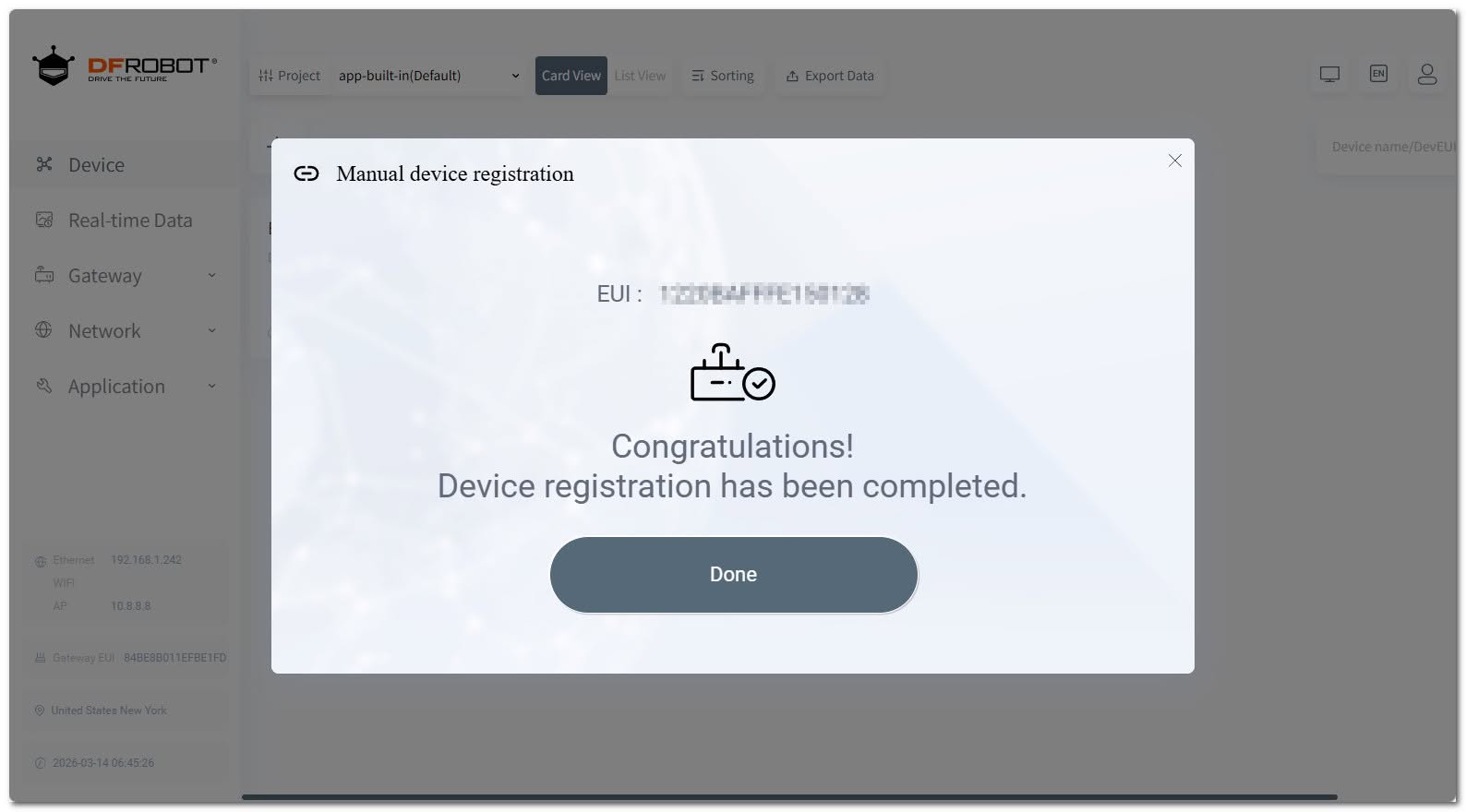

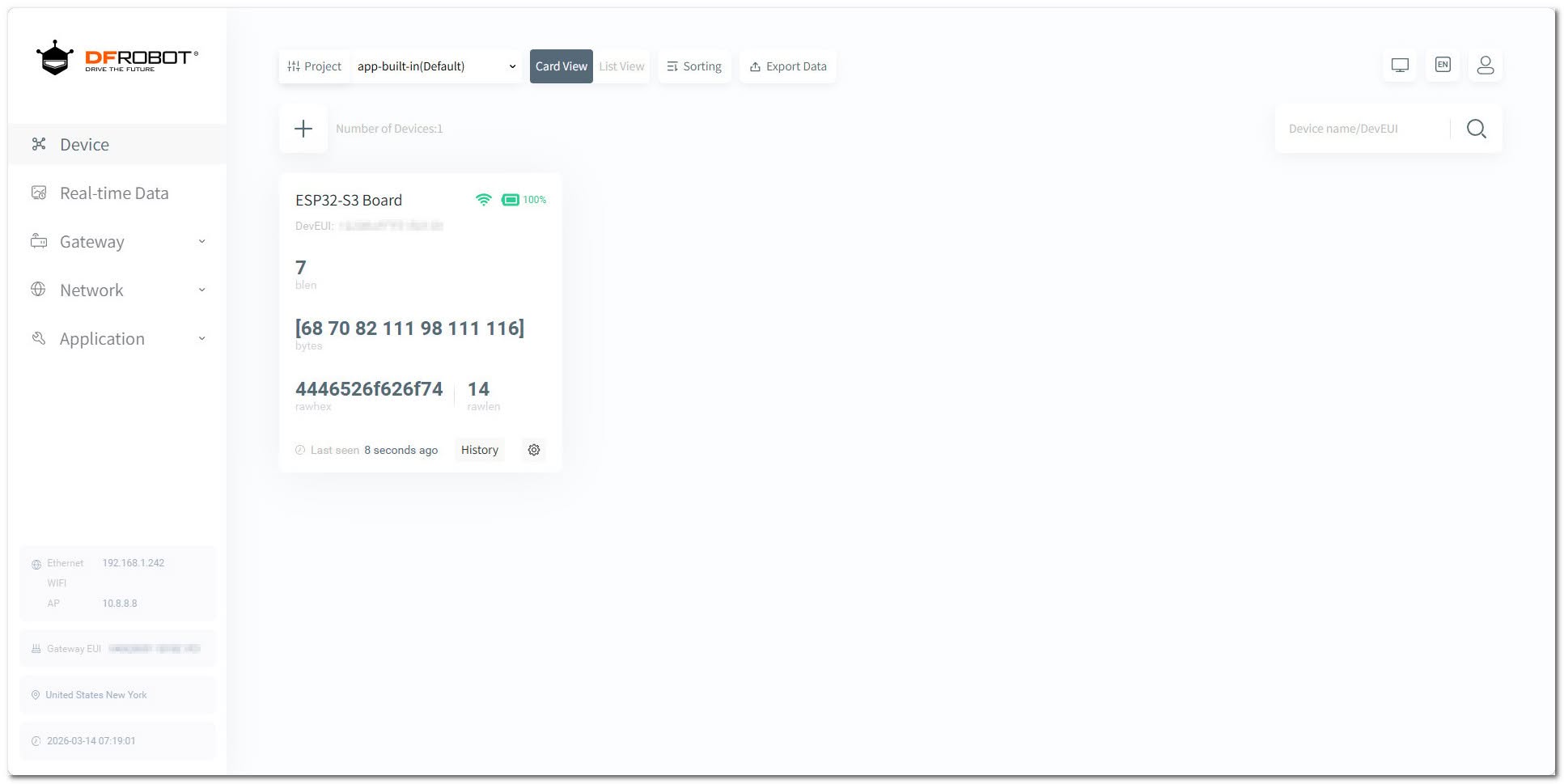
The final result
If everything is configured correctly, this is what you’ll see. Additionally, you can review the statistics screen to access information regarding the connection and packets being transmitted.


Can you connect with LoRa end devices?
Absolutely! Our gateway’s built-in server mode does much more than simply receive radio waves; it also functions as a fully operational Network Server.
In a typical LoRaWAN setup, the gateway acts as a “transparent bridge,” transmitting data to a cloud-based server, like The Things Network. In contrast, in Standalone Mode, the gateway assumes crucial processing responsibilities locally.
What should you verify before making it operational?
For successful operation, you will need to make sure that your end device is set to the same frequency plan (e.g., US915, EU868) as the gateway.