First time setup
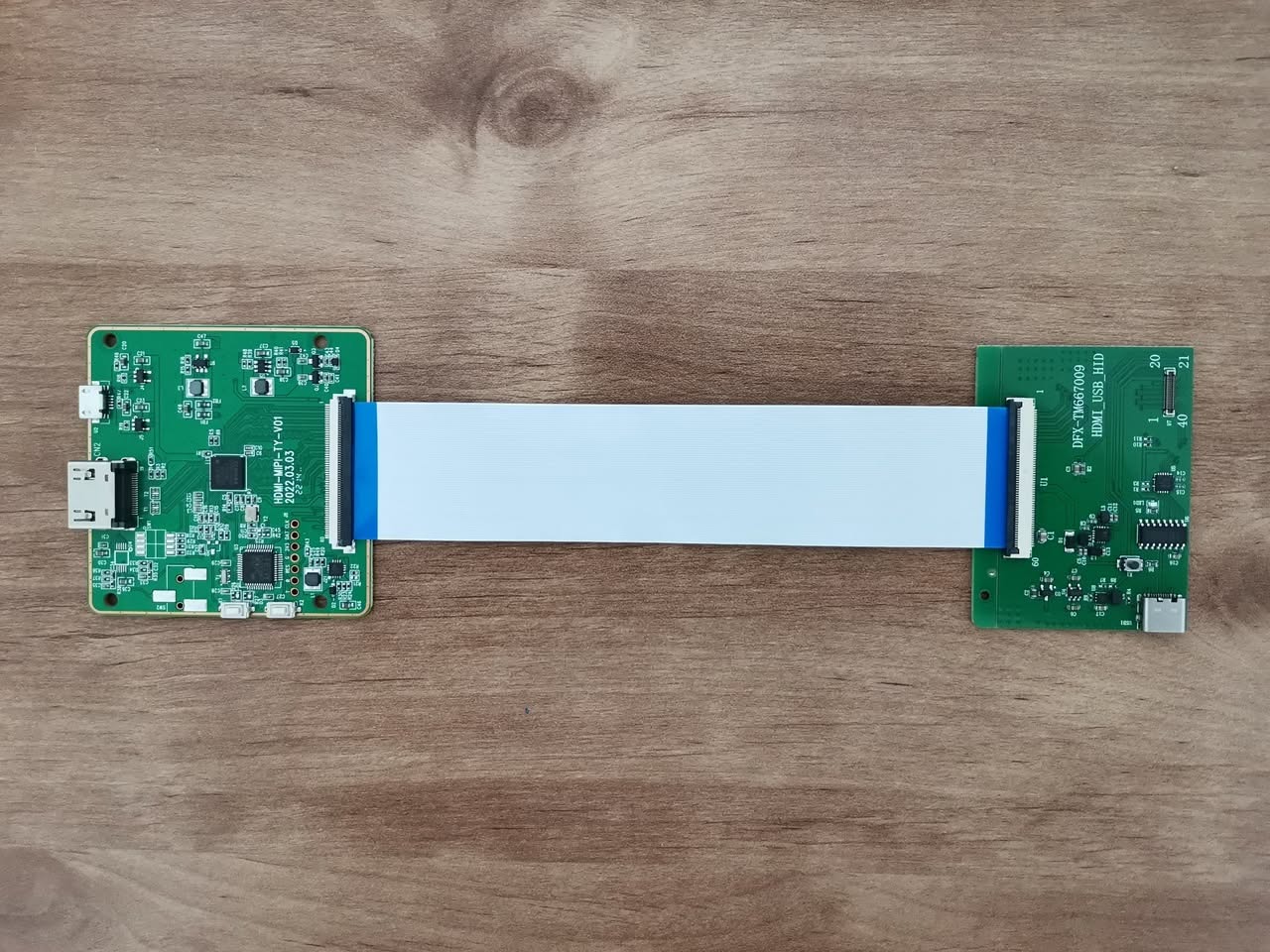
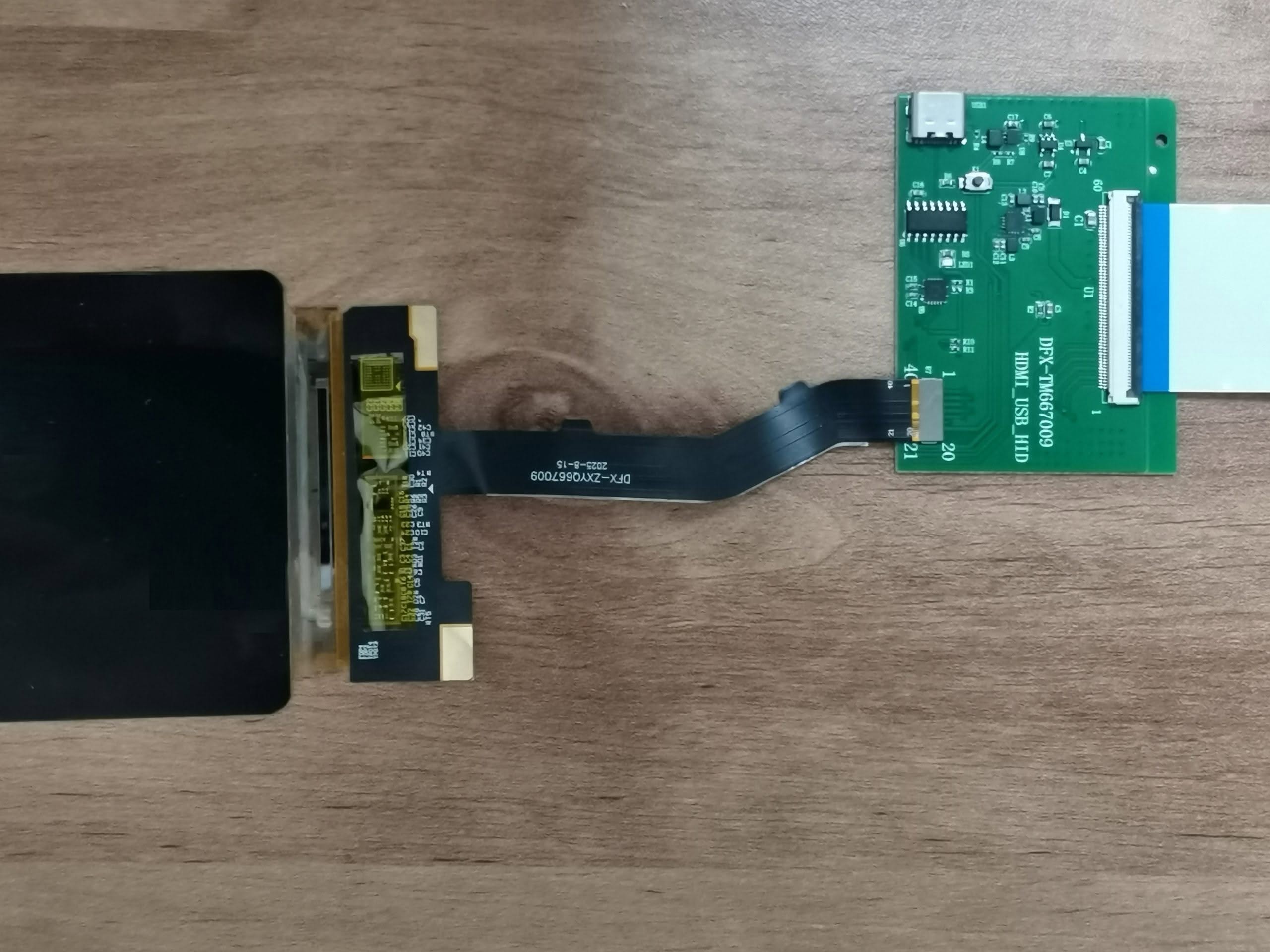
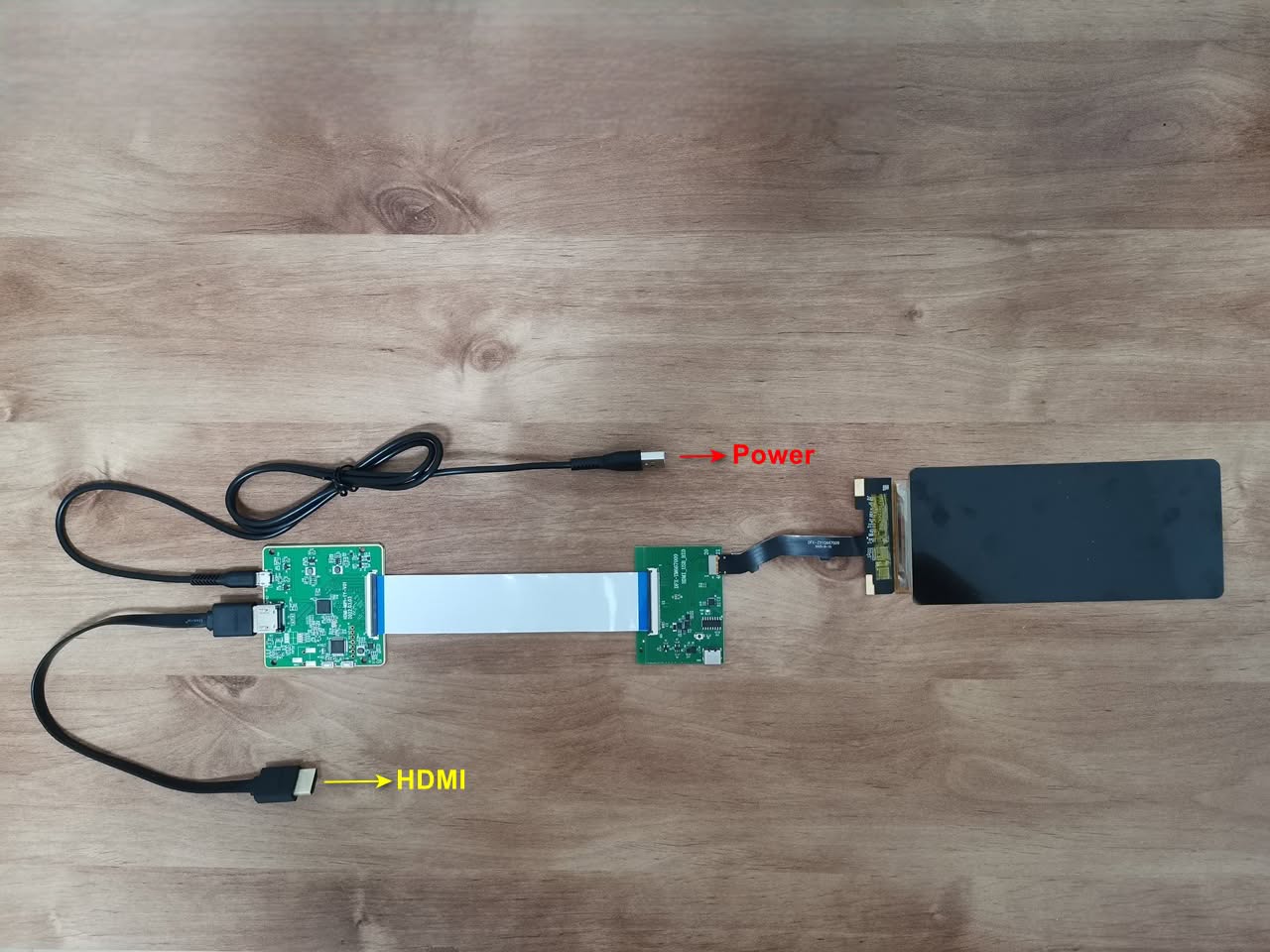
It was simple. To proceed, connect the MIPI adapter board and the HDMI driver board using the bridge FPC cable provided in the kit. For powering the device, attach the Micro-USB cable to the DMI driver board and link it to a standard 5V power source, like one of the LattePanda IOTA USB ports, and you’re done.
DFRobot company provided a relatively thick HDMI cable, making it less comfortable to handle. If you prefer a shorter option, we suggest opting for a flat-type cable that offers greater flexibility.
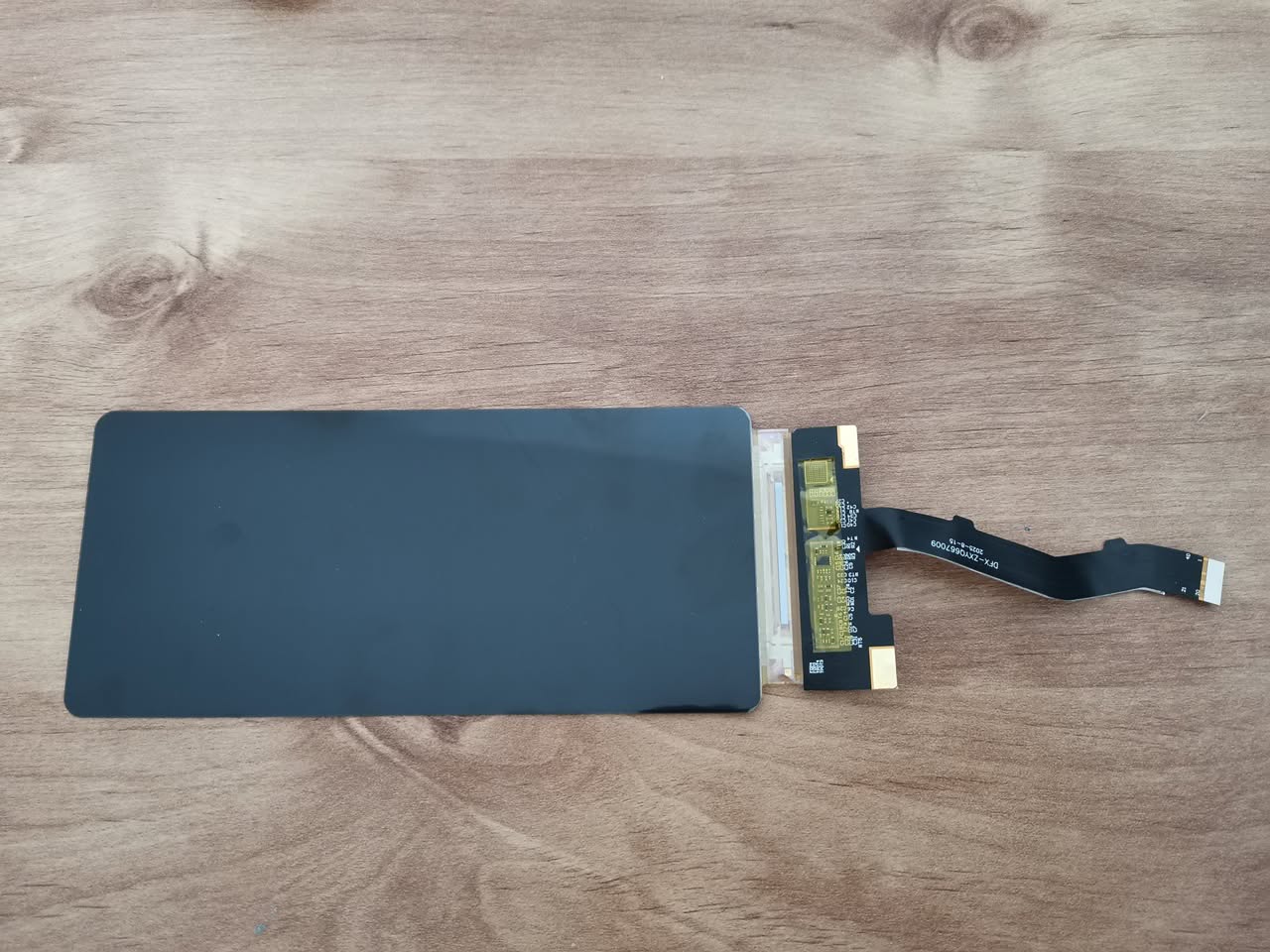
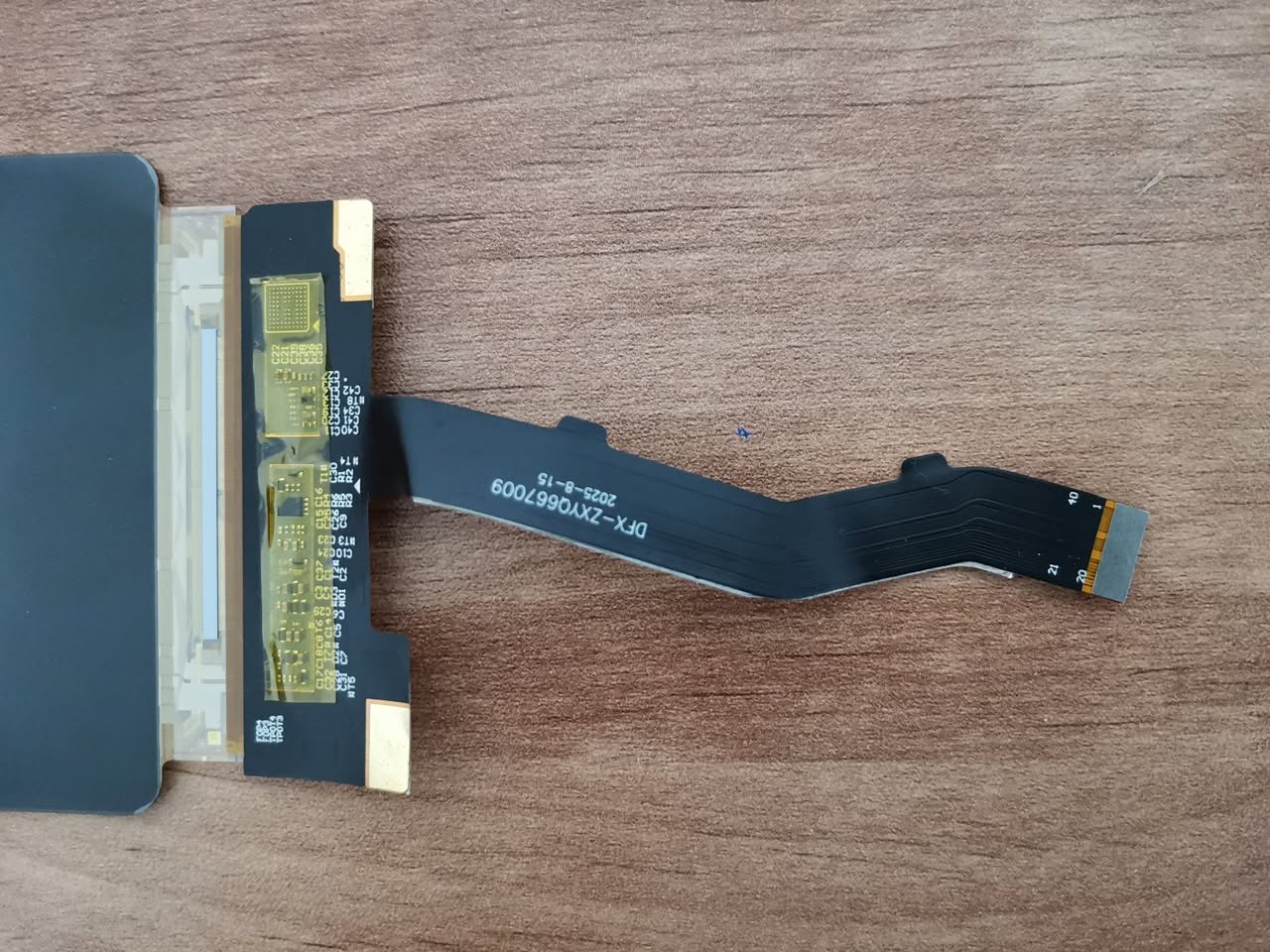
Putting all the display components together
The good and the less good
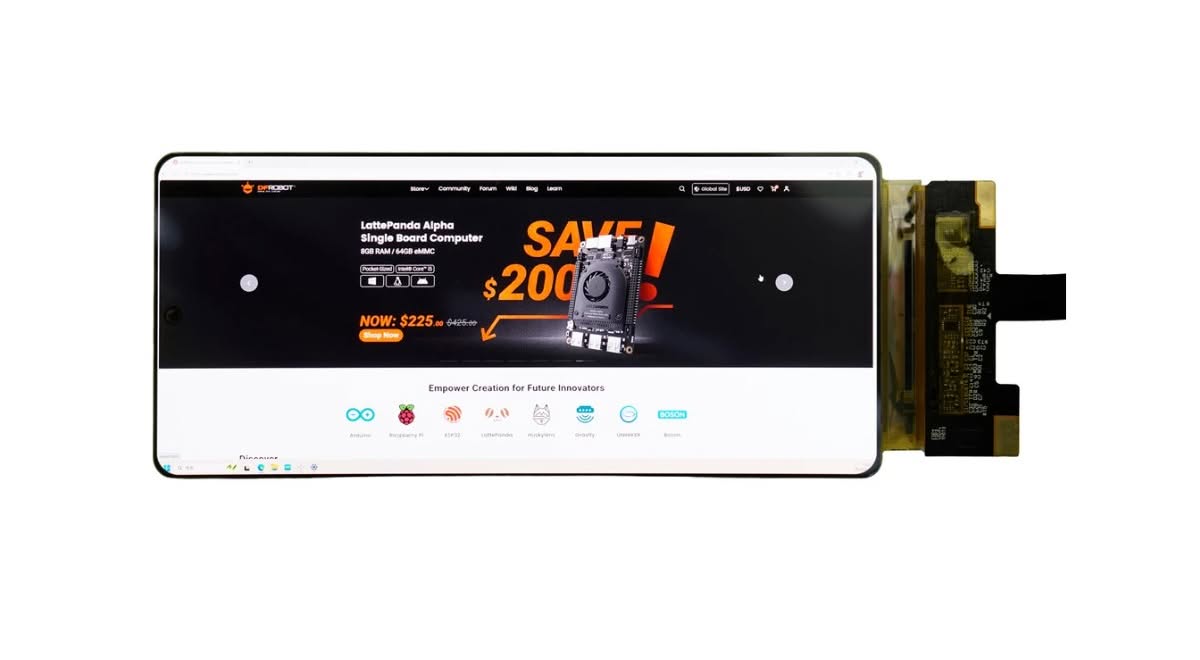
Overall, the display quality is excellent, and it’s very slim, measuring only 1.2mm. On the downside, the display size could be larger, ideally between 8 and 10 inches. Moreover, a shorter flat cable would be preferable. Also, DFRobot did not include adequate mounting holes for both boards, preventing them from being secured together with studs.