
TL;DR
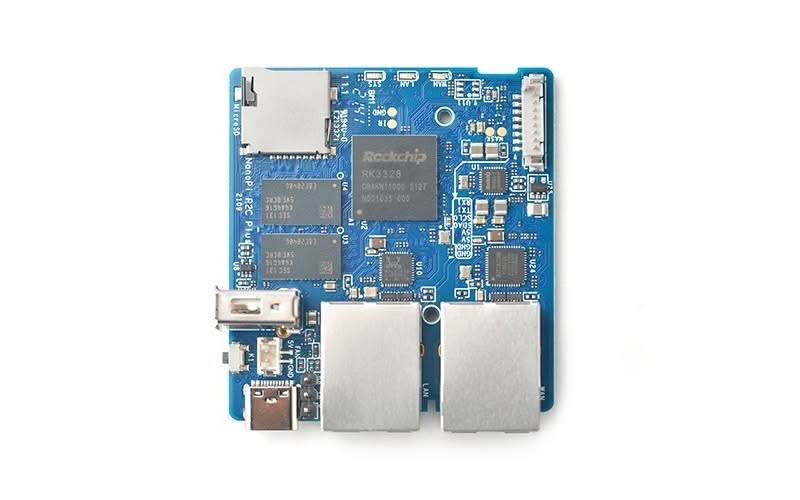
FriendlyElec company launched its most recent NanoPi R2C Plus SBC (single-board computer), mainly designed for IoT applications but not solely. The new SBC can be used in various applications, both industrial and for personal home usage are possible.
NanoPi R2C/ Plus (OpenWrt Router)
FriendlyElec company launched its most recent NanoPi R2C Plus SBC (single-board computer), mainly designed for IoT applications but not solely. The new SBC can be used in various applications, both industrial and for personal home usage are possible. For example, you can use it as a small-size Linux workstation and run services such as FTP to backup your local files, It can also be used as a NAS server, smart home gateways, and so forth according to your needs.
Powered by OpenWrt software (AKa FriendlyWrt), the main popular usage of the SBC is probably as a gateway security bridge device to help increase network security with OpenWrt’s powerful firewall settings when connecting between your router and the rest of your endpoint workstations.
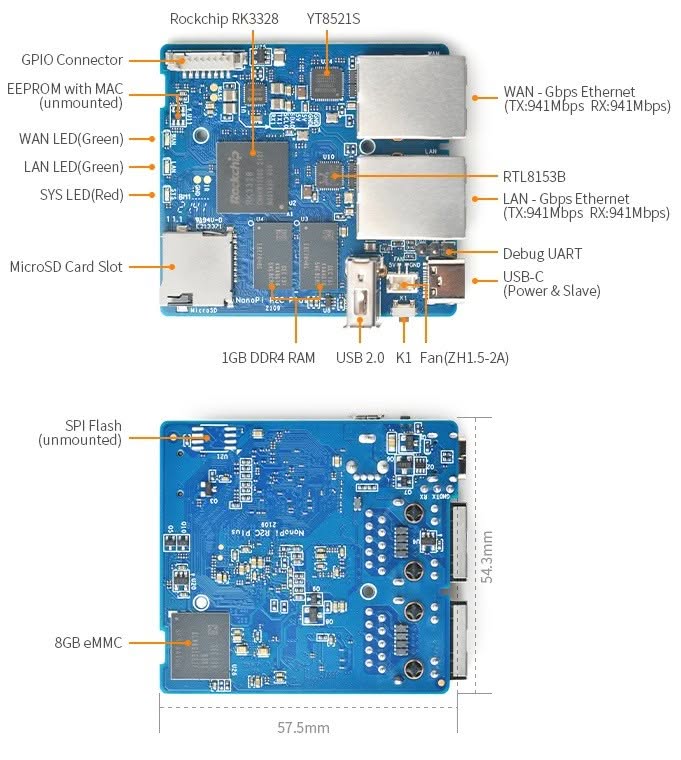
The NanoPi R2C Plus hardware is based on the RK3328 SoC solution. Featuring two Gbps Ethernet ports, 1G DDR4 RAM, and 8G EMMC Flash. It works with Docker EC, Ubuntu, and Armbian Linux that is also expected to be supported.
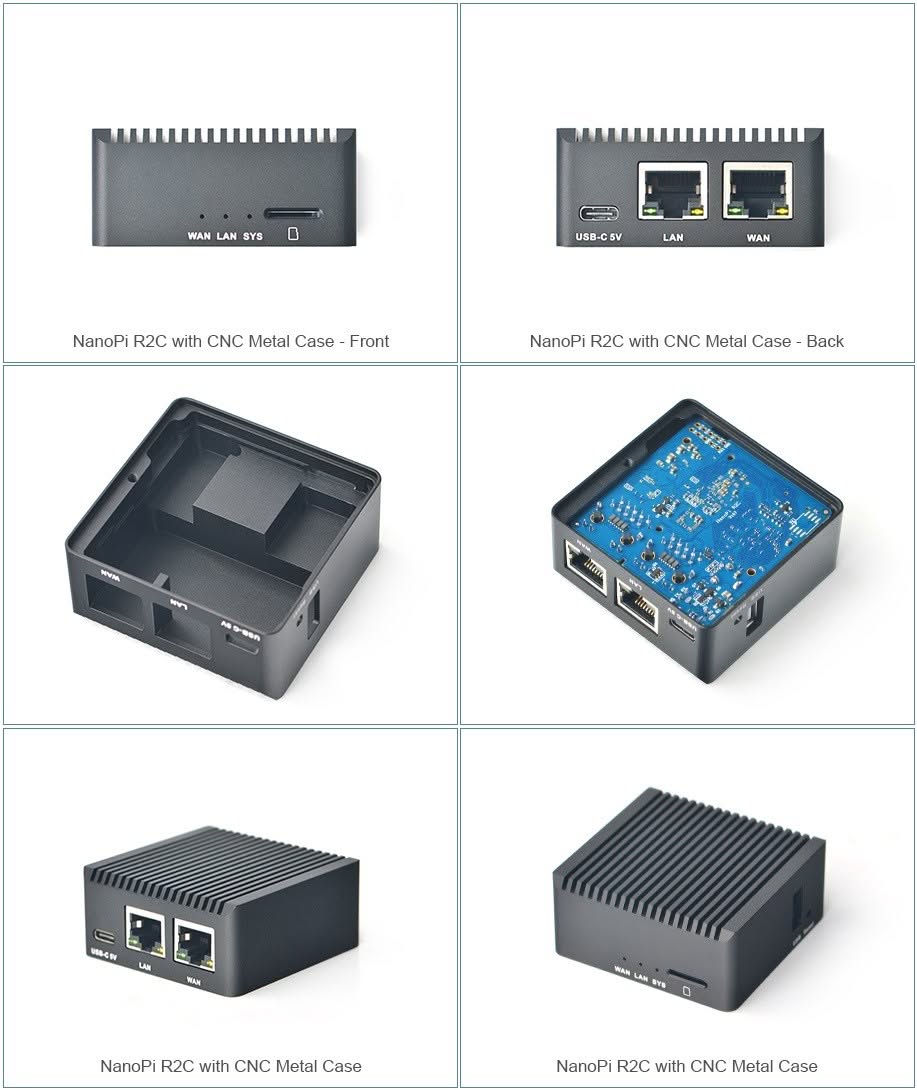
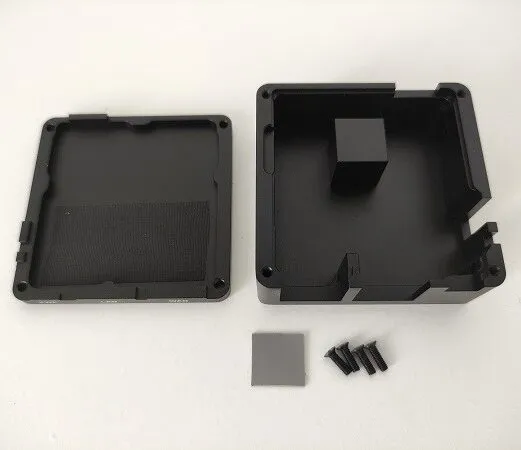
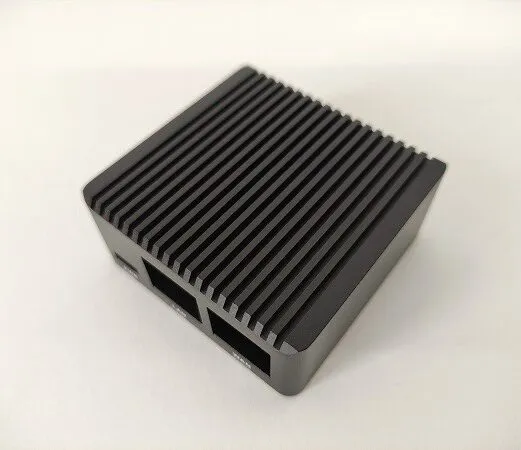
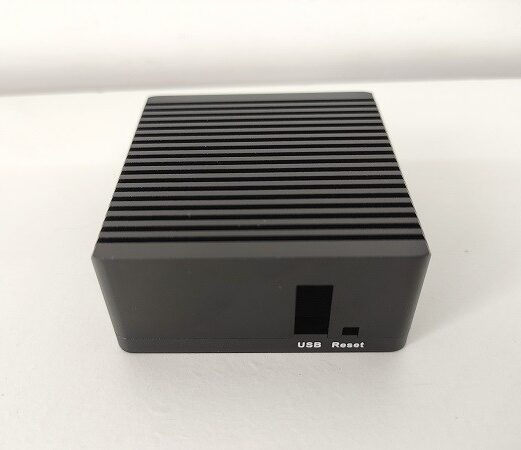
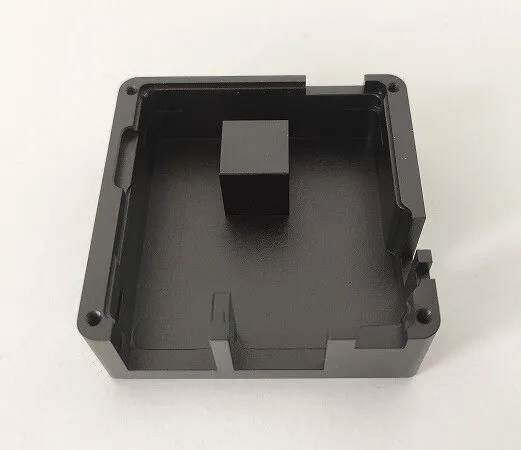
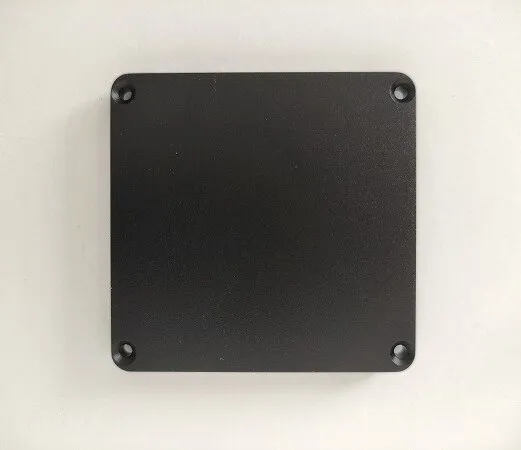
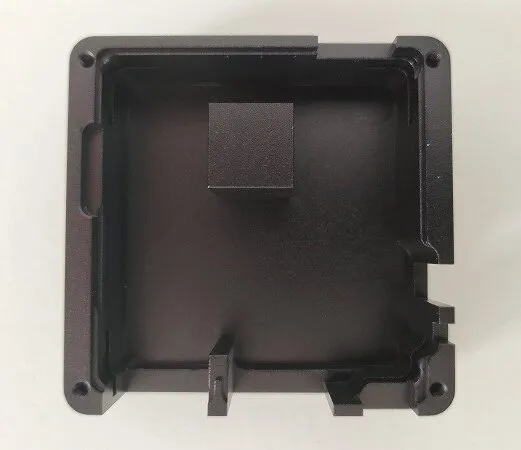
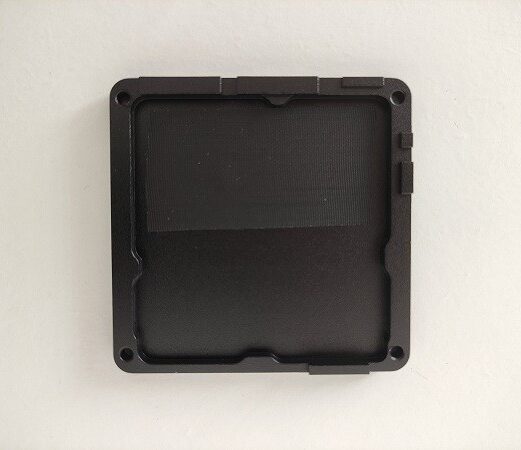
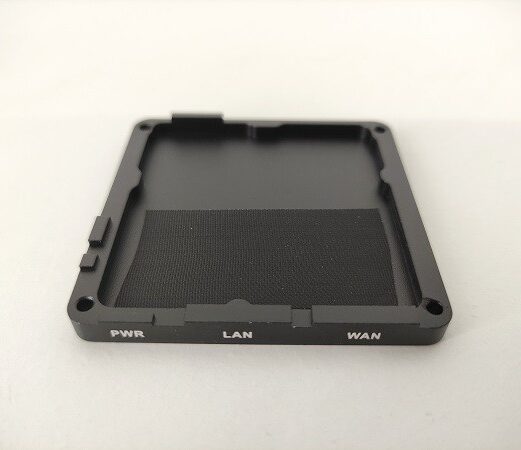
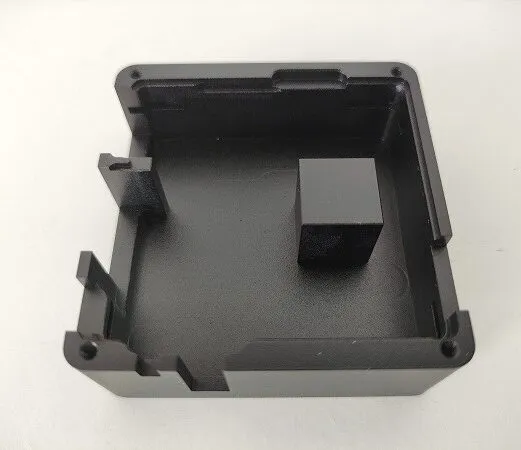
FriendlyElec NanoPi RC2 Plus may be purchased in one of two ways. Just the board without any additional accessories or with included with a small and very compact metal enclosure measuring just 60 x 60 x 29.5 mm. The metal enclosure is Manufactured most likely from aluminum material which contributes greatly to thermal convection and achieving optimum cooling, therefore it also can be placed in harsh industrial environments.
NanoPi R2C Plus
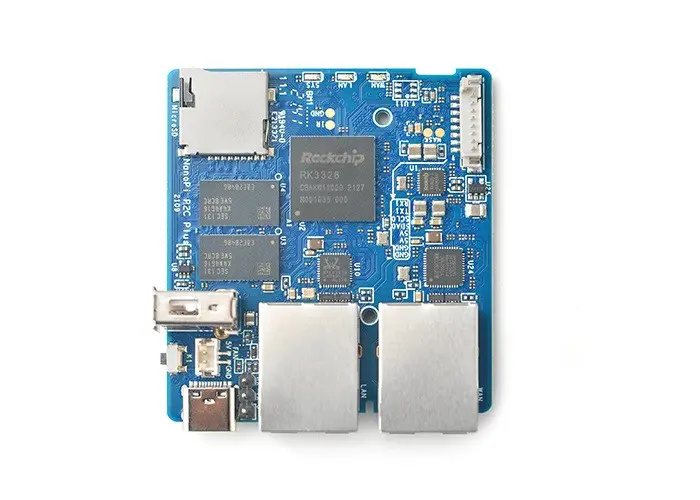
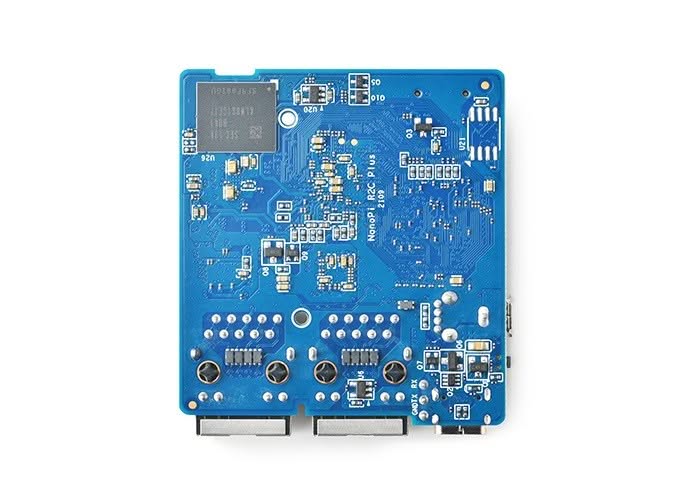
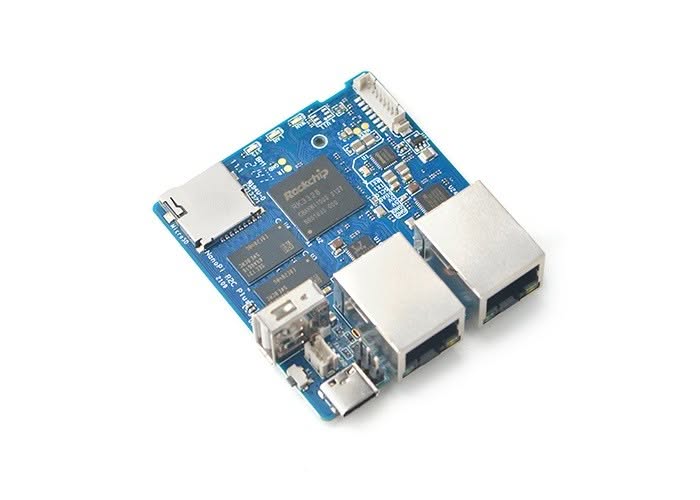
NanoPi R2C Plus PCB layout
NanoPi R2C metal enclosure
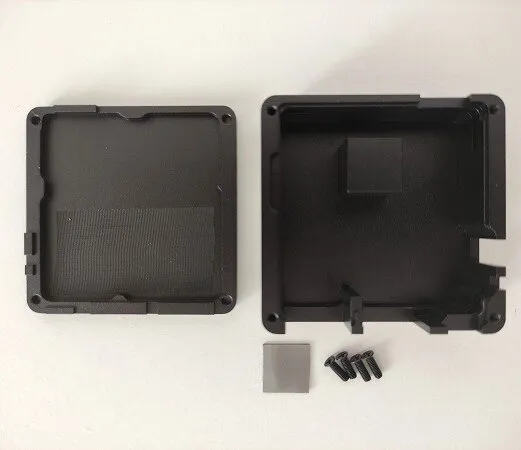 NanoPi R2S Metal Case Kit - PIC 1 of 12


NanoPi R2C Plus specifications
- SoC – Rockchip RK3328 quad-core Cortex-A53 @ 1.5 GHz with Arm Mali-450MP2
- System Memory – 1GB DDR4 RAM
- Storage – 8GB eMMC 5.1 flash, MicroSD Slot, SPI flash footprint
- Connectivity:
- 1x Gigabit Ethernet (WAN) up to 941 Mbps (measured) via MotorComm YT8521S Gigabit Ethernet transceiver
- 1x Gigabit Ethernet (LAN) up to 941 Mbps (measured) via Realtek RTL8153B USB 3.0 to Ethernet controller
- USB – 1x USB 2.0 Type-A host port, USB Type-C port (power and USB slave)
- Debugging – 3-pin 2.54mm pitch header for serial console
- Expansion – 8-pin 1.25mm pitch header with GPIOs, I2C, UART,
IR_Rx, 5V,3.3V,and GND - Misc – 3x LEDs (WAN, LAN, SYS), 1x user button, fan header
- Power Supply – 5V/2A DC via USB-C port
- PCB Dimensions – SBC: 57.5 x 54.3mm
- Metal enclosure Dimensions – 60 x 60 x 29.5 mm
- Weight – About 80 grams with enclosure
- Temperature Range – 0°C to 80°C (was -20°C to 70°C in NanoPi R2C)
- OS/Software: U-boot,Ubuntu-Core,OpenWrt
Nano Pi S2X Series – Old vs New Comparison
Model | NanoPi R2C Plus | NanoPi R2C | NanoPi R2S |
CPU speed | Up to 1.4GHz | Up to 1.4GHz | Up to 1.3GHz |
Rockchip RK3328 |  | | |
Quad-Core (4 Cores) | | | |
Cortex-A53 Architecture | | | |
1GB DDR4 RAM | | | |
Dual GbE | | | |
Ethernet controller Chip | YT8521S | YT8521S | RTL8211E |
USB2.0 Host | | | |
8GB eMMC 5.1 Flash | |  | |
8 Pin GPIO Connector | | | |
Serial Debug Port | | | |
Reset key | | | |
MicroSD Memory Card | | | |
On-board WiFi Support | | | |
Bluetooth | | | |
Power input interface | Type-C | Type-C | Micro USB |
PCB Dimensions | 57.5 x 54.3mm | 55.6 x 52mm | 55.6 x 52mm |
Power Supply | DC 5V/2A | ||
OS/Software: U-boot Ubuntu-Core OpenWrt Diet Pi Docker | | | |
Price Range | $55-60 | $35 | $48 |
Price & Availability
There’s no final formal pricing information for the NanoPi R2C Plus board, but it’s expected to range to be approximately $50-60 USD range for a complete kit including the metal enclosure. As for the NanoPi R2C edition, it’s expected to sell for $35 USD (Excluding shipping).
For more information about the NanoPi R2C Plus, please visit FriendlyElec’s Wiki product page. Meanwhile, you can the previous economic model Nanopi R2S, without an eMMC flash storage option currently on sale for $48 USD.