Benchmarking SSD/eMMC, Checking CPU Temperatures
Sysbench CPU benchmark.
| CPU speed | General statistics: | Sum of threads | Latency | Threads fairness: |
| events per second: 977.01 | total time: 10.0004s total number of events: 9778 | 1 | Latency (ms): min: 1.02 avg: 1.02 max: 6.13 95th percentile: 1.03 sum: 9997.85 | events (avg/stddev): 9778.0000/0.00 execution time (avg/stddev): 9.9978/0.00 |
events per second: 5351.43 | total time: 10.0010s total number of events: 53531 | 8 | min: 1.01 avg: 1.49 max: 32.80 95th percentile: 2.81 sum: 79971.48 | events (avg/stddev): 6691.3750/3109.26 execution time (avg/stddev): 9.9964/0.00 |
Results:
These results are similar to those of the Orange Pi 5 SBC tested on www.magazinmehatronika.com. Both boards are powered by the same Rockchip RK3588S Octa-Core processor, so our results are very similar with a tiniest advantage for the NanoPi R6C in the multi-tread test ranking with +52 events per second.
Benchmarking a M.2 NVMe storage Device
Testing Tool: Gnome Disk Utility.
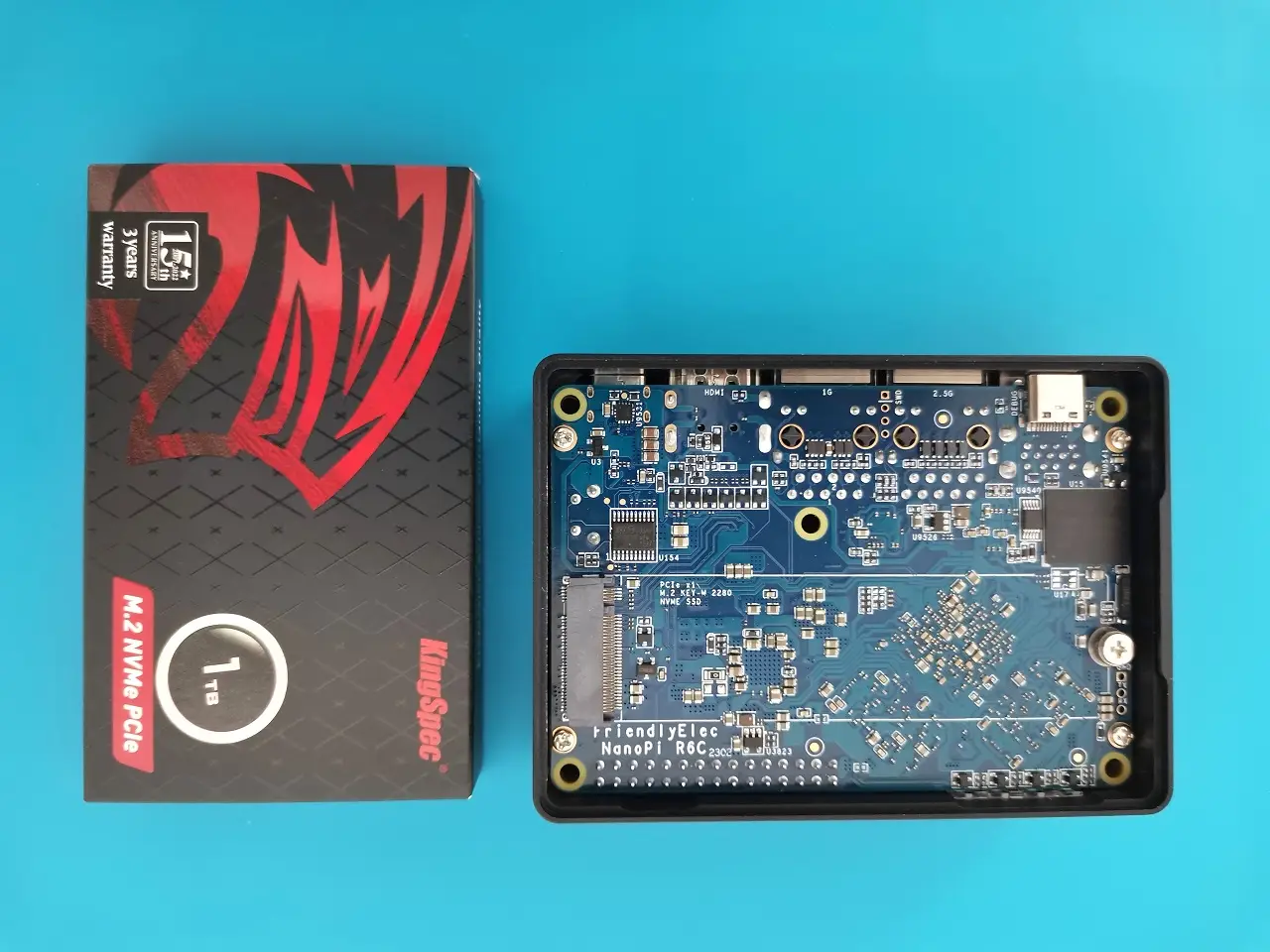
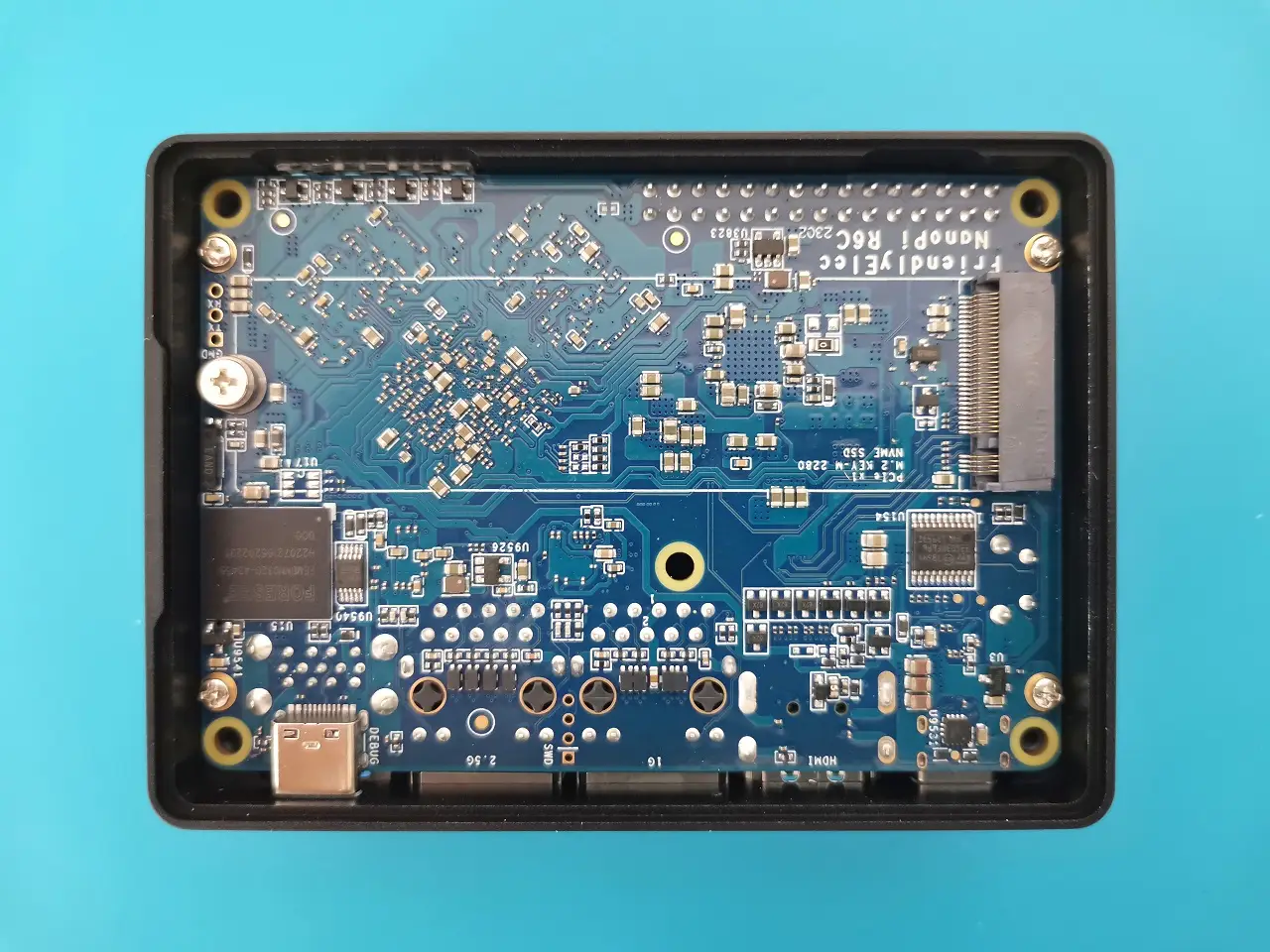
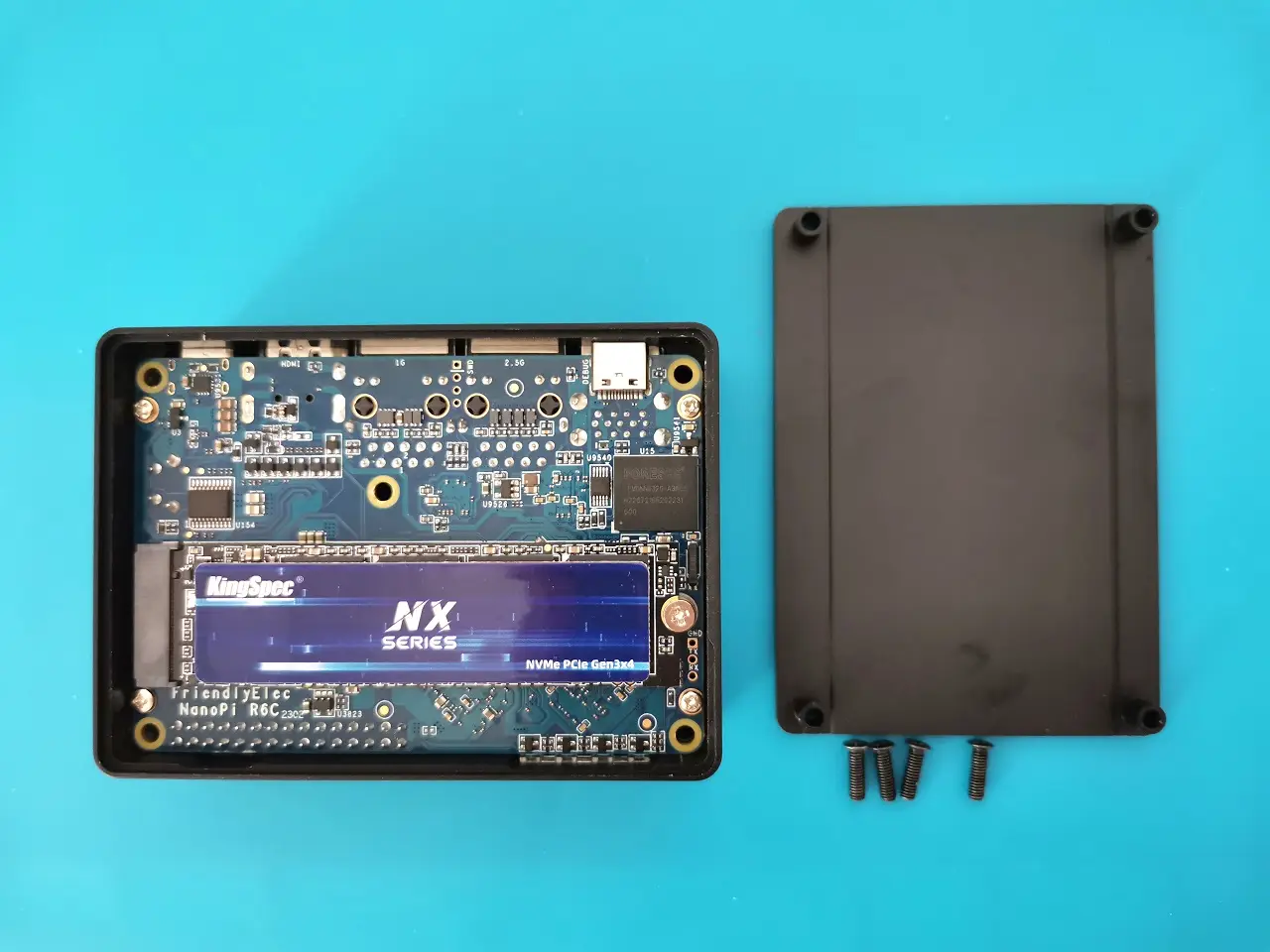
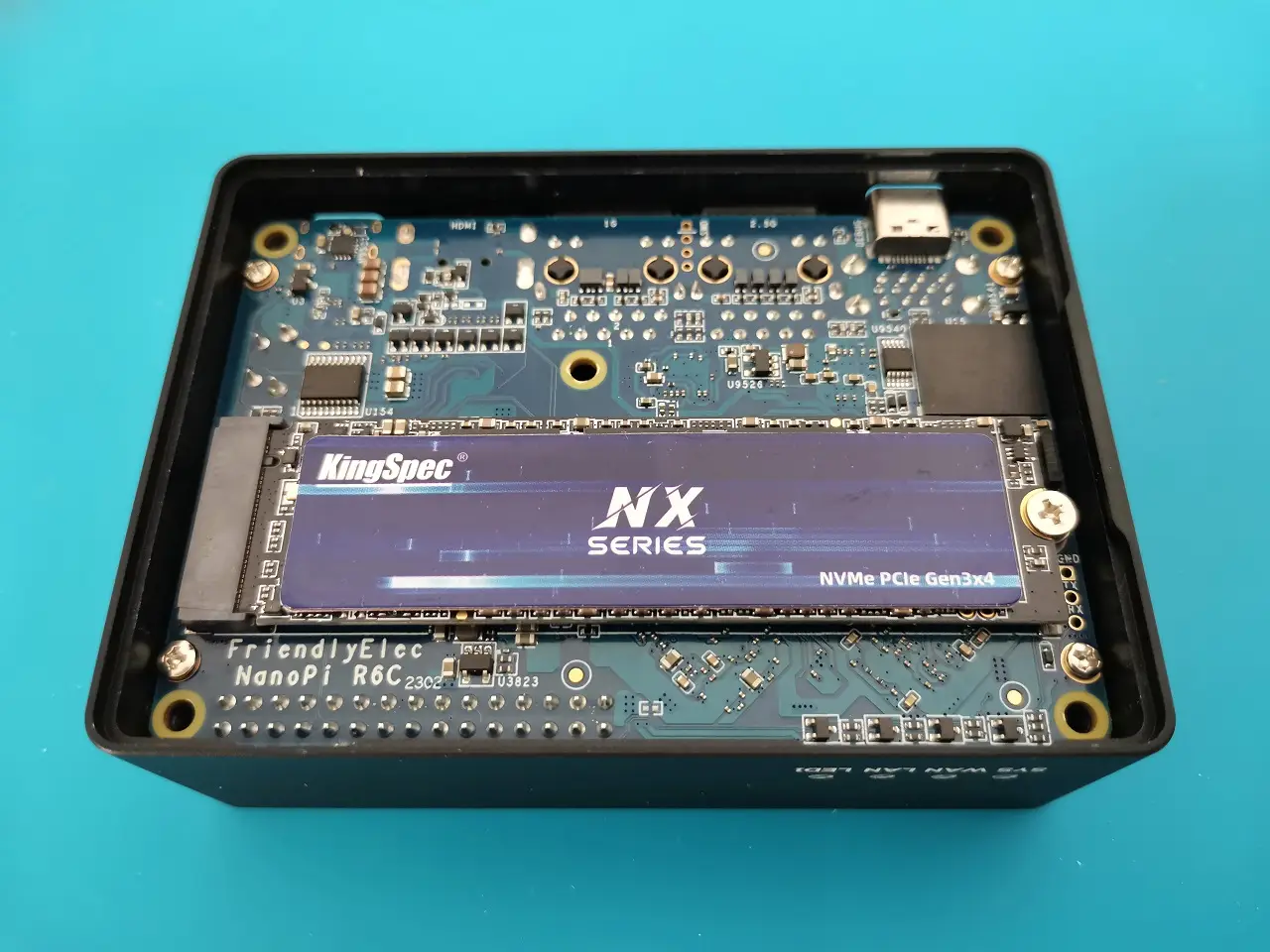
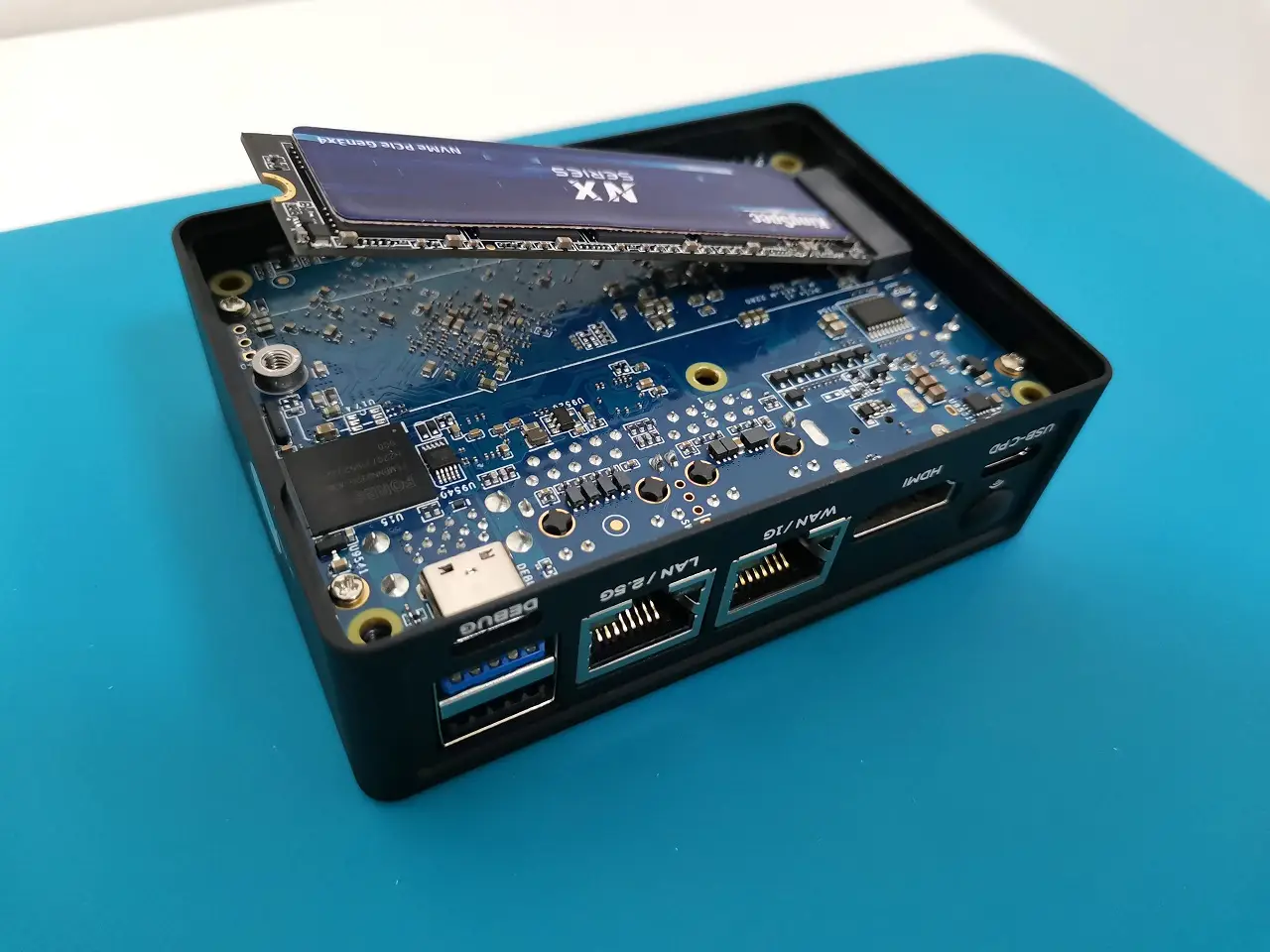
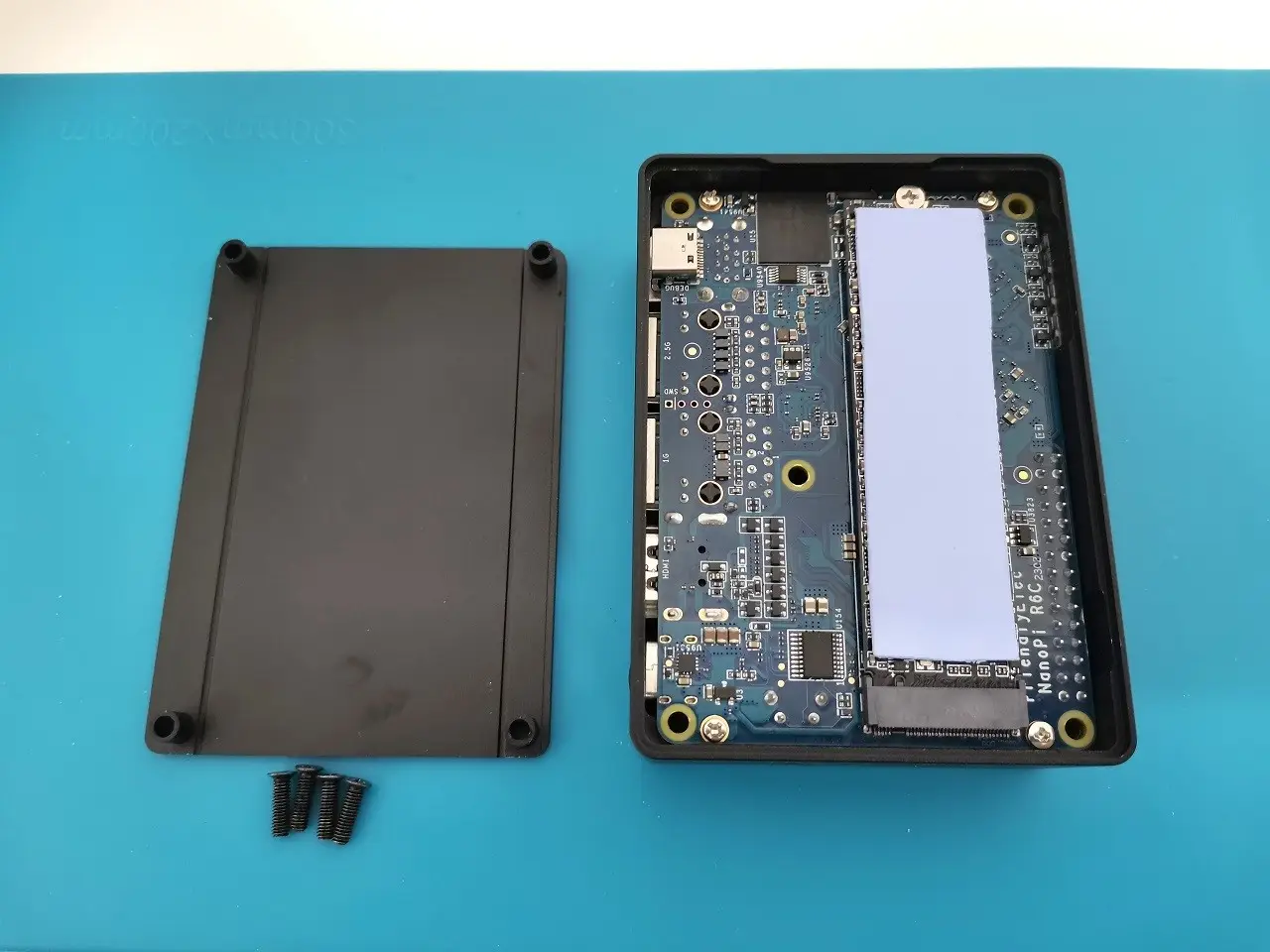
Aside from an eMMC Chip option to burn the operating system files, you can also use the integrated M.2 M-Key socket to install an M.2 NVMe card or a Wi-Fi/BT module if you require wireless connectivity, just keep in mind that the socket is only compatible with M.2 2280 modules and FriendlyElec didn’t offer compatibility with different smaller form factor boards such as 2230 and 2242 NVMe, this basically means that as a user you’re pretty limited because the module maximum length must be 80mm.
But don’t be discouraged. To overcome this problem, you will most likely need to install a M.2 adapter in addition to the Wi-Fi/BT module. The Orange Pi 5 module has a small footprint with an M.2 interface. This can be an excellent solution when used with an M.2 extension board which is super cheap to get. We didn’t have an opportunity to check with the NanoPi R6S if it works. However, if you want to try it, you can check it out in the links listed below:
Product Photo | Product description | Purchasing link |
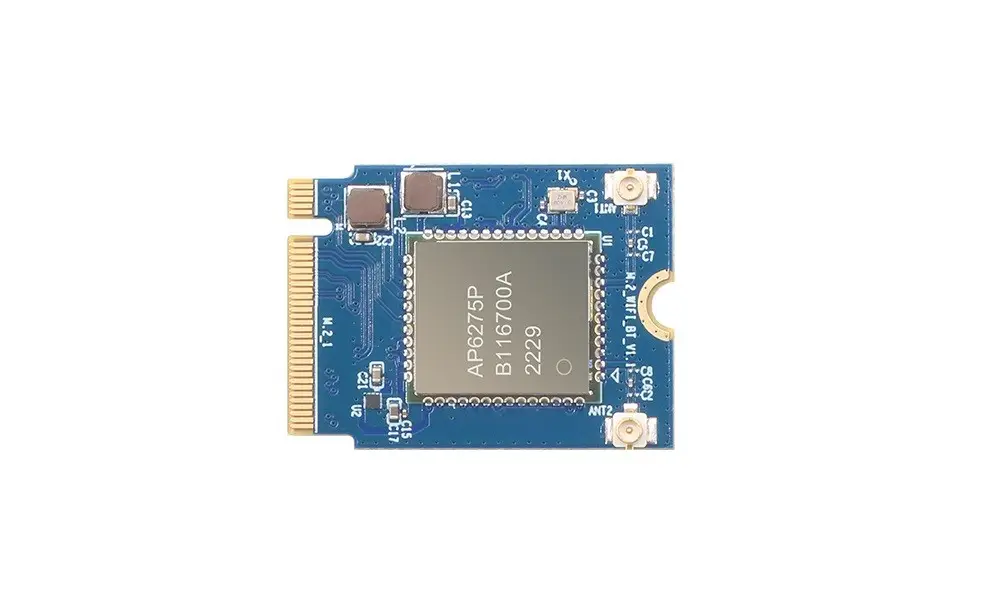 | Wifi 6 / BT Module | |
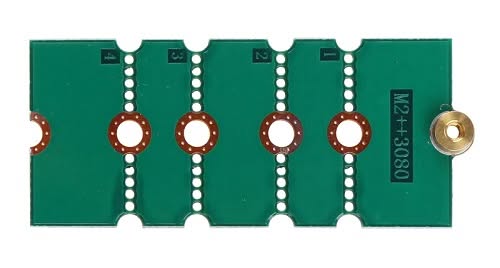 | M.2 Extension Card | |
This site contains affiliate links to products. We may receive a commission for purchases made through these links. | ||
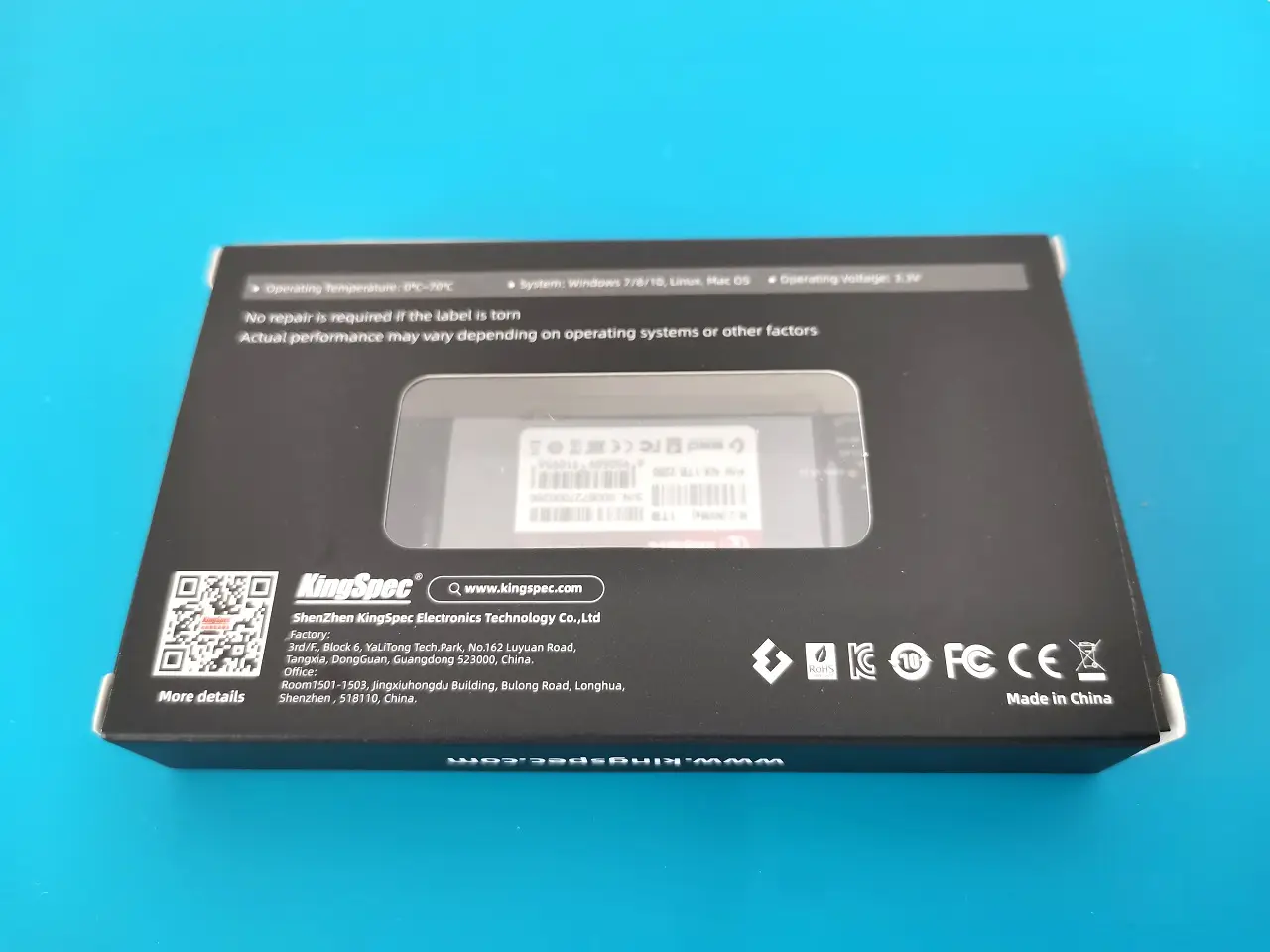
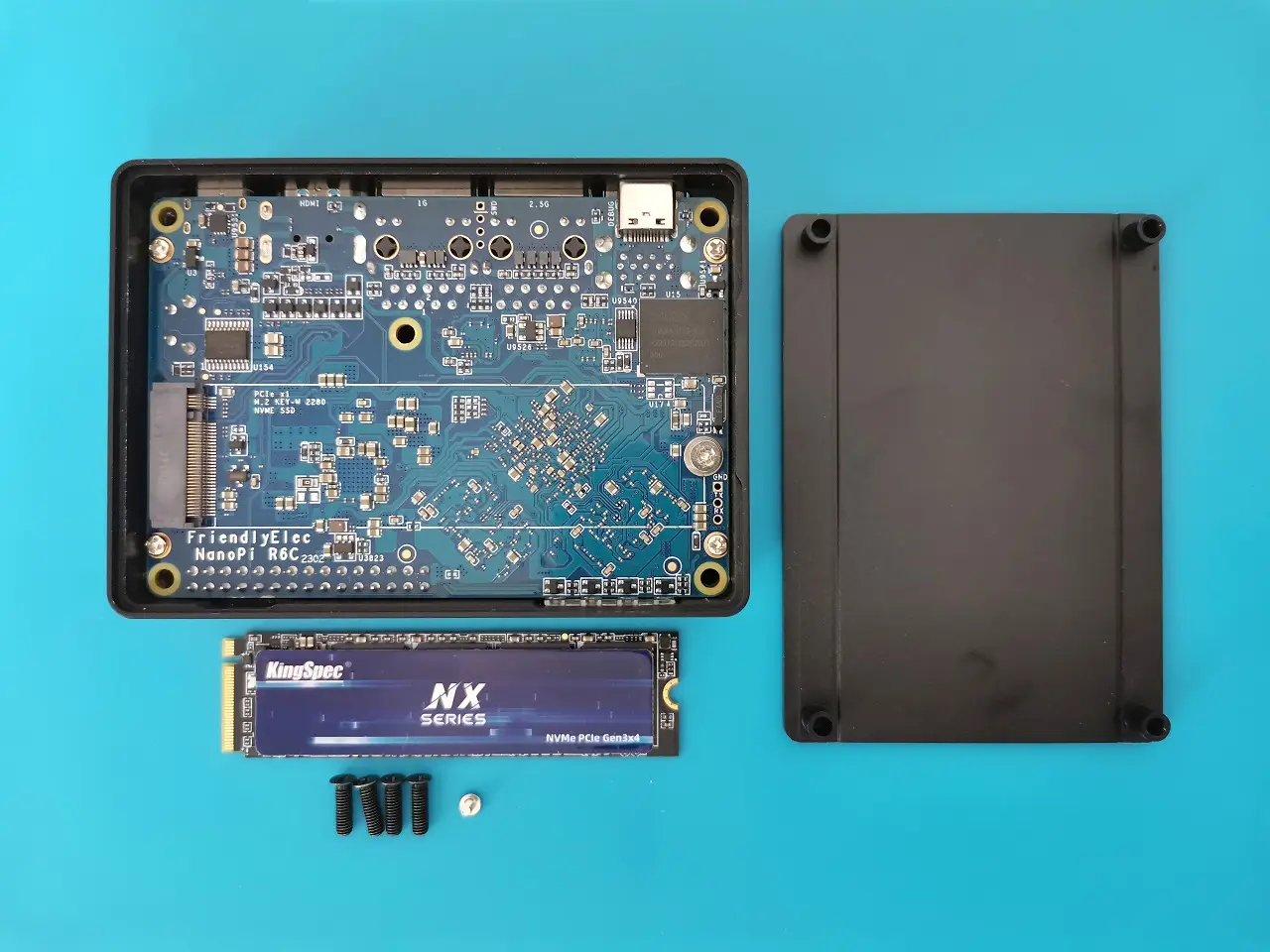
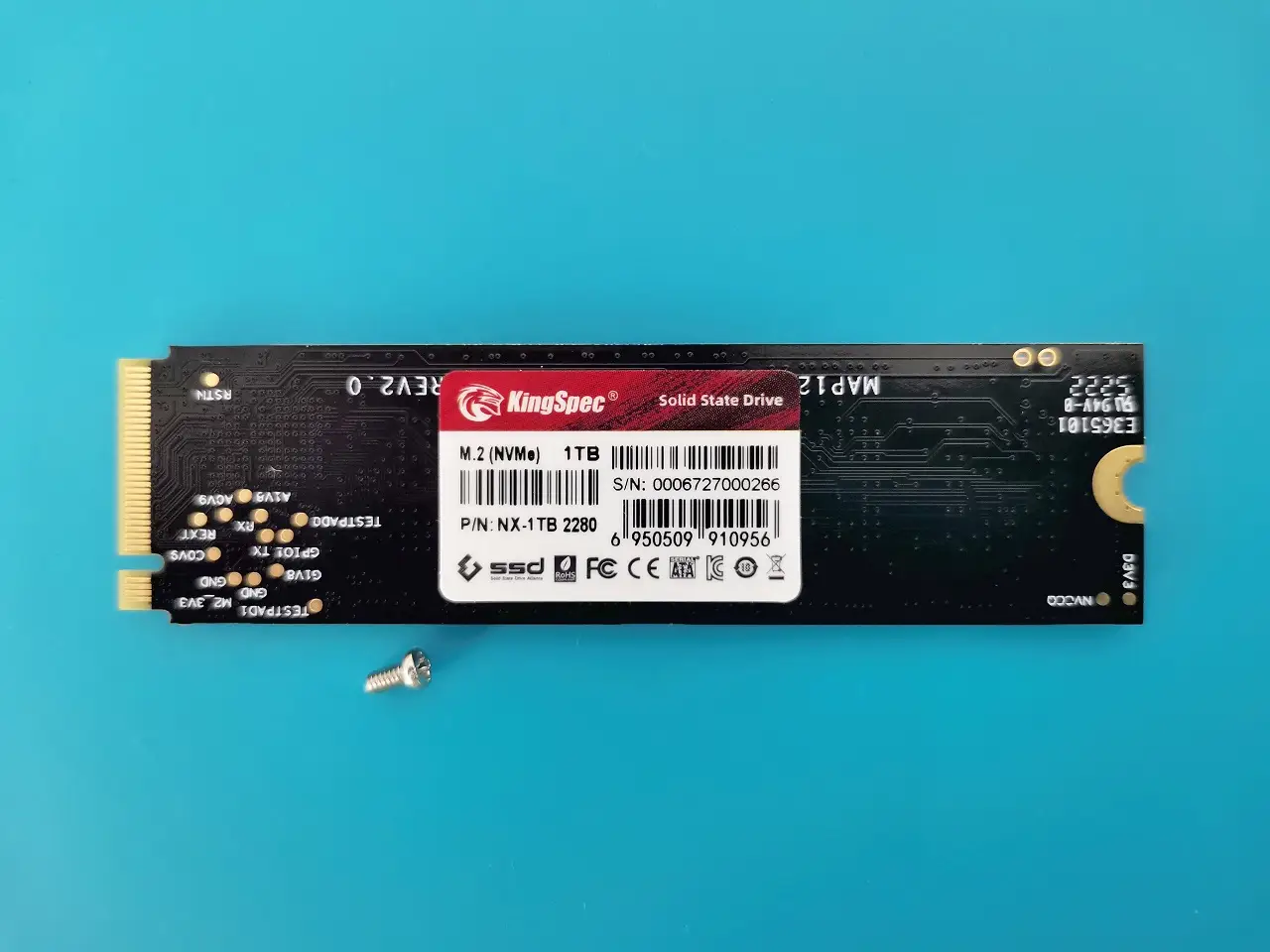
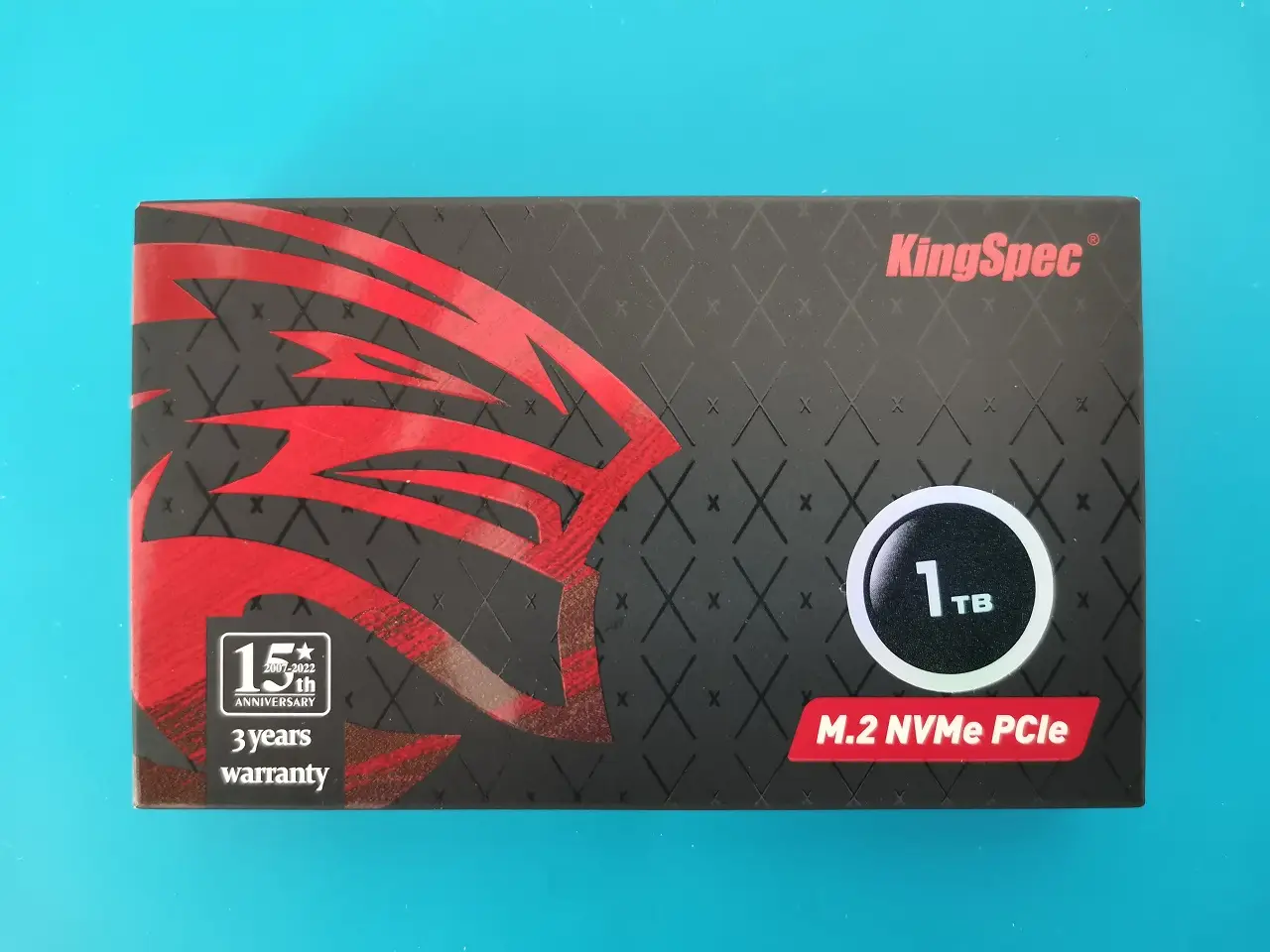
Assembling our KingSpec NVMe 2280 M.2 Card
GNOME Disk Utility Benchmark tests
With that being said, let’s discuss benchmarks. In our benchmarks we conducted three tests with 200MB, 500MB and 1GB file samples with a KingSpec 1TB M.2 NVMe card running under Ubuntu (Jammy) OS. Our test results were consistent with an average read rate of ~395 MB/s and a write speed of 403 MB/s.
| Test No. | Sample size | Result |
| 1 | 200 Mb | Average Read Rate: 417.1 MB/s Average Write Rate: 404.1 MB/s |
| 2 | 500 Mb | Average Read Rate: 357.5 MB/s Average Write Rate: 404.2 MB/s |
| 3 | 1 GB | Average Read Rate: 412.7 MB/s Average Write Rate: 402.9 MB/s |
NVMe Sequential write/read test results
Tips and Steps for applying a thermal pad
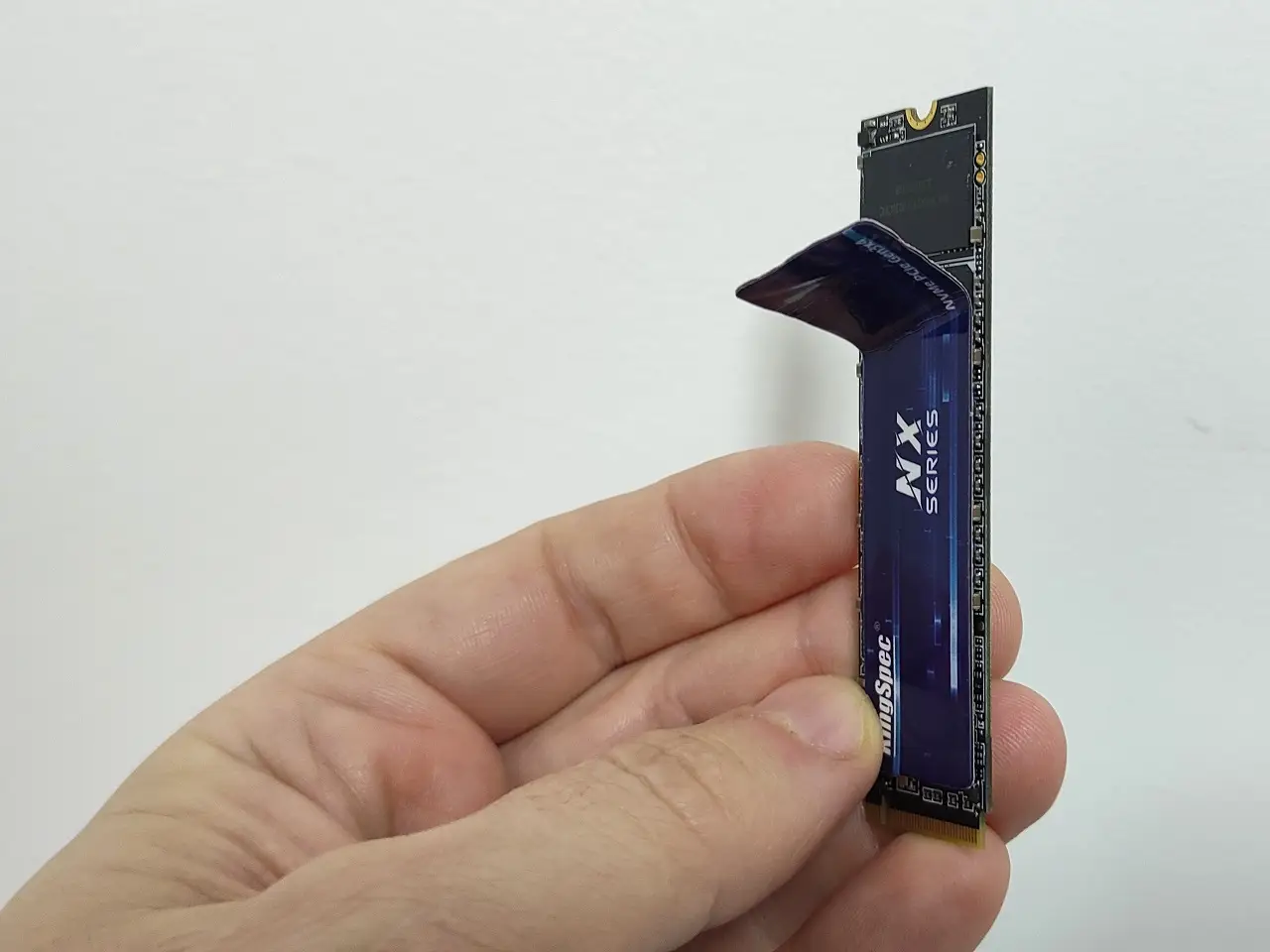
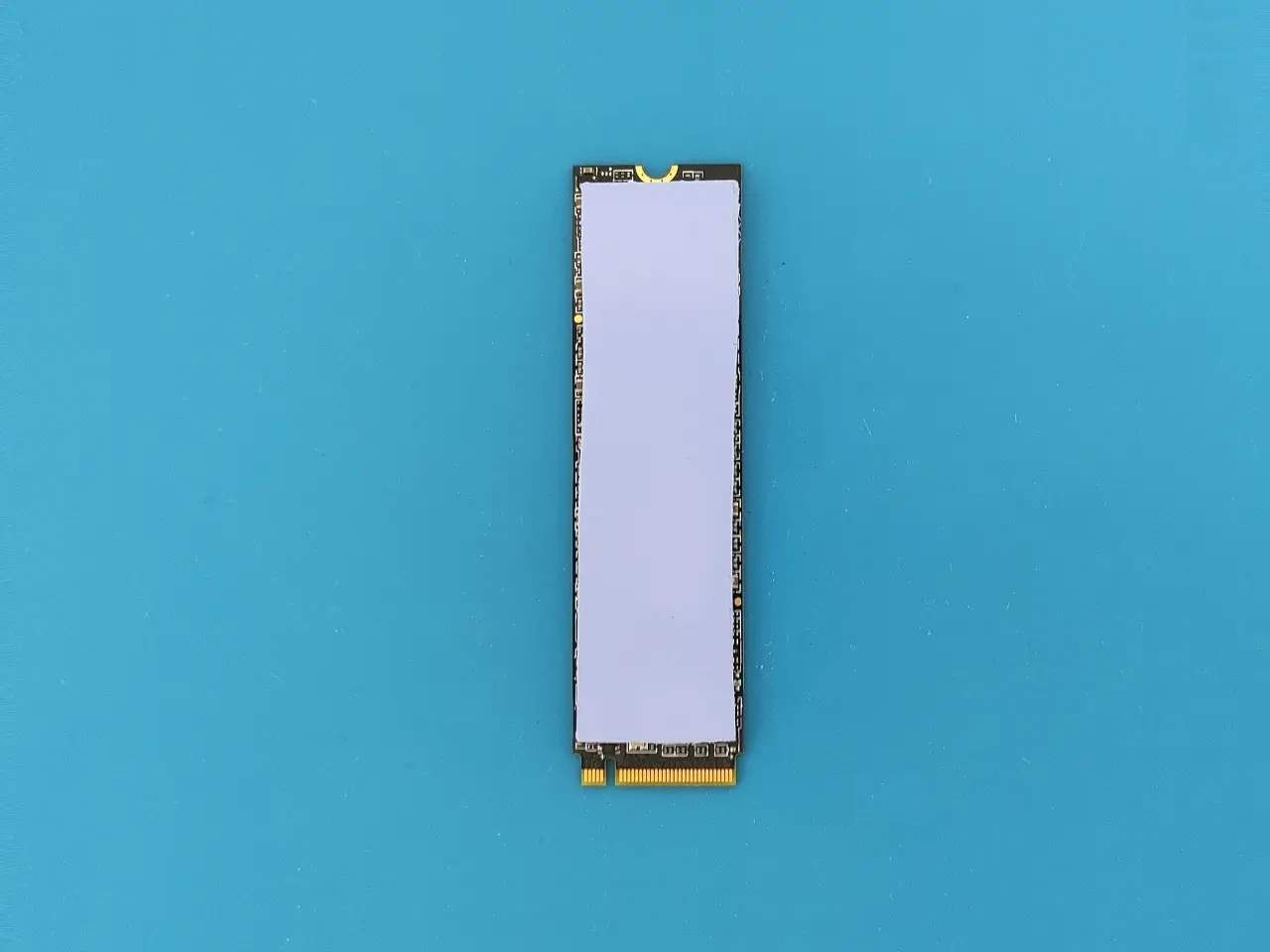
This is crucial to ensure the NVMe gets the proper cooling. But before installing there are things you should know. First, you can’t use an NVMe heatsink because theרe is not enough space. FriendlyElec team meticulously designed the cover to have contact with the card, which conducts the heat via the case cover. You can buy or cut a thermal silicon pad to 20x70x1 mm. If the NVMe already comes with some sort of thermal sticker, then you will most likely need to peel it off.
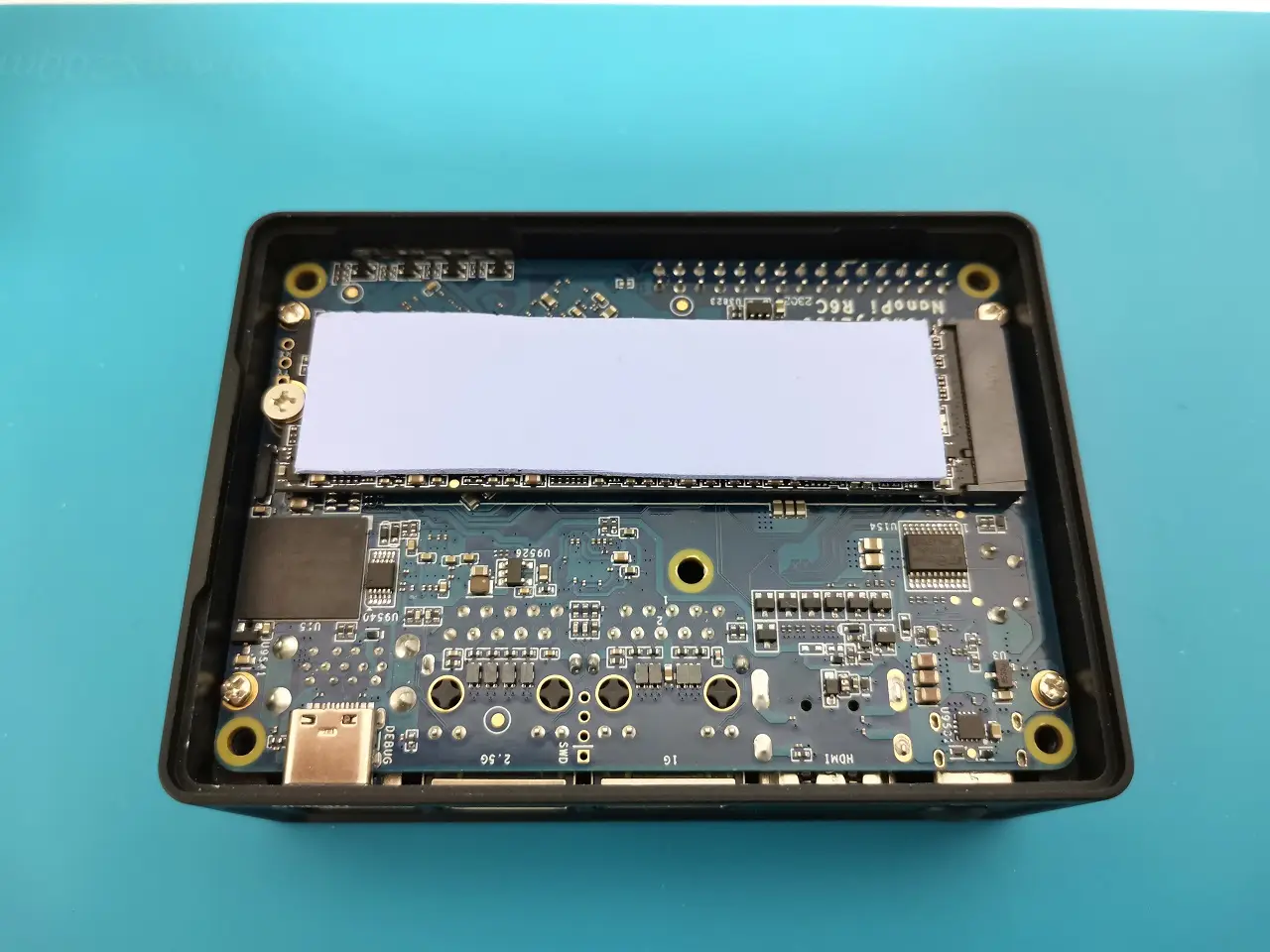
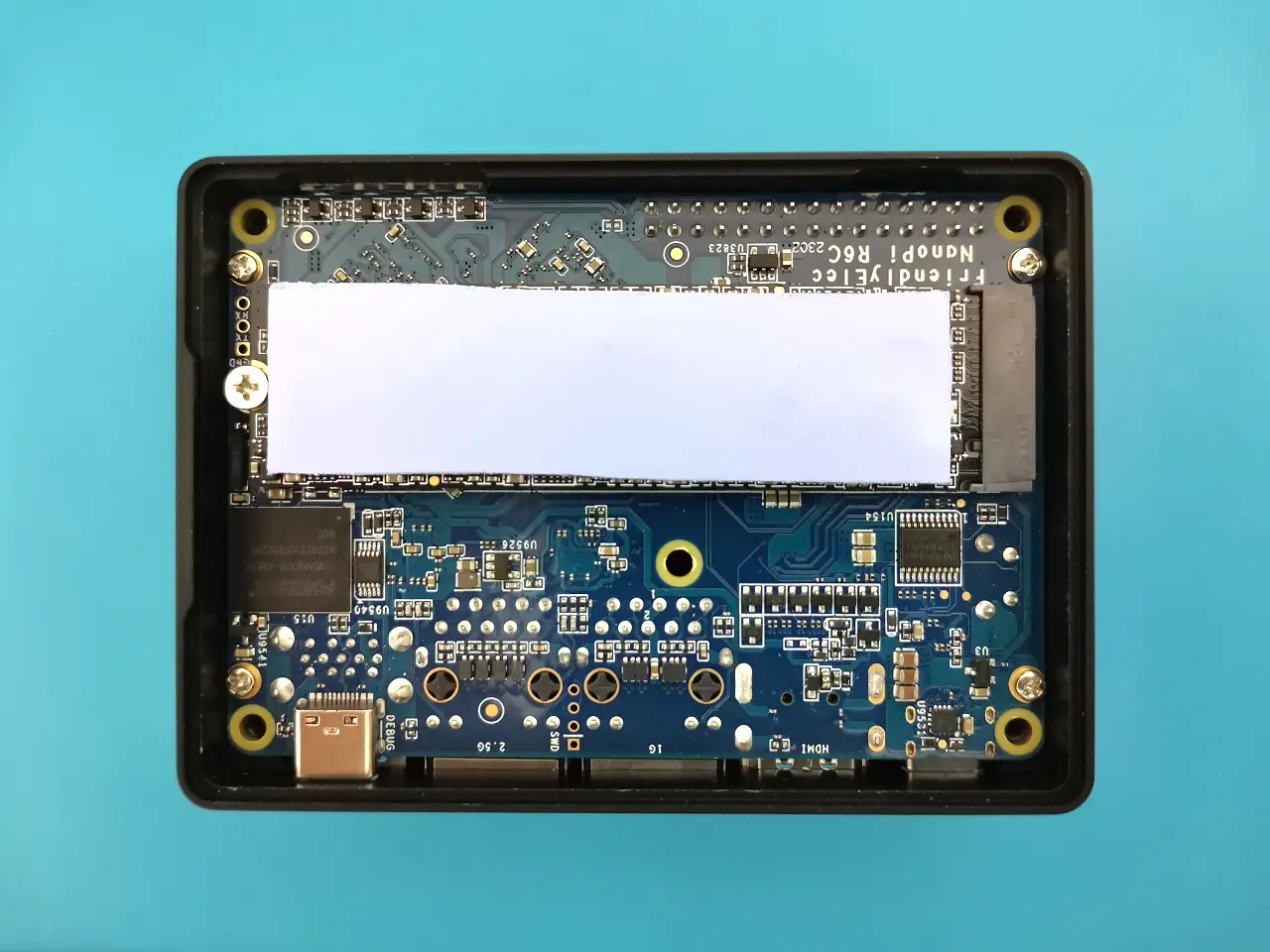

GNOME Disk Utility Benchmark tests
We booted from a MicroSD card for this test. Tested performance with 200/500/1GB file samples after wiping the eMMC partition completely and formatting the existing partition to ext4. As expected, the results were not impressive, especially when it came to writing speeds on a single board computer. Our recommendation is to purchase a high-quality Micro SD card if you need more “balanced” writing speeds.
| Test No. | Sample size | Result |
| 1 | 200 Mb | Average Read Rate: 306.0 MB/s Average Write Rate: 125.2 MB/s |
| 2 | 500 Mb | Average Read Rate: 296.7 MB/s Average Write Rate: 37.4 MB/s |
| 3 | 1GB | Average Read Rate: 295.4 MB/s Average Write Rate: 34.5 MB/s |
Sequential write/read test results of eMMC (32GB)
Additional tests
eMMC (hdparm Read Speed)
root@NanoPi-R6C: hdparm -tT /dev/mmcblk2
/dev/mmcblk2:
Timing cached reads: 5848 MB in 2.00 seconds = 2925.28 MB/sec
Timing buffered disk reads: 832 MB in 3.01 seconds = 276.86 MB/sec
eMMC (dd Read test)
root@NanoPi-R6C: dd if=/dev/mmcblk2 of=/dev/null bs=4k count=1000000 oflag=dsync
1000000+0 records in
1000000+0 records out
4096000000 bytes (4.1 GB, 3.8 GiB) copied, 16.8873 s, 243 MB/s
root@NanoPi-R6C:/home/f3-8.0# dd if=/dev/mmcblk2p9 of=/dev/null bs=4k count=1000000 oflag=dsync
NVMe (hdparm Read Speed)
root@NanoPi-R6C: hdparm -tT /dev/nvme0n1
Disk /dev/nvme0n1: 953.87 GiB, 1024209543168 bytes, 2000409264 sectors
Disk model: NX-1TB 2280
Units: sectors of 1 * 512 = 512 bytes
Sector size (logical/physical): 512 bytes / 512 bytes
I/O size (minimum/optimal): 512 bytes / 512 bytes
root@NanoPi-R6C:/home/f3-8.0# ^C
root@NanoPi-R6C:/home/f3-8.0# hdparm -tT /dev/nvme0n1
/dev/nvme0n1:
Timing cached reads: 6572 MB in 2.00 seconds = 3287.98 MB/sec
Timing buffered disk reads: 1152 MB in 3.00 seconds = 383.81 MB/sec
Checking Temperatures
Tool: s-tui stress test.
We overloaded all eight processor cores to their maximum (peak) for about 5 minutes and monitored the temperatures. According to our observation, from an idle state, when the core temp in idle mode with very light usage is about 32-37 °C they reached maximum to approximately 51 °C and didn’t raise too high as we first expected thanks to the metal case that works extremely well in cooling the board main chip.
Running s-tui stress test tool
Key Takeaways
- NanoPi R6S Review NanoPi R6C Review, Specifications, and Price.
- NanoPi R6C This single-board computer is designed to work well in industrial settings.
- NanoPi R6S vs.
- Storage Interfaces NanoPi R6C also offers a wide range of storage options.
- NanoPi R6 NVMe Install 2 NanoPi R6 NVMe Install 3 NanoPi R6 NVMe Install 4 NanoPi R6 NVMe Install 5 NanoPi R6 NVMe Install 6 NanoPi R6 NVMe Install 1 GNOME Disk Utility Benchmark tests We booted from a MicroSD card for…
Frequently Asked Questions
What is nanopi r6c?
This single-board computer is designed to work well in industrial settings.
What is nanopi r6c specifications?
SoC – Rockchip RK3588S octa-core processor with: CPU – 4x Cortex-A76 cores @ up to 2.
What is connectivity & video support?
Additionally, the NanoPi R6C offers a wide range of connectivity options.
What is applicable in industrial environments?
A variety of industrial-grade features are also built into the NanoPi R6C.