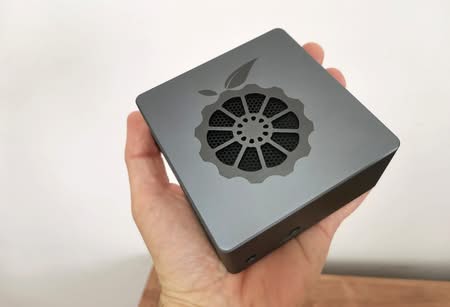
Pros and Cons Compared to Orange Pi 5
Comparing the two boards, you can see that few compromises were made to make them cheaper. You will find a few differences. The Orange Pi 5 board, for instance, has 26 pins, whereas the R6C board has 31 pins. The reason is that a few extra pins for digital audio extraction including UART access were added.
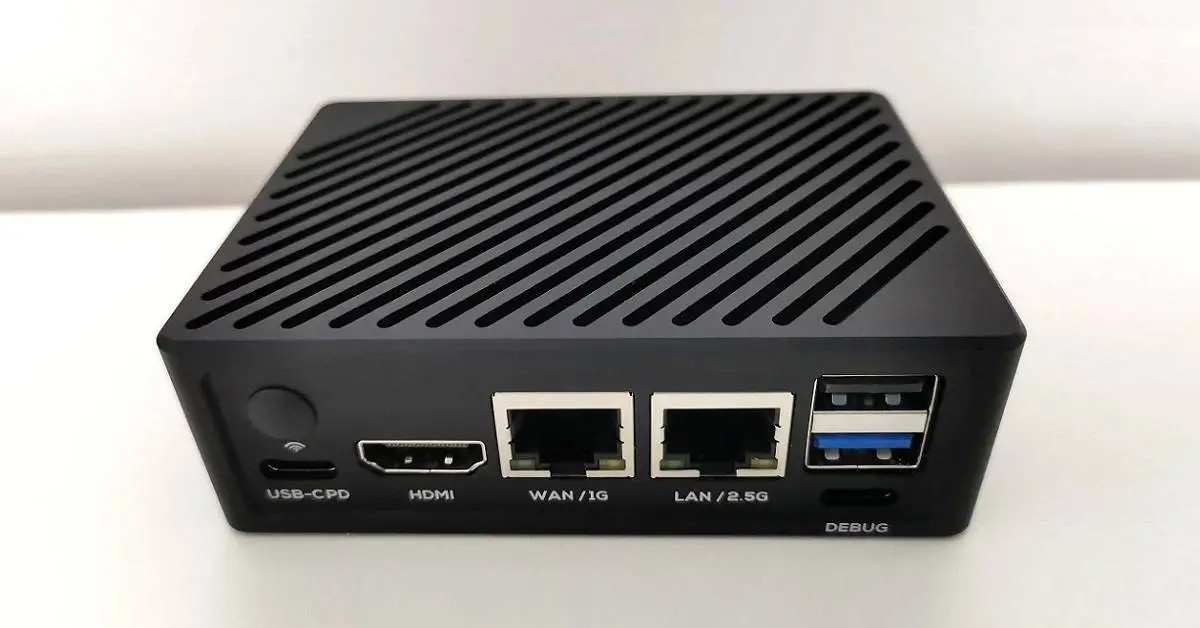
A USB Type-C connection is now used to access the device’s UART, saving the user a few bucks on acquiring a necessary UART module and cables. With the R6C board connected to a PC using a standard Type-C USB cable, the process is easier and simpler. The idea of adding two Ethernet ports is a big plus for most users seeking to build a small NAS gateway server.
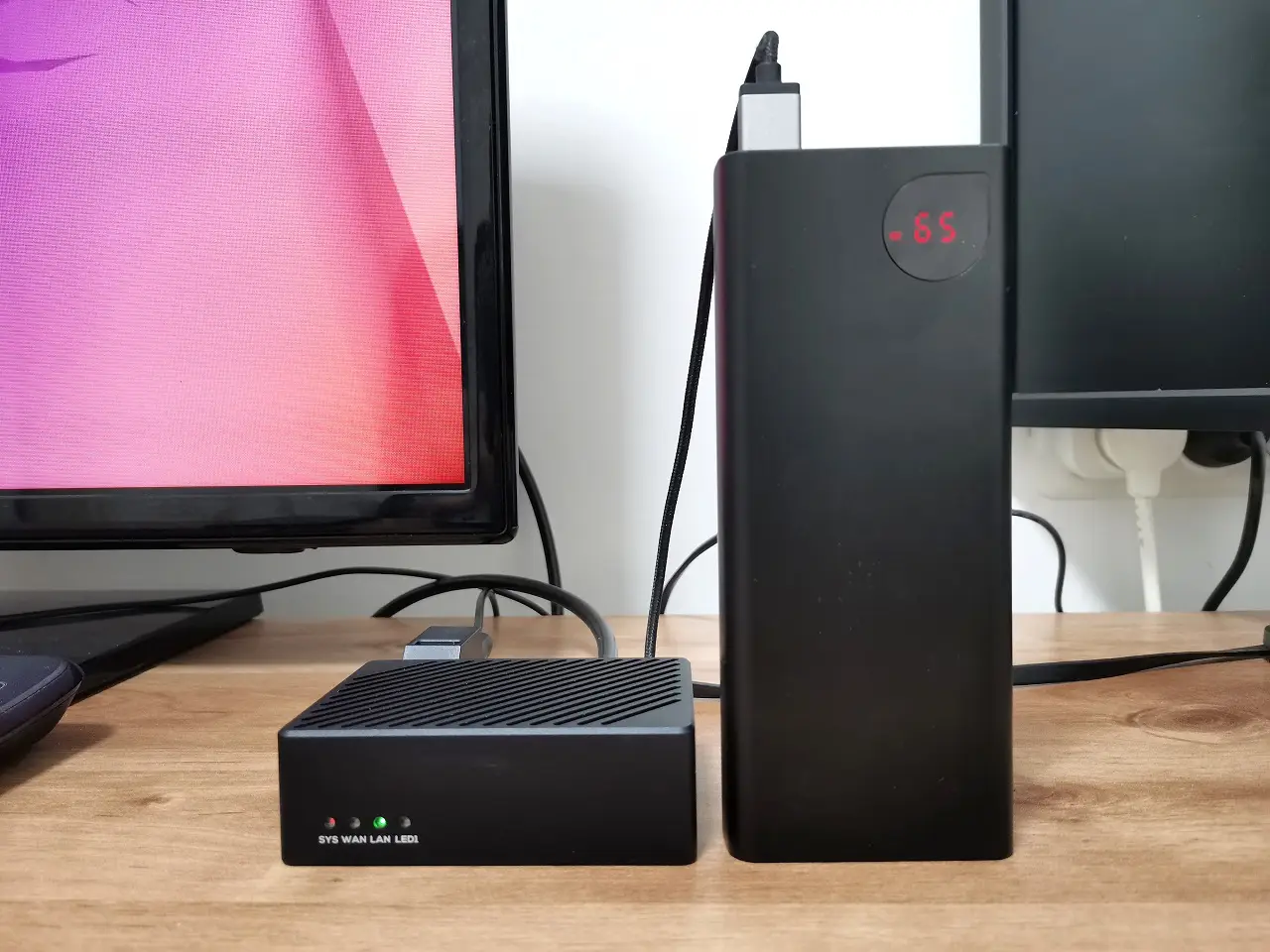
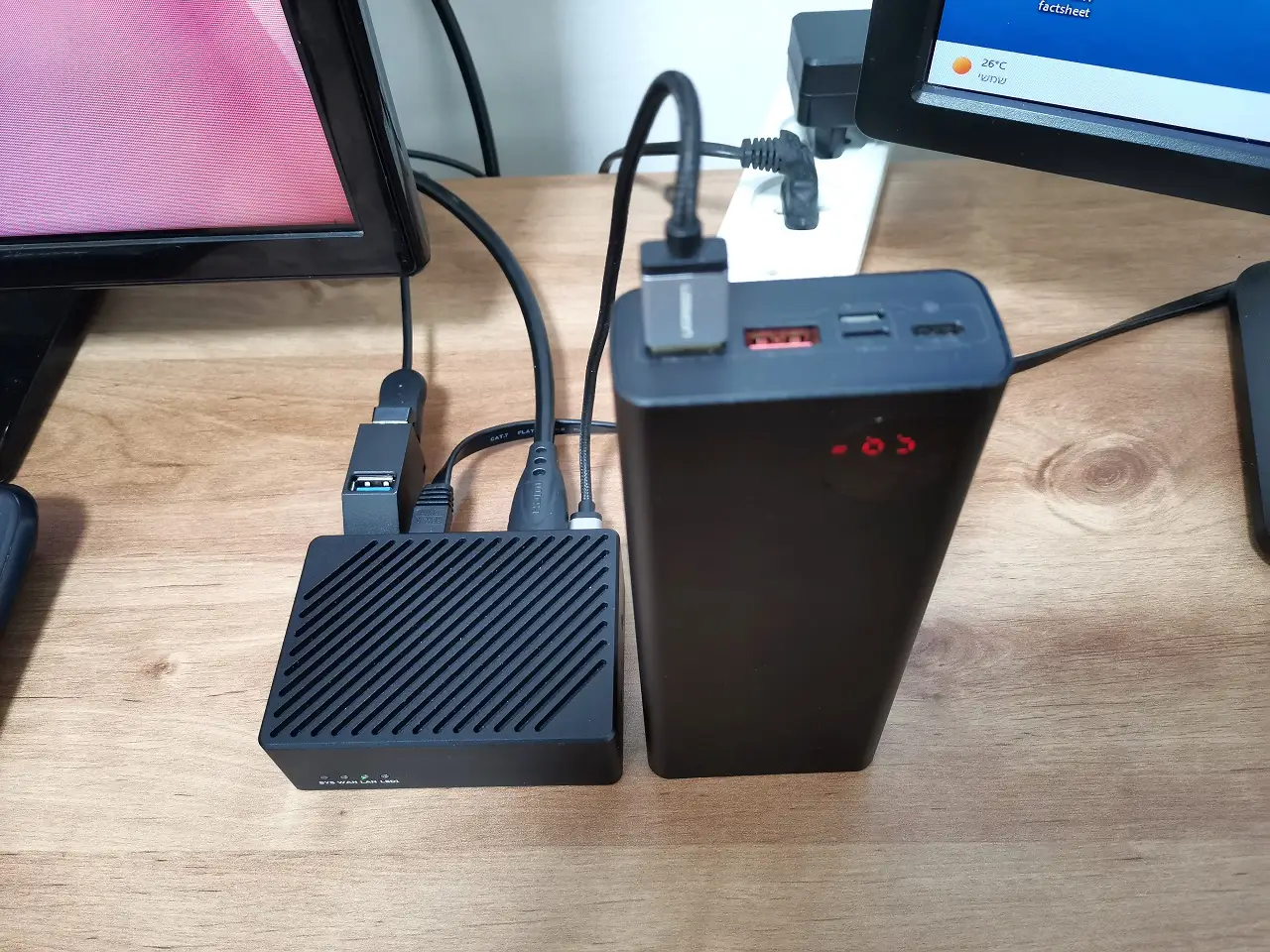
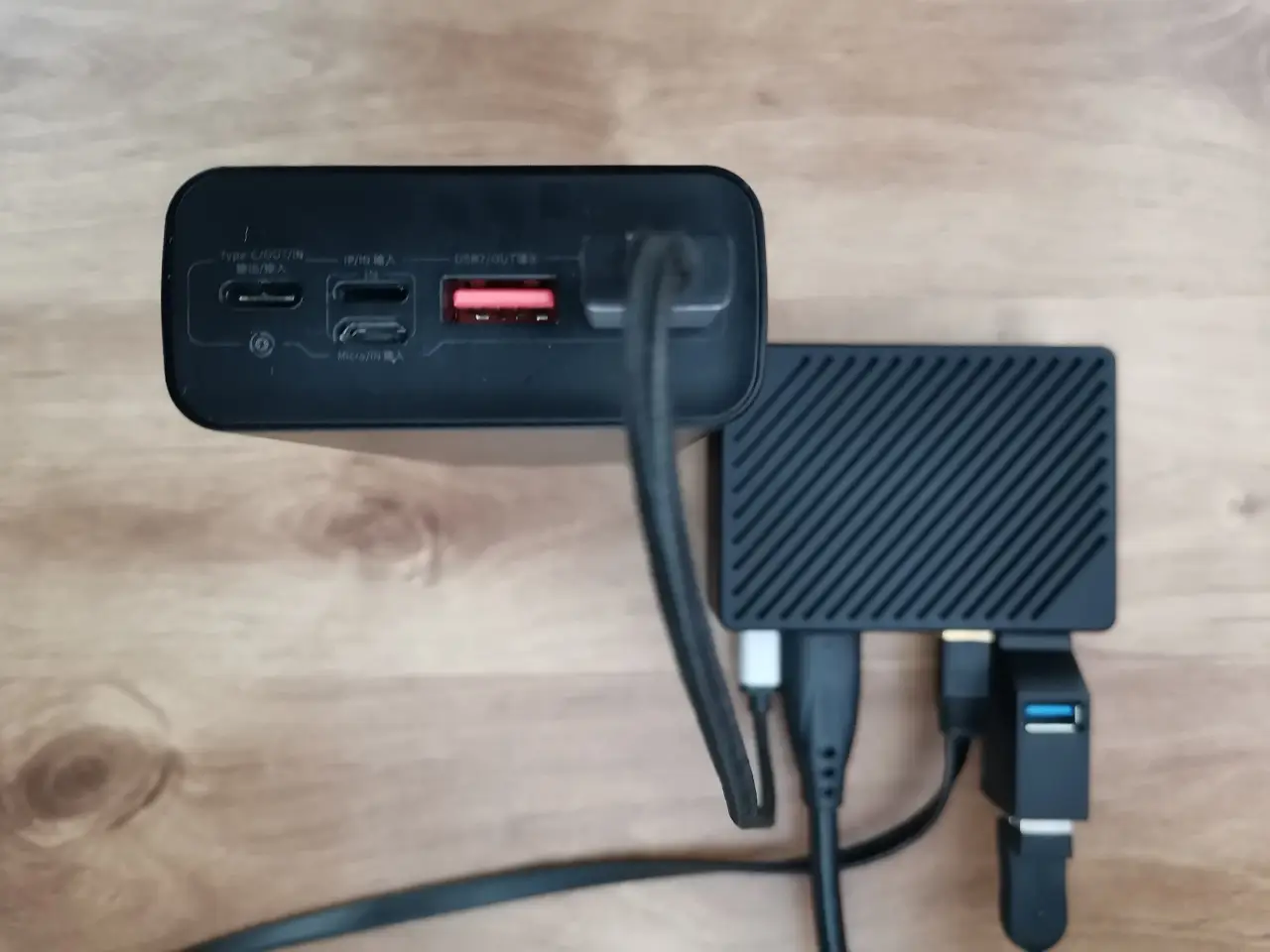
Also, the R6C doesn’t have an integrated microphone, headphone jack, an additional Type-C port, multiple camera interfaces, nor FLASH. On the brighter side, USB Type C supports multiple voltage sources (5V, 9V, 12V, 20V), so it’s possible to power this board using a backup battery/portable charger unit that can be also used in industrial environments without the need for a direct power source.
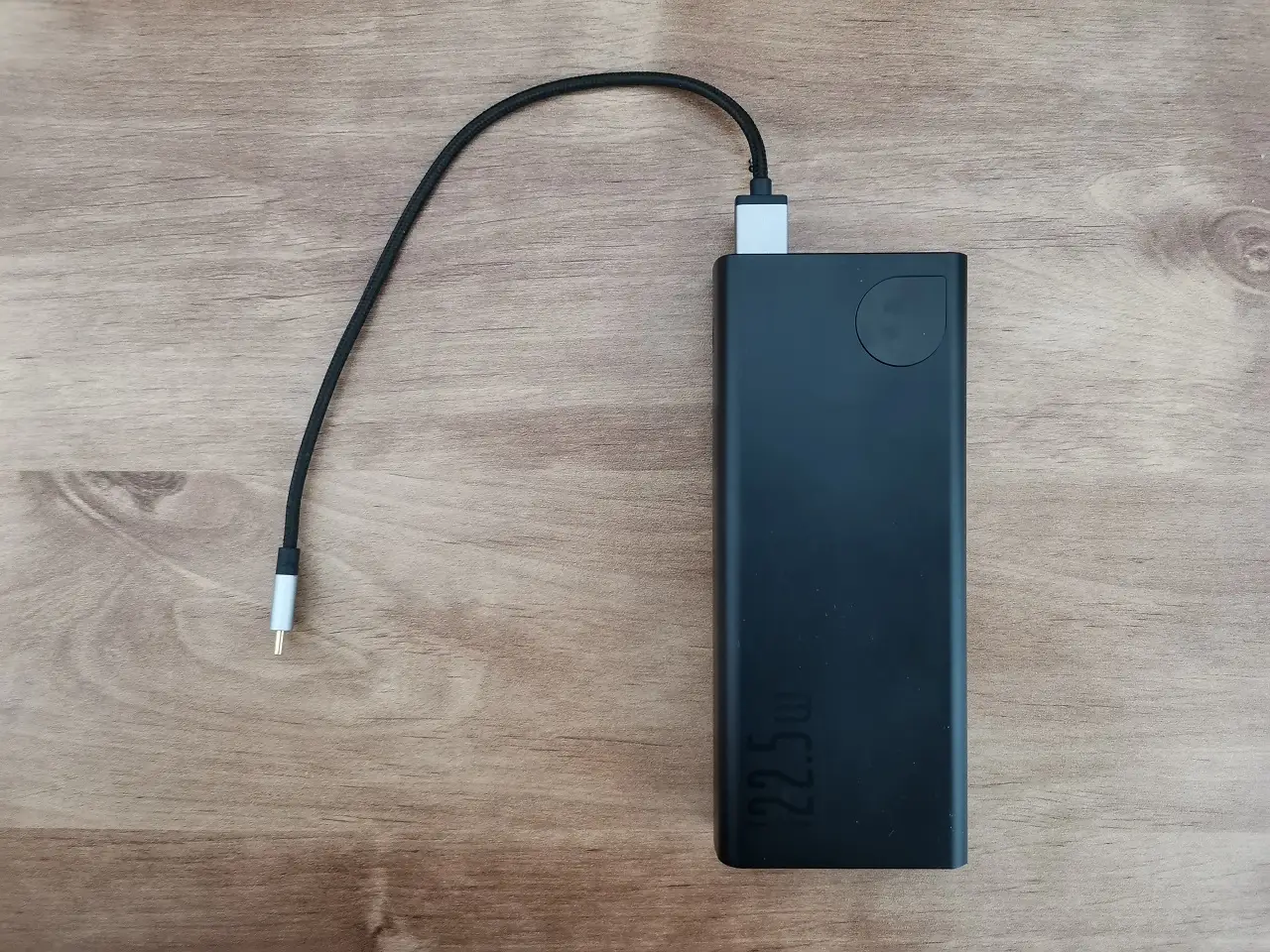
Nanopi R6C powered by a baseus Power Bank (20000mAh 22.5W)
Software Support
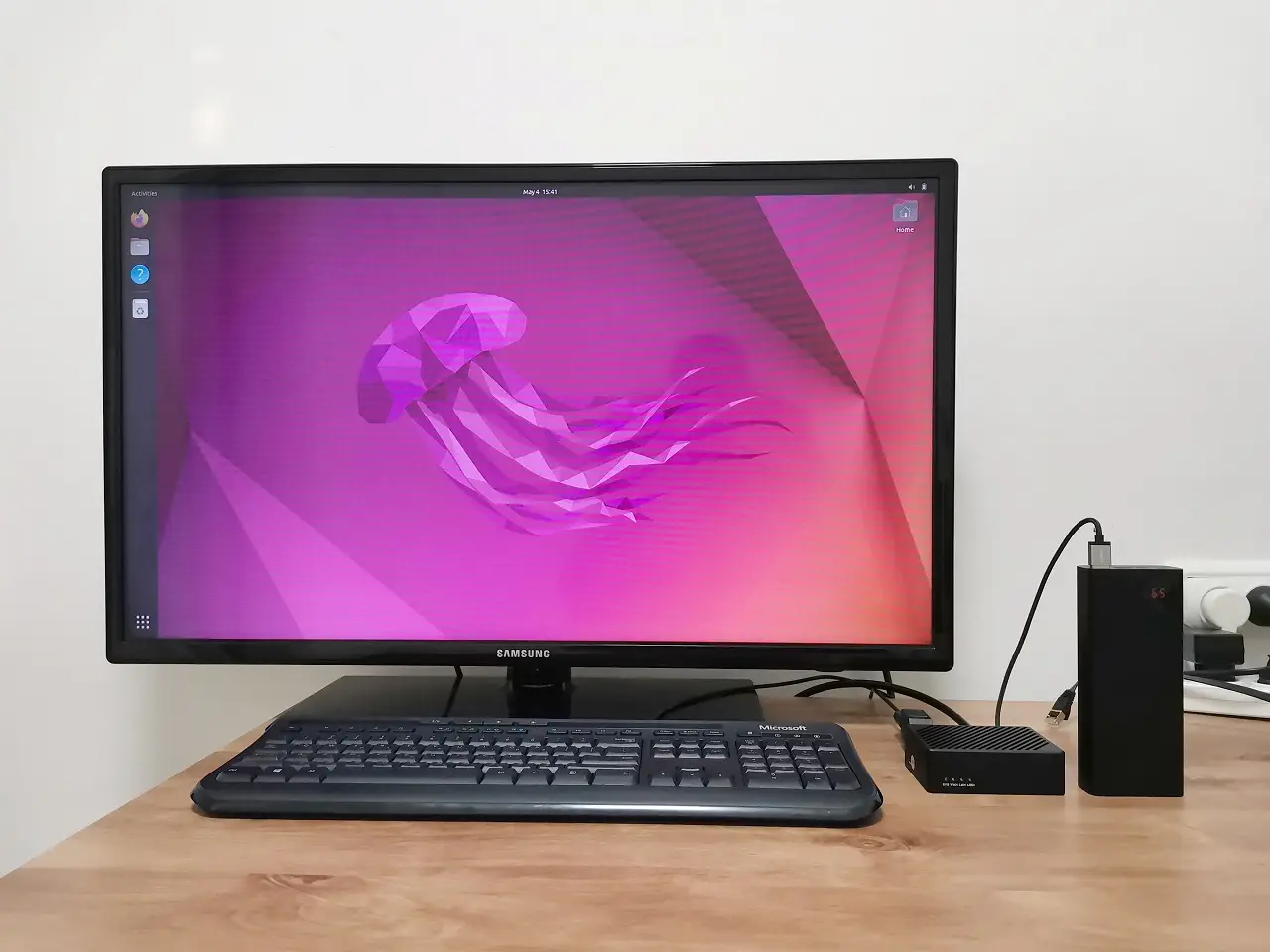
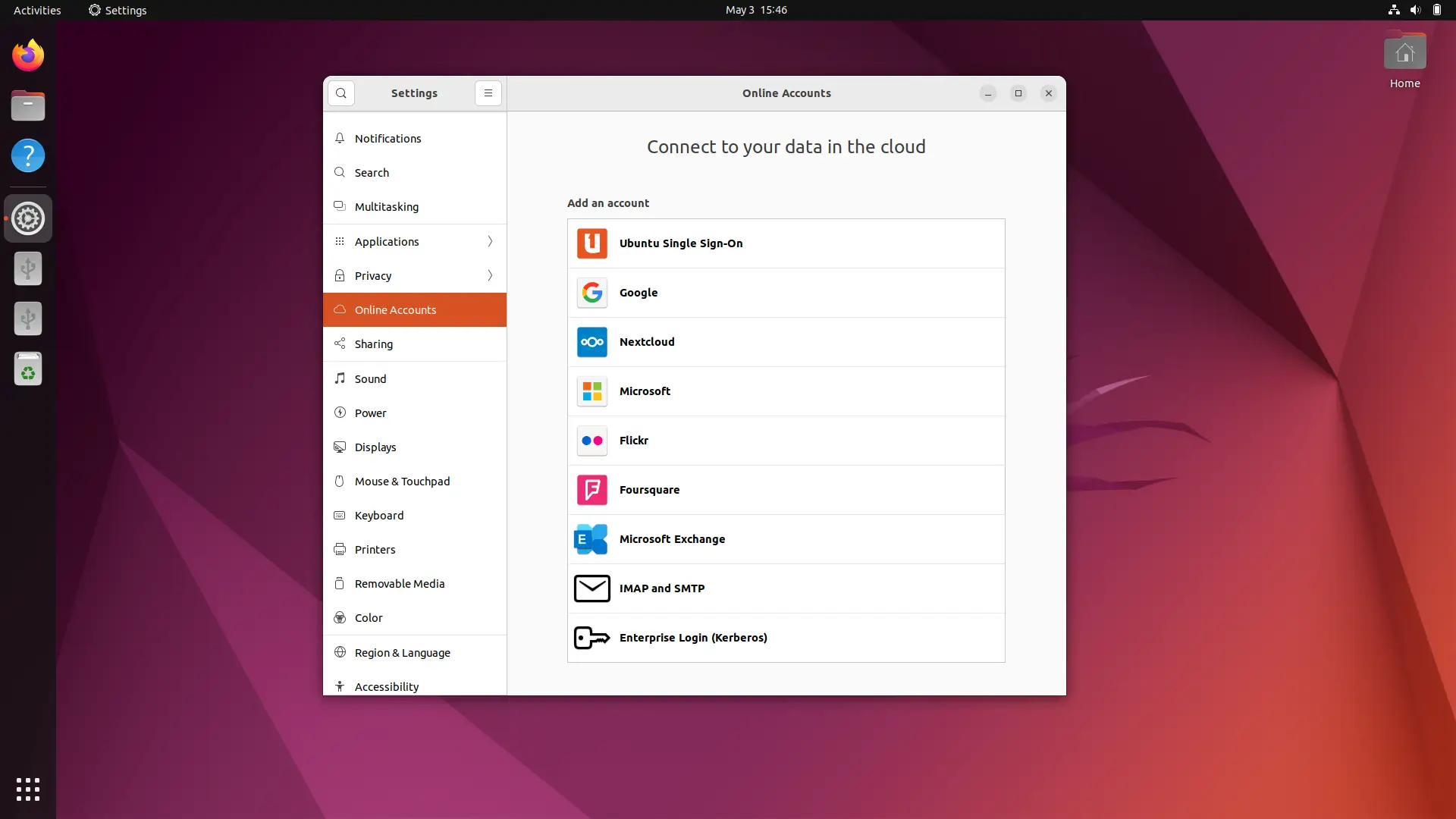
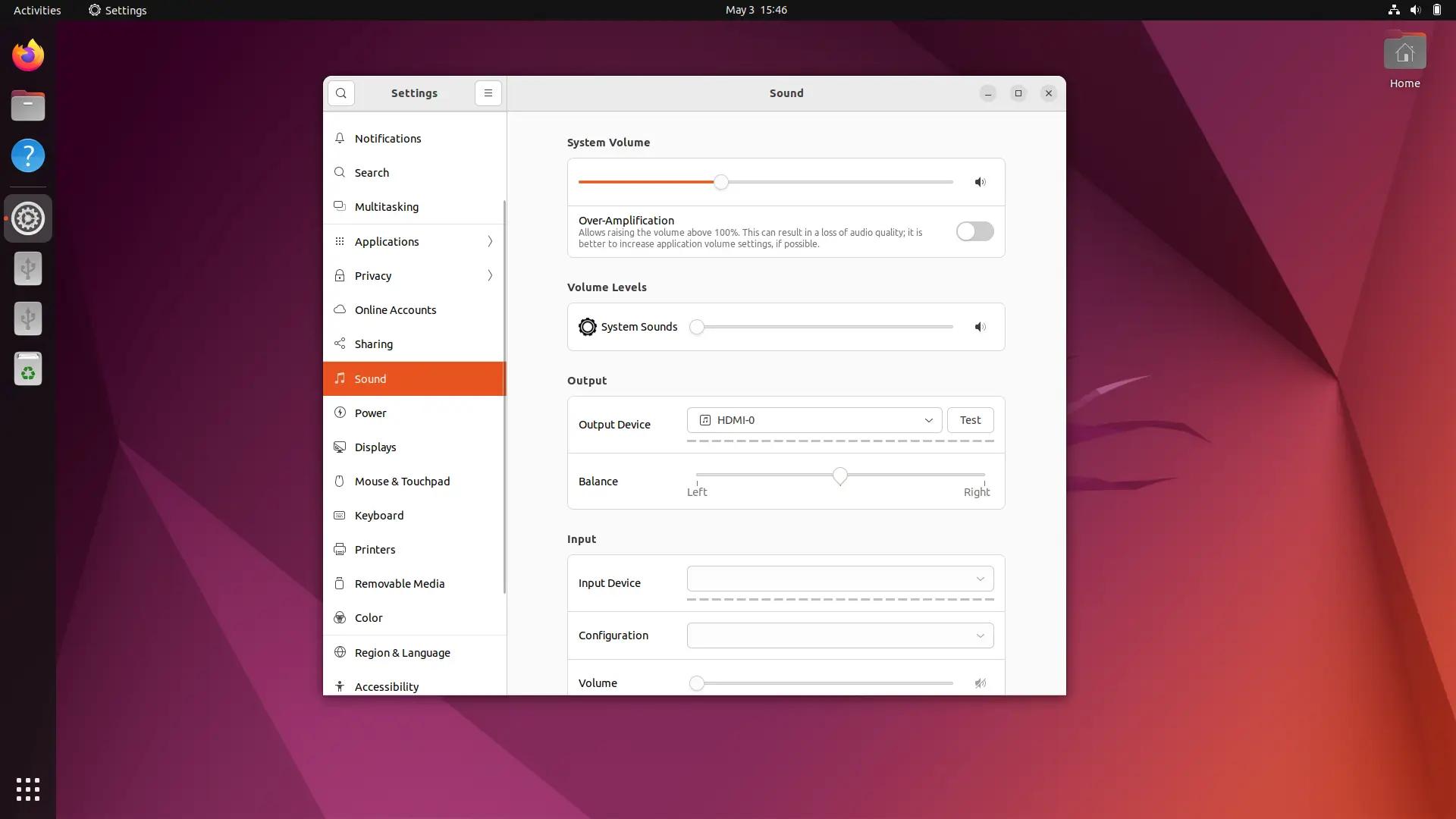
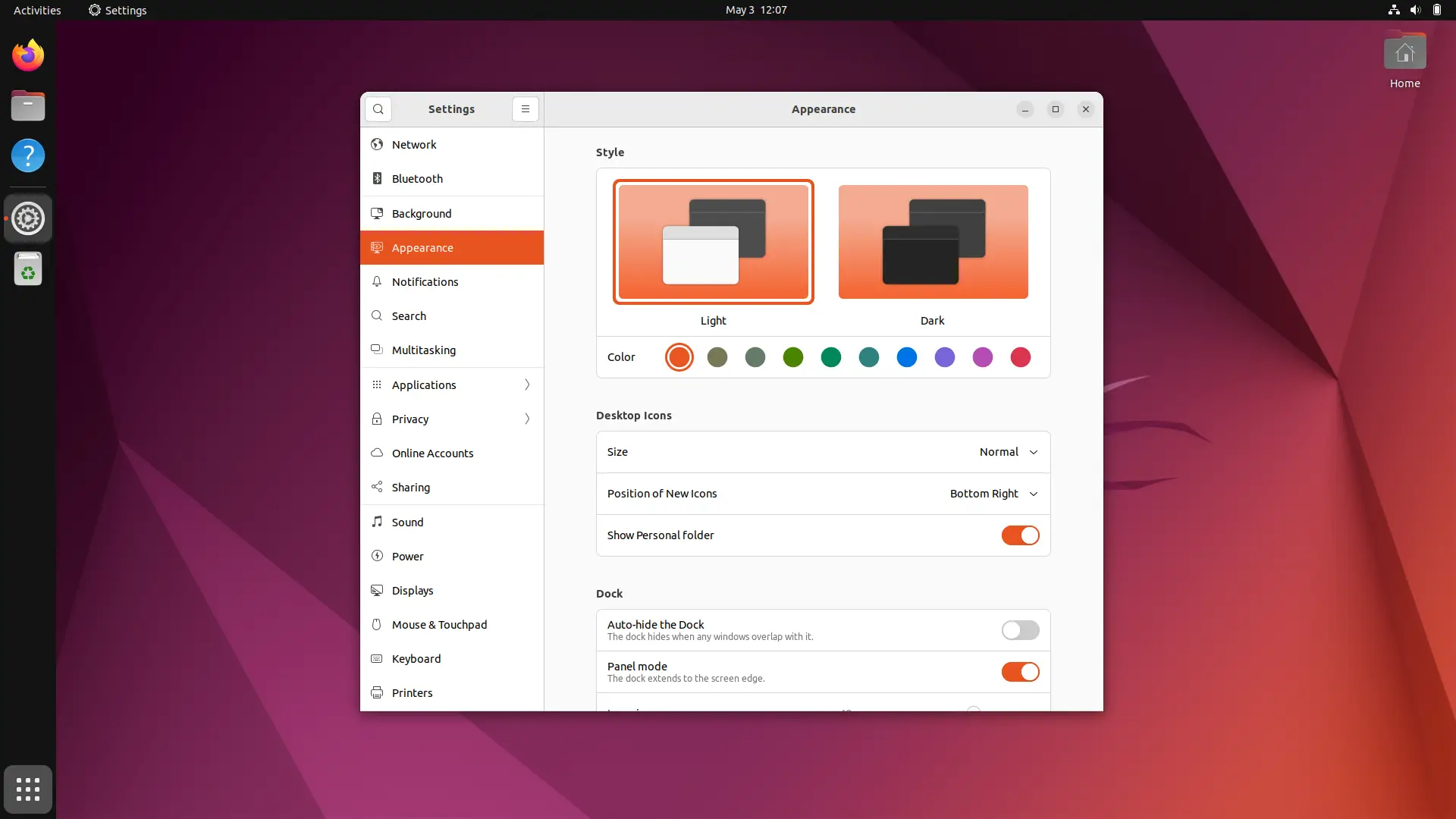
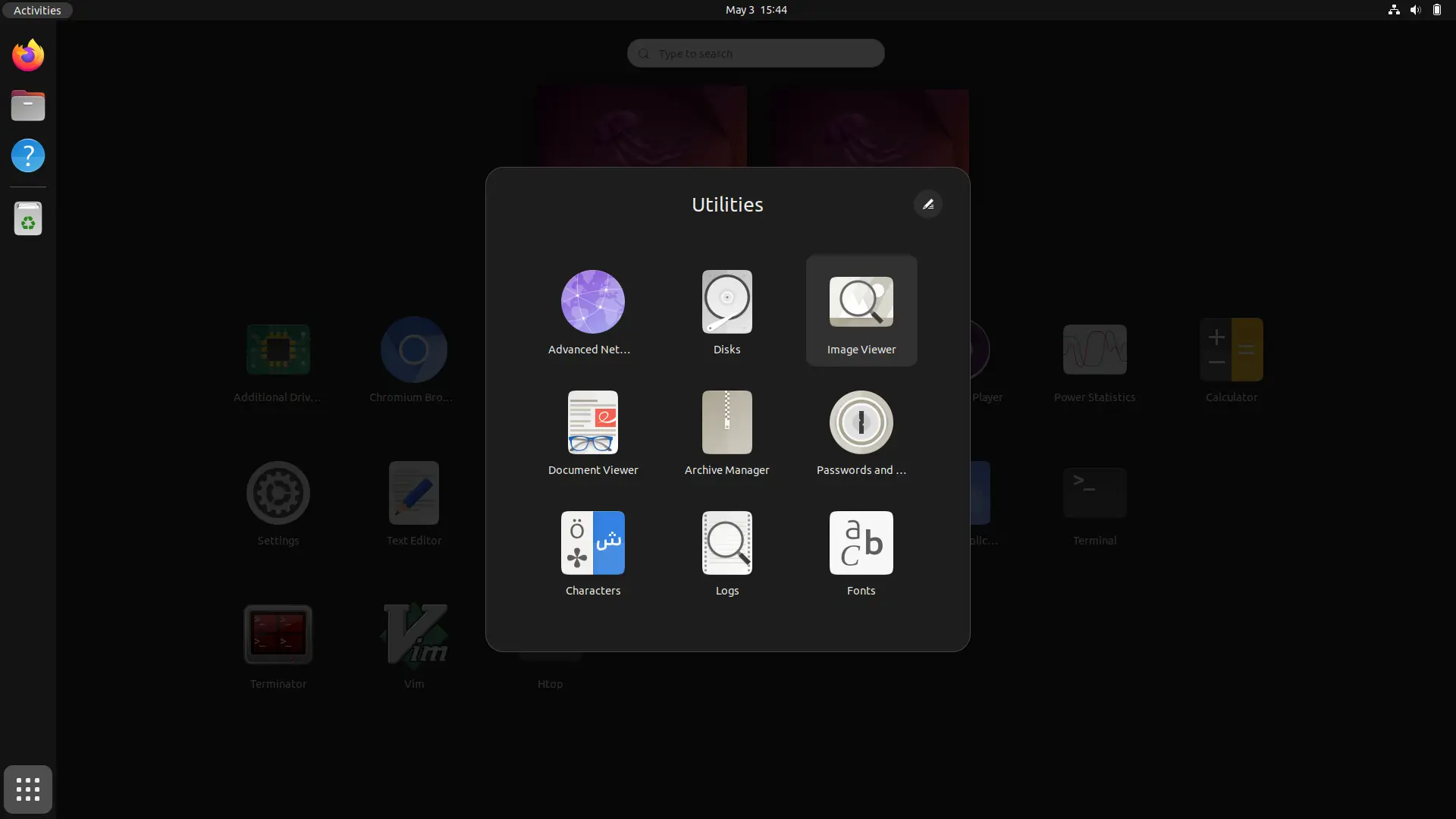
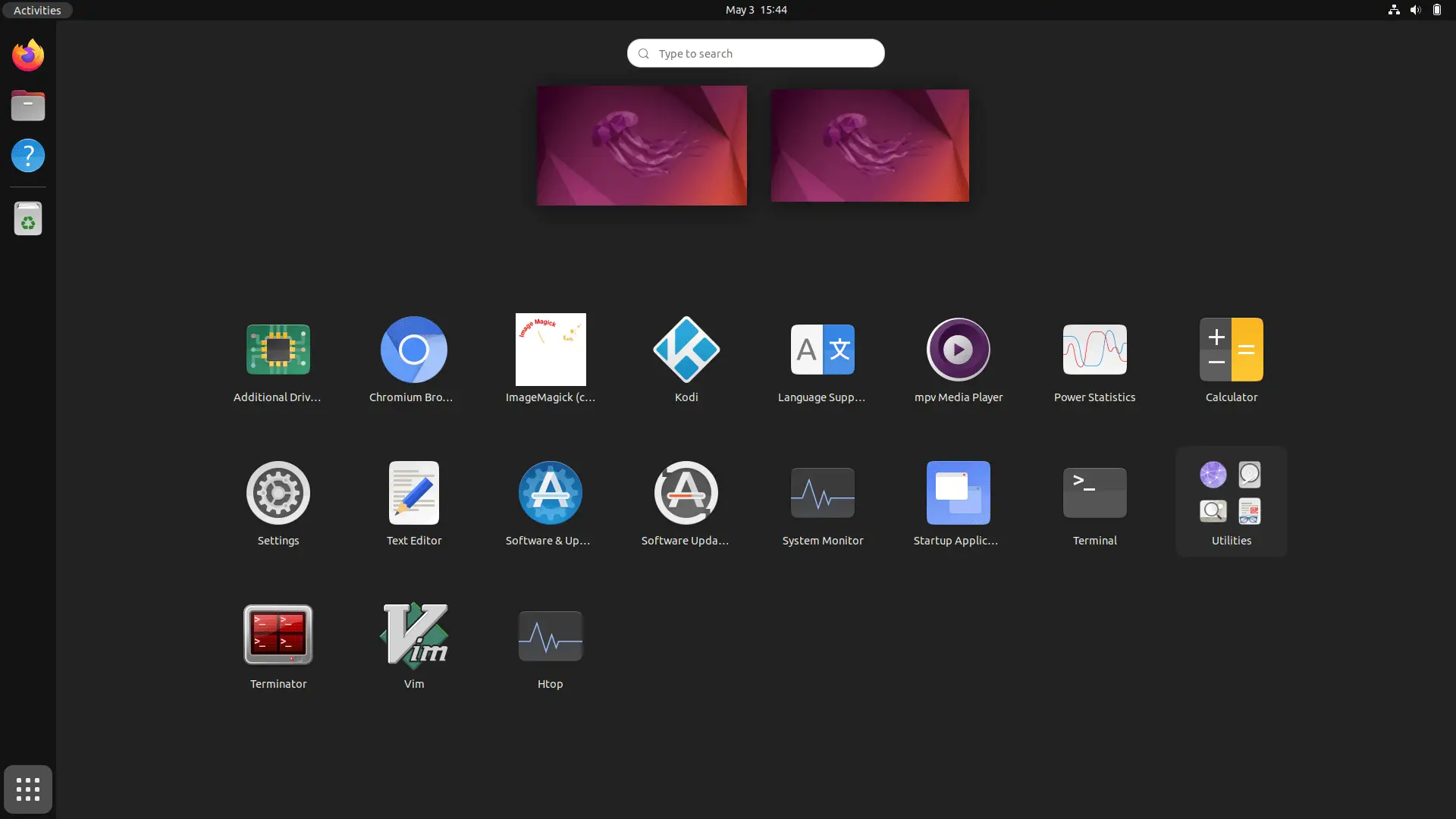
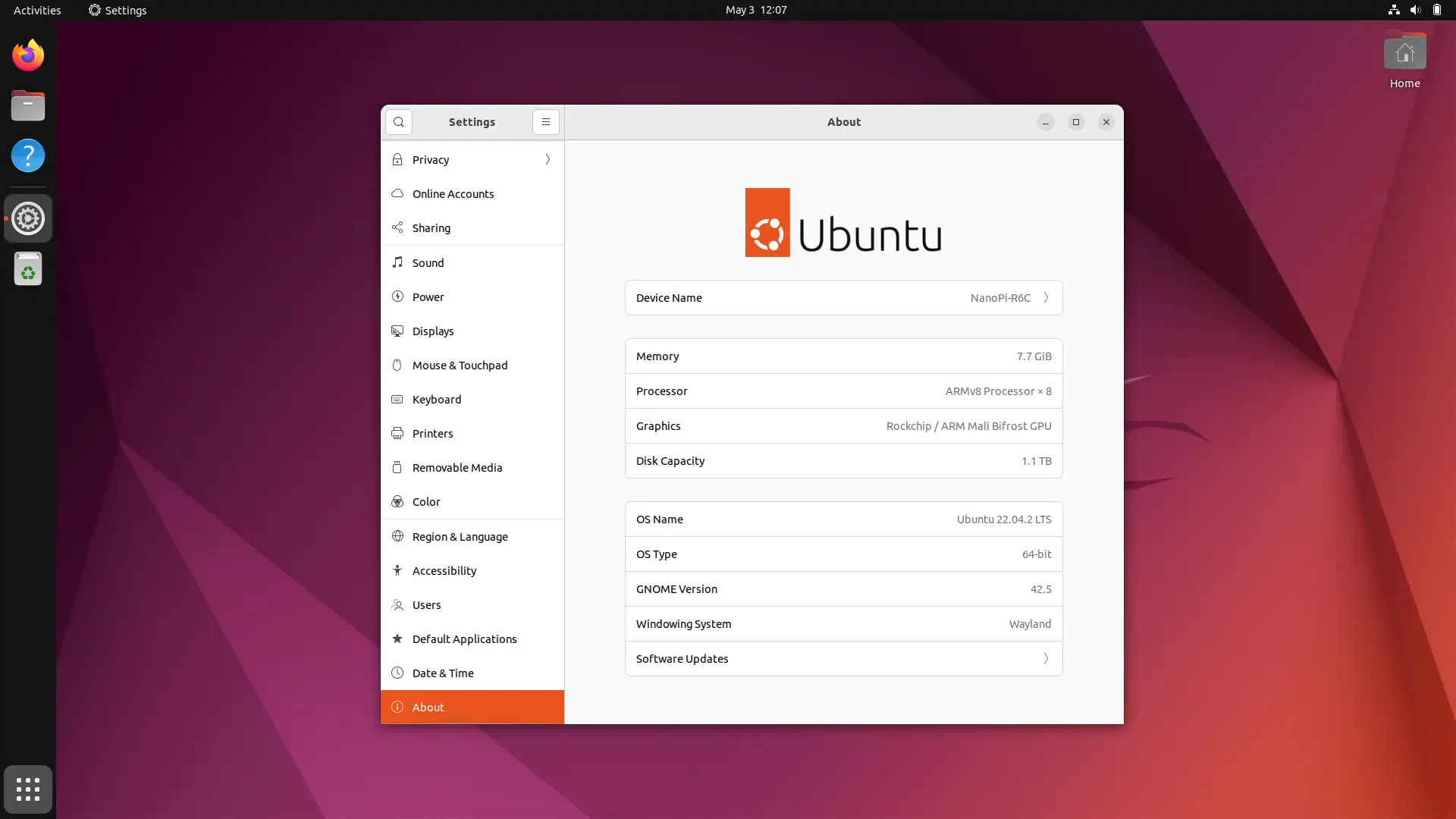
In the software department, FriendlyElec company team offers Android 12.0 and Android TV images including Ubuntu and Debian installation images for flashing both eMMC and SD Cards. Our most satisfactory experience was running Ubuntu Jammy 22.04.2 LTS in the GNOME desktop environment. This distribution looks modern, clean with an excellent interface that is extremely snappy and user responsive.
Furthermore, the R6C board comes with dual RJ45 LAN ports. Users who want to use their devices as home mini router gateways can also download an OpenWrt image (ver 22.0), aka FriendlyWrt.
Ubuntu 22.04.2 LTS (Jammy)
Conclusion
The NanoPi R6C is a powerful and versatile single-board computer. Its performance is equivalent to those of the Orange Pi 5 board, but with fewer exceptions or advantages. Its price point is lower and hardware specifications are more balanced. As a user you get more storage options, using the eMMC chip for storing OS files or installing an NVMe M.2 card which provides a lot faster read/write speeds.
Additional Storage Options
If you choose to install a Wi-Fi / BT module via M.2 socket, you still have a better flexible alternative using the eMMC flash option as your internal storage solution, thereby providing a significant advantage vs. booting from a Micro SD card.
Software & passive cooling
FriendlyElec did some things right. For example in the software department. The GUI-based flash installer simplifies burning the image to eMMC flash without third-party Rockchip tools. It would be nice to have a NVMe installation option inside the EFlasher utility. However, other than that, Ubuntu and Android TV work smoothly thanks to the metal enclosure’s ability to efficiently cool the SoC chip.
Final words
Overall, the board has a wide range of features and capabilities that make it suitable for a variety of tasks. It can function as a small mini PC/desktop computer running Ubuntu or Android. It can be used as a home media center, portable mini computer, NAS server, and whatever else you can think of. It’s also ideal for AI applications thanks to the embedded NPU unit. Also, having dual Ethernet LAN ports is a significant advantage for OpenWrt fans. If you need a powerful-yet-small computer, the NanoPi R6C is an excellent choice in terms of hardware features and a high ratio for the buck value, so we highly recommend checking it out.
Price and Availability
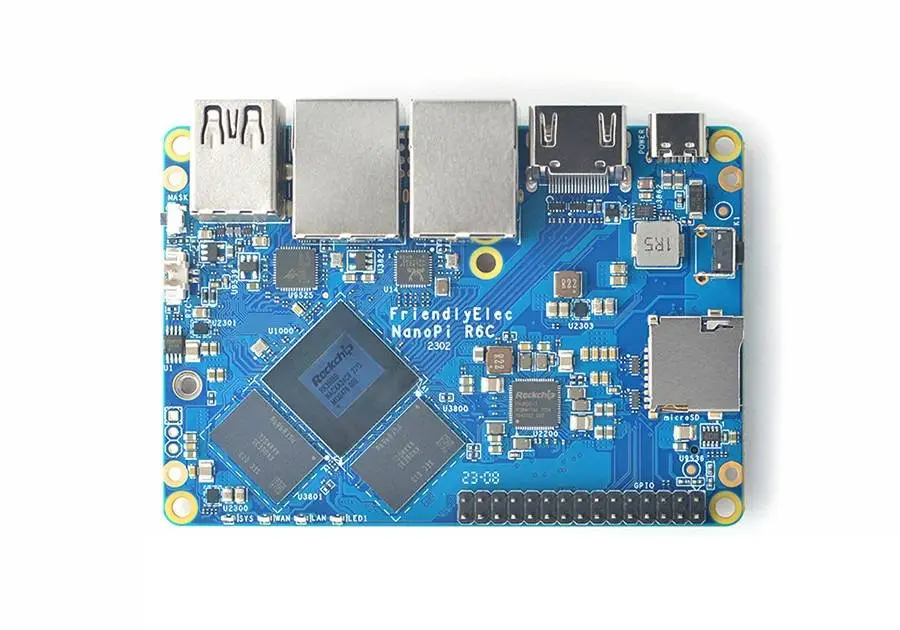
FriendlyElec reduced the cost of the NanoPi R6C, offering their entry level SBC model with 4GB of RAM without storage for $85 plus shipping. If you want a kit with 8 GB of RAM / 32 GB flash with a metal housing, the price jumps to $125. This is $14 less than the equivalent NanoPi R6S router.
NanoPi R6C: Models and Prices
NanoPi R6C variants (Models) & Prices | |||
 | |||
Package Name | Configuration | Package Content | Price |
4GB RAM (Bare Board) | 4GB RAM / No eMMC | NanoPi R6C board | $85.00 |
4GB Kit | 4GB RAM / No eMMC | NanoPi R6C board + Metal Case | $100.00 |
8GB RAM (Bare Board) | 8GB RAM + 32GB eMMC On-board | NanoPi R6C board | $110.00 |
8GB Kit | 8GB RAM + 32GB eMMC | NanoPi R6C board + Metal Case | $125.00 |
Updated on 9 of April, 2023 | |||
Key Takeaways
- NanoPi R6S Review NanoPi R6C Review, Specifications, and Price.
- NanoPi R6C This single-board computer is designed to work well in industrial settings.
- NanoPi R6S vs.
- Storage Interfaces NanoPi R6C also offers a wide range of storage options.
- NanoPi R6 NVMe Install 2 NanoPi R6 NVMe Install 3 NanoPi R6 NVMe Install 4 NanoPi R6 NVMe Install 5 NanoPi R6 NVMe Install 6 NanoPi R6 NVMe Install 1 GNOME Disk Utility Benchmark tests We booted from a MicroSD card for…
Frequently Asked Questions
What is nanopi r6c?
This single-board computer is designed to work well in industrial settings.
What is nanopi r6c specifications?
SoC – Rockchip RK3588S octa-core processor with: CPU – 4x Cortex-A76 cores @ up to 2.
What is connectivity & video support?
Additionally, the NanoPi R6C offers a wide range of connectivity options.
What is applicable in industrial environments?
A variety of industrial-grade features are also built into the NanoPi R6C.