Close Menu
  • Home
  • About
  • Wearables
  • Earbuds
  • Computer Accessories
    • Routers
    • Remotes
  • Embedded
    • Single Board Computers
    • Addon Boards
    • Raspberry Pi
  • Wireless Routers
  • Contact
Facebook X (Twitter) Instagram Threads
Trending
  • Orange Pi Zero 3W Review: $25 Dual Video Pi Zero 2W Killer?
  • Banana Pi BPI-SM10 Review: 60 TOPS RISC-V Jetson Orin Nano Alternative
  • SpacemiT K3 Pico-ITX Review: 60-TOPS RISC-V Powerhouse for LLMs?
  • Banana Pi BPI-R4 Pro Review: The Best WiFi 7 OpenWrt Router? We Checked!
  • DFRobot ESP32-S3 LoRaWAN & Gateway Review: Build a Private IoT Network
  • Top Global AliExpress Promo Worldwide Country Codes June 6, 2026
  • WaveNote AI Review 2026: An Honest Pro/Con Comparison (Tested)
  • CamThink NE301 Review: 25 FPS YOLOv8 on STM32 Edge AI
AndroidPIMP
Facebook X (Twitter) Instagram
  • Home
  • About
  • Wearables
  • Earbuds
  • Computer Accessories
    • Routers
    • Remotes
  • Embedded
    • Single Board Computers
    • Addon Boards
    • Raspberry Pi
  • Wireless Routers
  • Contact
AndroidPIMP

Xiaomi Mijia Bedside Lamp Review – Super Smart Night Light

0
By androidpimp on January 4, 2019 LED Lamps
Xiaomi Mijia Lamp
Xiaomi Mijia Lamp
Table of contents
  1. Xiaomi Mijia Bedside Lamp
  2. Main Features
  3. Specifications
  4. Package
  5. Unboxing (All Items)
  6. Design
  7. Features & Functions
  8. Basic Operation
  9. Power Consumption
  10. Final words

Xiaomi Mijia Bedside Lamp

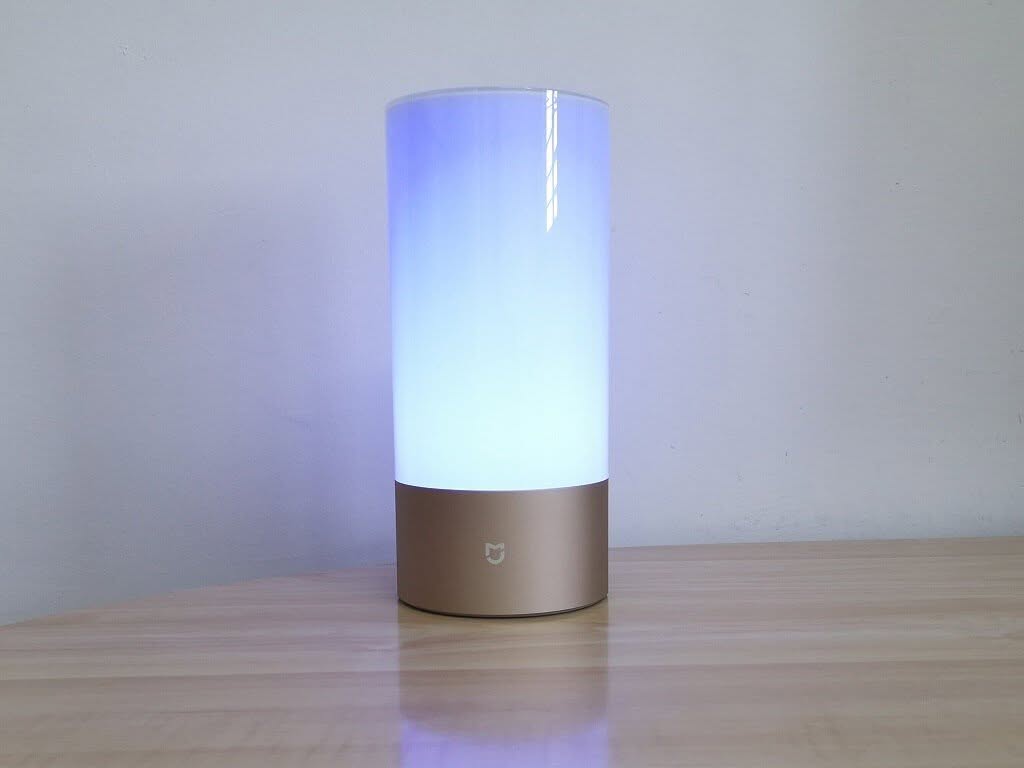
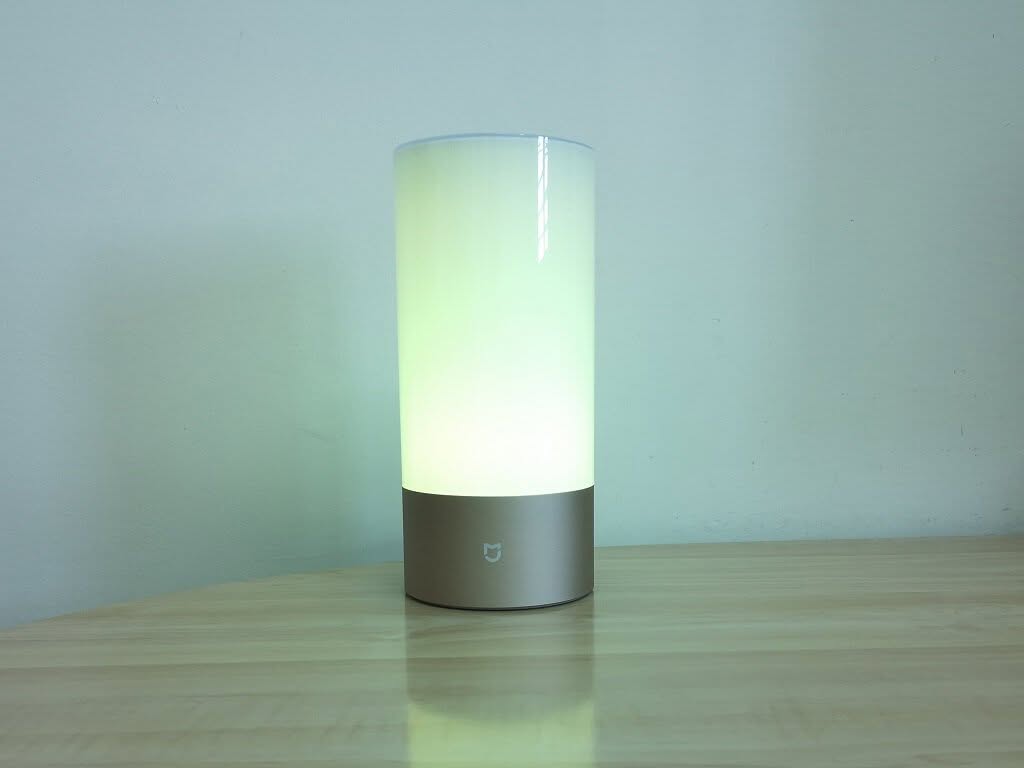
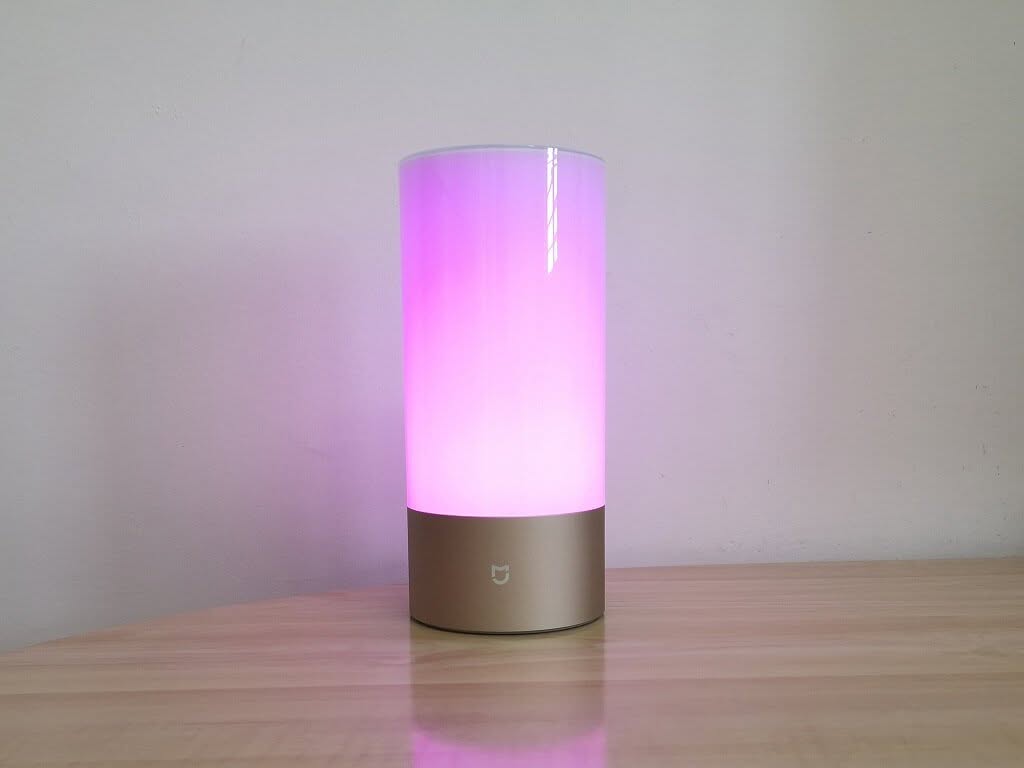
Customize your bedroom with 16 million color options

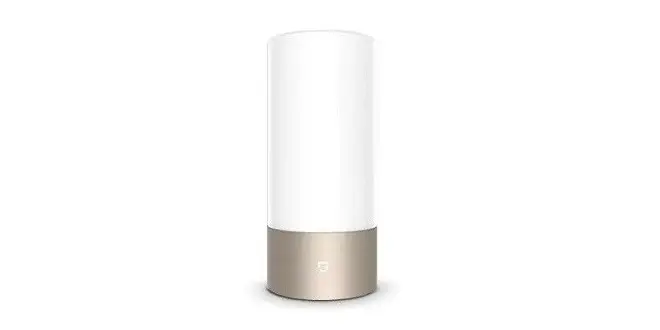
The Xiaomi Mijia Bedside Lamp uses high CRI Osram LED, offering 16 million RGBW lights for your year-round choice. With simple touch and slide, you can adjust brightness and colors as you desired. Also, the special light design provides you with different scenarios. Moreover, you can control the lamp remotely via Wi-Fi and Bluetooth connections for more fun using the Mi Home Application.
Xiaomi Mijia Bedside Lamp

Main Features

  • Touch control design: simple touch to adjust brightness/change color/delay switch off / switch light mode as needed.
  • RGBW Colors: choose from a tremendous range of 16 million colors.
  • Dimmable: adjustable color temperature and brightness for suitable light.
  • Color temperature: 1700K – 6500K color temperature gradual change function.
  • Perfect CRI: professional optical design with high-quality Osram LED of high color rendering index.
  • Operation: touch control, App control
    System: compatible with Android 4.4 / iOS 8.0 and above systems
    Scan the QR code at the end of the English user manual to download the App.

Specifications

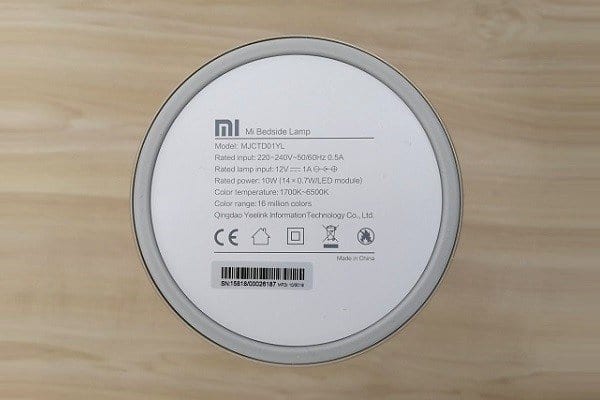
  • Wattage: 10W
  • Lamp input voltage: 12V, 1A
  • Lifetime: 20000h
  • Adapter input voltage: 100 – 240V, 50 / 60HZ, 0.5

Package
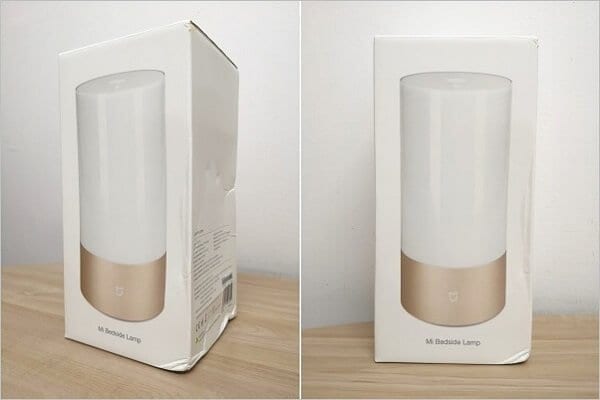
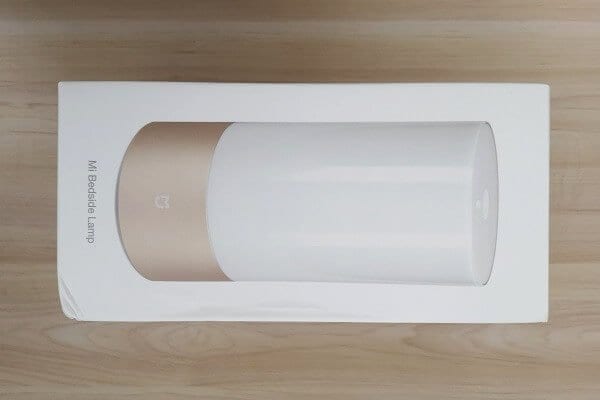
  • Xiaomi Mijia Package 0
    Xiaomi Mijia Package 0
  • Xiaomi Mijia Package 1
    Xiaomi Mijia Package 1
  • Xiaomi Mijia Package 2
    Xiaomi Mijia Package 2
  • Xiaomi Mijia Package 3
    Xiaomi Mijia Package 3
  • Xiaomi Mijia Package 4
    Xiaomi Mijia Package 4

Unboxing (All Items)

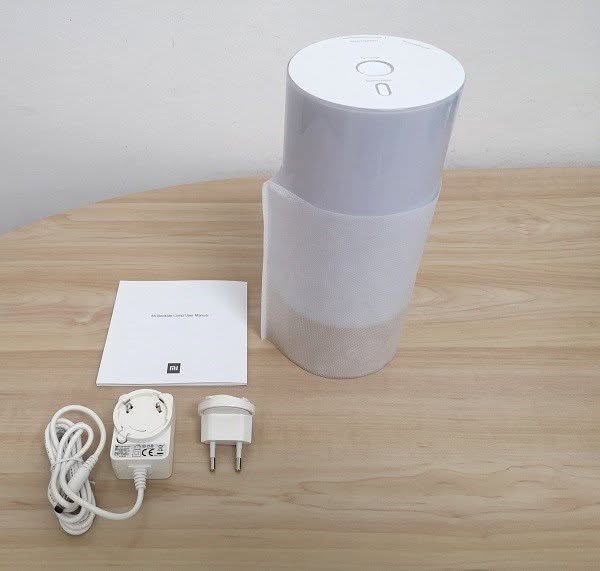
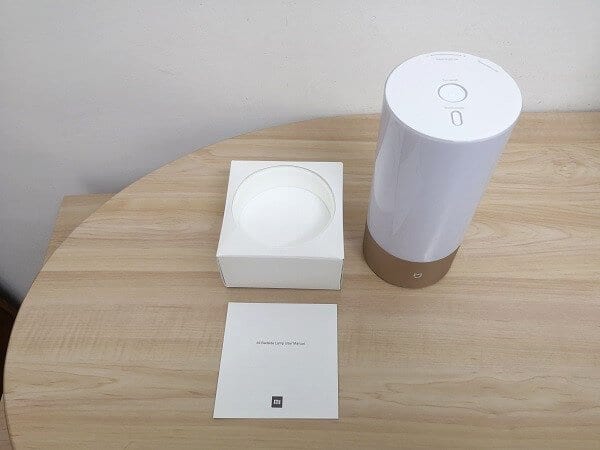
Package Content:

  • x1 Mijia Lamp.
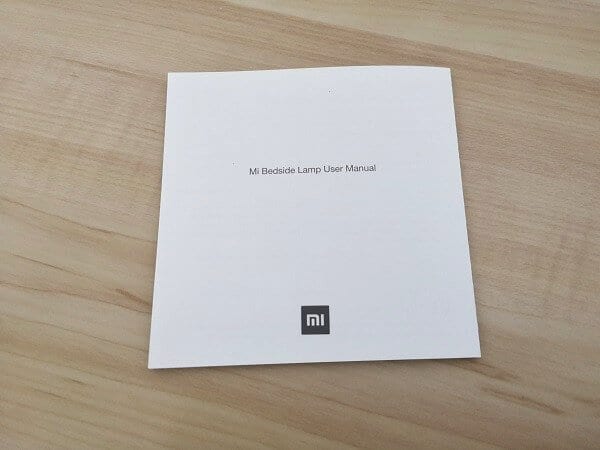
  • x1 User Manual (In English).
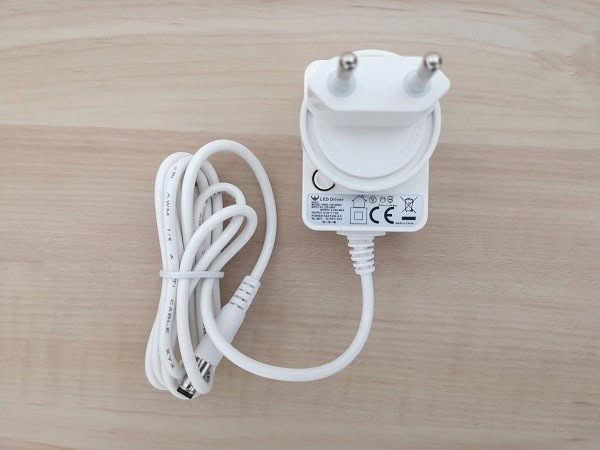
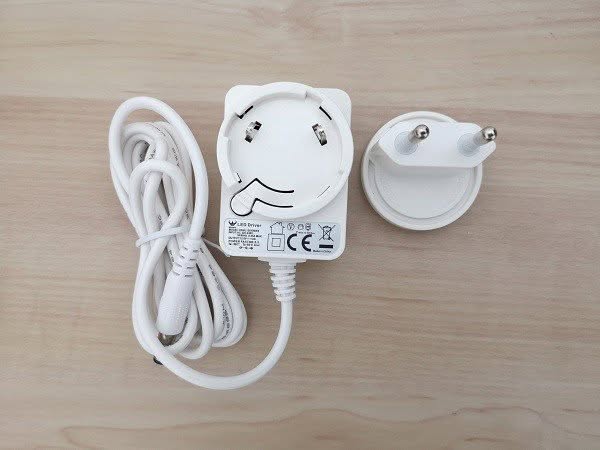
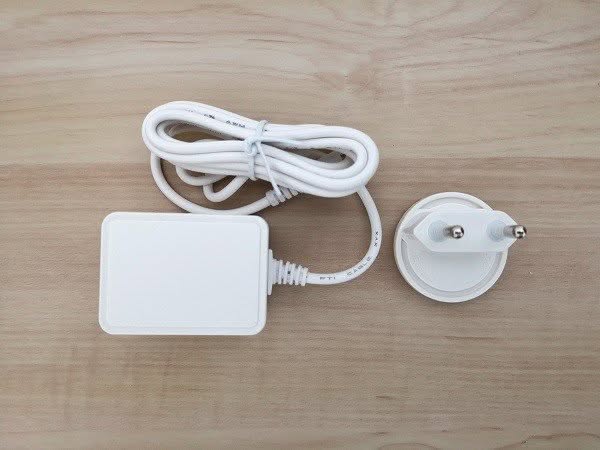
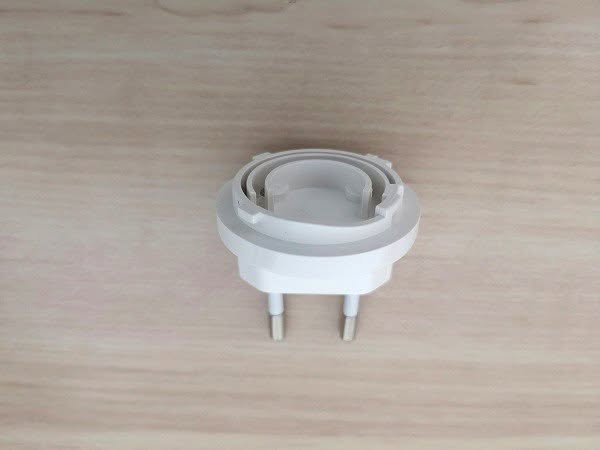
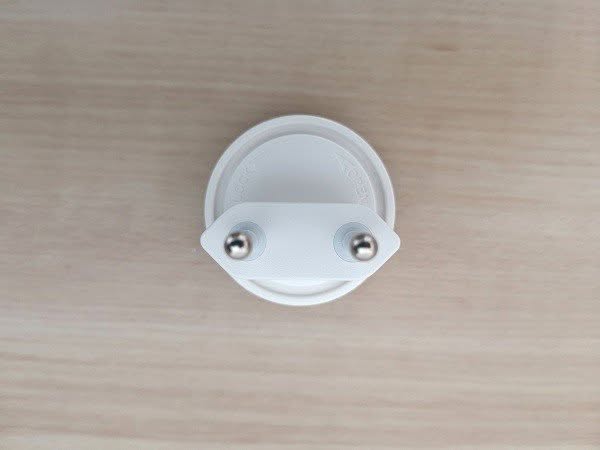
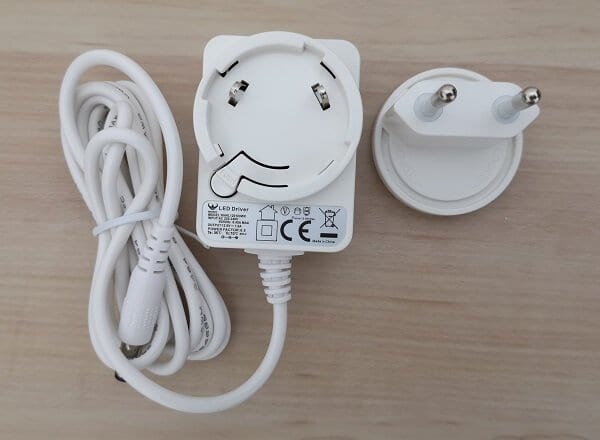
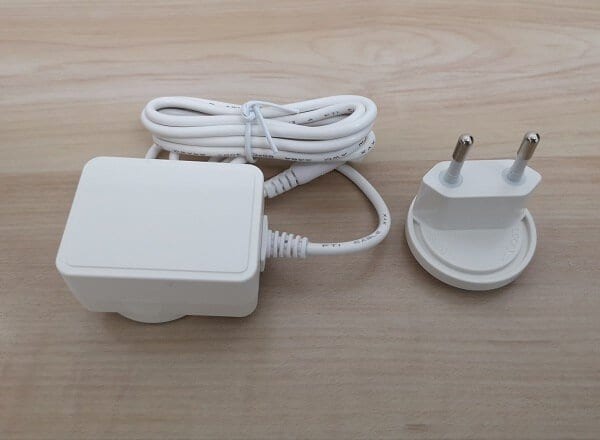
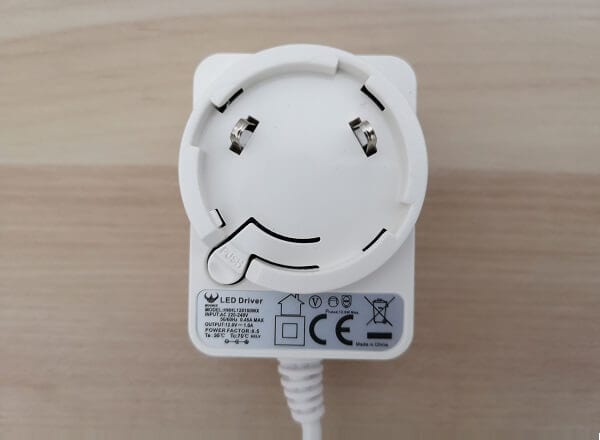
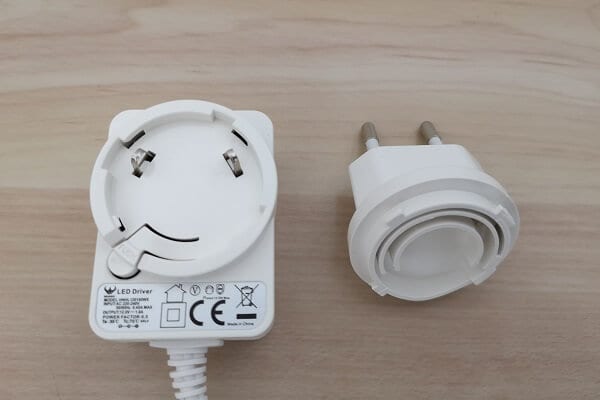
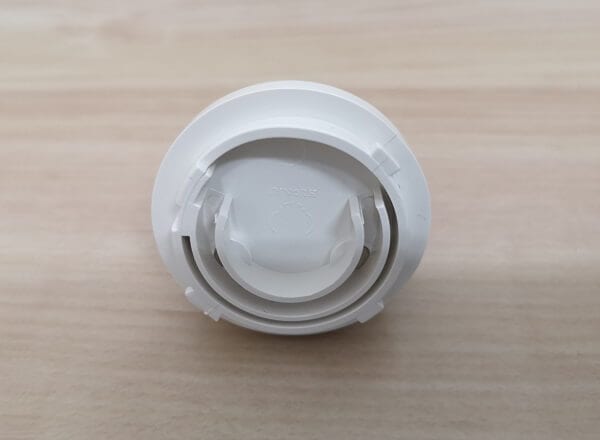
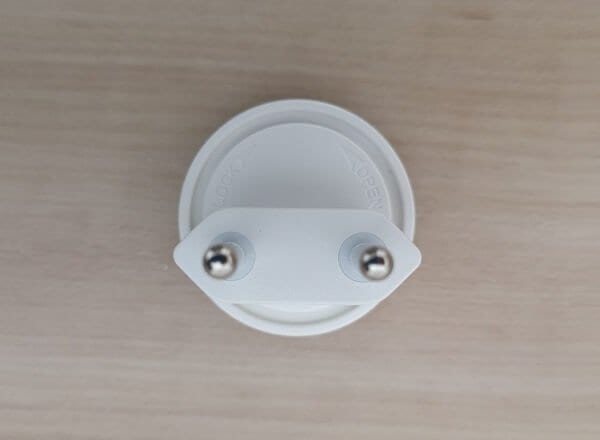
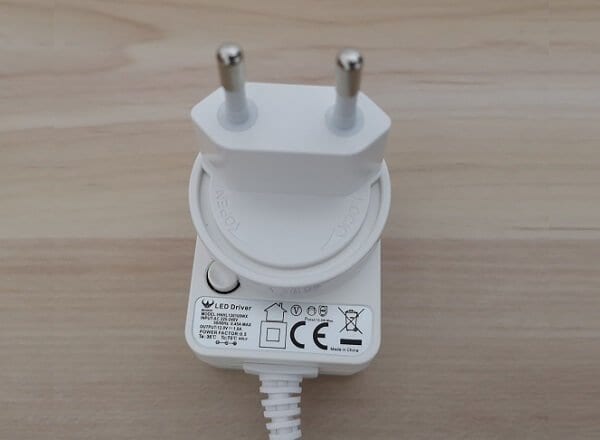
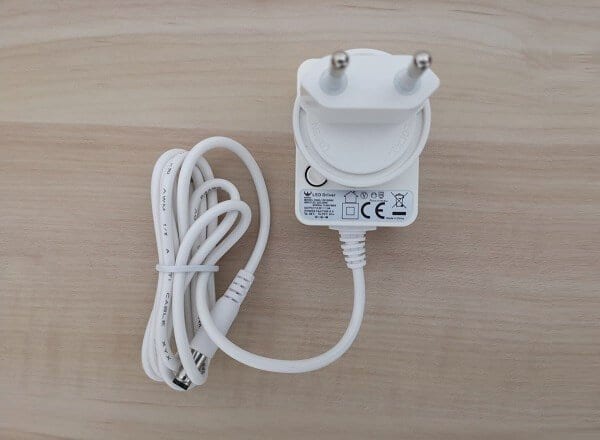
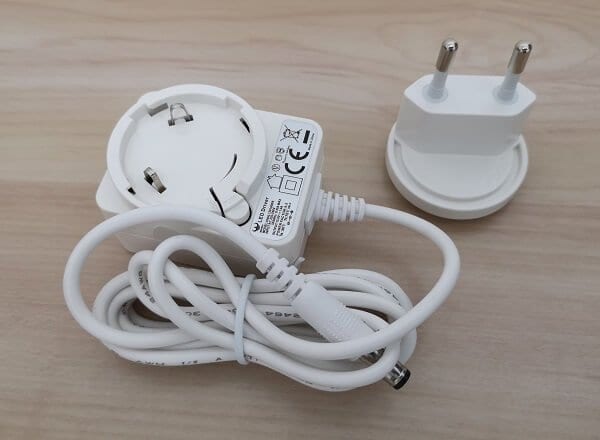
  • 1x EU Power adapter (Two Parts).
 

Unboxing – Main Package
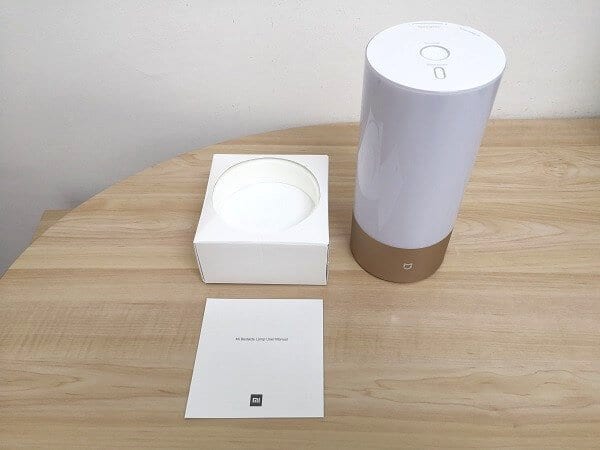
  • Xiaomi Mijia Unbox P01
    Xiaomi Mijia Unbox P01
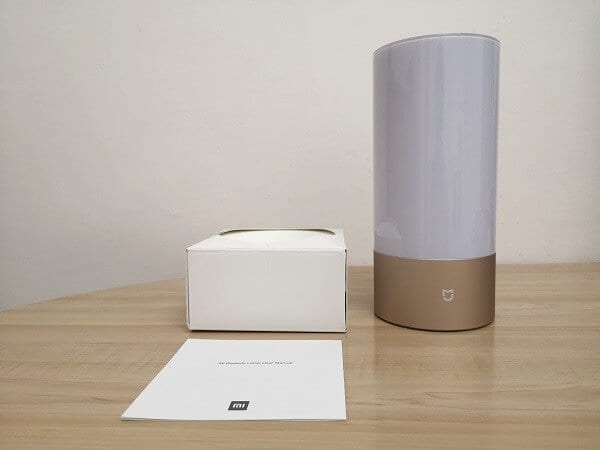
  • Xiaomi Mijia Unbox P02
    Xiaomi Mijia Unbox P02
  • Xiaomi Mijia Unbox P03
    Xiaomi Mijia Unbox P03
  • Xiaomi Mijia Unbox P04
    Xiaomi Mijia Unbox P04
  • Xiaomi Mijia Unbox P05
    Xiaomi Mijia Unbox P05
  • Xiaomi Mijia Unbox P06
    Xiaomi Mijia Unbox P06

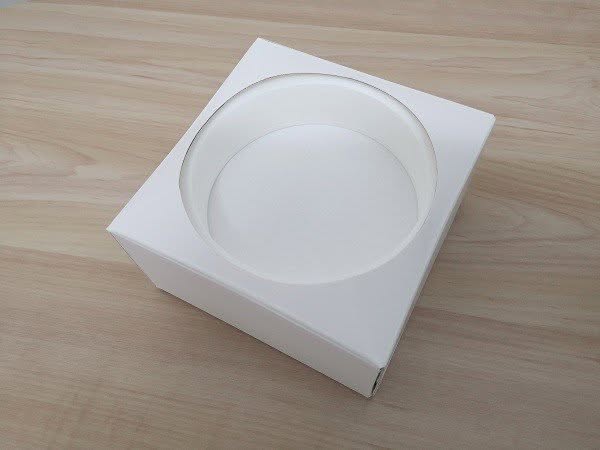
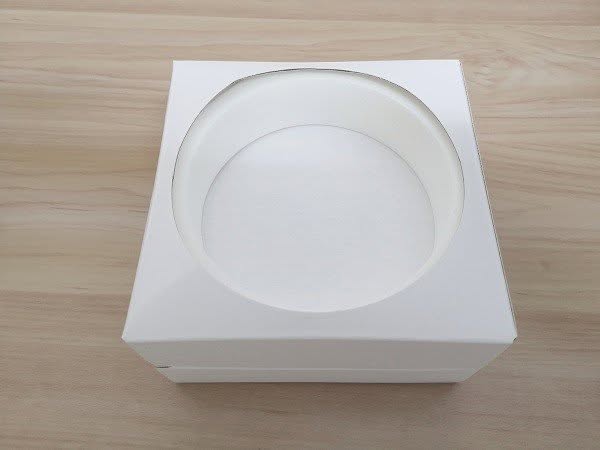
Unboxing – Second Package (Accessories)
  • Xiaomi Mijia Unbox P1
    Xiaomi Mijia Unbox P1
  • Xiaomi Mijia Unbox P2
    Xiaomi Mijia Unbox P2
  • Xiaomi Mijia Unbox P3
    Xiaomi Mijia Unbox P3
  • Xiaomi Mijia Unbox P4
    Xiaomi Mijia Unbox P4
  • Xiaomi Mijia Unbox P5
    Xiaomi Mijia Unbox P5
  • Xiaomi Mijia Unbox P6
    Xiaomi Mijia Unbox P6
  • Xiaomi Mijia Unbox P7
    Xiaomi Mijia Unbox P7
  • Xiaomi Mijia Unbox P8
    Xiaomi Mijia Unbox P8
  • Xiaomi Mijia Unbox P13
    Xiaomi Mijia Unbox P13
  • Xiaomi Mijia Unbox P14
    Xiaomi Mijia Unbox P14
  • Xiaomi Mijia Unbox P15
    Xiaomi Mijia Unbox P15
  • Xiaomi Mijia Unbox P9
    Xiaomi Mijia Unbox P9
  • Xiaomi Mijia Unbox P10
    Xiaomi Mijia Unbox P10
  • Xiaomi Mijia Unbox P11
    Xiaomi Mijia Unbox P11
  • Xiaomi Mijia Unbox P12
    Xiaomi Mijia Unbox P12

Power Adapter

  • Mijia lamp Adapter 1
    Mijia lamp Adapter 1
  • Mijia lamp Adapter 2
    Mijia lamp Adapter 2
  • Mijia lamp Adapter 3
    Mijia lamp Adapter 3
  • Mijia lamp Adapter 4
    Mijia lamp Adapter 4
  • Mijia lamp Adapter 5
    Mijia lamp Adapter 5
  • Mijia lamp Adapter 6
    Mijia lamp Adapter 6
  • Mijia lamp Adapter 7
    Mijia lamp Adapter 7
  • Mijia lamp Adapter 8
    Mijia lamp Adapter 8
  • Mijia lamp Adapter 9
    Mijia lamp Adapter 9
  • Mijia lamp Adapter 10
    Mijia lamp Adapter 10

Design

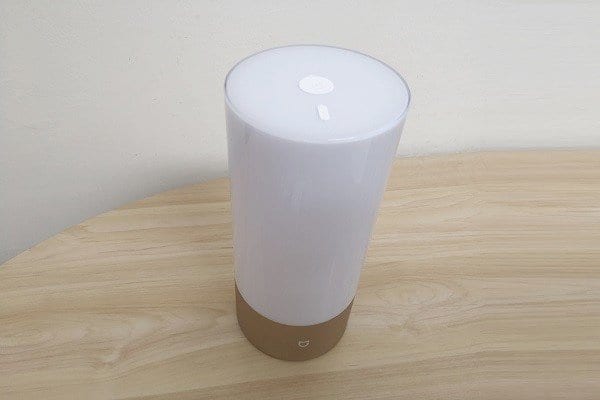
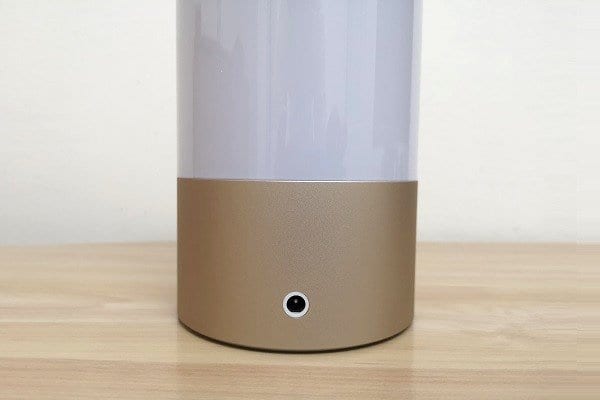
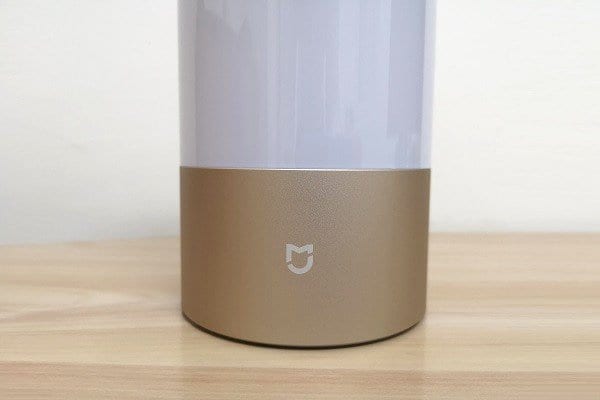
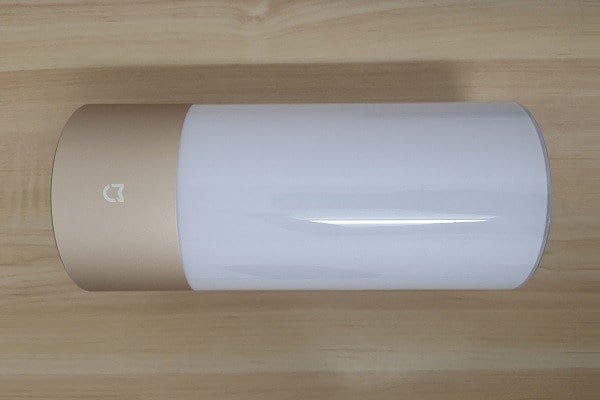
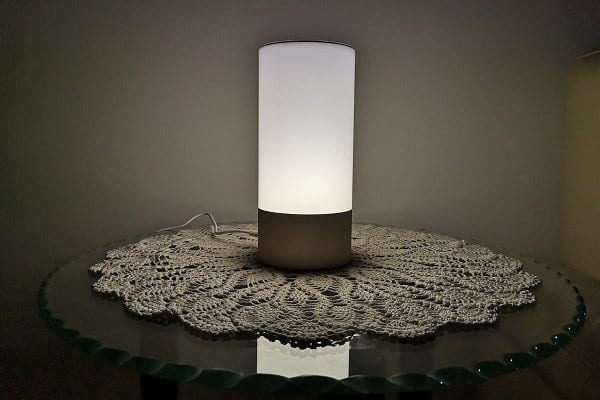
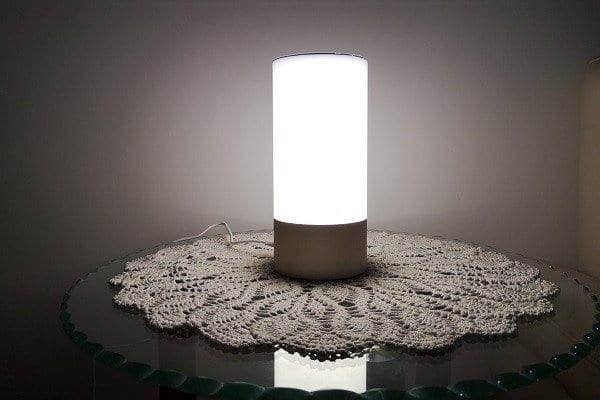
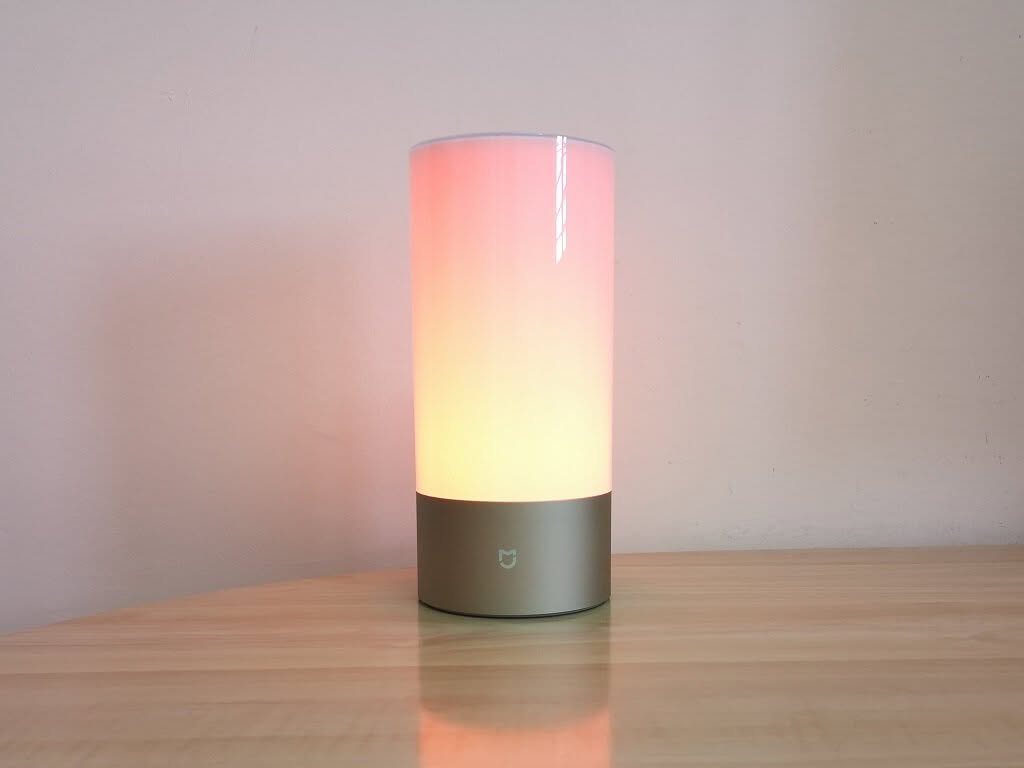
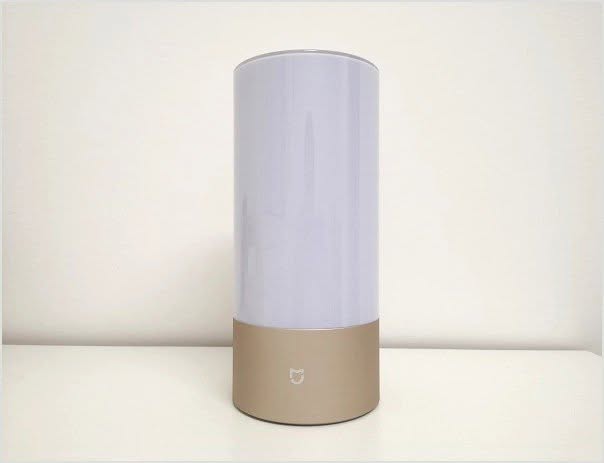
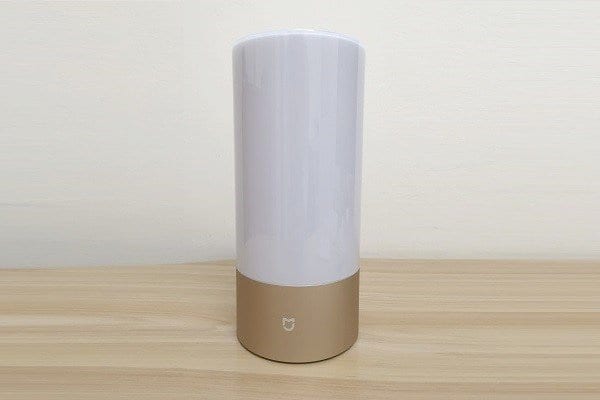
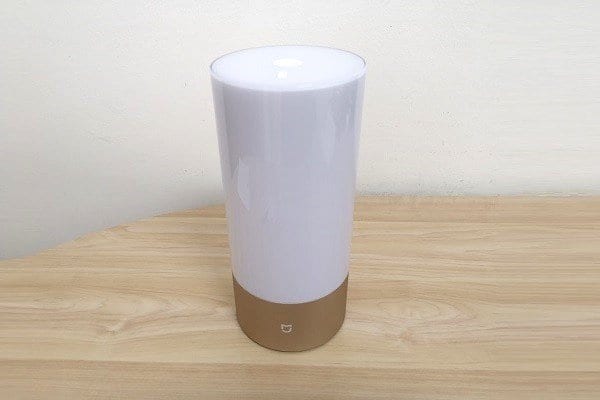
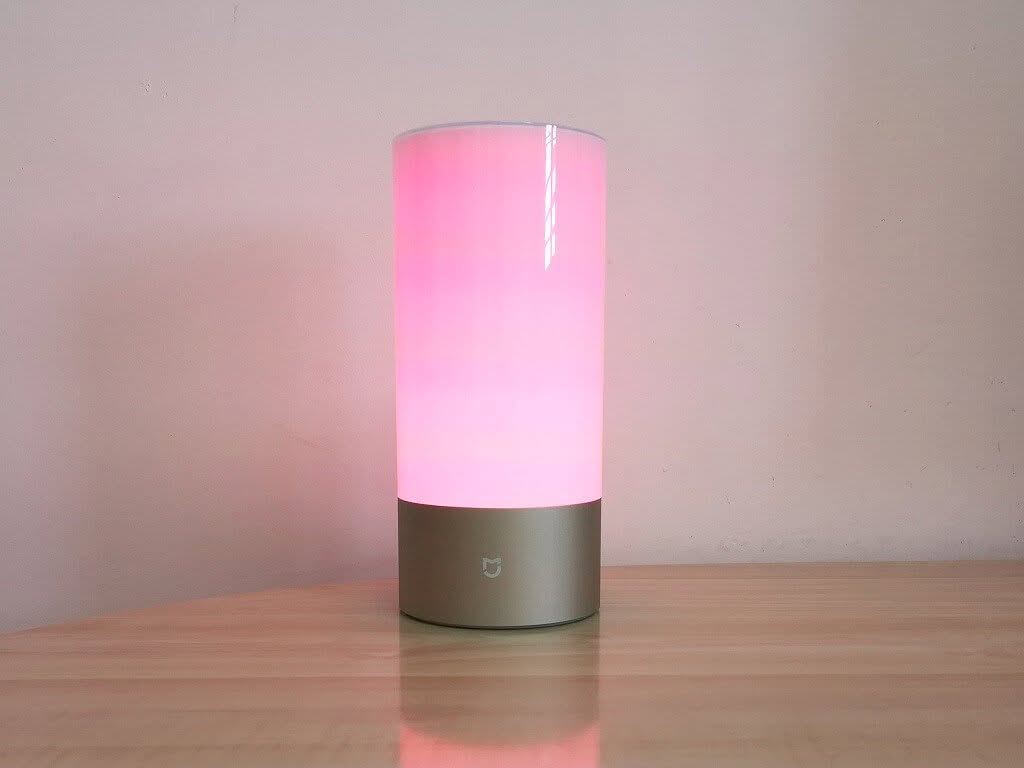
The Mijia Bedside Lamp shape is cylindrical. It’s a well-designed LED lamp, mostly made from high-quality plastic materials. Similar to all Xiaomi smart home product lines, Xiaomi designed this lamp for bedrooms and small room environments where high lighting brightness is less important. The innovation of this product relay is in its simplicity to operate manually with simple hand gestures or via mobile phone through a WiFi and Bluetooth connection in conjunction with the ‘Mi Home’ mobile App. You can adjust brightness at different presets while consuming low power usage, and also control the color temperature according to different mood scenarios from a total of 16 million colors.

The Mijia Bedside Lamp | Full view
  • Xiaomi Mijia Color 1
    Xiaomi Mijia Color 1
  • Xiaomi Mijia Color 2
    Xiaomi Mijia Color 2
  • Xiaomi Mijia Color 3
    Xiaomi Mijia Color 3
  • Xiaomi Mijia Color 4
    Xiaomi Mijia Color 4
  • Xiaomi Mijia Color 5
    Xiaomi Mijia Color 5
  • Xiaomi Mijia Color 6
    Xiaomi Mijia Color 6
  • Xiaomi Mijia Color 7
    Xiaomi Mijia Color 7
  • Xiaomi Mijia Color 8
    Xiaomi Mijia Color 8
  • Xiaomi Mijia Color 9
    Xiaomi Mijia Color 9
  • Xiaomi Mijia Color 10
    Xiaomi Mijia Color 10
  • Xiaomi Mijia Color 11
    Xiaomi Mijia Color 11
  • Xiaomi Mijia Color 12
    Xiaomi Mijia Color 12
  • Xiaomi Mijia Color 13
    Xiaomi Mijia Color 13

Features & Functions

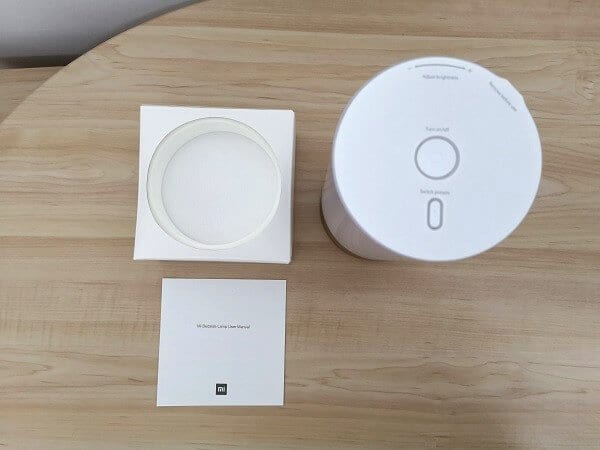
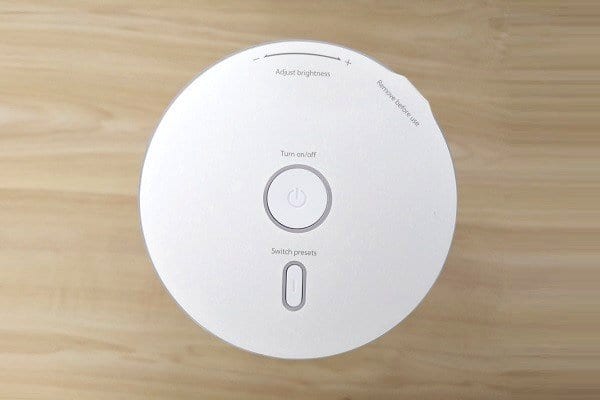
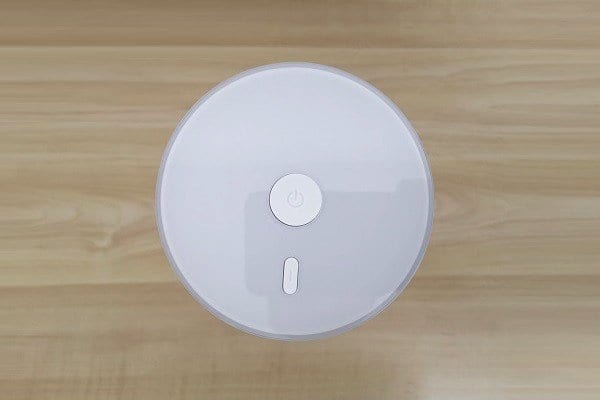
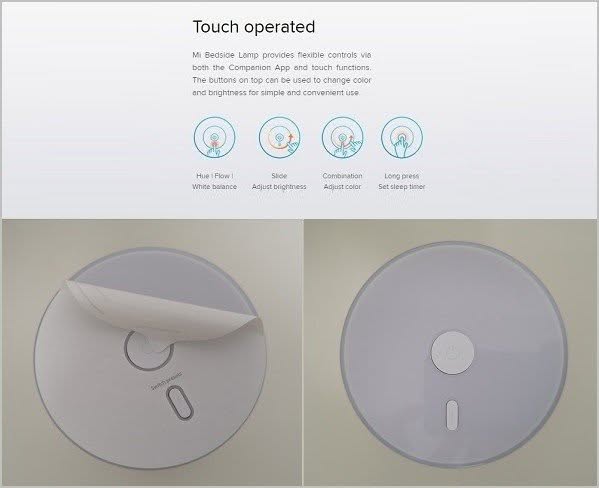
To operate the lamp without a phone Xiaomi implemented a touch panel located on the top surface of the lamp. If you want to adjust the brightness level to an optimal level according to current light conditions you can do it by using a finger touch gesture moving in a clockwise direction.

Xiaomi Mijia Lamp | Touch Control Panel

Basic Operation

In addition to the manual operation, you can also control all Mijia Bedside Lamp functions wirelessly by using Xiaomi’s ‘My Home’ Application designed for all Xiaomi smart home products. The lamp can be operated remotely in Bluetooth or WiFi modes. In Bluetooth mode, you will be limited by distance and obstacles such as room walls. If you use the WiFi connectivity option you will also be able to control the lamp remotely from outside your home via phone with a data 3G/4G connection.

Switching between different colors
  • Xiaomi Mijia C6
    Xiaomi Mijia C6
  • Xiaomi Mijia C5
    Xiaomi Mijia C5
  • Xiaomi Mijia C3
    Xiaomi Mijia C3
  • Xiaomi Mijia C2
    Xiaomi Mijia C2
  • Xiaomi Mijia C1
    Xiaomi Mijia C1

First-Time Setup (WiFi  Mode)

Step #1

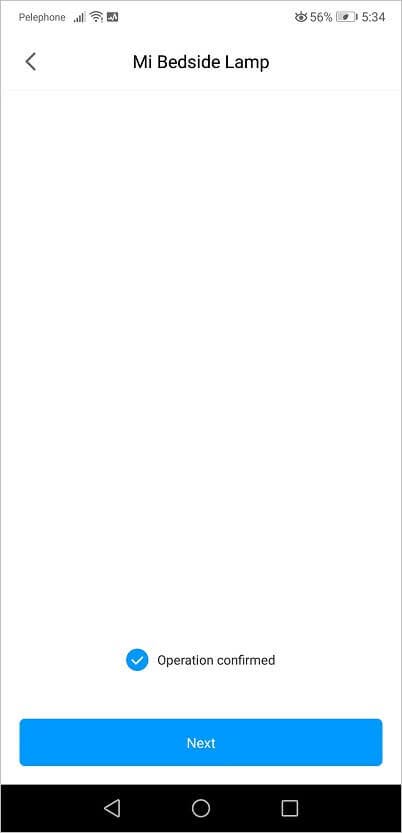
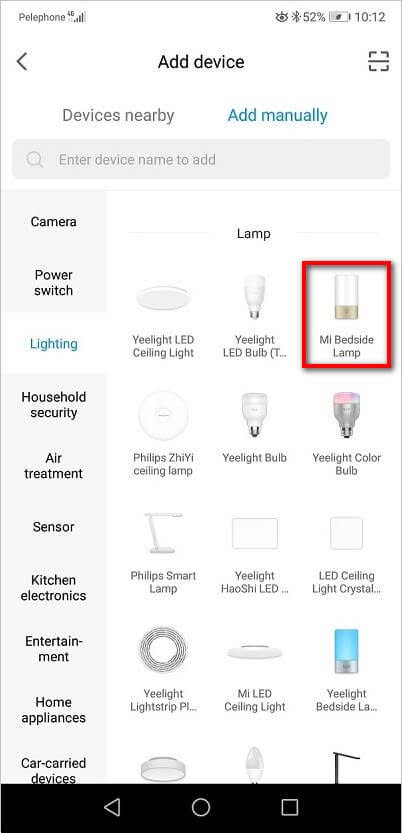
To set up the lamp for the first-time operation you will need to download the app from google play / Apple app store and create an account and pick china mainland as a preferred location. After this step is done, you will need to login inside the app and select the device under ‘Add device’ -> ‘Lighting’ -> ‘Mi Bedside Lamp’.

Step #2

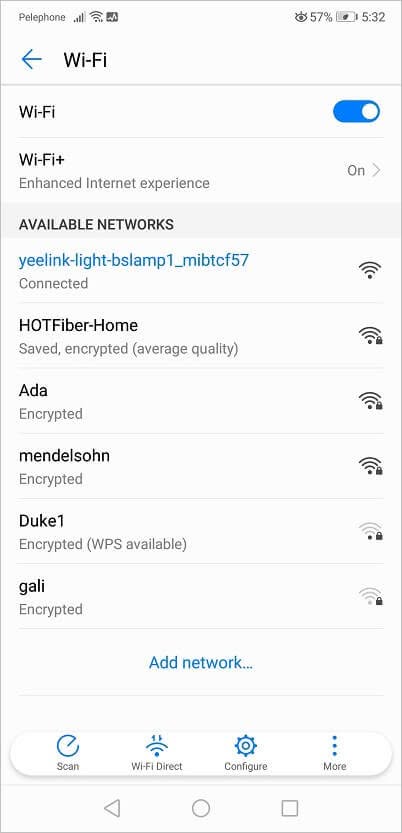
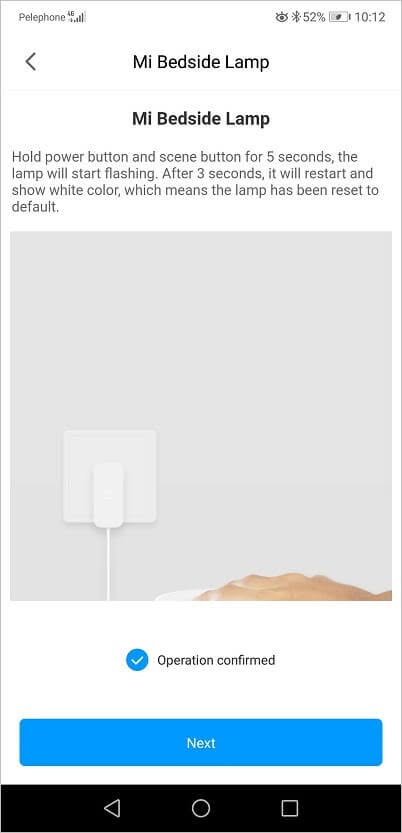
You will need to press the main power button for about 5 seconds until the device starts flashing. In this state, the lamp should be discovered in the Wi-Fi settings as ‘yeelink-light-bslamp1_mibtcf57‘.

Step #3

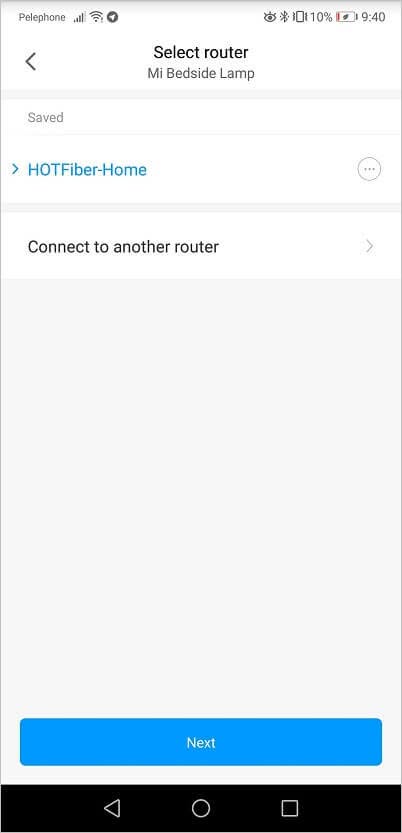
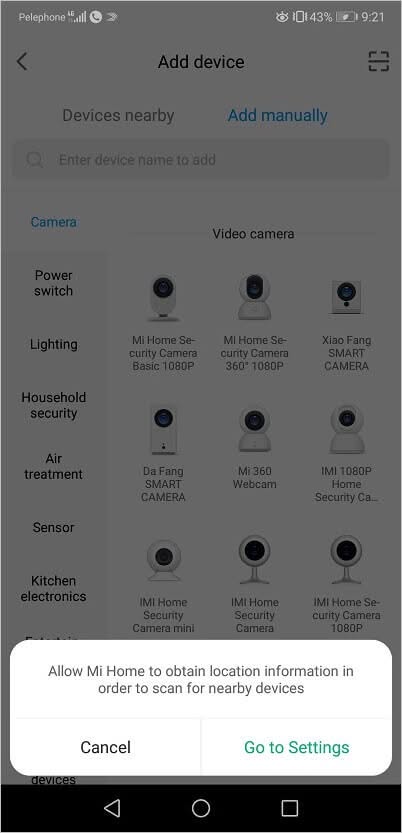
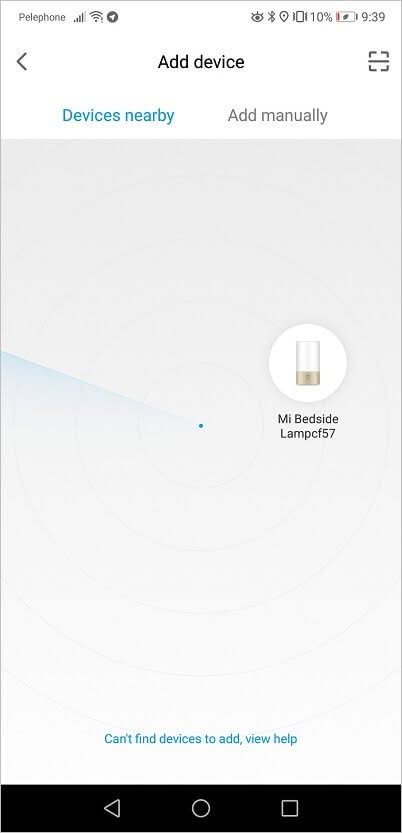
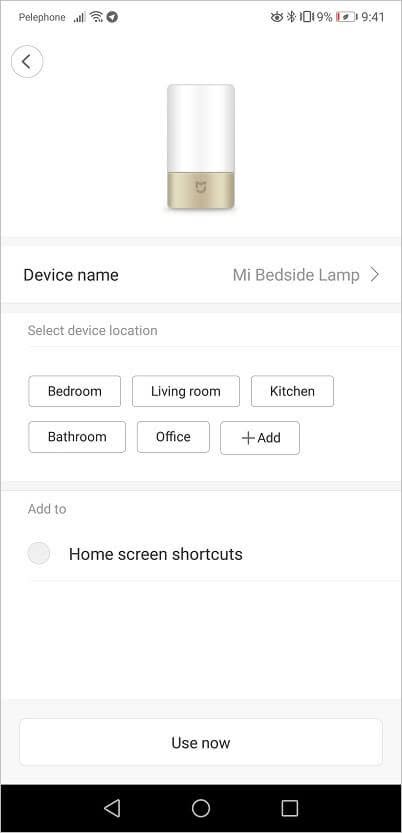
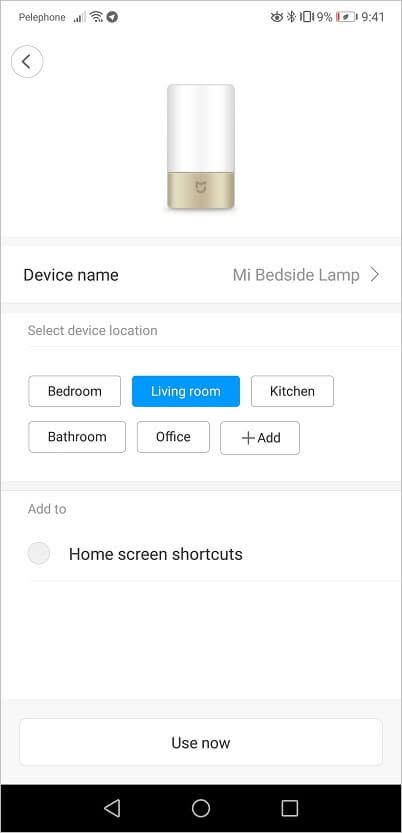
n this last step the app will be asked to enable your mobile phone location-based services and the app will do a quick scan of nearby devices if you have a router “behind” your LAN connection you will be asked to select it. Once this step is completed, the lamp will be recognized and connected.

Mi Home

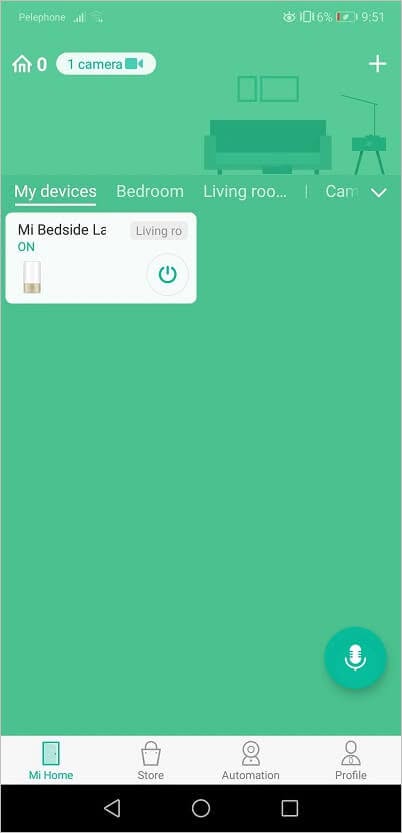
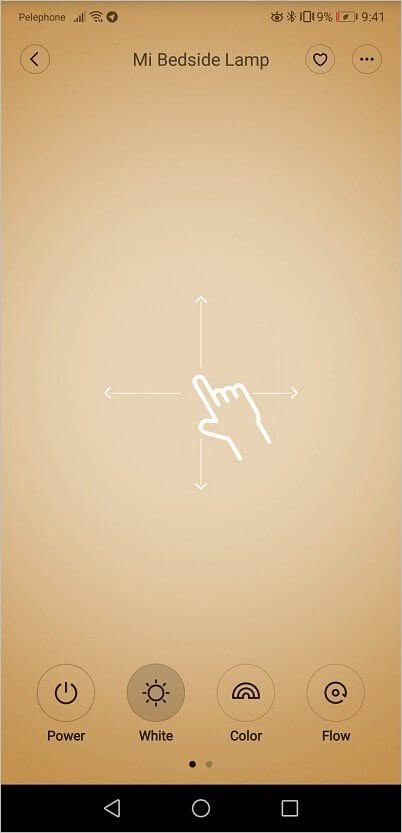
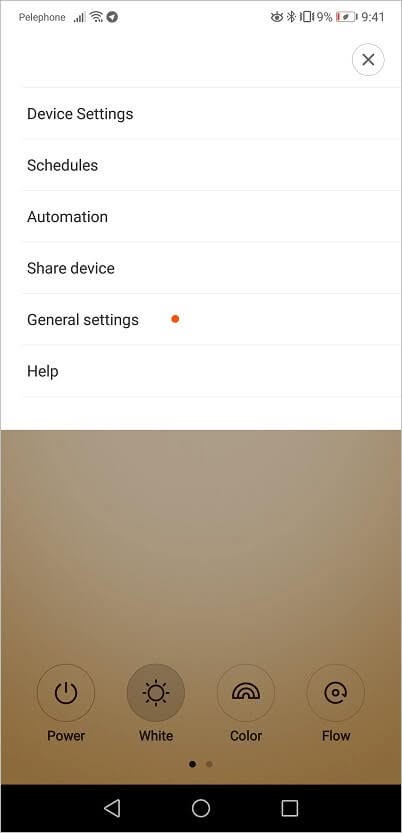
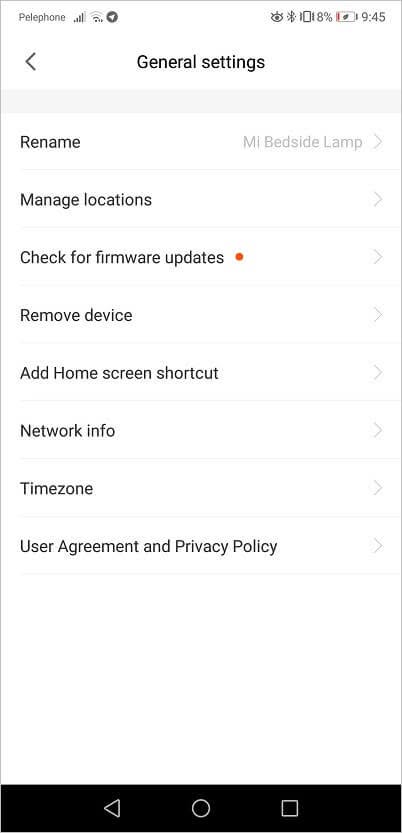
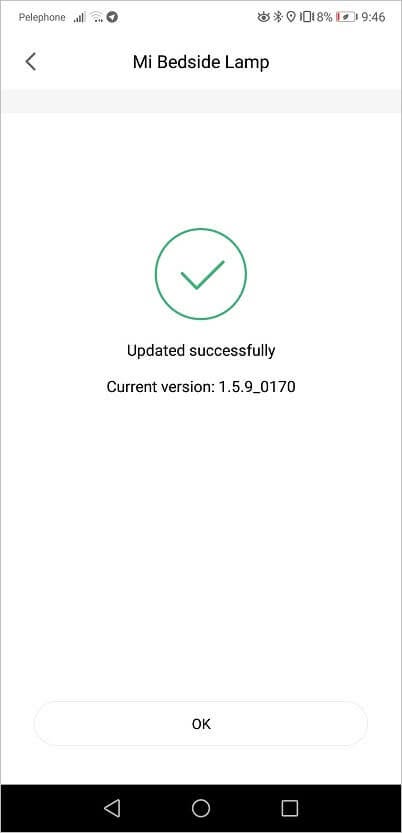
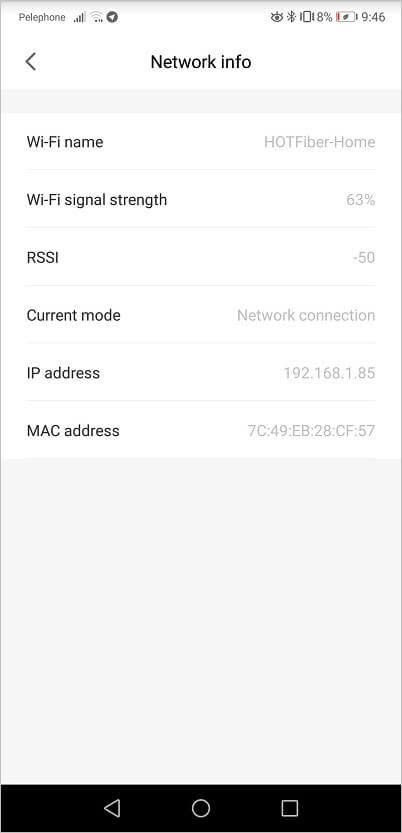
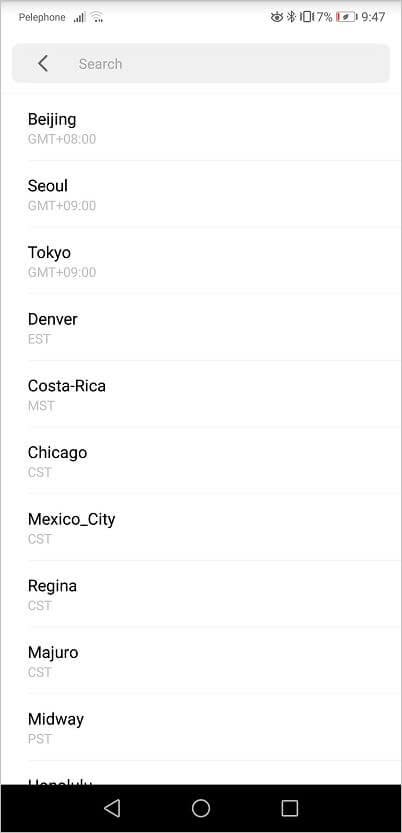
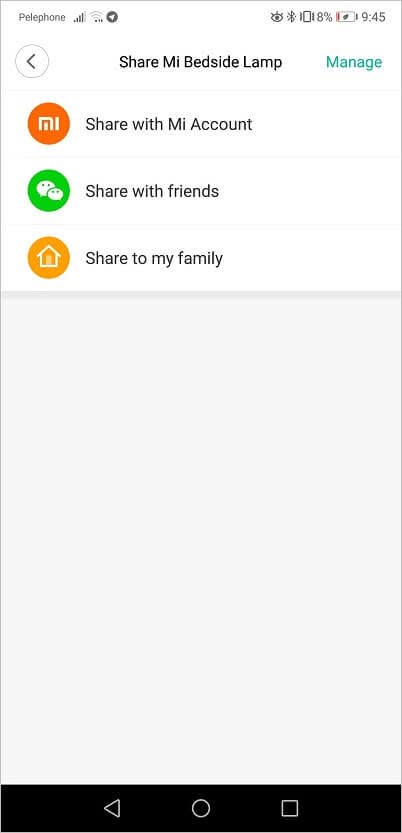
The ‘My Home’ mobile app is available for both Android and iOS platforms. It offers a simple UI (user interface) with a detailed list of all Xiaomi appliances. Under the hood, you will find a few simple yet innovative features to control the lamp remotely, such as a color preset option and the ability to control the intensity of brightness levels by using simple finger gestures.

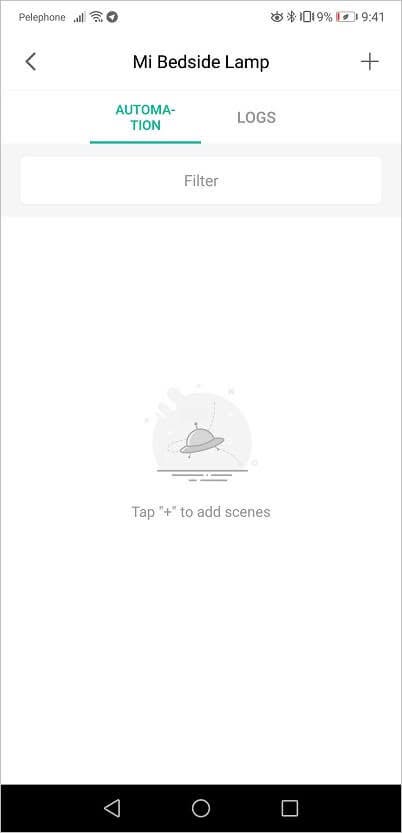
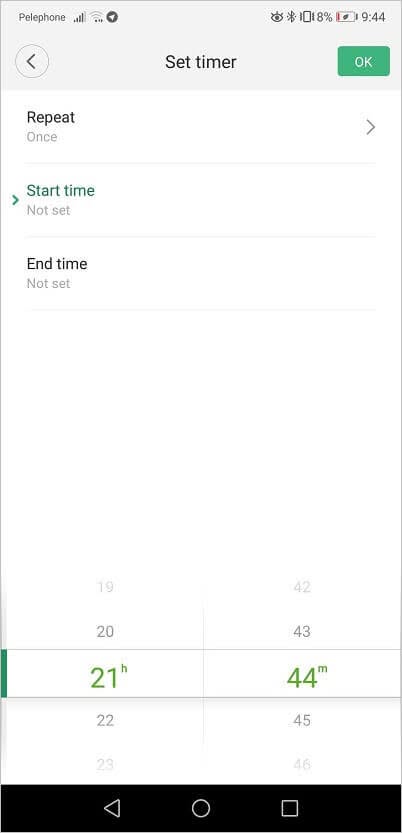
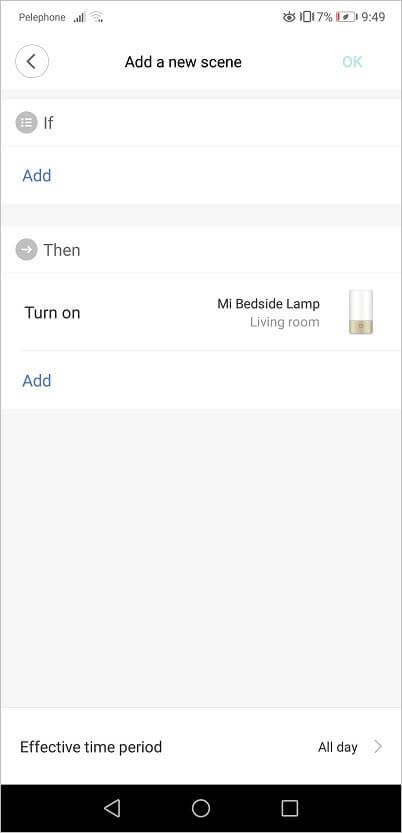
You can also add automation and pre-scheduled tasks and set a timer to a specific time when the lamp will automatically turn on or off. You can even define different ‘what if’ conditions, and turn the light on based on outdoor humidity, temperature, sunrise/sunset, and so forth.

Mi Home | First-time Setup
  • Mijia Lamp Setup 1 1
    Mijia Lamp Setup 1 1
  • Mijia Lamp Setup 2
    Mijia Lamp Setup 2
  • Mijia Lamp Setup 3
    Mijia Lamp Setup 3
  • Mijia Lamp Setup 4
    Mijia Lamp Setup 4
  • Mijia Lamp Setup 5
    Mijia Lamp Setup 5
  • Mijia Lamp Setup 6
    Mijia Lamp Setup 6
  • Mijia Lamp Setup 7
    Mijia Lamp Setup 7
  • Mijia Lamp Setup 8
    Mijia Lamp Setup 8
  • Mijia Lamp Setup 9
    Mijia Lamp Setup 9
  • Mijia Lamp Setup 10
    Mijia Lamp Setup 10
  • Mijia Lamp Setup 11
    Mijia Lamp Setup 11

Mi Home | App Functions

  • Mijia Lamp App 1
    Mijia Lamp App 1
  • Mijia Lamp App 2
    Mijia Lamp App 2
  • Mijia Lamp App 3
    Mijia Lamp App 3
  • Mijia Lamp App 4
    Mijia Lamp App 4
  • Mijia Lamp App 6
    Mijia Lamp App 6
  • Mijia Lamp App 8
    Mijia Lamp App 8
  • Mijia Lamp App 9
    Mijia Lamp App 9
  • Mijia Lamp App 5
    Mijia Lamp App 5
  • Mijia Lamp App 7
    Mijia Lamp App 7
  • Mijia Lamp App 10
    Mijia Lamp App 10

Power Consumption

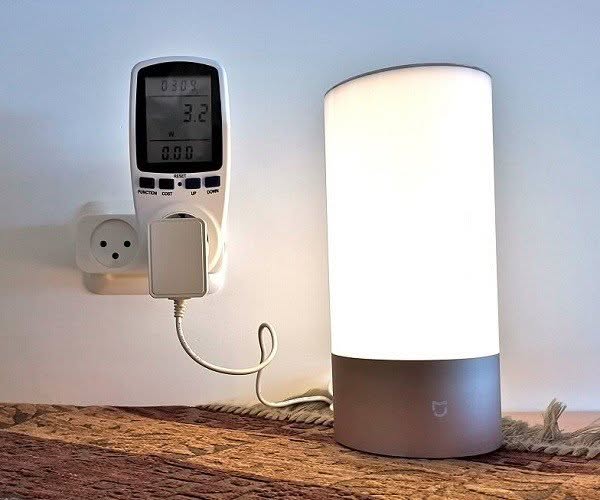
As expected from lamps based on LED technology and according to my tests, adjusting the light intensity in white color mode, the power consumption in wattage when operating this lamp ranged between 3.2W – 13.4W in the highest brightness settings.
Final words

A defiantly must have a smart lamp worth buying that is not too expensive, it combines both high build quality, clean elegant design, and great innovative features.

Although I have zero complaints about this product, from a user standpoint, what I missing in this product is maybe the option to adjust the white light brightness below the minimum value set by Xiaomi, so it can be also used as a very low light night lamp.
Share. Facebook Twitter Pinterest LinkedIn Tumblr Email
Previous ArticleNanoPi / NEO Plus2: Ultra Small Compact Metal Case
Next Article Samsung Earbuds EG920BW – The Cheapest Earbuds under $5
androidpimp
  • Website

Related Posts

Baseus Sunshine Smart Night Lamp

Baseus Night Lamp: Best Bedside Lamp of 2022/2023

January 11, 2023
Baseus Sunshine Night Light Lamp Dgfm 02

Baseus reachable night lamp with a built-in pir motion sensor

January 1, 2023
0 0 votes
Article Rating
Subscribe
Notify of
0 Comments
Oldest
Newest Most Voted
PureVPN
PureVPN Ad Banner
VyprVPN – No. 1 in Anonymity
Vyprvpn 350x260
PrivadoVPN – No. 1 in Parental Control
PrivadoVPN 350x437
Recent Posts
  • Orange Pi Zero 3W Review: $25 Dual Video Pi Zero 2W Killer?
  • Banana Pi BPI-SM10 Review: 60 TOPS RISC-V Jetson Orin Nano Alternative
  • SpacemiT K3 Pico-ITX Review: 60-TOPS RISC-V Powerhouse for LLMs?
  • Banana Pi BPI-R4 Pro Review: The Best WiFi 7 OpenWrt Router? We Checked!
  • DFRobot ESP32-S3 LoRaWAN & Gateway Review: Build a Private IoT Network
  • Top Global AliExpress Promo Worldwide Country Codes June 6, 2026
  • WaveNote AI Review 2026: An Honest Pro/Con Comparison (Tested)
  • CamThink NE301 Review: 25 FPS YOLOv8 on STM32 Edge AI
  • PrivadoVPN Review 2026: Is the Best Free VPN Still Good for Streaming?
  • Orange Pi 6: Built-In 45 TOPS AI Power Beats Any AI HAT+
RSS The Latest RSS Feeds
  • Orange Pi Zero 3W Review: $25 Dual Video Pi Zero 2W Killer?
  • Banana Pi BPI-SM10 Review: 60 TOPS RISC-V Jetson Orin Nano Alternative
  • SpacemiT K3 Pico-ITX Review: 60-TOPS RISC-V Powerhouse for LLMs?
Facebook X (Twitter) Instagram Pinterest
@2026 - All Right Reserved. Designed by AndroidPIMP

Type above and press Enter to search. Press Esc to cancel.

Powered by
►
Necessary cookies enable essential site features like secure log-ins and consent preference adjustments. They do not store personal data.
None
►
Functional cookies support features like content sharing on social media, collecting feedback, and enabling third-party tools.
None
►
Analytical cookies track visitor interactions, providing insights on metrics like visitor count, bounce rate, and traffic sources.
None
►
Advertisement cookies deliver personalized ads based on your previous visits and analyze the effectiveness of ad campaigns.
None
►
Unclassified cookies are cookies that we are in the process of classifying, together with the providers of individual cookies.
None
Powered by
wpDiscuz