
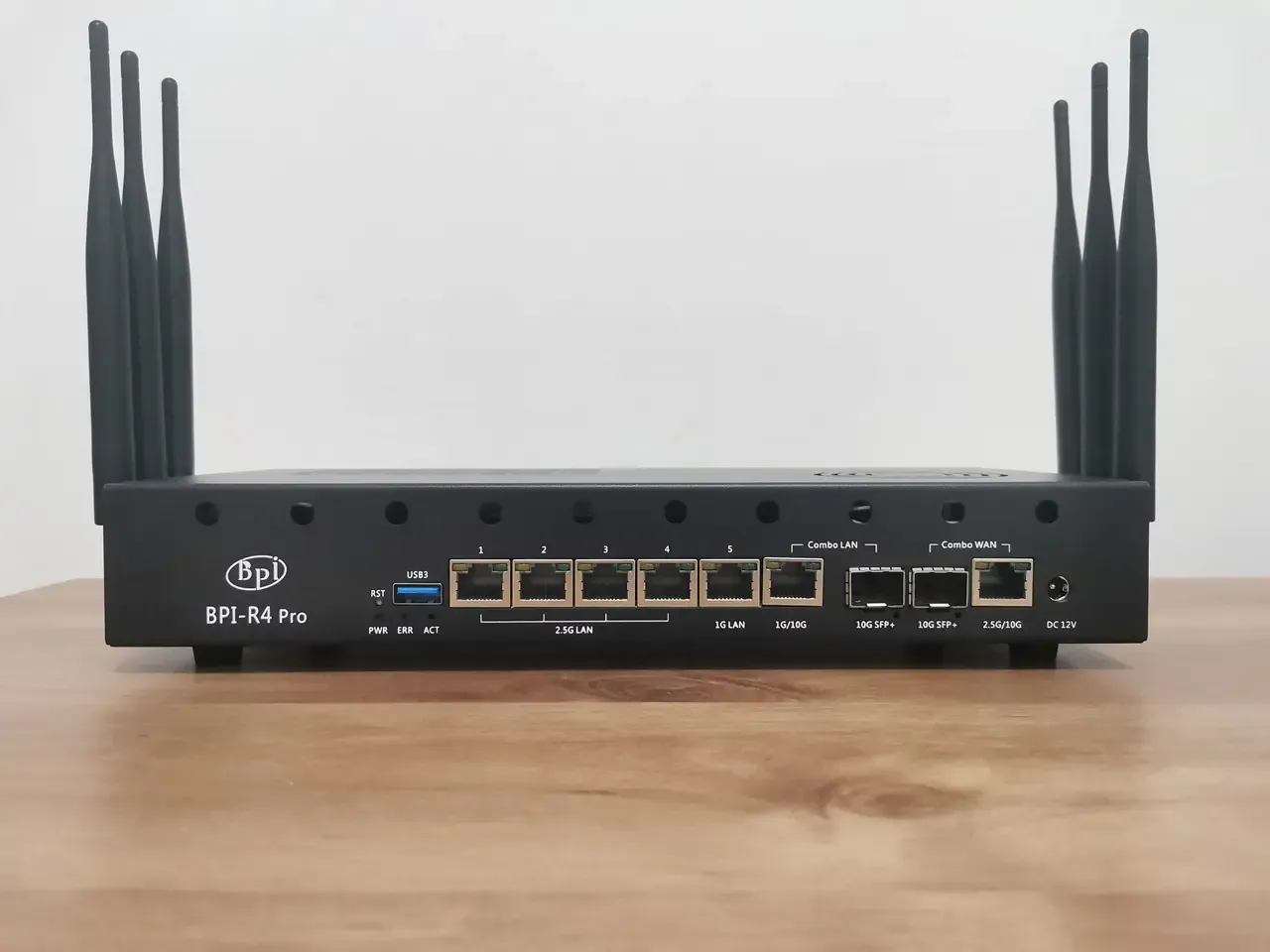
Initial setup
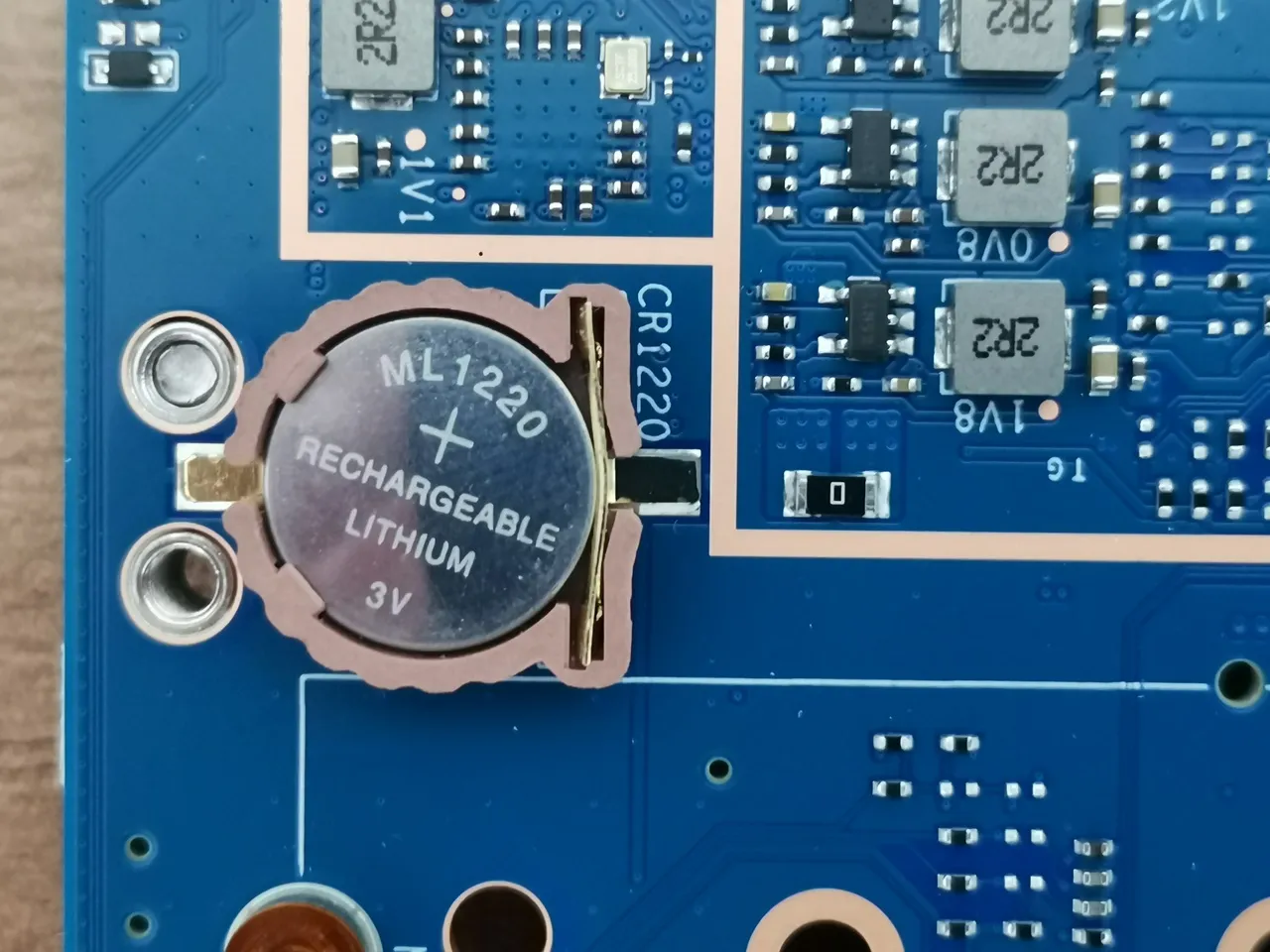
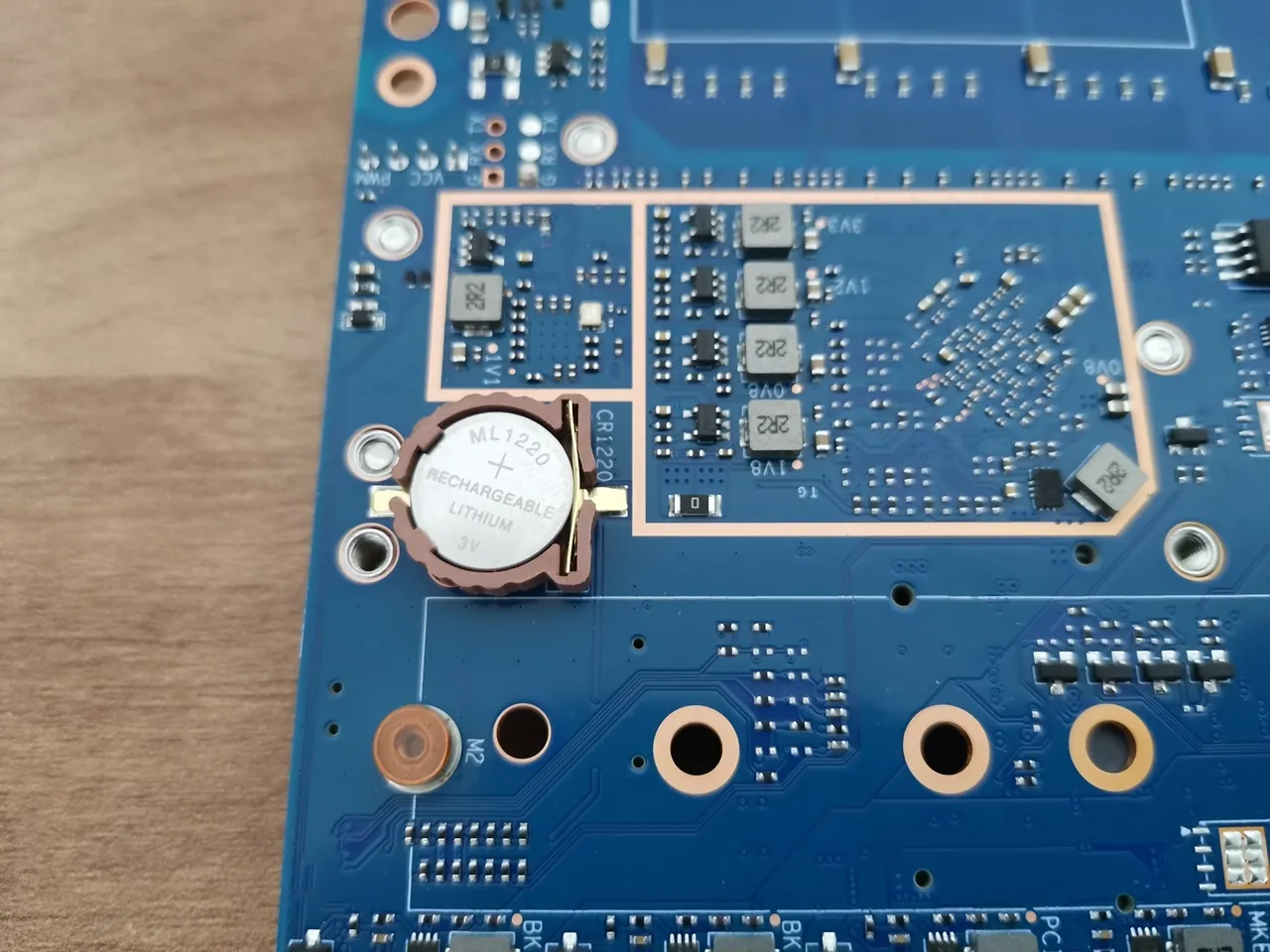
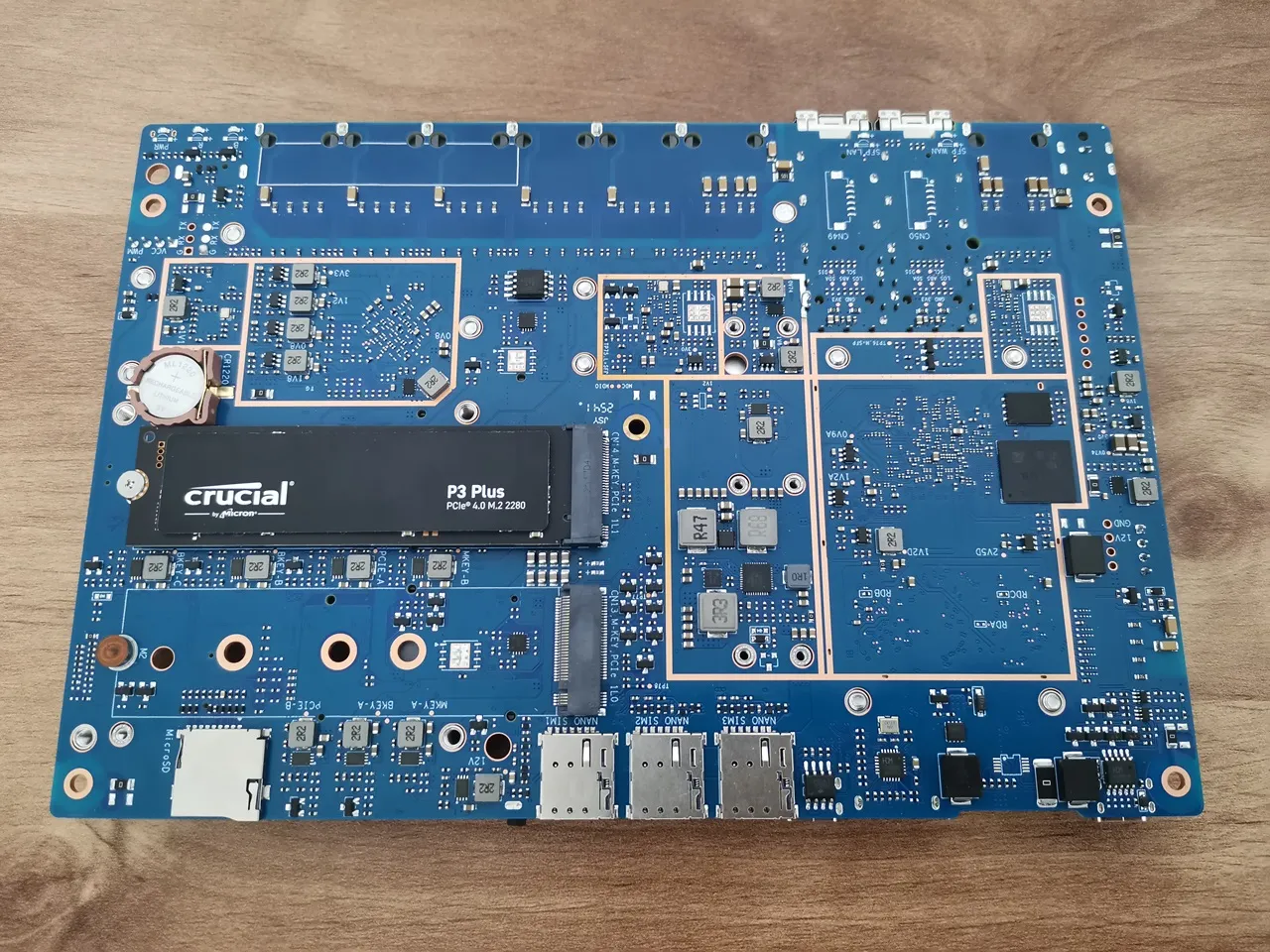
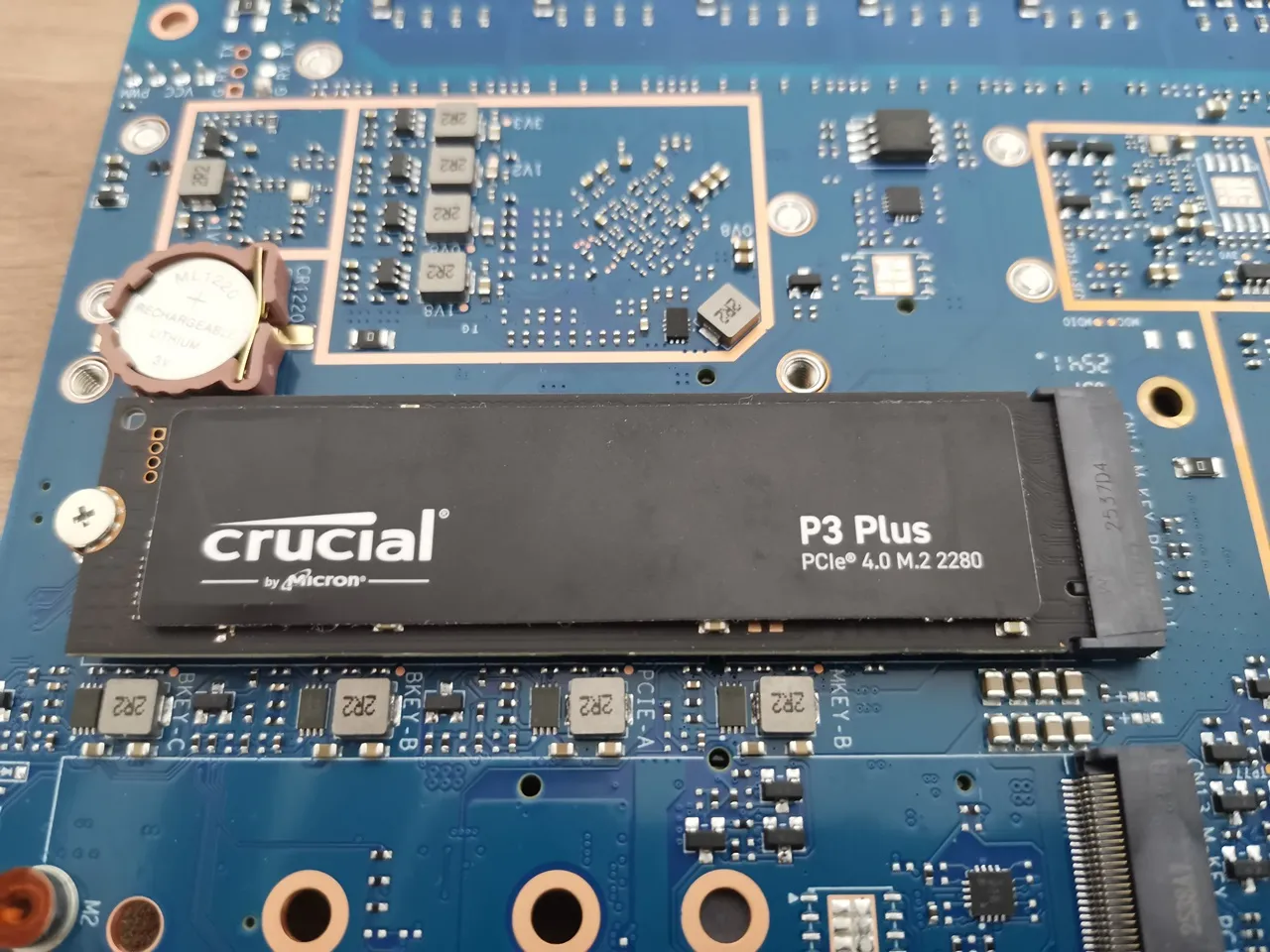
Before assembling the R4 Pro board into the metal case, it’s a good idea to install the CMOS battery first. The board features a built-in battery housing located on the rear side of the board next to the NVMe SSD socket. We recommend using a standard ML1220 3V rechargeable lithium battery, which can be purchased separately. This method keeps accurate time and saves certain boot-related settings even when the power is off. Without it, the system loses its real-time clock (RTC) data every time the power is disconnected.
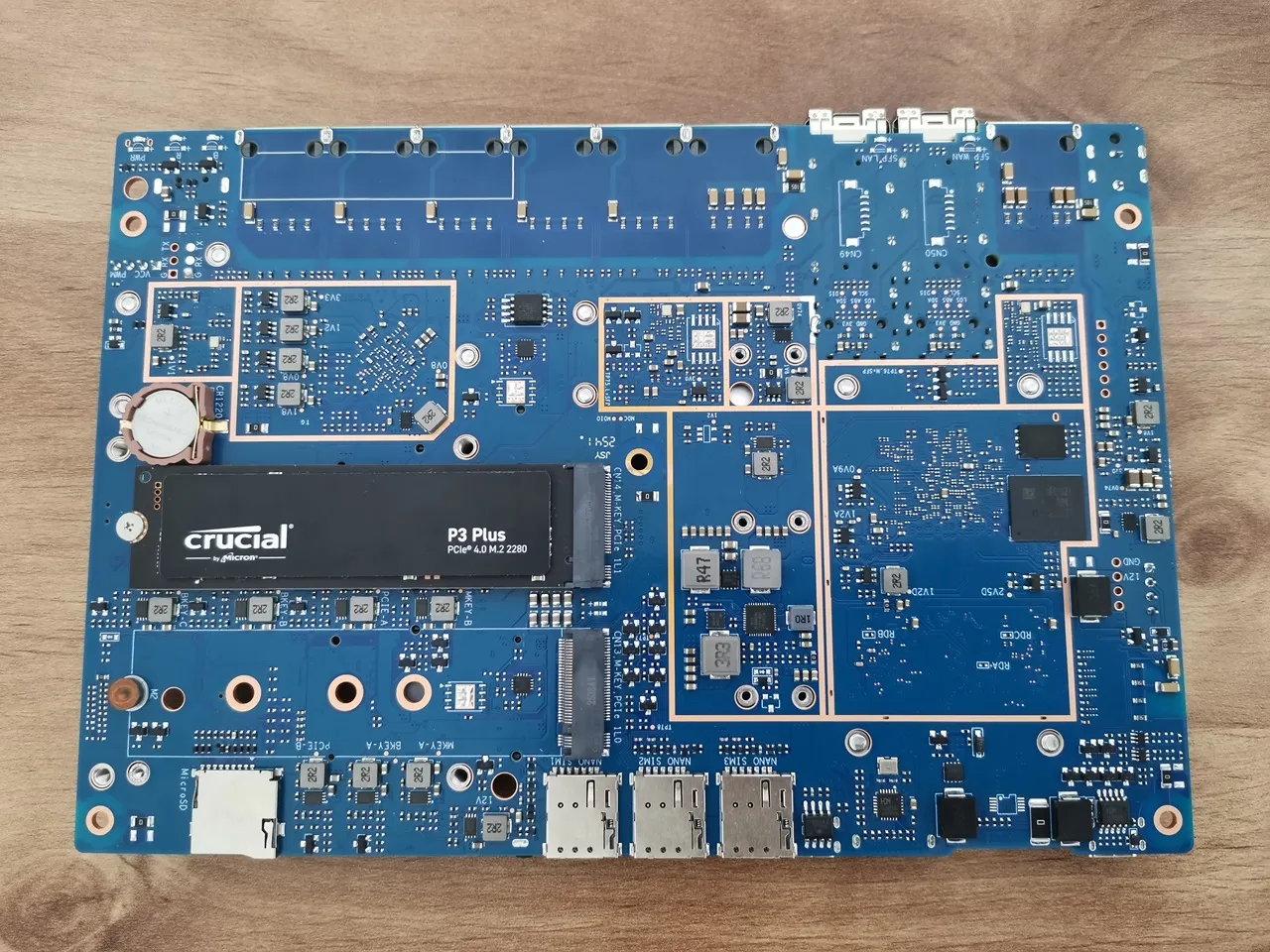
Installing an NVMe SSD
NVMe stress-testing with fio
This test covers:
- High queue‑depth NVMe saturation tests
- Latency tests
- Sequential read/write max‑throughput tests
- Random 4K IOPS tests
- Mixed workload tests
| Test | Bandwidth (BW) | IOPS |
|---|---|---|
| seq-read | 771 MiB/s | 770 |
| seq-write | 831 MiB/s | 831 |
| seq-rw | 597 MiB/s | 596 |
| rand-read | 49.3 MiB/s | 12.6k |
| rand-write | 192MiB/s | 49.1k |
| mixed | 42.7MiB/s | 10.9k |
| latency | 51.5MiB/s | 13.2k |
| full stress | 60.8MiB/s | 15.6k |
There’s also a major upgrade if you plan on using NVMe SSDs!
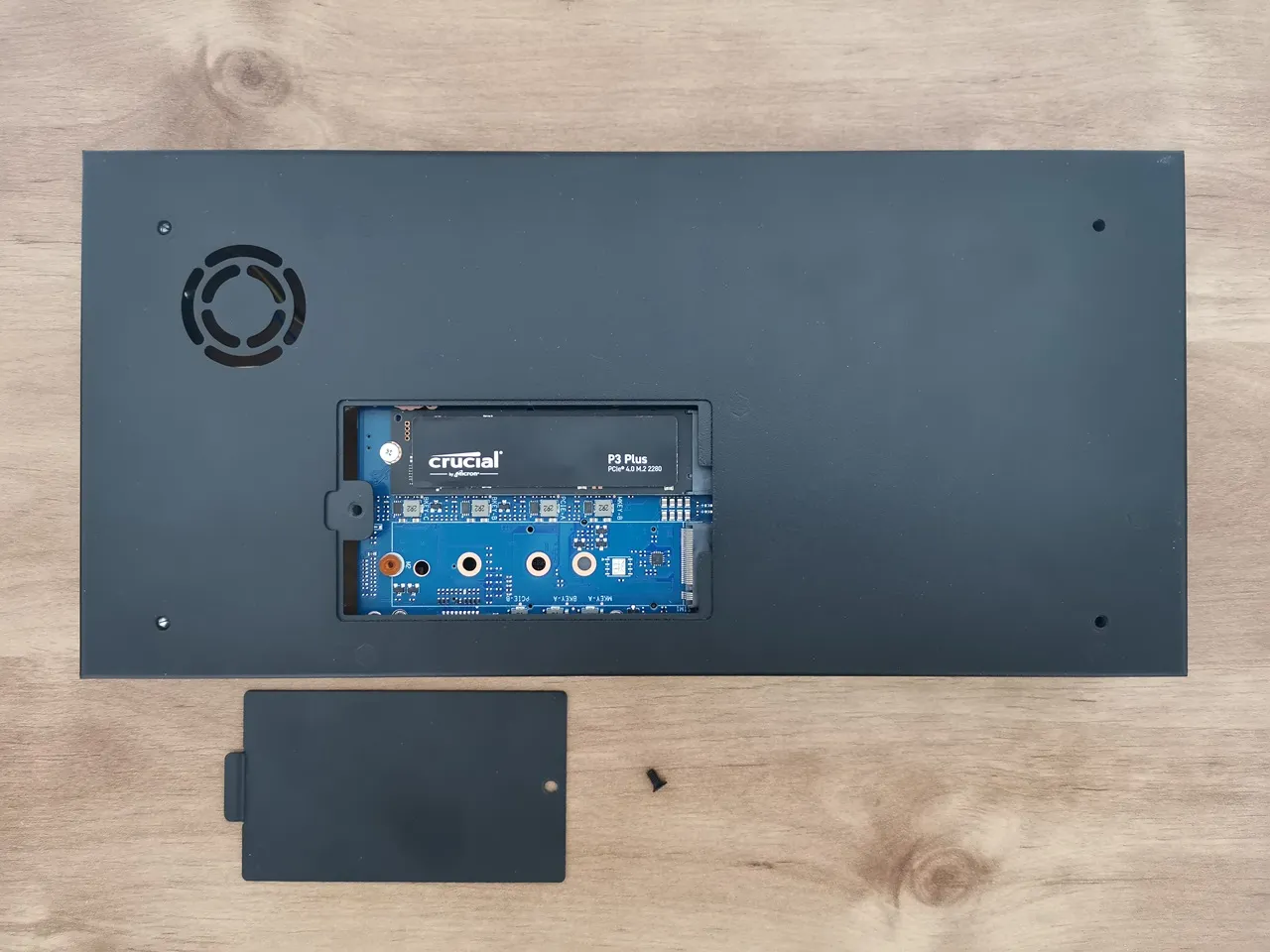
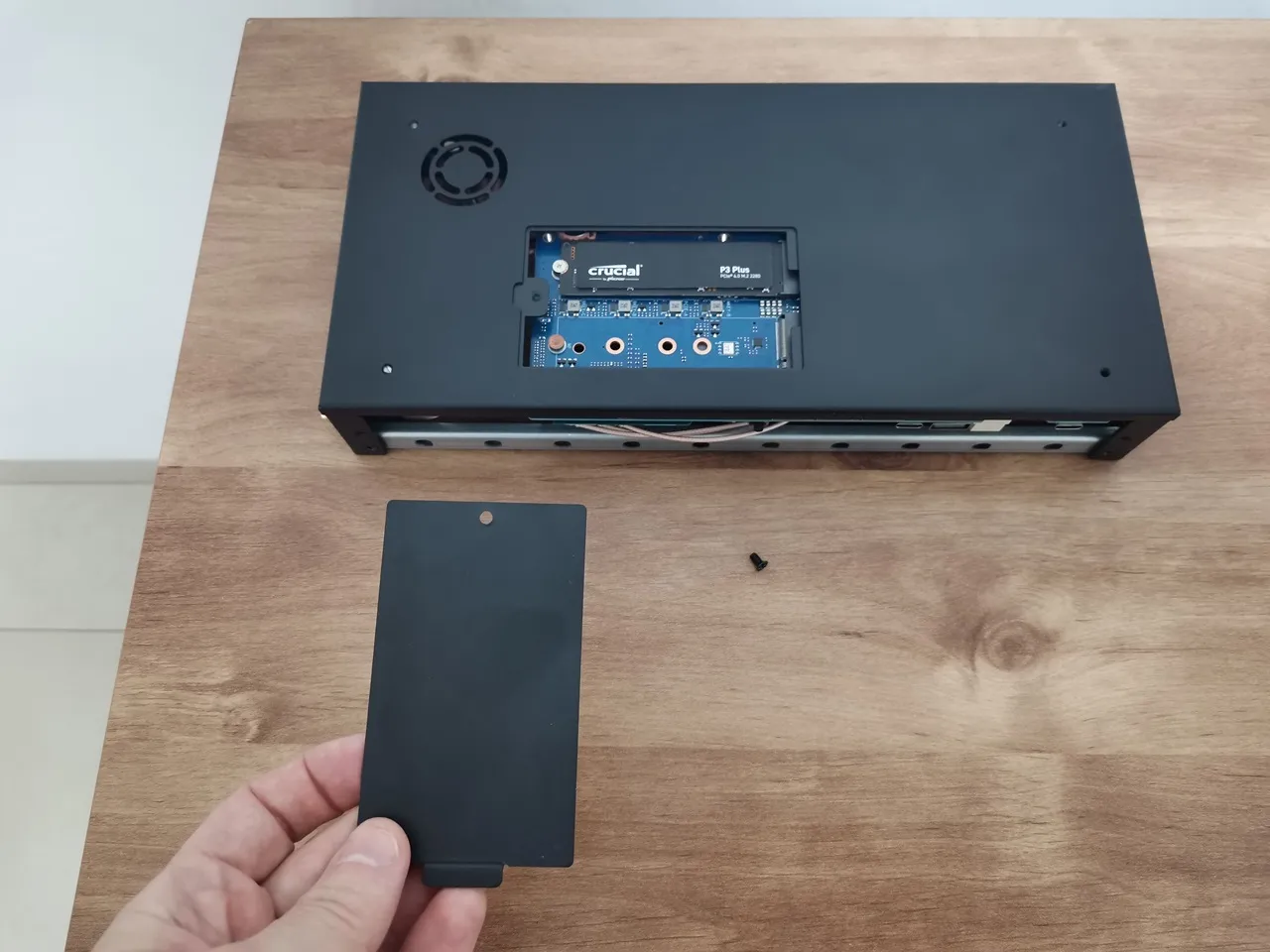
The Banana Pi team designed a small compartment at the bottom of the case, allowing quick and easy access to NVMe SSDs slots (sockets) so they can be swapped out whenever needed without reopening the case cover.
Accessing the NVMe slots from the bottom of the case.
Installation experience
It was a bit tricky, but we got it sorted—the holes on the back for the Wi-Fi antennas intentionally don’t have cutouts for the antenna nuts. Instead, the company provided a metal rail with the necessary cutouts that attaches to the base of the case with two screws. This design approach allows users to freely open the cover while the antenna nuts remain assembled on the metal rail.
Assembling the main components of the case
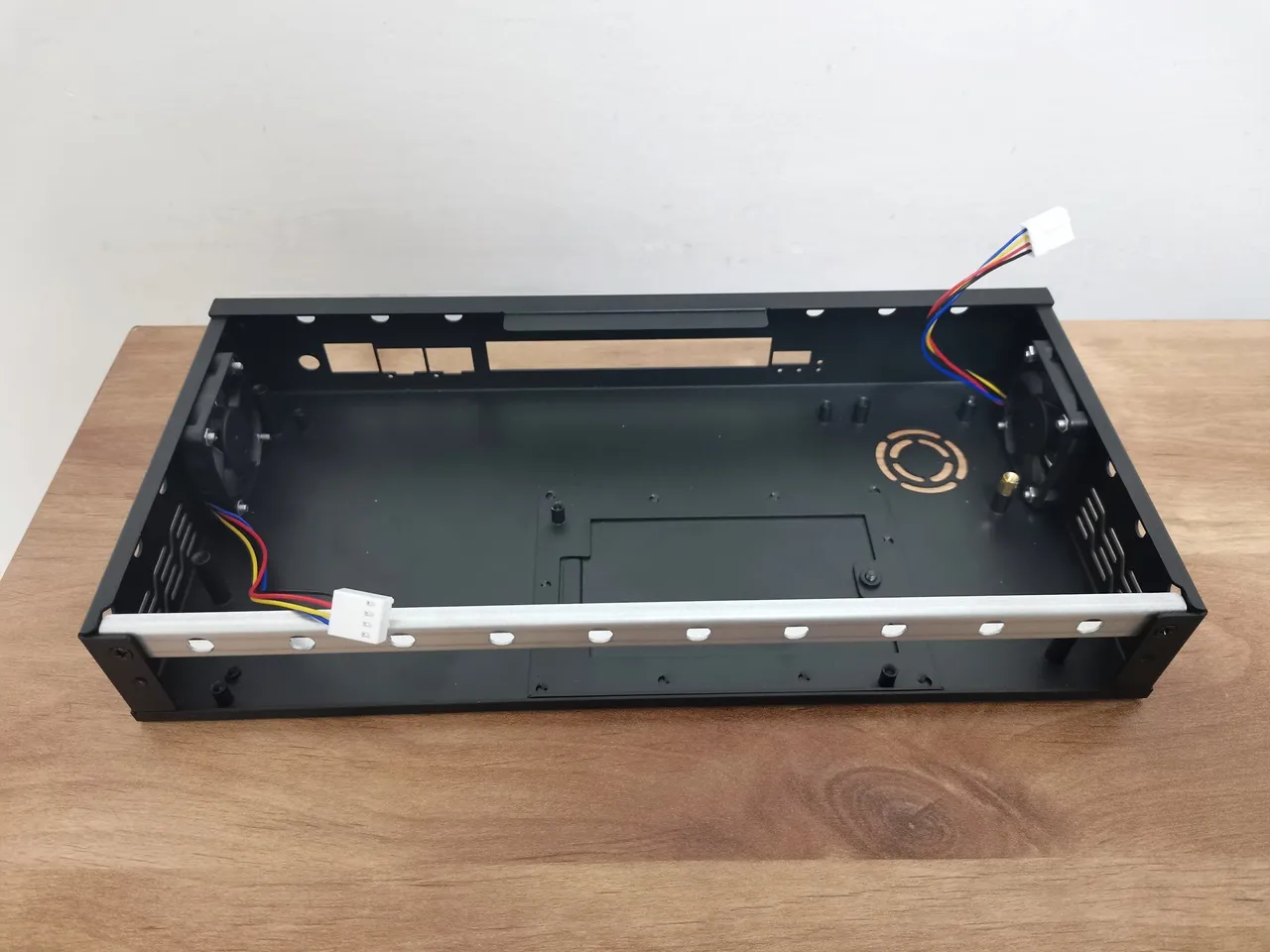
Overall, the case design is great, but there’s one small yet important drawback: it lacks holes for mounting a top 60 mm cooling fan. If you want to add one, you’ll need to drill four holes in the cover or use strong adhesive to attach the fan directly.
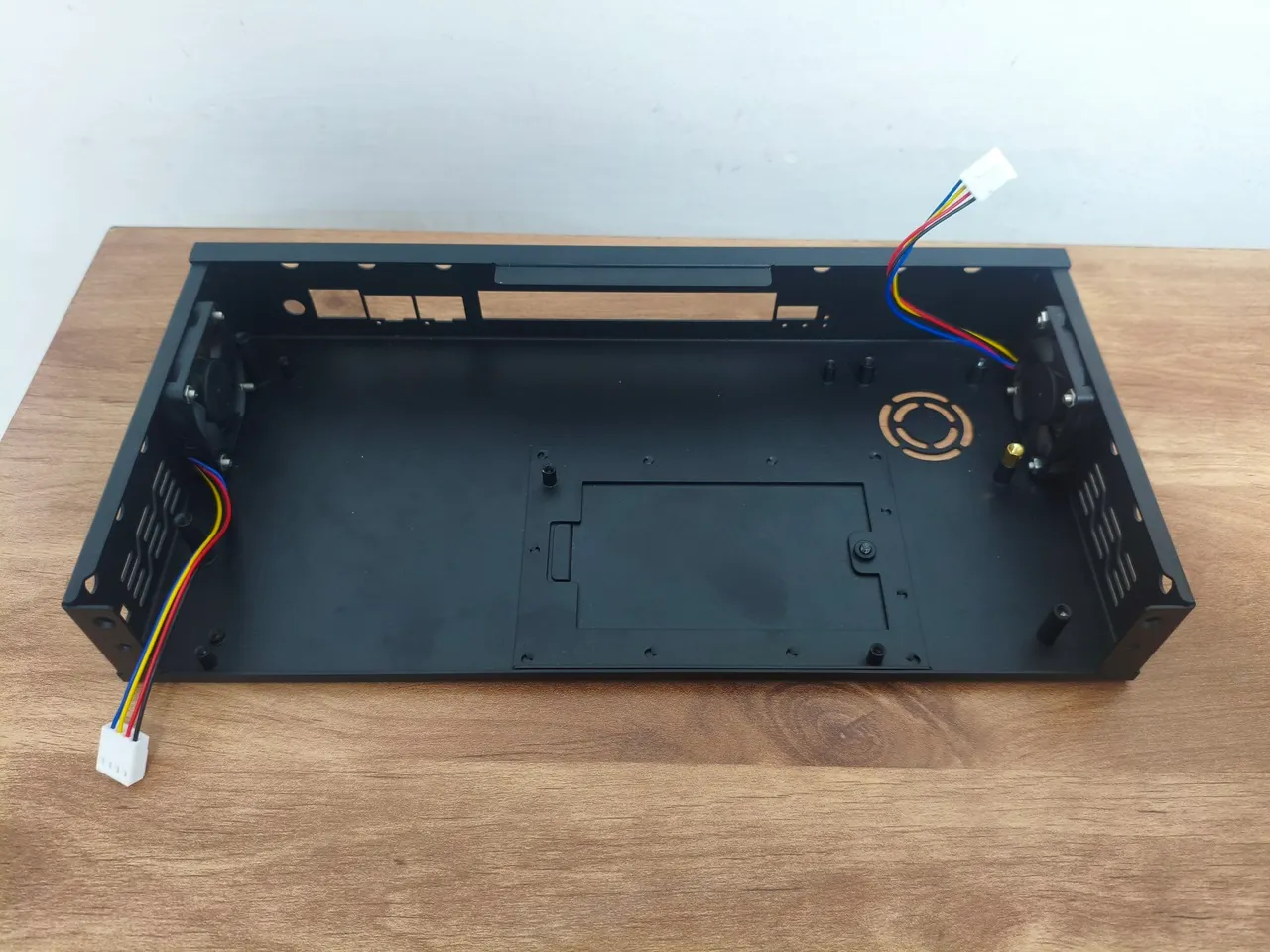
Installing the side-mounted fans
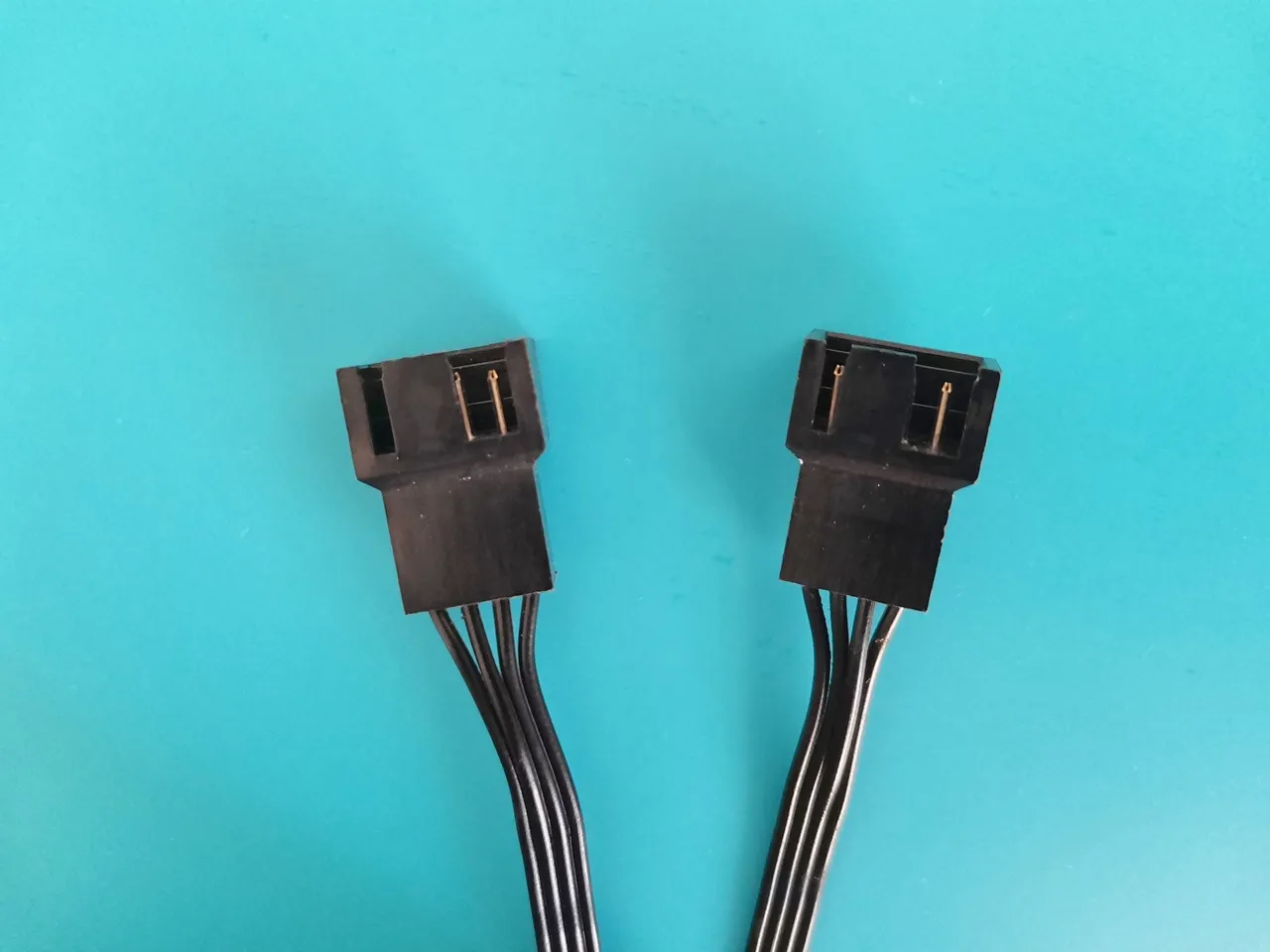
The BPI-R4Pro comes with two fan connectors designed for 4-wire PWM-controlled fans, just like those on standard PC motherboards. Powered by a 12V supply, the fan was easy to install, making the whole setup quick and effortless.
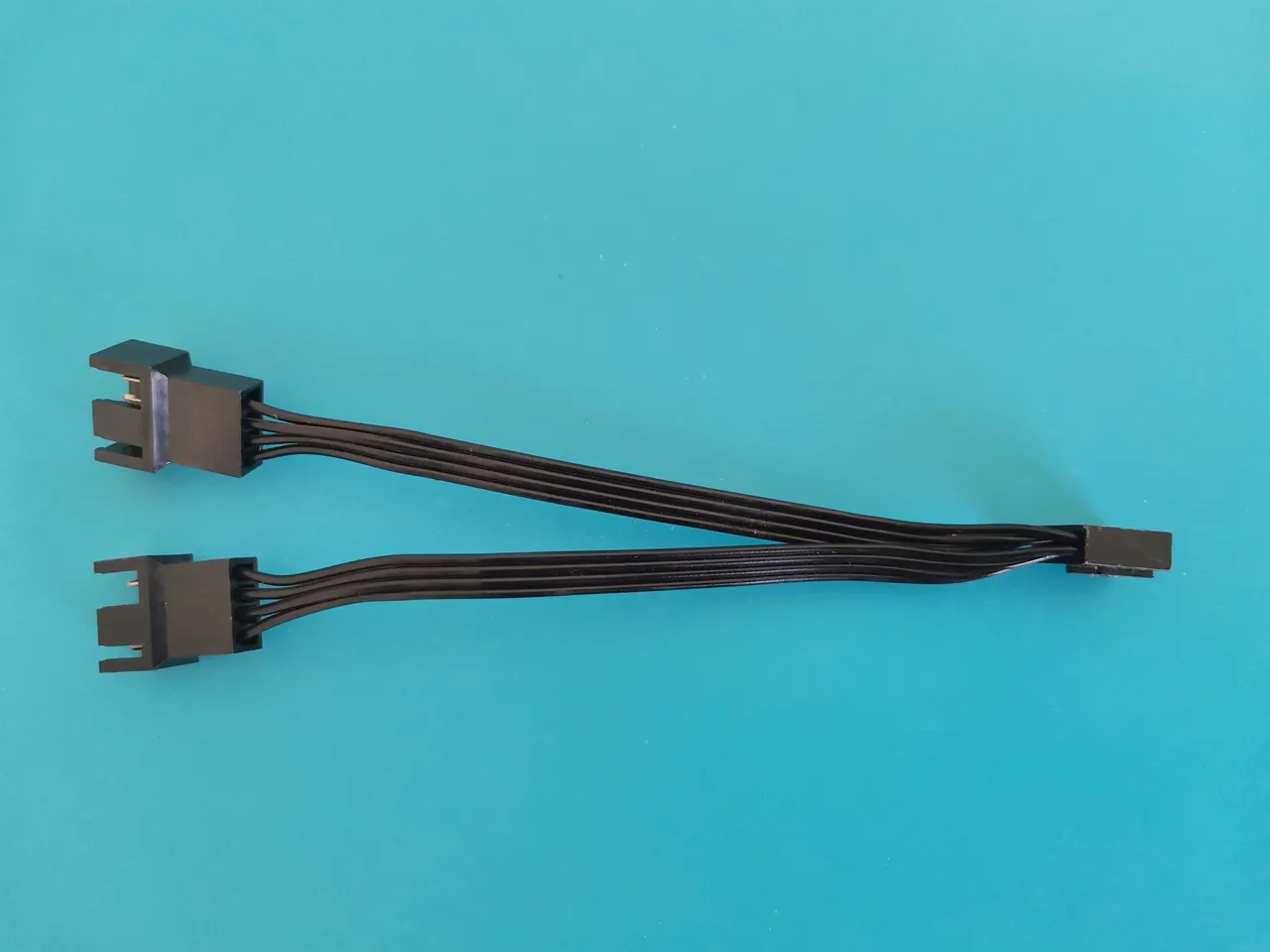
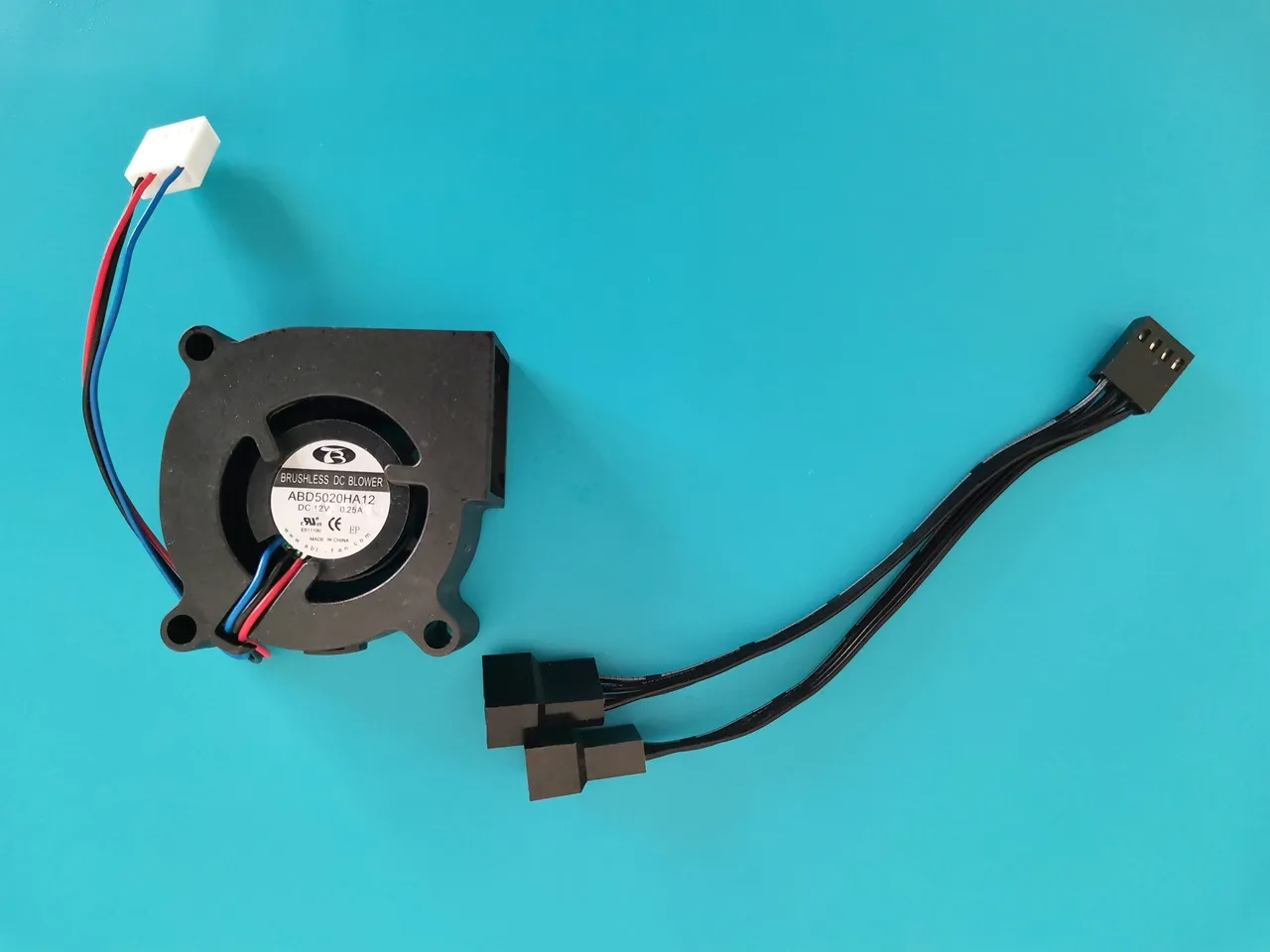
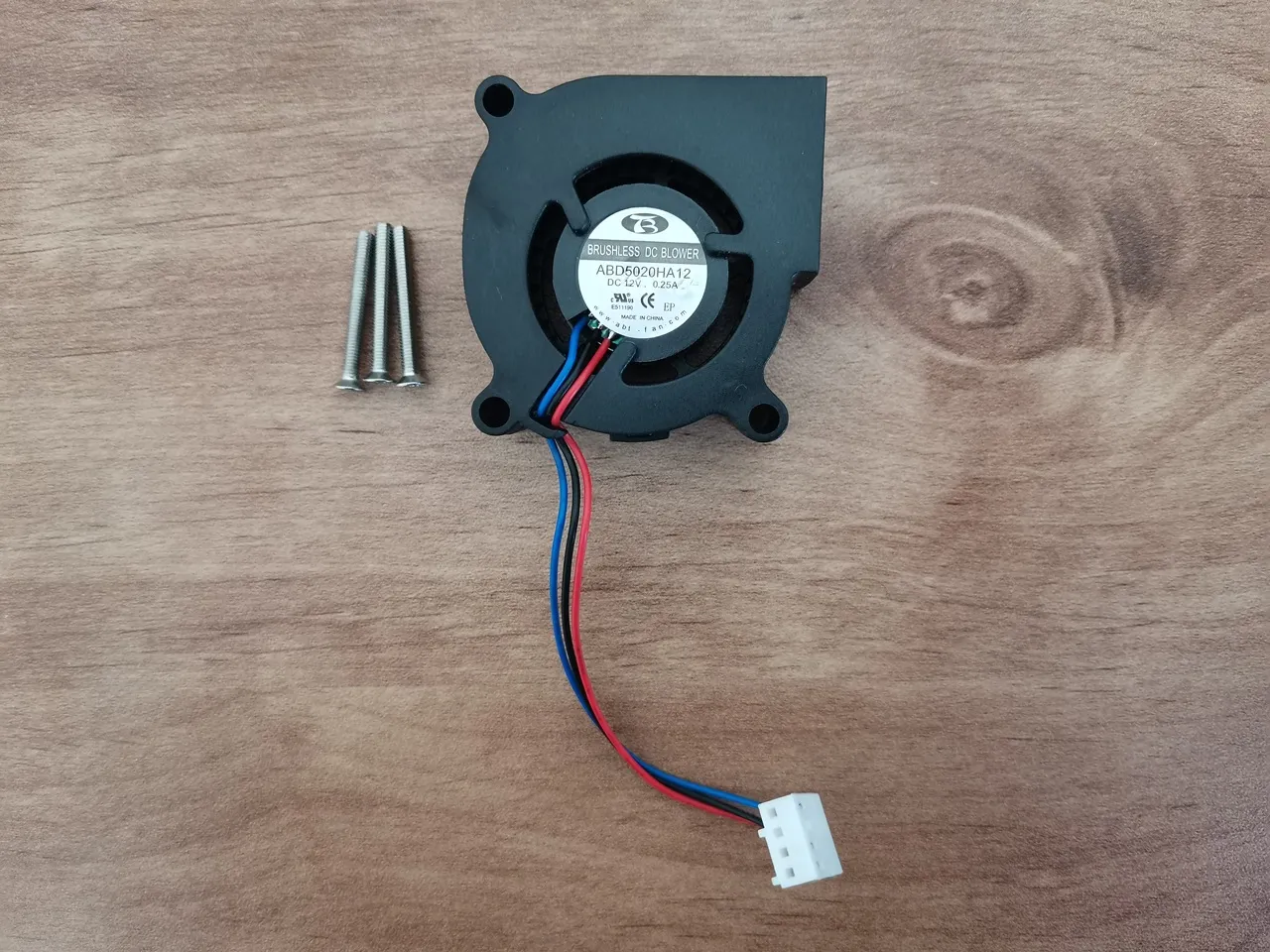
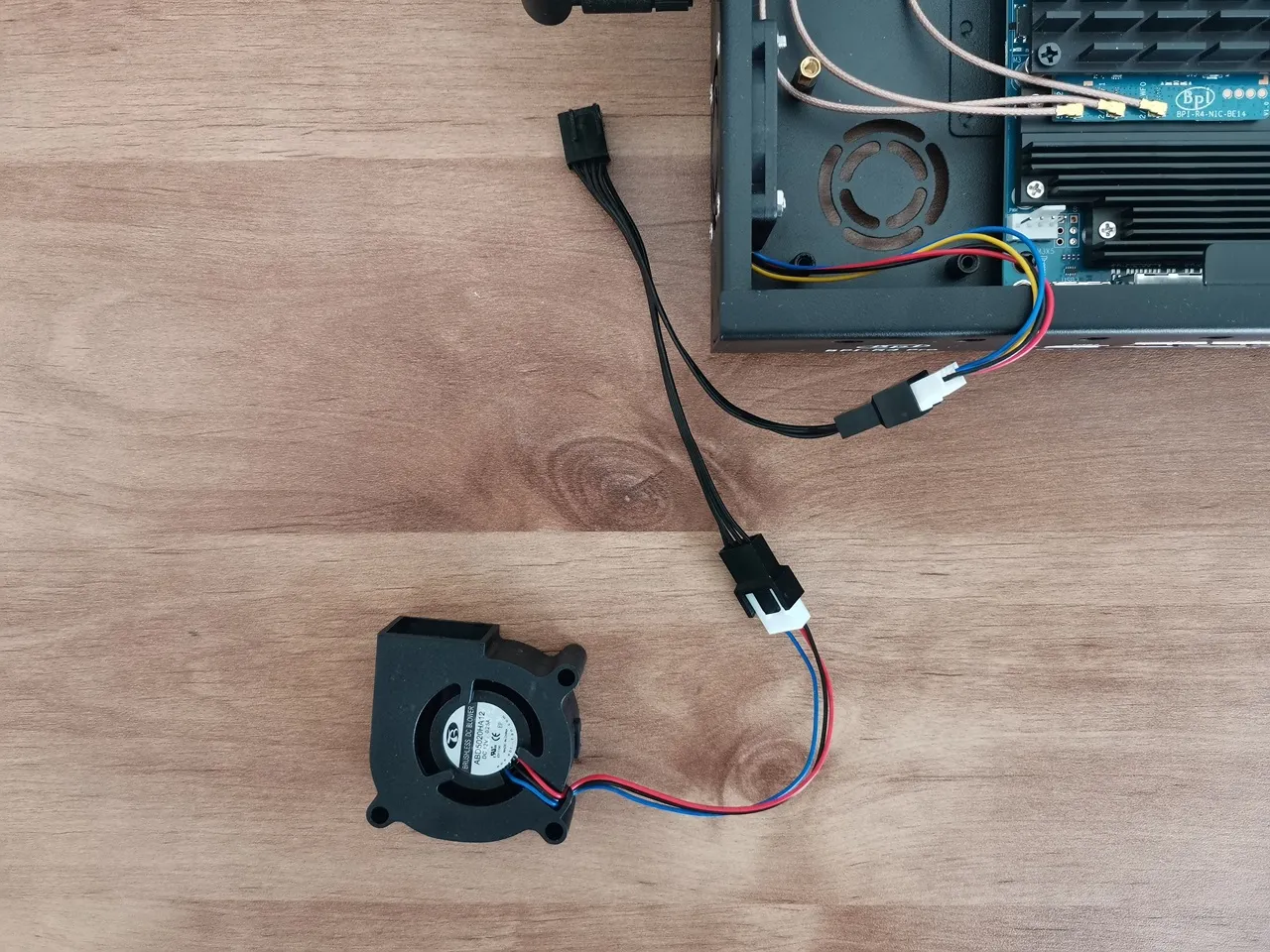
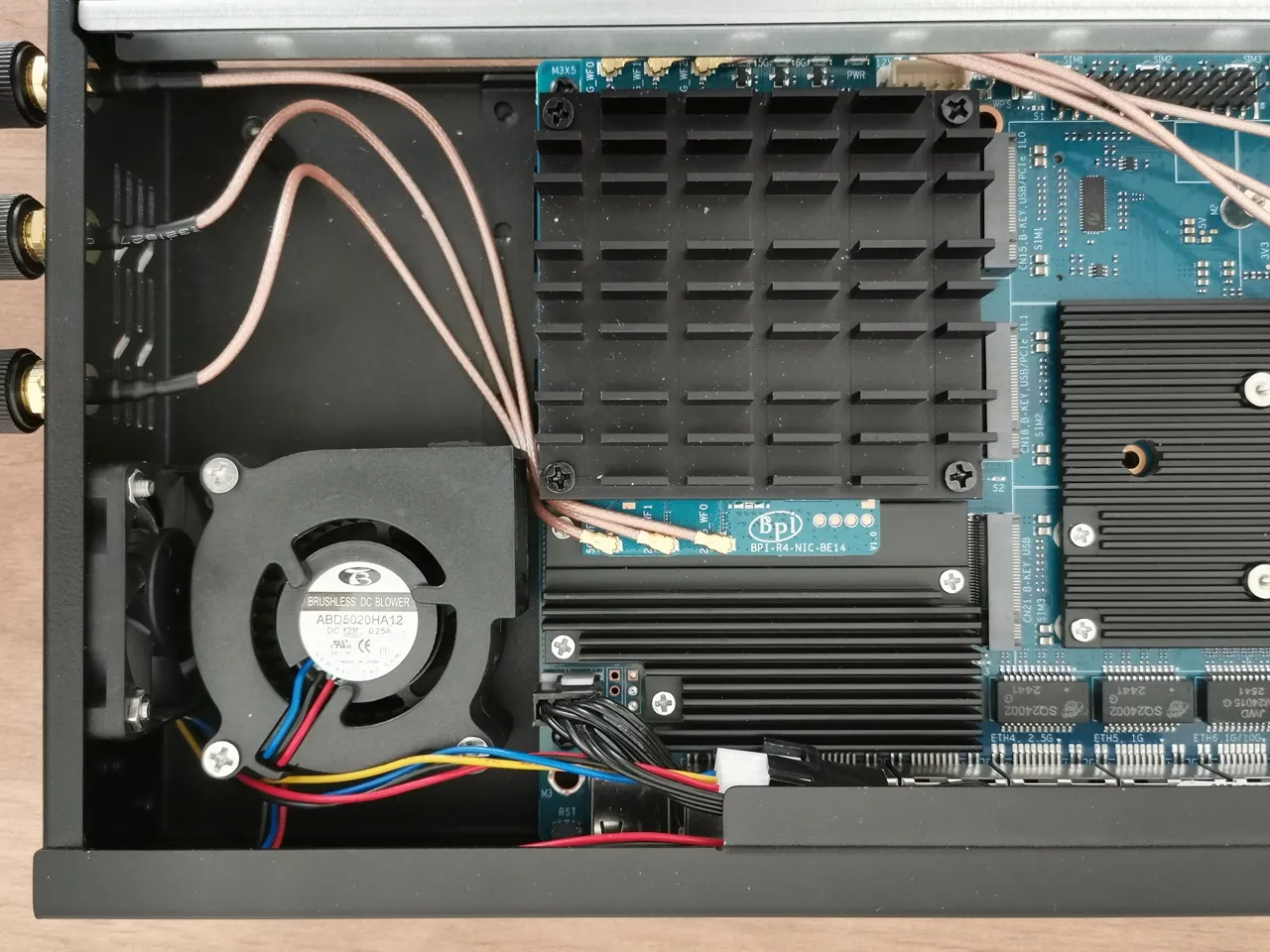
As another setup option, you can add a 5020-blower fan mounted at the bottom of the case to pull air in from the outside. Just keep in mind that to make this work, you’ll need to use only one side fan, since there are only onboard two fan sockets available in total. A simple workaround that might work well is using a Power cable splitter, so we also explored this option.
Installing a power Y-splitter to connect the left-side PWM fan and our blower fan.
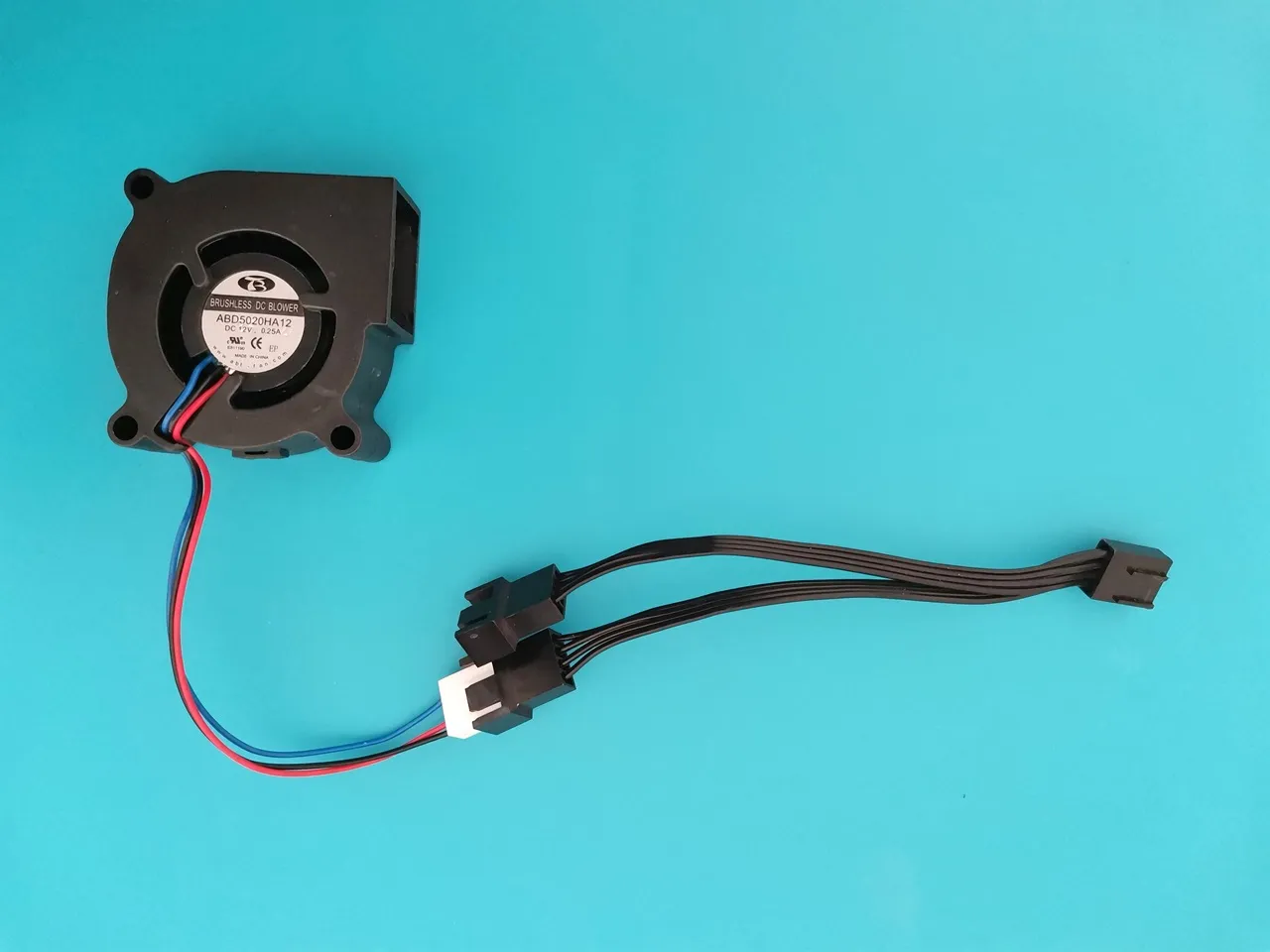
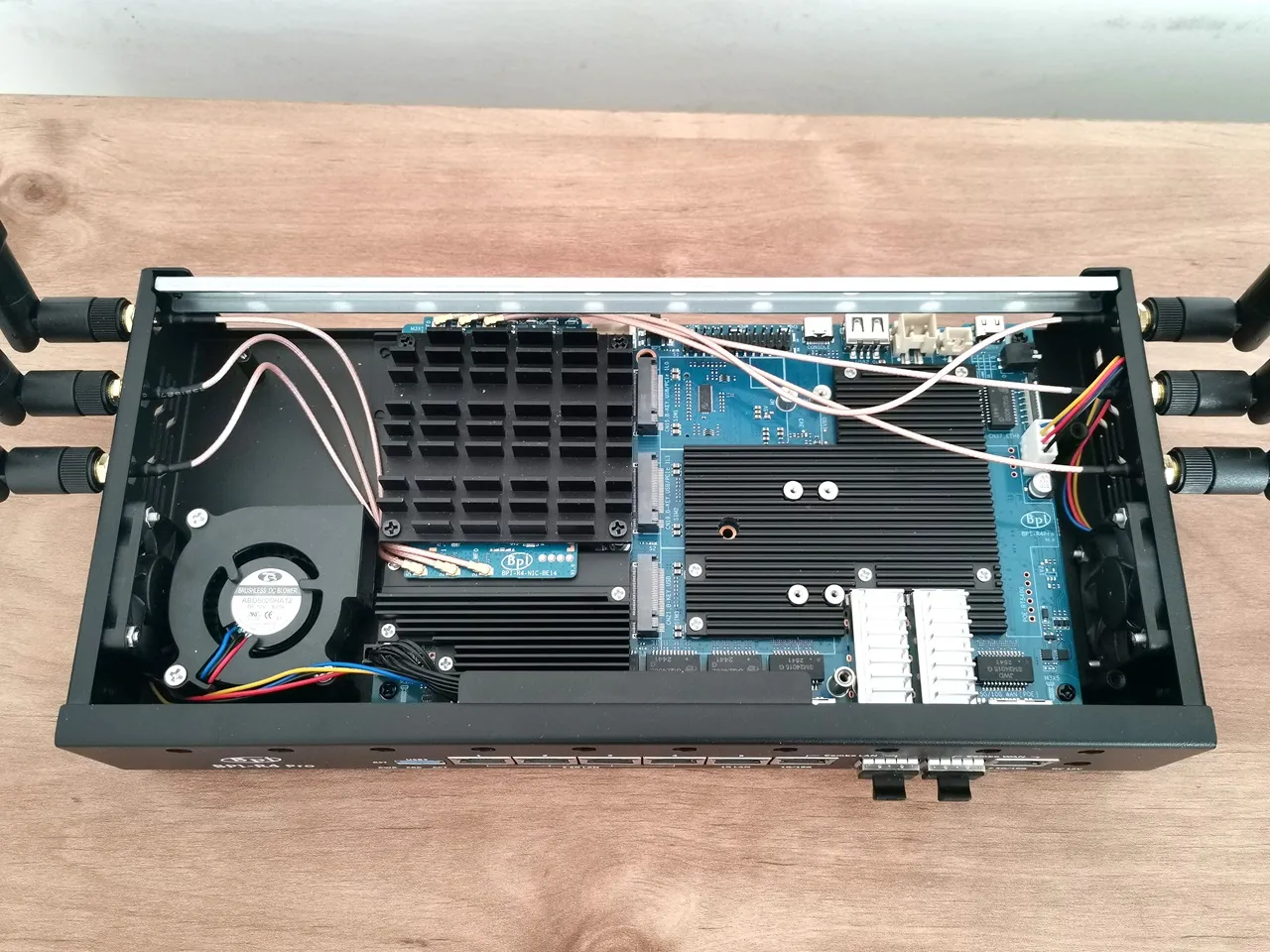
Putting all parts together
The installation was simple, and everything ran smoothly. We now have three fans in action: the left and right ones pushing hot air out of the case, and a third blower pulling cool air in through the bottom vent slots. In a different setup, you could connect the left and right fans to the same splitter—just choose whatever works best for you. Also, as shown in the photos below, the BE14 network interface card (NIC) wires might be a bit too close to the heatsink, so adding an insulation sleeve could be a simple and smart idea. It’s easy to install and might help avoid potential issues.
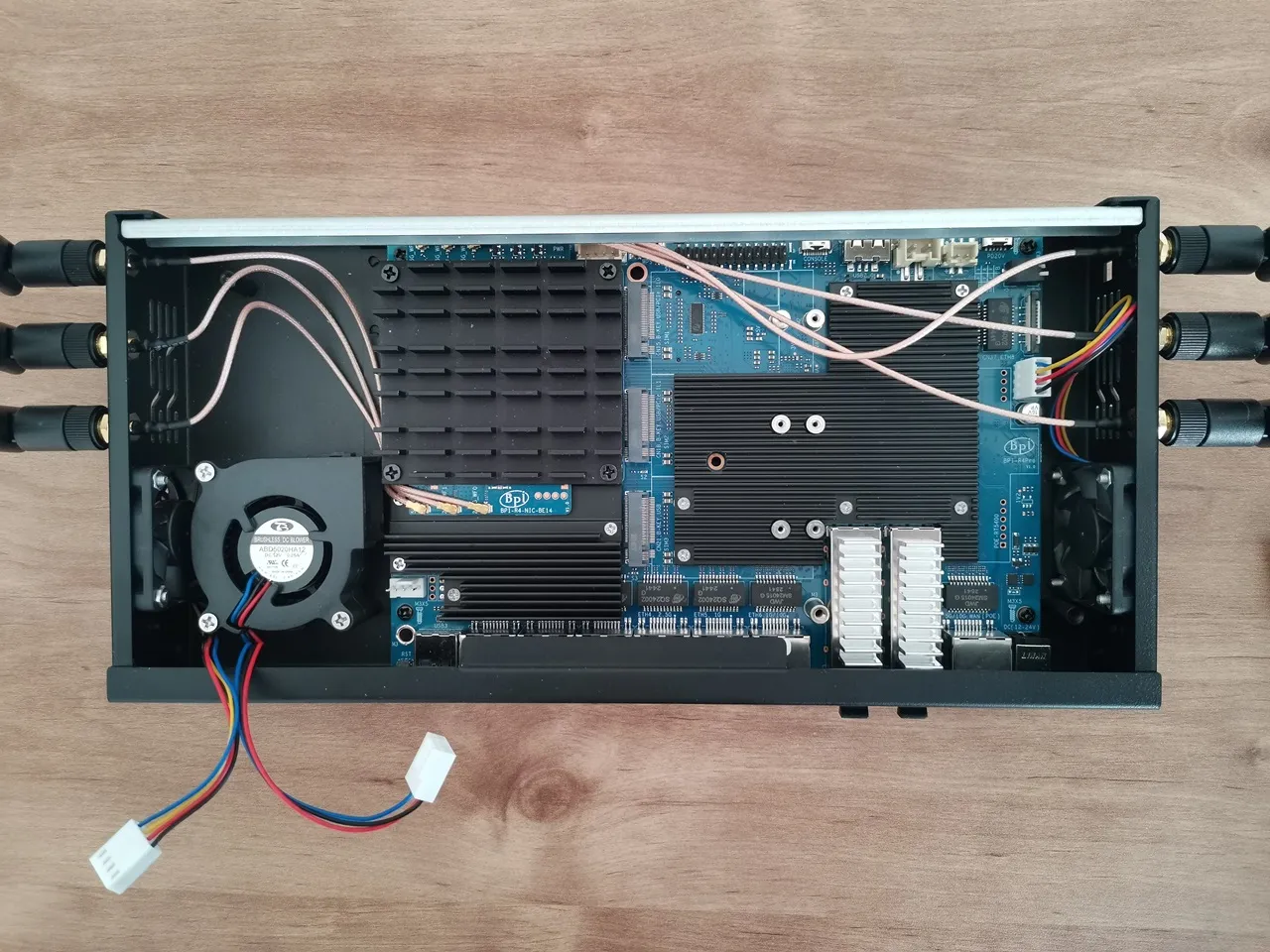
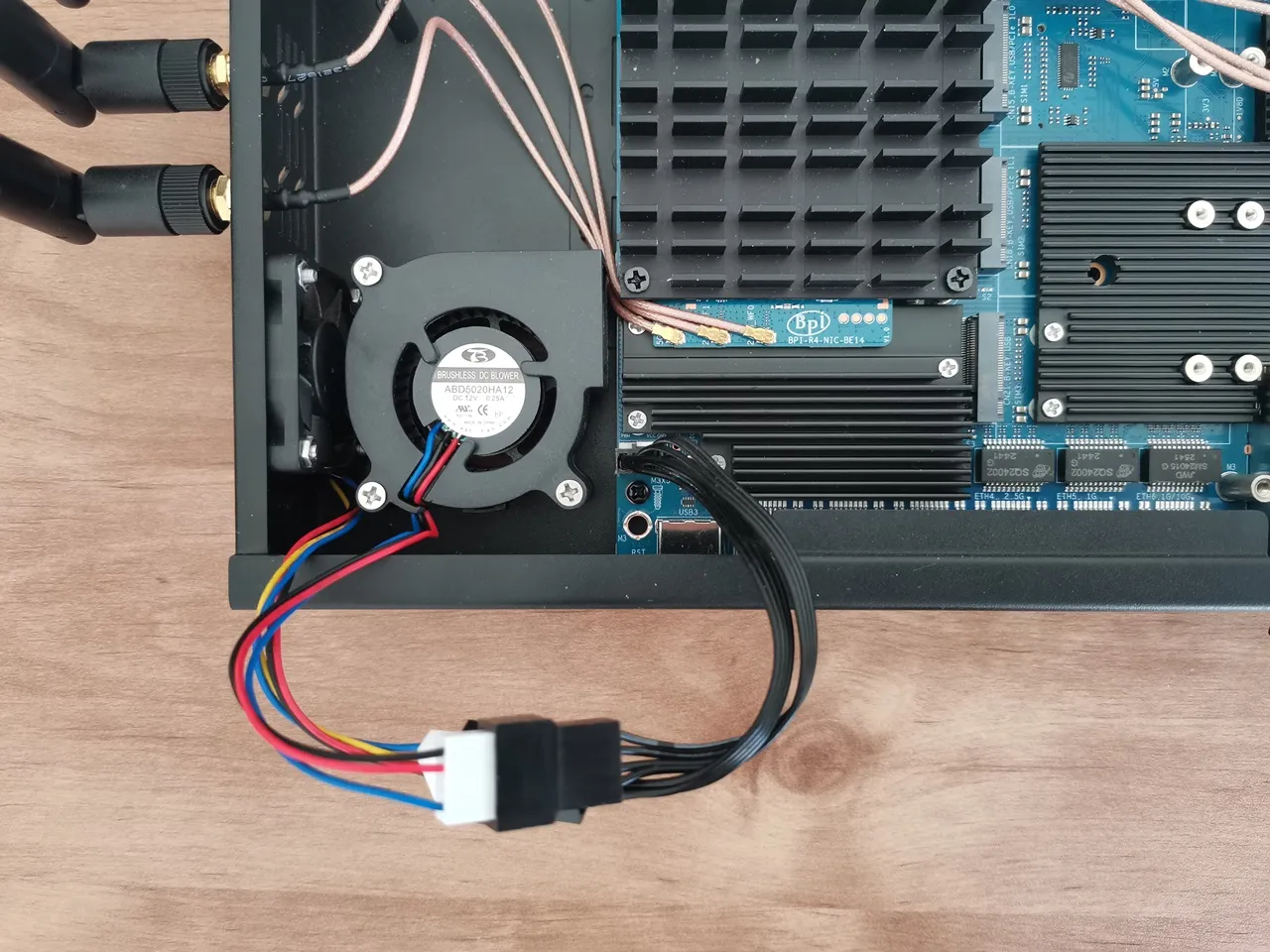
Installing the 4010 side fans
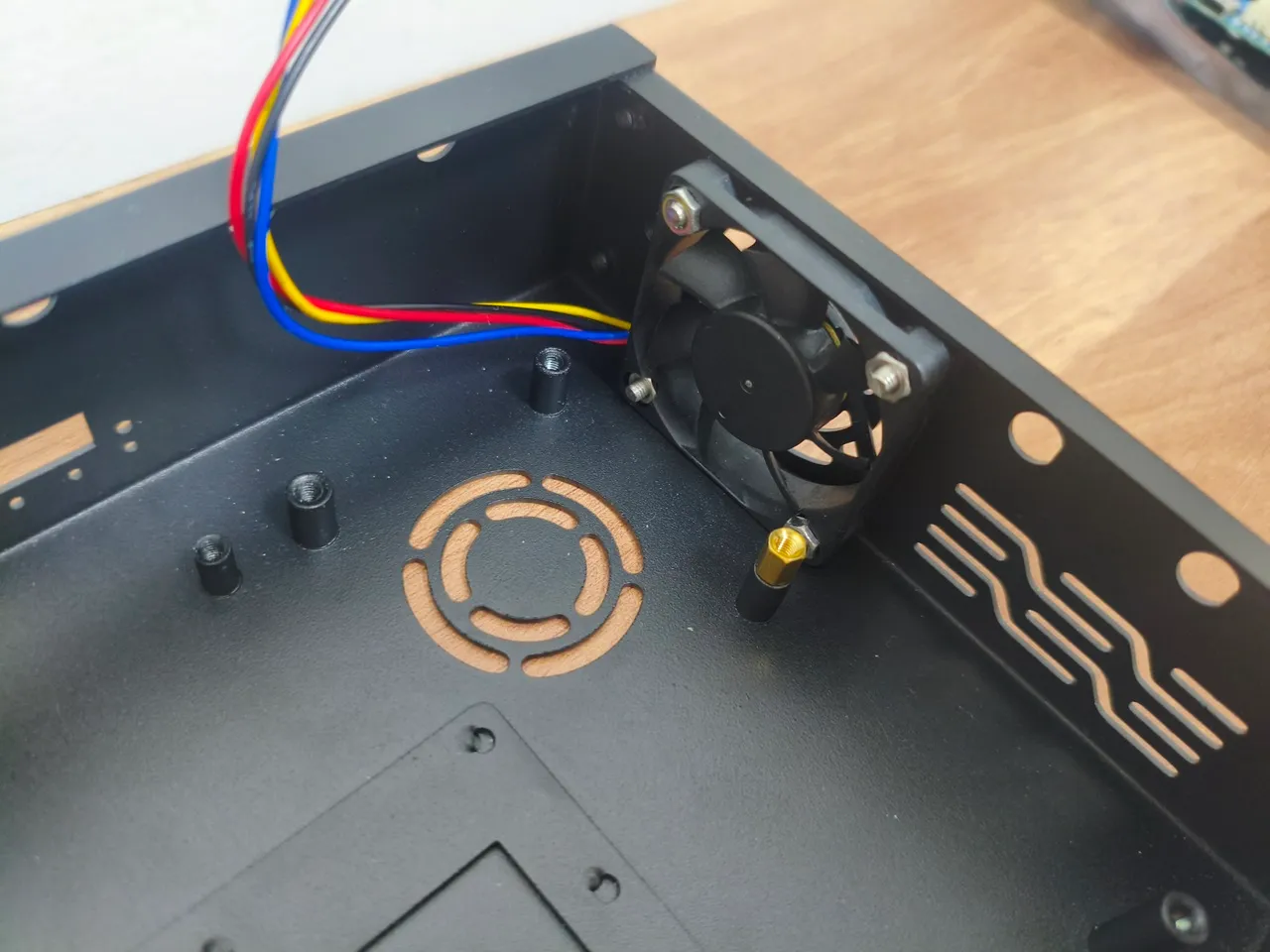
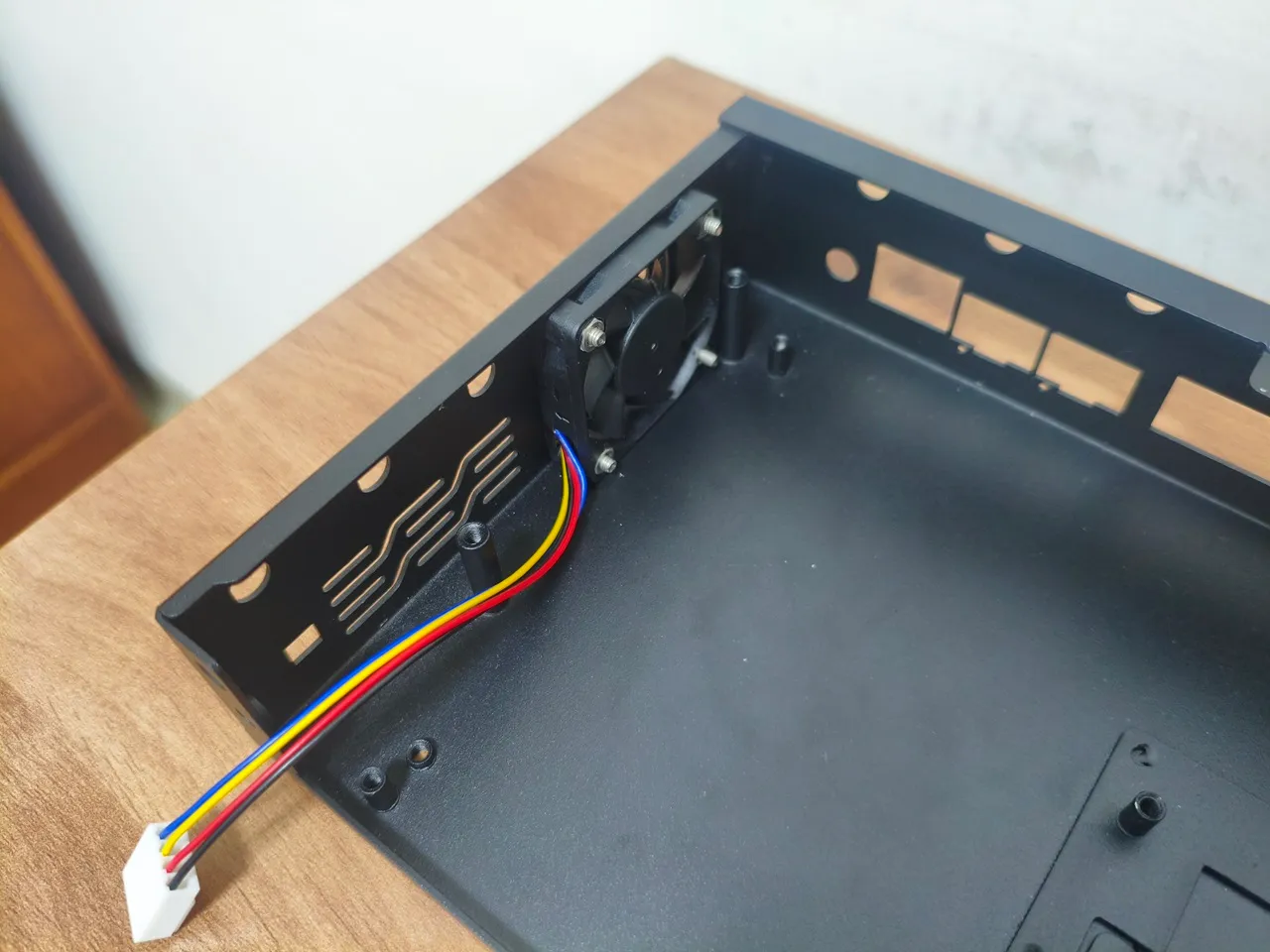
Do the fans make a lot of noise?
The answer is definitely no. Based on our test run, assembling all three fans inside the case and using the Banana Pi official snapshot image, the fans are pretty much silent.
It is already on presale.
Yes, I know, thank you.
Hi, the main problem about the BPI R4 is its BE14 Wifi NIC (6 antennas and many shielding/noise problems).
In your pictures, we can clearly see the new BE19 NIC with 14 antennas: did you test it? Is it going to be released to the public this year? Thank you!
HI. Not yet, but from what I’ve heard, it should officially be released in a few weeks.
Thank you so much! Will you make a new post when the BE19 will be out? Did you have the R4 Pro for testing or these are just info from the company?
Not yet, but I’ll probably test the R4 Pro and the Wi-Fi expansion board and review them once both are ready and available.
For now, it’s just general news info.