
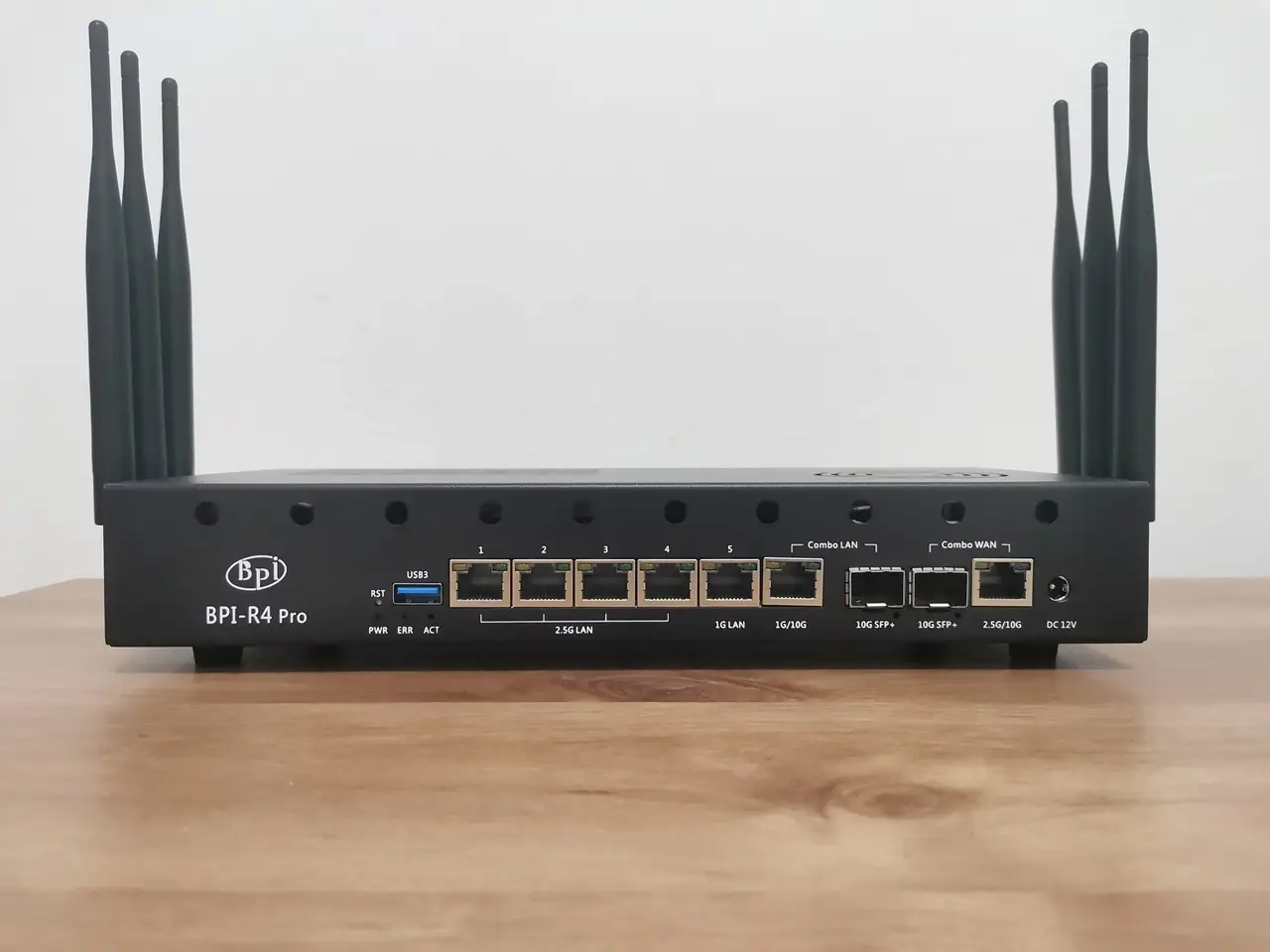
A closer look at the BPI R4 Pro board
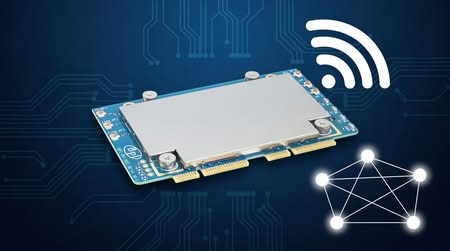
As shown in the photos, the R4 Pro comes pre-installed with passive heatsinks that cover all of the board’s chips. The WiFi 7 NIC Module, also known as the BE14, also includes a passive heatsink that covers most of the board and likely offers some limited EMI shielding.
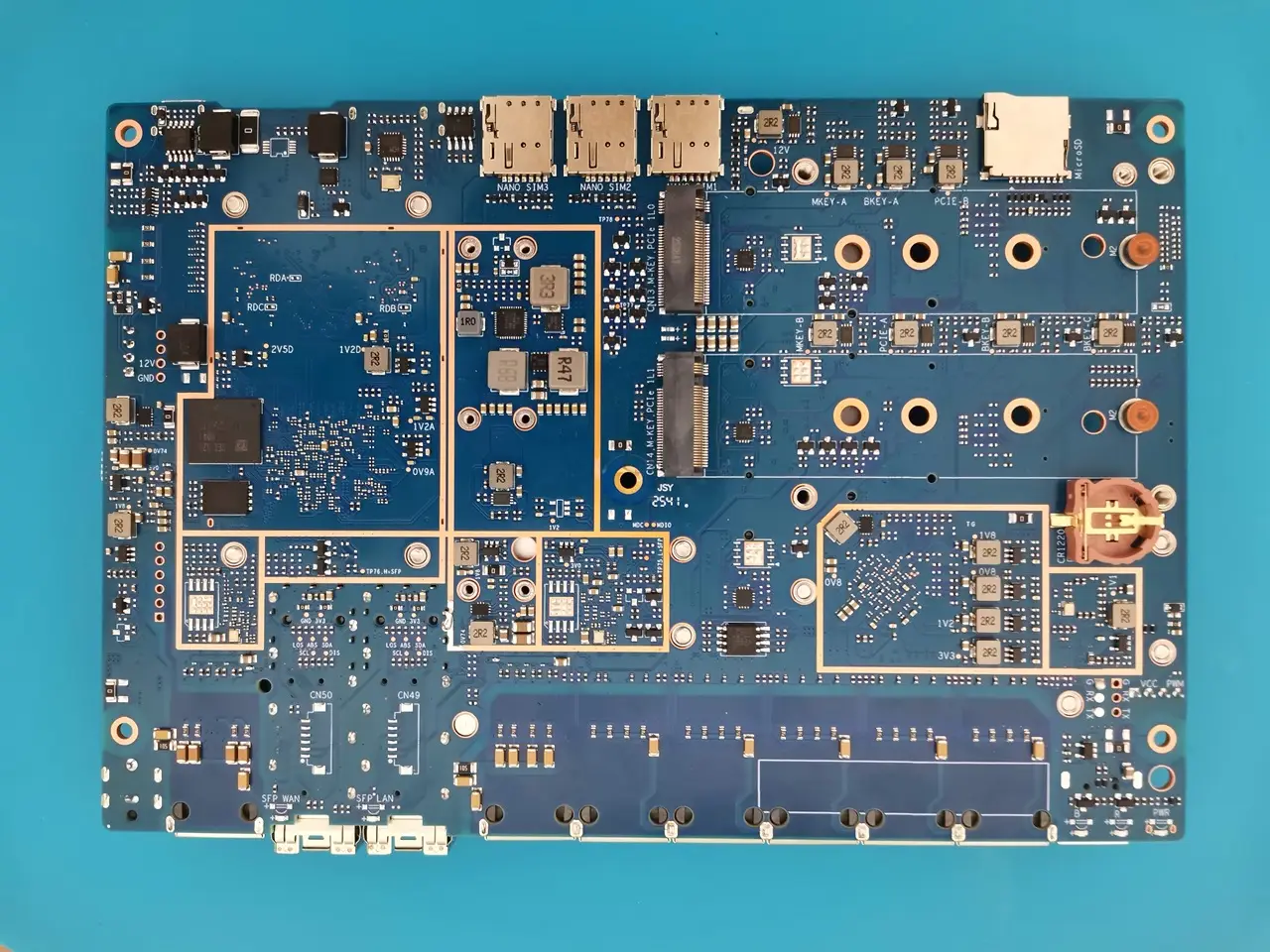
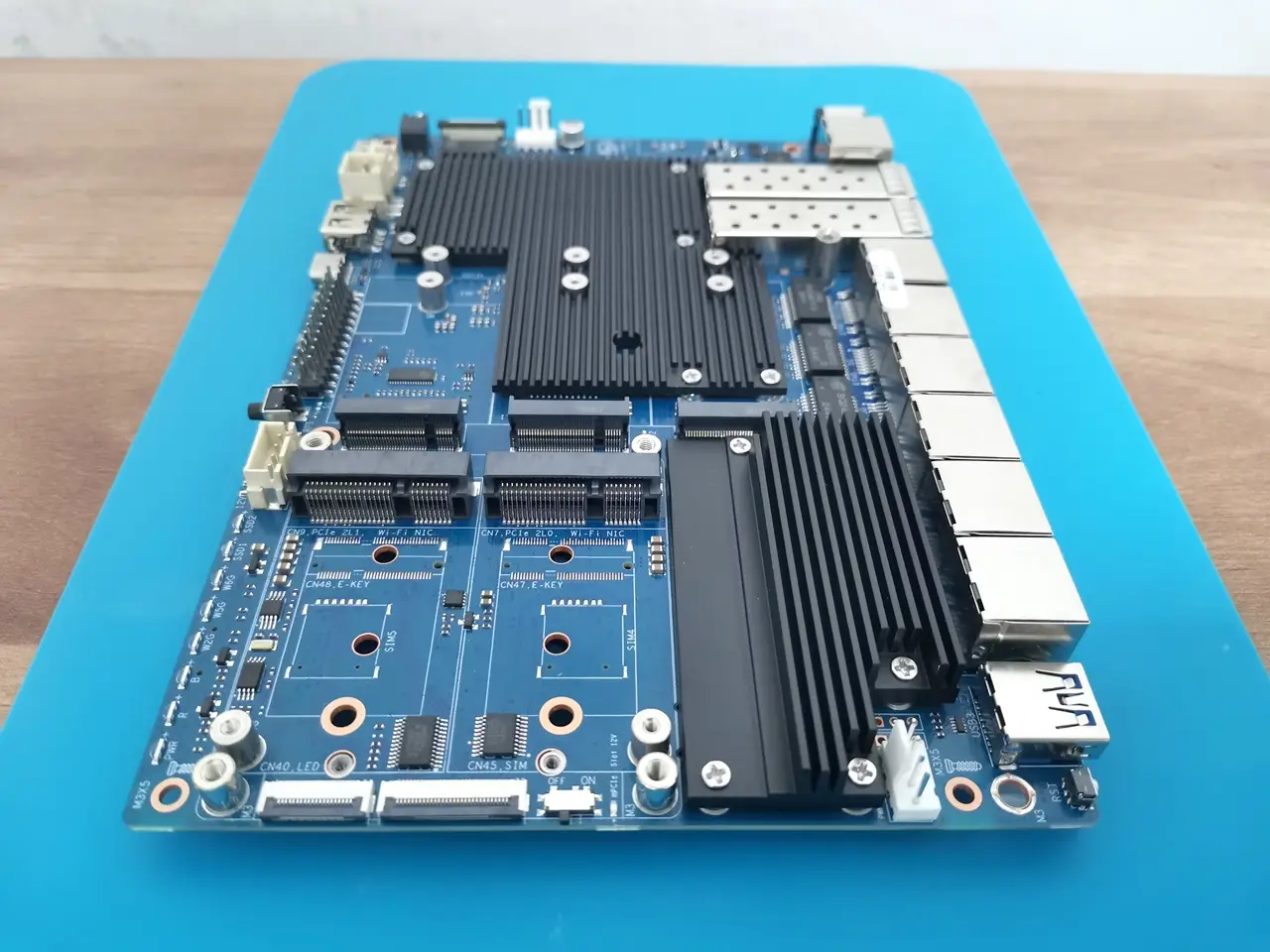
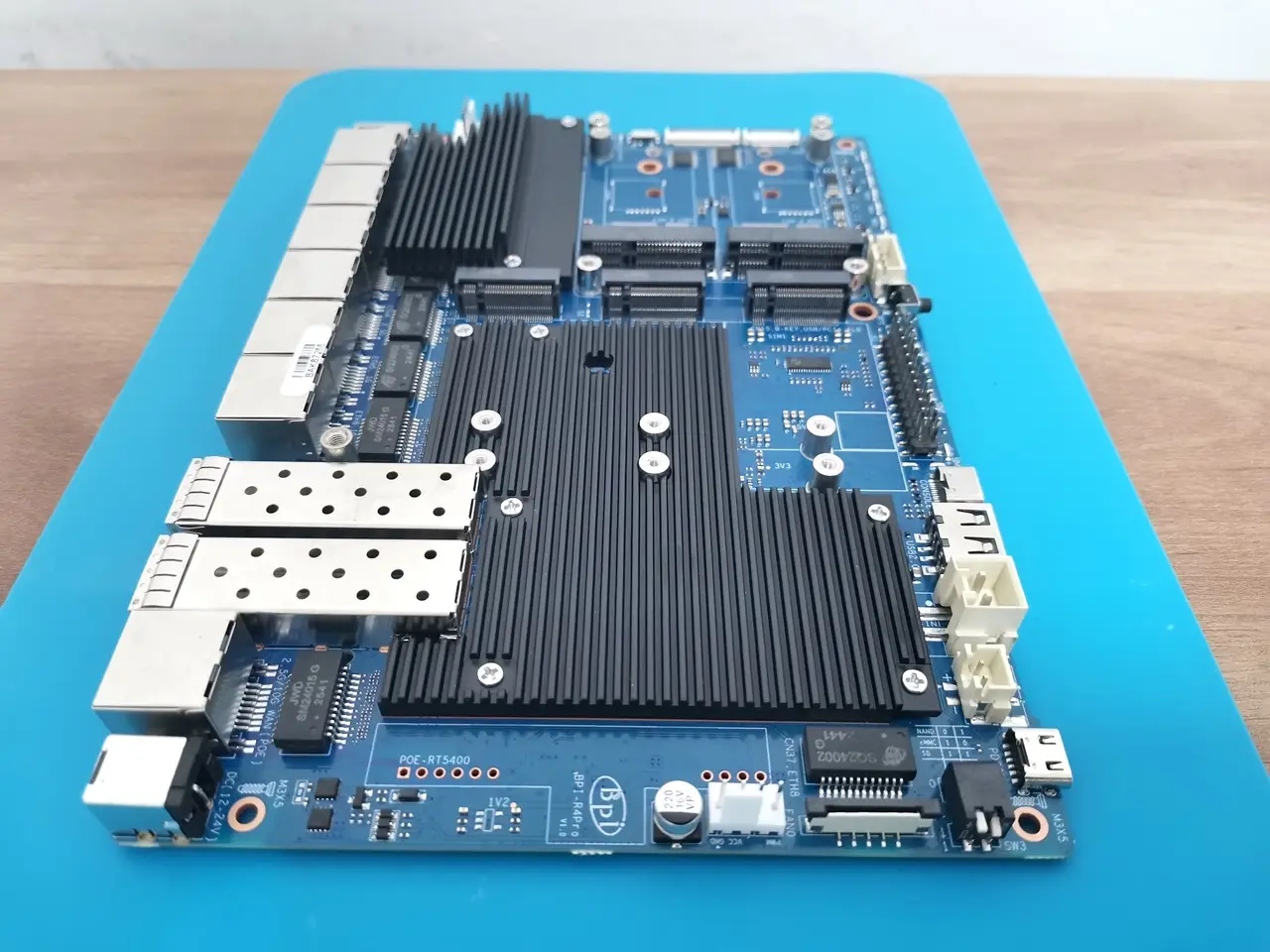
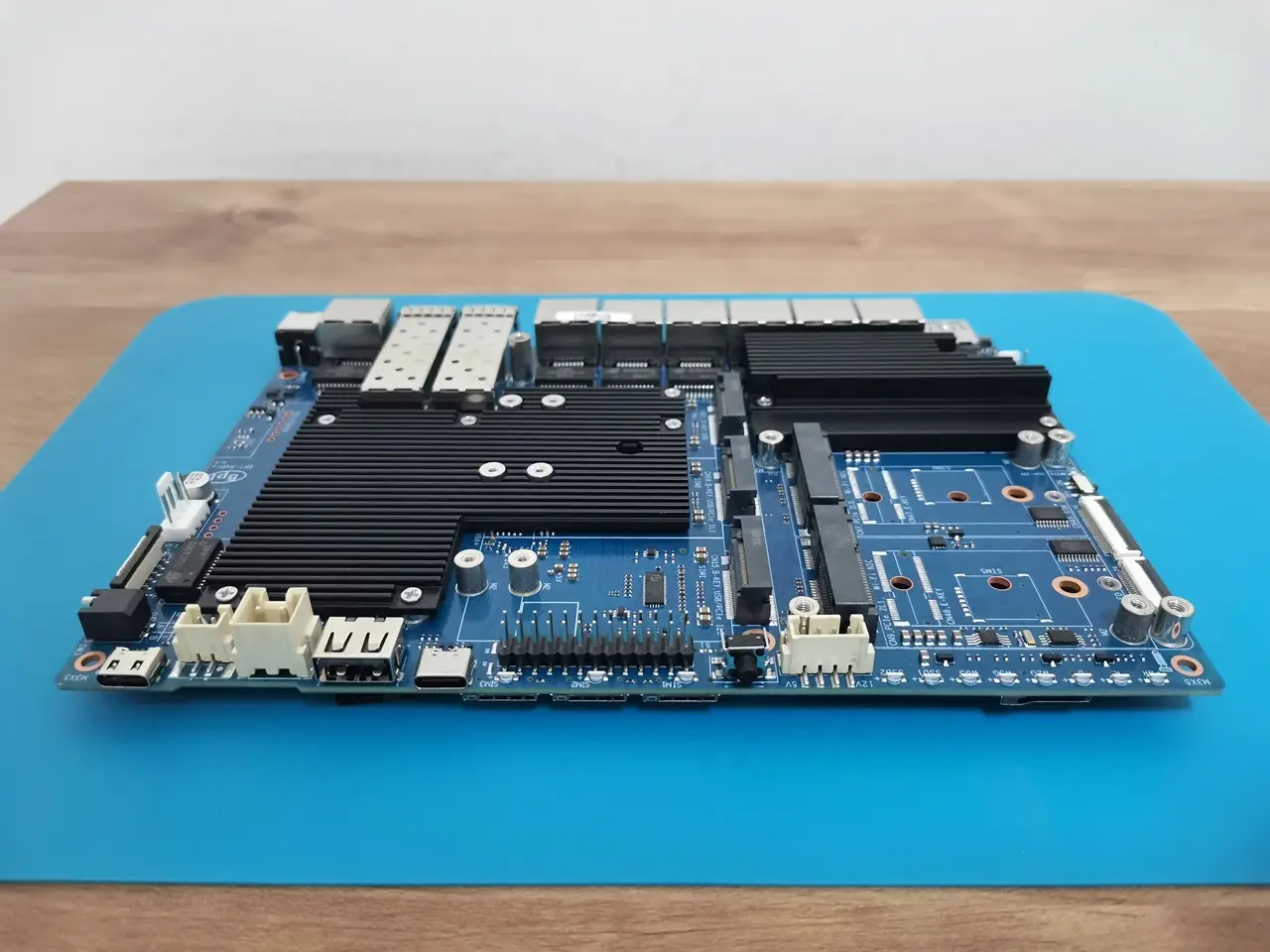
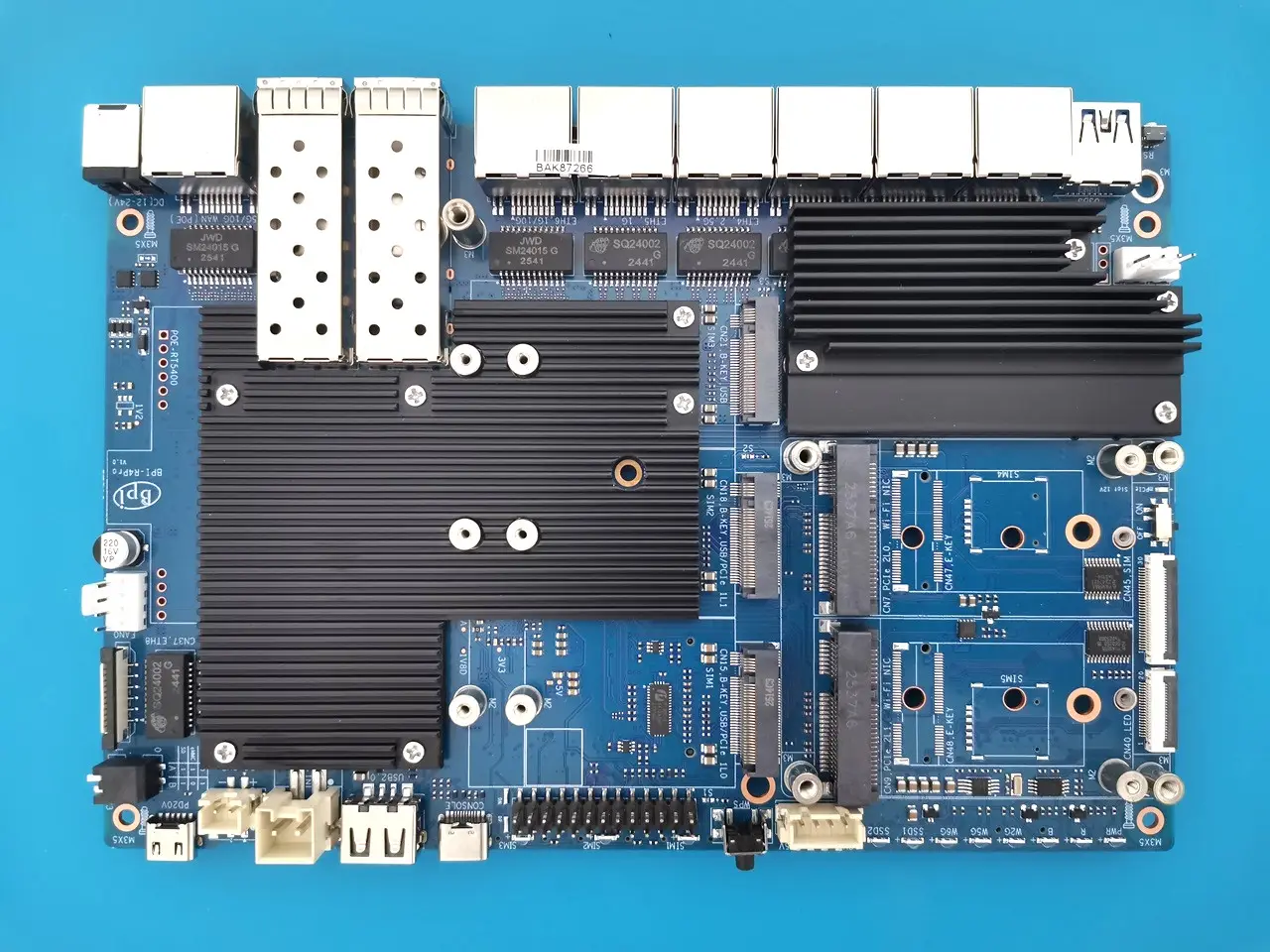
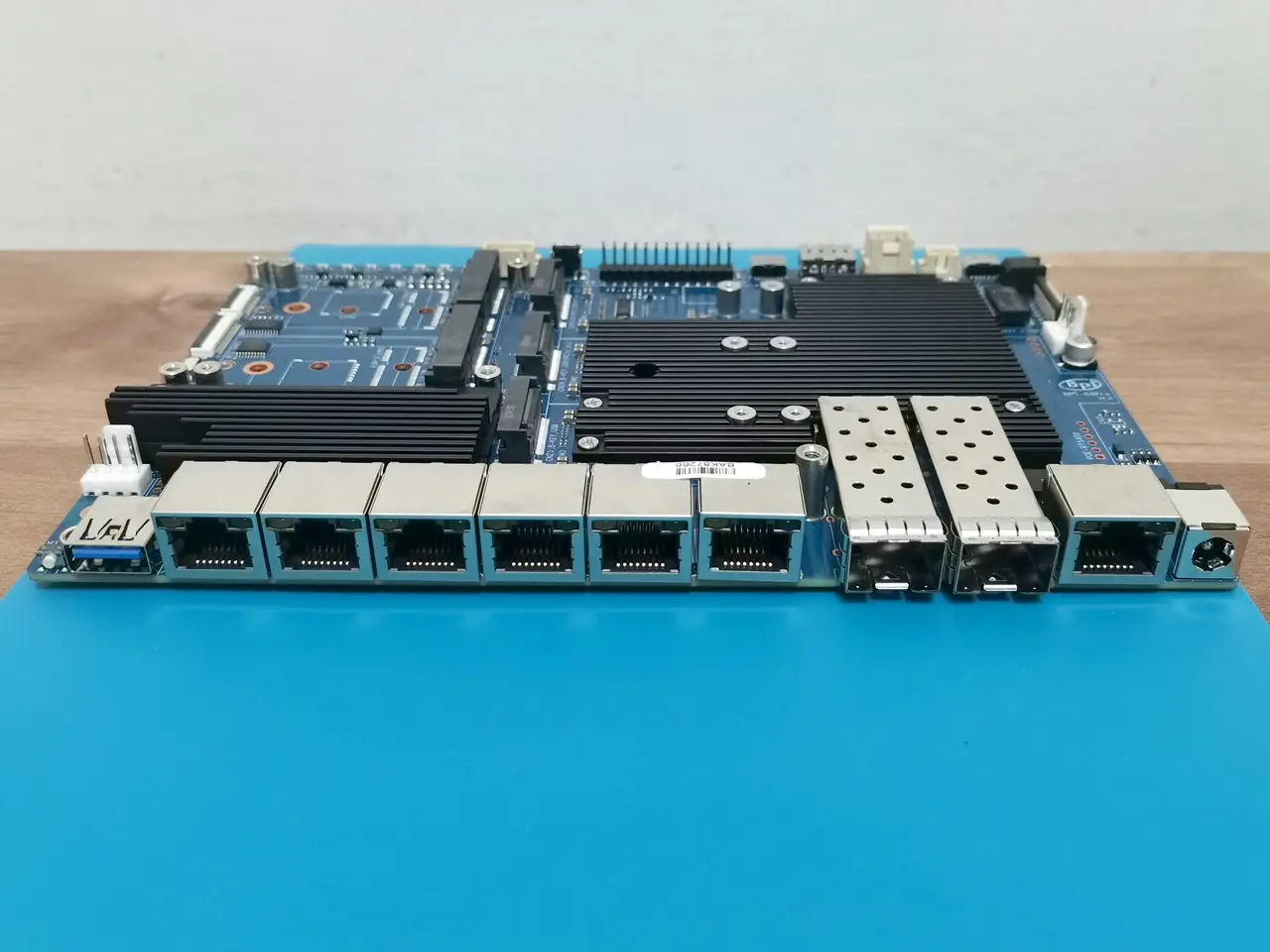
Another thing to note is that the R4 Pro B-key slot for a 4G/5G modem comes with a passive heatsink on top. While it’s not the most ideal setup, if you’re adding a modem card for cellular network support, it’s a good idea to apply anti-static tape or a rubber plate to the back of the card to keep it isolated from the heatsink.
Port names
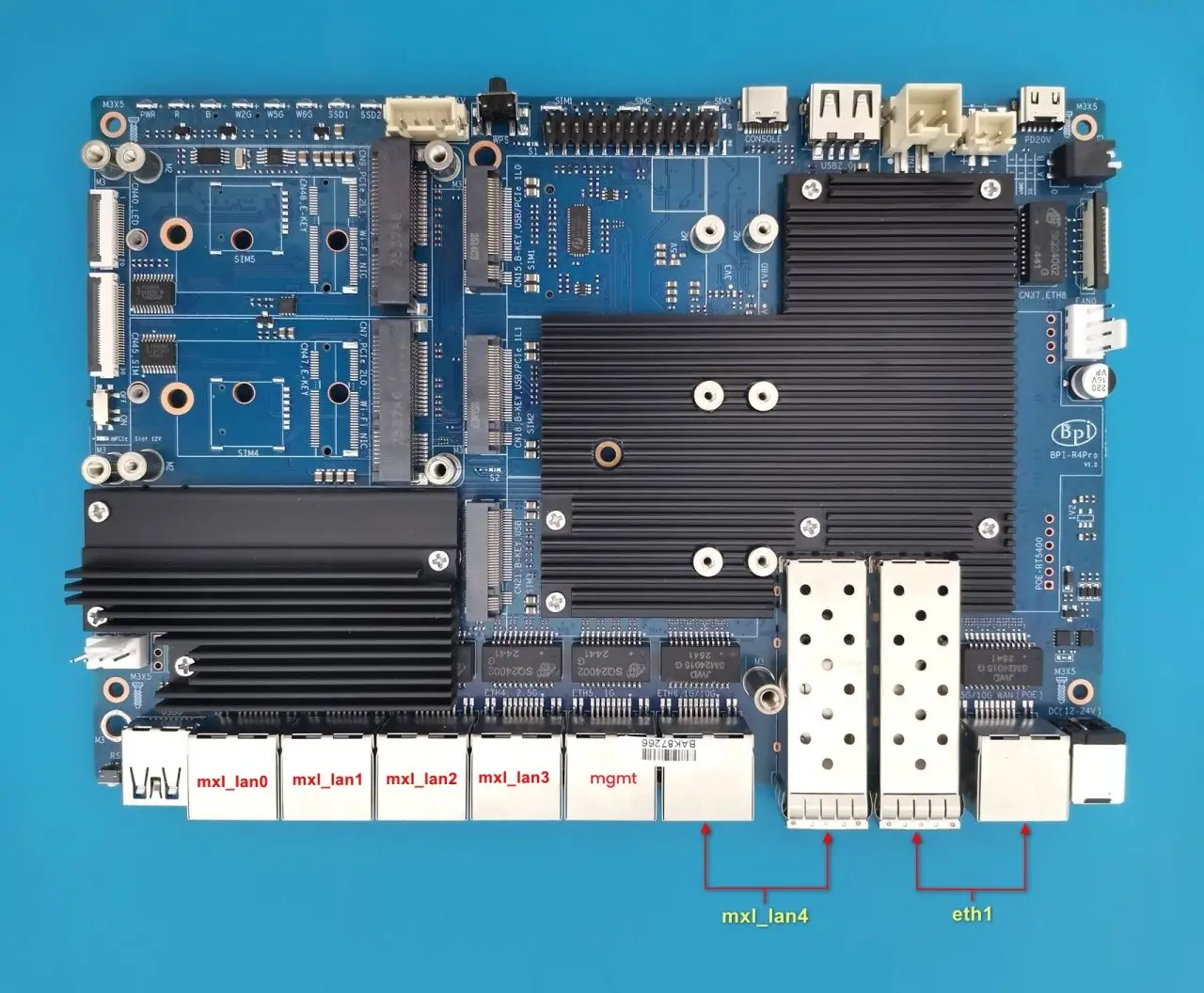
On the Banana Pi R4 Pro, the Linux kernel usually assigns port names based on how the MaxLinear (MXL) switch and MT7988 SoC MACs are set up during boot. Please note that these names come from the device tree and driver initialization process, not the board’s physical hardware, so they may change in future OpenWrt snapshot releases.
| Name | Extra Notes / Details |
| mxl_lan0 – mxl_lan3 | 2.5G LAN Ports (will be renamed to eth0 through eth3) |
| mgmt | 1G LAN (The internal port in the mainline, named mgmt, is connected to the eth0 MAC). |
| mxl_lan4 | Combo LAN – 10G SFP+ or 1G/10G RJ45 |
| eth1 | Combo WAN – 2.5G/10G RJ45 or 10GSFP+ |
It is already on presale.
Yes, I know, thank you.
Hi, the main problem about the BPI R4 is its BE14 Wifi NIC (6 antennas and many shielding/noise problems).
In your pictures, we can clearly see the new BE19 NIC with 14 antennas: did you test it? Is it going to be released to the public this year? Thank you!
HI. Not yet, but from what I’ve heard, it should officially be released in a few weeks.
Thank you so much! Will you make a new post when the BE19 will be out? Did you have the R4 Pro for testing or these are just info from the company?
Not yet, but I’ll probably test the R4 Pro and the Wi-Fi expansion board and review them once both are ready and available.
For now, it’s just general news info.
Great write up worth adding the battery is uses the ML1220 as you have correctly used instead of the CR1220 because the board features a tickle charge, but what’s more important to note, is that tickle is 3.3v to 3.4v, the ML1220s nominal is 3v, charged it’s around 3.35v, which is 0.35v higher than a CR1220. The BPI team lists the No 42 as CR1220 but it’s important to note thier POS is wrong. The other thing, you mention the battery keeps certain boot options, while this is true for a PCs, it’s untrue for the BPI, the only function… Read more »
Thank you for providing the information; it’s greatly appreciated.