
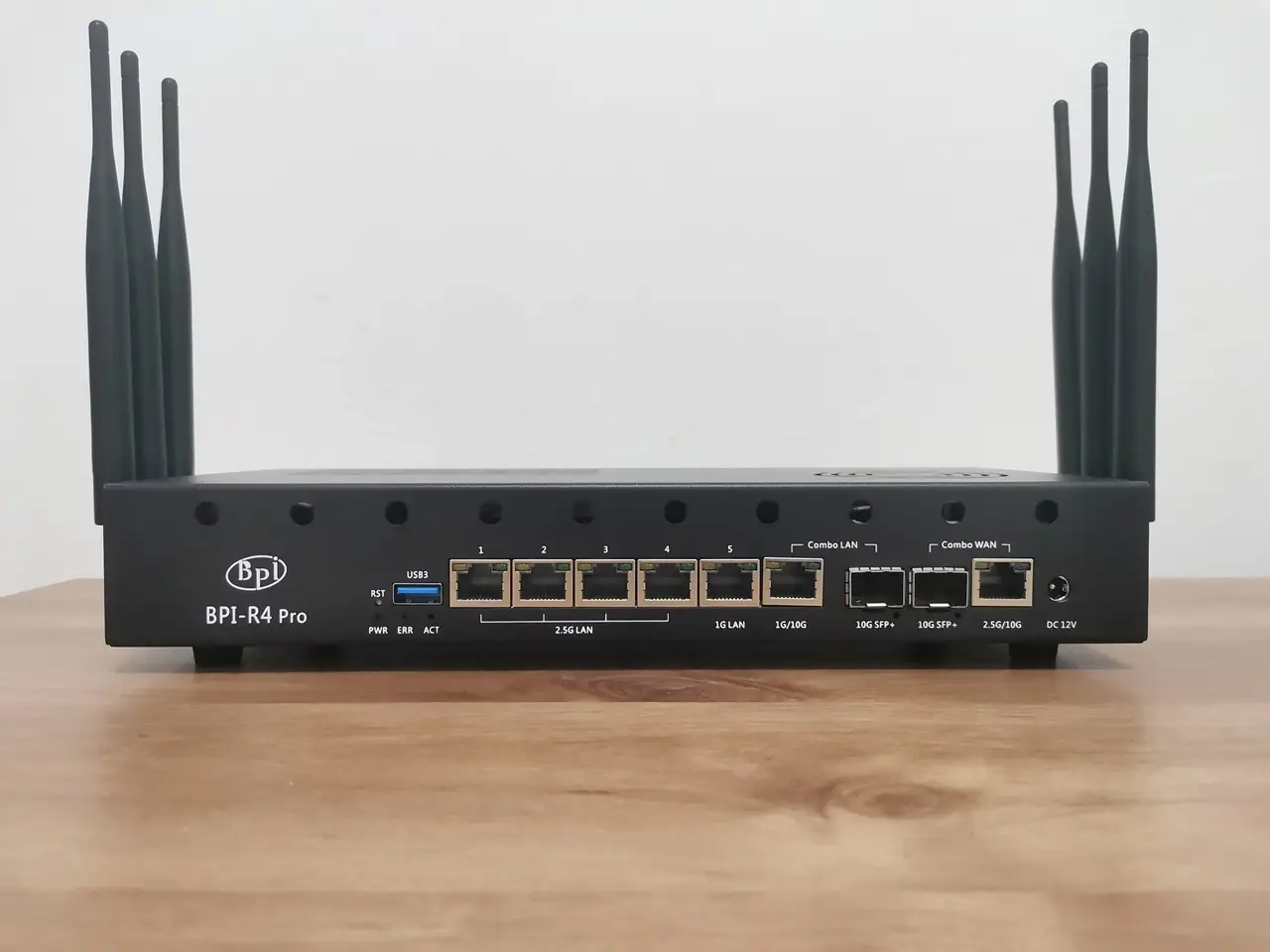
How to power the R4 Pro
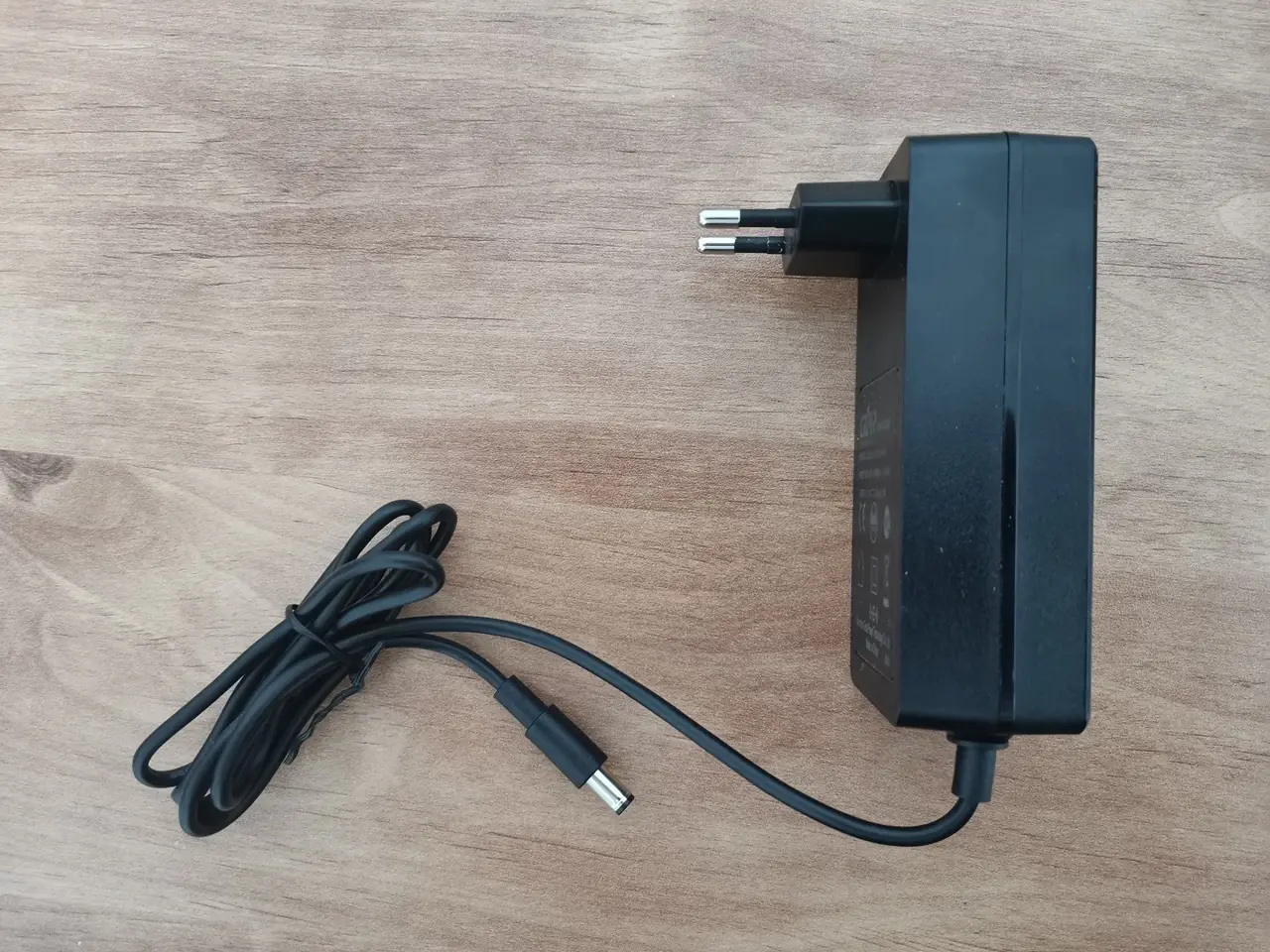
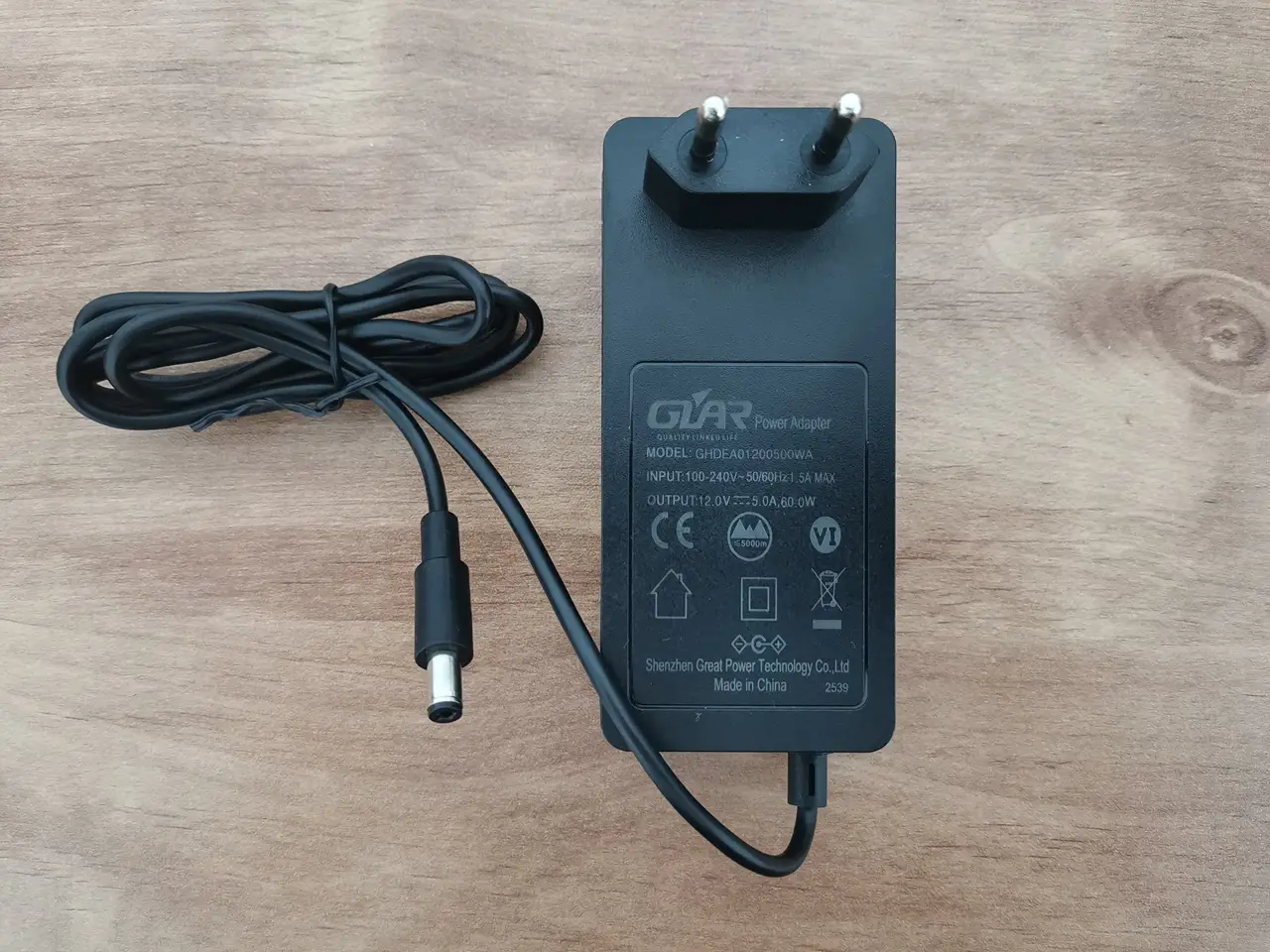
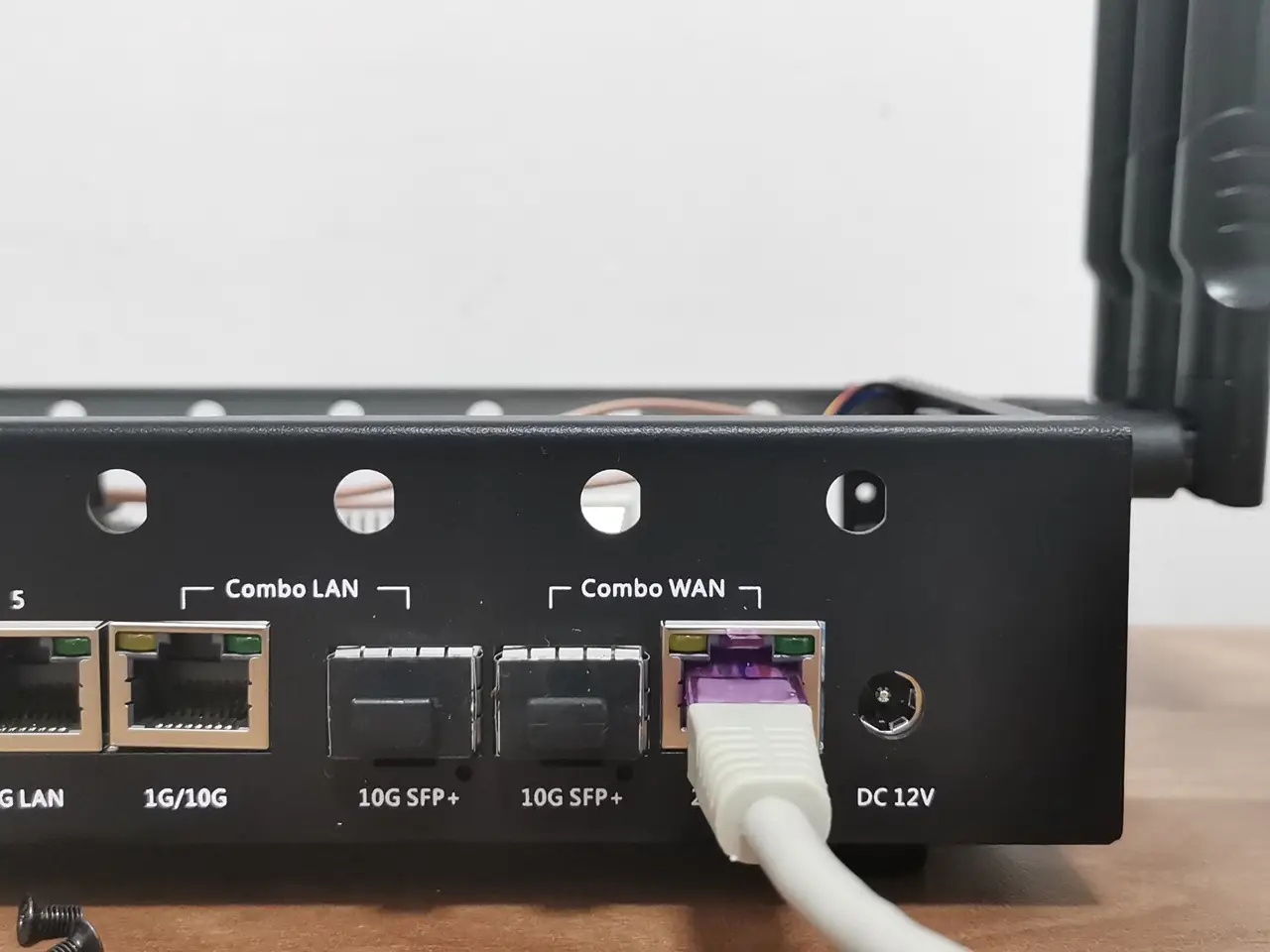
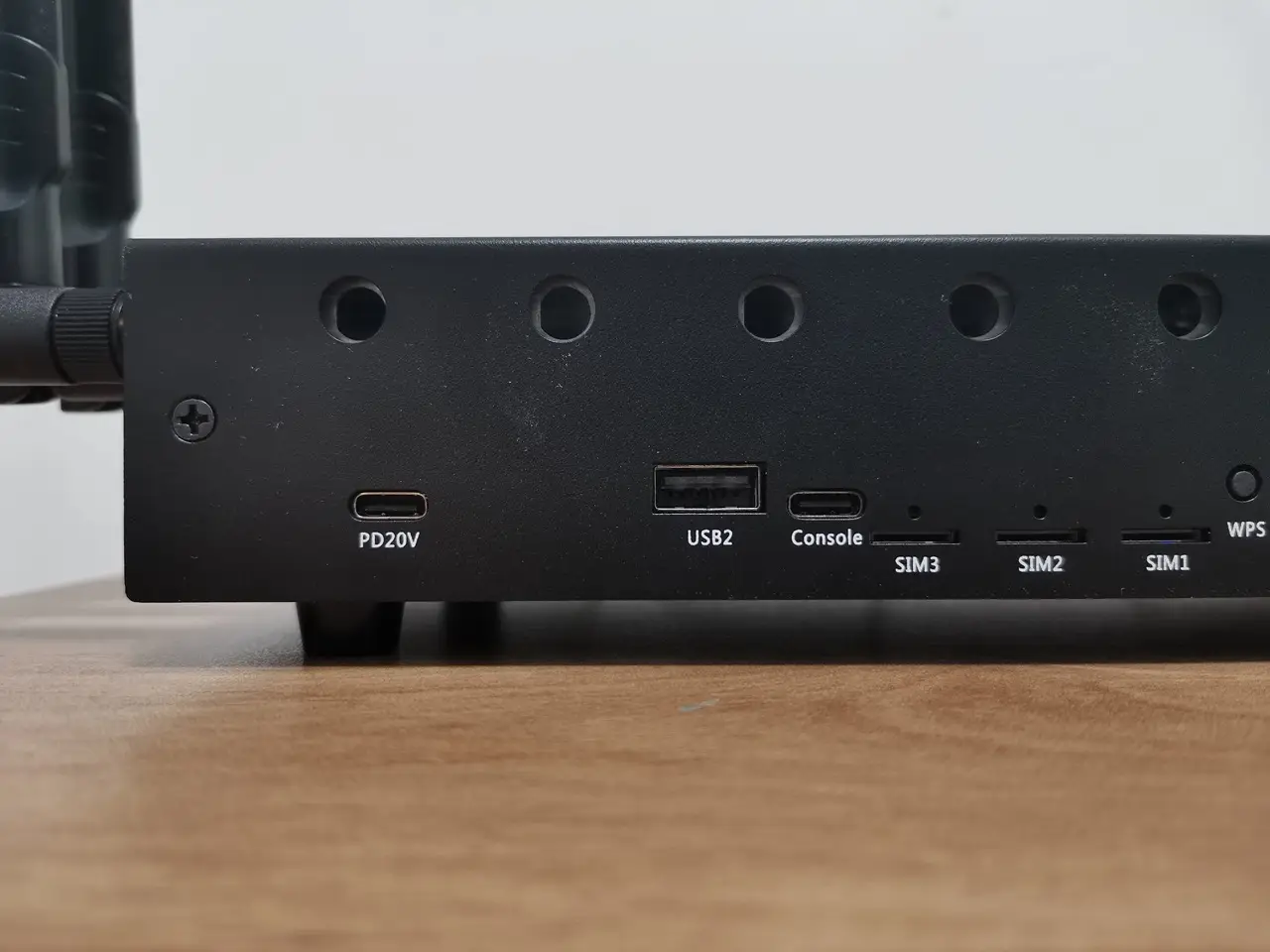
The R4 Pro includes a 60W power adapter (12V-5A) and offers two ways to power it: a DC input port on the front and a Type-C 20V PD port located on the back. The DC option will probably be the most popular since it doesn’t get in the way of opening the case’s upper cover. That said, both options worked well for us.
R4 Pro power adapter and its input ports for the power supply
It is already on presale.
Yes, I know, thank you.
Hi, the main problem about the BPI R4 is its BE14 Wifi NIC (6 antennas and many shielding/noise problems).
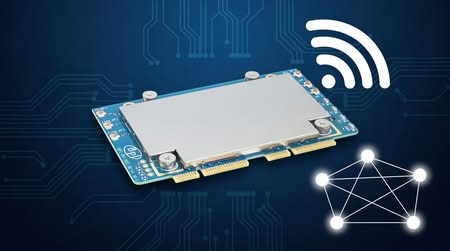
In your pictures, we can clearly see the new BE19 NIC with 14 antennas: did you test it? Is it going to be released to the public this year? Thank you!
HI. Not yet, but from what I’ve heard, it should officially be released in a few weeks.
Thank you so much! Will you make a new post when the BE19 will be out? Did you have the R4 Pro for testing or these are just info from the company?
Not yet, but I’ll probably test the R4 Pro and the Wi-Fi expansion board and review them once both are ready and available.
For now, it’s just general news info.
Great write up worth adding the battery is uses the ML1220 as you have correctly used instead of the CR1220 because the board features a tickle charge, but what’s more important to note, is that tickle is 3.3v to 3.4v, the ML1220s nominal is 3v, charged it’s around 3.35v, which is 0.35v higher than a CR1220. The BPI team lists the No 42 as CR1220 but it’s important to note thier POS is wrong. The other thing, you mention the battery keeps certain boot options, while this is true for a PCs, it’s untrue for the BPI, the only function… Read more »
Thank you for providing the information; it’s greatly appreciated.