
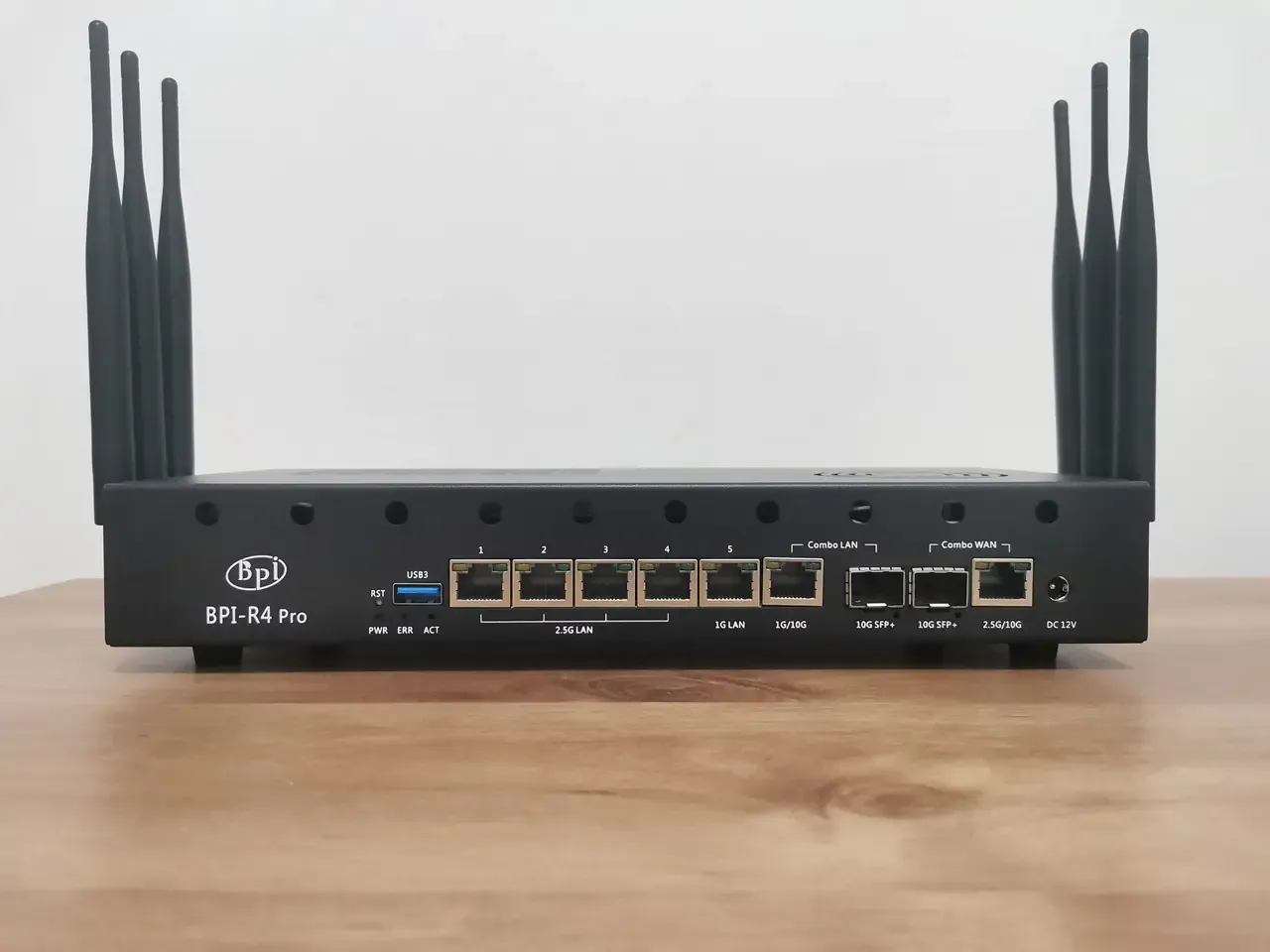
Installing a compatible 5G modem card – what you need to know!
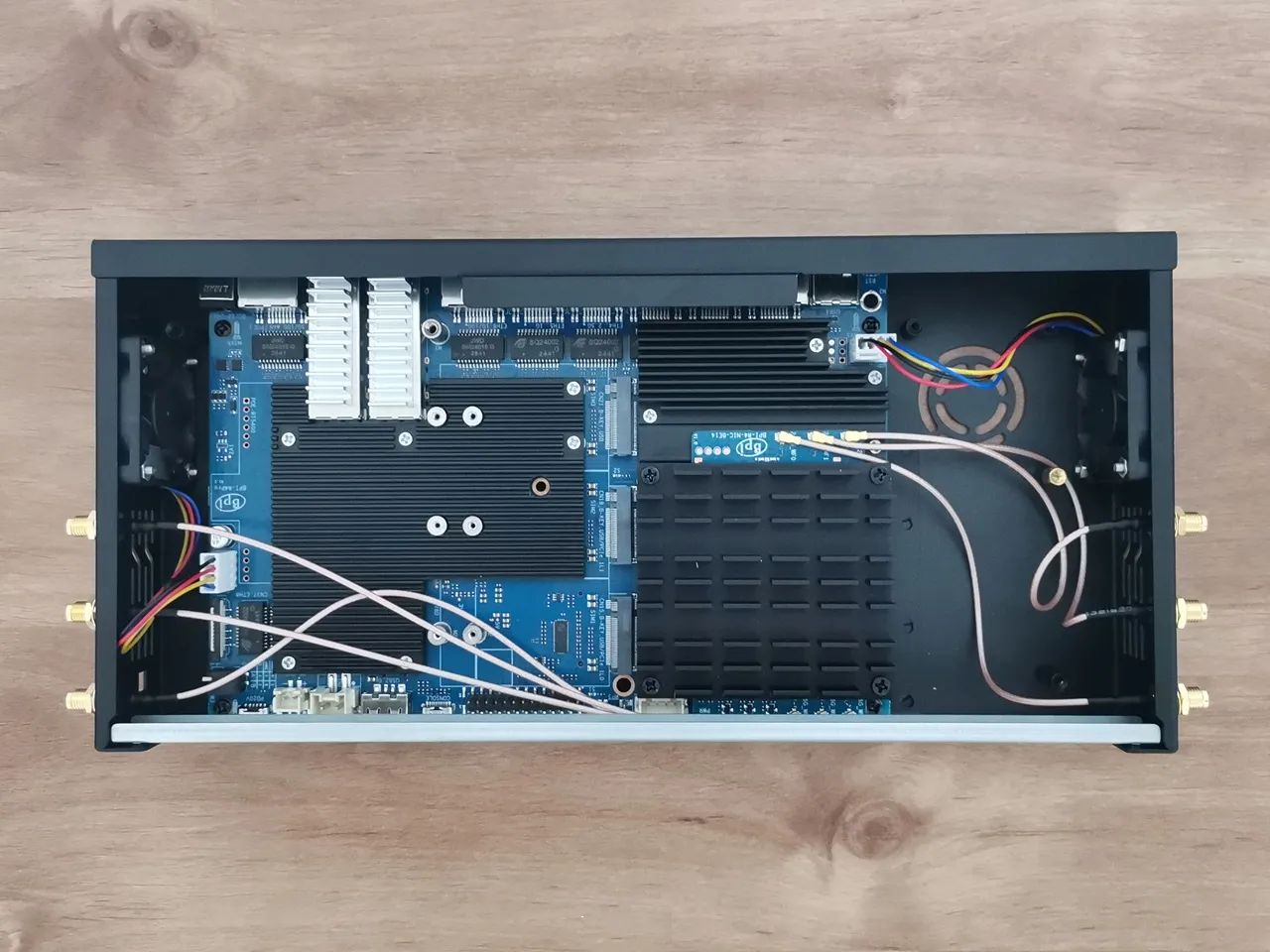
The Banana Pi R4 Pro comes with three M.2 Key B PCIe slots, each paired with one of the three SIM slots. We tested our Fibocom FM350‑GL card, which is a “hybrid” module, but it primarily operates over PCIe Gen 3 although it can also work in USB mode.
The first one, which is supposed to support USB 3.2, but the card failed to detected /recognize by OpenWrt. Regarding the additional M.2 Key B slots labeled No. 35 and 36, they support both USB and PCI, but they will likely not operate in USB mode because its M.2 slot is disabled to prioritize high-speed PCIe lanes.
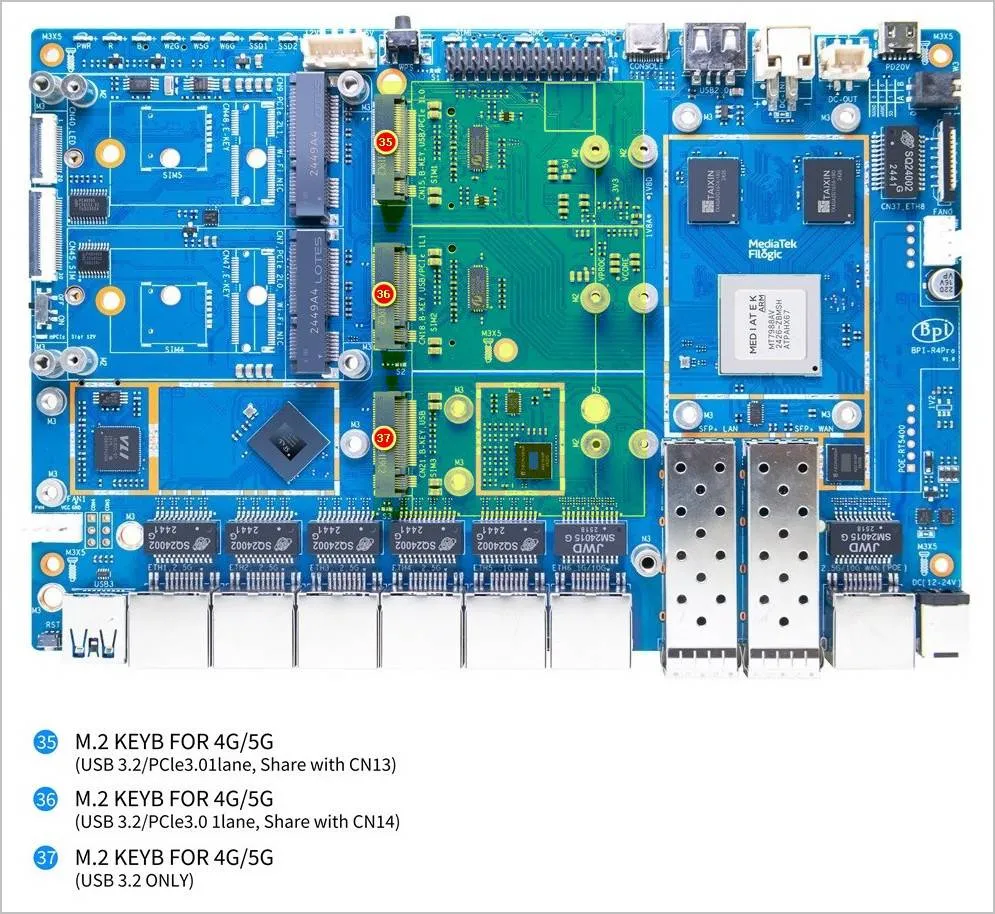
So, here are our main takeaways:
- Inside the R4 Pro’s M.2 slot →The FM350‑GL won’t work, but there’s a workaround, similar to the one used with the Banana Pi R4 board, that can maybe apply to No. 35 and 36 sockets.
- Using an external M.2‑to‑USB adapter → FM350‑GL should work perfectly.
The solutions:
Fix 1: The Software “Force-USB” Workaround (Relevant to slots No. 35 and 36)
If you want to use the FM350-GL internally, you must tell the router to stop trying to use PCIe on that slot. This sometimes “releases” the pins to act as USB 3.0.
Disabling the PCIe Controller: To disable the PCIe lane and make the FM350-GL use the USB 3.0 pins on the Banana Pi R4 Pro, you can try using a bootloader command. On the R4 Pro, the M.2 B-Key slot (SIM1) is connected to the PCIe 2 controller and turning it off lets the modem switch to the USB signals that are physically routed to the same pins.
In OpenWrt, you’ll need to apply a Device Tree Overlay (DTBO) or modify the boot variable. Most people handle this by running a specific command in the OpenWrt terminal:
Bash
fw_setenv bootconf_extra 'mt7988a-bananapi-bpi-r4-pro-disable-pcie2'
reboot
Note: Depending on your specific firmware build, the overlay name might not include “-pro” if the developer used the standard R4 tree. If the first command doesn’t work, try the standard version:
Bash
fw_setenv bootconf_extra 'mt7988a-bananapi-bpi-r4-disable-pcie2'
reboot
Patching the Device Tree (DTS) – The “brain surgery” fix for this basically involves telling the router’s CPU to ignore the PCIe controller for that particular M.2 slot. Once the PCIe controller is “silenced,” the shared pins on the MediaTek chip often switch back to their secondary role: USB 3.0.
Fix 2: The Hardware “PCIe-Native” Option (Recommended)
If the previous solution doesn’t work, the best alternative with fewer hassles is to pair the R4 Pro with a modem that’s fully compatible and runs smoothly with PCIe.
- The Swap Option: Replacing the FM350-GL with a PCIe-native modem such as the Quectel RM520N-GL. Banana Pi’s product page notes that they have successfully tested the RM500U‑CNV (5G) and EM05‑E (4G) modems.
- Why it works: The RM520N-GL can run in PCIe mode (using the MHI driver). It won’t care that the USB pins are deactivated because it speaks the same “PCIe language” that the R4 Pro slot is already using. It will be faster, more stable, and won’t require disabling any board features.
Cooling the SFP+ modules
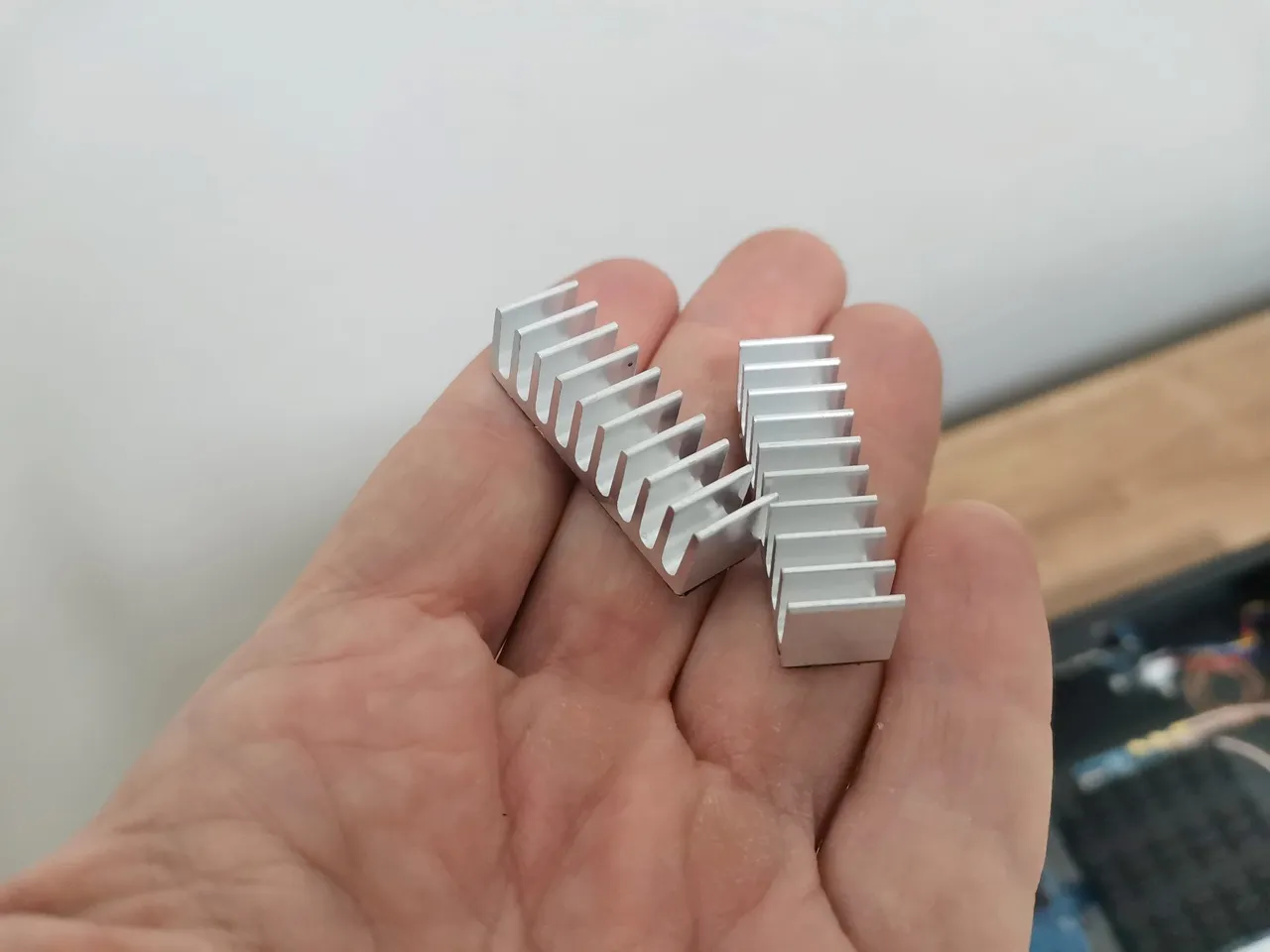
As a final touch, we also added a pair of heatsinks with max hight of 10mm, one for each SFP cage. This should help reduce accumulated heat and improve air contact, potentially enhancing the cooling of the SFP+ modules inserted into the cages.
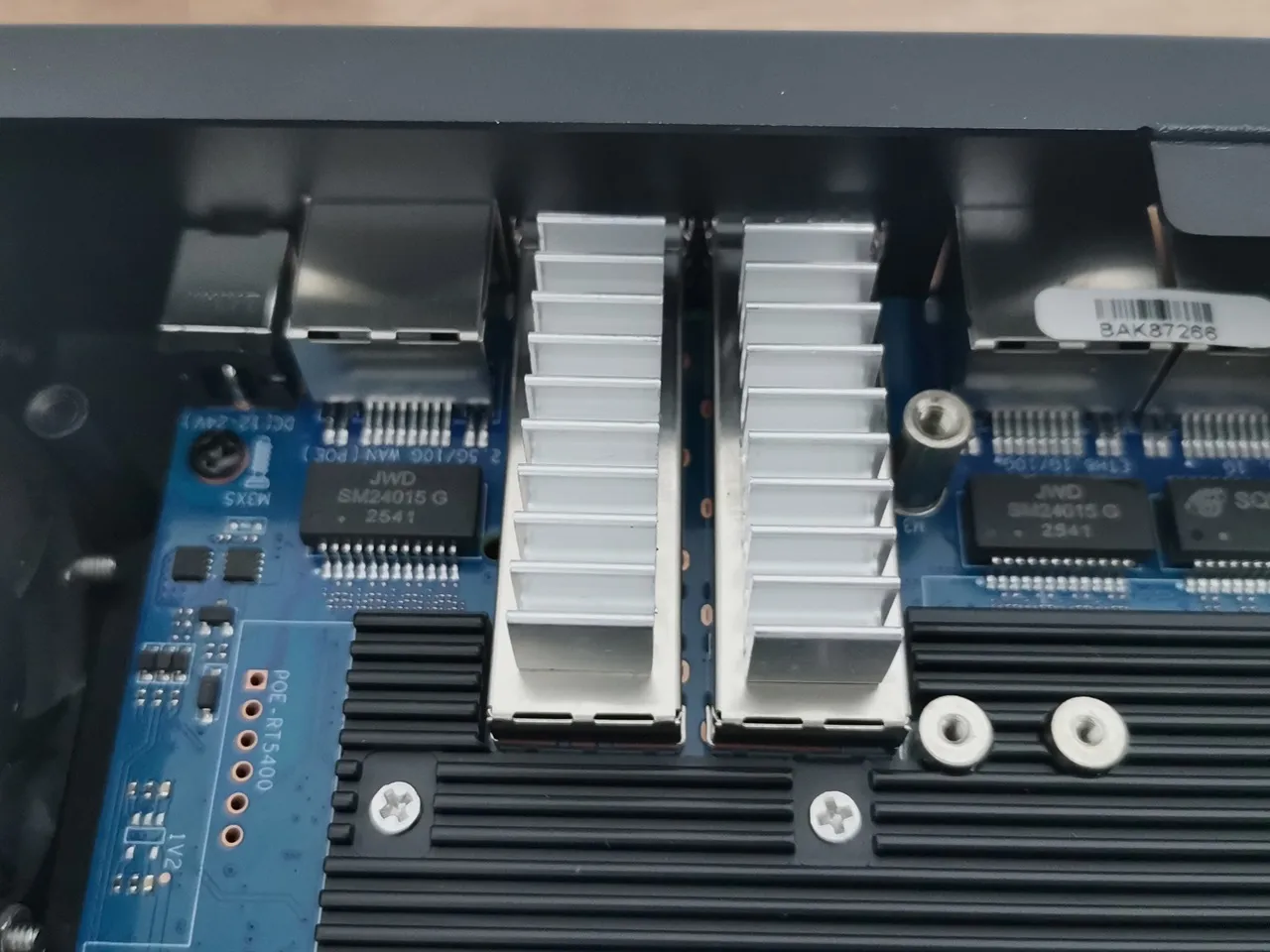
The final result
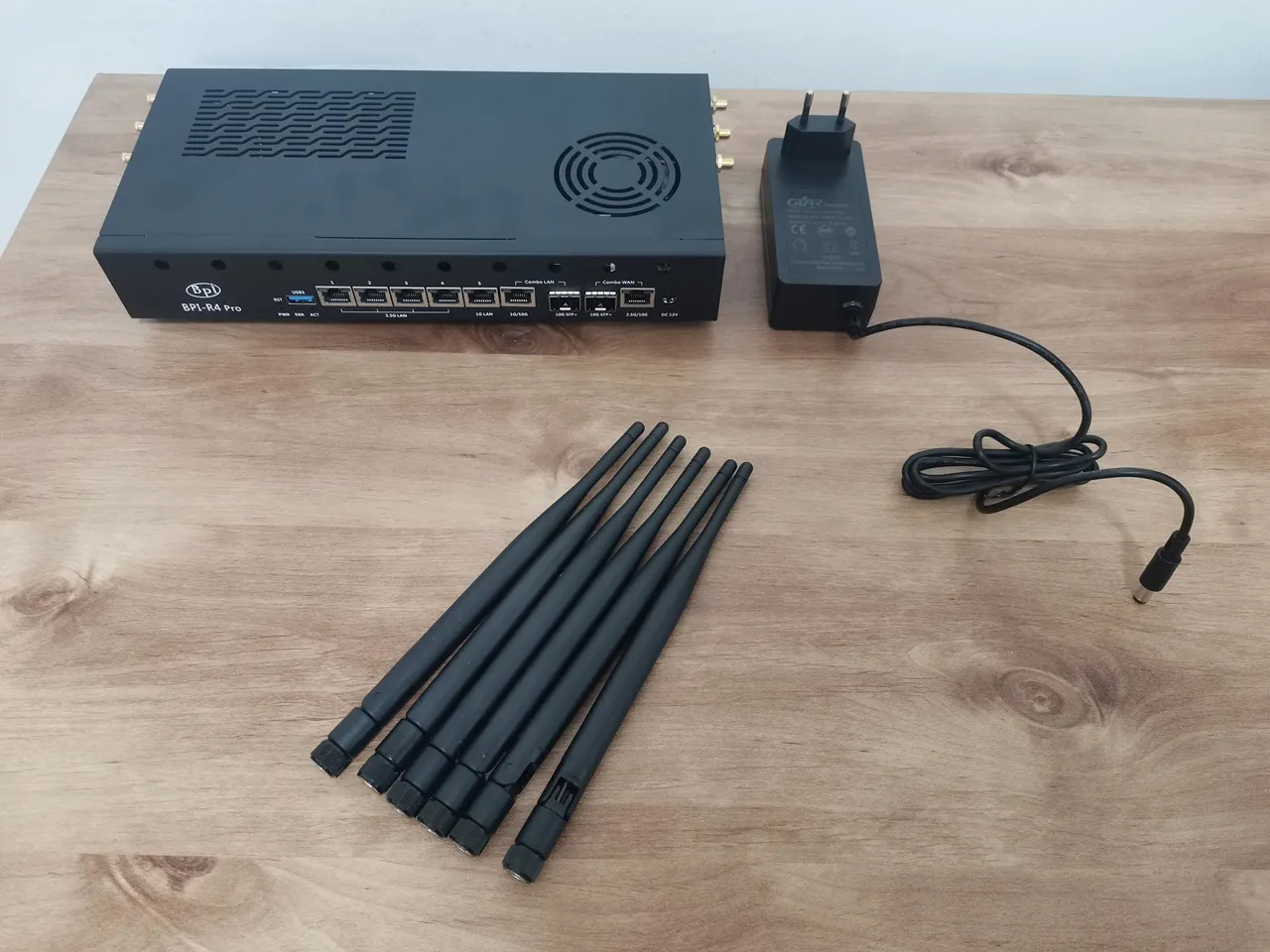
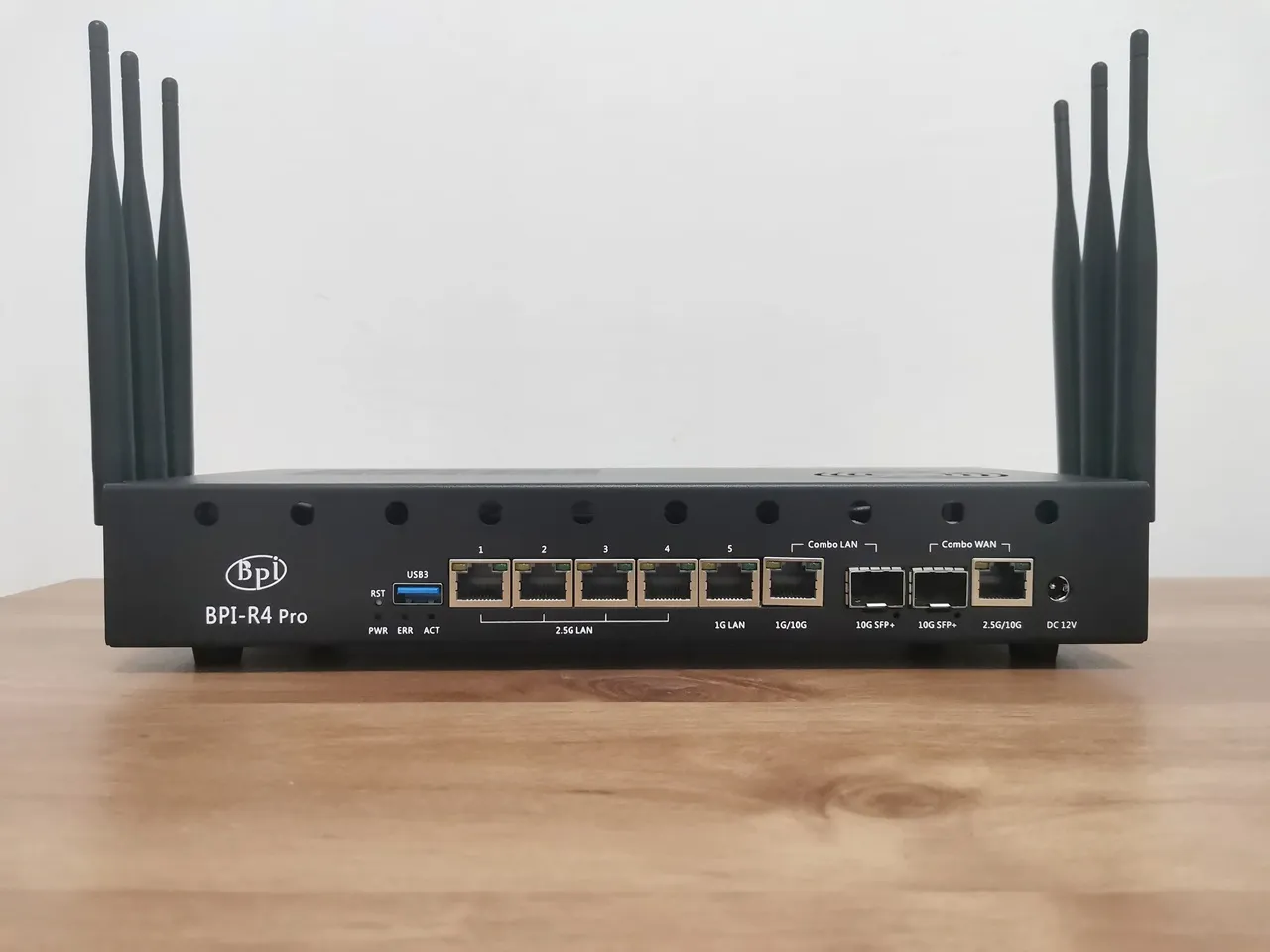
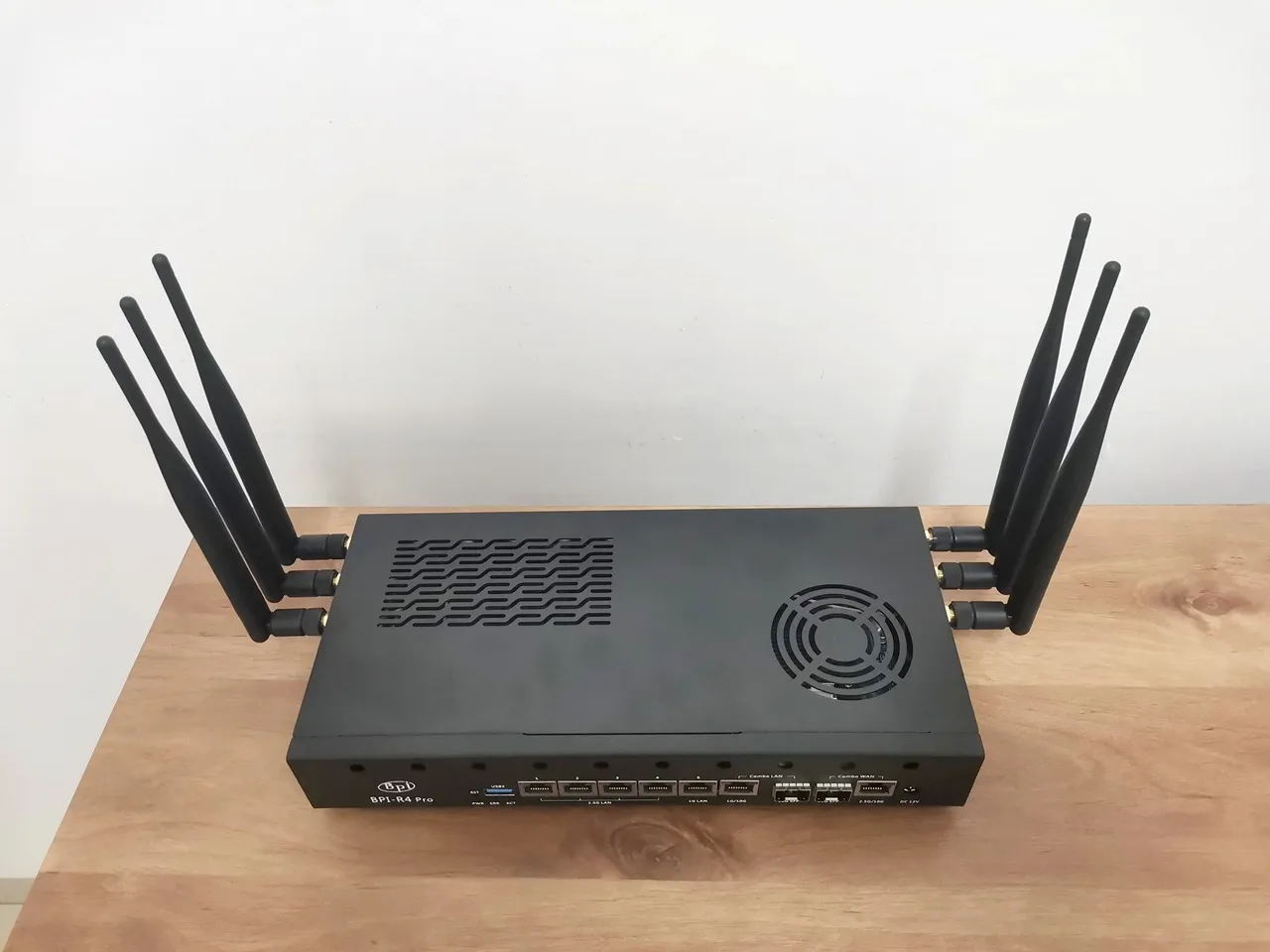
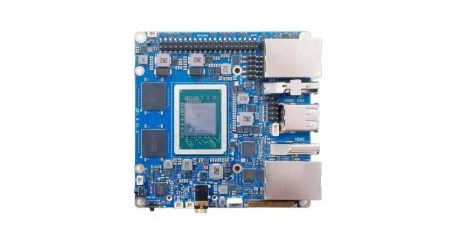
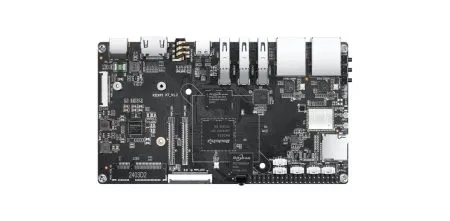
It is already on presale.
Yes, I know, thank you.
Hi, the main problem about the BPI R4 is its BE14 Wifi NIC (6 antennas and many shielding/noise problems).
In your pictures, we can clearly see the new BE19 NIC with 14 antennas: did you test it? Is it going to be released to the public this year? Thank you!
HI. Not yet, but from what I’ve heard, it should officially be released in a few weeks.
Thank you so much! Will you make a new post when the BE19 will be out? Did you have the R4 Pro for testing or these are just info from the company?
Not yet, but I’ll probably test the R4 Pro and the Wi-Fi expansion board and review them once both are ready and available.
For now, it’s just general news info.