
Multimedia
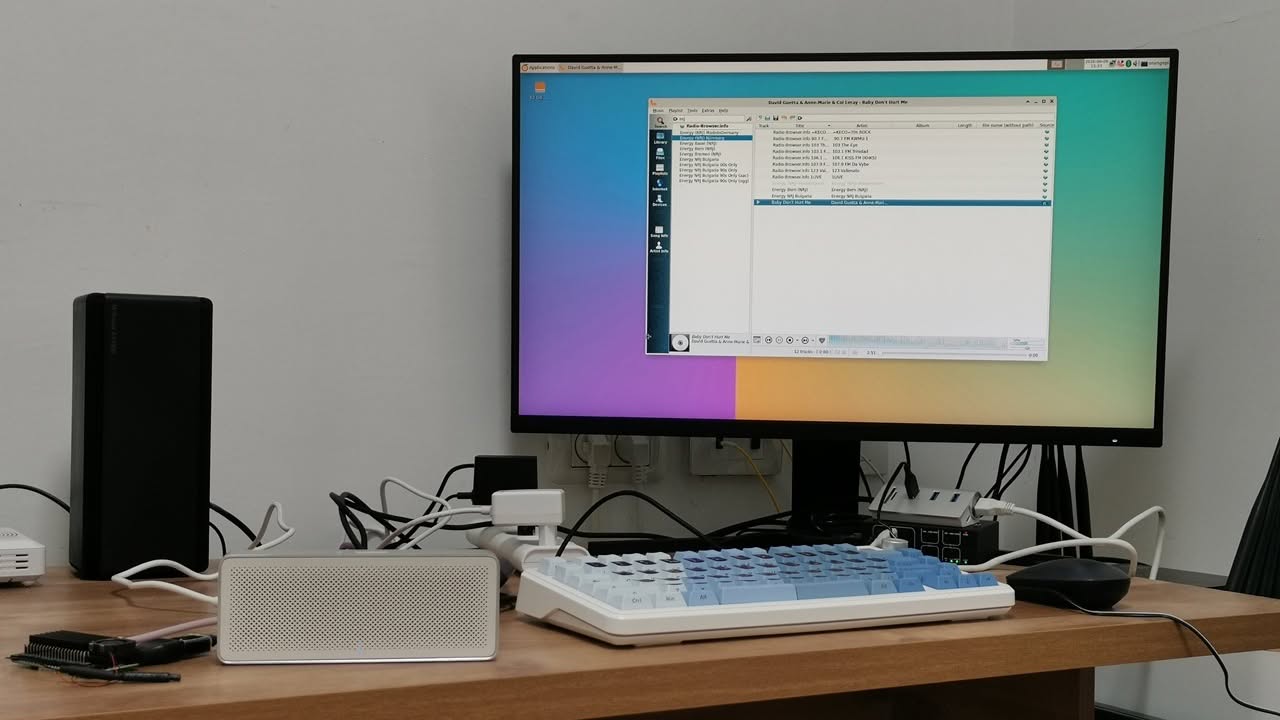
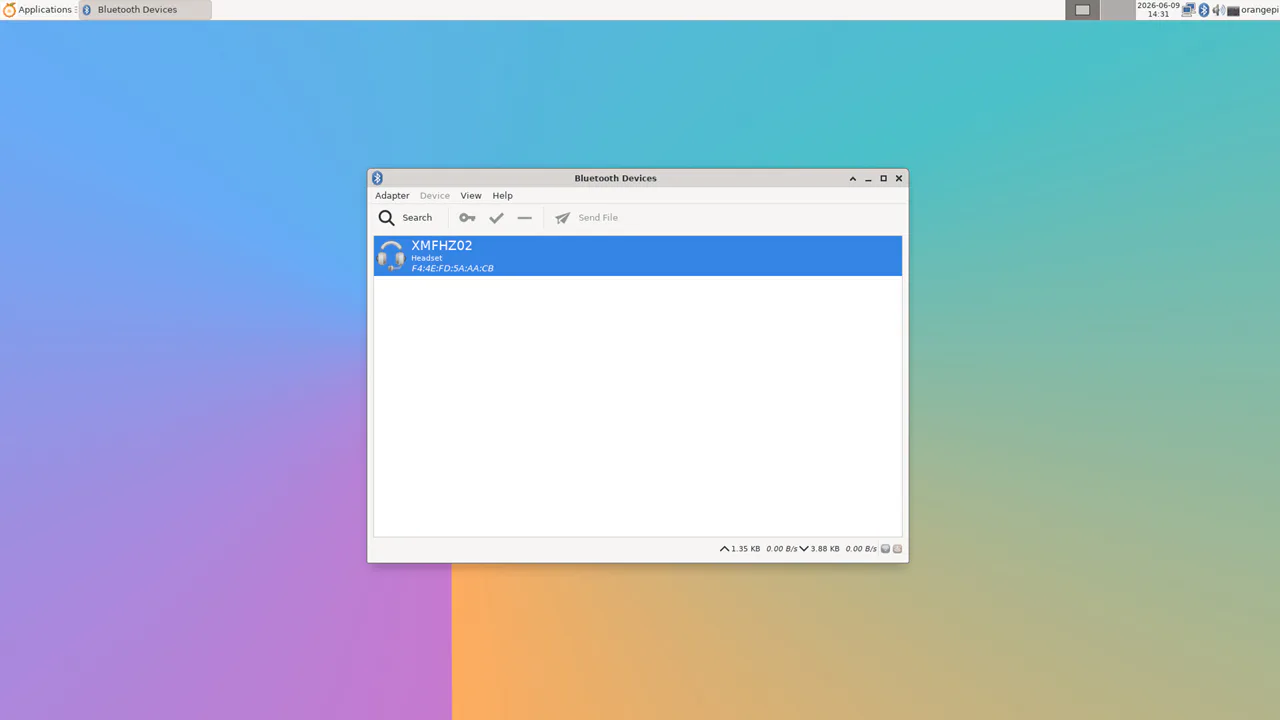
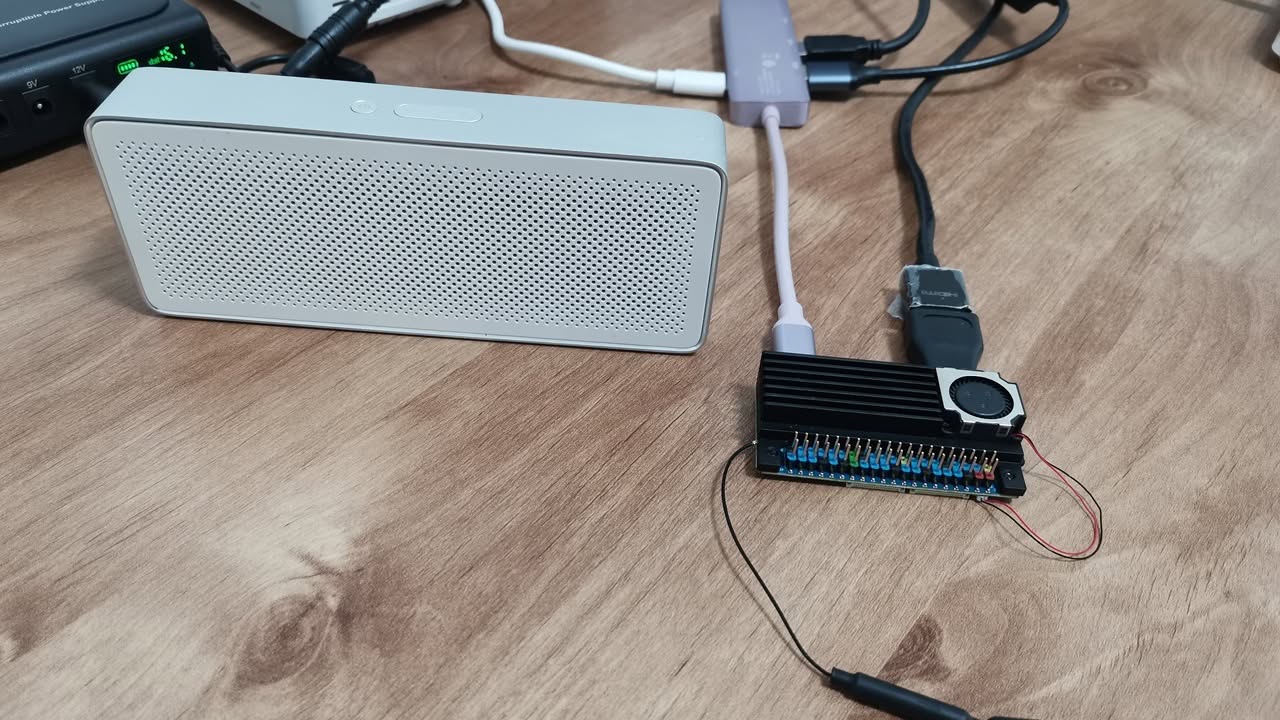
The board operates well as a low-level mini PC and media system. We connected our Xiaomi Bluetooth speaker (XMFHZ02) and streamed music clearly using the Clementine music player app.
What about video playback performance?
In the realm of video playback, our board performed adequately for casual users. We successfully played 720p and 1080p resolution videos on YouTube using the Chrome browser, experiencing minimal frame drops. However, if you aim for higher resolution playback, you should expect an increase in frame drops.
![OPi Zero 3W [YouTube Video Playback Test]](https://cdn.androidpimp.com/wp-content/uploads/2026/06/OPi-Zero-3W-Youtube-Test-1280x731.webp)
GPU Acceleration for video decoding? Not So Fast.
The Allwinner A733 does not use its GPU for video decoding; instead, it relies on a dedicated hardware VPU (Video Processing Unit). The Zero W3 features an Imagination PowerVR BXM-4-64 MC1 GPU. According to the Orange Pi team, the drivers are already pre-installed in the Debian Bullseye image, as demonstrated in our check below.
orangepi@orangepizero3w:~$ lsmod | grep -i pvr
pvrsrvkm             1318912  17
The PowerVR-flavored Mesa stack is confirmed to be installed:
orangepi@orangepizero3w:~$ ls /usr/lib | grep -i pvr
ls /usr/lib/aarch64-linux-gnu | grep -i pvr
libGLESv1_CM_PVR_MESA.so
libGLESv1_CM_PVR_MESA.so.24.2.6603887
libGLESv2_PVR_MESA.so
libGLESv2_PVR_MESA.so.24.2.6603887
libpvr_dri_support.so
libpvr_dri_support.so.24.2.6603887
libPVROCL.so
libPVROCL.so.1
libPVROCL.so.24.2.6603887
libPVRScopeServices.so
libPVRScopeServices.so.24.2.6603887
VLC Medai Player: Video Decoding with GPU Acceleration
You can run VLC effectively on the Orange Pi Zero3W; however, the PowerVR GPU cannot be used for video decoding or rendering. This limitation is due to the incomplete PowerVR BXM‑4‑64 MC1 driver stack. Although the kernel module (pvrsrvkm) is present, the userspace driver lacks the necessary VAAPI, V4L2‑M2M, or EGL extensions required by VLC.
So the honest answer is:
VLC will work, but only with software decoding and software rendering. It cannot use the PowerVR GPU for acceleration on this board.
From our testing
When we attempted to play 4K videos using VLC Media Player, we experienced some lag. However, the overall performance was reasonably OK. Even with software rendering and no GPU acceleration, the Allwinner A733 octa-core CPU is significantly more powerful and handles video decoding more effectively than the Raspberry Pi Zero W2 quad-core CPU, making it a superior option compared to the competition.
Key takeaways:
The clear and direct answer is that, according to these libraries:
- libGLESv1_CM_PVR_MESA.so
- libGLESv2_PVR_MESA.so
- libpvr_dri_support.so
- libPVROCL.so
- libPVRScopeServices.so
The PowerVR BXM‑4‑64 MC1 GPU provides 3D rendering acceleration (OpenGL ES) but does not support hardware decoding for video playback.
GPU Capabilities Summary (PowerVR BXM‑4‑64 MC1)
| Capability | Supported? | What It Means | More Info |
|---|---|---|---|
| OpenGL ES Rendering | ✔️ Yes | 3D graphics, shaders, UI acceleration | Uses libGLESv2_PVR_MESA.so |
| EGL Surface Creation | ✔️ Yes | Lets apps create GPU-backed windows | Required for GLES apps |
| OpenCL Compute | ✔️ Yes | GPU compute kernels (image processing, math) | Provided by libPVROCL.so |
| Shader Acceleration | ✔️ Yes | Vertex/fragment shader execution | Part of GLES pipeline |
| 2D/3D UI Acceleration | ✔️ Yes | Faster window compositing, smoother UI | Depends on desktop environment |
| Video Decoding Acceleration | ❌ No | H.264/H.265 hardware decode unavailable | A733 VPU not exposed to Linux |
| VAAPI | ❌ No | Intel-style video acceleration | Not supported on ARM |
| VDPAU | ❌ No | NVIDIA-style video acceleration | Not supported |
| V4L2-M2M Video Decode | ❌ No | Linux hardware video decode API | Allwinner did not enable it |
| mpv Hardware Decoding | ❌ No | mpv must use CPU decoding | GPU only helps with rendering |
| VLC Hardware Decoding | ❌ No | VLC must use CPU decoding | No VPU access |
| Kodi Hardware Decoding | ❌ No | Kodi uses software decode only | Same limitation |
What the GPU Is Actually Useful For?
| Capability | Useful? | Description |
|---|---|---|
| 3D rendering | ✔️ Yes | Accelerates 3D graphics pipelines using OpenGL ES. |
| OpenGL ES apps | ✔️ Yes | Runs GLES‑based applications with GPU acceleration. |
| UI acceleration | ✔️ Yes | Helps desktop environments render windows and animations smoothly. |
| Shaders | ✔️ Yes | Executes vertex and fragment shaders on the GPU. |
| OpenCL compute tasks | ✔️ Yes | Supports GPU compute workloads via OpenCL (image processing, math kernels). |
| Games/emulators using GLES | ✔️ Yes | RetroArch, PPSSPP, and GLES‑based engines can use the GPU for rendering. |
The real reason is that hardware decoding is not available in the Linux images.
This confirms it 100%: The board contains A733 hardware, but the kernel and device tree are designed for the sun60i (H618 family) instead of the sun55i, which is associated with the A733 family. Essentially, this indicates that the kernel in use is likely incorrect. This misconfiguration is likely why the GPU is not set up properly and V4L2-M2M is missing.
The DTB (Device Tree Blob) information indicates that the kernel is configured for the sun60i SoC family, specifically the H616 / H618 variants.
root@orangepizero3w:~# ls /boot | grep dtb
dtb
dtb-6.6.98-sun60iw2
What steps should you take if you still need support for hardware video decoding?
If you require hardware decoding support through the GPU and intend to use this board as a mini multimedia device, we recommend trying the 64-bit Android 13.0 (AOSP) image. Our tests indicate that it offers excellent video decoding capabilities, capable of playing videos from 720p up to 4K at 30fps. It also includes Vulkan support, which enables higher frame rates and reduces software overhead, leading to improved 3D performance and a smoother gaming experience for users.
The Android OS experience
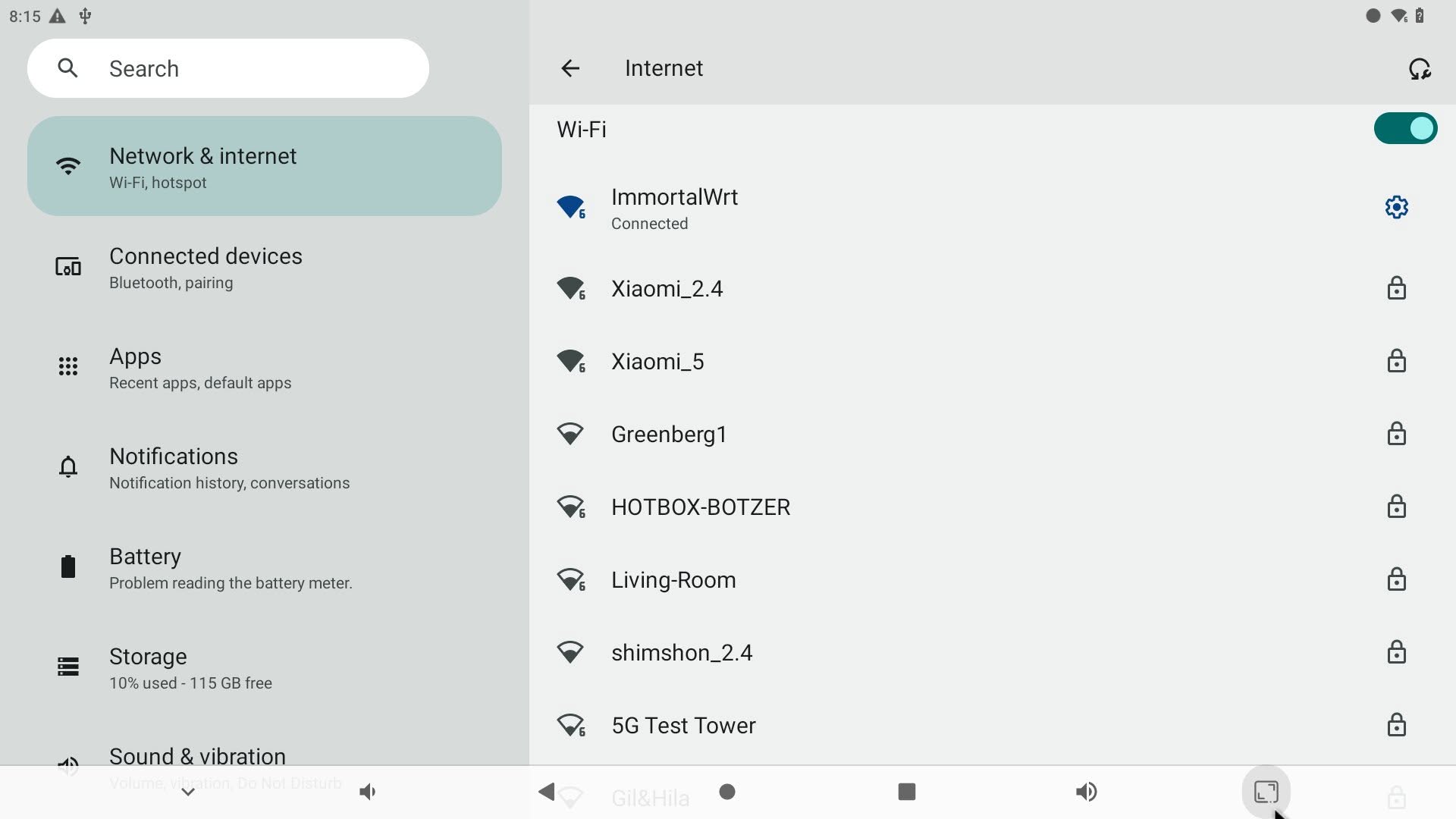
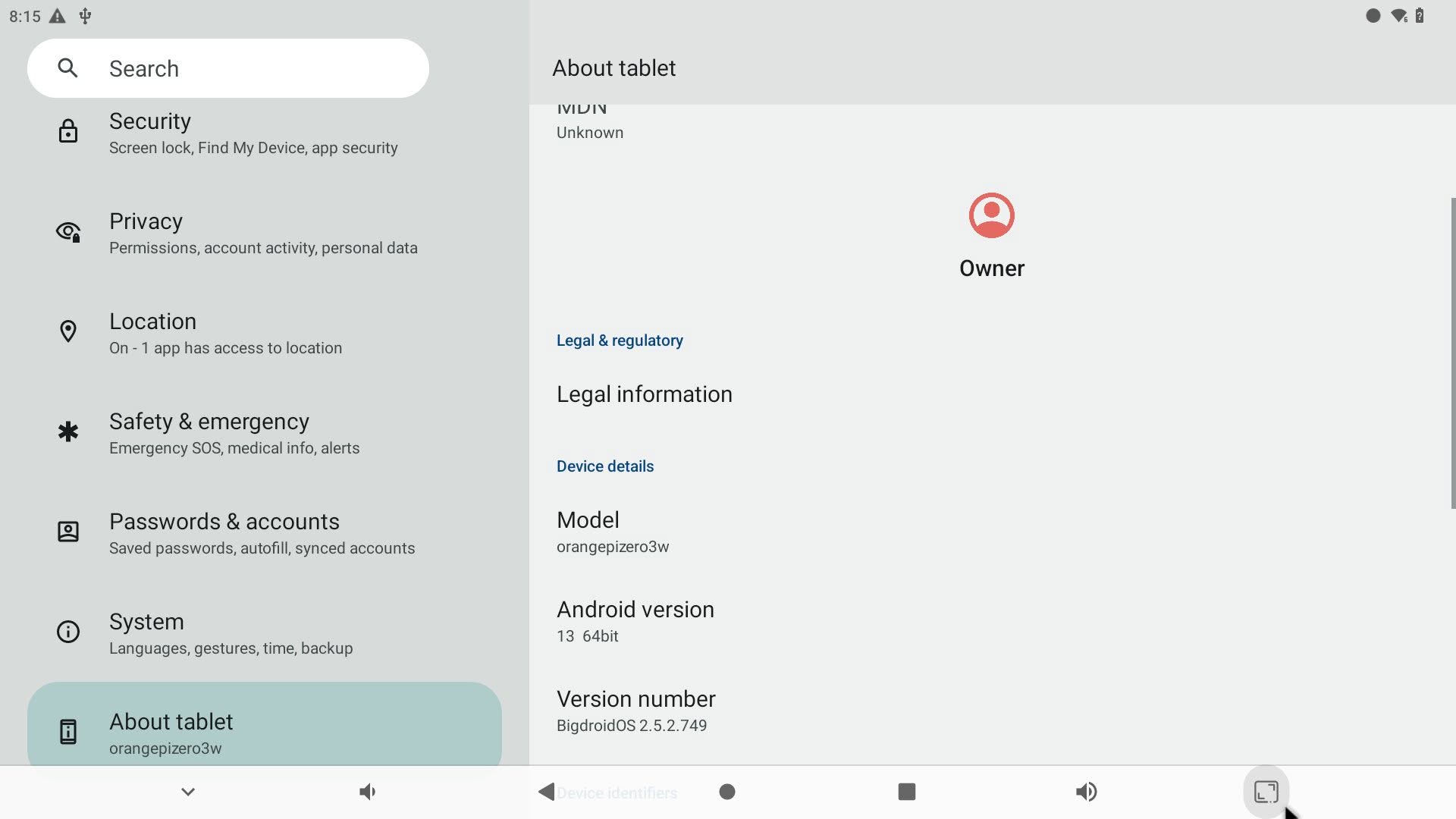
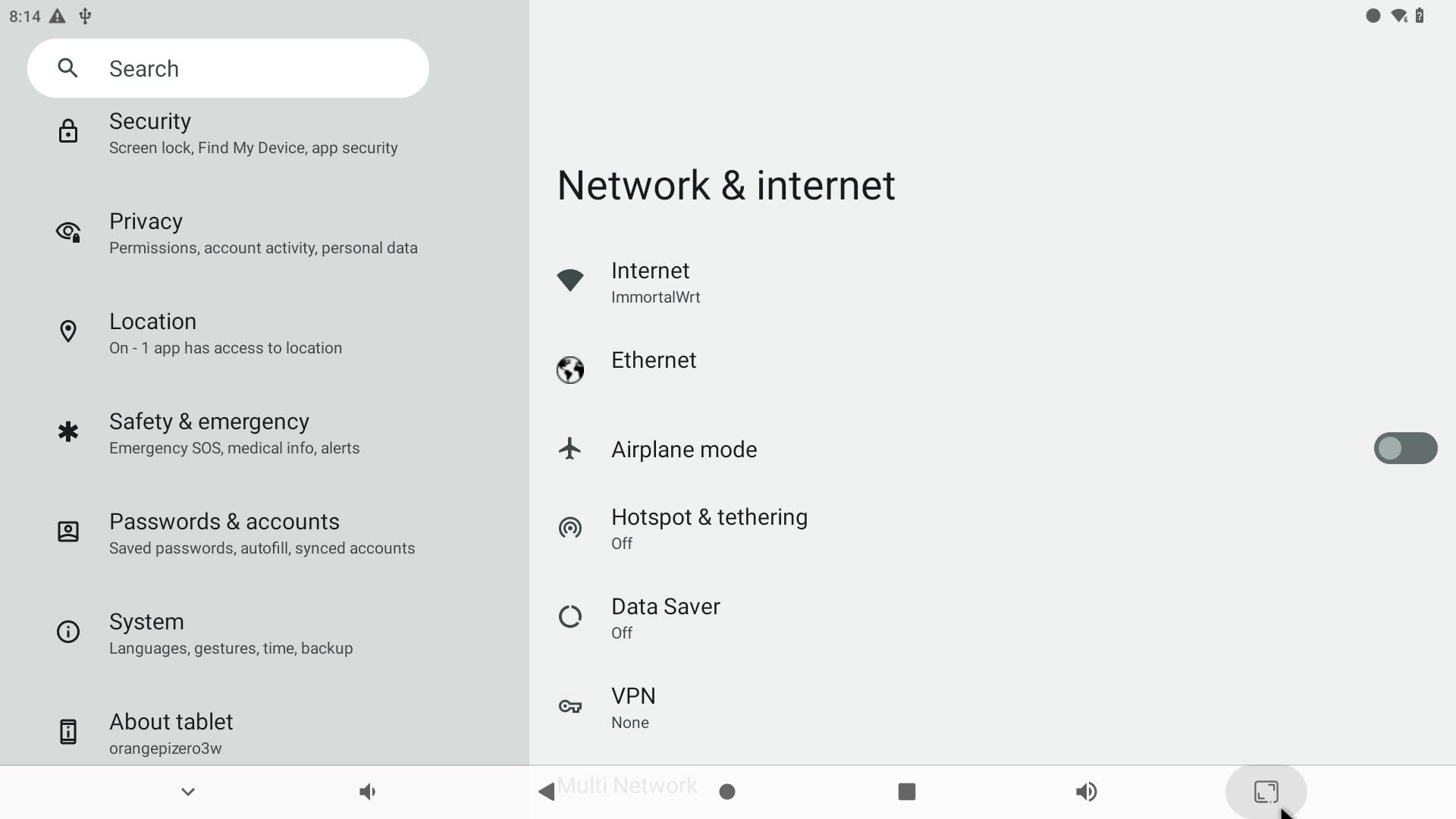
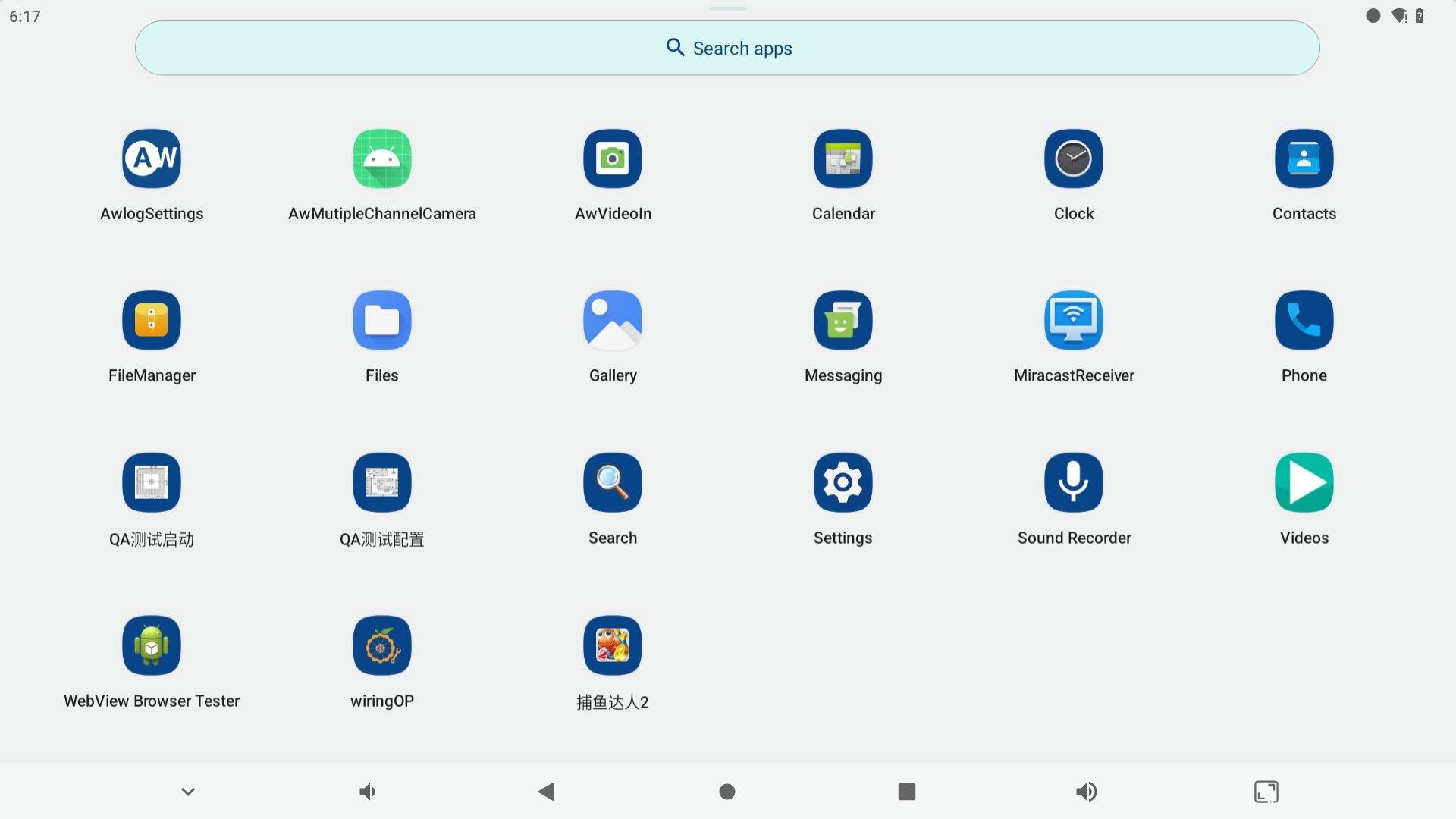
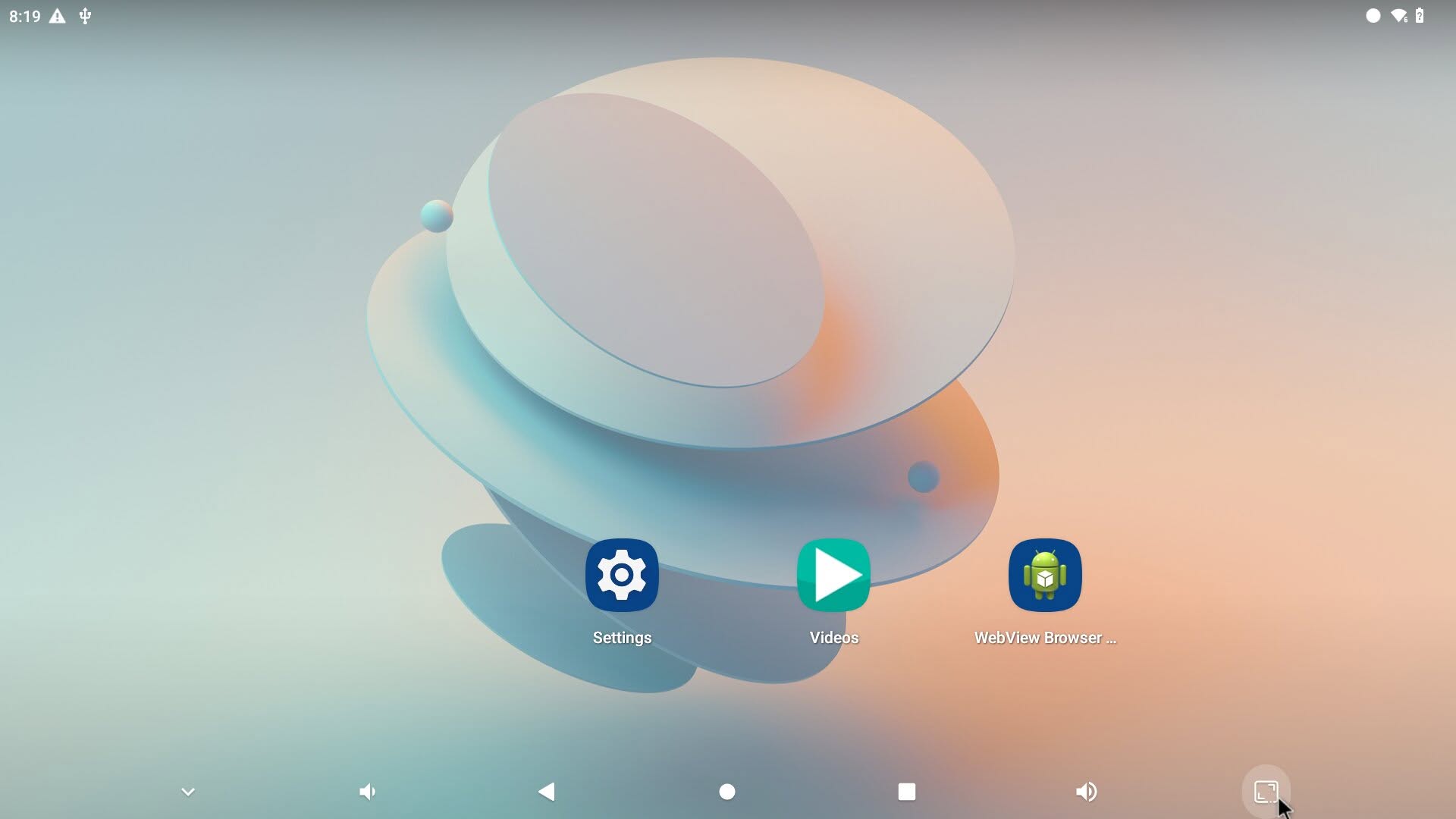
While it works fine, it’s not really outstanding. Besides missing the Google Play Store app, it also has some testing apps that aren’t really needed. The upside is that you can install and use the Aptoide app store instead of Google Play, and you will likley be able to get rid of those unnecessary apps if you have root access. Another good thing is that the operating system supports hardware decoding, and the GPU drivers are set up correctly. This makes video playback a lot smoother compared to using the Debian Linux OS images.
Running Andoid 13.0 OS (64-Bit)
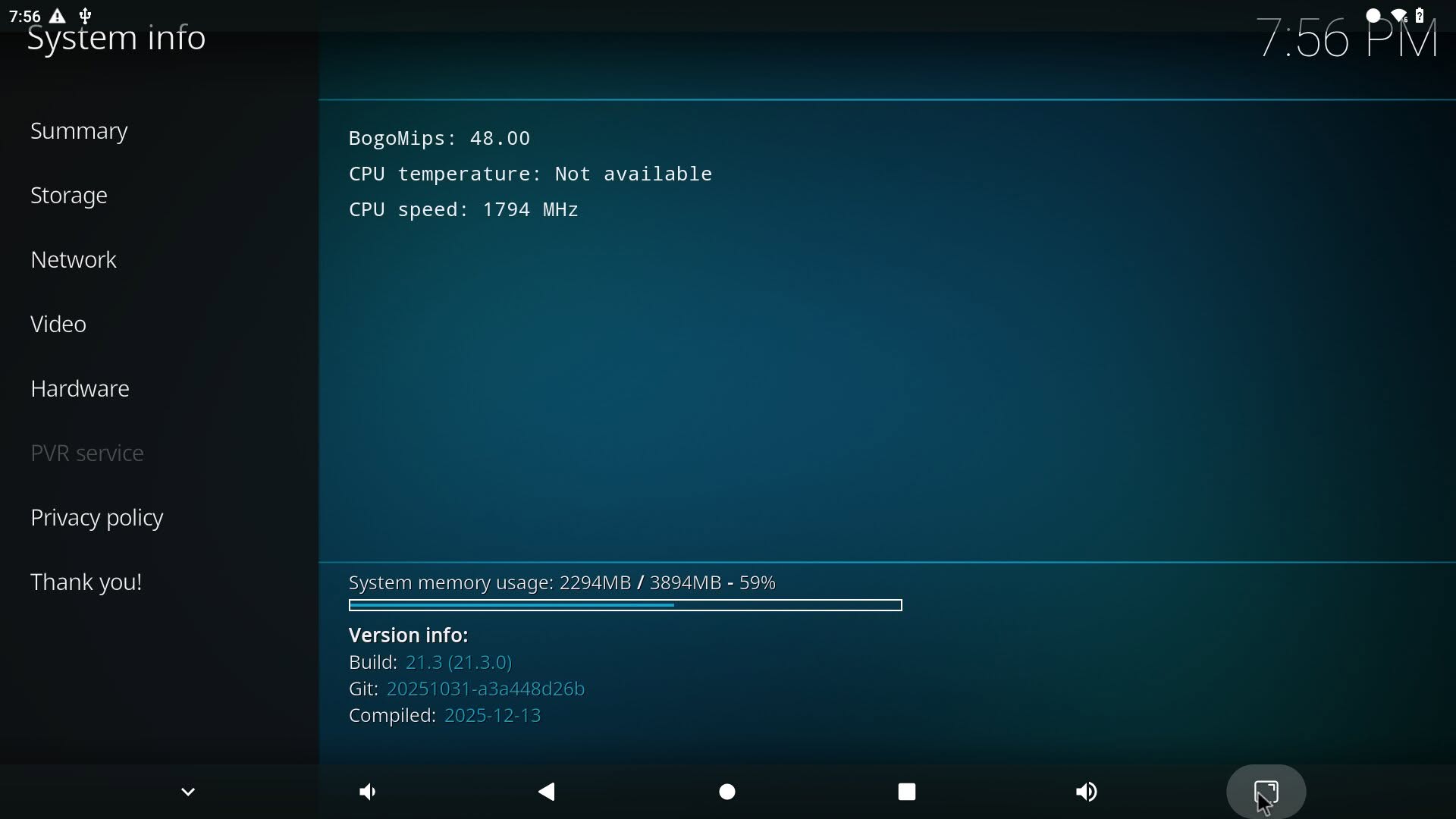
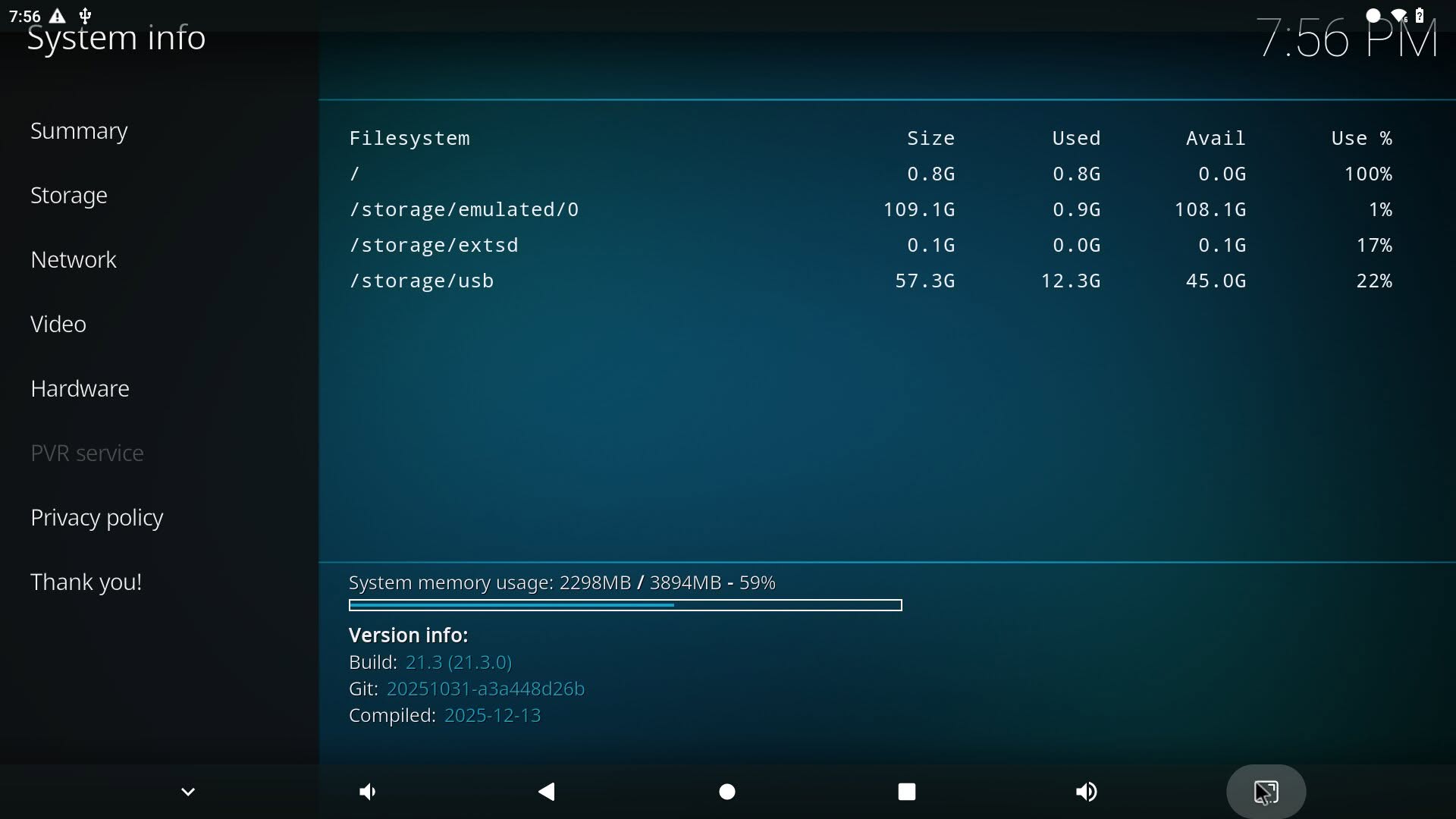
The Kodi experience
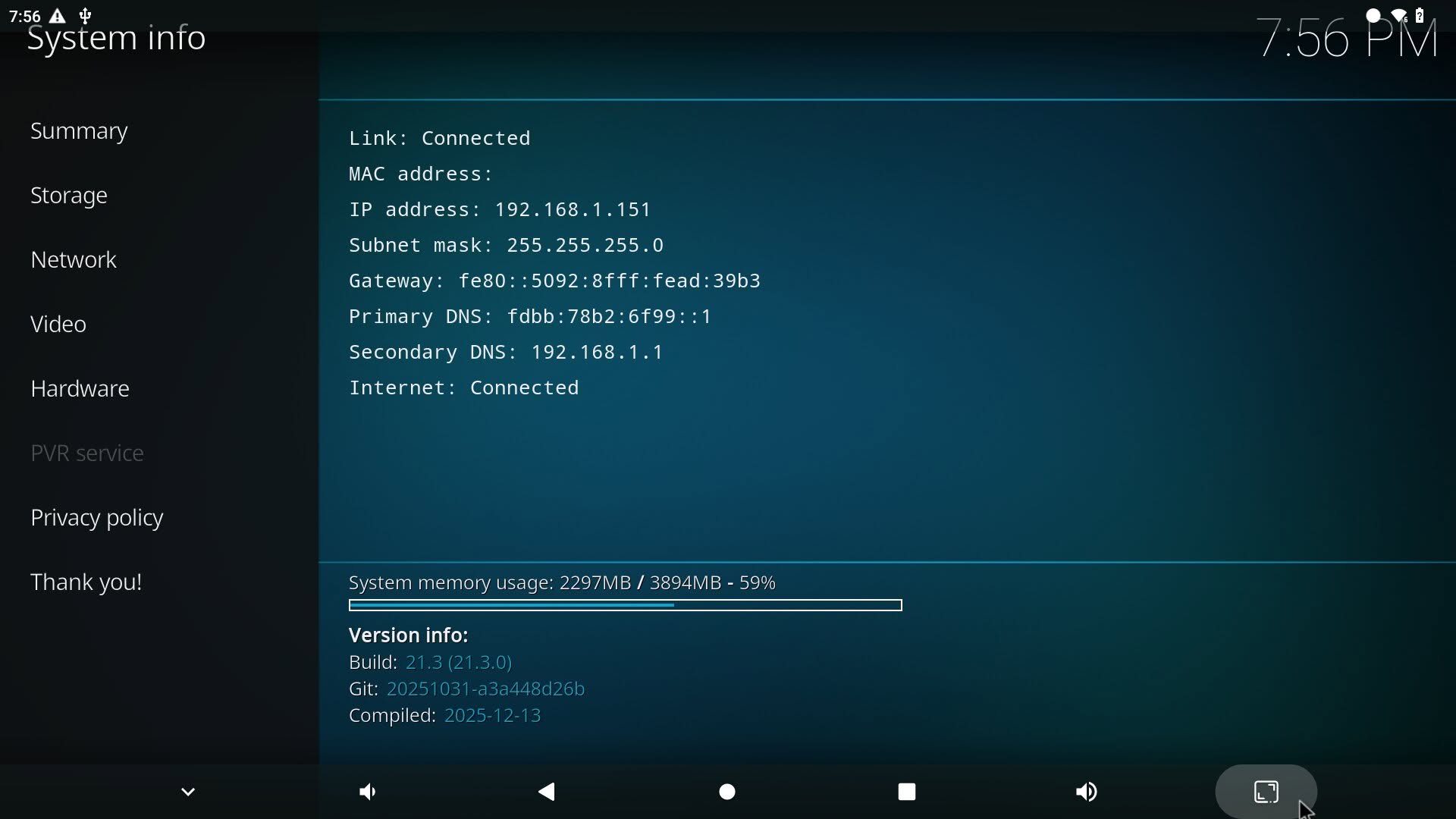
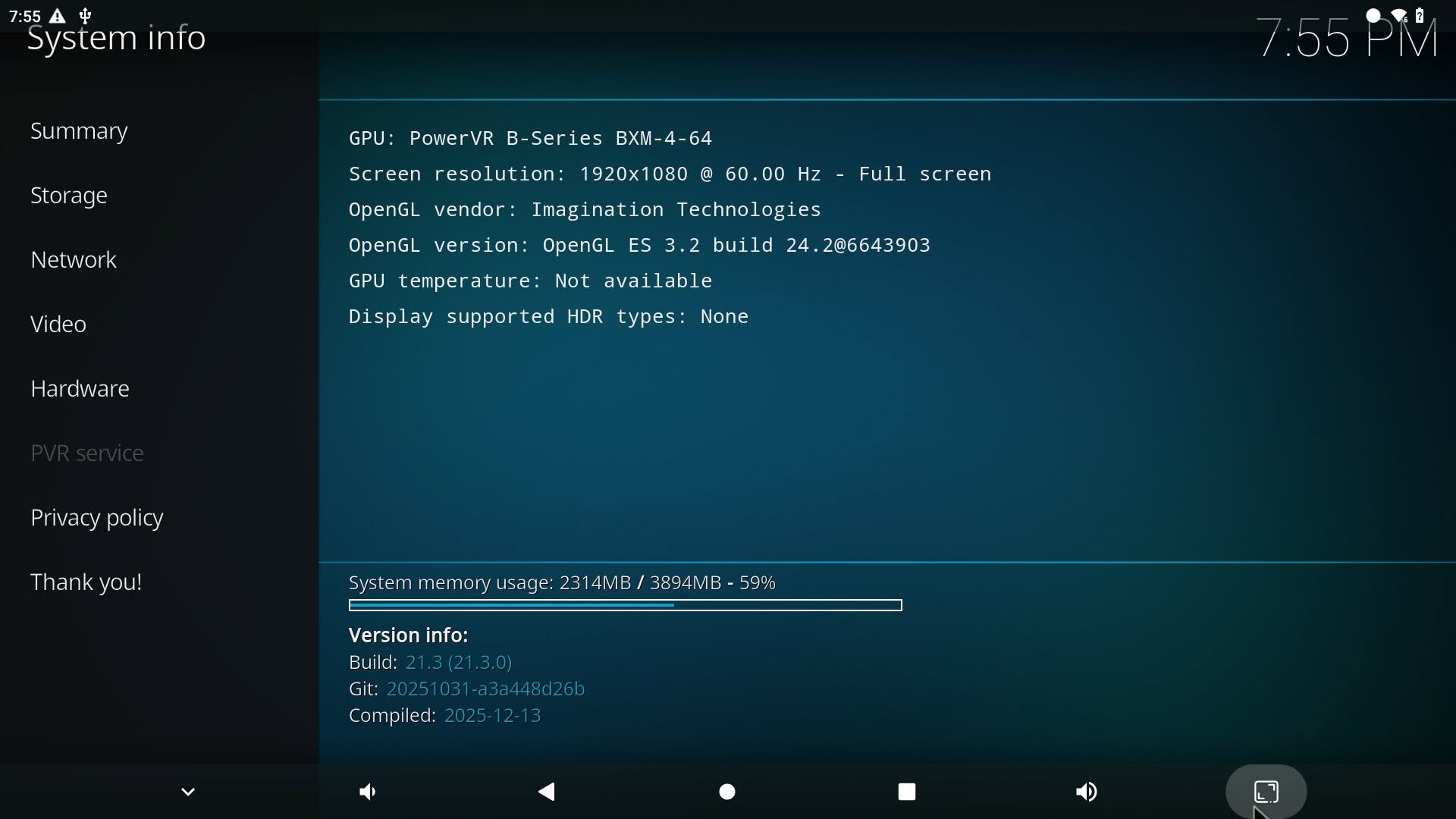
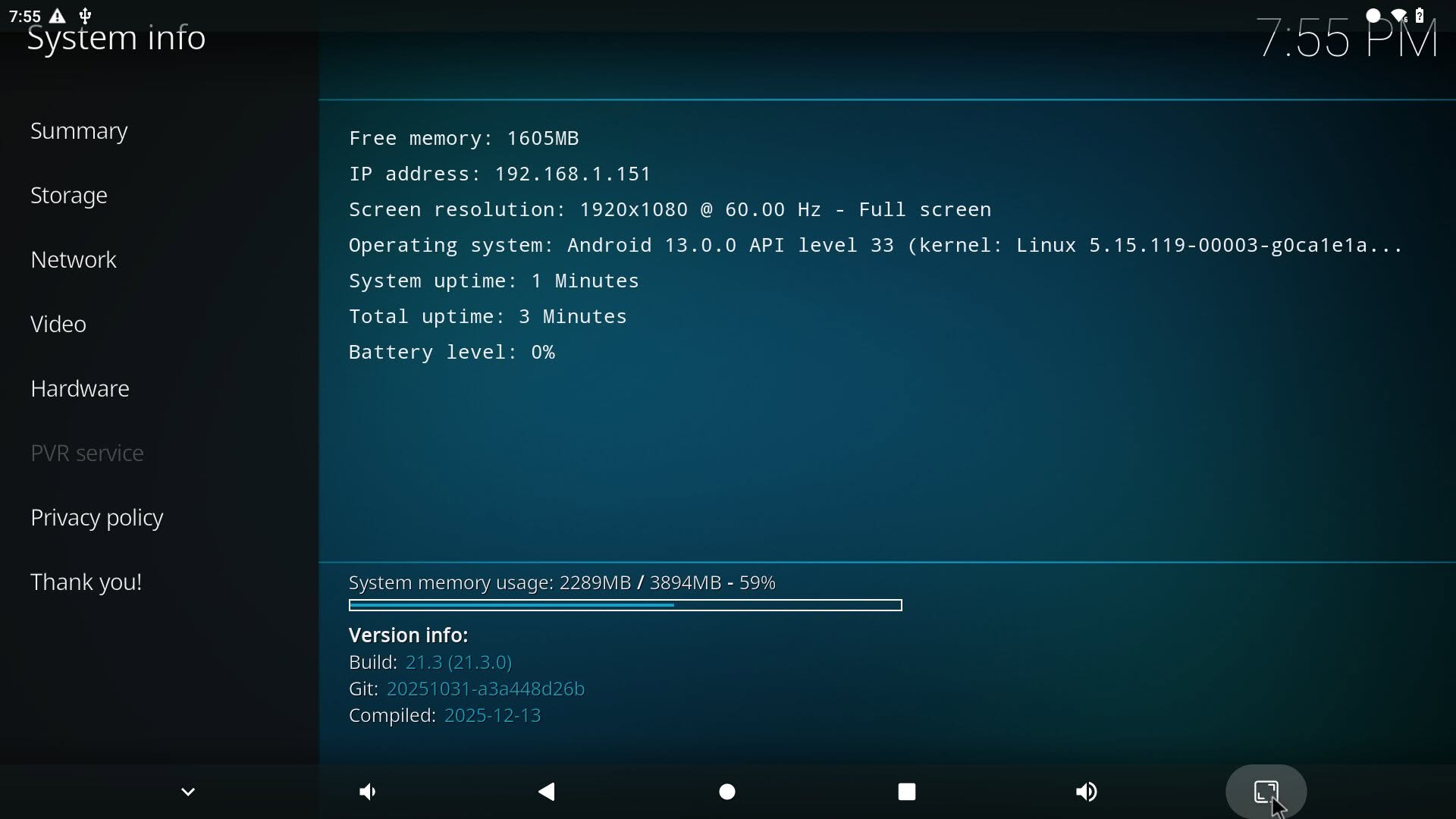
We successfully played 1080P and 4K@30fps videos without any issues. However, the Android image does not come with the Google Play Store app pre-installed. Interestingly, you can gain root access, which provides a significant advantage, as explained in the user manual, allowing you to remove unnecessary apps. That said, do not expect it to support every possible video format. In summary, when this board is used with the Android operating system, it can definitely serve as a convenient portable media center for use on the go.
Running Kodi v21.3 (Omega) (64 BIT)
According to its user manual (PDF created 2026-05-15 11:18:04) GPU and video encoding/decoding units are only supported by “Debian bullseye” – which was released 2021, is in LTS with EOL August 2026 (this month, as of writing). In other words, OrangePI have released a device that had two months (2!) OS support left.
If its that critical, you can always use the Armbian image, or buy a pi board for 140-200$. its not that the software
is useless and cannot be updated.