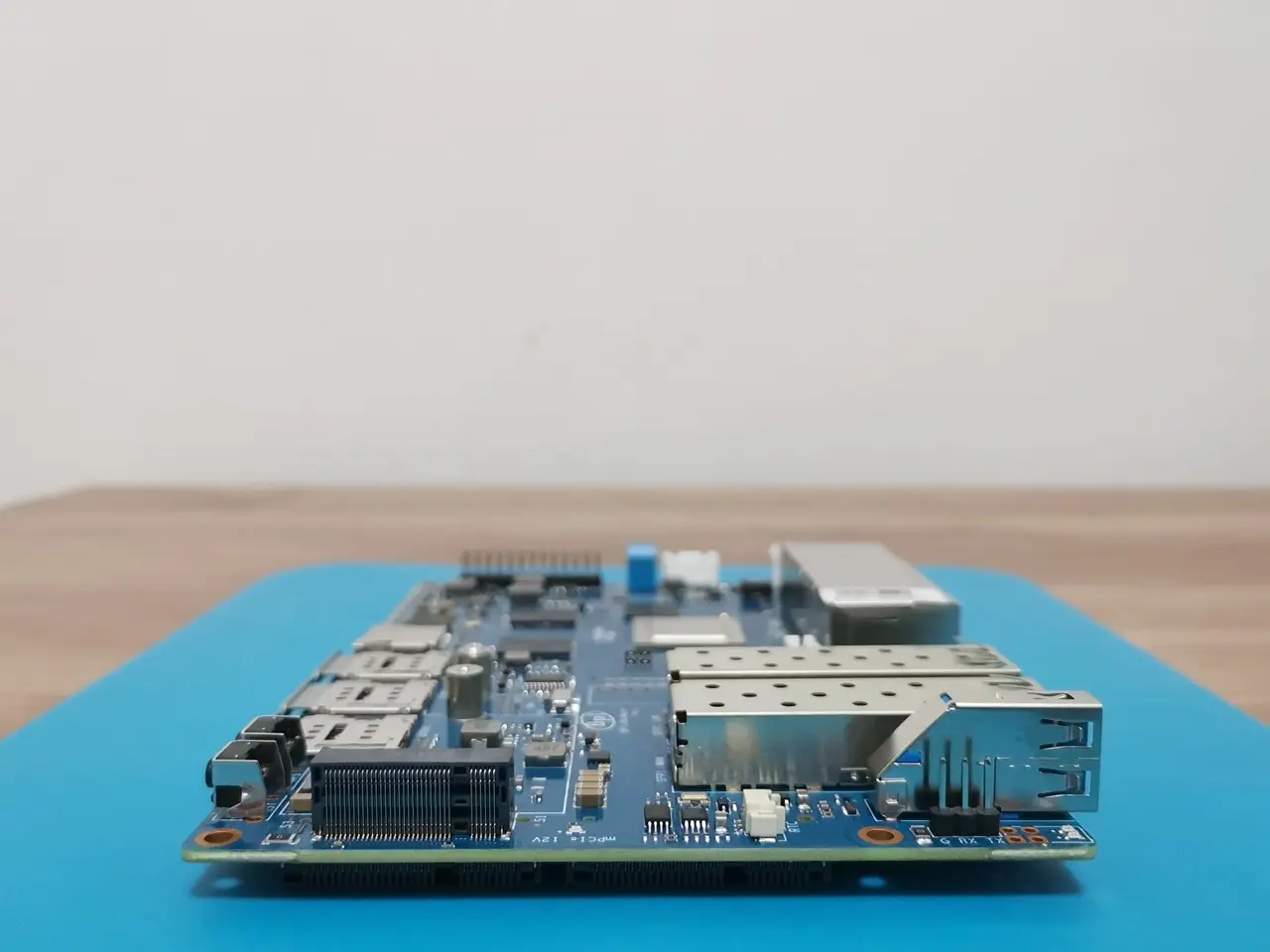
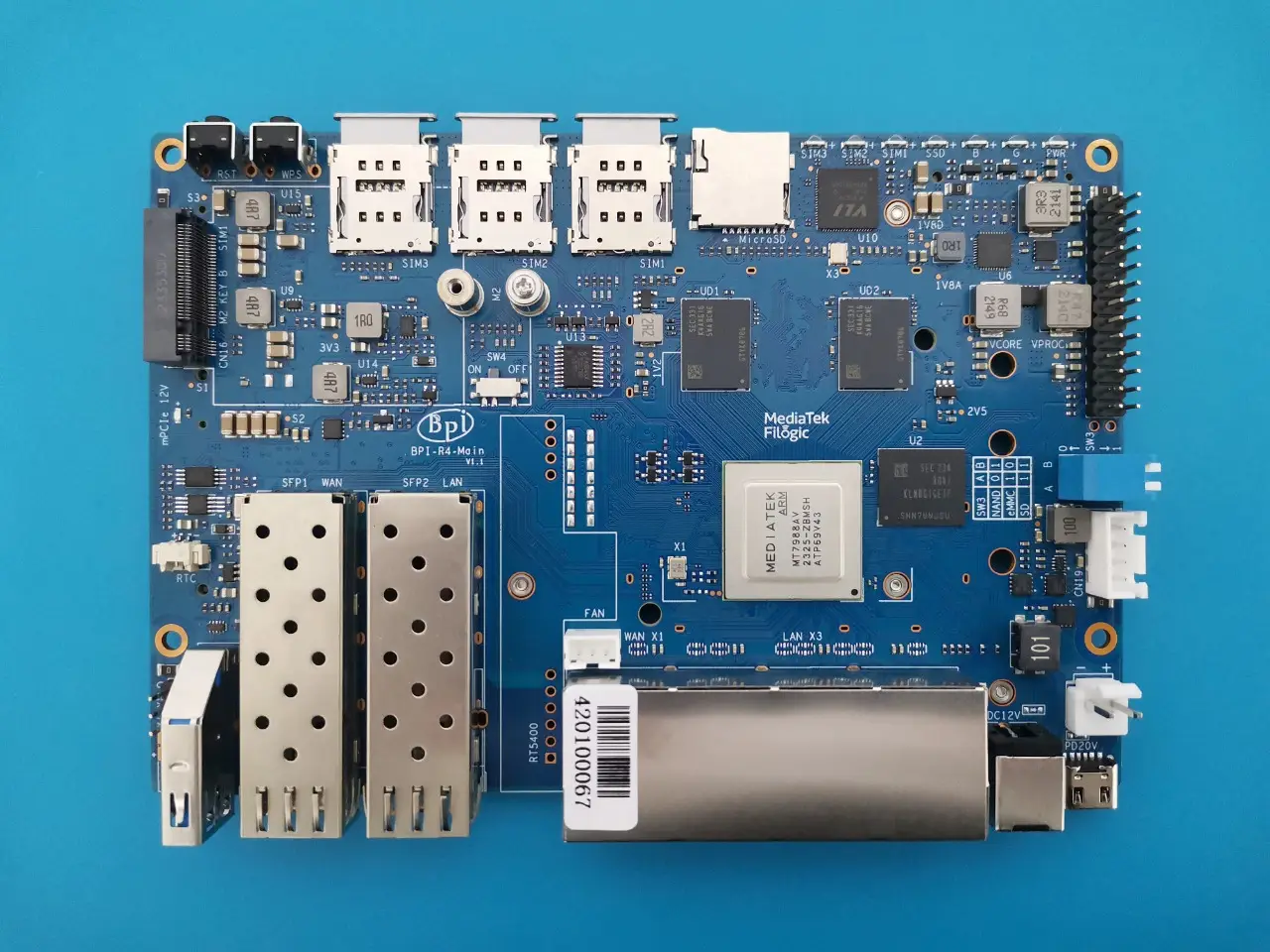
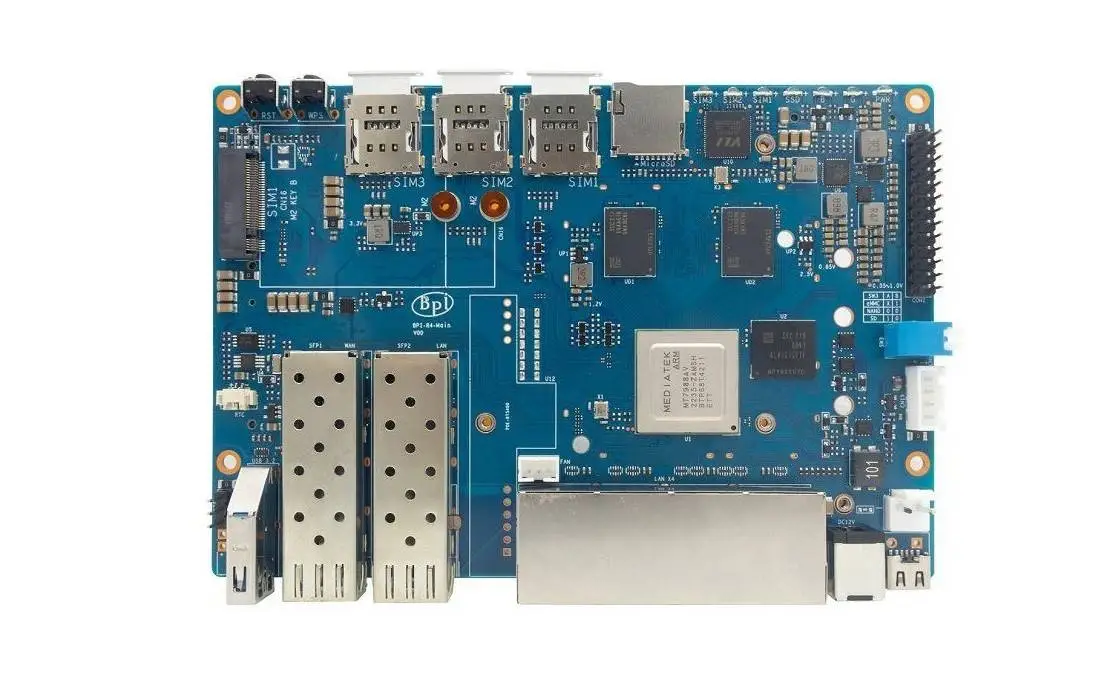
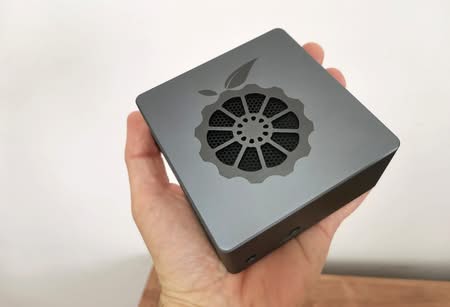
Table of contents Part I: Banana Pi BPI-R4 – Product introduction Interfaces Key Features Hardware Specifications Enhanced Performance Comparative Analysis: Banana Pi R3 vs. Banana Pi R4 Hardware Specifications More simple to operate New features and better connectivity Model 1: Banana Pi BPI-R4 Layout (x2 SFP+ Cages) Model 2: Banana Pi BPI-R4 Layout (x1 SFP+ Cage) A Closer Look at the R4 Wi-Fi 7 NIC (Network Interface Card) Tri-band Connectivity explained Two design choices Design No.1: Banana Pi R4 Wi-Fi 7 NIC (4T4R & 4T5R Design) Design No.2: Banana Pi R4 Wi-Fi 7 NIC (3T3R Design) WiFi7 iPA NIC Module (BPI-R4-NIC-BE14) What is 3T3R? Enhanced connectivity Embedded Routers: What are the advantages? Practical Applications Cost-Effective Solution for Small and Medium-Sized Businesses Part II: Banana Pi BPI-R4 Review (Current status: pending review) Unboxing (Bare board only) Let’s take a closer look at the Banana Pi BPI-R4. The process of installing a heat sink Heat sink dimensions Purchasing an Active Heat sink Replacing the active heat sink connector Ensuring proper cooling for the SFP+ cages FAN Wiring Wait, there is a simpler method. Making a UART Serial extension cable. Measuring CPU temperatures Operating the R4 fan effectively through setting a trip point. Purpose of the Command If your Banana Pi R4 is experiencing serious overheating problems. How can I fix this issue? Testing temperatures Choosing the right power supply adapter Banana Pi R4 Power Adapter Wired cable Data Transfer Rate How many Ethernet 2.5G PHYs are needed to achieve a real throughput of 10Gbps? Performing iPerf throughput test with 10GBASE-T SFP+ Copper RJ-45 transceivers. Checking Network Interface Properties: SFP+ RJ45 Transceivers Our network topology Desktop PC network interface card (NIC) + x2 RJ45 SFP+ Transceivers Testing the Network Bandwidth and Throughput. Installing an M.2 NVMe SSD Preforming a hdparm speed test Software support and Installation Switch jumper The updating process Flashing the OpenWrt Snapshot Image to Nand and eMMC Step No. 1 Step No. 2 Step No. 3 Step No. 4 Step No. 5 Step No. 6 Step No. 7 Step No. 8 Step No. 9 Step No. 10 Step No. 11 Step No. 12 Step No. 13 Step No. 14 Step No. 15 Step No. 16 Step No. 17 The easiest way to install OpenWrt Banana Pi R4 Metal Case (Recommended optional accessory) Assembling the case parts Replacing and customizing the R4 Metal Case upper cover What are the benefits of opting for a plastic cover instead? Here’s a guide on how to set up a 6-bay NAS rack for 2.5-inch HDD/SSDs using the Banana Pi R4 Board! Step-by-Step Guide for Installing a NAS Drive Rack (HDD 2.5″) Can you use the existing metal case for this project? Performing some basic calculations: The PSU’s total wattage capacity is the sum of the individual rail wattage: The following is a list of components needed to construct the NAS: Olmaster MR-6601 NAS Rack DB8234 HDD PSU Module Choosing the right 12V power adapter for the PSU Board What are the power requirements? 5-port M.2 NVME to SATA 3.0 5-port M.2 (Key M+B) NVMe to SATA 3.0 converter Installing the 5-port M.2 (Key M+B) NVMe to SATA 3.0 converter onto the Banana-Pi-R4 5-Pin Moldex Power-Cables Assembling all the parts together Modifying the case The end result. It’s time for the final check to make sure everything is working properly. Checking if the SSDs are functioning correctly Conclusions Enhancing the design More Optional NAS Racks are available. Setting Up the Banana Pi BE14000 Wireless NIC Expansion Card Unboxing the Item A closer look at the board WIFI antennas Installation The wireless connectivity capabilities of the Banana BPI-R4-NIC-BE14. What should you expect? Utilizing the 6GHz band What are the benefits of WiFi 7? Checking wireless network interfaces, access point names, and frequency bands. An alternative Wi-Fi configuration Installing the necessary drivers Final words Frequently Asked Questions & Purchase Options. Which operating system is compatible with the Banana Pi R4? Is it possible to use 2.5GbE SFP modules with the Banana Pi R4? Does the Banana Pi 4 support GPON connectivity? What is the maximum data transfer speed of the SFP+ ports on the Banana Pi 4? Can the Banana Pi R4 be used with 4G/5G Modules? Can I install an NVMe SSD on the Banana Pi R4? How much does the Banana Pi R4 cost? Is it necessary for me to purchase the entire kit that includes the metal case? Price and Availability Banana Pi R4 Part II: Banana Pi BPI-R4 Review (Current status: pending review) Unboxing (Bare board only) BPI R4 Unboxing 1 BPI R4 Unboxing 2 BPI R4 Unboxing 3 BPI R4 Unboxing 4 Let’s take a closer look at the Banana Pi BPI-R4. Banana Pi BPI R4 2 Banana Pi BPI R4 3 Banana Pi BPI R4 4 Banana Pi BPI R4 5 Banana Pi BPI R4 6 Banana Pi BPI R4 1 1 2 3 4 5 6 7 8 9 10 11
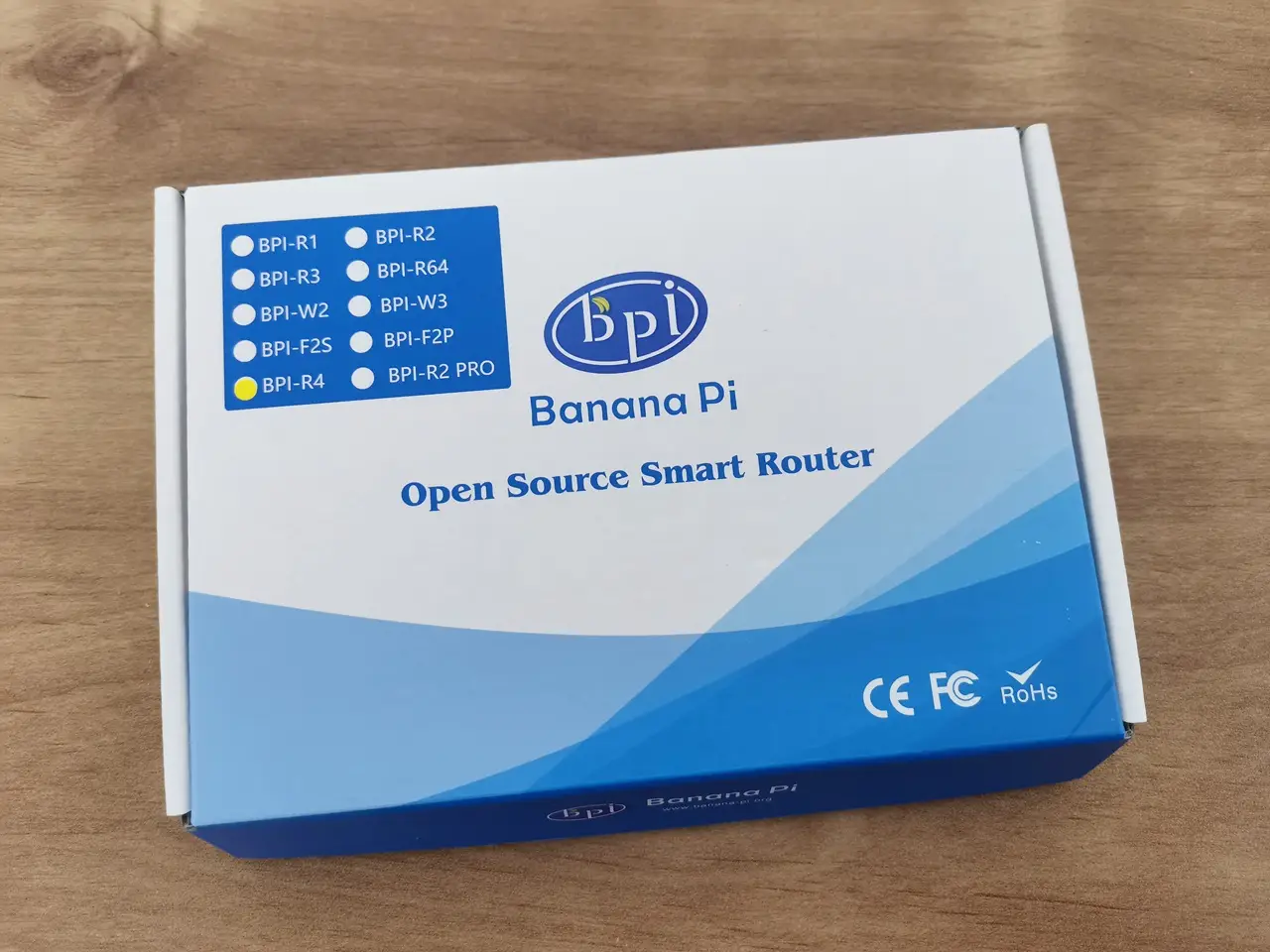
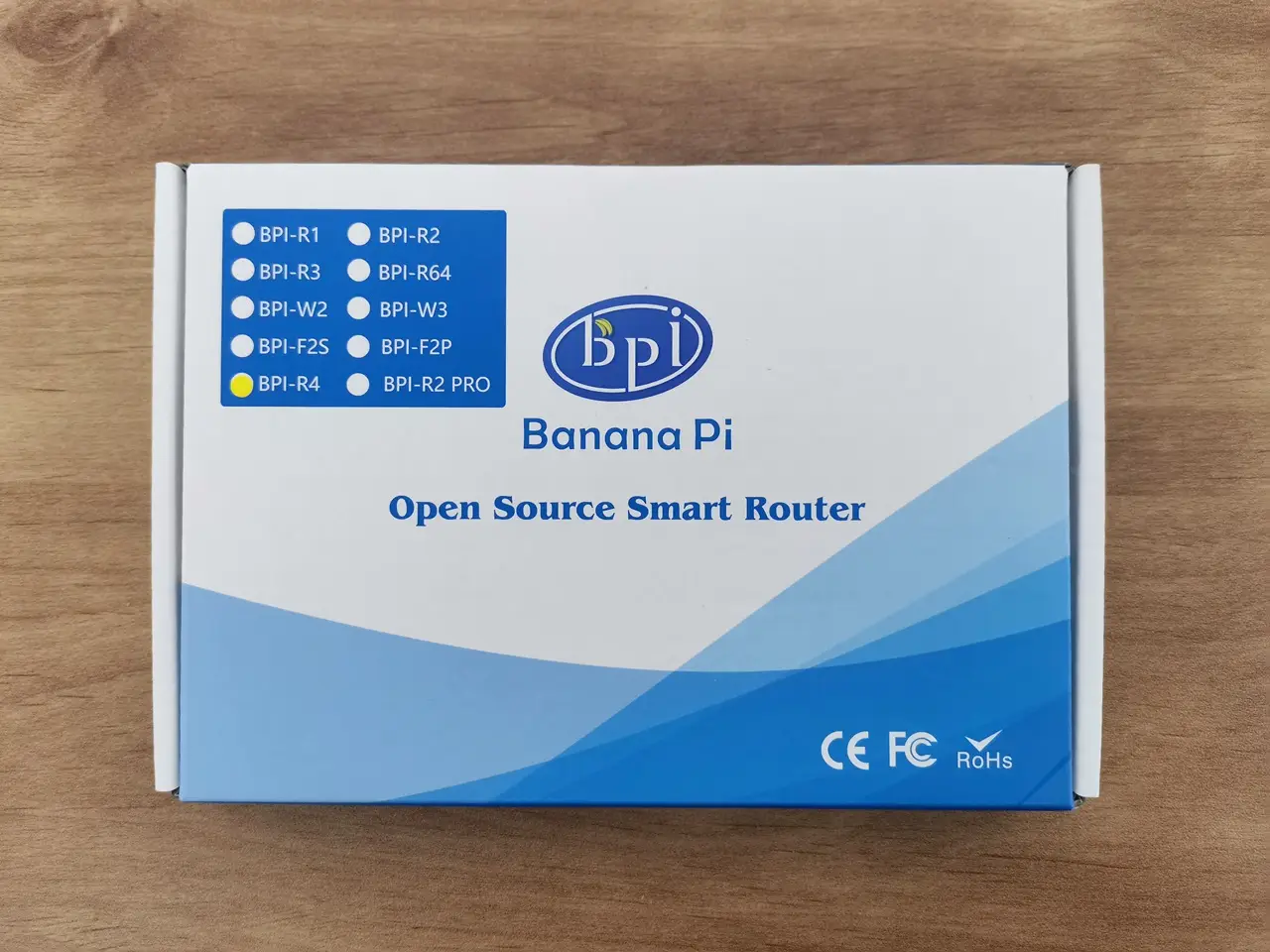
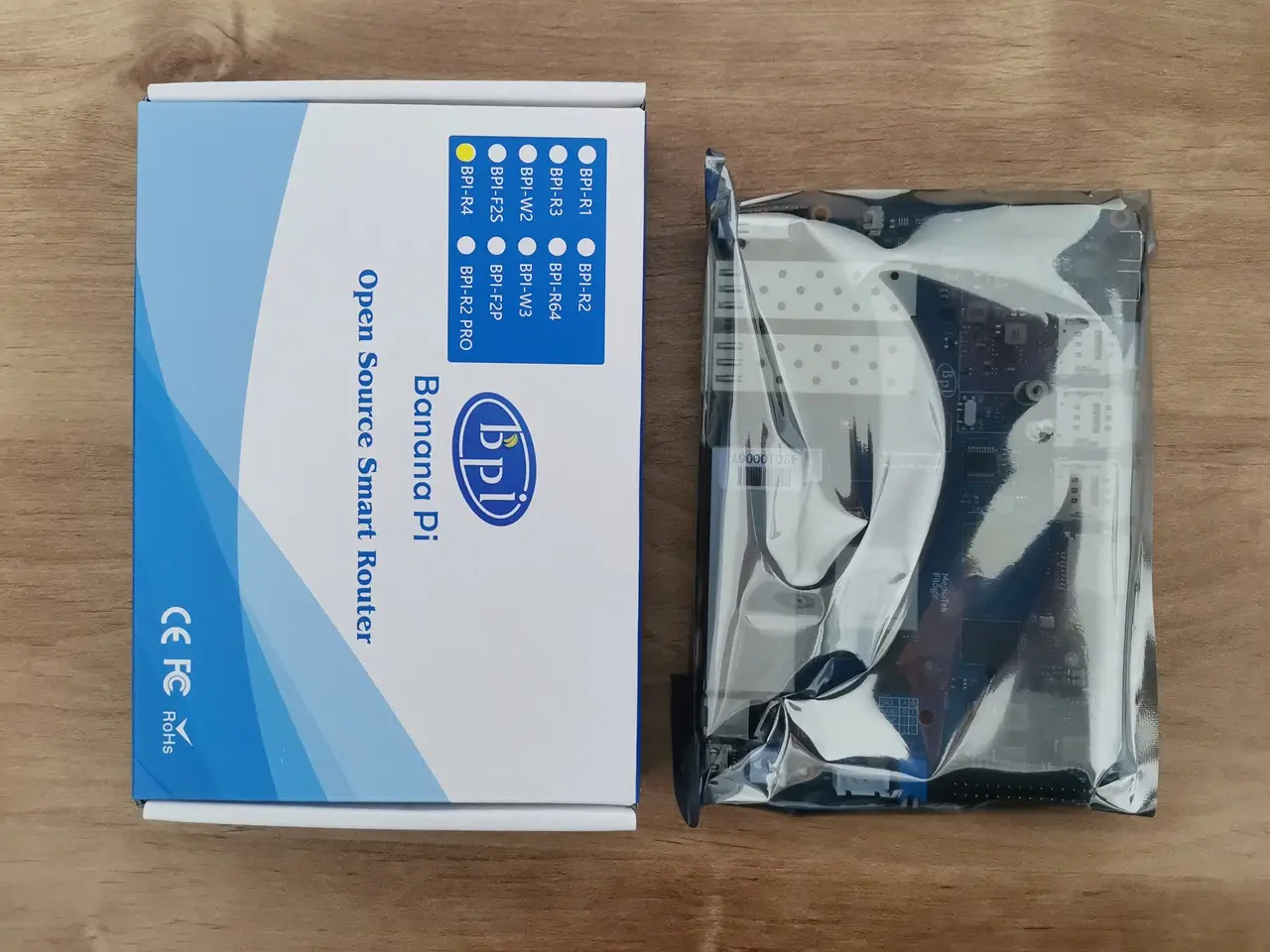



Good Job
Thanks
That’s the most in-depth review I’ve seen of the BPI-R4. However, the benchmark and Wi-Fi testing sections are noticeably missing. Any reason why?
Thanks. Probably at that time I didn’t have the extra patience to wait until they fixed the bugs/problems. Hopefully a few months have passed and it should be fine now.