Close Menu
  • Home
  • About
  • Wearables
  • Earbuds
  • Computer Accessories
    • Routers
    • Remotes
  • Embedded
    • Single Board Computers
    • Addon Boards
    • Raspberry Pi
  • Wireless Routers
  • Contact
Facebook X (Twitter) Instagram Threads
Trending
  • Orange Pi 6 Review: A New 45 TOPS AI SBC Beats Raspberry Pi HATs in Speed
  • AliExpress Promo Codes: August 2026 (100% Verified)
  • Youyeetoo NestDisk Mini PC/Router: Is This Pocket-Sized 3-in-1 NAS Worth It?
  • Riitek RS201 16-Inch Portable Monitor Debuts for $69
  • DFRobot Unveils seeMote Cube: A 6DoF Physical Controller for Apple Vision Pro
  • Orange Pi X2 Mini PC Is Officially in the Works – Here’s What We Know
  • BPI-R4 Wi-Fi 7 NIC (BE14): OpenWrt Setup & Optimal WiFi Power Guide
  • How to install OpenWrt on Xiaomi AX3000T Router (A Quick Guide)
AndroidPIMP
Facebook X (Twitter) Instagram
  • Home
  • About
  • Wearables
  • Earbuds
  • Computer Accessories
    • Routers
    • Remotes
  • Embedded
    • Single Board Computers
    • Addon Boards
    • Raspberry Pi
  • Wireless Routers
  • Contact
AndroidPIMP
Embedded Computers

Orange Pi 6 Review: A New 45 TOPS AI SBC Beats Raspberry Pi HATs in Speed

By androidpimpAugust 11, 20261 Comment61 Mins Read
Facebook Twitter Pinterest LinkedIn Tumblr Email
Follow Us
Google News Flipboard
Table of contents
  1. Part I: Product Intoduction
  2. Specifications
  3. Orange Pi 6 Interfaces
  4. Exclusive first-look photos (engineering sample).
  5. What else is in the pipeline?
  6. A true Raspberry Pi 5 killer in terms of both price and hardware specifications
    1. 1. Orange Pi 6 vs. Raspberry Pi 5 with AI HAT+ 2
    2. 1.1 Performance: 12-Core vs. 4-Core
    3. 1.2 Summary: Why the Orange Pi 6 Wins
  7. Raspberry Pi 5 versus Orange Pi 6
  8. Part II: Orange Pi 6 Review – Unboxing and Testing
    1. Package Contents
  9. A Closer Look at the Orange Pi 6 Board
  10. The Meta Case Design: Almost perfect, but not quite!
    1. Design Wise
    2. Airflow Design
  11. A Closer Look at the Case
  12. The lesser good.
    1. How to solve both problems?
    2. The rear side panel option
  13. Assembling the Pi 6 board into the case
  14. Software Support
  15. Video Playback Performance
  16. Chrome browser gpu settings
    1. Testing video playback using the Chrome web browser.
    2. SMPlayer
    3. Testing if 3D hardware acceleration is working (glxgears)
    4. Full report on the Orange Pi 6’s graphics stack.
      1. 3D/Desktop GPU rendering Support
  17. Hardware video decoding checked and confimed!
    1. Confirming if GStreamer on our Orange Pi includes hardware-accelerated decoders for recent video codecs.
    2. 🔍 What the list actually means
    3. What does this tell us about the Orange Pi 6?
  18. Installing the NVMe and Wi-Fi Card
    1. GNOME Disks (gnome-disk-utility) Benchmarking (Read & Write)
    2. Fio Benchmarking
    3. Key Benchmark Metrics
    4. Analysis & Key Takeaways
    5. Key Benchmark Metrics
      1. Analysis & Key Takeaways
    6. Key Benchmark Metrics
      1. Analysis & Key Takeaways
    7. Key Benchmark Metrics
      1. Analysis & Key Takeaways
      2. Benchmark Comparison (Final Results)
    8. Updated Benchmark Summary
    9. Key Technical Conclusions
    10. Key Data Visualization Summary
  19. Connectivity
    1. Our test results.
  20. Measuring Power, Wattage, and Temperatures
    1. Power usage
    2. Working temperatures
    3. Running benchmarks, stressing main components, and checking temperatures.
    4. Test results
    5. Key Takeaways from Our Results
  21. Benchmarking & System resources
    1. How much is available?
    2. Sysbench Memory Benchmark Comparison
    3. Geekbench benchmarking
  22. 📊 Geekbench 6.5.0 Results — Orange Pi 6 Board (16GB)
  23. Overall Scores
    1. Comparing results to the Orange Pi 6 (32GB) and Raspberry Pi 5 (16GB)
    2. Performance Difference relative to the Raspberry Pi 5
    3. Single-Core Performance Details
    4. Multi-Core Performance Details
  24. Running Local LLMs
    1. Here are a few additional insights on attempting to run large models locally.
    2. Our tests
    3. Key Takeaways
  25. Price and Availability
    1. More powerful and a lot cheaper?
    2. Orange Pi 6 [8GB RAM]

Software Support

Our overall experience was very positive. The device operated efficiently, without any noticeable lags. The CIX P1 SoC, combined with a 12-core CPU, is powerful enough to make this board a viable alternative for use as a mini PC, server, or compact media center.

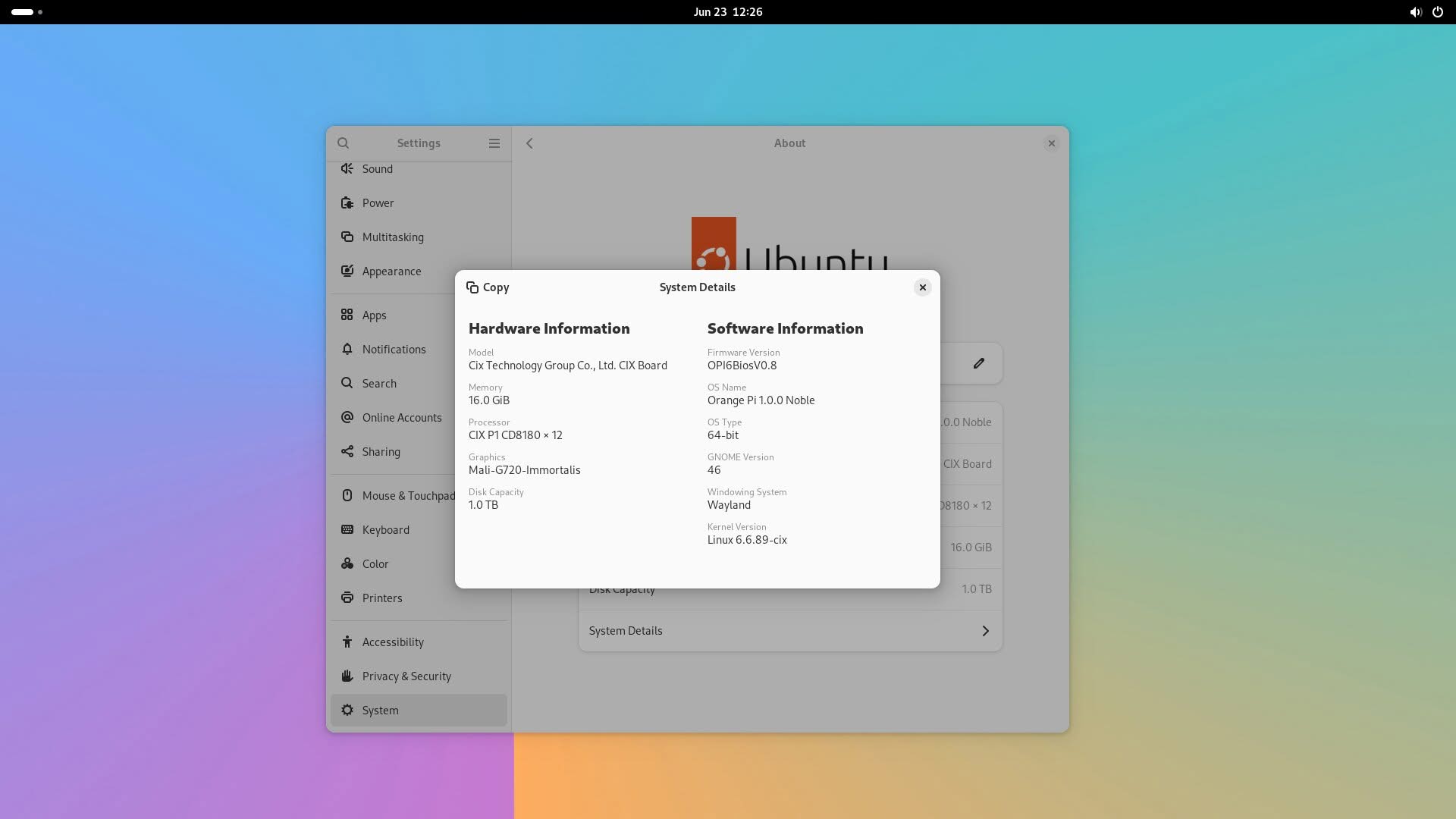
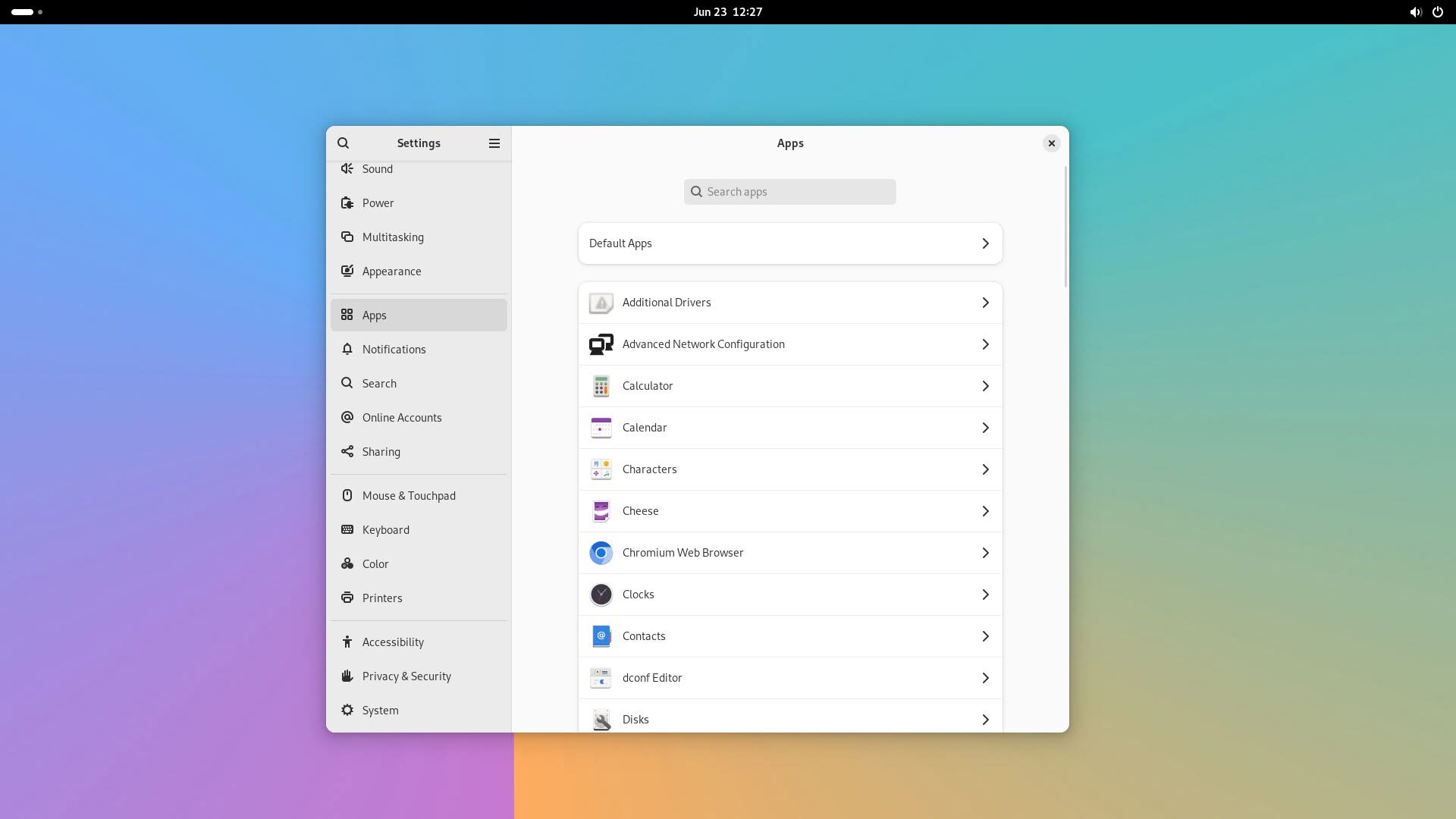
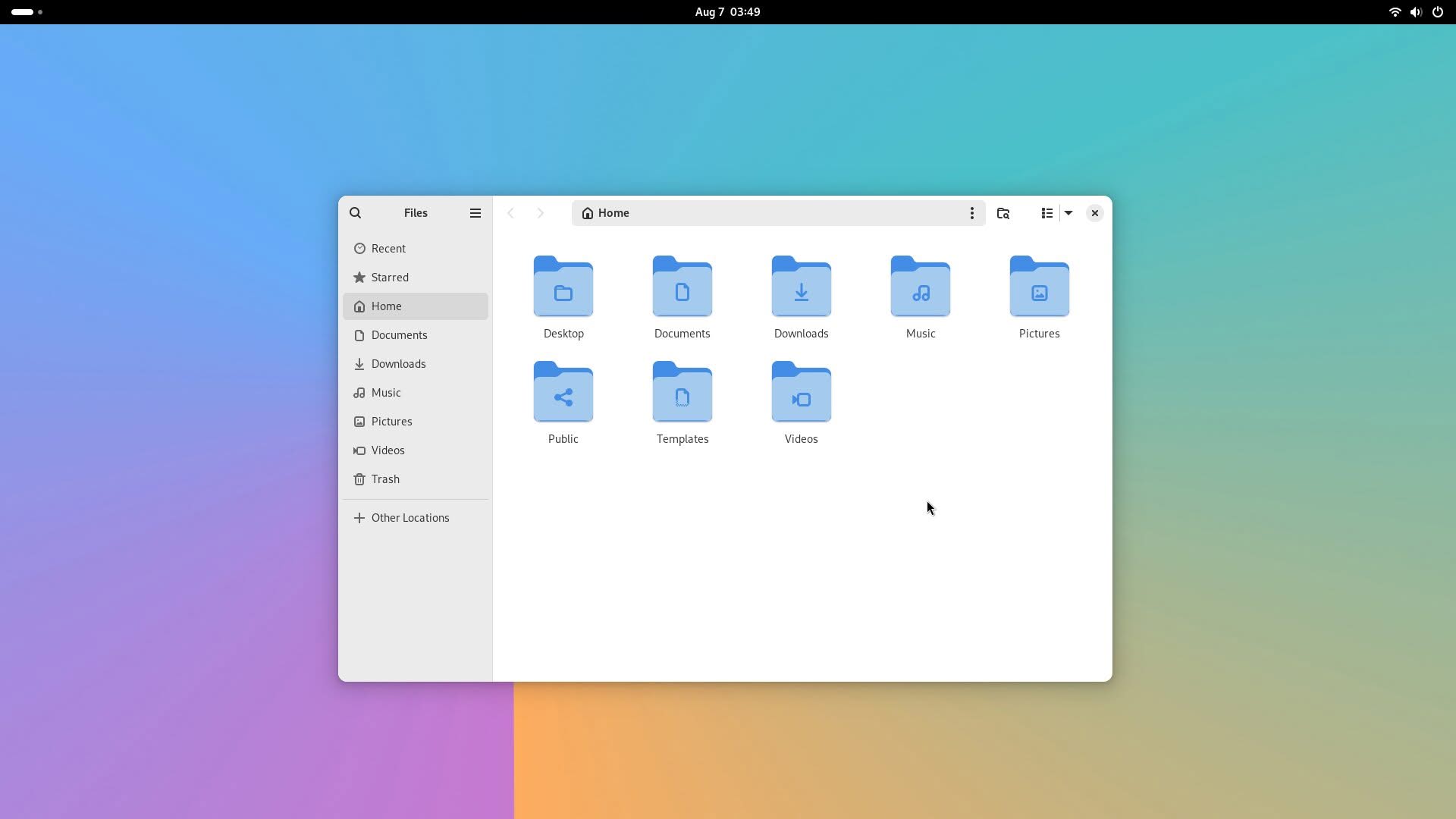
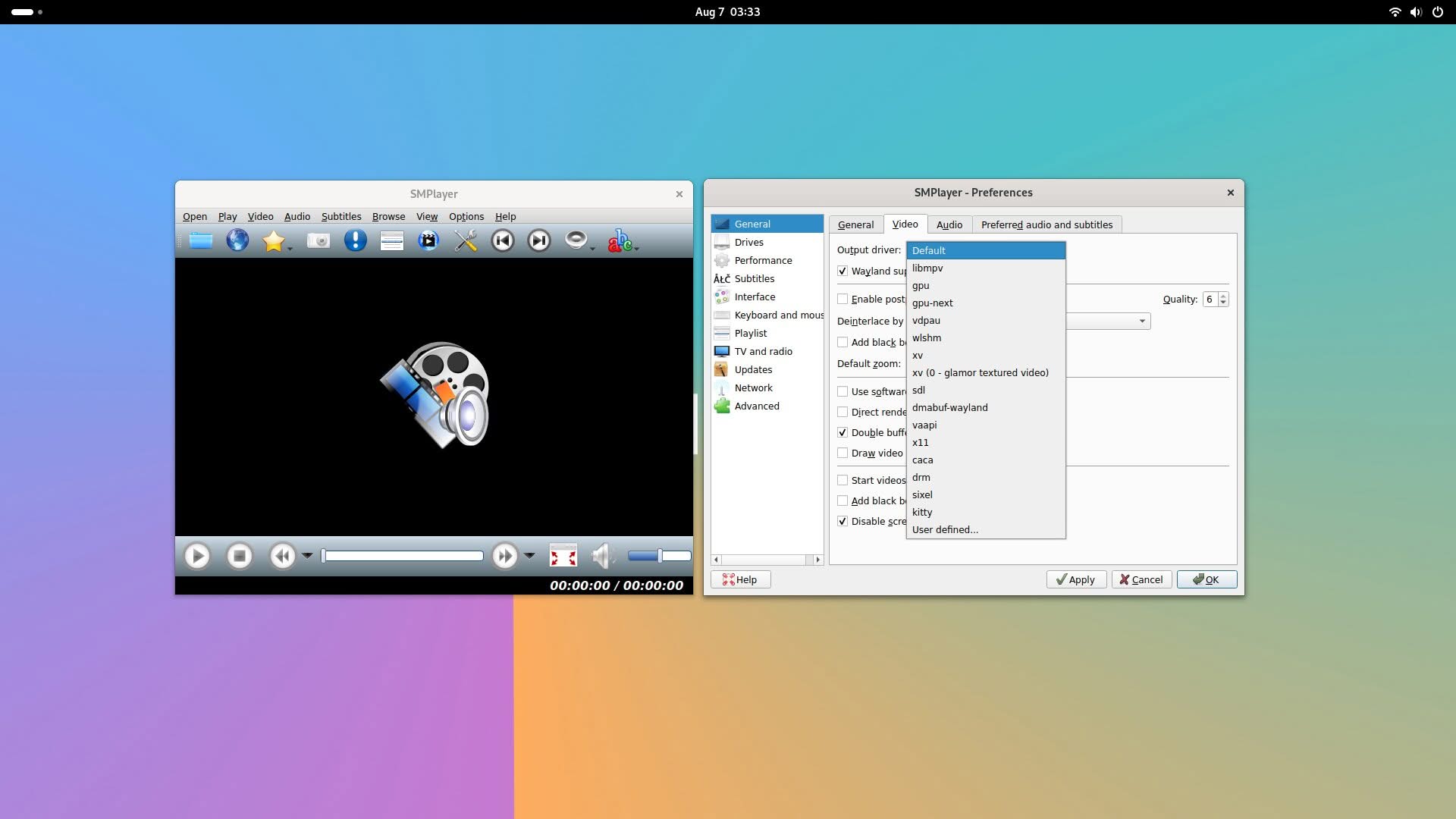
The Orange Pi team provides Debian Bookworm and Ubuntu Noble images that operate on the GNOME desktop environment, using kernel version 6.6.89. For our evaluation, we chose to test the Ubuntu image and found that it performs smoothly. If you are looking for long-term support lasting at least 3 to 4 years, a mainline Ubuntu image is expected to be available soon. Additionally, the Armbian team currently provides a Minimal CLI Image for the Orange Pi 6 Plus board on their website, which is based on the same CIX P1 SoC. This strongly suggests that the Orange Pi 6 will also receive support.

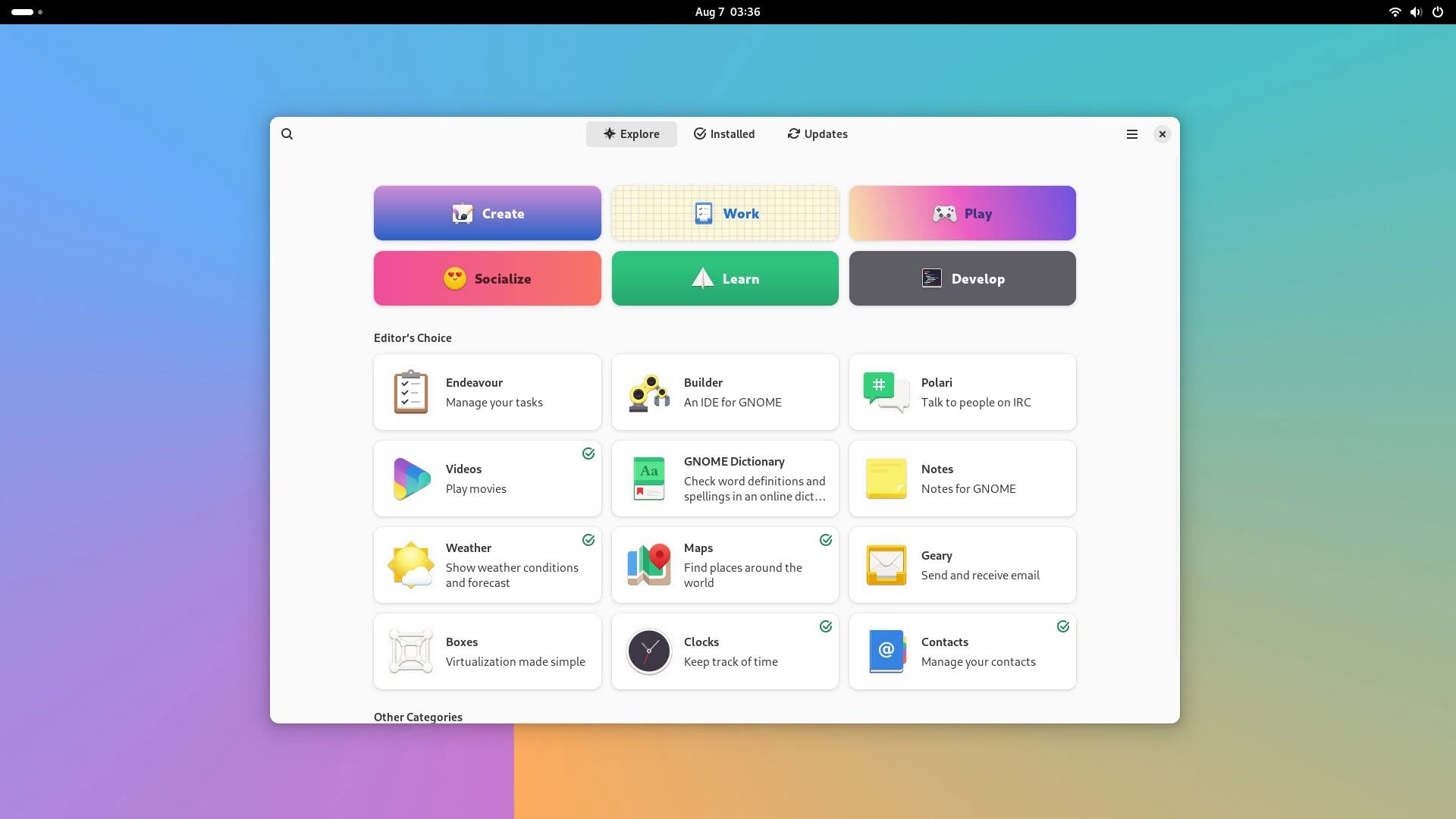
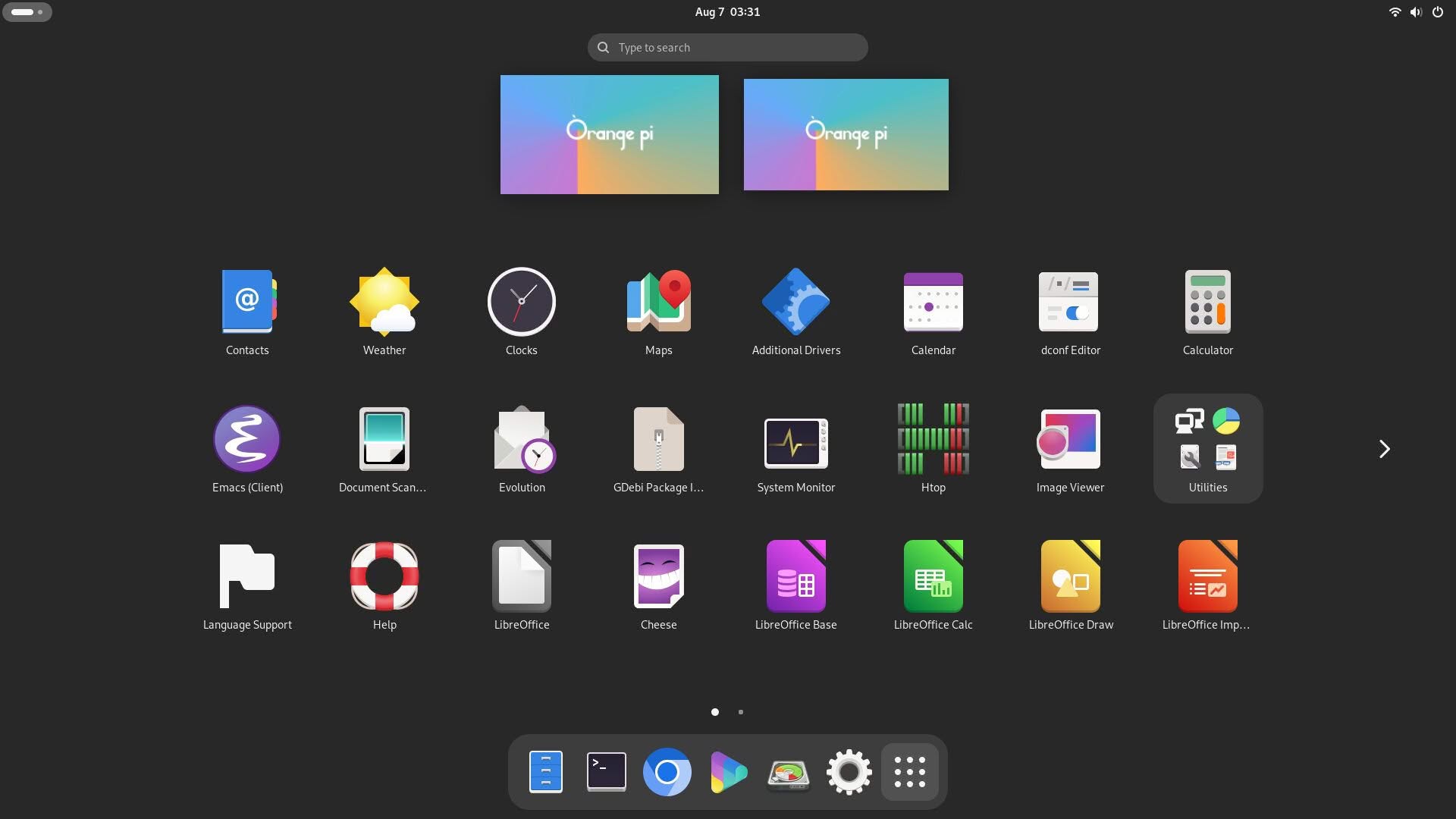
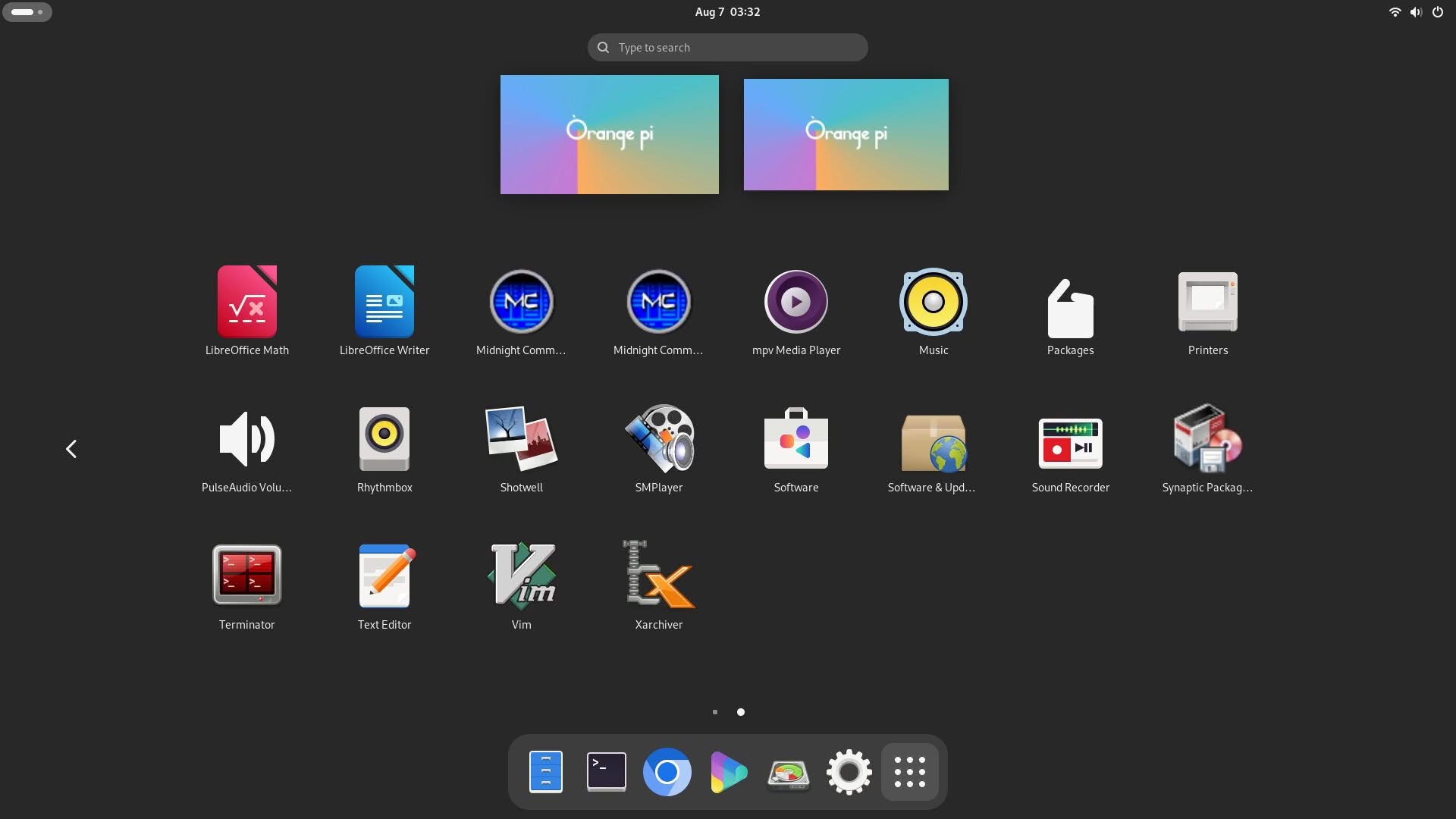
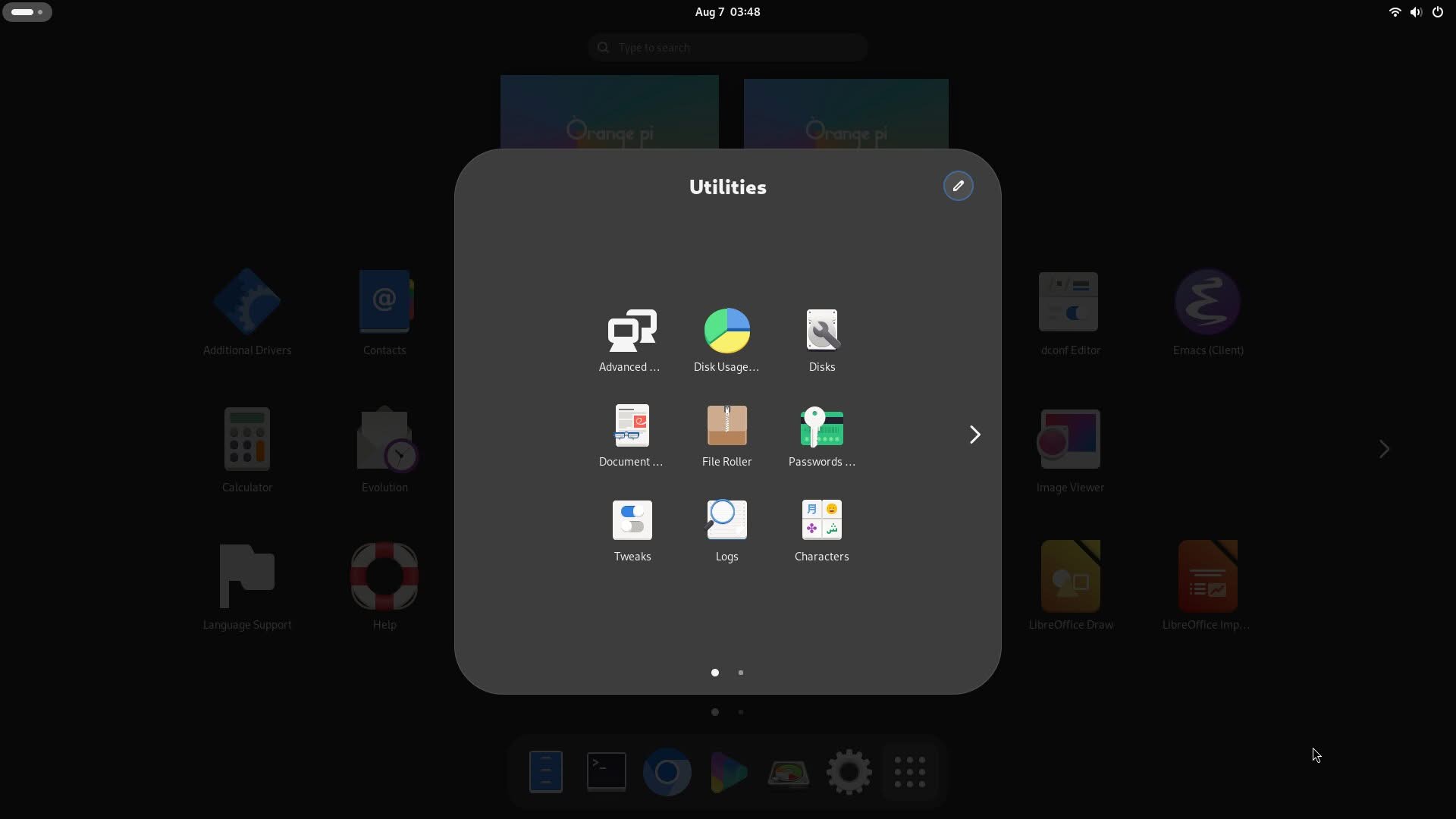
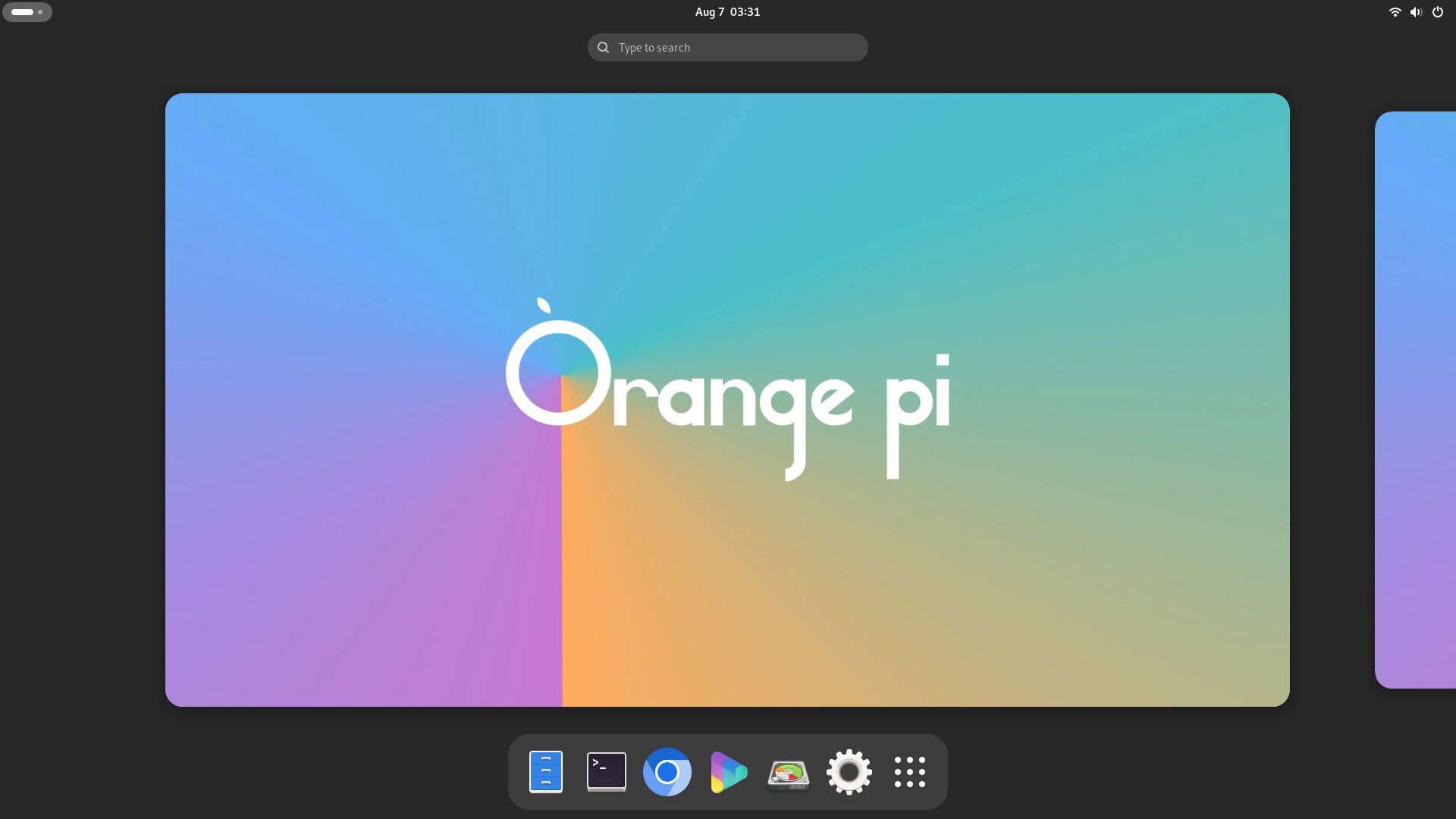
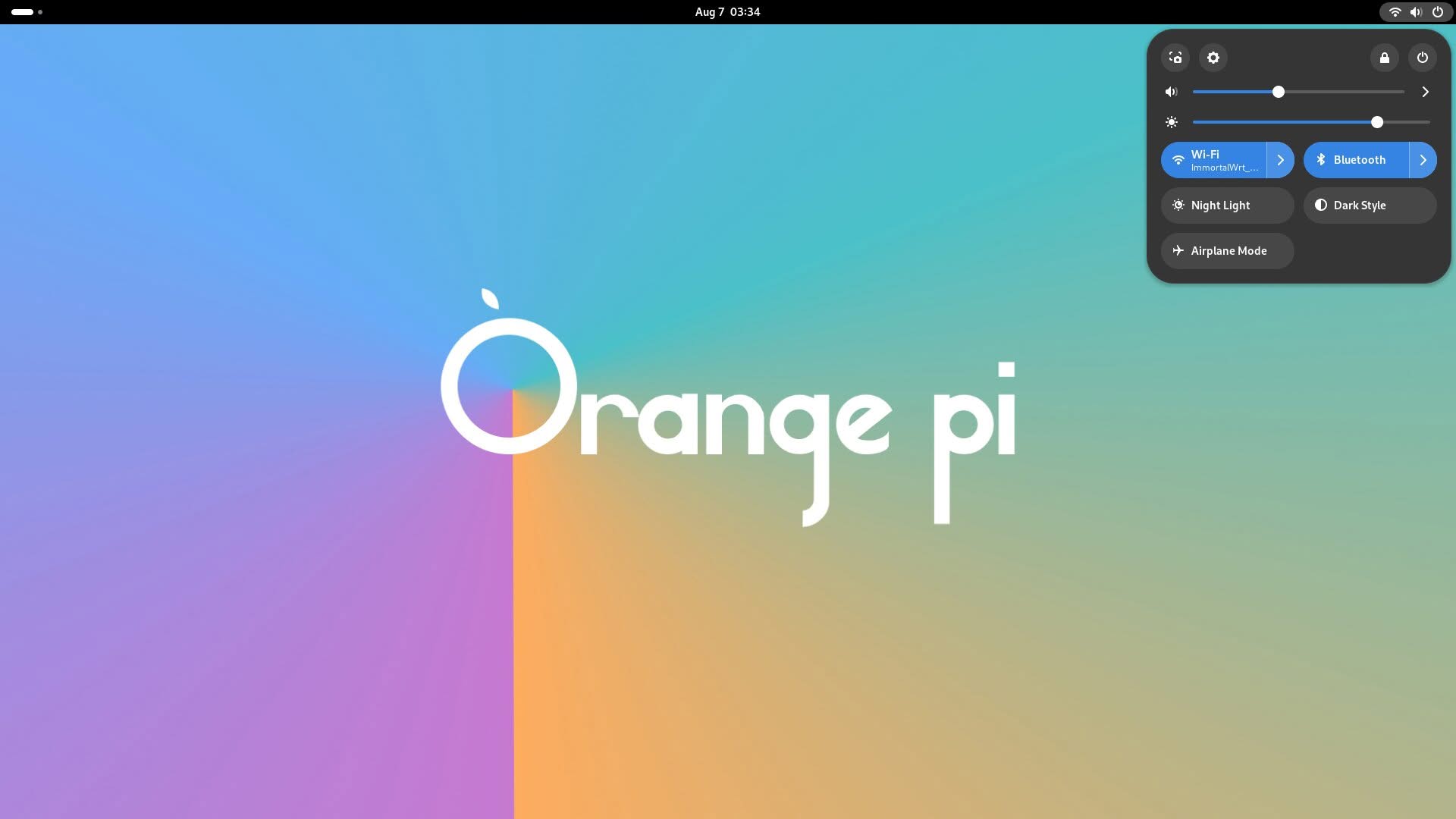
Running Ubuntu Noble version 24.04 (Screenshots)
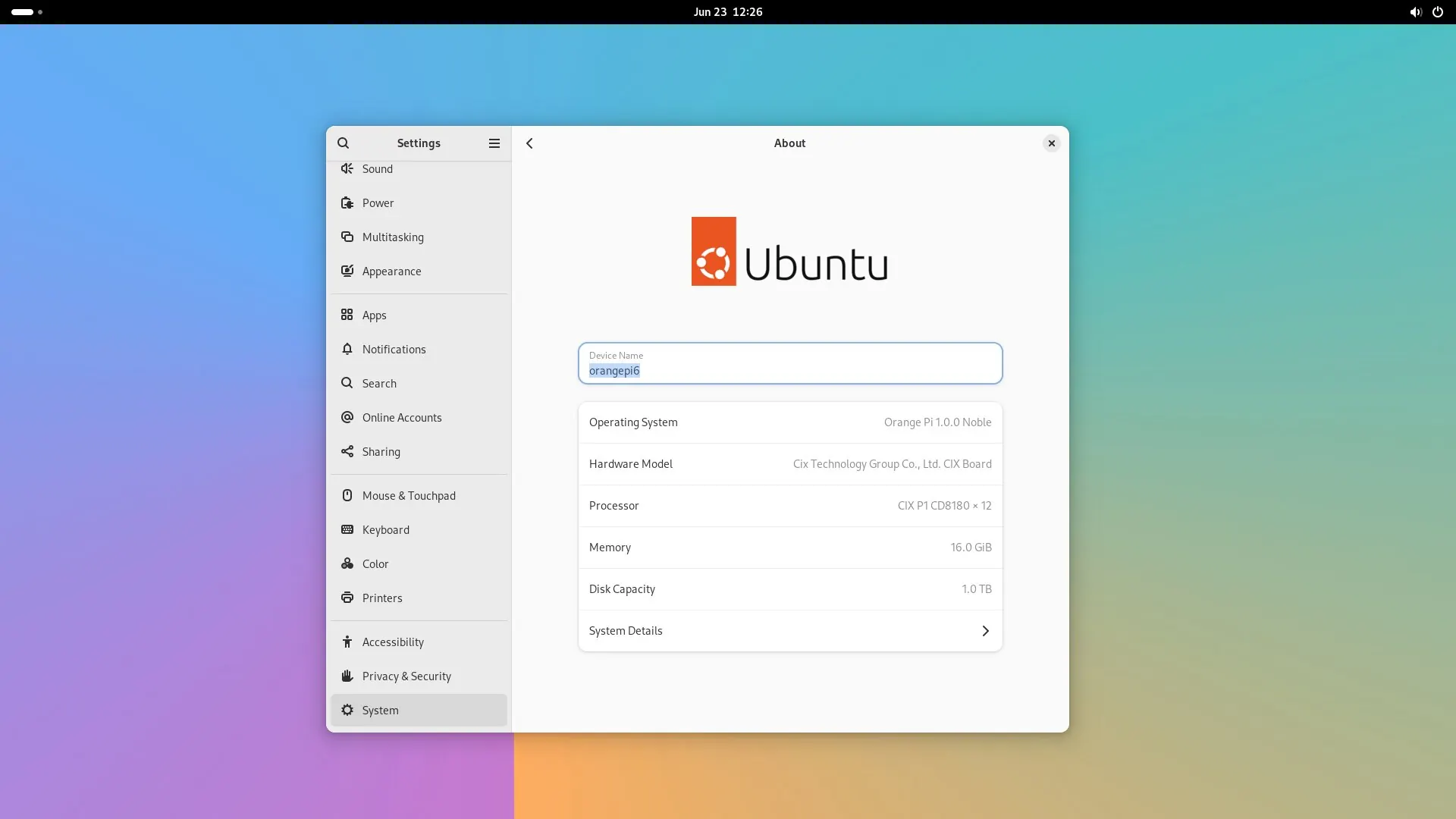
Ubuntu settings screen displaying details for the Orange Pi 6, including device name, OS, processor, and memory specifications.
System details of the Orange Pi 6 showing hardware and software specifications on an Ubuntu interface.
Settings menu on the Orange Pi 6 displaying app options and configurations against a gradient background.
File manager interface displaying folders for Desktop, Documents, Downloads, Music, Pictures, and Videos on Orange Pi 6.
SMPlayer interface displaying video playback options and preferences, showcasing performance on the Orange Pi 6.
User interface of the Orange Pi 6 showcasing various applications for productivity and entertainment.
Desktop interface of the Orange Pi 6 showcasing various applications and tools available for users.
The Orange Pi 6 desktop interface displays various application icons for productivity and media tasks.
Utilities menu on the Orange Pi 6 desktop, showcasing various system tools and applications for user interaction.
Colorful background featuring the text "Orange Pi" prominently displayed, highlighting the device's branding.
Colorful background featuring the "Orange Pi" logo, highlighting its user interface and connectivity options.
1 2 3 4 5 6 7 8 9 10 11 12 13
Share. Facebook Twitter Pinterest LinkedIn Tumblr Email
Previous ArticleAliExpress Promo Codes: August 2026 (100% Verified)
androidpimp
  • Website

Related Posts

BPi Wi Fi 7 NIC BE14(V2.1)

BPI-R4 Wi-Fi 7 NIC (BE14): OpenWrt Setup & Optimal WiFi Power Guide

July 27, 2026
Raspberry Pi Zero 3W SBC

Orange Pi Zero 3W Review: $25 Dual Video Pi Zero 2W Killer?

June 26, 2026
NeoEyes NE503 Edge AI Camera

CamThink NeoEyes NE503: A 20 TOPS 4k Edge AI Camera Platform Powerhouse

June 26, 2026
0 0 votes
Article Rating
Subscribe
Notify of
1 Comment
Oldest
Newest Most Voted
Categories
PureVPN
PureVPN Ad Banner
PrivadoVPN – No. 1 in Parental Control
PrivadoVPN 350x437
Recent Posts
  • Orange Pi 6 Review: A New 45 TOPS AI SBC Beats Raspberry Pi HATs in Speed
  • AliExpress Promo Codes: August 2026 (100% Verified)
  • Youyeetoo NestDisk Mini PC/Router: Is This Pocket-Sized 3-in-1 NAS Worth It?
  • Riitek RS201 16-Inch Portable Monitor Debuts for $69
  • DFRobot Unveils seeMote Cube: A 6DoF Physical Controller for Apple Vision Pro
  • Orange Pi X2 Mini PC Is Officially in the Works – Here’s What We Know
  • BPI-R4 Wi-Fi 7 NIC (BE14): OpenWrt Setup & Optimal WiFi Power Guide
  • How to install OpenWrt on Xiaomi AX3000T Router (A Quick Guide)
  • Orange Pi Maker Xunlong & Huawei Launch Edge AI at WAIC 2026
  • Orange Pi Zero 3W Review: $25 Dual Video Pi Zero 2W Killer?
RSS The Latest RSS Feeds
  • Orange Pi 6 Review: A New 45 TOPS AI SBC Beats Raspberry Pi HATs in Speed
  • AliExpress Promo Codes: August 2026 (100% Verified)
  • Youyeetoo NestDisk Mini PC/Router: Is This Pocket-Sized 3-in-1 NAS Worth It?
Facebook X (Twitter) Instagram Pinterest
@2026 - All Right Reserved. Designed by AndroidPIMP

Type above and press Enter to search. Press Esc to cancel.

wpDiscuz