Connectivity
In the connectivity arena, everything functioned smoothly and effectively. Like the Opi 6 Plus model, the Opi 6 board does not include an integrated Wi-Fi/Bluetooth chip, so you will need to purchase a compatible card separately. Based on our experience, Orange Pi offers a card based on the Realtek 8852BE chipset, which worked well for us and is fully supported by the Ubuntu OS.
Realtek 8852BE Specification Sheet
| Feature | Technical Specification |
|---|---|
| Wi-Fi Standard | Wi-Fi 6 (IEEE 802.11a/b/g/n/ac/ax) |
| Wi-Fi Bands | Dual-Band (2.4 GHz & 5 GHz) |
| Max Speed | Up to 1801 Mbps (1201 Mbps on 5GHz + 574 Mbps on 2.4GHz) |
| Antenna Configuration | 2×2 MIMO (2T2R) with IPEX / MHF4 connectors |
| Bluetooth Version | Bluetooth 5.2 (Supports LE Audio and BR/EDR) |
| Host Interface | PCIe 2.0 for Wi-Fi, USB 2.0 for Bluetooth |
| Form Factor | M.2 2230 (Key A/E) |
| Operating Voltage | DC 3.3V |
| OS Support | Windows 10/11 and Linux (rtw89 driver) |
Our test results.
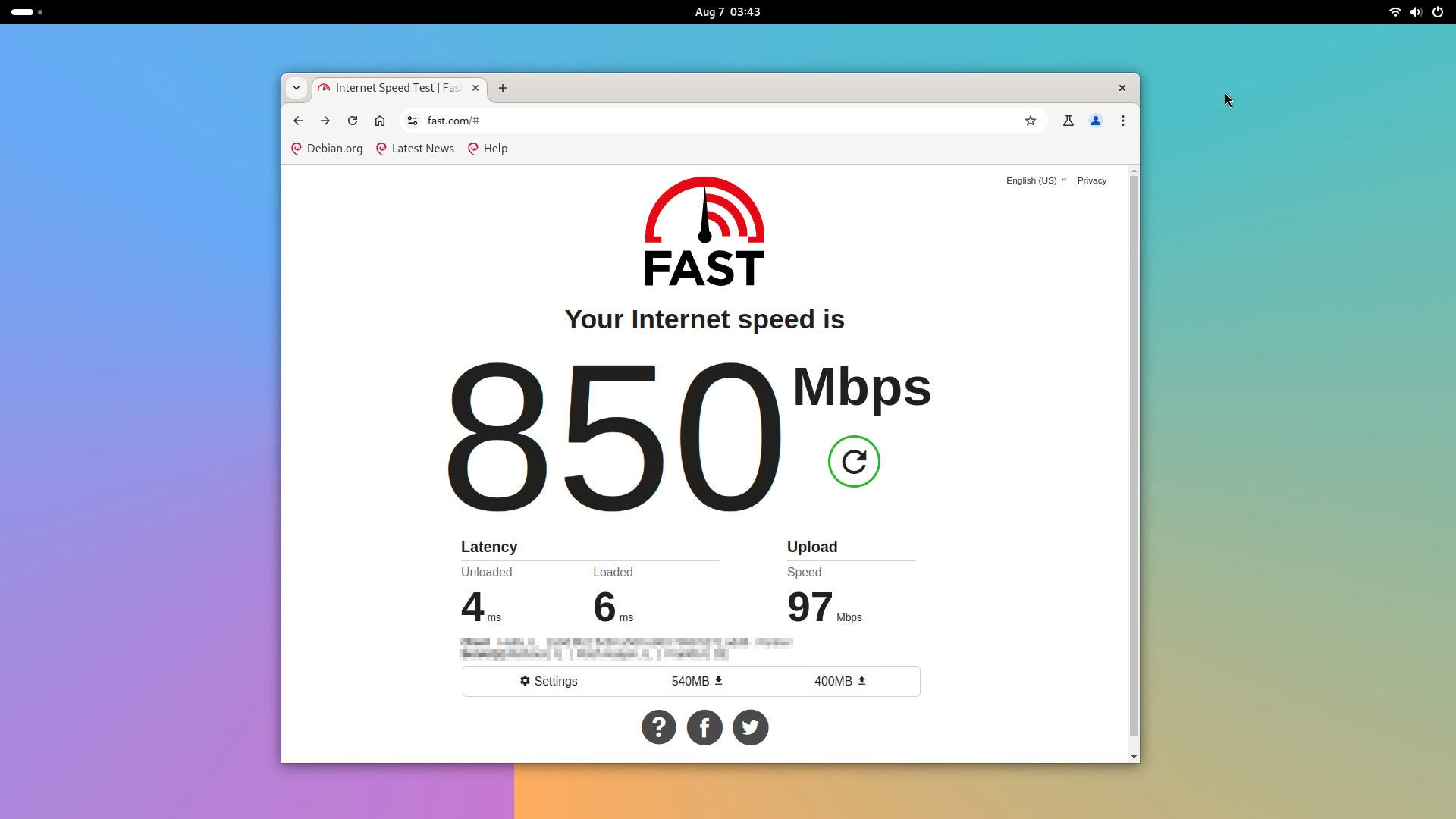
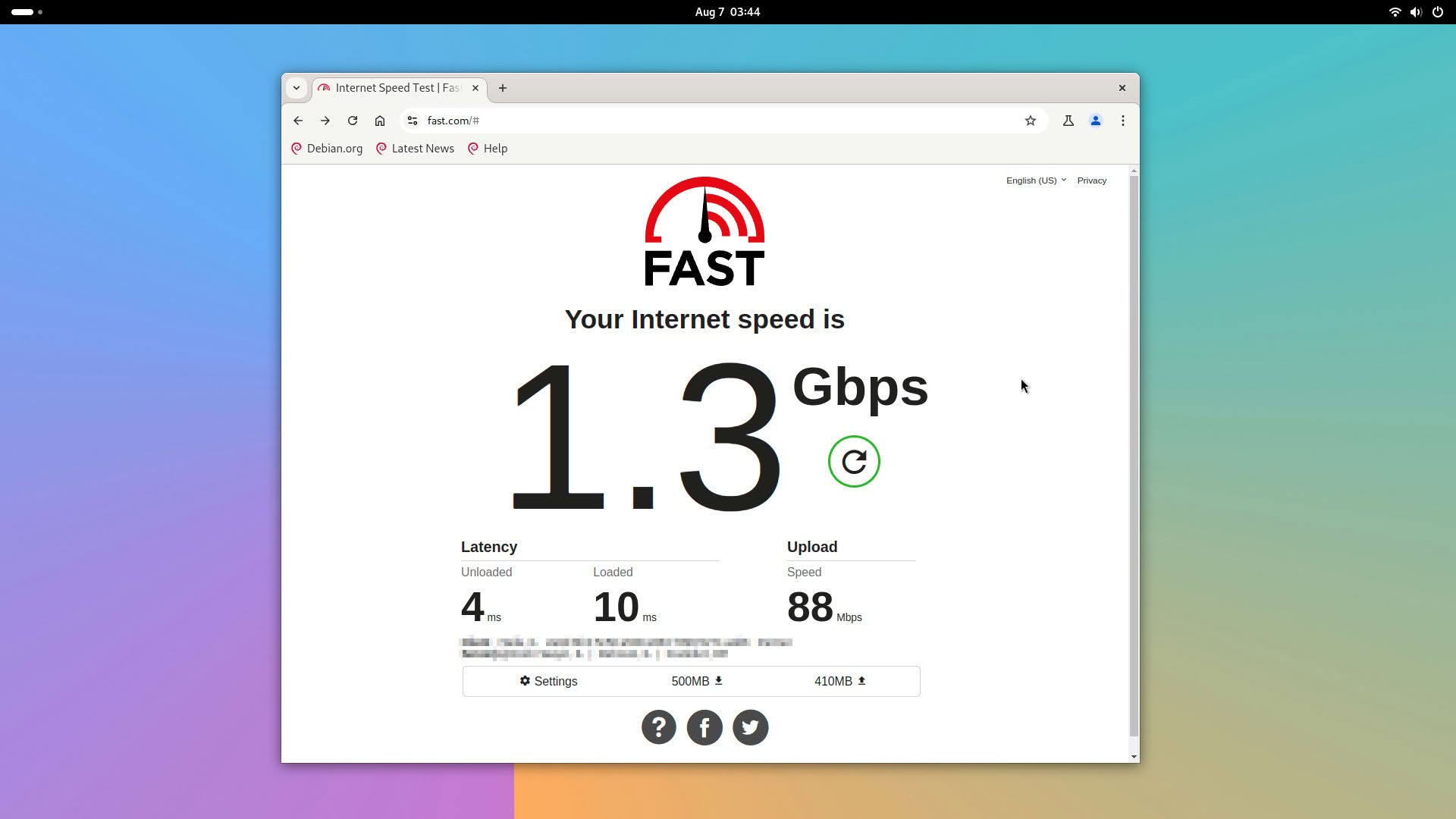
We also achieved outstanding results in wireless connectivity. When tested near our Banana Pi R3 Router (approximately 1 meter away), we were able to reach nearly the full 1 Gbps internet speed offered by our ISP plan. The connection speed is mainly determined by the WiFi/Bluetooth expansion card installed on the OPi 6 board.
Speedtest – Testing the connection with Fast.com (using the Chrome web browser)